

 Russian
 Spanish
 Portuguese

🛠 Difficulty: 🟢⚪️⚪️
⏰️ Repair time: 30 minutes.
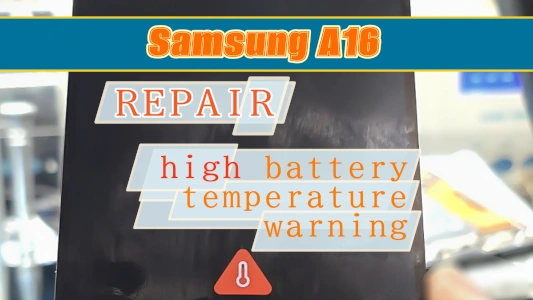
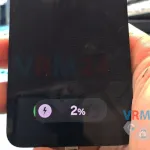
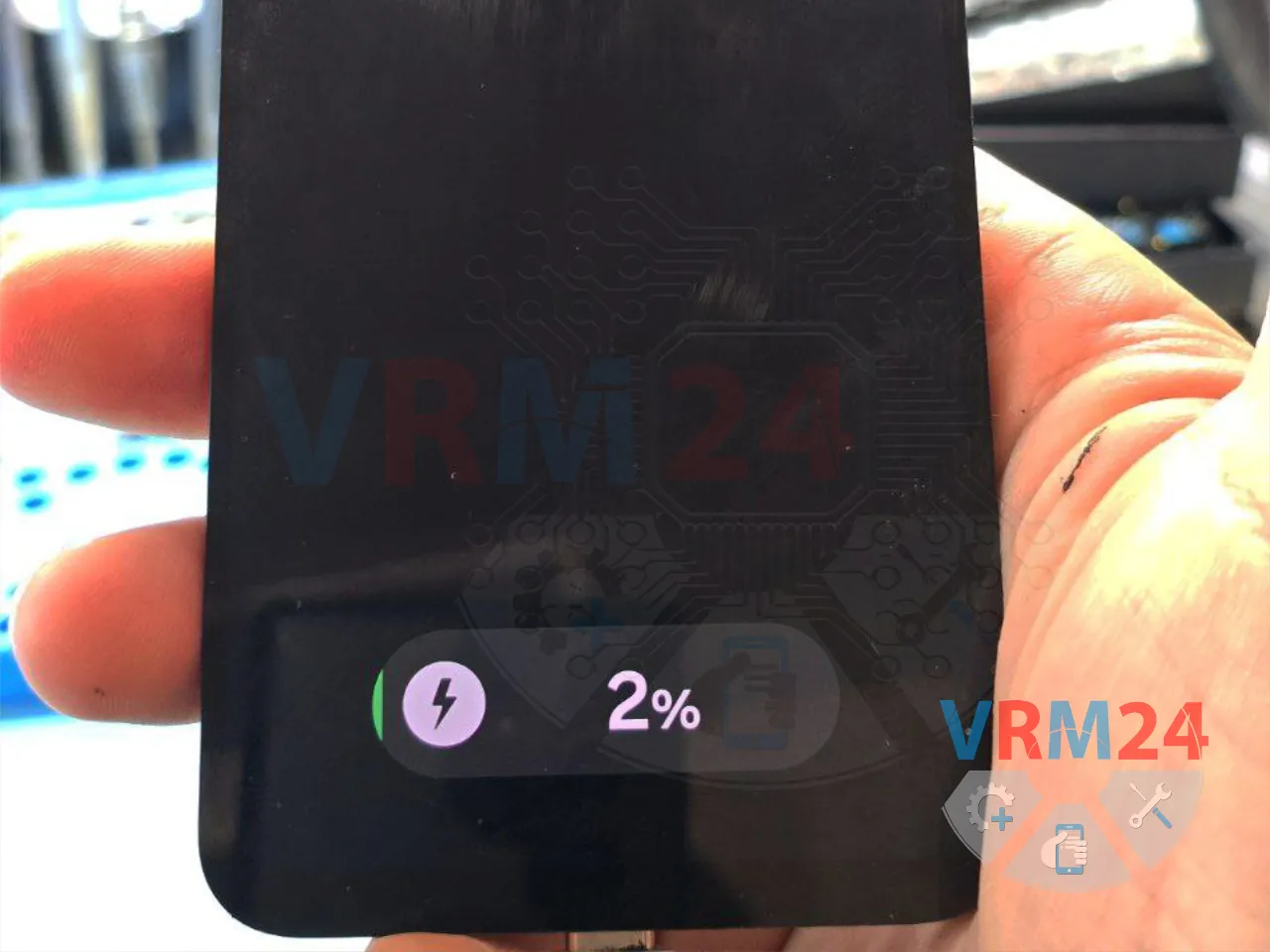
Today we received a Samsung A16 for repair with the issue of charging very slowly.
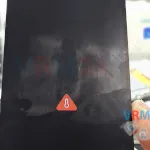
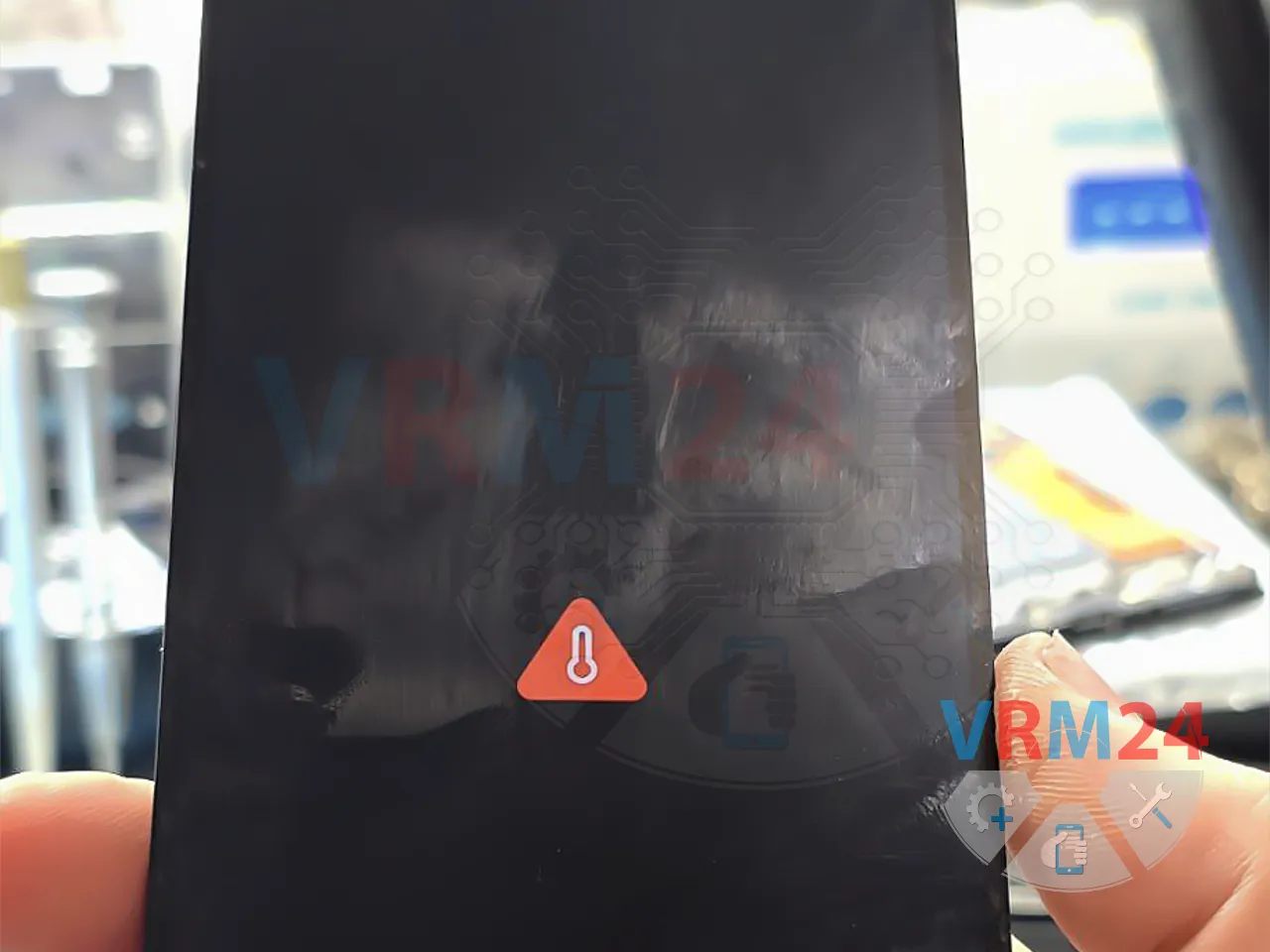
When the phone is powered on, it doesn’t show any warnings, but when it’s turned off, it displays a high battery temperature indicator.
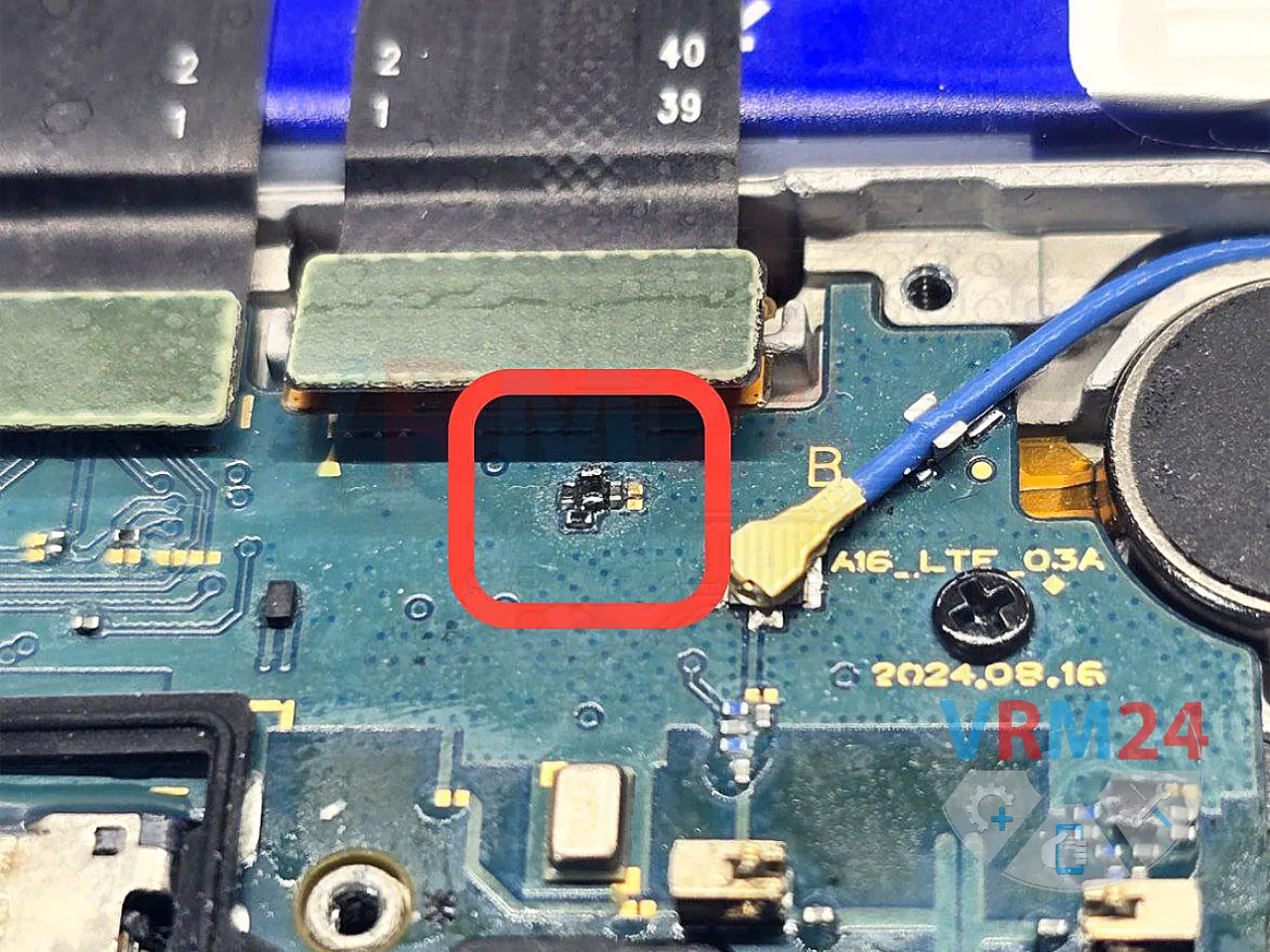
Most often, this happens due to damaged connectors on the main board or a faulty thermistor on the lower sub-board.


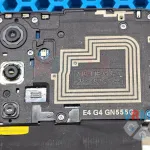
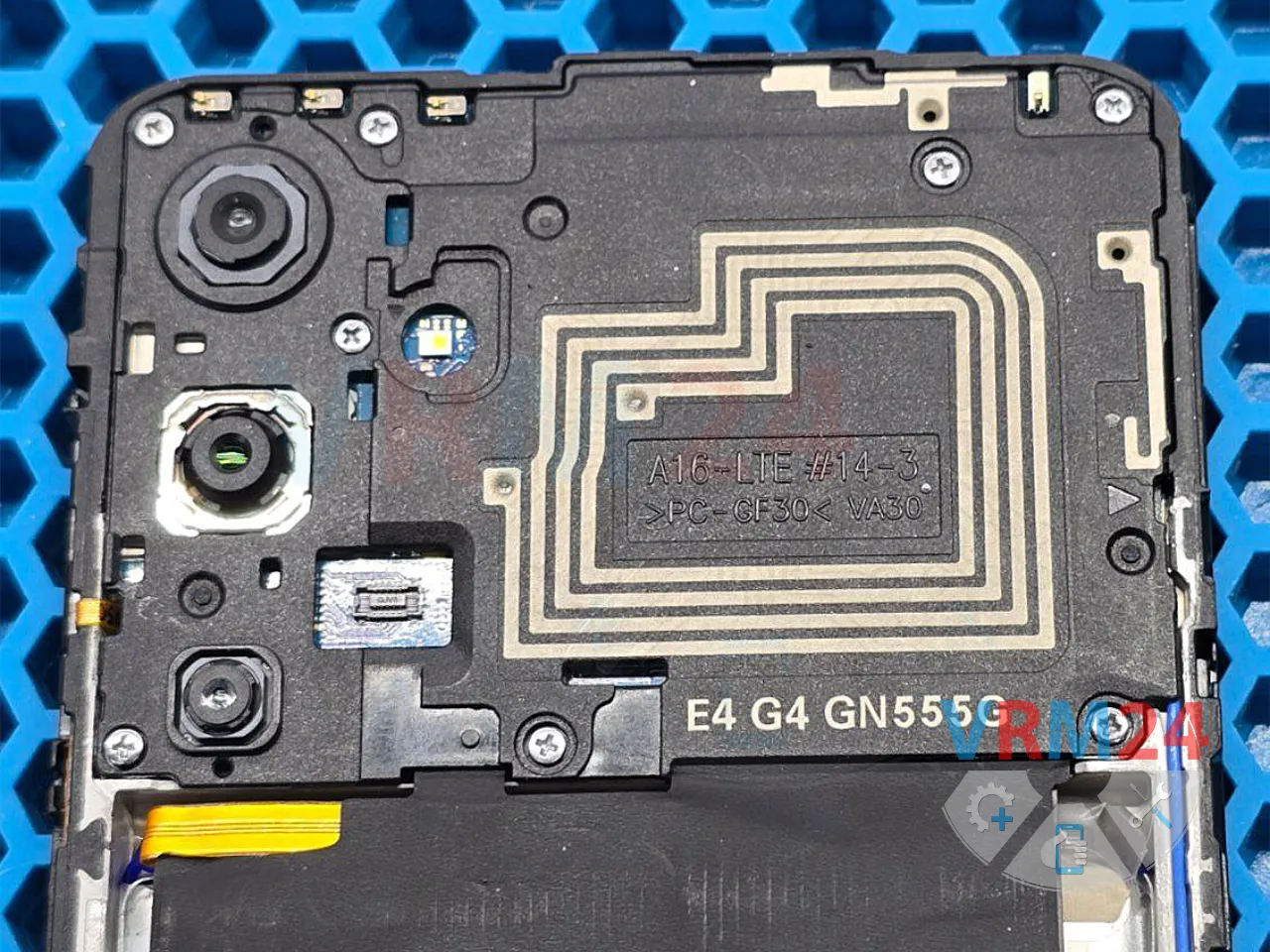
So, we disassemble the smartphone, remove the back cover, unscrew the screws, and take off the plastic panel covering the motherboard.

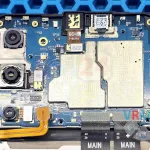
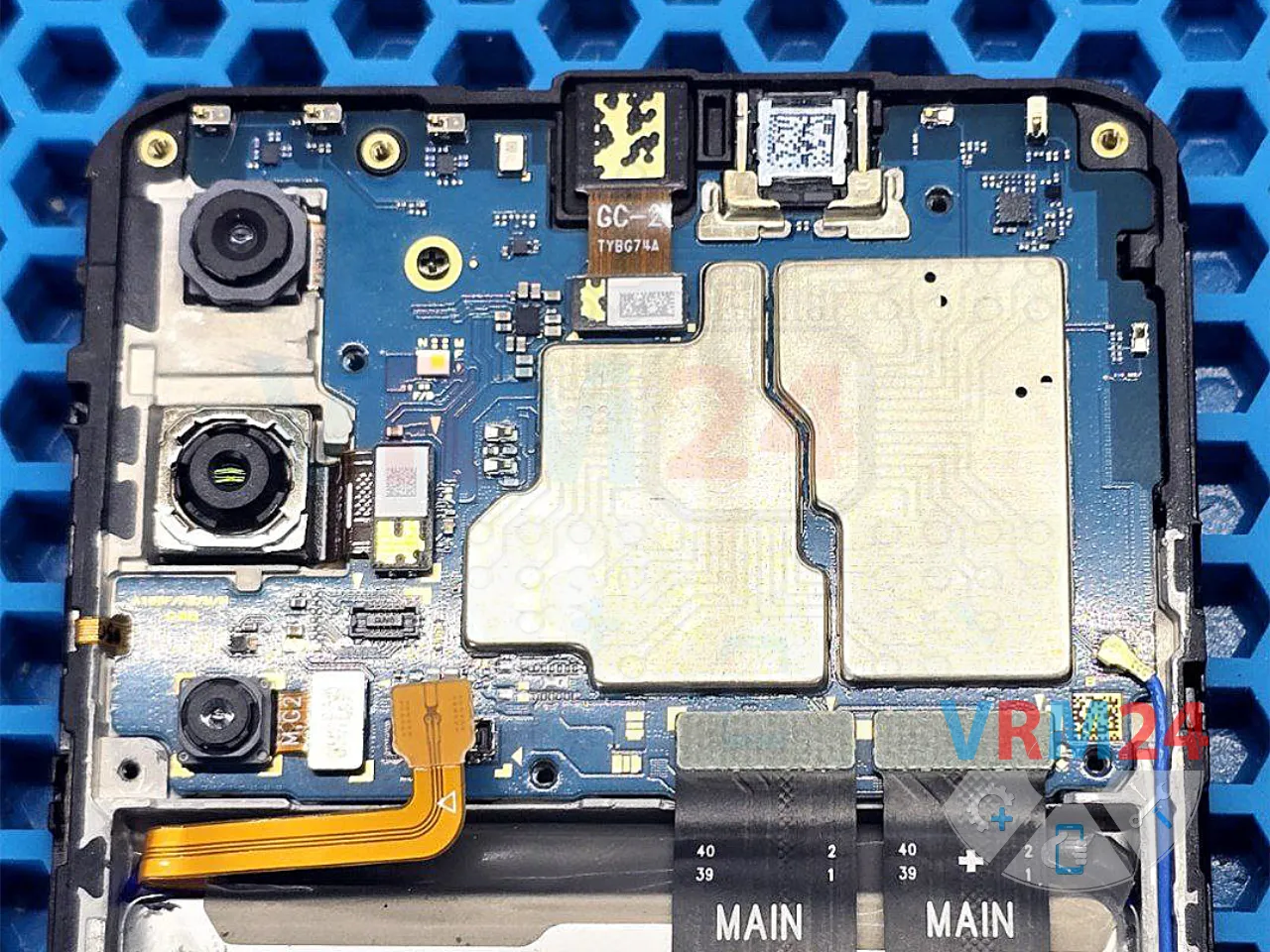
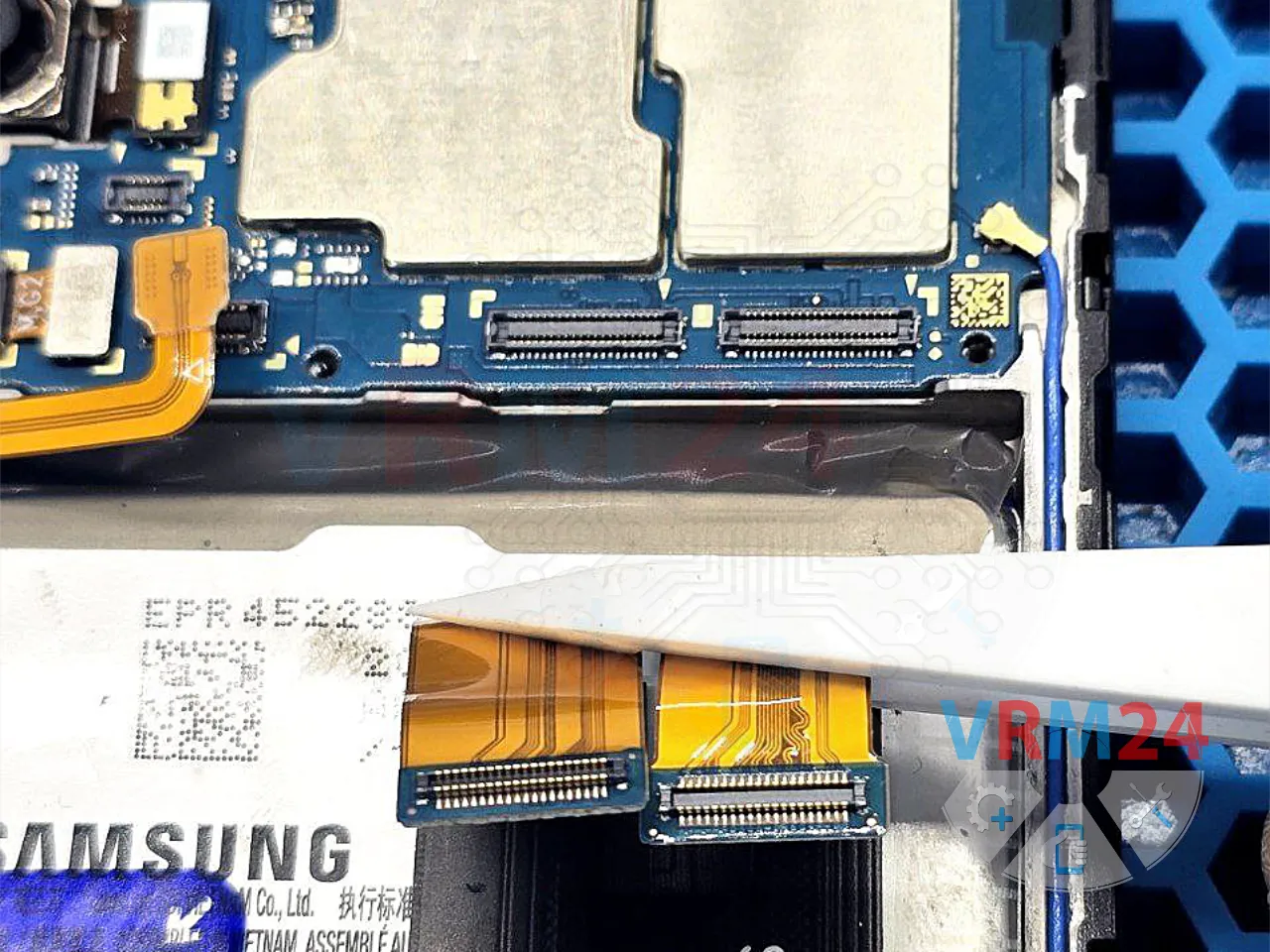
We disconnect the inter-board flex cable and check the connectors. Visually, everything looks fine 👍

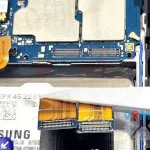
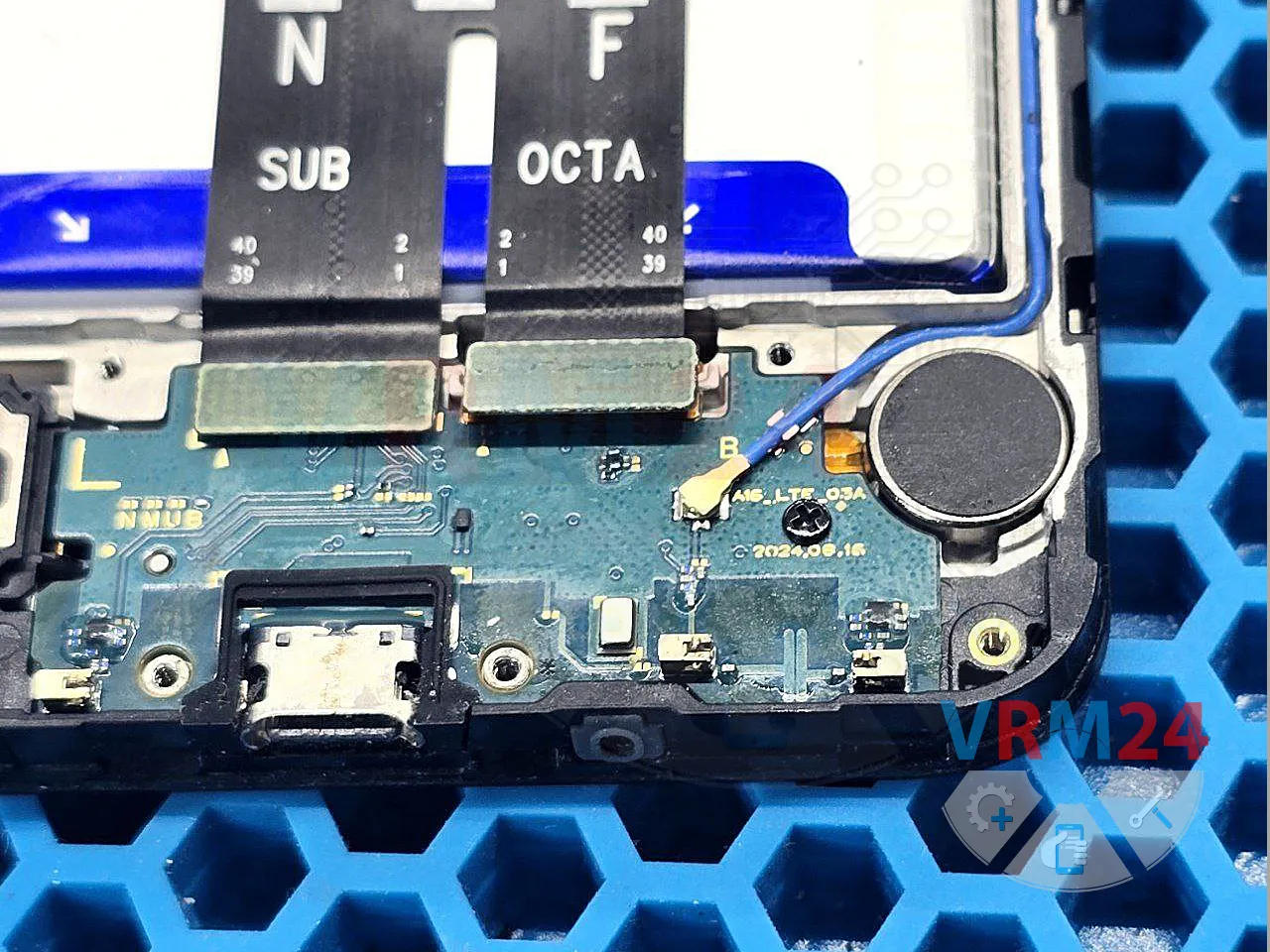
We remove the screws and take off the speaker cover that protects the lower board.

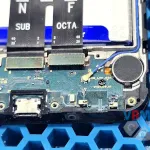
On the sub-board, we can see that the thermistor is damaged and needs to be replaced.

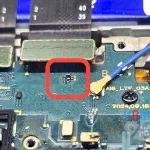
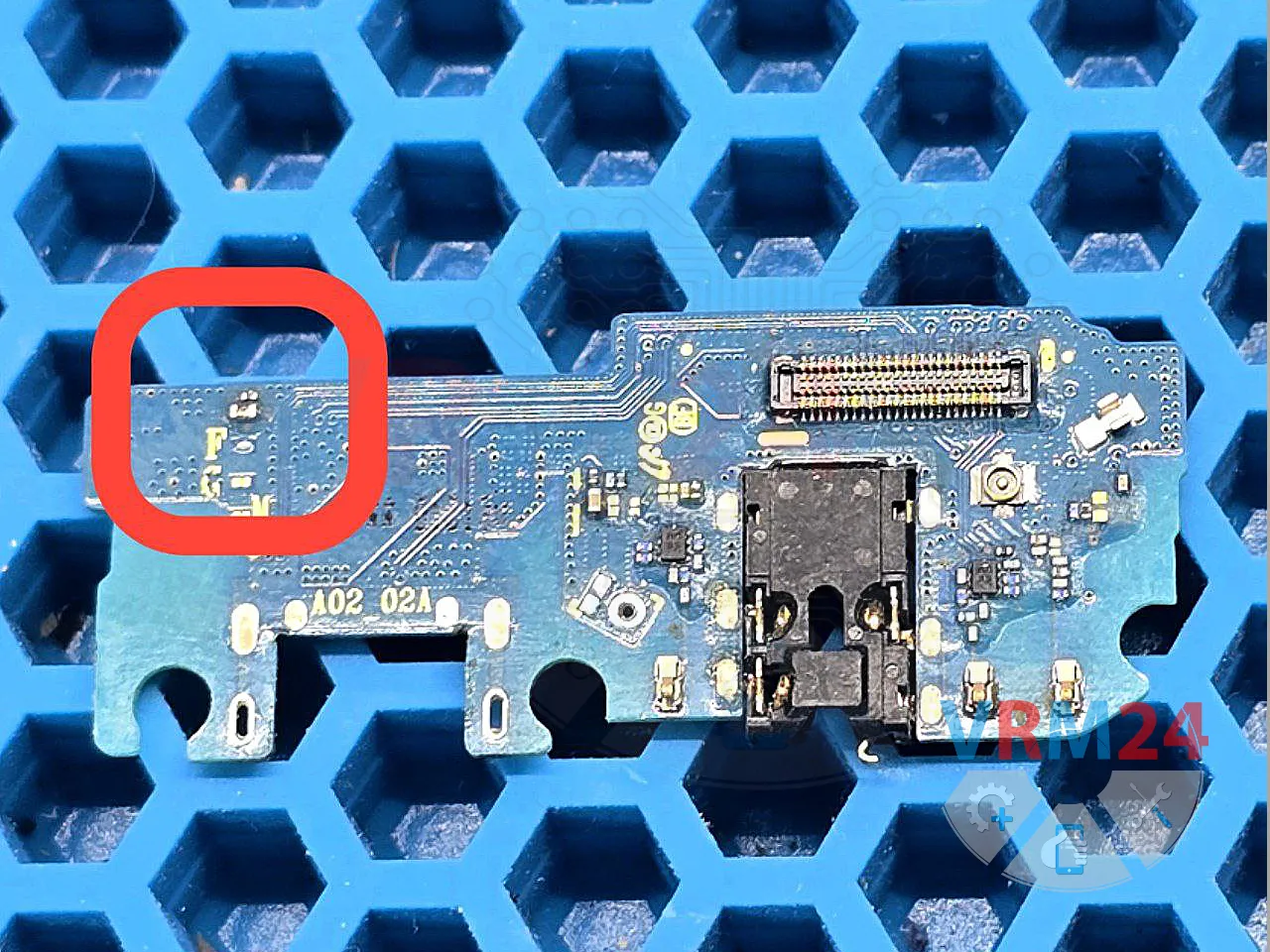
The exact same type of thermistor—something we already know—is found on the sub-boards of other common Samsung models such as the A01, A12 (A022, A125, A127, M127), and we have plenty of them in our parts bin 🙃
So, we remove a working thermistor from a non-working board and solder it in place of the damaged one on the board we’re repairing.

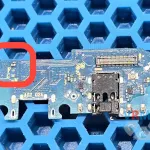
Charging returned to normal, and the phone is now charging quickly! 🔋

If you have a question, ask us, and we will try to answer in as much detail as possible. If this article was helpful for you, please rate it.