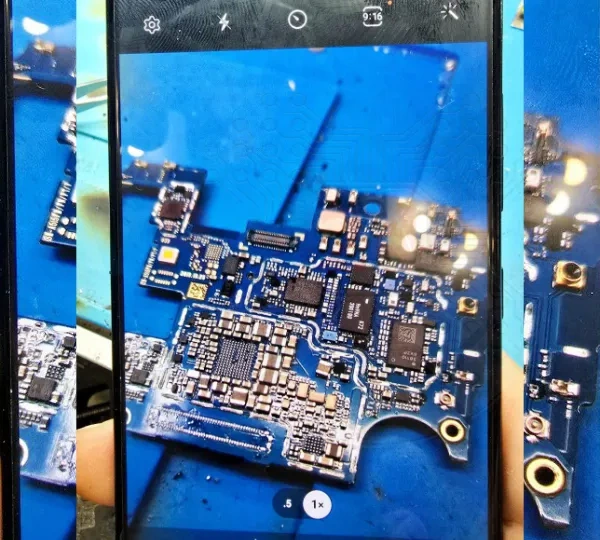




Upon inspection, the main camera turns on, but the screen displays a completely white background.
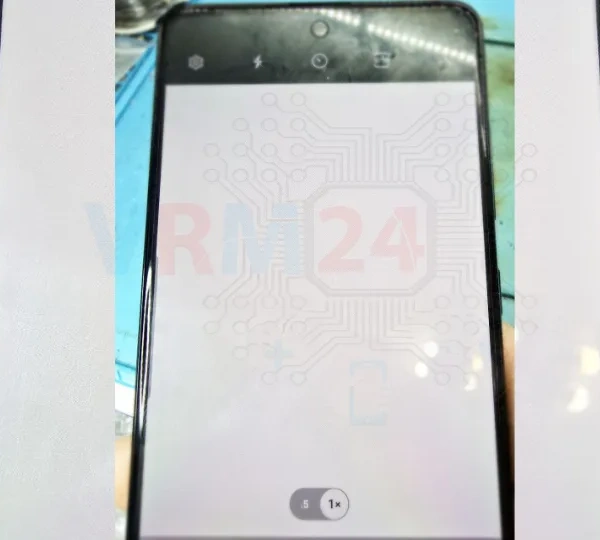
However, when switching to the 0.5x mode, a different camera activates, and everything works fine!
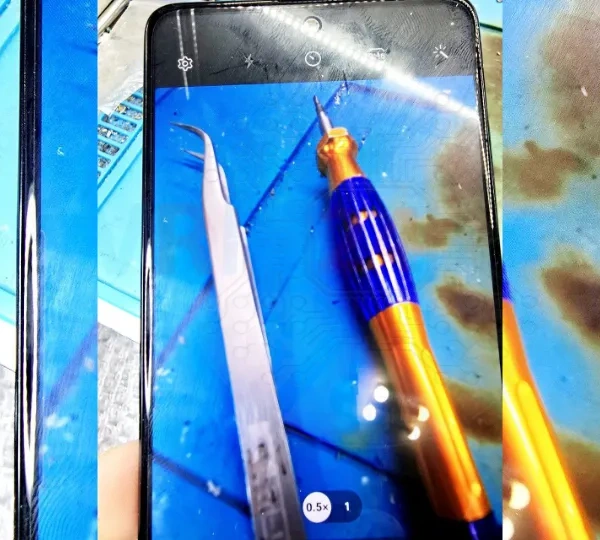

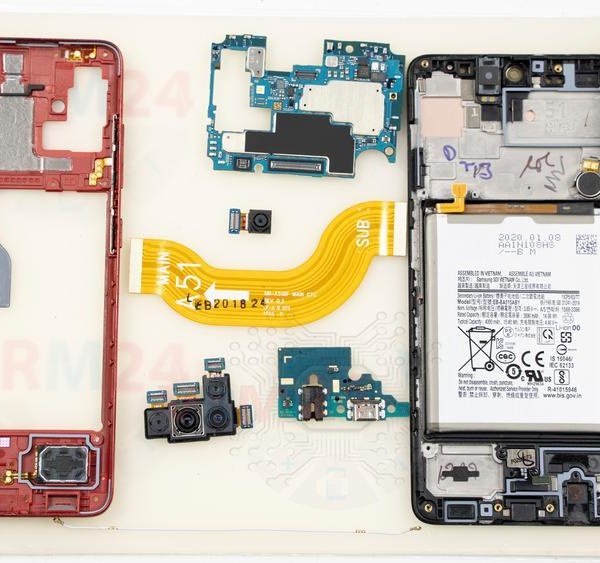
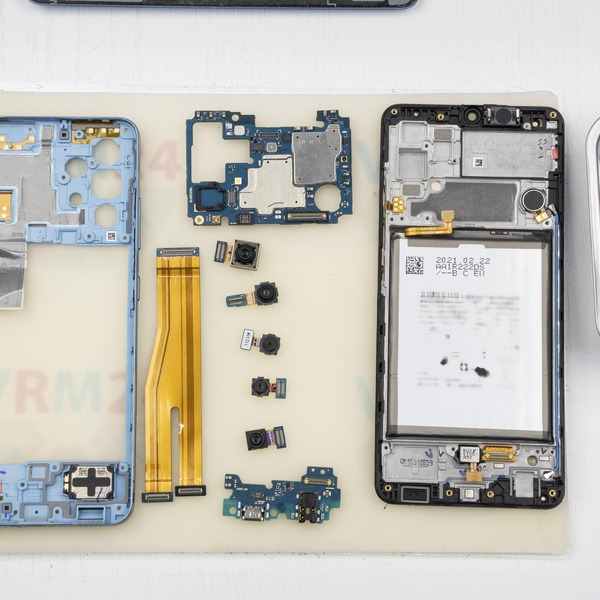
Disassemble the smartphone and test a different camera to ensure it's not the camera's fault!
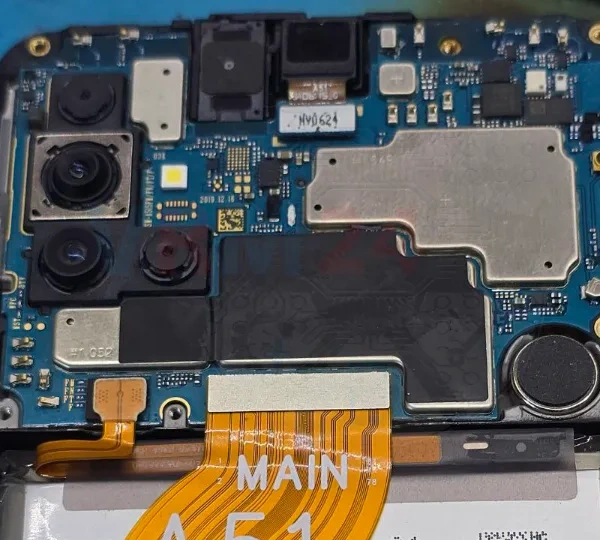
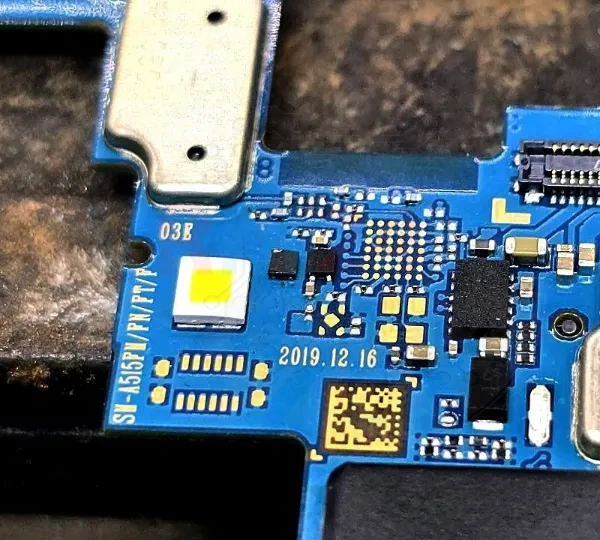
Inspect the board for any damage or signs of moisture. If there are no visible issues, it’s often due to a missing power supply to the main camera.
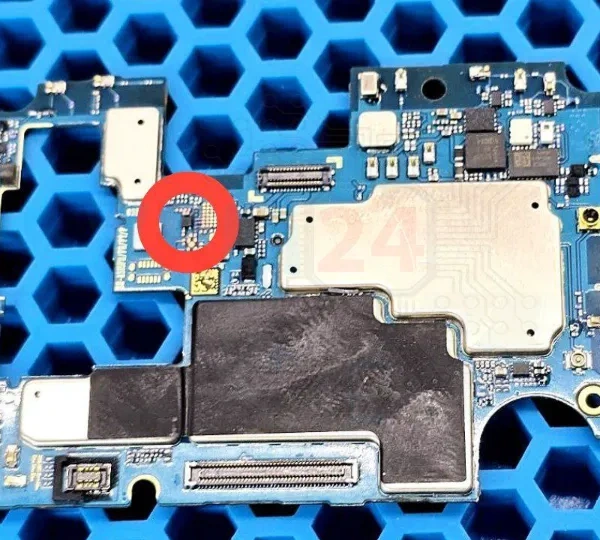
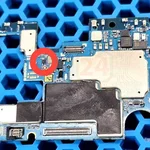
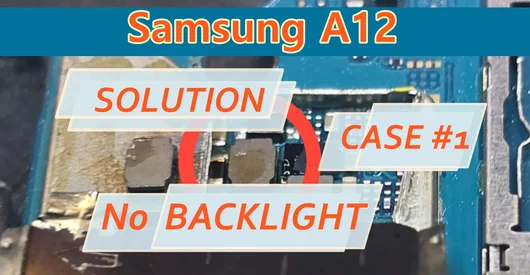
Take a similar voltage regulator from a donor device and replace the faulty one using a soldering station.
Test the camera again. Everything works perfectly! 👍