
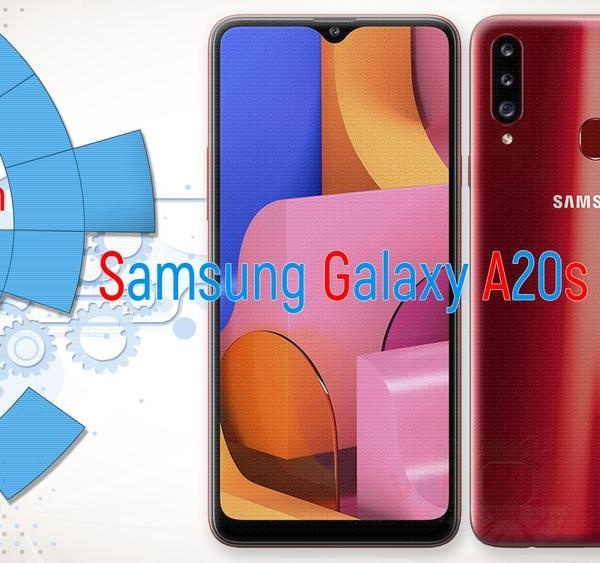

We have a new day and a new repair, and we have two smartphones Samsung Galaxy A20s that came on the same day with the same malfunction. But in general, for this model - the cause and effect of this malfunction is very common. And so, the consequence of a malfunction is that the phones do not charge. We will look for the reason.
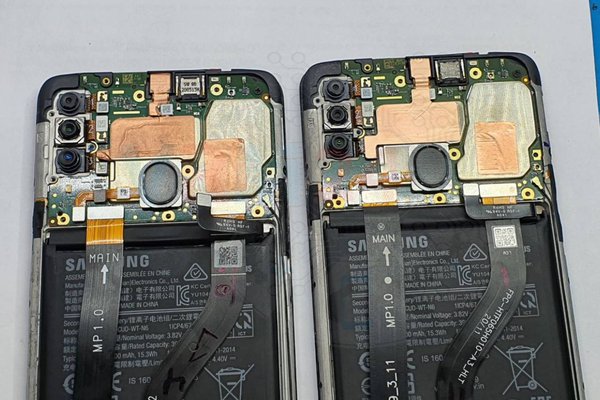
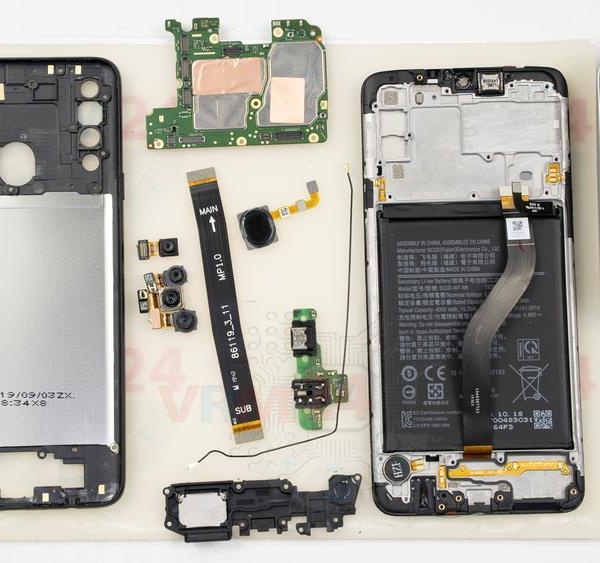
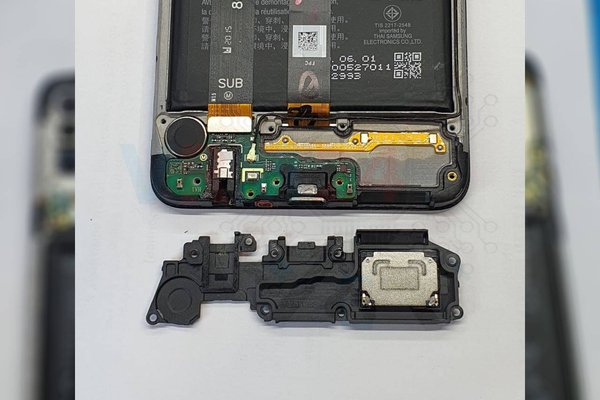
We disassemble the first phone. We remove the sub-board and inspect the charging port. All contacts are in place outside and inside.
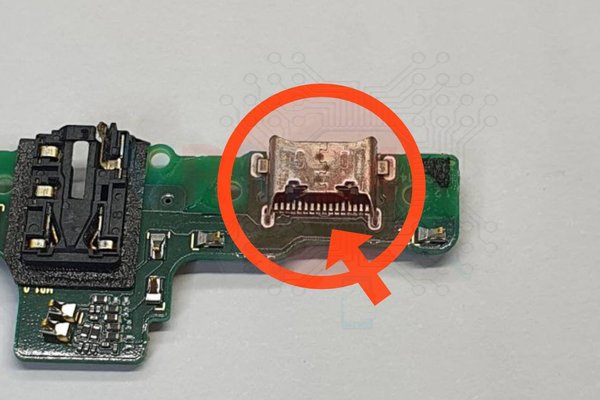
We look at the cable connector on the sub-board, the opposite contacts on the sides of the connector are + and - both for charging. The connector is all right, no damage was found.
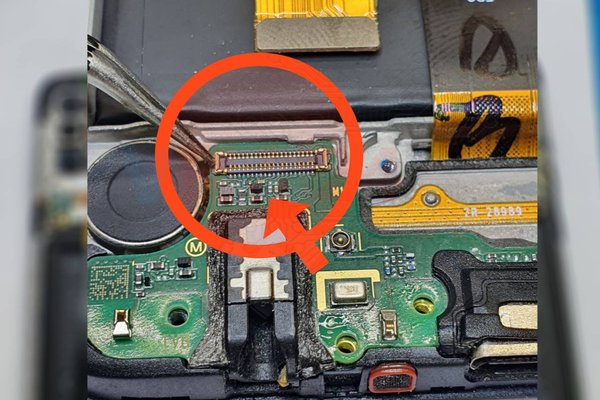
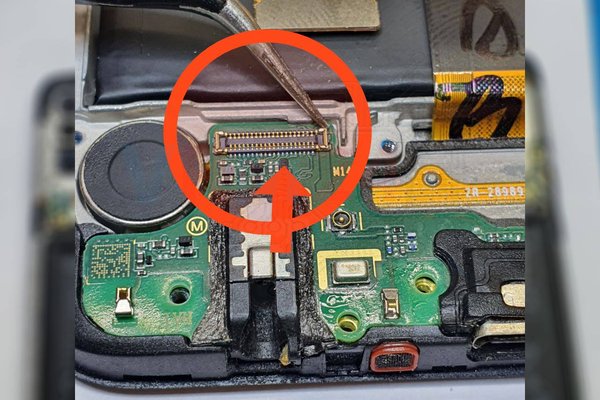
We examine the same contacts on the inter-board cable that connects the sub-board to the motherboard. Also, no damage.
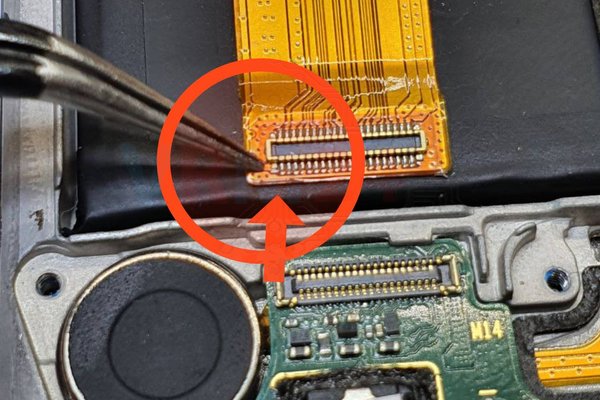
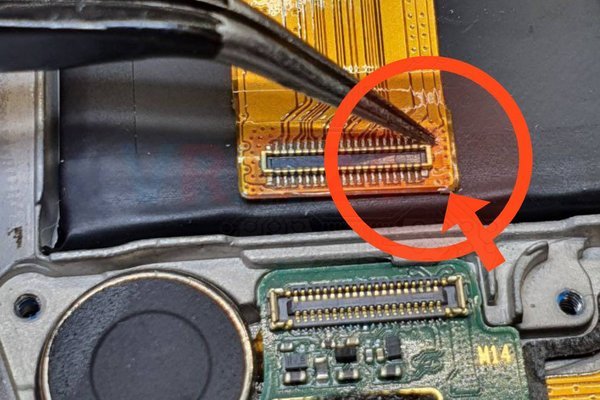
We check the connector on the motherboard, in the same way, the side charging contacts for damage. There is no damage.
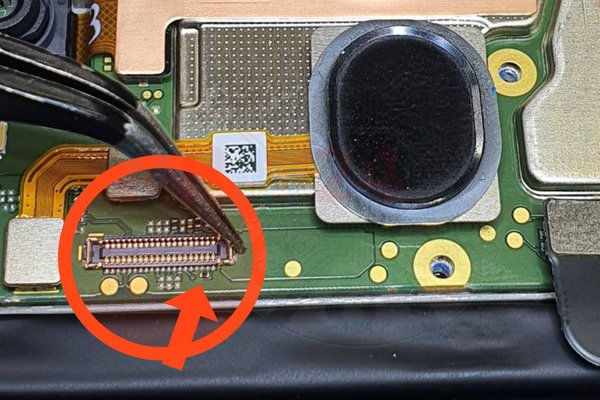
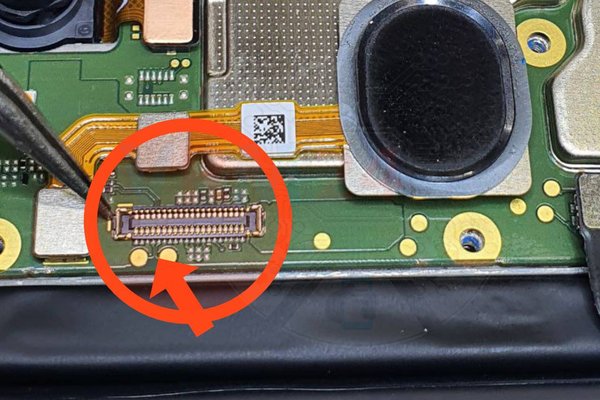
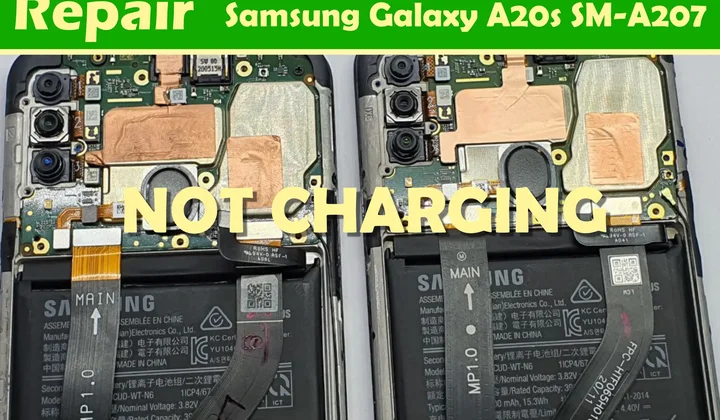
Check the upper connector of the inter-board cable. It can be seen that the contact + on the cable, in the photo on the left, is torn off and this is the reason for the lack of charging on the first one.
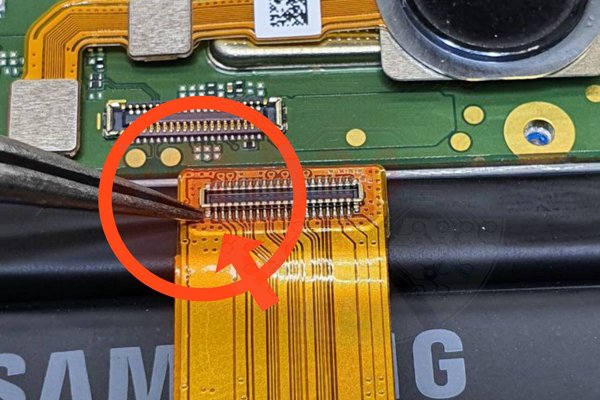
Okay we figured out the reason, we proceed to the repair.
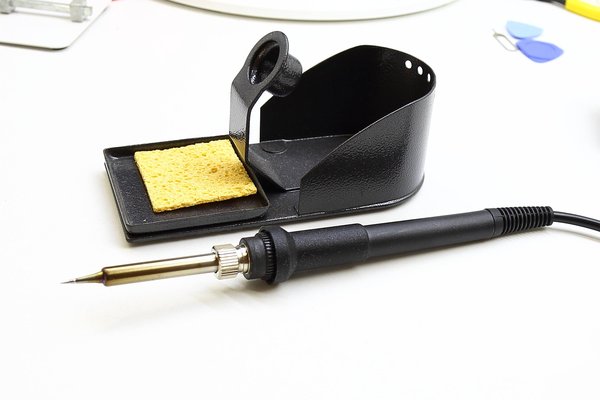
We apply the flux, carefully solder the plus contact with a soldering iron with a thin tip.

We attach the inter-board cable and check it out. It's charging!
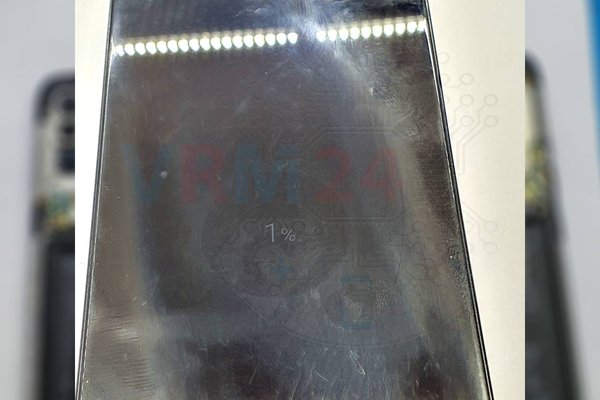
But do not forget, the second phone is waiting for us.
So, after inspection on the second device, there is also a break in contacts + and - in the same place, on both sides. The repair is exactly the same as for the first phone - we clean it, apply flux and solder the side contacts of the inter-board cable with a soldering iron, then connect and check.
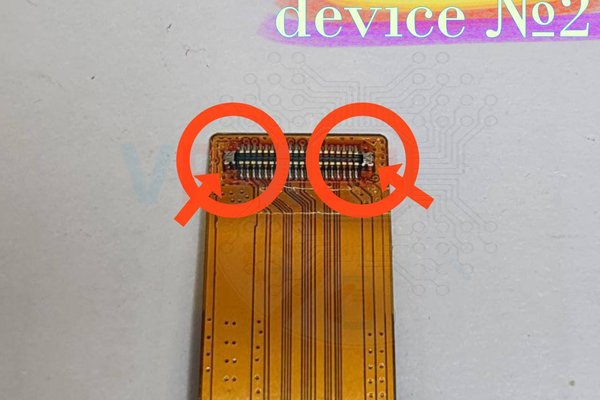
Okay, if the charging started - the repair was successful.