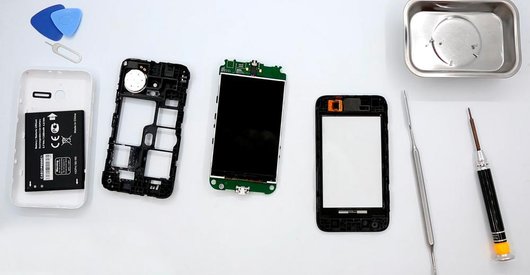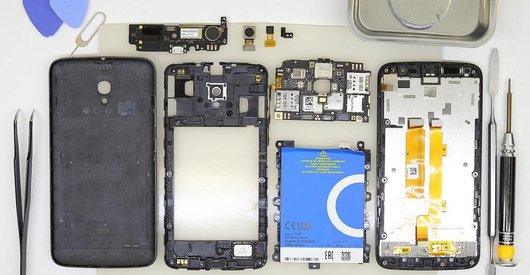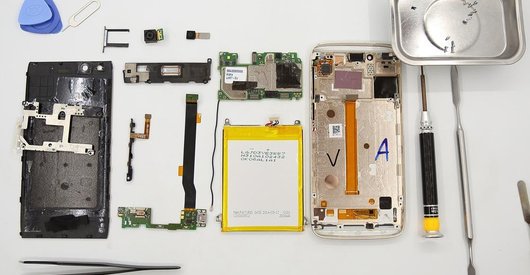




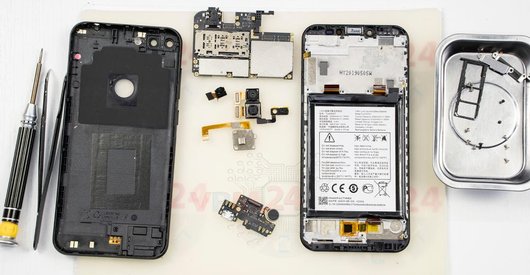
Recommended tools
Screwdriver Phillips #000

Opening tool / Spudger

Tweezers

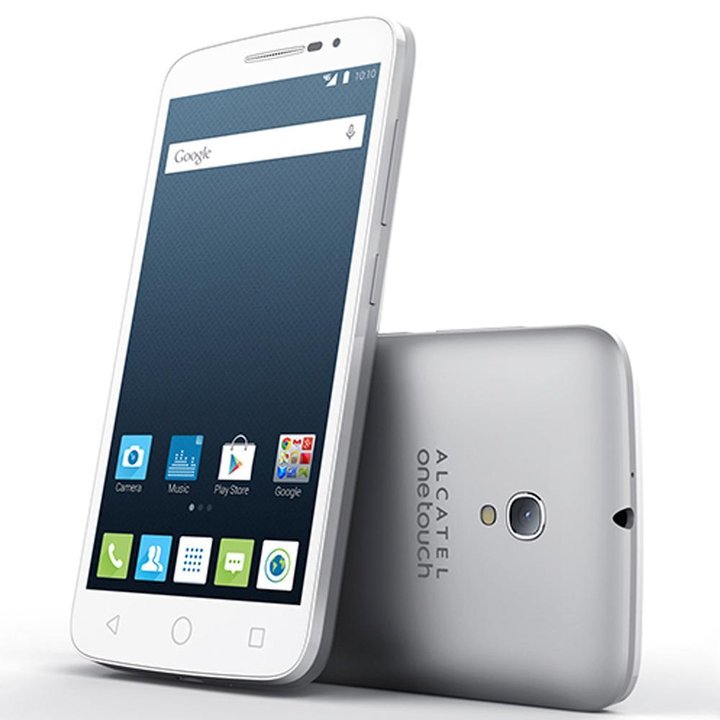
Disassembly/Repair of the mobile device Alcatel OT POP 2 Premium 7044X (Alcatel OneTouch Pop 2 Premium) with each step description and the required set of tools.
3790
Views
0
Likes
—
Share
10
Questions

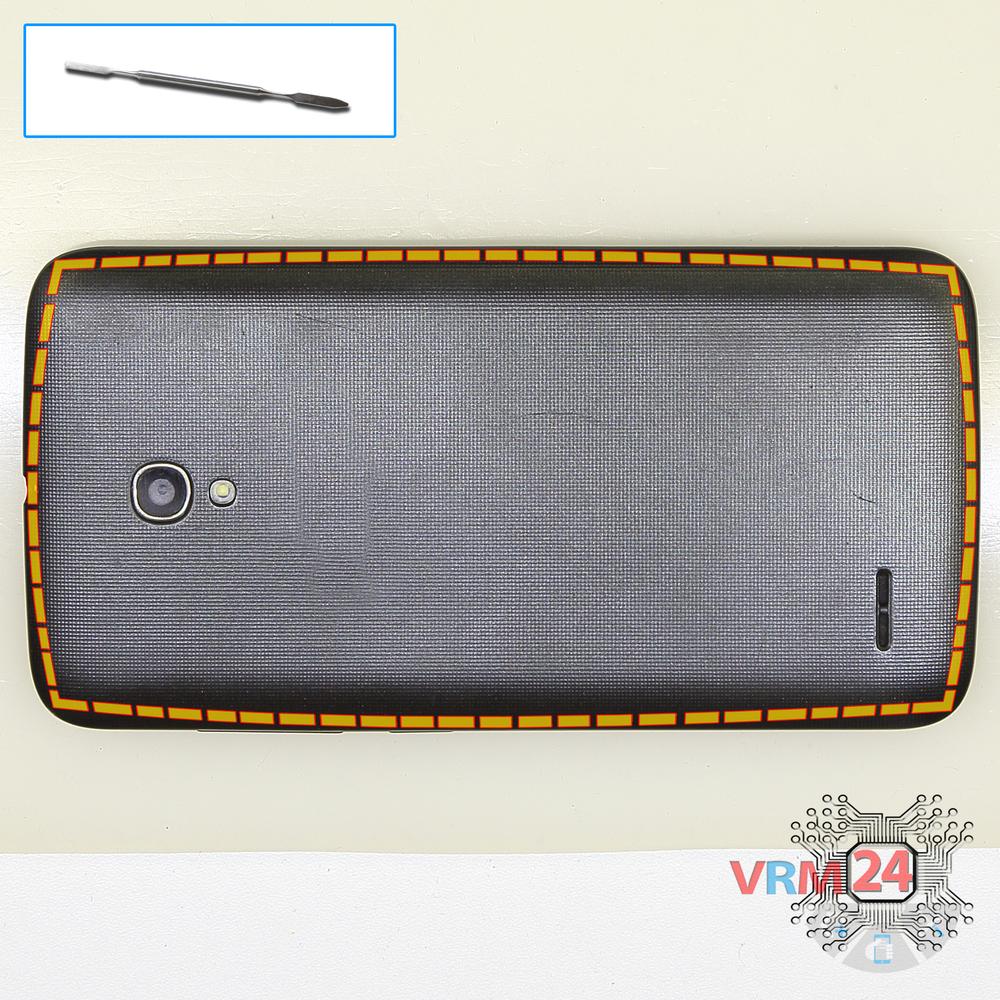
Step 1.
Open the back cover
Open the back cover.
Step 2.
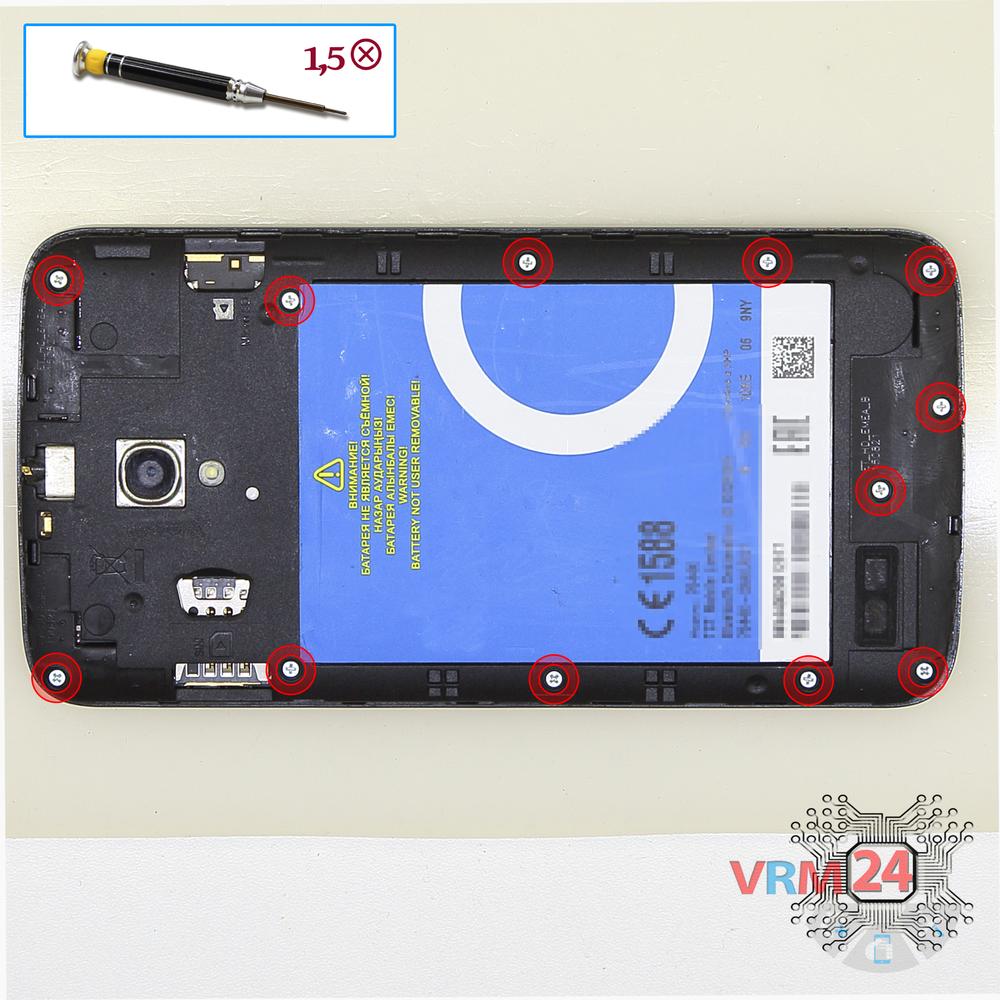
Unscrew the screws
Using a screwdriver (Phillips 1.5 mm PH000), unscrew 12 bolts in the frame of the phone.
Step 3.
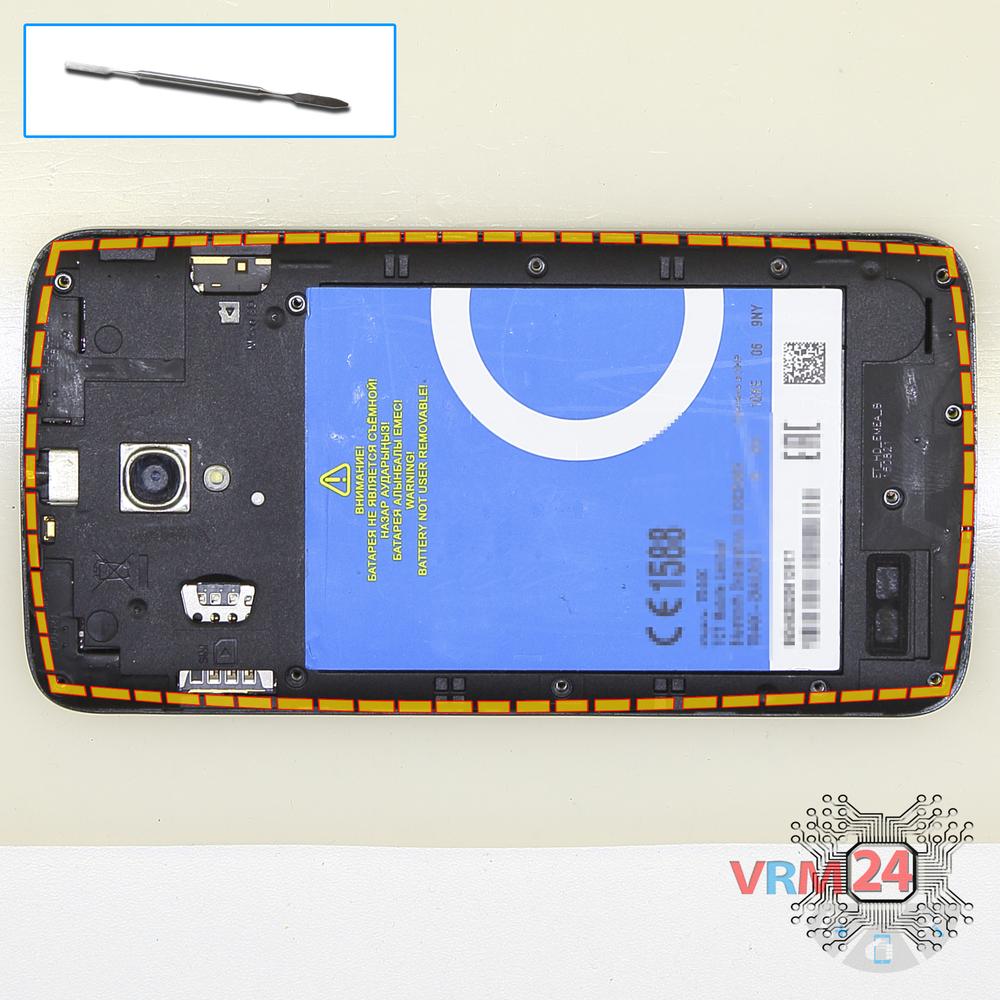
Open the mid-frame
Pry and remove the middle frame.
Step 4.
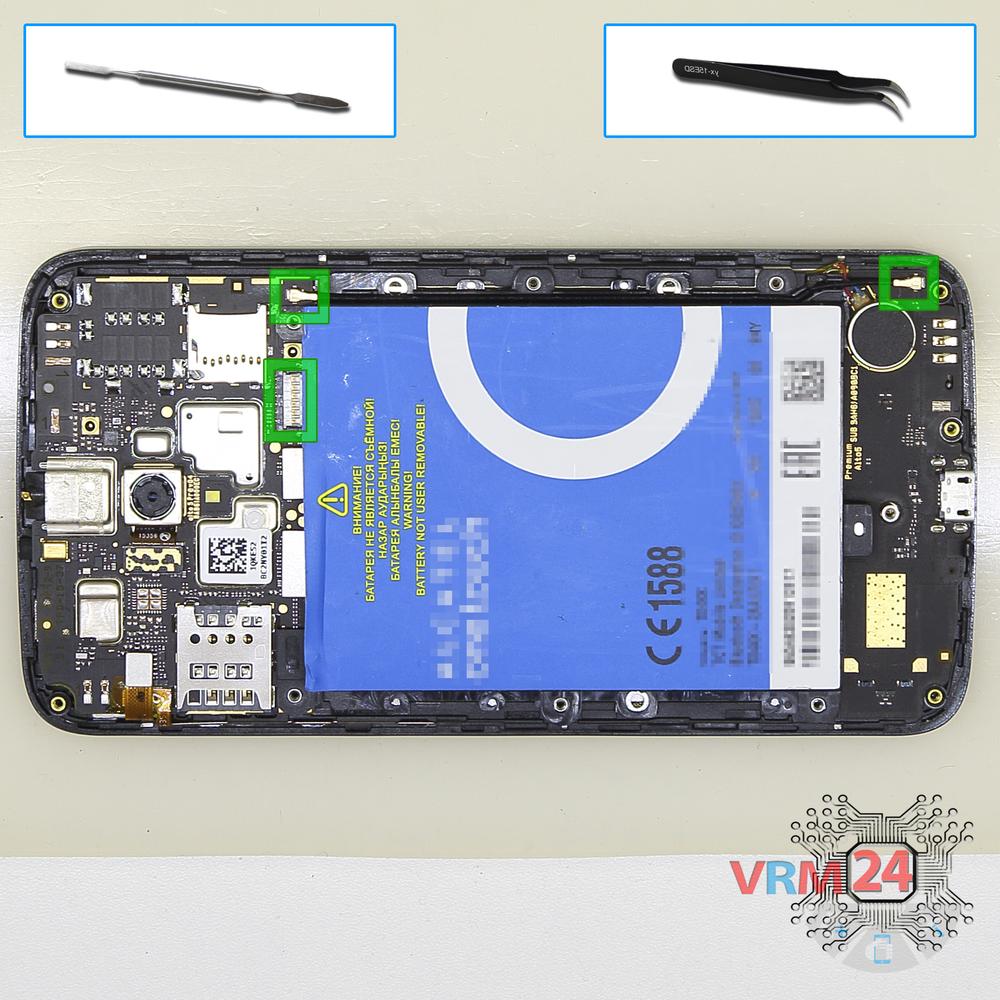
Remove the battery
Disconnect the battery connector on the PCB, at the same time disconnect the coaxial cable connectors and remove the battery and cable.
Step 5.
Remove the sub-board
Disconnect the connector on the lower PCB and remove it.
Step 6.
Remove the rear camera
Disconnect connector on the PCB and remove the main camera.
Step 7.
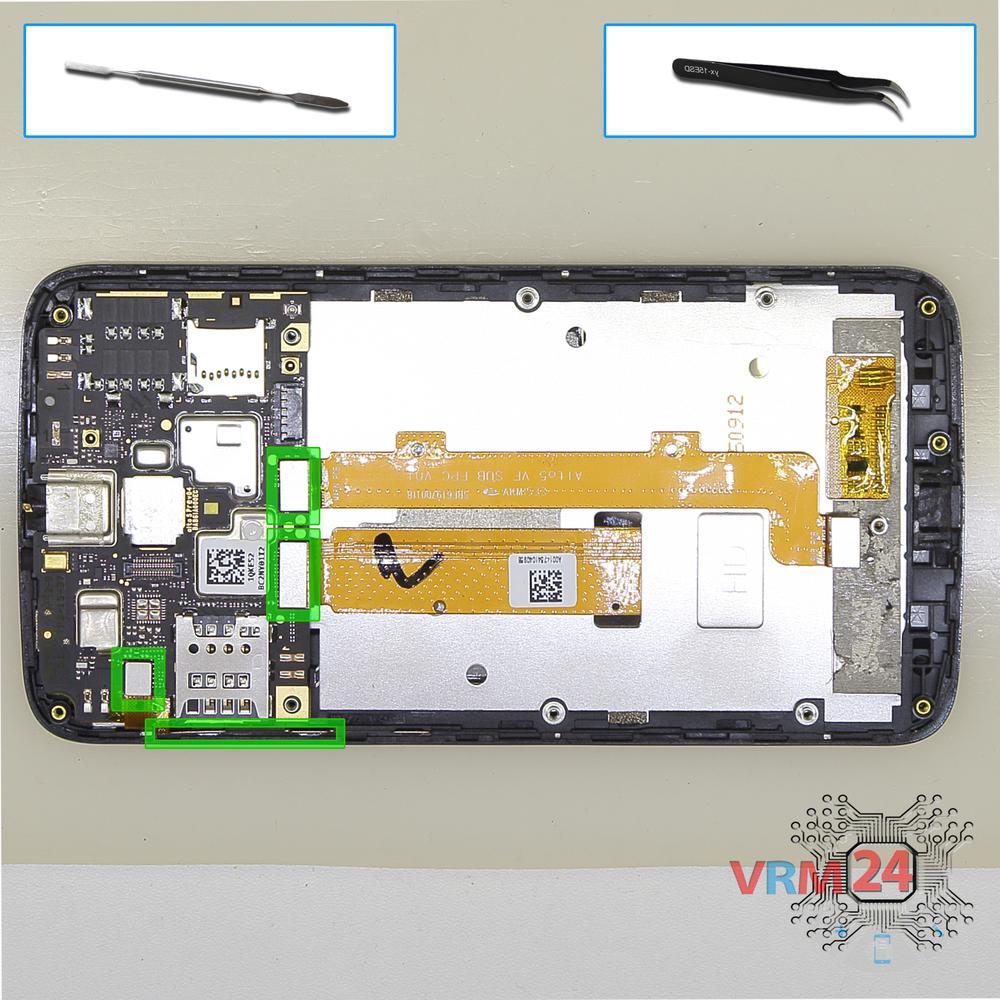
Disconnect the connectors
Disconnect connectors on the PCB.
Step 8.
Remove the motherboard
Remove the PCB.
Step 9.
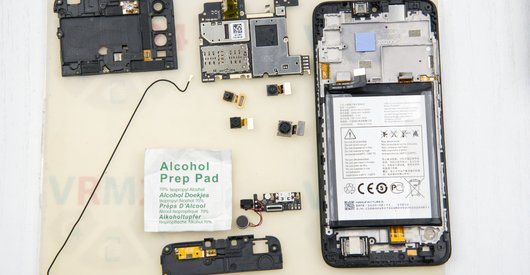
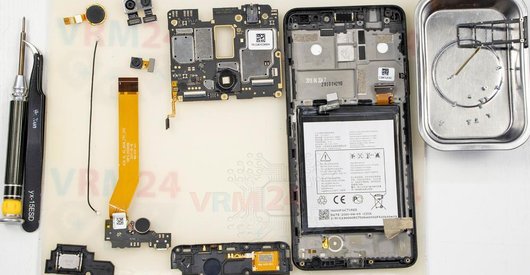
In the display frame remained
Parts in the frame of the display module.

If you have a question, ask us, and we will try to answer in as much detail as possible. If this article was helpful for you, please rate it.

3790
Views
0
Likes
—
Share
10
Questions
Related Instructions
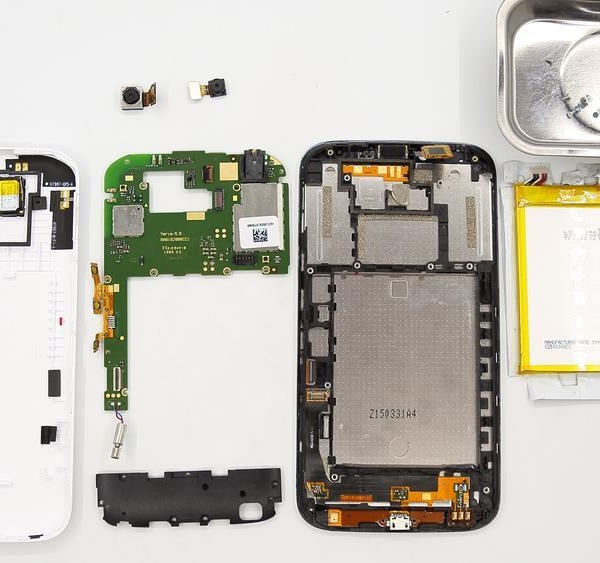
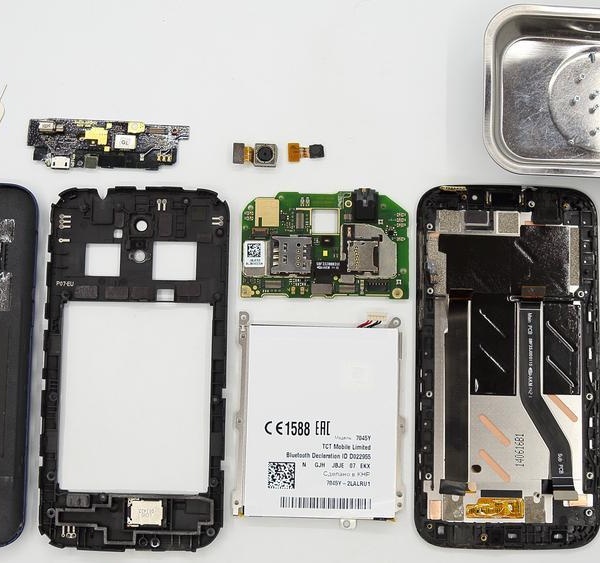
Related Reviews

Related Blog
Popular Questions
И
Alcatel OT POP 2 Premium 7044X
is it still ok?
Иван Алдобаев17
E
Alcatel OT PIXI 4 4034D
Friend, which integrated one goes under the card where the Display connects on the other back of the board
EL CONSEJERO sin rostro1
Alcatel OT POP C7 7041D
Samsung m21 motherboard Amar
md
V
Alcatel OT POP Star 5022D
My touchscreen is working, how can I change only front glass
Vuk Vukmirovic13
J
Alcatel OT POP 3 5025D
sorry, where can I buy the display
JONATHAN MENDEZ MONTERO9Top instructions
Check our
Top Alcatel instructions most liked by readers
New instructions
Check our
New Alcatel brand instructions on vrm24.com