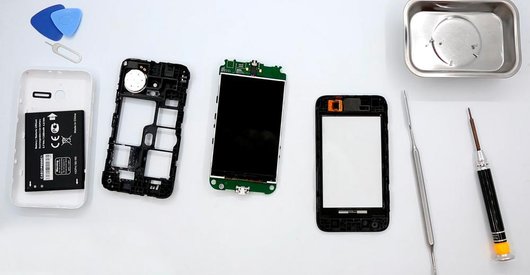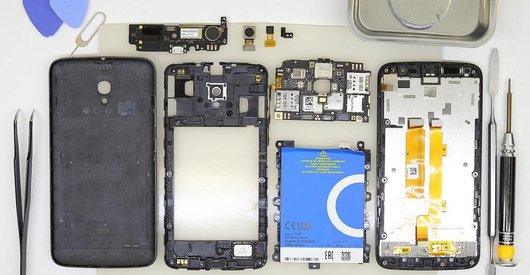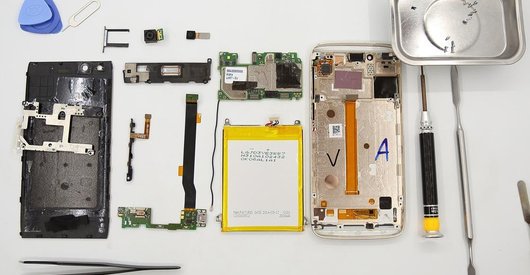
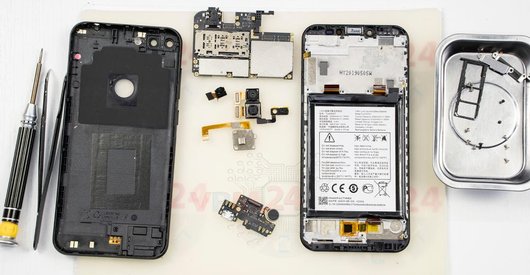
Recommended tools
Screwdriver Phillips #000

Opening tool / Spudger

Tweezers

Disassembly/Repair of the mobile device Alcatel OT S7 7045Y (Alcatel OneTouch S7) with each step description and the required set of tools.
4113
Views
0
Likes
—
Share
3
Questions

Step 1.
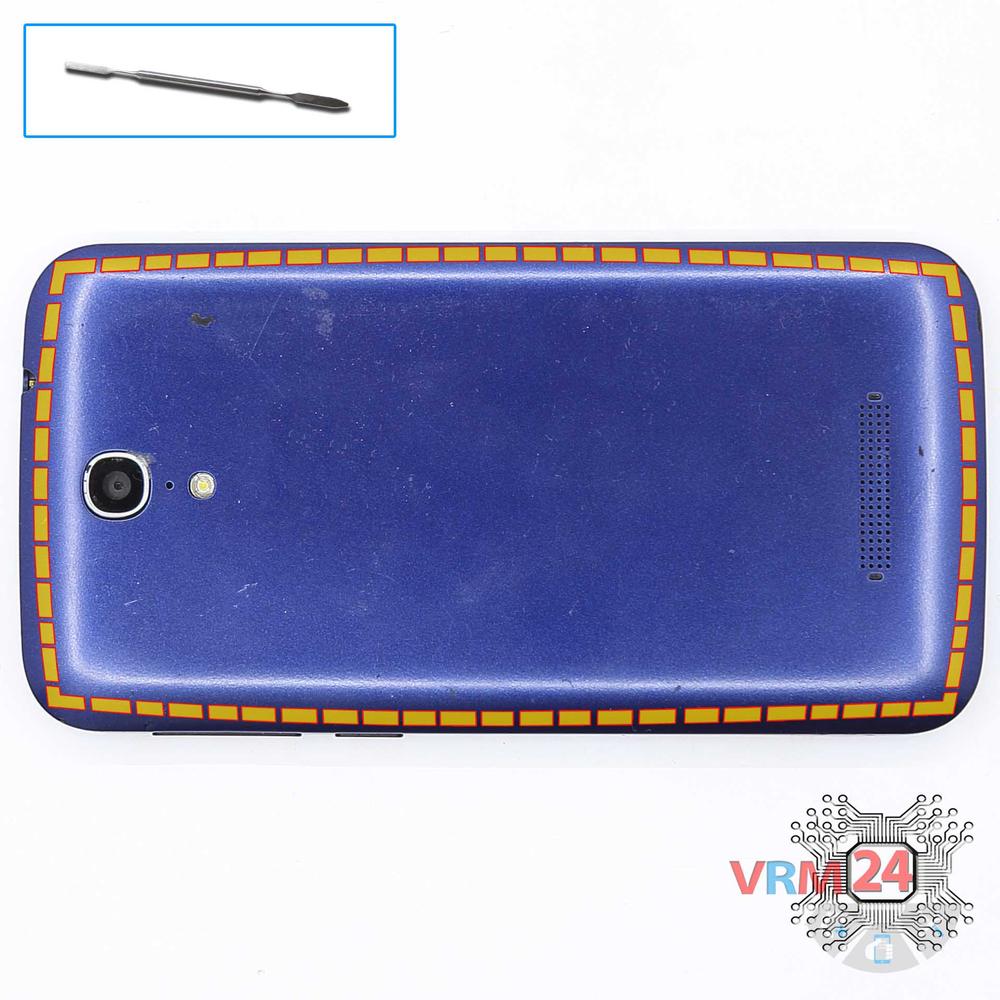
Open the back cover
Open the back cover.
Step 2.
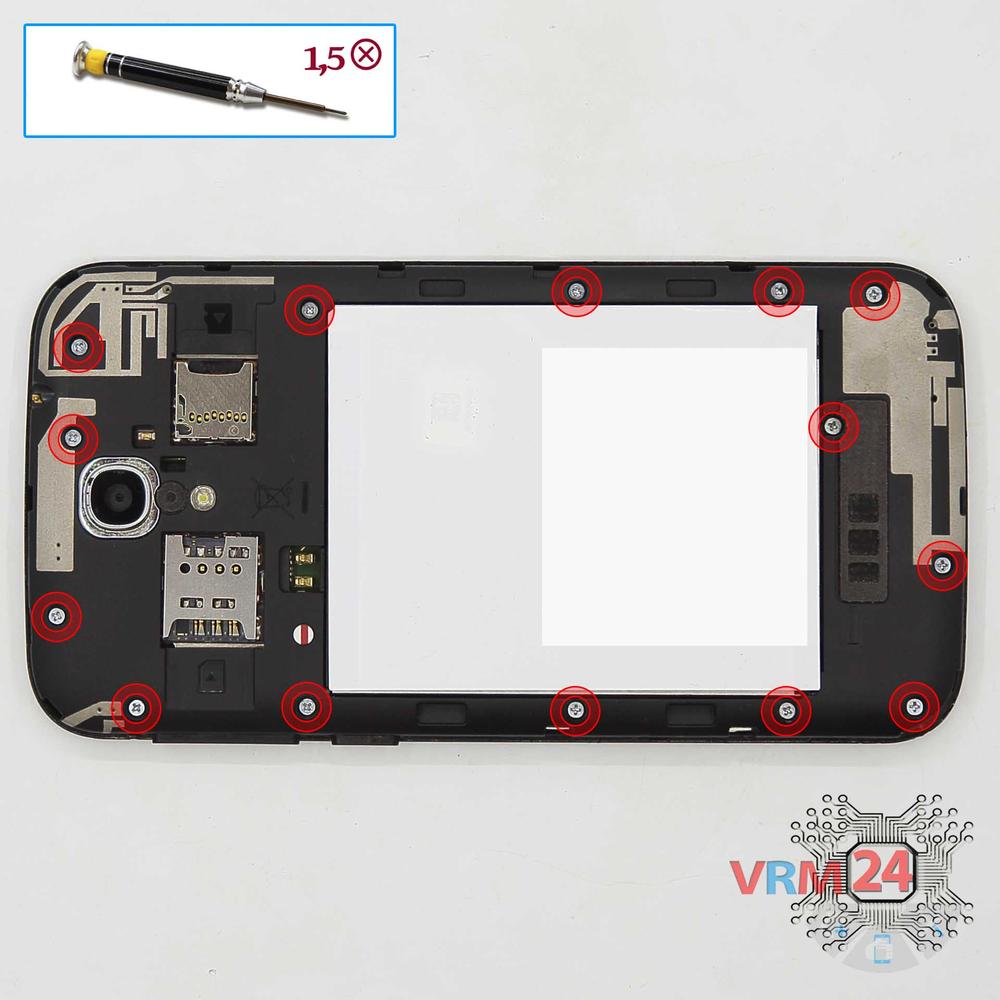
Unscrew the screws
Using a screwdriver (Phillips 1.5 mm PH000), unscrew 14 bolts in the frame of the phone.
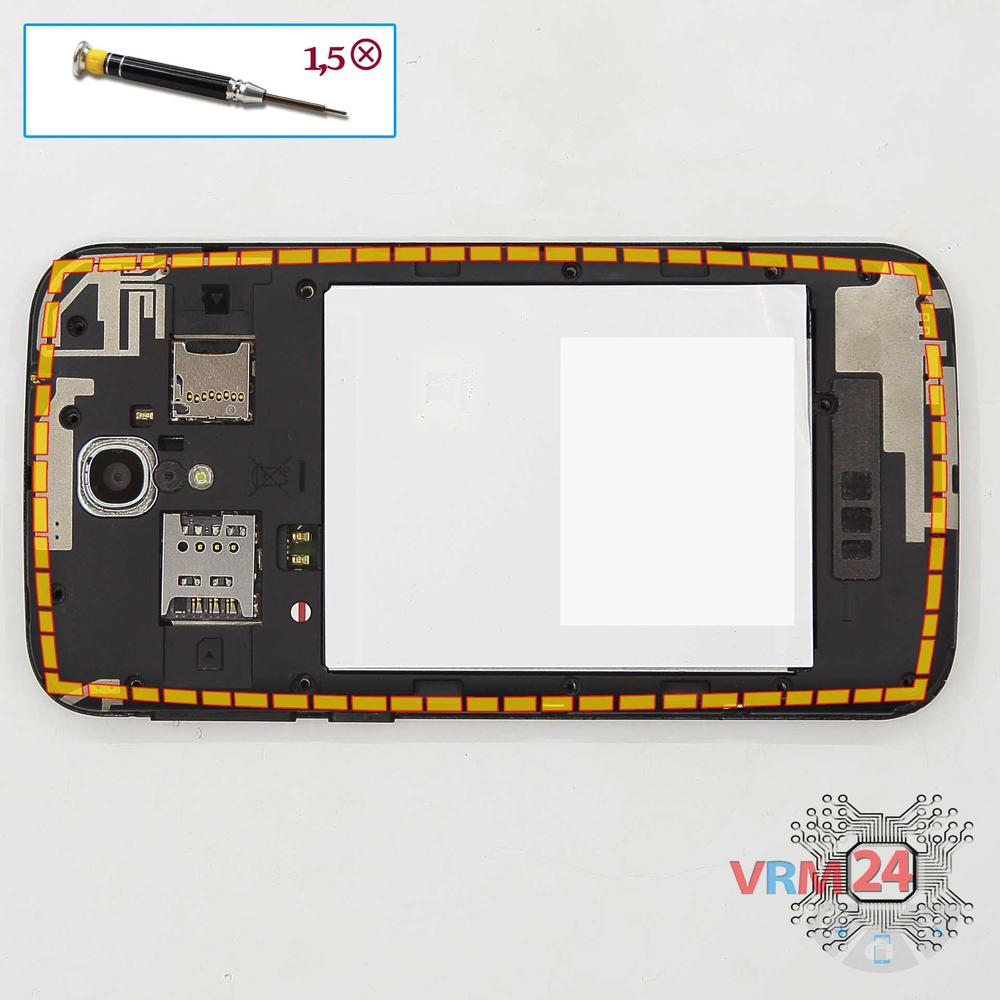
Step 3.
Remove the frame
Disconnect the middle frame and the volume and power buttons.
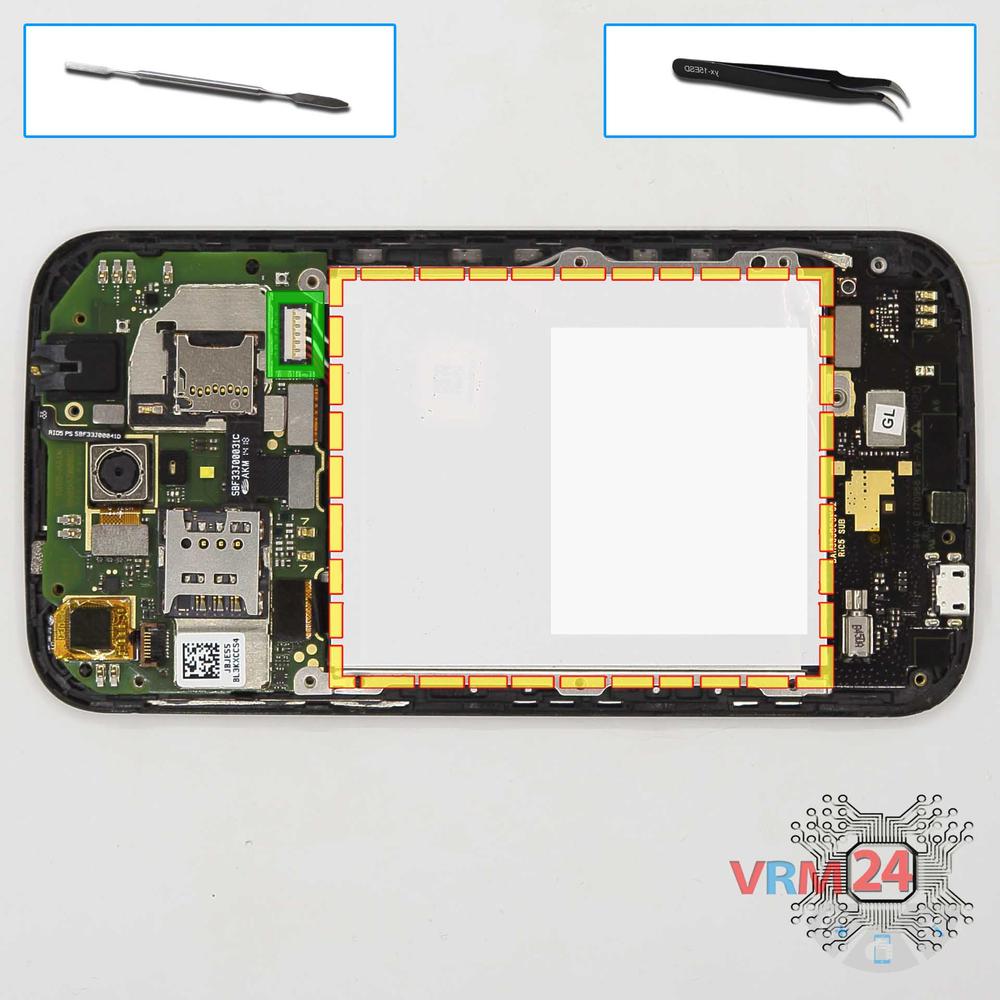
Step 4.
Remove the battery
Disconnect connector on the PCB and remove the battery.
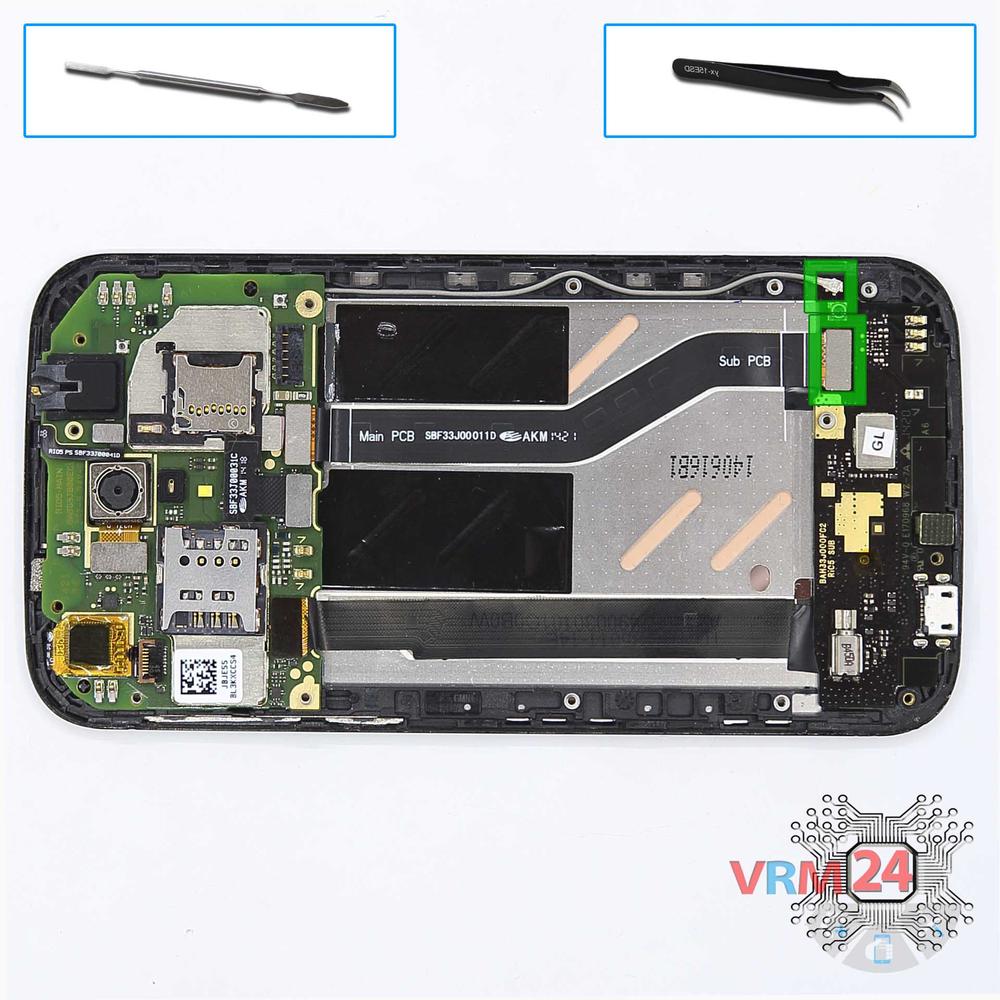
Step 5.
Remove the sub-board
Disconnect connectors on the lower PCB and remove it.
Step 6.
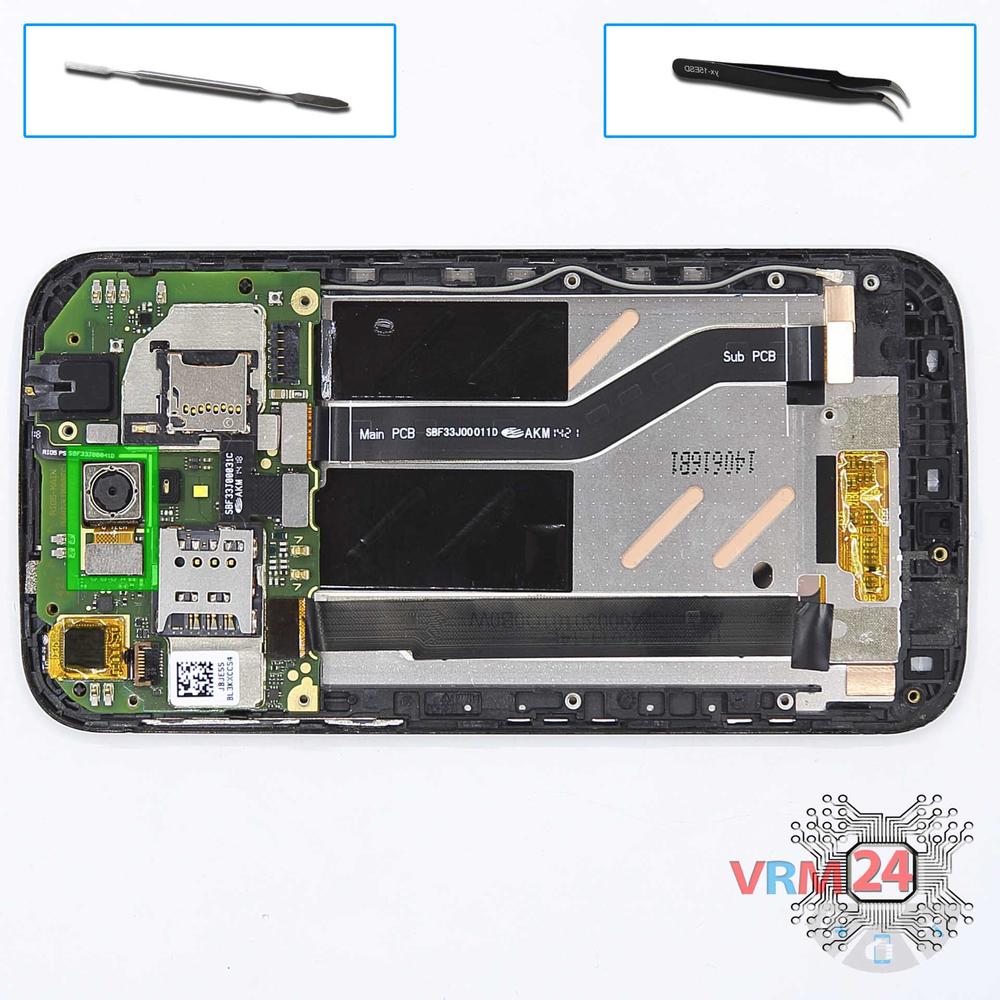
Remove the rear camera
Disconnect connector on the PCB and remove the main camera.
Step 7.
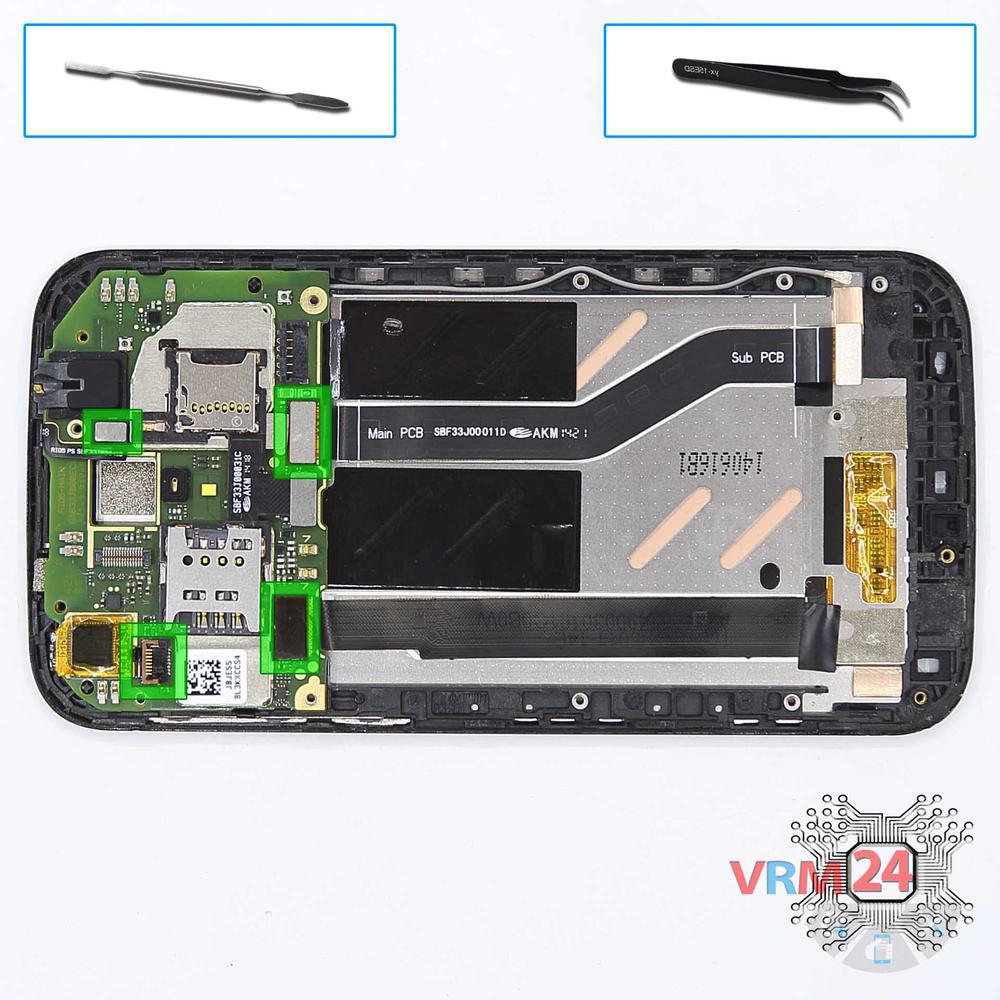
Turn over the PCB
Disconnect the connectors on the main PCB and turn it over.
Step 8.
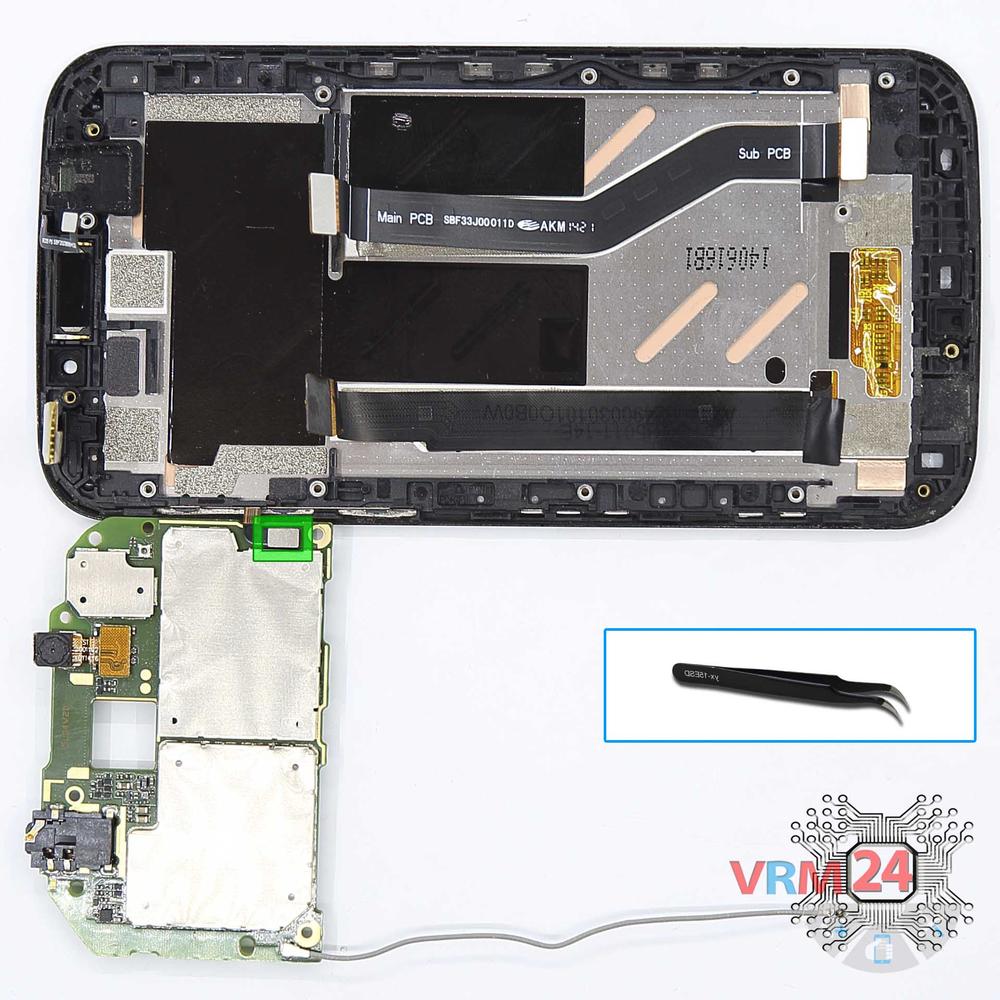
Remove the motherboard
Disconnect the connector power & volume buttons on the PCB and remove the board.
Step 9.
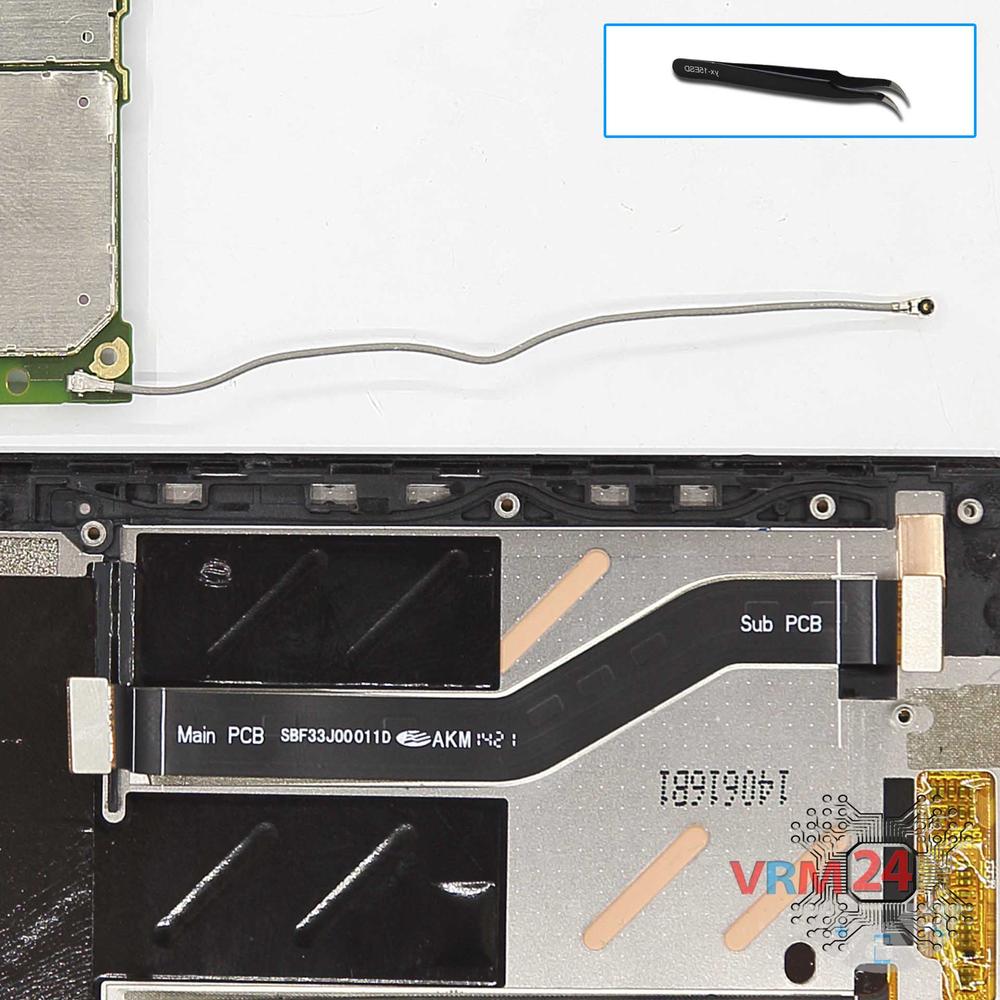
Remove the interconnect cables
Disconnect connectors & remove the inter-board FFC (flexible flat cable) and coaxial cable.
Step 10.
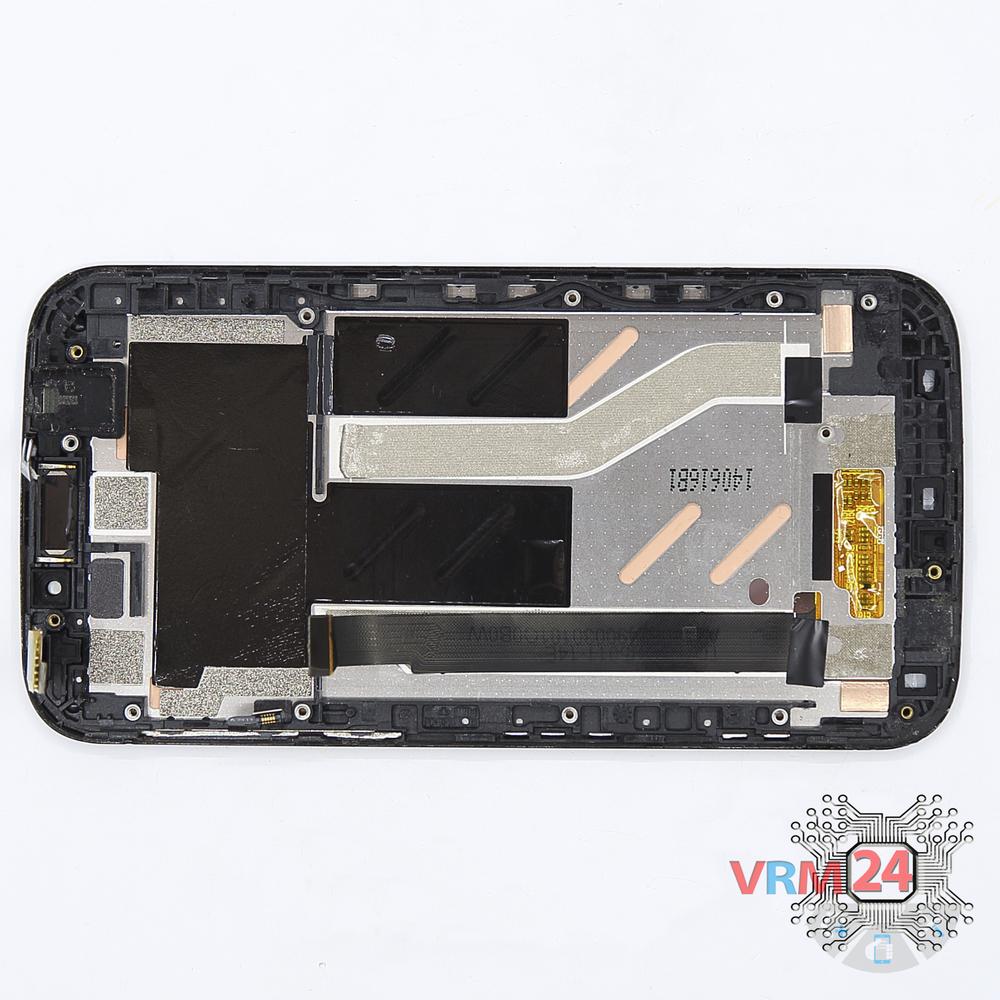
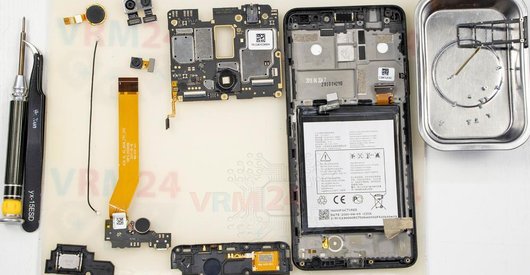
In the display frame remained
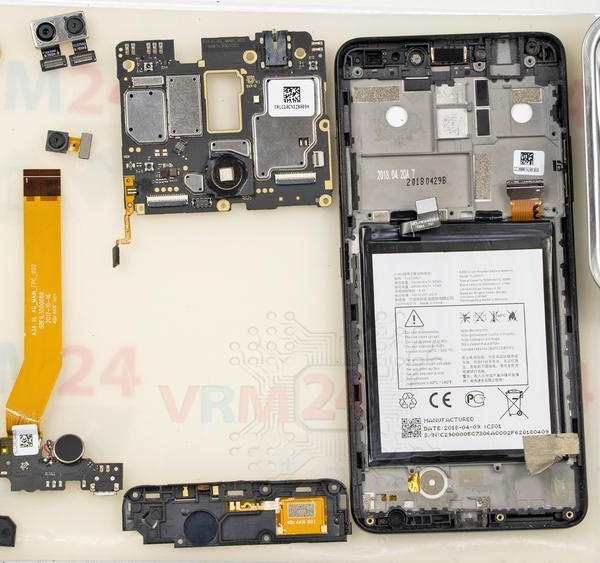
Parts in the frame of the display module.

If you have a question, ask us, and we will try to answer in as much detail as possible. If this article was helpful for you, please rate it.

4113
Views
0
Likes
—
Share
3
Questions
Related Instructions
Related Reviews

Related Blog

Popular Questions
G
Alcatel One 5033D
Good morning, very useful video thank you, can you tell me where I can find the main replacement camera?
Gianluca Frezza17
R
Alcatel OT PIXI 4 5045D
is this 've good display
R.J platform14
K
Alcatel OT POP C9 7047D
I want to ask why my phone always lives and dies after falling on the water but the water is not much but he lived written system recovery and always…
KIMOCHI :311
E
Alcatel OT Shine Lite 5080X
I used this phone, my phone's touch and back side are broken. Let me know, brother. Please,,,,
Emon Ahmed12
Alcatel OT A7 5090Y
Good morning!!! How can I put this phone into fastboot mode?; I can only access recovery mode. To use Mediatek Universal tool programs; Flashtool…
vagnerTop instructions
Check our
Top Alcatel instructions most liked by readers
New instructions
Check our
New Alcatel brand instructions on vrm24.com