

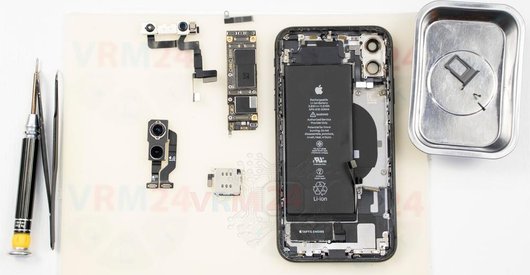
Recommended tools
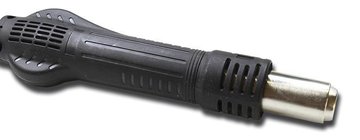
Heat gun
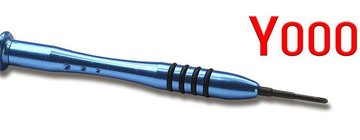
Screwdriver Tri-point Y000
Opening tool / Spudger

Tweezers

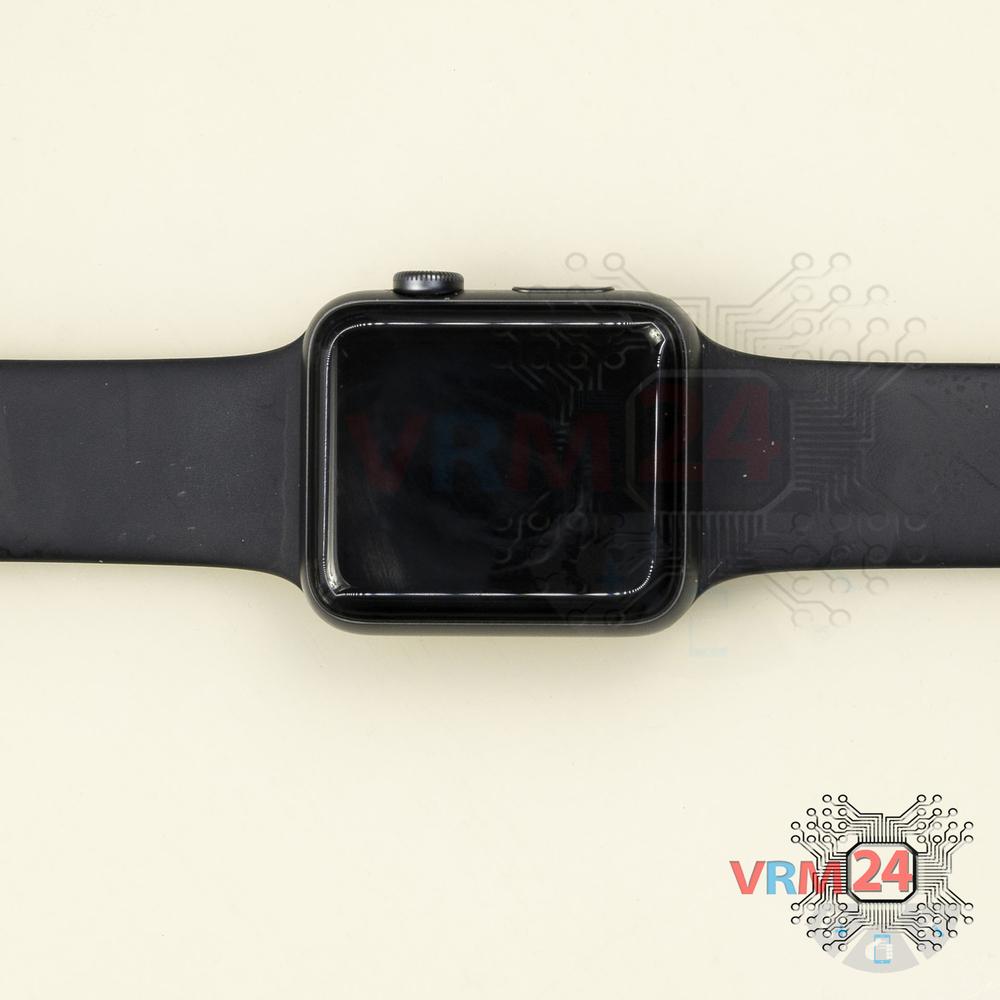
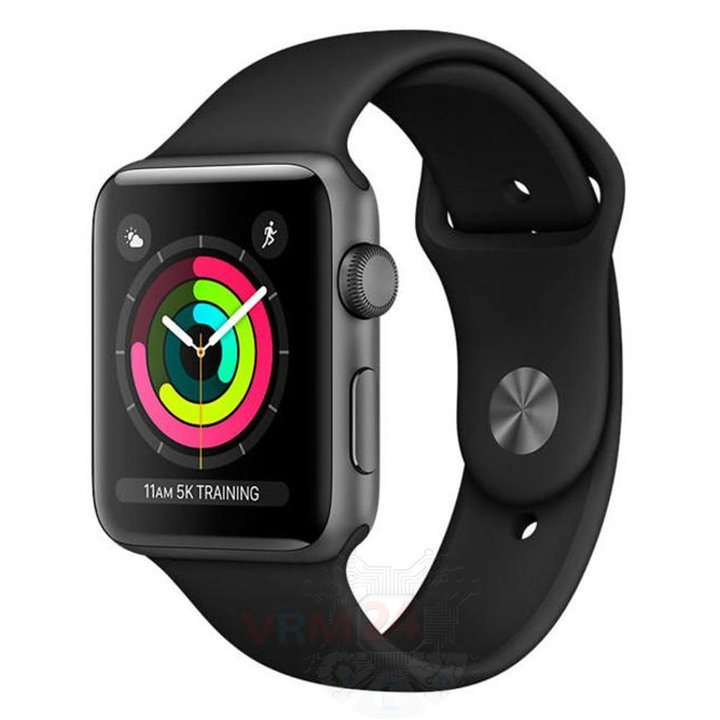
Disassembly/Repair of the mobile device Apple Watch Series 3 (Apple Watch Series 3 A1858, A1859, A1860, A1889, A1890, A1861, A1891, A1892) with each step description and the required set of tools.
16088
Views
2
Likes
—
Share
18
Questions

Step 1.
Unfasten the strap
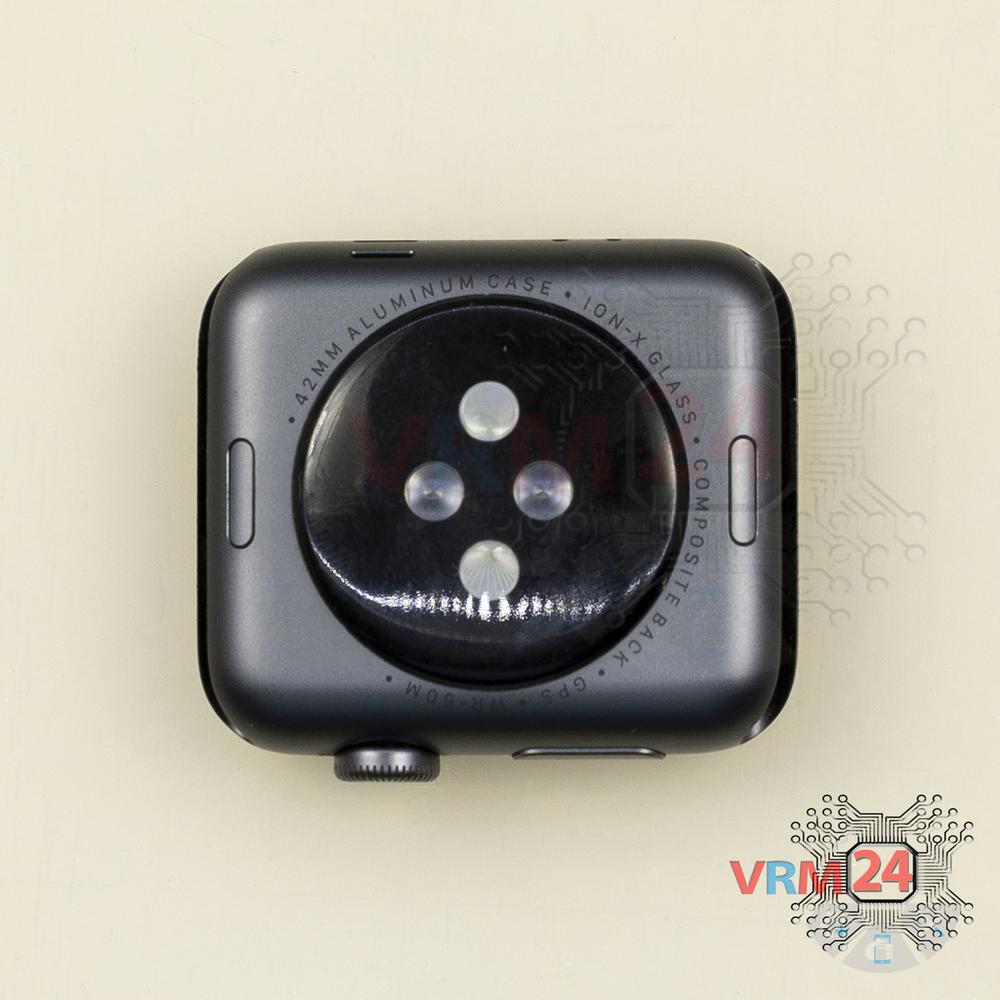
Turn the watch over and unfasten the strap.
Step 2.
Open the display module
Turn over the watch and open the display module.
⚠ Warning!
For careful separation, we recommend using a heat gun. At the same time, it is necessary to heat carefully in order, not to damage the surface of the device.
Step 3.
Disconnect the connector
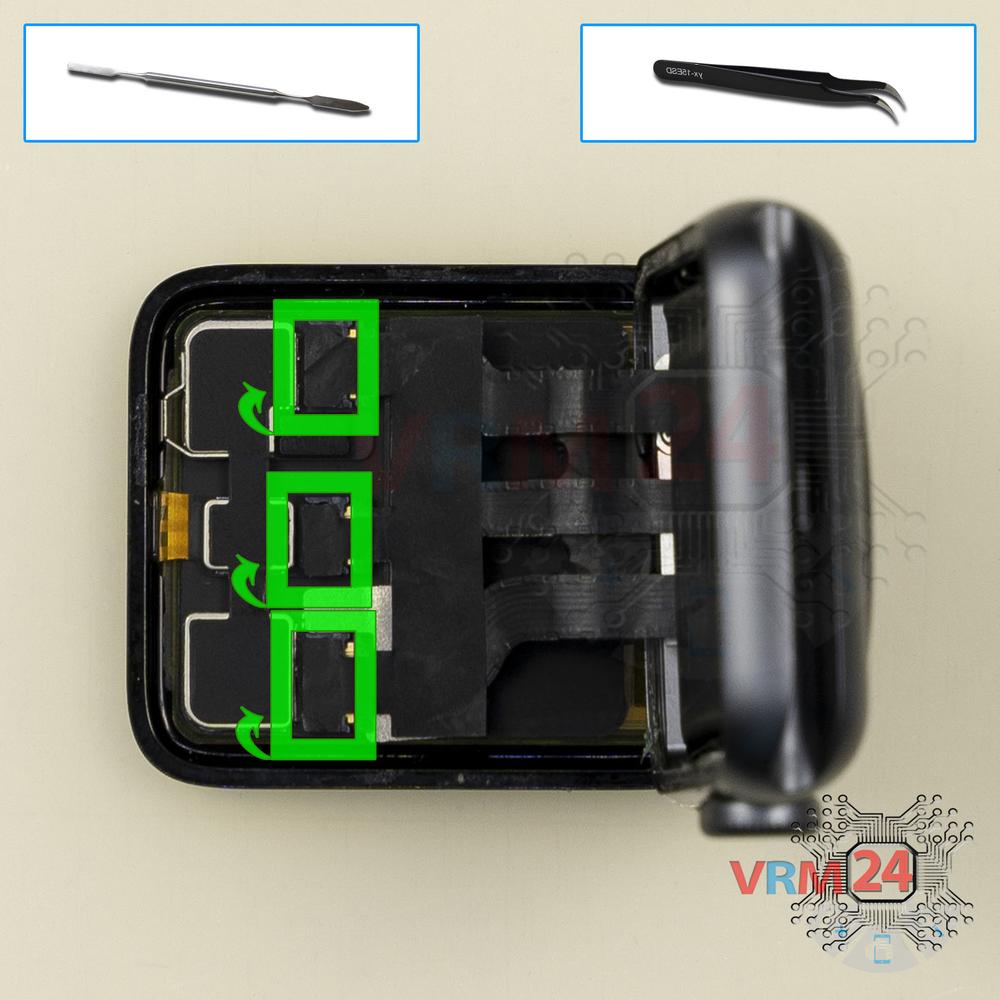
Peel back the protective layer and pry up the connectors.
Step 4.
Open the display
Remove the display.
Step 5.
Remove the bracket
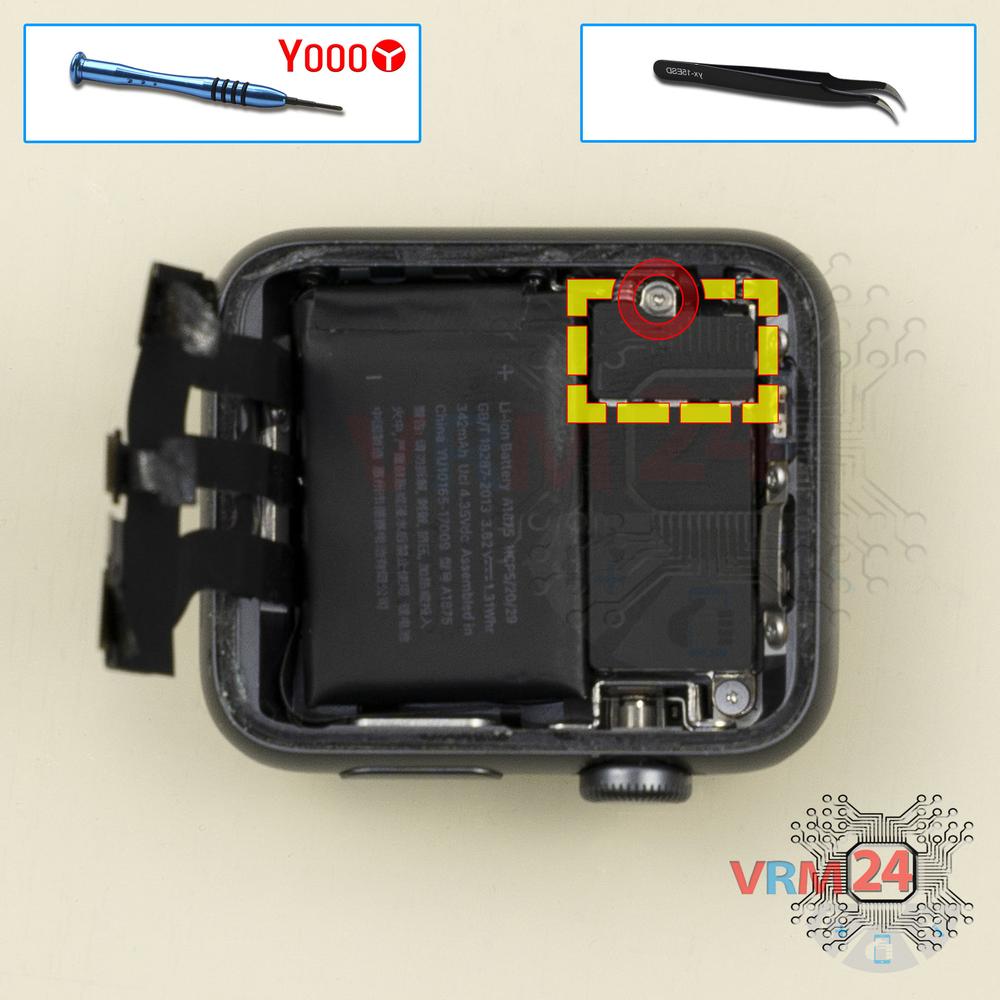
Using a screwdriver (Tri-Wing #000 Precision Screwdriver 0.6mm), unscrew one screw, and remove the bracket.
Step 6.
Remove the battery
Pry up the connector and remove the battery.
Step 7.
In the housing remained
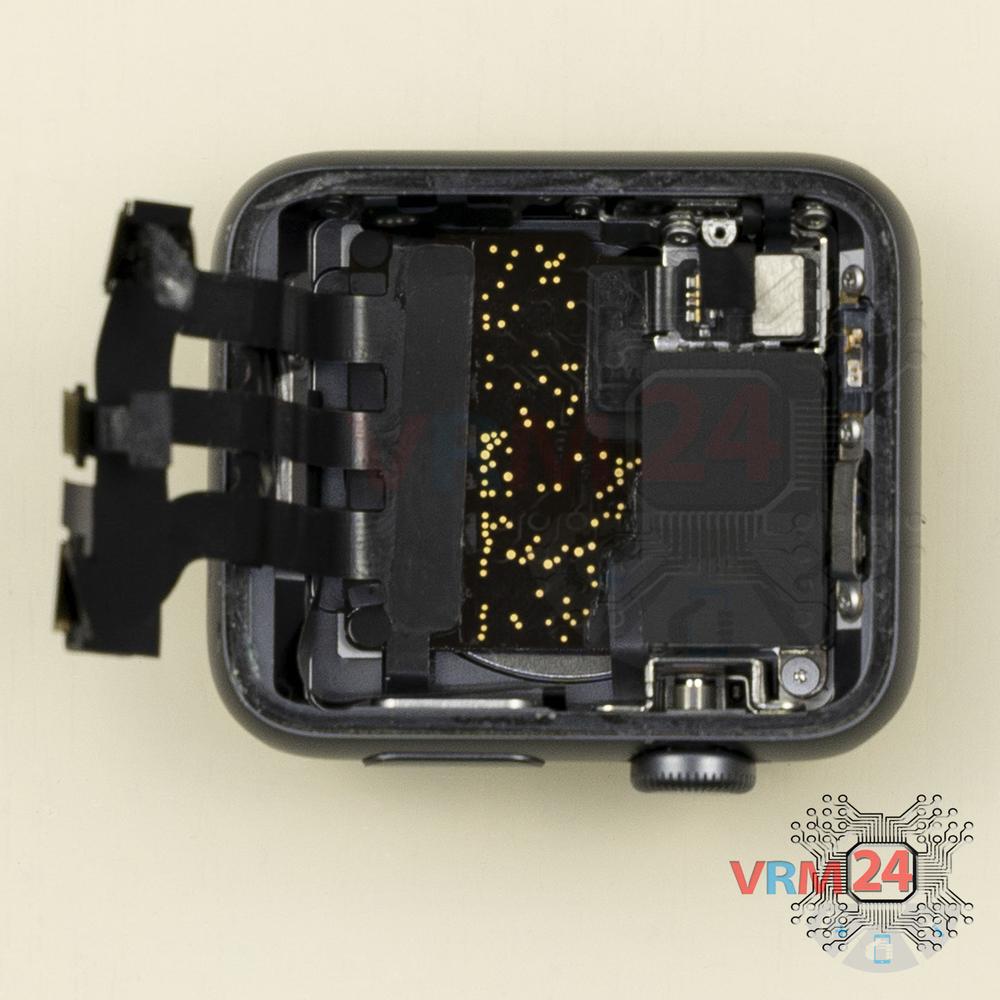
Parts are in the housing.

If you have a question, ask us, and we will try to answer in as much detail as possible. If this article was helpful for you, please rate it.

16088
Views
2
Likes
—
Share
18
Questions
Related Instructions
Related Reviews
Related Blog
Popular Questions
T
Apple Watch Series 3
Can u get rid of activation lock by opening the watch
Tony10
S
Apple iPhone 6S
For standoff screws just use a star driver (pentalope*)
Super Vegeta5
A
Apple iPhone 6S
It's funny how carefully you disismble something that was slaped together in a sweat shop.
andrew davis1
Apple iPhone 5
How to repair iPhone 5 rebooting
david
Apple iPhone 6S
What cheap screwdriver kit do you recommend? Budget €20
matteoTop instructions
Check our
Top Apple instructions most liked by readers
New instructions
Check our
New Apple brand instructions on vrm24.com