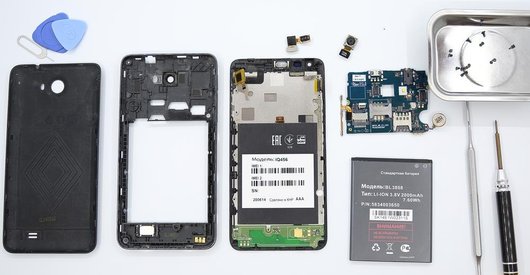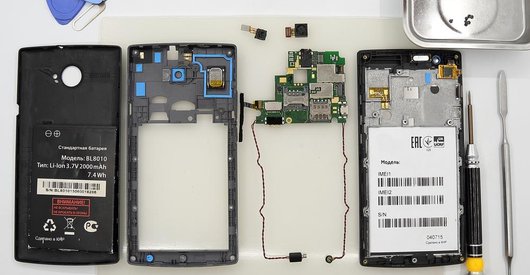


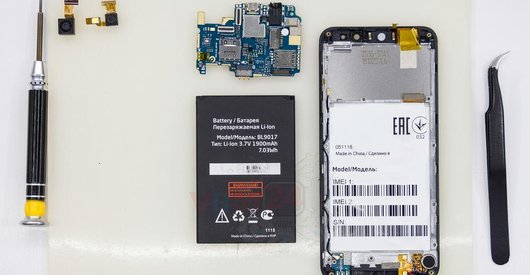
Recommended tools
Screwdriver Phillips #000

Opening tool / Spudger

Tweezers

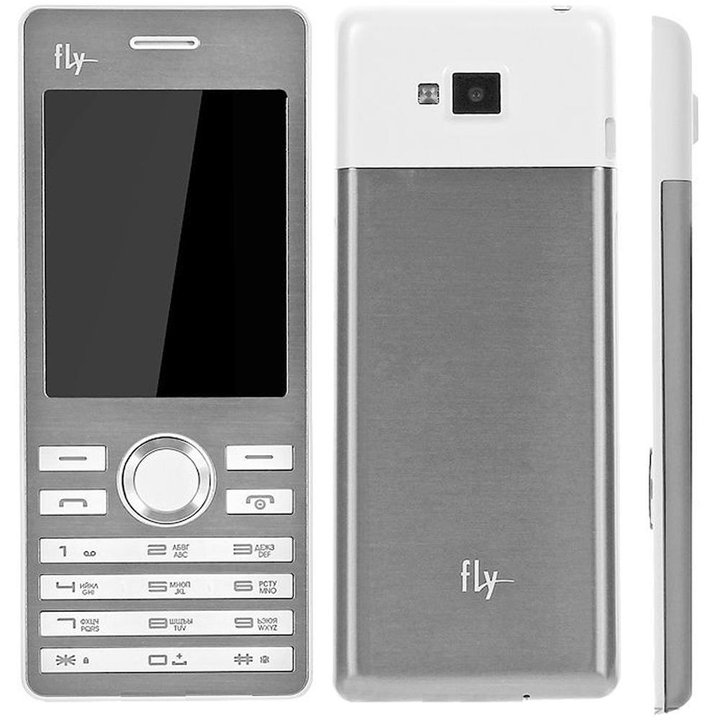
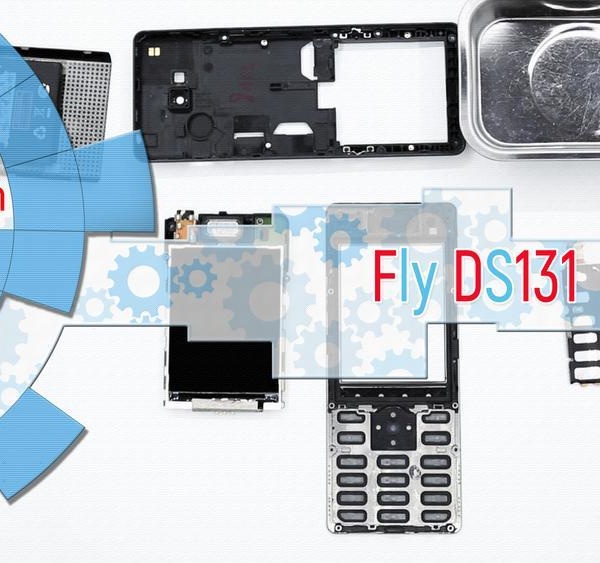
Disassembly/Repair of the mobile device Fly DS131 with each step description and the required set of tools.
4163
Views
0
Likes
—
Share
3
Questions

Step 1.
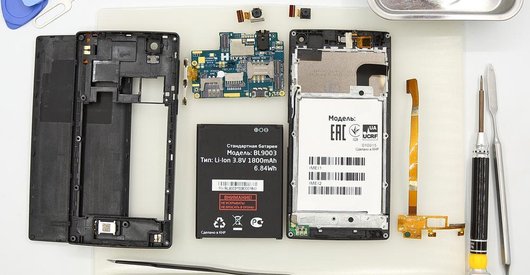
Remove the battery
Open the back cover & lift and remove the battery.
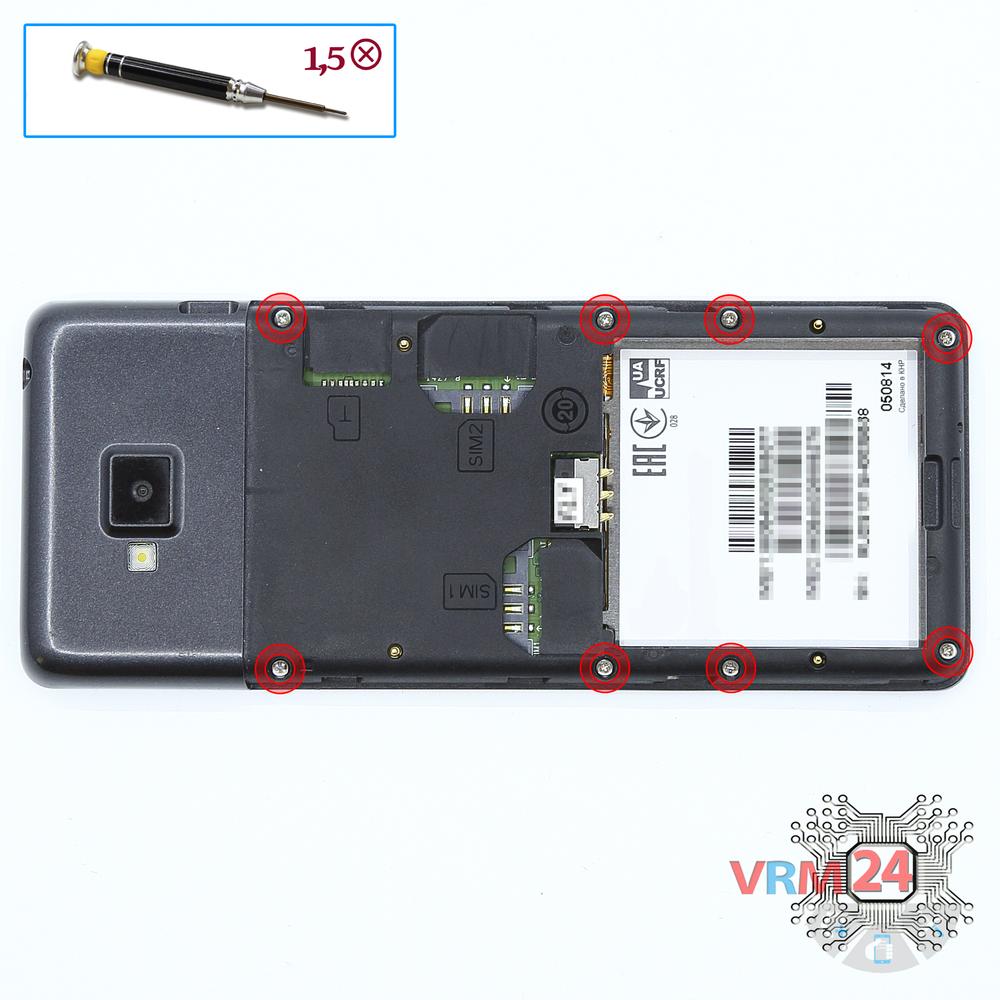
Step 2.
Unscrew the screws
Using a screwdriver (Phillips 1.5 mm PH000), unscrew 8 bolts in the frame of the phone.
Step 3.
Open the cover
Open the upper cover.
Step 4.
Unscrew the screws
Using a screwdriver (Phillips 1.5 mm PH000), unscrew 2 bolts.
Step 5.
Remove the cable
Disconnect the connector and remove the keyboard.
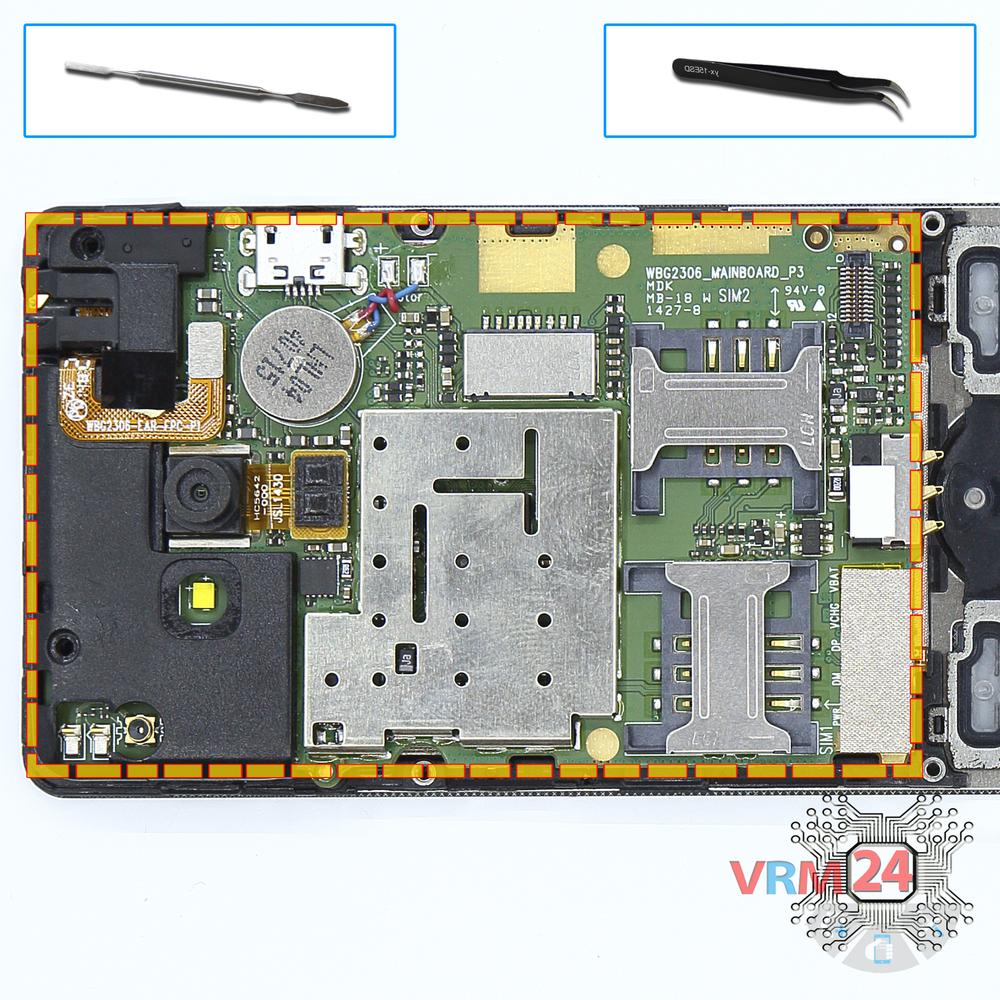
Step 6.
Remove the motherboard
Remove the PCB and display.

If you have a question, ask us, and we will try to answer in as much detail as possible. If this article was helpful for you, please rate it.

4163
Views
0
Likes
—
Share
3
Questions
Related Instructions
Related Reviews
Related Blog
Popular Questions
B
Fly IQ4516 Tornado Slim Octa
hi any shops in dubai/qatar or india that l can take my phones in for repairs?
Blessing Sanderson2Fly IQ458 Quad EVO Tech 2
do you have for sale , lcd and dogotizer for this model ?
paraskevas
S
Samsung Galaxy S7 Edge SM-G935
Sir,I have Samsung s7 edge f model .when I m connect phone to PC then show USB not regnnoised error. Charging strip already OK .plz tell me what I do.
Sardar Iffi12
К
Sony Xperia E5
Hello. How to glue the display and touchscreen into the frame?
Кучумов Александр19
M
Tronsmart Element T6 Plus
Where can I get a USB-C charging replacement part for the Stronsmart T6 Plus?
MelV Osores3Top instructions
Check our
Top Fly instructions most liked by readers
New instructions
Check our
New Fly brand instructions on vrm24.com