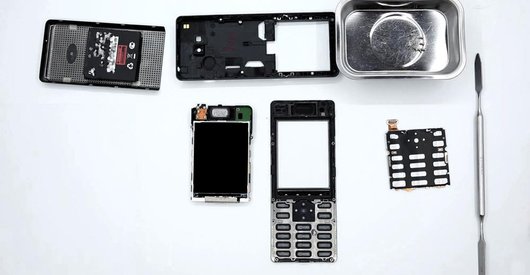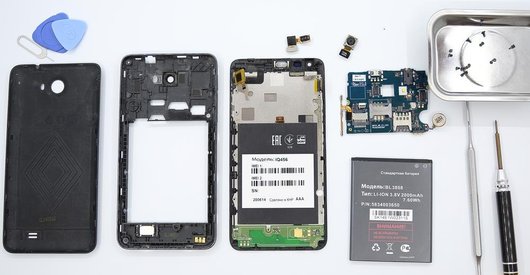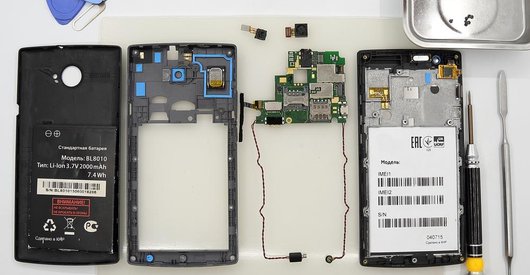




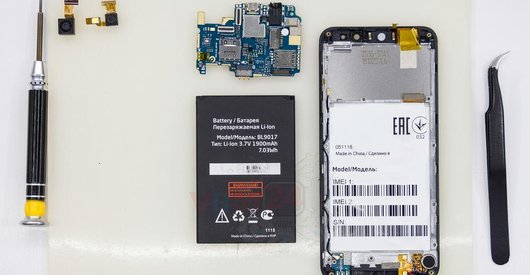
Recommended tools
Screwdriver Phillips #000

Opening tool / Spudger

Tweezers

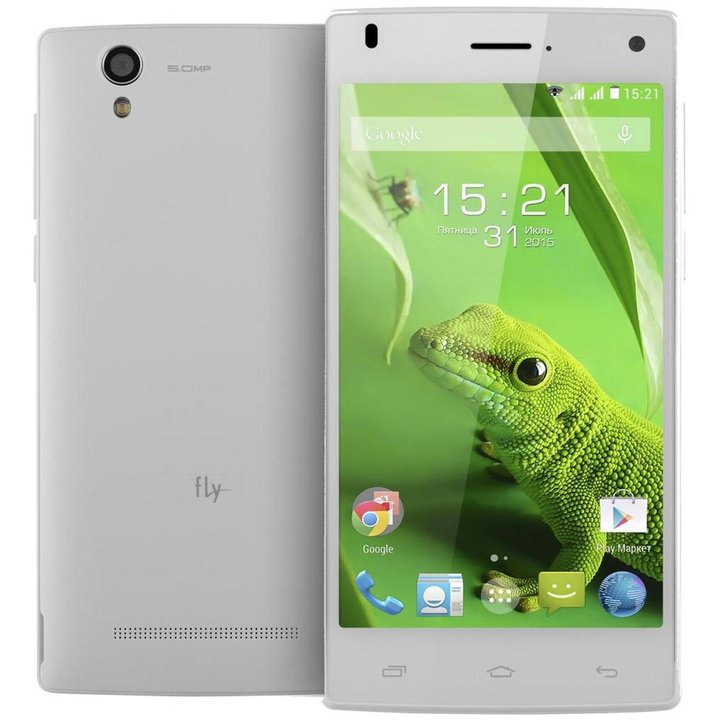
Disassembly/Repair of the mobile device Fly FS452 Nimbus 2 with each step description and the required set of tools.
5039
Views
2
Likes
—
Share
4
Questions

Step 1.
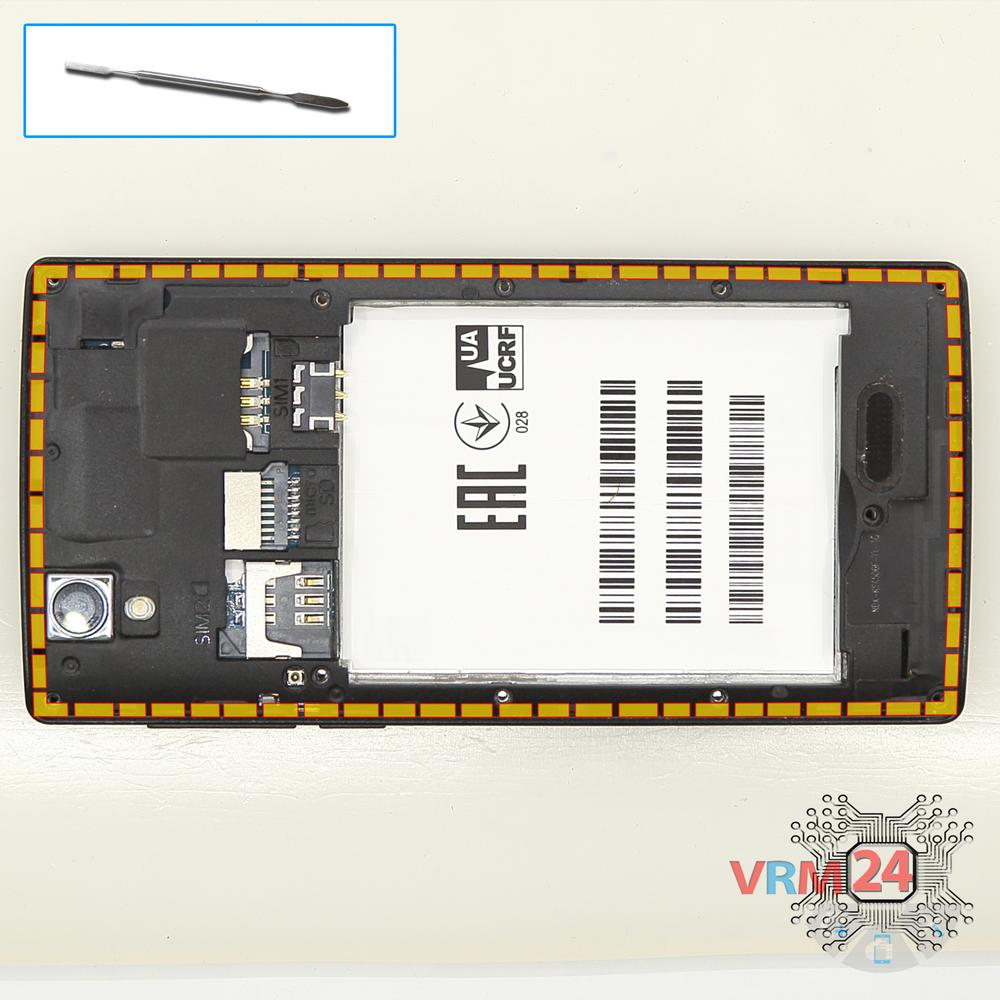
Open the back cover
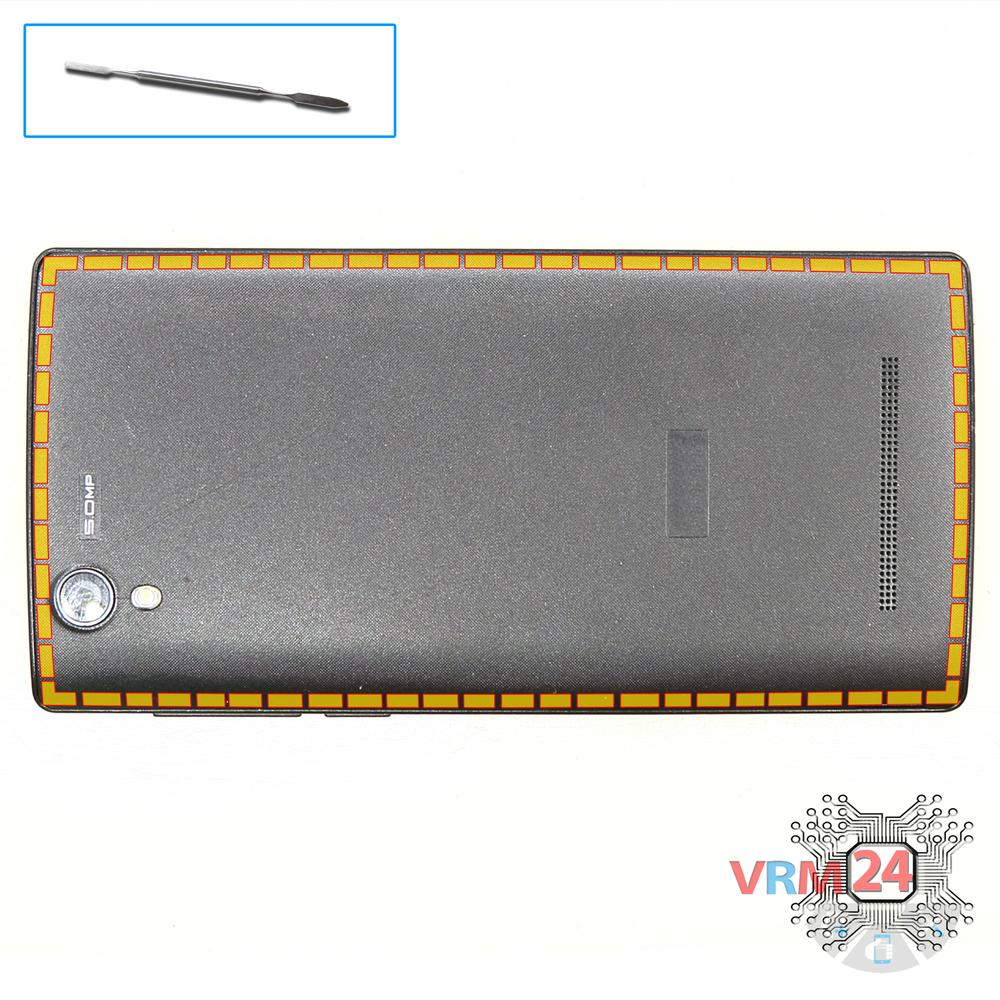
Using a spudger or a plastic pick, carefully, around the edge, detach the back cover clips, and remove it.
Do not insert the tool deeply or bend it. Otherwise, the housing may be tampered with or damaged.
⚠ Be careful when opening the cover from the volume and power buttons side. Thin cable and fragile buttons are straightforward to damage.
Step 2.
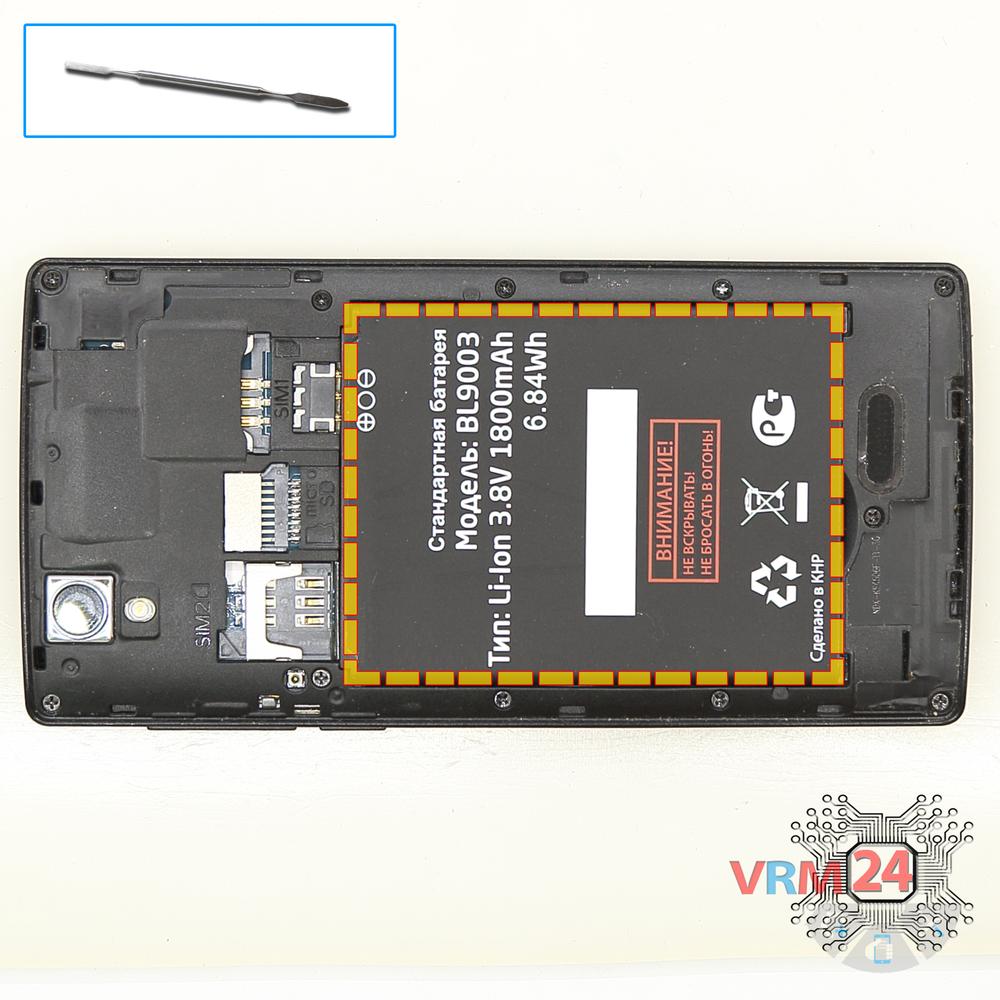
Remove the battery
Lift and remove the battery.
ℹ️ The Fly FS452 Nimbus 2 model has a battery BL9003 with 1800 mAh capacity (aka rechargeable battery).
Step 3.
Unscrew the screws
Using a screwdriver (Phillips 1.5 mm PH000), unscrew 11 screws.
Step 4.
Open the mid-frame
Remove the cover with antennas and a loudspeaker. The cover protects the printed circuit boards (PCBs). Try to lift the cover by the edges and not push anything between them to not accidentally touch or short-circuit anything on the PCB.
Step 5.
Disconnect the connectors
Pry up the connectors of display cable, touchscreen cable, inter-board cable. Also, release flat cable with side buttons.
Step 6.
Remove the motherboard
Carefully turn over the printed circuit board, disconnect the coaxial cable and remove the motherboard. There is no need to use a lever or try to reach the board by force. Make sure that nothing is getting in the way or holding the motherboard.
⚠ Do not bend the circuit board when removing it or push tools under it. Unbeknownst to yourself, you can damage components or cables from the inside.
Step 7.
Remove the tab
Peel the label to the left side. Be careful with cables underneath.
Step 8.
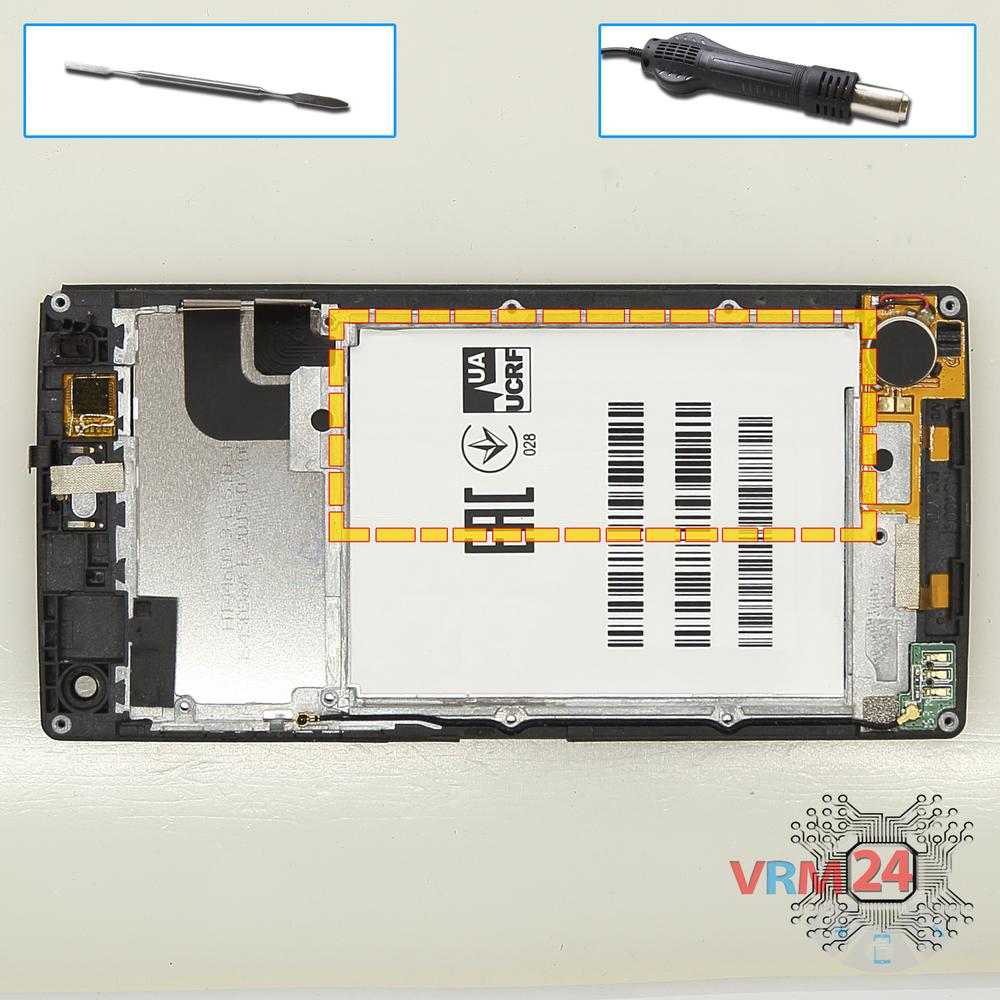
Remove the interconnect cable
Now we should remove the flat cable with the microphone and vibration motor at the end glued to the display module frame. To do this, we have to peel it back from the vibration motor and squeeze the cable by the thinner side under the frame out. Do it extremely carefully to avoid any damage.
Step 9.
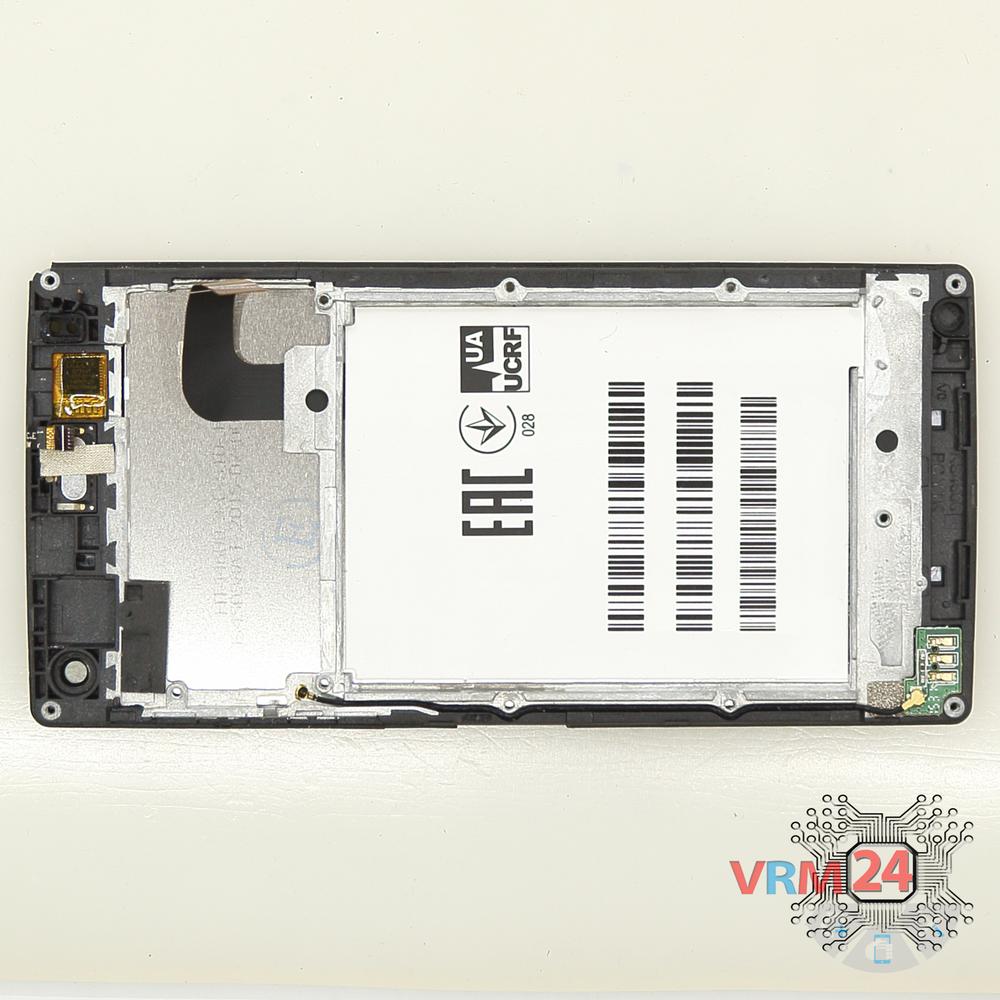
In the display frame remained
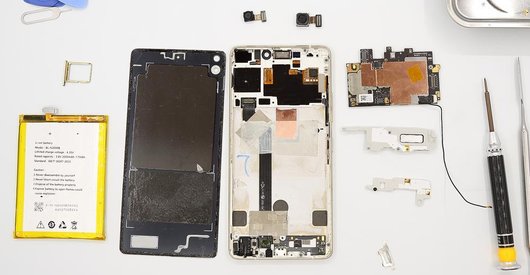
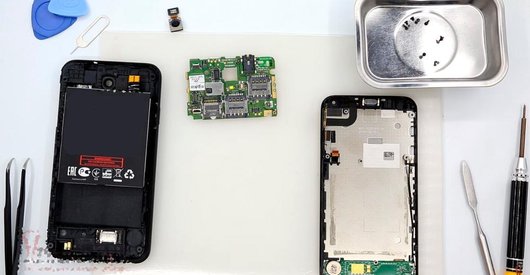
ℹ️ In the display frame remained: the earpiece speaker, small antennas board, coaxial cable.

If you have a question, ask us, and we will try to answer in as much detail as possible. If this article was helpful for you, please rate it.

5039
Views
2
Likes
—
Share
4
Questions
Related Instructions
Related Reviews
Related Blog
Popular Questions
Fly IQ458 Quad EVO Tech 2
do you have for sale , lcd and dogotizer for this model ?
paraskevas
B
Fly IQ4516 Tornado Slim Octa
hi any shops in dubai/qatar or india that l can take my phones in for repairs?
Blessing Sanderson2
W
Asus ZenFone 2 Laser ZE601KL
To replace the charging connector, should the entire charging board be replaced? Could you explain to me, please? I am thinking of buying it to do th…
Wendel Viana11Xiaomi Redmi Note 8 Pro
The phone doesn't charge anymore, I ordered a new sub-board because every time i pressed the back/under-side of my phone the charging LED would go on…
felix
ع
Lenovo Vibe Shot Z90
The phone camera has dust inside it 😓
عبقرينو4Top instructions
Check our
Top Fly instructions most liked by readers
New instructions
Check our
New Fly brand instructions on vrm24.com