



Recommended tools
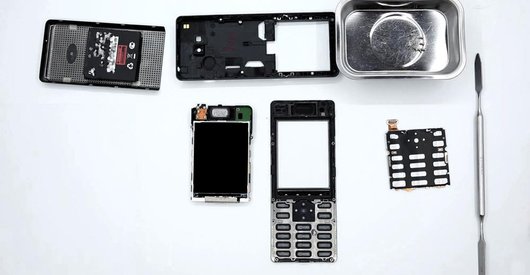
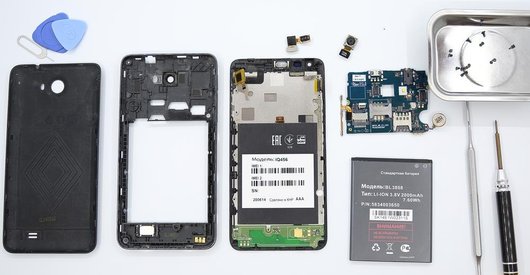
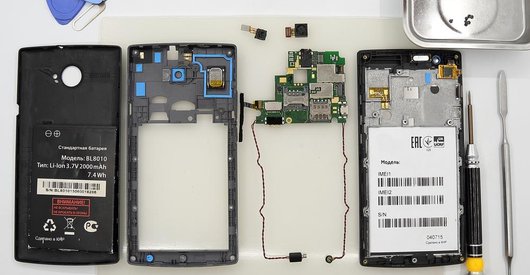
Screwdriver Phillips #000

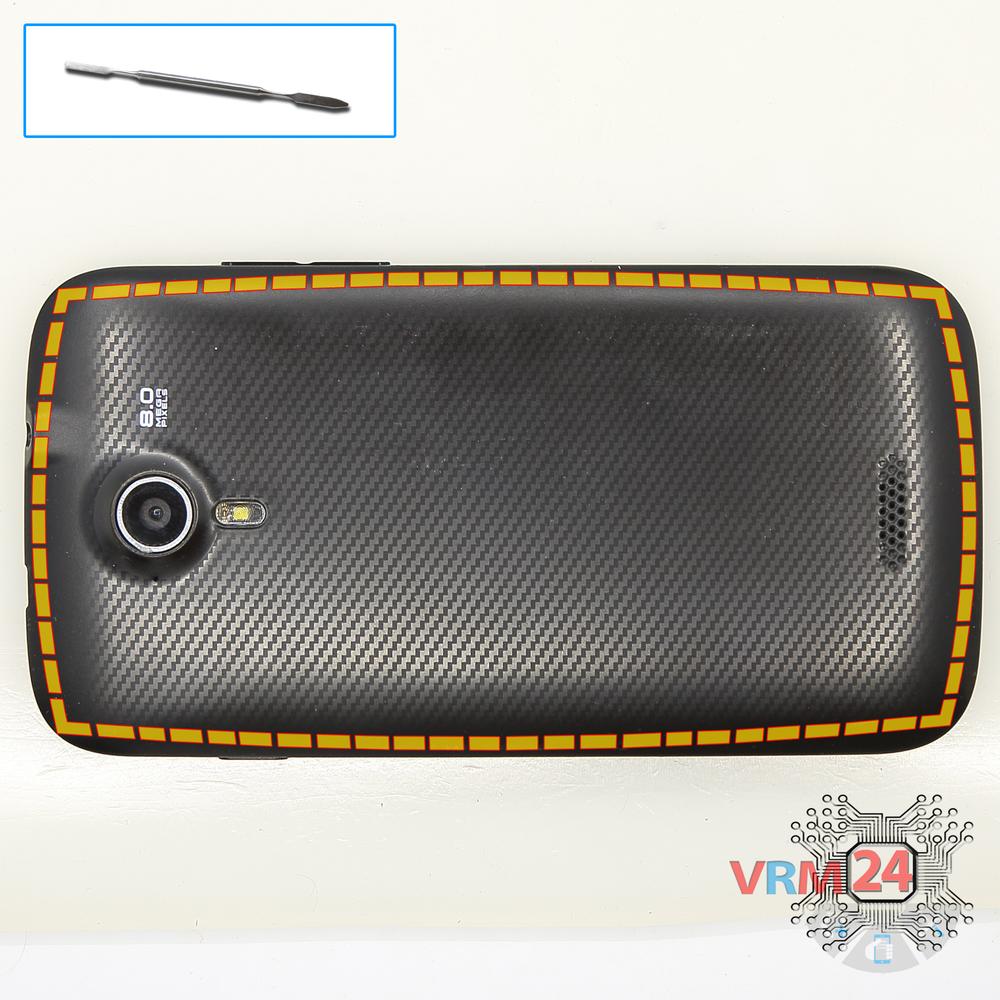
Opening tool / Spudger

Tweezers

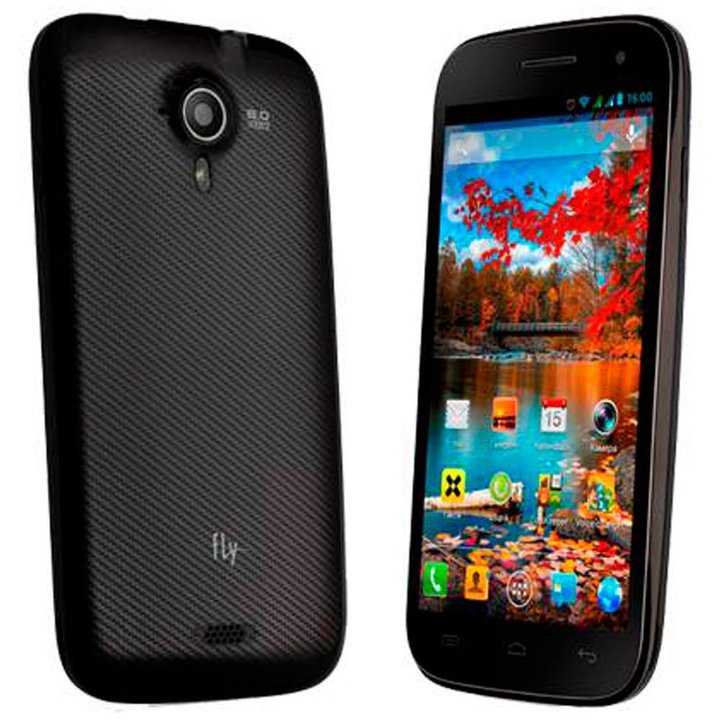
Disassembly/Repair of the mobile device Fly IQ451 Quattro Vista with each step description and the required set of tools.
3619
Views
1
Likes
—
Share
4
Questions

Step 1.
Open the back cover
Open the back cover.
Step 2.
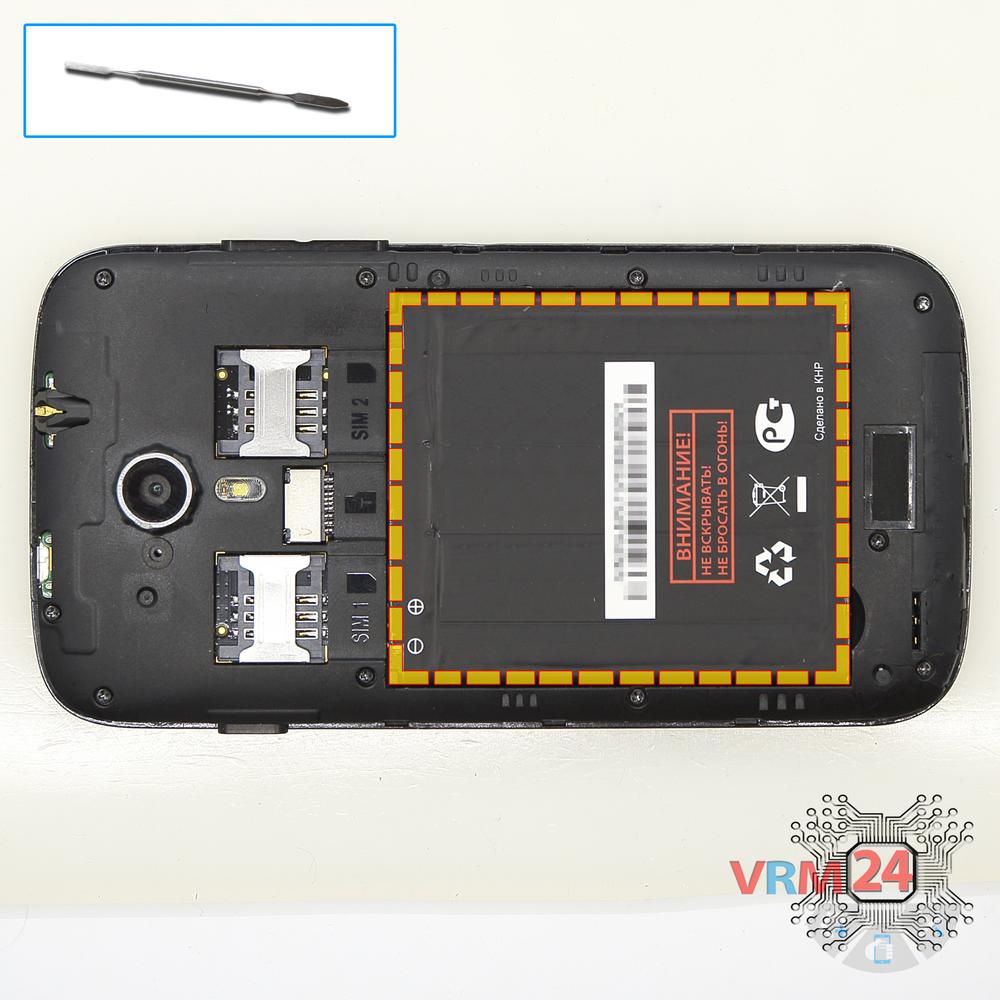
Remove the battery
Lift and remove the battery.
Step 3.
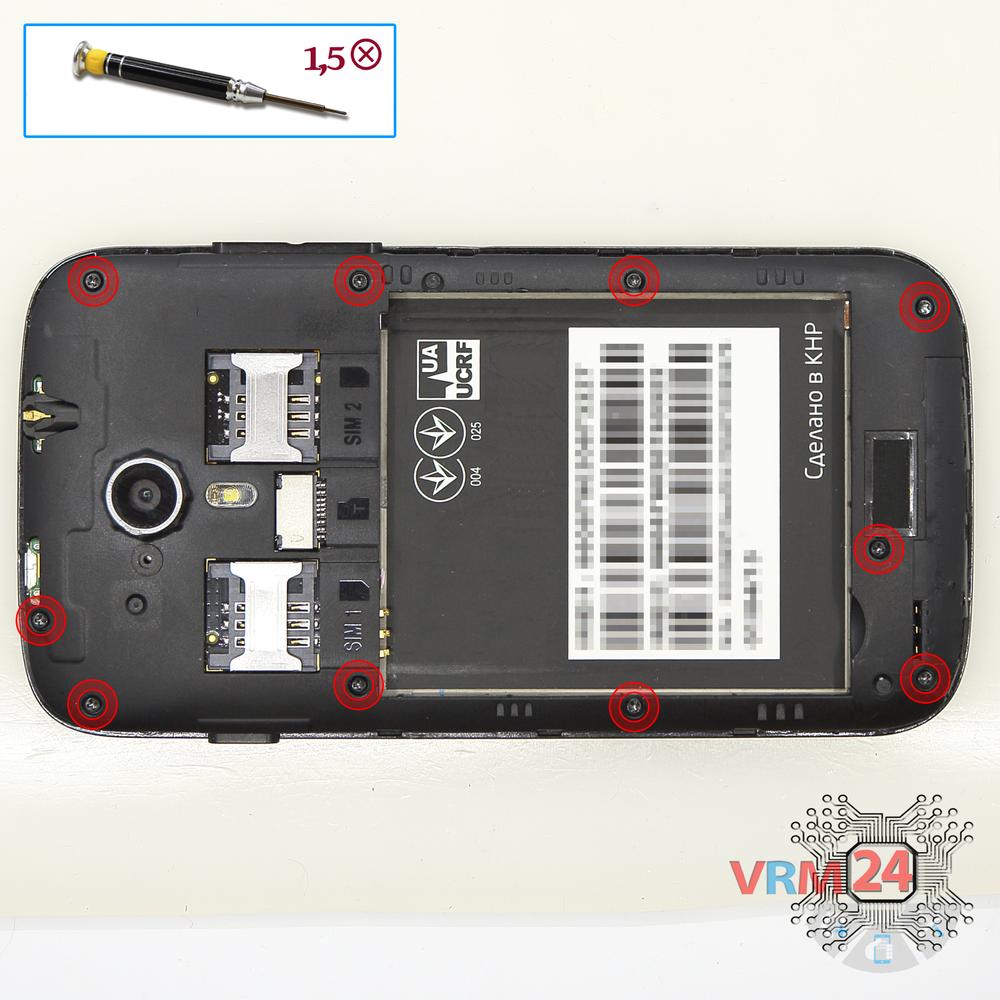
Unscrew the screws
Using a screwdriver (Phillips 1.5 mm PH000), unscrew 10 bolts in the frame of the phone.
Step 4.
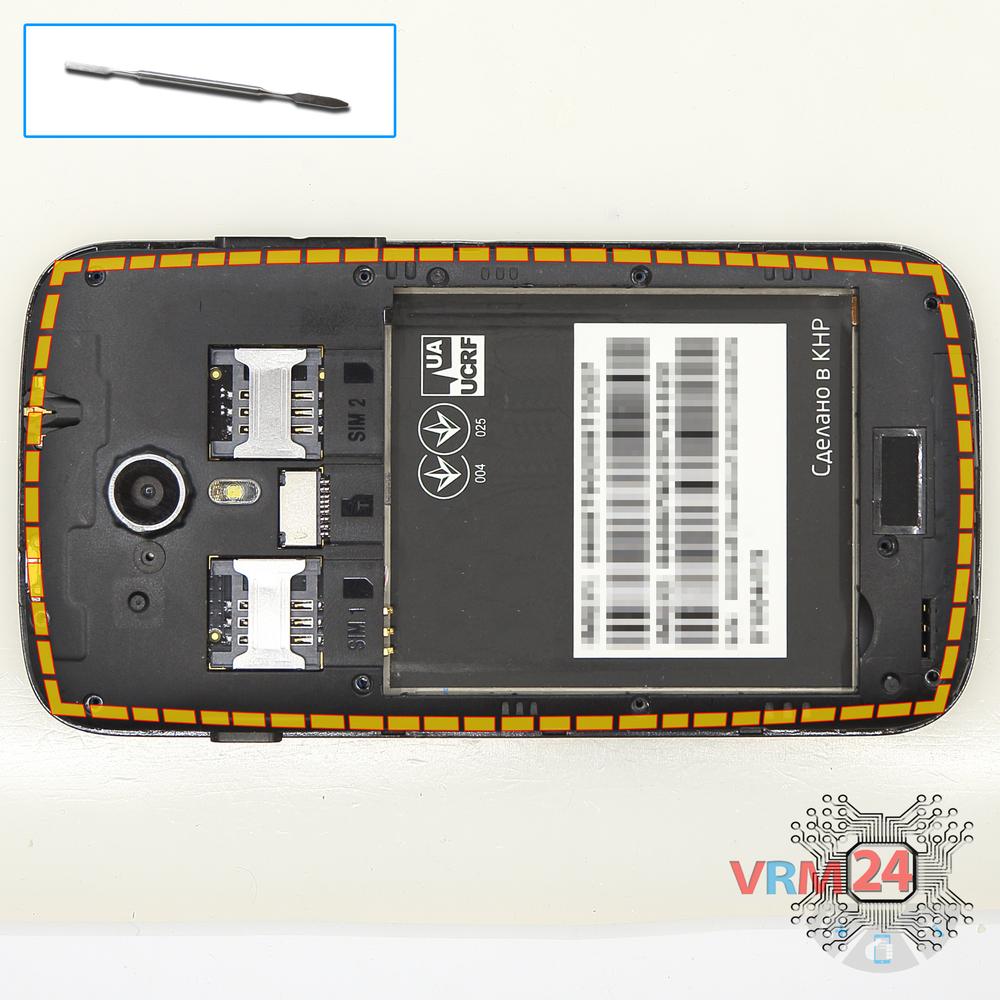
Open the mid-frame
Pry and remove the middle frame.
Step 5.
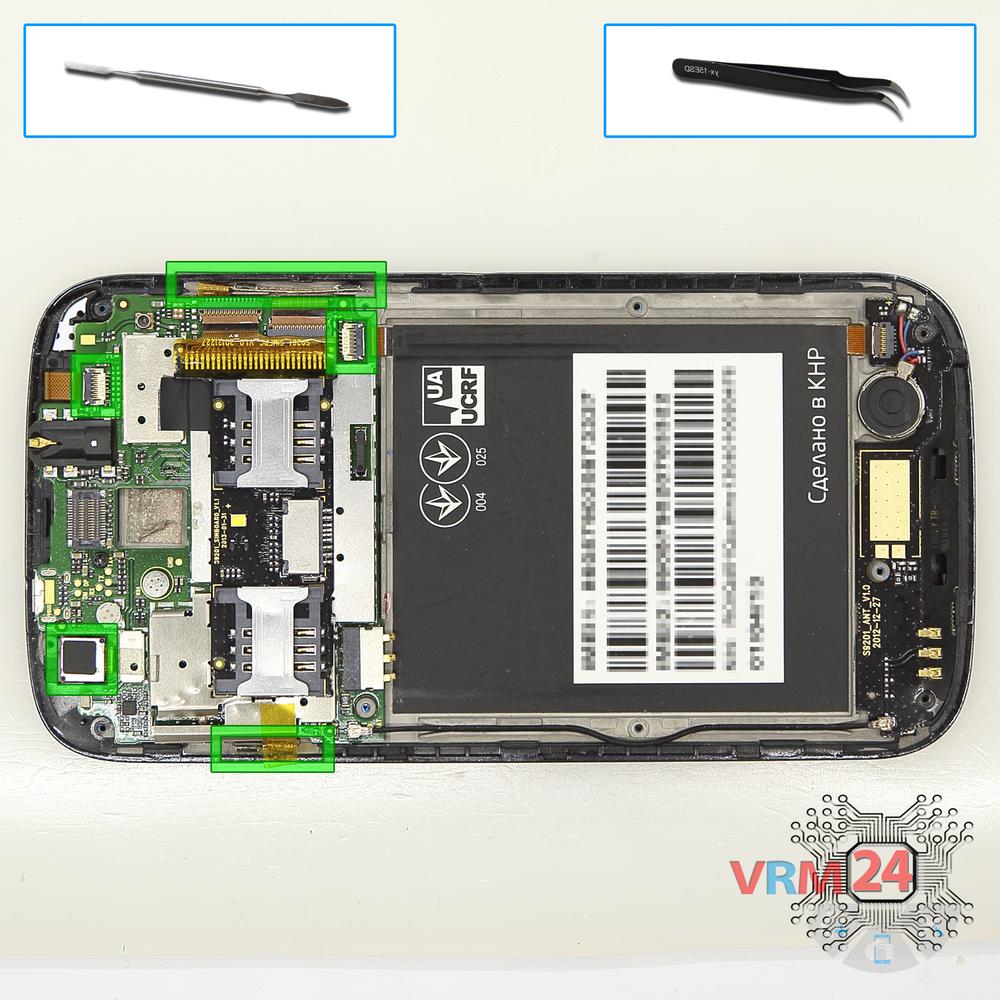
Remove the motherboard
Disconnect connectors on the PCB, pry up vibration motor, disconnect the connector of the coaxial cable and remove the coaxial cable & PCB.
Step 6.
Unscrew one screw
Using a screwdriver (Phillips 1.5 mm PH000), unscrew 1 bolt in the PCB.
Step 7.
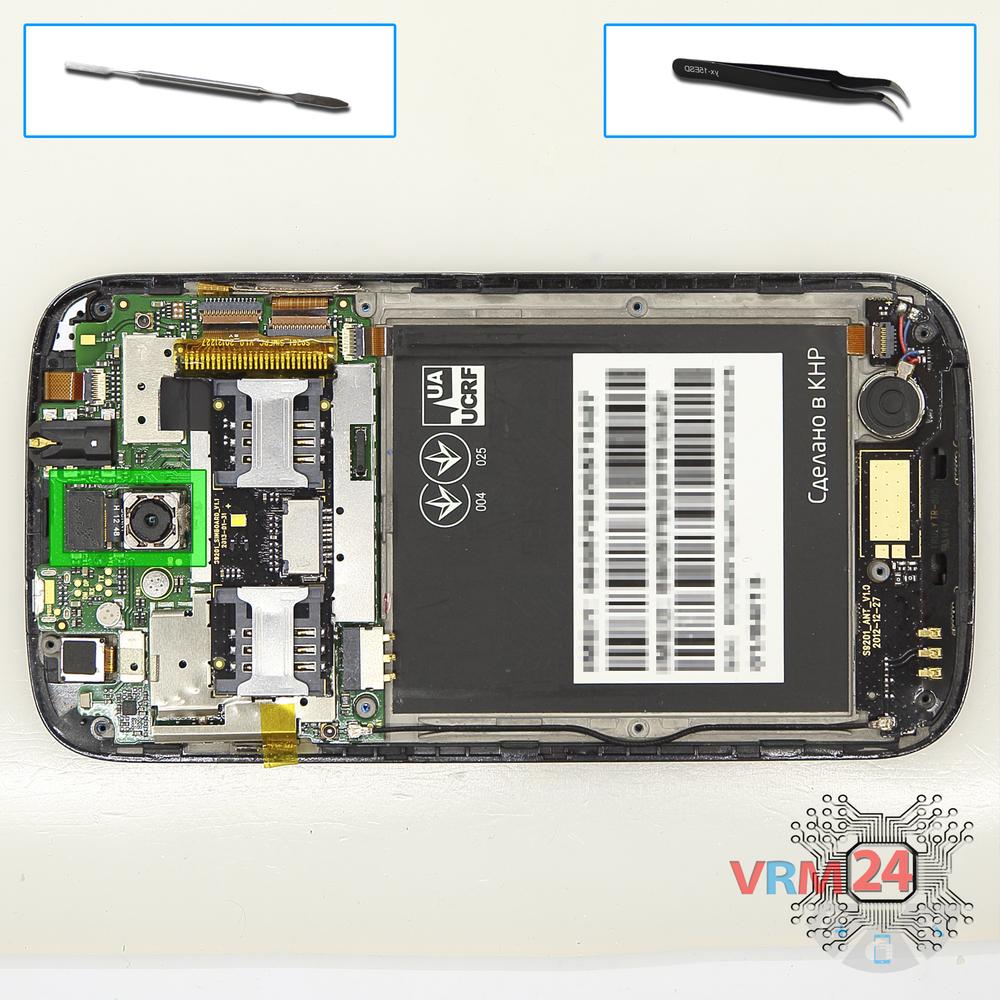
Remove the rear camera
Disconnect connector on the PCB and remove the main camera.
Step 8.
Disconnect the connectors
Disconnect connectors on the PCB.
Step 9.
Remove the motherboard
Remove the PCB.
Step 10.
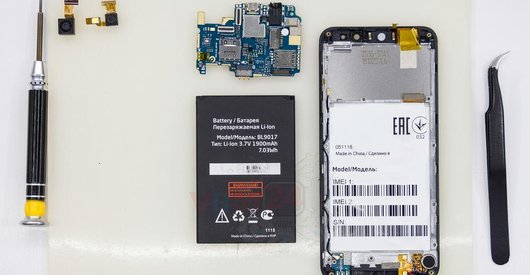
In the display frame remained
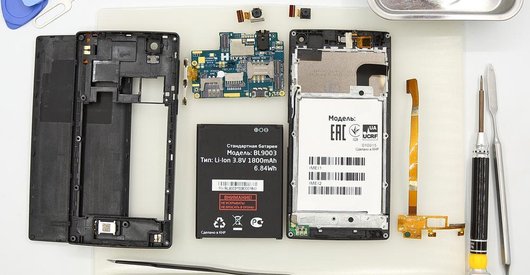
Parts in the frame of the display module.

If you have a question, ask us, and we will try to answer in as much detail as possible. If this article was helpful for you, please rate it.

3619
Views
1
Likes
—
Share
4
Questions
Related Instructions
Related Reviews
Related Blog

Popular Questions
B
Fly IQ4516 Tornado Slim Octa
hi any shops in dubai/qatar or india that l can take my phones in for repairs?
Blessing Sanderson2Fly IQ458 Quad EVO Tech 2
do you have for sale , lcd and dogotizer for this model ?
paraskevas
J
Samsung Galaxy J5 Prime SM-G570
TO CHANGE THE DISPLAY JUST FIRST 10 MINUTES, RIGTH ?
jc Pettit9
B
Nokia 7 Plus TA-1046
My phone's charging jack is broken
Bablu Sagar11
R
LeEco Le 2 X527
This is the best phone disassembly channel.. if there's any Brazilian watching, give it a like
Ribeiro Pathy5Top instructions
Check our
Top Fly instructions most liked by readers
New instructions
Check our
New Fly brand instructions on vrm24.com