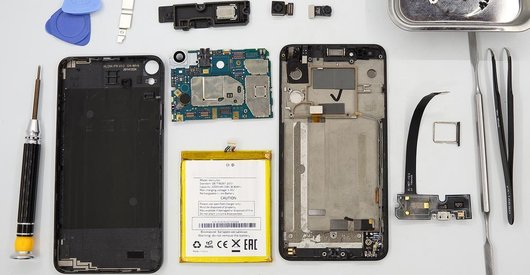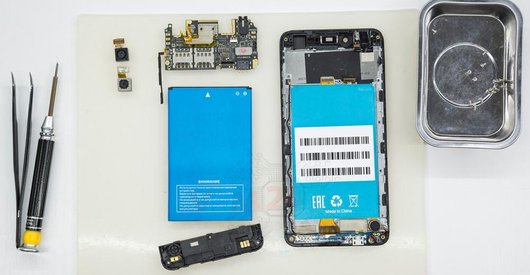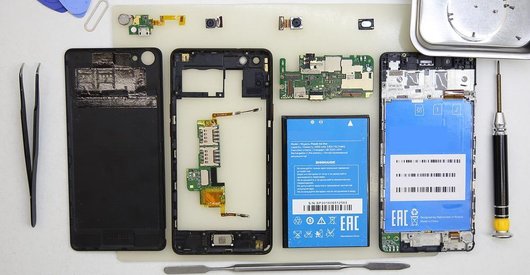
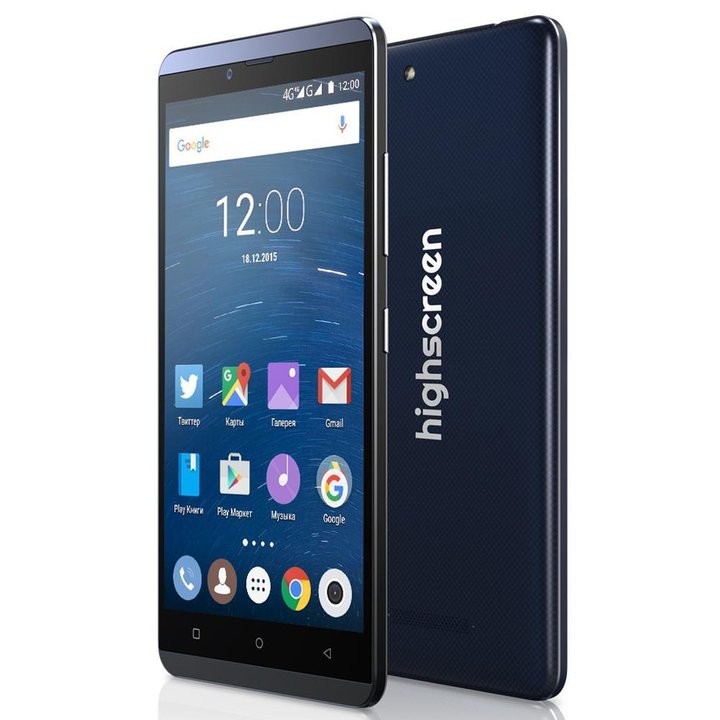
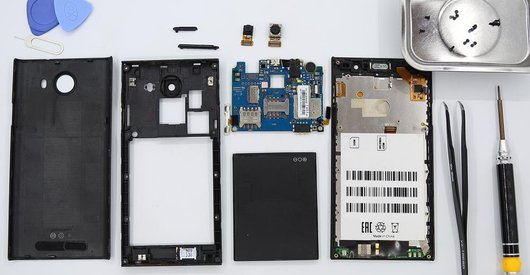
Disassembly/Repair of the mobile device Highscreen Bay with each step description and the required set of tools.
4188
Views
0
Likes
—
Share
5
Questions

Step 1.
Open the back cover
Open the back cover.
Step 2.
Remove the battery
Lift and remove the battery.
Step 3.
Unscrew the screws
Using a screwdriver (Phillips 1.5 mm PH000), unscrew 15 bolts in the frame of the phone.
Step 4.
Open the mid-frame
Pry and remove the middle frame.
Step 5.
Remove the loudspeaker
In the middle frame, pry and remove the buzzer (speaker).
Step 6.
Disconnect the connectors
Disconnect connectors on the lower PCB.
Step 7.
Remove the sub-board
Remove the lower PCB.
Step 8.
Remove the rear camera
Disconnect connector on the PCB and remove the main camera.
Step 9.
Disconnect the connectors
Disconnect connectors on the PCB.
Step 10.
Remove the motherboard
Remove the PCB.
Step 11.
Remove the earpiece speaker
Pry and remove the earpiece (speaker).
Step 12.
In the display frame remained
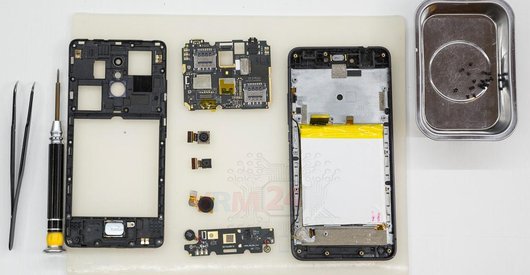
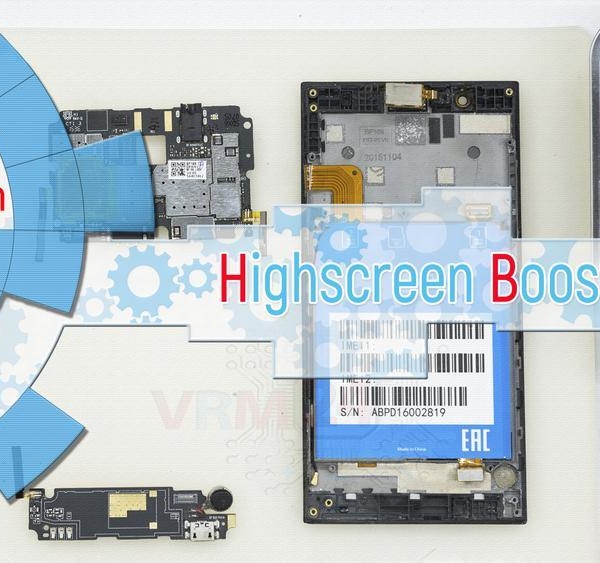
Parts in the frame of the display module.

If you have a question, ask us, and we will try to answer in as much detail as possible. If this article was helpful for you, please rate it.

4188
Views
0
Likes
—
Share
5
Questions
Related Instructions
Related Reviews
Related Blog
Popular Questions
C
Samsung Galaxy J2 Prime SM-G532
What do you use to heat it to detach the display
CAMILA ILEANA GONZALEZ Y NOELIA BELEN GONZALEZ13
A
Huawei Ascend G6 / G6-C00
My Huawei Ascend G6 shows internal memory storage has been damaged. How to fixed it? Can you give me an idea of how to repair this issue? Please plea…
Alina_O
C
Huawei Honor 8 Pro
seem s professional but there s no explain about pieces... we need to know pieces what for used thnks
cute child18
Samsung Galaxy Watch Active 2 SM-R820
Hello. If on exactly the same watch as yours in the video the display blinks green, and then became dark. I took it apart. Everything is intact. The …
doc.afanaseva
R
Asus ZenFone Go ZB551KL
I did the disassembly, step by step, when I reassembled it, the camera, the flashlight, and the chip stopped working. Do you have any tips to get it …
Resenha Palmeiras6Top instructions
Check our
Top Highscreen instructions most liked by readers
New instructions
Check our
New Highscreen brand instructions on vrm24.com