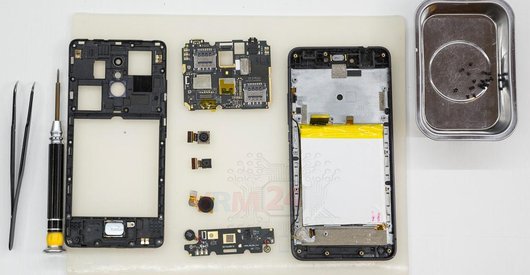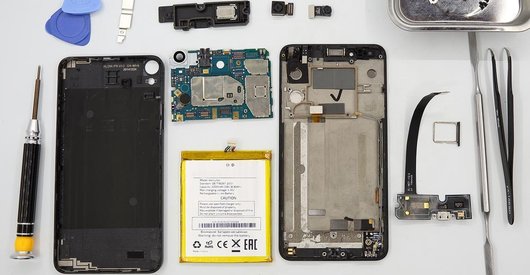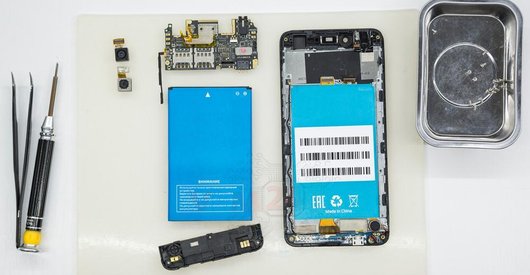



Recommended tools
Screwdriver Phillips #000

Opening tool / Spudger

Tweezers

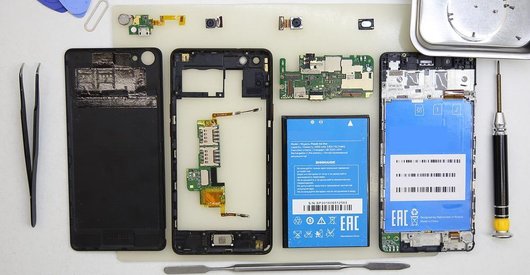
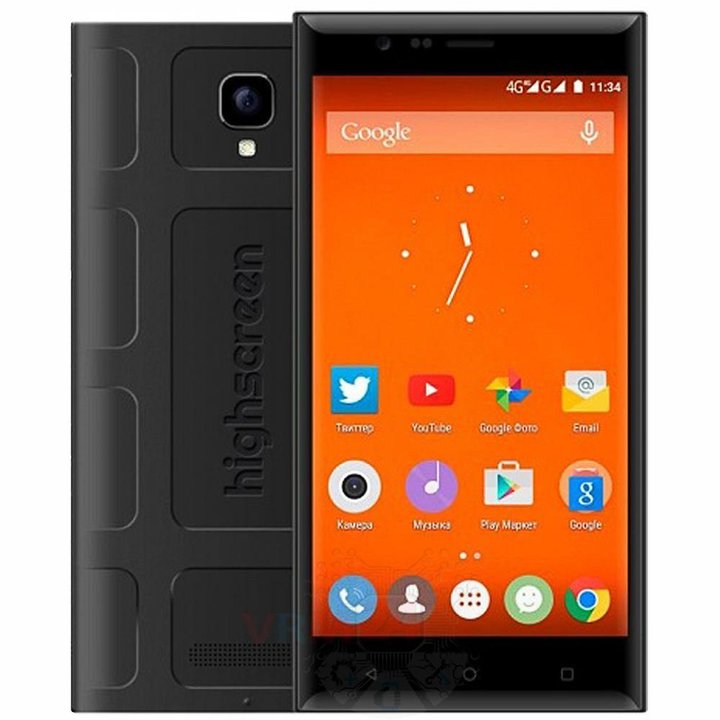
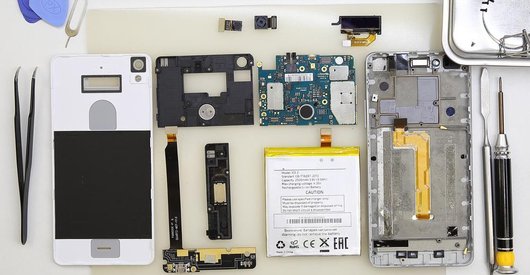
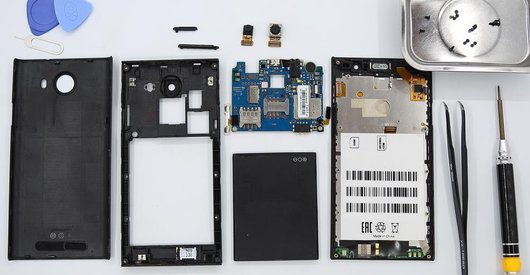
Disassembly/Repair of the mobile device Highscreen Boost 3 Pro with each step description and the required set of tools.
4453
Views
0
Likes
—
Share
3
Questions

Step 1.
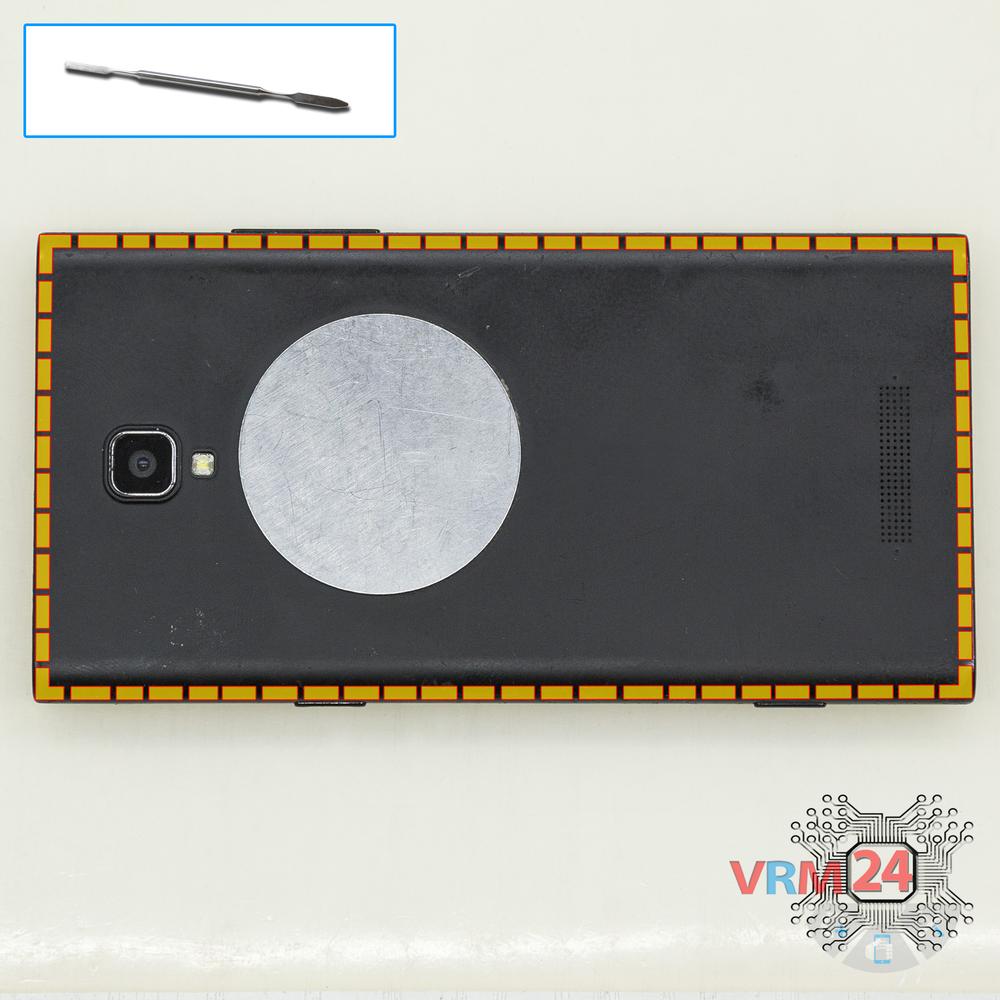
Open the back cover
Open the back cover.
Step 2.
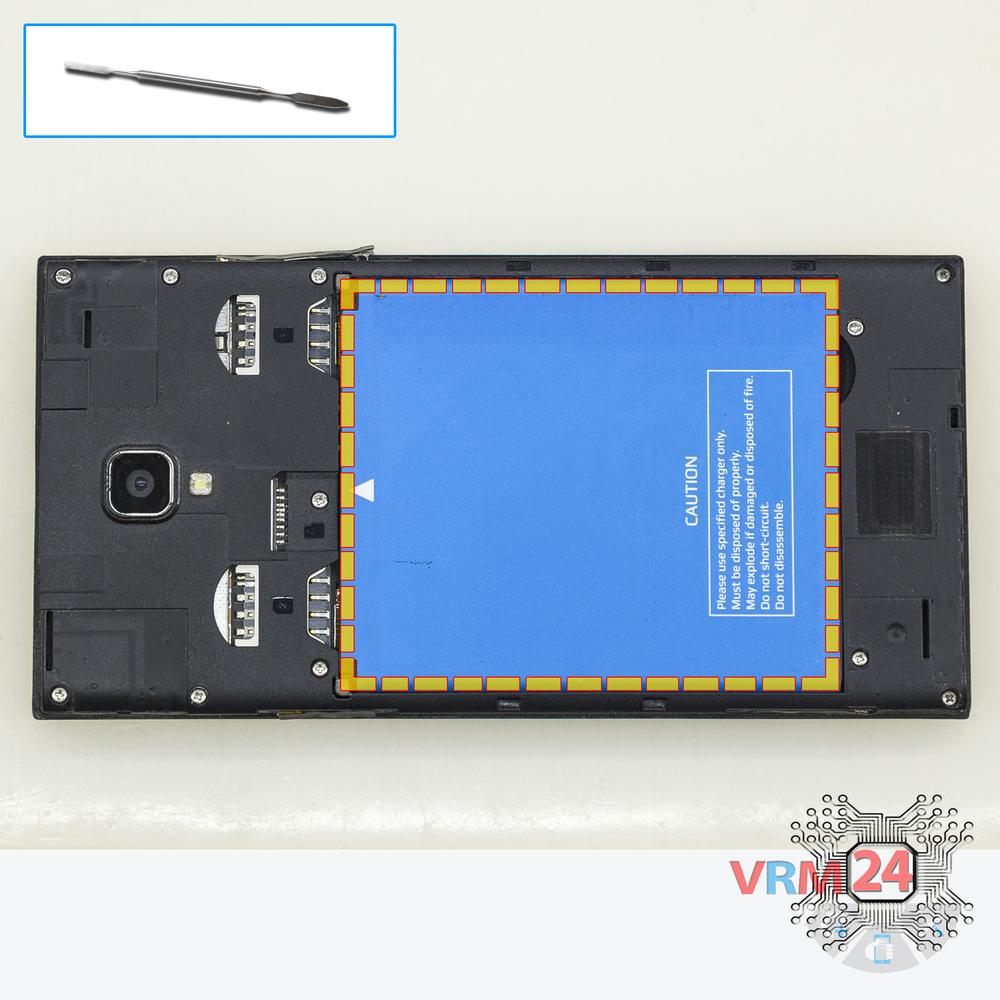
Remove the battery
Lift and remove the battery.
Step 3.
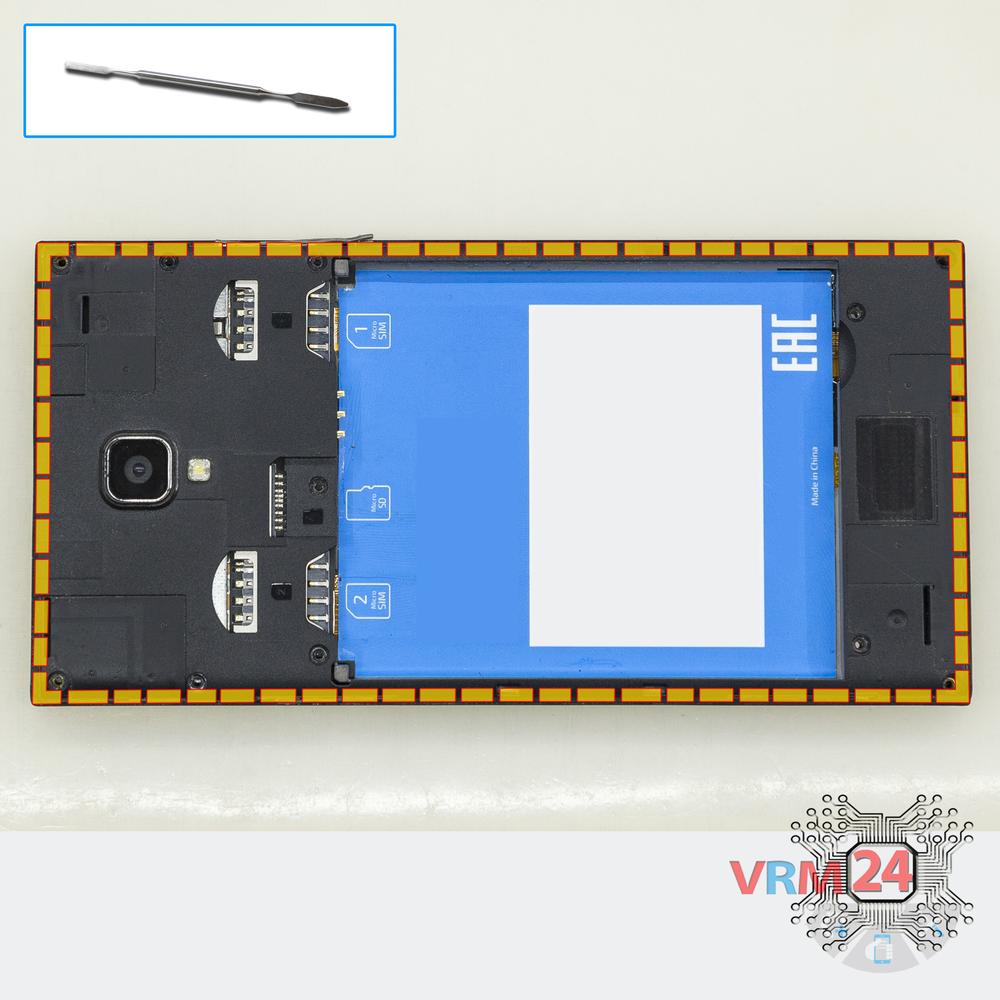
Unscrew the screws
Using a screwdriver (Phillips 1.5 mm PH000), unscrew 11 bolts in the frame of the phone.
Step 4.
Open the mid-frame
Pry and remove the middle frame.
Step 5.
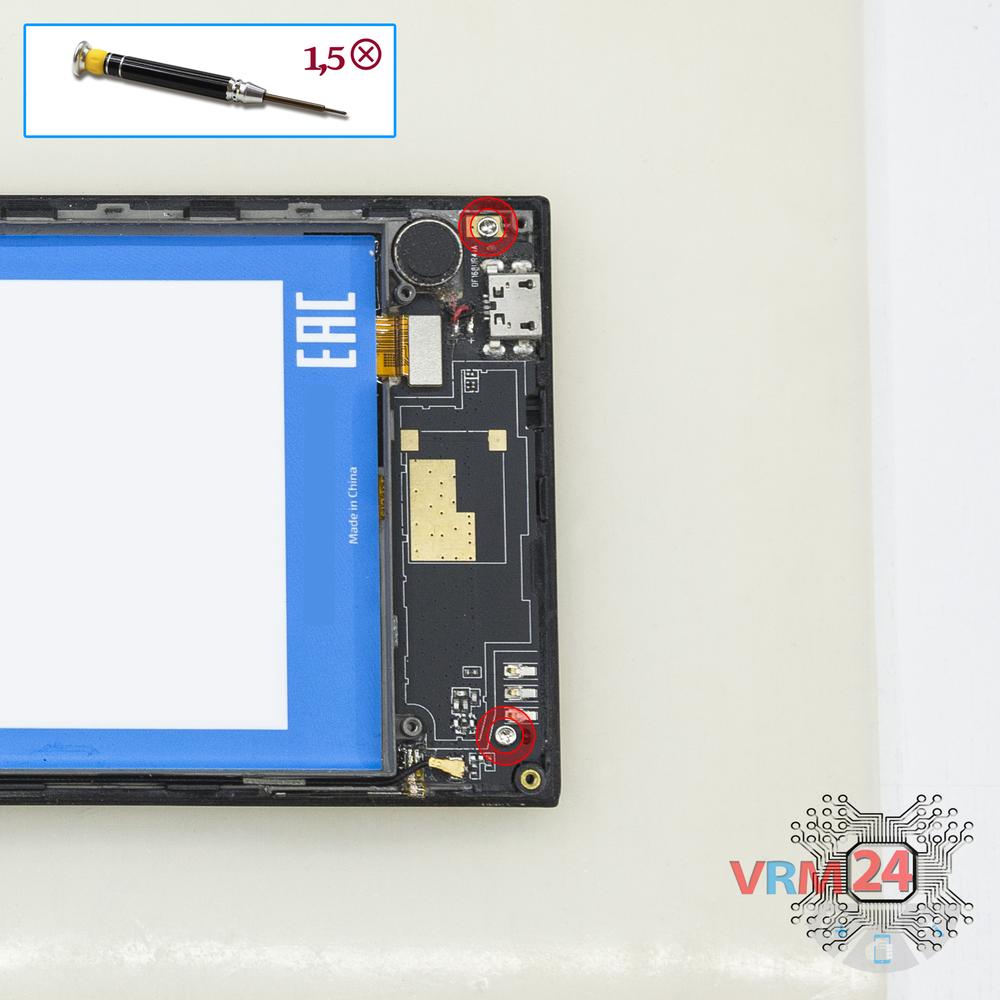
Unscrew the screws
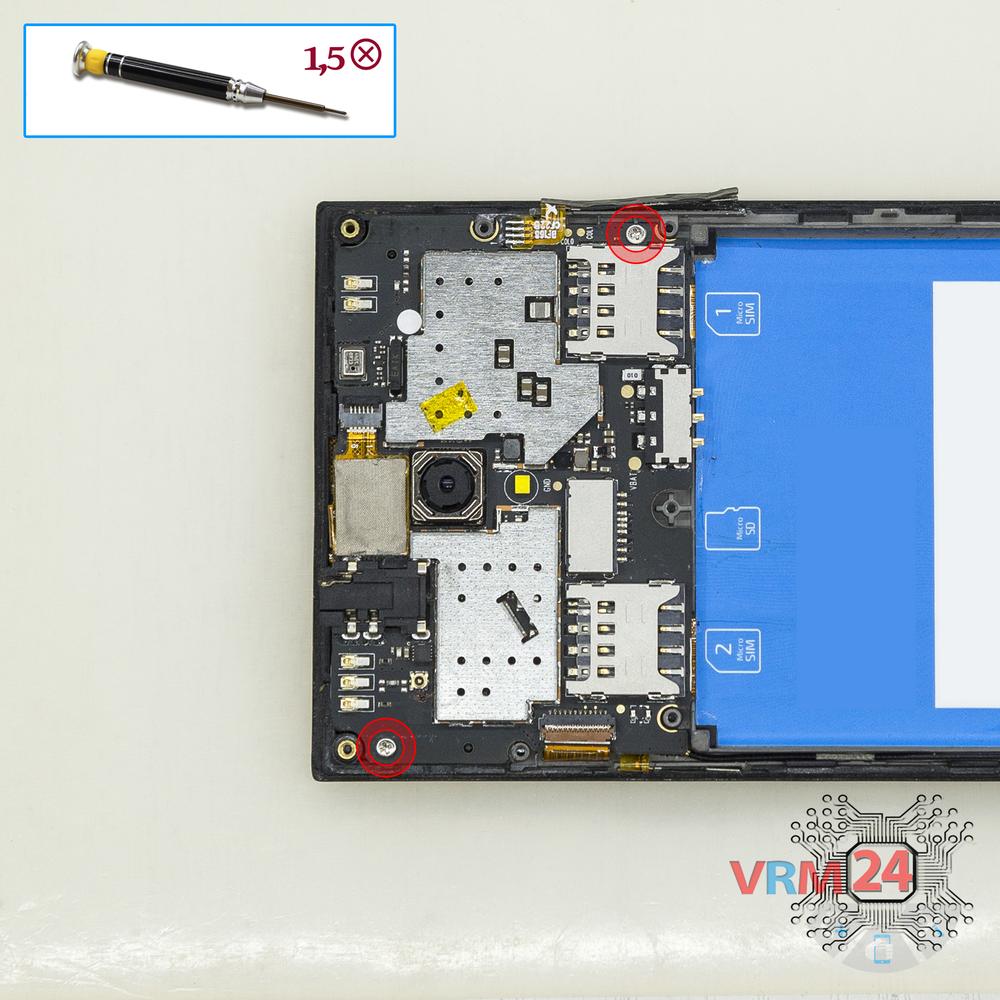
Using a screwdriver (Phillips 1.5 mm PH000), unscrew 2 bolts in the lower PCB.
Step 6.
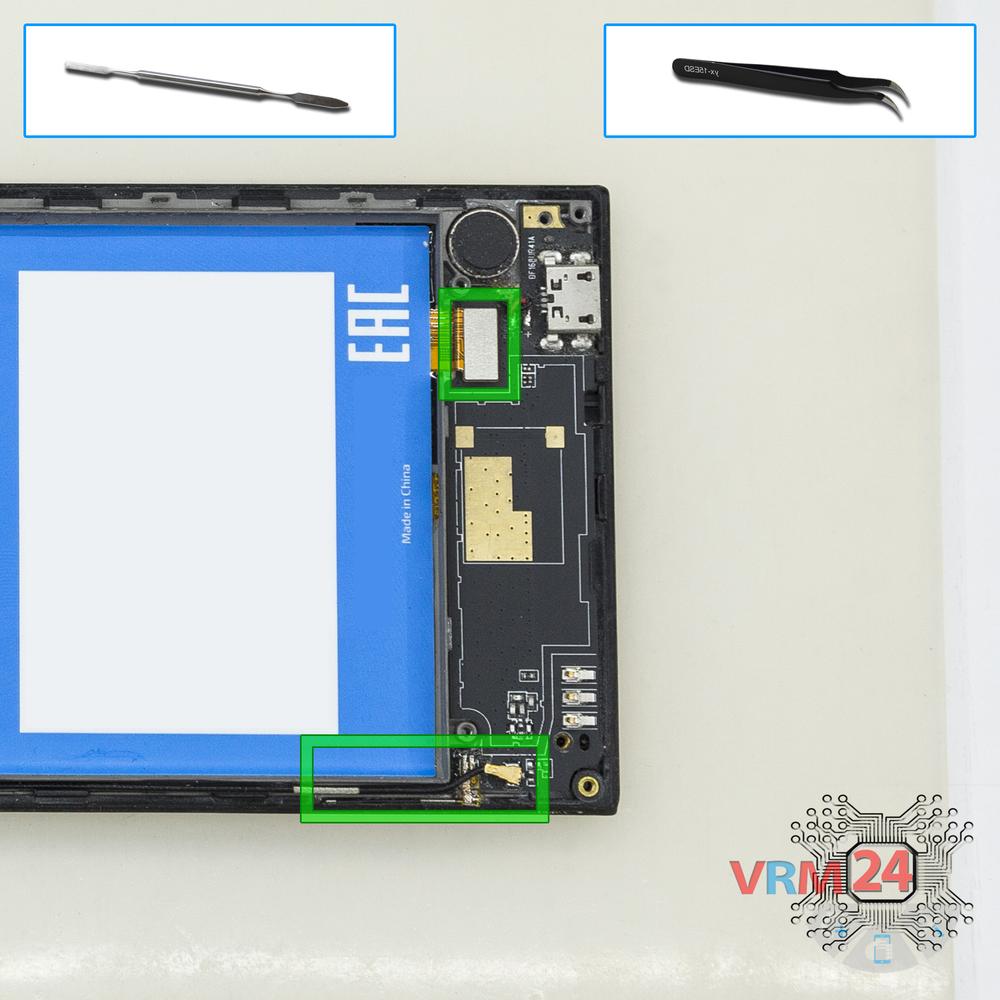
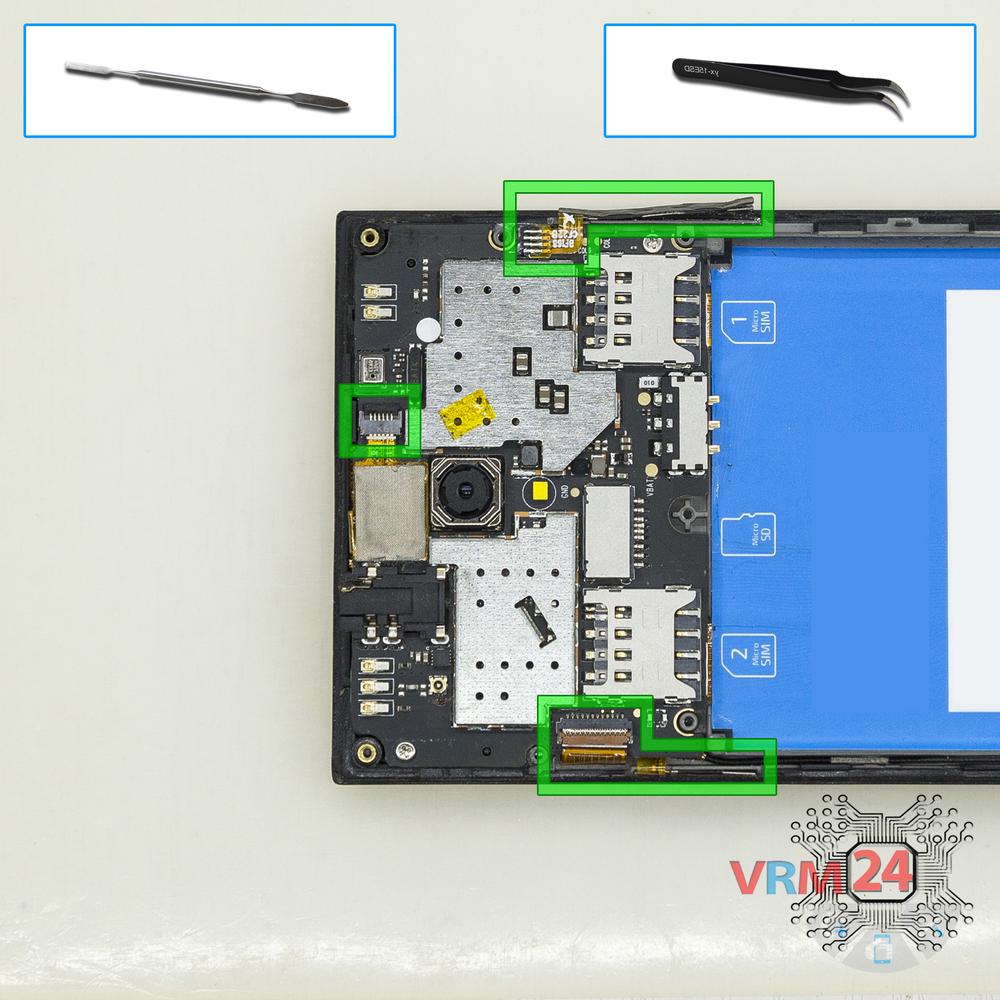
Disconnect the connectors
Disconnect connectors on the PCB.
Step 7.
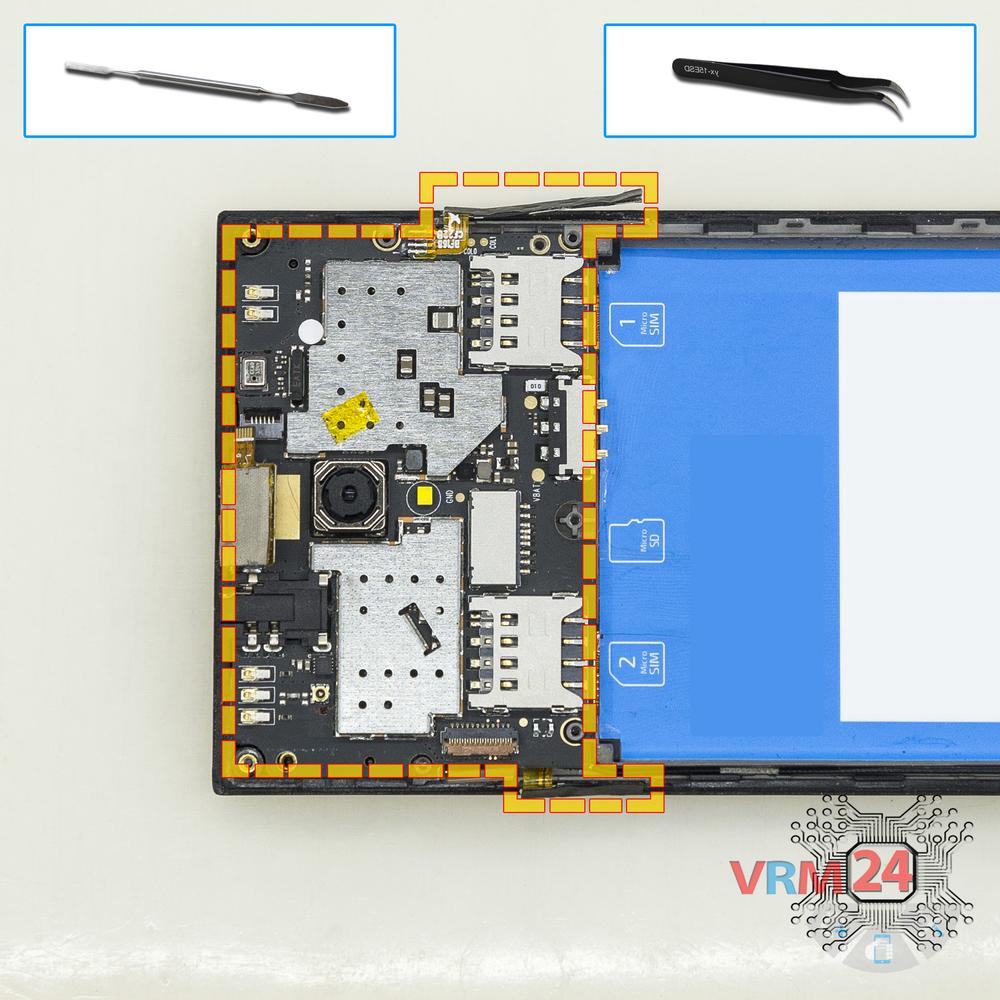
Remove the sub-board
Remove the lower PCB.
Step 8.
Disconnect the connectors
Disconnect connectors on the PCB.
Step 9.
Unscrew the screws
Using a screwdriver (Phillips 1.5 mm PH000), unscrew 2 bolts in the PCB.
Step 10.
Remove the motherboard
Remove the PCB.
Step 11.
Remove the cameras
Disconnect connectors on PCB and remove the main and front (selfie) cameras.
Step 12.
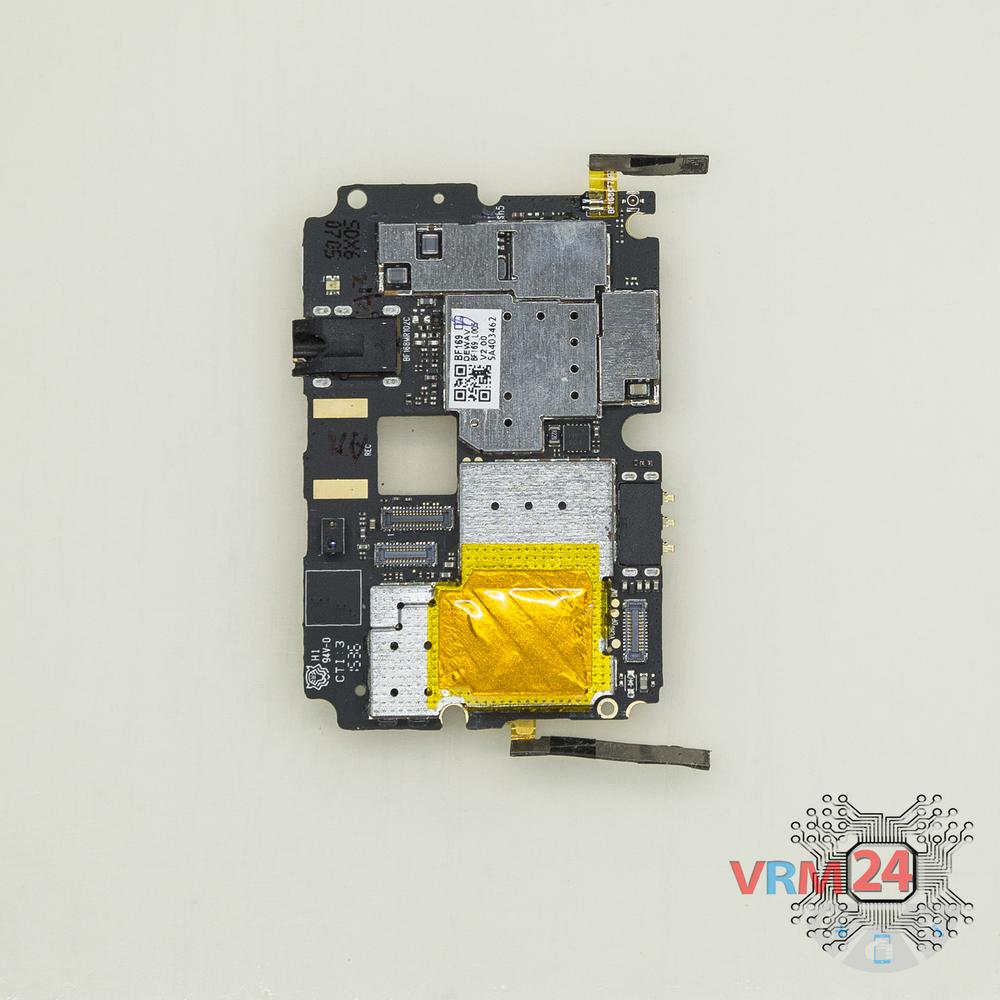
On the motherboard
The printed circuit board.

If you have a question, ask us, and we will try to answer in as much detail as possible. If this article was helpful for you, please rate it.

4453
Views
0
Likes
—
Share
3
Questions
Related Instructions
Related Reviews
Related Blog
Popular Questions

Xiaomi Mi Play
Hi brother. I have some problem on my mi play. Phone suddenly off. After that it don't turn on. Can you help me please!
ilmyrat
J
Samsung Galaxy A5 (2016) SM-A510
Where I can find a replacement for the back glass?
Julia CarullaPastor289816
J
Xiaomi RedMi Note 2 Prime
Data is deleted from the phone?
Javi Belda13
P
Xiaomi RedMi Note 3
I have a problem with my xiami it's not charging,once it fell from my desk hanging on the charger so how do I approch?Once I put the cable in the pho…
Pfirtzer13
L
ZTE Axon Mini
Can we rebuild it afterwards?
LeKoKeLiKo10Top instructions
Check our
Top Highscreen instructions most liked by readers
New instructions
Check our
New Highscreen brand instructions on vrm24.com