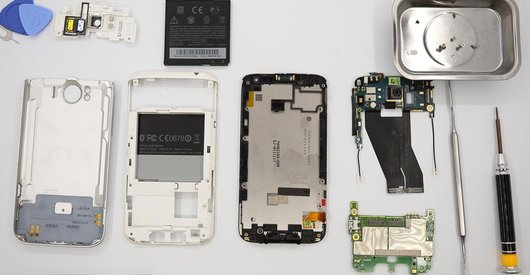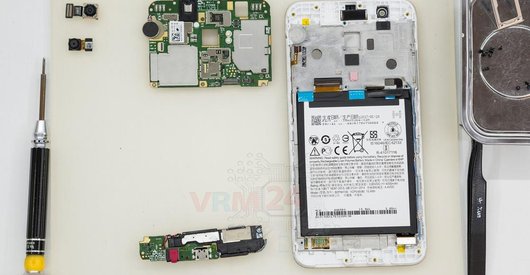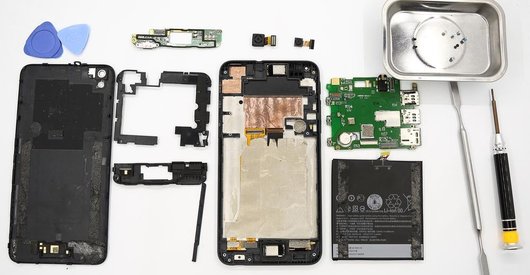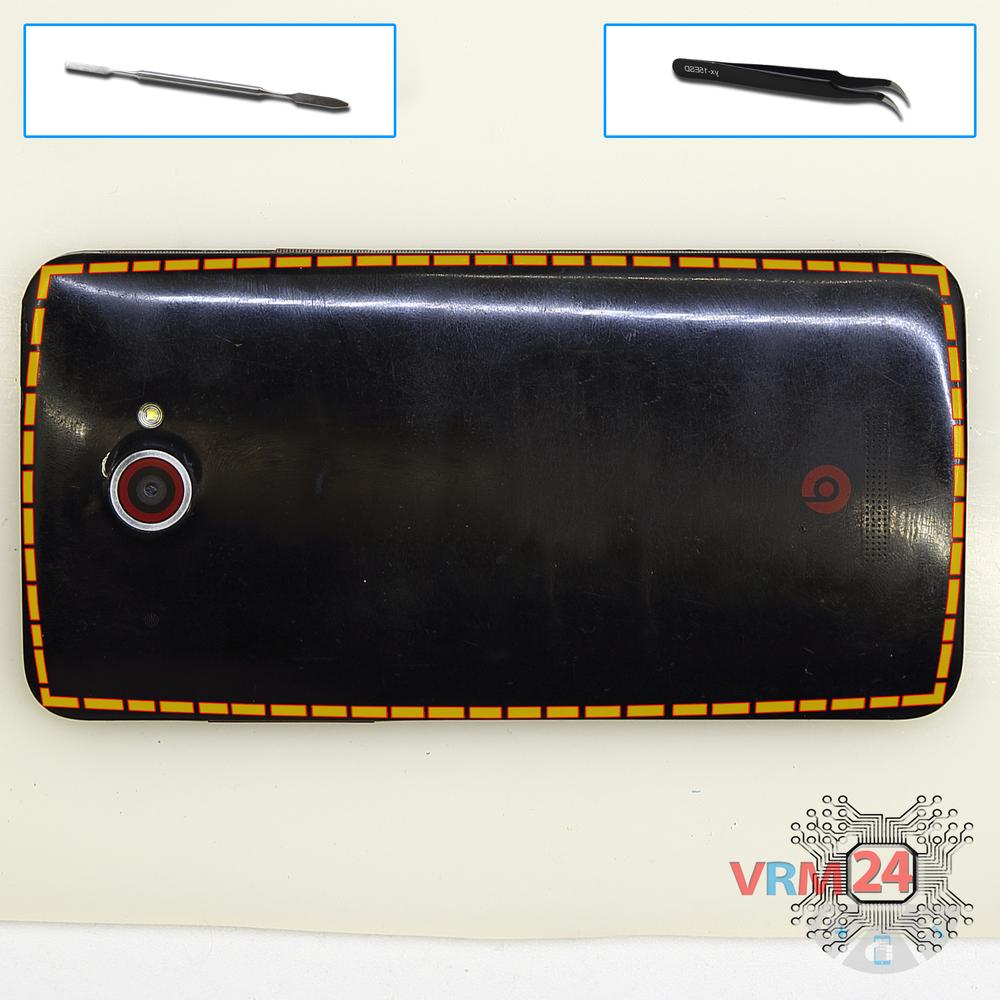



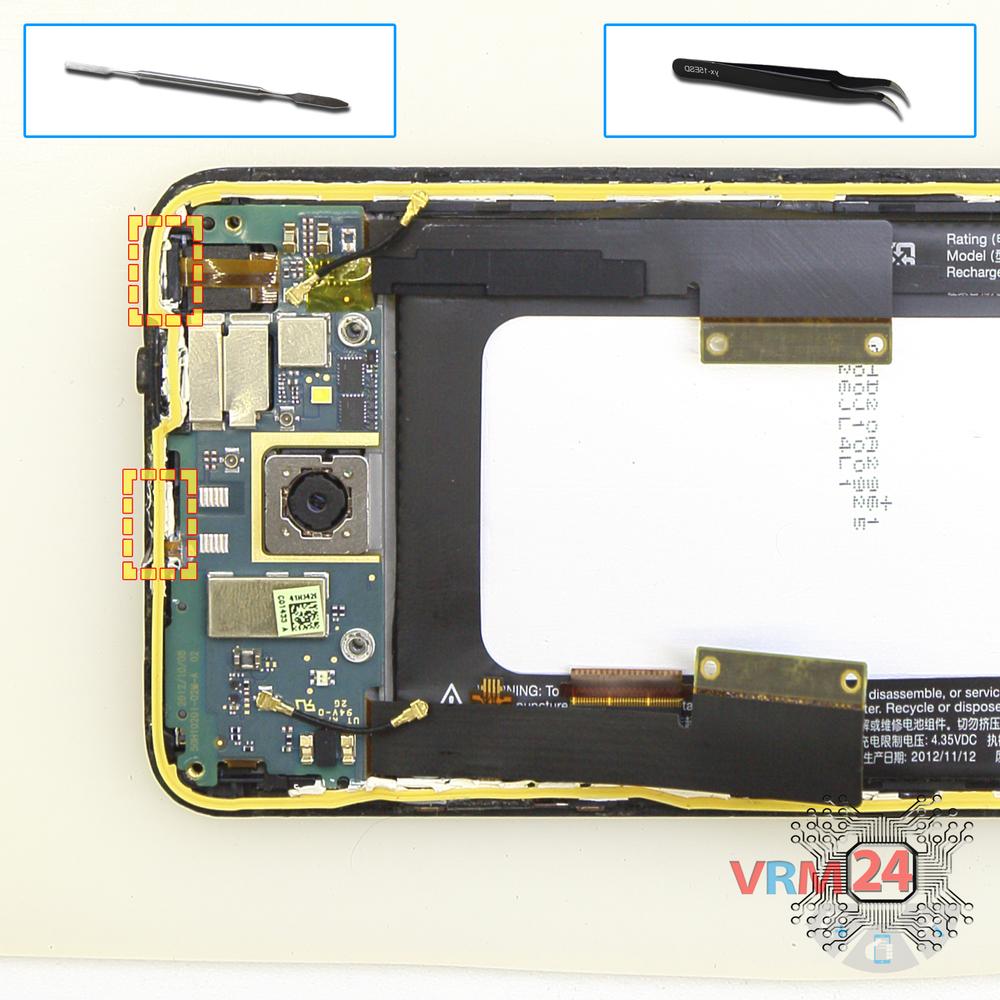

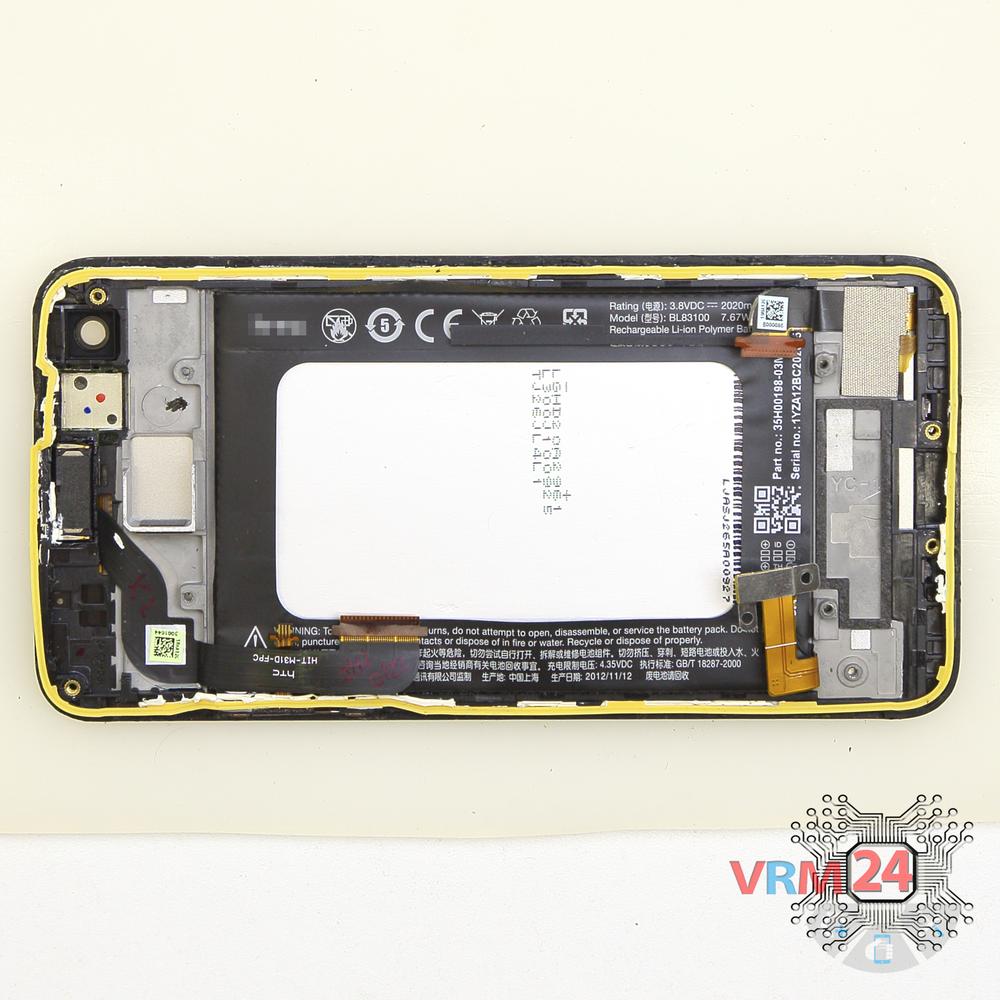
Recommended tools
Screwdriver Phillips #000

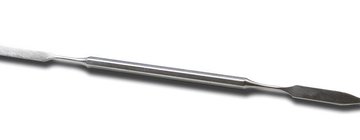
Opening tool / Spudger
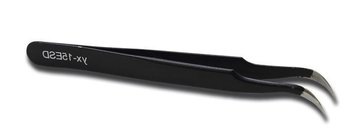
Tweezers
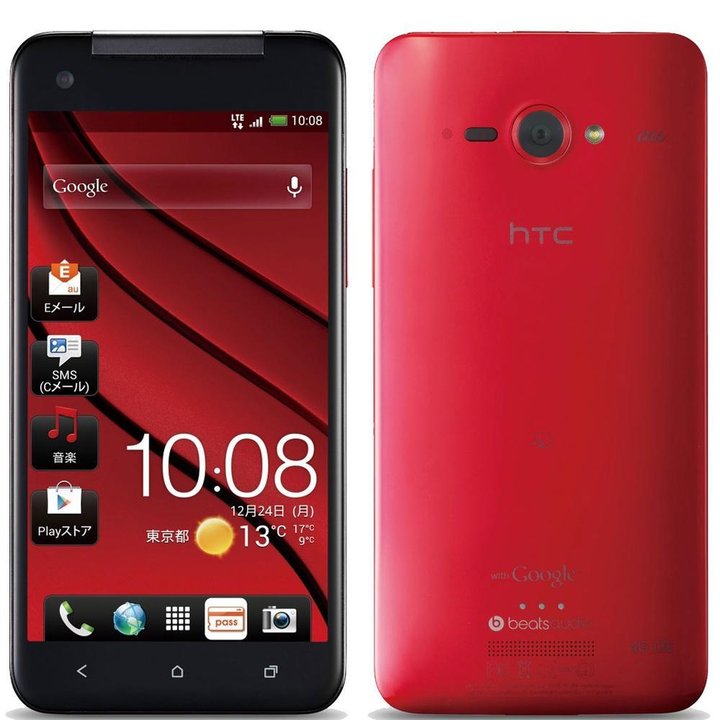
Disassembly/Repair of the mobile device HTC Butterfly (HTC Butterfly PL99110 \ HTC Deluxe) with each step description and the required set of tools.
5128
Views
0
Likes
—
Share
8
Questions

Step 1.
Remove the tray
Using the key tool, open the SIM card tray and remove it.
⚠ Warning!
Do not push too hard this may cause damage.
Step 2.
Open the back cover
Open the back cover.
Step 3.
In the housing remained
The back cover with the buzzer (speaker).
Step 4.
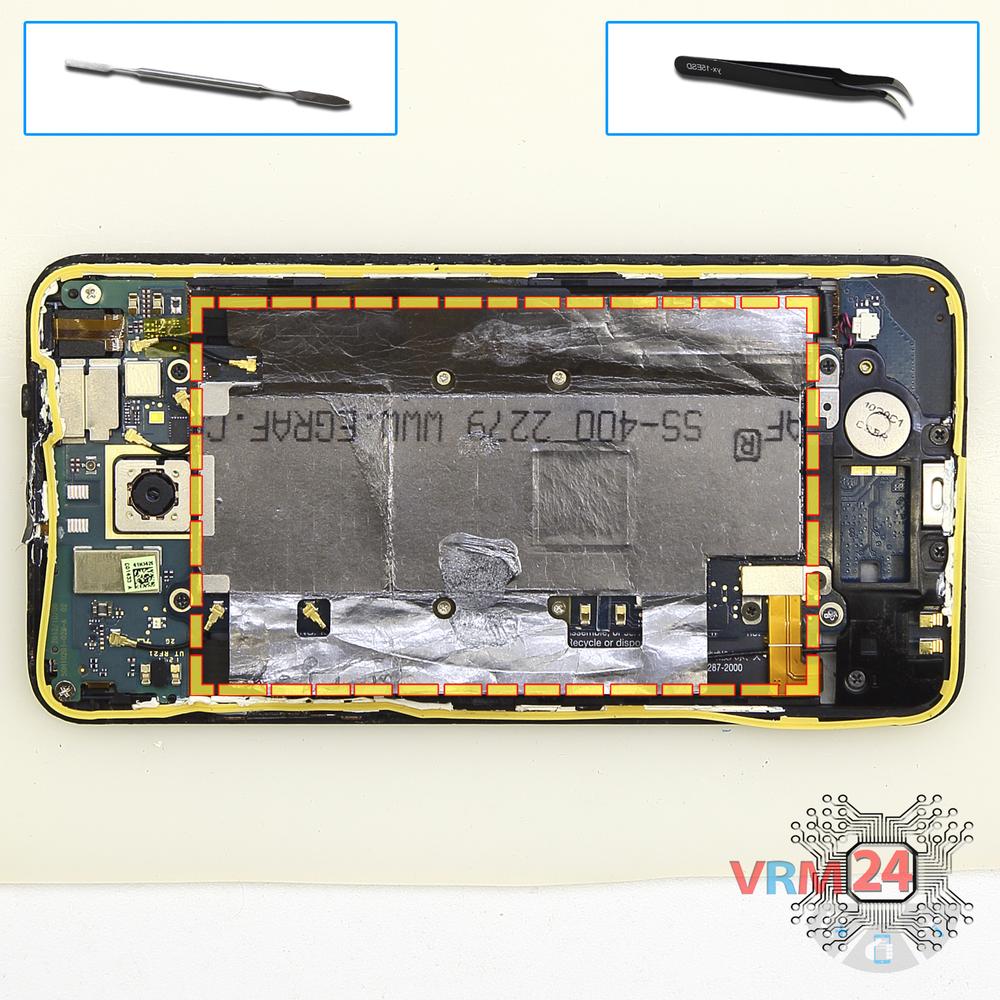
Remove the protective film
Peel back the protective layer from both sides.
Step 5.
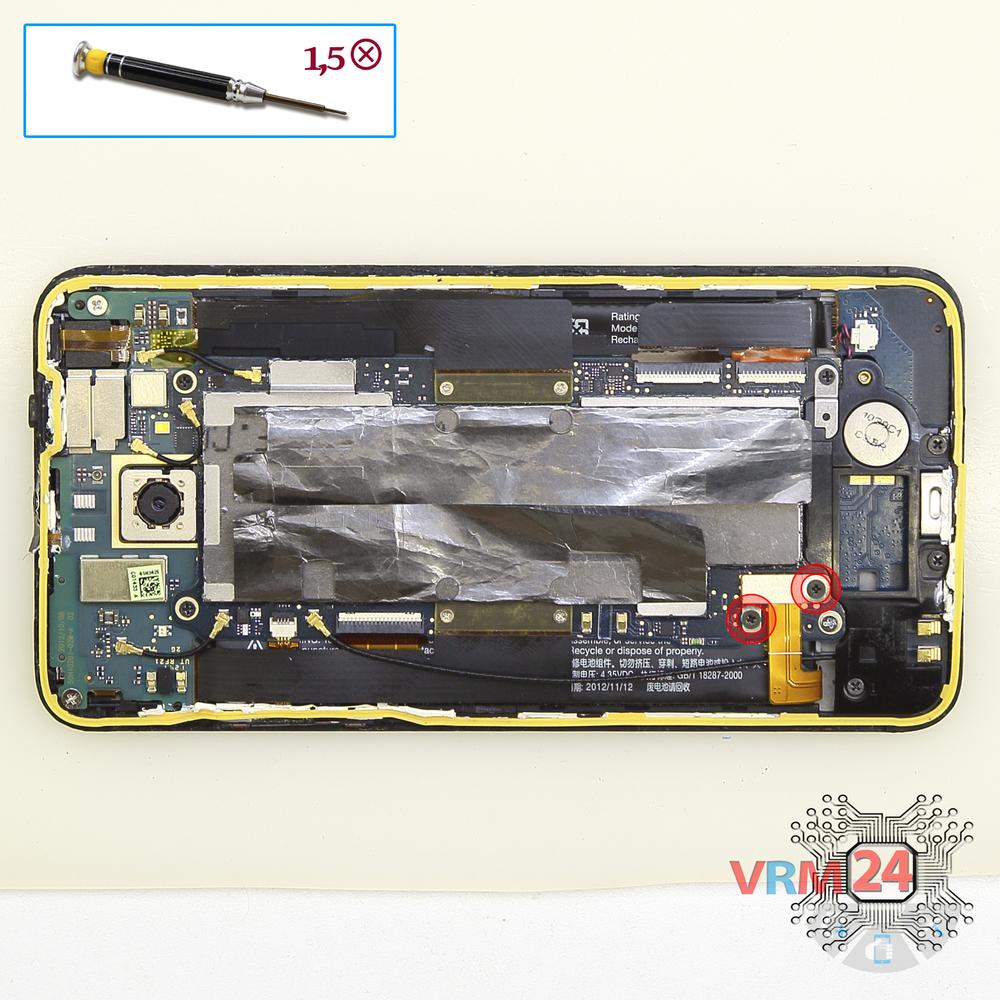
Unscrew the screws
Using a screwdriver (Phillips 1.5 mm PH000), unscrew 2 bolts securing the battery connector.
Step 6.
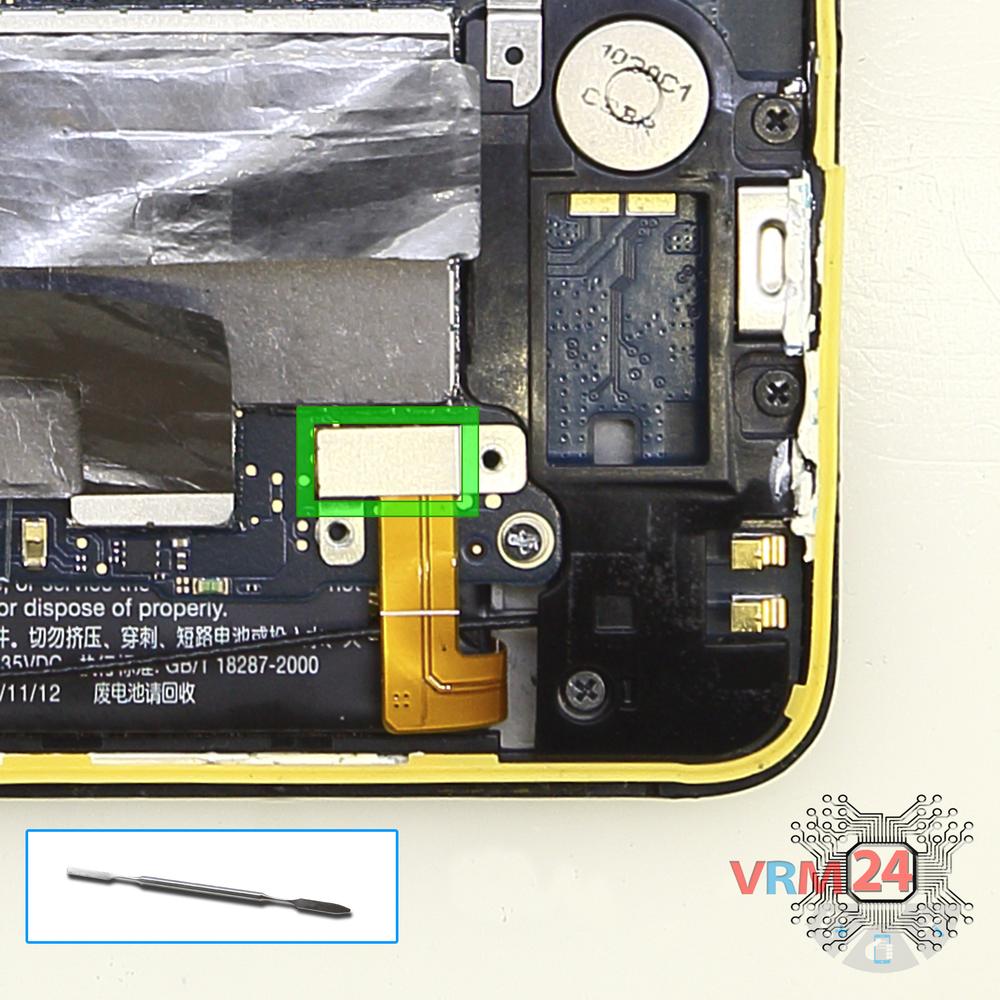
Disconnect the battery connector
Disconnect the battery connector.
⚠ Warning!
We strongly recommend disconnecting the connector to avoid a possible short circuit during disassembly.
Step 7.
Unscrew the screws
Using a screwdriver (Phillips 1.5 mm PH000), unscrew 4 bolts securing the connectors.
Step 8.
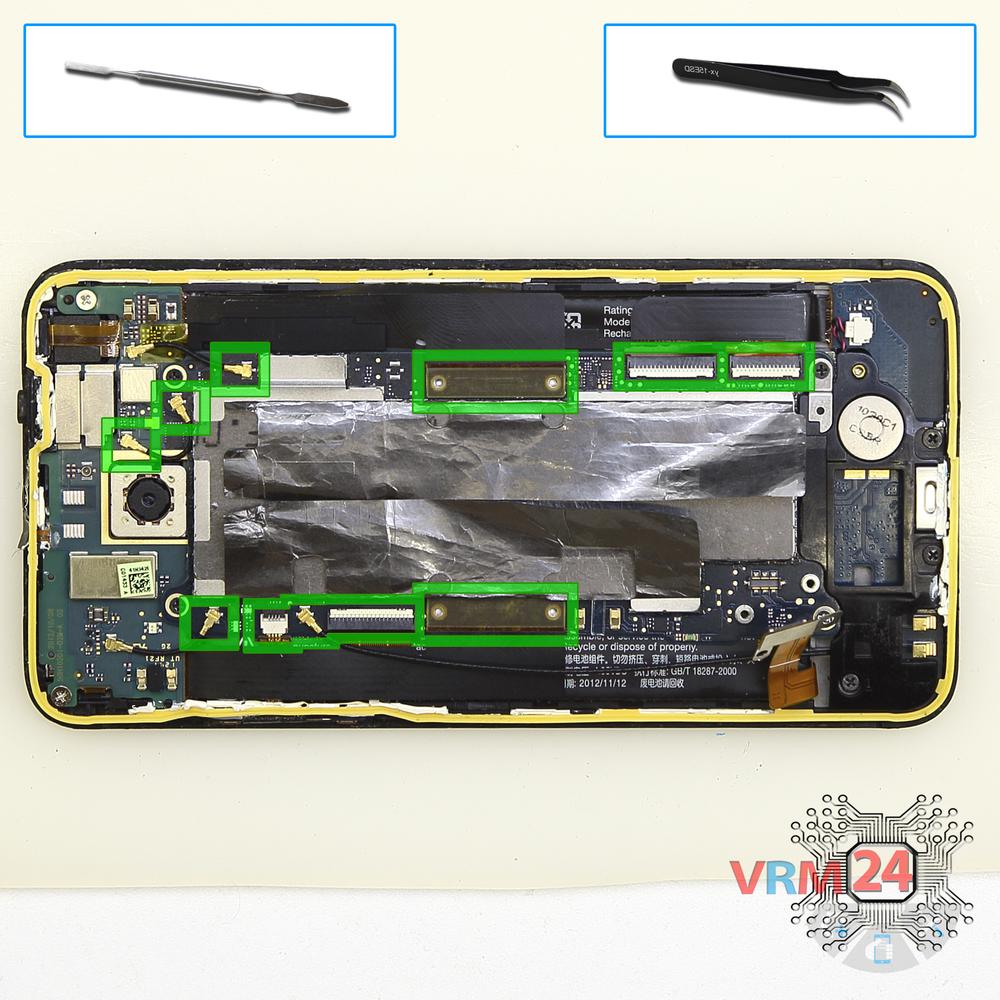
Disconnect the connectors
Disconnect connectors on the PCB.
Step 9.
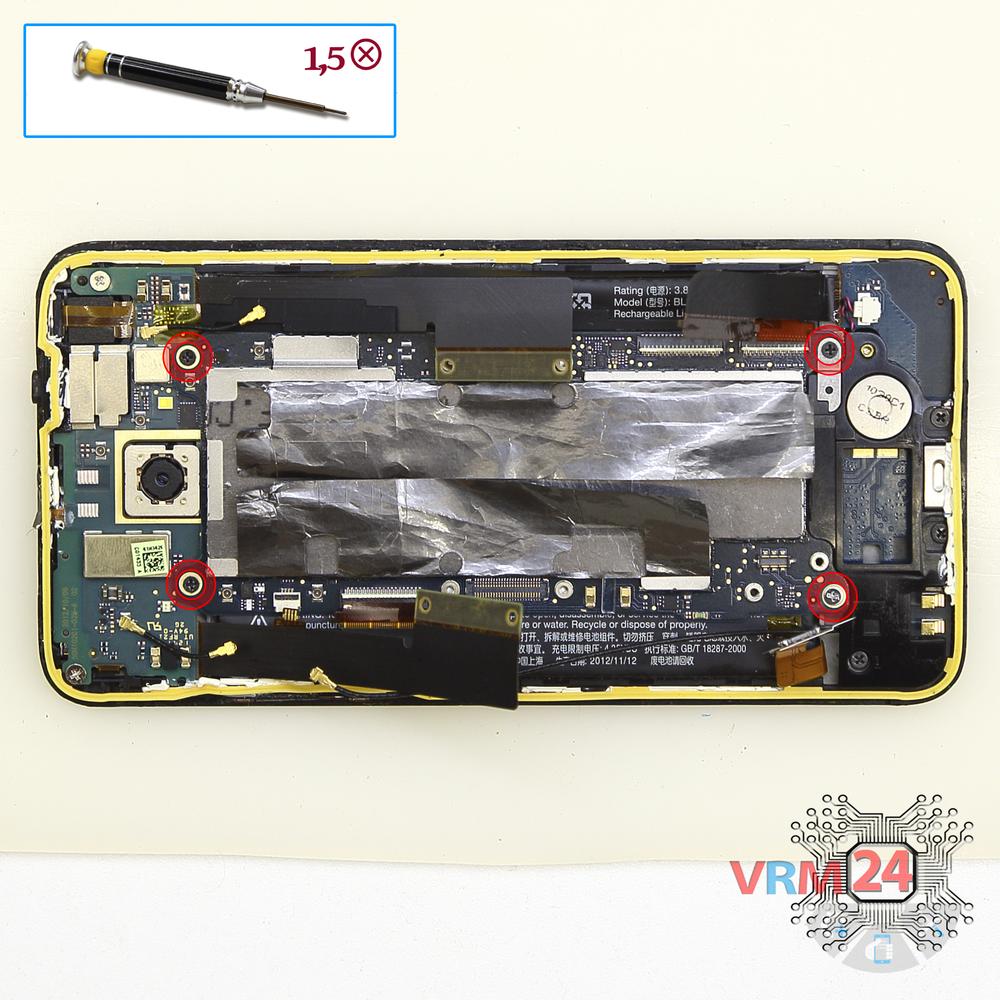
Unscrew the screws
Using a screwdriver (Phillips 1.5 mm PH000), unscrew 4 bolts in the PCB.
Step 10.
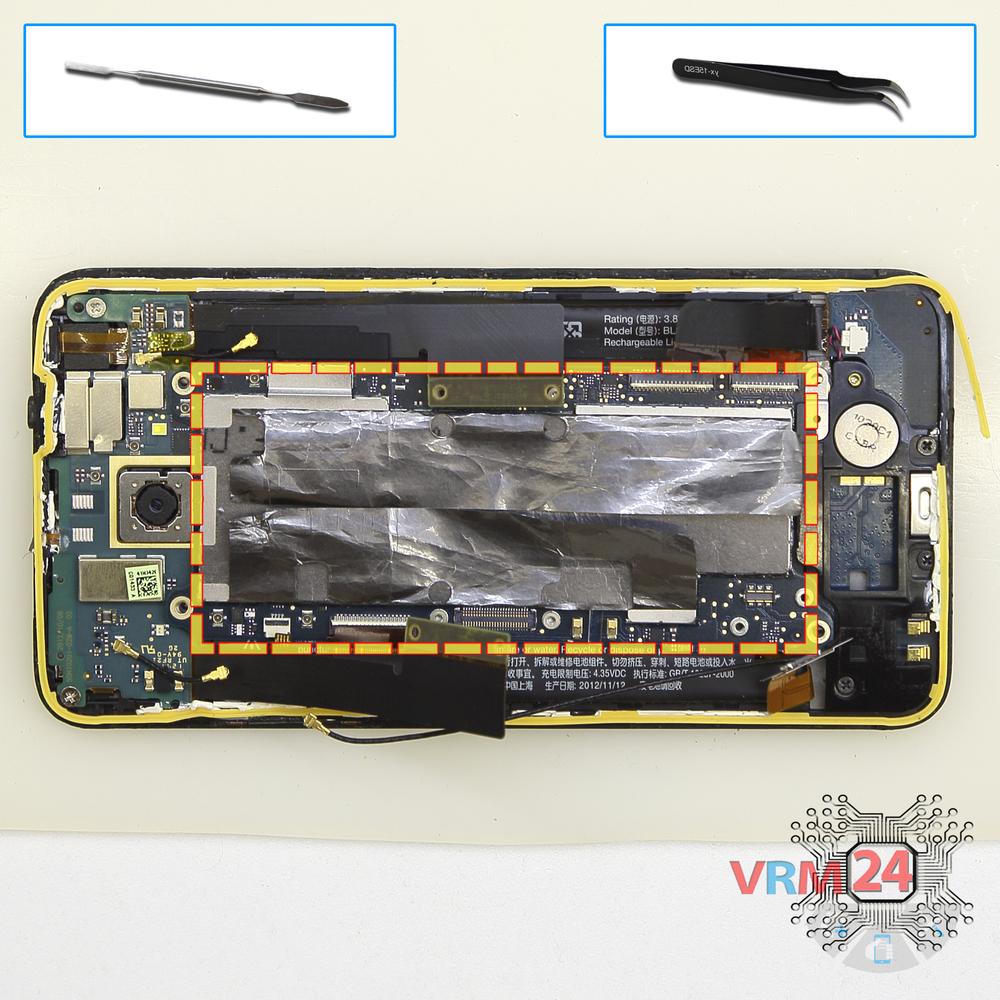
Remove the motherboard
Remove the PCB.
Step 11.
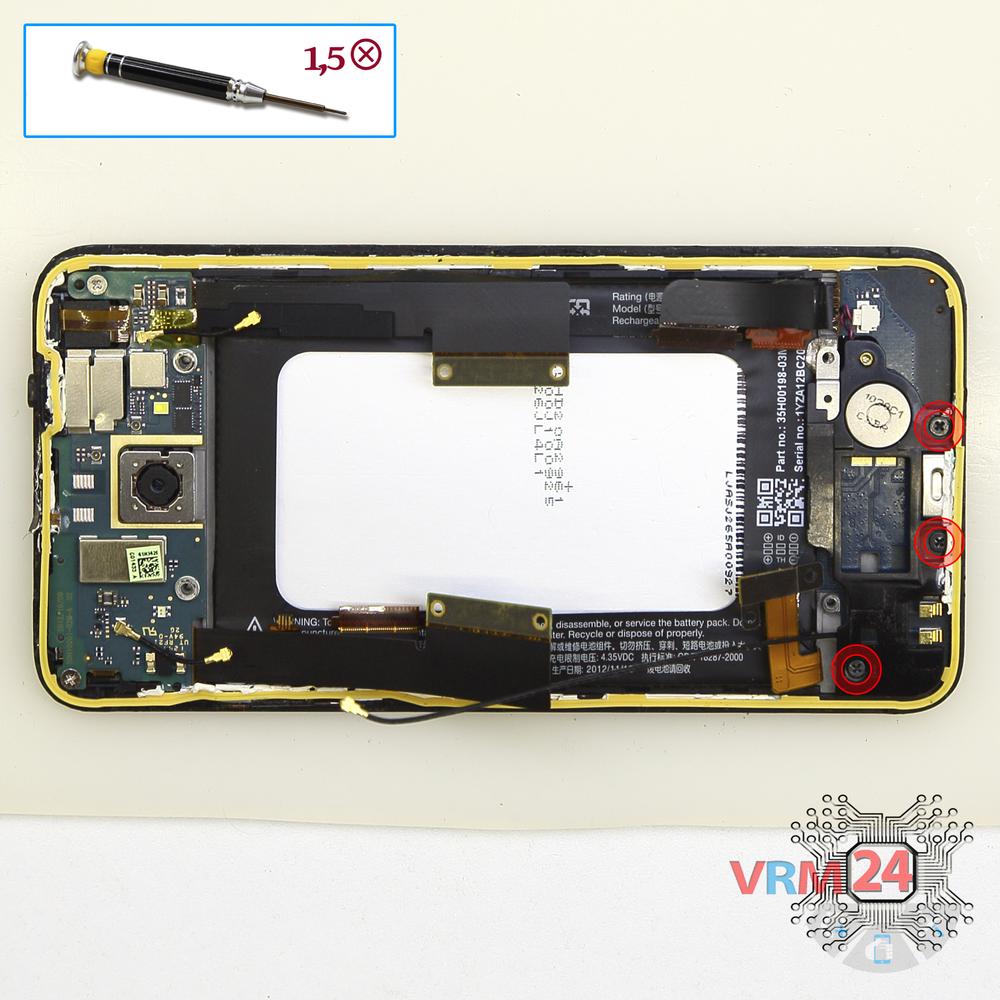
Unscrew the screws
Using a screwdriver (Phillips 1.5 mm PH000), unscrew 3 bolts in the lower PCB.
Step 12.
Remove the sub-board
Remove the lower PCB.
Step 13.
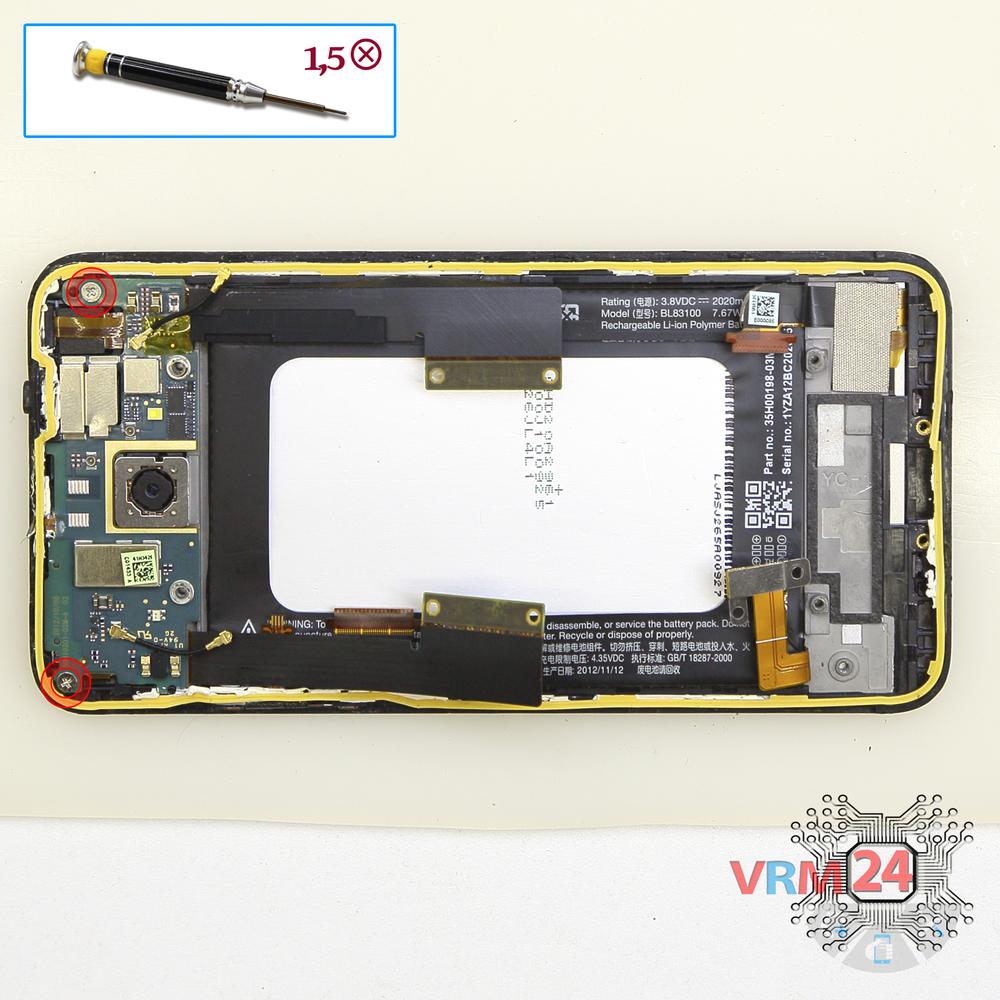
Unscrew the screws
Using a screwdriver (Phillips 1.5 mm PH000), unscrew 2 bolts in the upper PCB.
Step 14.
Remove the interconnect cable
Lift inter-board cables.
Step 15.
Remove the motherboard
Remove the upper PCB.
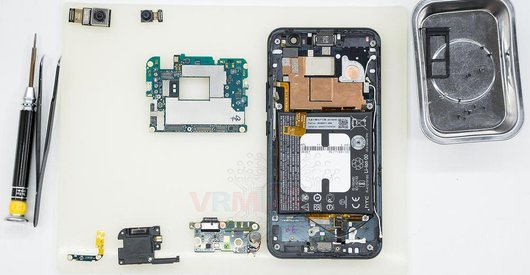
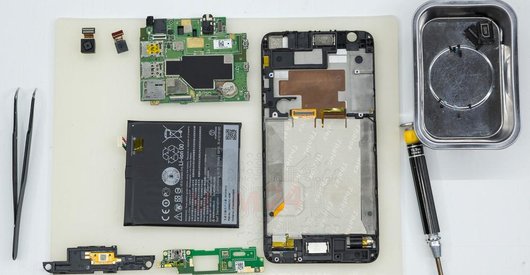
Step 16.
In the display frame remained
Parts in the frame of the display module.

If you have a question, ask us, and we will try to answer in as much detail as possible. If this article was helpful for you, please rate it.

5128
Views
0
Likes
—
Share
8
Questions
Related Instructions
Related Reviews
Related Blog

Top instructions
Check our
Top HTC instructions most liked by readers
New instructions
Check our
New HTC brand instructions on vrm24.com