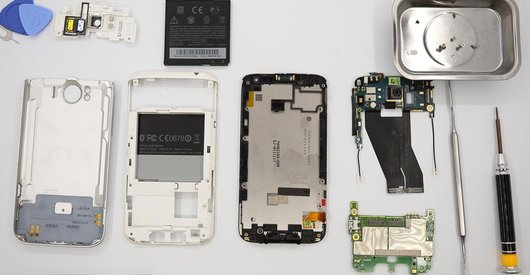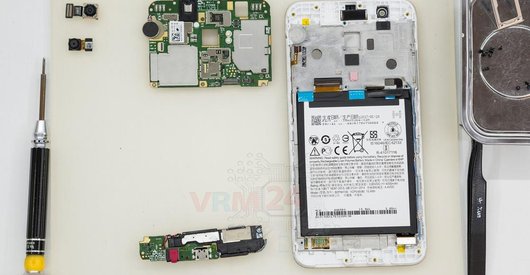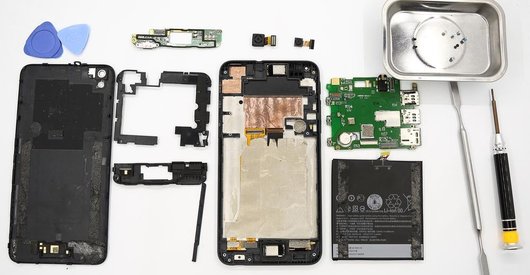


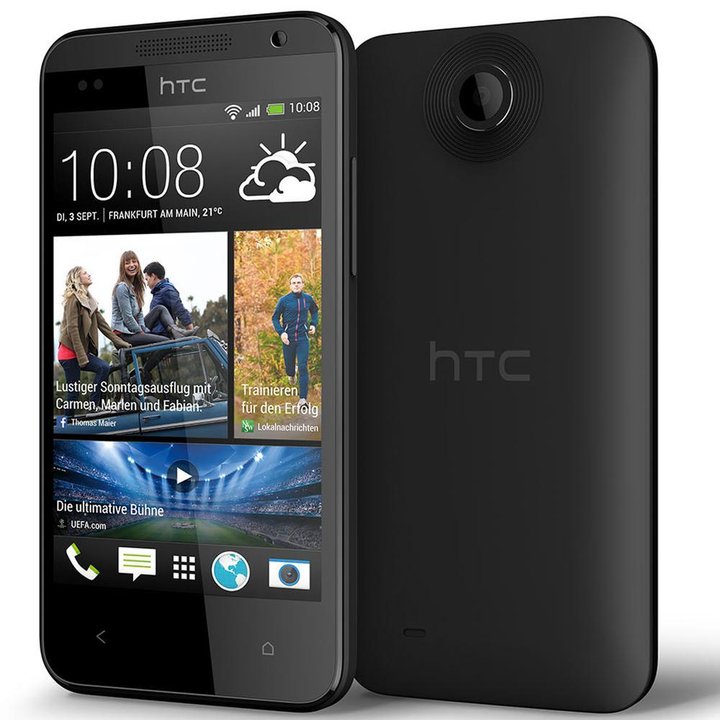
Recommended tools
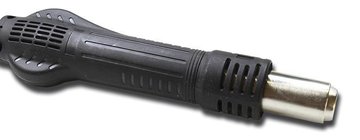
Heat gun
Screwdriver Phillips #000

Opening tool / Spudger

Tweezers

Disassembly/Repair of the mobile device HTC Desire 300 (HTC Desire 300 0P6A100 \ HTC Zara mini) with each step description and the required set of tools.
4829
Views
1
Likes
—
Share
13
Questions

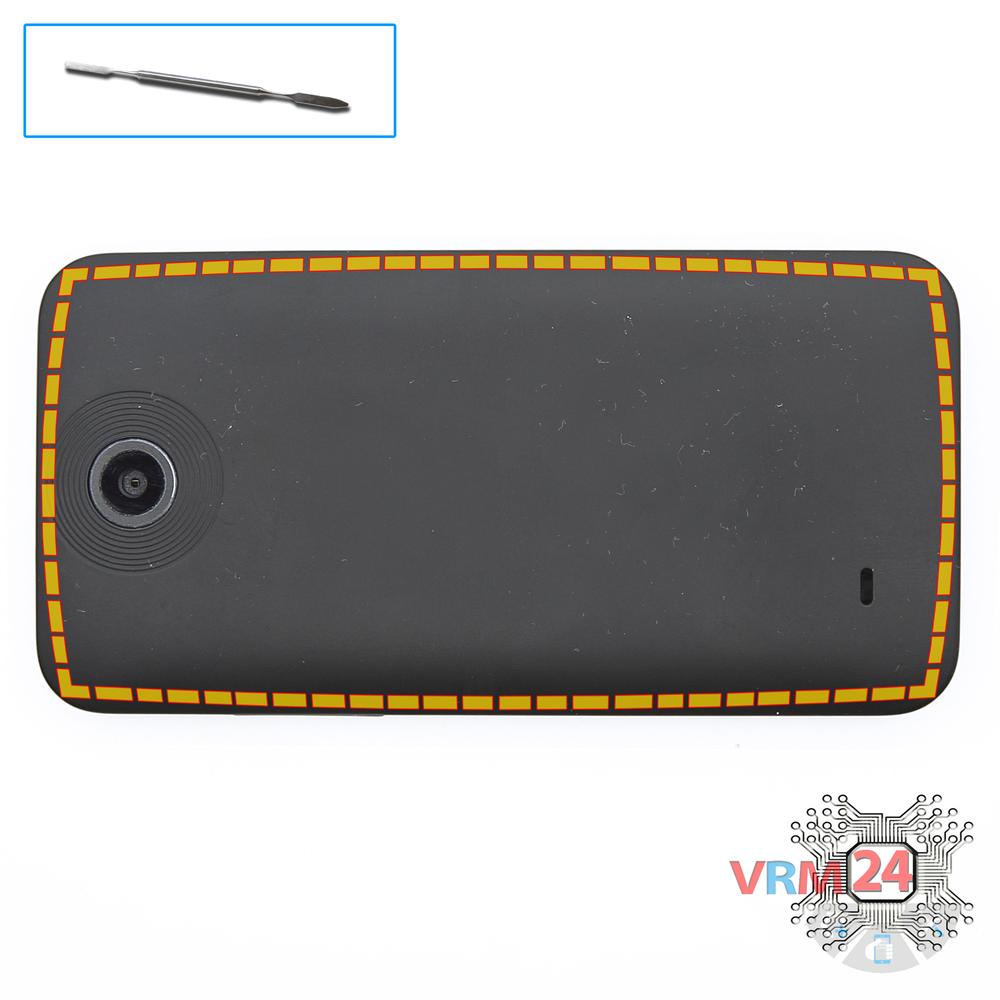
Step 1.
Open the back cover
Open the back cover.
Step 2.
Remove the battery
Lift and remove the battery.
Step 3.
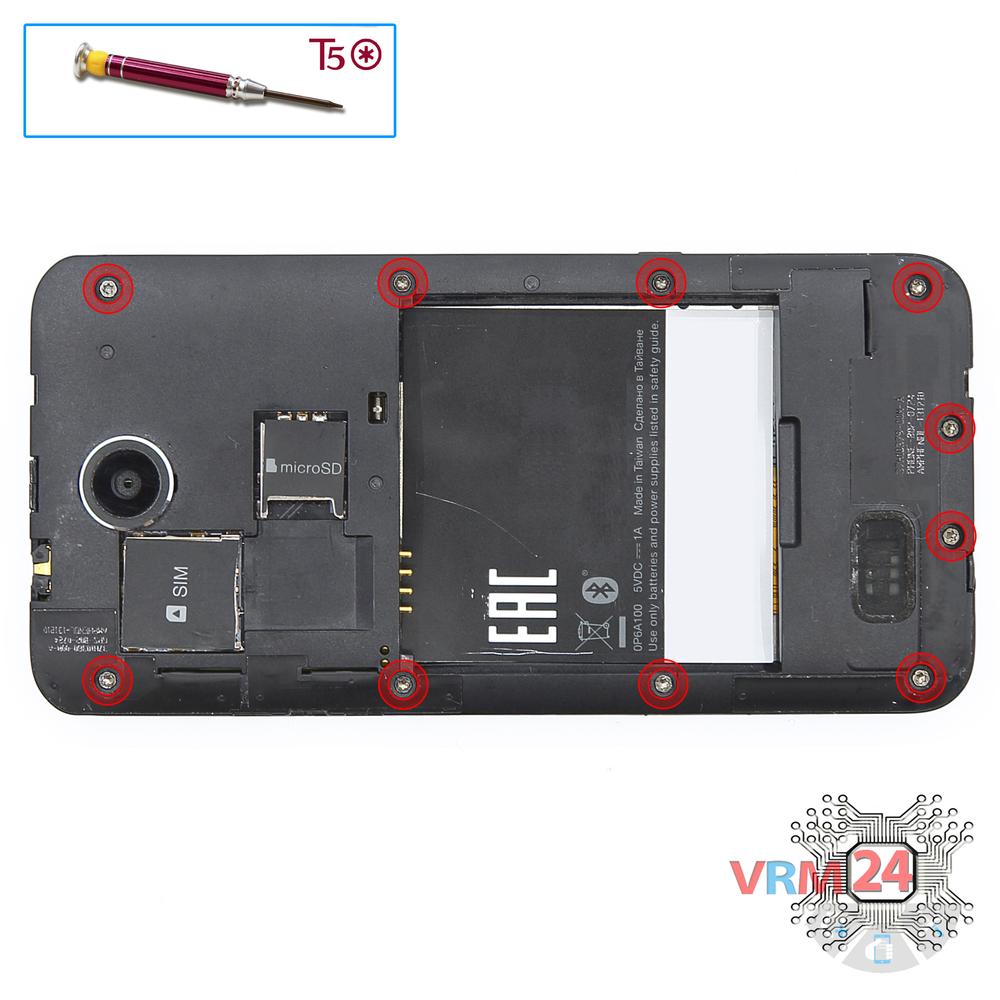
Unscrew the screws
Using a screwdriver (Phillips 1.5 mm PH000), unscrew 10 bolts in the frame of the phone.
Step 4.
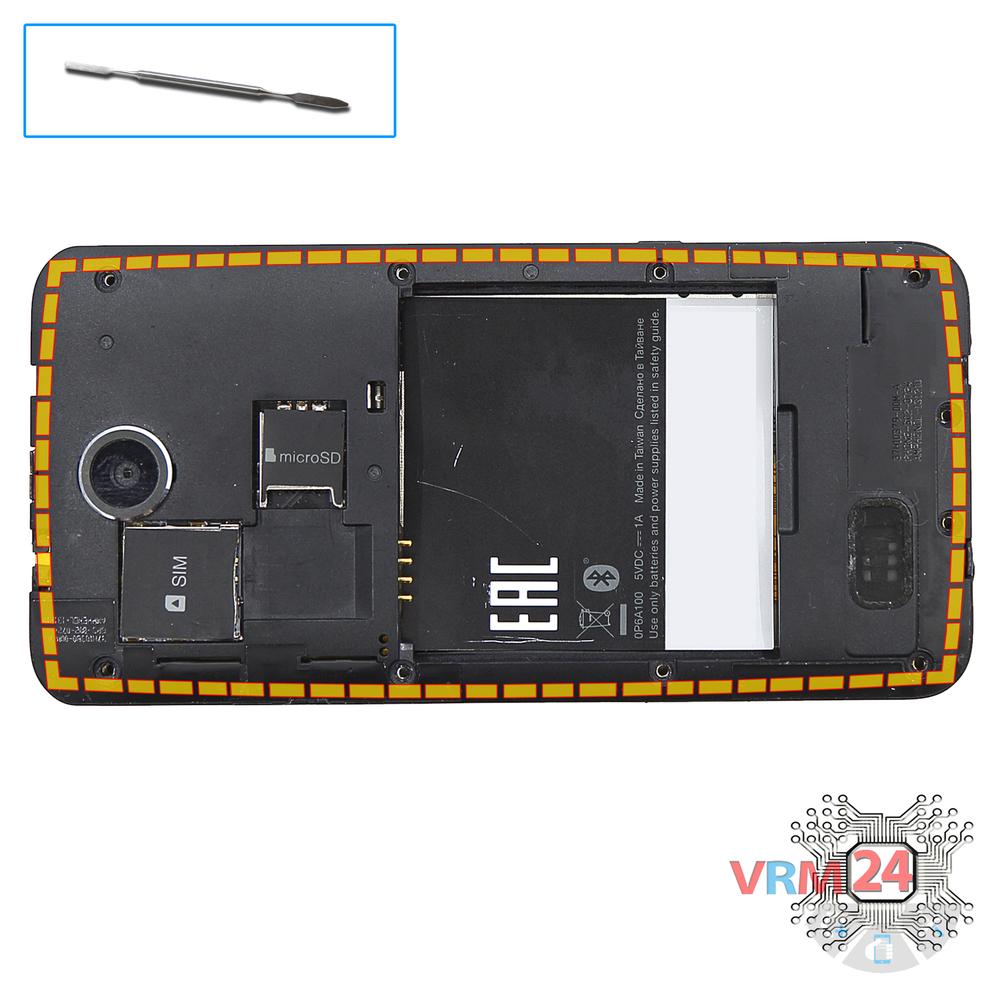
Open the mid-frame
Pry and remove the middle frame.
Step 5.
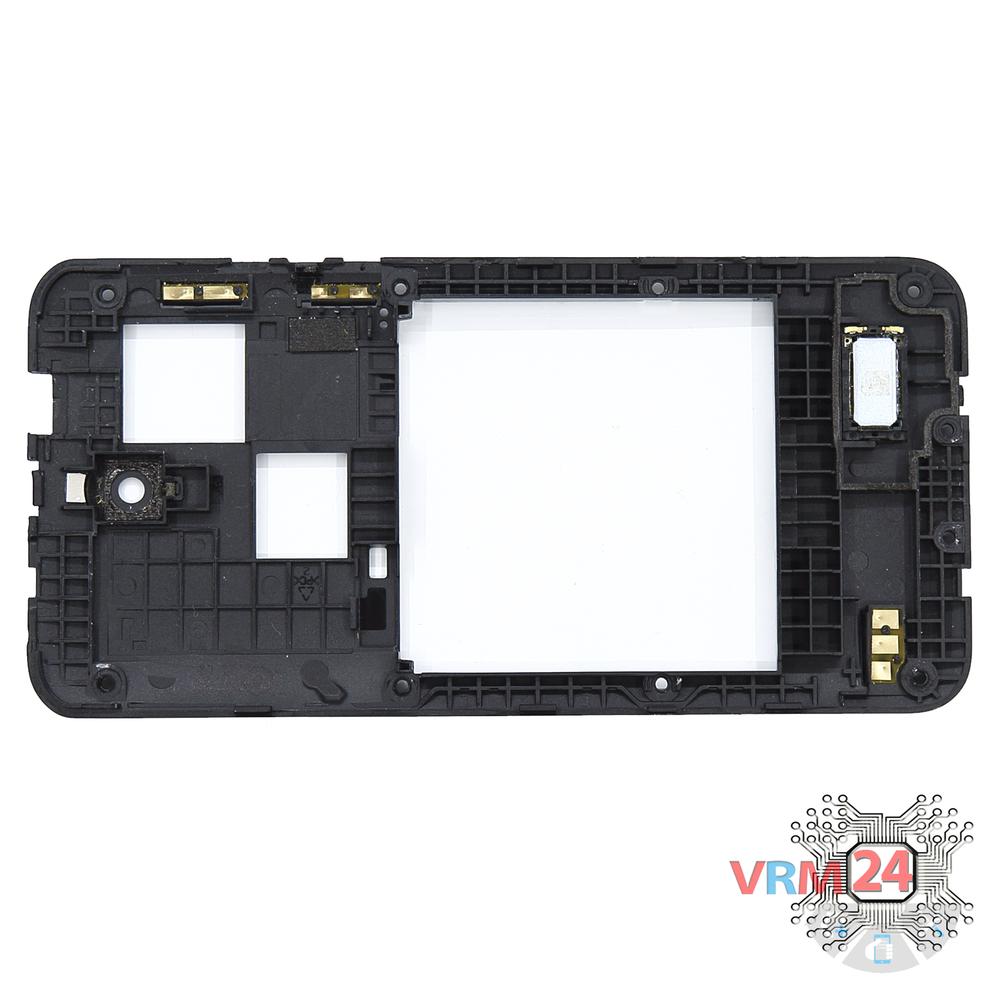
In the middle cover
The middle frame with the buzzer (speaker).
Step 6.
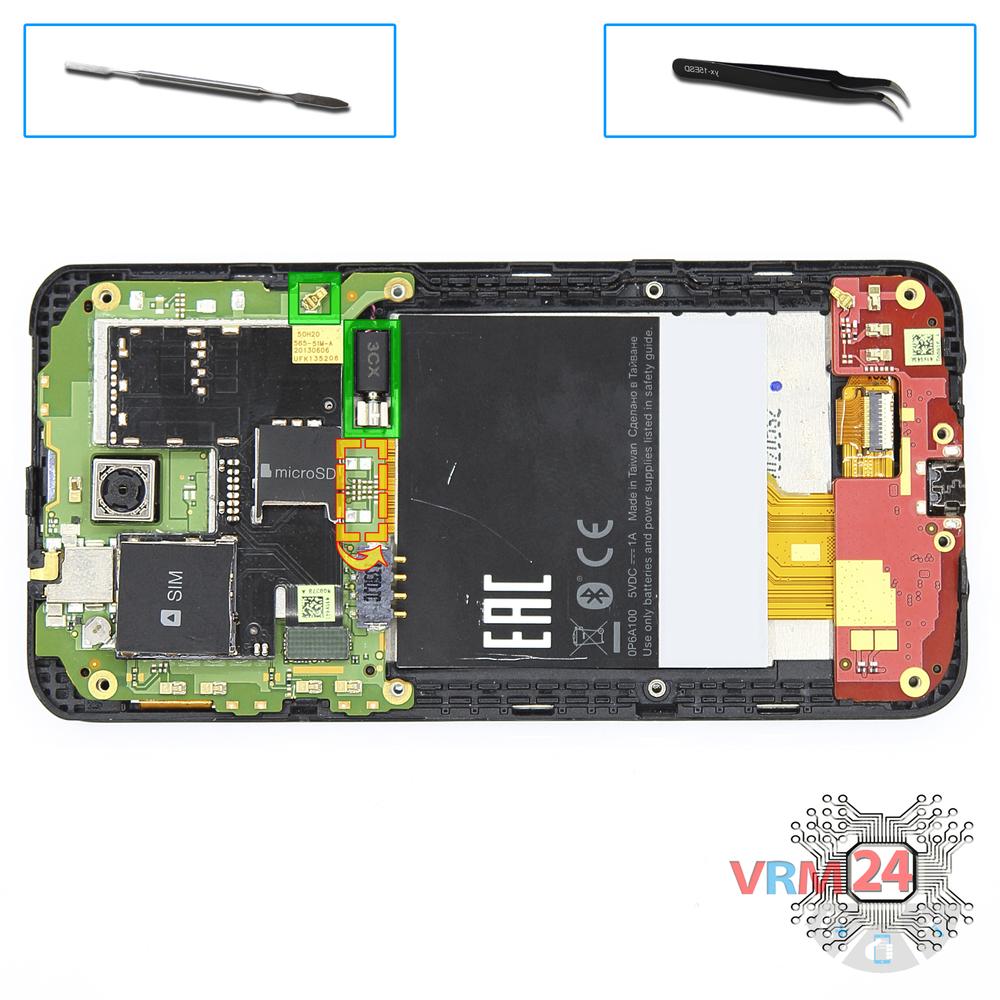
Remove the vibration motor
Disconnect connectors on the PCB and pry up vibration motor.
Step 7.
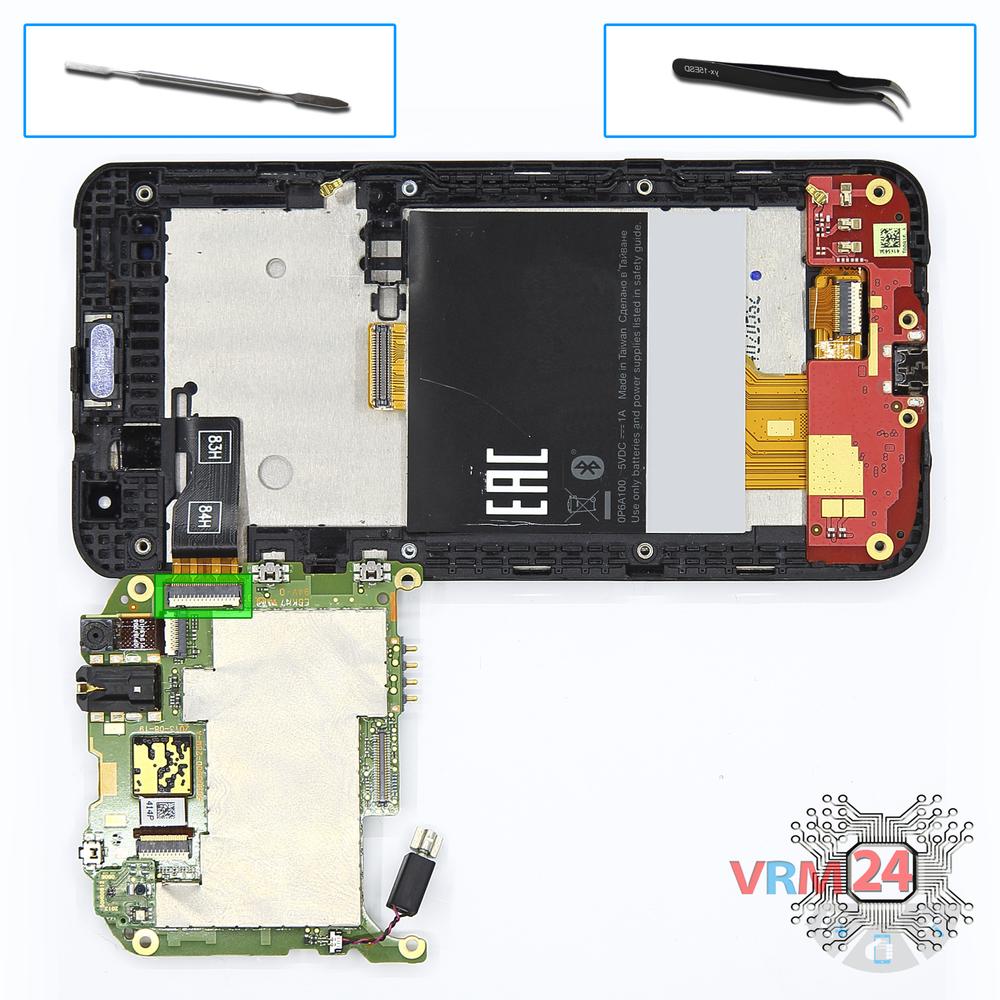
Remove the sub-board
Turn over PCB, disconnect the connector from the inside and remove the board.
Step 8.
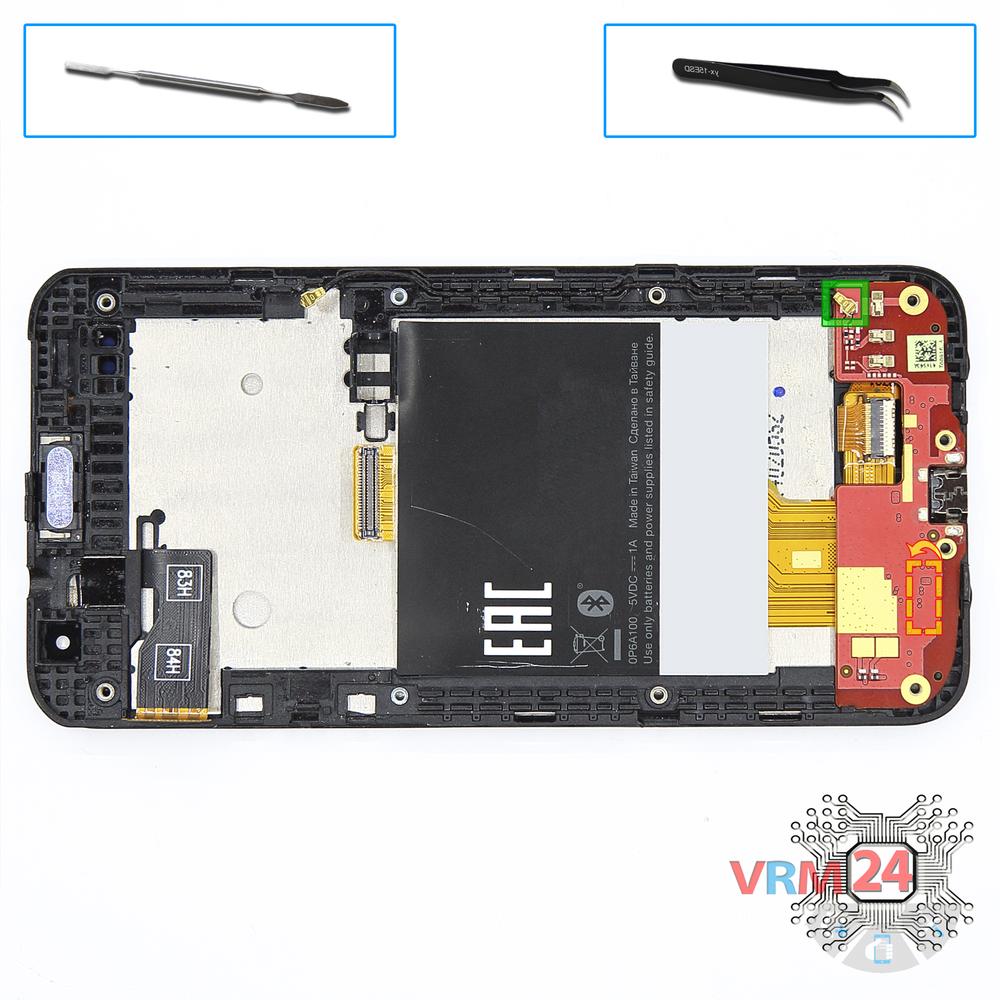
Remove the sub-board
Disconnect connectors on the lower PCB and inter-board cable connector from inside and remove the board.
Step 9.
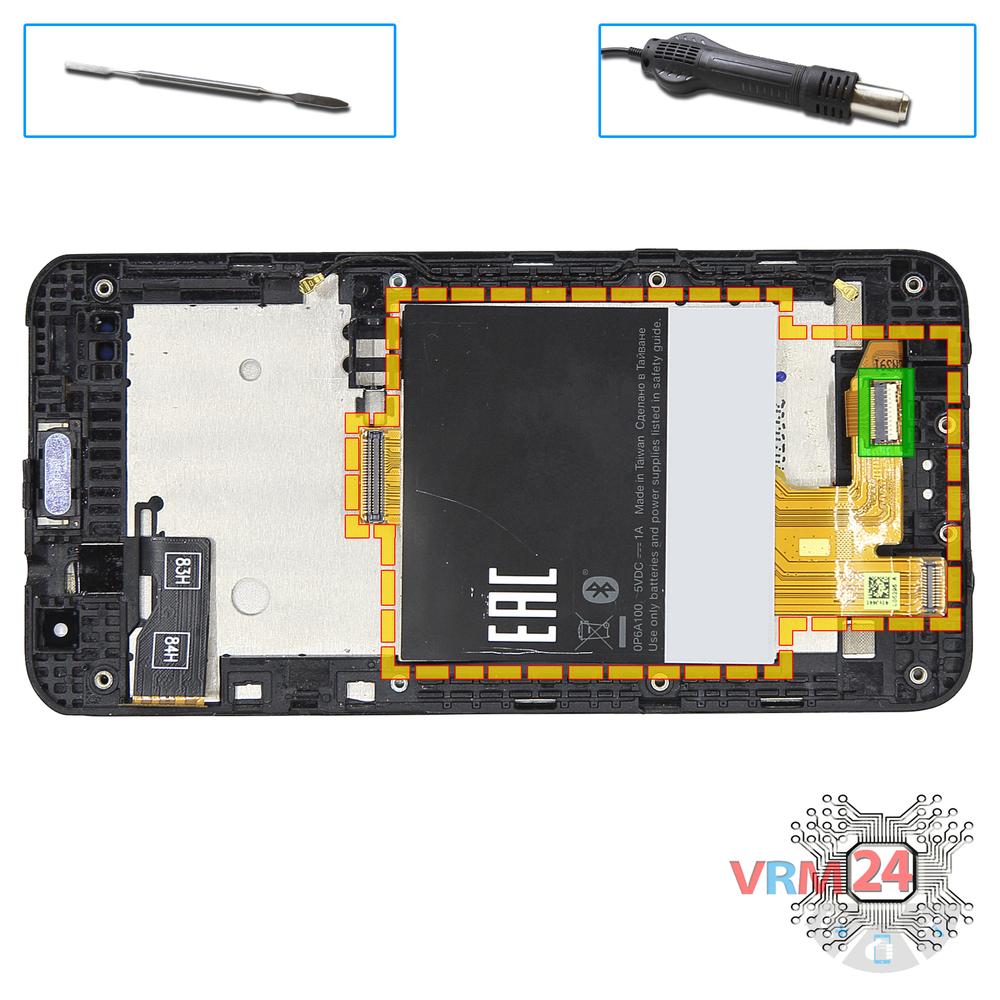
Remove the interconnect cable
Disconnect connector, unstick the label & inter-board cable.
⚠ Warning!
For careful separation, we recommend using a heat gun. At the same time, it is necessary to heat carefully in order, not to damage the surface of the device.
Step 10.
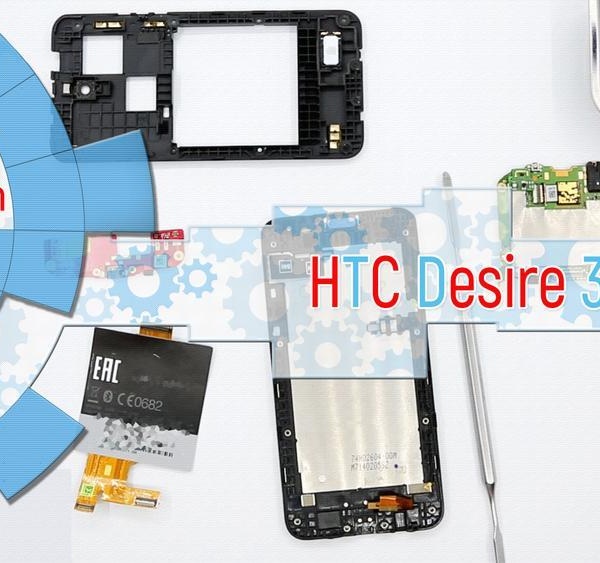
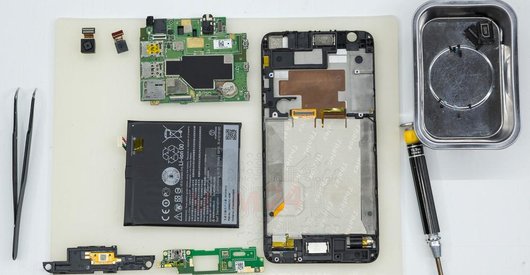
In the display frame remained
Parts in the frame of the display module.

If you have a question, ask us, and we will try to answer in as much detail as possible. If this article was helpful for you, please rate it.

4829
Views
1
Likes
—
Share
13
Questions
Related Instructions
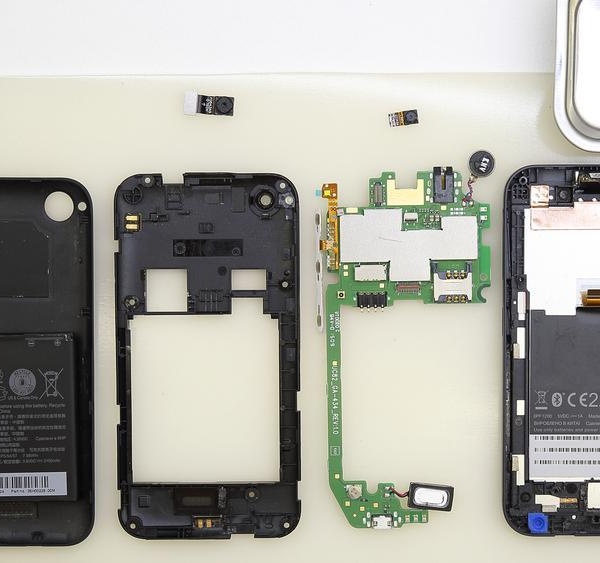
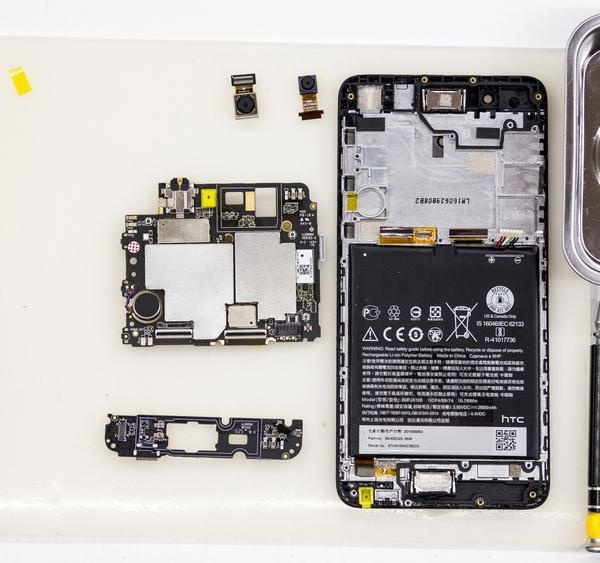
Related Reviews
Related Blog

Top instructions
Check our
Top HTC instructions most liked by readers
New instructions
Check our
New HTC brand instructions on vrm24.com