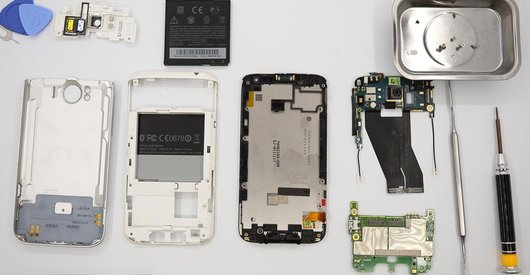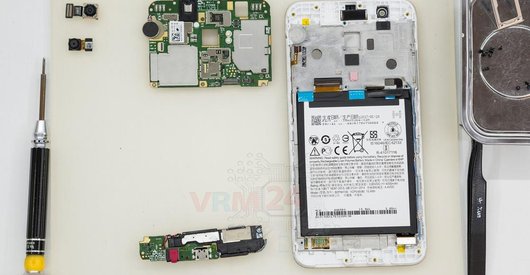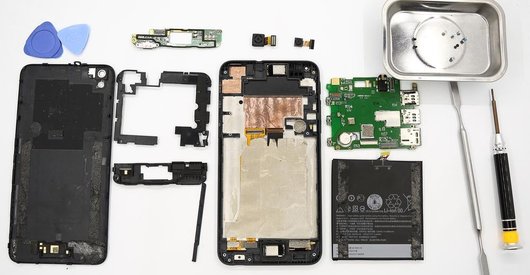




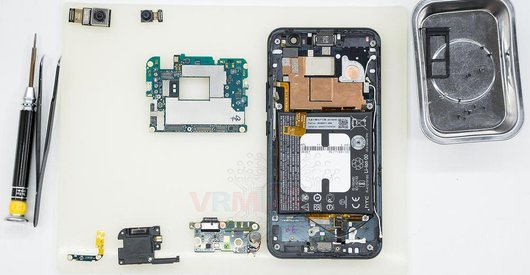
Recommended tools
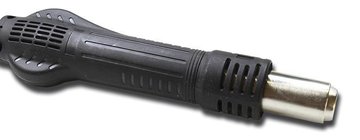
Heat gun
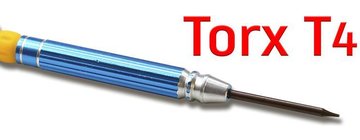
Screwdriver Torx T4
Screwdriver Phillips #000

Opening tool / Spudger

Tweezers

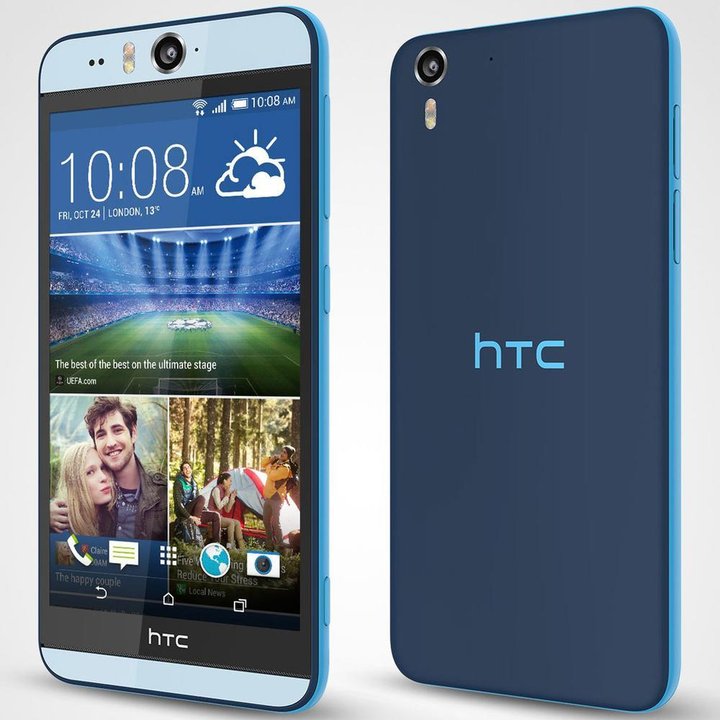
Disassembly/Repair of the mobile device HTC Desire Eye (HTC Desire Eye OPFH110 M910n) with each step description and the required set of tools.
5603
Views
1
Likes
—
Share
14
Questions

Step 1.
Remove the trays
Using the key tool, open the SIM card and MMC card trays and remove it.
⚠ Warning!
Do not push too hard this may cause damage.
Step 2.
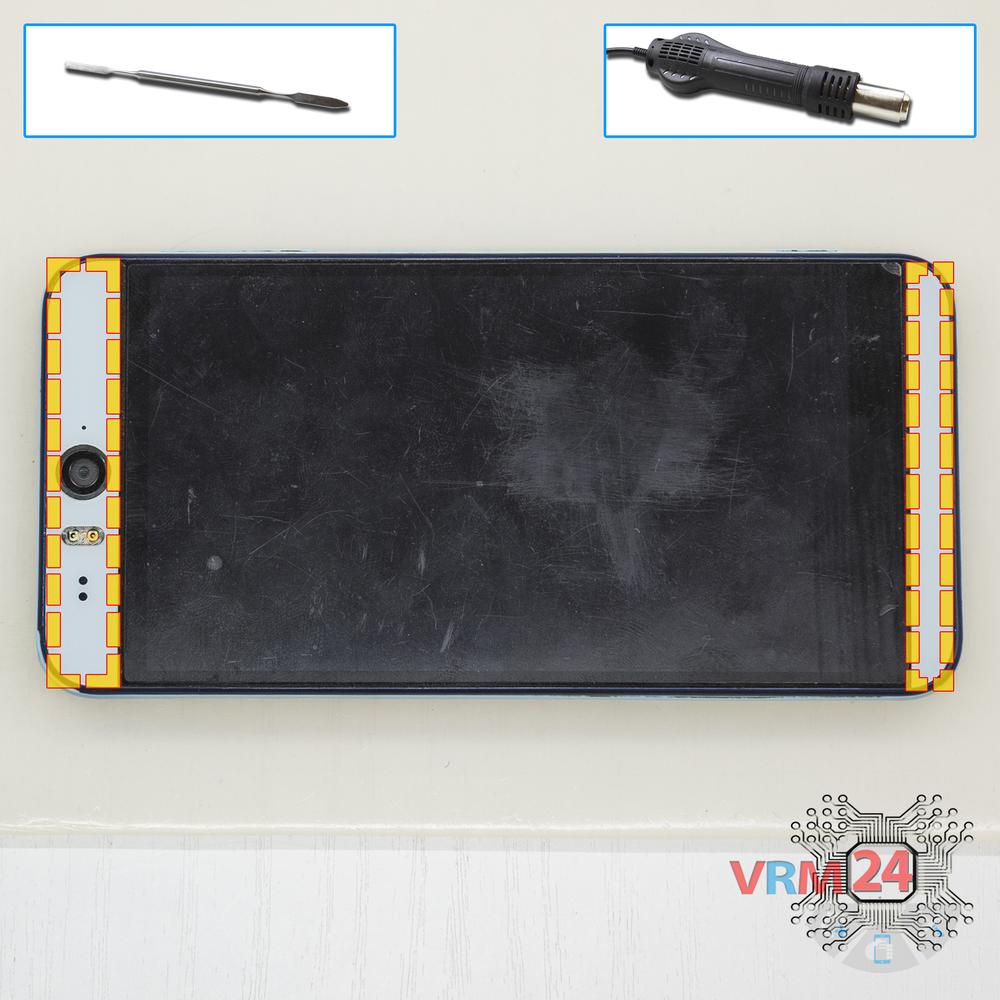
Open the covers
Unstick the covers hide the bolts.
⚠ Warning!
For careful separation, we recommend using a heat gun. At the same time, it is necessary to heat carefully in order, not to damage the surface of the device.
Step 3.
Unscrew the screws
Using a screwdriver (hex T4), unscrew 4 bolts securing the display module.
Step 4.
Open the display module
Separate the display and turn it over.
Step 5.
Open the display module
Disconnect connectors and remove the display.
Step 6.
Disconnect the connectors
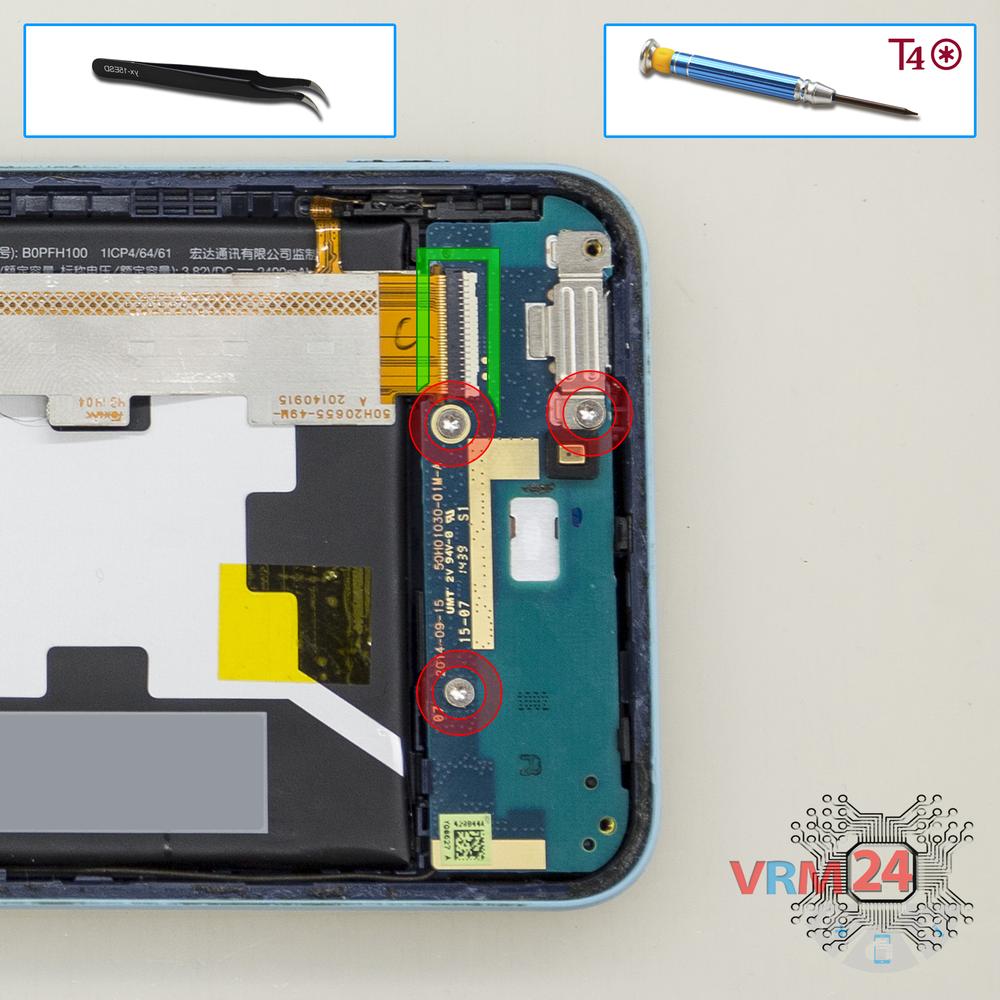
Using a screwdriver (hex T4), unscrew 3 bolts in the lower part and disconnect the inter-board cable connector.
Step 7.
Remove the sub-board
Remove the lower PCB.
Step 8.
Disconnect the connectors
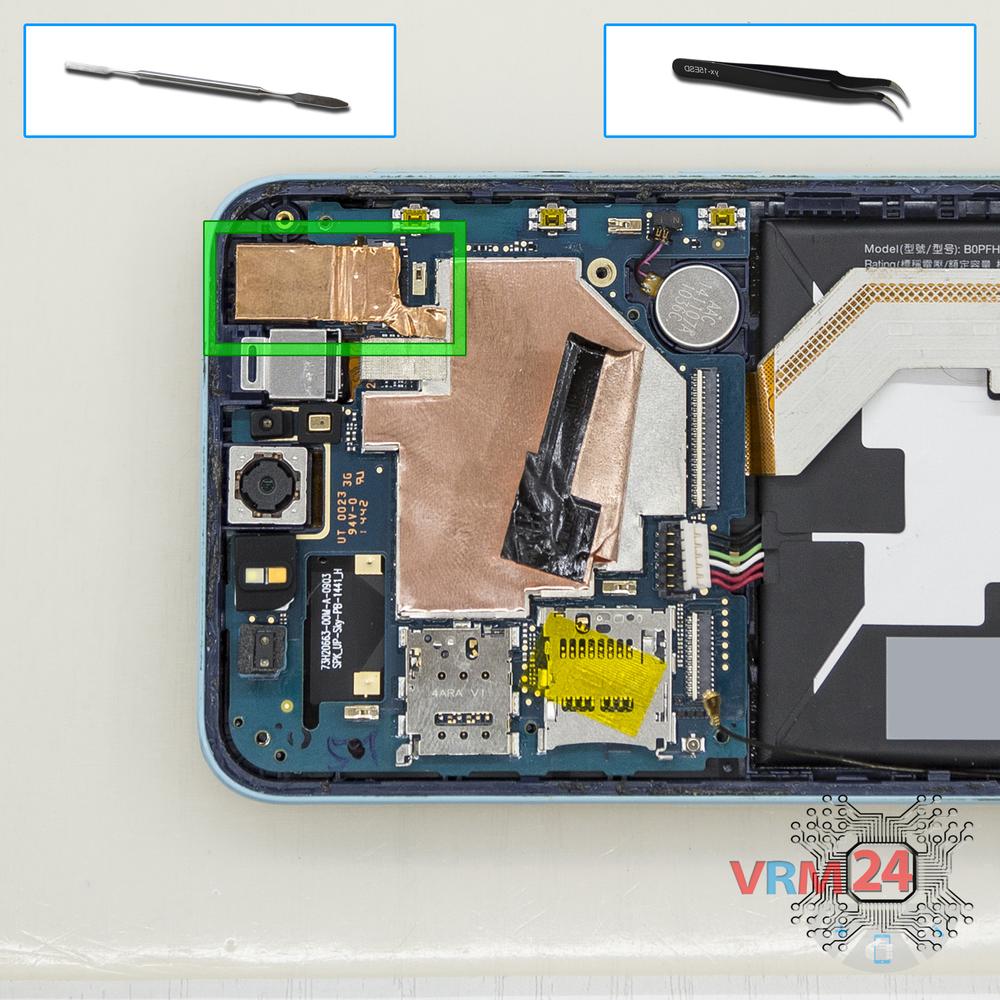
Disconnect connectors on the PCB.
Step 9.
Unscrew the screws
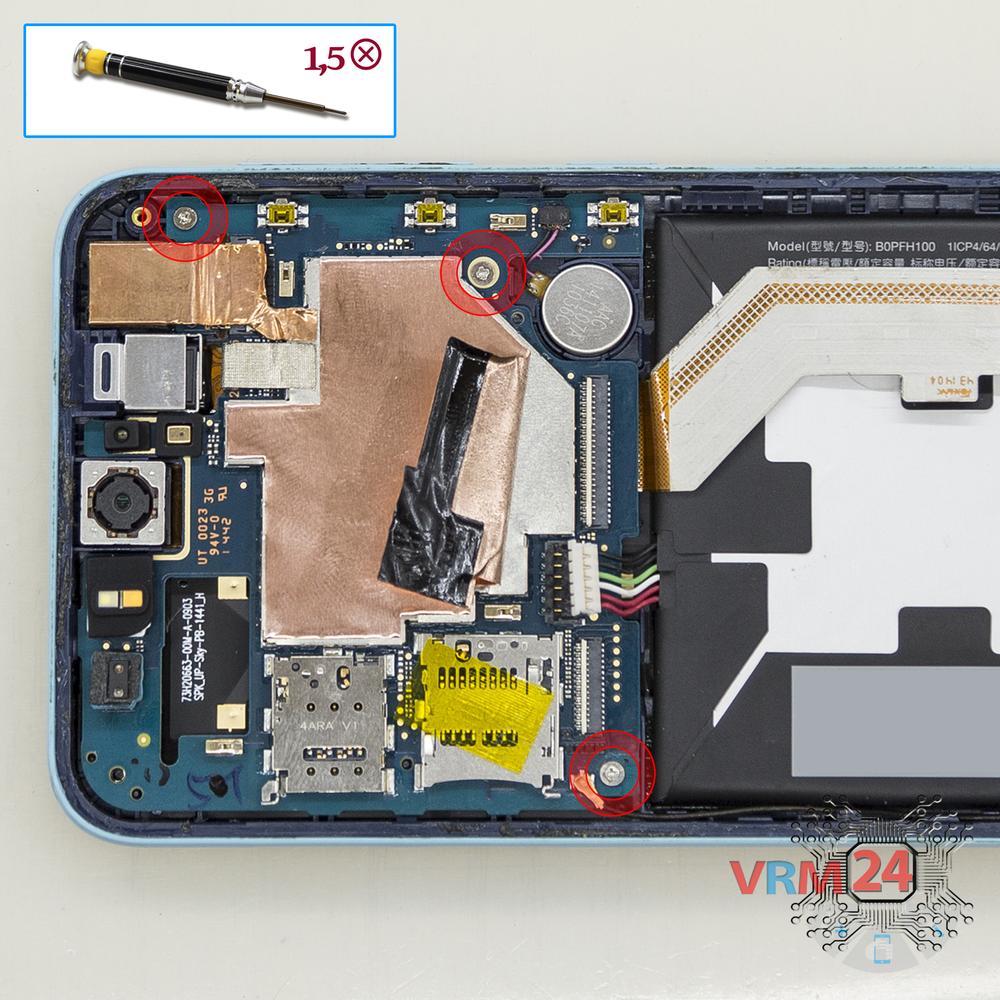
Using a screwdriver (Phillips 1.5 mm PH000), unscrew 3 bolts in the PCB.
Step 10.
Remove the rear camera
Disconnect connector on the PCB and remove the main camera.
Step 11.
Remove the motherboard
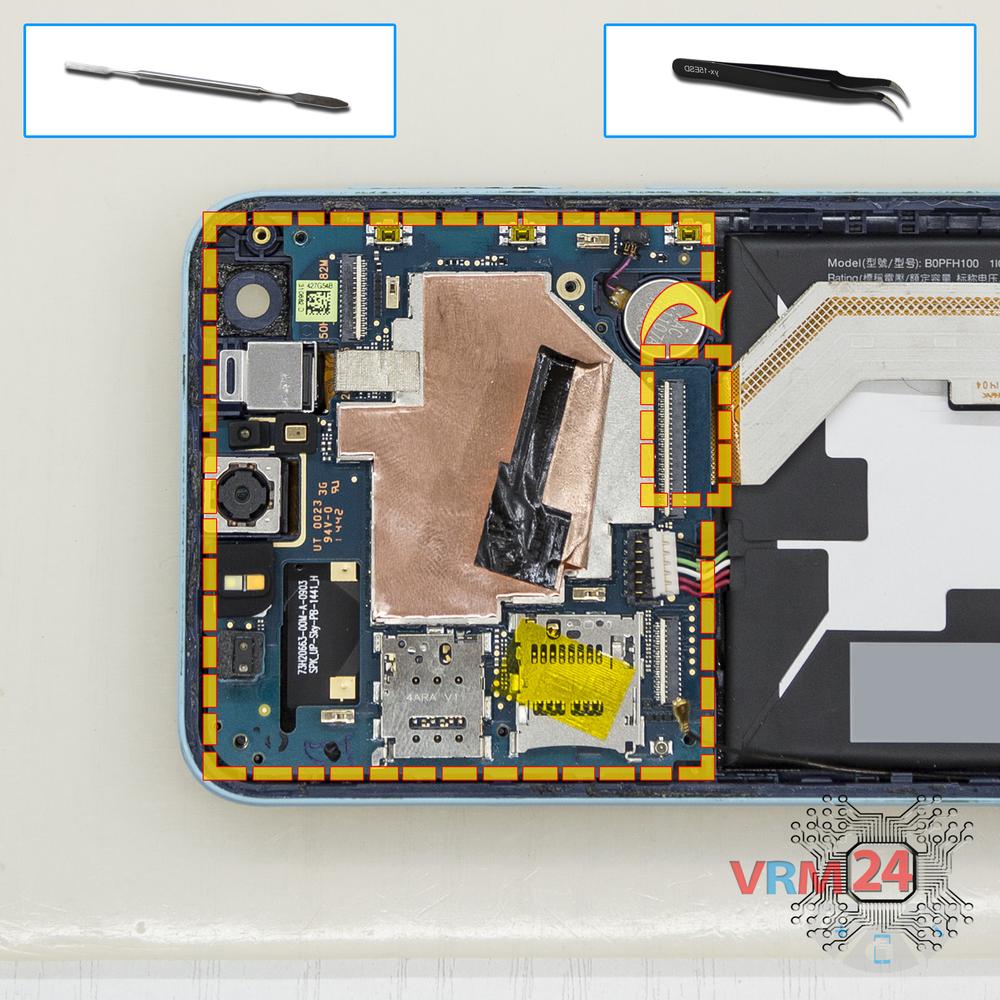
Remove the PCB.
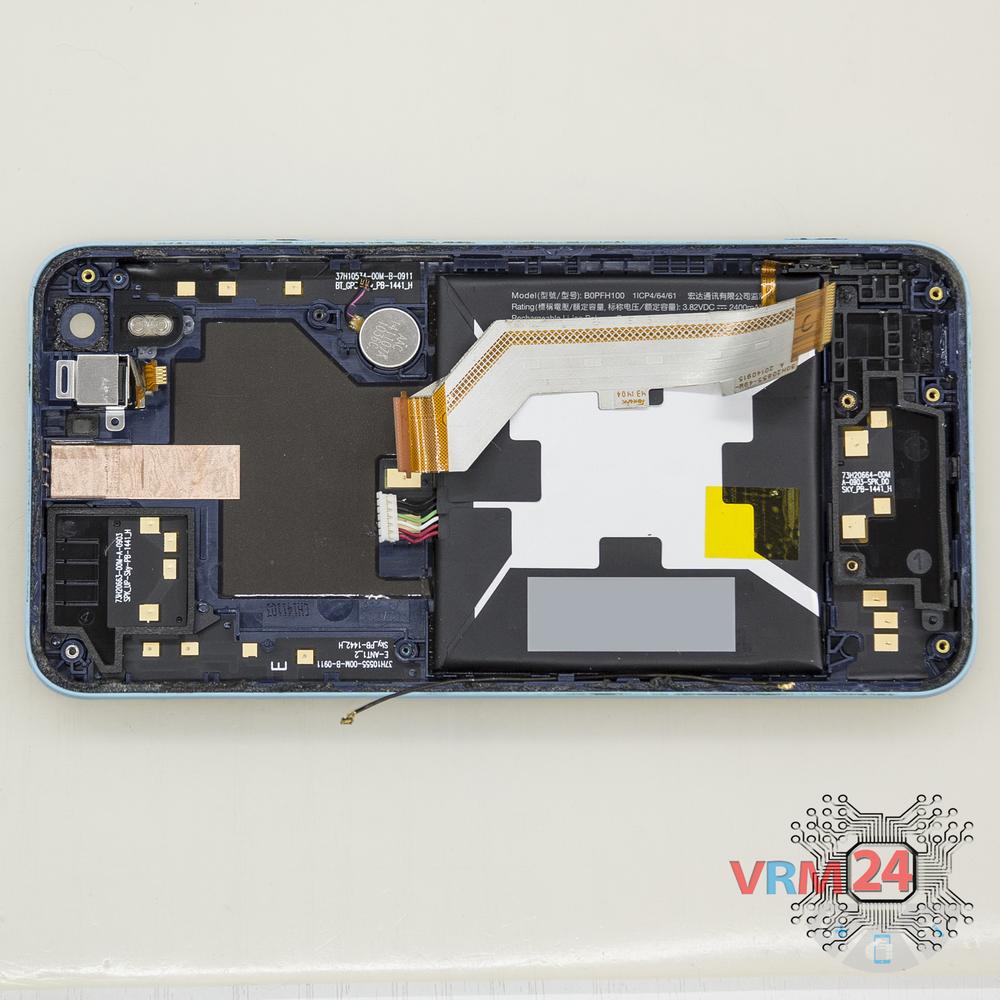
Step 12.
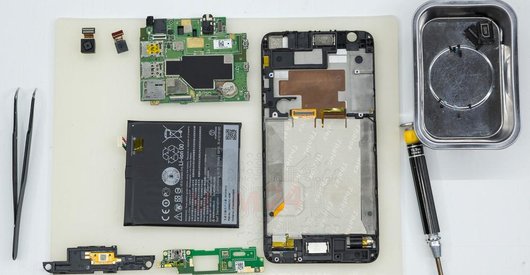
In the display frame remained
Parts in the frame of the display module.

If you have a question, ask us, and we will try to answer in as much detail as possible. If this article was helpful for you, please rate it.

5603
Views
1
Likes
—
Share
14
Questions
Related Instructions
Related Reviews
Related Blog
Popular Questions
N
HTC Desire Eye
Brother, will the HTC Desire display be available with you? If so, please let me know at number 01742922393
najmul hasan4
M
HTC One Mini 2
Great video, really useufull. Helped me out for sure.
Marc Dale13
A
HTC Desire 626
how to buy htc desire 626 g original display in india
Arghya Jana1
P
HTC Desire 628
Bro..if we change the battery...and put new battery than photos and our data delete or not ?? Bcz i m worried
Preet Sandhu19
HTC Desire 320
1. Please remove my email from being spammed. 2. Do you have a simpler instruction? All I want to do is remove the guts and still have it working. I…
daveTop instructions
Check our
Top HTC instructions most liked by readers
New instructions
Check our
New HTC brand instructions on vrm24.com