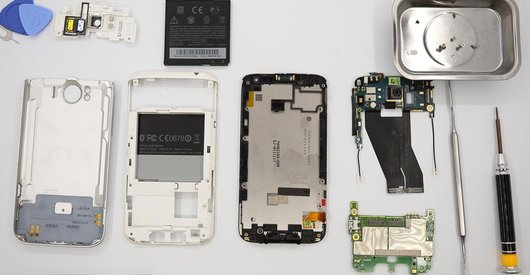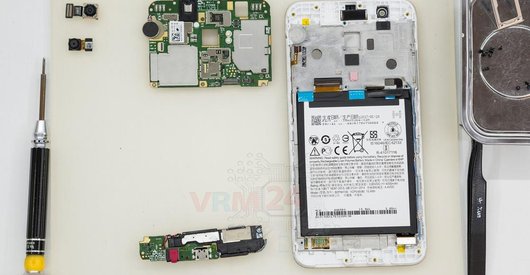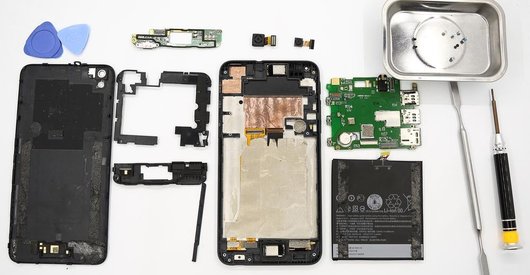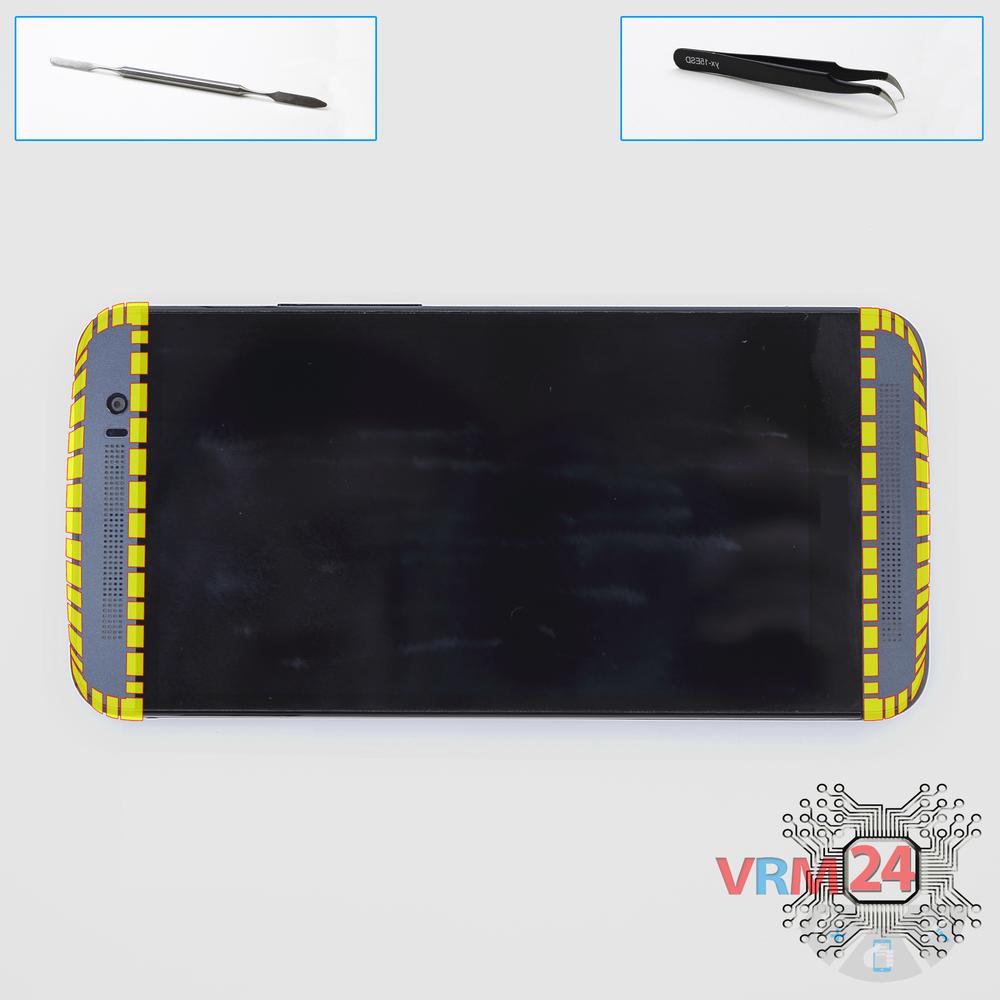




Recommended tools
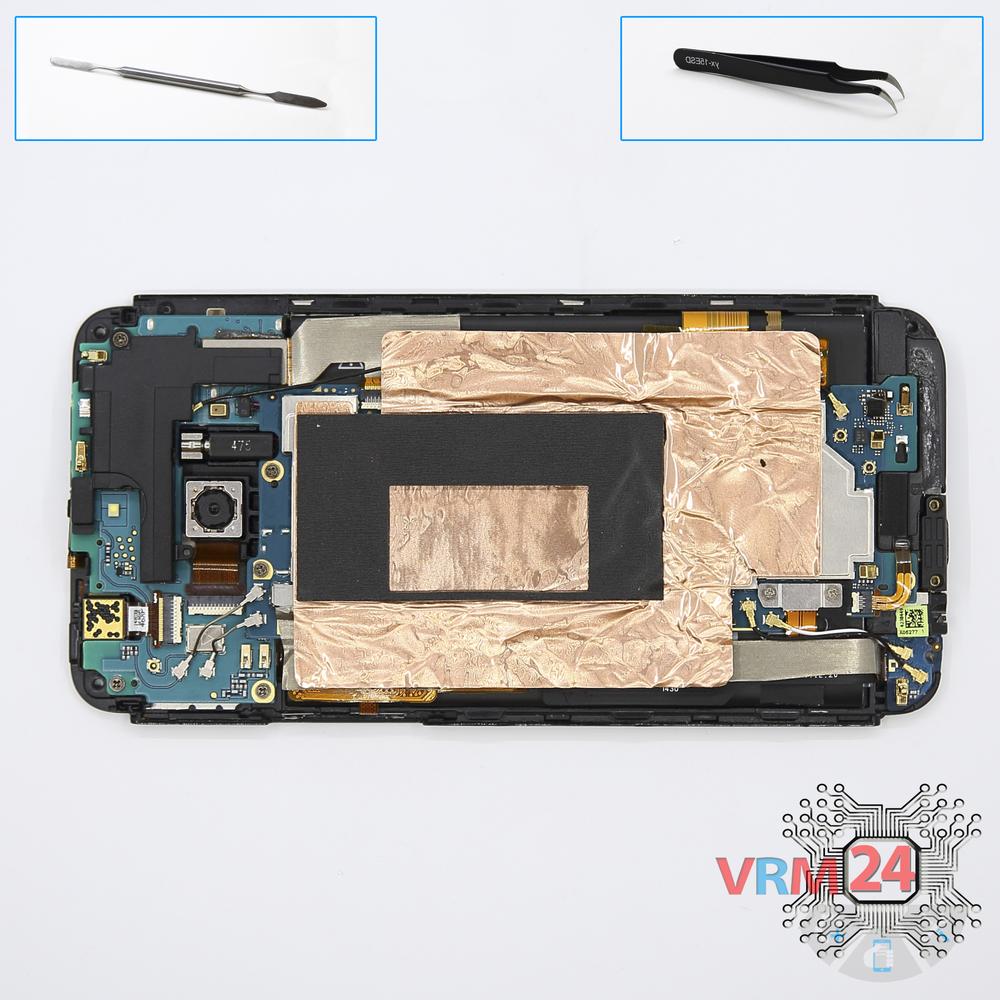
Screwdriver Phillips #000

Opening tool / Spudger

Tweezers

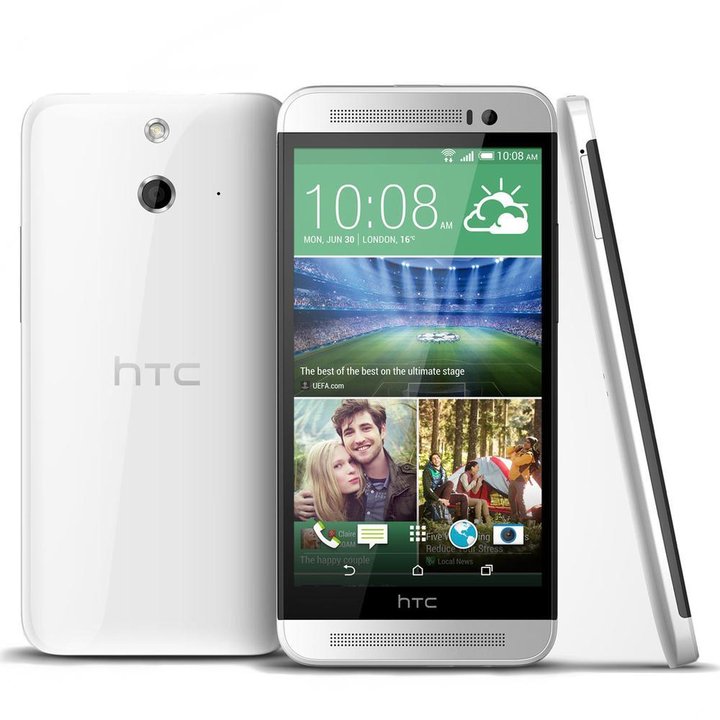
Disassembly/Repair of the mobile device HTC One E8 (HTC One E8 OPAJ210) with each step description and the required set of tools.
5310
Views
1
Likes
—
Share
42
Questions

Step 1.
Remove the trays
Using the key tool, open the SIM card and MMC card trays and remove them.
⚠ Warning!
Do not push too hard this may cause damage.
Step 2.
Open the covers
Unstick the covers hide bolts.
⚠ Warning!
For careful separation, we recommend using a heat gun. At the same time, it is necessary to heat carefully in order, not to damage the surface of the device.
Step 3.
Unscrew the screws
Using a screwdriver (Phillips 1.5 mm PH000), unscrew 6 bolts securing the back cover.
Step 4.
Open the back cover
Open the back cover.
Step 5.
Remove the protective film
Peel back the copper layer.
Step 6.
Unscrew the screws
Using a screwdriver (Phillips 1.5 mm PH000), unscrew 5 bolts and disconnect connectors.
Step 7.
Disconnect the connector
Disconnect connector on the PCB.
Step 8.
Remove the motherboard
Remove the PCB.
Step 9.
Remove the frame
Remove the lower part.
Step 10.
Remove the sub-board
Remove the lower PCB with inter-board cable.
Step 11.
Unscrew the screws
Using a screwdriver (Phillips 1.5 mm PH000), unscrew 3 bolts in the upper PCB.
Step 12.
Remove the motherboard
Remove the upper PCB.
Step 13.
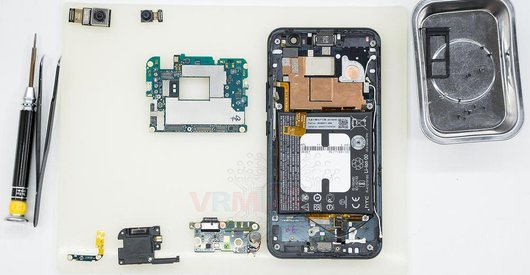
In the display frame remained
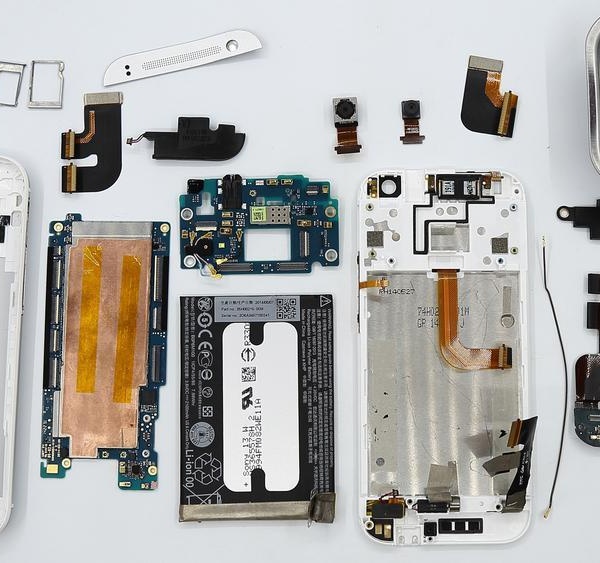
Parts in the frame of the display module.

If you have a question, ask us, and we will try to answer in as much detail as possible. If this article was helpful for you, please rate it.

5310
Views
1
Likes
—
Share
42
Questions
Related Instructions
Related Reviews
Related Blog
Popular Questions
M
HTC One E8
I change the battery and now it does not recognize the two sim cards and the rear camera does not work. Everything else perfect. What can I do?
Melquisedec Daniel12
A
HTC One E8
?whats the name of e8 Vibration Motor and can i also use the M8 vibration motor for a one e8 ?
arman dadkhodaei12
R
HTC Desire 816
Hi sir I broken my screen htc dual sim model opgl200 d816h I want to change it but I dont know wath screen I need to buy can you help me couz htc 81…
Rontan Macalindong18
T
HTC One Mini 2
I just destroyed my phone at the first step.... there are connections under that top cover that are now broken off.
tommy tommy17
HTC Desire 320
1. Please remove my email from being spammed. 2. Do you have a simpler instruction? All I want to do is remove the guts and still have it working. I…
daveTop instructions
Check our
Top HTC instructions most liked by readers
New instructions
Check our
New HTC brand instructions on vrm24.com