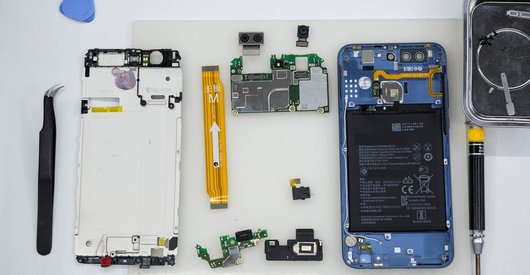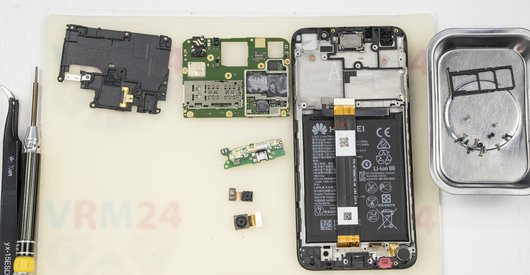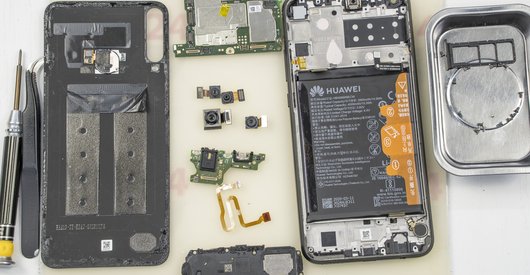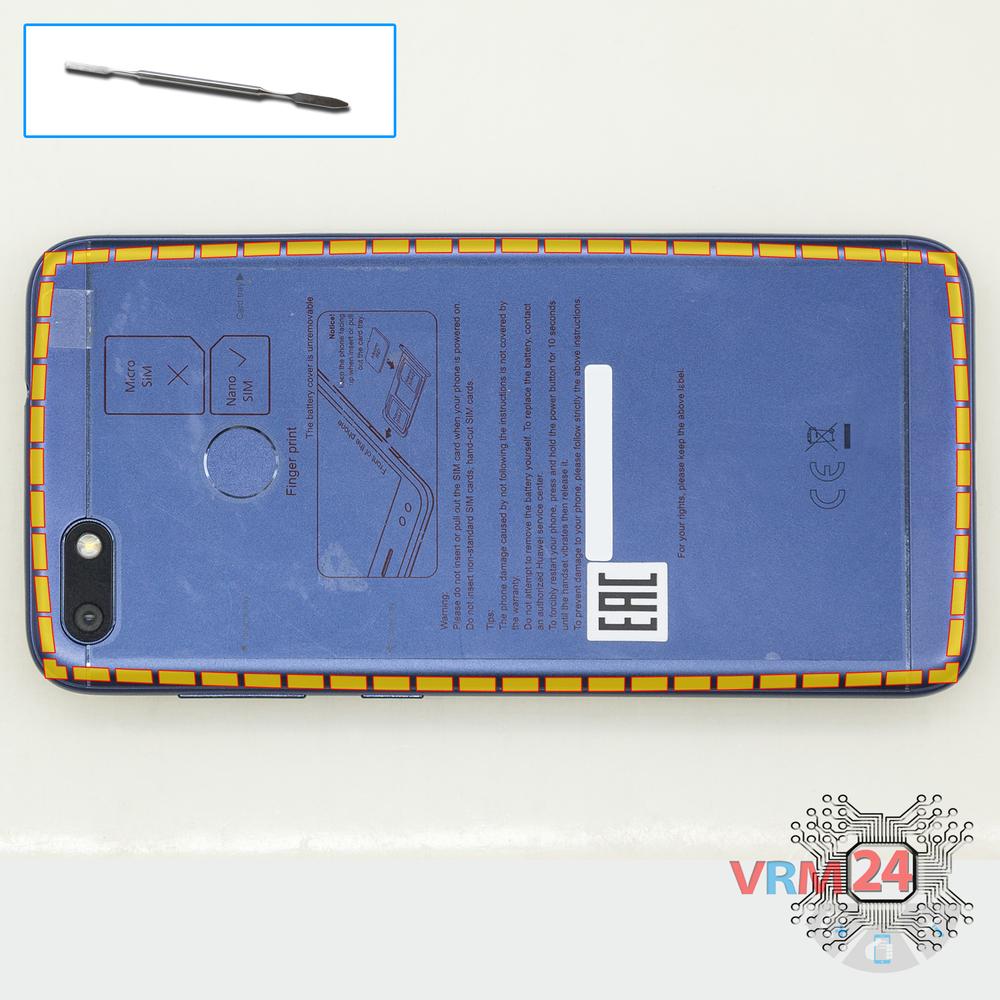




Recommended tools
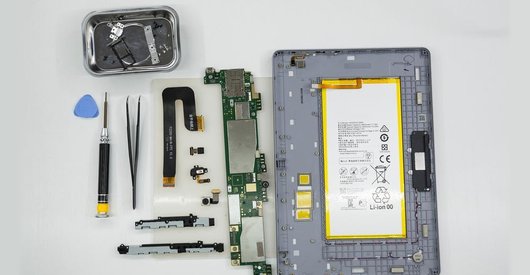
Screwdriver Phillips #000

Opening tool / Spudger

Tweezers

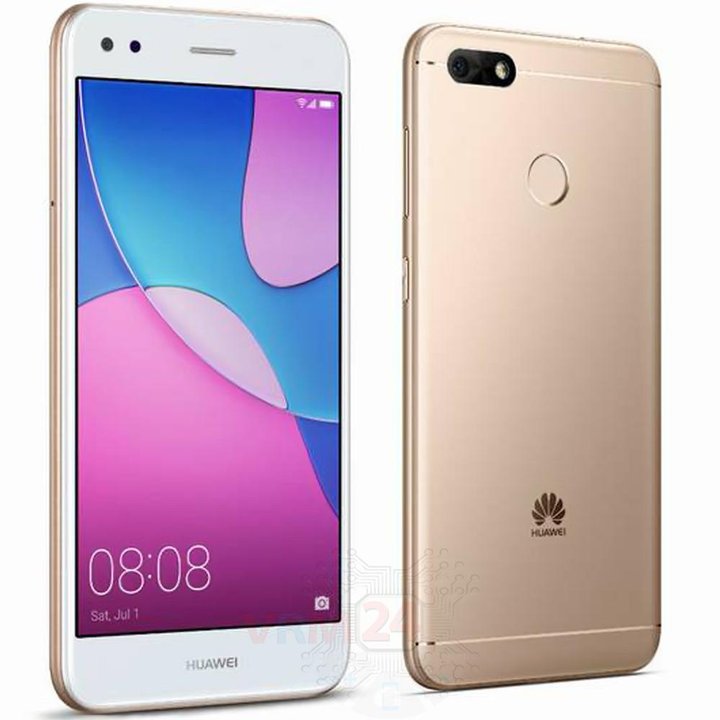
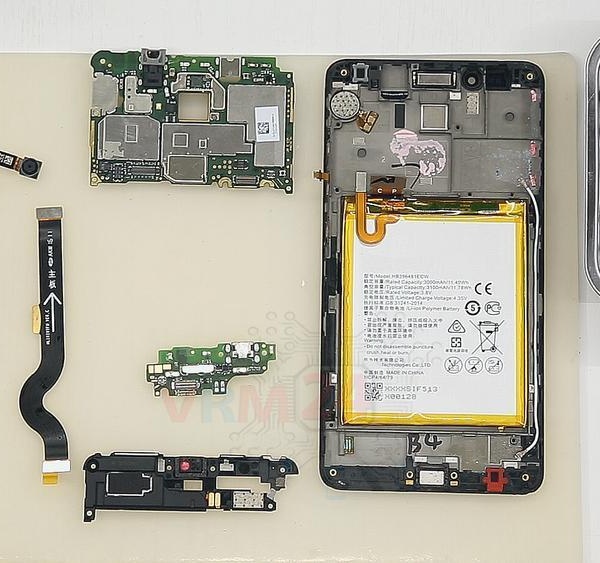
Disassembly/Repair of the mobile device Huawei Nova Lite (Huawei Nova Lite SLA-L22) with each step description and the required set of tools.
7475
Views
1
Likes
—
Share
3
Questions

Step 1.
Remove the trays
Using the key tool, open the SIM and Micro SD cards tray and remove it.
⚠ Warning!
Do not push too hard this may cause damage.
Step 2.
Open the back cover
Open the back cover.
Step 3.
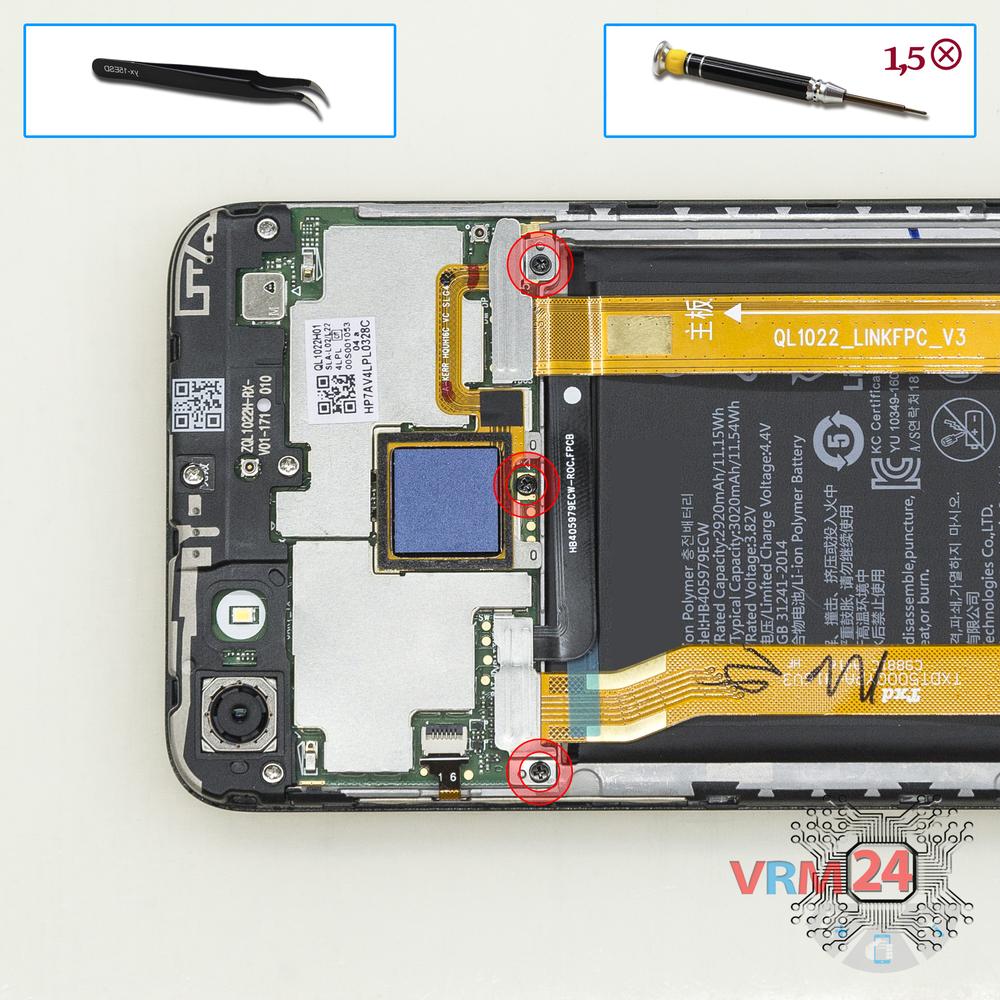
Remove the bracket
Using a screwdriver (Phillips 1.5 mm PH000), unscrew 3 bolts and remove the brackets holding the connectors.
Step 4.
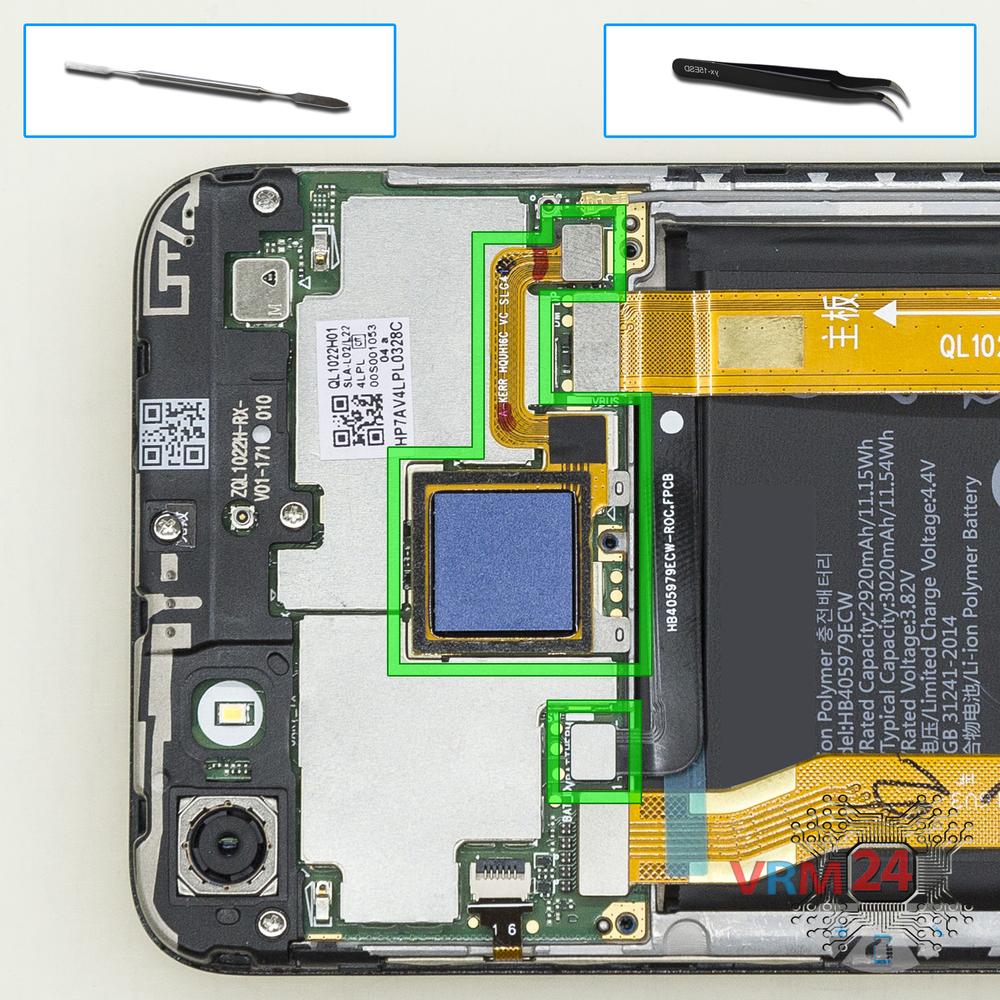
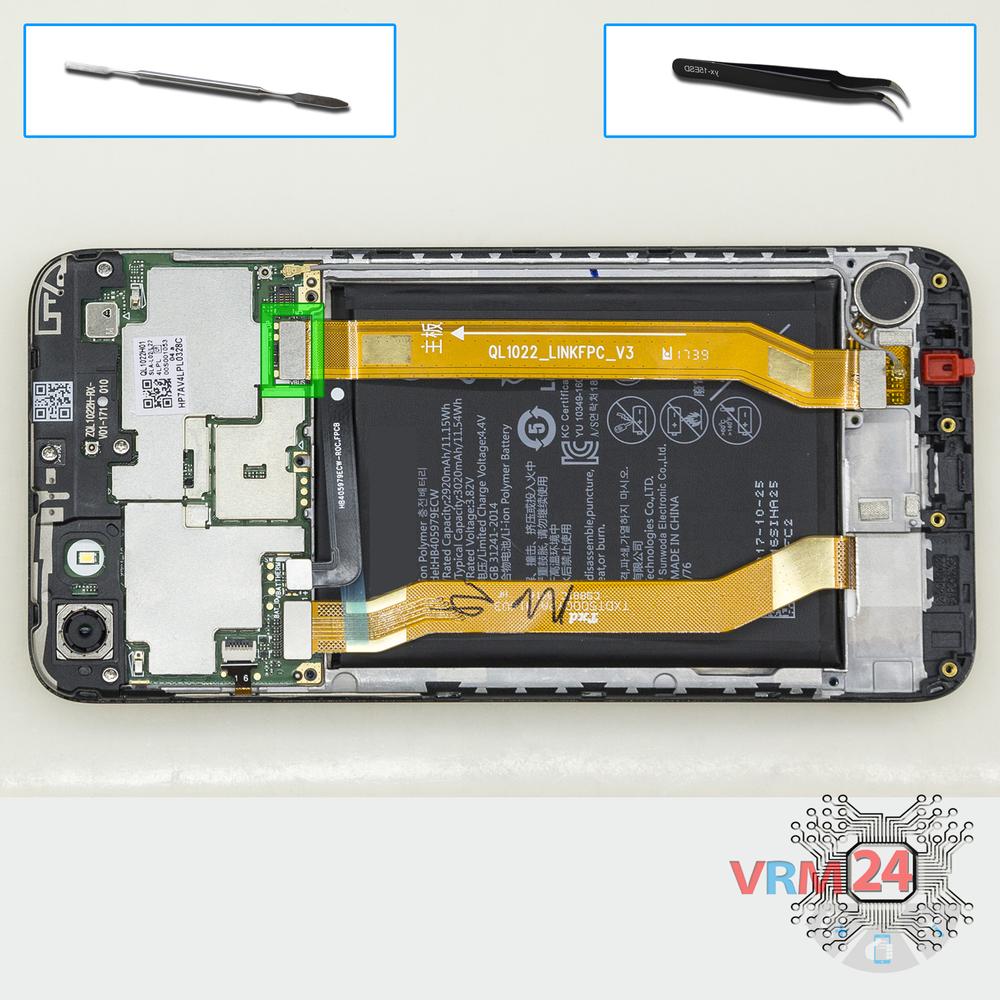
Disconnect the connectors
Pry up the connectors of a battery and fingerprint sensor.
Step 5.
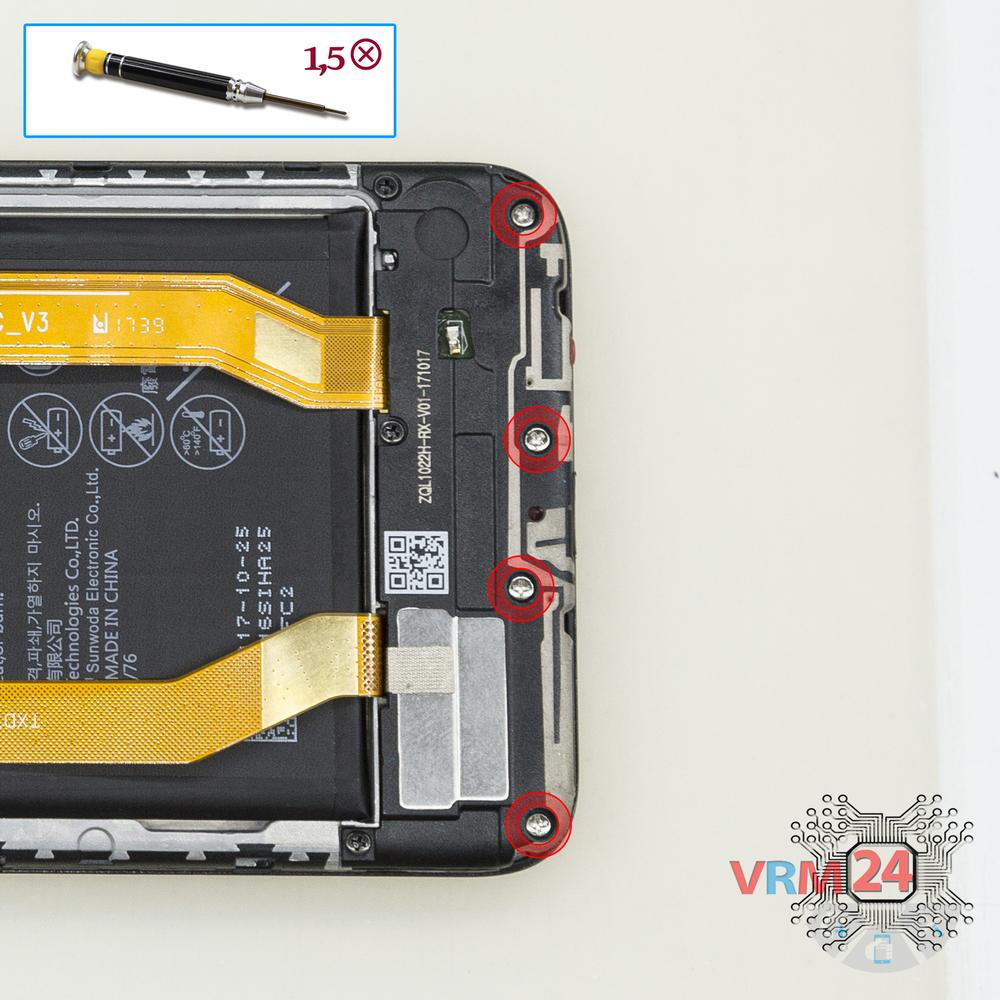
Unscrew the screws
Using a screwdriver (Phillips 1.5 mm PH000), unscrew 4 bolts.
Step 6.
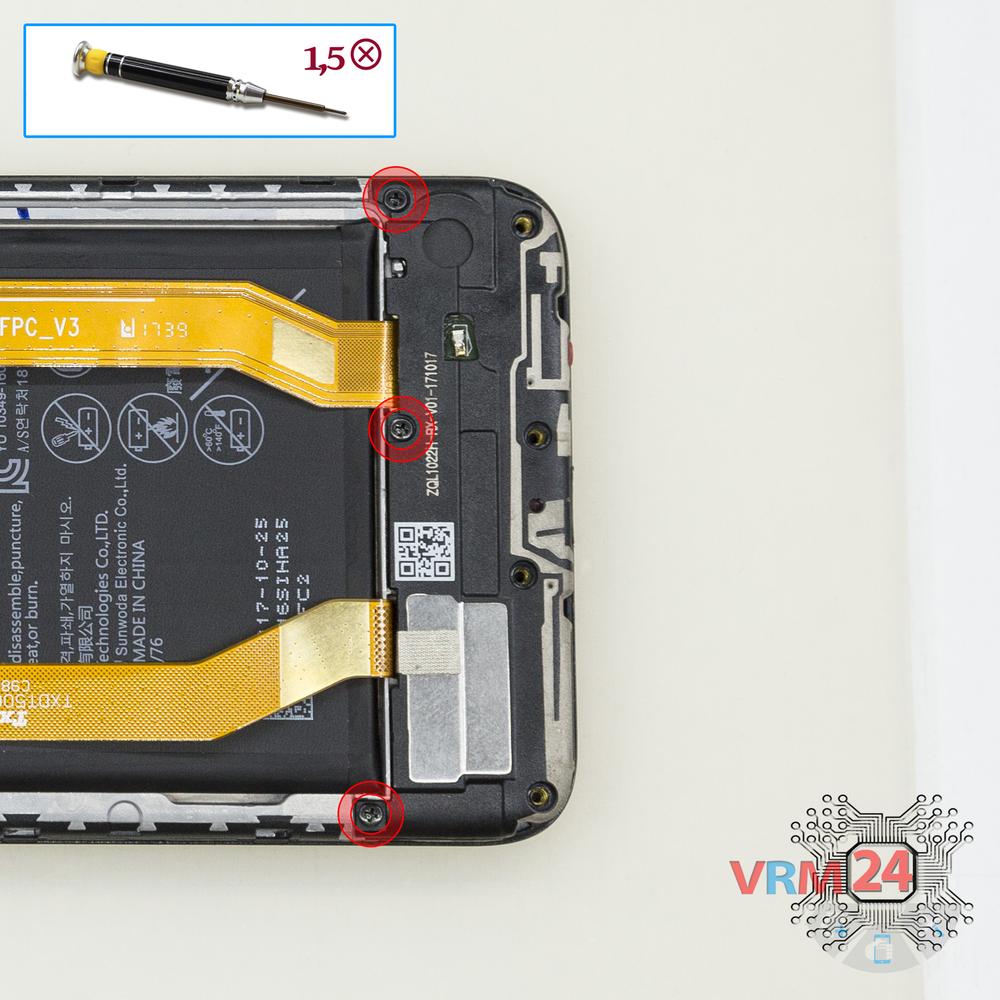
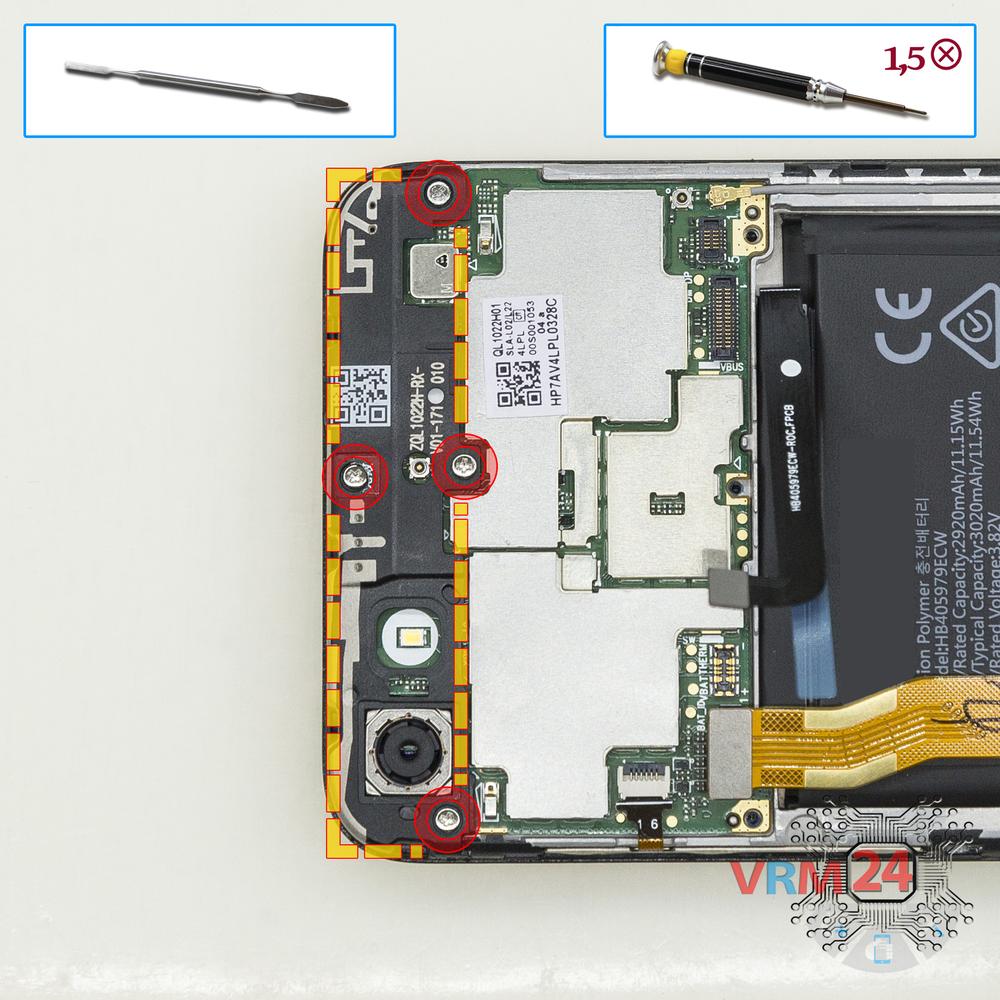
Unscrew the screws
Using a screwdriver (Phillips 1.5 mm PH000), unscrew 3 short bolts.
Step 7.
Remove the loudspeaker
Remove the cover with a buzzer (speaker) and antennas.
Step 8.
Disconnect the connectors
Disconnect connectors on the lower PCB.
Step 9.
Remove the sub-board
Remove the lower PCB.
Step 10.
Remove the interconnect cable
Disconnect the connector and remove the inter-board cable.
Step 11.
Disconnect the connectors
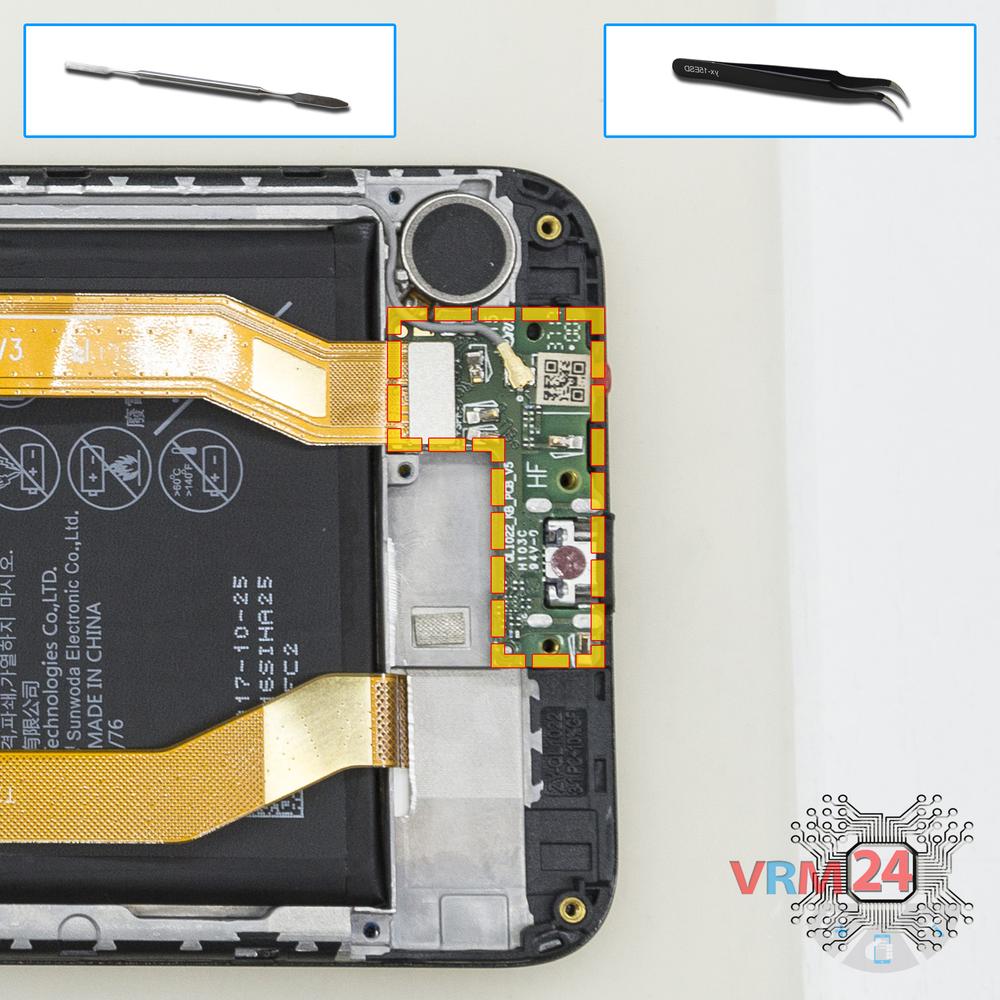
Disconnect connectors on the PCB.
Step 12.
Remove the bracket
Using a screwdriver (Phillips 1.5 mm PH000), unscrew 4 bolts and remove the cover with antennas..
Step 13.
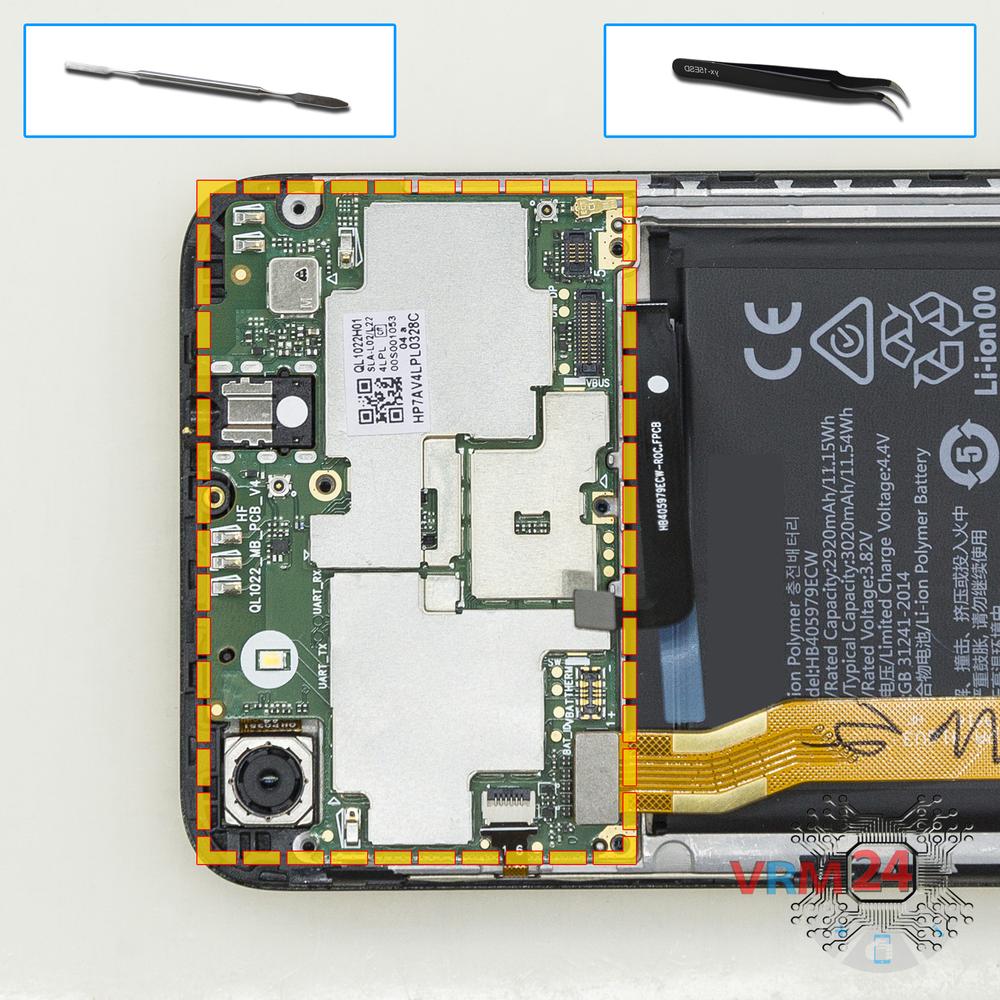
Remove the motherboard
Remove the PCB.
Step 14.
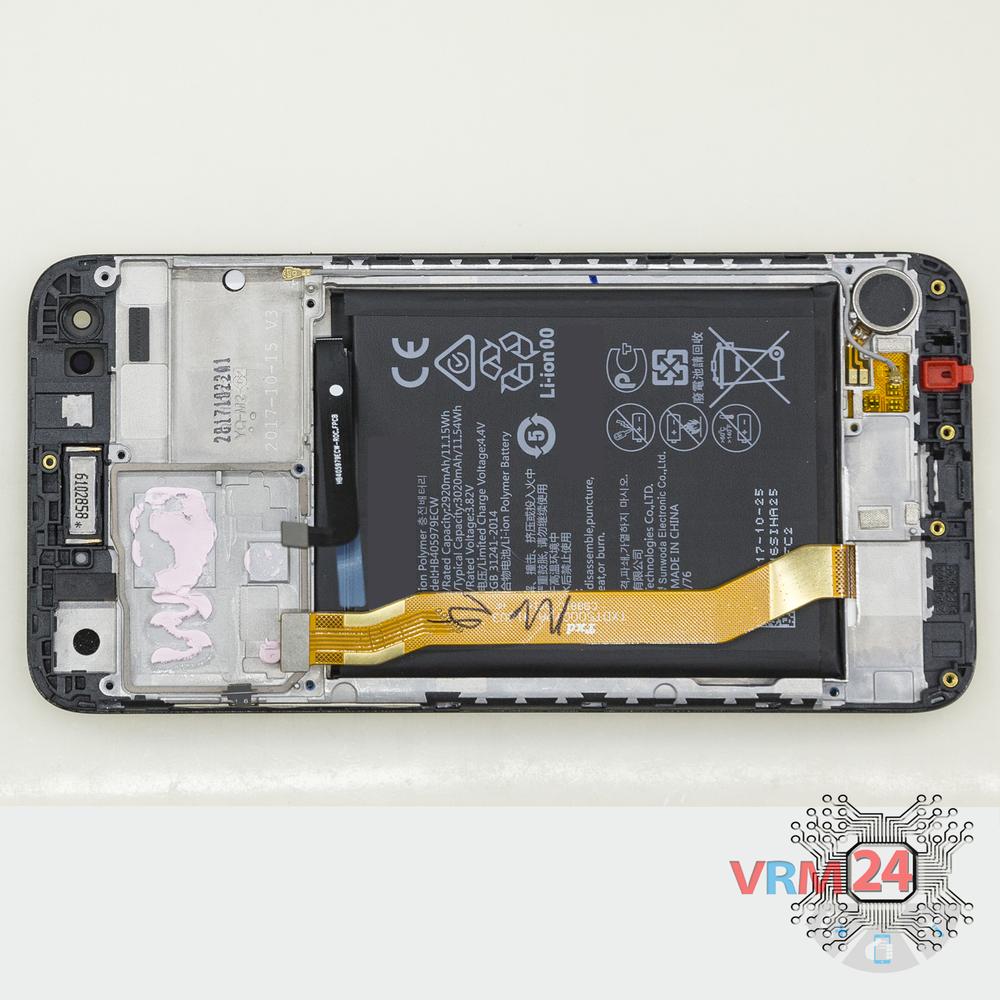
In the display frame remained
Parts are in the frame of the display module.
Step 15.
Remove the cameras
Disconnect connectors on PCB and remove the main and front (selfie) cameras.

If you have a question, ask us, and we will try to answer in as much detail as possible. If this article was helpful for you, please rate it.

7475
Views
1
Likes
—
Share
3
Questions
Related Instructions
Related Reviews
Related Blog

Popular Questions
V
Huawei MediaPad T3 (10'')
good afternoon please I have a question, can the touchscreen be replaced or does it come as one with the display, thank you for your answer
Vallexpress Vallexpress20
F
Huawei MediaPad M3 Lite 8"
what did you use to "detach" the glass? it looks like a piece of plastic, but I can't find anything that thin and strong
Fabry Mondino18
أ
Huawei Ascend Y3 II
Is there a screen connector for the Azoah?
أبو زهراء العزاوي العزاوي3
P
Huawei Ascend Y635
Good sir! Sir i have also y635-l21, mobile which display is broken from where to buy new one... And cameras both taking blurred picture.
Peace Love19
Huawei Y8P
لم يستجيب جوالي وقداتغلق فجاه ولم اتمكن من تشغليه ولايستجيب للتشغيل لقدحاولات شحنه لكن لم يستجيب لذلك لوتركتولفترةطويله يسخن الجهازفي مكان الكيمراءت
alzbyryhythm905Top instructions
Check our
Top Huawei instructions most liked by readers
New instructions
Check our
New Huawei brand instructions on vrm24.com