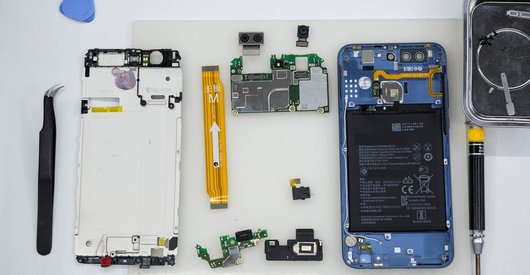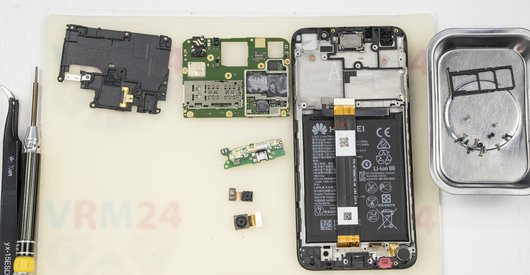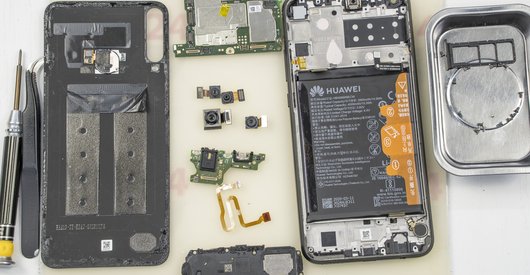

Recommended tools
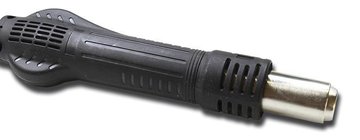
Heat gun
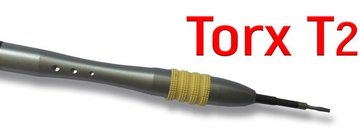
Screwdriver Torx Т2
Screwdriver Phillips #000

Tweezers

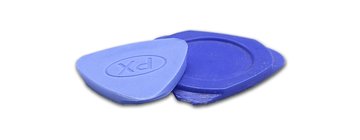
Non-metallic tool
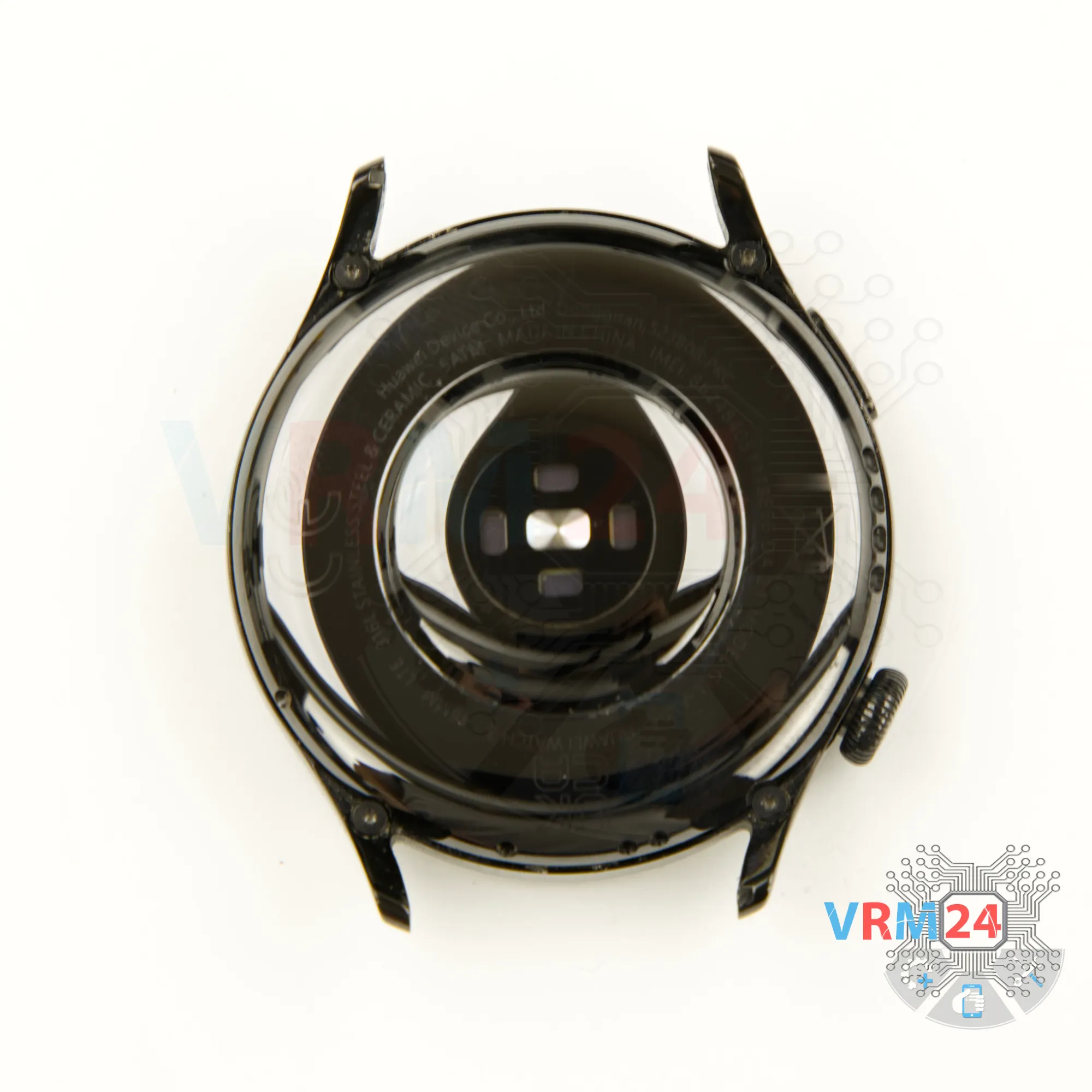
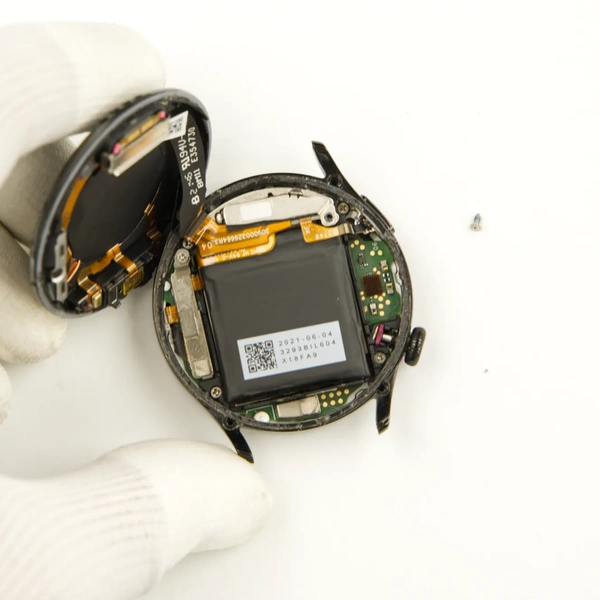
Disassembly/Repair of the mobile device Huawei Watch 3 (Huawei Watch 3 GLL-AL04) with each step description and the required set of tools.
3954
Views
3
Likes
—
Share
0
Questions

Step 1.
Before disassembling!
⚠️ Before disassembling, do not forget to turn your phone off.
We preheated the back cover to approximately 70 degrees Celsius or 160 degrees Fahrenheit. For this, we used a heating mat, but you can also use a hairdryer.
Step 2.
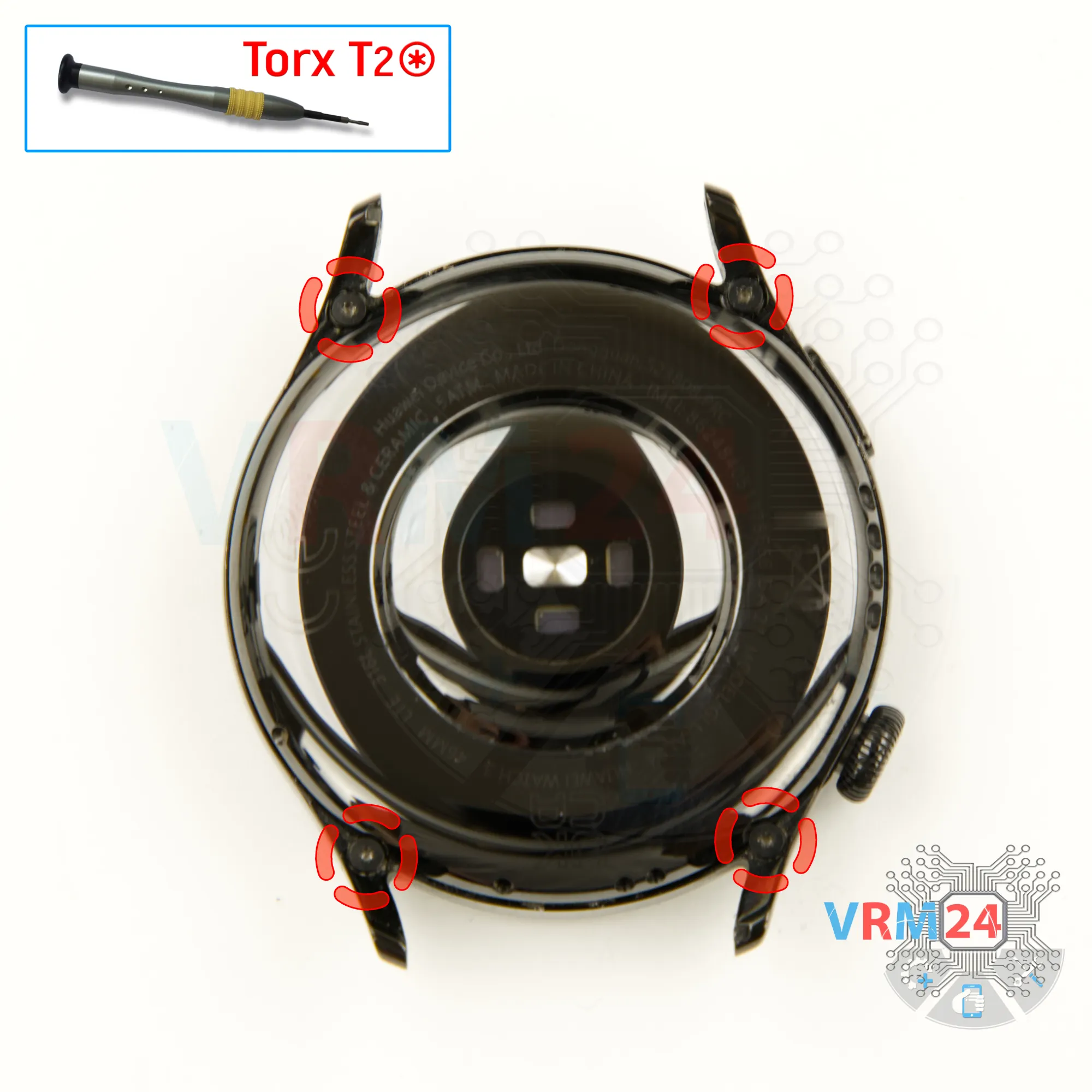
Unscrew the screws
We unscrew the four screws using a Torx T2 screwdriver.
Step 3.
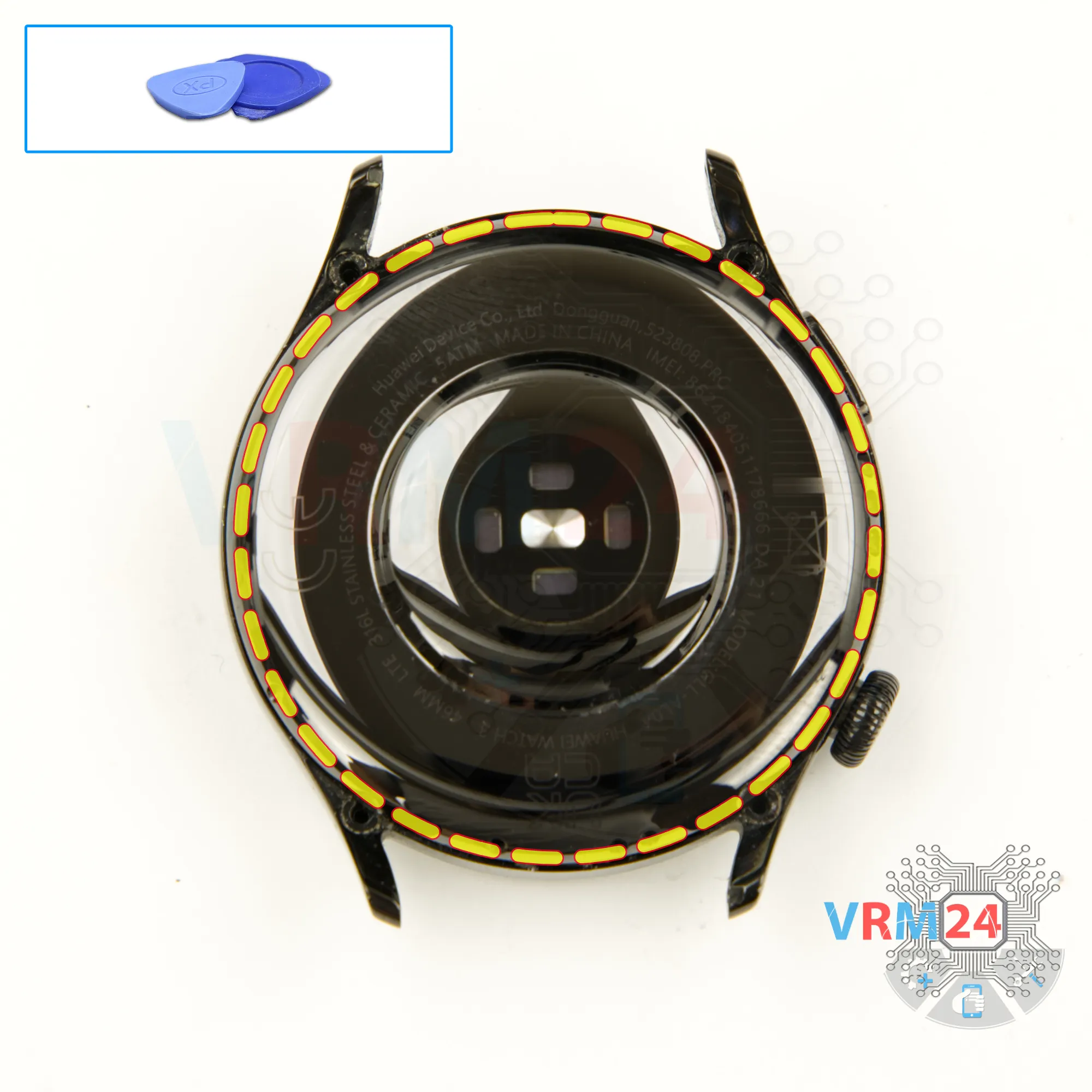
Open the back cover
Now, we can proceed to detach the back cover.
The back cover is very firmly glued.
We use a thin plastic film — insert it into the gap between the back cover and the case, and carefully work our way around the edge to separate the back cover.
Be careful not to insert the tool too deeply under the cover to avoid accidentally damaging the cables.
Step 4.
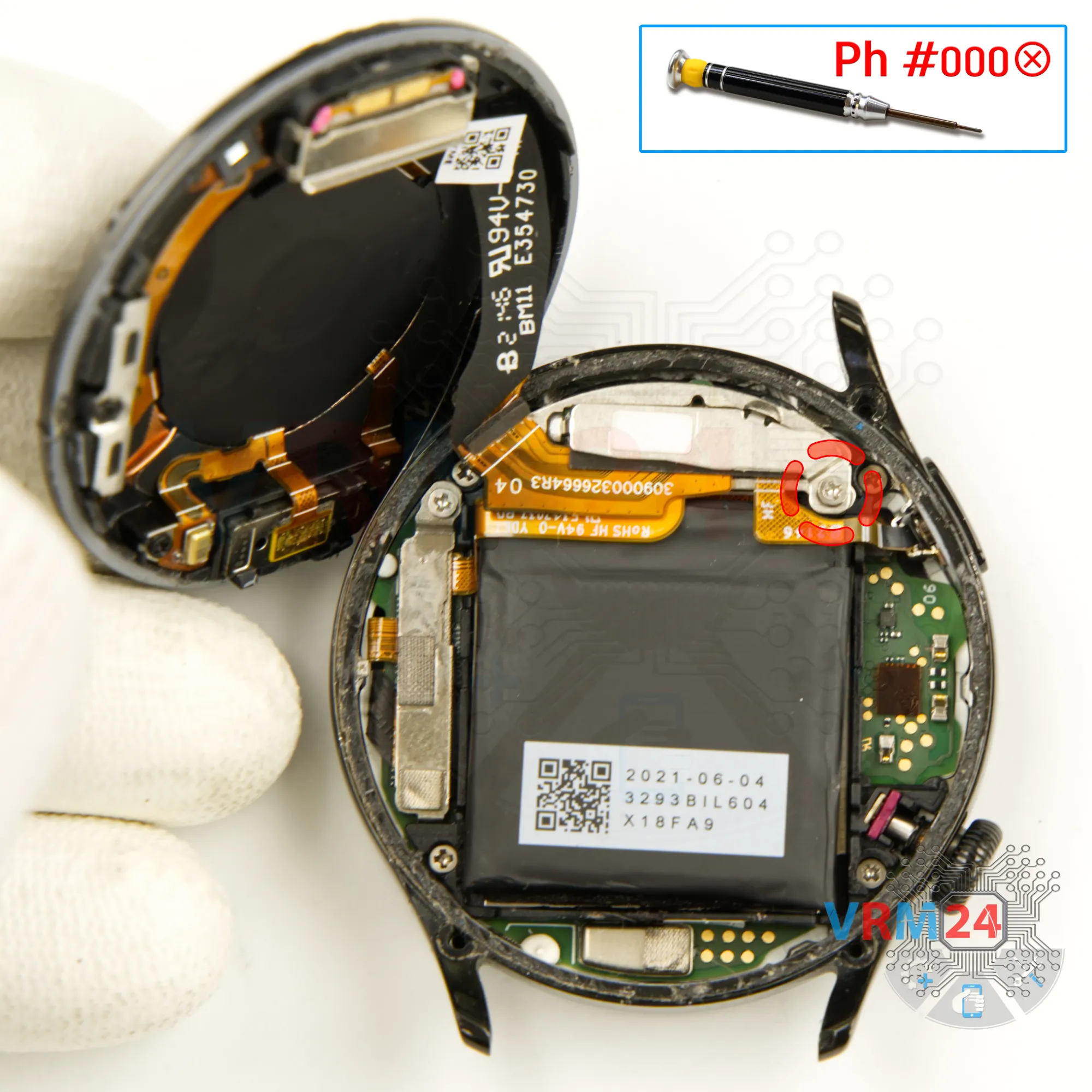
Unscrew one screw
After that, we need to unscrew one screw that holds the bracket securing the connectors.
Using a 1.5 mm cross-head screwdriver, we unscrew one screw.
Step 5.
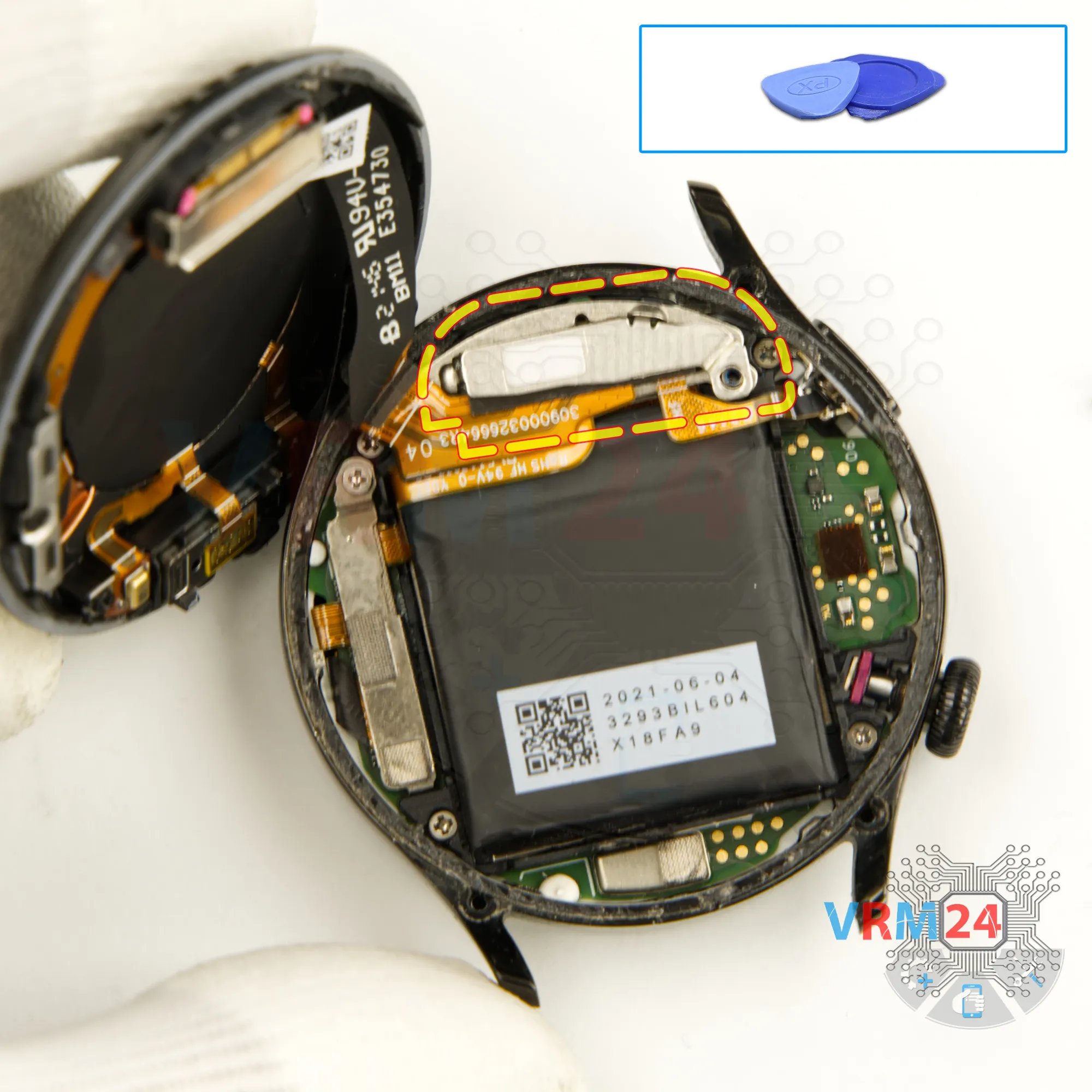
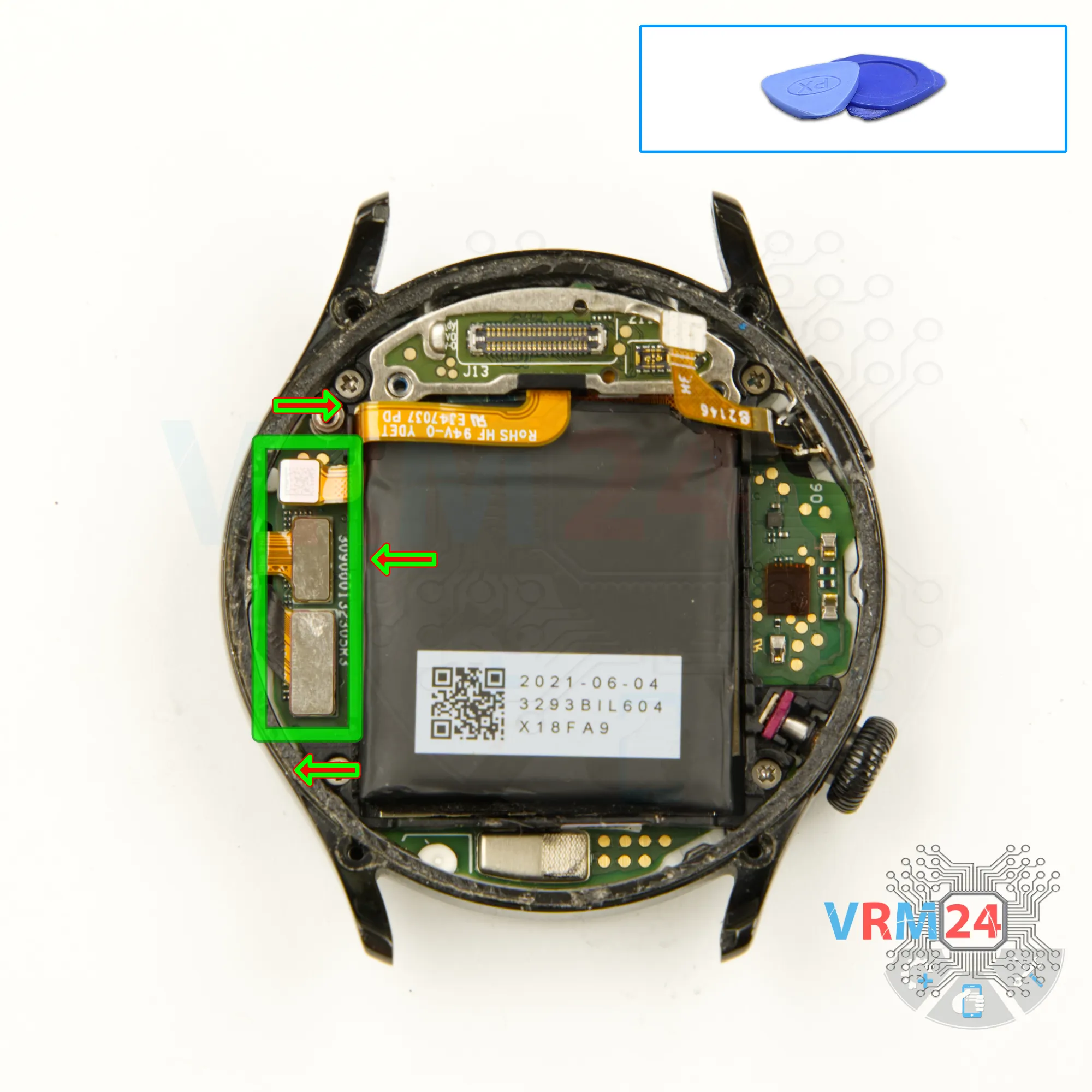
Remove the bracket
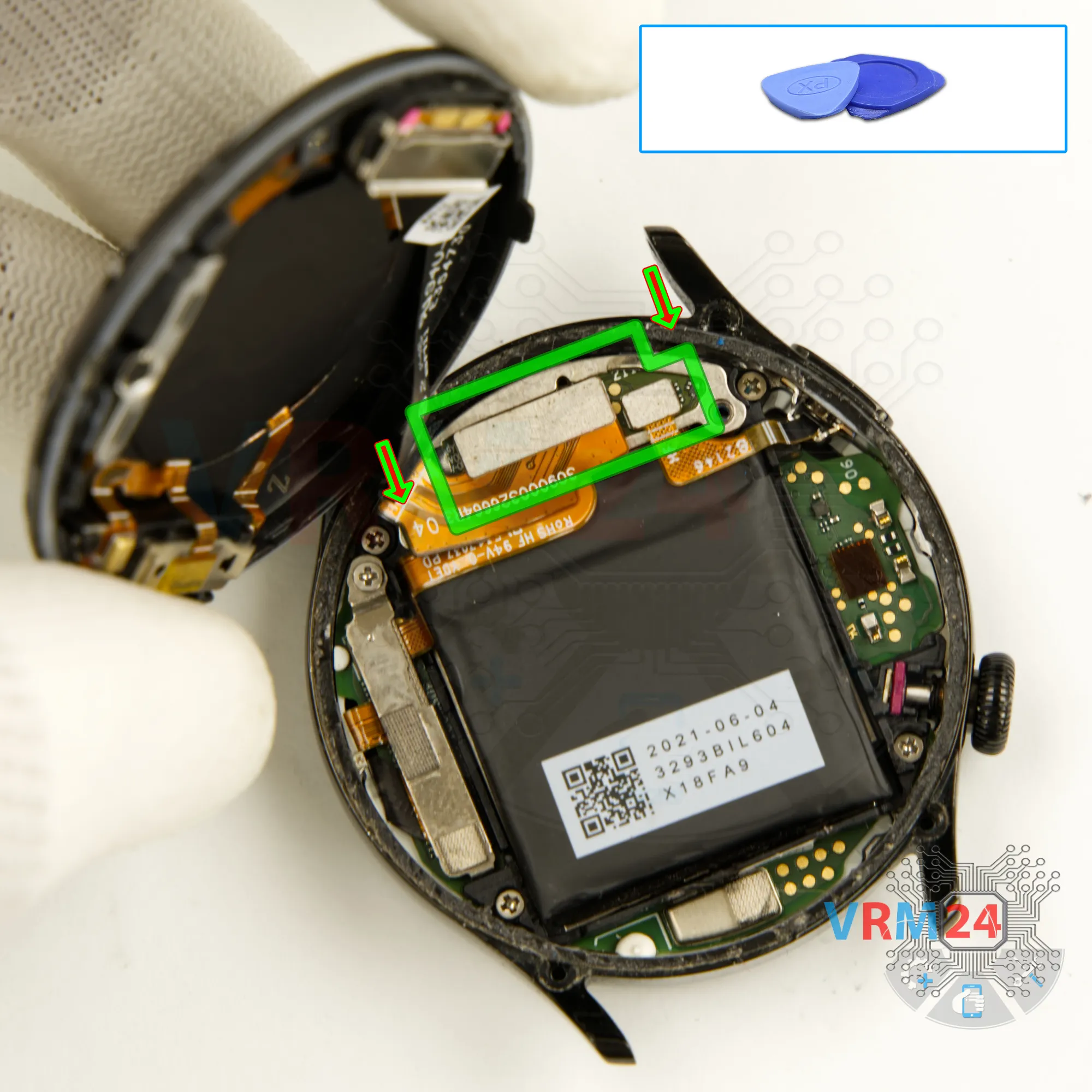
Then, using a non-metallic tool - we detach one bracket holding the connectors.
Step 6.
Disconnect the connectors
We can now disconnect the cable connector that leads to the back cover and remove the back cover.
Step 7.
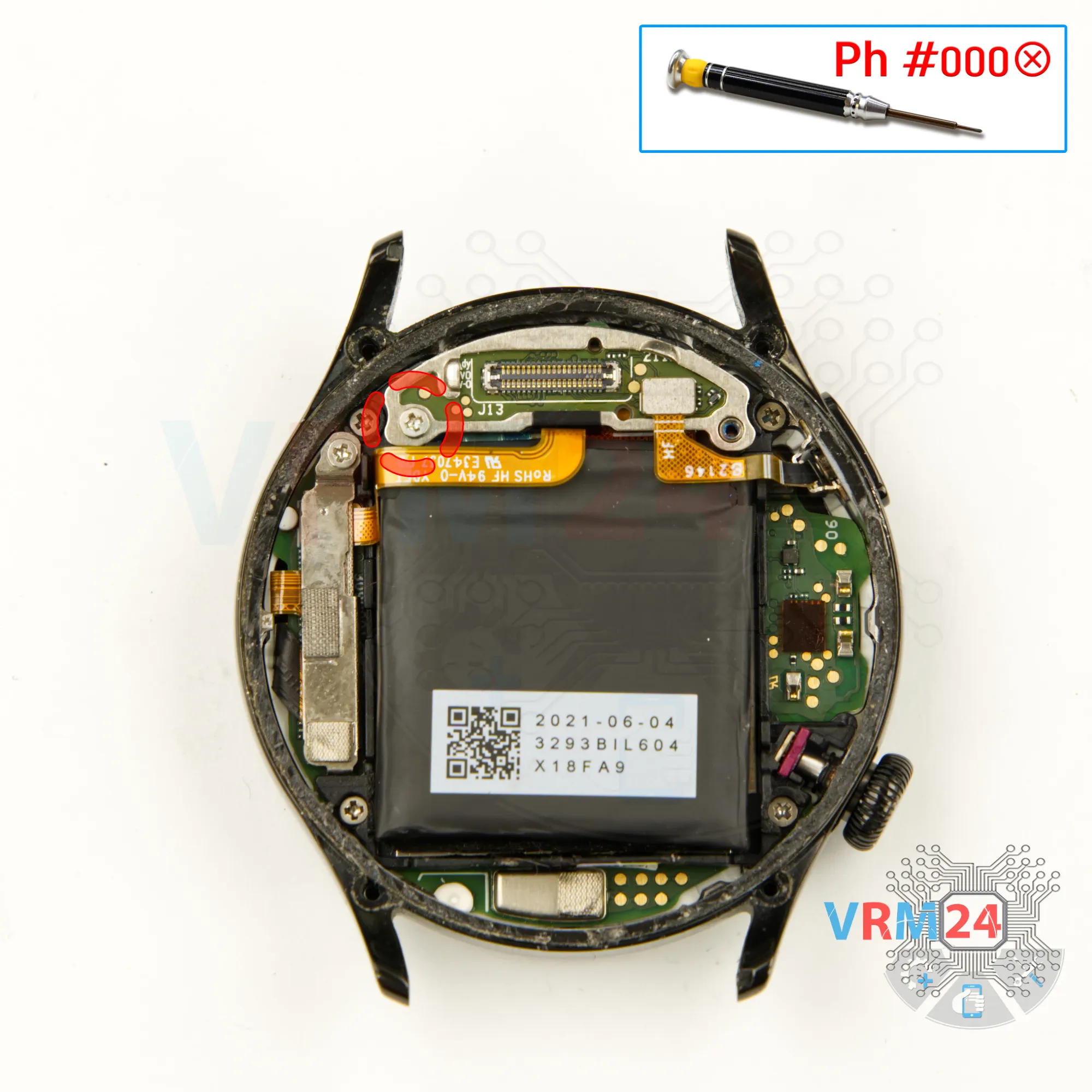
Unscrew one screw
We set the back cover aside and move on to unscrewing one screw on the motherboard.
For this, we use a 1.5 mm cross-head screwdriver or a Philips #000.
Please note that the screws are located in different places and may vary, so it's best to place them on a special surface in a specific order to avoid mixing them up during reassembly.
Step 8.
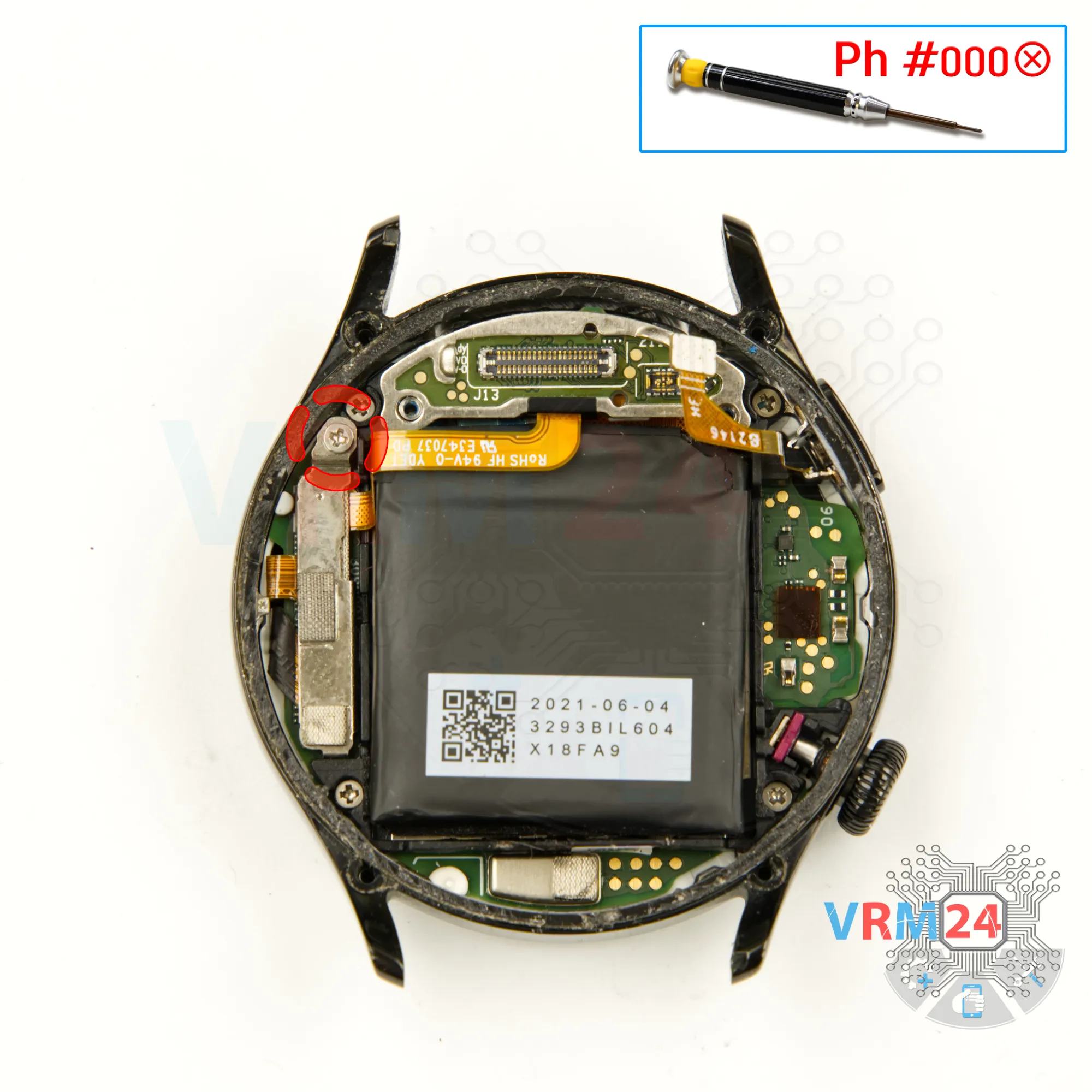
Unscrew one screw
Using a screwdriver Phillips 1.5 mm (PH #000), unscrew the one screw.
Step 9.
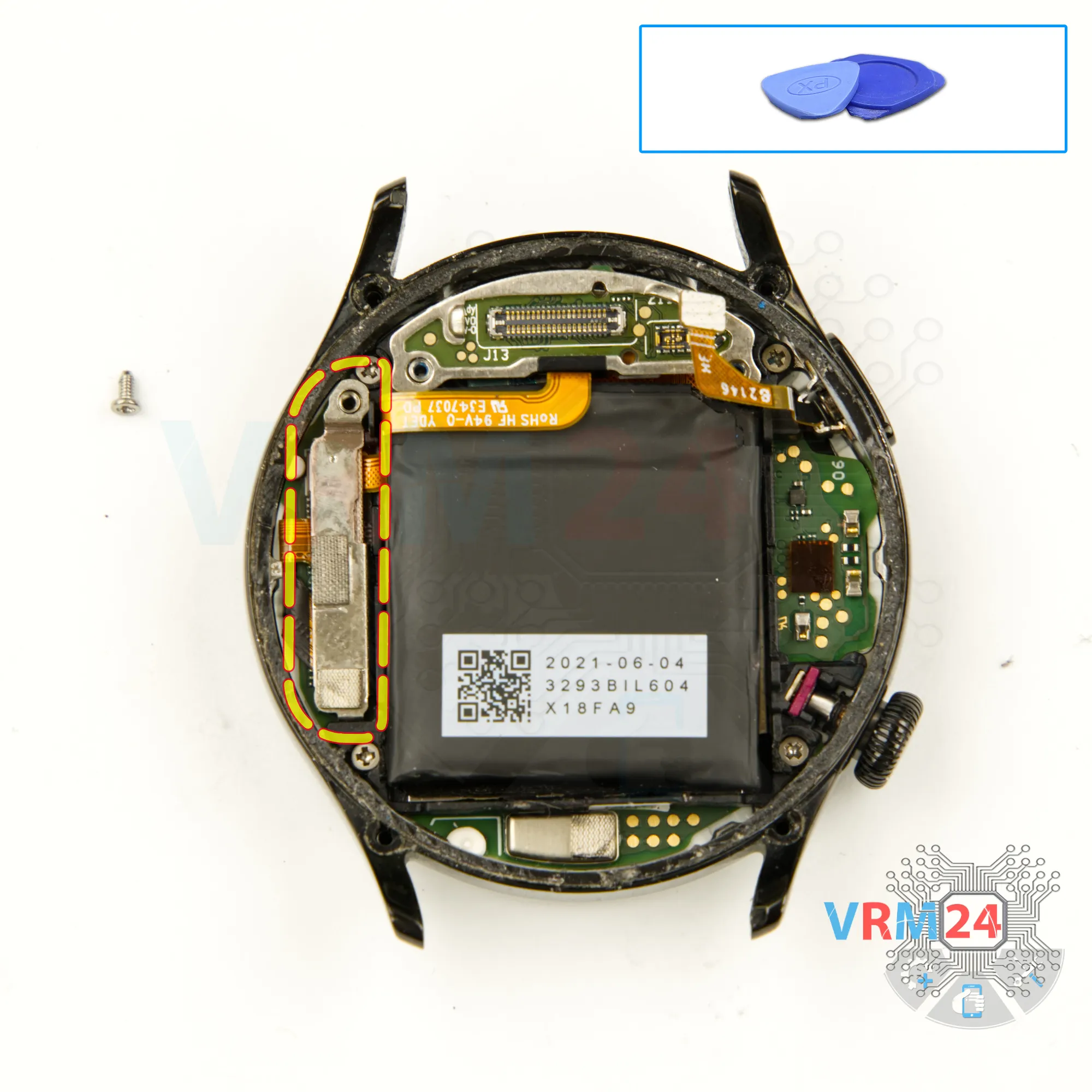
Remove the bracket
We detach the connector bracket.
Step 10.
Disconnect the connectors
And we can disconnect the battery connector as well as the other connectors.
Step 11.
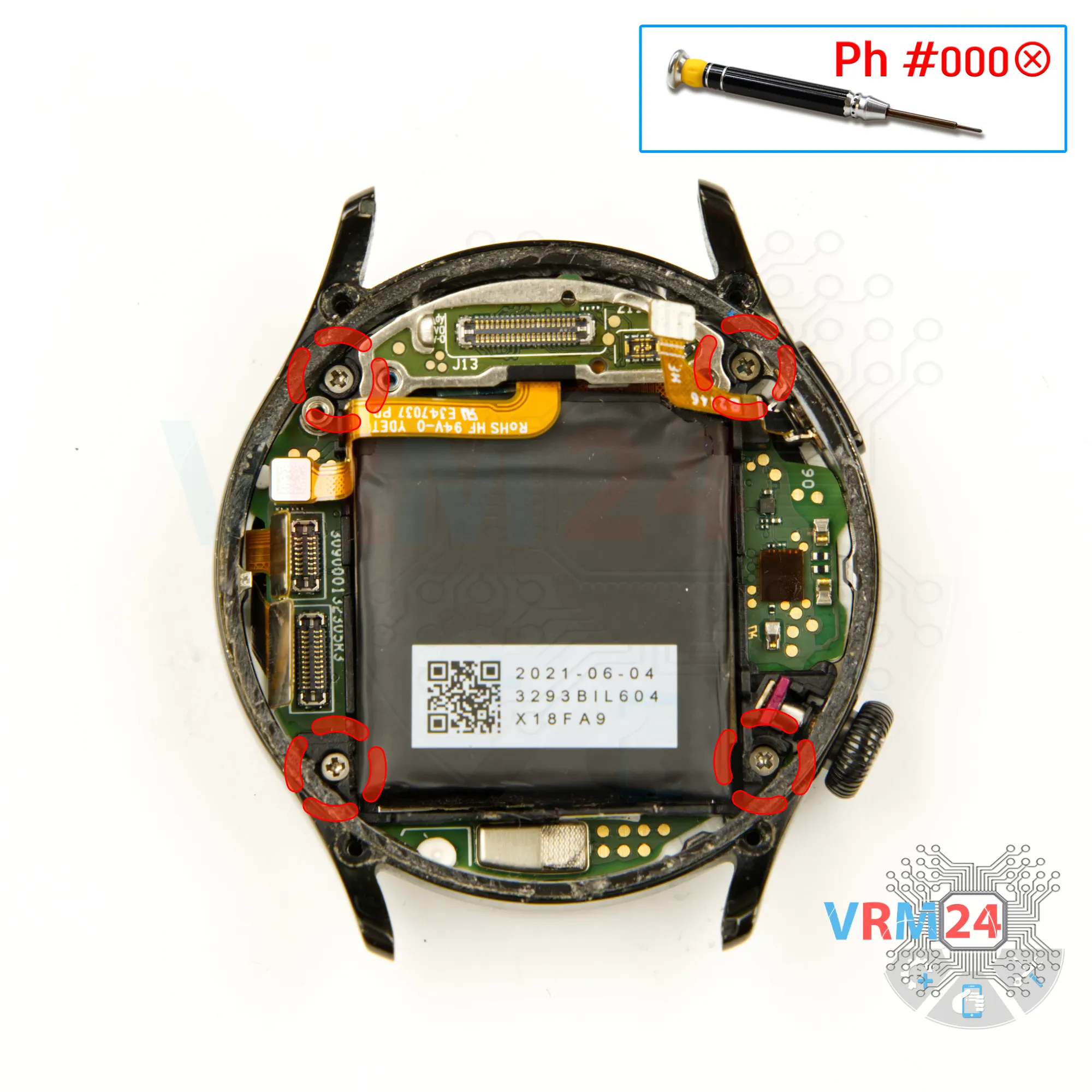
Unscrew the screws
And we also need to unscrew the remaining screws that hold the motherboard in place. Carefully unscrew the screws using a screwdriver Phillips 1.5 mm (PH #000) and set them aside so they don't get in the way.
Step 12.
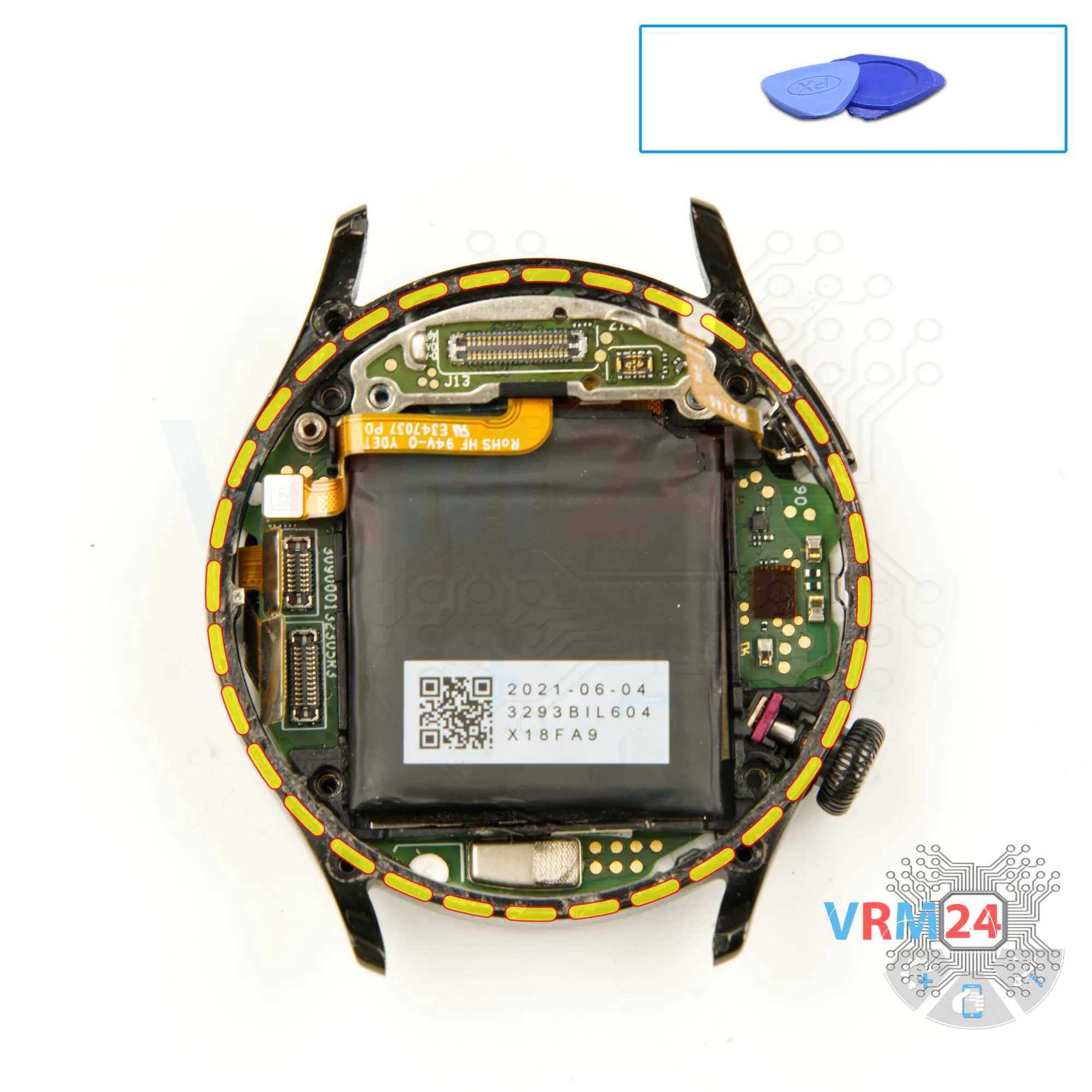
Remove the motherboard
After that, we can carefully detach the motherboard.
Gently pry it from the edge at the correct spot, lift it, and remove the motherboard along with the battery.
Step 13.
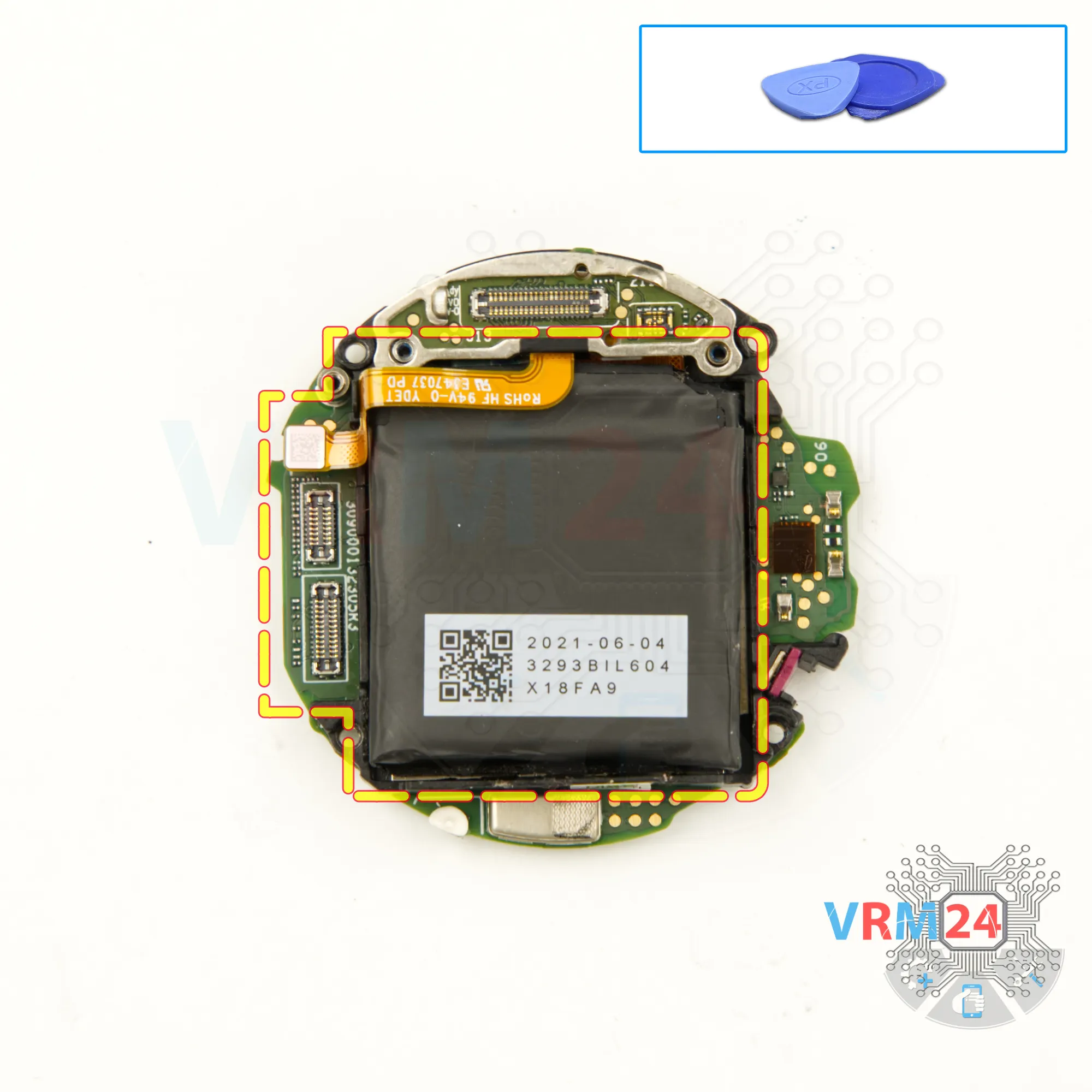
Remove the battery
We carefully separate the battery from the motherboard.
⚠️ Be careful! The battery is firmly glued.

If you have a question, ask us, and we will try to answer in as much detail as possible. If this article was helpful for you, please rate it.

3954
Views
3
Likes
—
Share
0
Questions
Related Instructions
Related Reviews
Related Blog

Top instructions
Check our
Top Huawei instructions most liked by readers
New instructions
Check our
New Huawei brand instructions on vrm24.com