



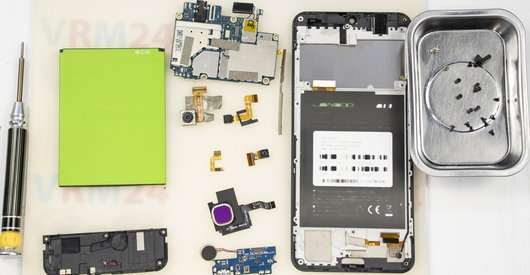
Recommended tools
Screwdriver Phillips #000

Opening tool / Spudger

Tweezers

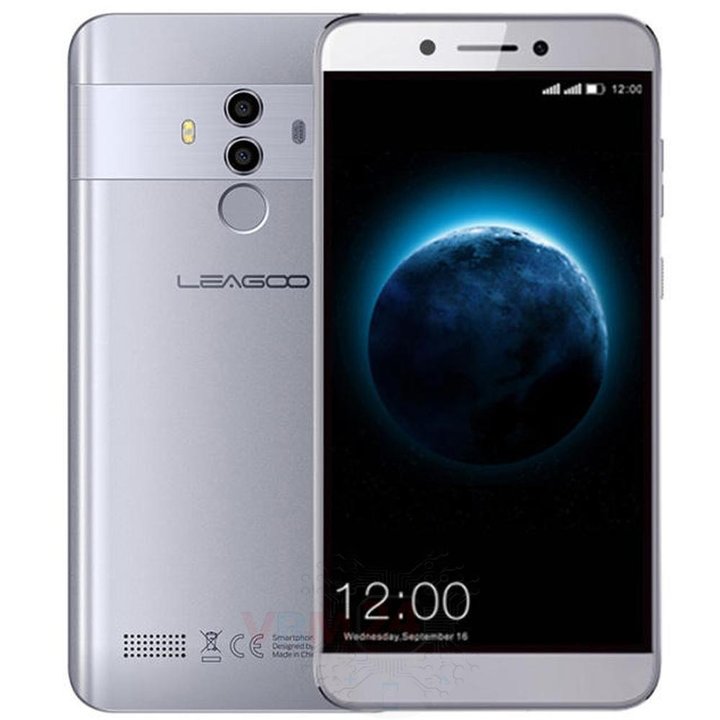
Disassembly/Repair of the mobile device LEAGOO T8 (LEAGOO T8 / T8s) with each step description and the required set of tools.
6977
Views
2
Likes
—
Share
25
Questions

Step 1.
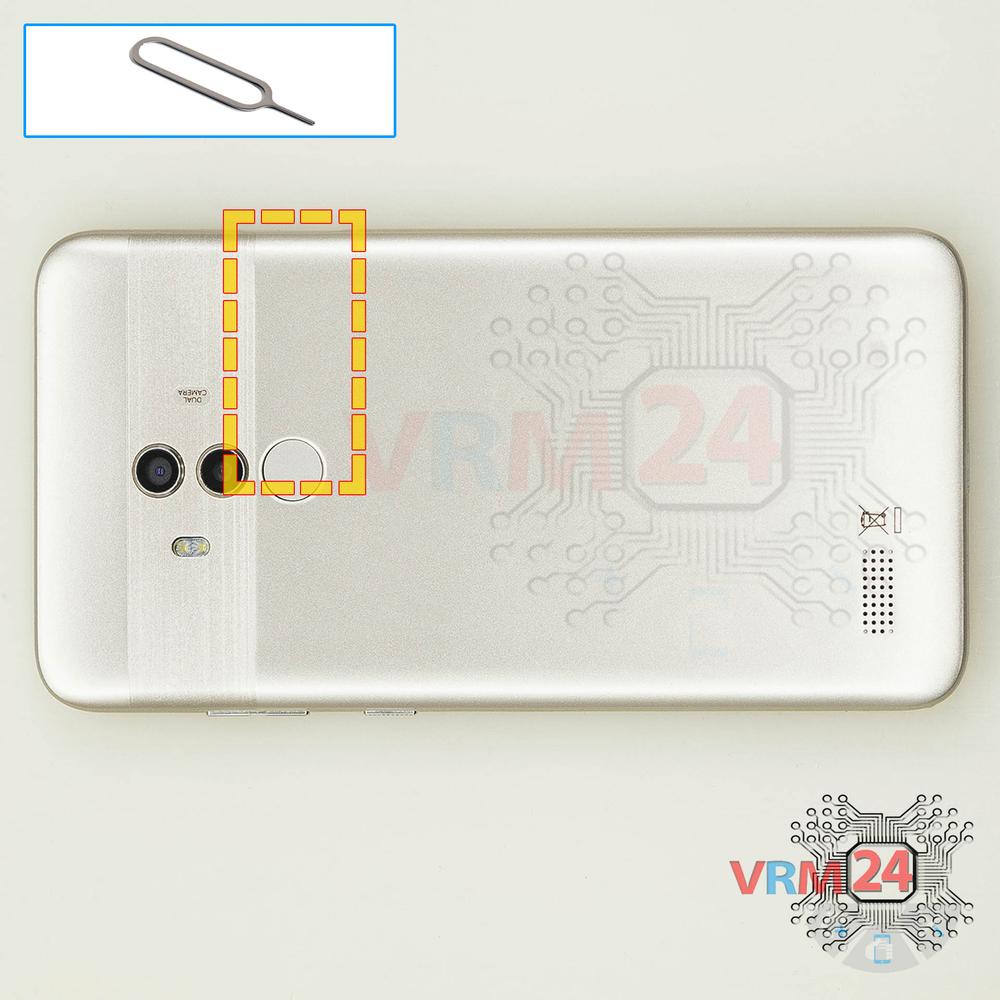
Remove the trays
Using the key tool, open the SIM and Micro SD cards tray and remove it.
⚠ Warning!
Do not push too hard this may cause damage.
Step 2.
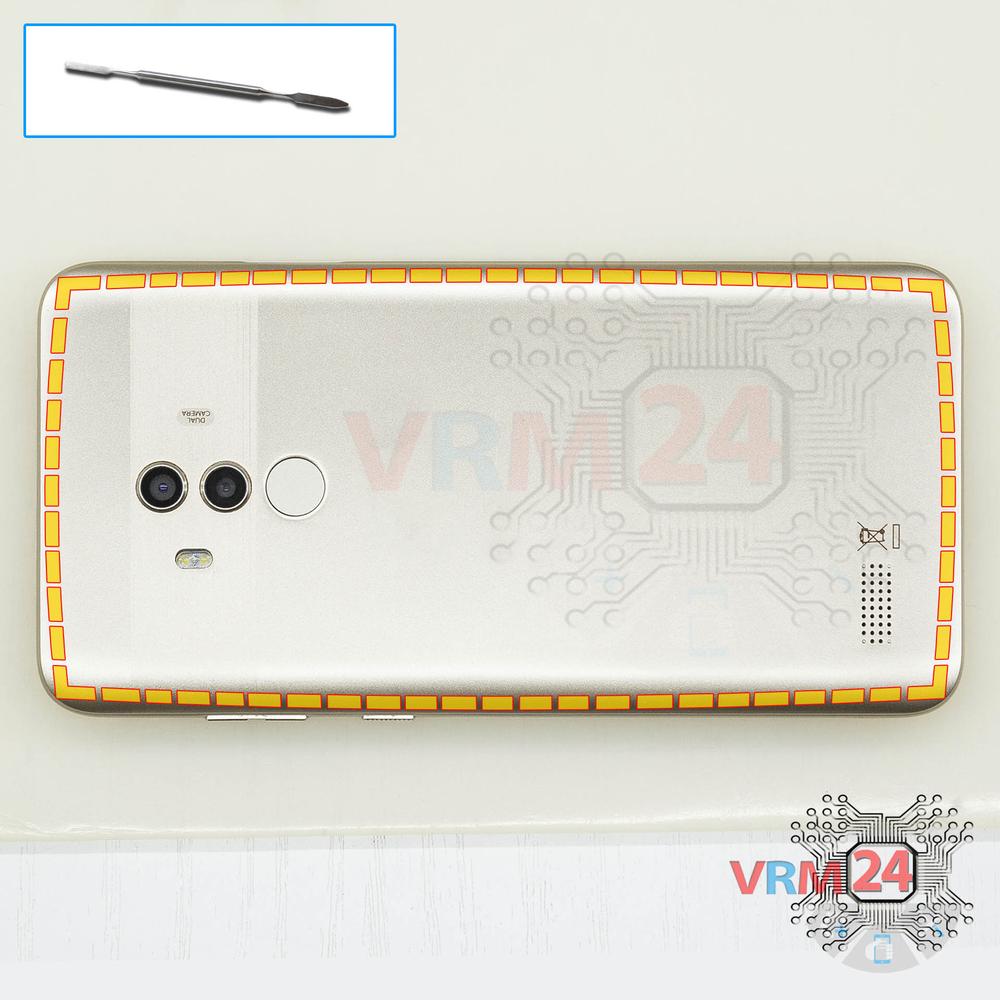
Open the back cover
Open the back cover.
Step 3.
Remove the bracket
Using a screwdriver (Phillips 1.5 mm PH000), unscrew 2 bolts and remove the bracket holding the connectors.
Step 4.
Remove the battery
Disconnect the connector on PCB and remove the battery.
Step 5.
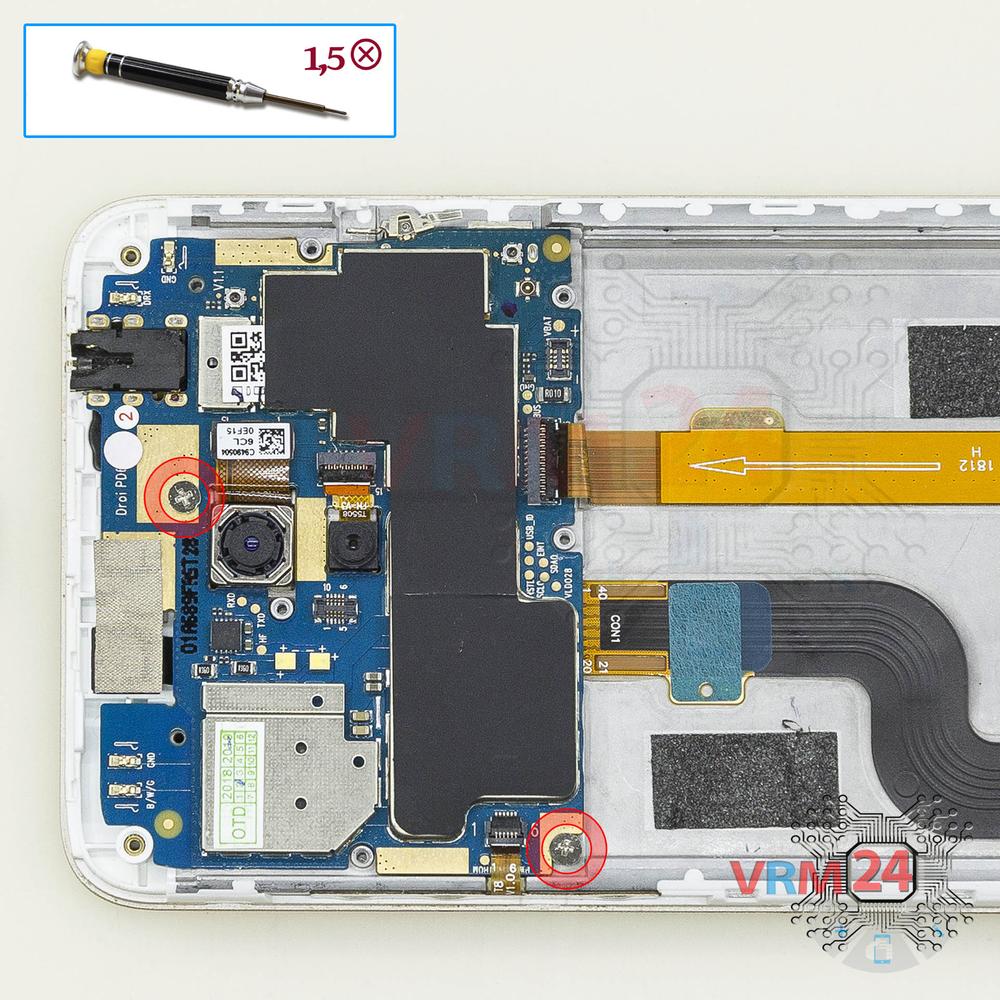
Unscrew the screws
Using a screwdriver (Phillips 1.5 mm PH000), unscrew 6 bolts.
Step 6.
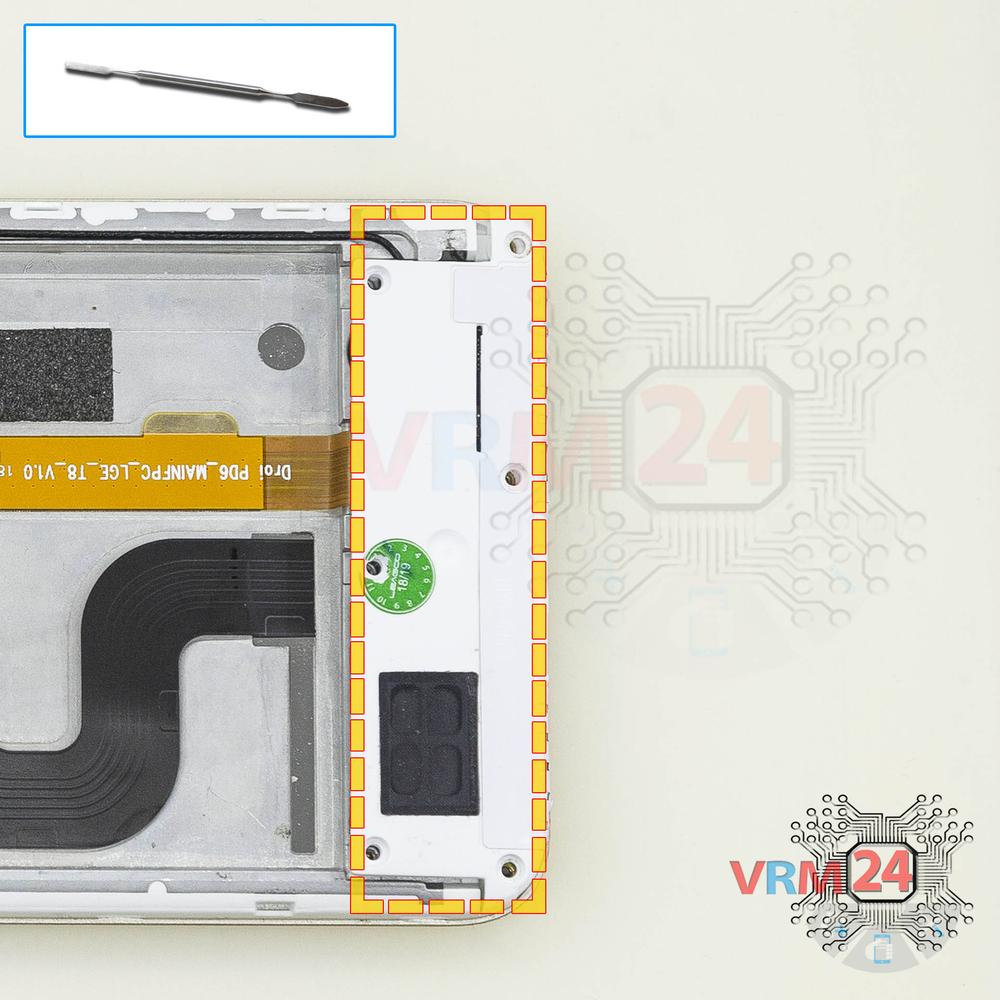
Remove the loudspeaker
Pry and remove the buzzer (speaker) assembly.
Step 7.
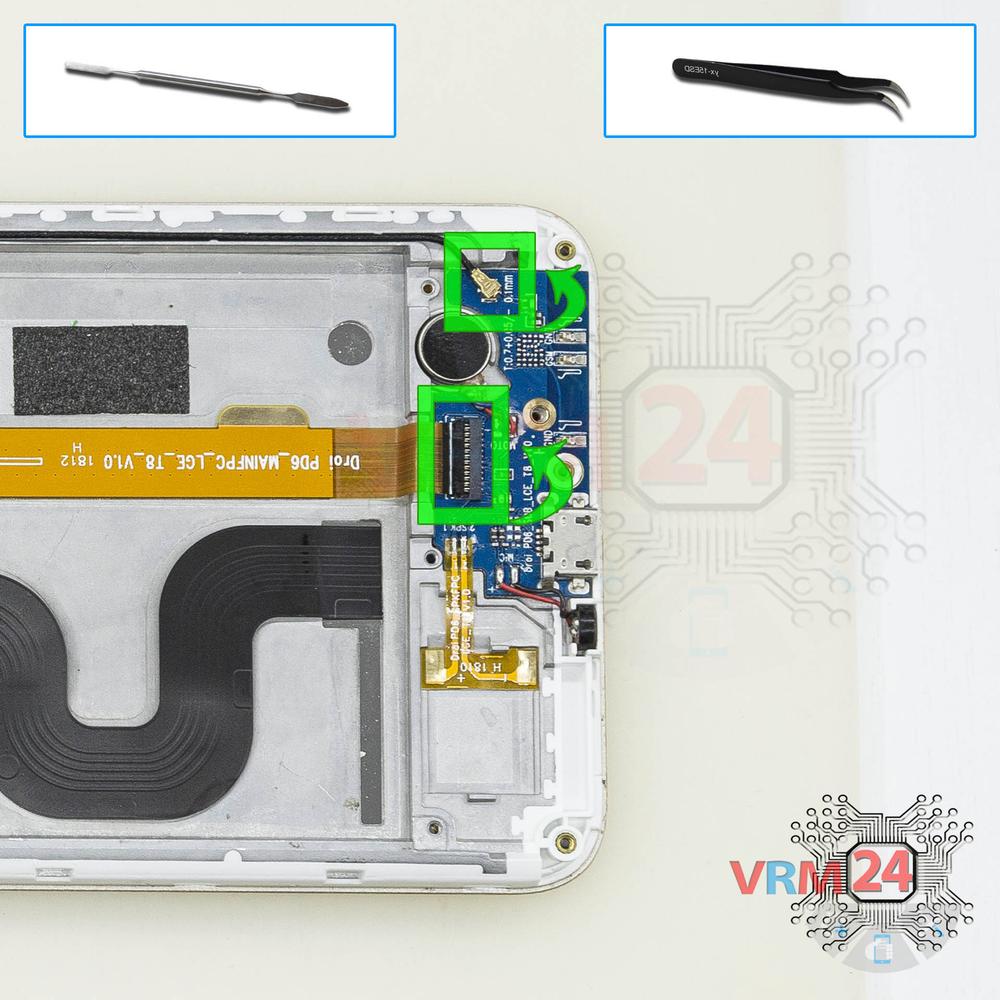
Disconnect the connectors
Disconnect connectors on the daughterboard.
Step 8.
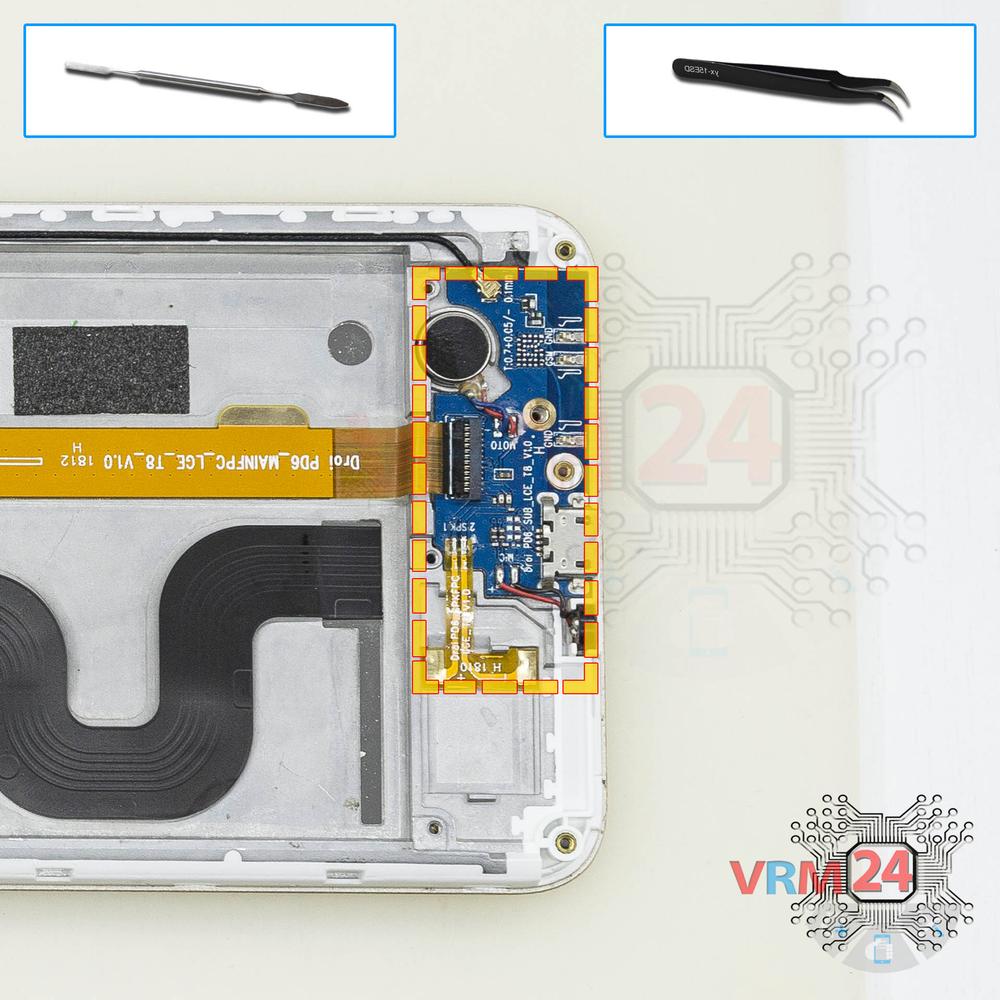
Remove the sub-board
Remove the daughterboard, also known as sub-board.
Step 9.
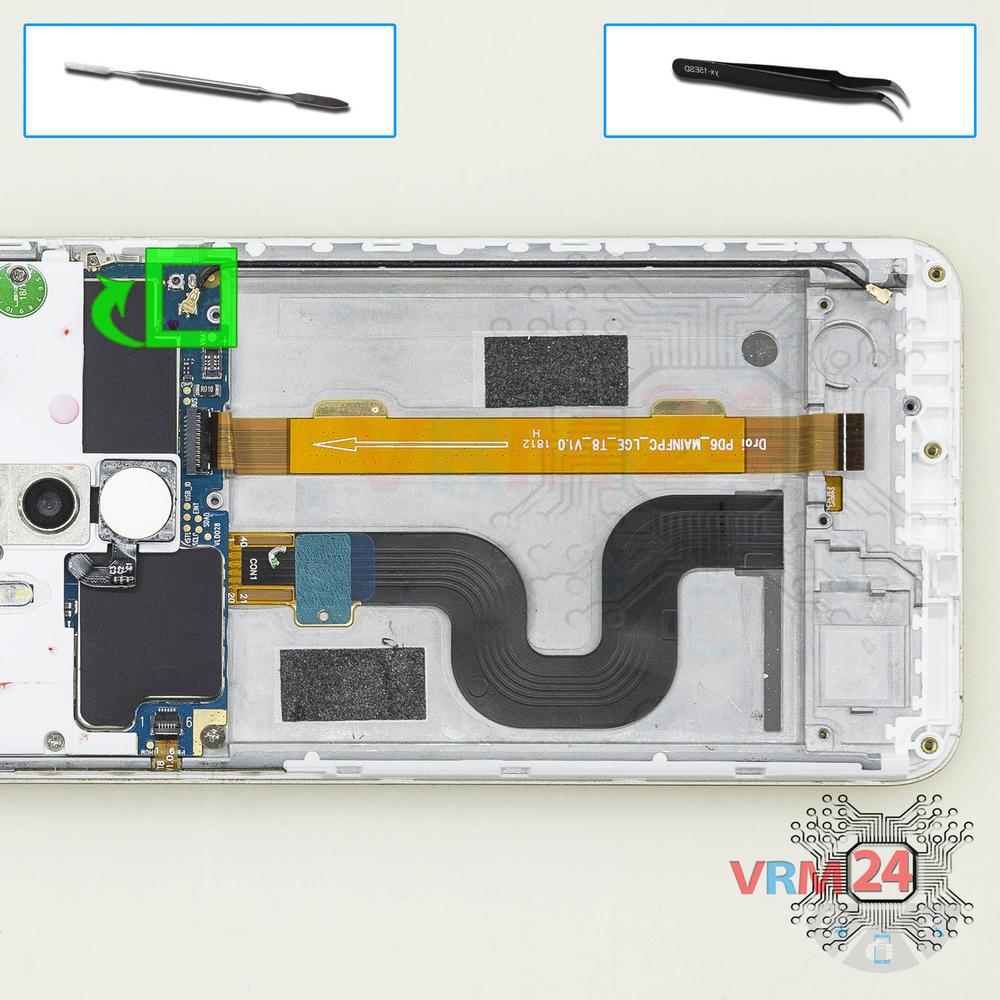
Remove the coaxial cable
Pry up the connector and remove the coaxial cable.
Step 10.
Unscrew the screws
Using a screwdriver (Phillips 1.5 mm PH000), unscrew 8 bolts.
Step 11.
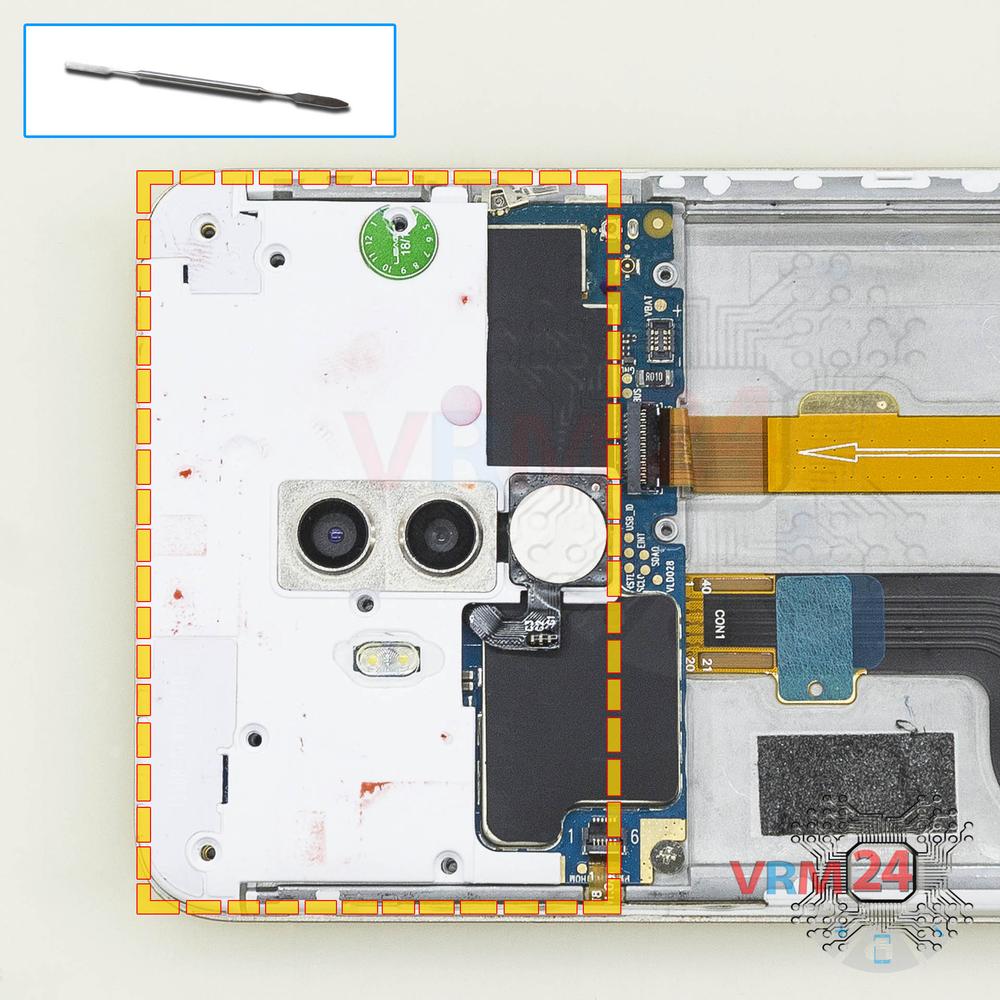
Open the cover
Pry up the cover.
Step 12.
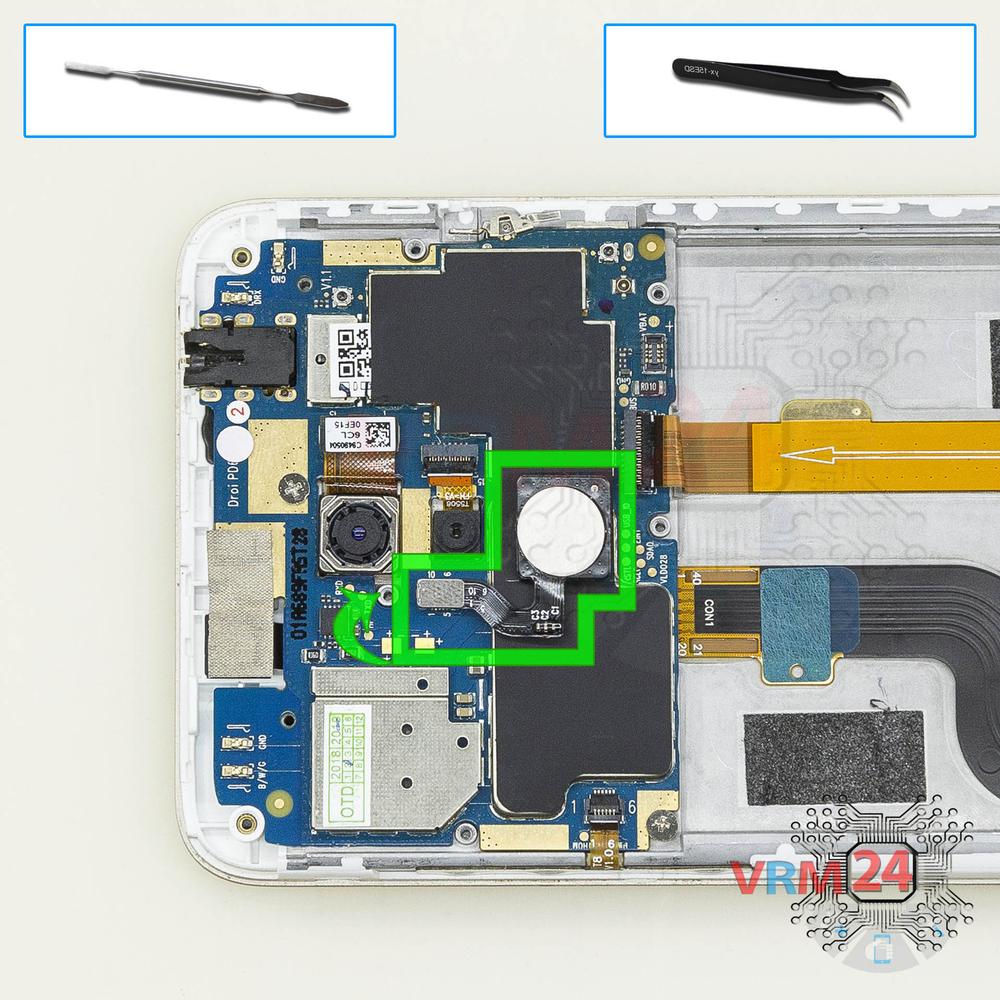
Remove the fingerprint sensor
Pry up the connector and remove the fingerprint sensor.
Step 13.
Unscrew the screws
Using a screwdriver (Phillips 1.5 mm PH000), unscrew 2 bolts in the PCB.
Step 14.
Remove the cameras
Disconnect the connectors on PCB, and remove two main cameras.
Step 15.
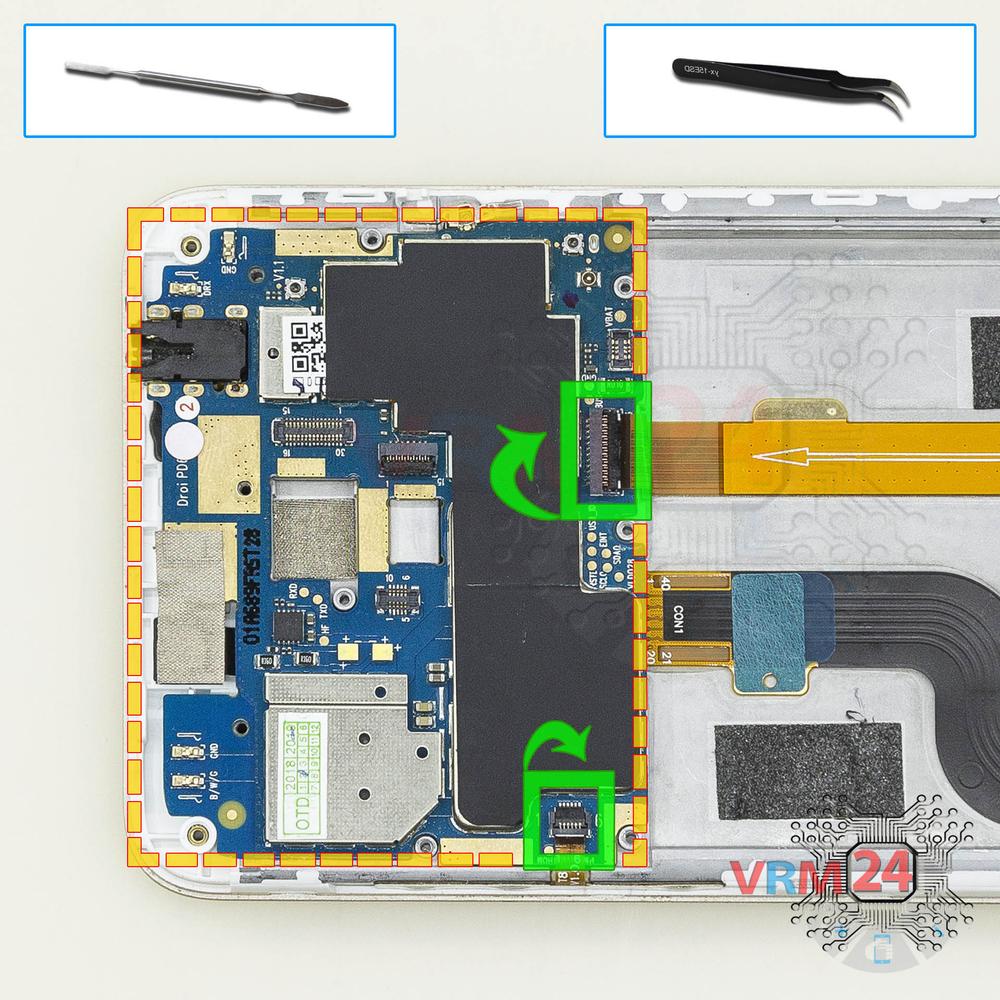
Turn over the PCB
Disconnect connectors on PCB and turn it over.
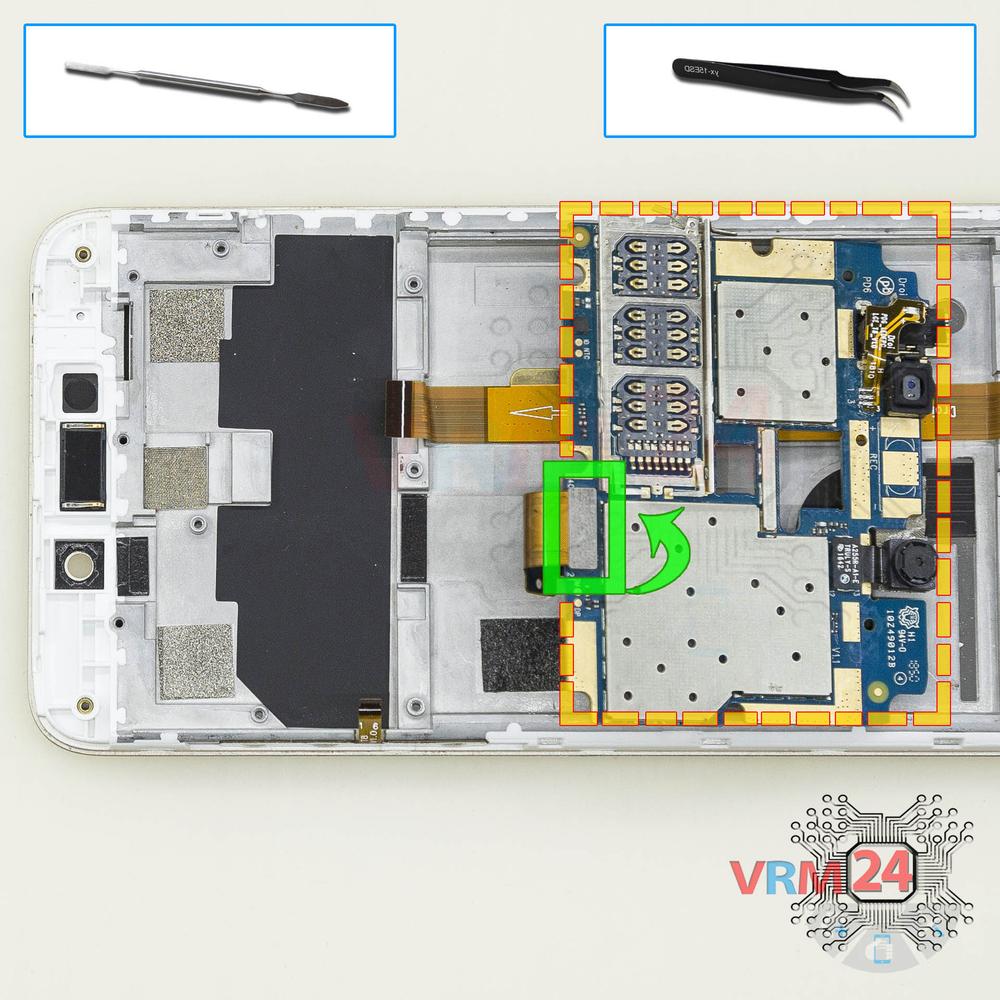
Step 16.
Remove the motherboard
Disconnect the connector from the inside and remove the board.
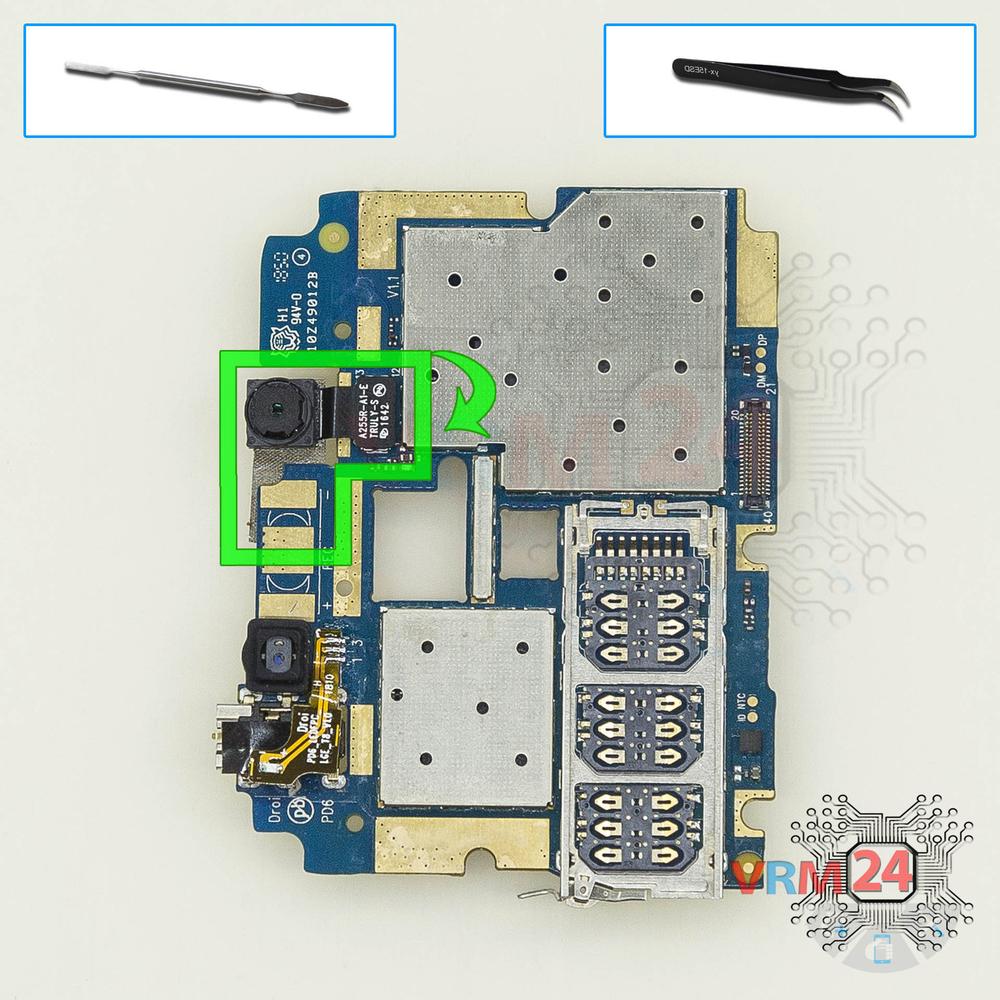
Step 17.
Remove the front camera
Disconnect the connector on PCB, and remove the front (selfie) camera.

If you have a question, ask us, and we will try to answer in as much detail as possible. If this article was helpful for you, please rate it.

6977
Views
2
Likes
—
Share
25
Questions
Related Instructions
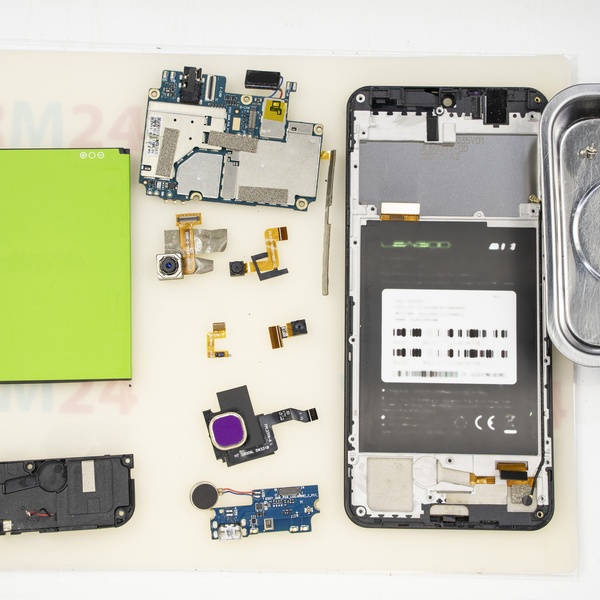
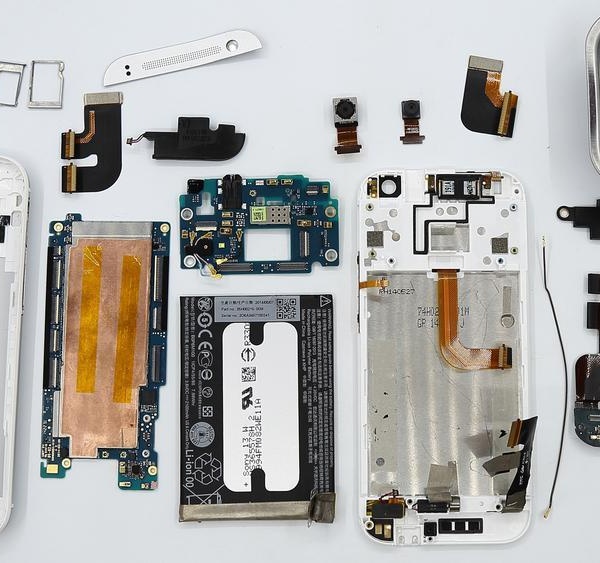
Related Reviews
Related Blog
Popular Questions
E
LEAGOO T8
where's the cable/wire for speaker?🤔🤔
Engineer Kim18
С
LEAGOO T8
How to change i.c. and memory chip?
Стилиян Бургас13
LEAGOO T8
where can I buy the card where is the usb connector for charging that mine has problems?
andrea
C
Huawei Ascend Mate 7
Ils not buzzer !! Is speaker !! Wargning
cenlah6277 au top13
U
Samsung Galaxy A3 (2016) SM-A310
Hello, what should I do if stripes appeared on the main camera and it shoots blurry, liquid from the armored case got on the phone(
umm Mariym7Top instructions
Check our
Top LEAGOO instructions most liked by readers
New instructions
Check our
New LEAGOO brand instructions on vrm24.com