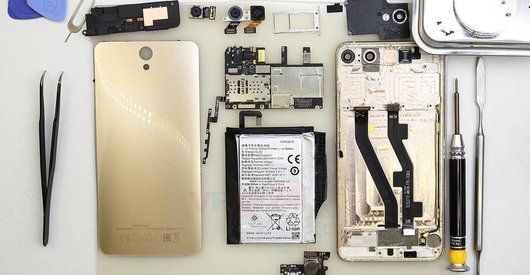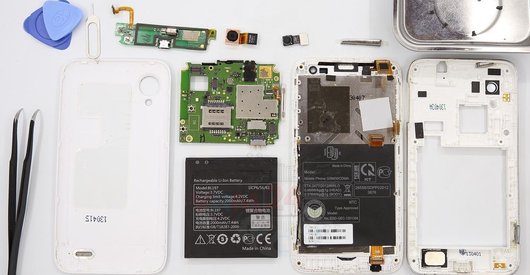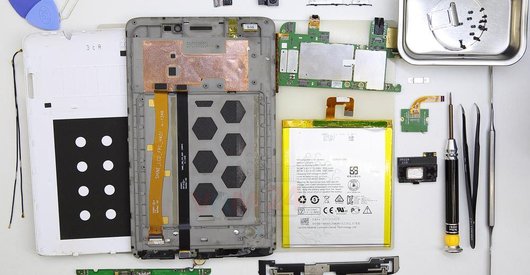
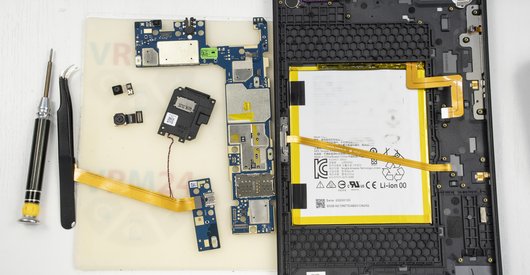
Recommended tools
Screwdriver Phillips #000

Opening tool / Spudger

Tweezers

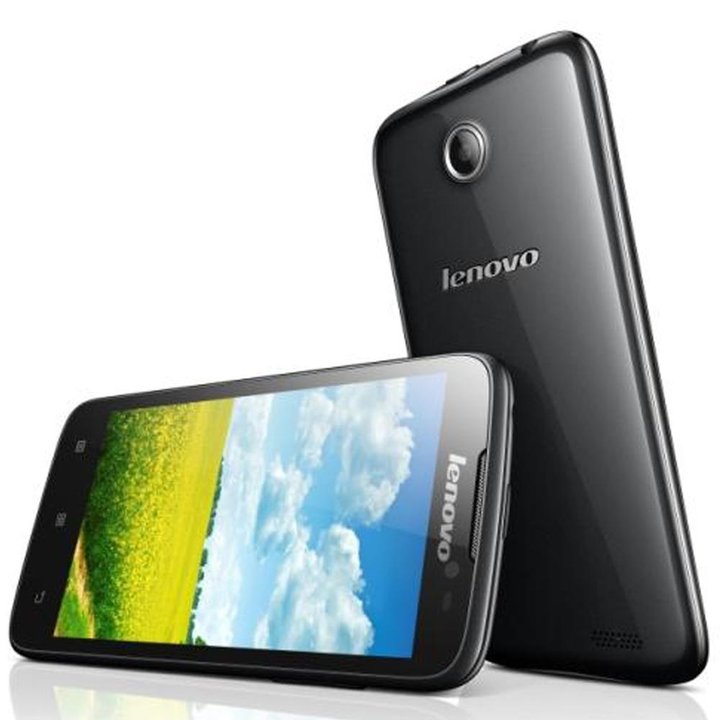
Disassembly/Repair of the mobile device Lenovo A850 with each step description and the required set of tools.
4040
Views
0
Likes
—
Share
7
Questions

Step 1.
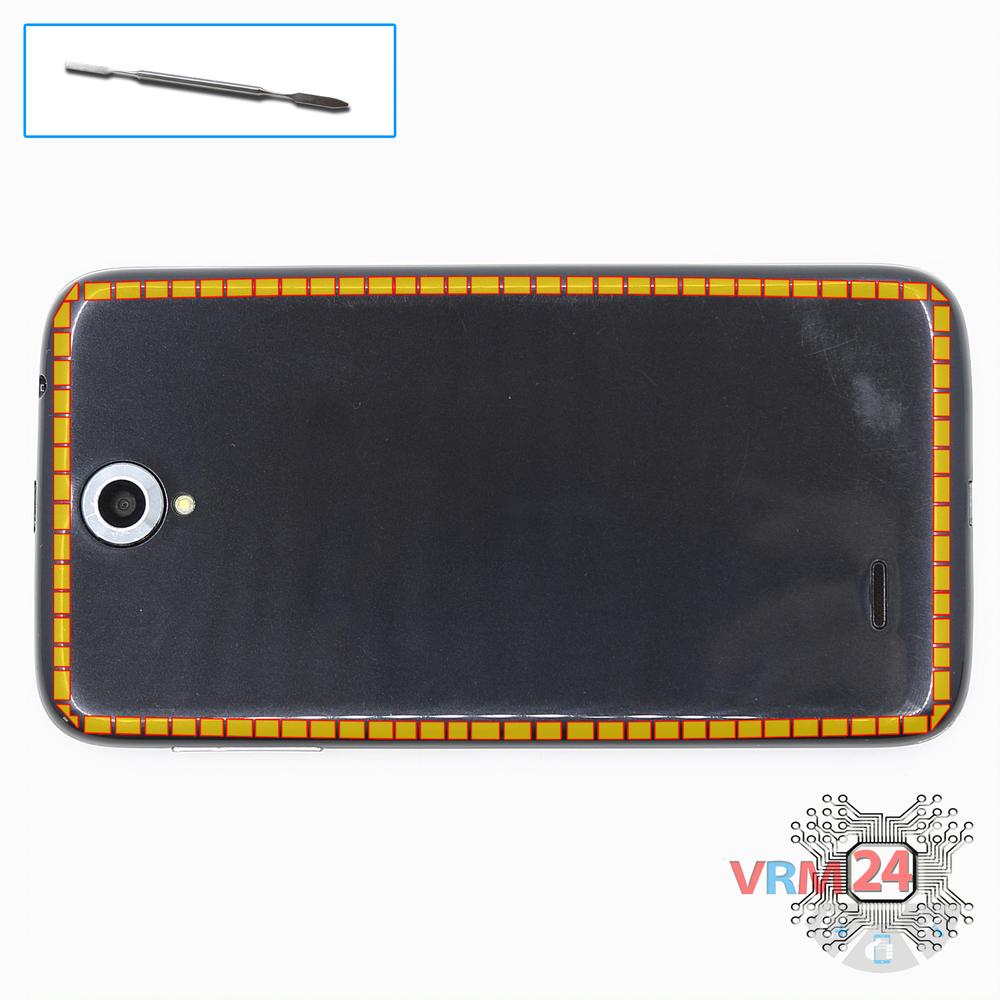
Open the back cover
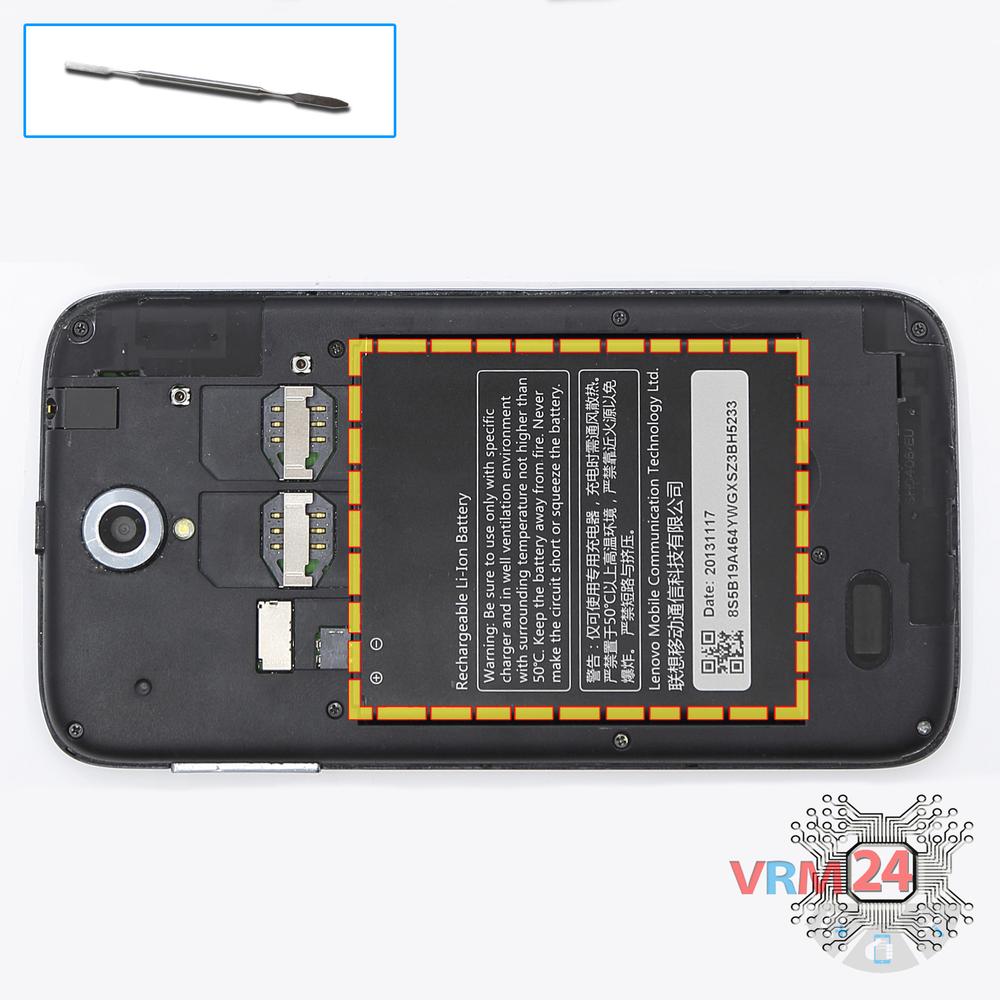
Open the back cover.
Step 2.
Remove the battery
Lift and remove the battery.
Step 3.
Unscrew the screws
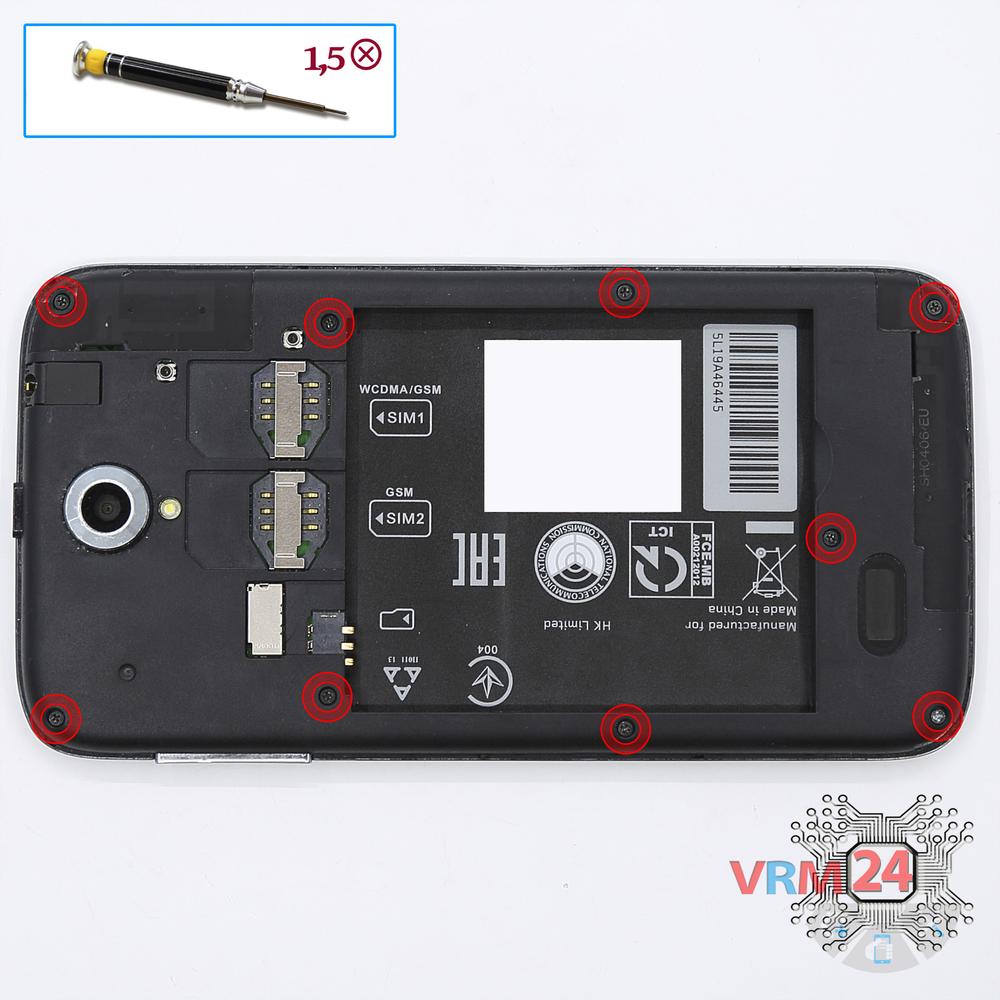
Using a screwdriver (Phillips 1.5 mm PH000), unscrew 9 bolts in the frame of the phone.
Step 4.
Remove the frame
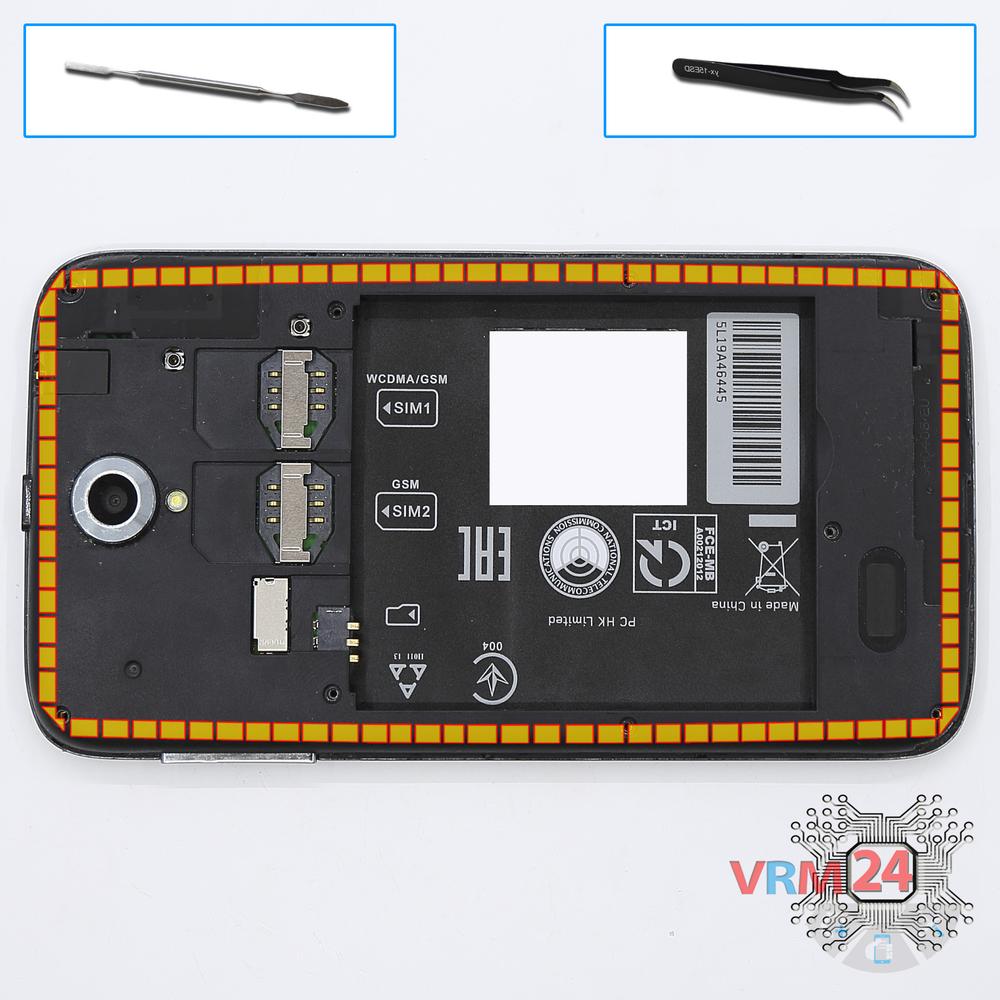
Pry and remove the middle frame with the power & volume buttons keys.
Step 5.
Remove the sub-board
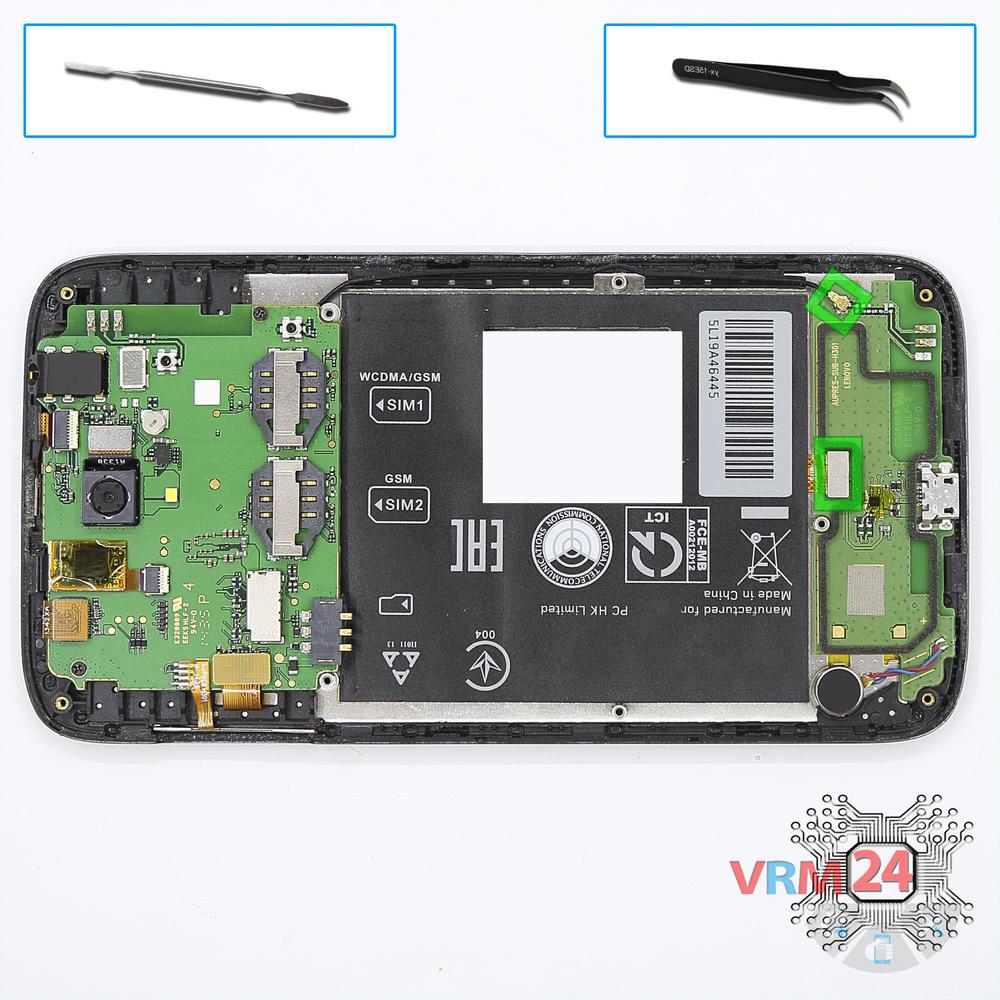
Disconnect connectors on the lower PCB and remove it.
Step 6.
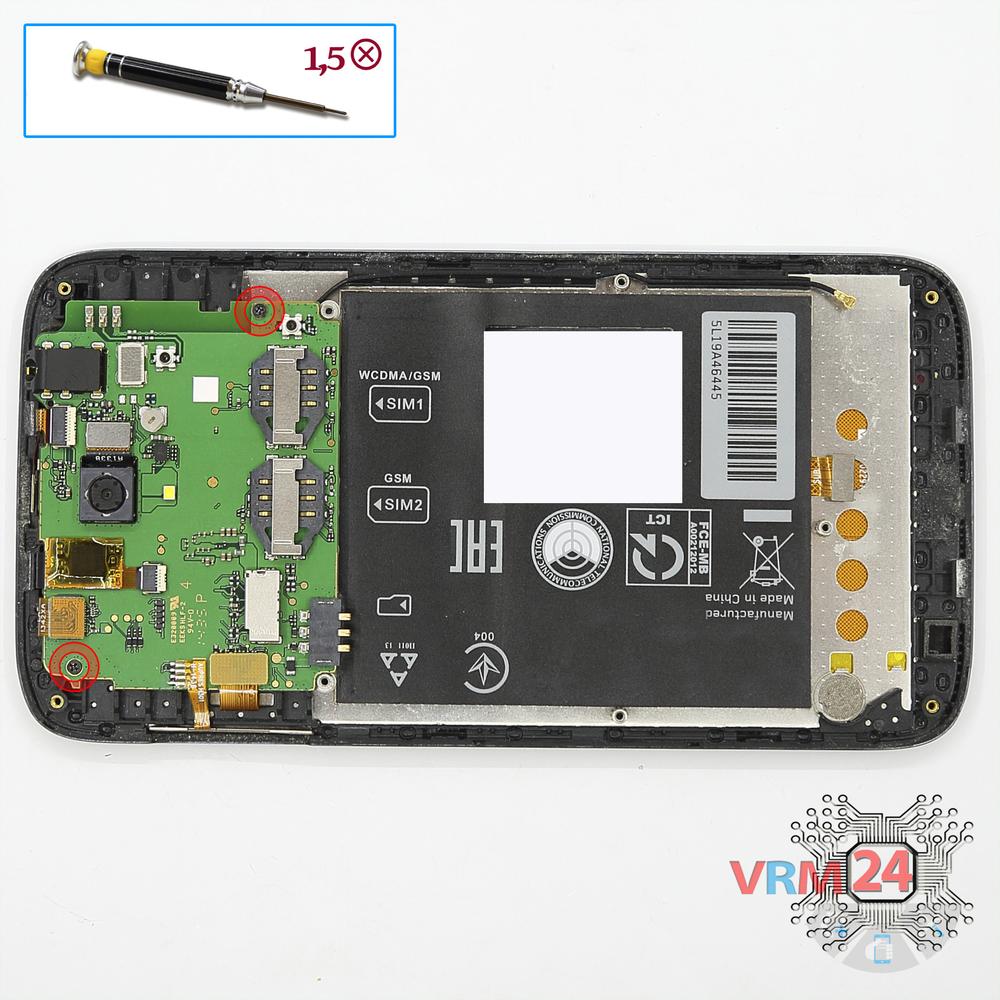
Unscrew the screws
Using a screwdriver (Phillips 1.5 mm PH000), unscrew 2 bolts in the PCB.
Step 7.
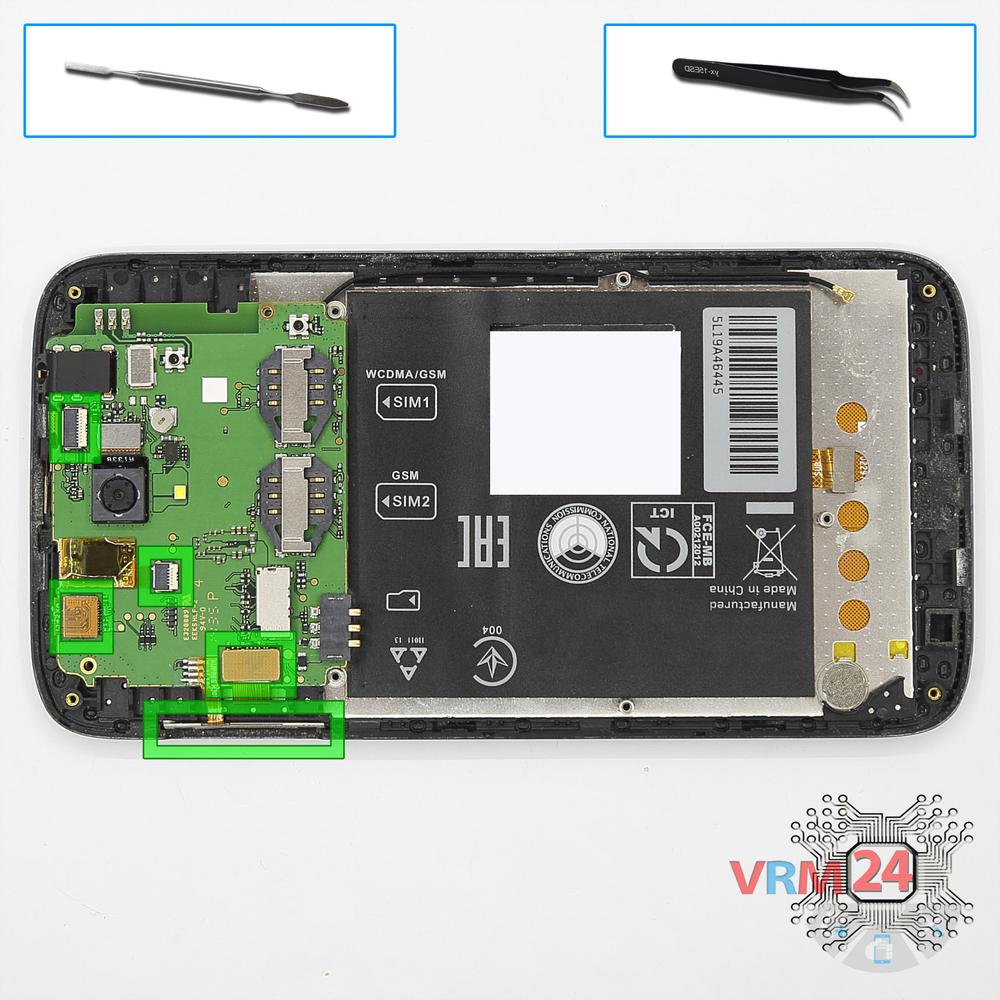
Disconnect the connector
Disconnect connectors on the PCB and pry up the power & volume buttons flex cable.
Step 8.
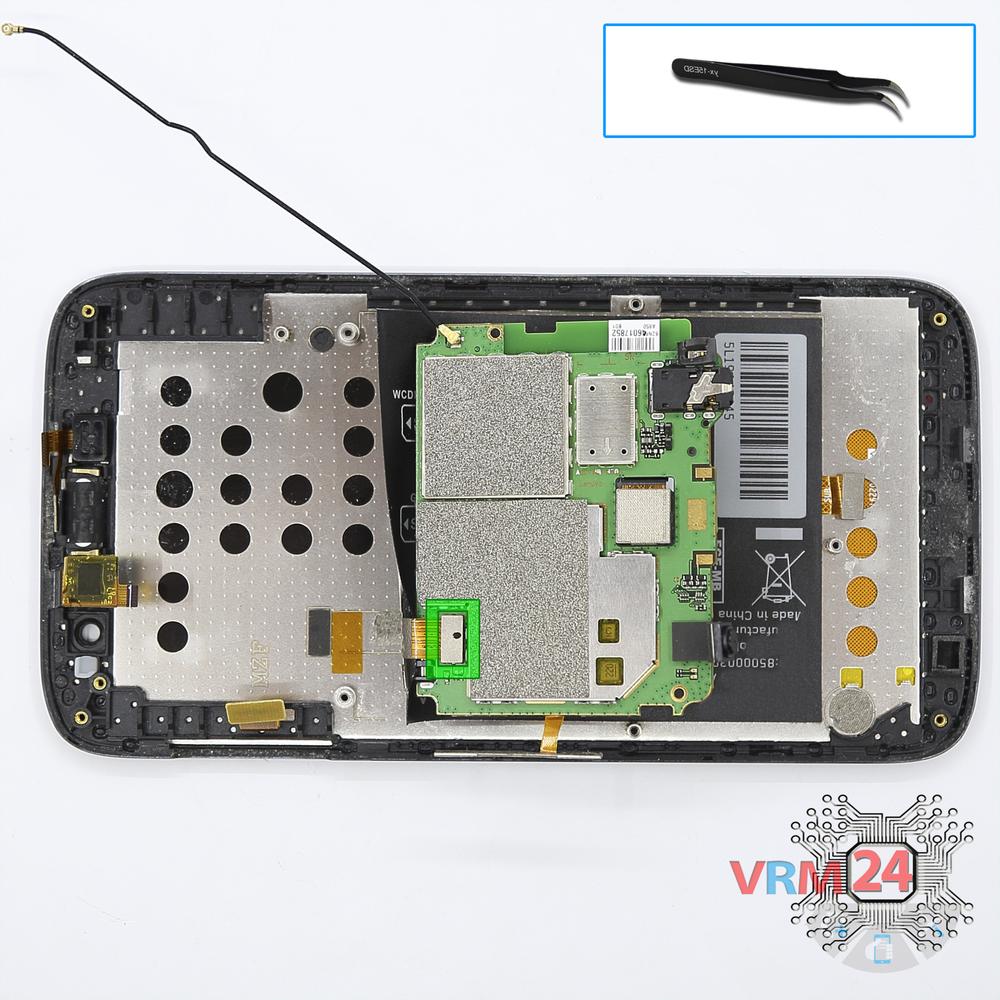
Turn over the PCB
Overturn the board, disconnect the connector from the inside and remove it.
Step 9.
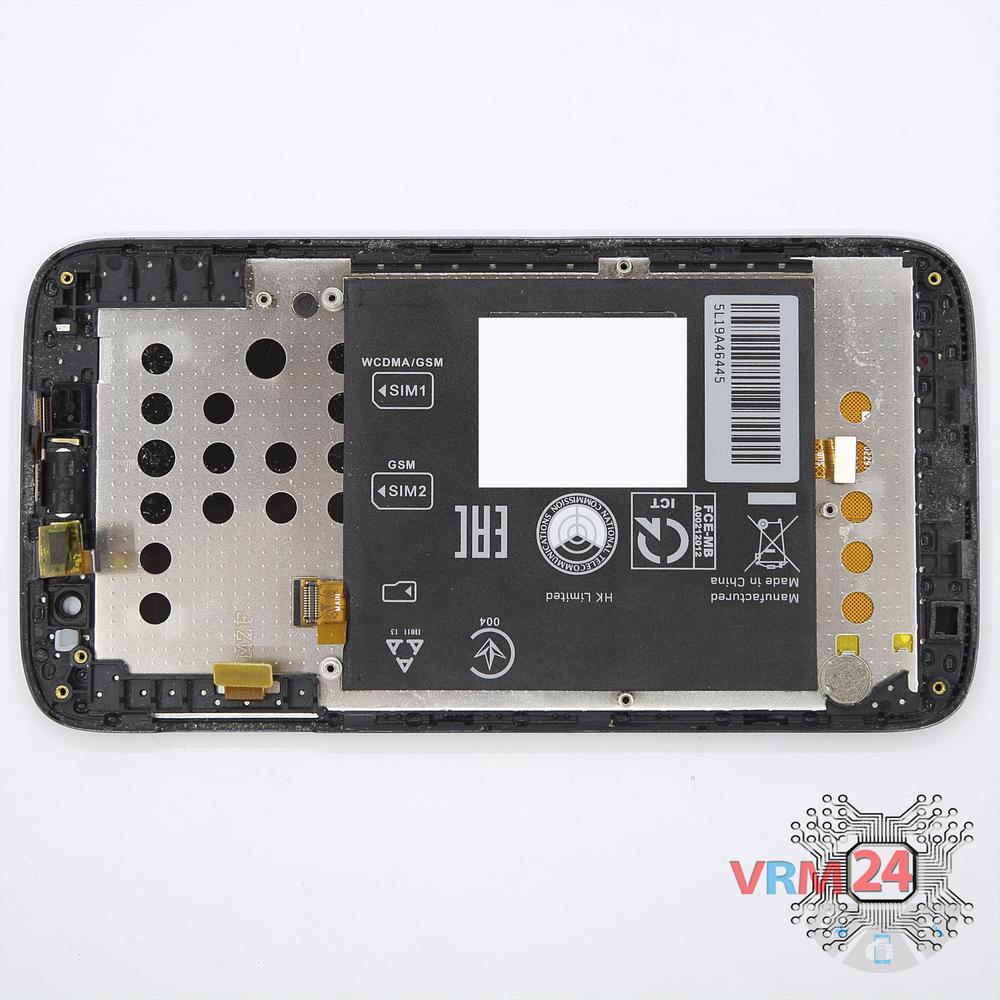
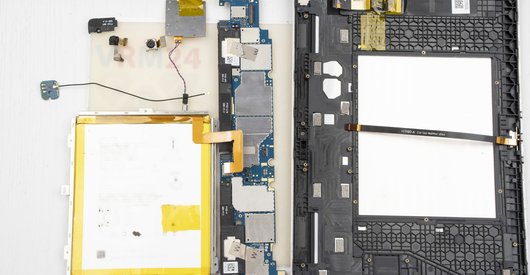
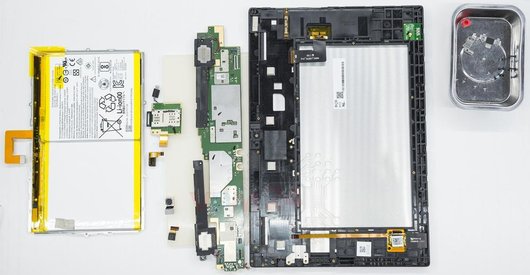
In the display frame remained
Parts in the frame of the display module.

If you have a question, ask us, and we will try to answer in as much detail as possible. If this article was helpful for you, please rate it.

4040
Views
0
Likes
—
Share
7
Questions
Related Instructions
Related Reviews
Related Blog
Popular Questions
W
Lenovo S90 Sisley
any video how to replace the front glass cover only?not the whole lcd panel....only d glass...
Wilfredo Agbay4
M
Lenovo P70
Hello. It's a good tutorial. Do you have some tips for changing buzzer? Buzzer is loud speaker on the bottom of phone, not earpiece speaker.
Michal Hruban20
C
Lenovo A5000
How to fix lenovo a5000 wifi not working
Cañete Gaming15
P
Lenovo Tab 4 Plus TB-8704X
Hello, I want to replace only display for this device.. What should I do?
Prem SPK20
Lenovo A319 RocStar
Good Day to anyone reading this. I watched the video of vrm24.com about How to disassemble Lenovo A319 Take apart, Tutorial https://www.youtube.com/w…
jasonTop instructions
Check our
Top Lenovo instructions most liked by readers
New instructions
Check our
New Lenovo brand instructions on vrm24.com