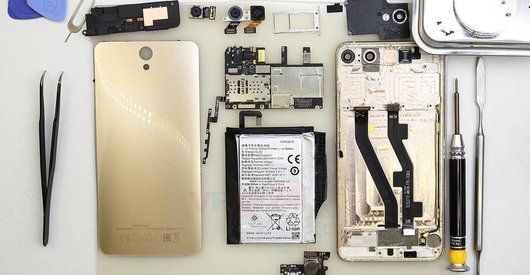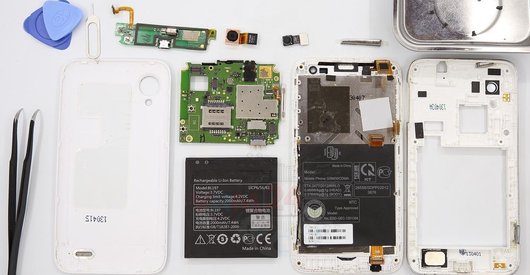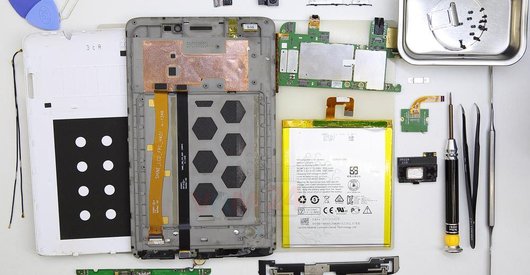




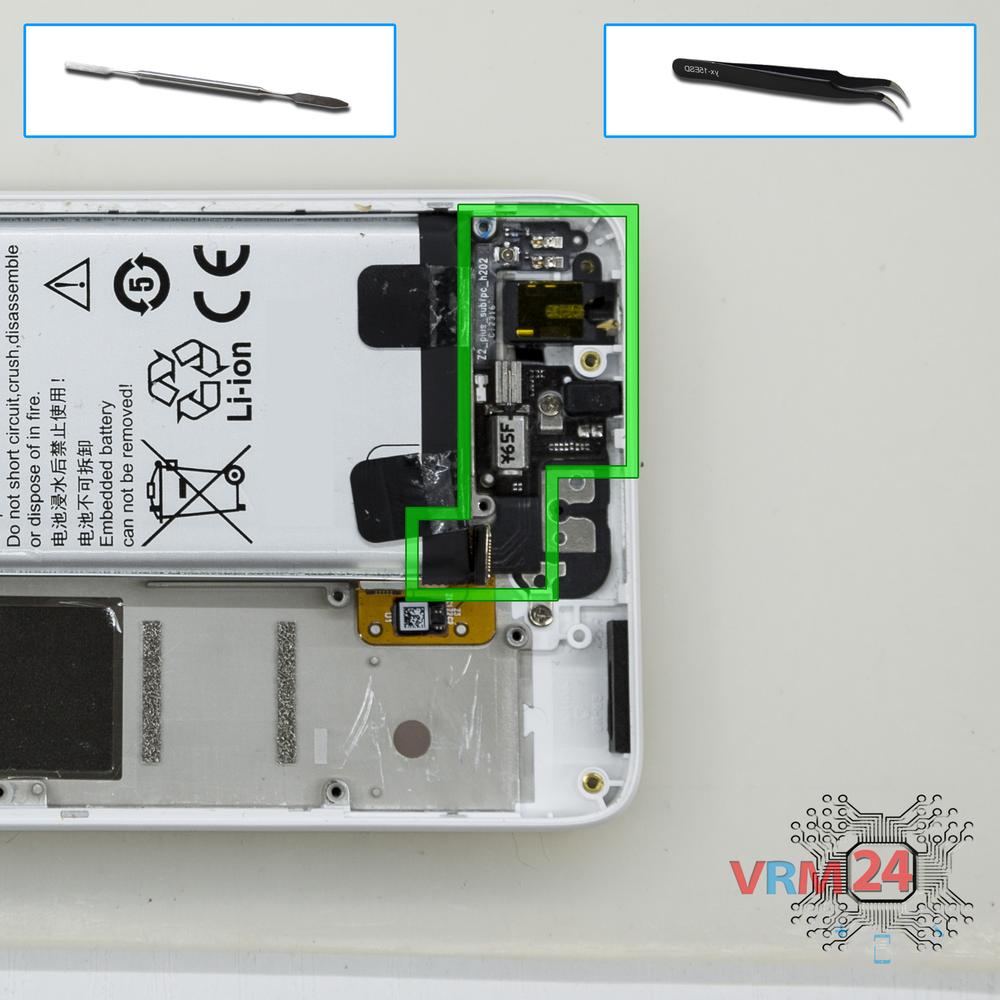

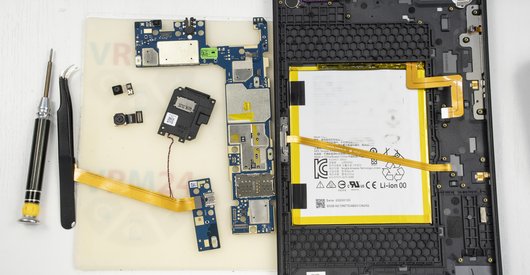

Recommended tools
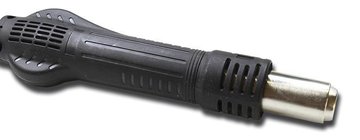
Heat gun
Screwdriver Phillips #000

Opening tool / Spudger

Tweezers

Disassembly/Repair of the mobile device Lenovo ZUK Z2 (Lenovo Z2 Plus) with each step description and the required set of tools.
7997
Views
3
Likes
—
Share
3
Questions

Step 1.
Open the back cover
Open the back cover.
⚠ Warning!
For careful separation, we recommend using a heat gun. At the same time, it is necessary to heat carefully in order, not to damage the surface of the device.
Step 2.
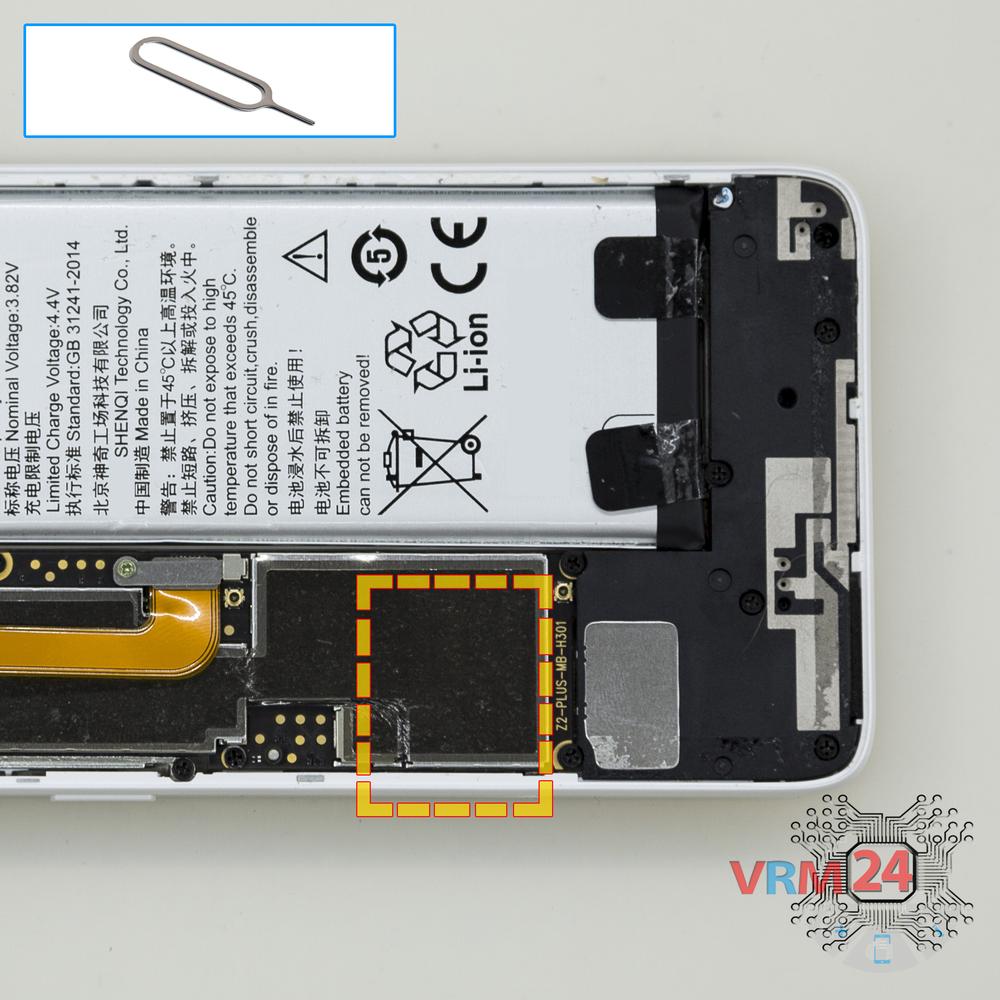
Remove the tray
Using the key tool, open the SIM card tray and remove it.
⚠ Warning!
Do not push too hard this may cause damage.
Step 3.
Remove the bracket
Using a screwdriver (Phillips 1.5 mm PH000), unscrew 1 bolt and remove the bracket holds the connector.
Step 4.
Disconnect the battery connector
Disconnect the battery connector.
⚠ Warning!
We strongly recommend disconnecting the connector to avoid a possible short circuit during disassembly.
Step 5.
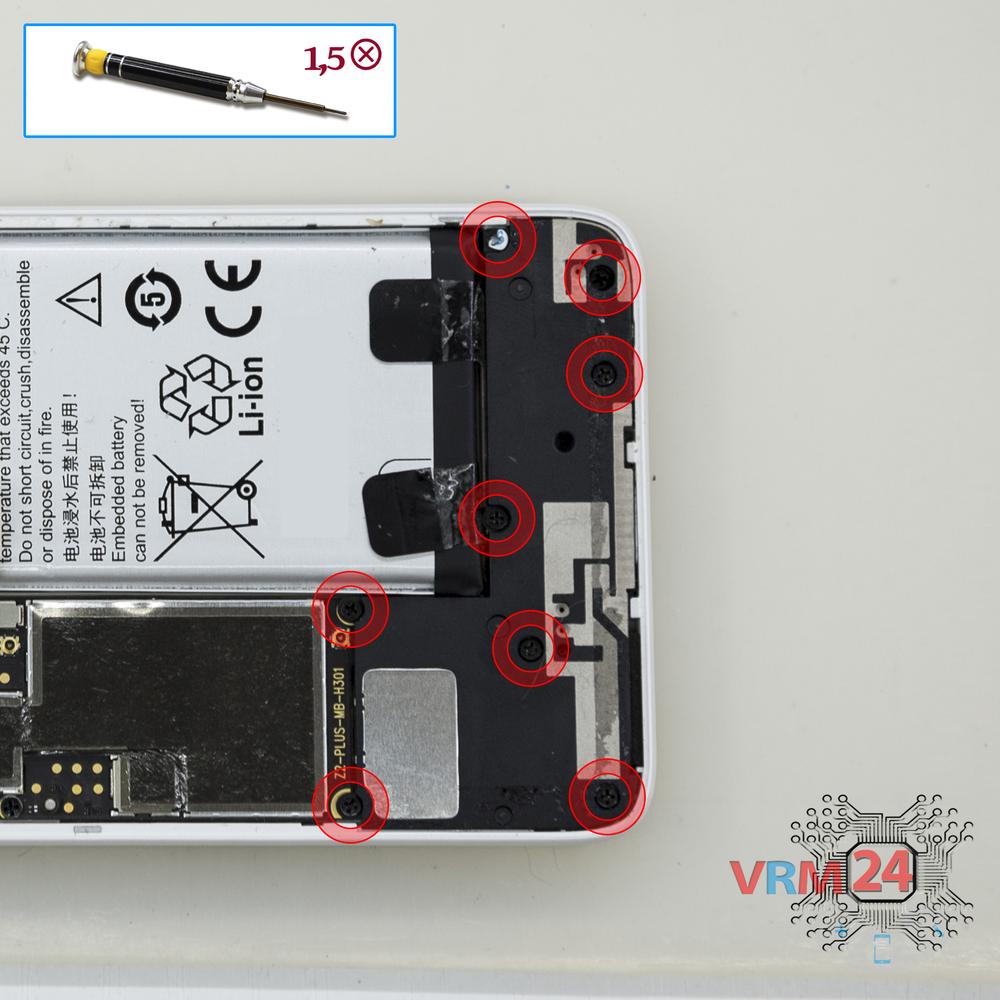
Unscrew the screws
Using a screwdriver (Phillips 1.5 mm PH000), unscrew 8 bolts in the lower part.
Step 6.
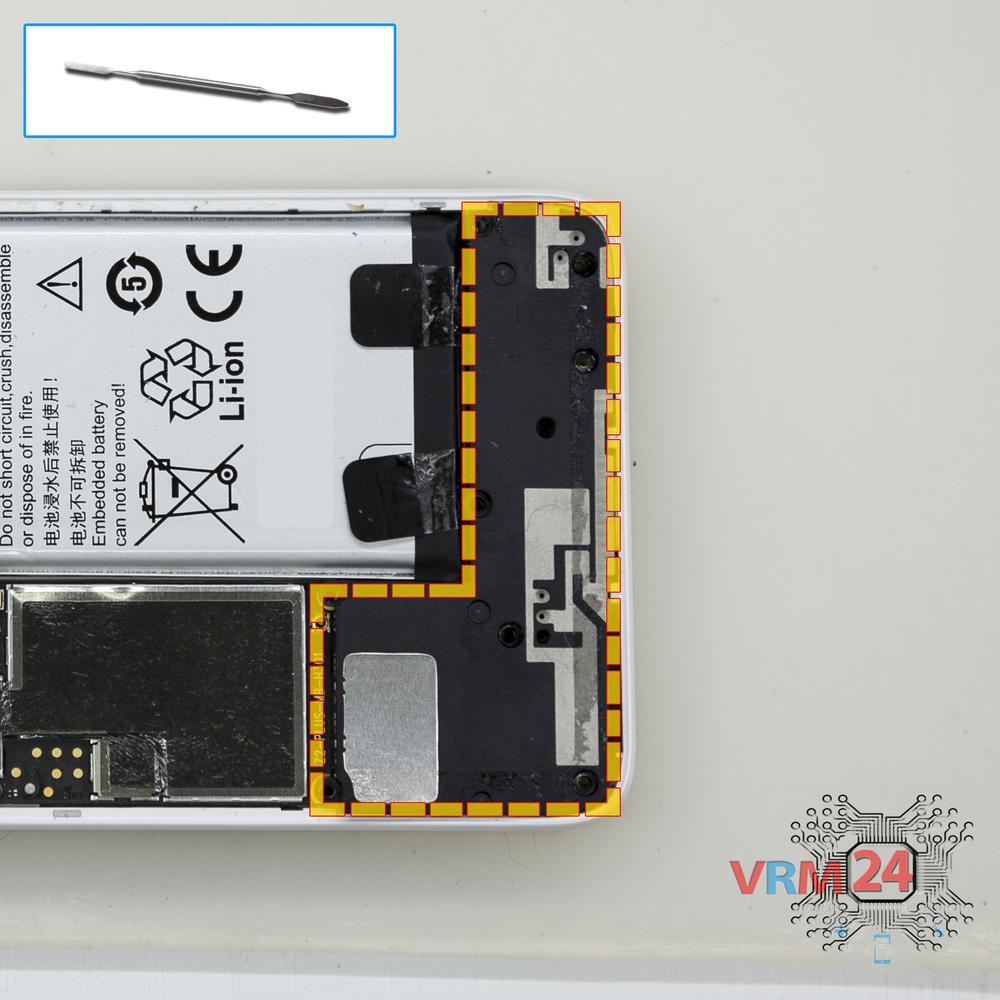
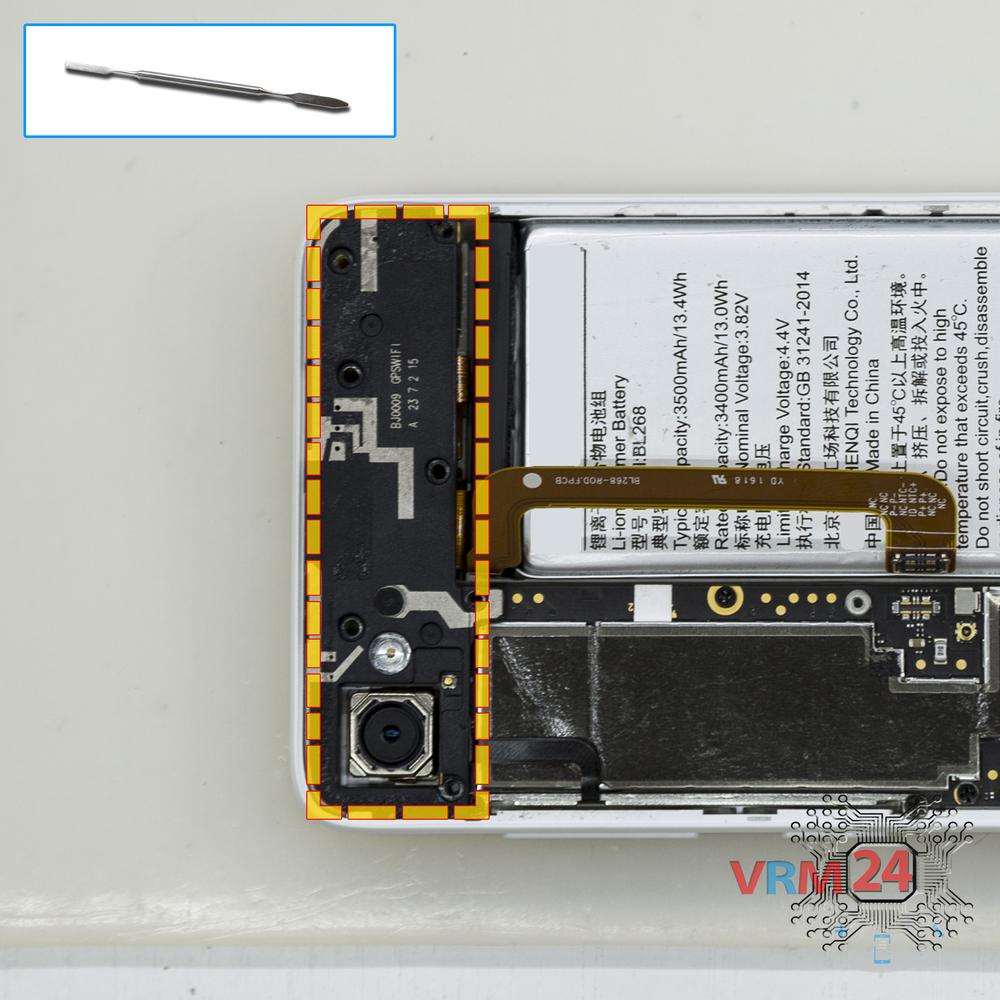
Remove the loudspeaker
Pry and remove the buzzer (speaker) assembly.
Step 7.
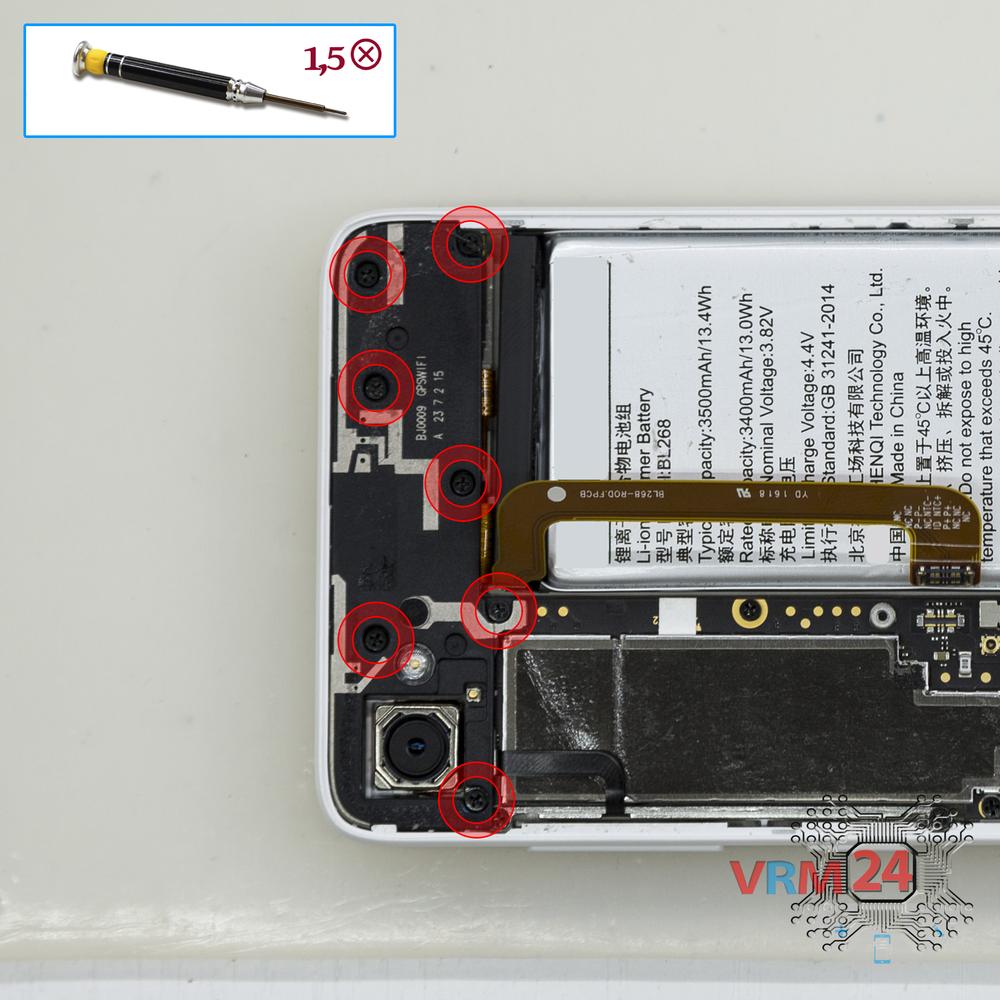
Unscrew the screws
Using a screwdriver (Phillips 1.5 mm PH000), unscrew 7 bolts in the upper part.
Step 8.
Open the cover
Remove the upper cover.
Step 9.
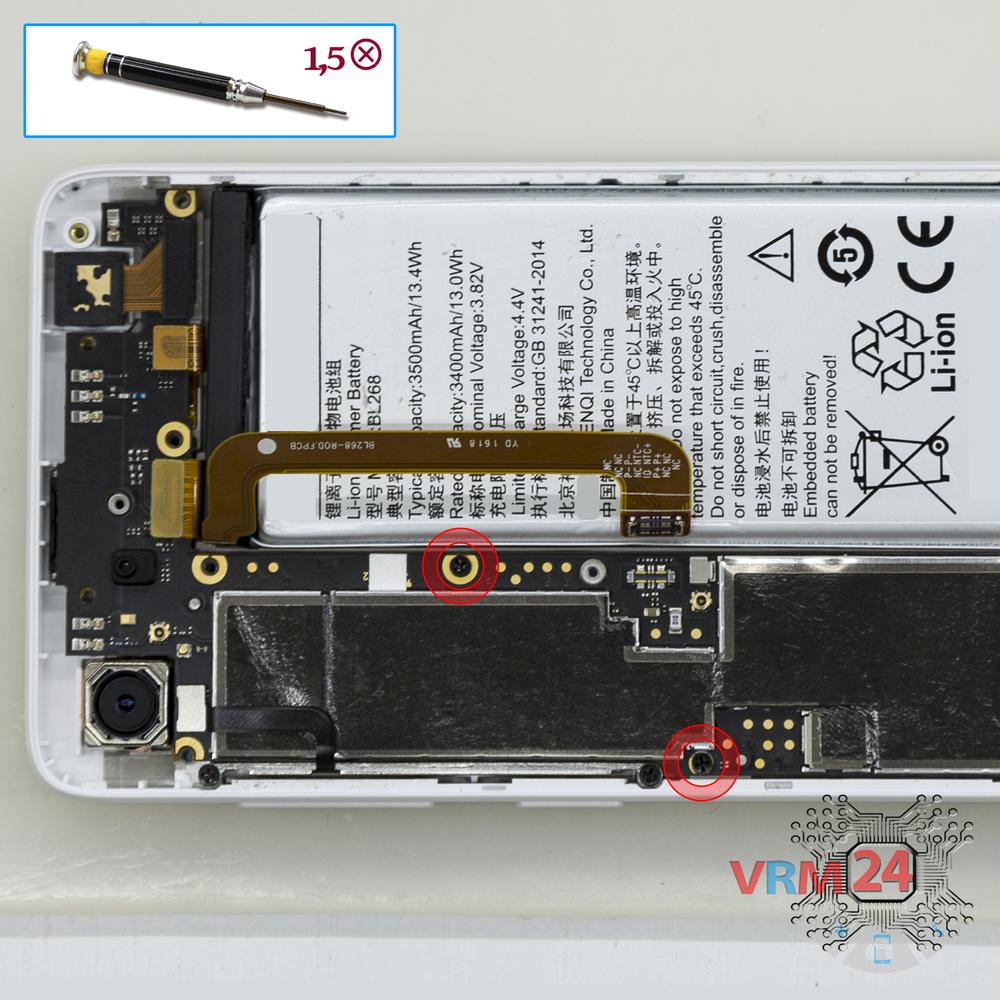
Unscrew the screws
Using a screwdriver (Phillips 1.5 mm PH000), unscrew 2 bolts in the PCB.
Step 10.
Remove the front camera
Disconnect connector on the PCB and remove the front (selfie) camera.
Step 11.
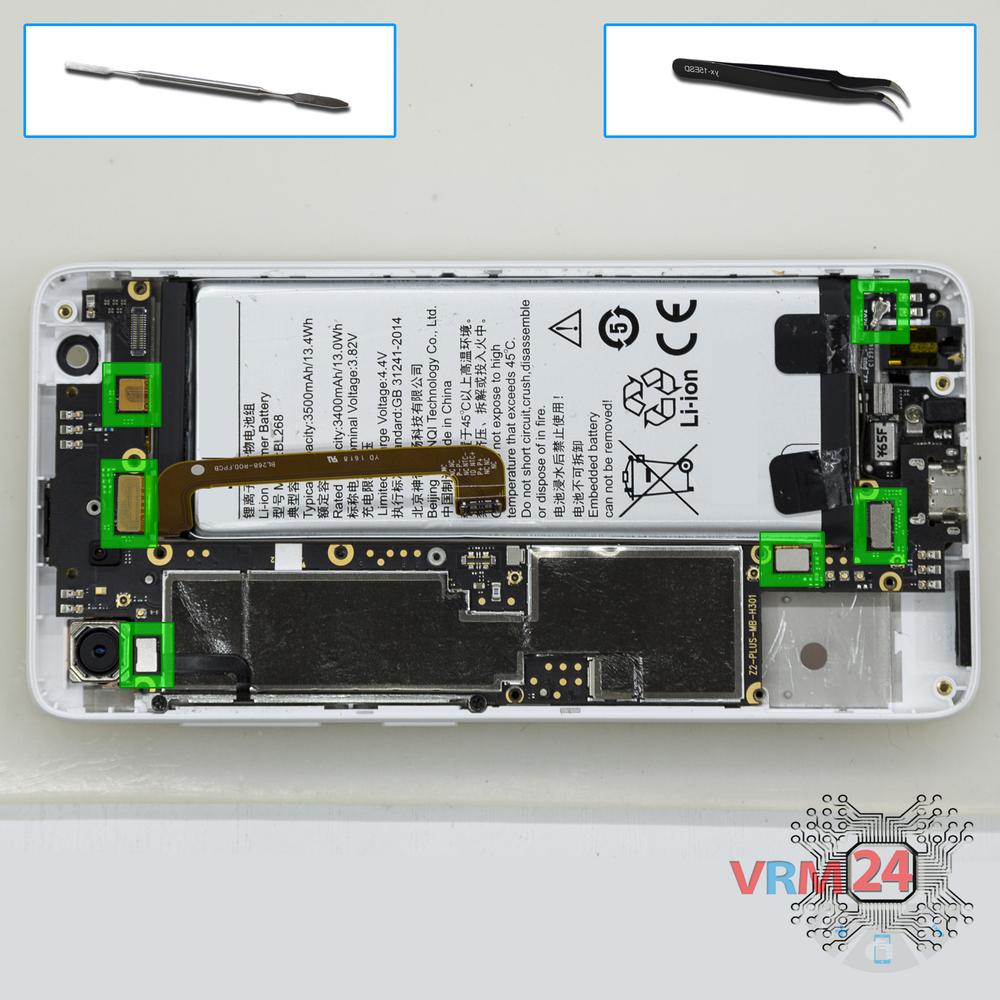
Disconnect the connectors
Disconnect connectors on the PCB.
Step 12.
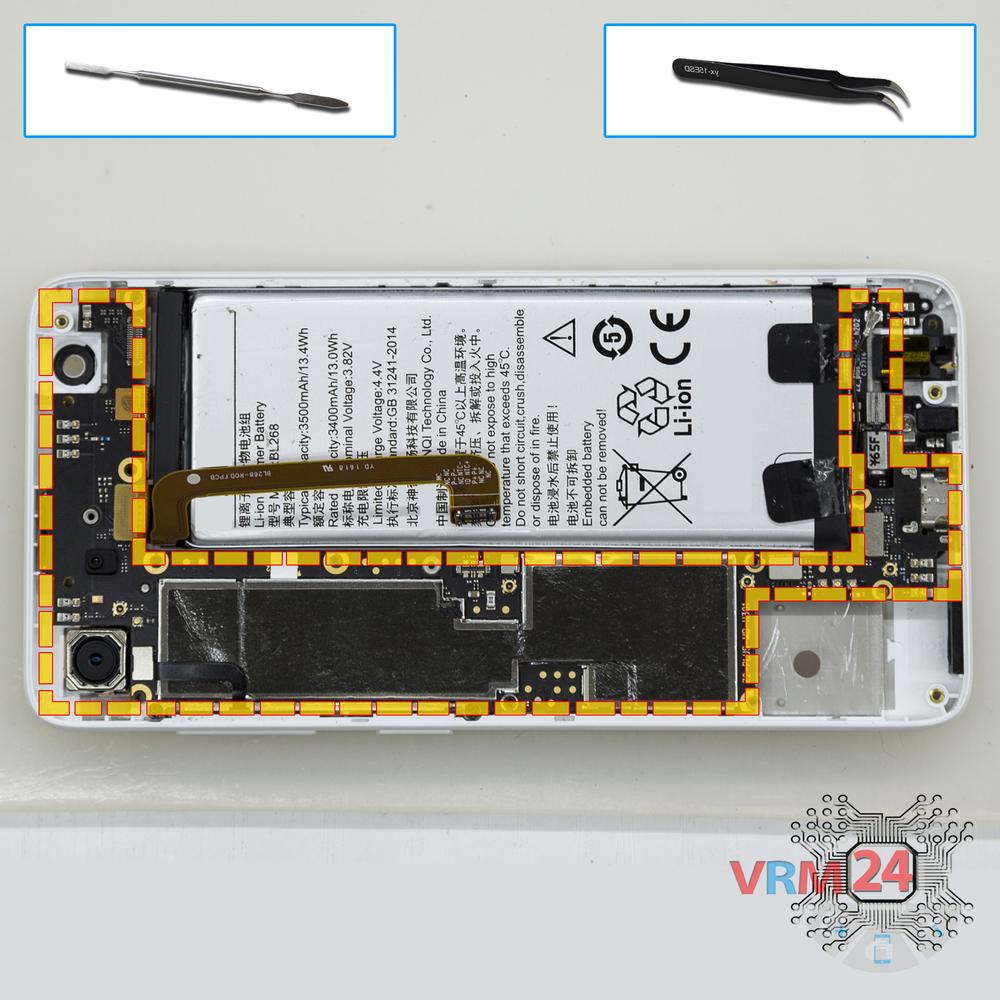
Remove the motherboard
Remove the PCB.
Step 13.
Unscrew the screws
Using a screwdriver (Phillips 1.5 mm PH000), unscrew 2 bolts securing the power & volume buttons flex cable.
Step 14.
Remove the cable
Pry & remove the power & volume buttons flex cable.
Step 15.
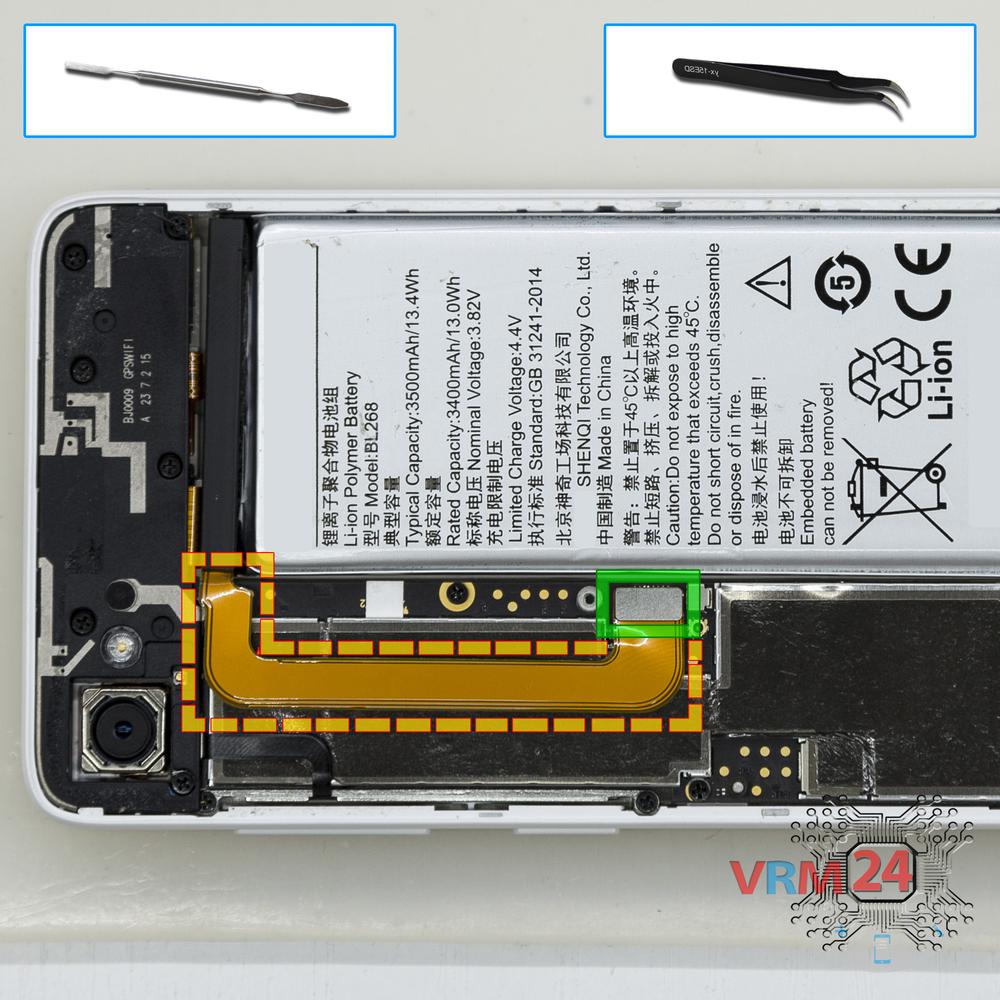
Remove the cable
Pry and remove the flat cable with the headphone jack/socket & vibration motor & microphone.
Step 16.
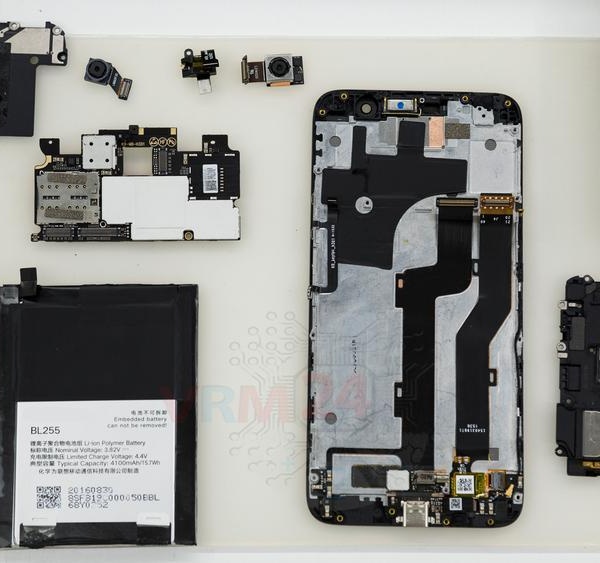
In the display frame remained
Parts are in the frame of the display module.

If you have a question, ask us, and we will try to answer in as much detail as possible. If this article was helpful for you, please rate it.

7997
Views
3
Likes
—
Share
3
Questions
Related Instructions
Related Reviews
Related Blog
Popular Questions
J
Lenovo Vibe C2 Power
You are the best, with you one learns more every day, greetings
Jonathan Venegas Paucar4
M
Lenovo Tab 4 Plus TB-8704X
I have a short circuit on my Lenovo Tab4-8. Whenever I touch the back of the tablet at the very bottom centre, the screen goes black and I get no dis…
Michael Krupa15
A
Lenovo S90 Sisley
I need help please..My s90 is not opening.im just press on d side and screen show and then off again in seconds please help
armand madrid18
M
Lenovo A6000
which part should i repair to fix my touch screen? watching this video makes me feel determined to repair it on my own..
melandrea cs10
Lenovo Tab 4 Plus TB-8704X
Great disassembly video for Tab 4 8 plus. How do you reattach the back cover after replacing the battery? Thanks
philipTop instructions
Check our
Top Lenovo instructions most liked by readers
New instructions
Check our
New Lenovo brand instructions on vrm24.com