



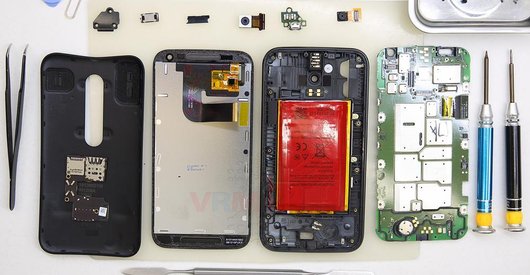
Recommended tools
Screwdriver Five-point P0.8 mm

Screwdriver Phillips #000

Tweezers

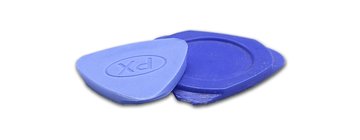
Non-metallic tool
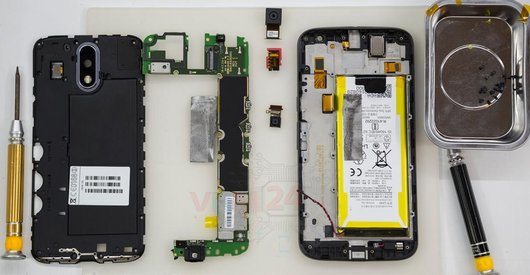
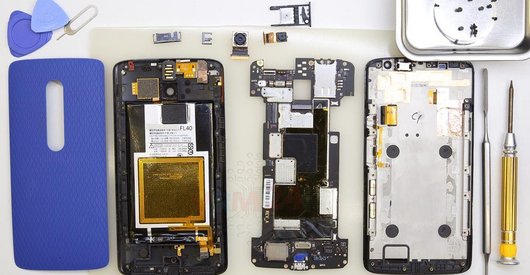
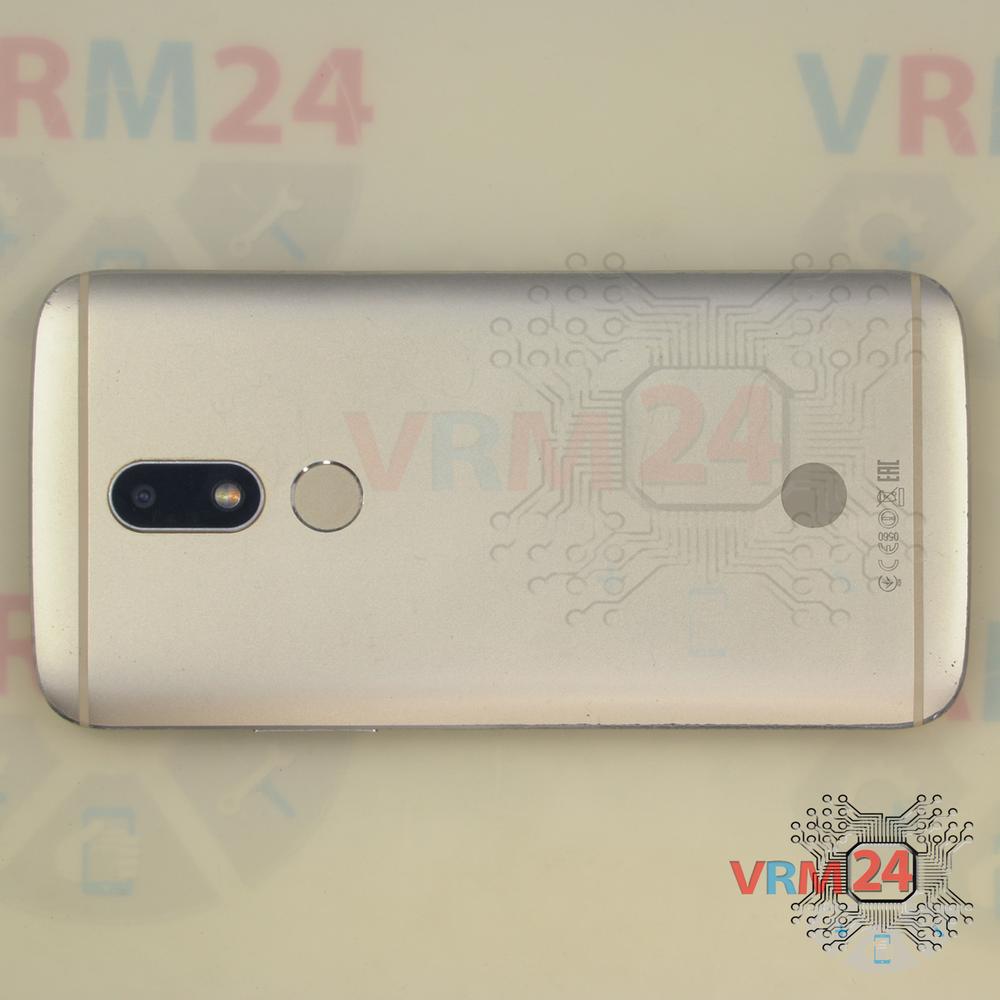
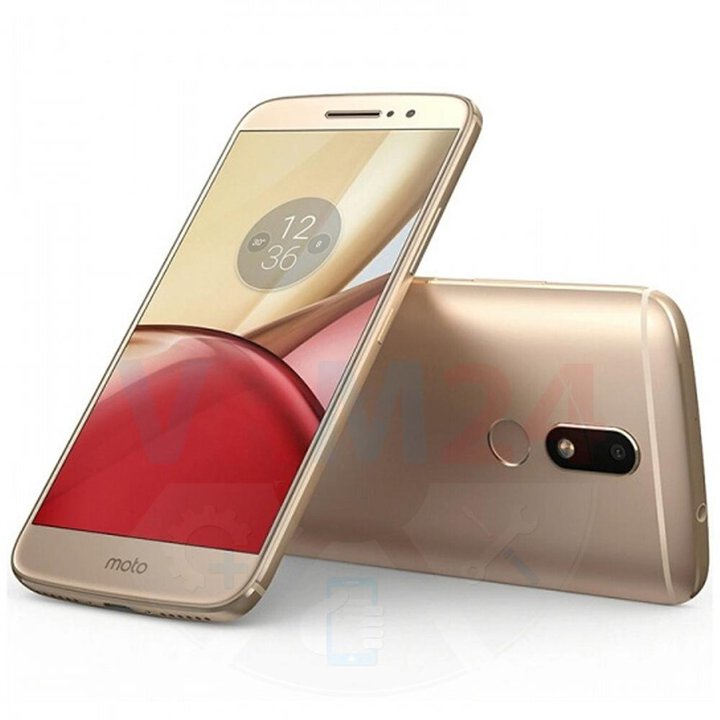
Disassembly/Repair of the mobile device Motorola Moto M TX1663 with each step description and the required set of tools.
4607
Views
0
Likes
—
Share
3
Questions

Step 1.
Before disassembling!
⚠ Before disassembling, do not forget to turn your phone off.
Step 2.
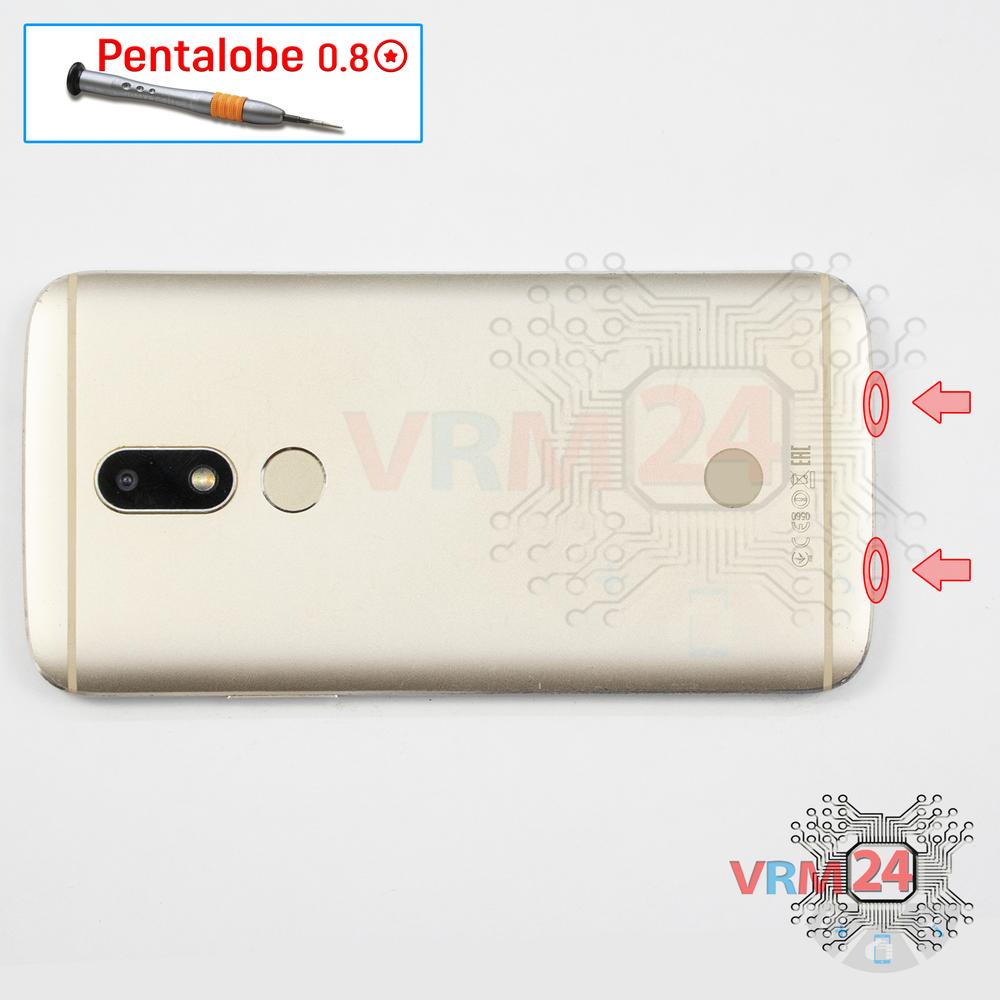
Unscrew the screws
Using a screwdriver (precision star-shaped 0.8 mm aka Pentalobe), unscrew/drive 2 screws out at the end of the phone.
Step 3.
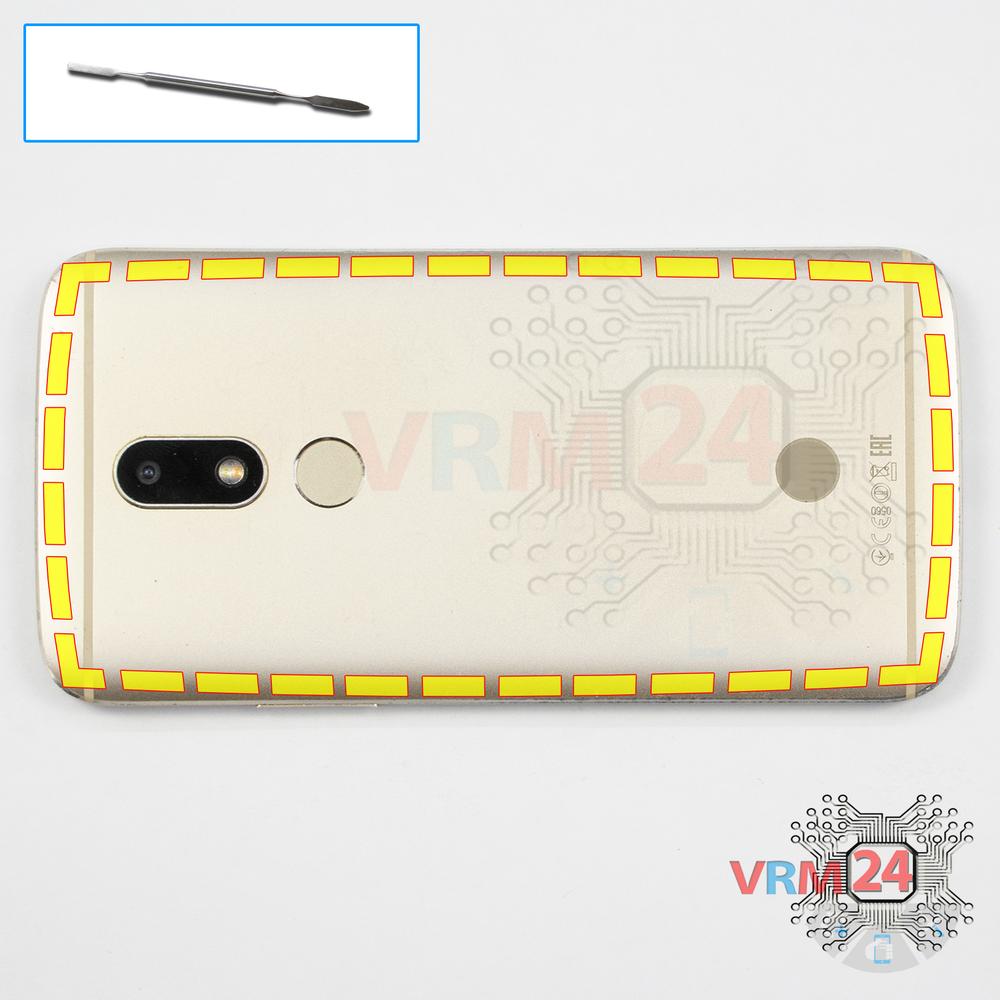
Open the back cover
Using a spudger or a plastic pick, carefully, around the edge, detach the back cover clips, and move it aside.
Do not insert the tool deeply or bend it. Otherwise, the housing may be tampered with or damaged.
⚠ Be careful when opening the cover from the volume and power buttons side. Thin cable and fragile buttons are straightforward to damage.
⚠ Look in advance in the picture for the cables’ location for inter-board, touchscreen, display, buttons (if any) under the cover to not damage them accidentally.
Step 4.
Disconnect the connector
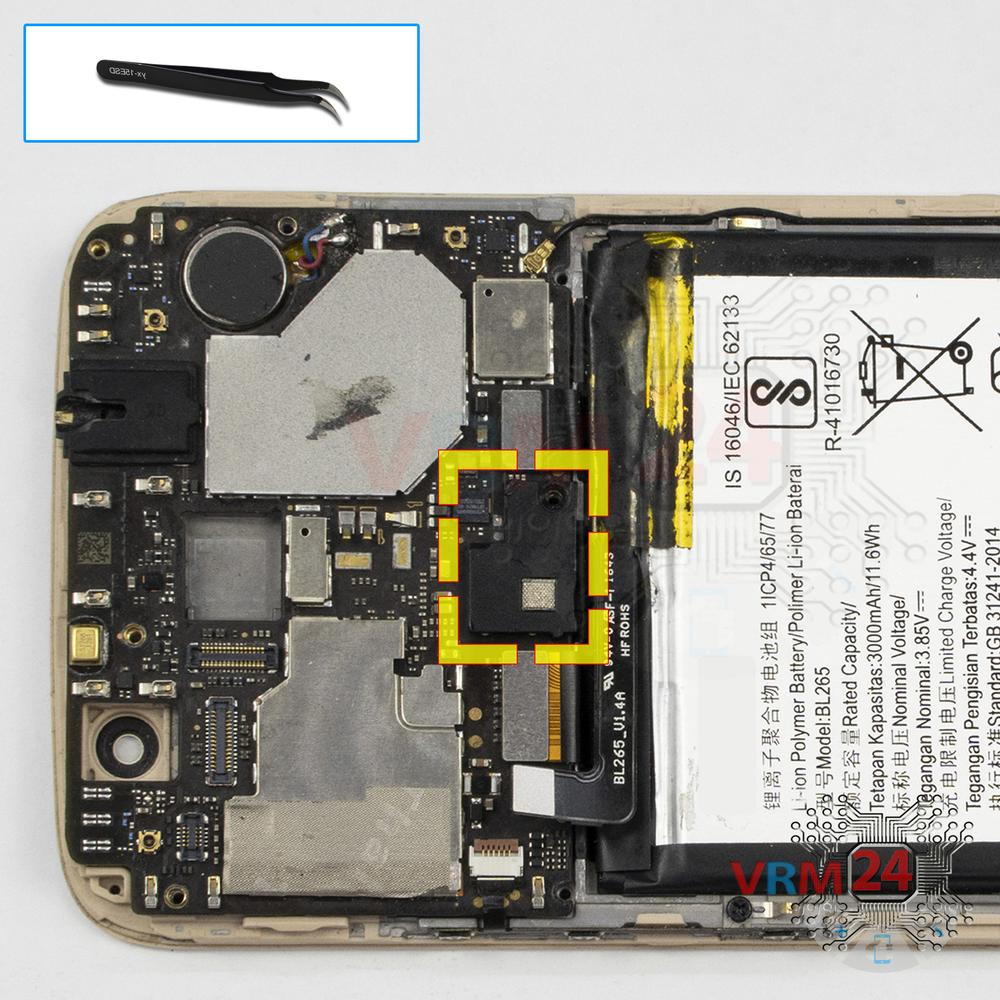
Disconnect the fingerprint sensor connector and remove the cover.
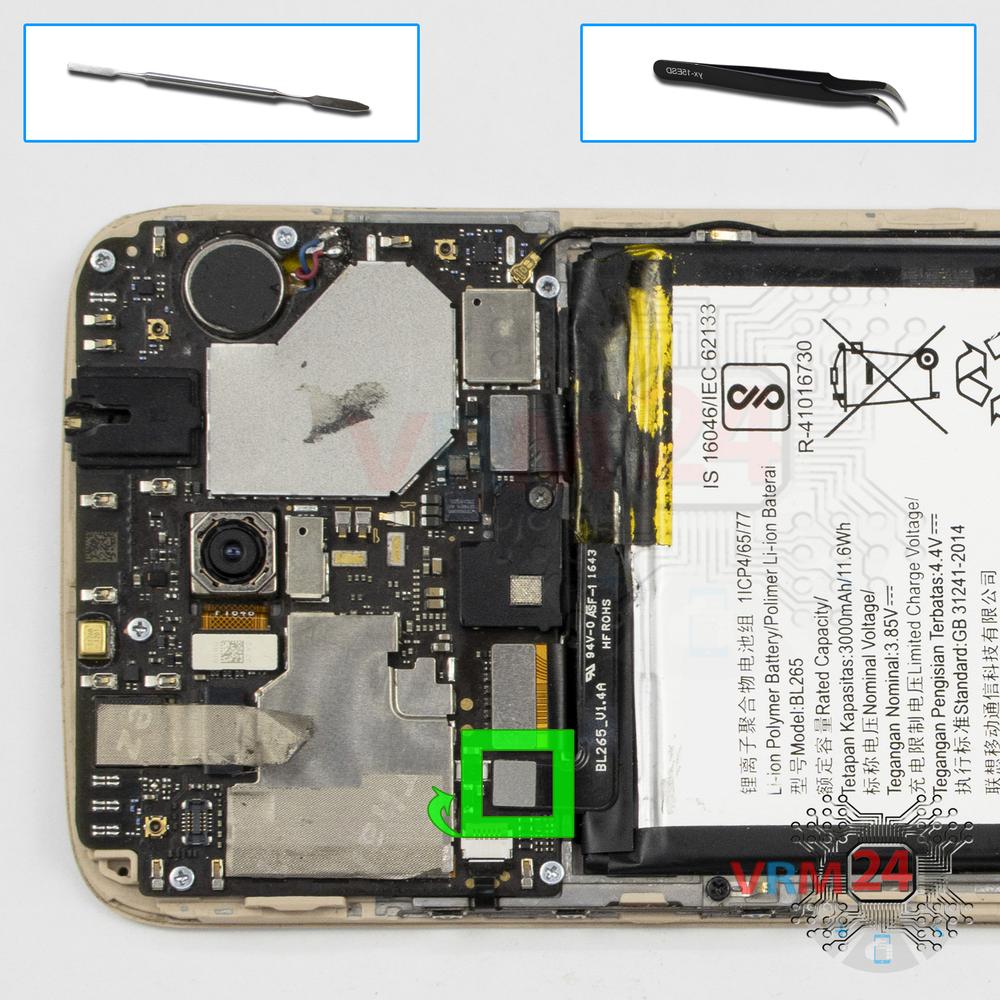
Step 5.
Disconnect the battery connector
Disconnect the battery connector as soon as possible.
ℹ️ The Motorola Moto M TX1663 model has a battery Lenonovo BL265 with 3000 mAh capacity (aka rechargeable battery).
⚠ It is highly recommended to disconnect the connector to avoid possible short circuits during disassembly.
Also, try not to use a metal tool to disconnect the rechargeable battery connector or do it carefully.
Step 6.
Unscrew the screws
Using a screwdriver (Phillips 1.5 mm PH000), unscrew the five screws.
ℹ️ Be sure to note the location of the screws before disassembling. When assembling the device, screwing the screw in the wrong place may damage the device or its parts. To avoid damage, the removed screws and individual pieces (as gaskets or brackets) must be laid out in the appropriate order, or the screws and their holes in the phone must be marked with colored markers.
Step 7.
Remove the loudspeaker
Remove the loudspeaker assembly with antennas.
Step 8.
Disconnect the connectors
Disconnect the coaxial cable connector, inter-board sub-screen cable on the daughterboard.
⚠ Do not pull on the cable or pry it with a sharp tool, the connectors are pretty weak and break easily, or the cable falls out of the end (lug).
Step 9.
Remove the sub-board
Remove the sub-board. It is glued to the frame with metalized tape, so to facilitate the process, the board can be heated a bit.
ℹ️ The board contains a charging port (Micro USB), microphone, spring contacts for the speaker, and an antenna unit.
⚠ It is not necessary to insert the tool under the board when removing the sub-board. Internal components could be damaged.
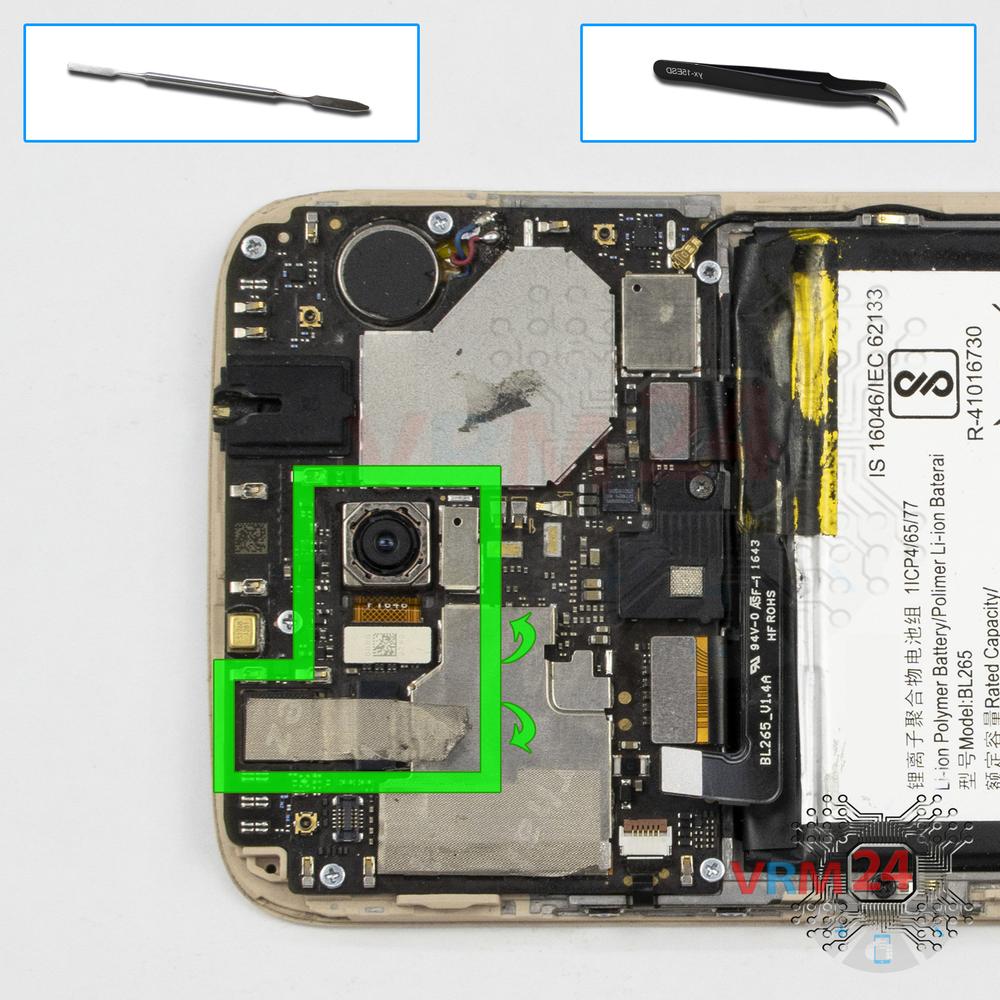
Step 10.
Remove the cameras
Disconnect the connectors, remove the front (selfie) and rear cameras.
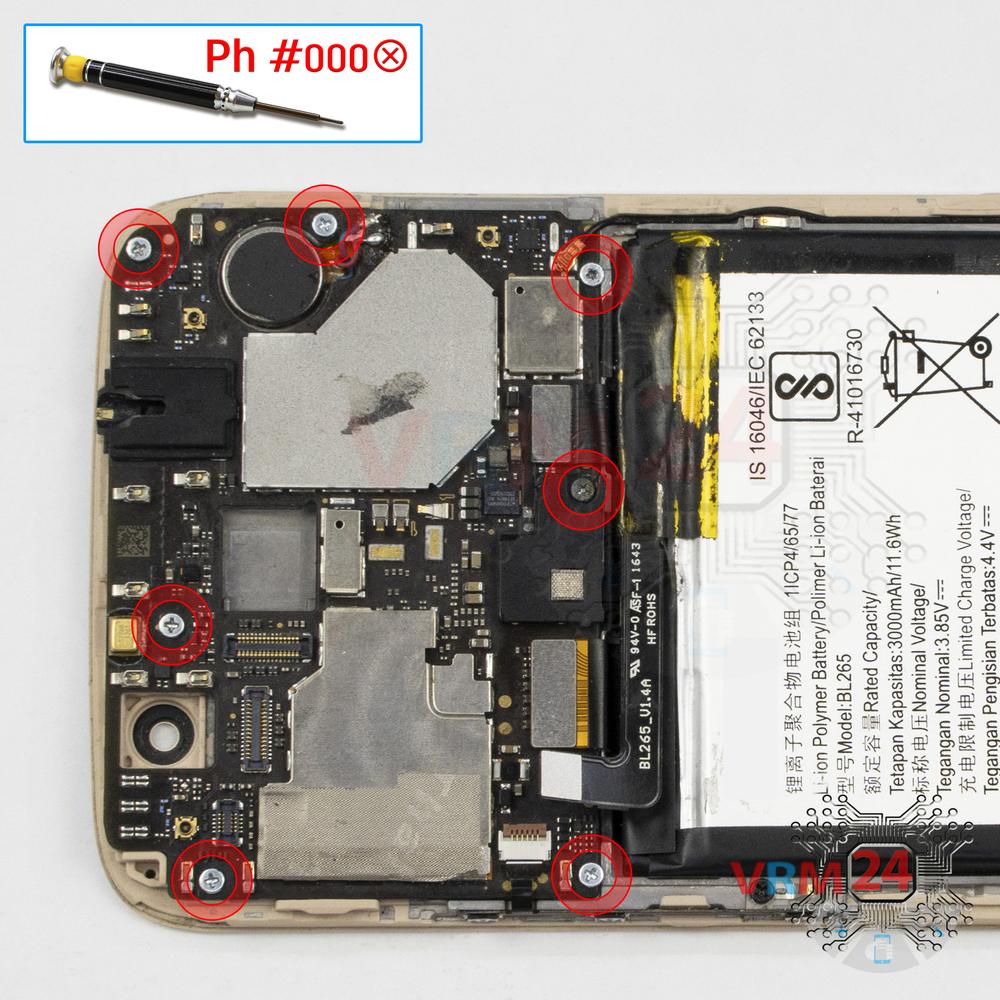
Step 11.
Unscrew the screws
Using a screwdriver (Phillips 1.5 mm PH000), unscrew the seven screws.
Step 12.
Open the cover
Carefully remove the cover.
Step 13.
Disconnect the connectors
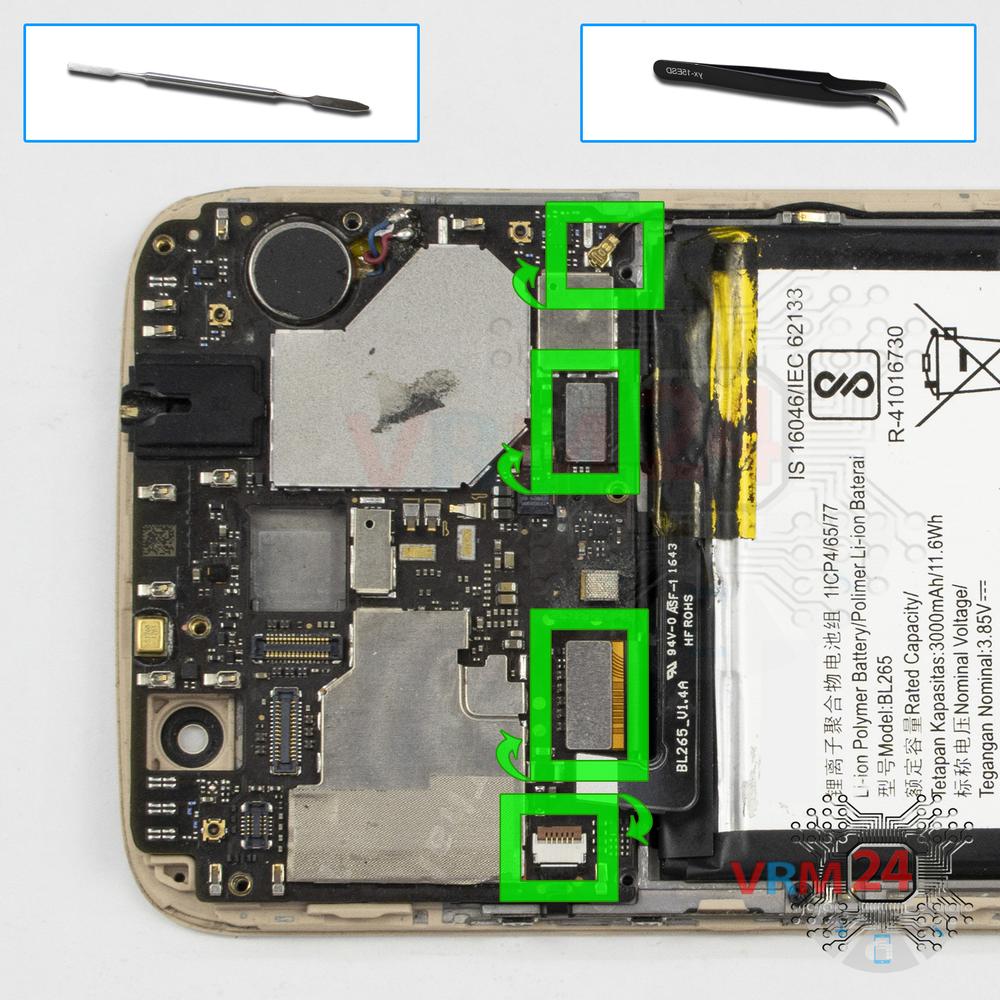
Pry up the connectors of power volume buttons cable, display module cable, inter-board cable, and coaxial cable.
⚠ Be careful when removing the cables from the connectors, the cables are pretty thin, and it is easy enough to break them or damage the contact tracks inside.
Step 14.
Remove the motherboard
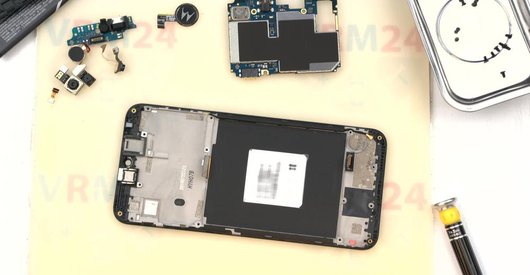
Carefully remove the printed circuit board. There is no need to use a lever or try to reach the board by force. Make sure that nothing is getting in the way or holding the board.
⚠ Do not bend the circuit board when removing it or push tools under it. Unbeknownst to yourself, you can damage components or cables from the inside.
Step 15.
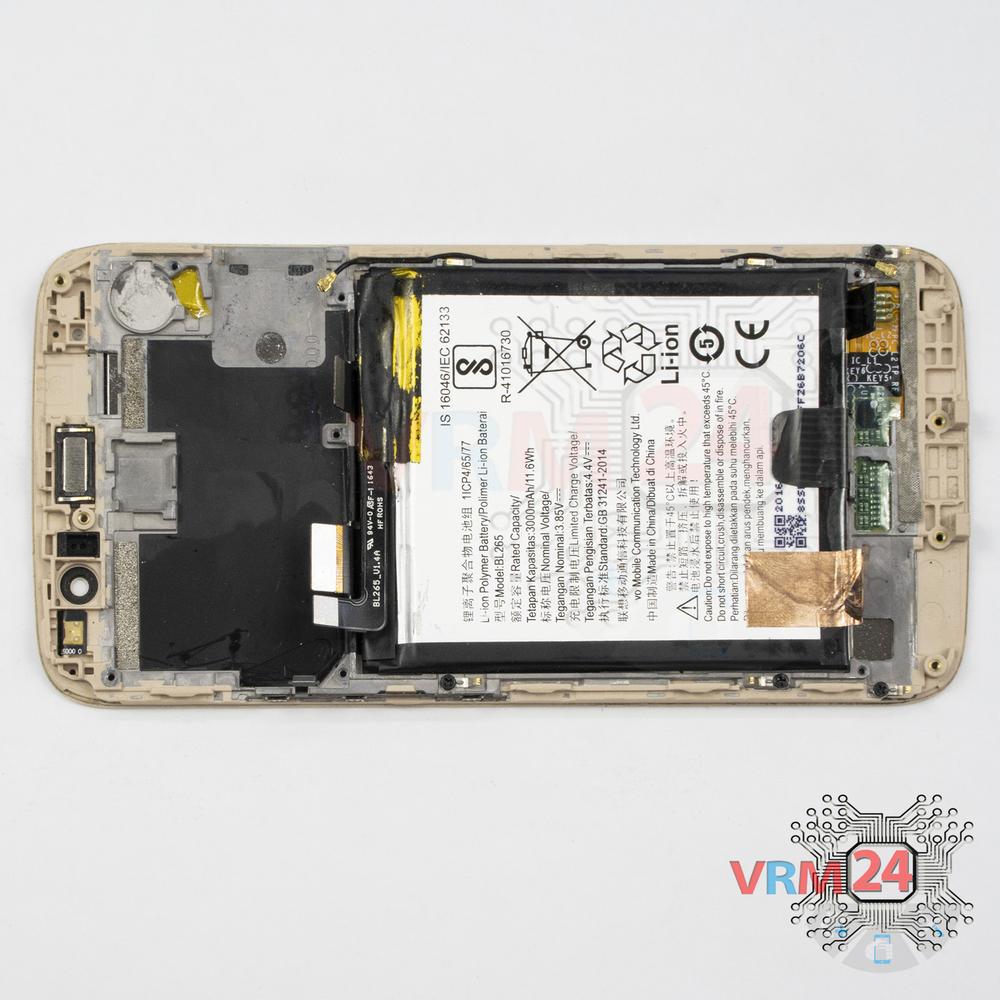
In the display frame remained
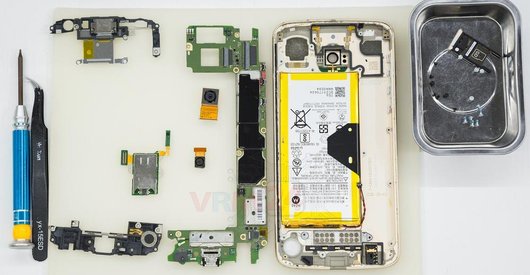
ℹ️ In the display frame remained: the earpiece speaker, battery, and coaxial cable.

If you have a question, ask us, and we will try to answer in as much detail as possible. If this article was helpful for you, please rate it.

4607
Views
0
Likes
—
Share
3
Questions
Related Instructions
Related Reviews
Related Blog
Popular Questions
D
Motorola Moto Z2 Play XT1710
when reassembling this phone, what adhesive do you use? could you provide me a link to an example product? thank you for the video!
Discover Your World5
G
Motorola Moto X Play XT1563
Just wondering why you lifted up the black sticky tab up on the battery? Was it just to hold up the battery.
GOOD-vs- EVIL3
A
Motorola Moto X Play XT1563
It turns on and calls and sound can be heard, but the screen cannot be seen.
ALEXIS MARQUEZ VARGAS18
Motorola Moto C Plus XT1723
My android switched off unexpectedly whilke I was using it, now when I powers it back its just displaying the 'M' with no any other optrion. Now the …
yusuf_mbindyo
G
Motorola Moto X Play XT1563
It seams that lifting that blck tab was usless but weird, now my battery doesn't work anymore, could there be a collation between removing the black …
GOOD-vs- EVIL8Top instructions
Check our
Top Motorola instructions most liked by readers
New instructions
Check our
New Motorola brand instructions on vrm24.com