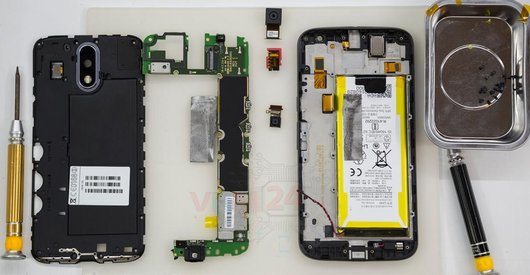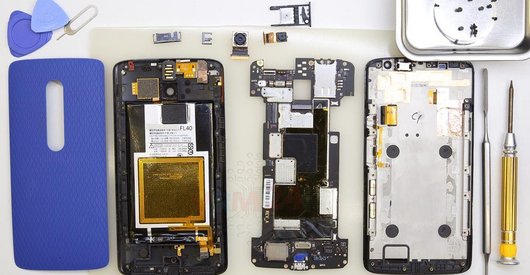






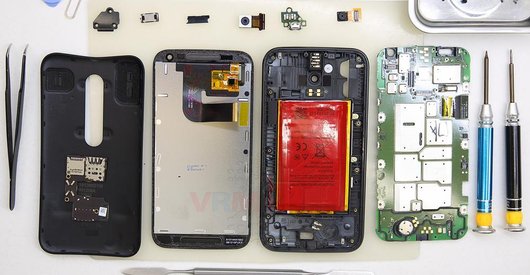
Recommended tools
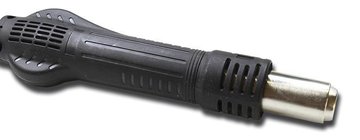
Heat gun
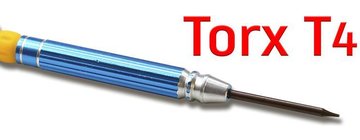
Screwdriver Torx T4
Opening tool / Spudger

Tweezers

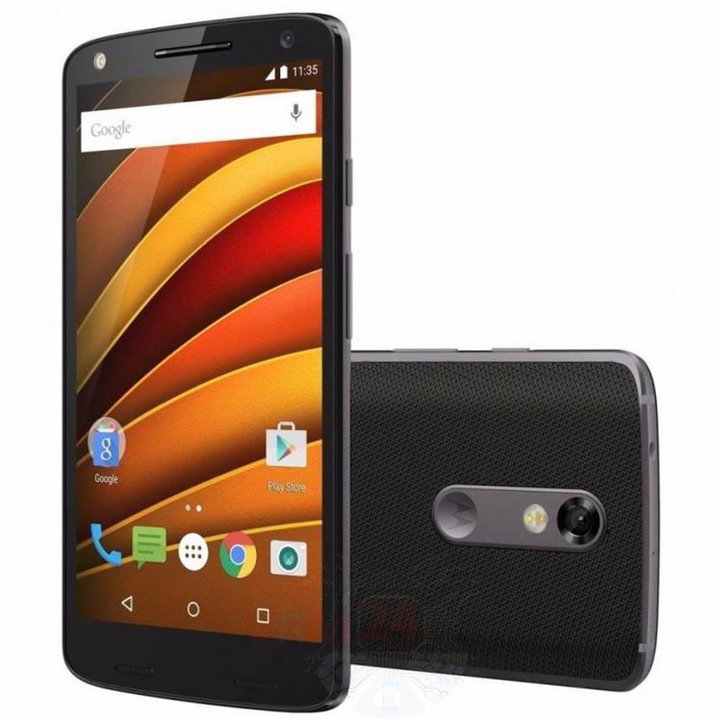
Disassembly/Repair of the mobile device Motorola Moto X Force TX1580 with each step description and the required set of tools.
5722
Views
1
Likes
—
Share
3
Questions

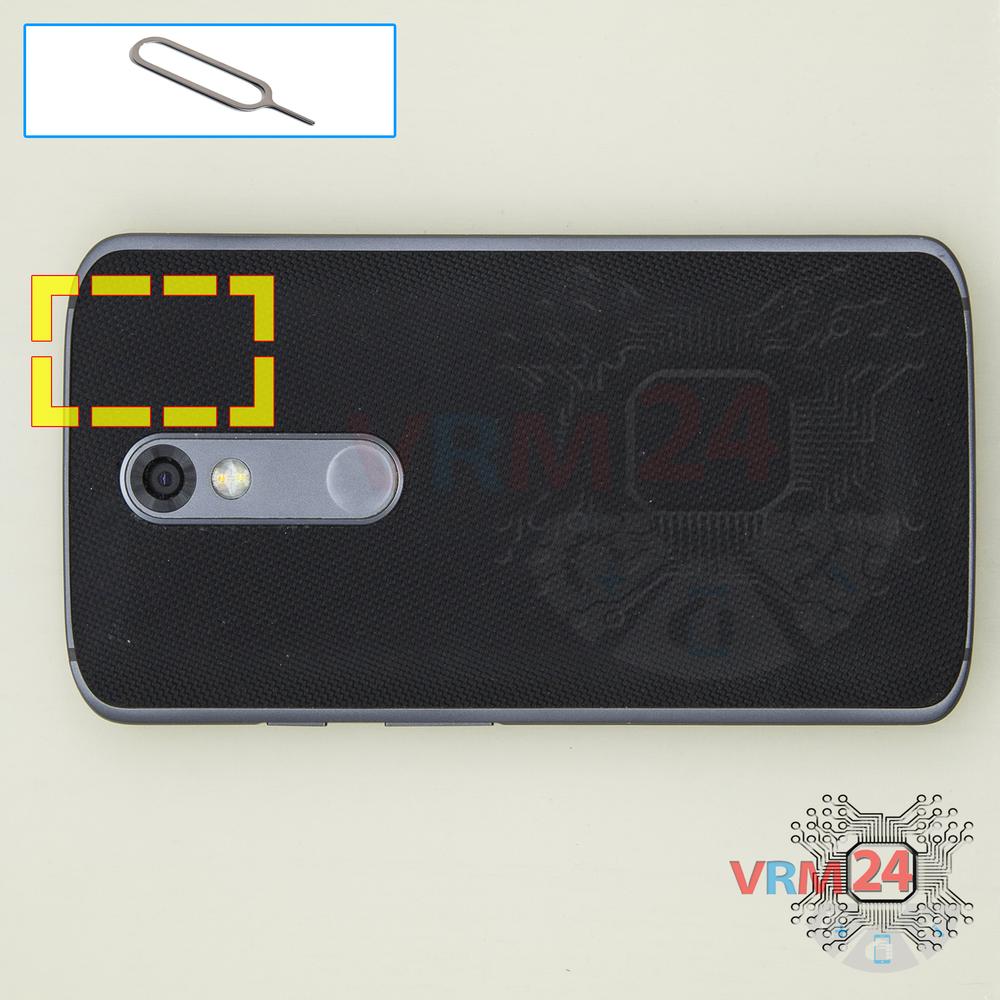
Step 1.
Remove the trays
Using the key tool, open the SIM and Micro SD cards tray and remove it.
⚠ Warning!
Do not push too hard this may cause damage.
Step 2.
Open the back cover
Open the back cover.
⚠ Warning!
For careful separation, we recommend using a heat gun. At the same time, it is necessary to heat carefully in order, not to damage the surface of the device.
Step 3.
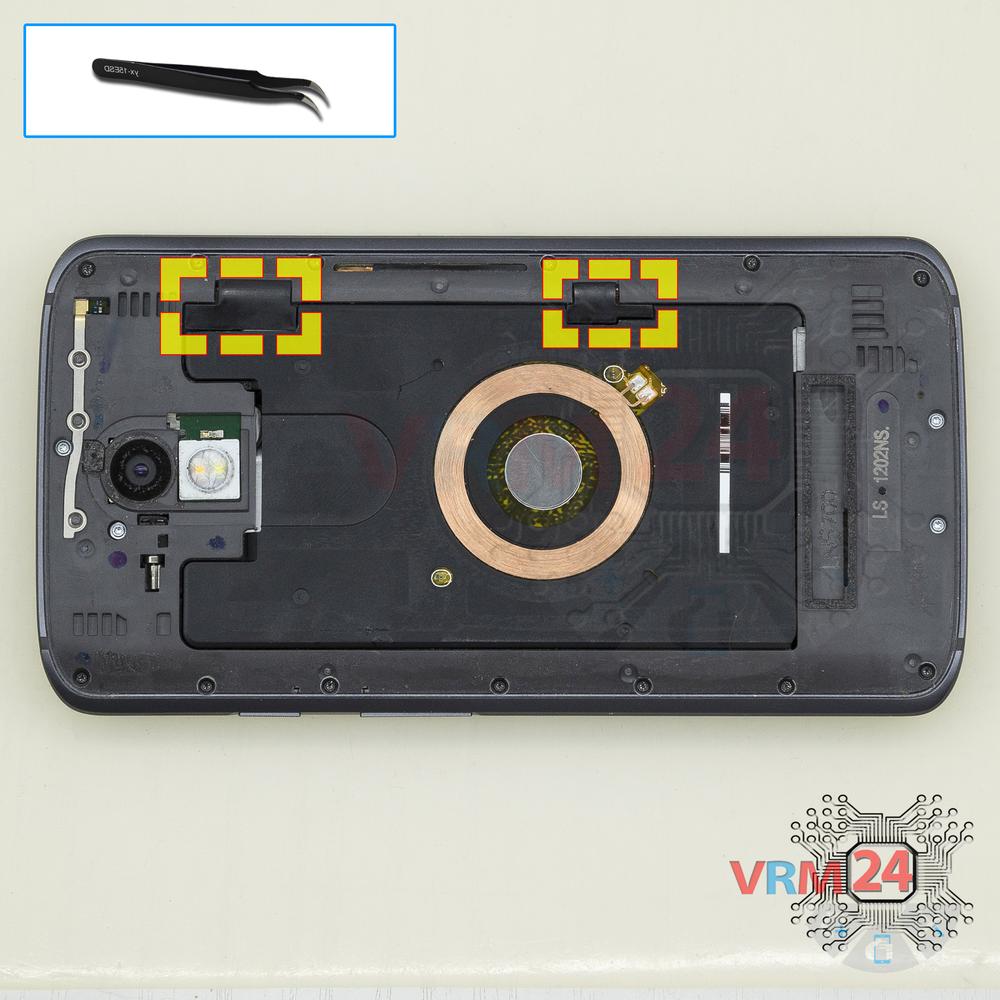
Open the covers
Open the covers hiding the connectors.
Step 4.
Disconnect the connectors
Pry up the connectors.
Step 5.
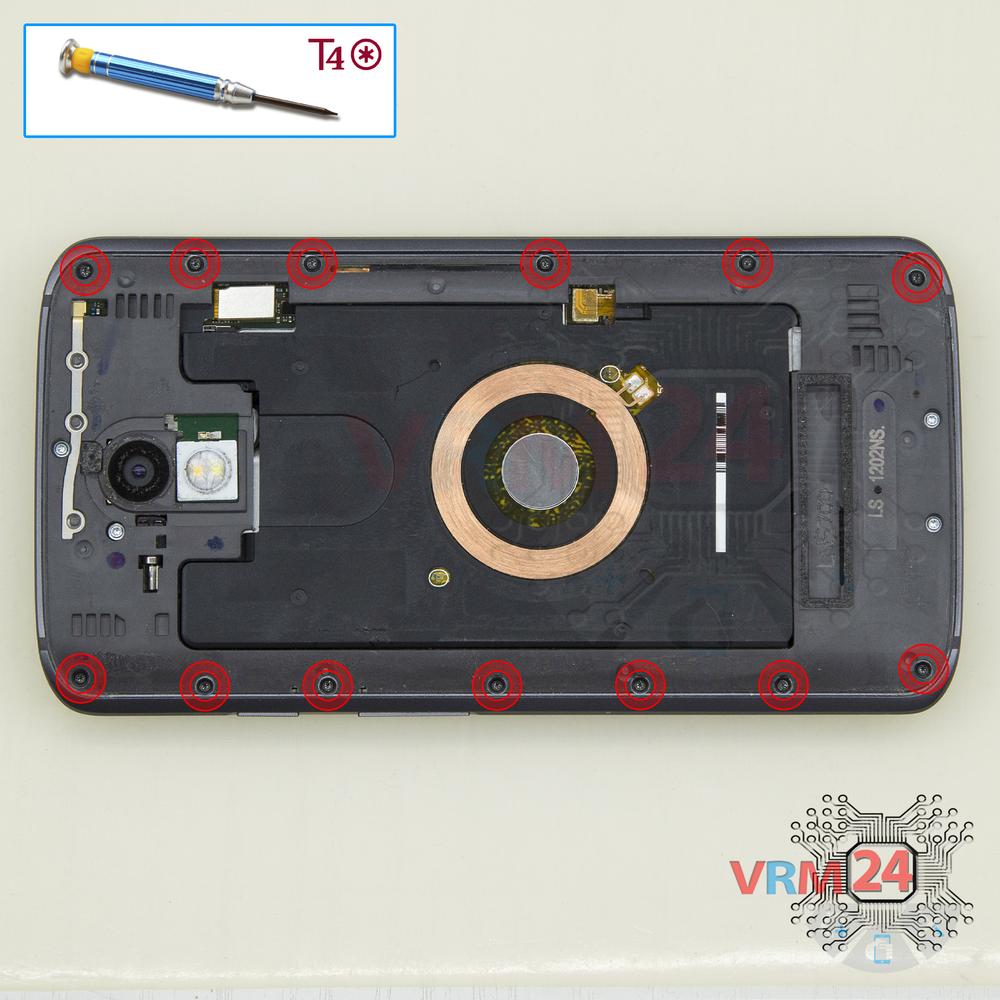
Unscrew the screws
Using a screwdriver (hex T4), unscrew the 13 bolts.
Step 6.
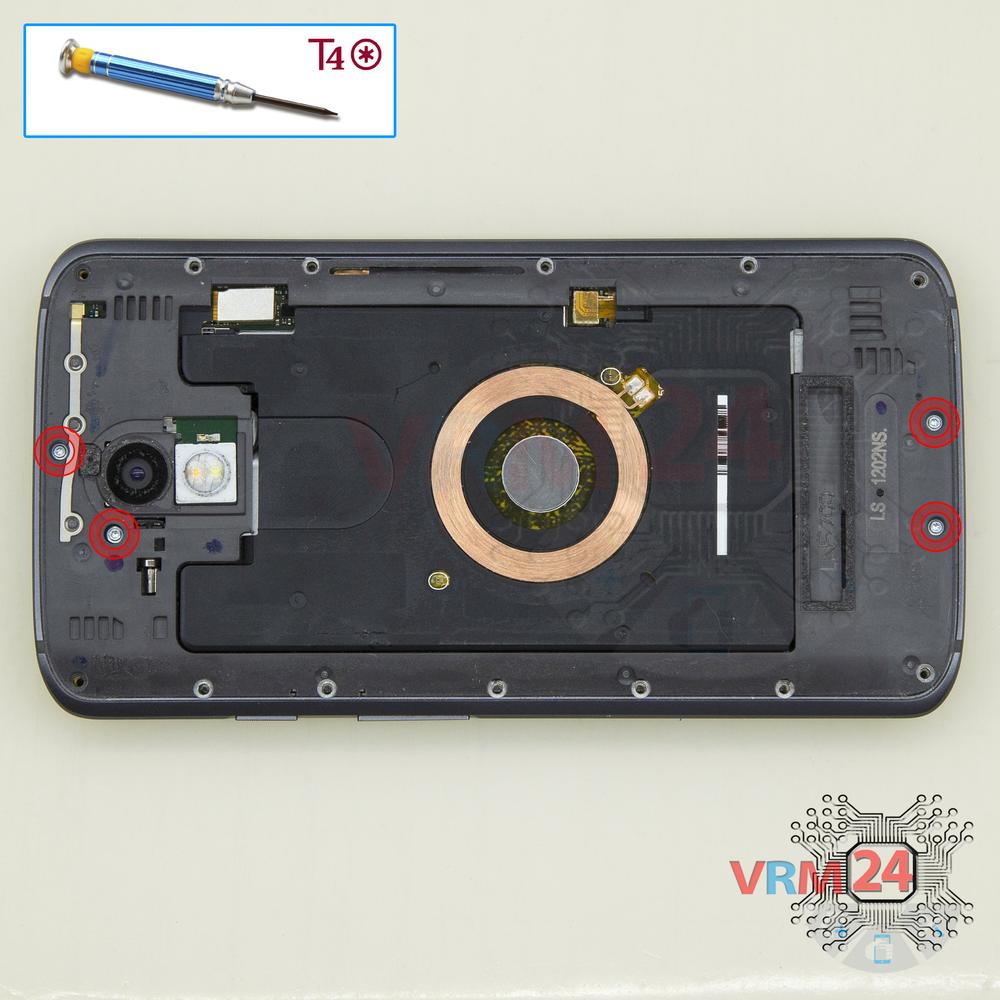
Unscrew the screws
Using a screwdriver (hex T4), unscrew the 4 long bolts.
Step 7.
Remove the frame
Pry and remove the middle frame with a loud speaker and headphone jack/socket.
Step 8.
Open the cover
Using a screwdriver (hex T4), unscrew the 2 bolts. Peel back the protective layer and remove the cover.
Step 9.
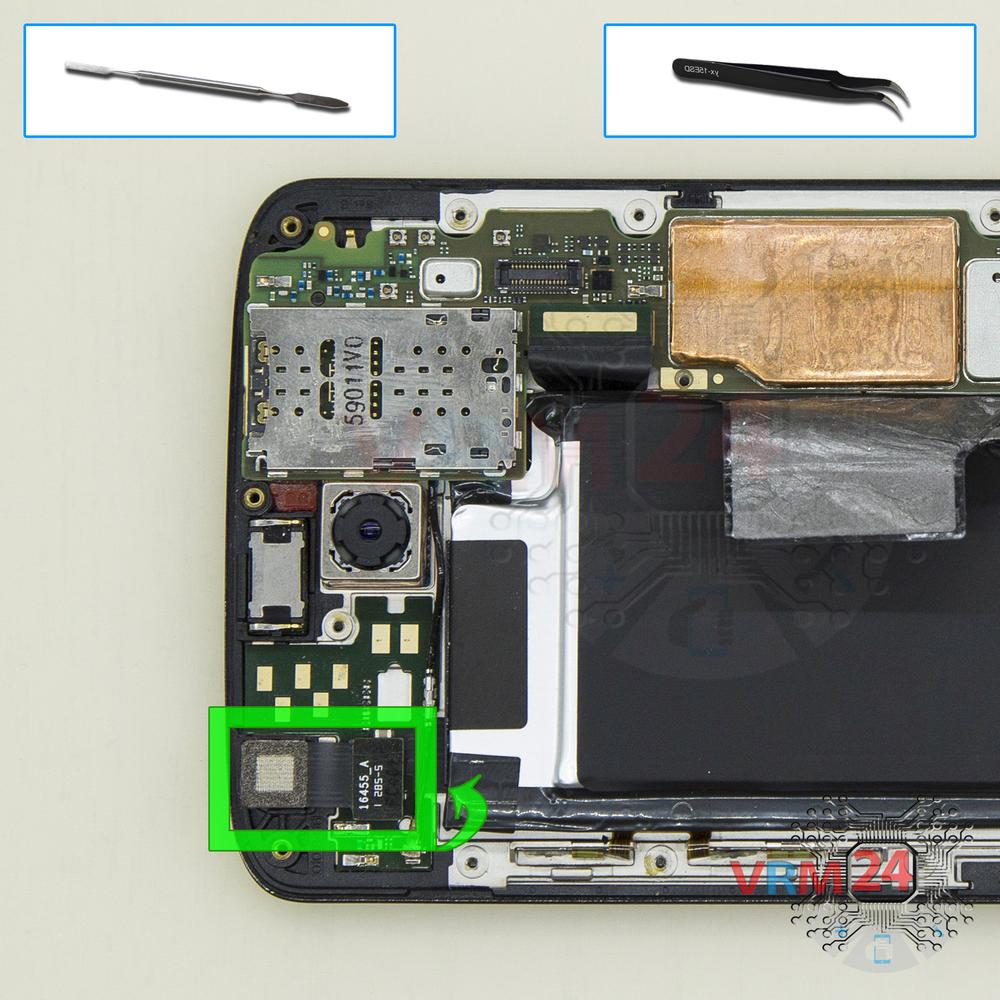
Remove the front camera
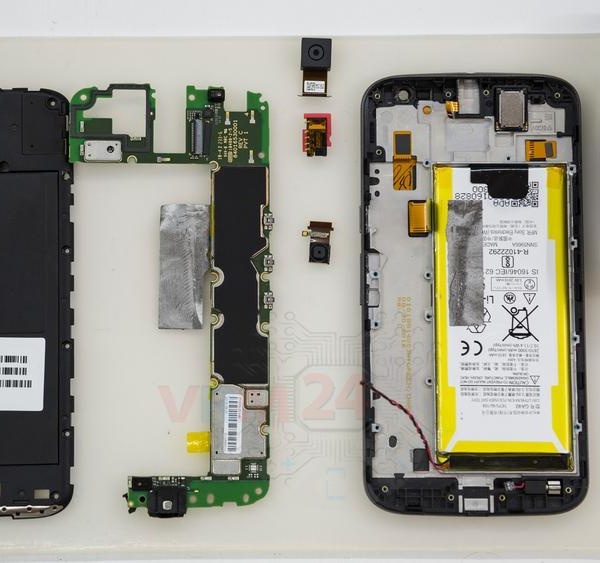
Disconnect the connector on PCB, and remove the front (selfie) camera.
Step 10.
Disconnect the connectors
Disconnect connectors on the PCB.
Step 11.
Remove the motherboard
Remove the PCB.
Step 12.
Remove the rear camera
Disconnect the connector on PCB, and remove the main camera.

If you have a question, ask us, and we will try to answer in as much detail as possible. If this article was helpful for you, please rate it.

5722
Views
1
Likes
—
Share
3
Questions
Related Instructions
Related Reviews
Related Blog
Popular Questions
A
Motorola Moto X Play XT1563
It turns on and calls and sound can be heard, but the screen cannot be seen.
ALEXIS MARQUEZ VARGAS18
Motorola Moto C Plus XT1723
My android switched off unexpectedly whilke I was using it, now when I powers it back its just displaying the 'M' with no any other optrion. Now the …
yusuf_mbindyo
K
Motorola Moto X Play XT1563
i need help i just replaced my display. but my phon is not working now. it doesn't start up just moto logo comes and restart n goes again and if it s…
ketan chauhan2
G
Motorola Moto X Play XT1563
Just wondering why you lifted up the black sticky tab up on the battery? Was it just to hold up the battery.
GOOD-vs- EVIL3
G
Motorola Moto X Play XT1563
It seams that lifting that blck tab was usless but weird, now my battery doesn't work anymore, could there be a collation between removing the black …
GOOD-vs- EVIL8Top instructions
Check our
Top Motorola instructions most liked by readers
New instructions
Check our
New Motorola brand instructions on vrm24.com