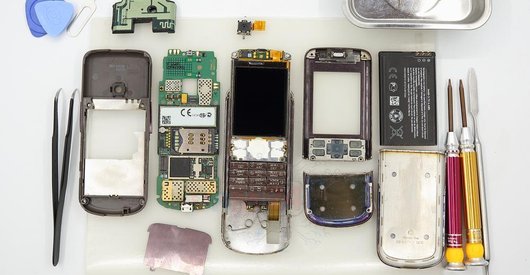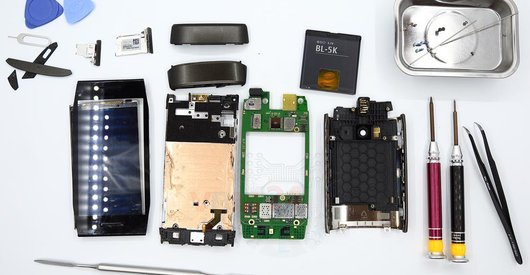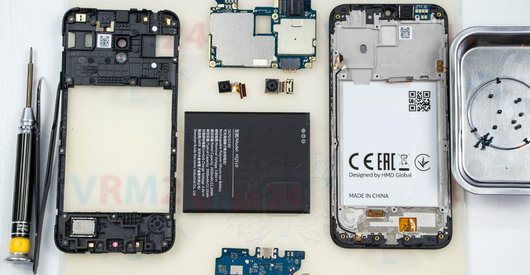





Recommended tools
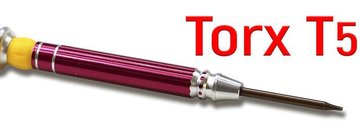
Screwdriver Torx T5
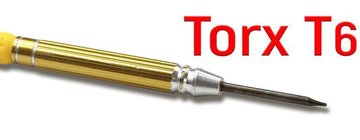
Screwdriver Torx T6
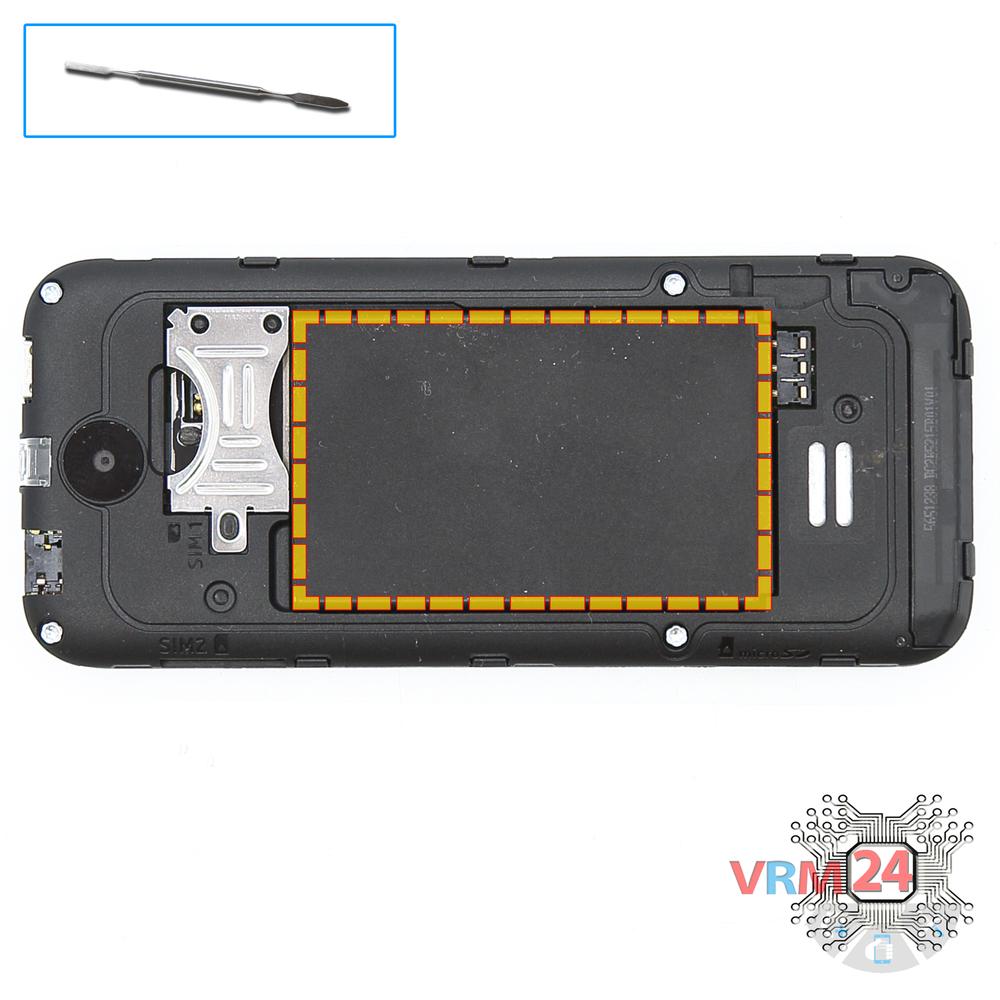
Opening tool / Spudger

Tweezers

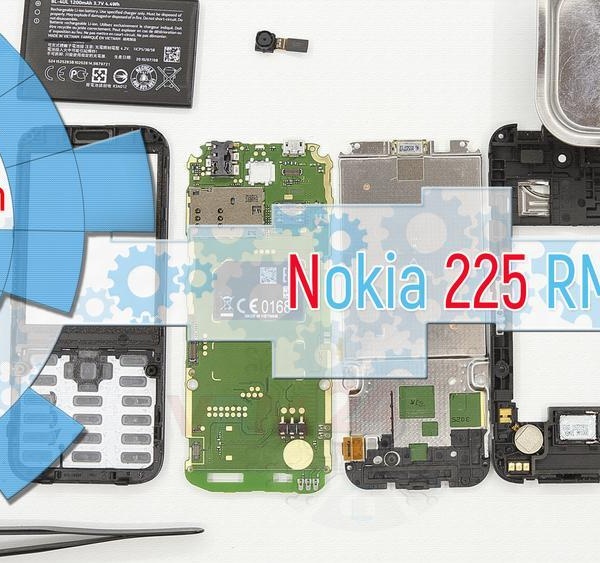
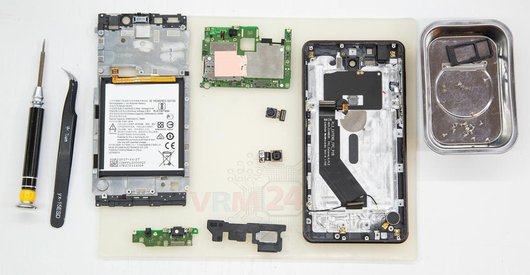
Disassembly/Repair of the mobile device Nokia 225 RM-1011 (Nokia 225 RM-1043 (Brazil)) with each step description and the required set of tools.
10887
Views
3
Likes
—
Share
4
Questions

Step 1.
Open the back cover
Open the back cover.
Step 2.
Remove the battery
Lift and remove the battery.
Step 3.
Unscrew the screws
Using a screwdriver (hex T6), unscrew 4 bolts in the frame of the phone.
Step 4.
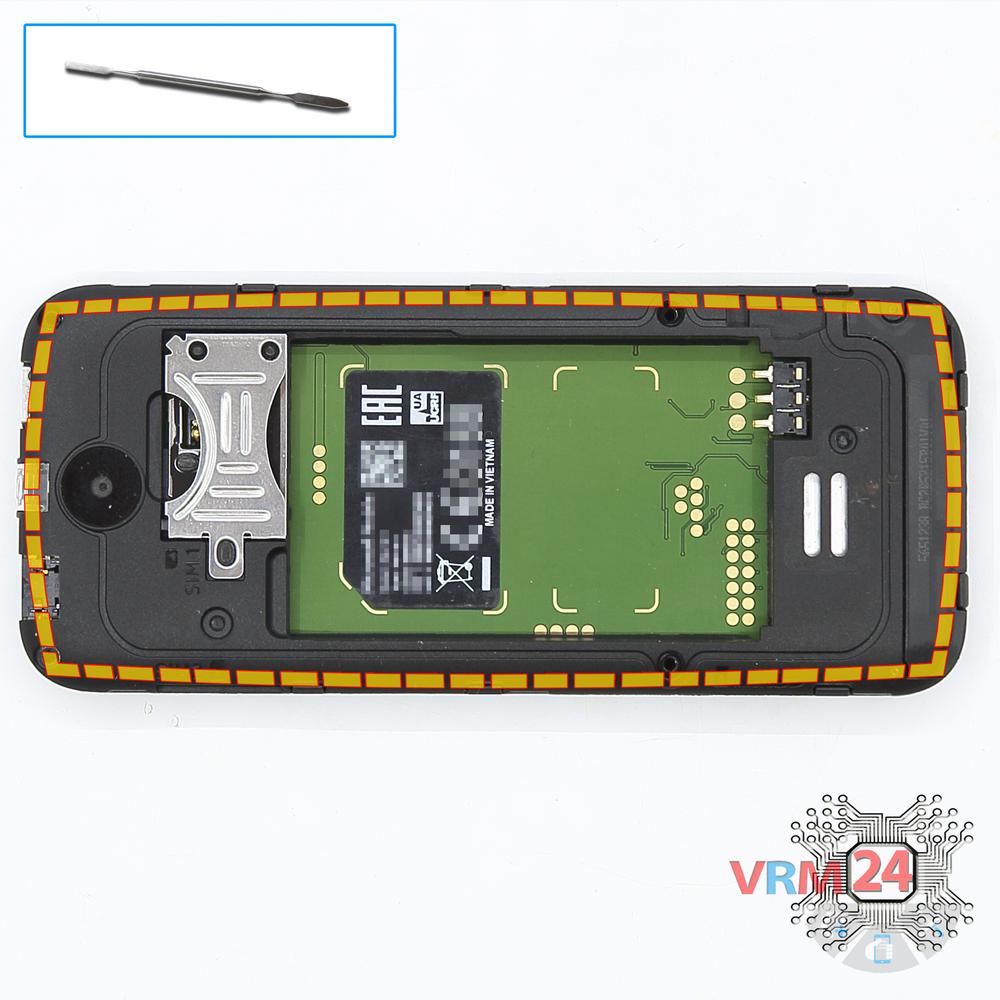
Remove the frame
Pry and remove the fromt frame with a keyboard.
Step 5.
Unscrew the screws
Using a screwdriver (hex T5), unscrew 2 bolts securing the PCB.
Step 6.
Open the mid-frame
Pry and remove the middle frame.
Step 7.
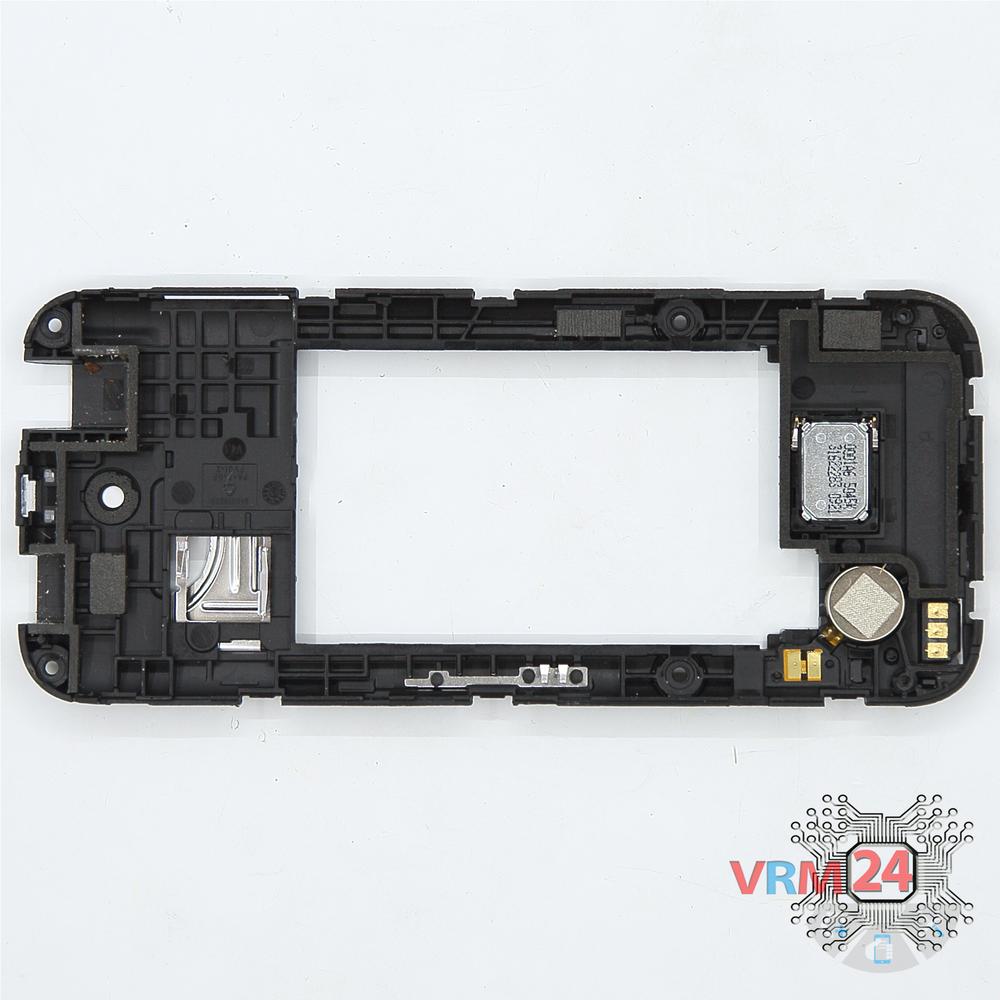
In the middle cover
The middle frame with a vibration motor and speaker.
Step 8.
Disconnect the connectors
Disconnect connector on the PCB and separate it from the frame with a display and keyboard PCB.
Step 9.
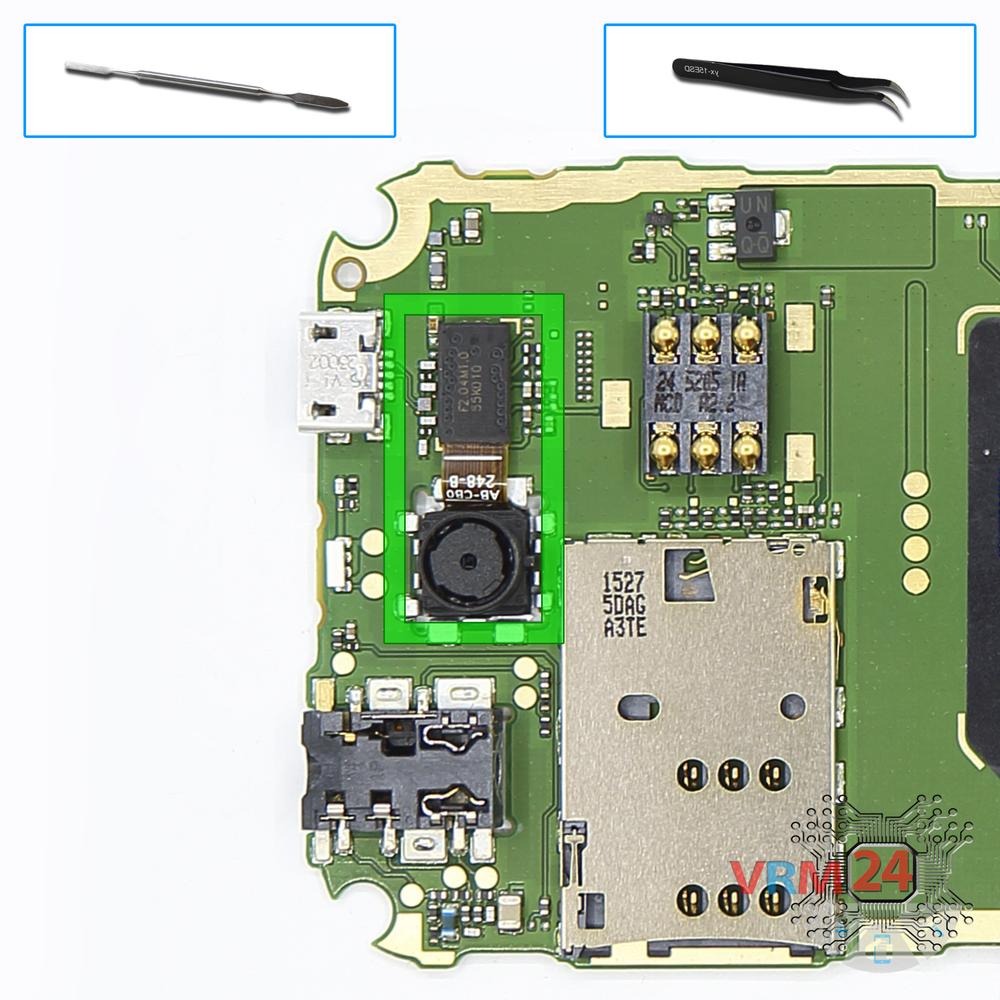
Remove the rear camera
Disconnect connector on the PCB and remove the camera.

If you have a question, ask us, and we will try to answer in as much detail as possible. If this article was helpful for you, please rate it.

10887
Views
3
Likes
—
Share
4
Questions
Related Instructions
Related Reviews
Related Blog

Top instructions
Check our
Top Nokia instructions most liked by readers
New instructions
Check our
New Nokia brand instructions on vrm24.com