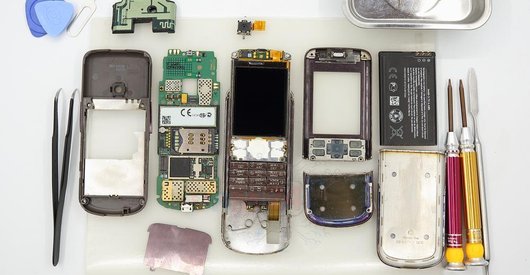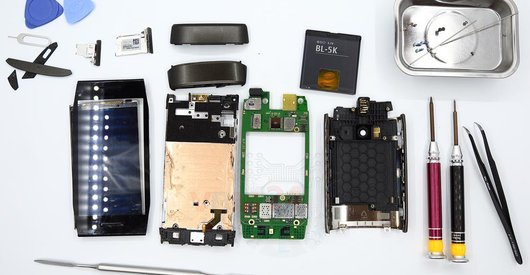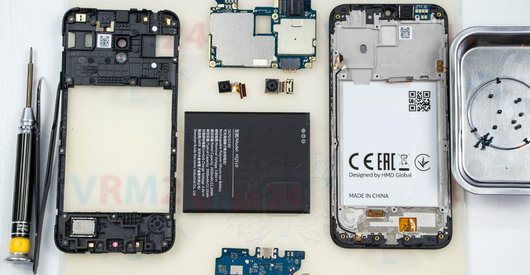





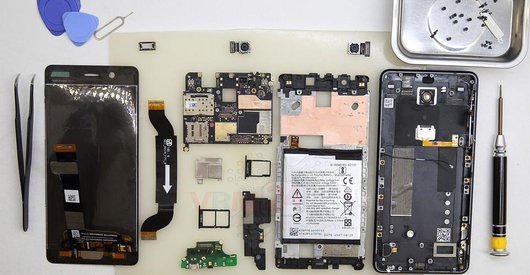

Recommended tools
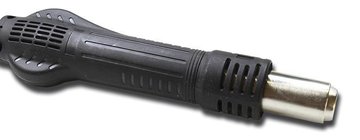
Heat gun
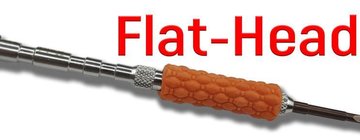
Screwdriver Flat-bladed
Screwdriver Phillips #000

Opening tool / Spudger

Tweezers

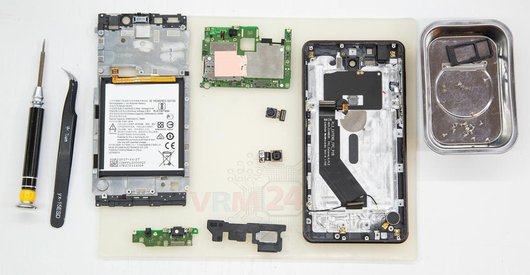
Disassembly/Repair of the mobile device Nokia 8 TA-1004 with each step description and the required set of tools.
12726
Views
7
Likes
—
Share
13
Questions

Step 1.
Remove the trays
Using the key tool, open the SIM and Micro SD cards tray and remove it.
⚠ Warning!
Do not push too hard this may cause damage.
Step 2.
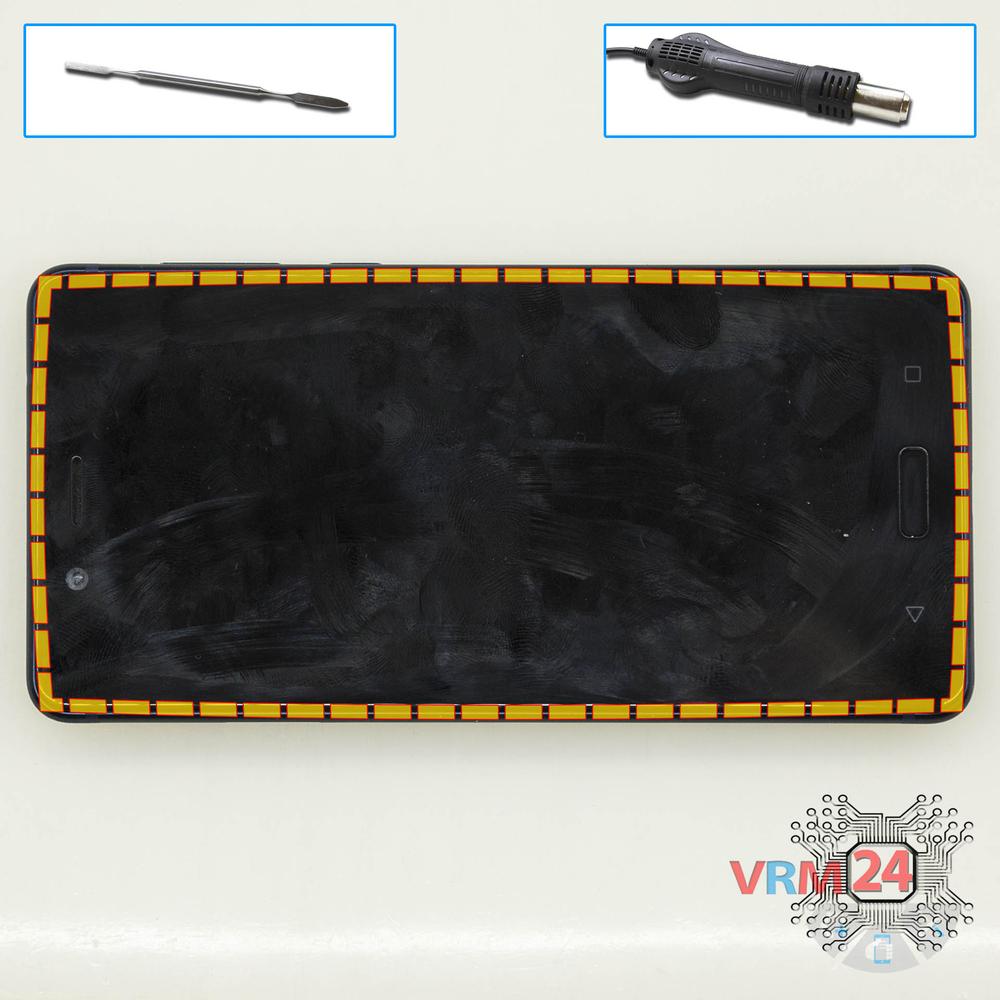
Open the display
Separate the display module from the cover.
⚠ Warning!
For careful separation, we recommend using a heat gun. At the same time, it is necessary to heat carefully in order, not to damage the surface of the device.
Step 3.
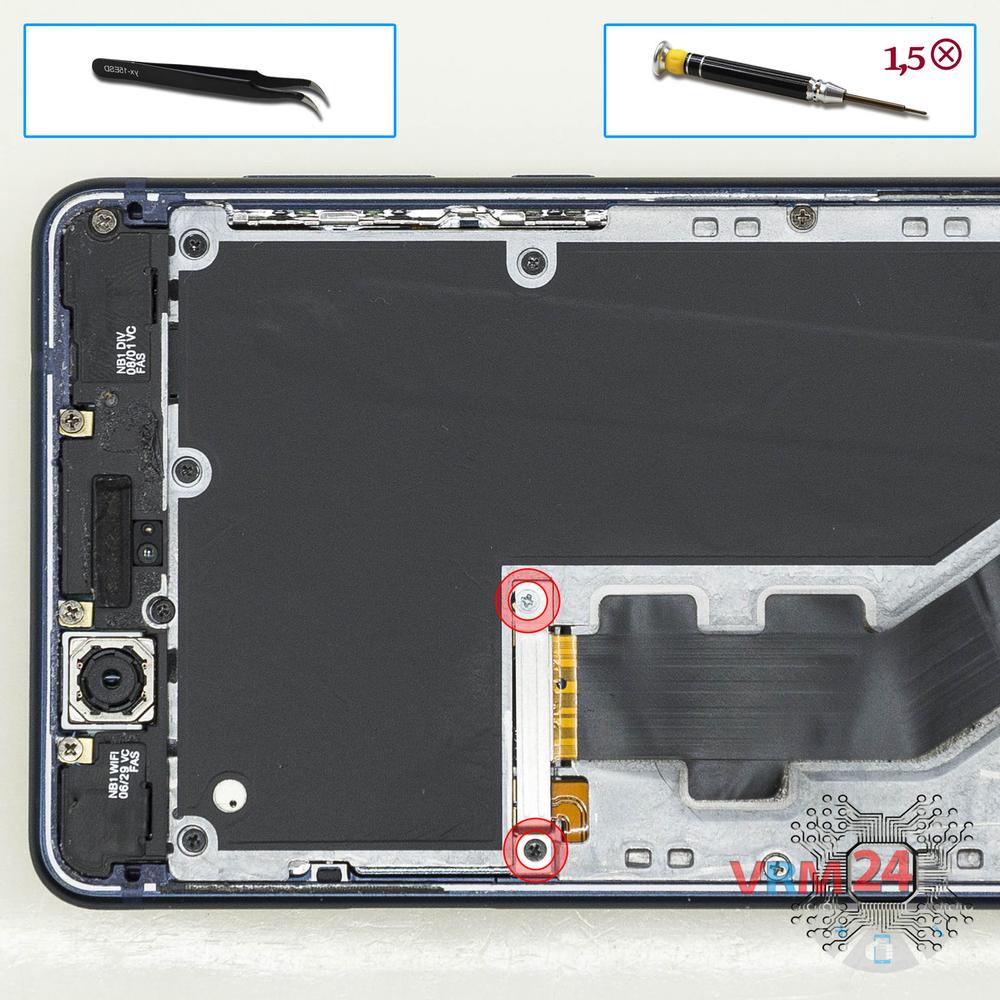
Remove the bracket
Using a screwdriver (Phillips 1.5 mm PH000), unscrew 2 bolts and remove the bracket holding the connectors.
Step 4.
Disconnect the connectors
Pry up connectors of the battery and display module.
Step 5.
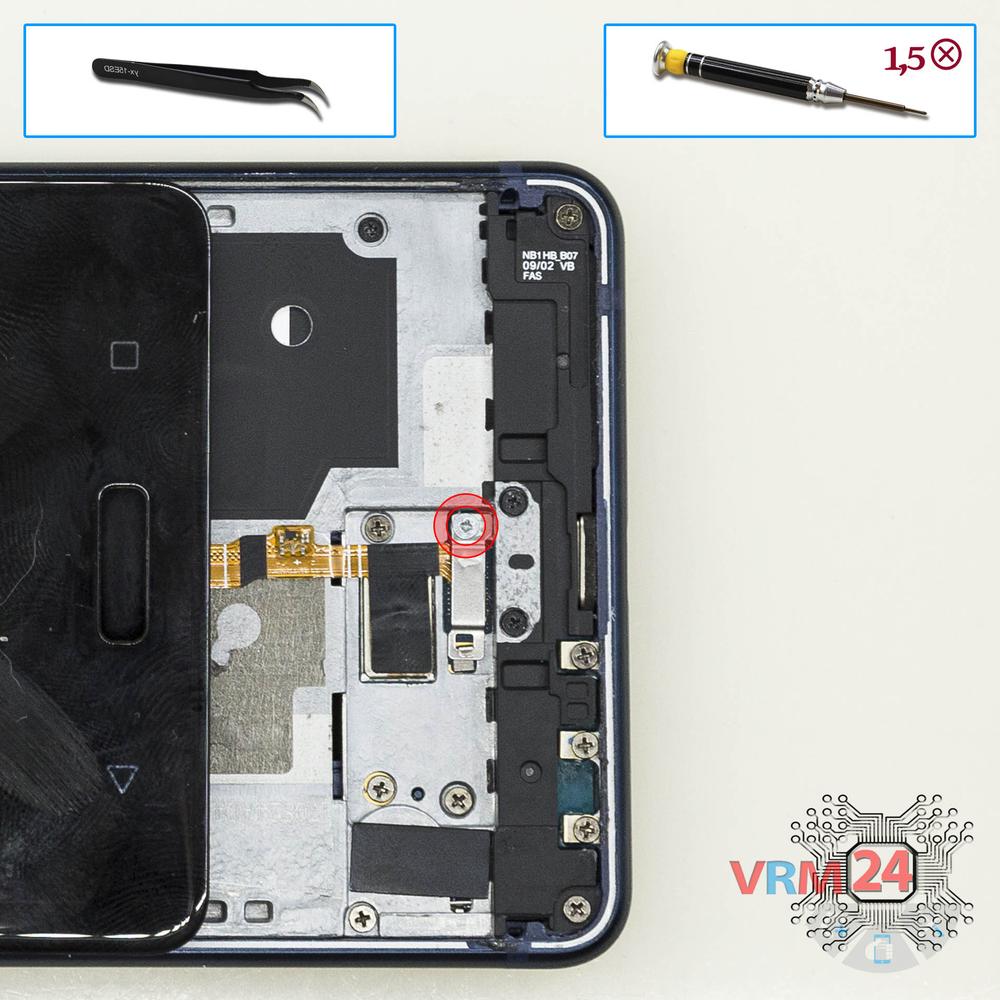
Remove the holder
Turn over the display module, and using a screwdriver (Phillips 1.5 mm PH000), unscrew 1 bolt and remove the bracket holding Home button connector.
Step 6.
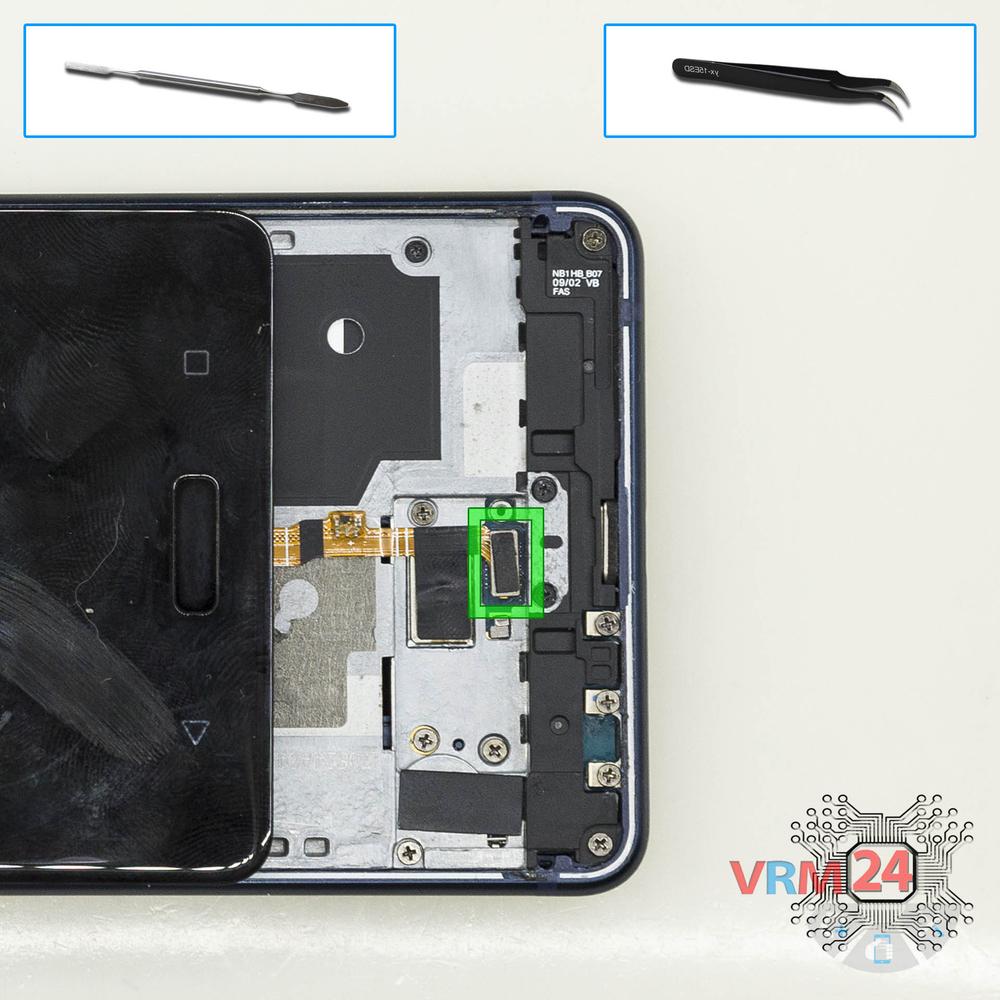
Open the display module
Pry up the Home button connector and remove the display module.
Step 7.
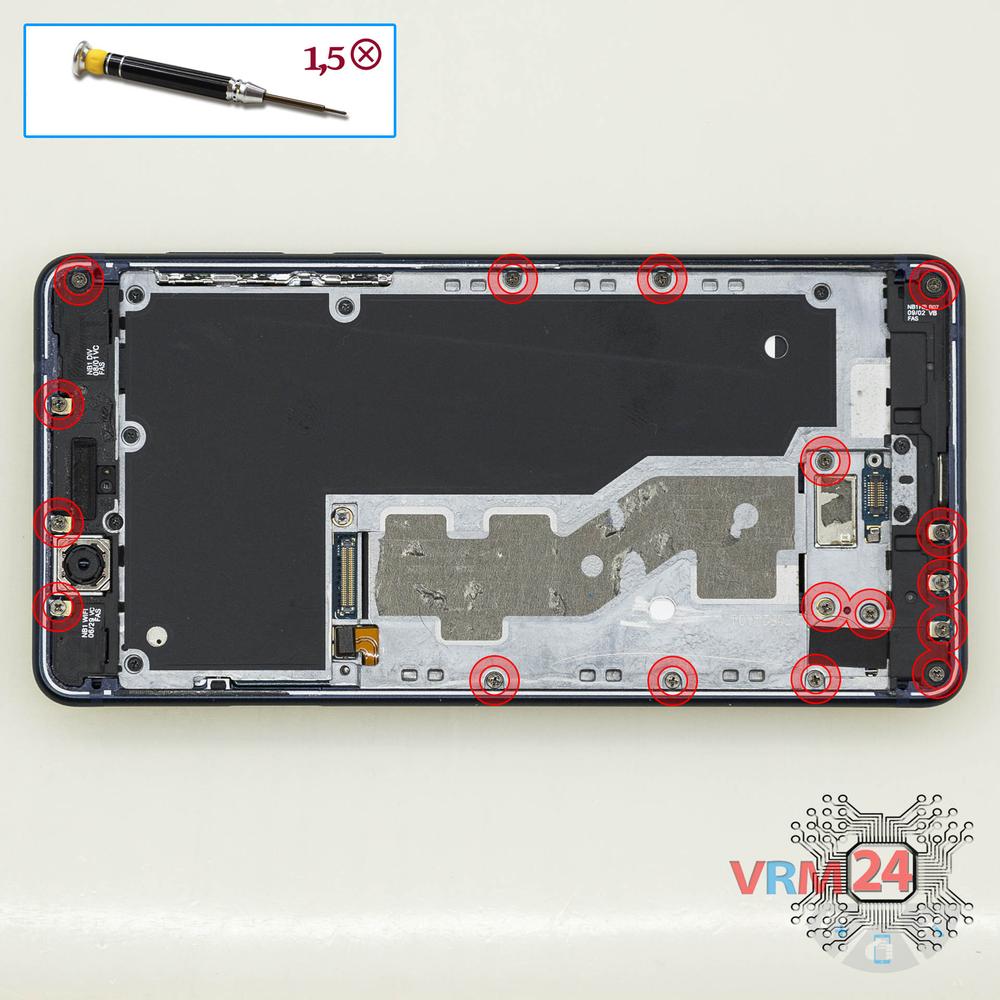
Unscrew the screws
Using a screwdriver (Phillips 1.5 mm PH000), unscrew 17 bolts in the frame of the phone.
Step 8.
Unscrew the screws
Using a screwdriver (Phillips 1.5 mm PH000), unscrew 8 long bolts.
Step 9.
Open the cover
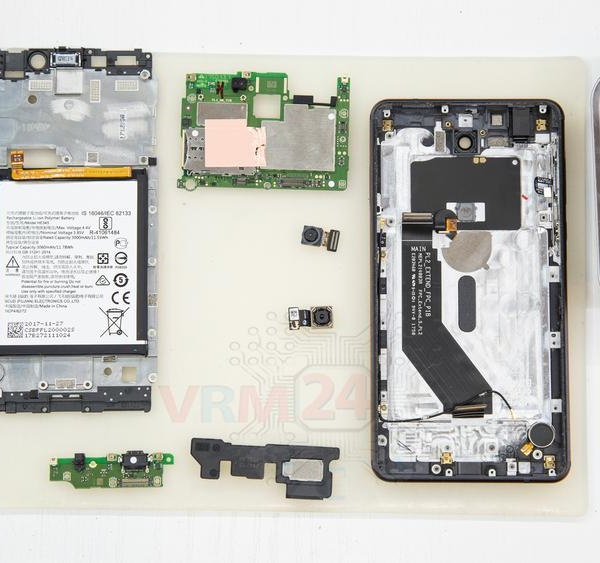
Remove the cover with earpiece speaker and battery.
Step 10.
Disconnect the connectors
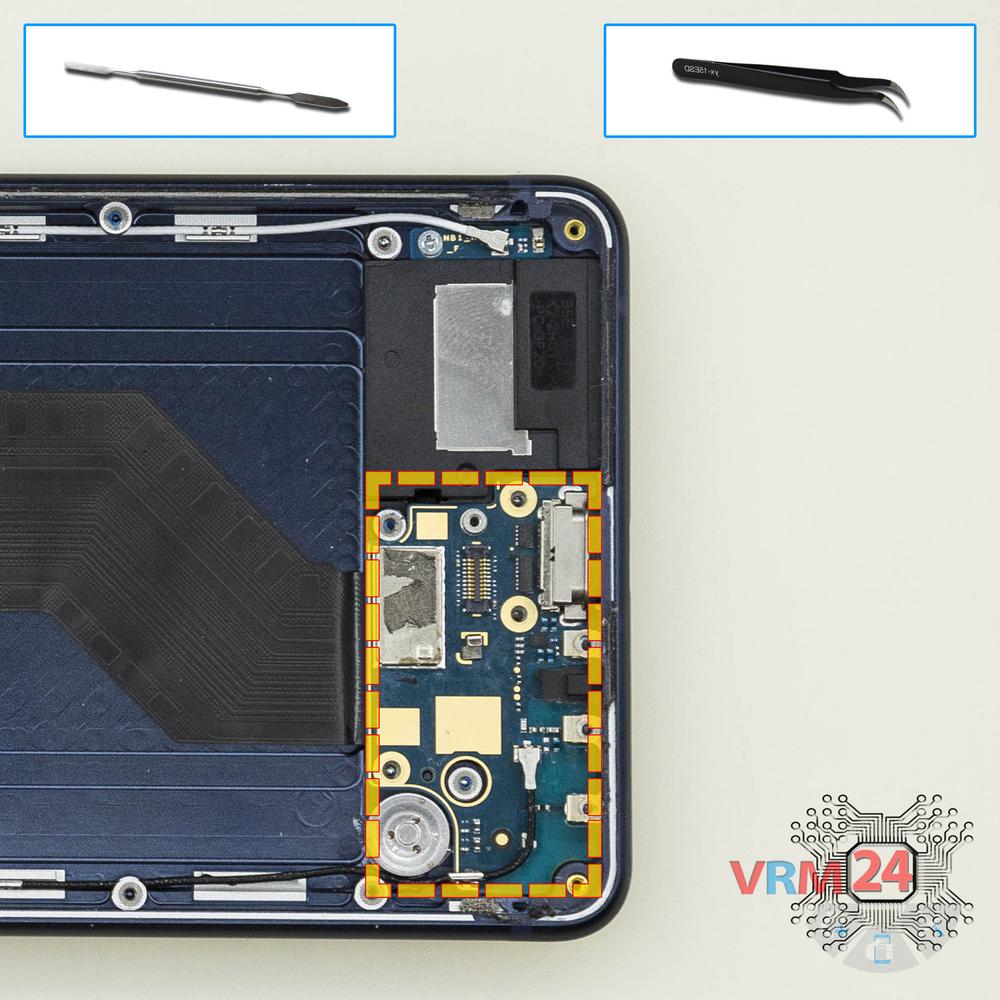
Disconnect connectors on the daughterboard.
Step 11.
Remove the sub-board
Remove the daughterboard, also known as sub-board.
Step 12.
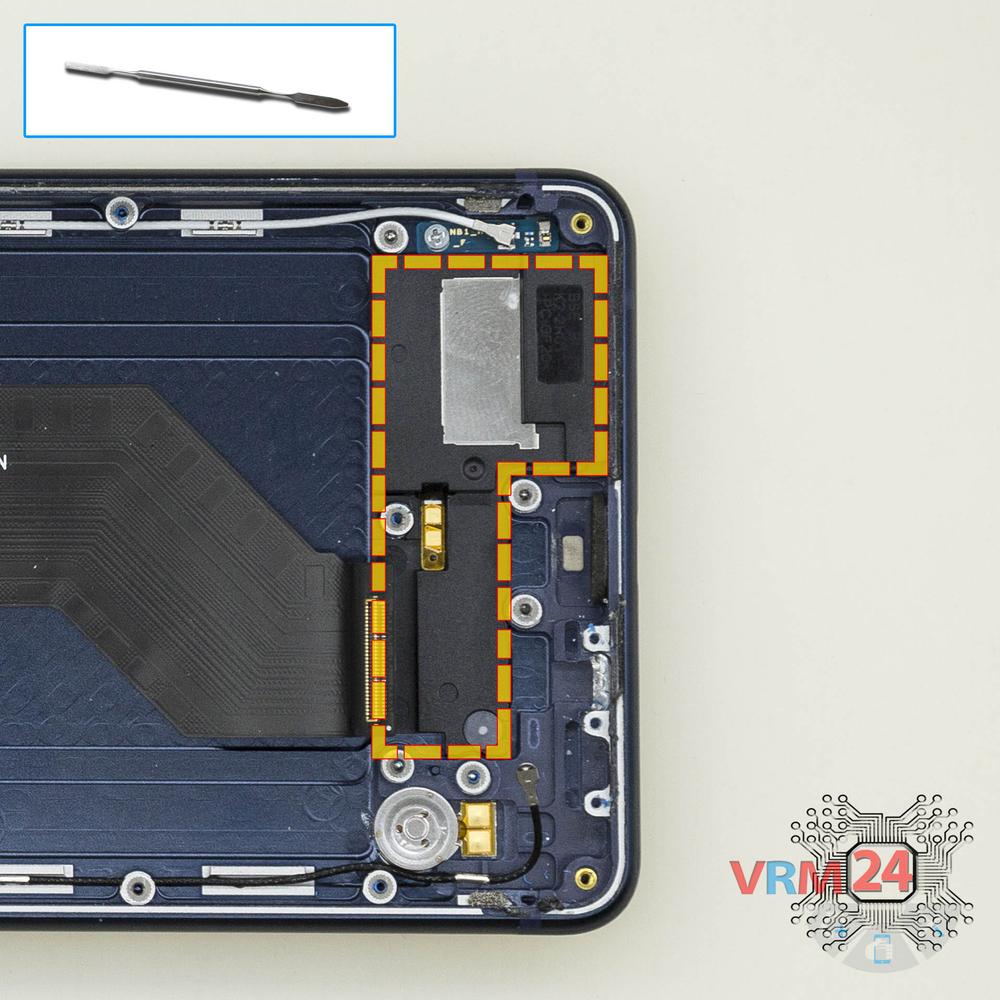
Remove the loudspeaker
Pry and remove the buzzer (speaker) assembly.
Step 13.
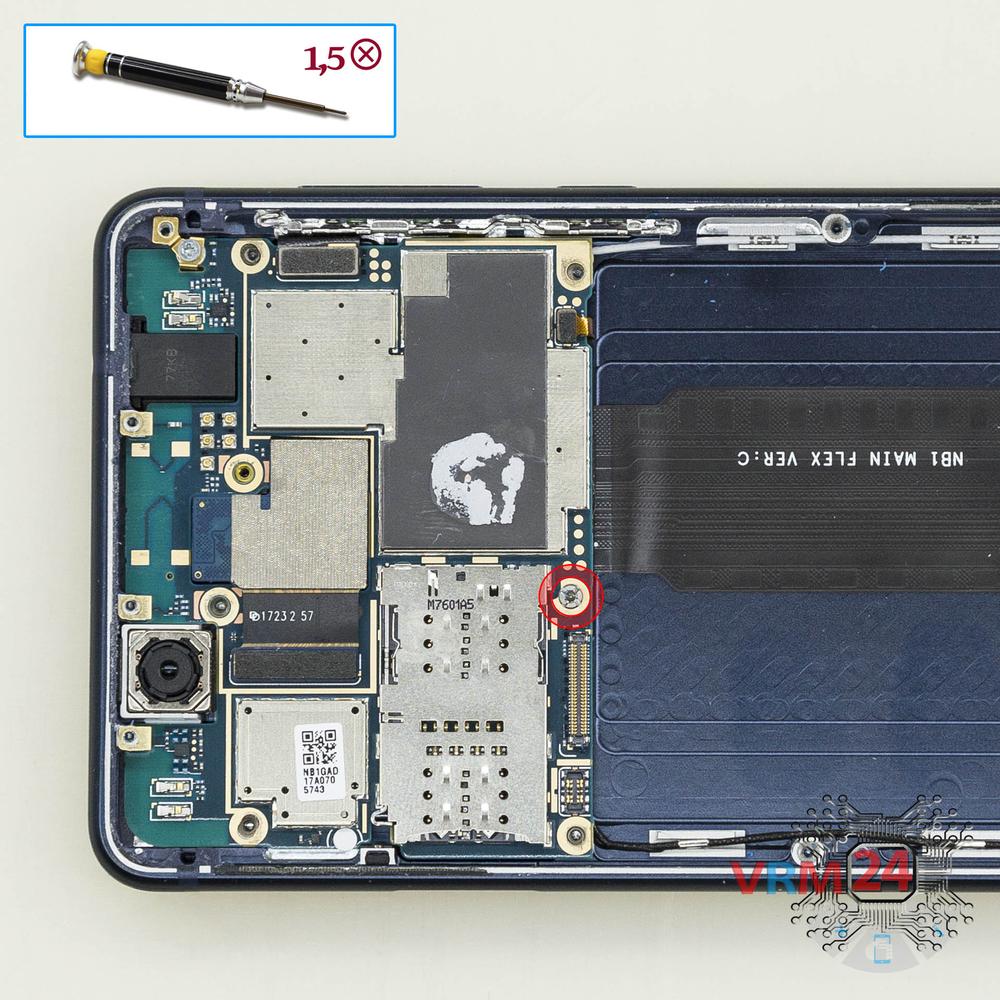
Unscrew one screw
Using a screwdriver (Phillips 1.5 mm PH000), unscrew 1 bolt in the PCB.
Step 14.
Disconnect the connectors
Disconnect connectors on the PCB.
Step 15.
Remove the cameras
Disconnect the connector on PCB, and remove the assembly of two rear cameras.
Step 16.
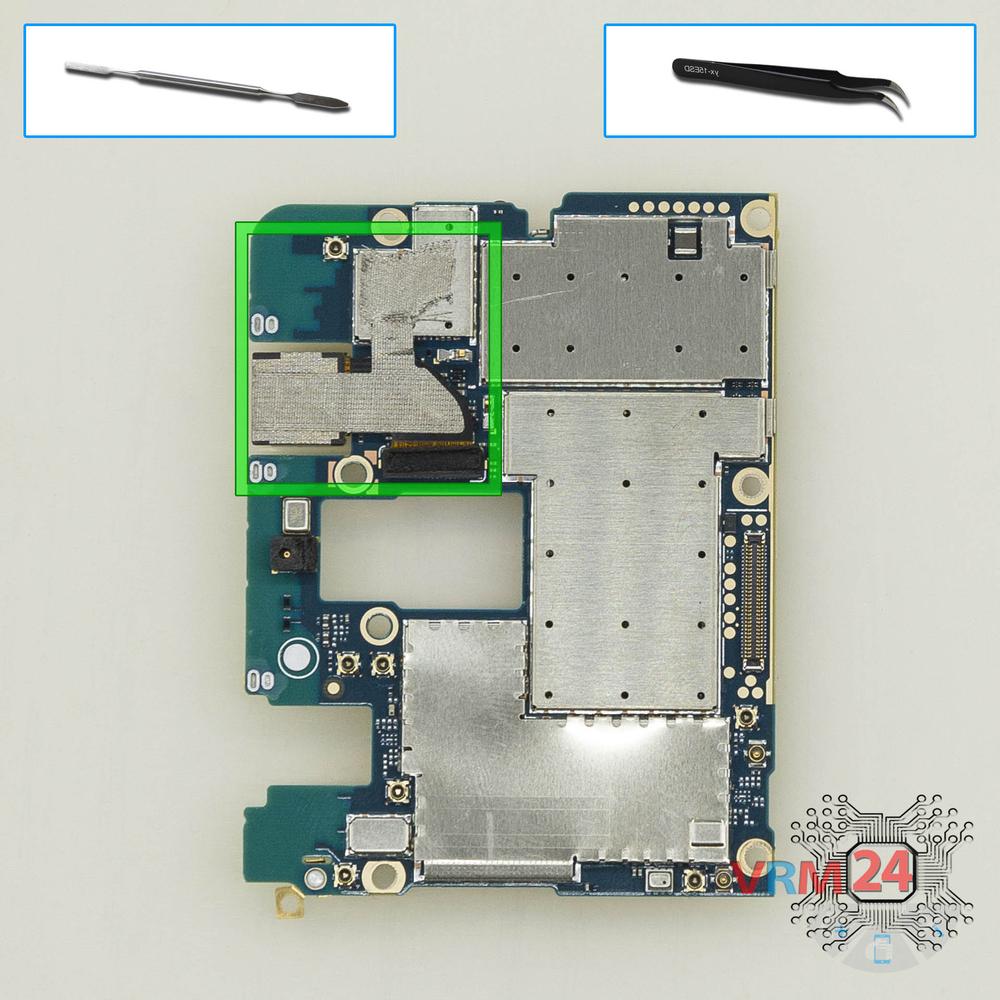
Remove the sub-board
Overturn the board, disconnect the connectors from the inside and remove it.
Step 17.
Remove the front camera
Disconnect the connector on PCB, and remove the front (selfie) camera.

If you have a question, ask us, and we will try to answer in as much detail as possible. If this article was helpful for you, please rate it.

12726
Views
7
Likes
—
Share
13
Questions
Related Instructions
Related Reviews
Related Blog
Popular Questions
F
Nokia 8 TA-1004
@VRM24.com What is the model number on the battery? My batter has swollen up and push open the screen on one side. I am looking for a replacement.
Frederick Henderson5
أ
Nokia 8 TA-1004
Thank you for your outstanding performance. I want to buy a glove like that with you what the name of this glove for phones
أحمد عادل منصور رجب رمضان2
B
Nokia 7 Plus TA-1046
Why didn't you edit out the part of you failing to slide plastic piece in...
baller11
Nokia 7.2 TA-1196
Hello, I used such a phone for about less than a year. I bought it new. I've been repairing it for a year already, not a single service can clearly s…
kirrak
M
Nokia 6 (2017) TA-1021
Hi, congratulations on the video, you're really good, one question, what do you use to detach the display from the chassis?
Mirko Ascone4Top instructions
Check our
Top Nokia instructions most liked by readers
New instructions
Check our
New Nokia brand instructions on vrm24.com