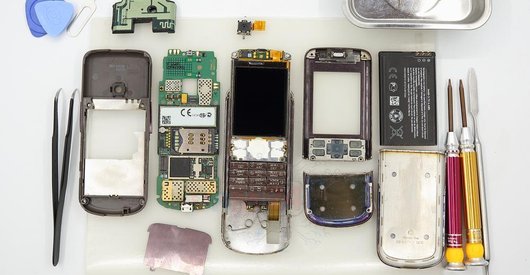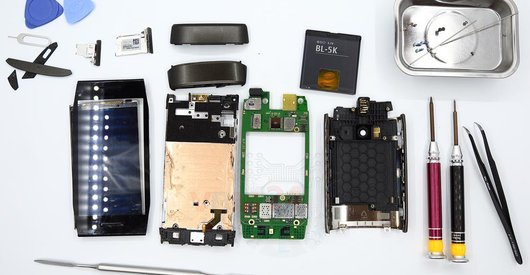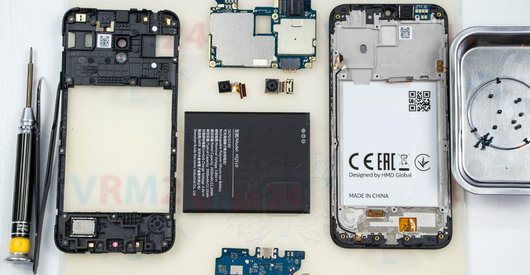








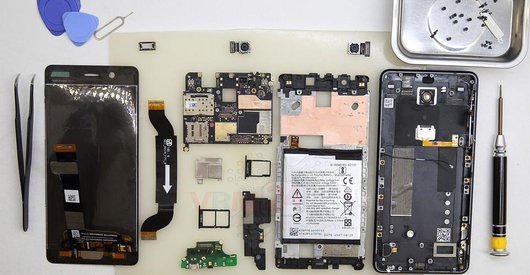
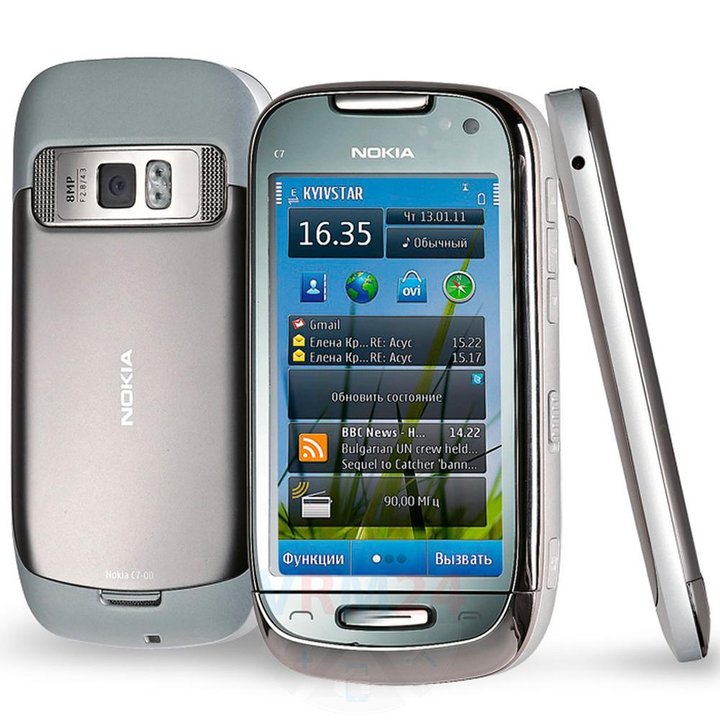
Recommended tools
Screwdriver Torx T4
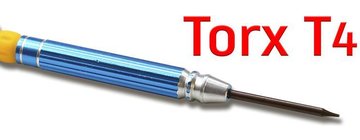
Screwdriver Torx T6
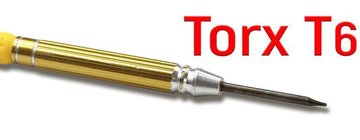
Opening tool / Spudger

Tweezers

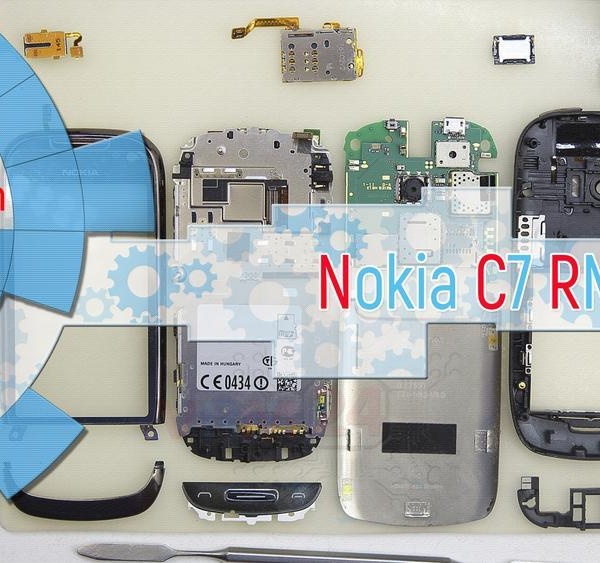
Disassembly/Repair of the mobile device Nokia C7 RM-675 (Nokia C7-00) with each step description and the required set of tools.
8470
Views
3
Likes
—
Share
9
Questions

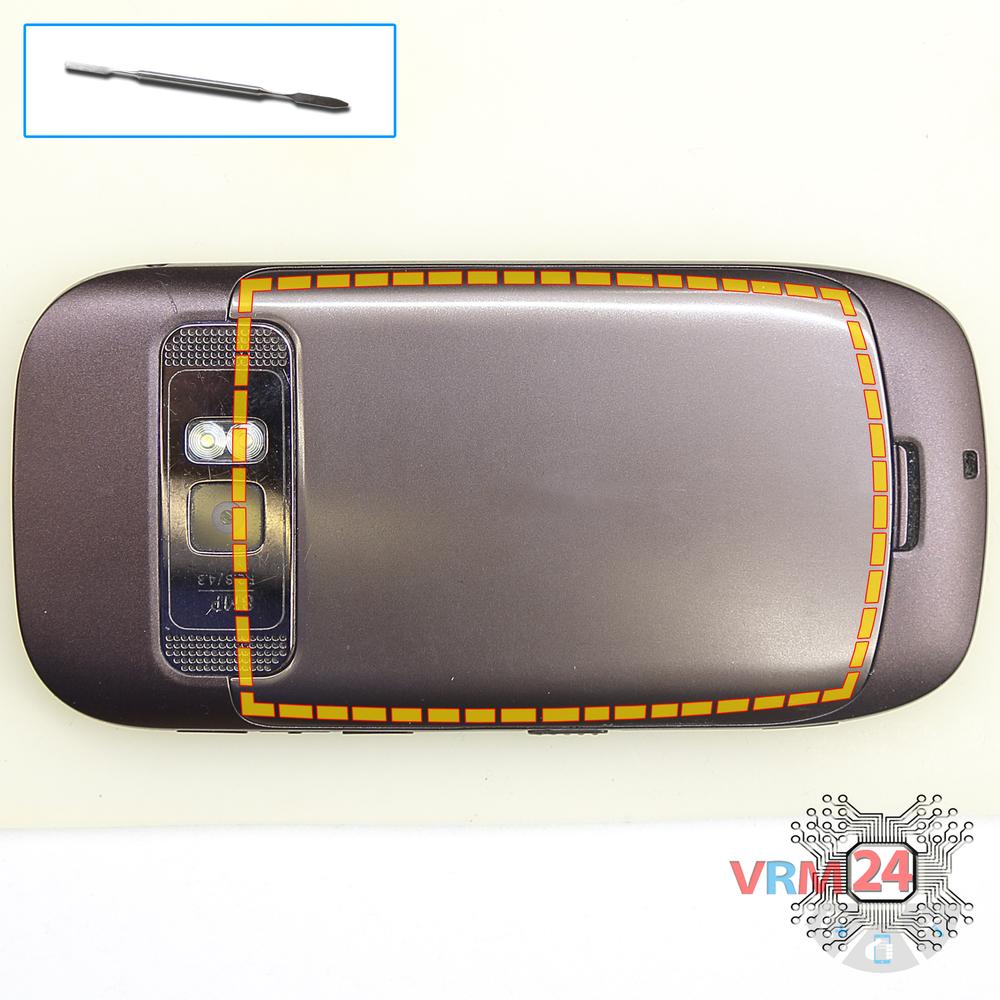
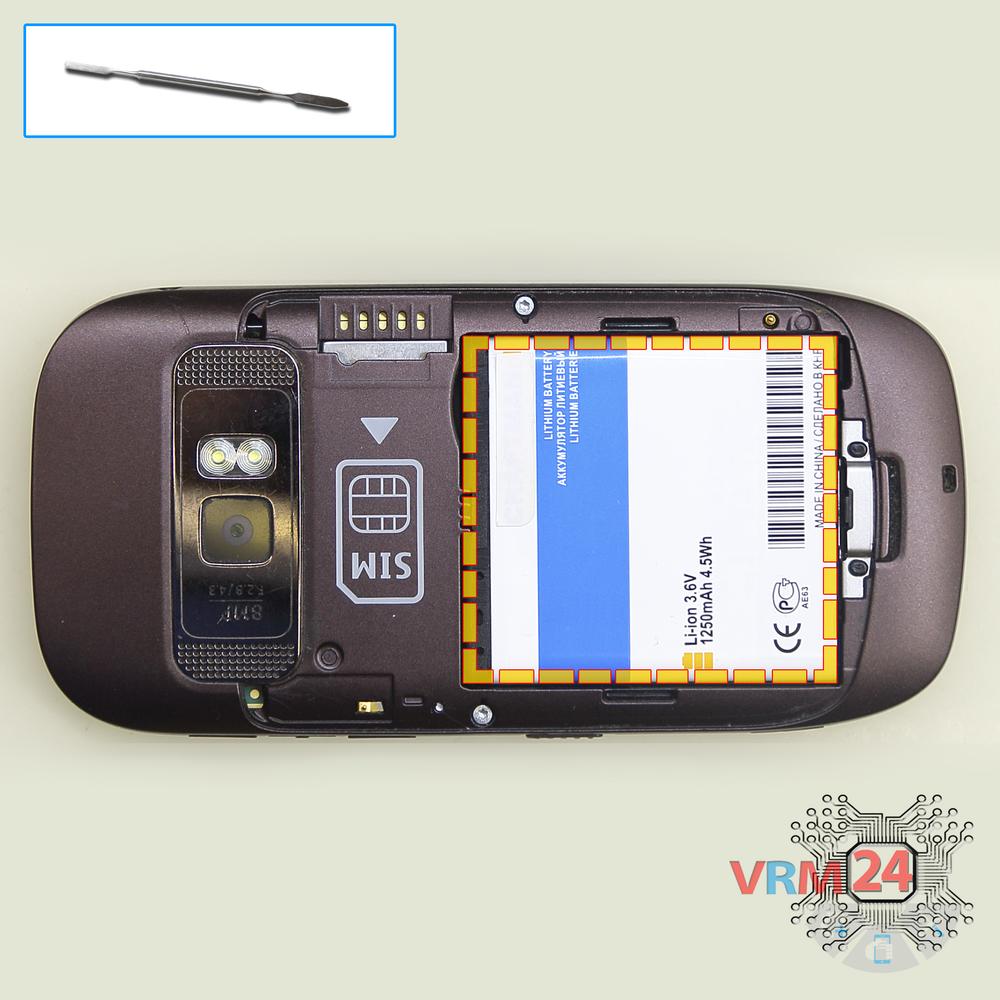
Step 1.
Open the back cover
Open the back cover.
Step 2.
Remove the battery
Lift and remove the battery.
Step 3.
Unscrew the screws
Using a screwdriver (hex T4), unscrew 2 bolts in the frame of the phone.
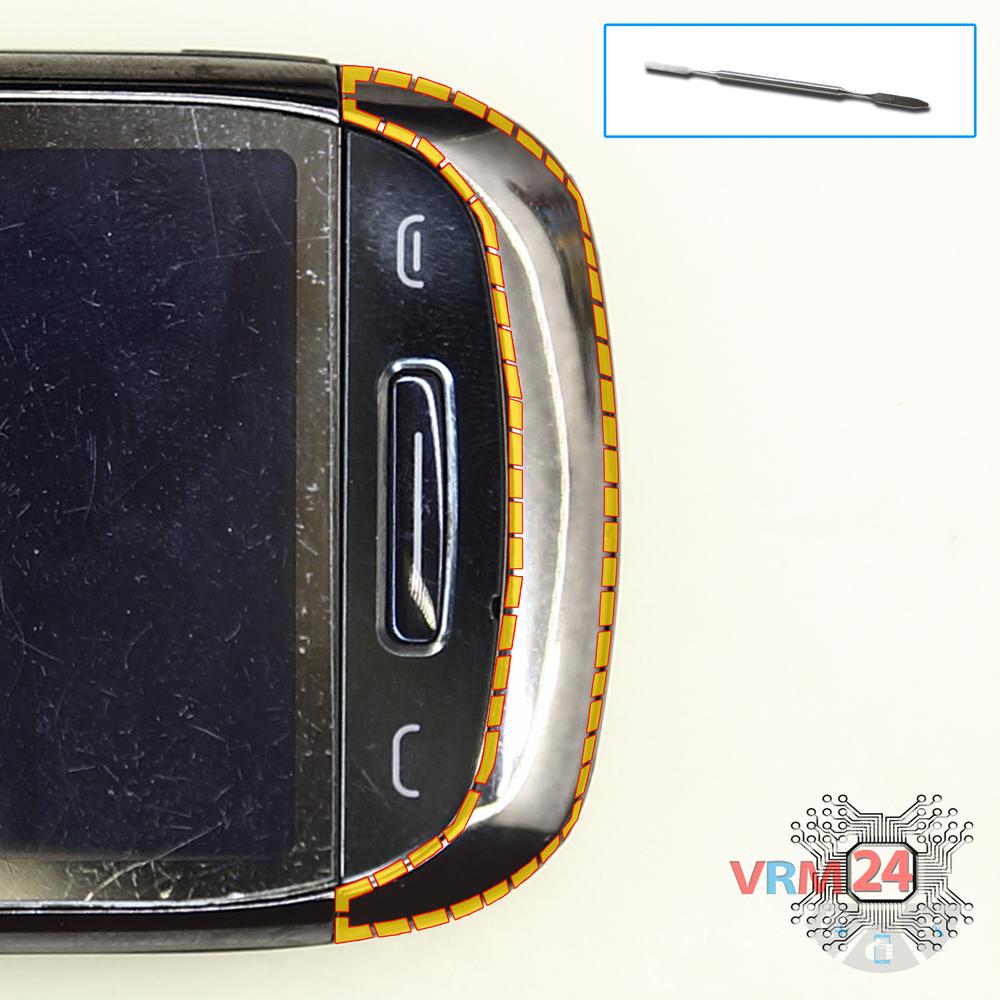
Step 4.
Open the cover
Pry & remove the lower cover.
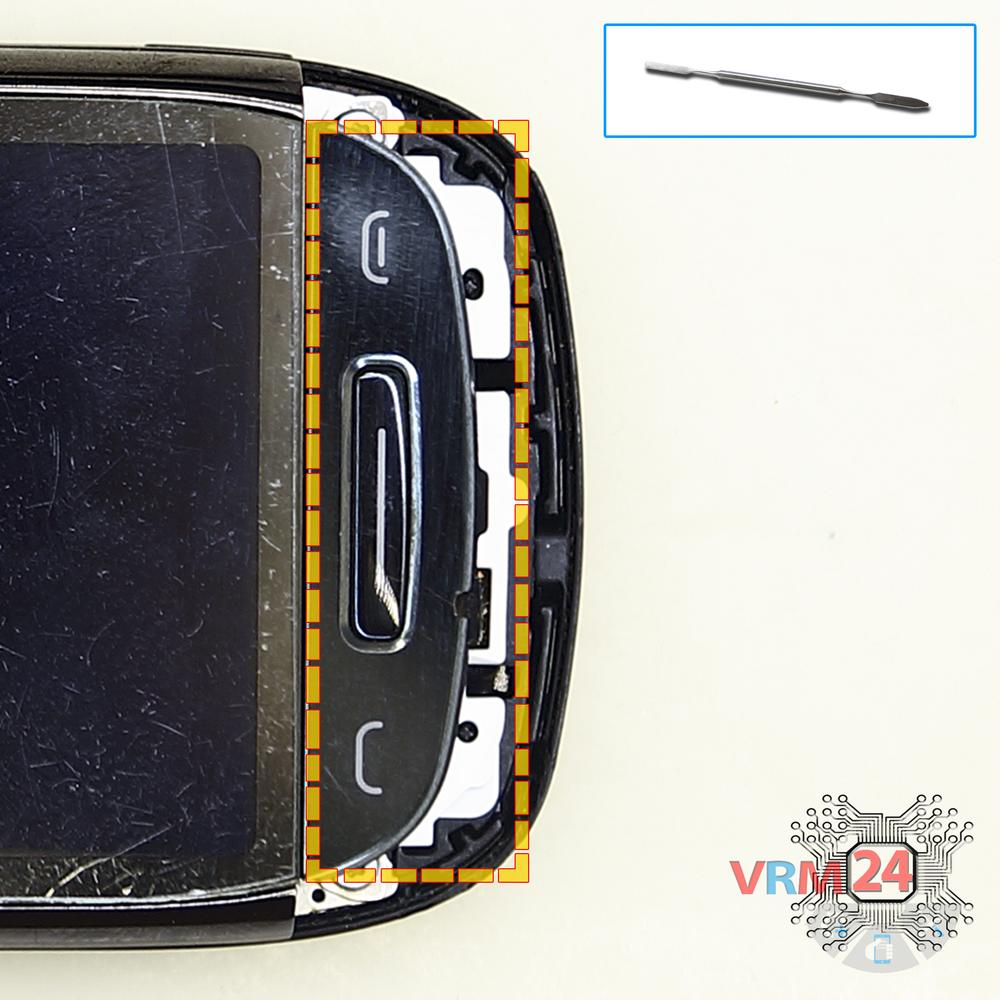
Step 5.
Remove the buttons
Remove the buttons.
Step 6.
Unscrew the screws
Using a screwdriver (hex T6), unscrew 2 bolts in the lower part.
Step 7.
Open the touchscreen
Turn over the touchscreen.
Step 8.
Unscrew the screws
Using a screwdriver (hex T6), unscrew 2 bolts in the upper part.
Step 9.
Turn over the PCB
Turn over the frame with display.
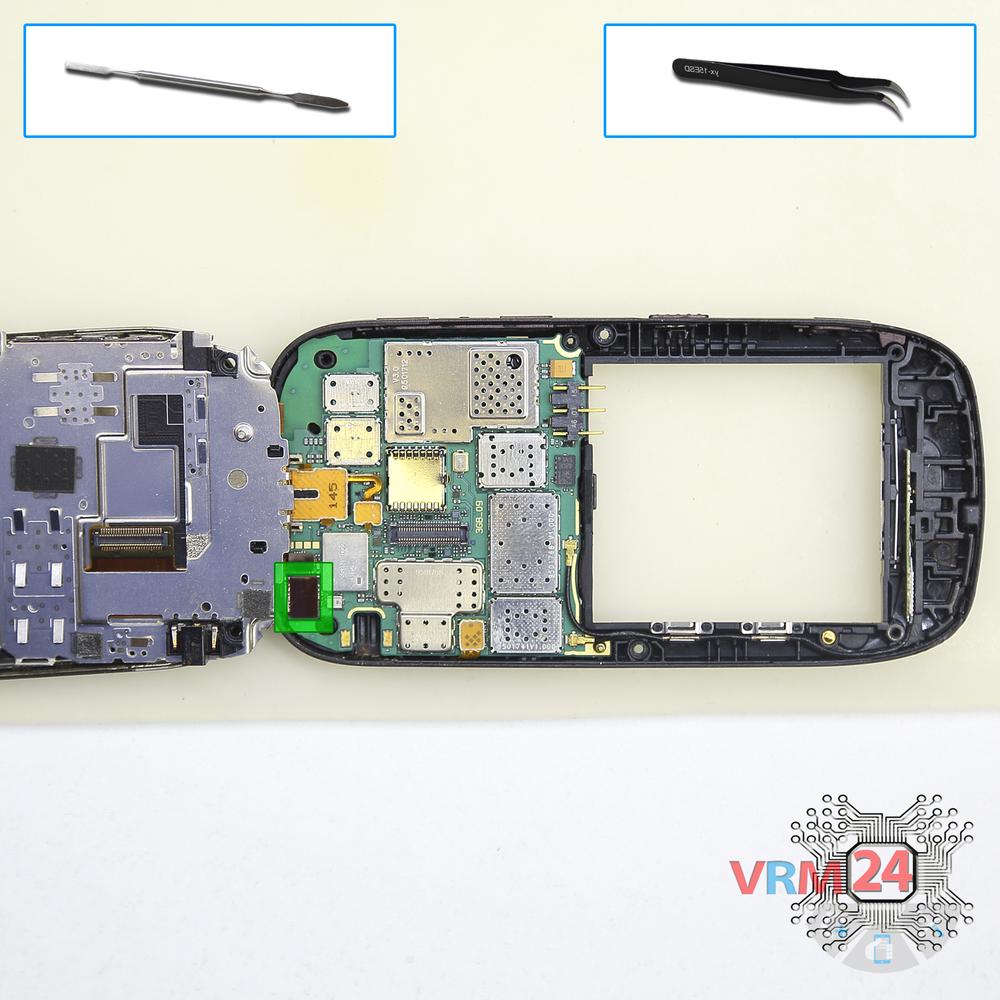
Step 10.
Disconnect the connector
Disconnect the display connector.
Step 11.
Disconnect the connector
Disconnect the touchscreen connector.
Step 12.
In the display frame remained
The frames with display and PCB
Step 13.
Disconnect the connectors
Disconnect connectors on the PCB.
Step 14.
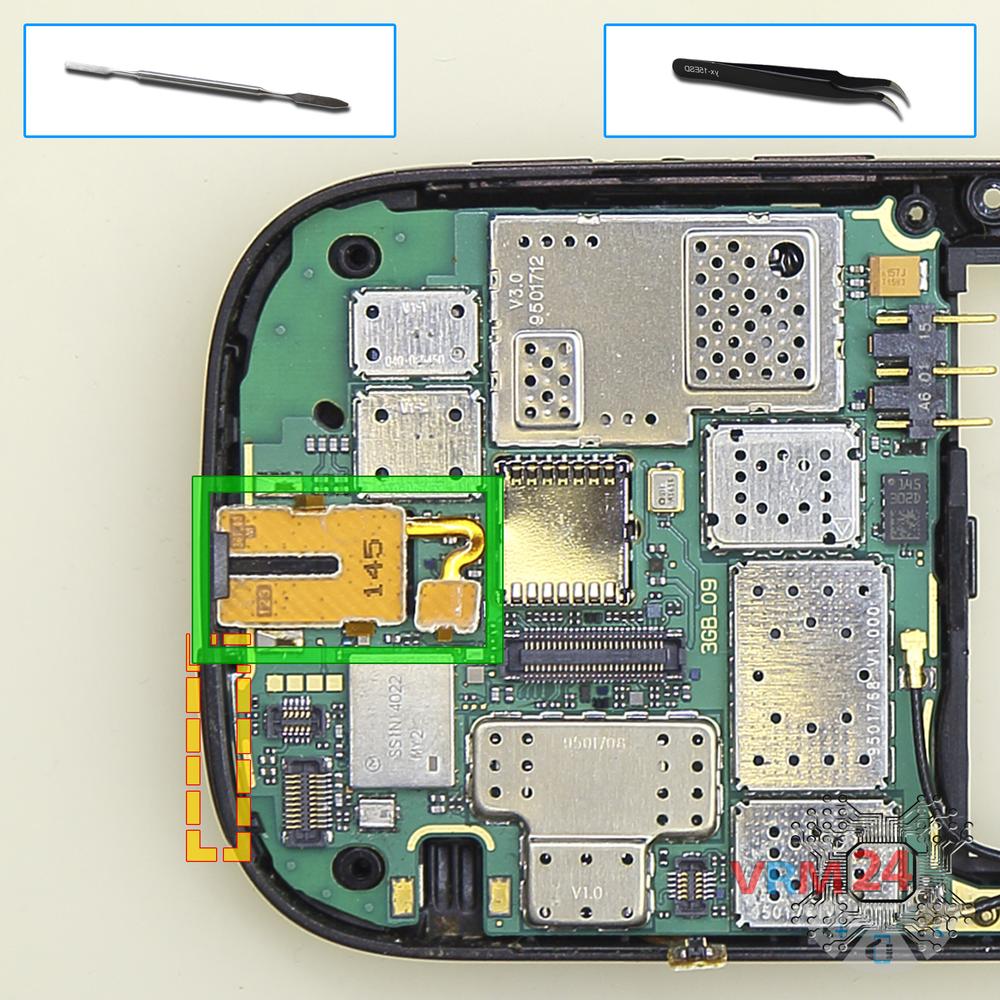
Remove the headphone port
Disconnect connector on the PCB and remove the headphone jack/socket.
Step 15.
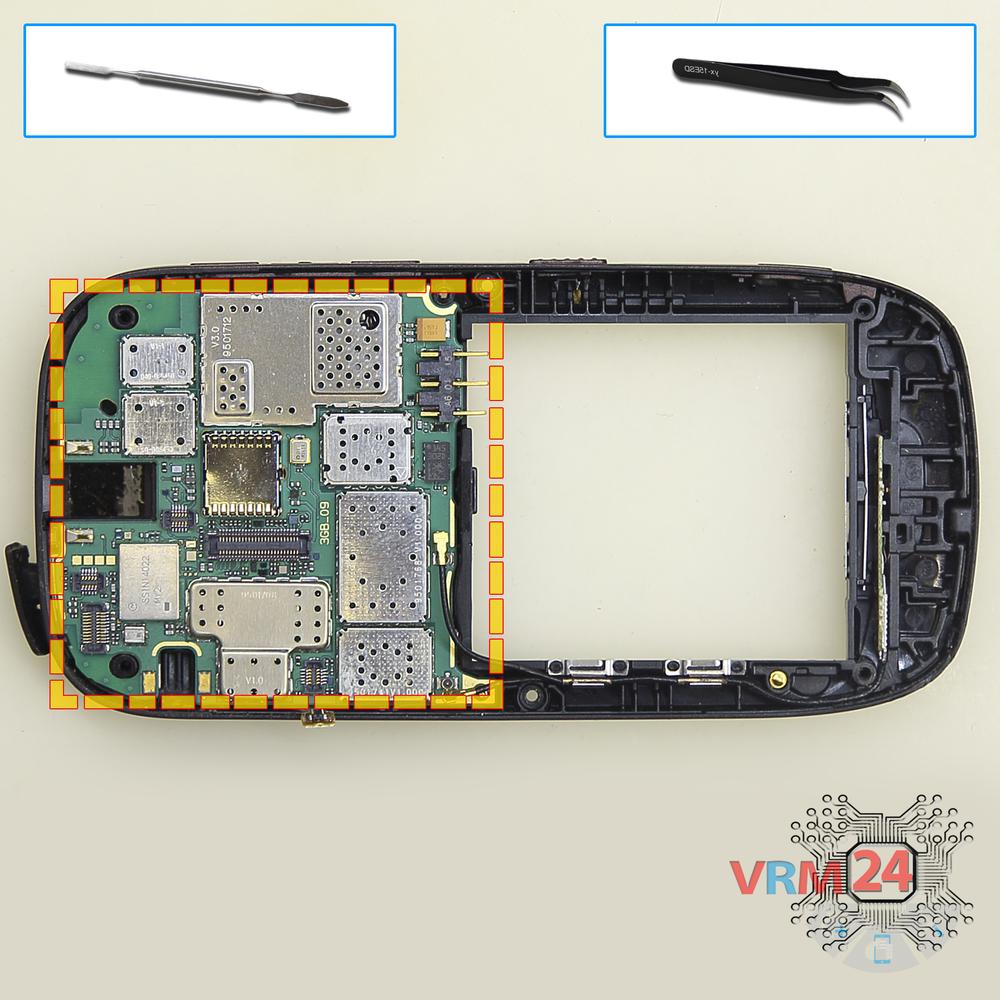
Remove the motherboard
Remove the PCB.
Step 16.
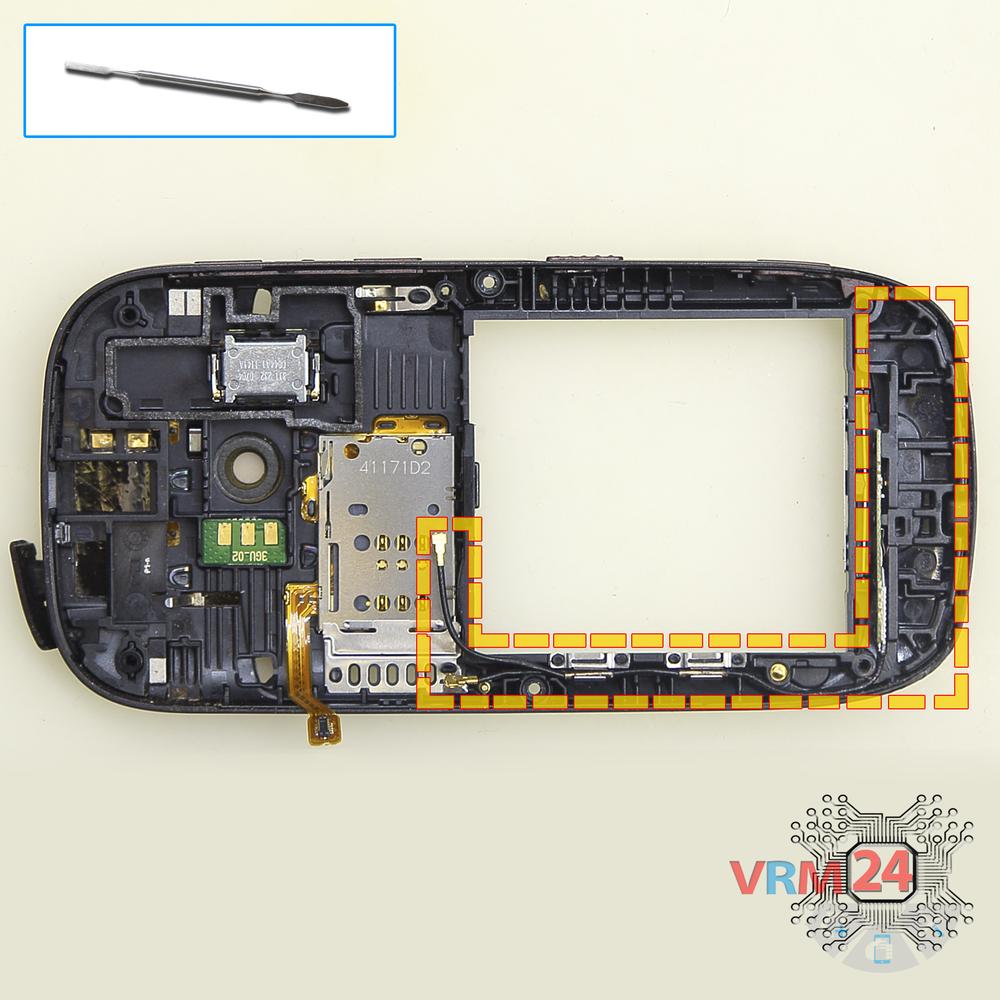
Remove the coaxial cable
Remove the part with coaxial cobles.
Step 17.
Remove the card holder
Remove the Sim card holder.
Step 18.
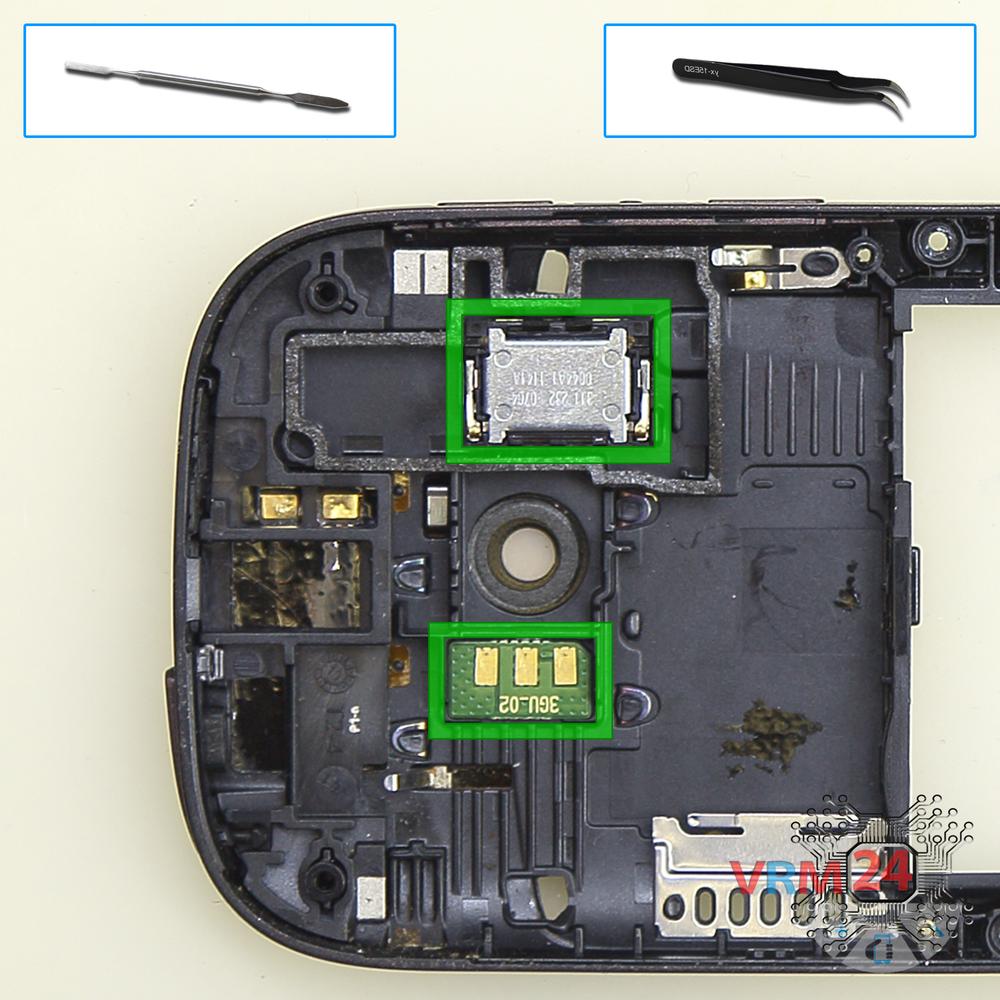
Remove the loudspeaker
Pry and remove the speaker and flash board.
Step 19.
Remove the frame
Remove the frame.
Step 20.
In the middle cover
The middle frame.

If you have a question, ask us, and we will try to answer in as much detail as possible. If this article was helpful for you, please rate it.

8470
Views
3
Likes
—
Share
9
Questions
Related Instructions
Related Reviews
Related Blog

Top instructions
Check our
Top Nokia instructions most liked by readers
New instructions
Check our
New Nokia brand instructions on vrm24.com