



Recommended tools
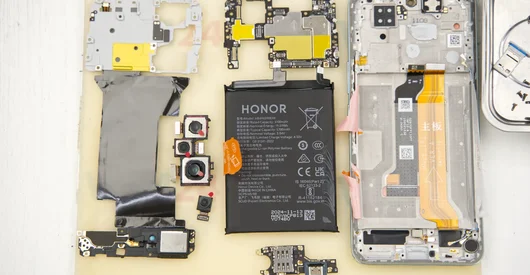
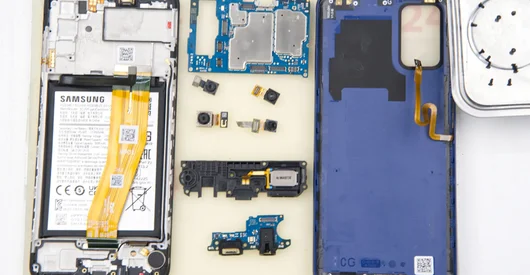
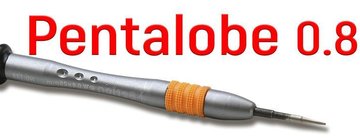
Screwdriver Five-point P0.8 mm
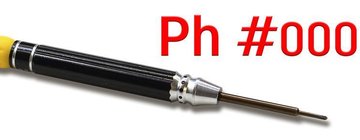
Screwdriver Phillips #000
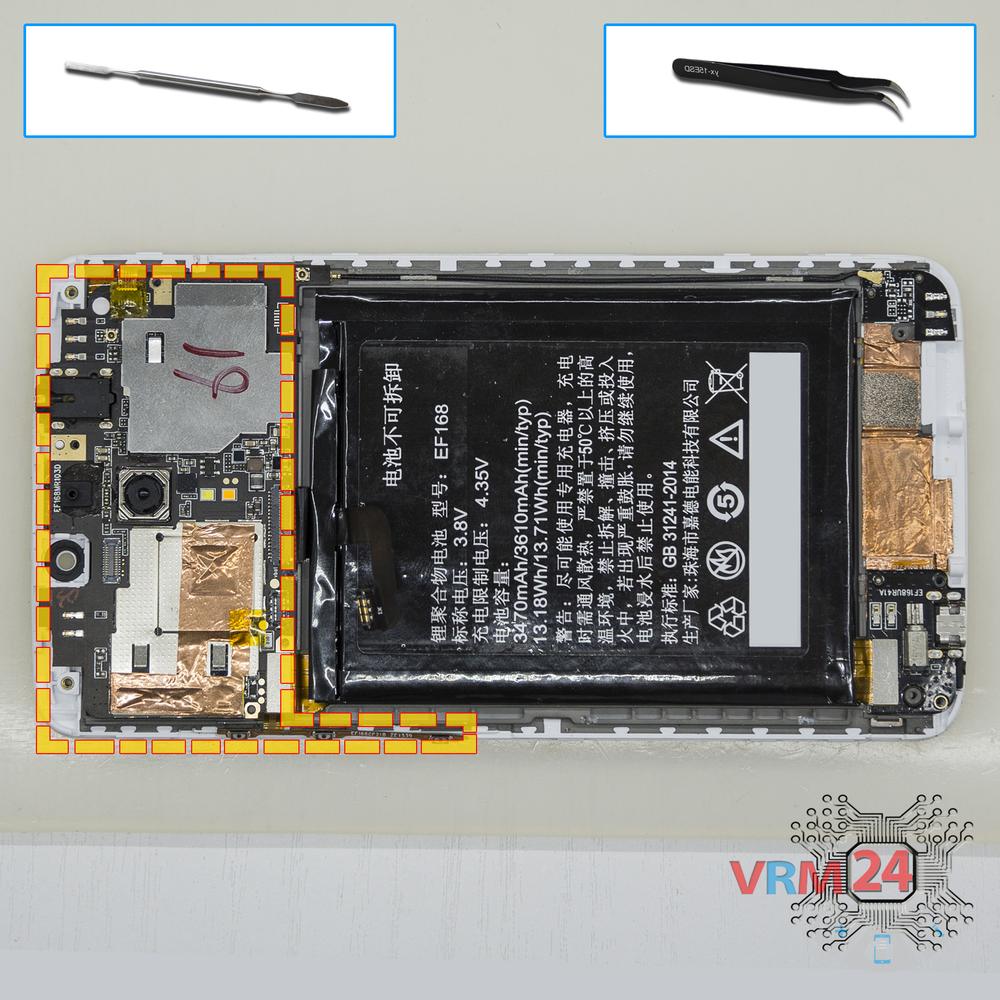
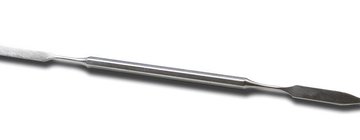
Opening tool / Spudger
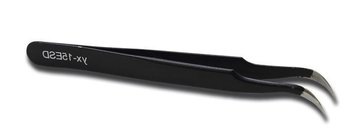
Tweezers
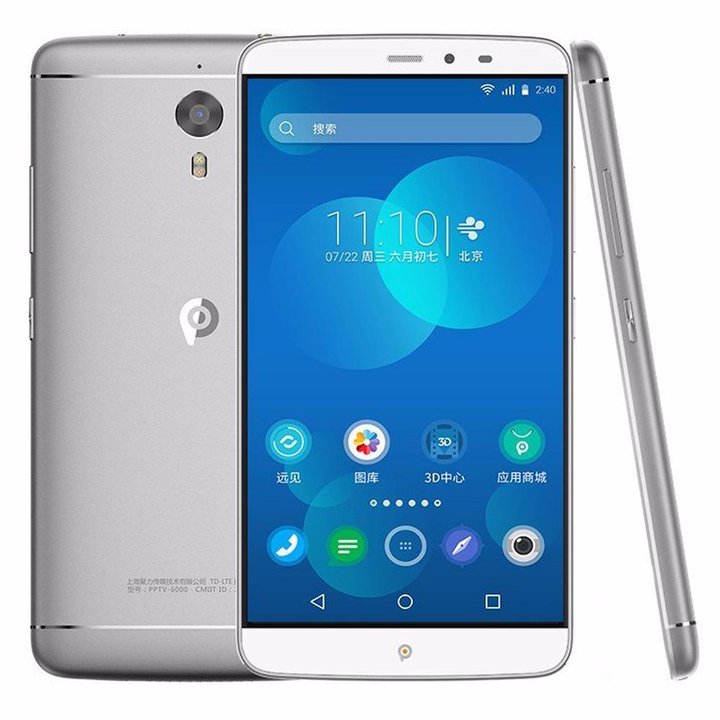
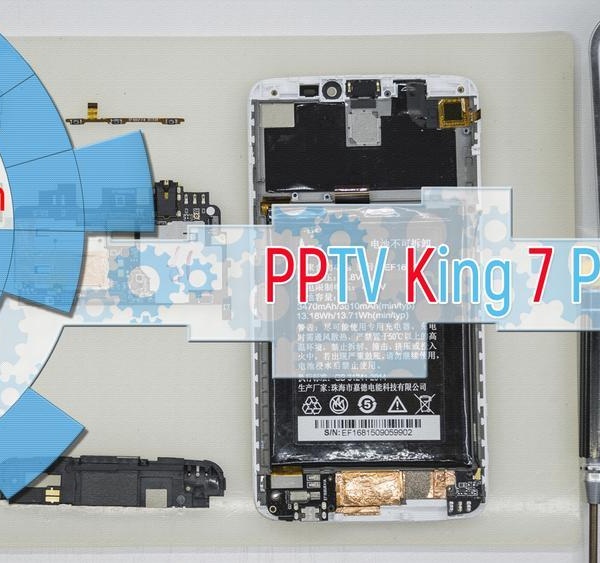
Disassembly/Repair of the mobile device PPTV King 7 PP6000 with each step description and the required set of tools.
6046
Views
3
Likes
—
Share
23
Questions

Step 1.
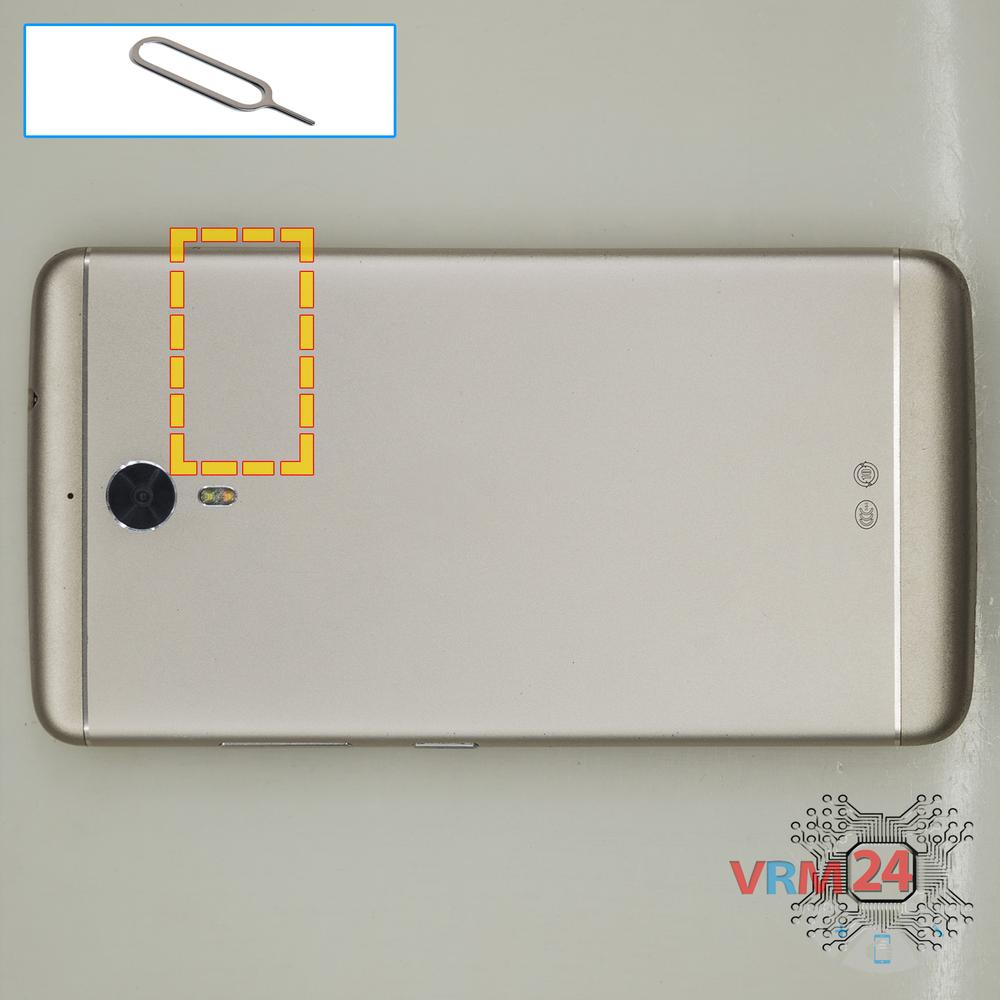
Remove the tray
Using the key tool, open the SIM card slot and remove it.
⚠ Warning!
Do not push too hard this may cause damage.
Step 2.
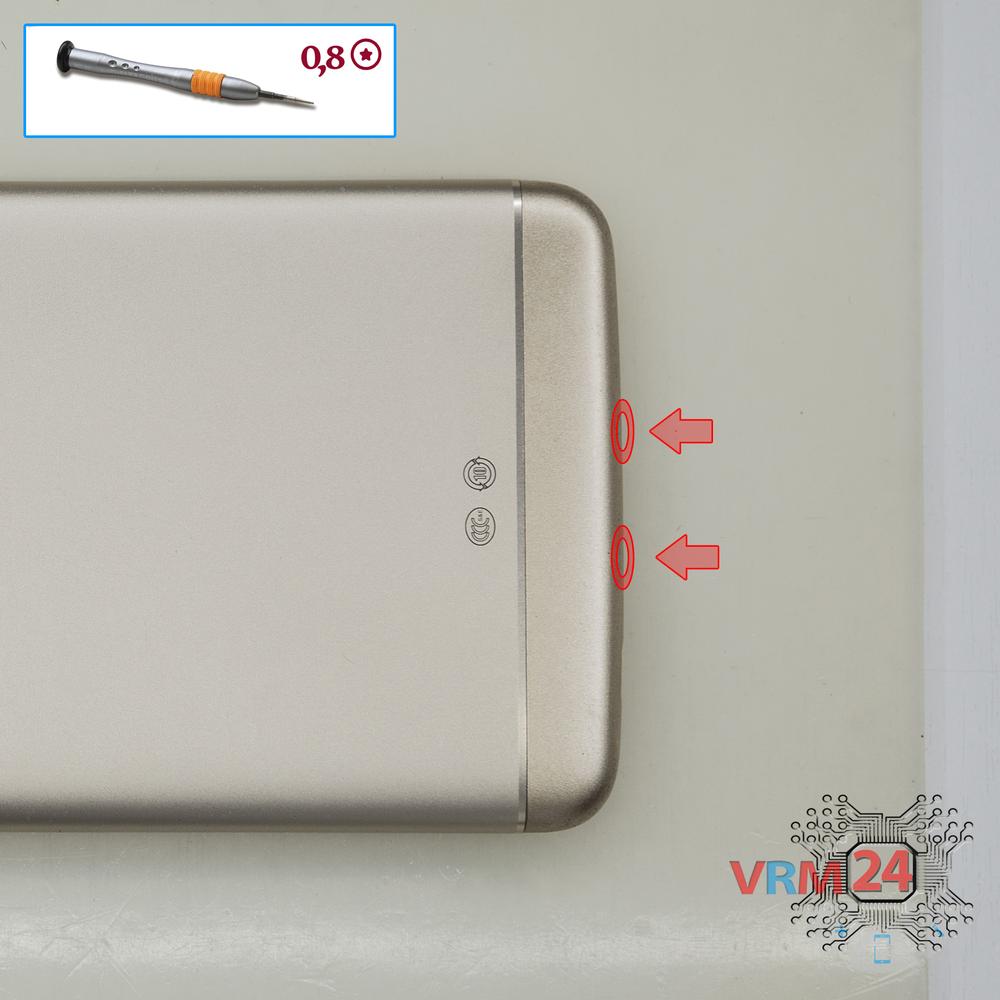
Unscrew the screws
Using a screwdriver (Star Shape 0.8mm Pentalobe), unscrew the 2 bolts on the end of the phone.
Step 3.
Open the back cover
Open the back cover.
Step 4.
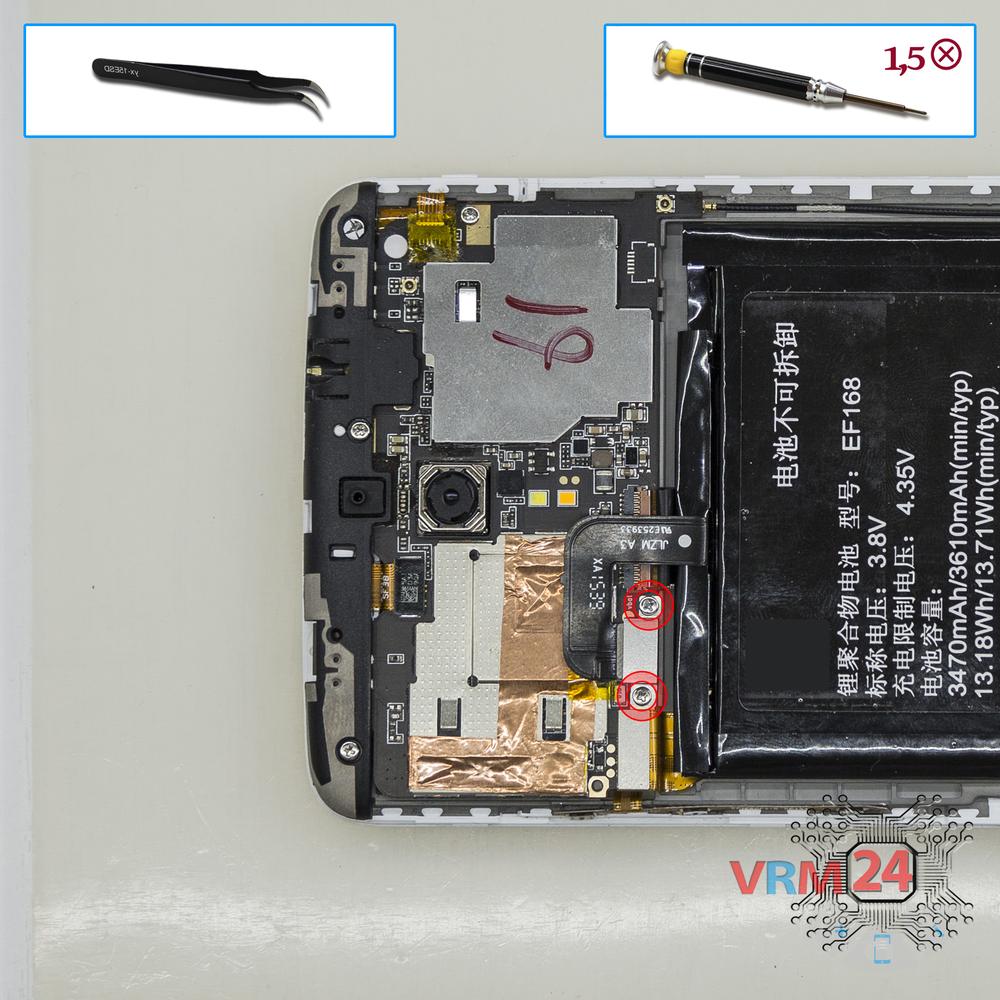
Remove the bracket
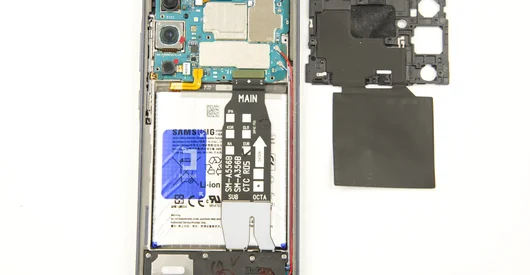
Using a screwdriver (Phillips 1.5 mm PH000), unscrew 2 bolts and remove the bracket holds the battery connector.
Step 5.
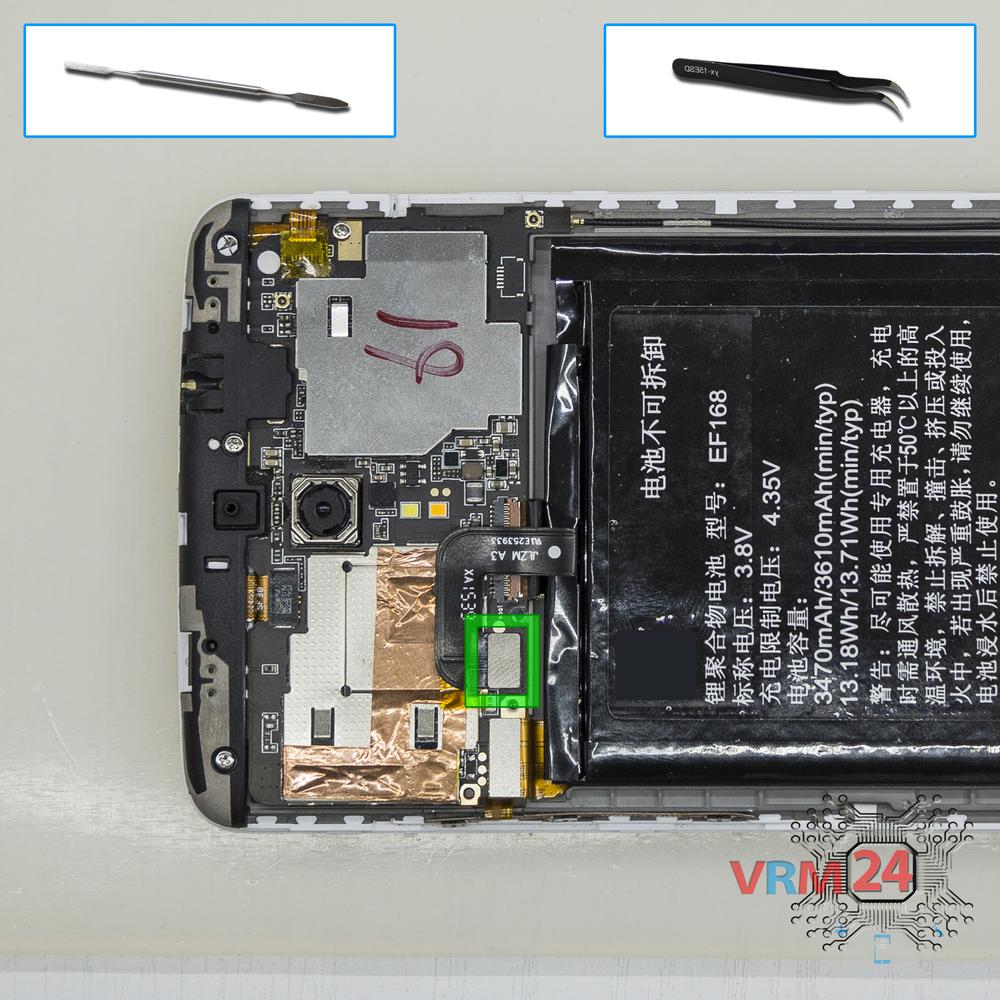
Disconnect the battery connector
Disconnect the battery connector.
⚠ Warning!
We strongly recommend disconnecting the connector to avoid a possible short circuit during disassembly.
Step 6.
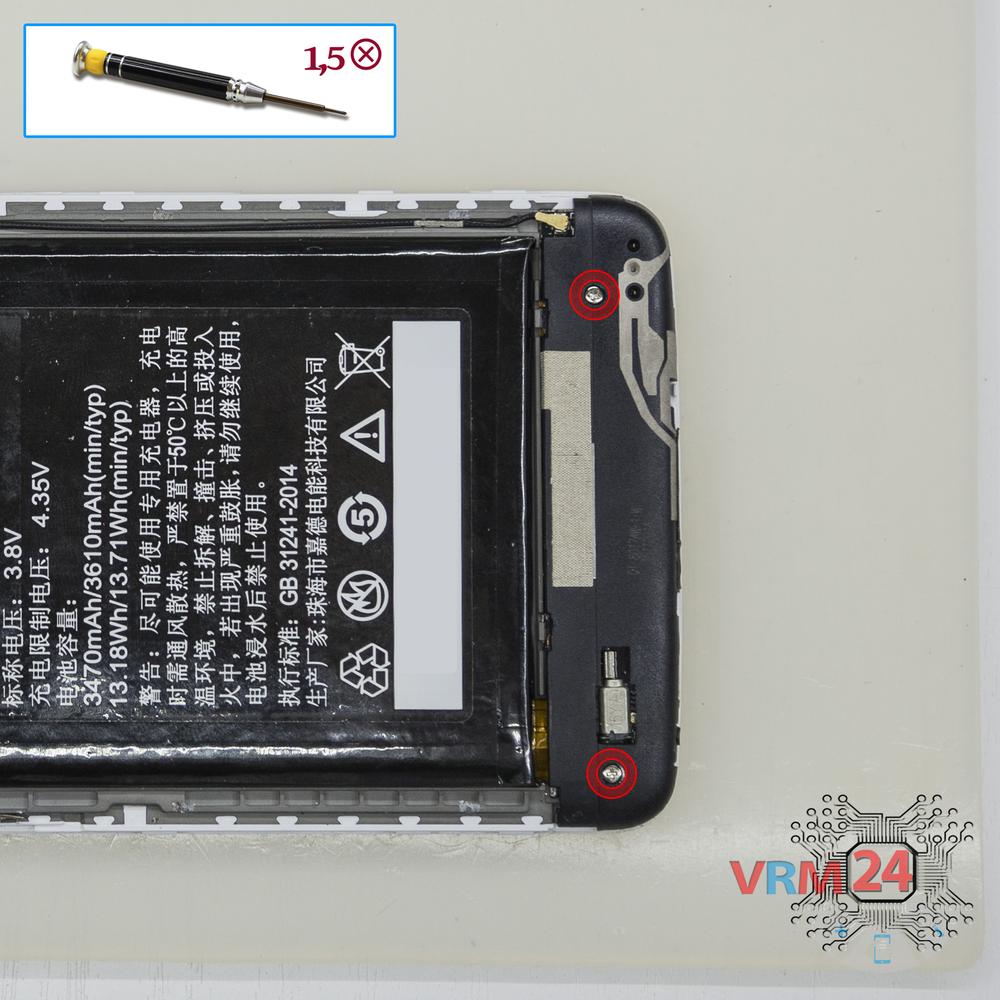
Unscrew the screws
Using a screwdriver (Phillips 1.5 mm PH000), unscrew 2 bolts.
Step 7.
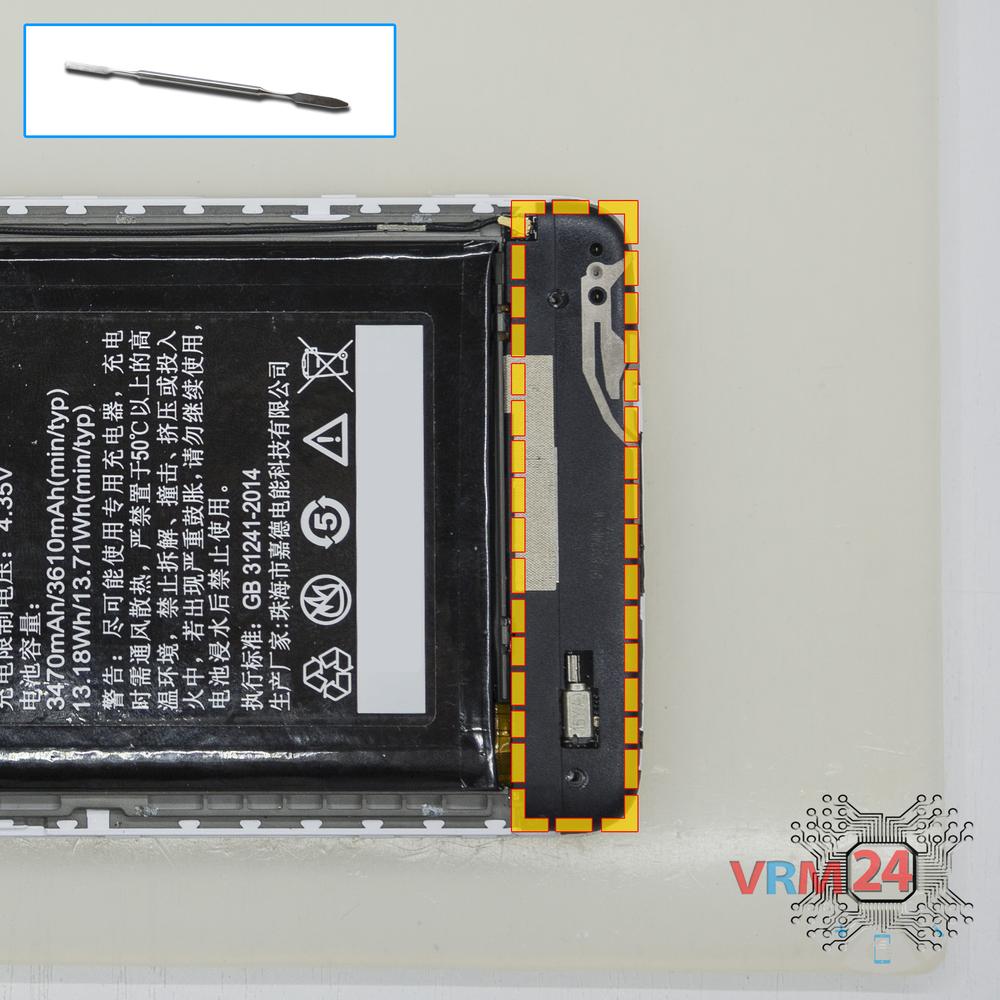
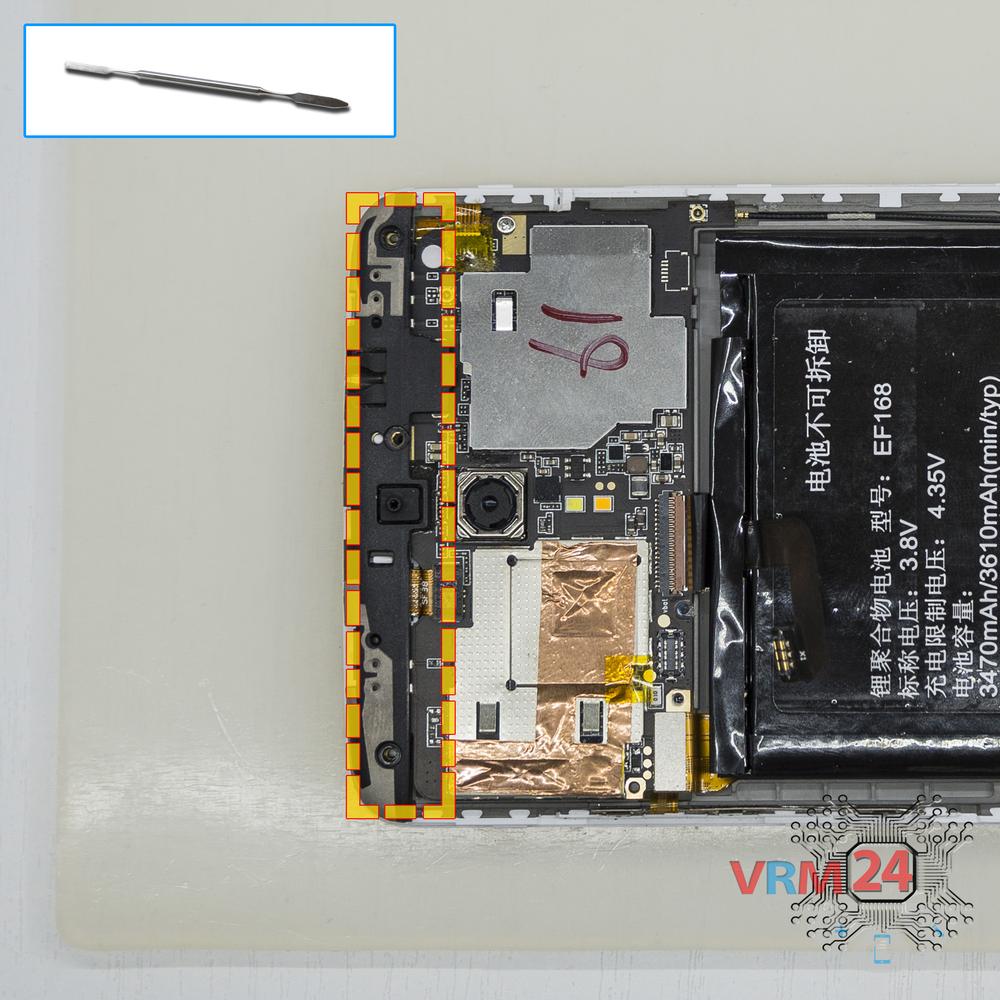
Remove the antenna
Pry and remove the lower part with antennas & buzzer (speaker).
Step 8.
Unscrew the screws
Using a screwdriver (Phillips 1.5 mm PH000), unscrew 2 bolts in the lower PCB.
Step 9.
Unscrew the screws
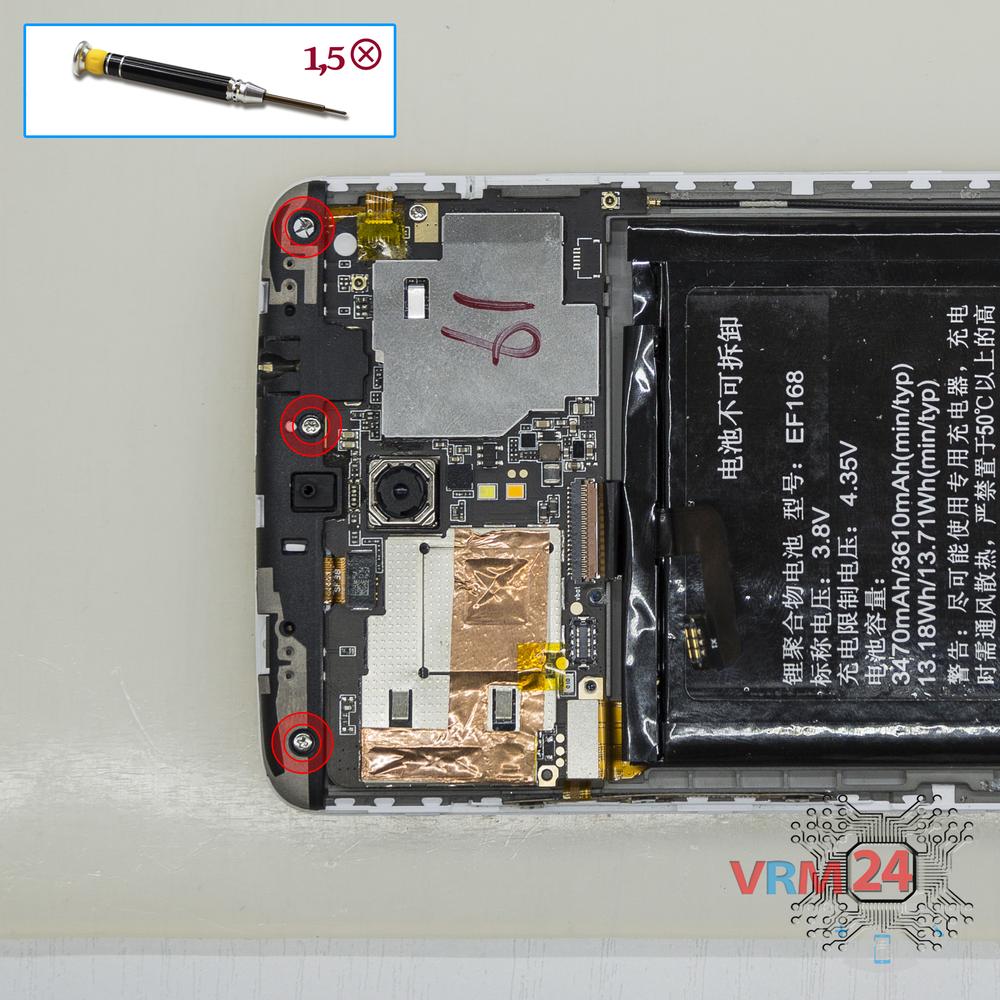
Using a screwdriver (Phillips 1.5 mm PH000), unscrew 3 bolts in the upper part with antennas.
Step 10.
Remove the antenna
Remove the part with antennas.
Step 11.
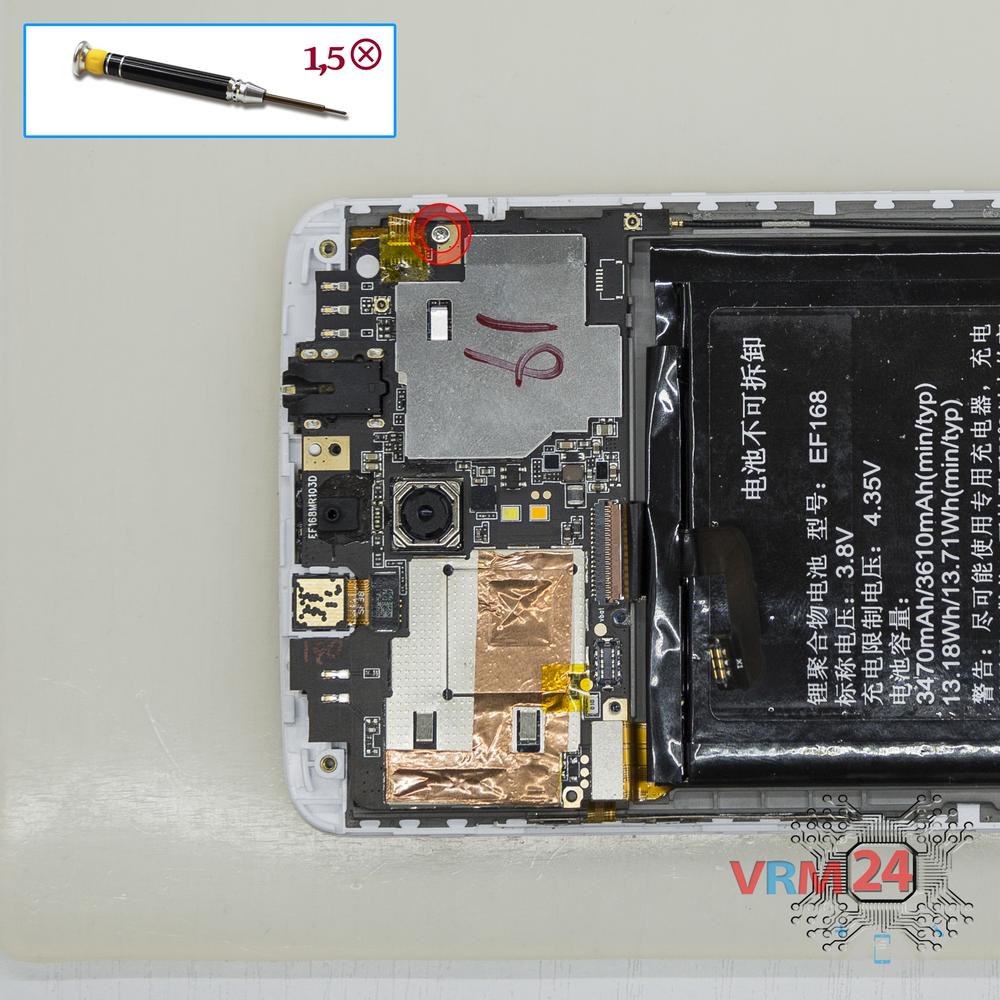
Unscrew one screw
Using a screwdriver (Phillips 1.5 mm PH000), unscrew 1 bolt in the PCB.
Step 12.
Remove the front camera
Disconnect connector on the PCB and remove the front (selfie) camera.
Step 13.
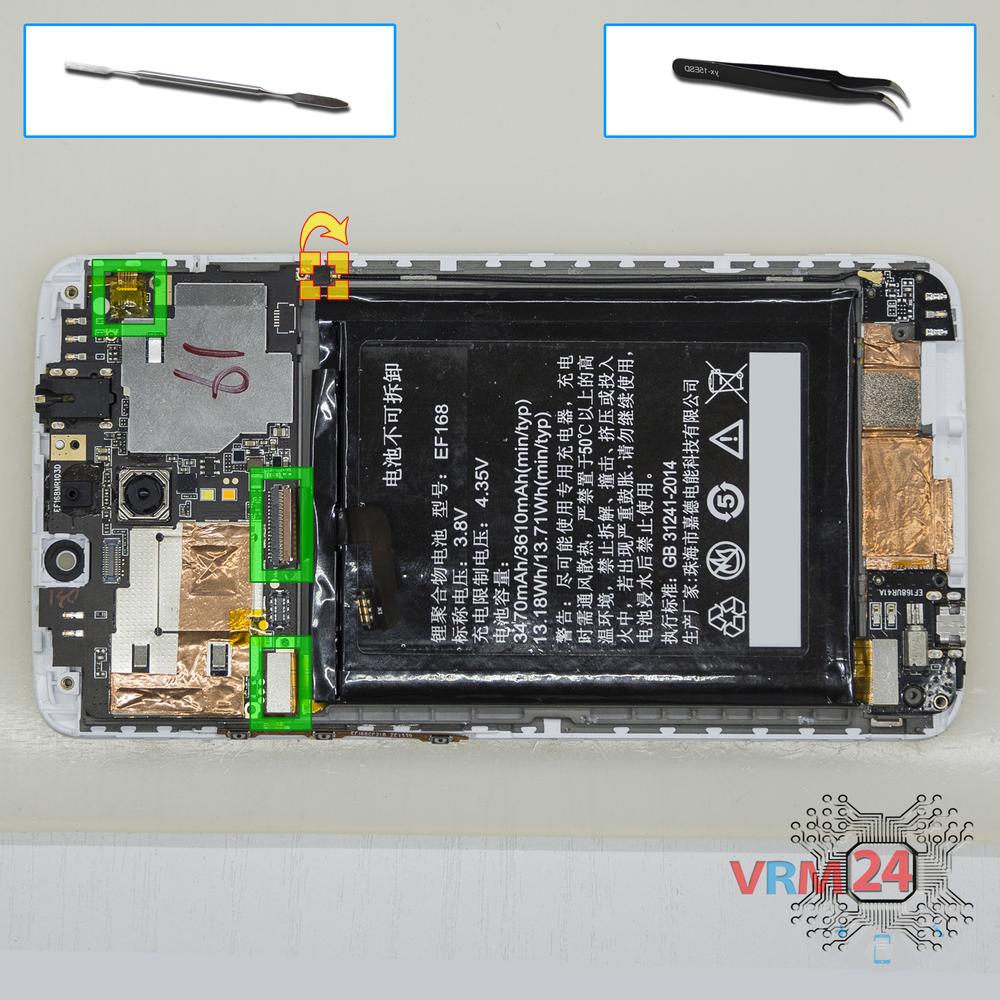
Disconnect the connectors
Disconnect connectors on the PCB.
Step 14.
Remove the motherboard
Remove the PCB.
Step 15.
In the display frame remained
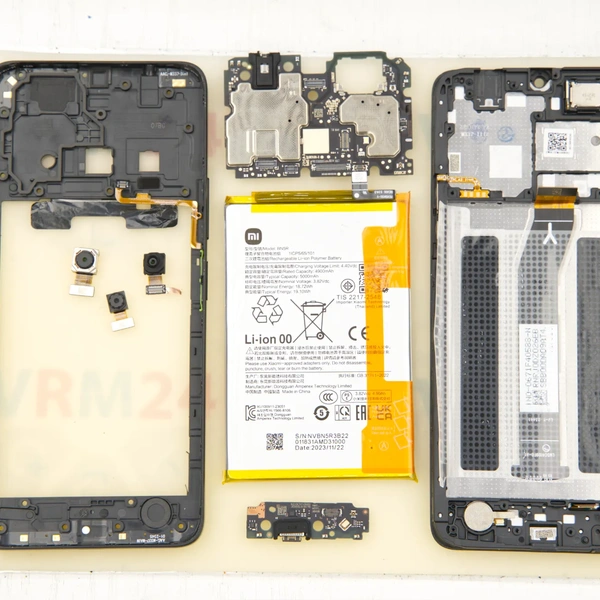
Parts in the frame of the display module.

If you have a question, ask us, and we will try to answer in as much detail as possible. If this article was helpful for you, please rate it.

6046
Views
3
Likes
—
Share
23
Questions
Related Instructions
Related Reviews
Related Blog

Top instructions
Check our
Top PPTV instructions most liked by readers
New instructions
Check our
New PPTV brand instructions on vrm24.com