

 Russian
 Spanish
 Portuguese
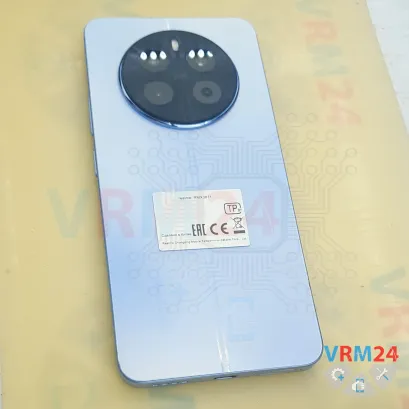
⚠️️ Before disassembling, do not forget to turn your phone off.
Teardown difficulty:
Moderate
Moderate
Recommended tools


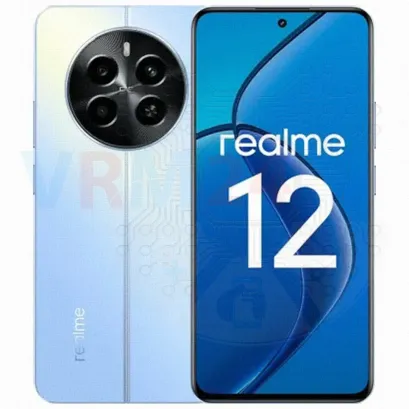
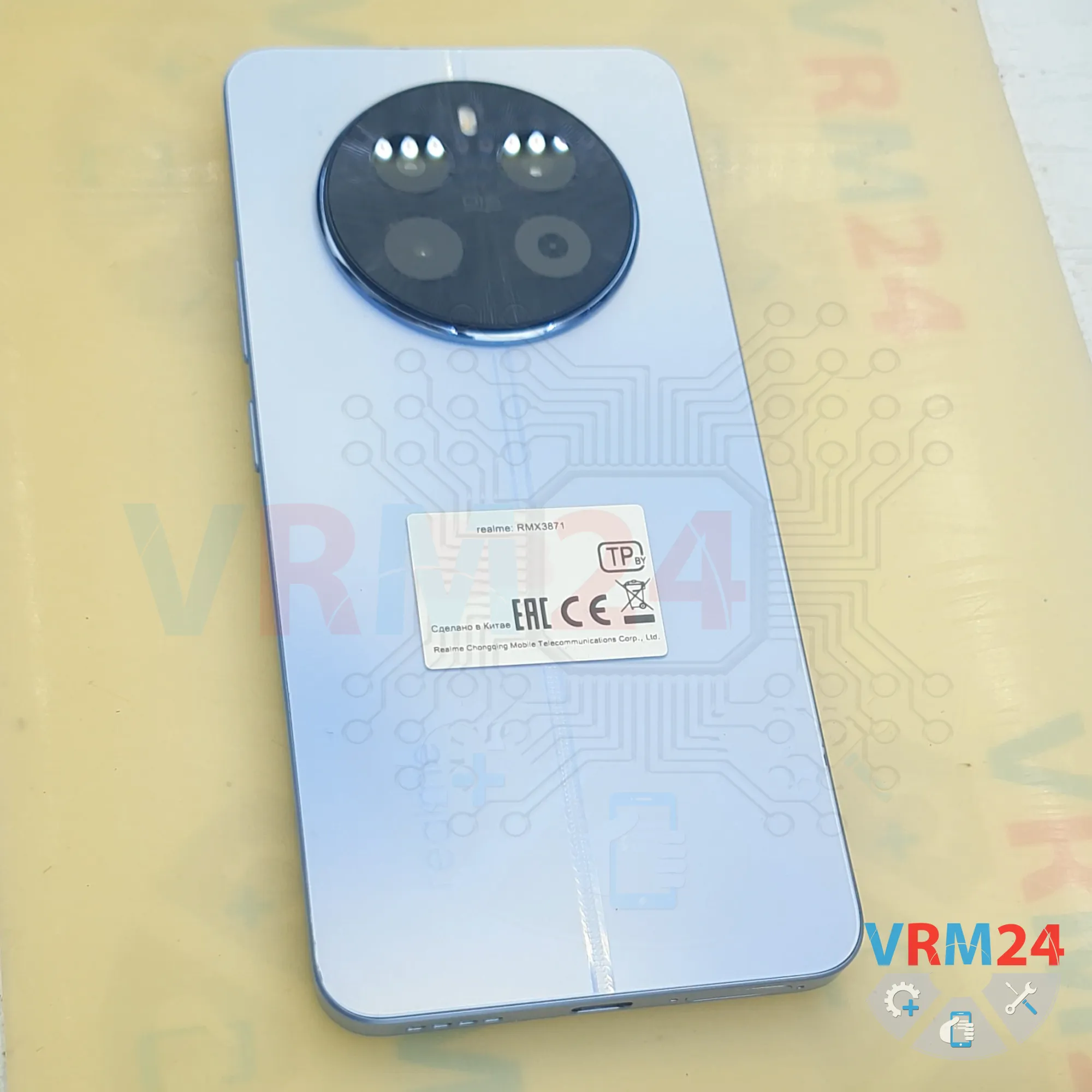
Disassembly/Repair of the mobile device Realme 12 (Realme 12 RMX3871) with each step description and the required set of tools.

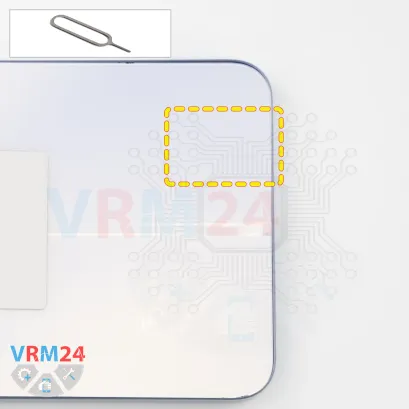
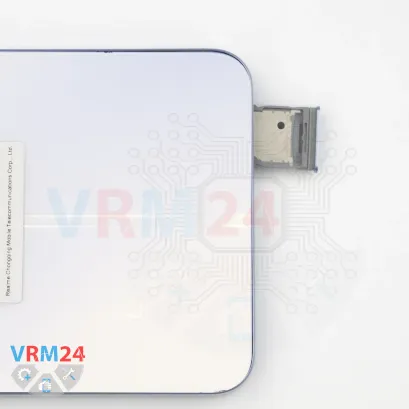
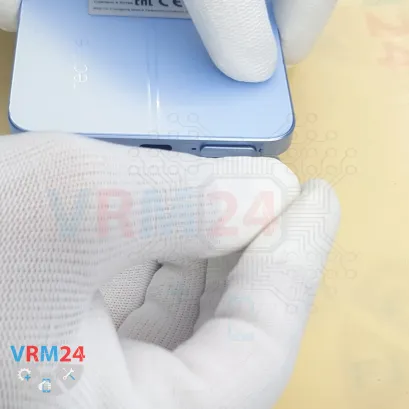
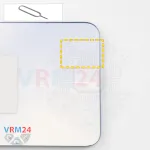
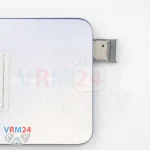
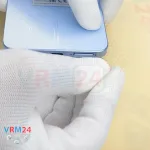
Step 2. Remove the tray
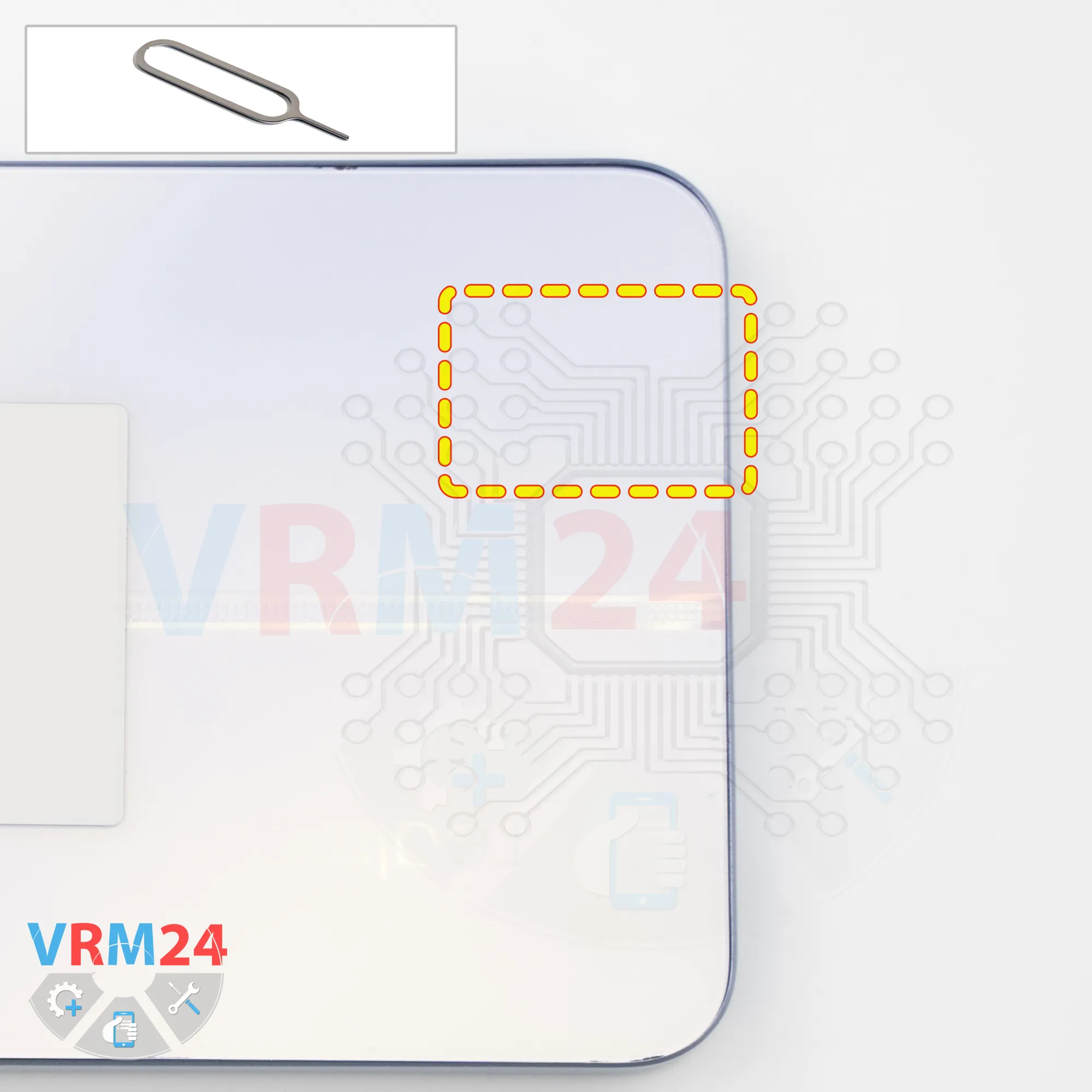
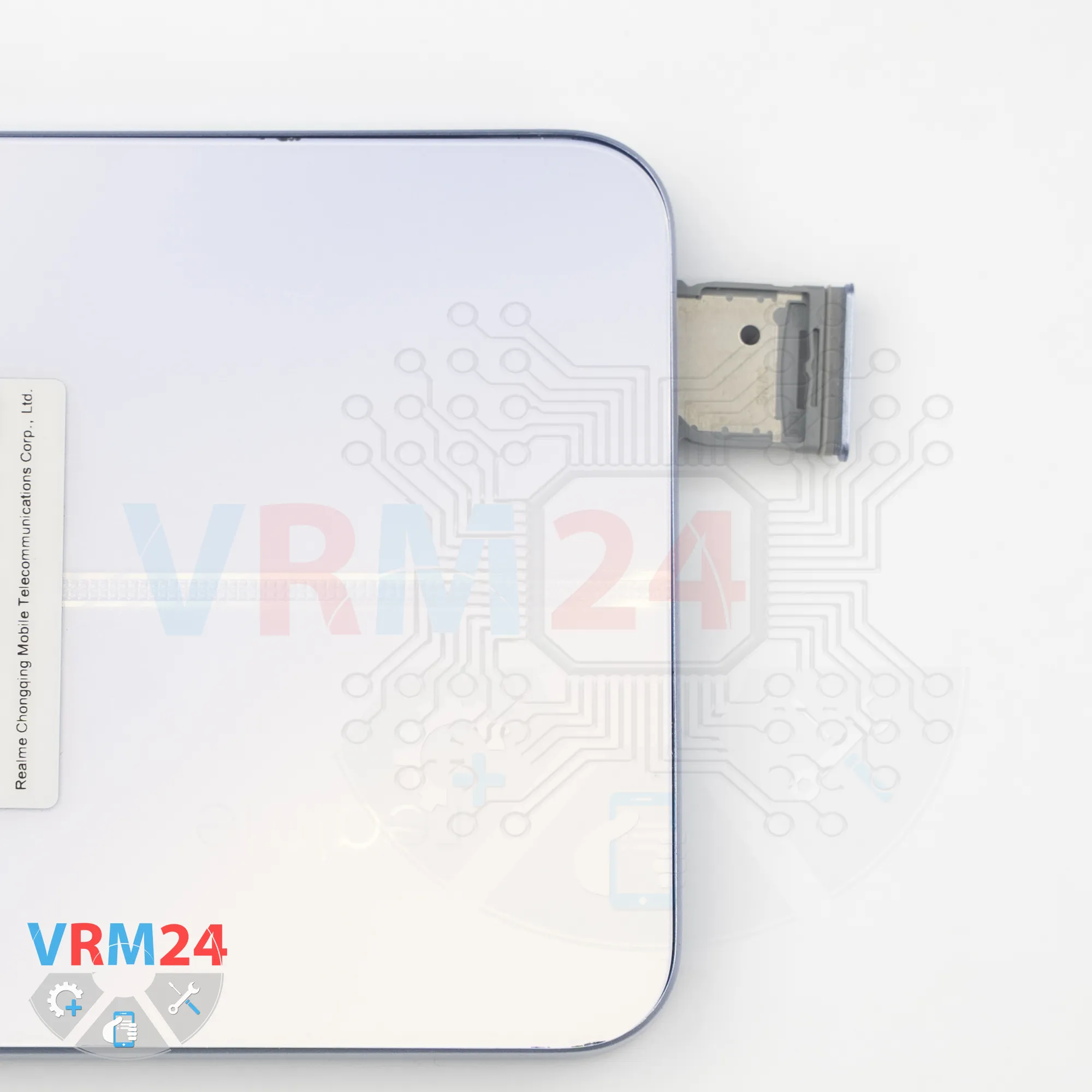
First of all, as usual, we need to remove the SIM card tray.
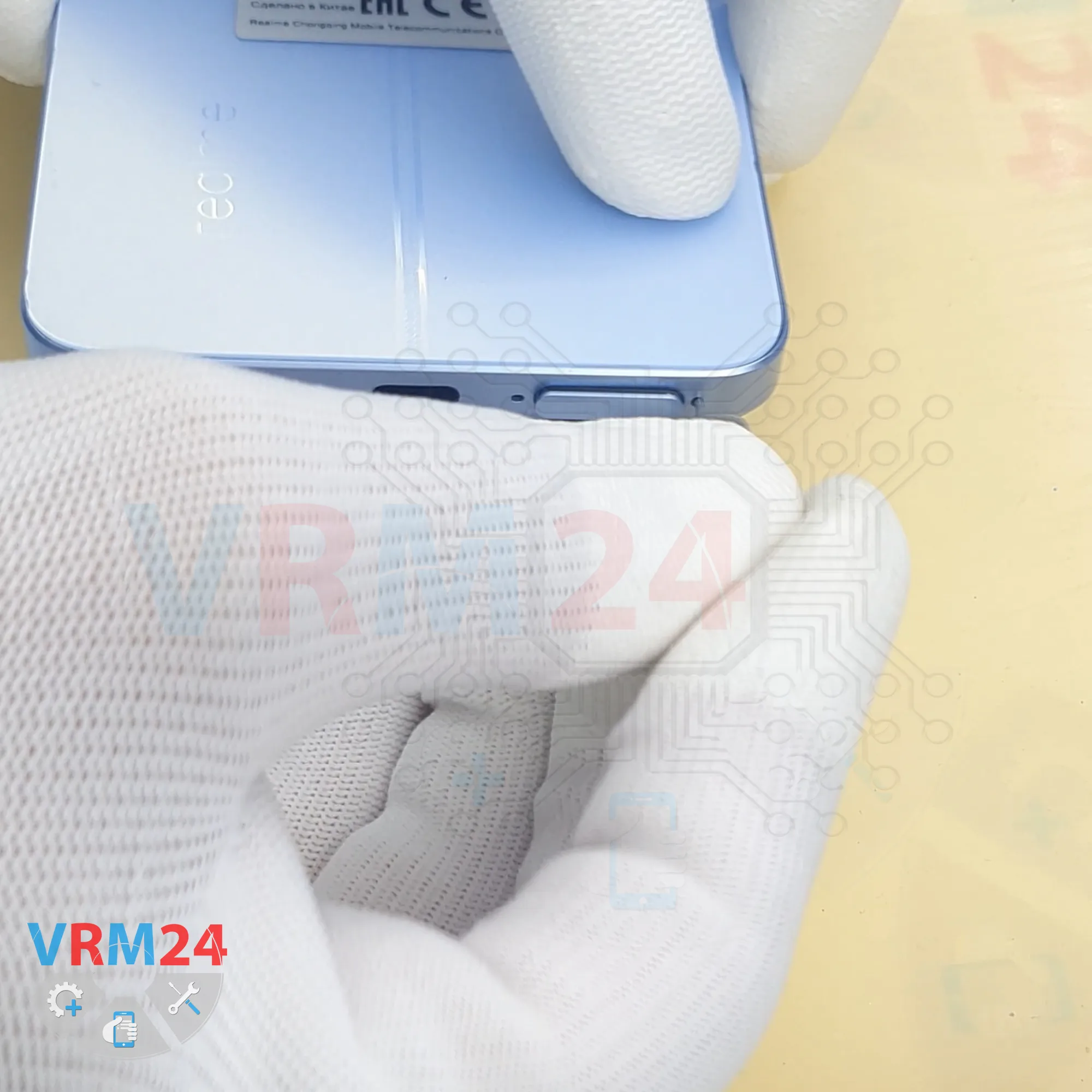
To do this, we use a SIM eject tool, insert it into the hole, and push the card tray out.
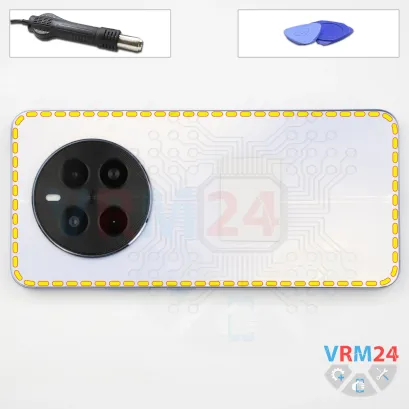
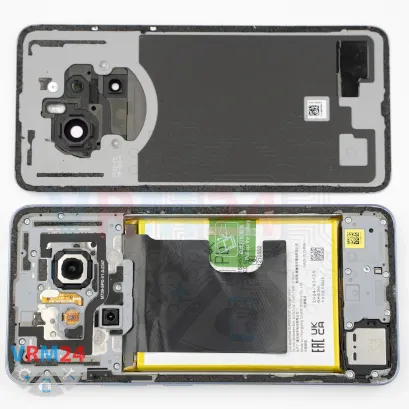
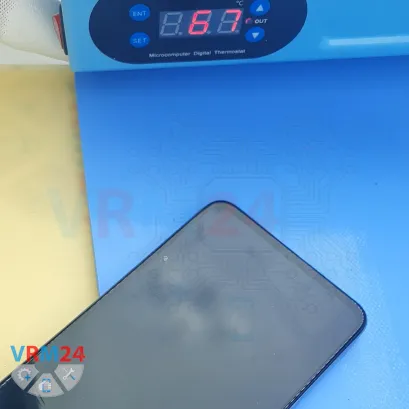
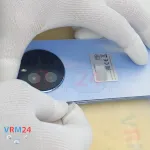
Step 3. Open the back cover
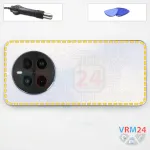
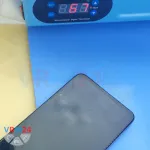
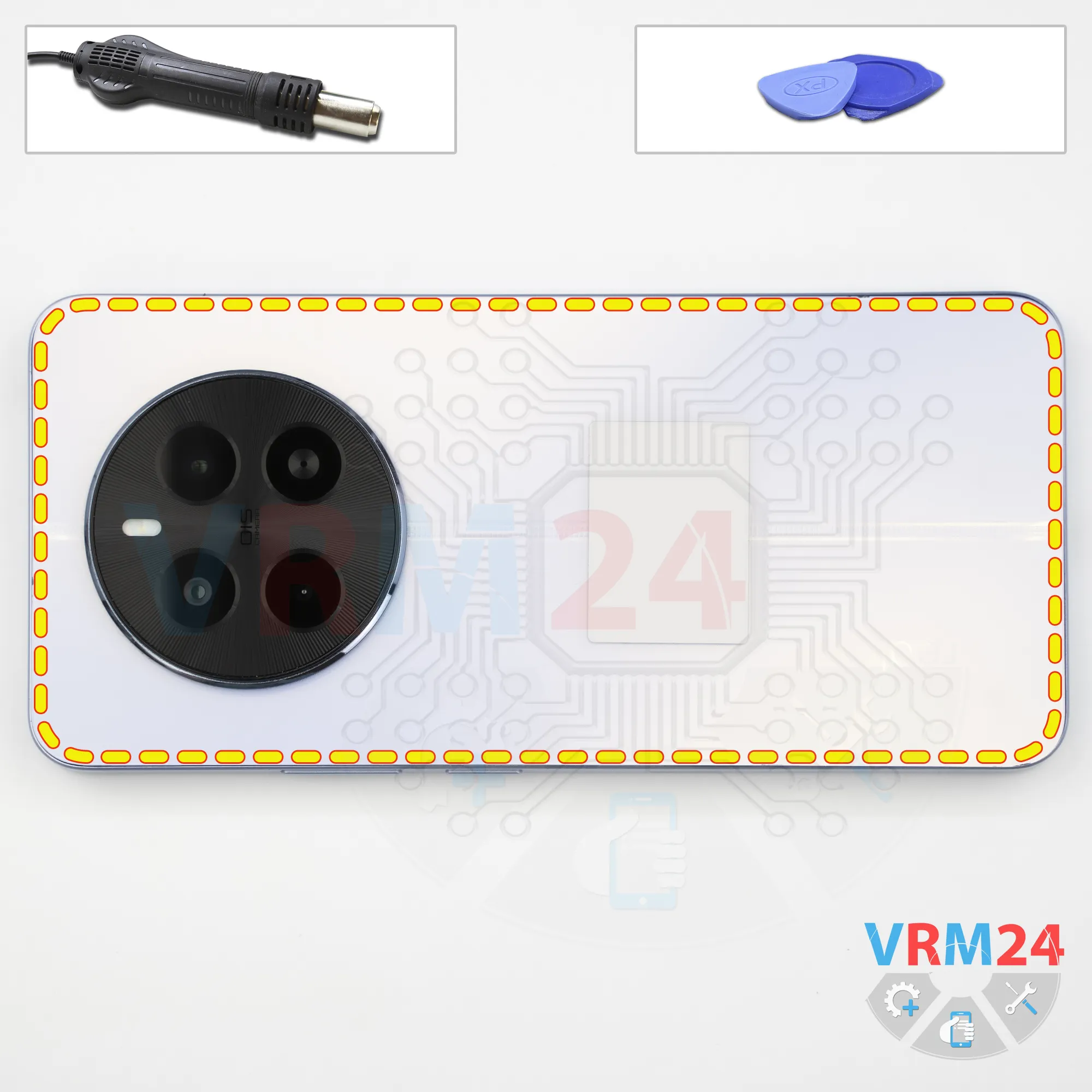
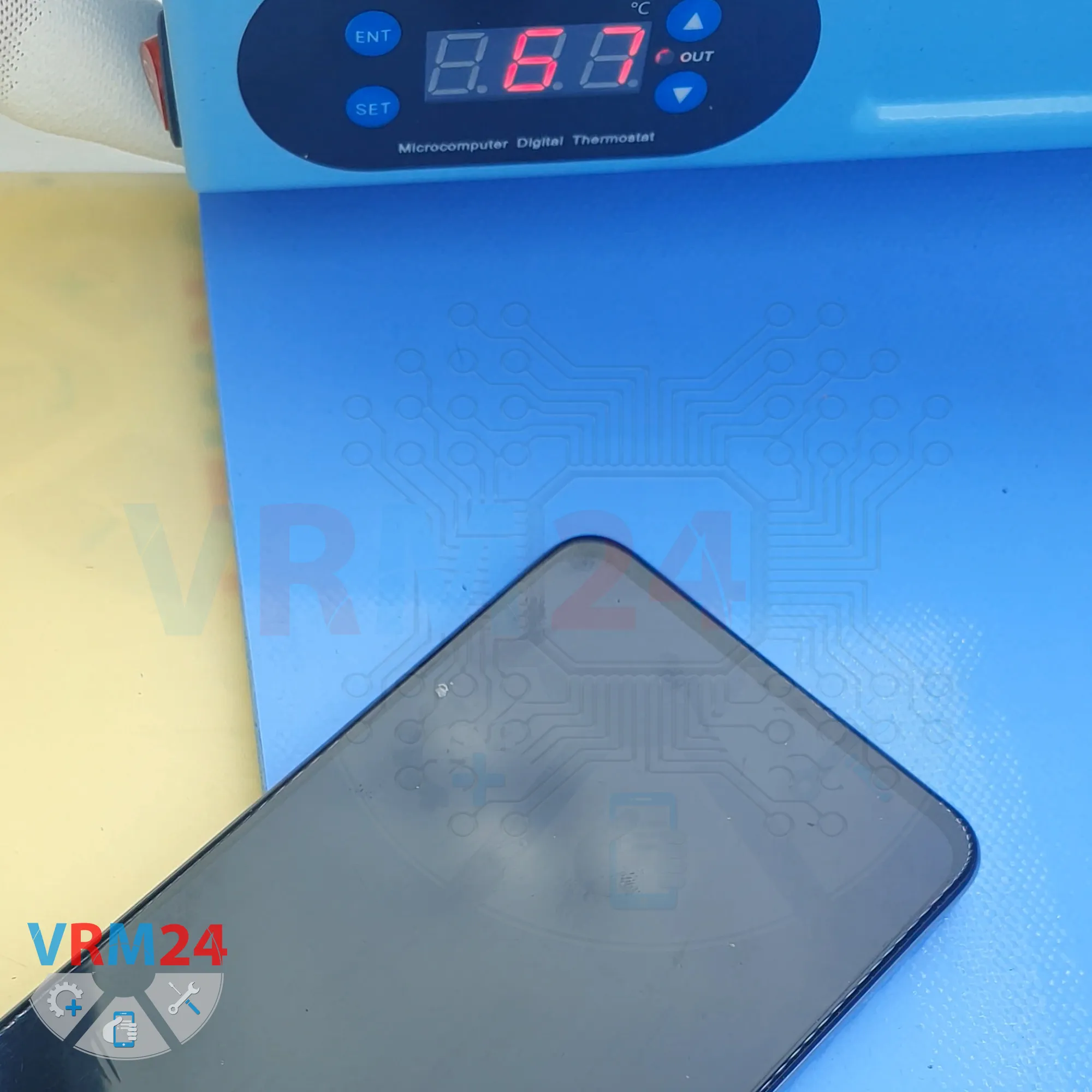
Next, we need to heat the surface of the back cover to approximately 70°C (160°F).
We are using a heating mat for this, but you can also use a hair dryer.
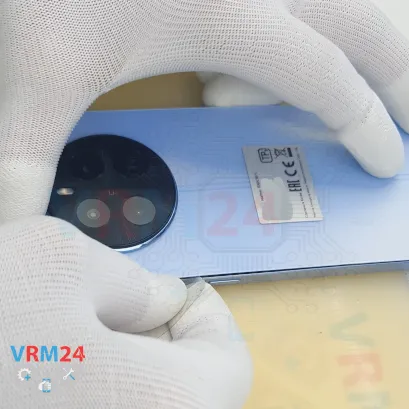
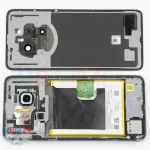
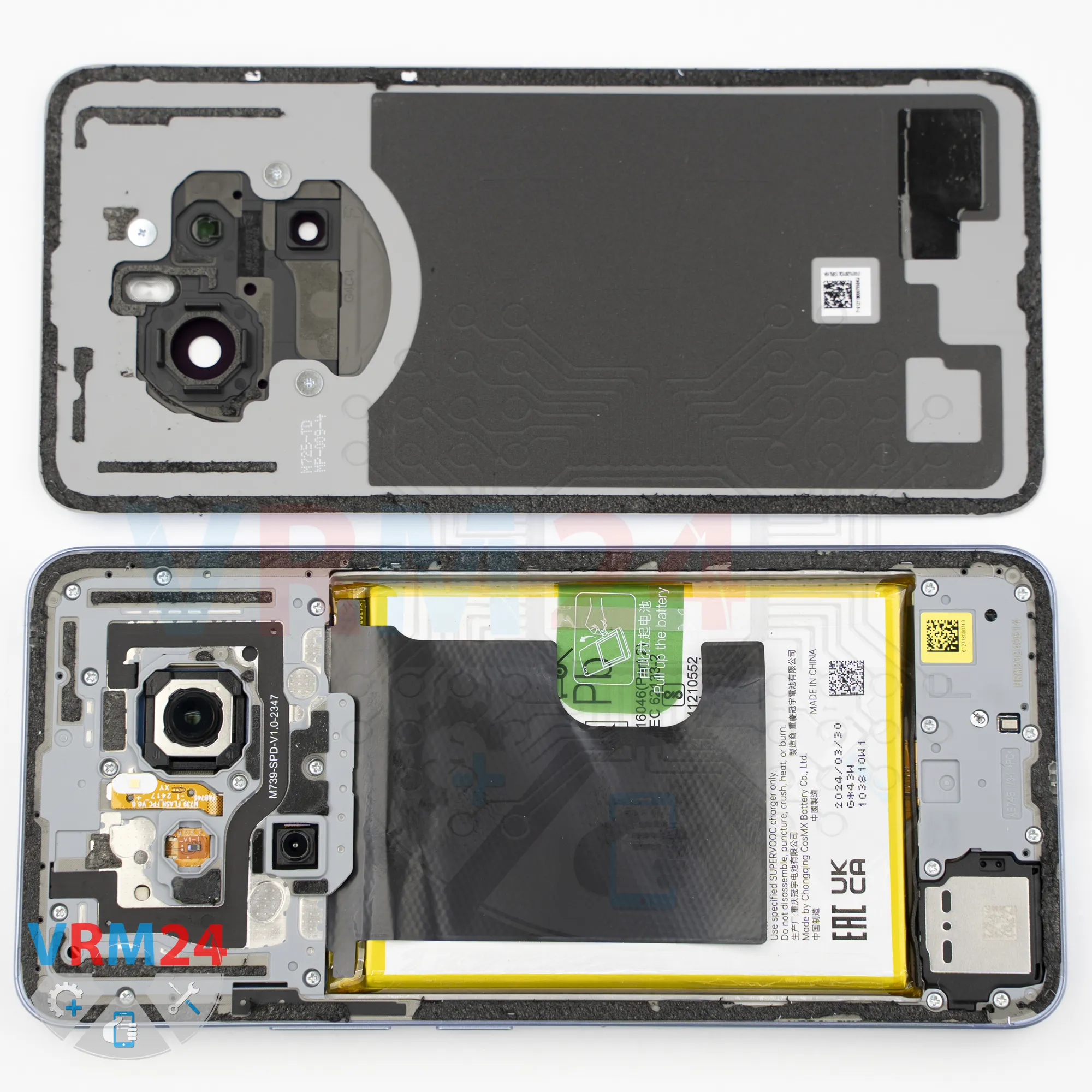
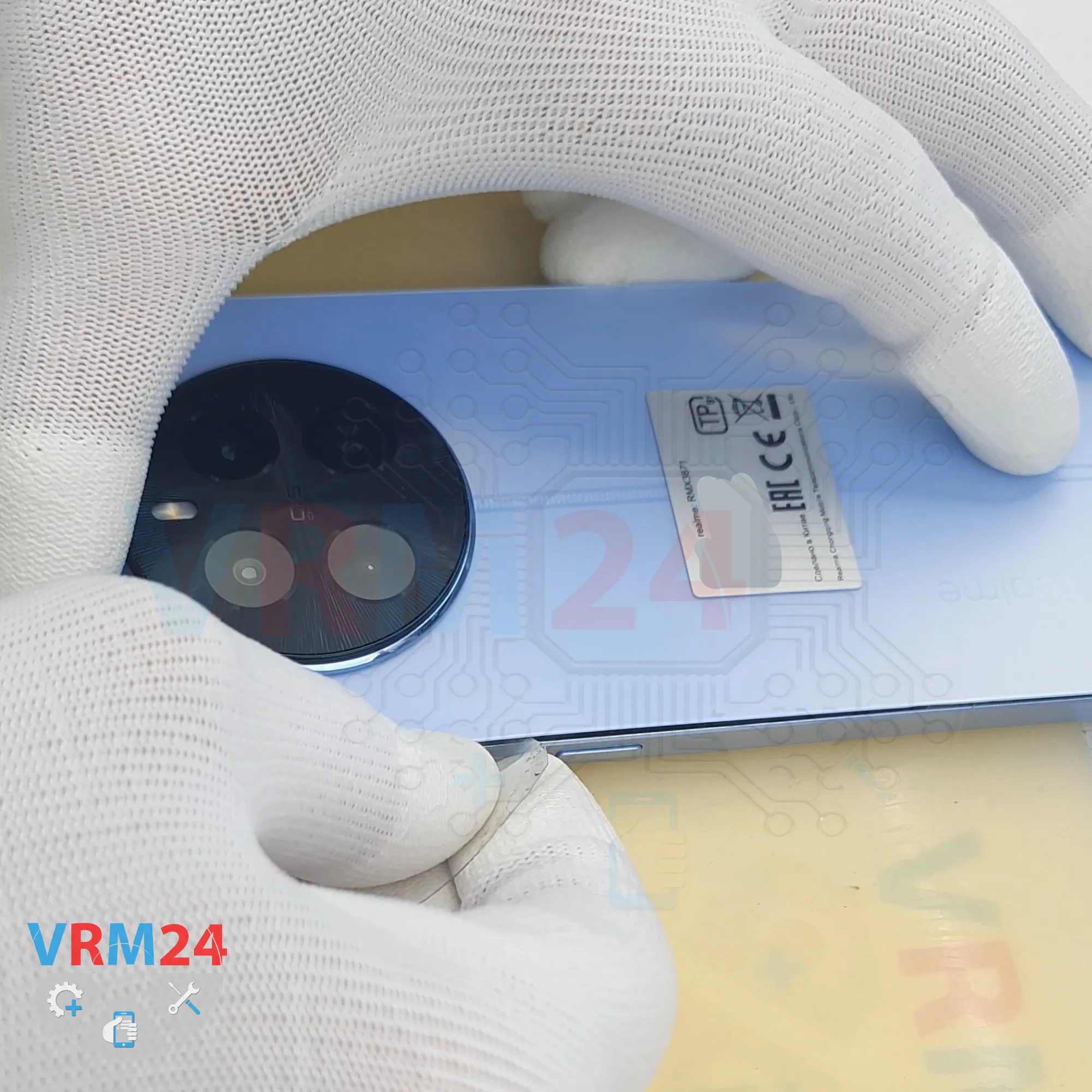
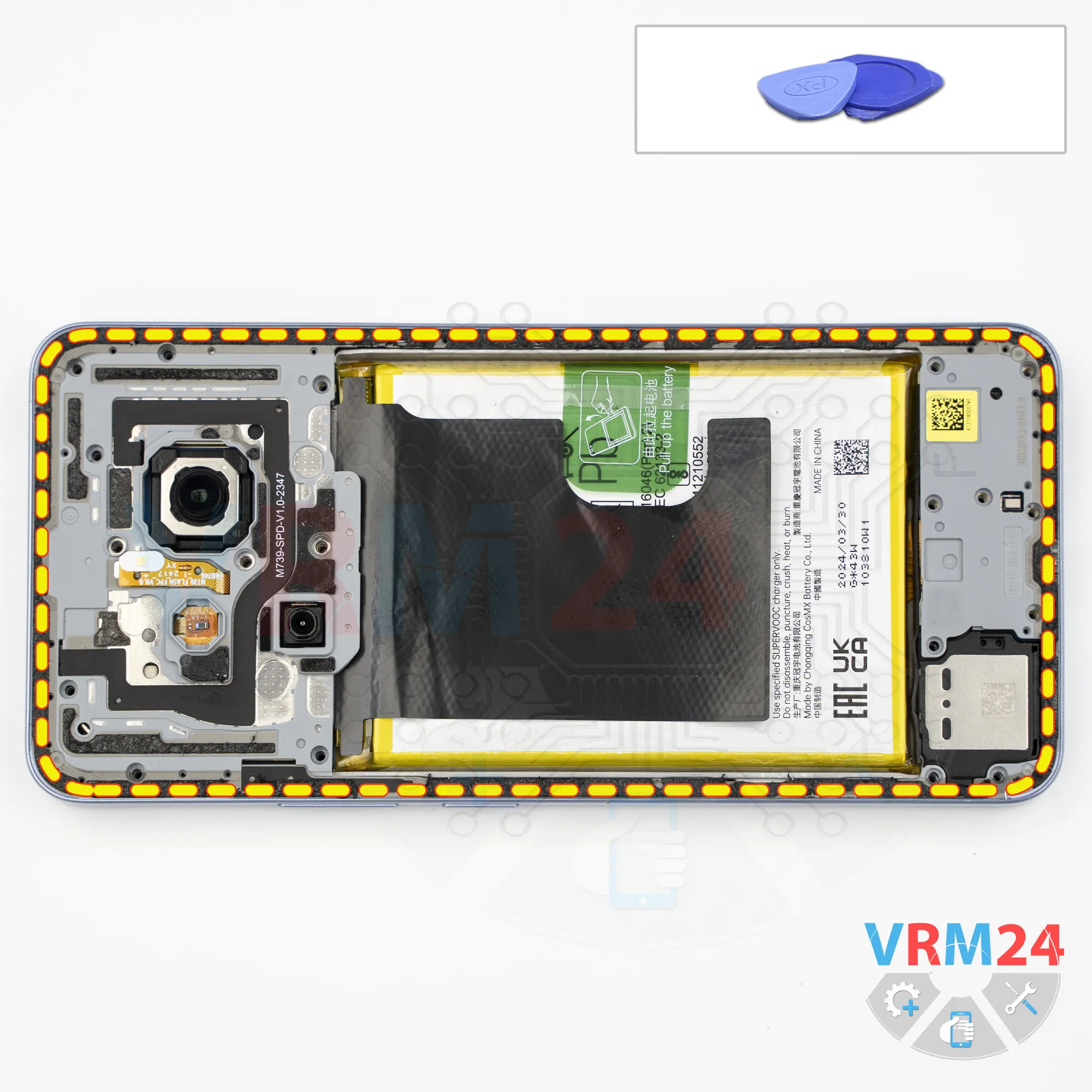
After about 10 minutes, we can proceed with removing the back cover. For this, we use a thin plastic film that is flexible but durable enough for the job. We insert it into the gap between the back cover and the midframe and carefully slide it along the edge, cutting through the adhesive layer.
There is no need to rush, use excessive force, or insert the film too deeply under the back cover, since we do not yet know what components are located underneath.
Also, note that the back cover is additionally glued around the camera area. The circular section there is secured quite firmly. We can use a plastic tool, insert it under the cover, and apply slight pressure to the back cover itself -but not to the cover protecting the motherboard - to avoid damaging anything.
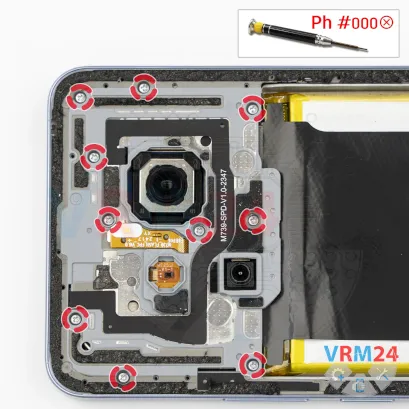
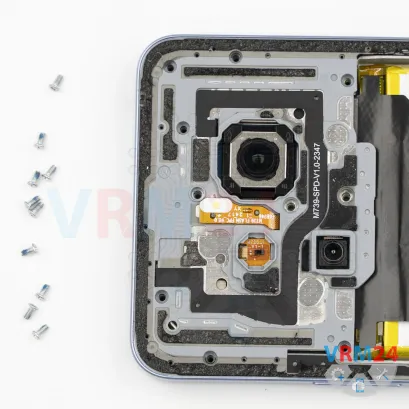
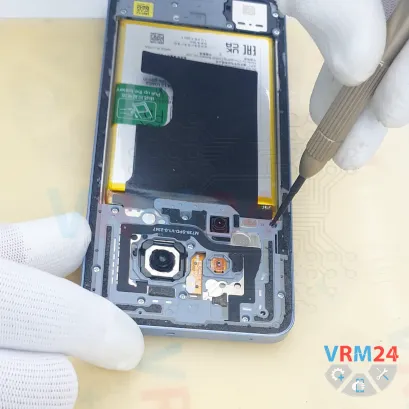
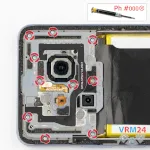
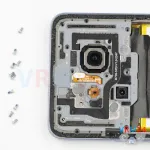
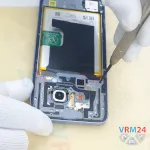
Step 4. Unscrew the screws
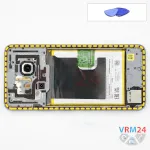
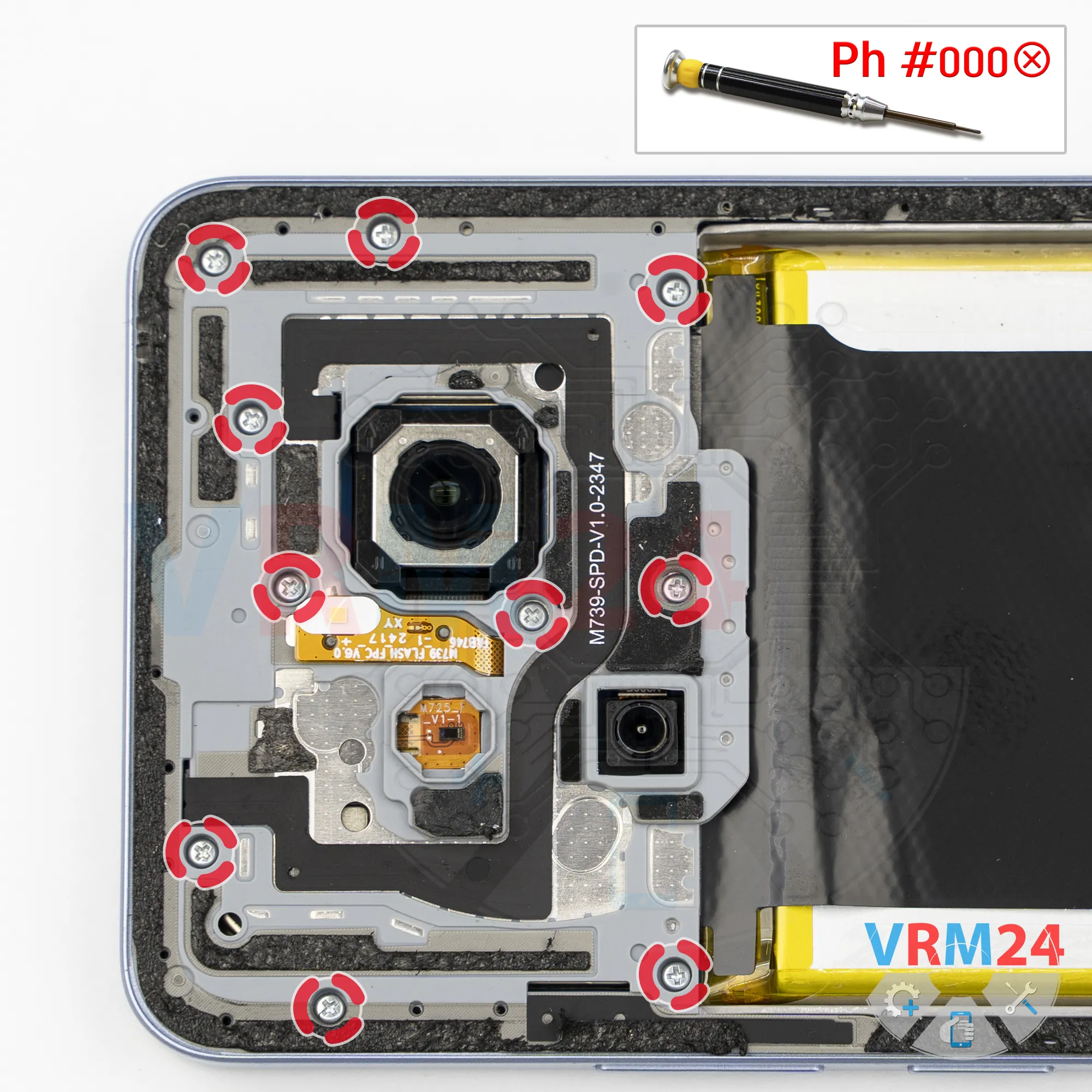
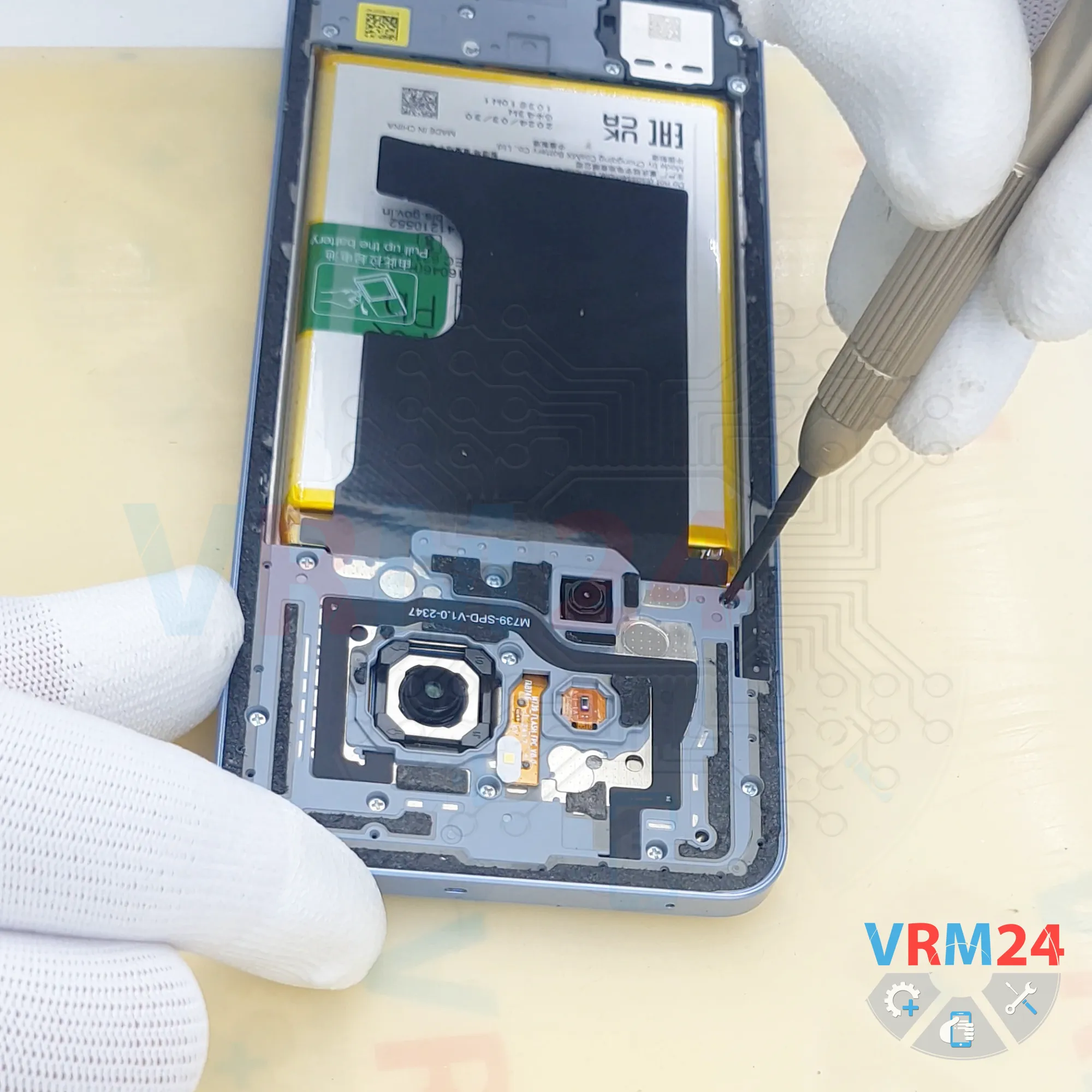
Now we can move on to removing the screws in the upper section.
For this, we use a 1.5 mm Phillips screwdriver or a Phillips #000 screwdriver.
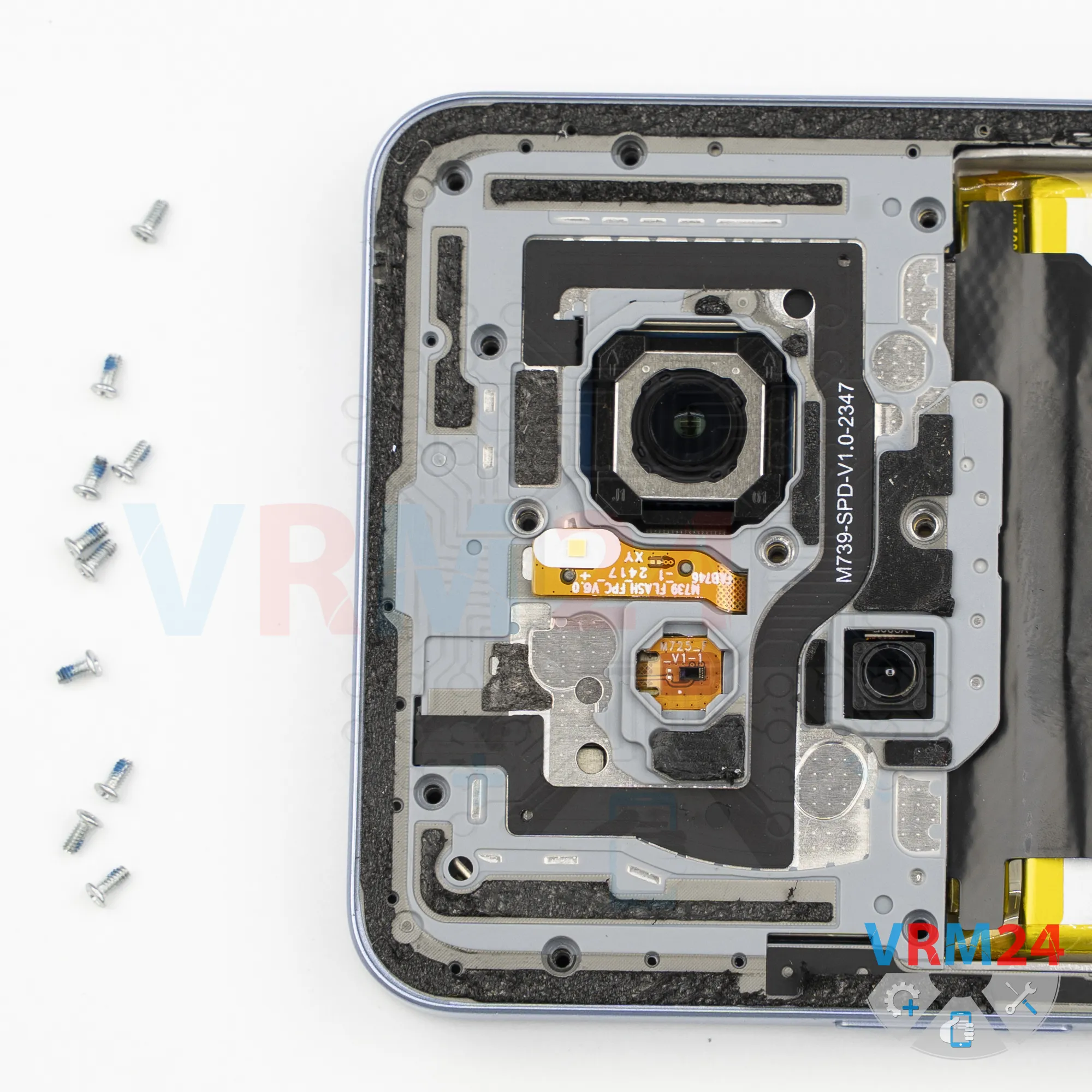
It is best to arrange the screws on a designated surface in a specific order because, even if the screws appear identical, they do not always fit properly when reinstalled in different positions.
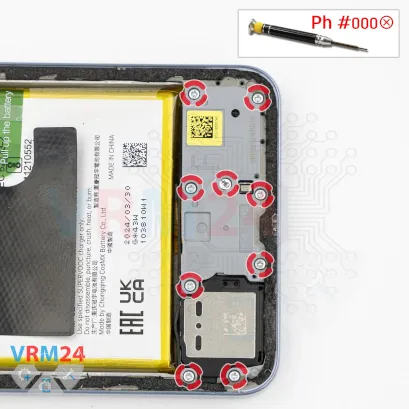
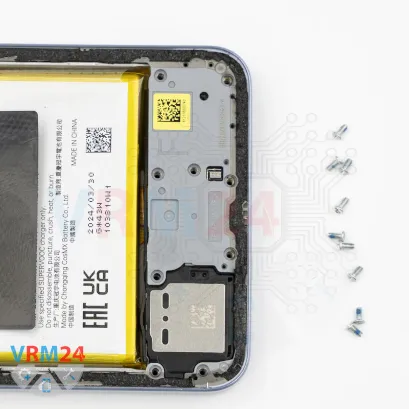
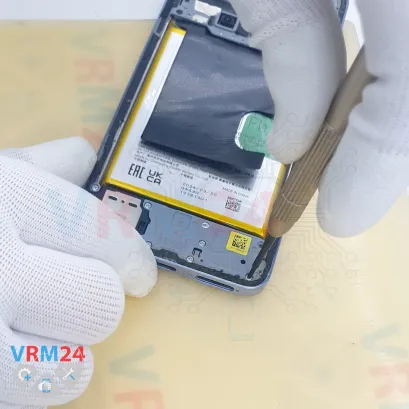
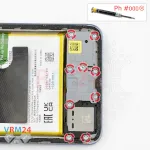
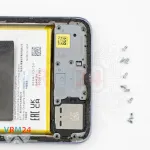
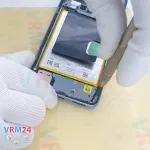
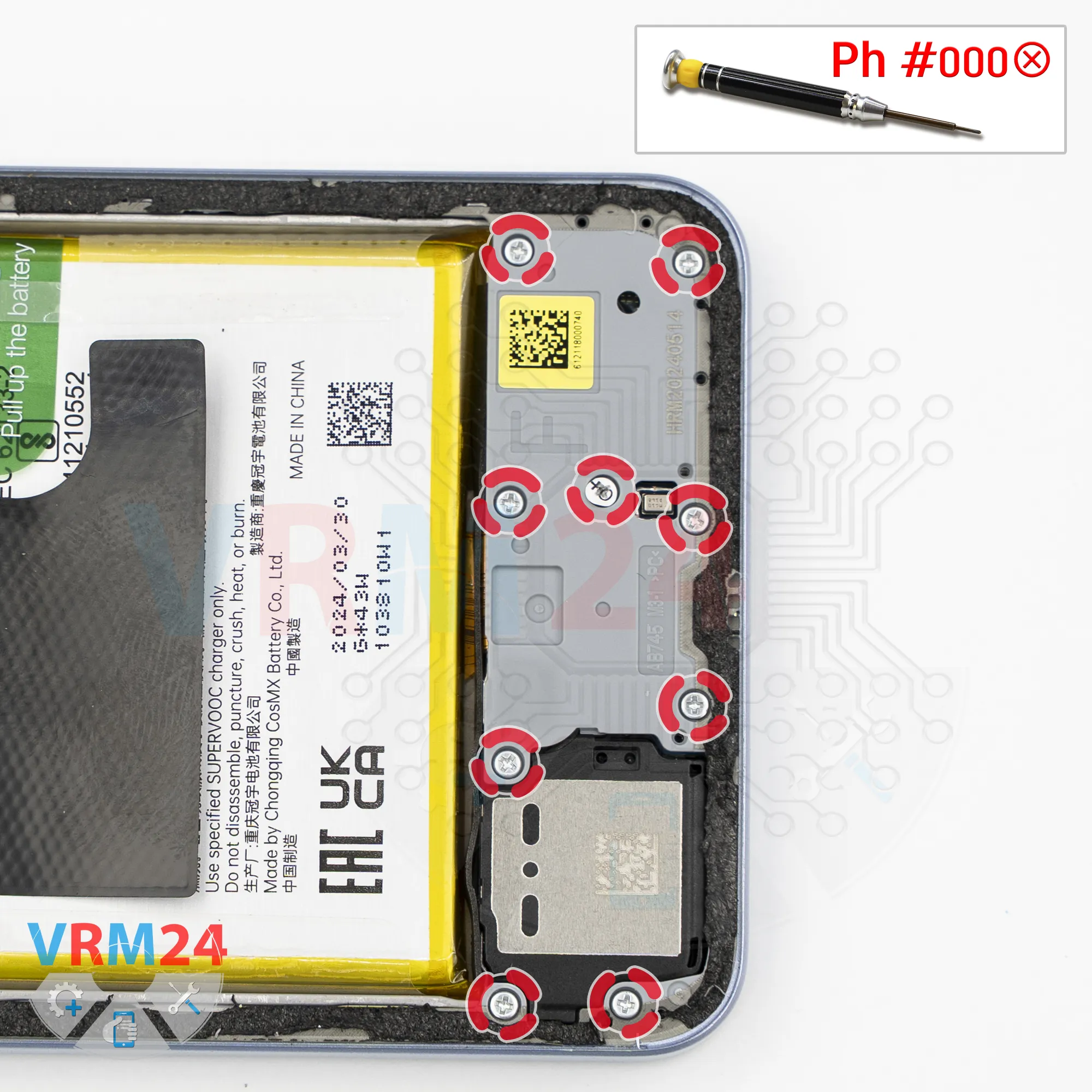
Step 5. Unscrew the screws
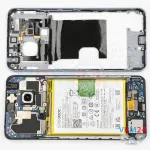
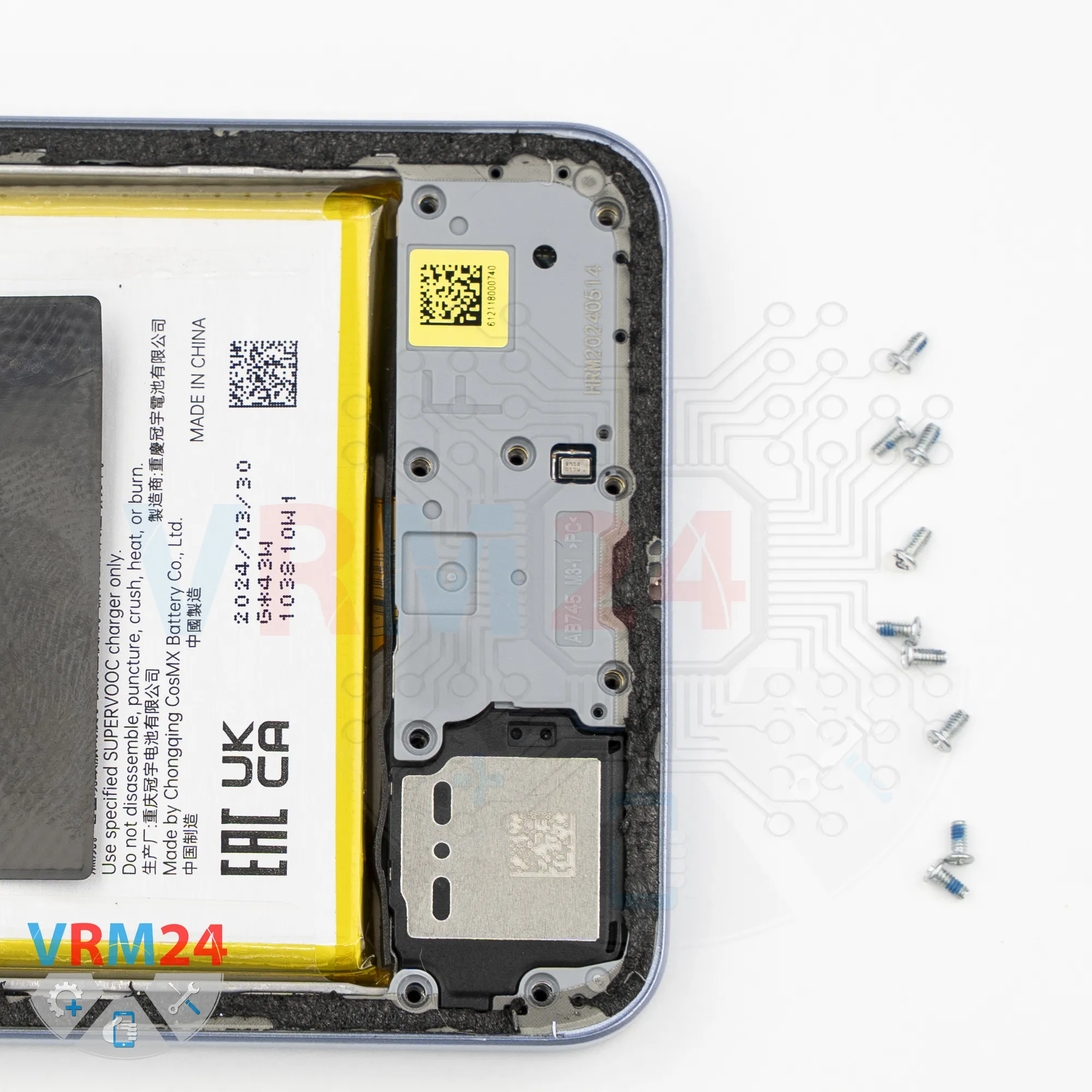
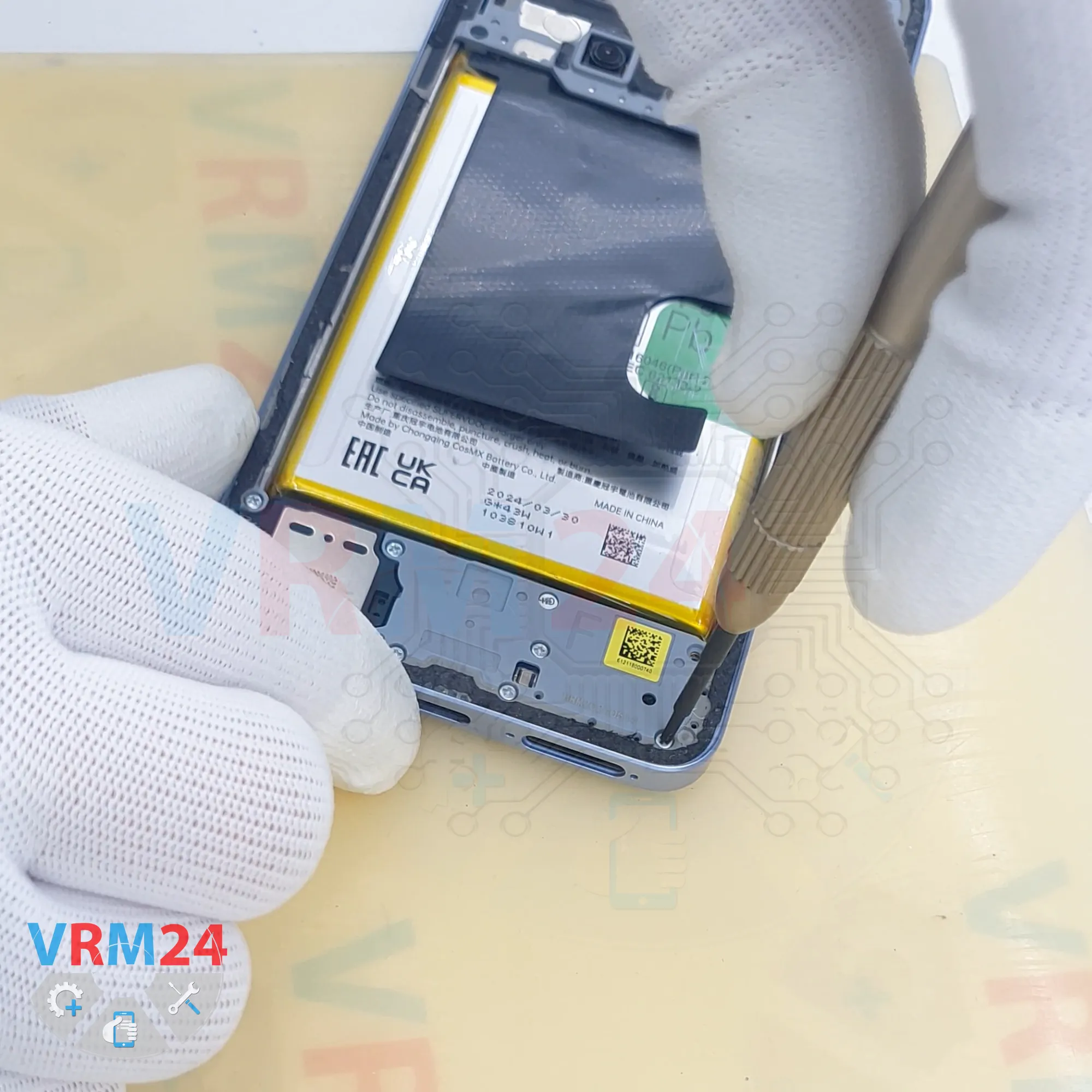
We also remove the screws from the lower section.
These screws look identical as well, but it is still better to keep them separated from the upper screws.
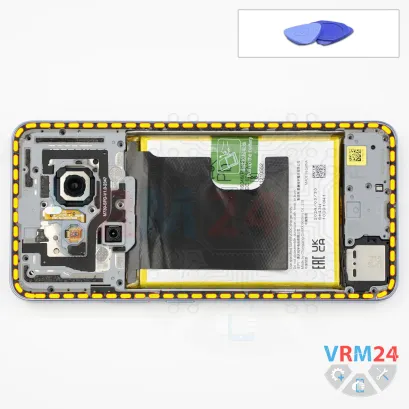
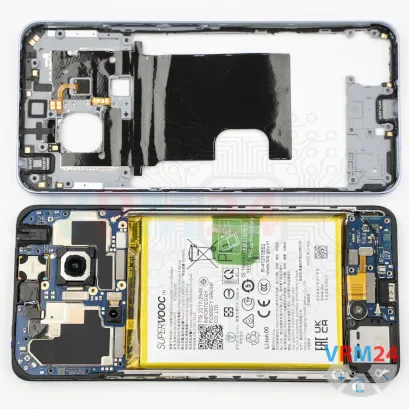
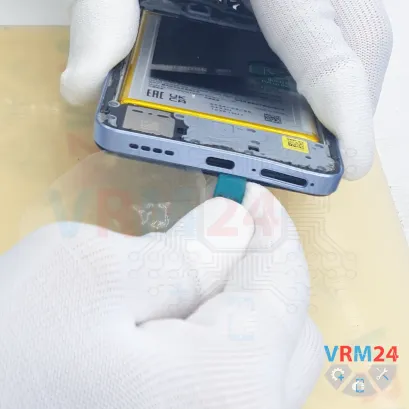
Step 6. Open the mid-frame
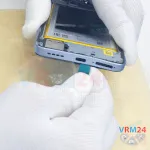
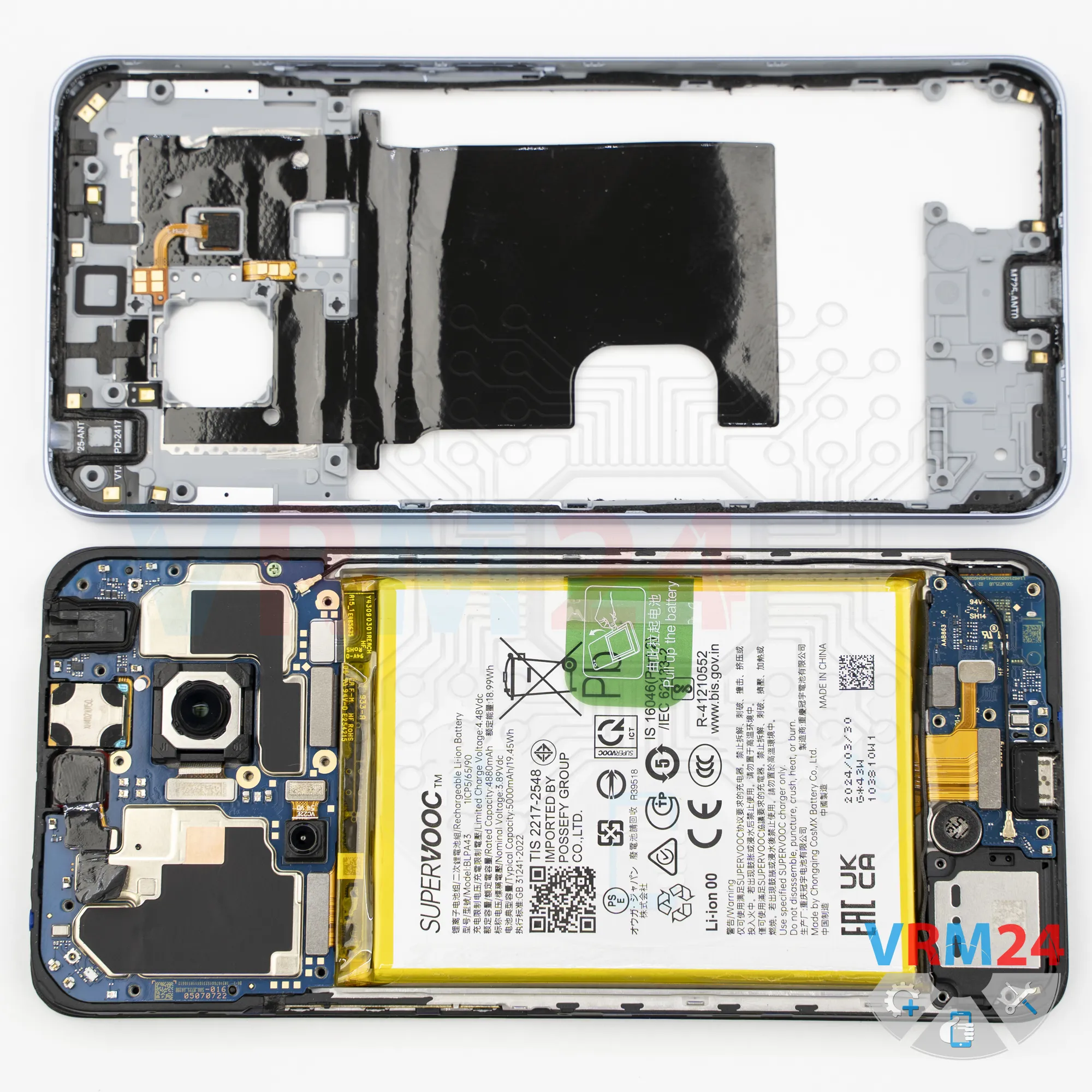
After removing all the screws, we can proceed with detaching the midframe.
And of course, make sure that no screws have been left behind.
First, we use a thin plastic film and insert it into the gap between the midframe and the display frame near the SIM card tray opening.
We release several clips and then switch to a thicker plastic tool.
Keep in mind that the cover is held quite firmly at the corners.
Also be very careful around the edge of the display to avoid accidental damage.
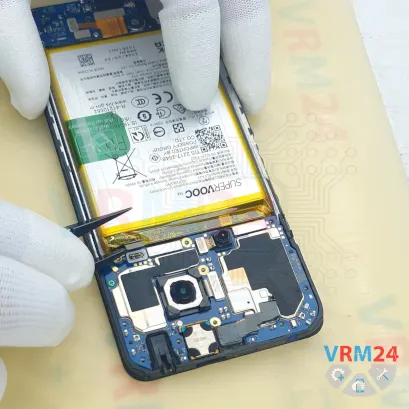
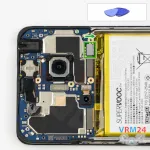
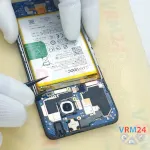
Step 7. Disconnect the battery connector
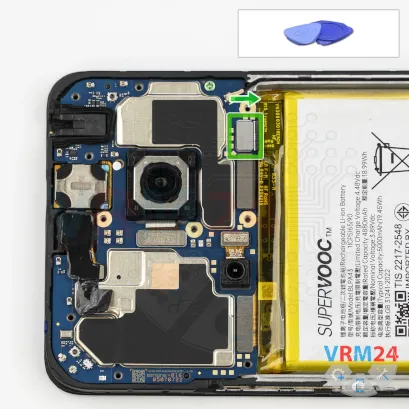
Next, using a non-metallic tool, disconnect the battery connector and move on to the lower section.
ℹ️️ The Realme 12 RMX3871 uses a BLPA43 rechargeable battery with a capacity of 5000 mAh.
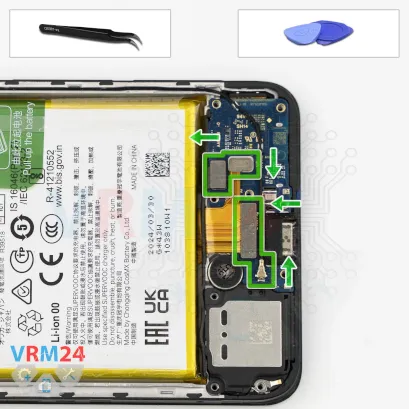
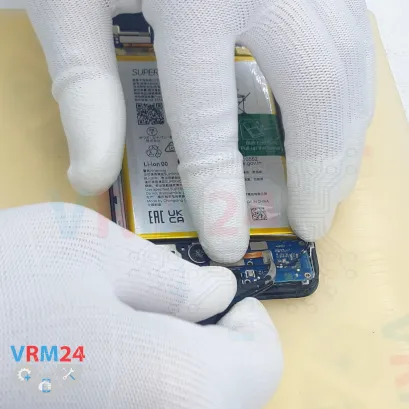
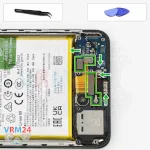
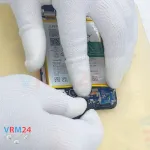
Step 8. Disconnect the connectors
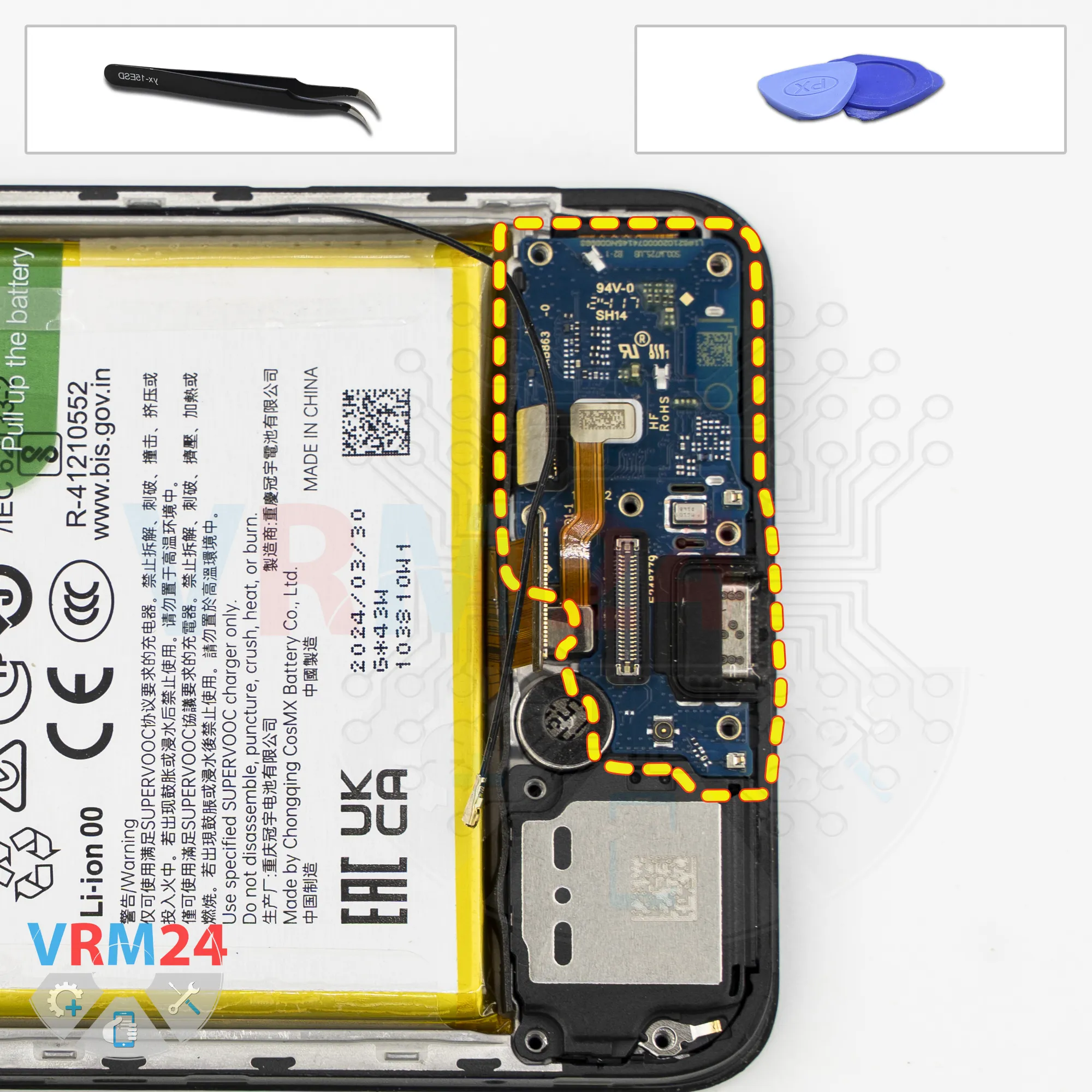
In the lower section, we need to disconnect the coaxial cable connector and release the cable from its retaining clips.
Then disconnect the interconnect flex cable connector, disconnect the fingerprint sensor connector, and disconnect the second interconnect flex cable connector.
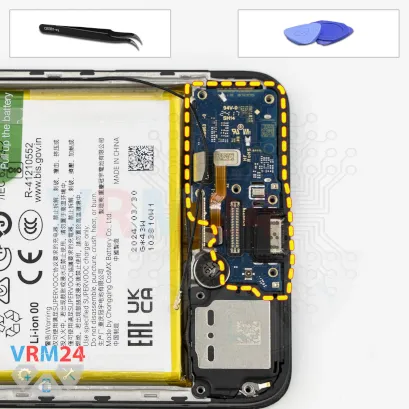
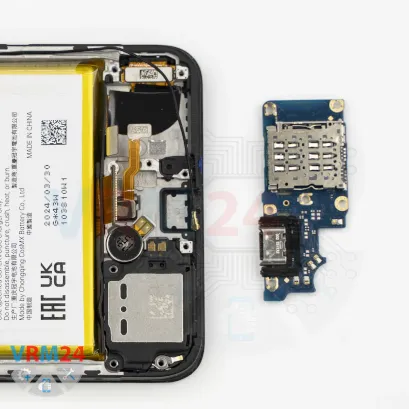
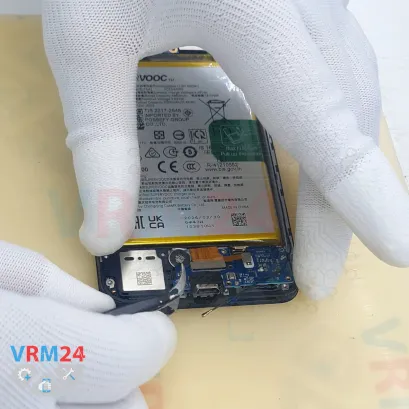
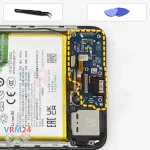
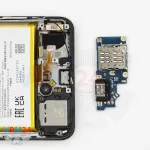
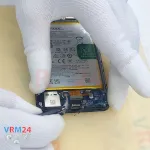
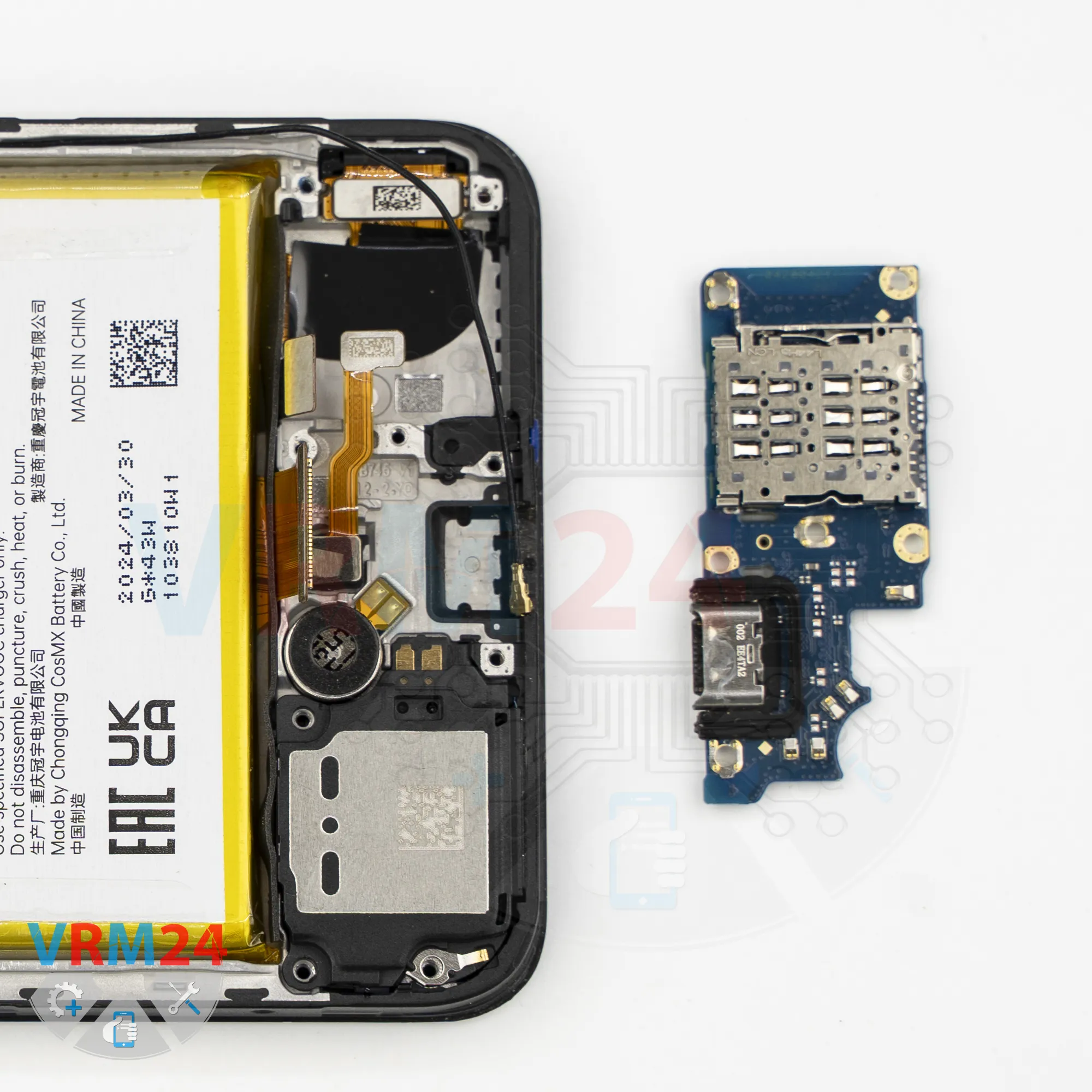
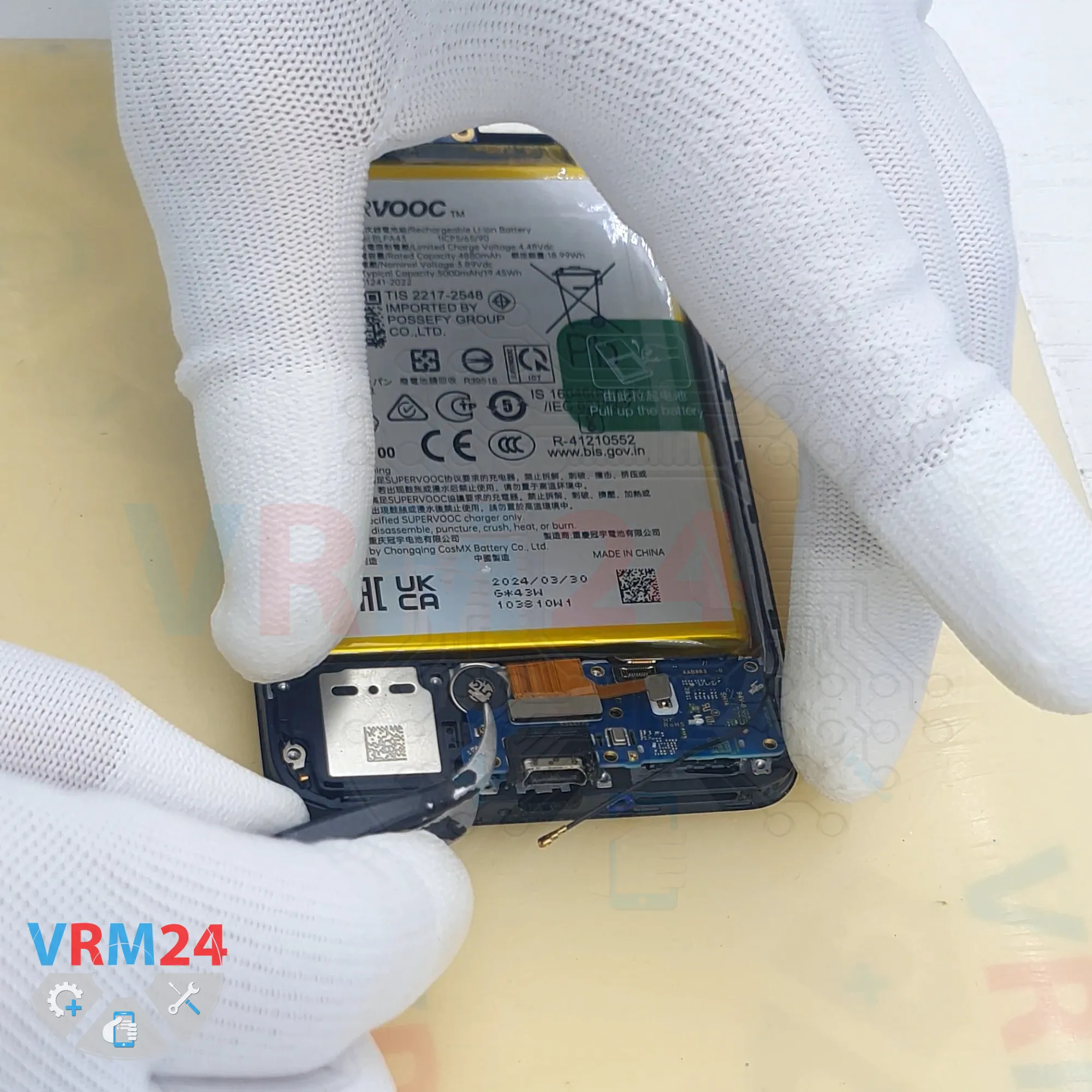
Step 9. Remove the sub-board
After that, we can remove the sub-board.
The sub-board contains the microphone, charging port, and the card connector on the reverse side.
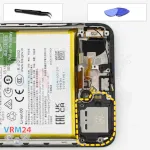
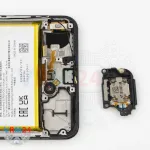
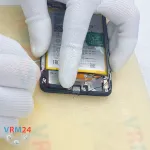
Step 10. Remove the loudspeaker
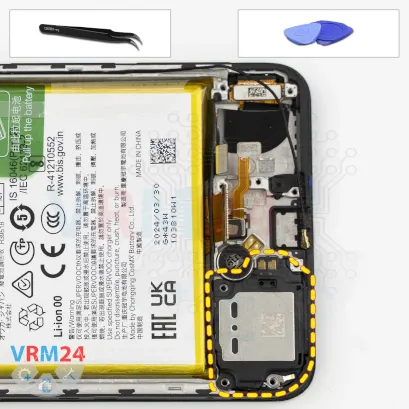
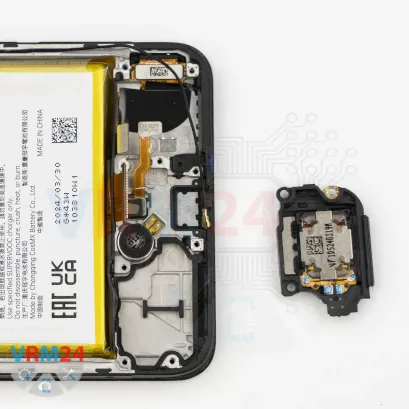
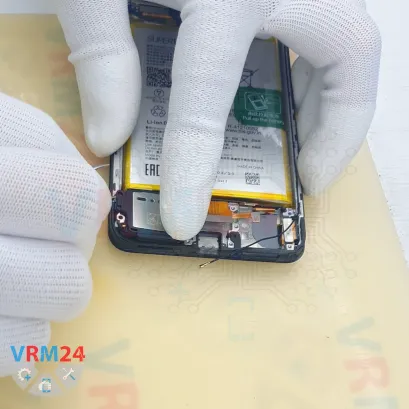
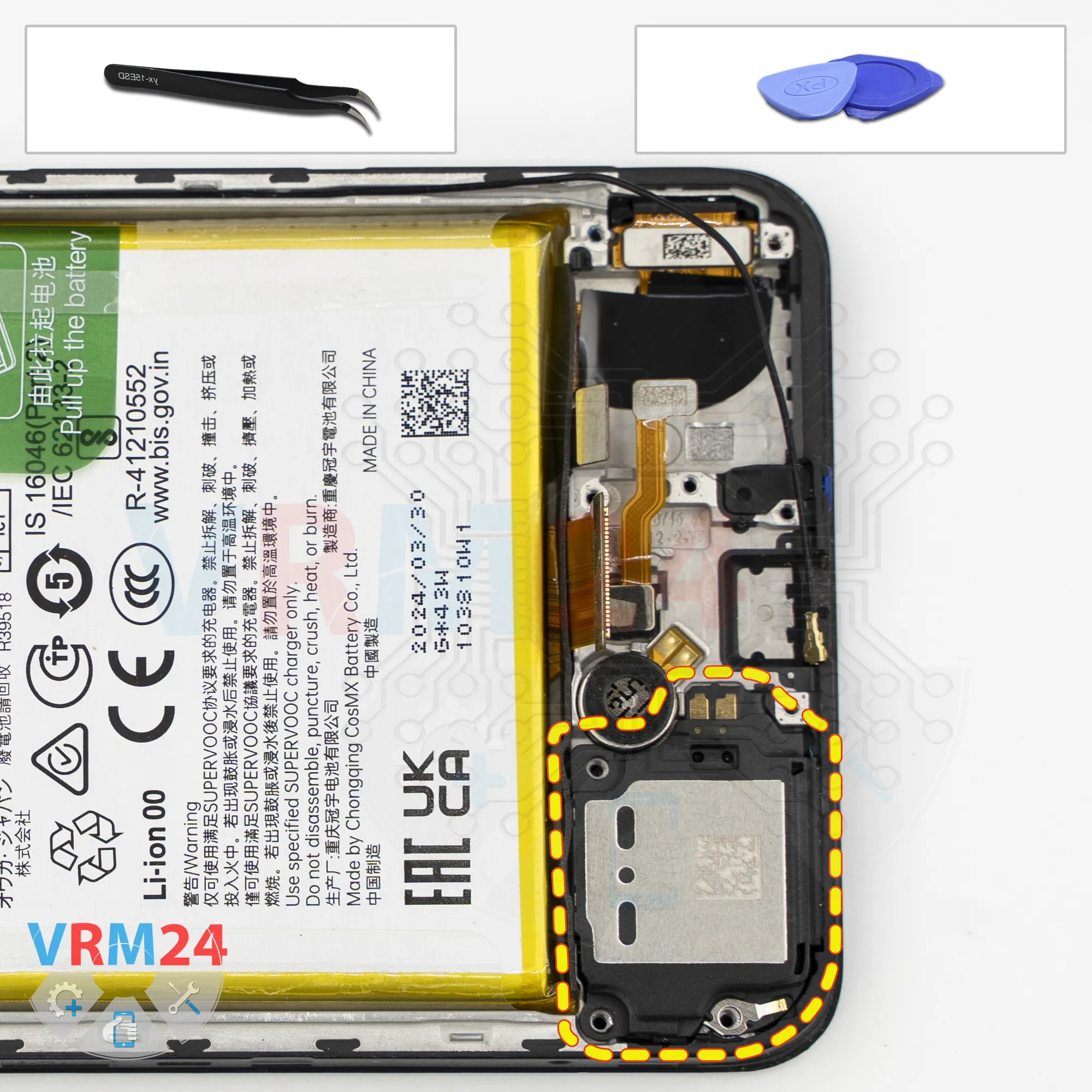
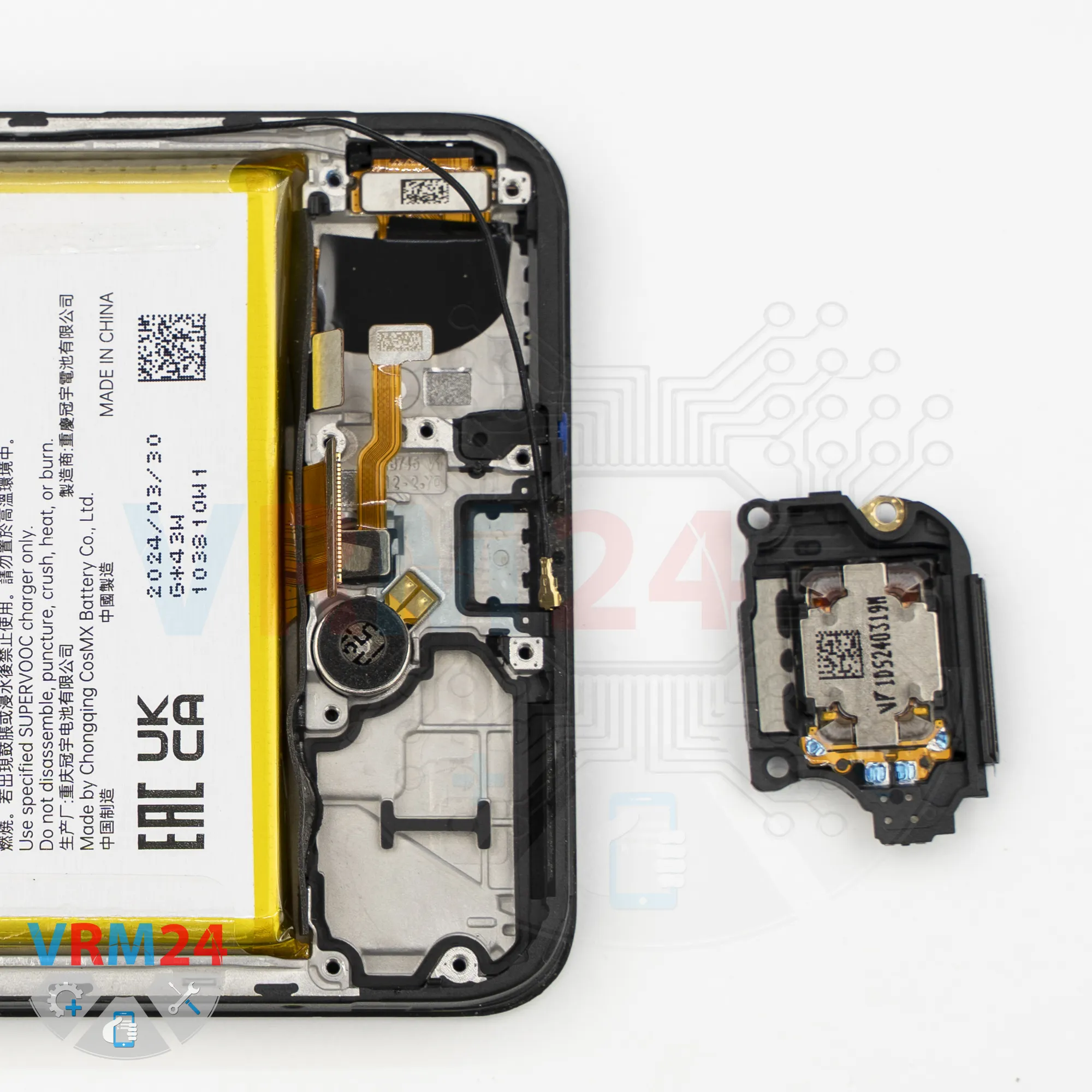
Now we can remove the loudspeaker assembly.
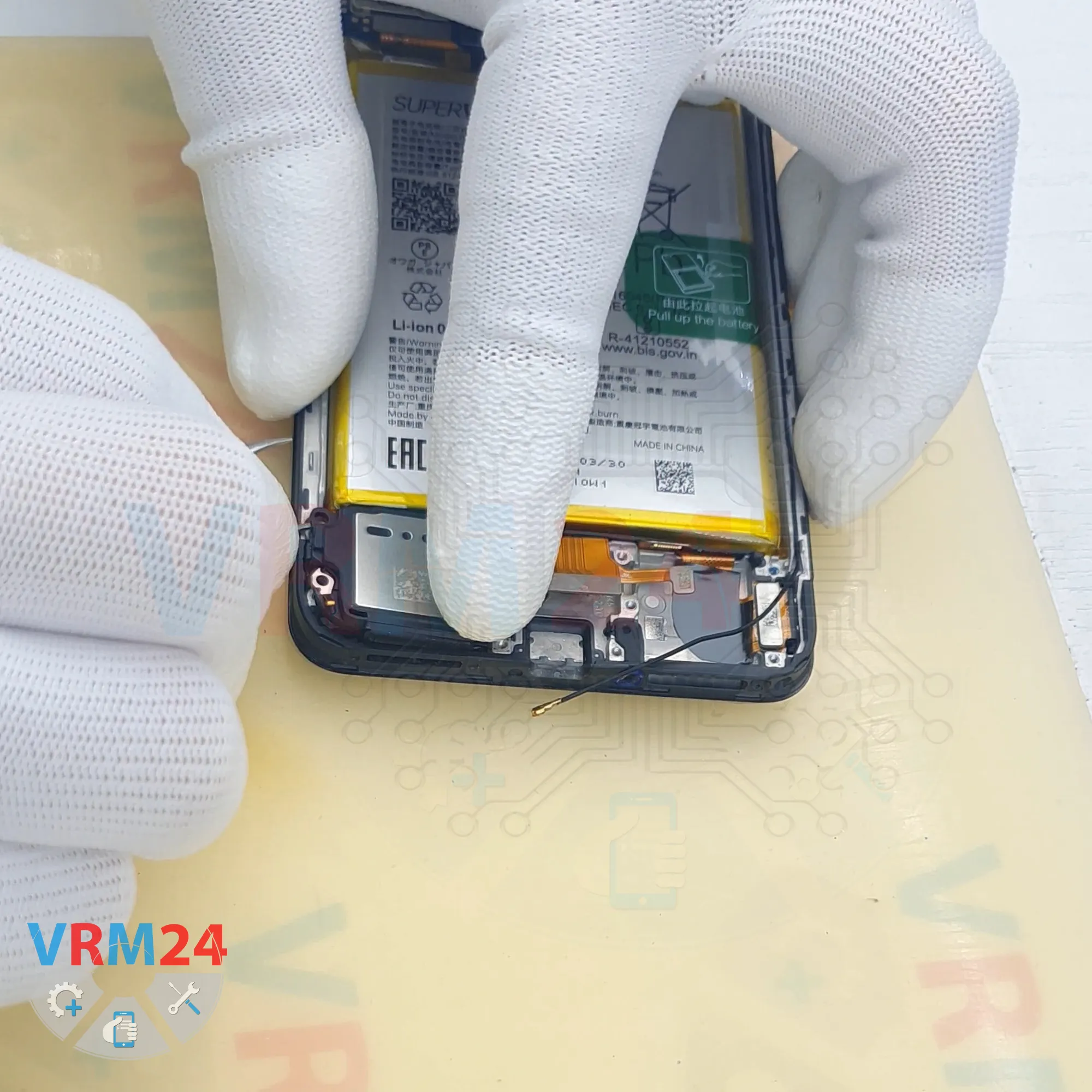
Find the correct spot where we can carefully pry it up, lift it, and separate it from the adhesive.
The loudspeaker is taped to the display frame.
Carefully lift it, disconnect it, and set it aside.
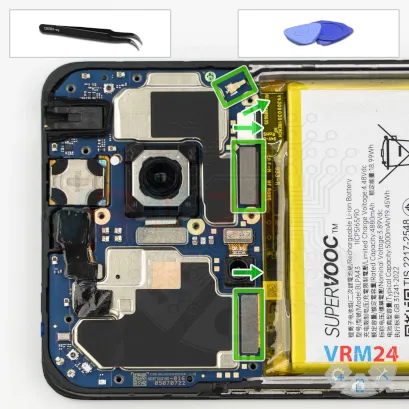
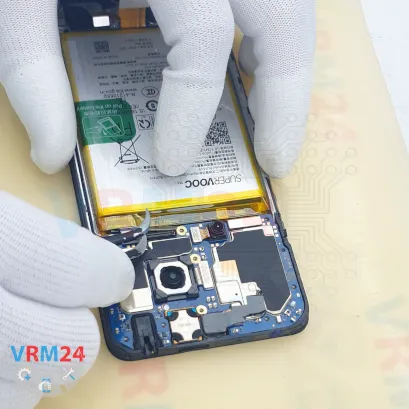
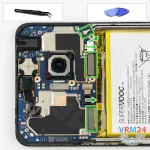
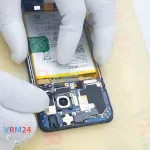
Step 11. Disconnect the connectors
Now we move on to the motherboard.
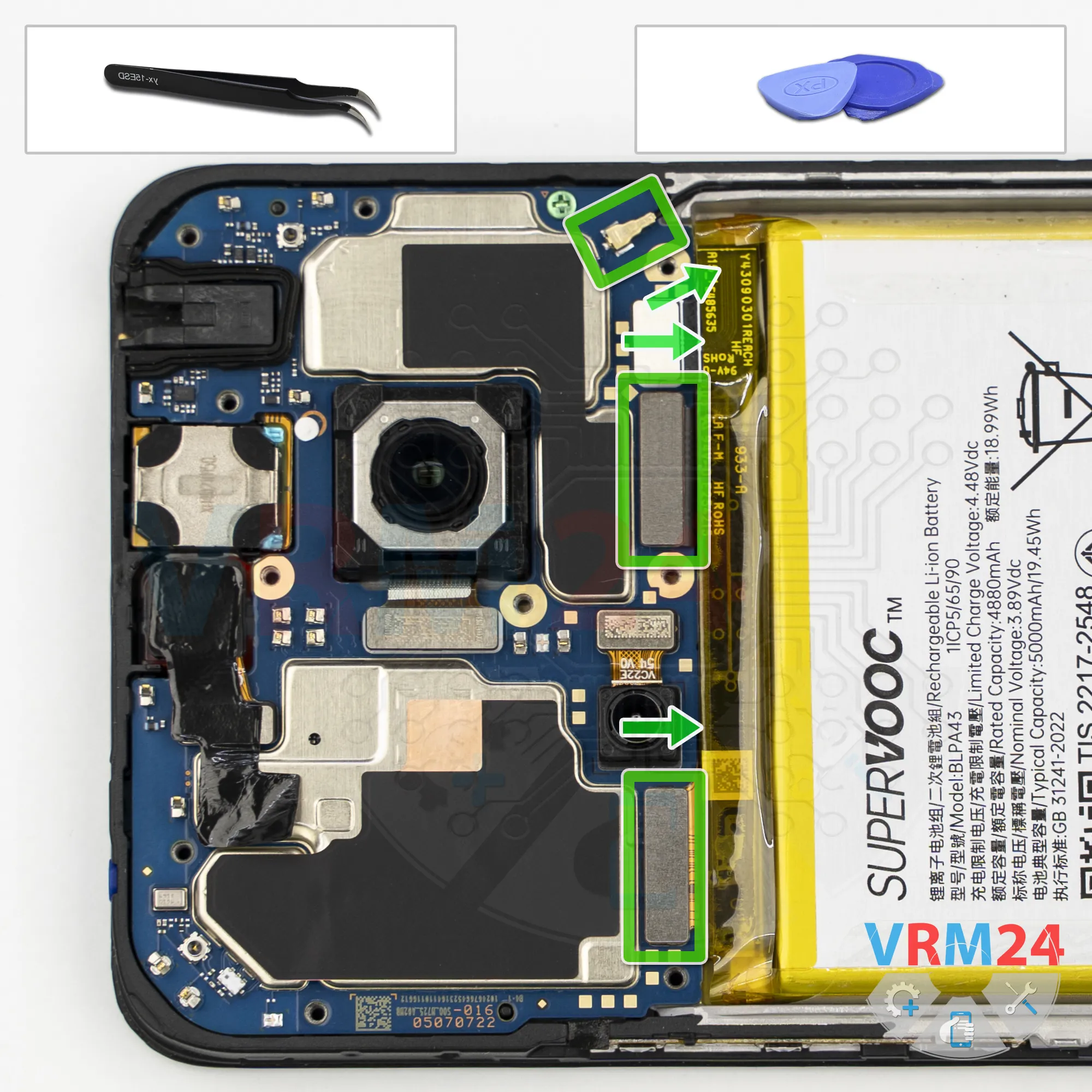
Disconnect the coaxial cable connector, disconnect the interconnect flex cable connector, and disconnect the display flex cable connector.
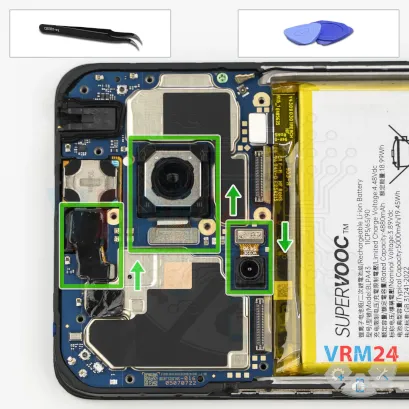
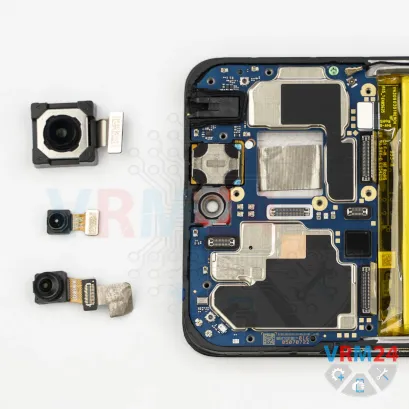
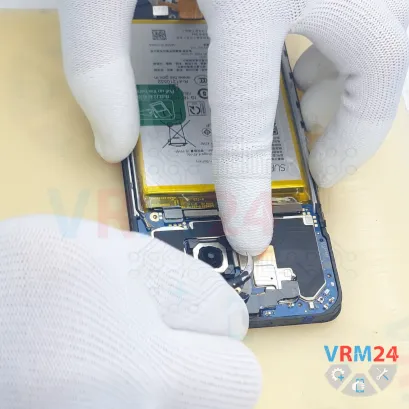
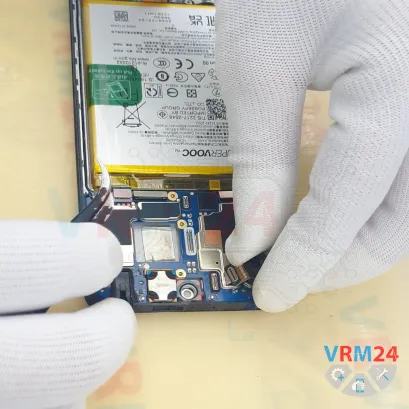
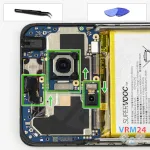
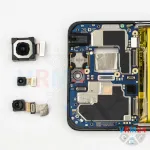
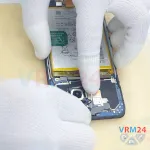
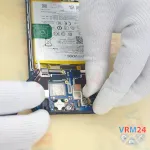
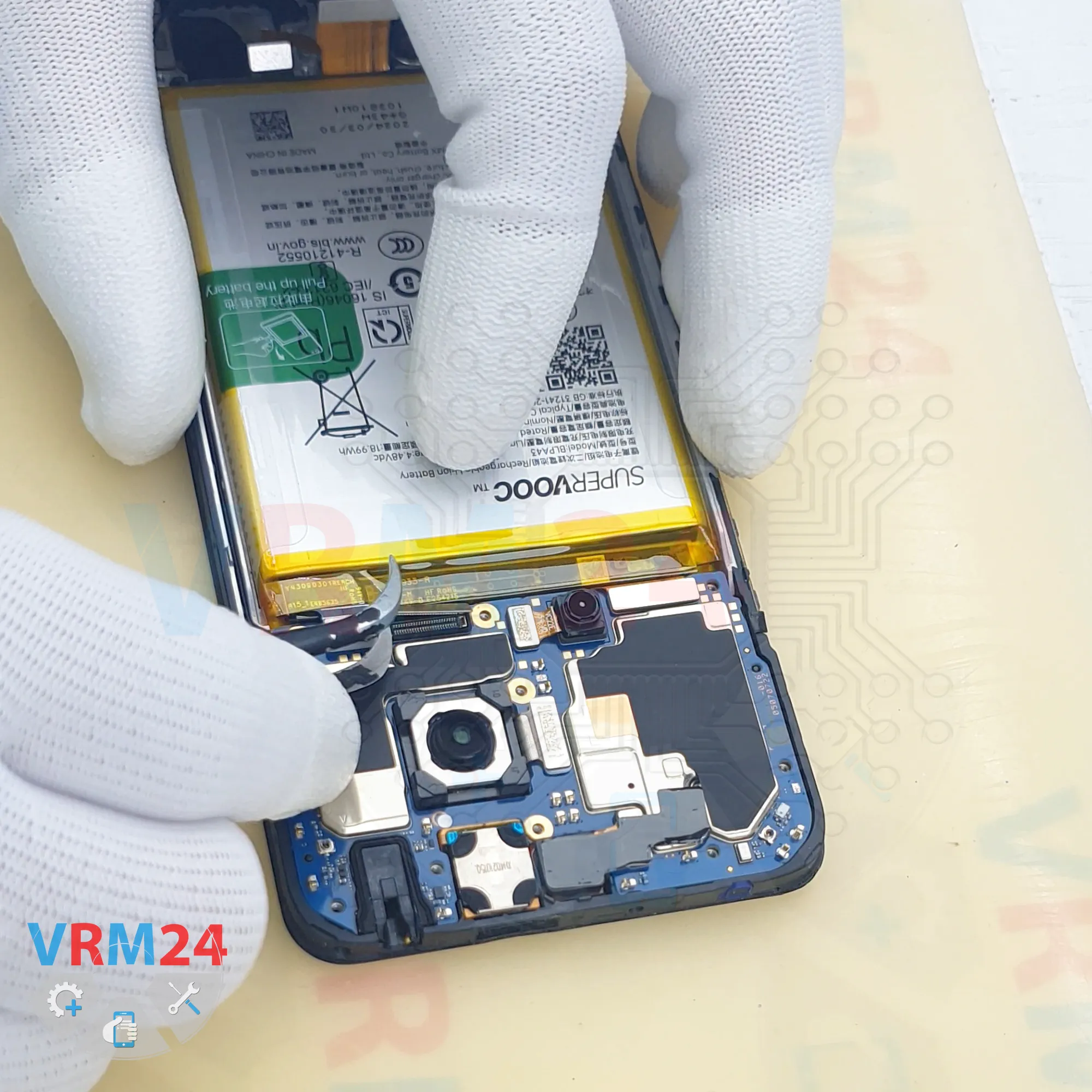
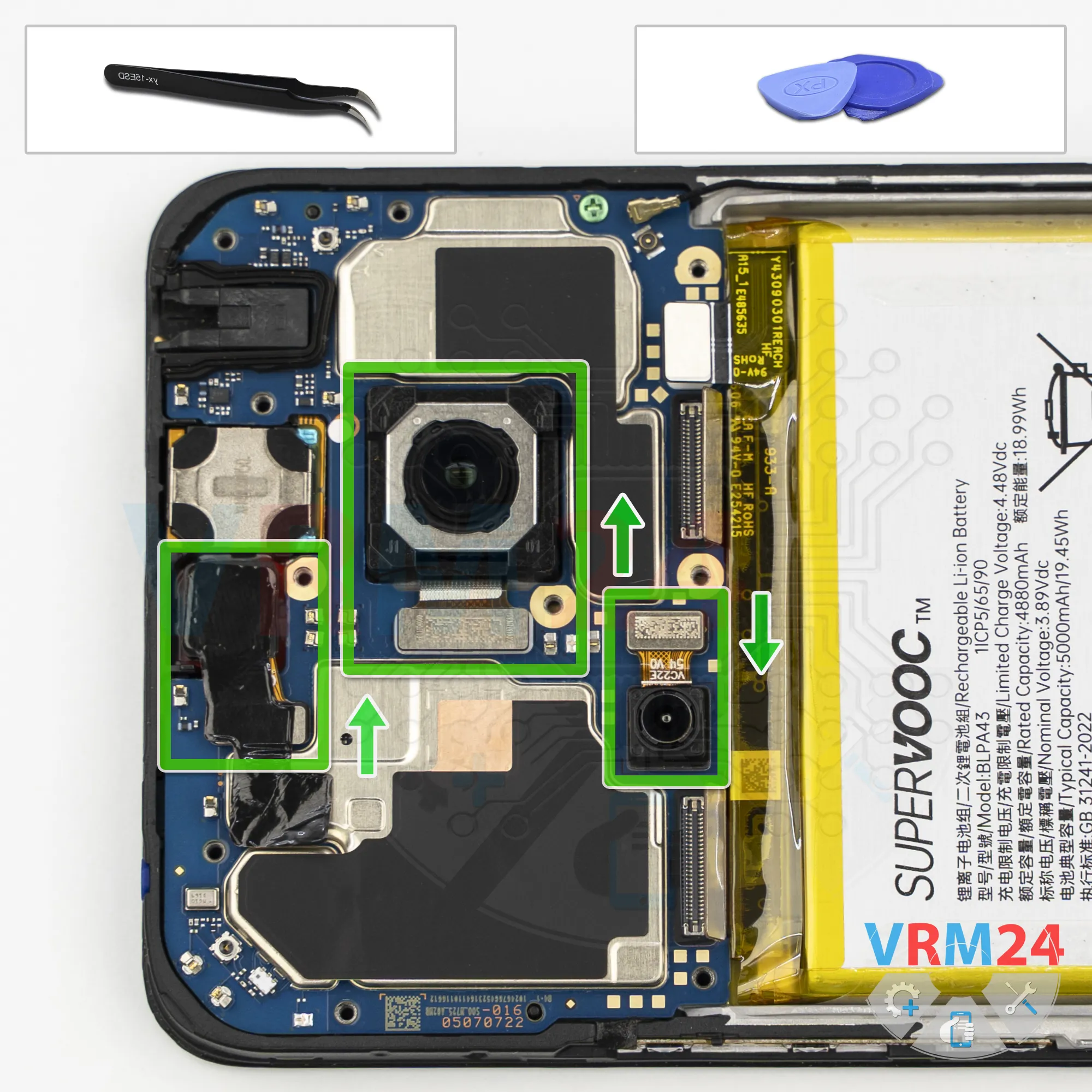
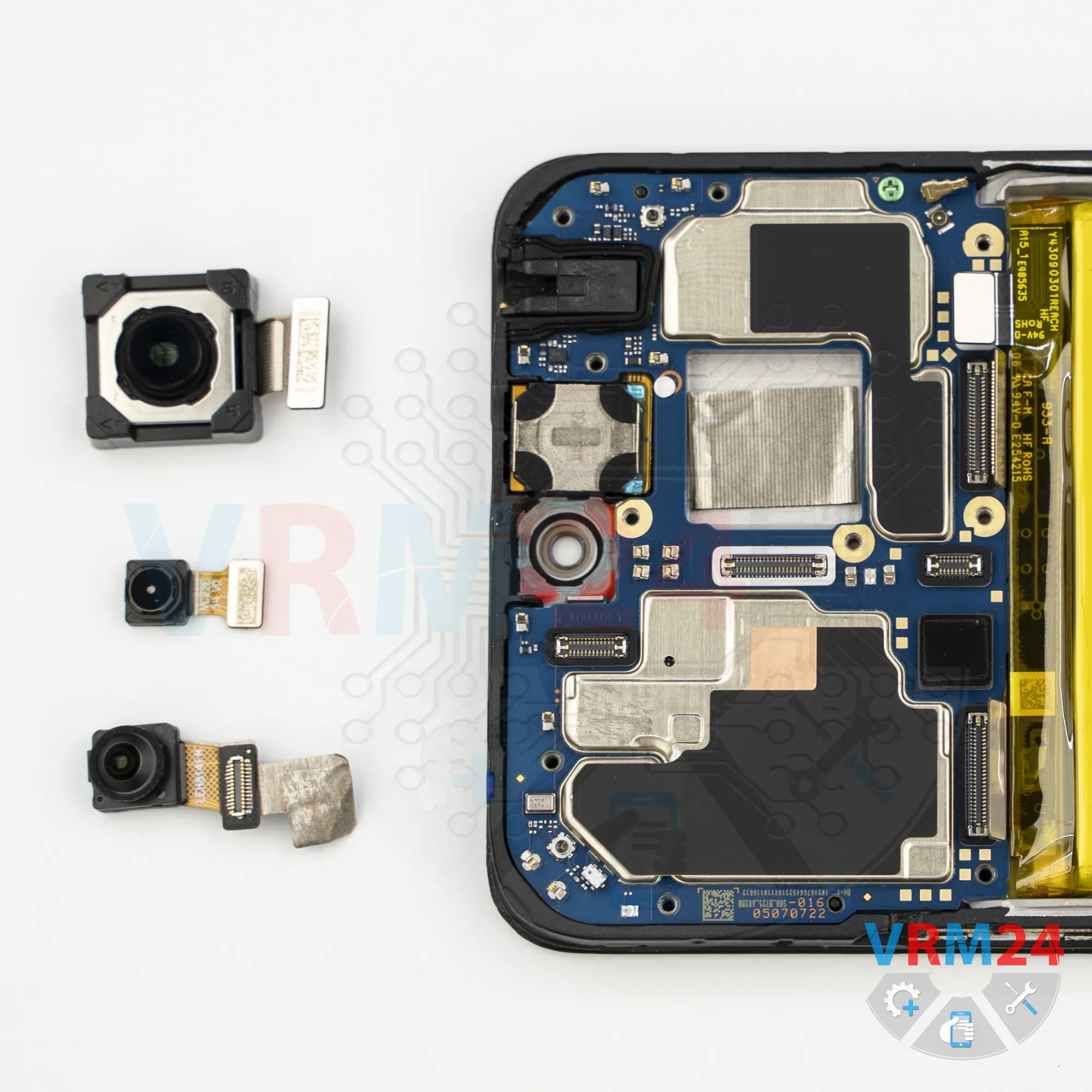
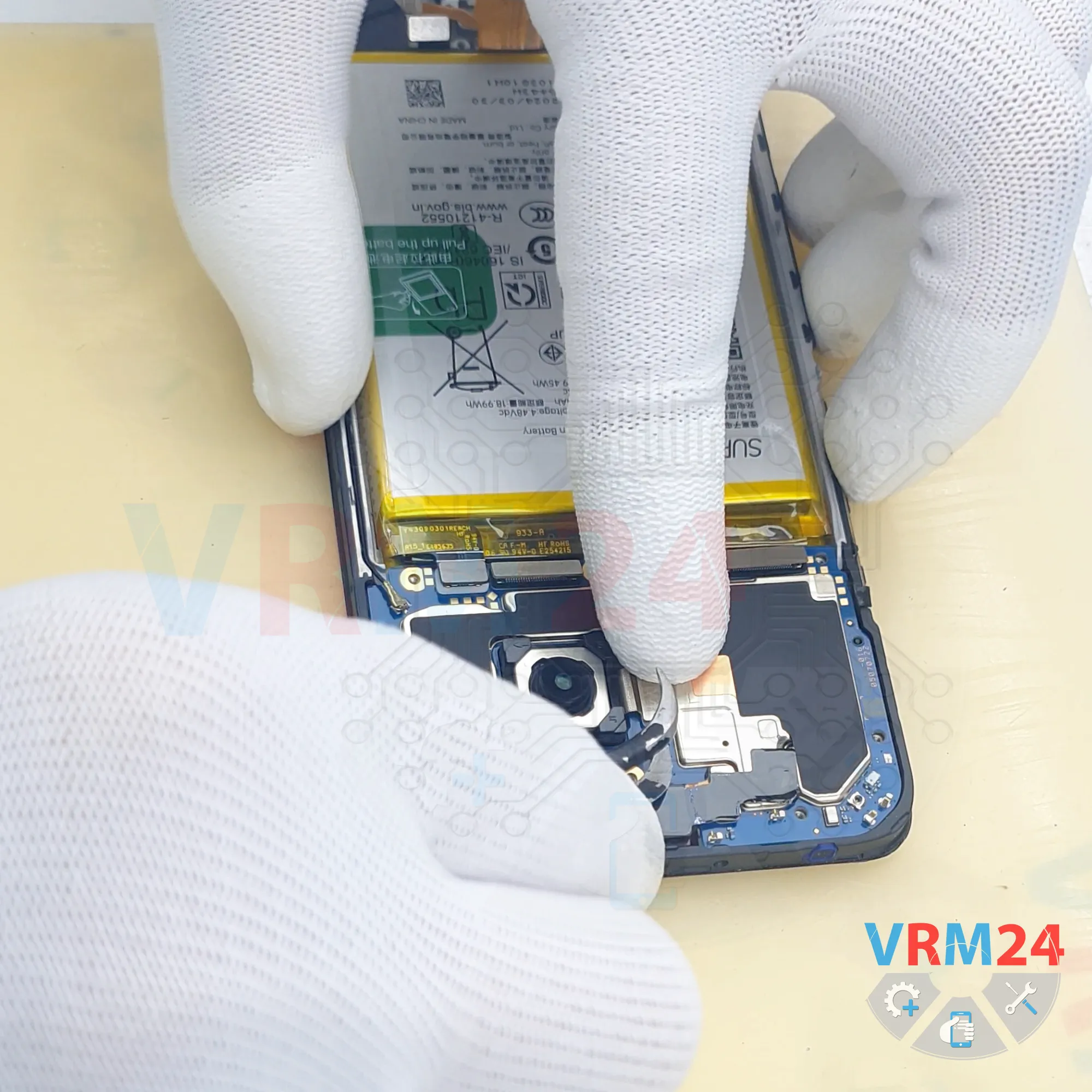
Step 12. Remove the cameras
Next, we can disconnect the cameras. Carefully disconnect them.
It is recommended to cover the camera lenses with protective film to prevent dust or debris from getting on them.
Unfortunately, in our case, we have run out of protective film.
Disconnect the front-facing camera and peel back the heat-dissipation layer. We will need it again during reassembly.
Then set the front-facing camera aside.
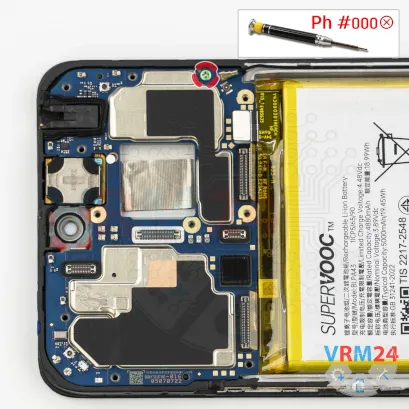
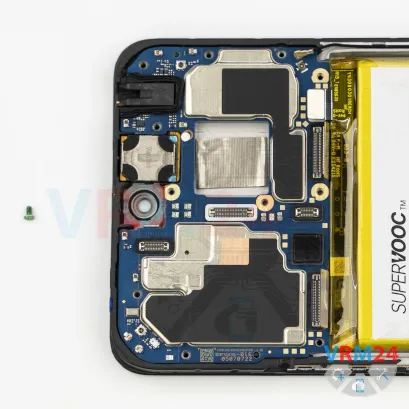
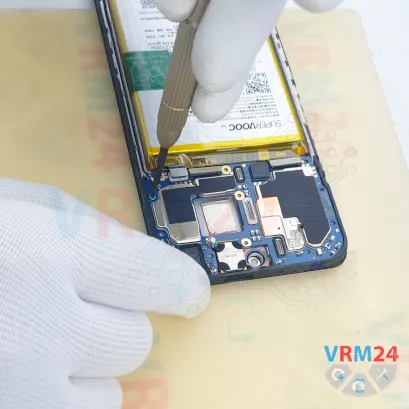
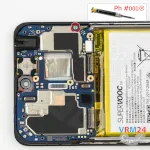
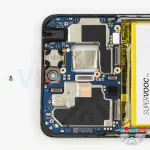
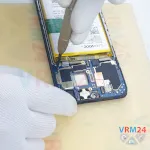
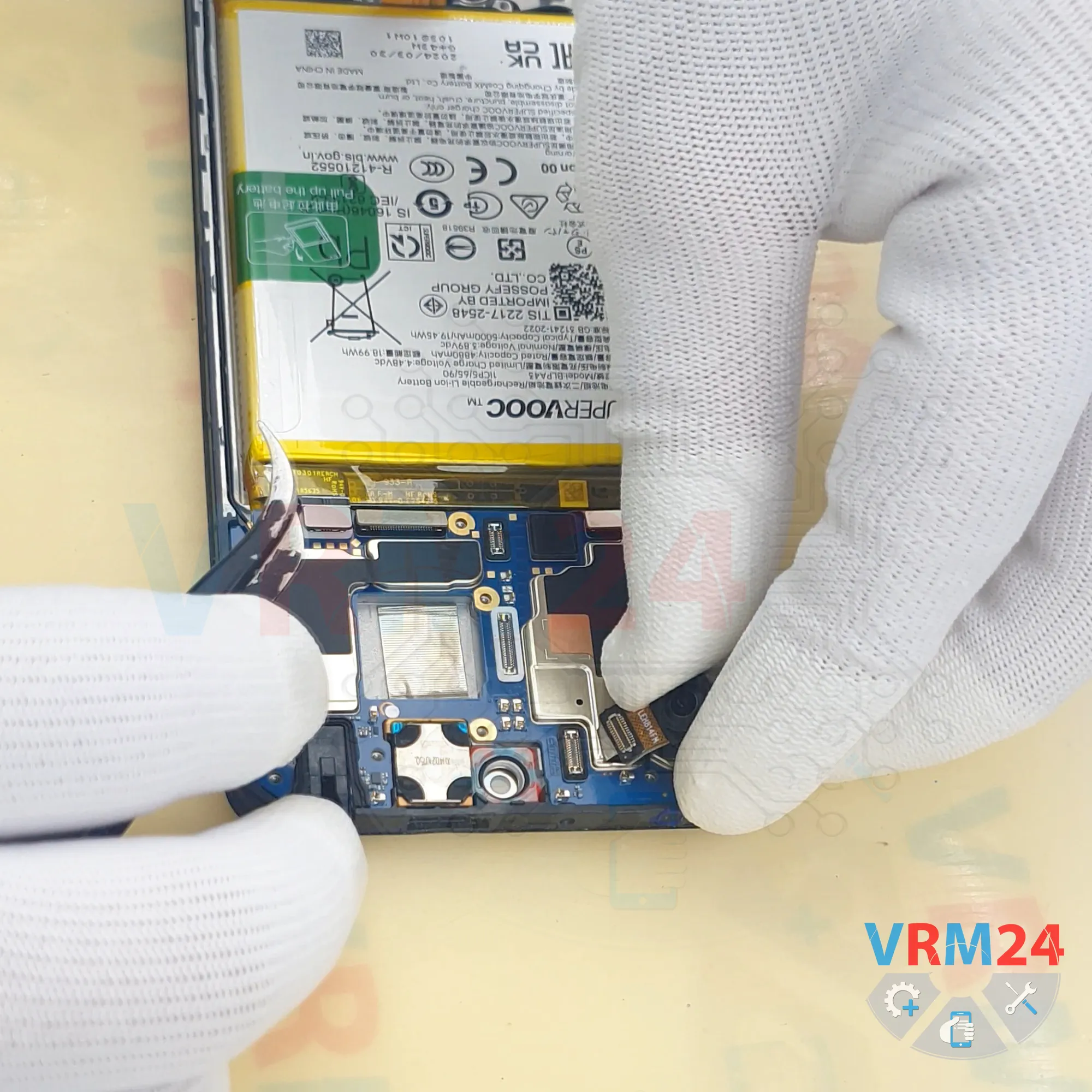
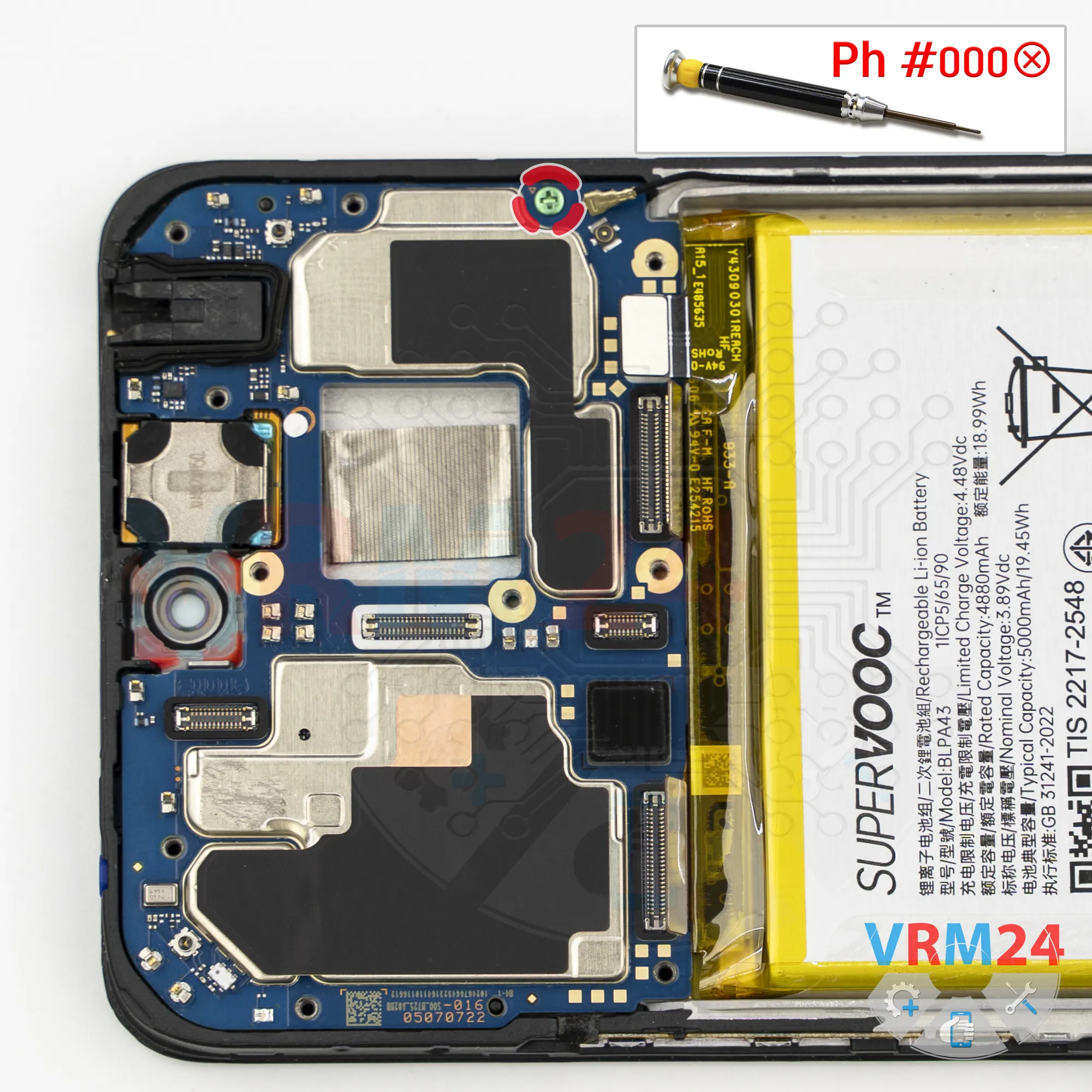
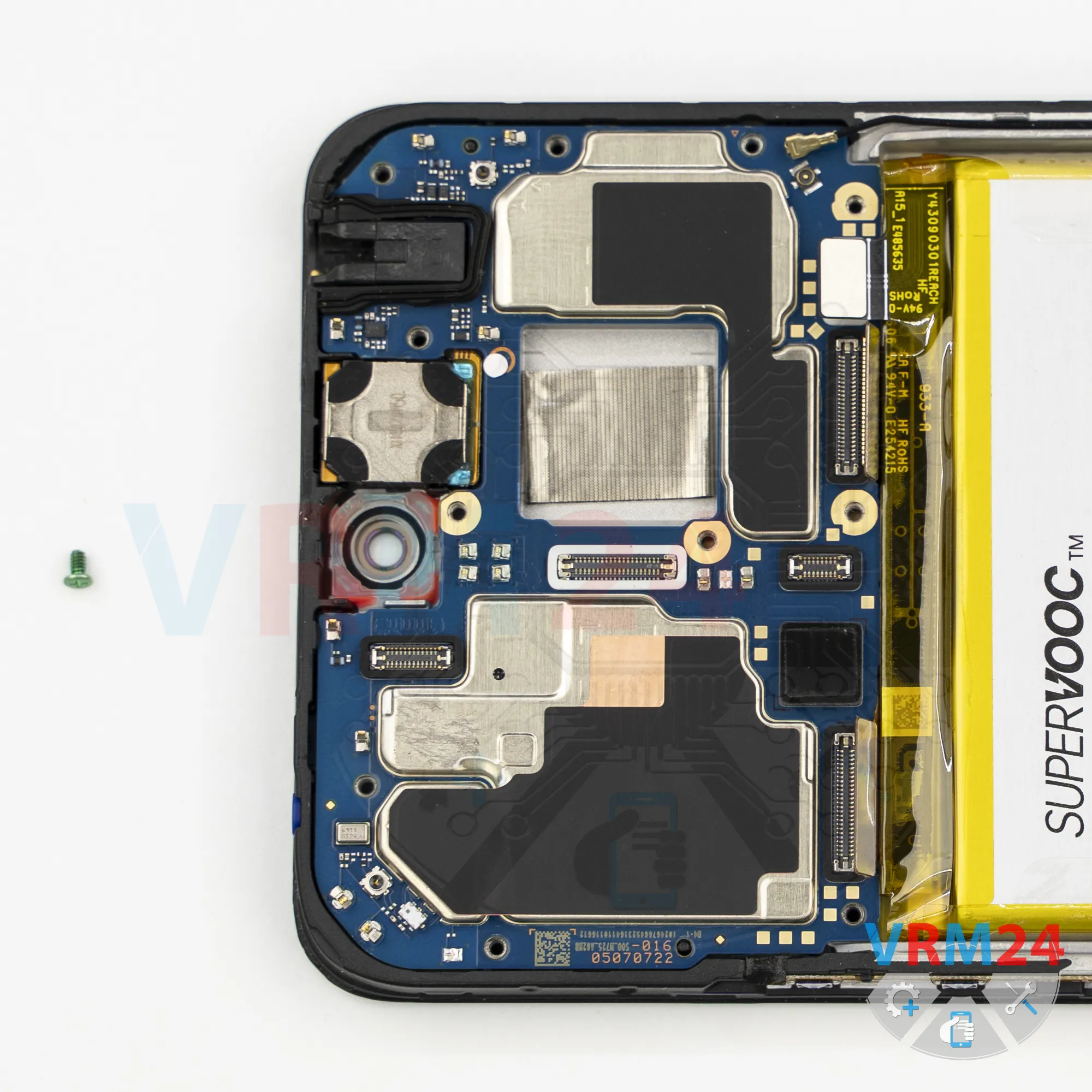
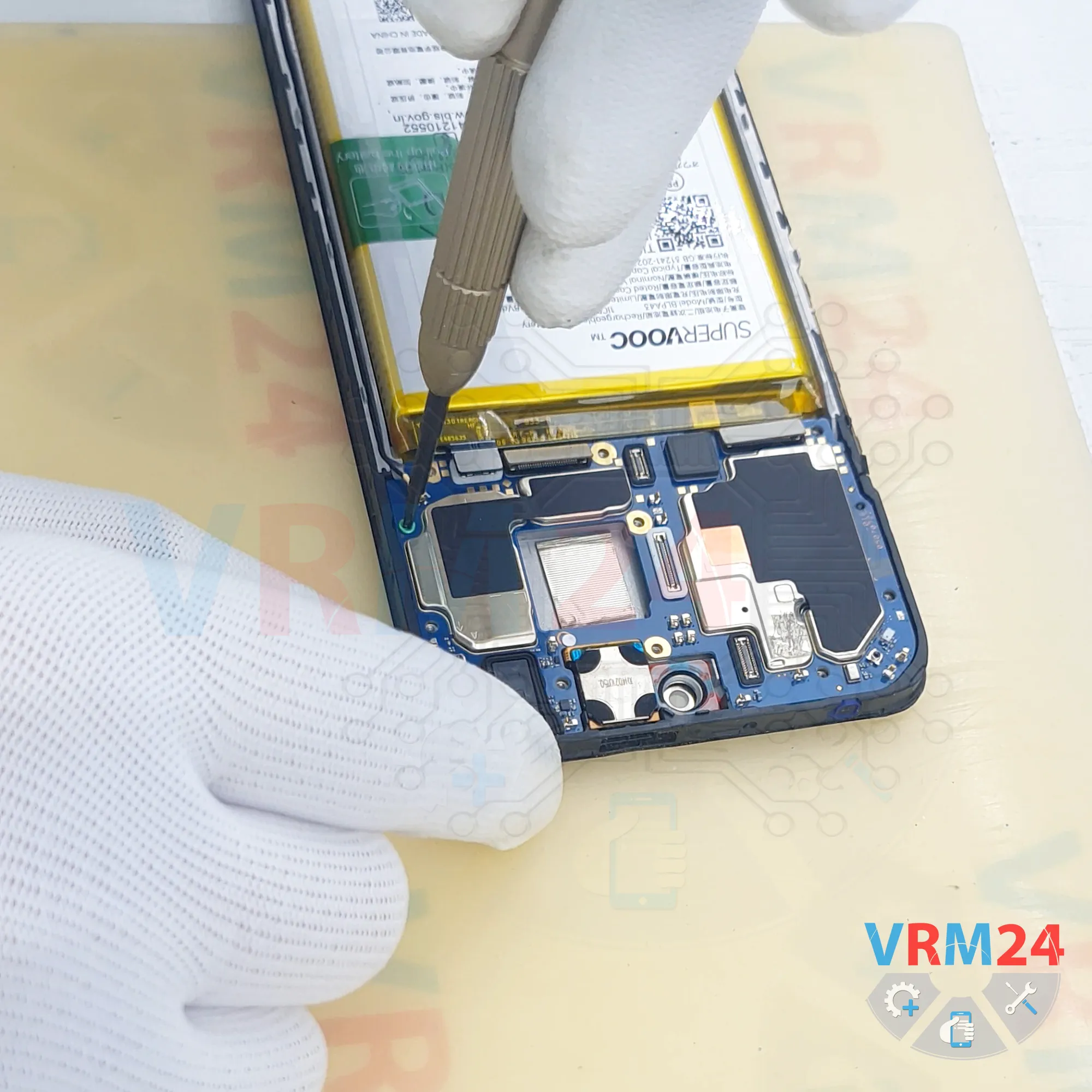
Step 13. Unscrew one screw
Now we need to remove the single screw securing the motherboard.
As you can see, it differs from the others in both size and color.
Carefully remove it and keep it separate from the previously removed screws.
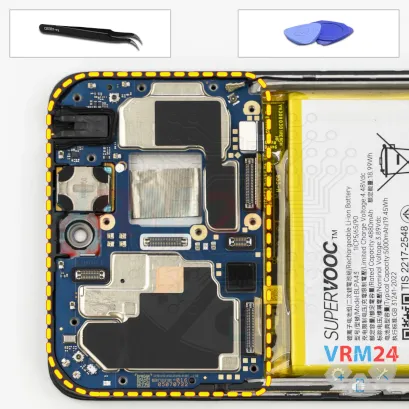
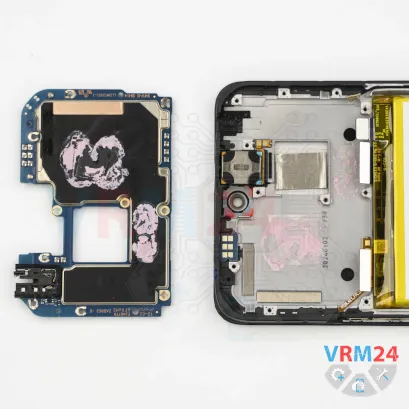
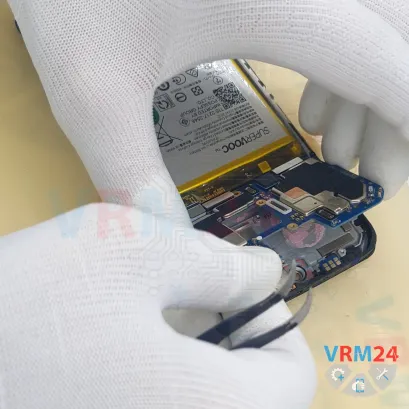
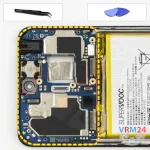
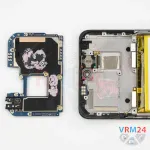
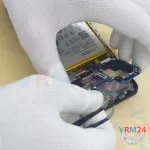
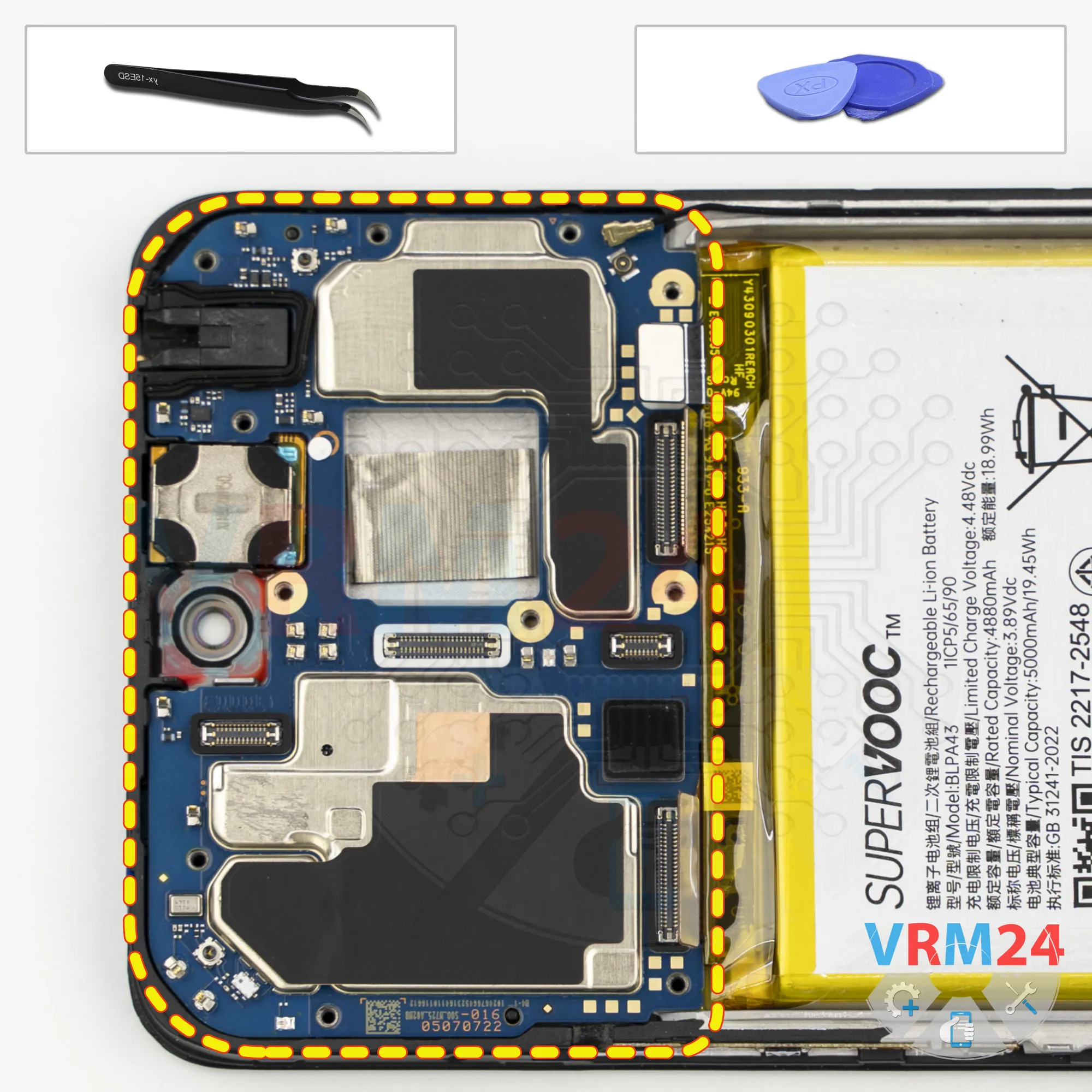
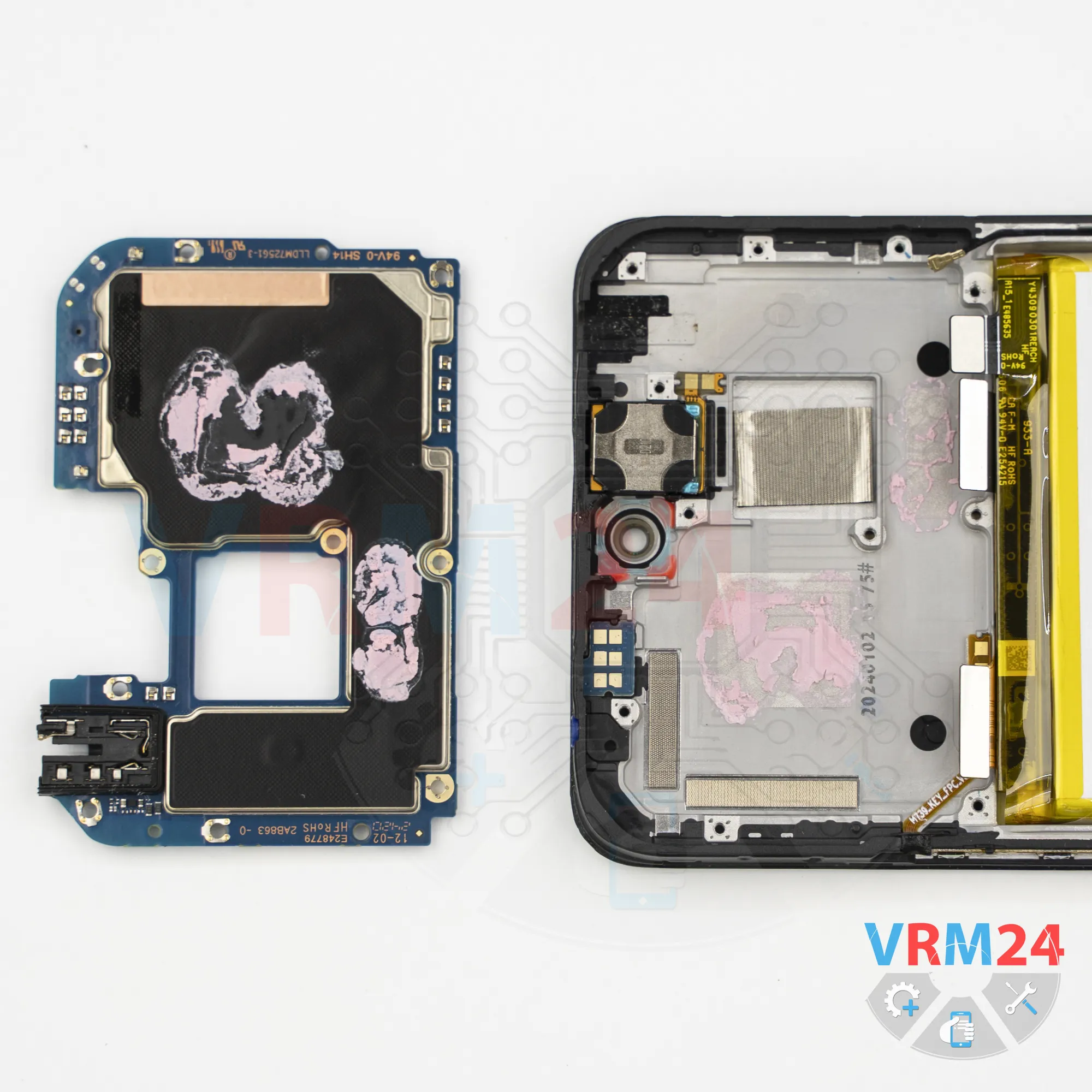
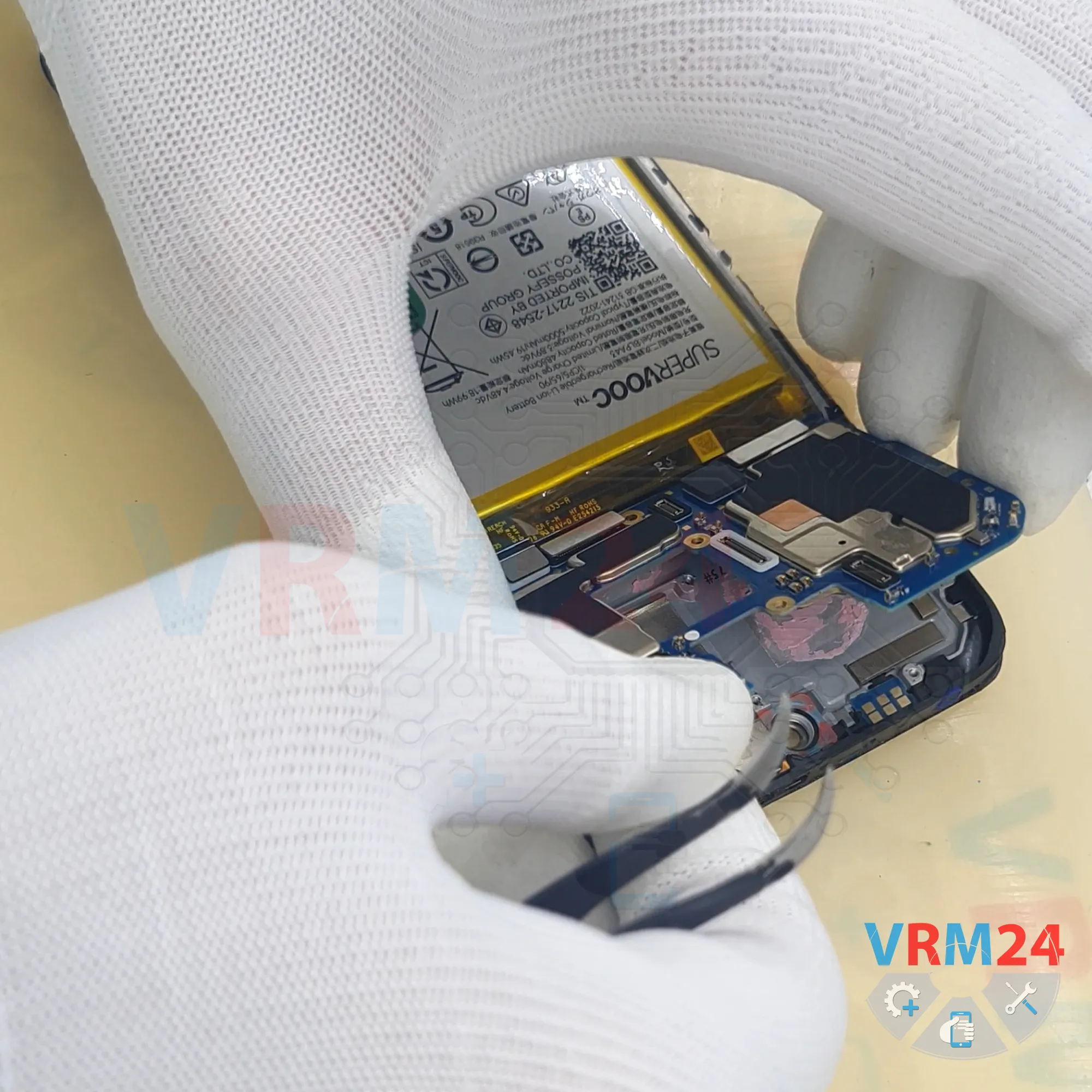
Step 14. Remove the motherboard
At this point, nothing is preventing us from removing the motherboard.
Find the correct point where we can carefully pry it up, lift it, and remove it.
Keep in mind that the underside of the motherboard may still be held in place by thermal paste.
Carefully lift the board without using force. Make sure that no cables or components are still attached. Then remove the motherboard and set it aside.
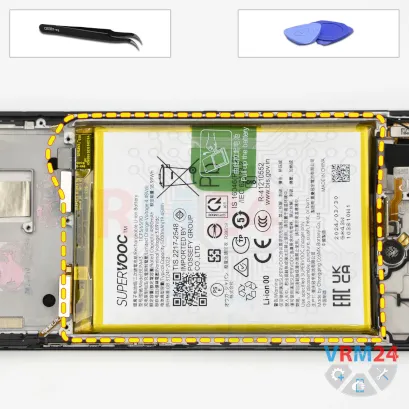
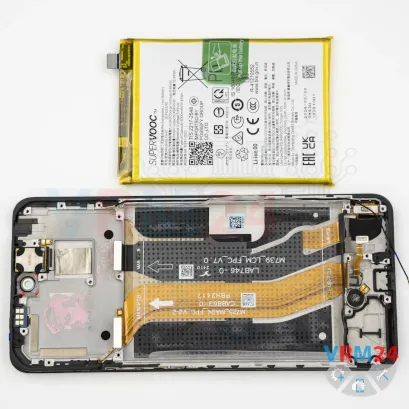
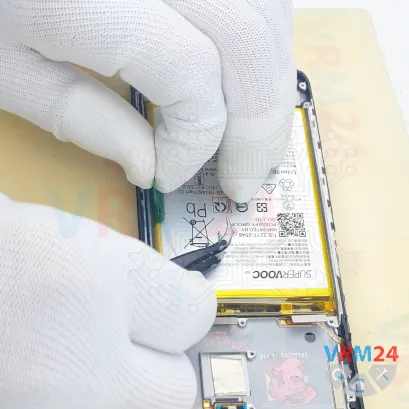
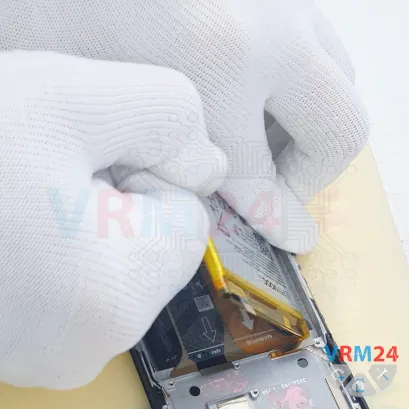
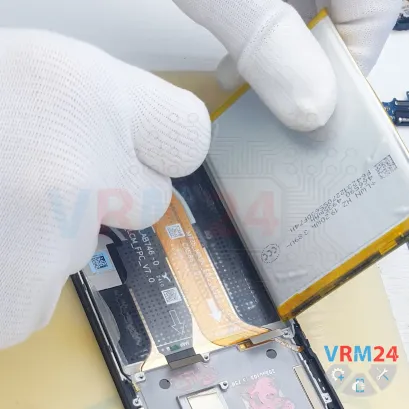
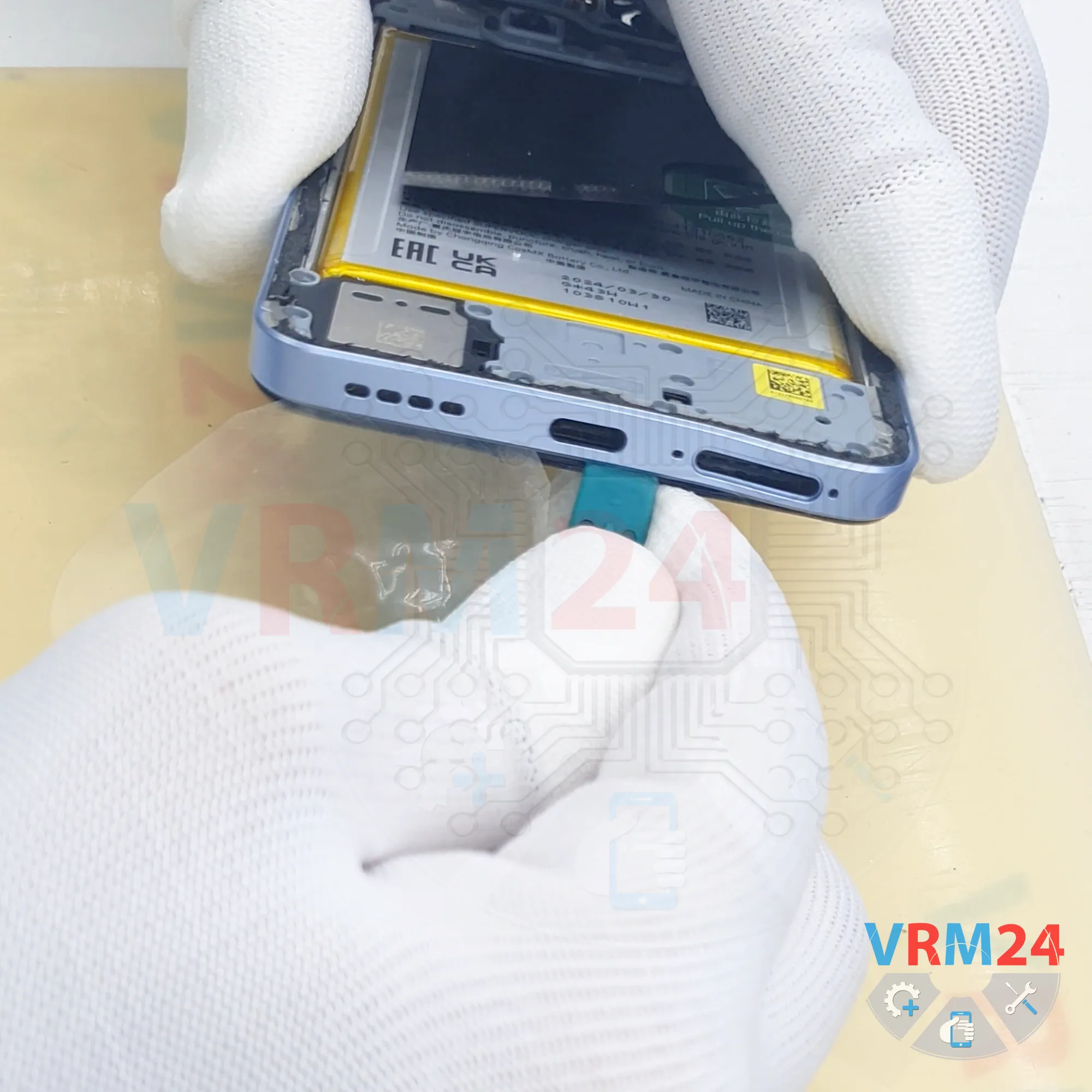
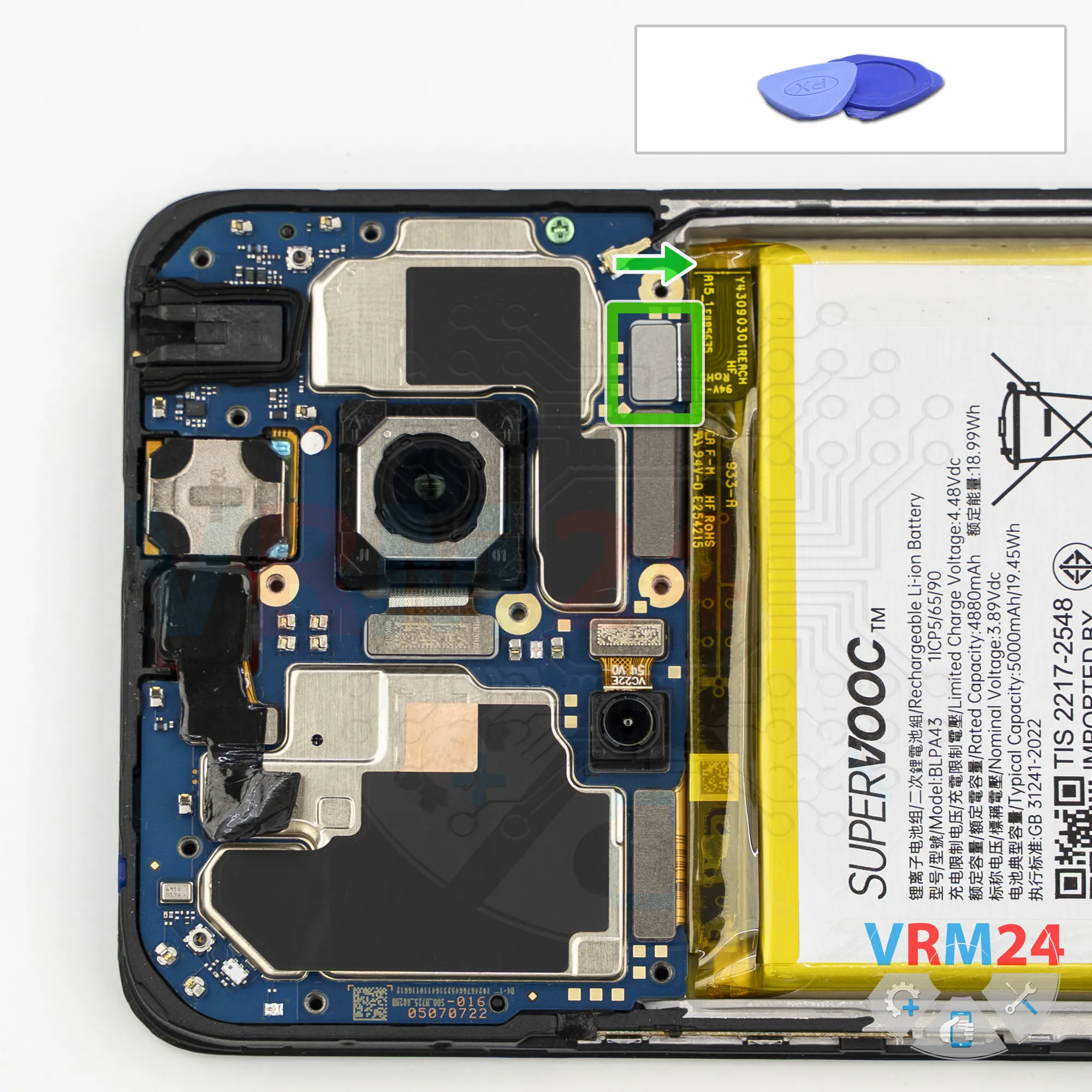
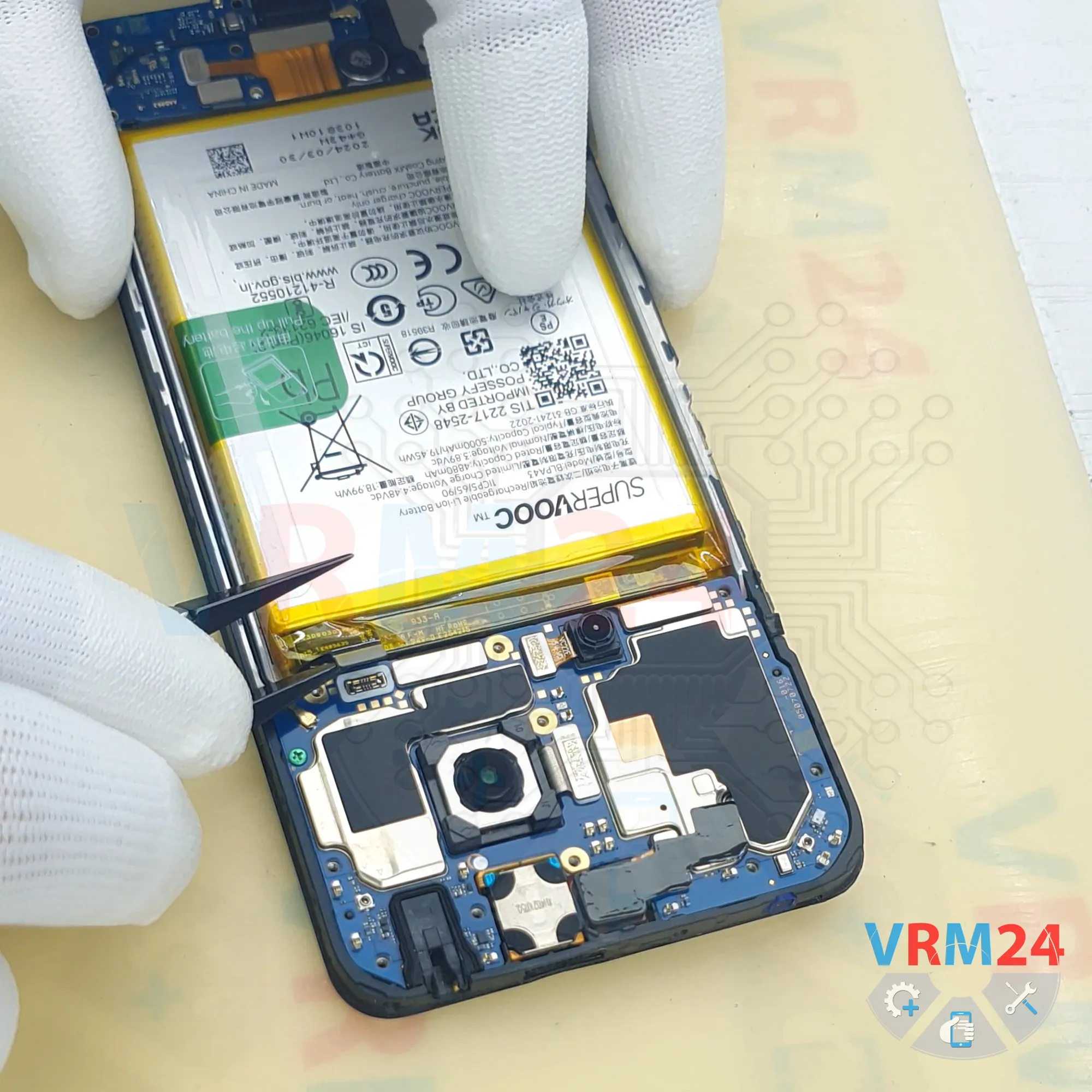
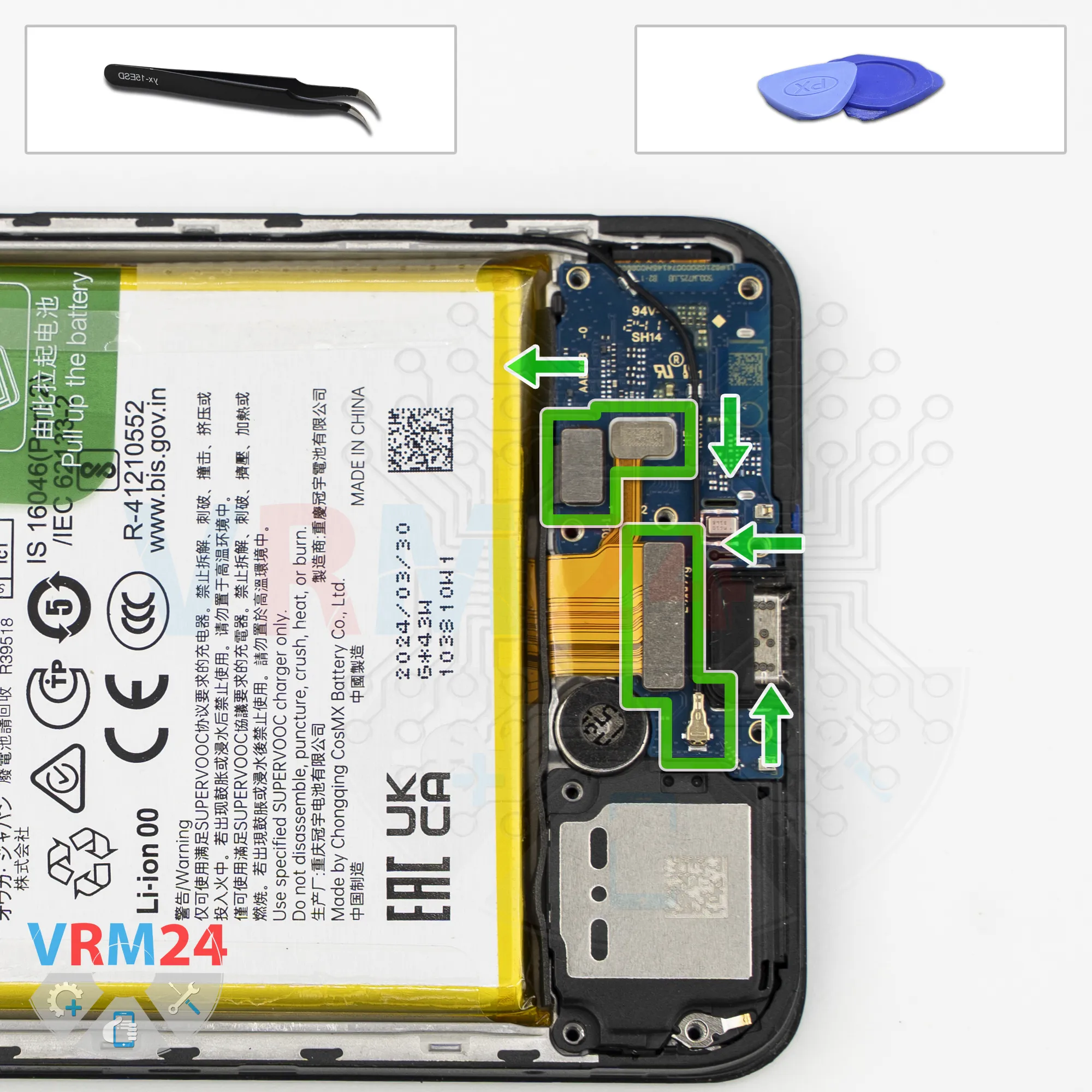
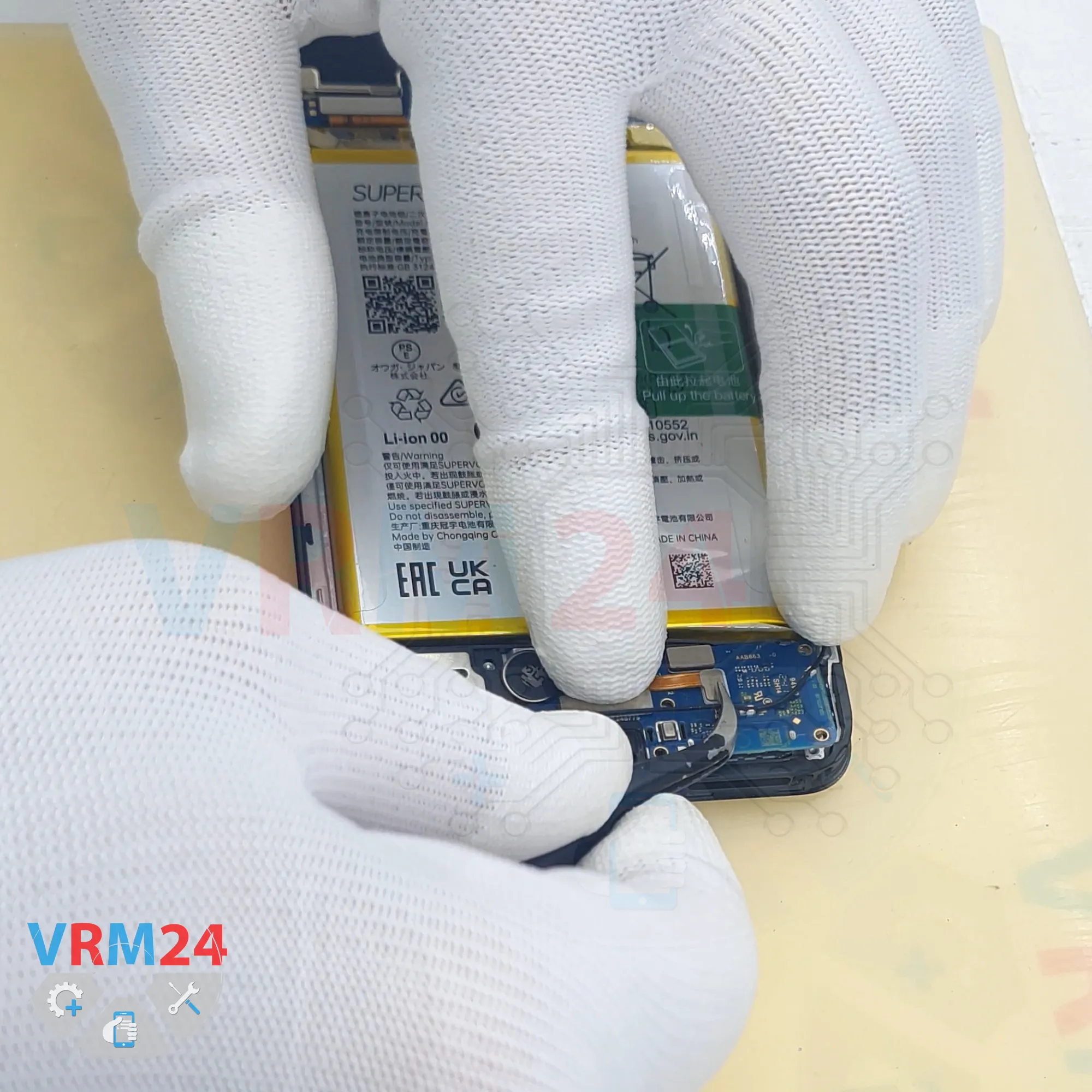
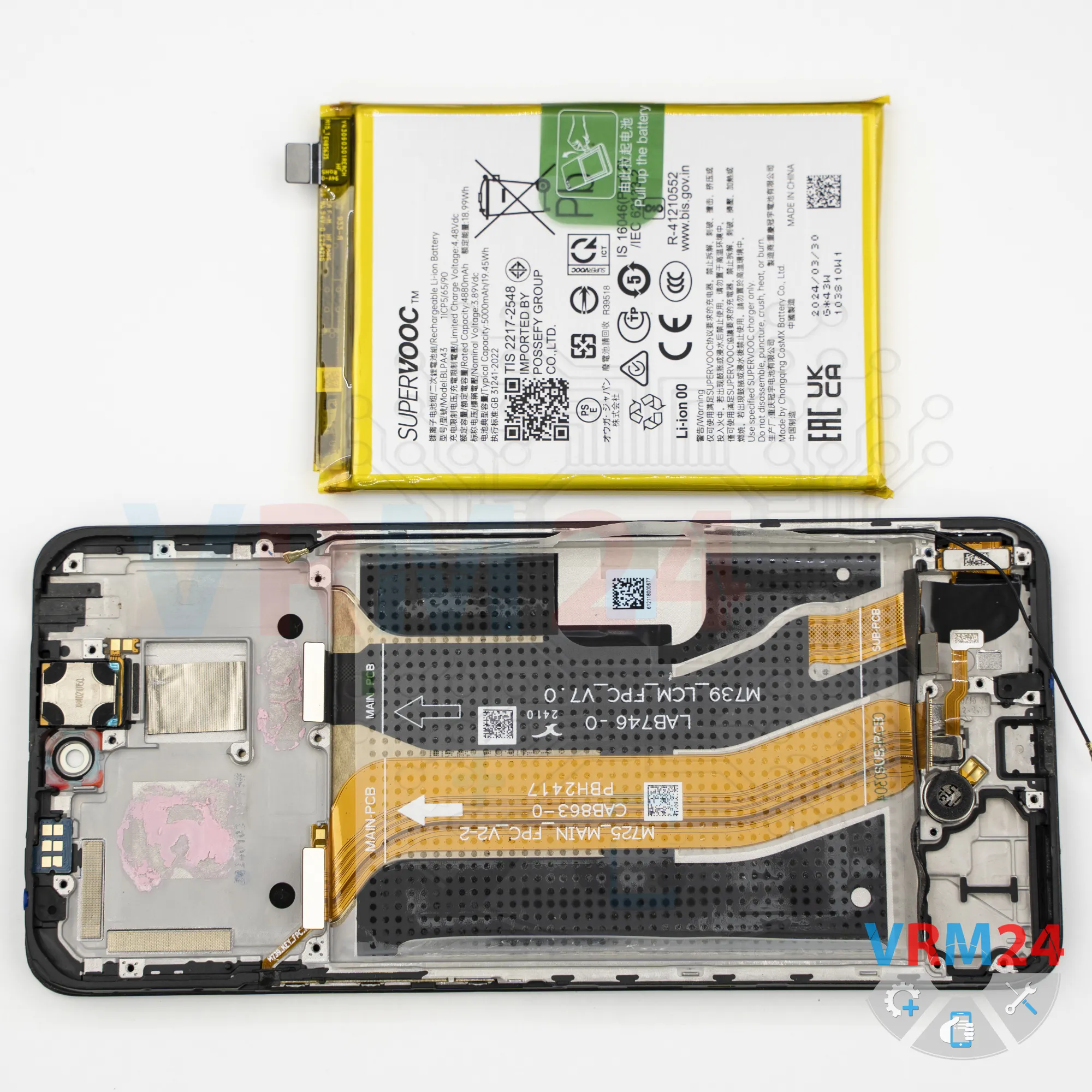
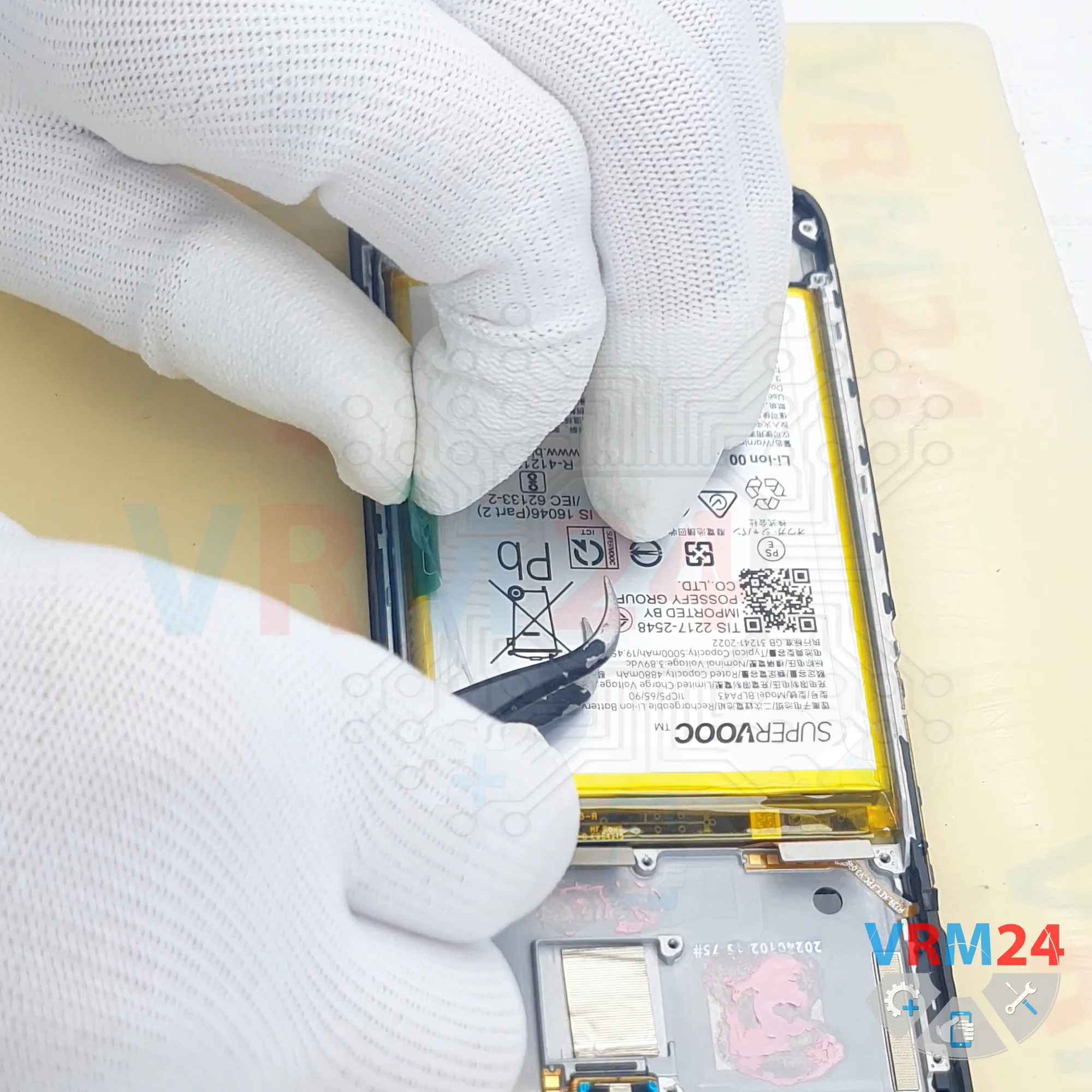
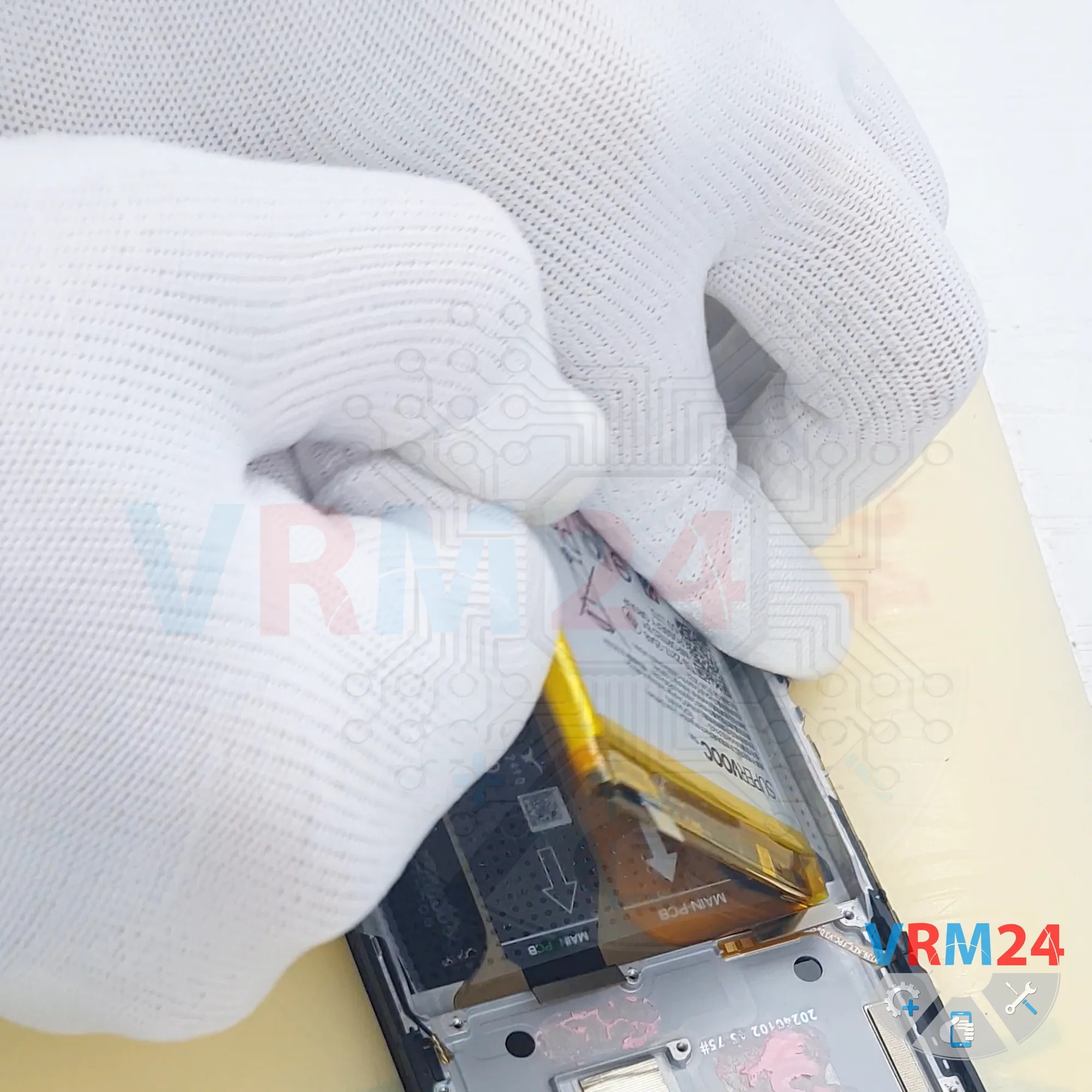
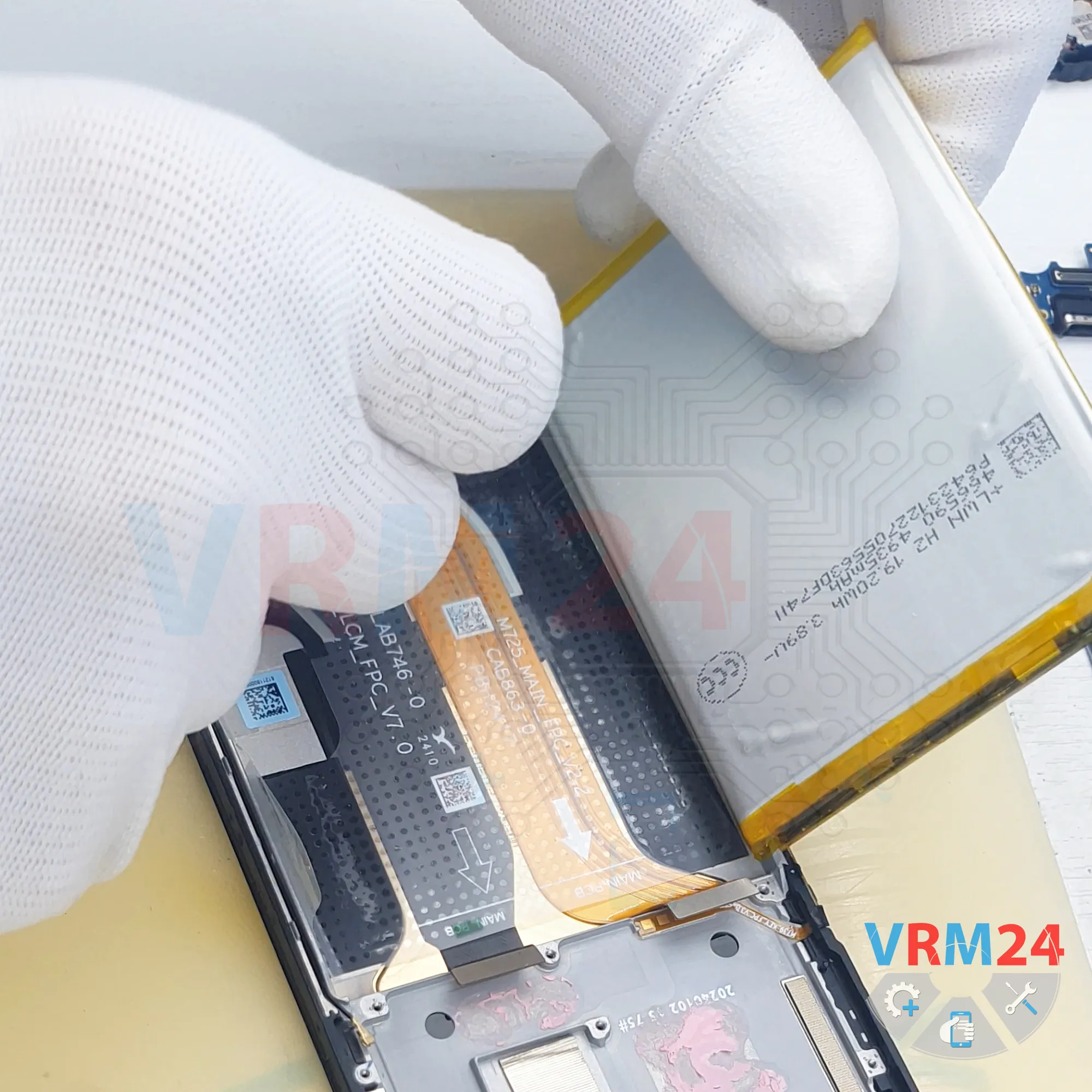
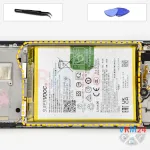
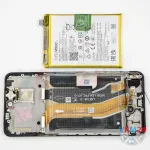
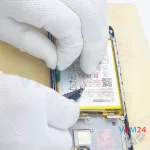
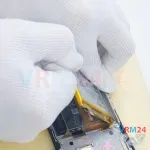
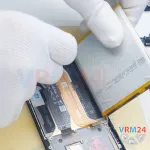
Step 15. Remove the battery
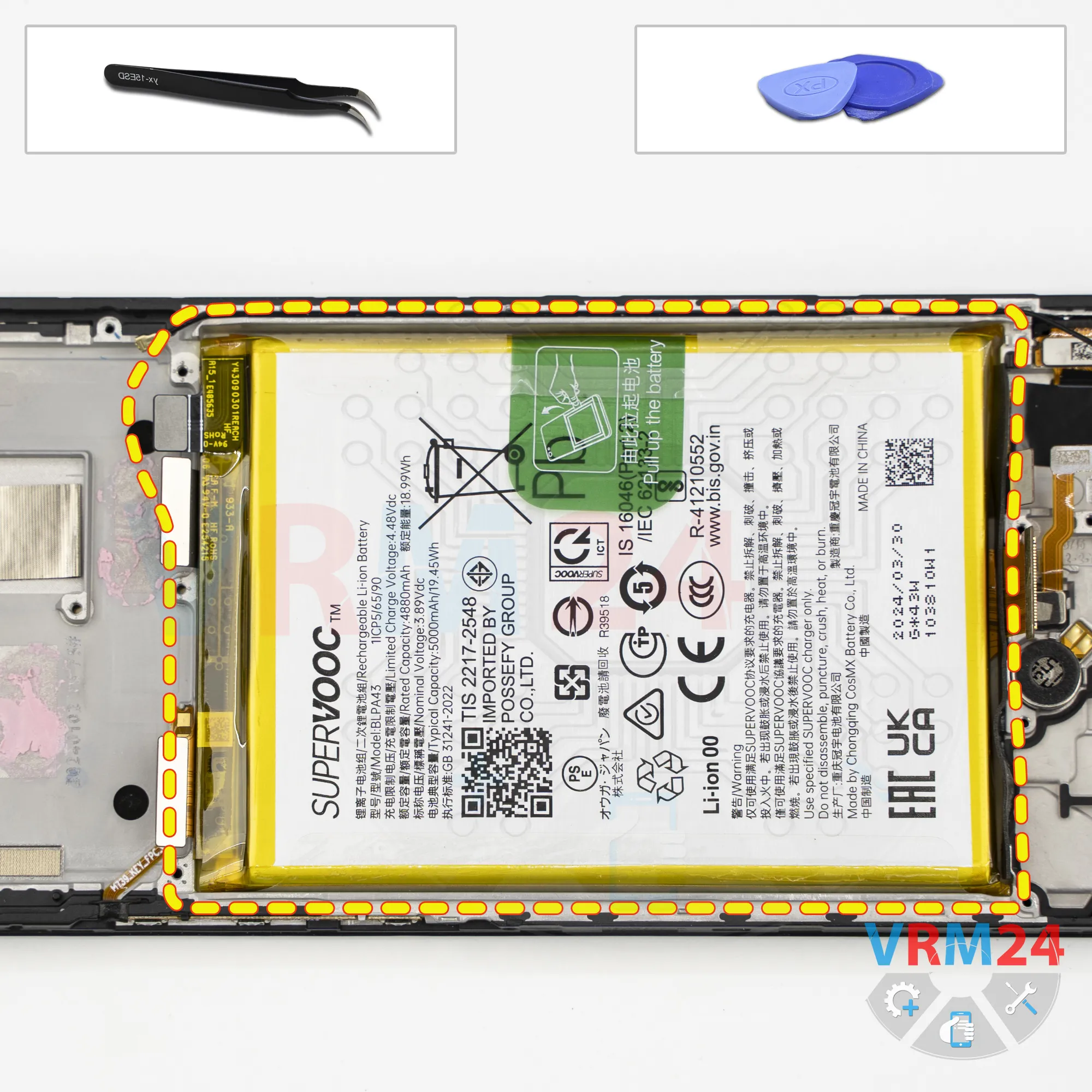
Finally, we can remove the battery.
As is typical for Realme devices, there is a transparent protective layer that must be folded back, and a green pull tab located in the center.
Pull upward on the tab to release the battery.
Under the battery, there is a transparent adhesive protective layer that shields the interconnect flex cables.
Detailed disassembly instructions of Realme 12 in the video, made by our mobile repair & service center:
If you have a question, ask us, and we will try to answer in as much detail as possible. If this article was helpful for you, please rate it.

Disassembling\Repair has medium complexity and takes about minutes in time.
Our manual is suitable for all models Realme 12 — Realme 12 RMX3871 released for markets in different countries.
Back to the list