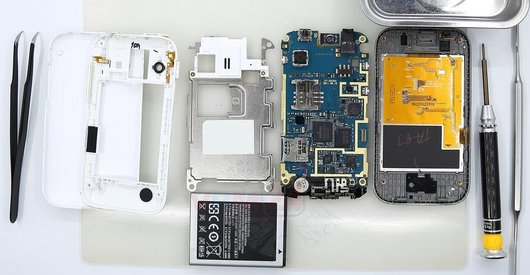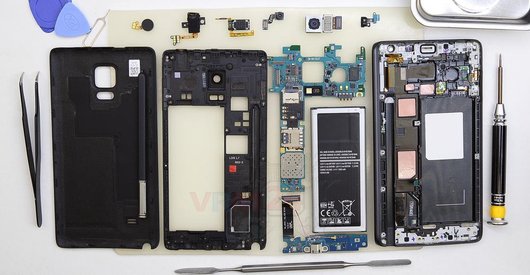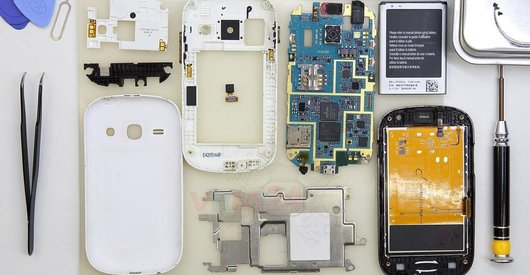


Recommended tools
Screwdriver Phillips #000

Opening tool / Spudger

Tweezers

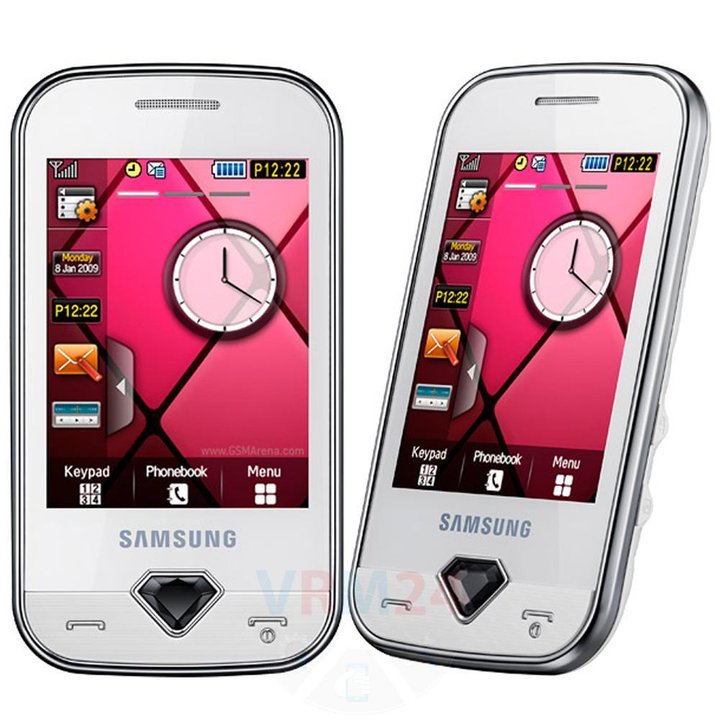
Disassembly/Repair of the mobile device Samsung Diva GT-S7070 with each step description and the required set of tools.
4332
Views
1
Likes
—
Share
3
Questions

Step 1.
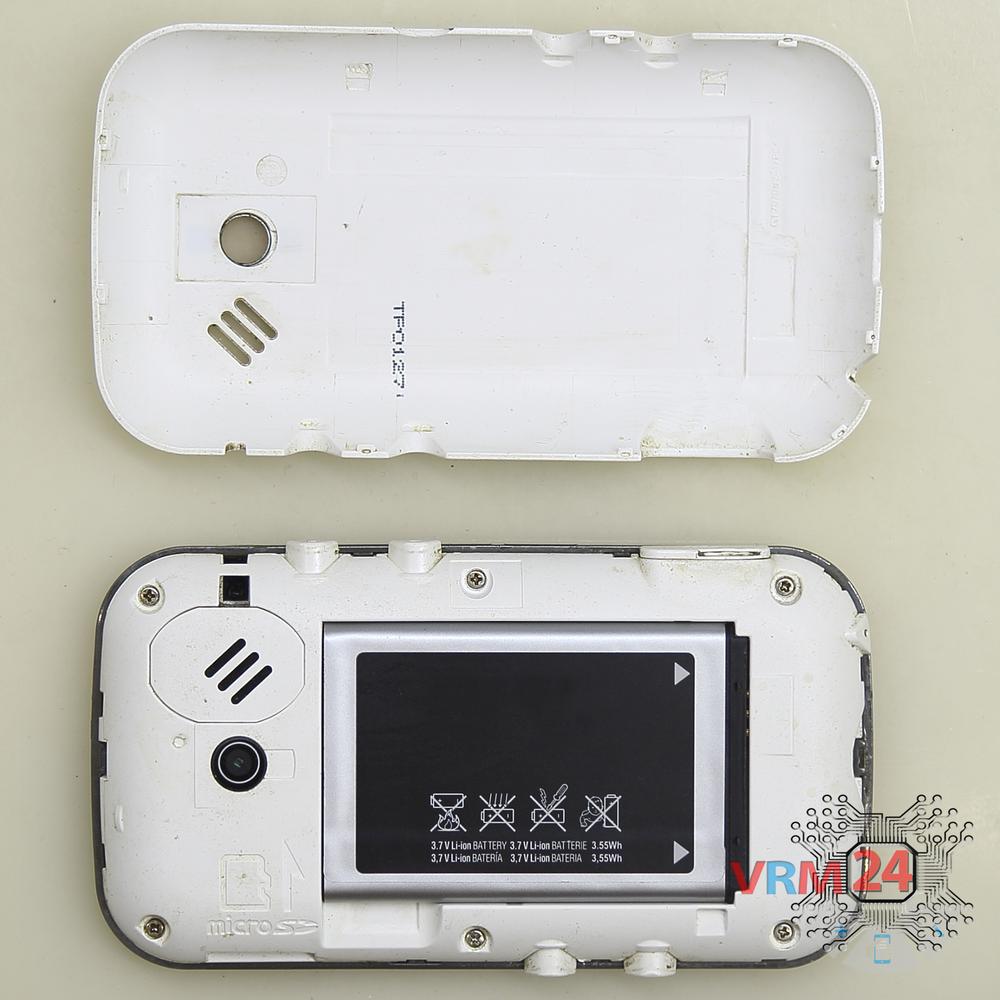
Open the back cover
Open the back cover.
Step 2.
Remove the battery
Lift and remove the battery.
Step 3.
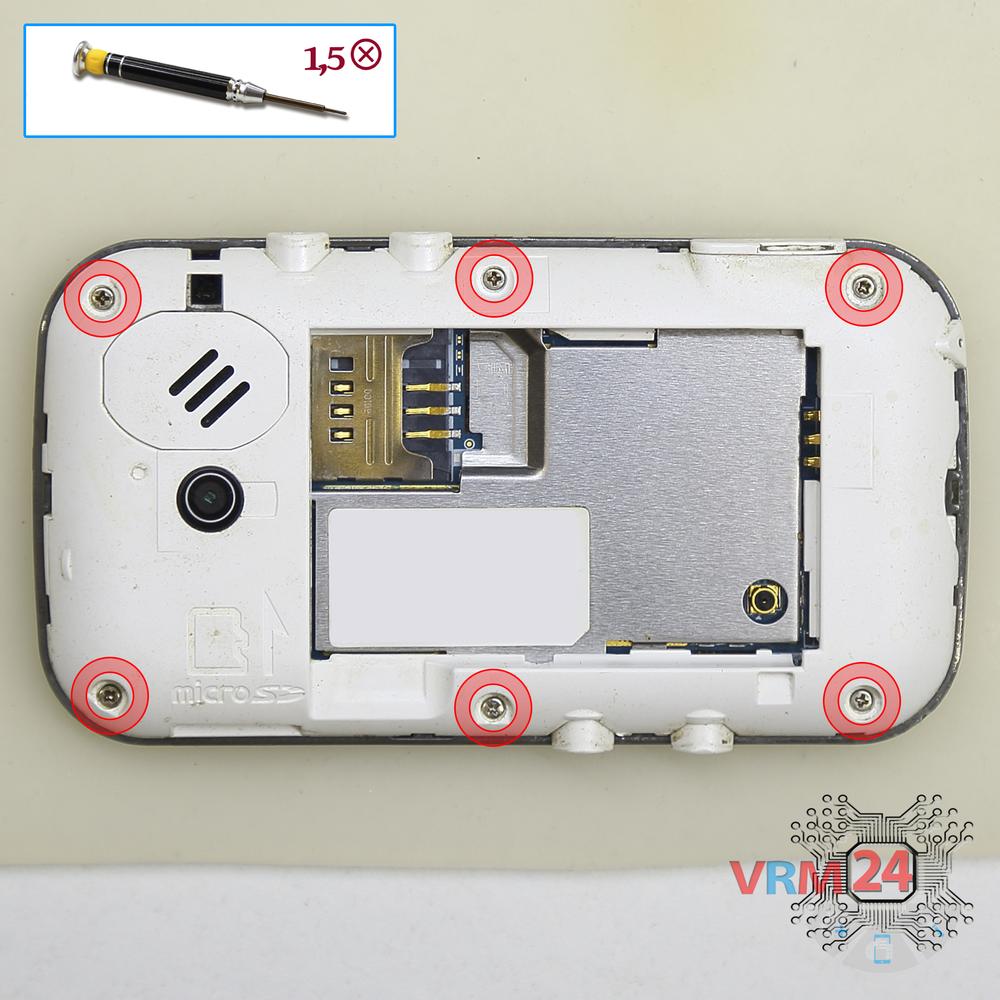
Unscrew the screws
Using a screwdriver (Phillips 1.5 mm PH000), unscrew 6 bolts in the frame of the phone.
Step 4.
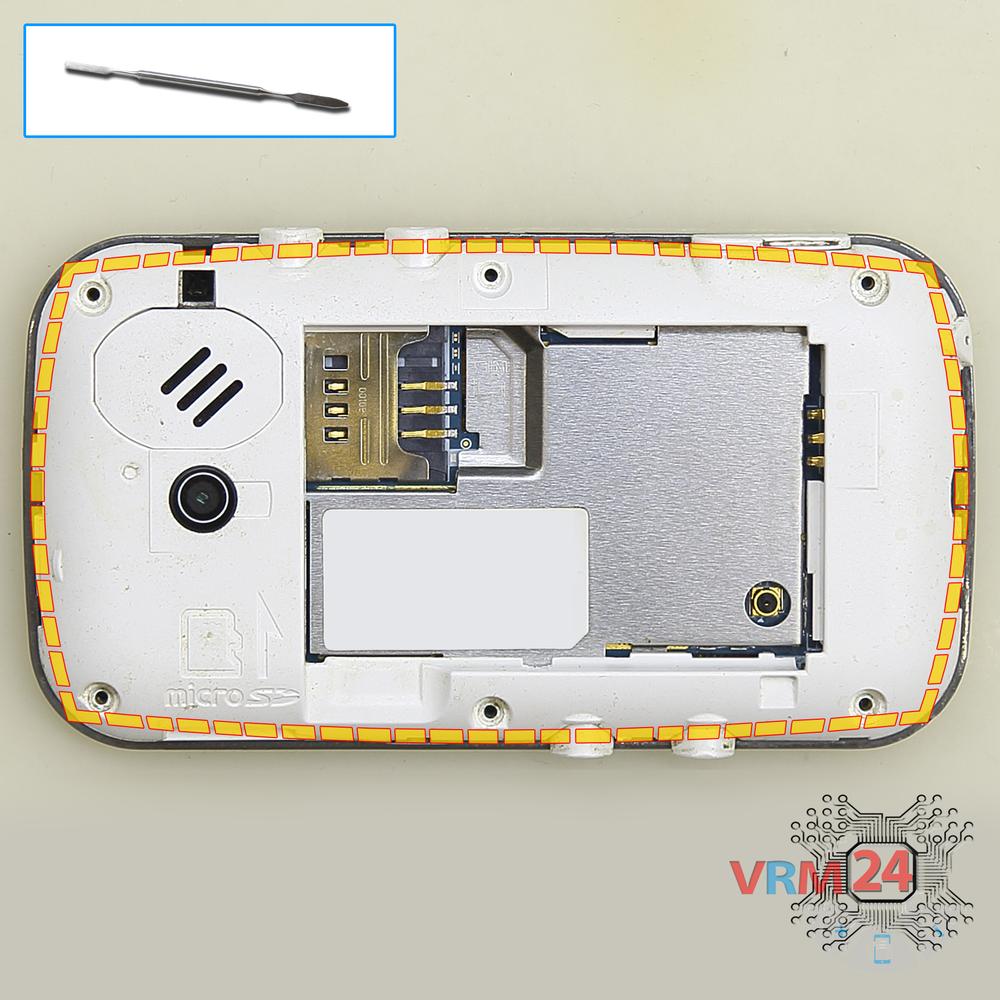
Open the mid-frame
Pry and remove the middle frame.
Step 5.
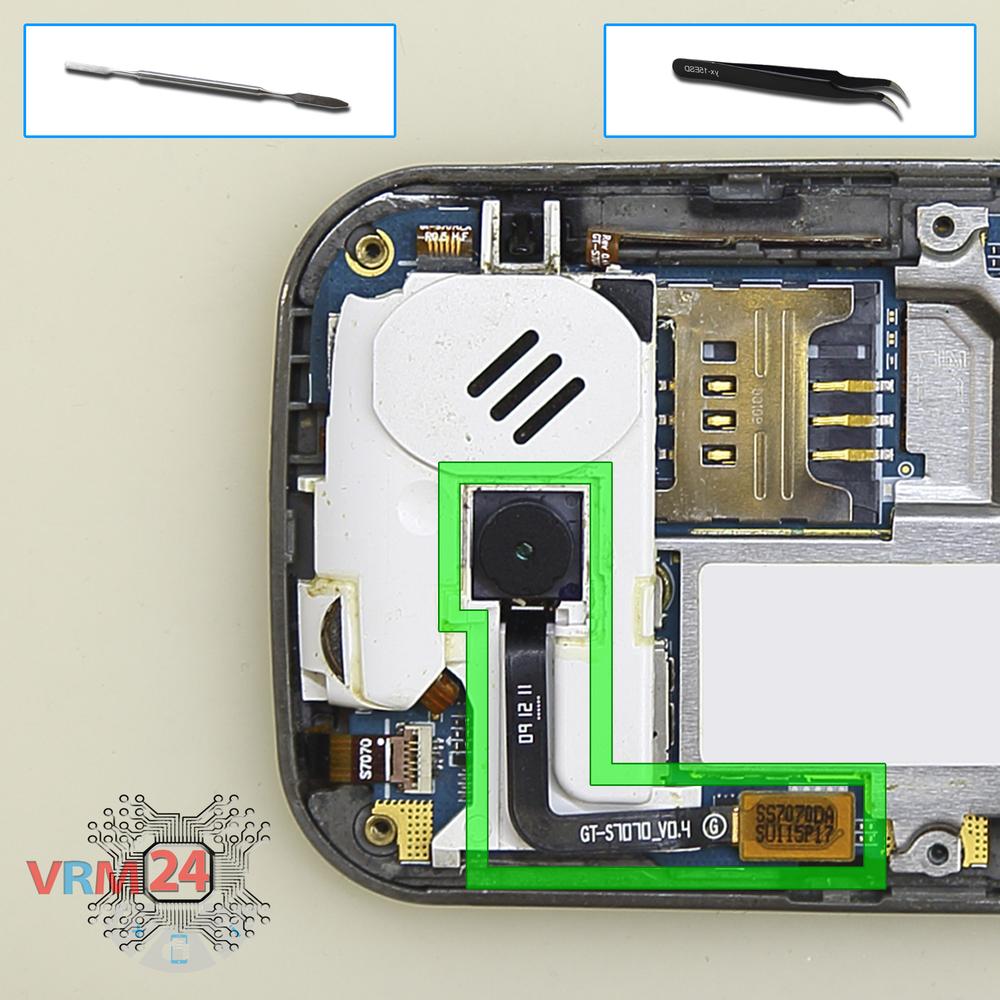
Remove the rear camera
Disconnect the connector on PCB, and remove the main camera.
Step 6.
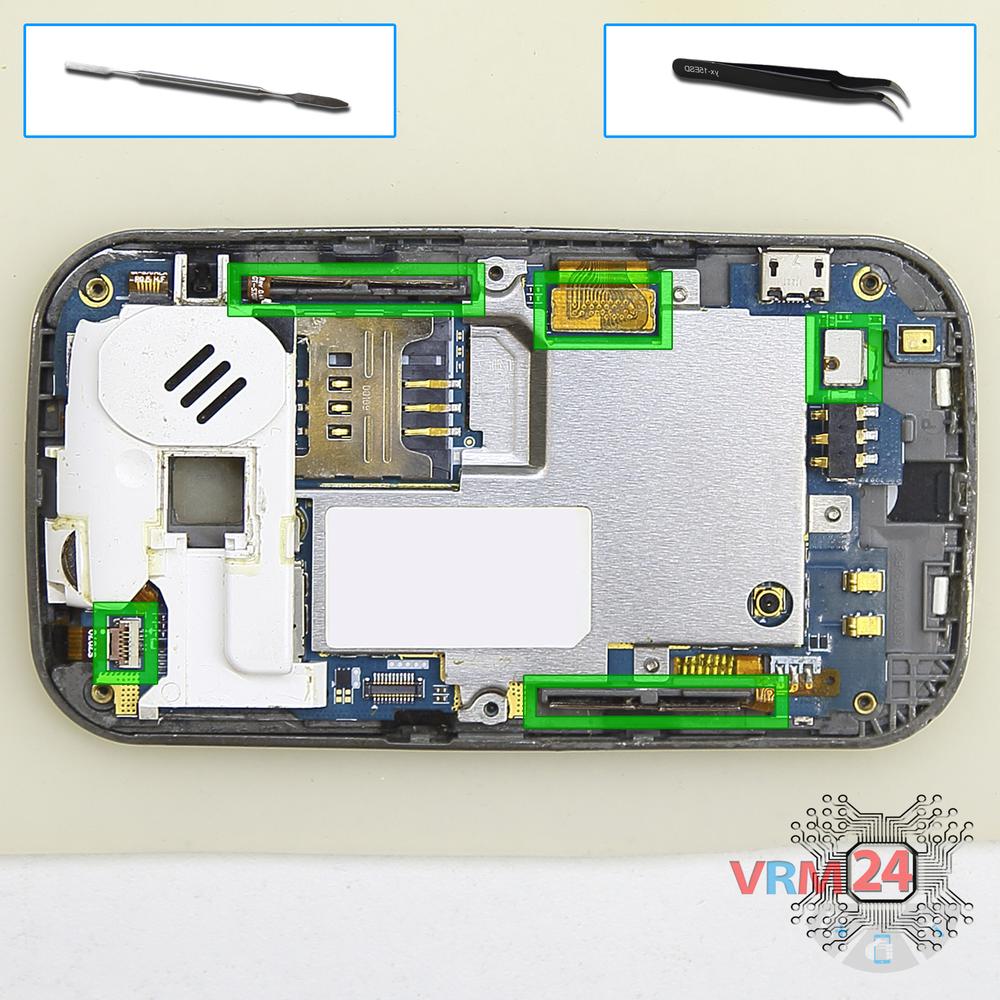
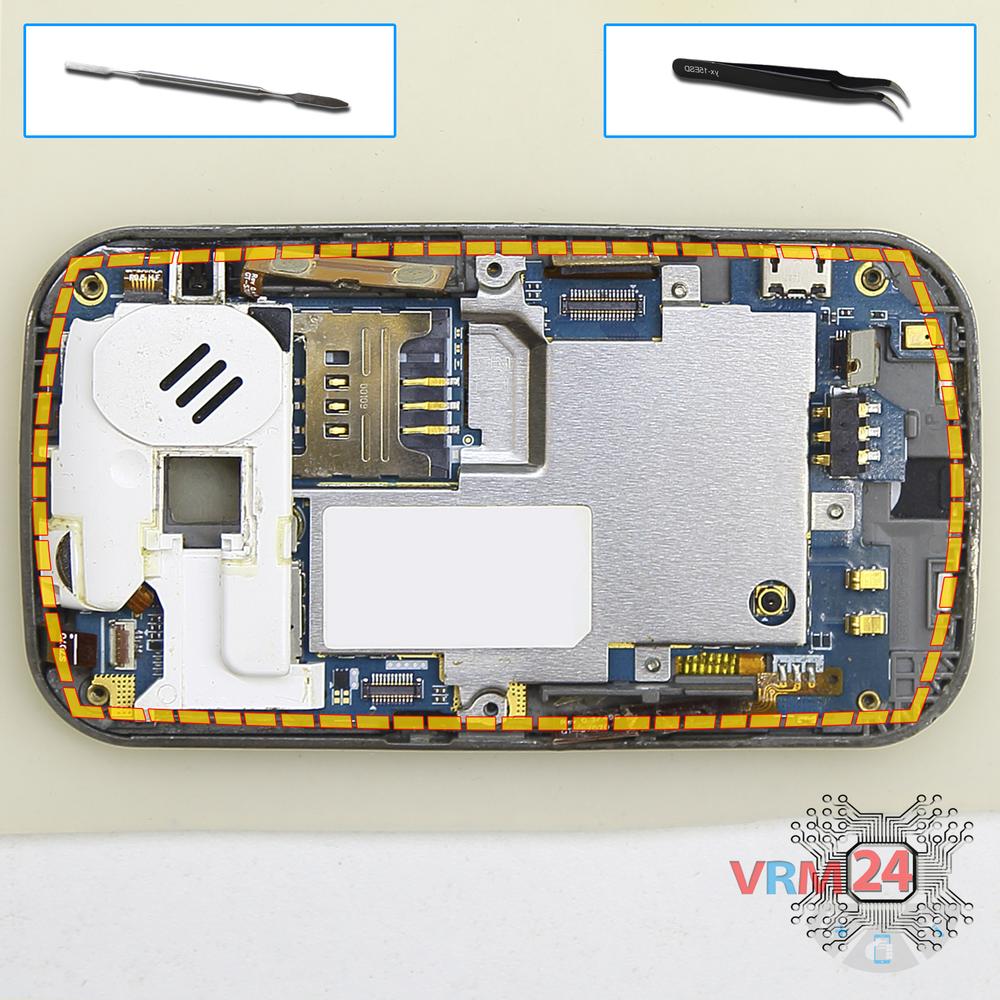
Disconnect the connector
Disconnect connectors on the PCB and pry up the power & volume buttons flex cable.
Step 7.
Remove the motherboard
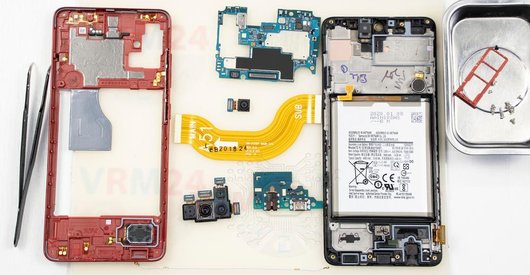
Remove the PCB.
Step 8.
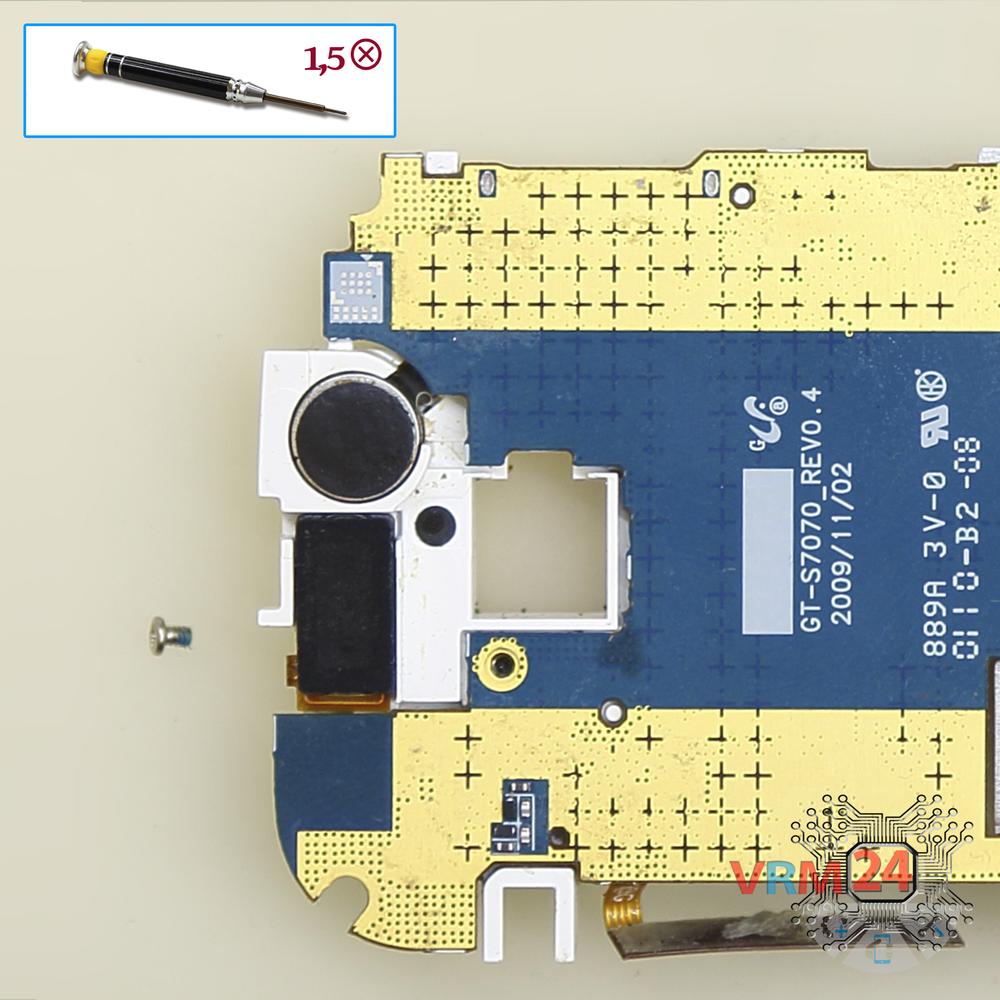
Unscrew one screw
Using a screwdriver (Phillips 1.5 mm PH000), unscrew 1 bolt securing the frame.
Step 9.
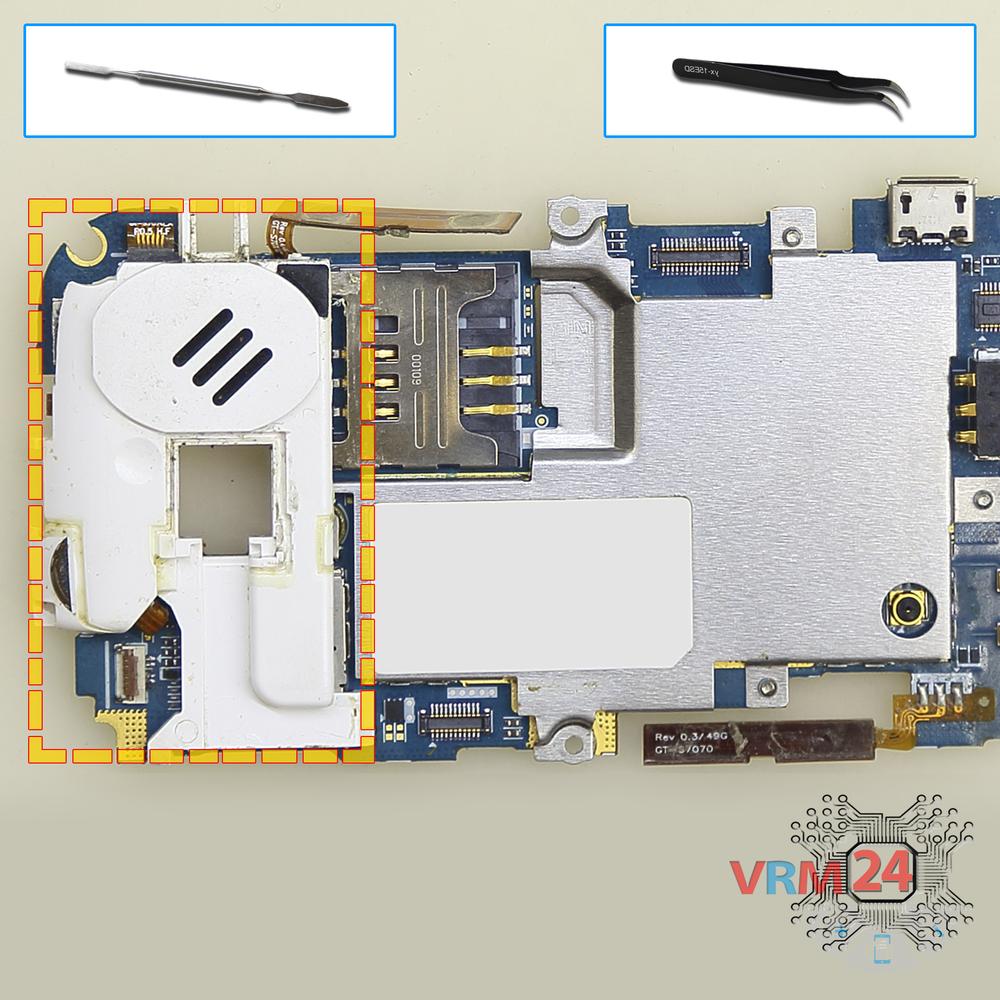
Remove the vibration motor
Turn over the frame, disconnect the connector and remove the frame with a vibration motor and earpiece speaker.
Step 10.
On the motherboard
The PCB.

If you have a question, ask us, and we will try to answer in as much detail as possible. If this article was helpful for you, please rate it.

4332
Views
1
Likes
—
Share
3
Questions
Related Instructions
Related Reviews
Related Blog
Popular Questions

Samsung Galaxy Watch SM-R800
Good evening! First of all, congratulations for the excellent video! I' d like to ask you the following: I have the samsung galaxy watch 42 mm (…
litsagatziola
J
Samsung Galaxy Tab A 10.1'' (2016) SM-T585
How does the screen come off?
Jeff Mcfaniel3
O
Samsung Galaxy Note 5 SM-N920
My Samsung Galaxy Note 5 has problem with Wi-Fi and Bluetooth. Neither of them turns ON
Omar Zn19
C
Samsung Galaxy A7 (2017) SM-A720
Should I wear gloves or even none?
Christian Espina15
M
Samsung Gear S2 SM-R720
Hi idk if hoy can help me how can i Fix my gear 2 when i try to update the watch go turn off AND when it turn It on It get stuck in the logo gear 2 …
moises arellanes20Top instructions
Check our
Top Samsung instructions most liked by readers
New instructions
Check our
New Samsung brand instructions on vrm24.com