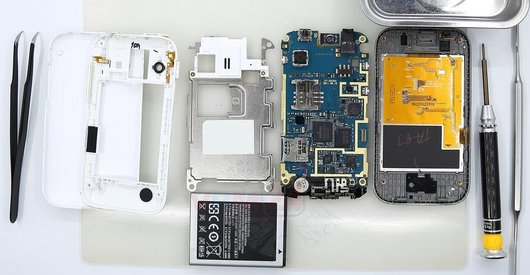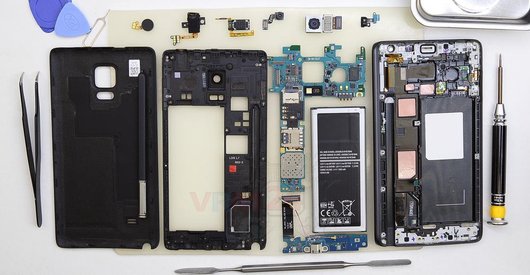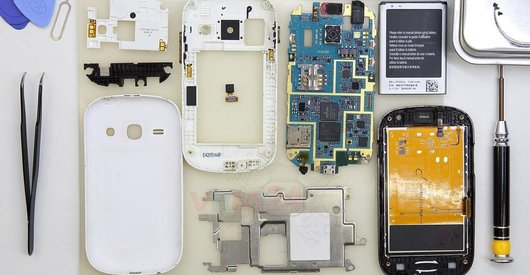
Recommended tools
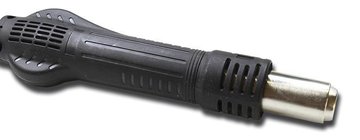
Heat gun
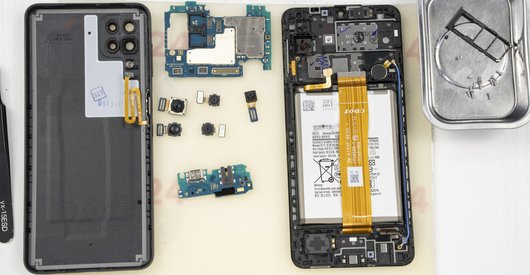
Screwdriver Phillips #000

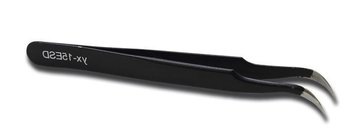
Tweezers
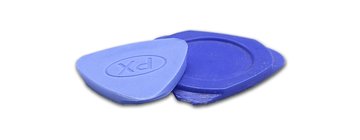
Non-metallic tool
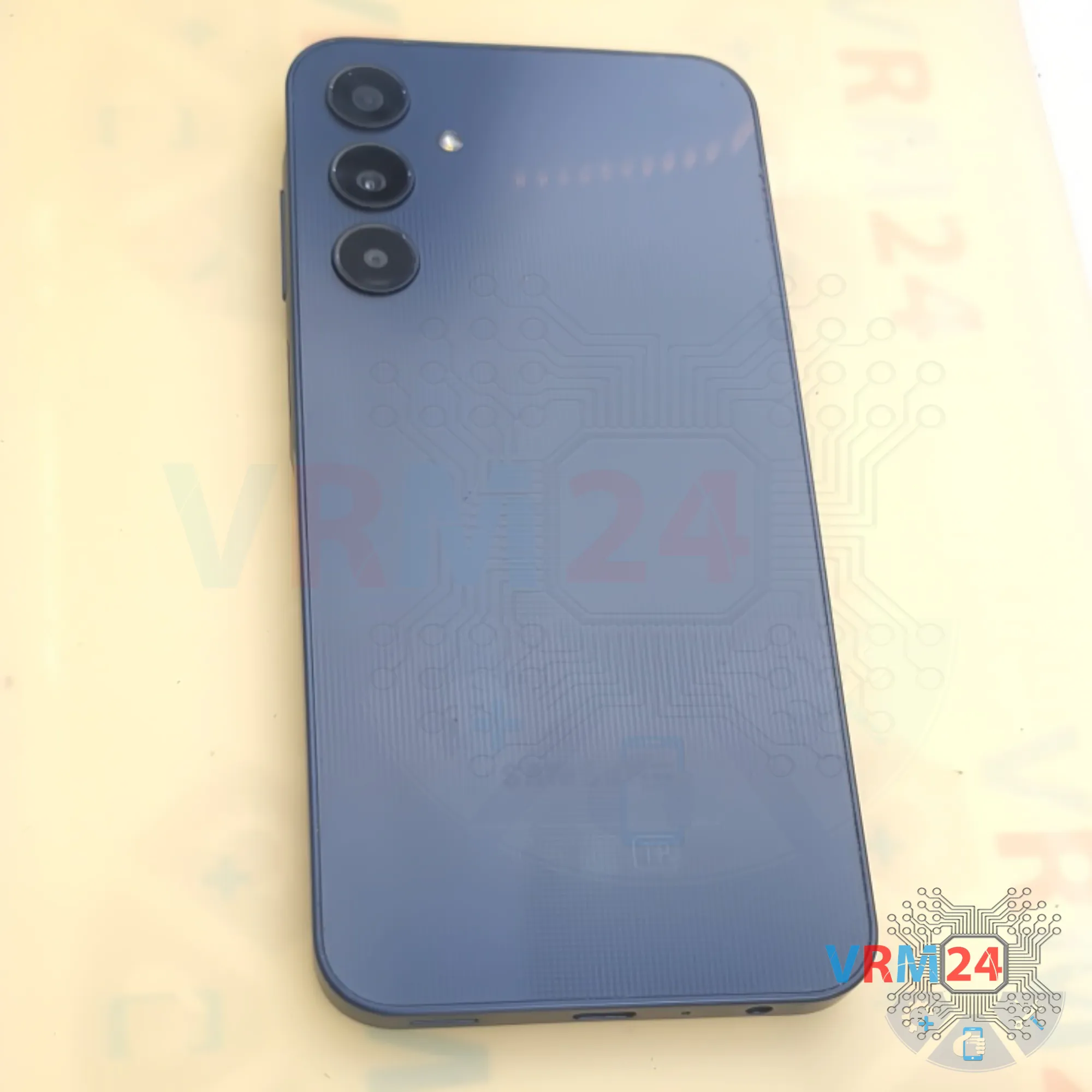
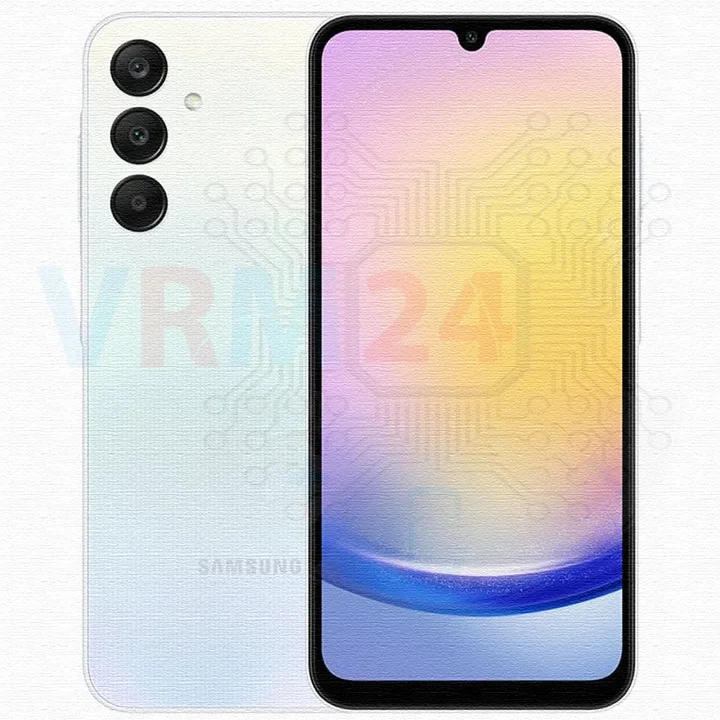
Disassembly/Repair of the mobile device Samsung Galaxy A25 SM-A256 (Samsung A25 SM-A256E, SM-A256E/DS, SM-A256E/DSN, SM-A256B, SM-A256B/DS, SM-A256B/DSN, SM-A256U, SM-A256U1) with each step description and the required set of tools.
7515
Views
1
Likes
—
Share
0
Questions

Step 1.
Before disassembling!
⚠️ Before disassembling, do not forget to turn your phone off.
Step 2.
Remove the tray
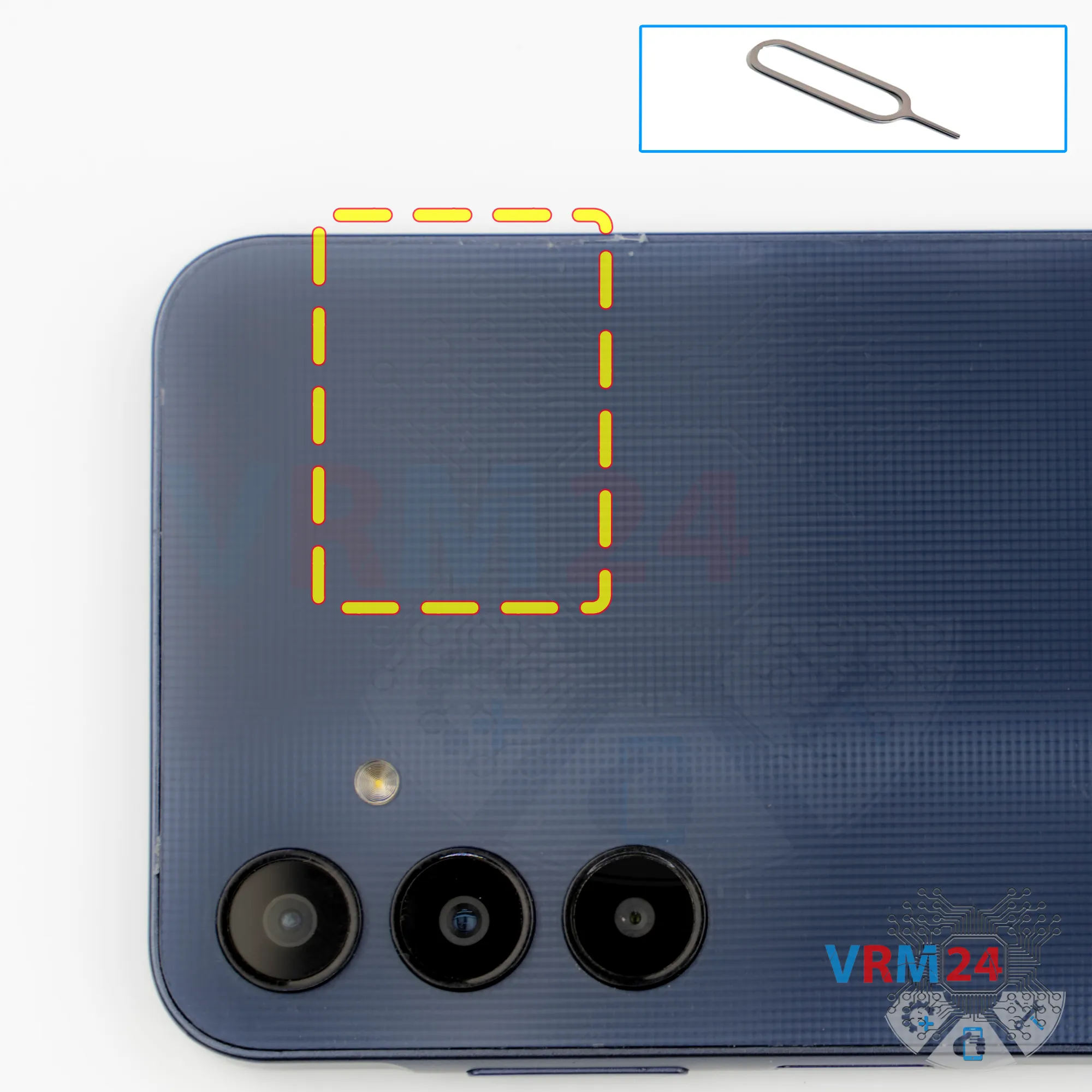
First of all, we need to remove the SIM card tray. For this, we use a special eject tool and carefully push the tray out.
If it doesn’t come out easily, we can additionally use tweezers.
Step 3.
Open the back cover
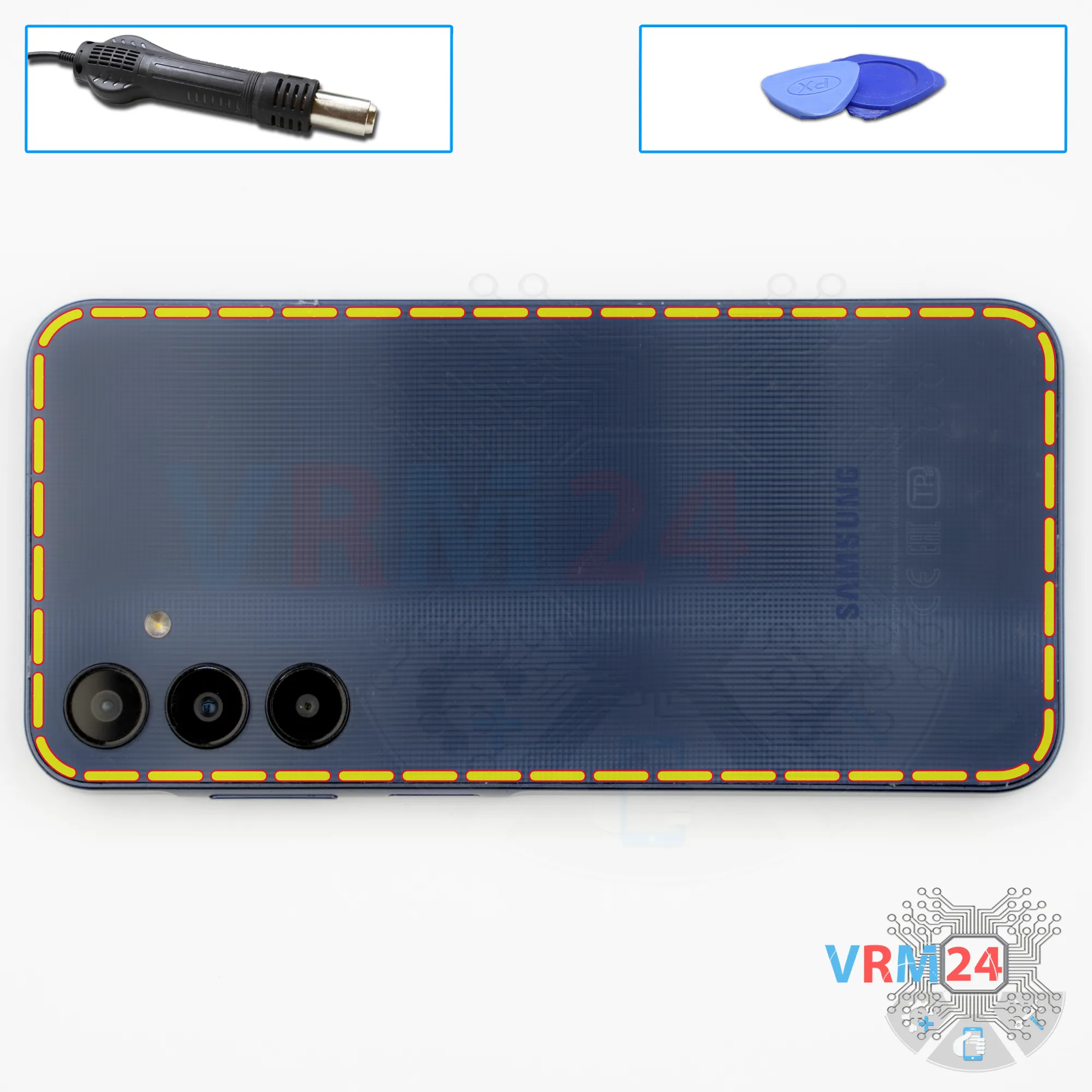
Next, we need to heat the surface of the back cover to a temperature of approximately 70 degrees Celsius, or 160 degrees Fahrenheit.
For this, we use a heating pad, but you can also use a hair dryer.
After 5–10 minutes, we can move on to detaching the back cover.
To do this, we use a thin plastic film, insert it into the gap between the back cover and the midframe, and carefully slide it along the edge, cutting through the adhesive layer.
As always, you need to be careful around the side buttons, since flex cables may be located in these areas.
By the way, since the camera cover is separate from the back cover, we don’t need to worry about the lenses.
Step 4.
Remove the camera cover
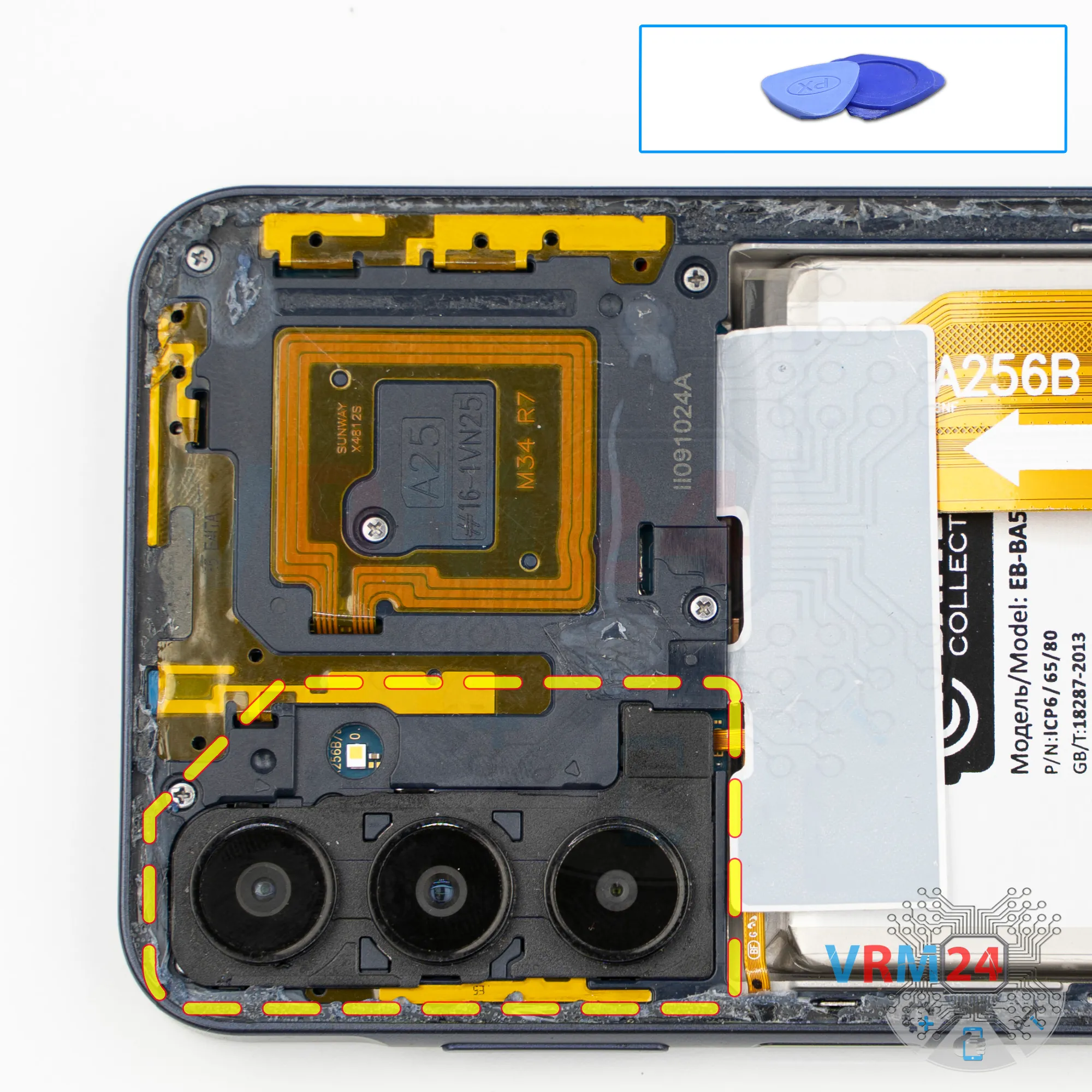
After that, we need to remove the camera cover, since there are screws underneath it.
Carefully detach the camera cover and set it aside.
Step 5.
Disconnect the connector
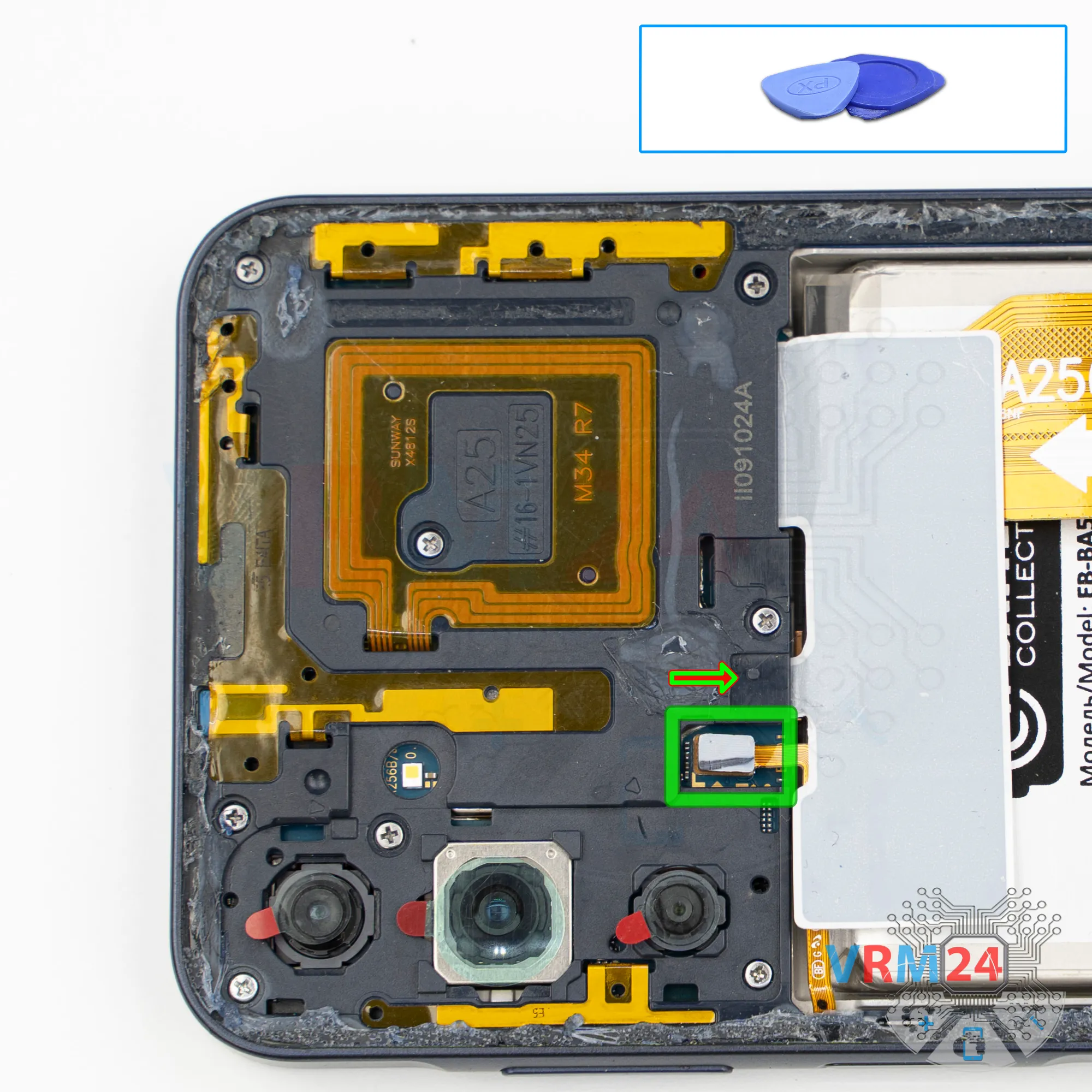
Then, using a non-metallic tool, we can disconnect the fingerprint sensor connector but the fingerprint sensor is located on the midframe.
Step 6.
Unscrew the screws
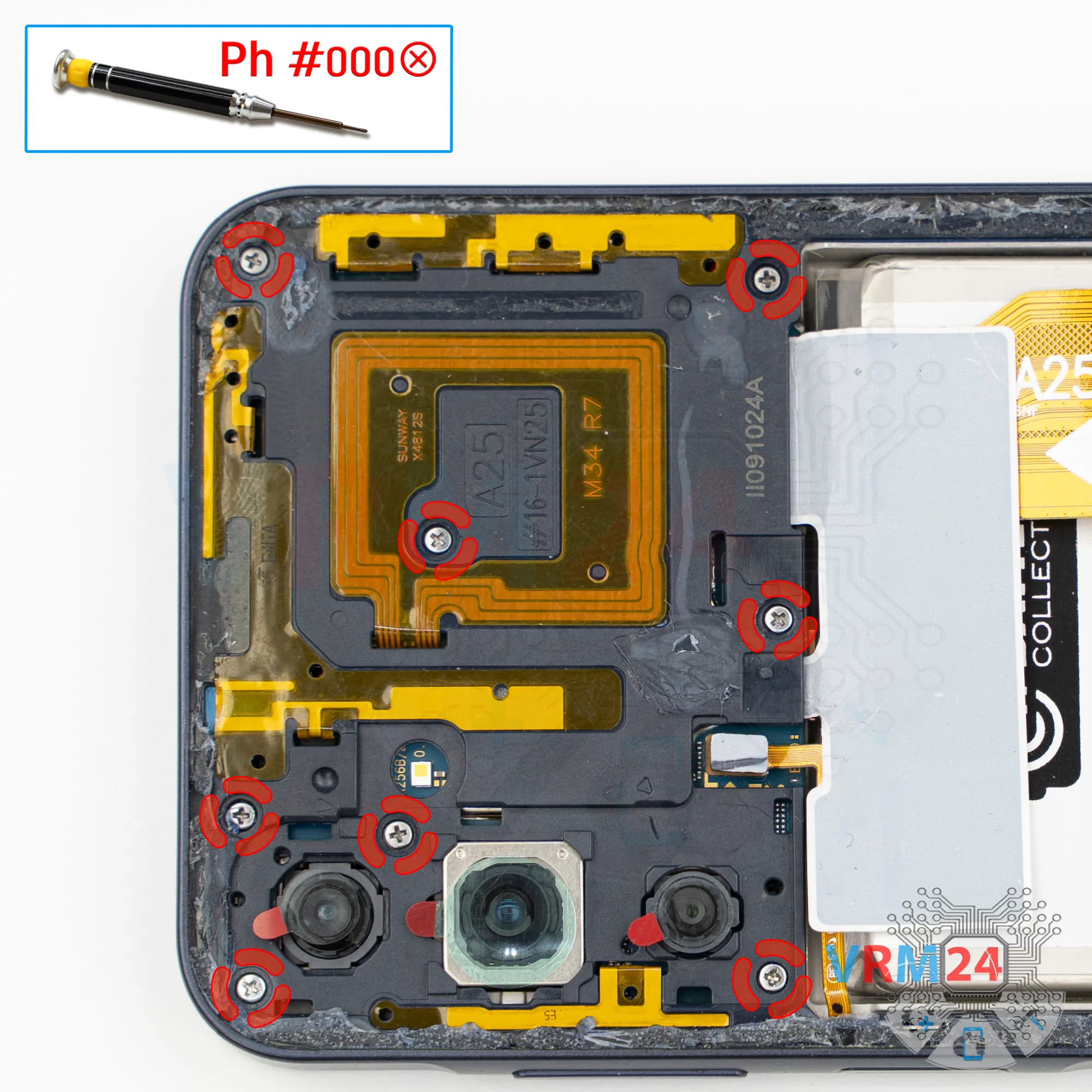
Now we can move on to removing the screws. For this, we use a 1.5 mm Phillips screwdriver, or a Philips #000.
It’s also better to cover the camera lenses. For this, we use a special protective film.
Please note that we don’t stick the film directly onto the lenses themselves, but onto the rim around them.
Step 7.
Unscrew the screws
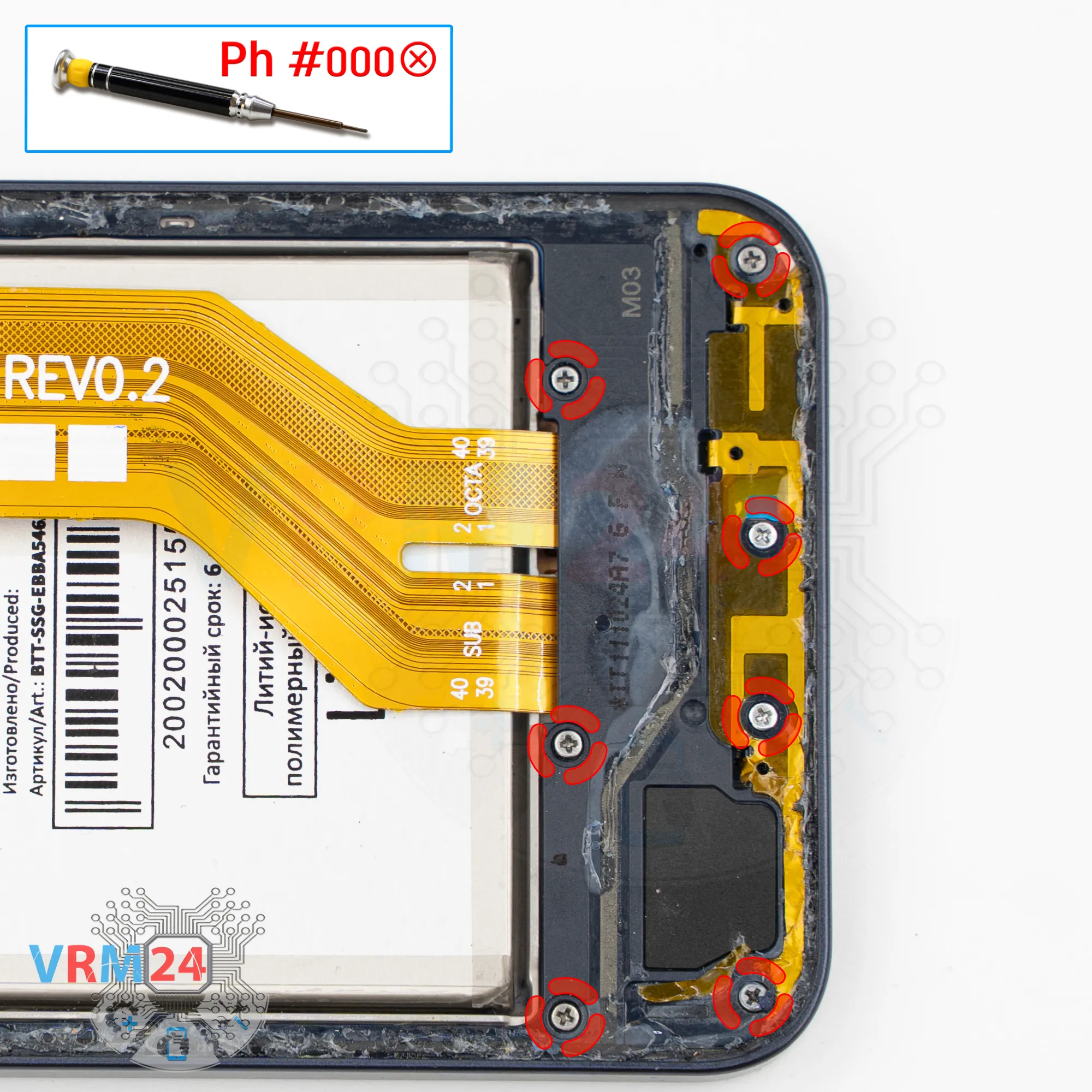
We continue removing the screws using the same screwdriver.
It looks like all the screws are the same; however, it sometimes happens that screws don’t thread well when put back into the wrong holes, so it’s better to remember their positions to make reassembly easier.
Step 8.
Open the mid-frame
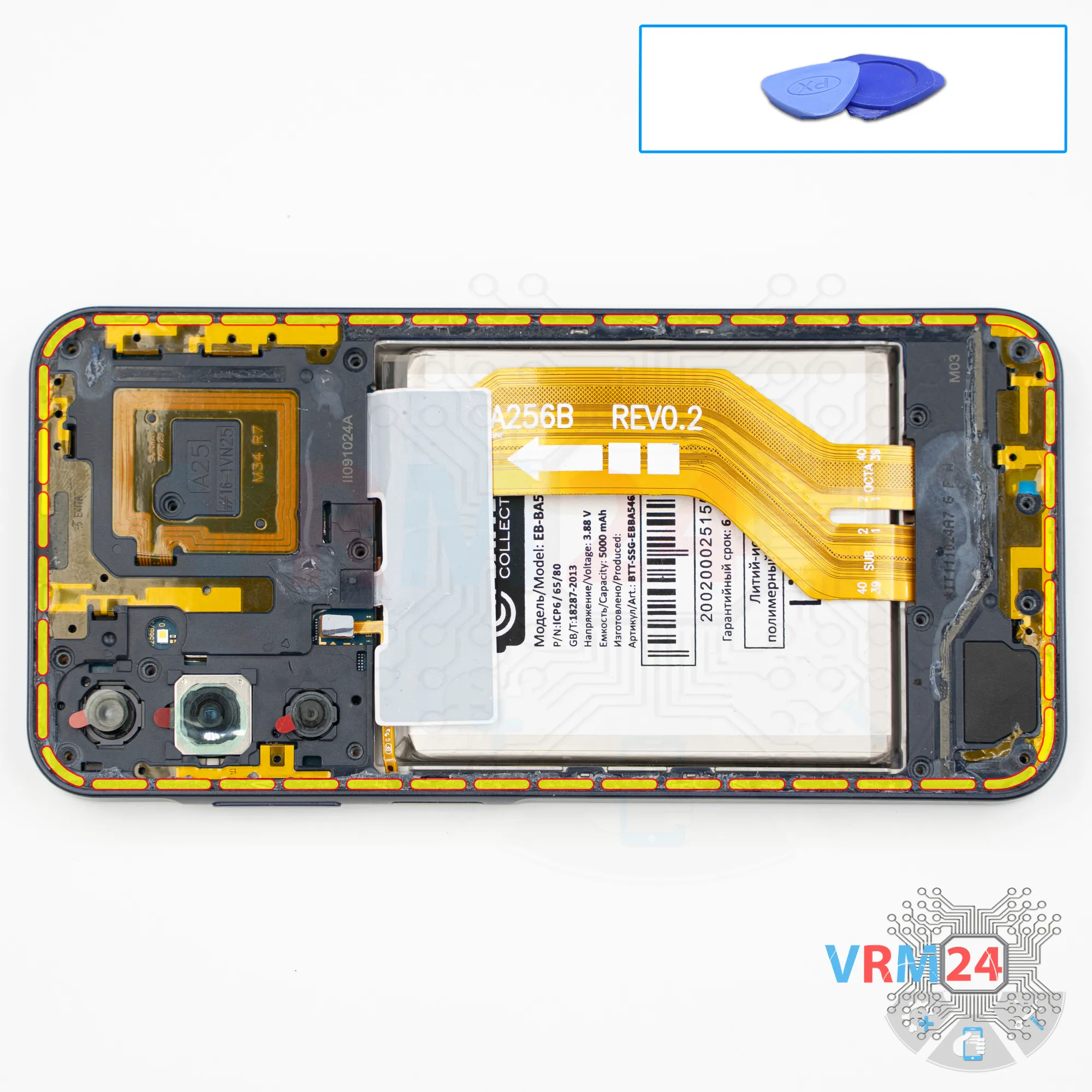
After that, we move on to removing the midframe. For this, we use a thin plastic film. Carefully release several clips, and then switch to a thicker tool.
Why do we use a thin plastic film?
We insert it into the gap between the display frame and the midframe in the area of the SIM tray—there, the plastic is very thin. If we use a thicker tool, we can very easily damage the plastic in that area.
So, we carefully go around the edge and detach the midframe. As usual, the midframe is held quite firmly along the edges.
Of course, we need to be careful around the side buttons, since they are physically located there.
And, of course, the fingerprint sensor is also located on the midframe.
Please note that the loudspeaker is located on the midframe, in the lower part.
Step 9.
Disconnect the battery connector
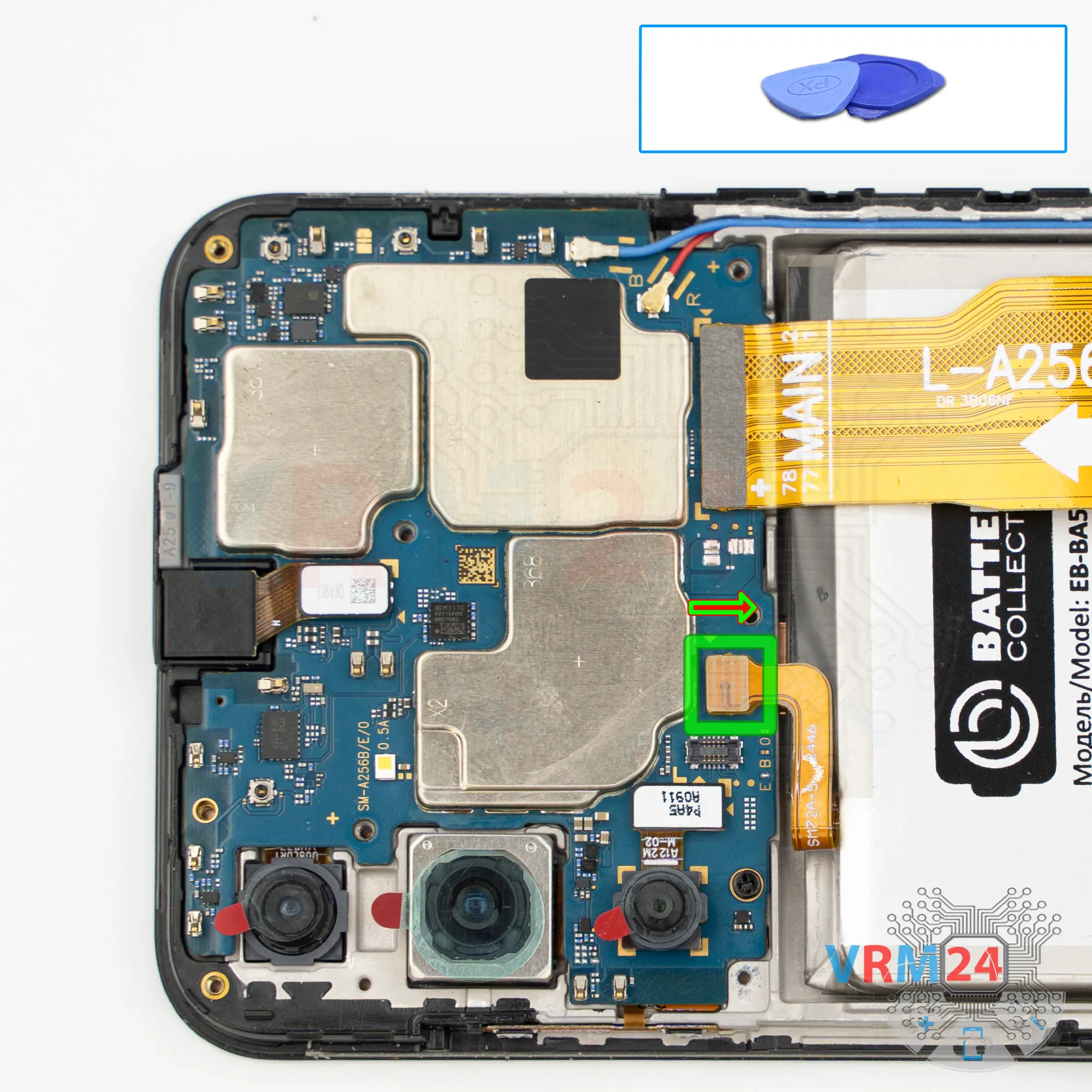
Next, using a non-metallic tool, we need to disconnect the battery connector.
ℹ️ The Samsung Galaxy A25 model SM-A256 uses a EB-BA546ABY rechargeable battery with a capacity of 5000 mAh.
Step 10.
Remove the interconnect cable
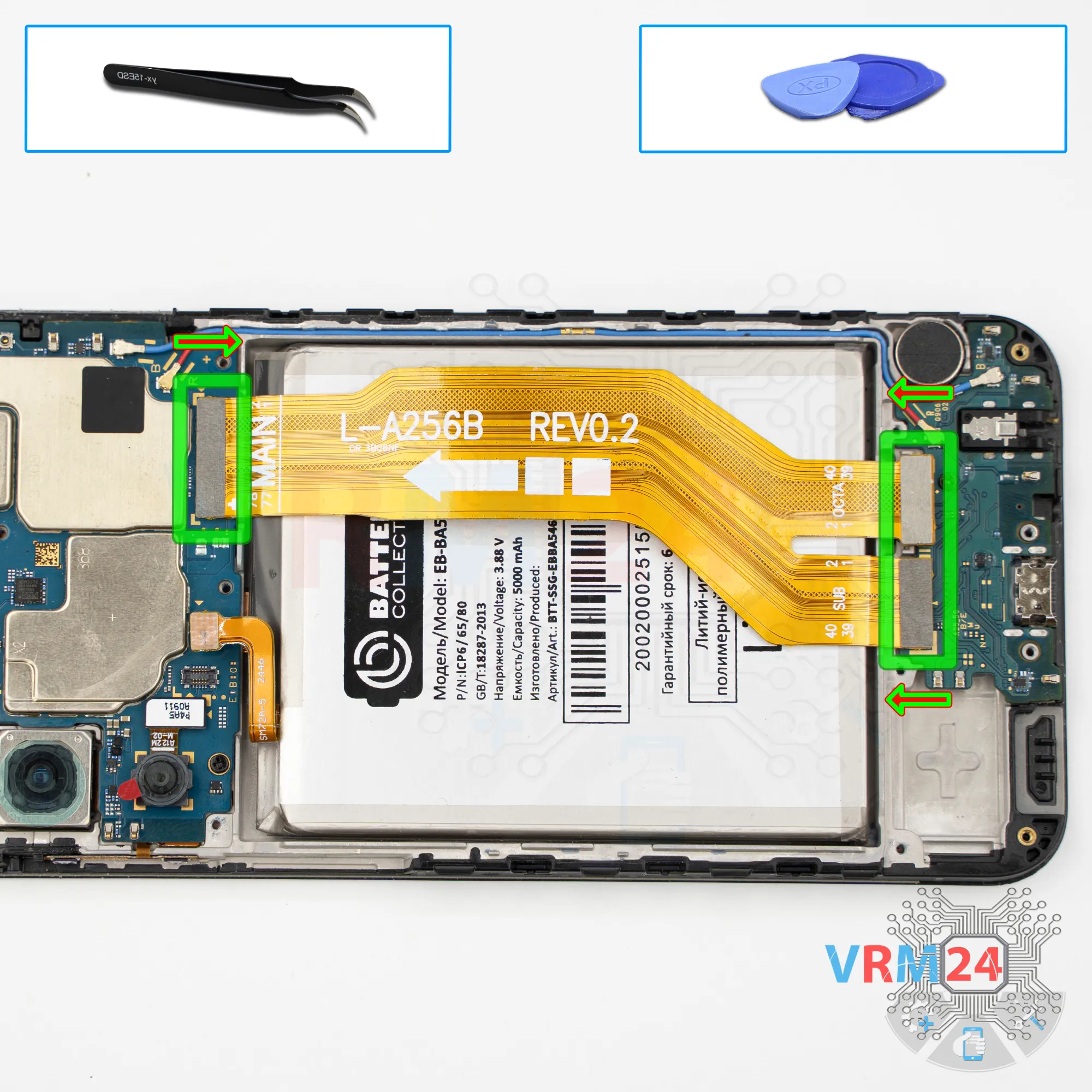
Then we can disconnect the connectors on the mainboard and the sub-board and remove the interconnect flex cable.
The arrow on the interconnect flex cable indicates the direction toward the mainboard.
Step 11.
Disconnect the connectors
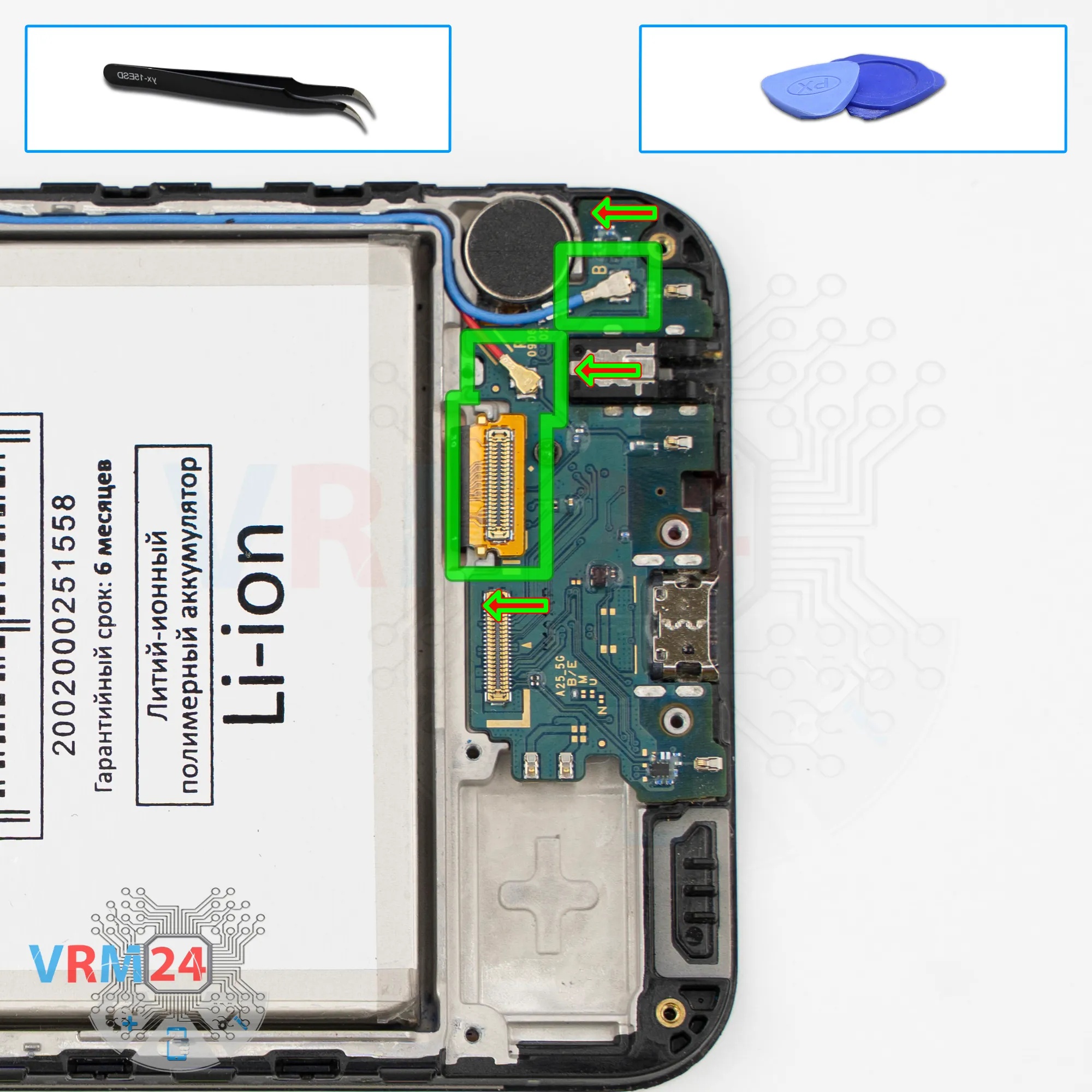
We can also peel up and disconnect the connector that goes to the display.
Now we can disconnect the two connectors of the two coaxial cables, and free the cables themselves, which are held in place by clips on the sub-board.
Step 12.
Unscrew one screw
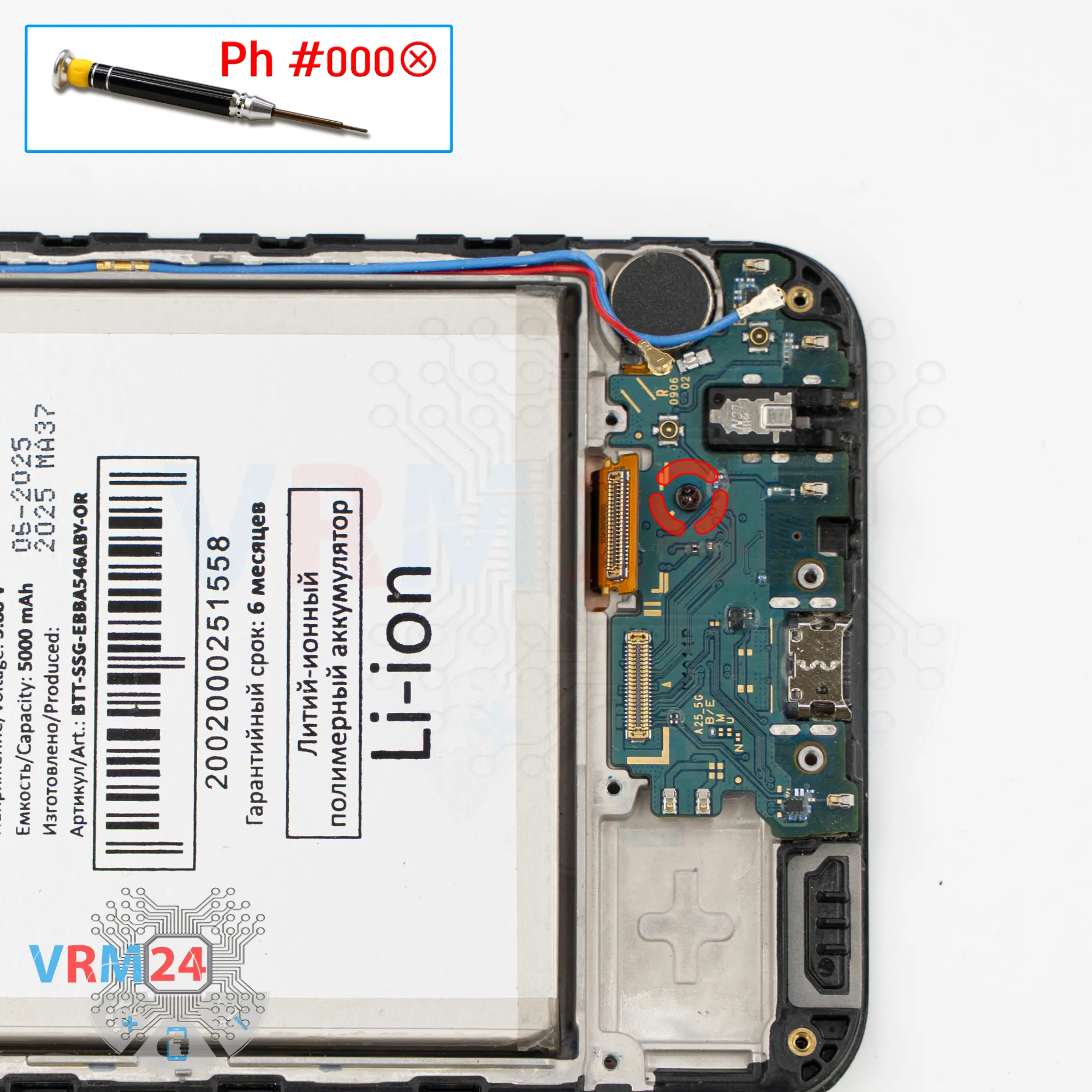
We also need to remove one screw that holds the sub-board in place. For this, we use a Phillips #000 screwdriver.
Please note that this screw is different from the previous ones.
Step 13.
Remove the sub-board
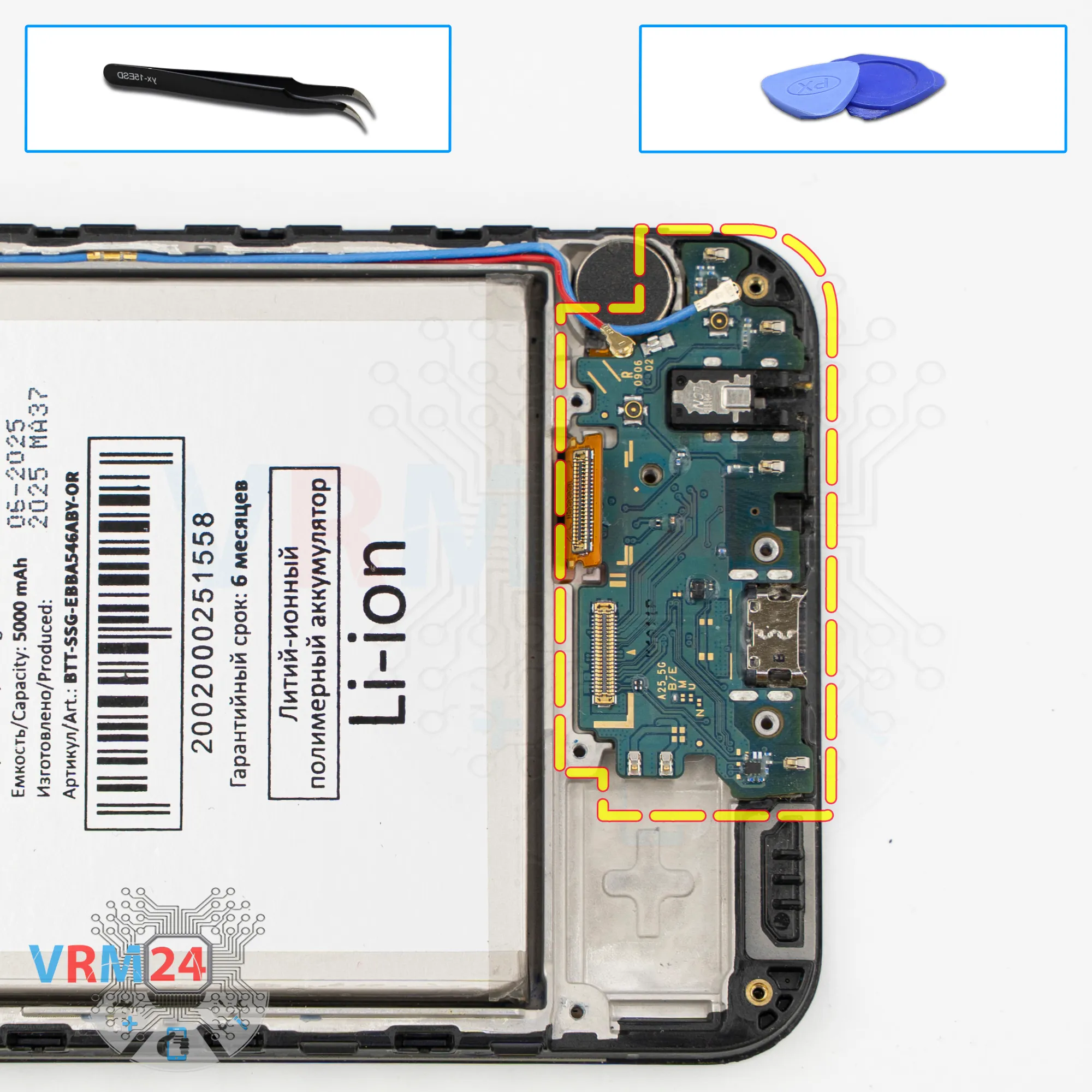
And we remove the sub-board - it comes out easily.
On the sub-board, there is the charging port, the headphone jack port, the microphone on the opposite side, and other components.
Step 14.
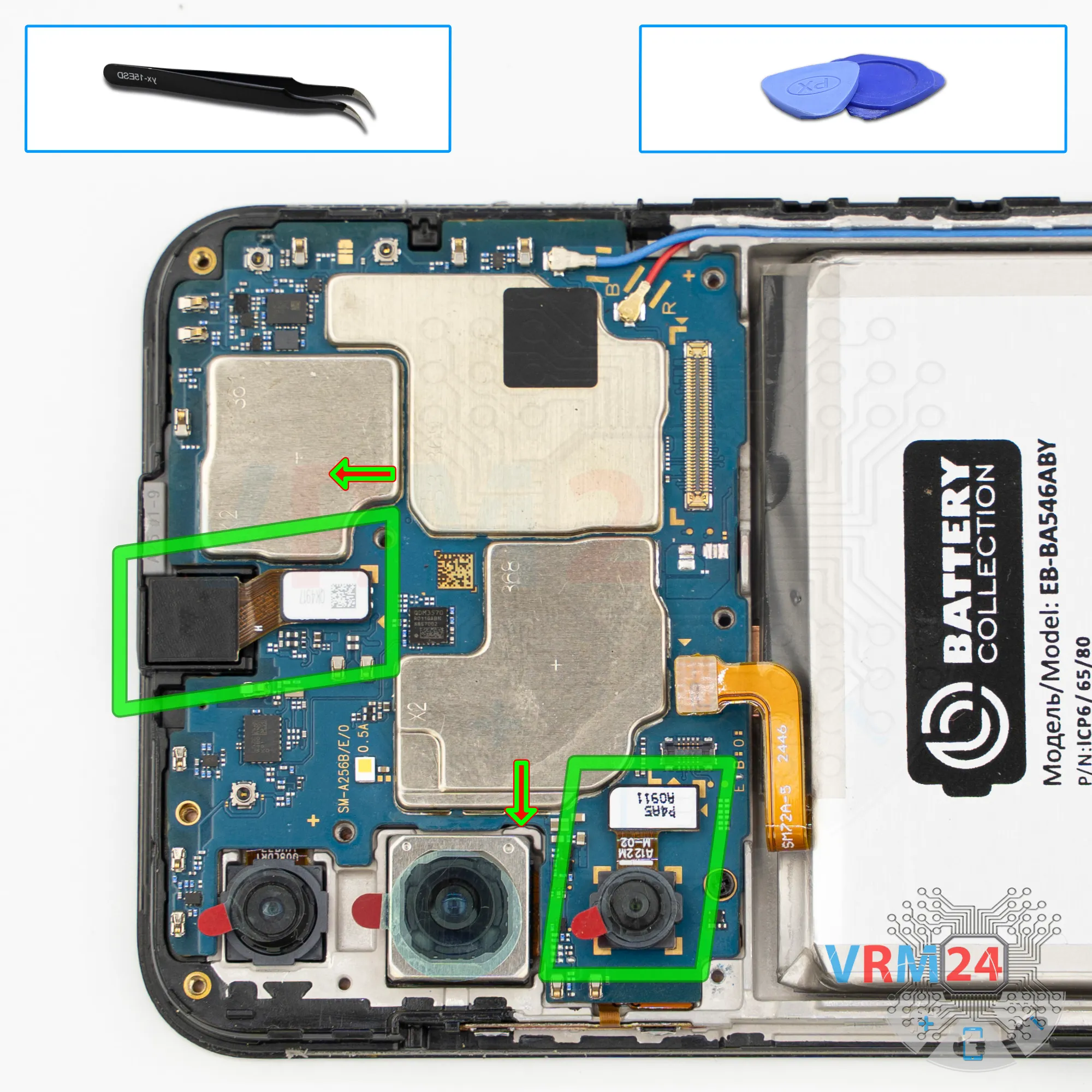
Remove the cameras
We can disconnect one rear camera and the front camera.
It’s also better to cover the front camera lens with protective film so that debris or dust doesn’t get on it.
Step 15.
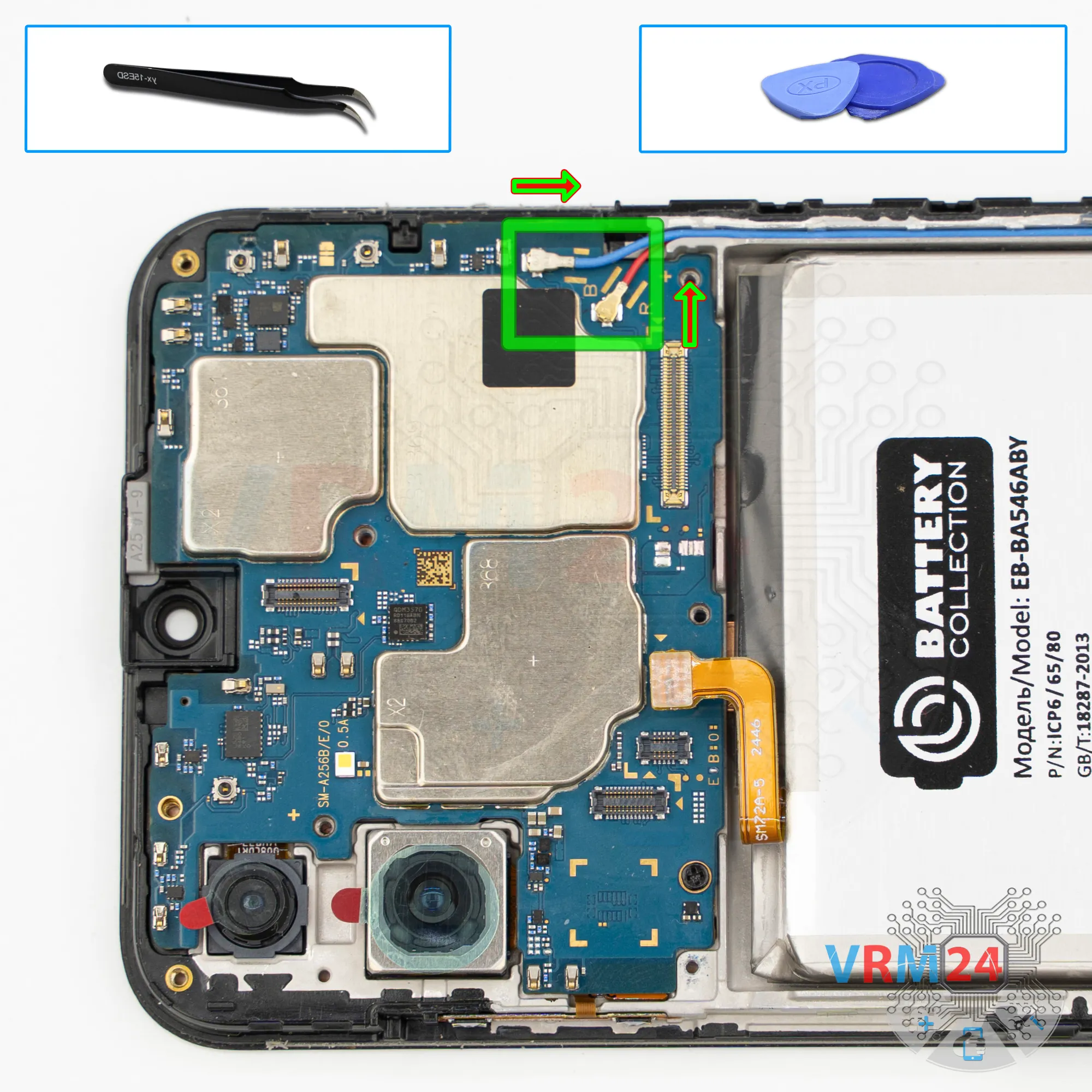
Disconnect the connectors
We disconnect the two connectors of the two coaxial cables and bend them aside so they don’t get in the way.
Step 16.
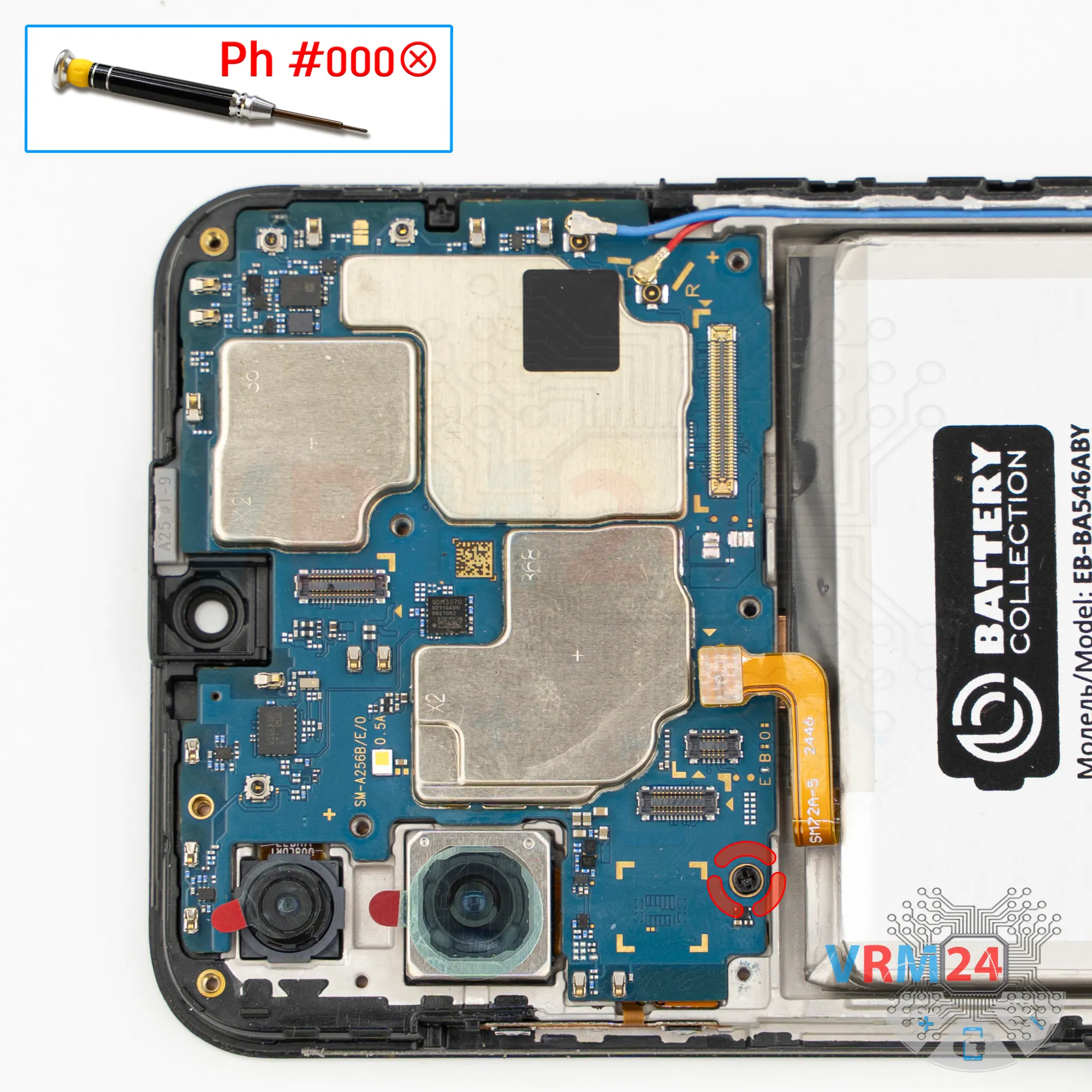
Unscrew one screw
After that, we also need to remove one screw that secures the mainboard.
For this, we use the same Phillips #000 screwdriver.
This screw is different, so it’s better to keep it separate from the previous ones.
Step 17.
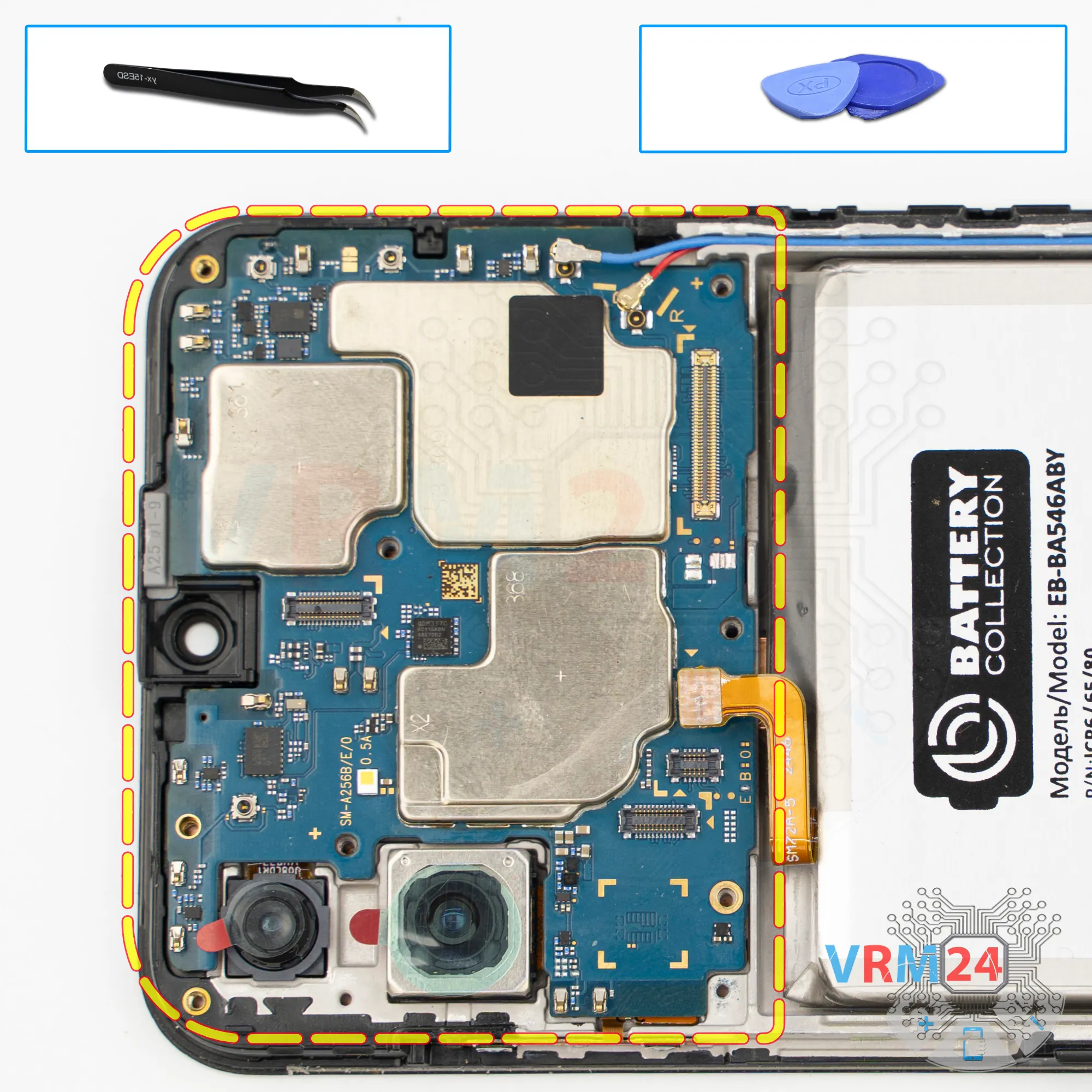
Remove the motherboard
Now we can remove the mainboard. Carefully pry it up and remove the printed circuit board.
⚠️ Do not bend the circuit board when removing it or push tools under it. Unbeknownst to yourself, you can damage components or cables from the inside.
Step 18.
Remove the cameras
Then we flip motherboard over and disconnect the rear cameras.
Carefully disconnect the rear cameras and then set them aside.
Step 19.
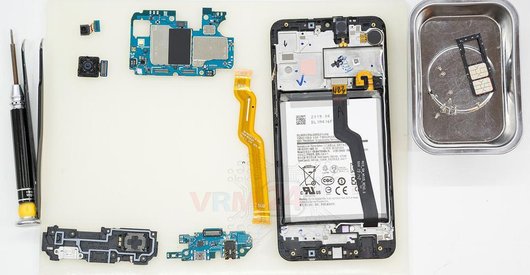
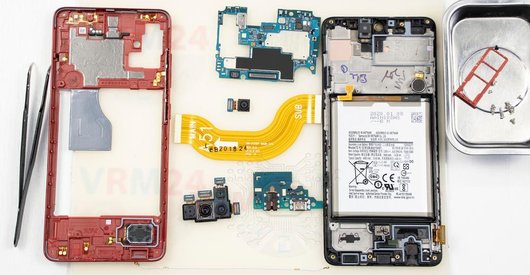
In the display frame remained
ℹ️ In the display frame remained: the earpiece speaker, battery, vibration motor, and cables.

If you have a question, ask us, and we will try to answer in as much detail as possible. If this article was helpful for you, please rate it.

7515
Views
1
Likes
—
Share
0
Questions
Related Instructions
Related Reviews
Related Blog

Top instructions
Check our
Top Samsung instructions most liked by readers
New instructions
Check our
New Samsung brand instructions on vrm24.com