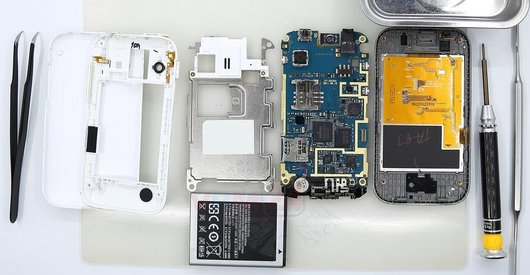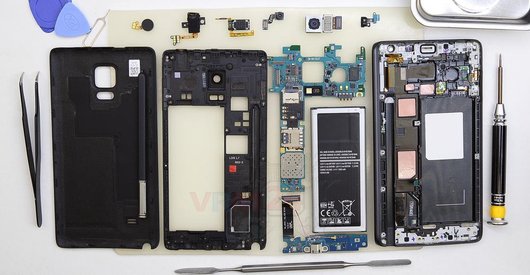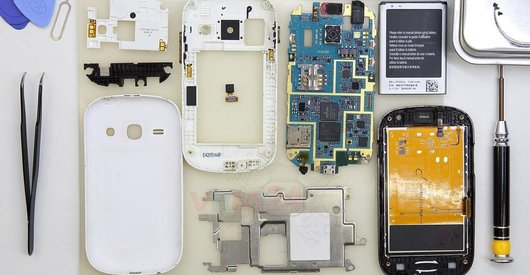





Recommended tools
Screwdriver Phillips #000

Opening tool / Spudger

Tweezers

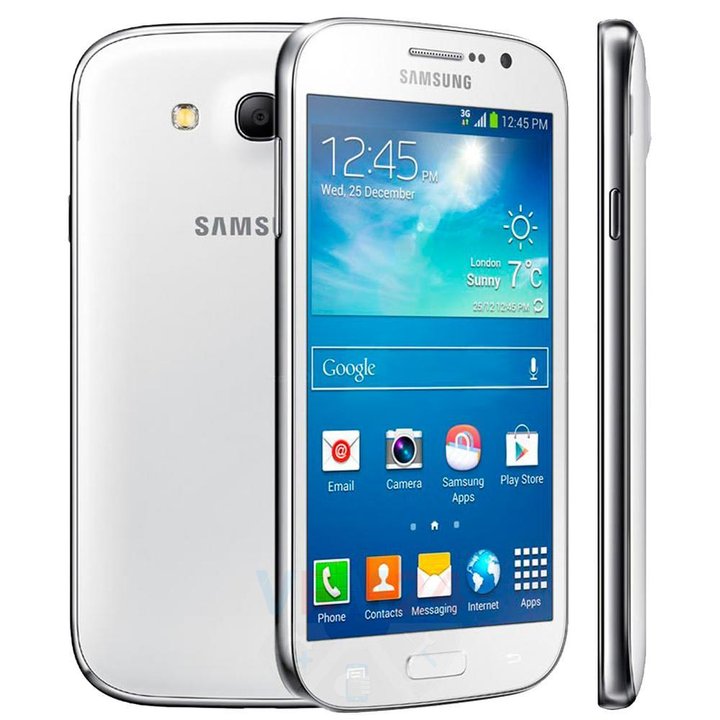
Disassembly/Repair of the mobile device Samsung Galaxy Grand Neo GT-i9060 (Samsung Galaxy Grand Lite; Samsung Galaxy Grand Neo Plus I9060I) with each step description and the required set of tools.
9060
Views
2
Likes
—
Share
4
Questions

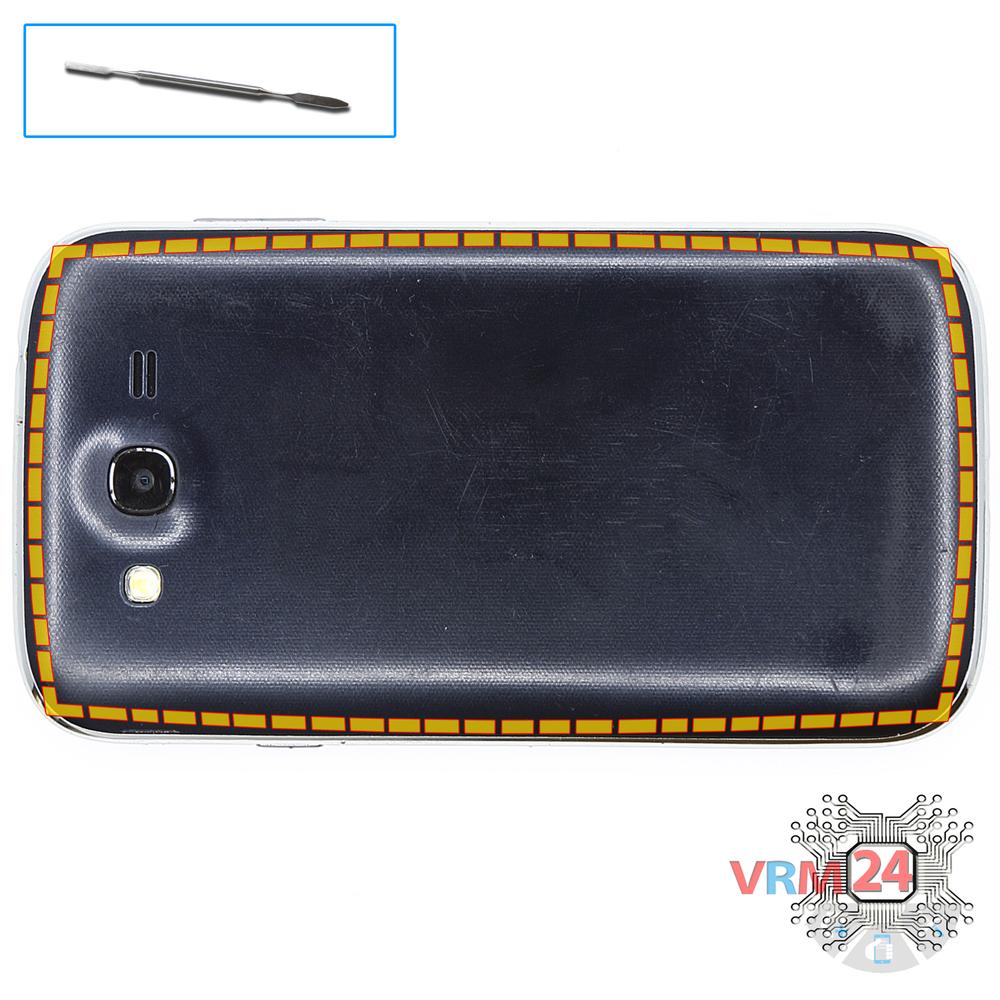
Step 1.
Open the back cover
Open the back cover.
Step 2.
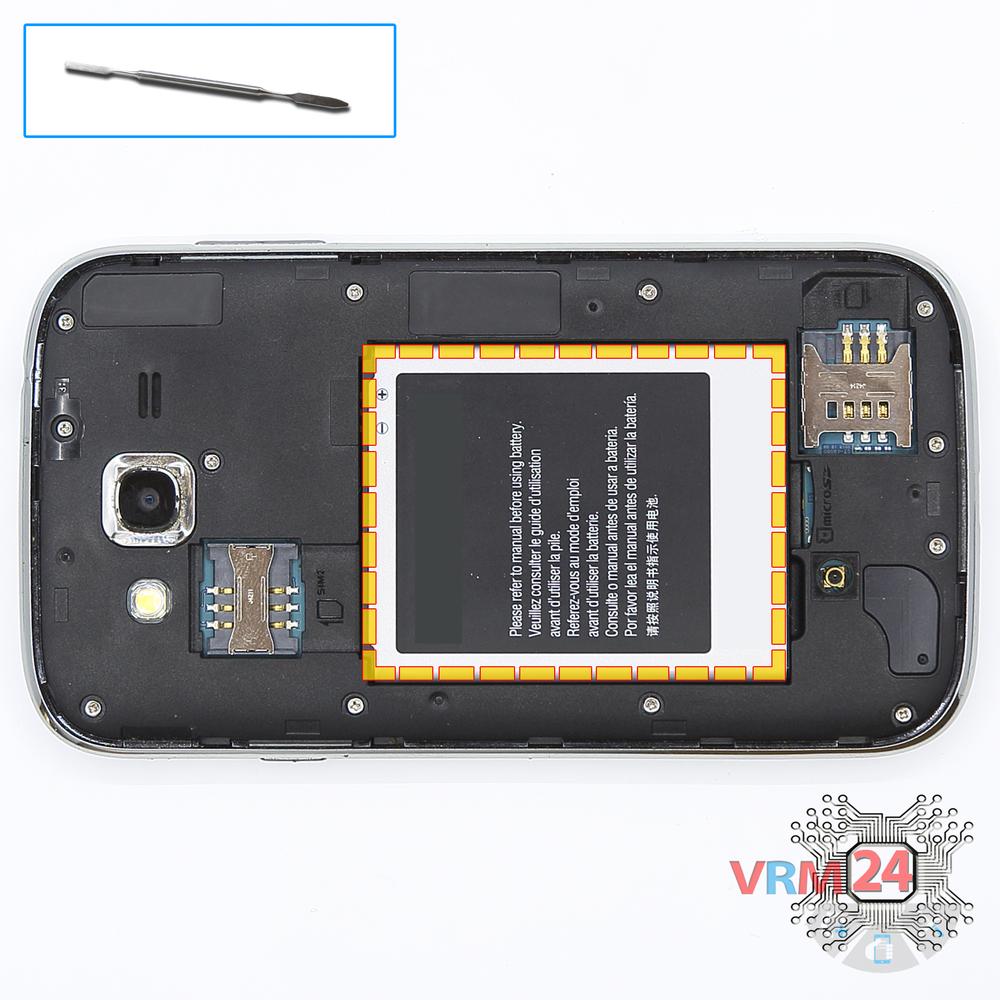
Remove the battery
Lift and remove the battery.
Step 3.
Unscrew the screws
Using a screwdriver (Phillips 1.5 mm PH000), unscrew 12 bolts in the frame of the phone.
Step 4.
Open the mid-frame
Pry and remove the middle frame.
Step 5.
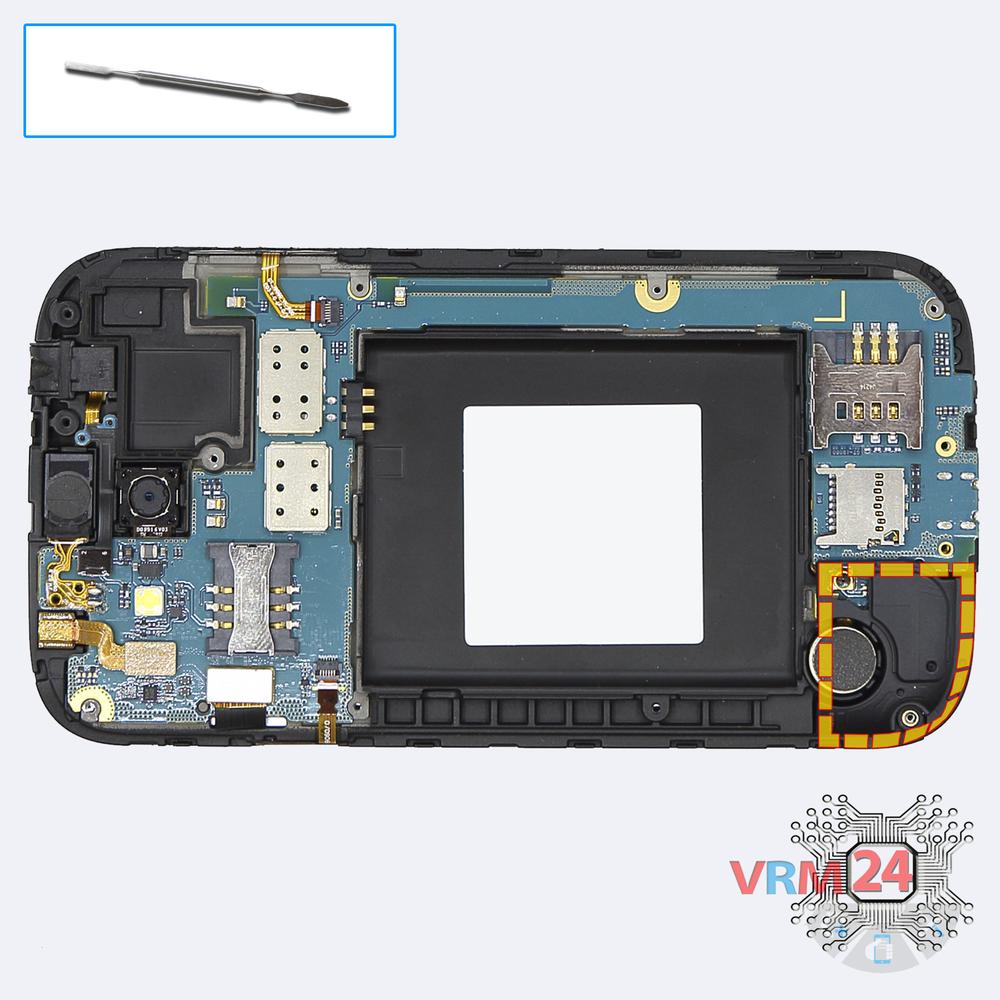
Open the cover
Pemove the cover.
Step 6.
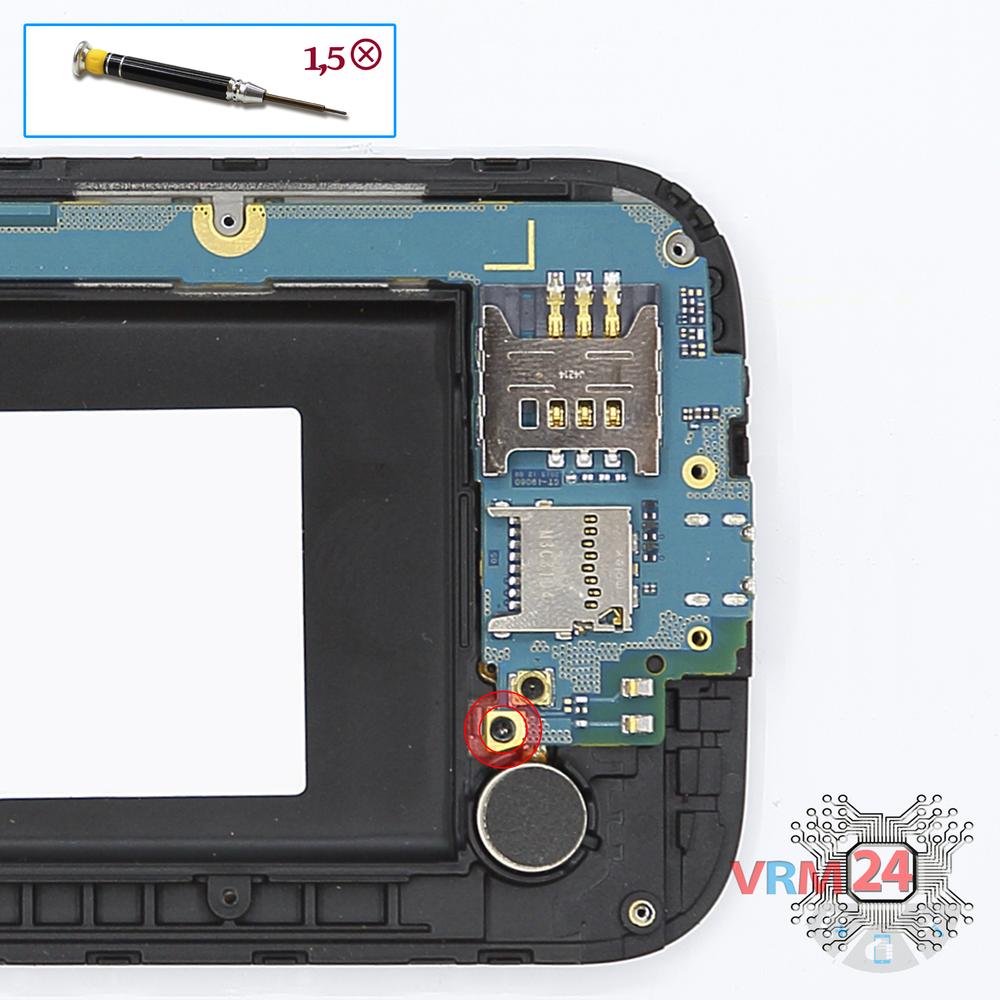
Unscrew one screw
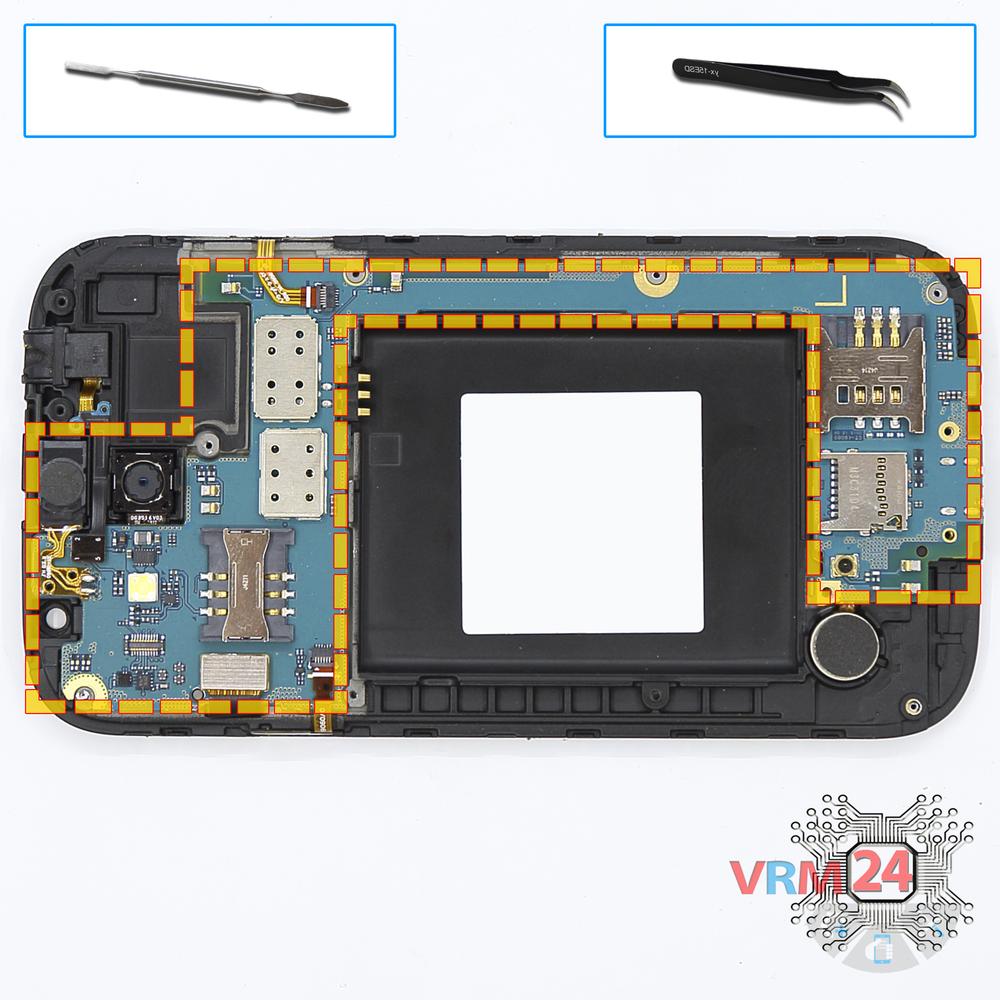
Using a screwdriver (Phillips 1.5 mm PH000), unscrew 1 bolt in the PCB.
Step 7.
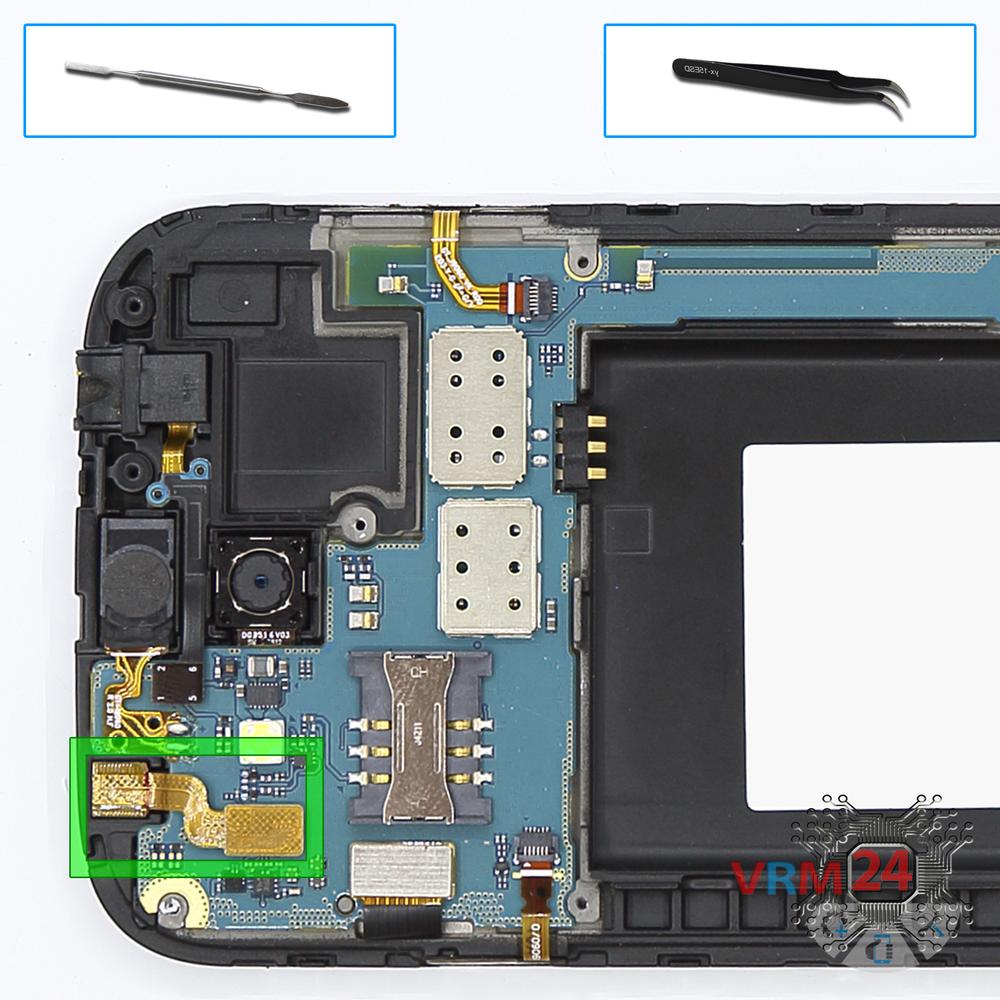
Remove the front camera
Disconnect the connector on PCB, and remove the front (selfie) camera.
Step 8.
Disconnect the connectors
Disconnect connectors on the PCB.
Step 9.
Remove the motherboard
Remove the PCB.
Step 10.
Remove the vibration motor
Pry and remove the vibration motor.
Step 11.
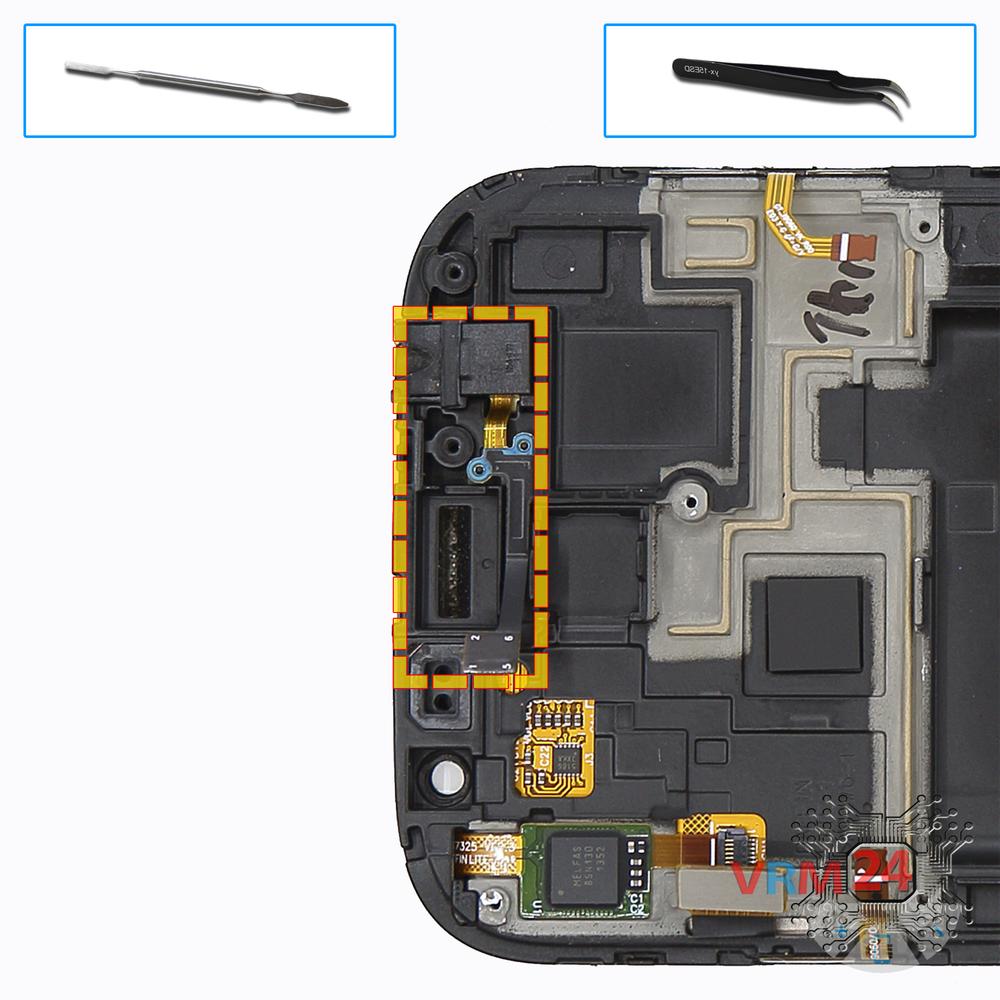
Remove the headphone port
Pry & remove the headphone jack/socket.
Step 12.
In the display frame remained
Parts are in the frame of the display module.

If you have a question, ask us, and we will try to answer in as much detail as possible. If this article was helpful for you, please rate it.

9060
Views
2
Likes
—
Share
4
Questions
Related Instructions
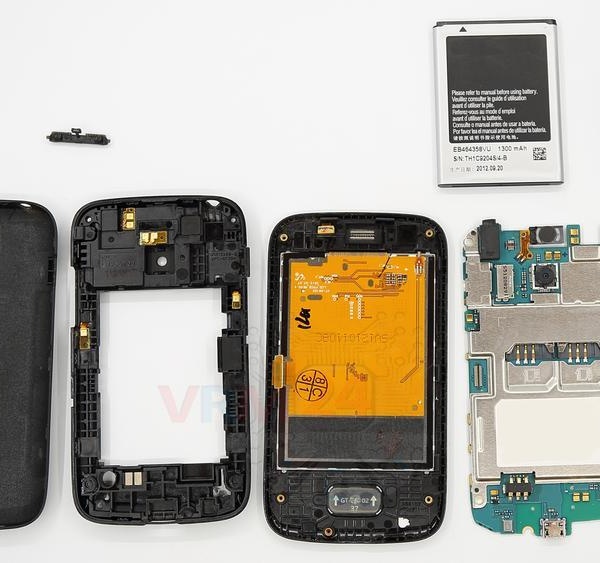
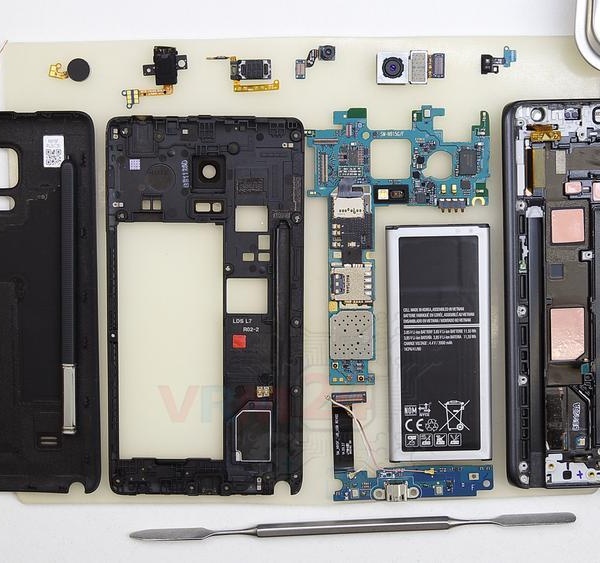
Related Reviews
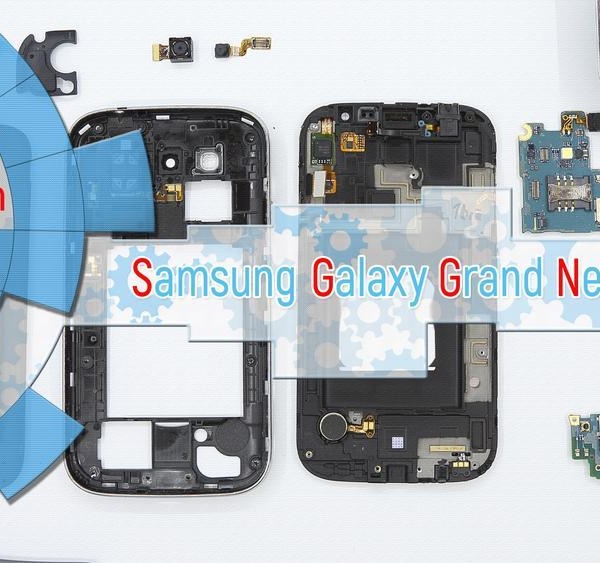
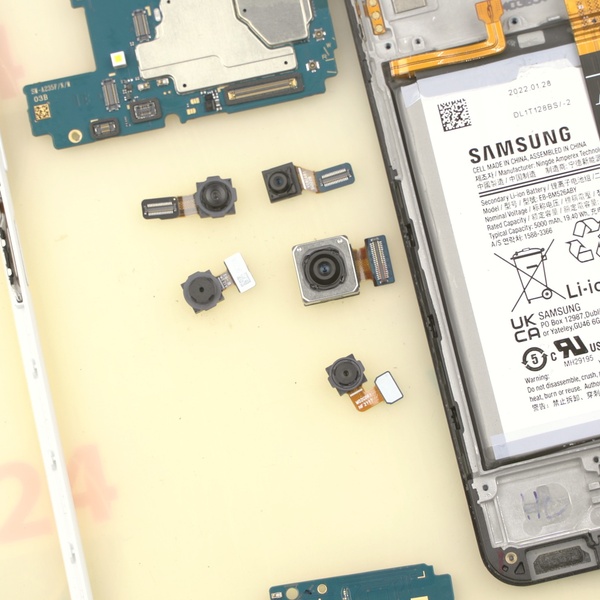
Related Blog
Popular Questions
I
Samsung Galaxy Tab A 10.1'' (2016) SM-T585
hard-rive location?
Inaire Falen5
J
Samsung Galaxy J1 (2016) SM-J120
My back key is unresponsive.. but my "recent button" on the left side is fine.. should i change lcd digitizer or back key only?
Jonathan Kurniawan5
Samsung Galaxy Tab A 8.0'' (2019) SM-T295
Is there a way of just replacing top glass touchscreen screen the lid lower screen is alright the glass topscreen is cracked no distortion of picture…
martin
A
Samsung Galaxy Note 10 Lite SM-N770
is their any chance of upgrade hardware in samsung note 10 lite?
Ashish Kumar12
J
Samsung Galaxy J4 Plus (2018) SM-J415
keep going you doing well best REGARDS from LIBYA
joree ali11Top instructions
Check our
Top Samsung instructions most liked by readers
New instructions
Check our
New Samsung brand instructions on vrm24.com