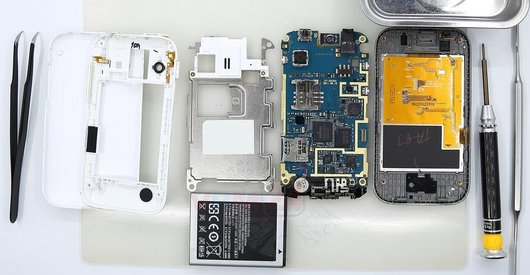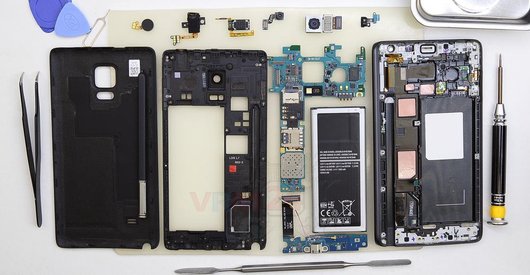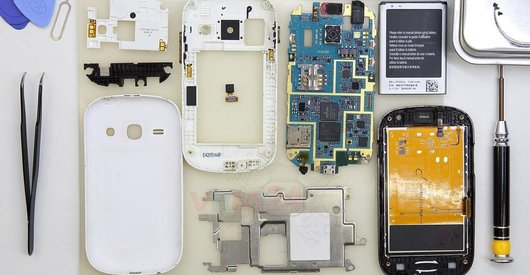
Recommended tools
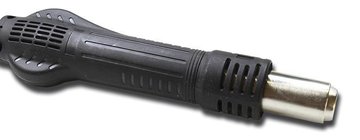
Heat gun
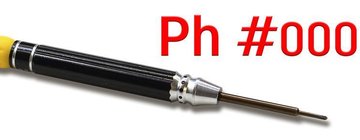
Screwdriver Phillips #000
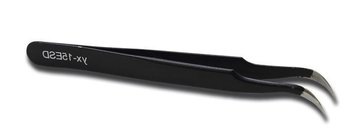
Tweezers
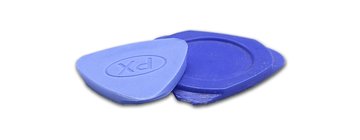
Non-metallic tool
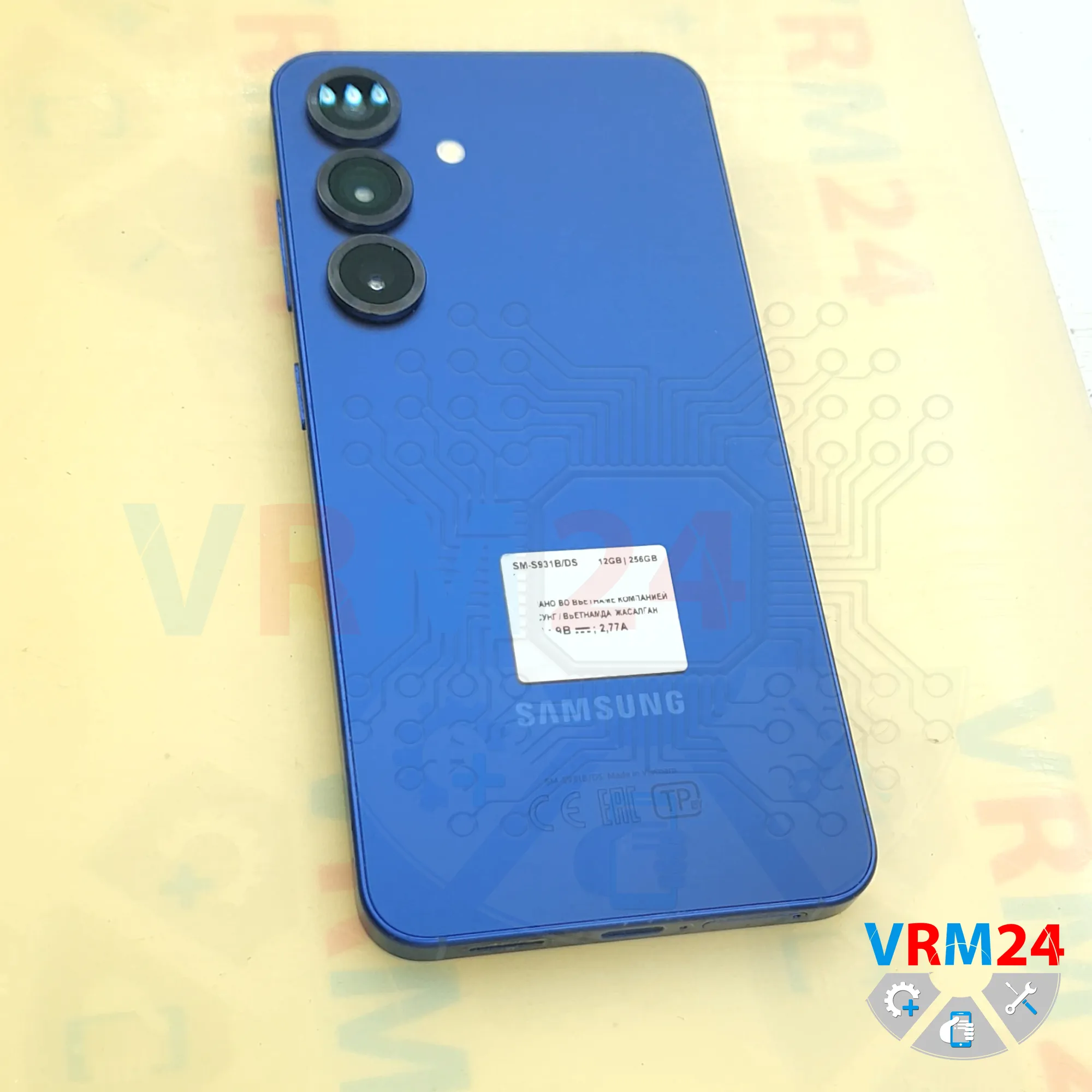
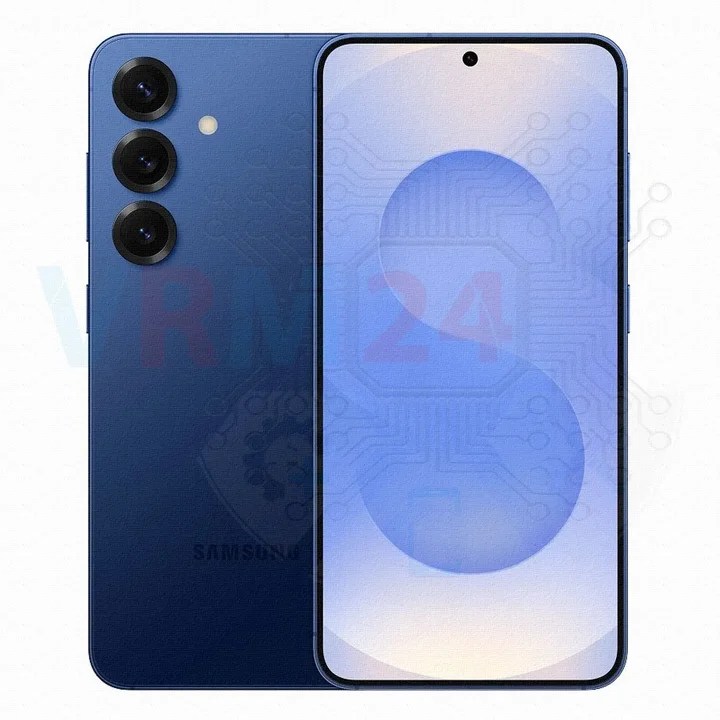
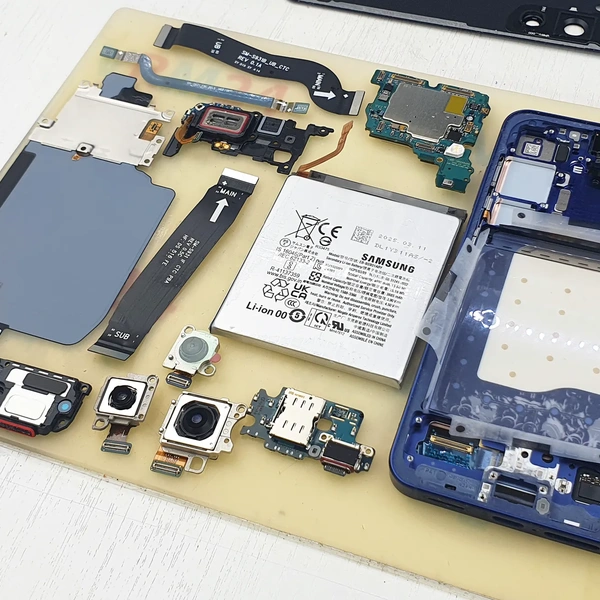
Disassembly/Repair of the mobile device Samsung Galaxy S25 SM-S931 (Samsung S25 SM-S931B, SM-S931B/DS, SM-S931U, SM-S931U1, SM-S931W, SM-S931N, SM-S9310, SM-S931E, SM-S931E/DS) with each step description and the required set of tools.
1938
Views
1
Likes
—
Share
0
Questions

Step 1.
Before disassembling!
⚠️ Before disassembling, do not forget to turn your phone off.
Step 2.
Remove the tray
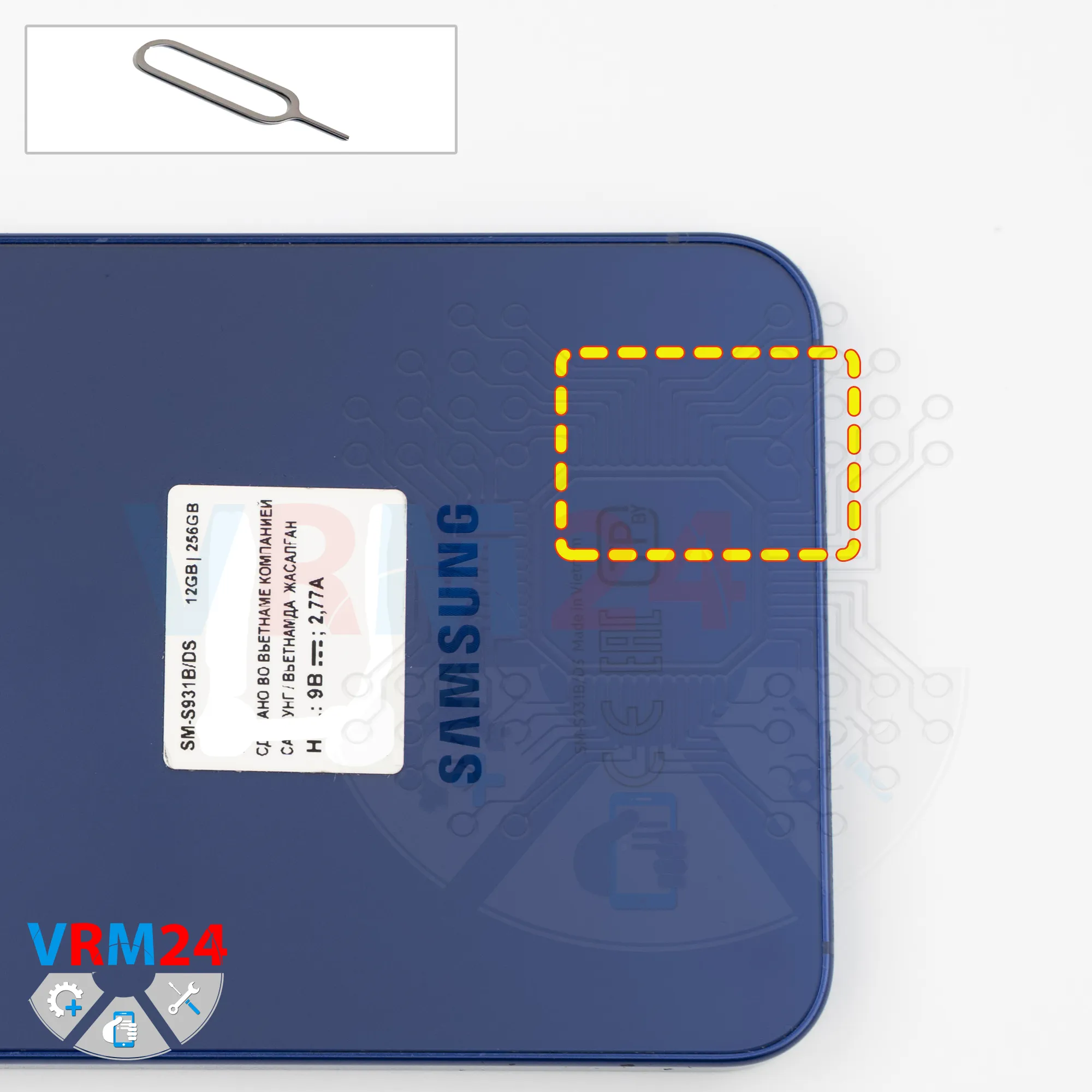
First, we need to remove the SIM card tray.
For this, we use a SIM eject tool, insert it into the hole, and push the tray out.
If the tray doesn’t come out easily, we can use tweezers to help.
Step 3.
Open the back cover
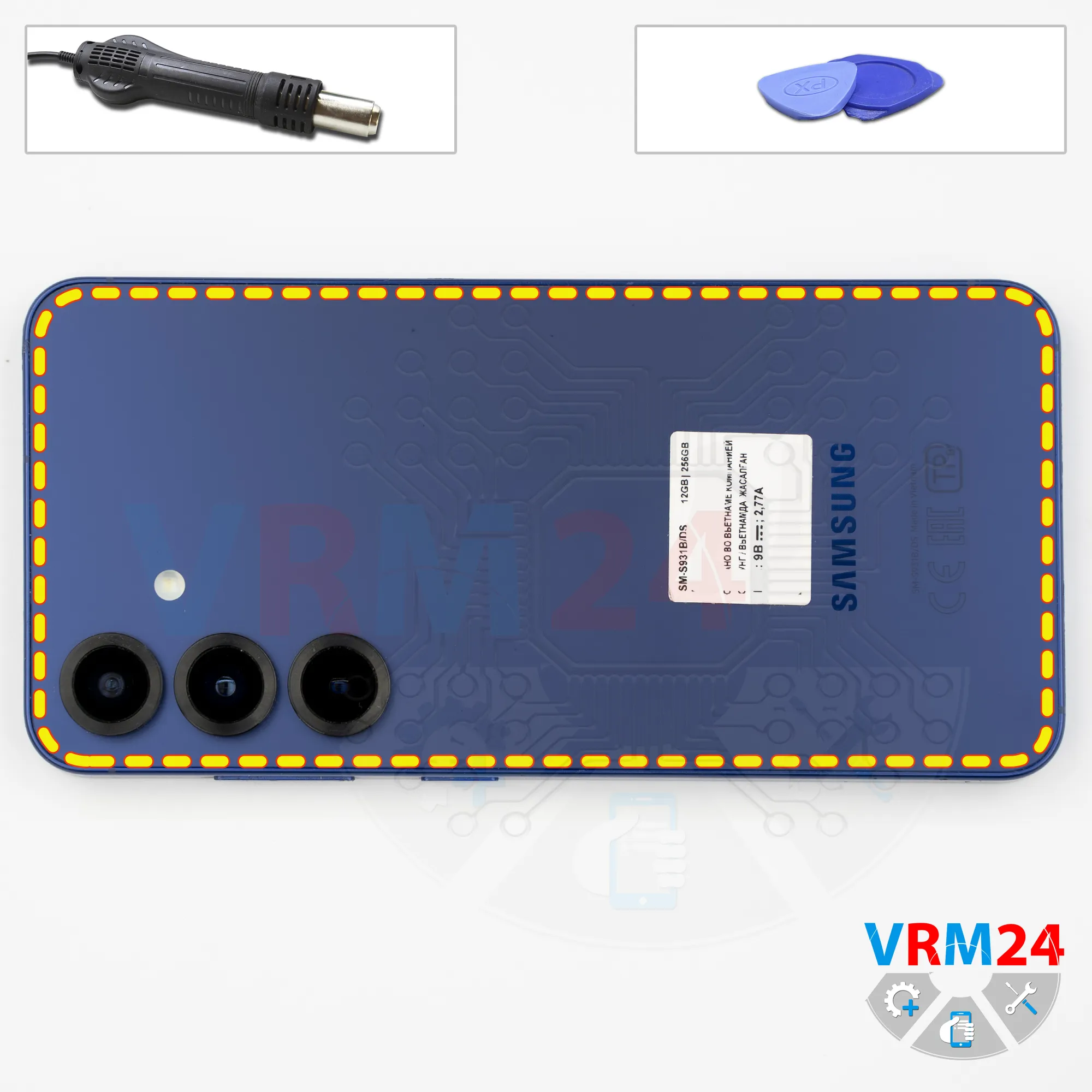
Next, we need to heat the surface of the back cover to approximately 70°C (160°F).
We use a heating mat for this, but you can also use a hair dryer.
After about 10 minutes, we move on to removing the back cover.
For this, we use a thin plastic film, insert it into the gap between the back cover and the mid-frame, and carefully run it along the edge, cutting through the adhesive layer.
On this model, the back cover is slightly recessed, so inserting anything into the gap can be quite difficult.
Once we manage to create a small gap, we can insert a plastic tool to prevent the cover from sticking back again, and carefully continue separating the back cover.
At some point, by gently rocking it, we can try to detach the cover and peel off the remaining adhesive in the areas where it’s still holding.
Step 4.
Unscrew the screws
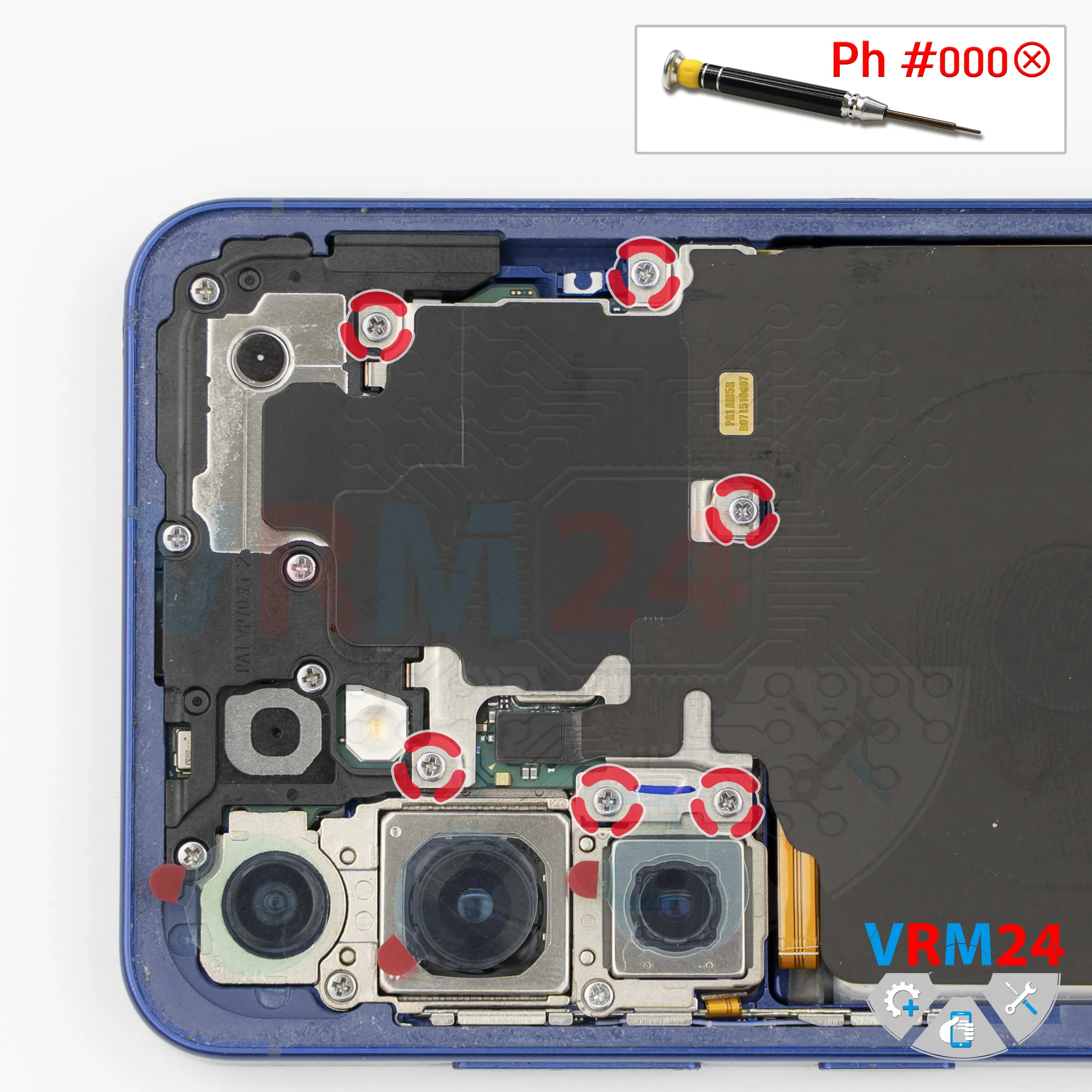
Next, we need to cover the camera lenses. For this, we use a special protective film.
Please note that the film should be applied not directly onto the lenses, but onto the rim around them.
After covering the lenses, we move on to removing the screws in the top section.
For this, we use a 1.5 mm Phillips screwdriver (PH000).
If the screws are not magnetic enough or are difficult to remove, we can use a magnetizer or tweezers.
Step 5.
Remove the wireless charging
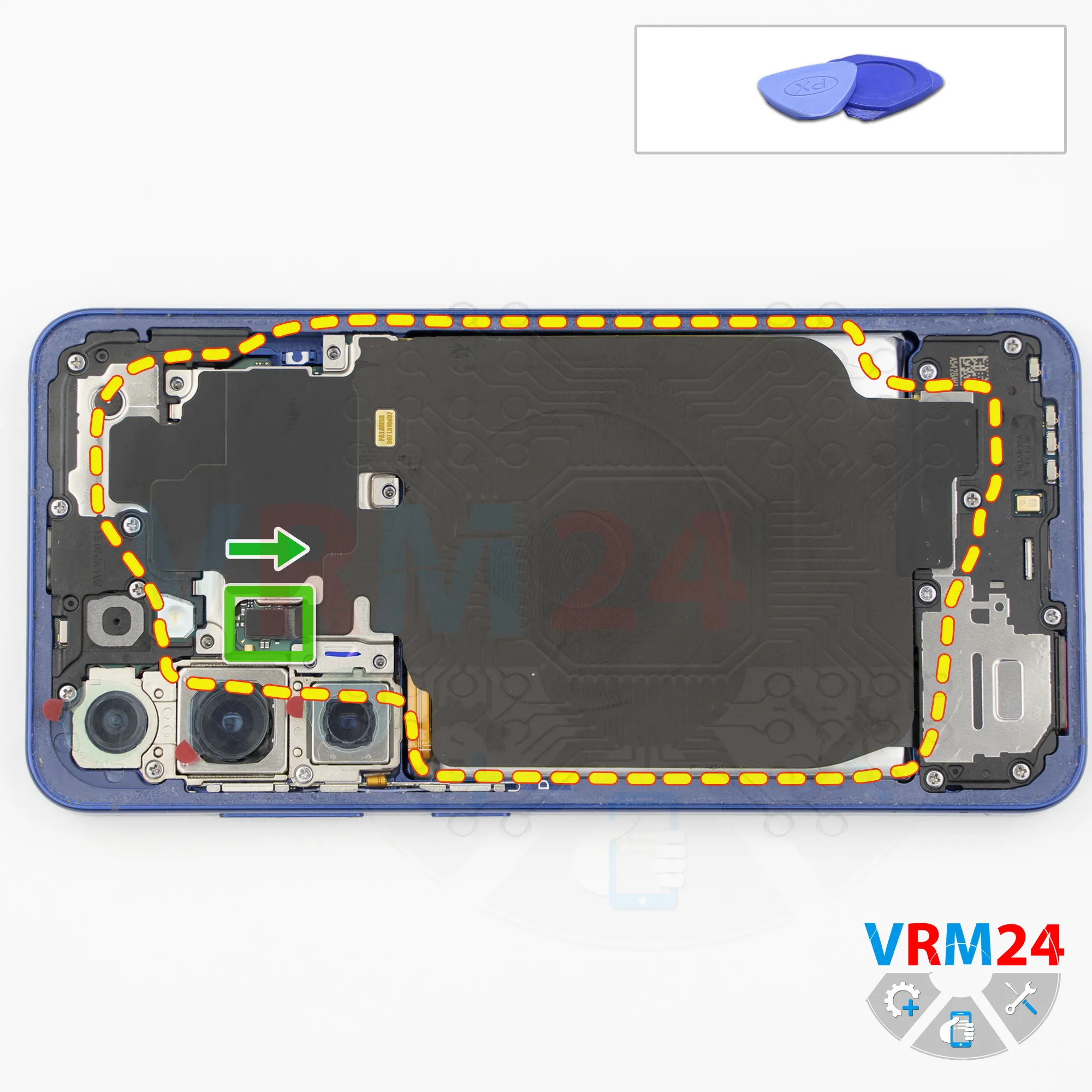
Then, using a non-metal tool, we disconnect the wireless charging and NFC connector, and fold the wireless charging coil aside.
Step 6.
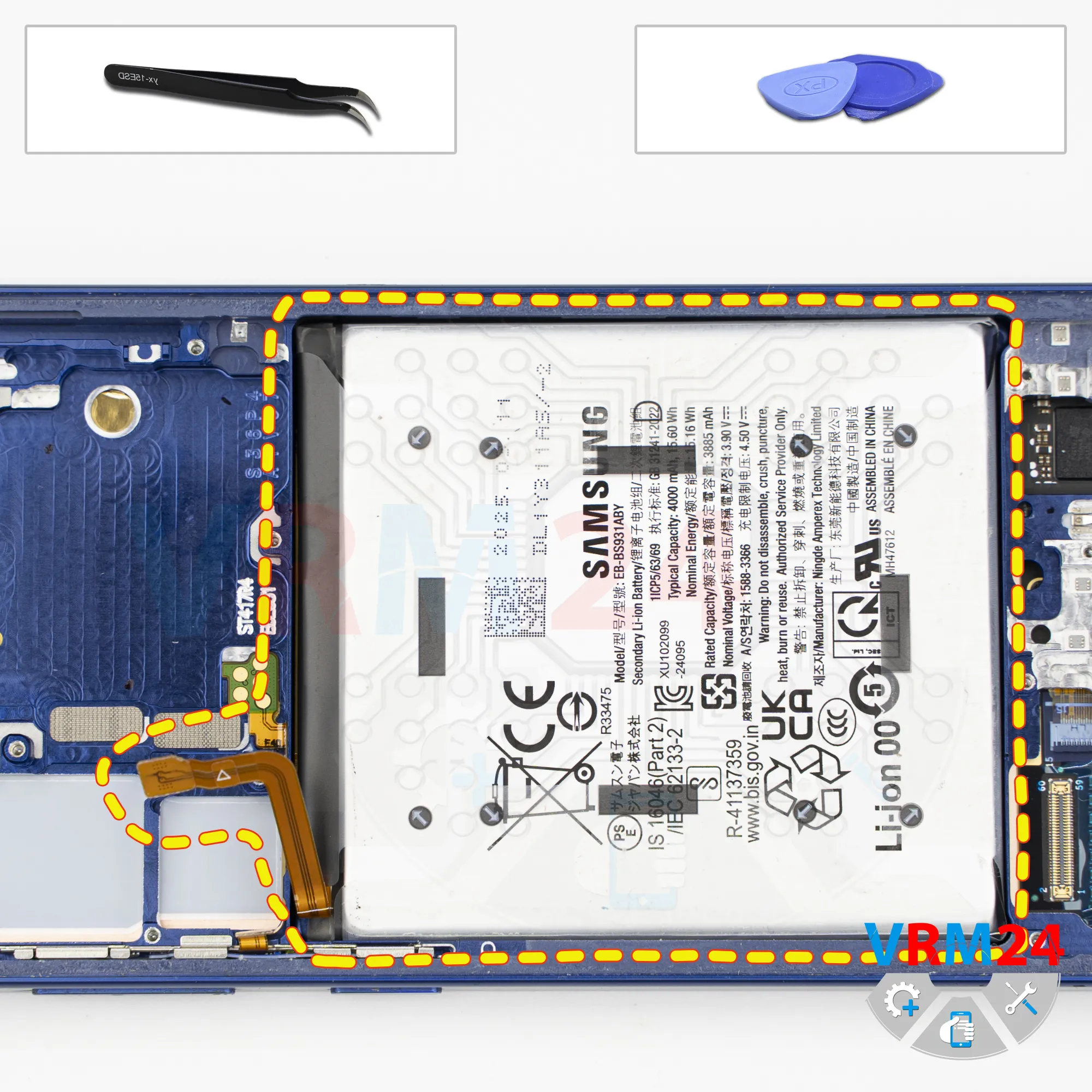
Disconnect the battery connector
We also disconnect the battery connector using a non-metal tool.
ℹ️ The Samsung Galaxy S25 model SM-S931 uses a EB-BS931ABY rechargeable battery with a capacity of 4000 mAh.
Step 7.
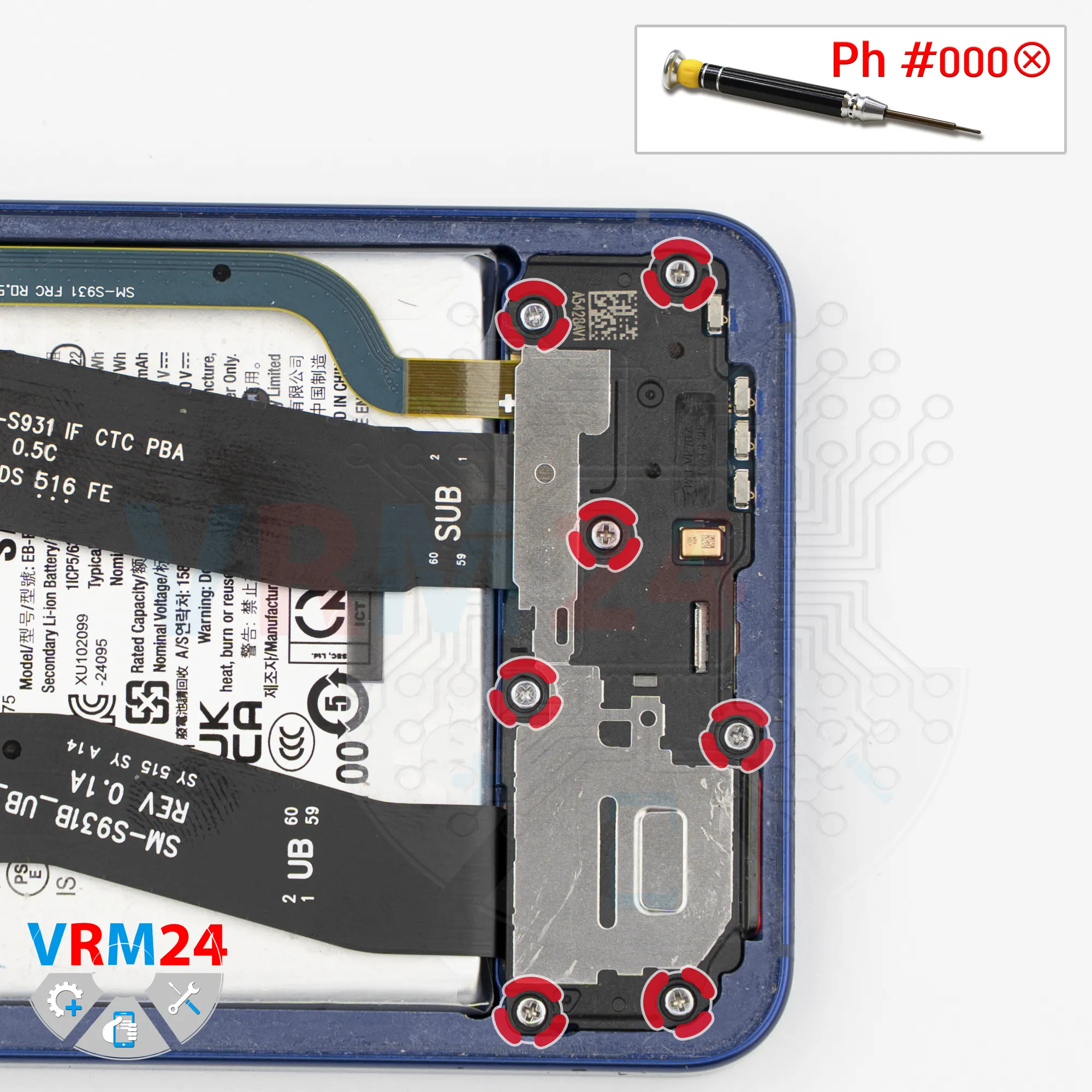
Unscrew the screws
In the lower section, we also need to remove the screws using the same 1.5 mm Phillips screwdriver.
It’s better to keep these screws separate from the previous ones.
Step 8.
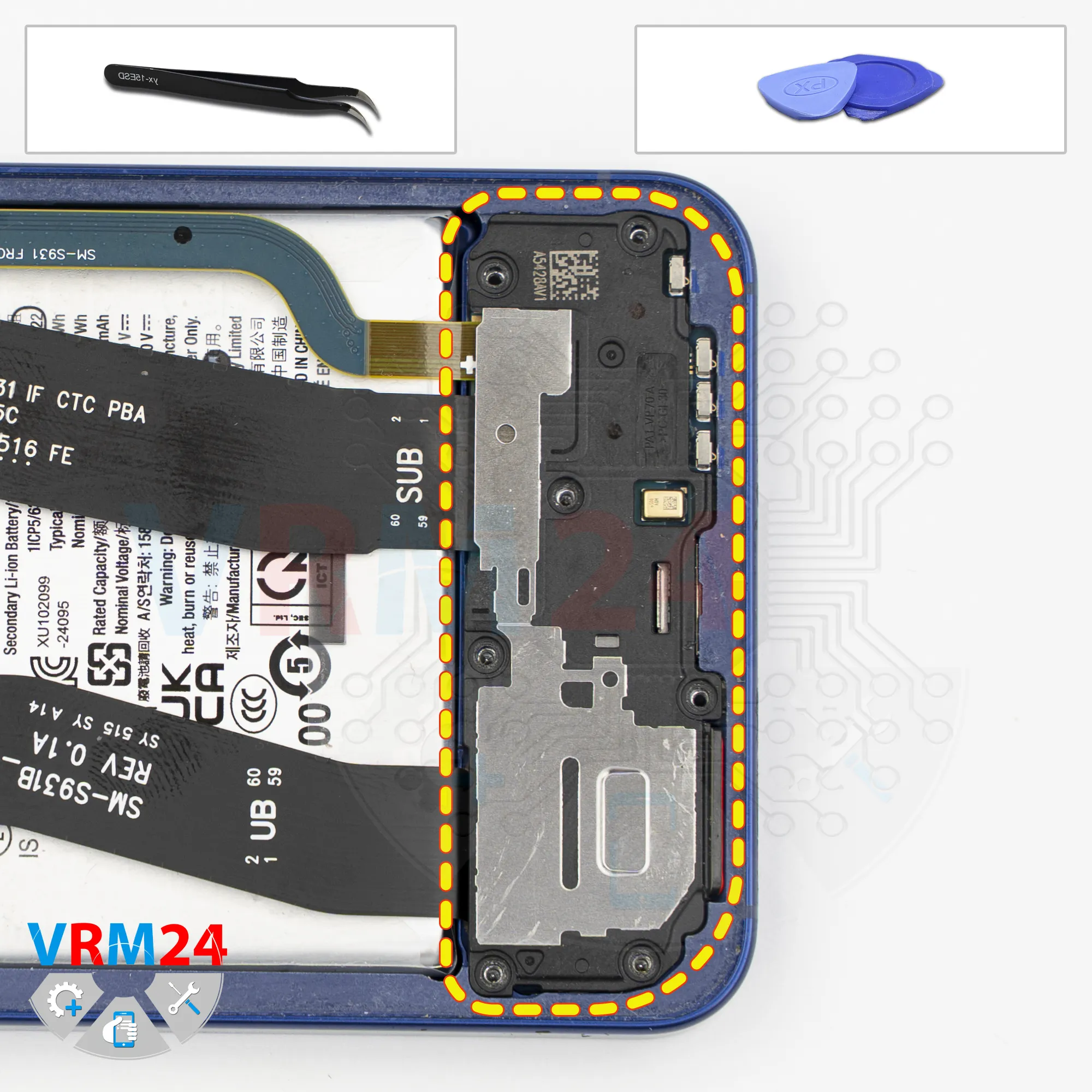
Remove the loudspeaker
Next, we need to remove the speaker module.
An arrow indicates the direction where we can carefully pry it up - the cover comes off easily.
Step 9.
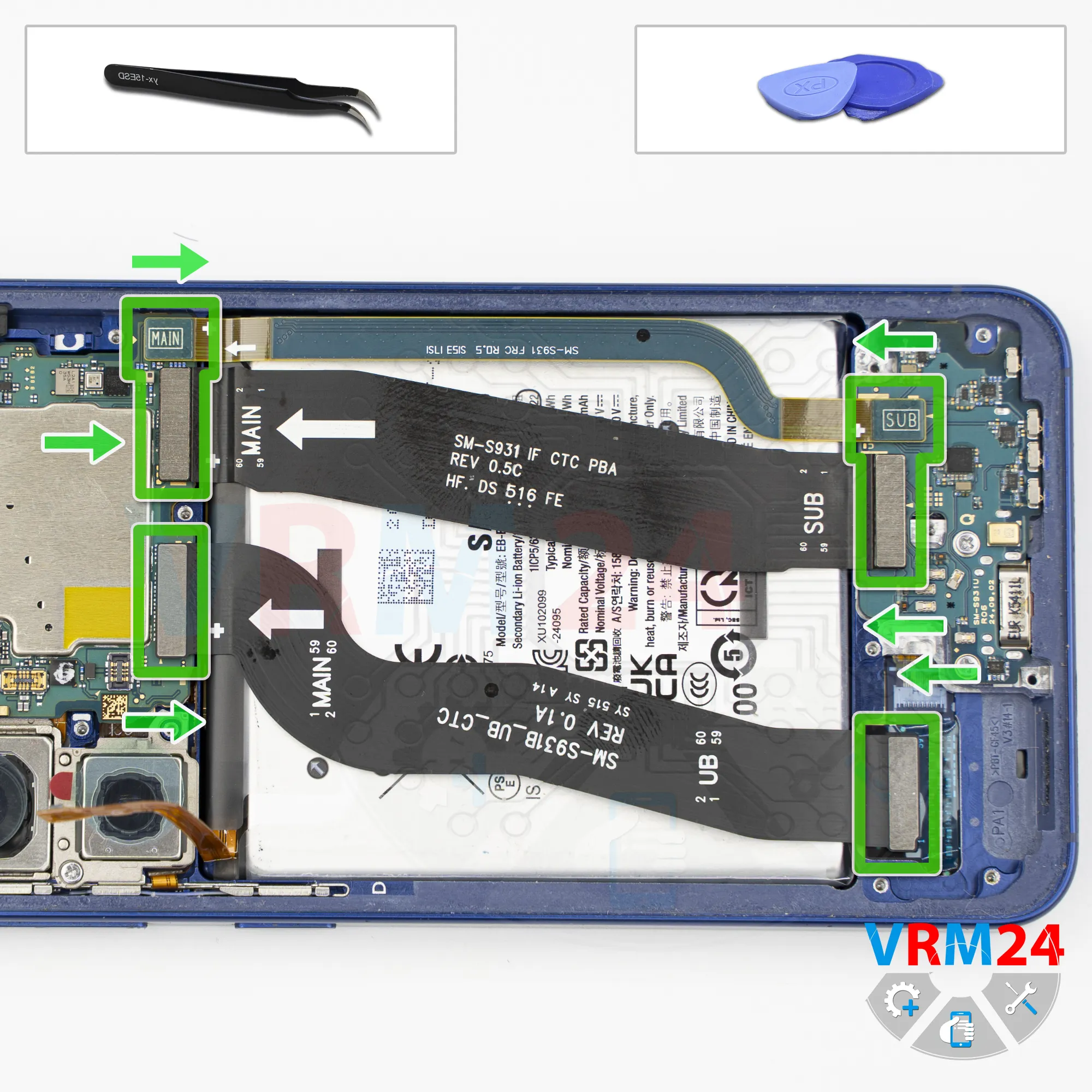
Remove the interconnect cables
After that, we need to disconnect the interconnect flex cables.
Please note that we should not use the PCBs as leverage points to avoid damaging any chips on the boards.
By the way, arrows on the flex cables indicate the direction toward the motherboard.
Step 10.
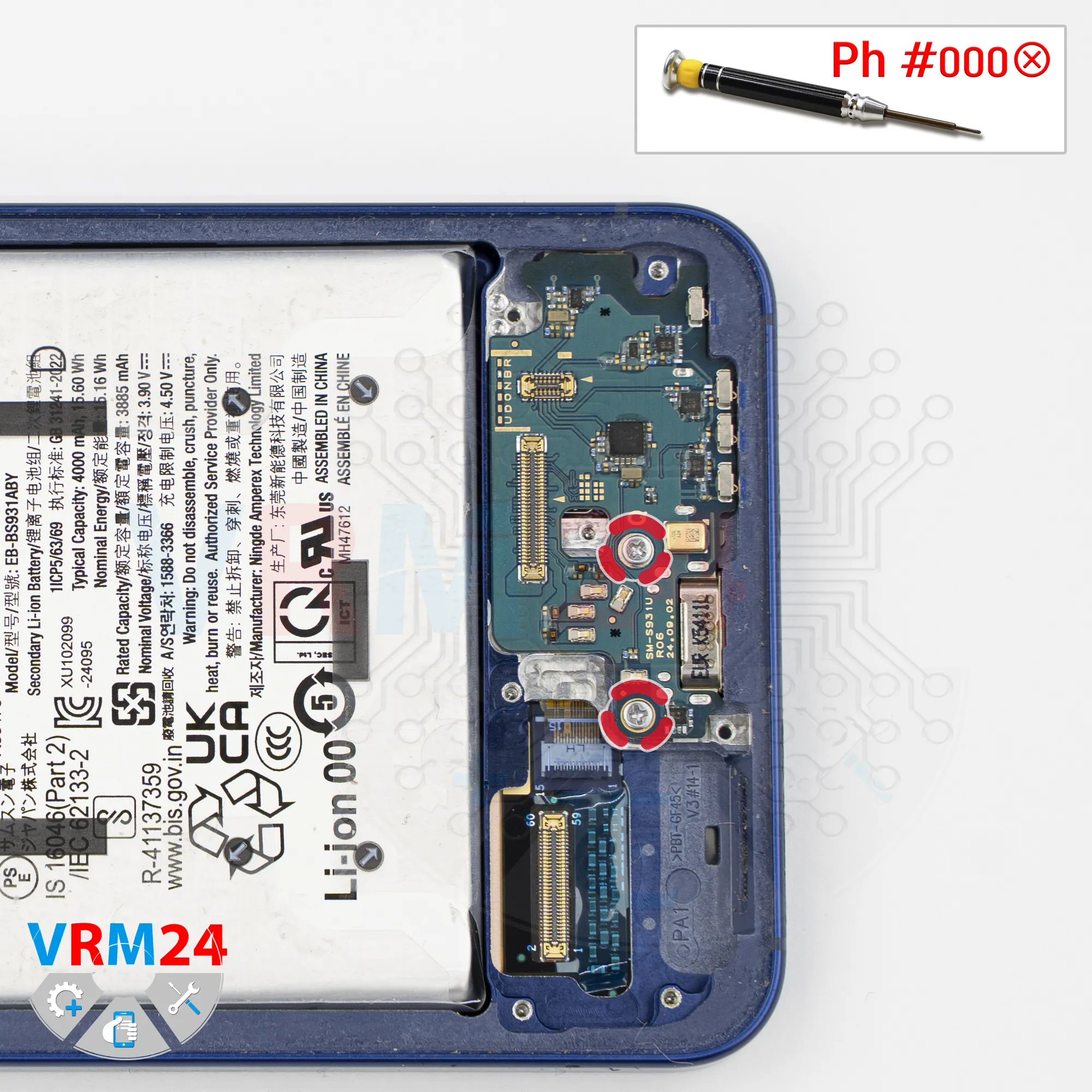
Unscrew the screws
Then we need to remove two screws that secure the sub-board.
They are tightened quite firmly, so be careful in this step.
Step 11.
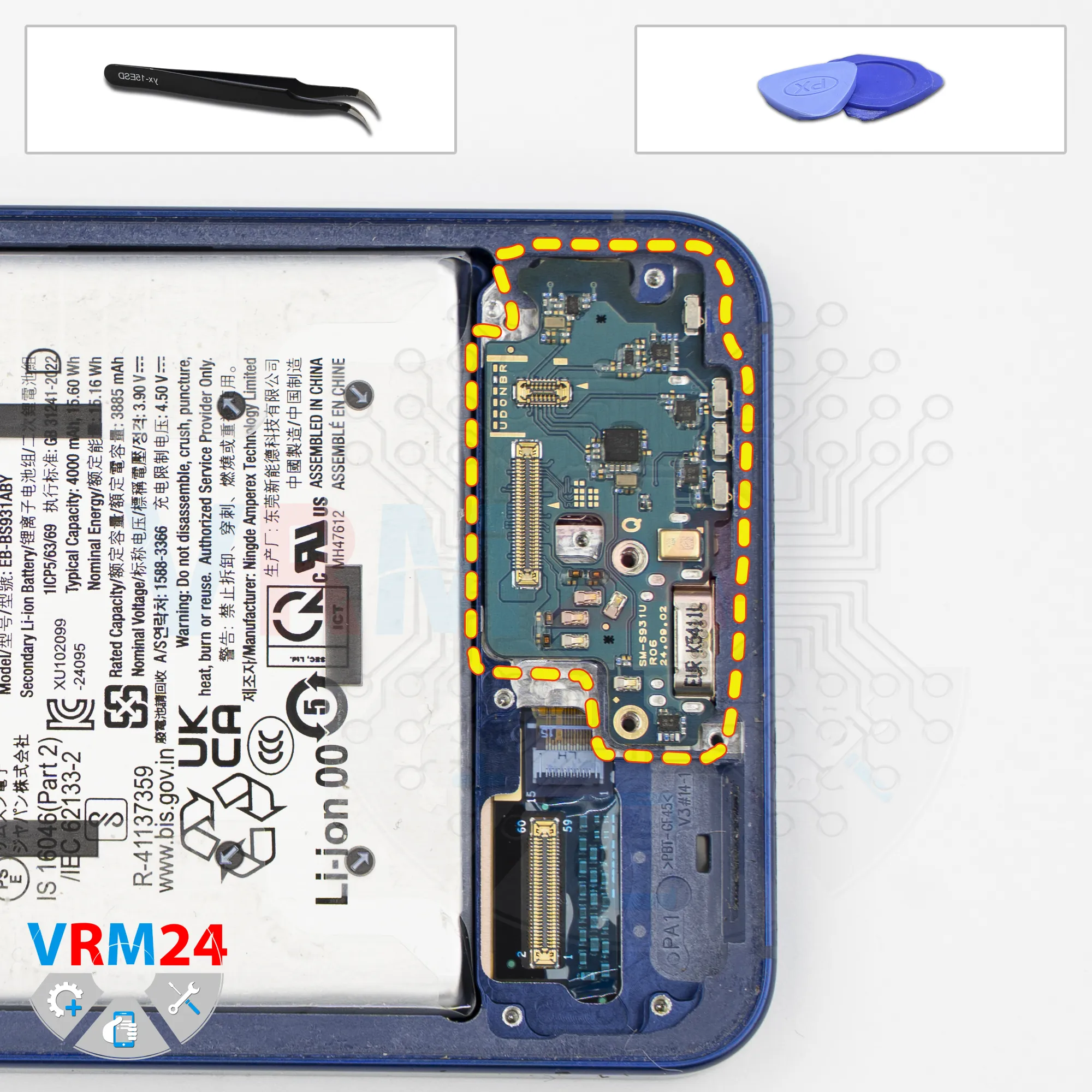
Remove the sub-board
Now we can remove the sub-board.
The sub-board is slightly recessed, so carefully pry it up from the edge, lift it, and remove it.
The sub-board contains the charging port, microphone, SIM card connector, and other components.
Step 12.
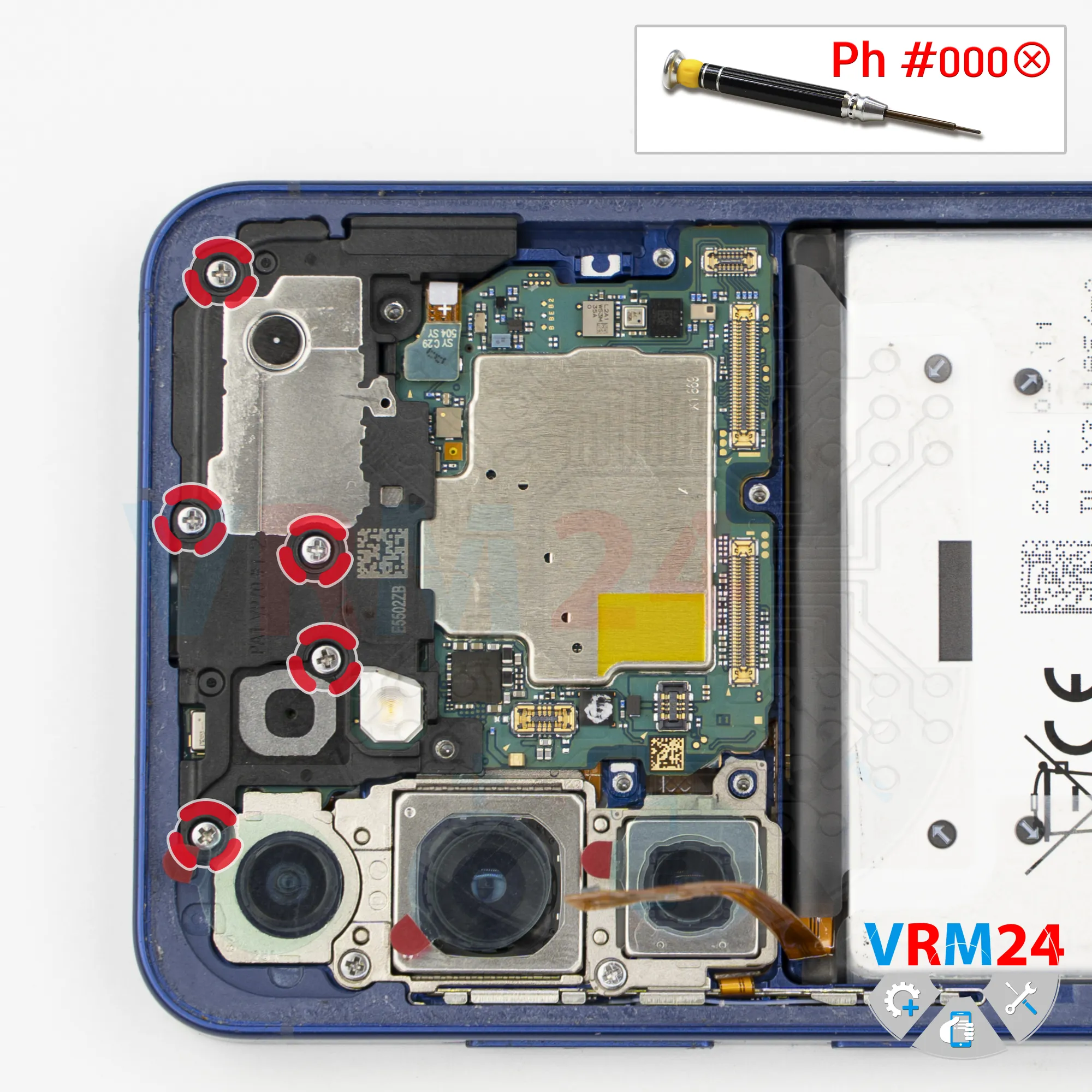
Unscrew the screws
Now we move on to the motherboard.
We need to remove a few more screws that hold the cover with the speaker.
Carefully unscrew them. It’s also better to keep these screws separate, since they may not fit well into other holes during reassembly.
Step 13.
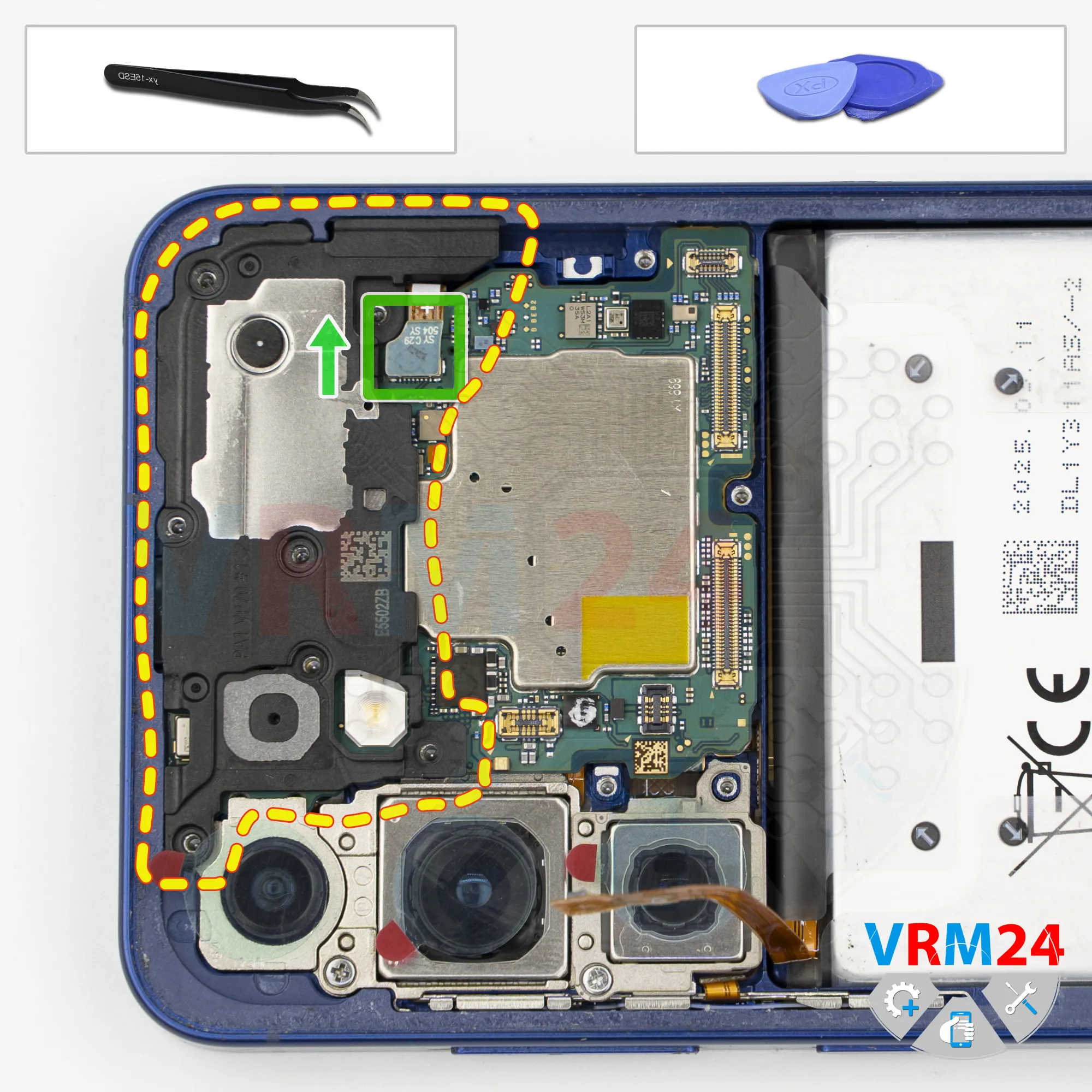
Remove the earpiece speaker
Now we need to remove the cover. Carefully pry it up and lift it.
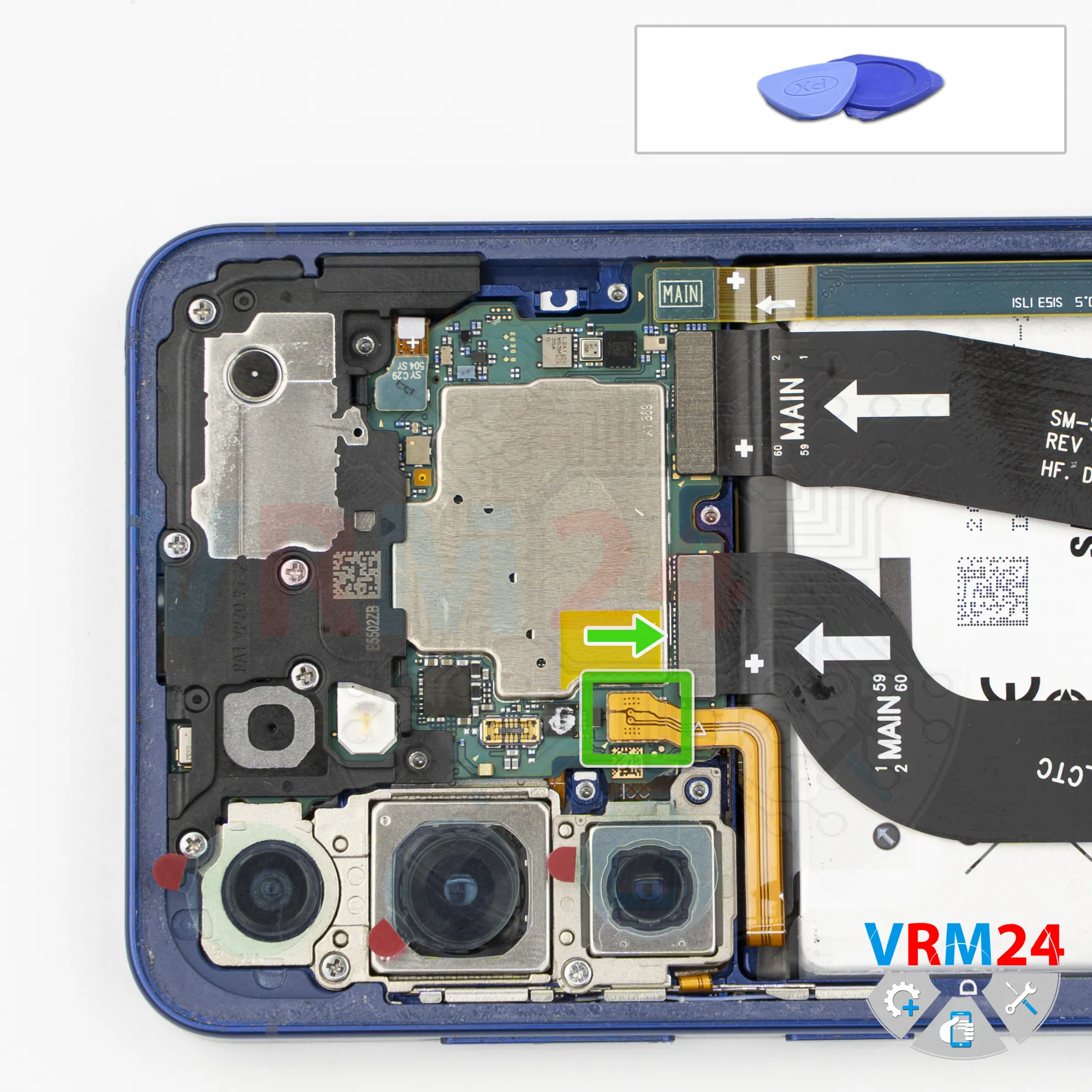
Note that there is a flex cable coming from the cover, more precisely, from a small antenna board, and it connects to the motherboard, so we need to disconnect that connector.
Disconnect the connector and remove the cover with the speaker and antenna board.
Step 14.
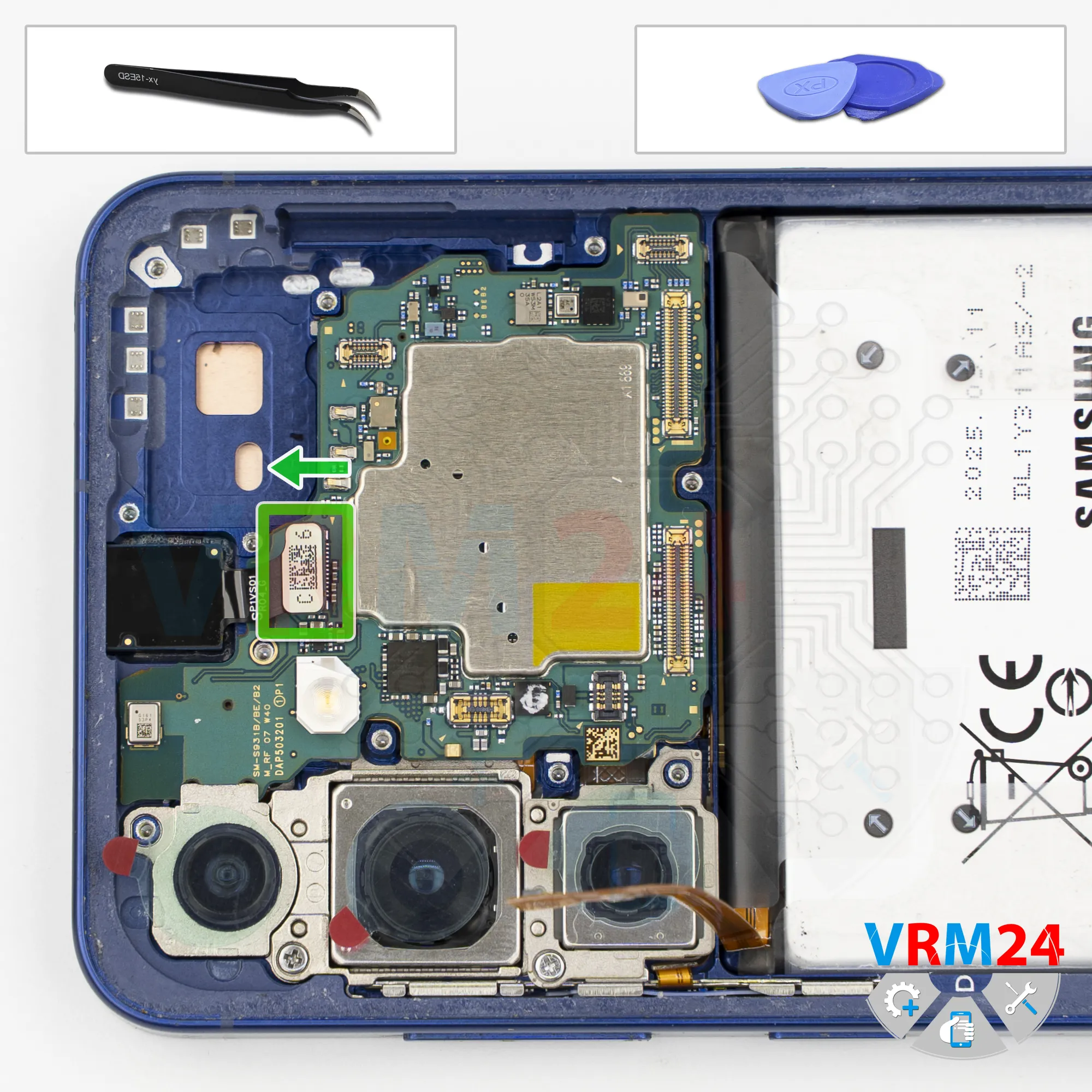
Disconnect the connector
After that, disconnect the front camera connector.
The front camera is firmly glued in place, and we were asked not to remove it.
Step 15.
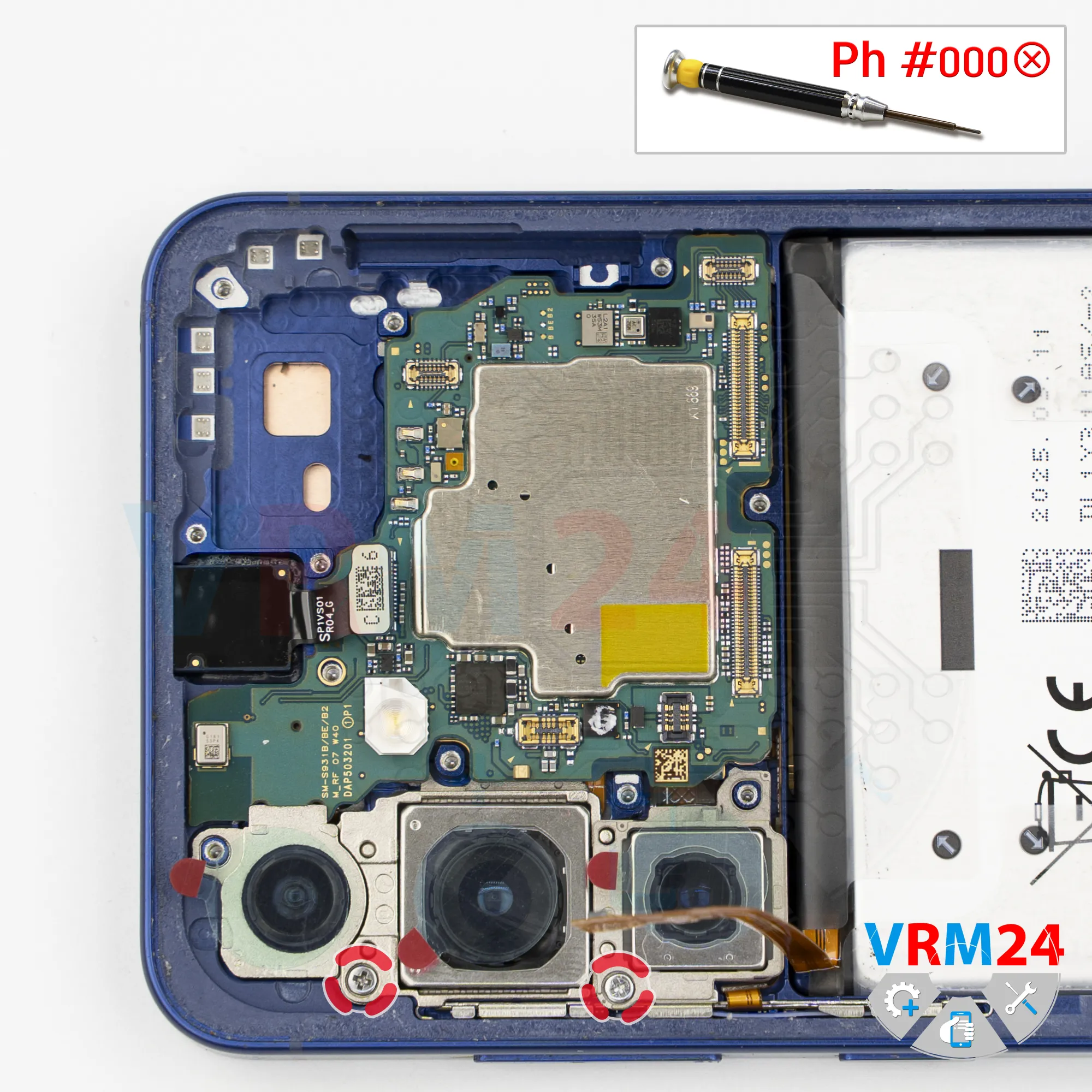
Unscrew the screws
Then we remove two screws that secure the rear cameras.
Unscrew them and set them aside.
Step 16.
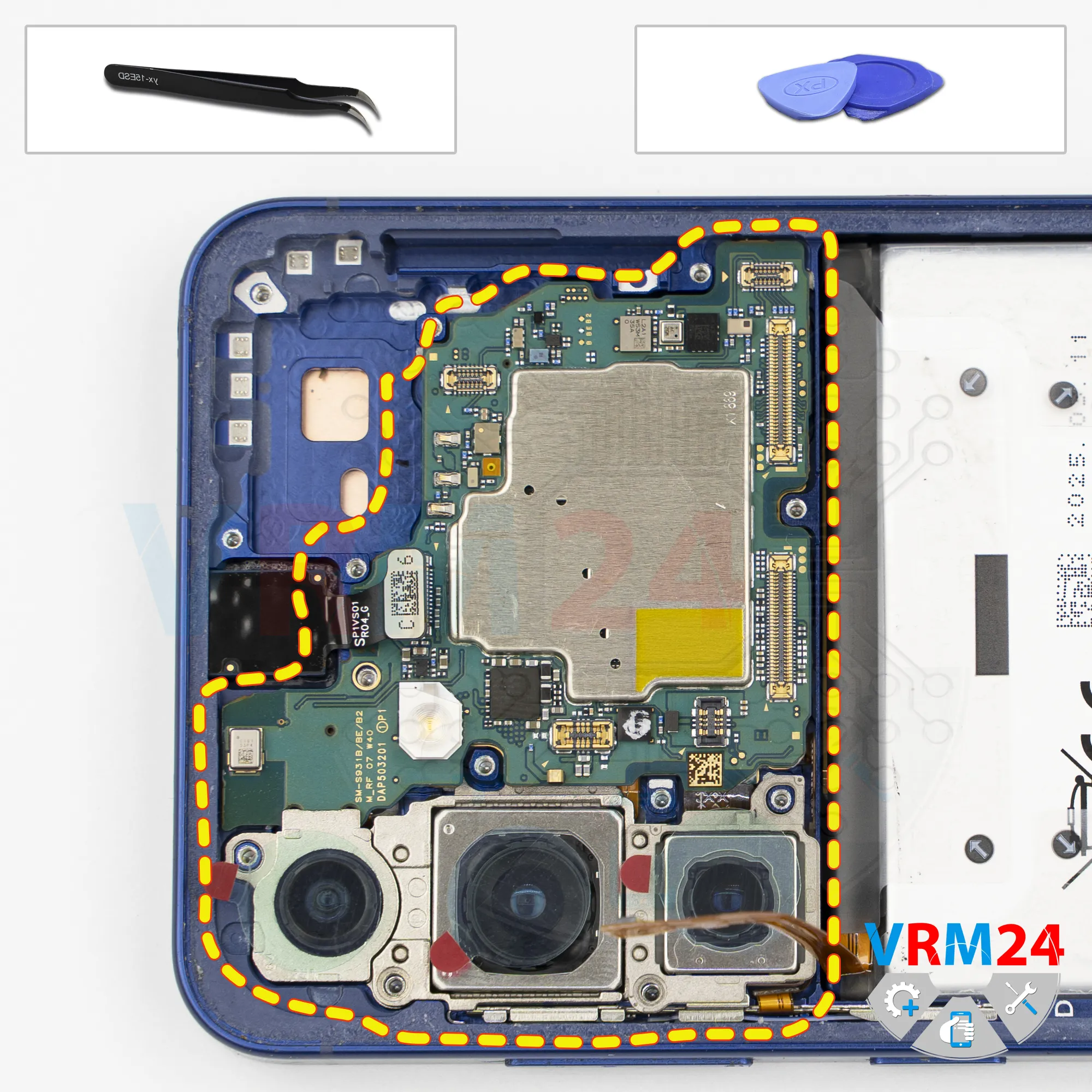
Remove the motherboard
Now we can remove the motherboard.
Carefully lift it out and flip it over.
Step 17.
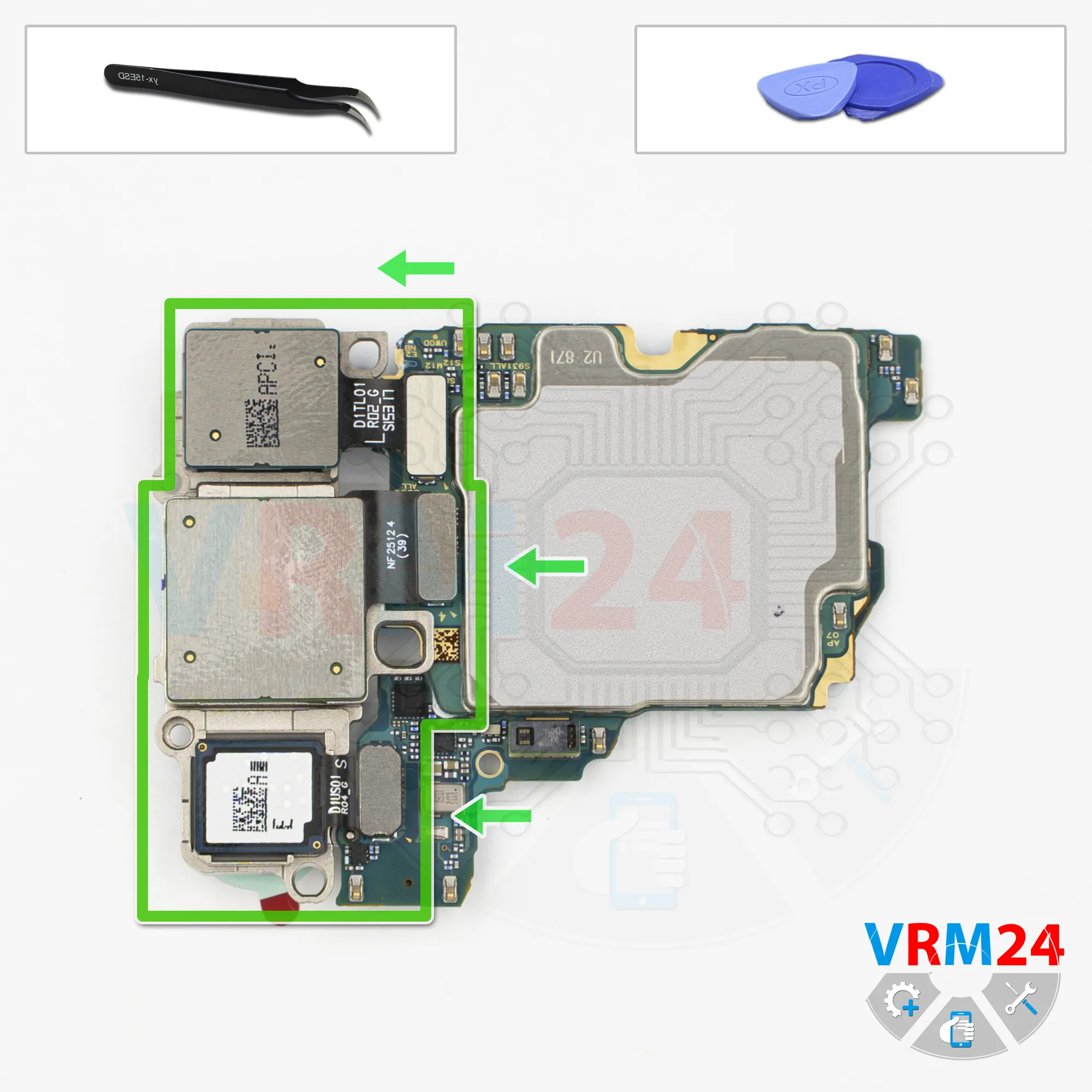
Remove the cameras
Then we can disconnect the cameras.
Carefully pry up the connectors and remove the cameras, then set them aside.
Step 18.
Remove the battery
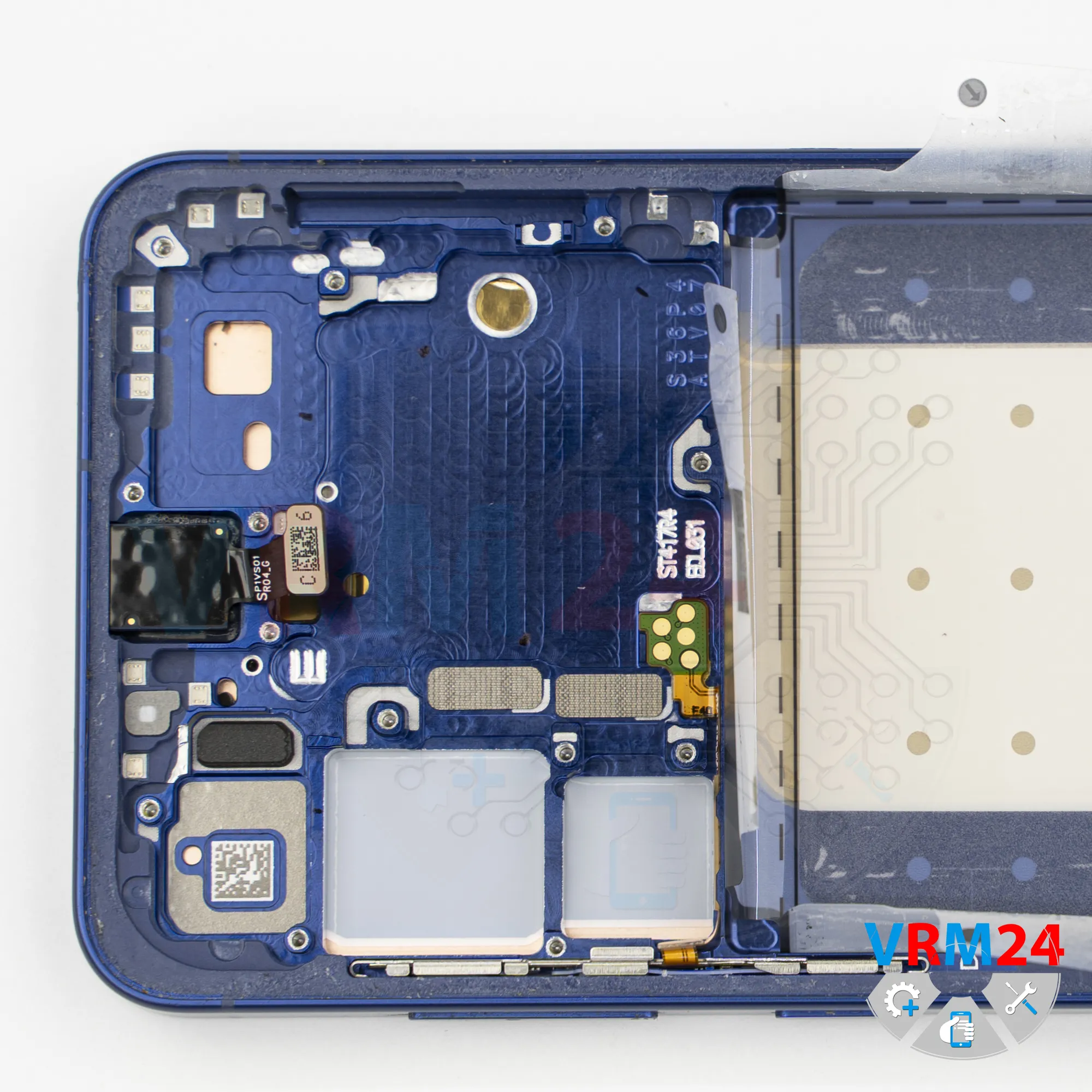
Finally, we move on to removing the battery.
On newer Samsung models, this is quite simple.
There are four transparent pull tabs that need to be folded outward.
Then carefully lift the battery, and it will come out easily.
Step 19.
In the display frame remained
ℹ️ In the display frame remained: the front camera.

If you have a question, ask us, and we will try to answer in as much detail as possible. If this article was helpful for you, please rate it.

1938
Views
1
Likes
—
Share
0
Questions
Related Instructions
Related Reviews
Related Blog
Top instructions
Check our
Top Samsung instructions most liked by readers
New instructions
Check our
New Samsung brand instructions on vrm24.com