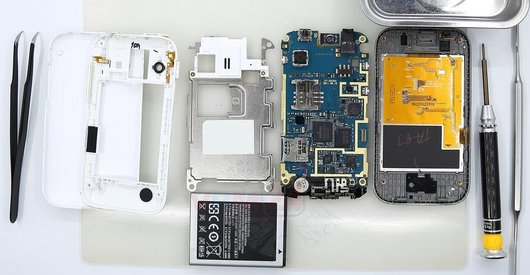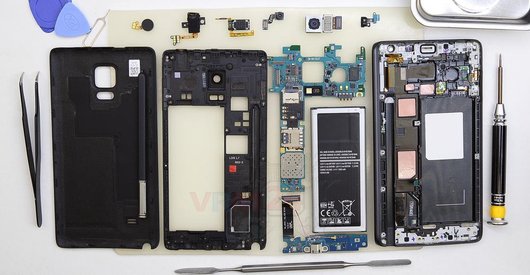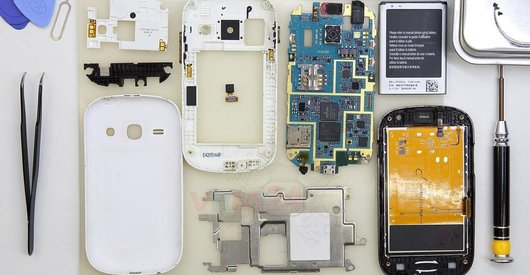

Recommended tools
Screwdriver Tri-point Y00
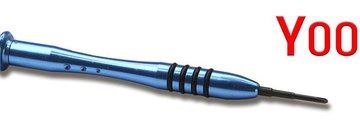
Screwdriver Phillips #000

Opening tool / Spudger

Tweezers

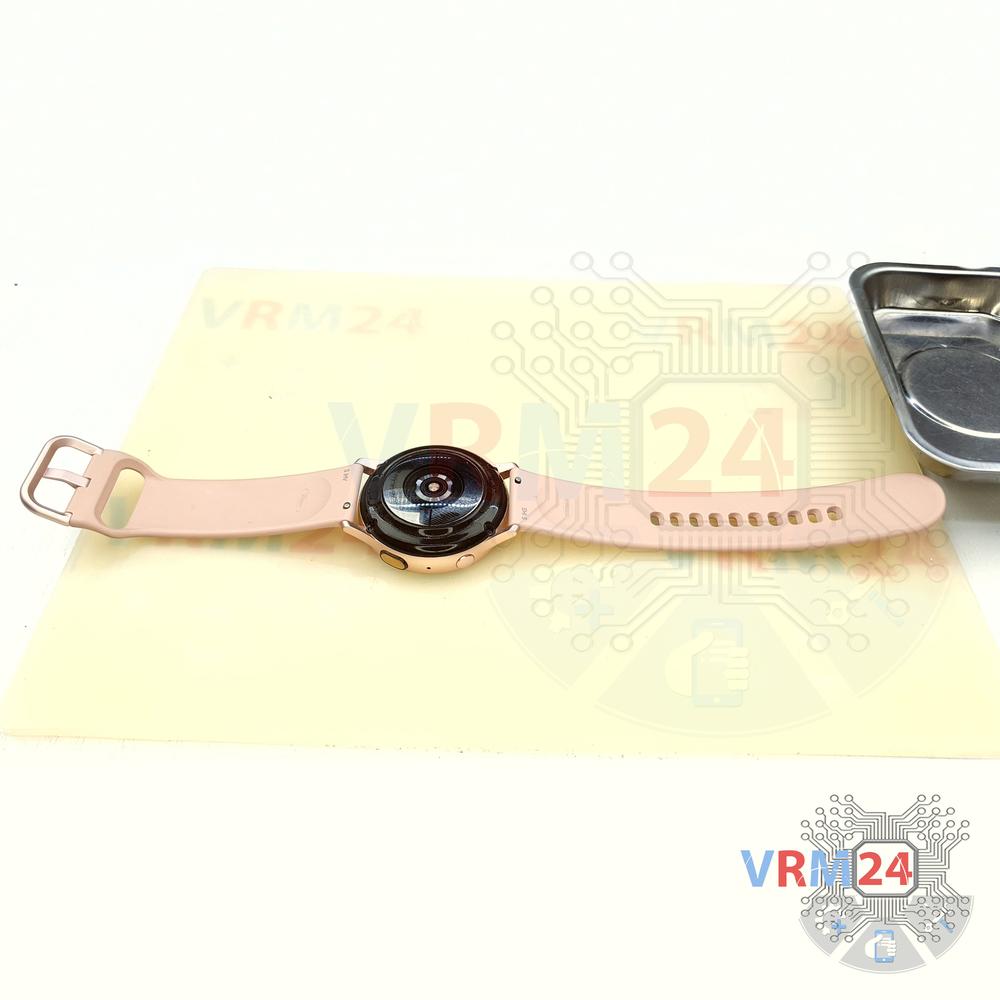
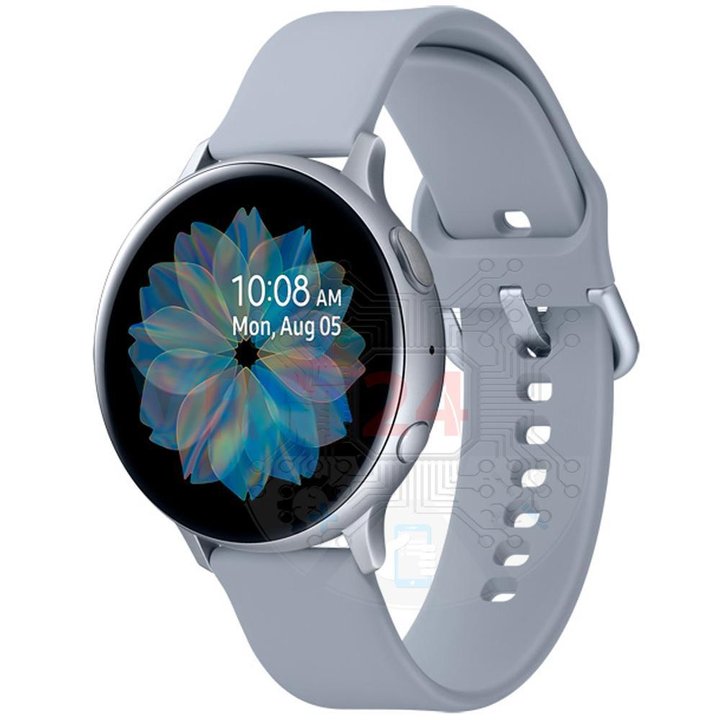
Disassembly/Repair of the mobile device Samsung Galaxy Watch Active 2 SM-R820 (Samsung Galaxy Watch Active 2) with each step description and the required set of tools.
30405
Views
16
Likes
—
Share
55
Questions

Step 1.
Before disassembling!
⚠ Before disassembling, do not forget to turn your phone off.
Step 2.
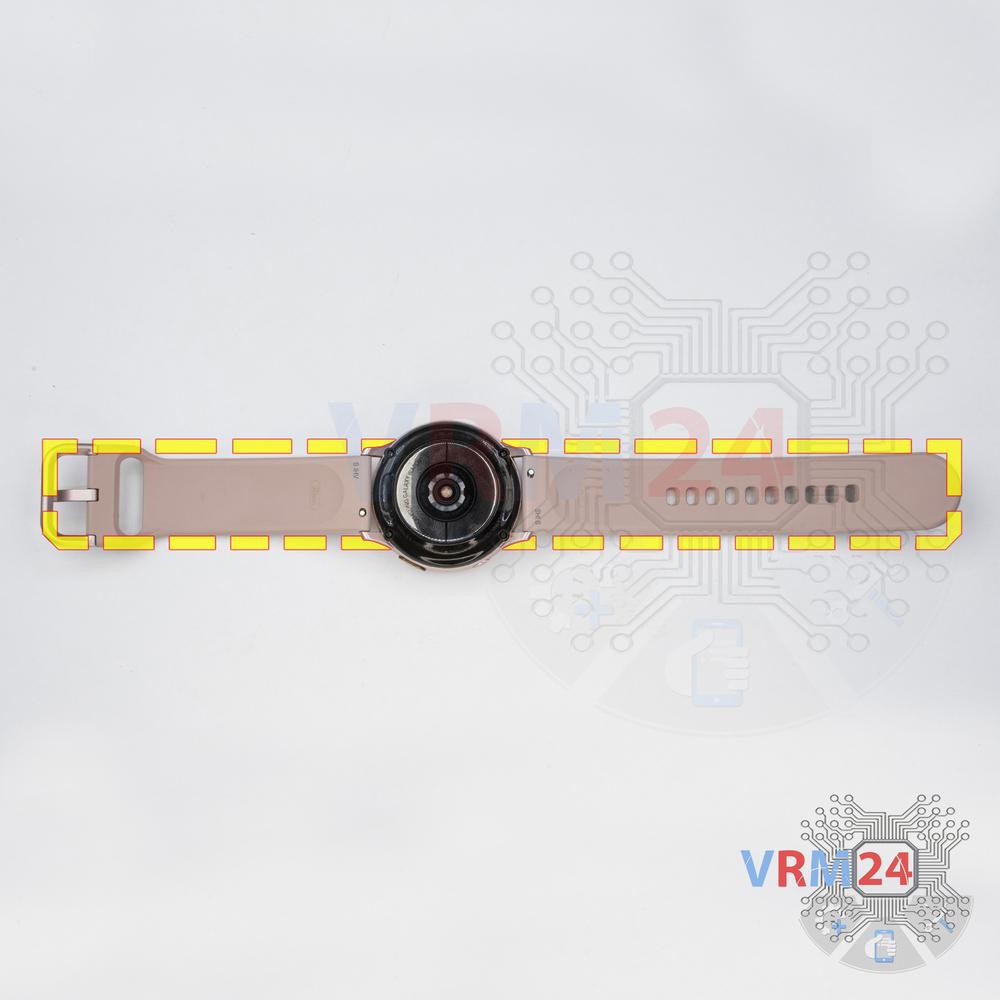
Unfasten the strap
Unfasten the strap.
Step 3.
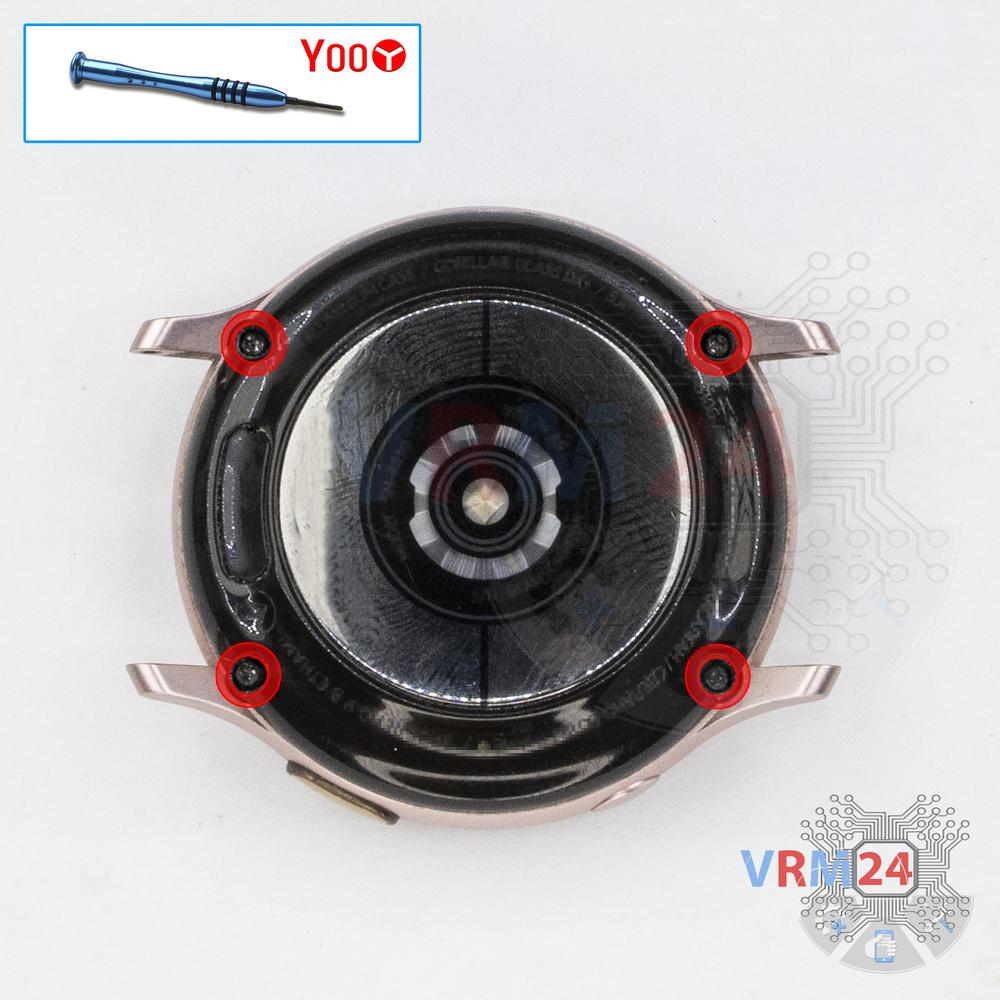
Unscrew the screws
Using a screwdriver (Tri-Wing 2.0 mm Y00), unscrew 4 screws.
Step 4.
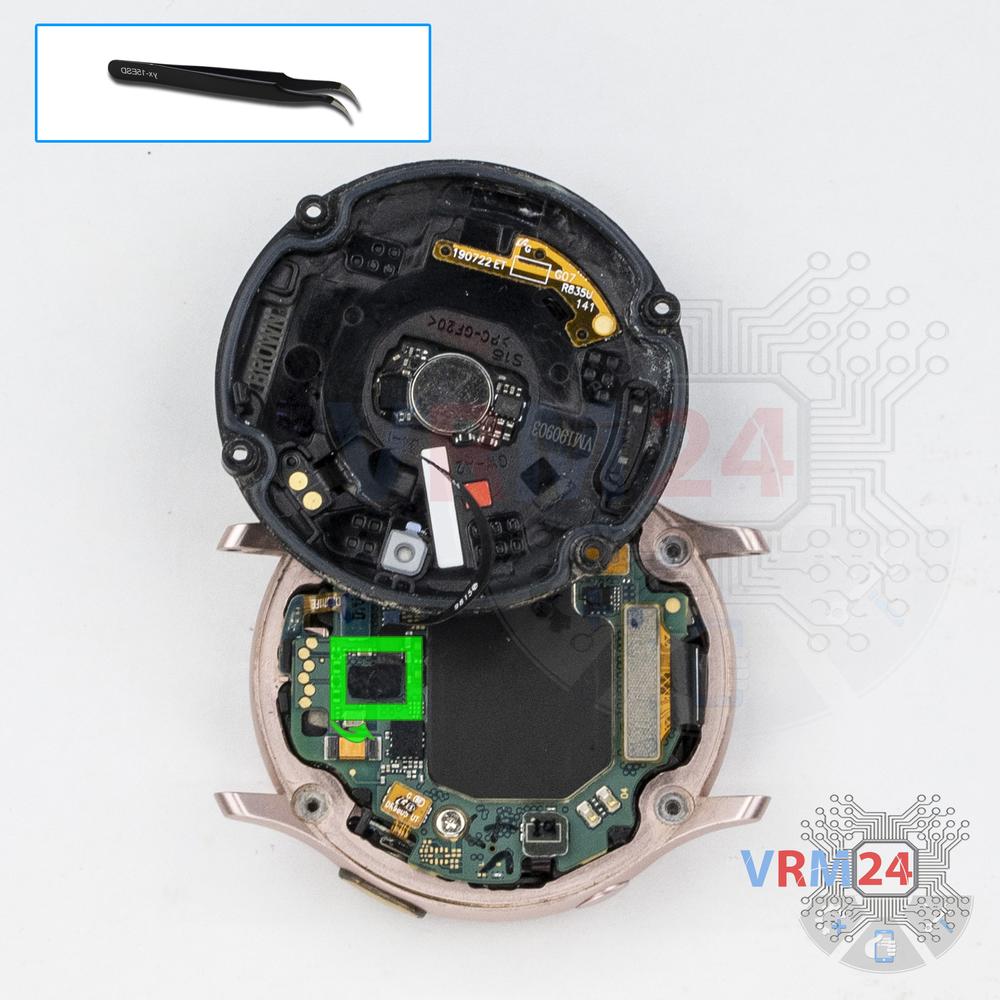
Open the back cover
Open the back cover and turn it over.
Step 5.
Disconnect the connector
Pry up the connector of the heart rate sensor and remove the cover.
Step 6.
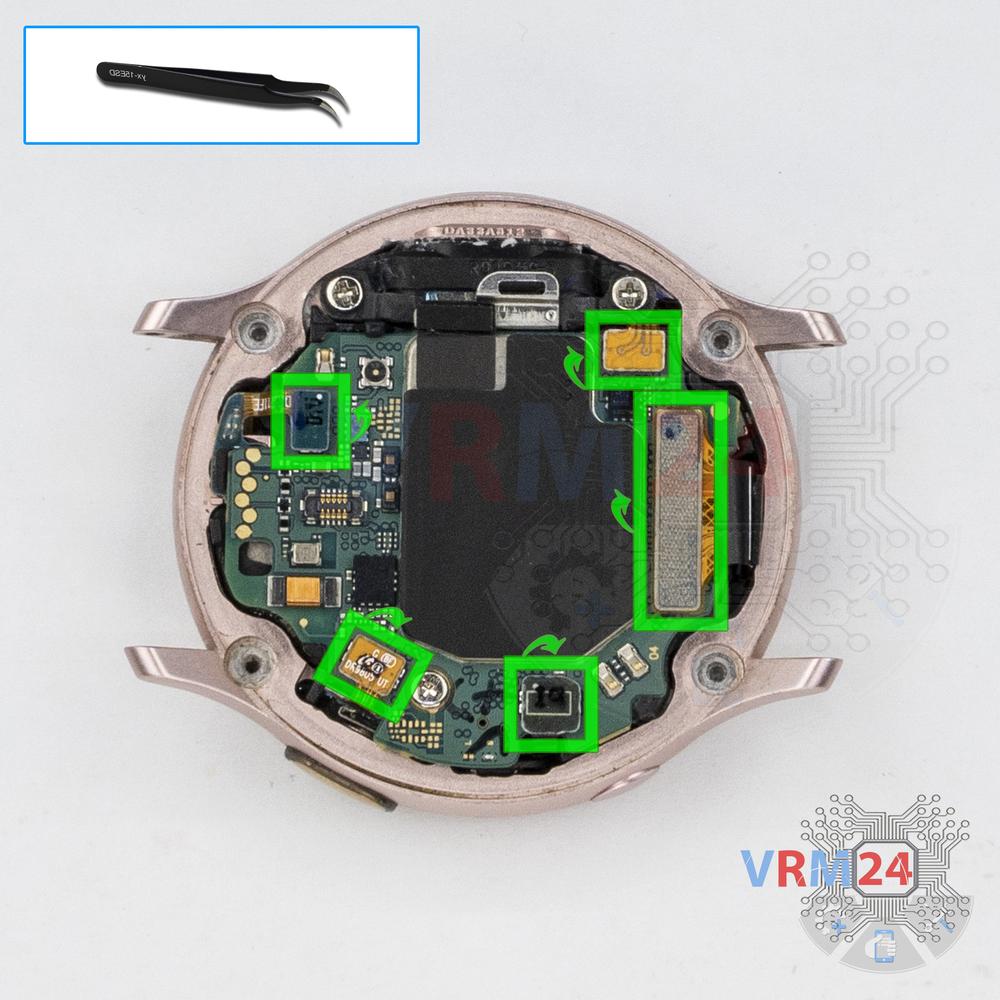
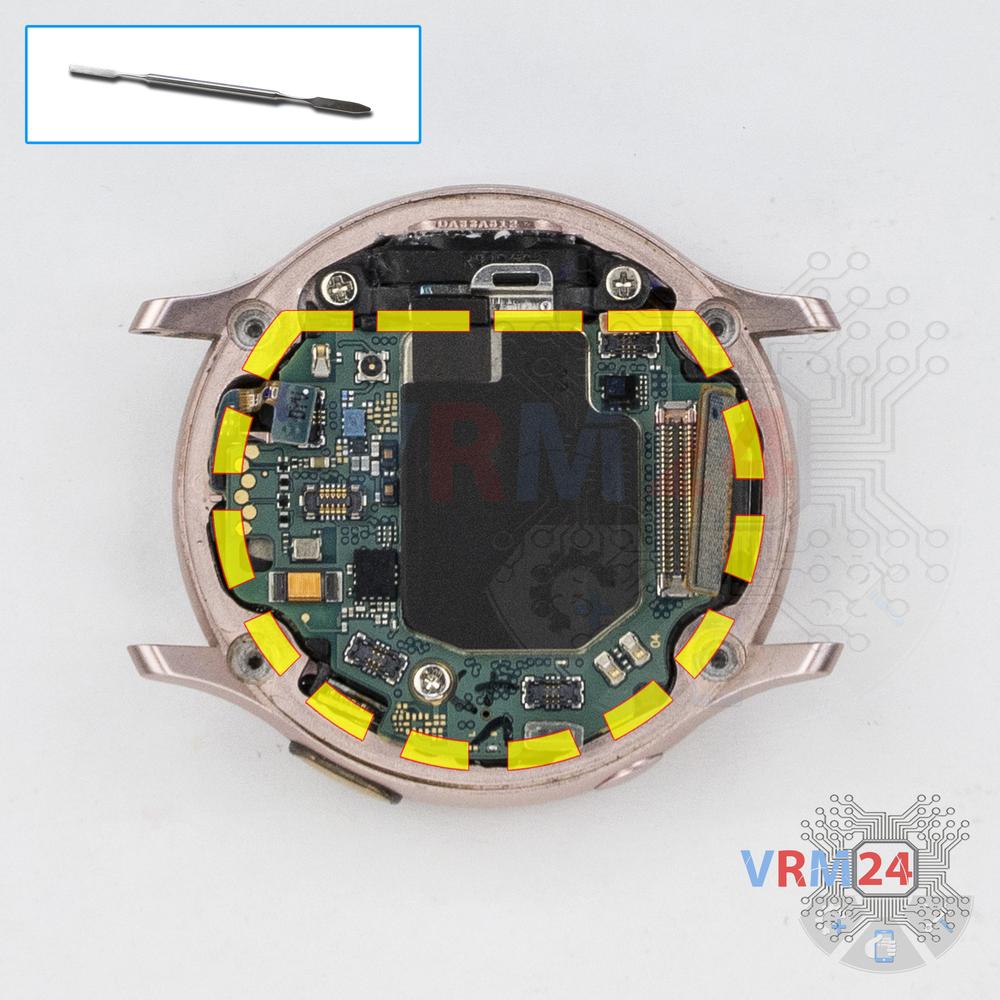
Disconnect the connectors
Disconnect all connectors.
Step 7.
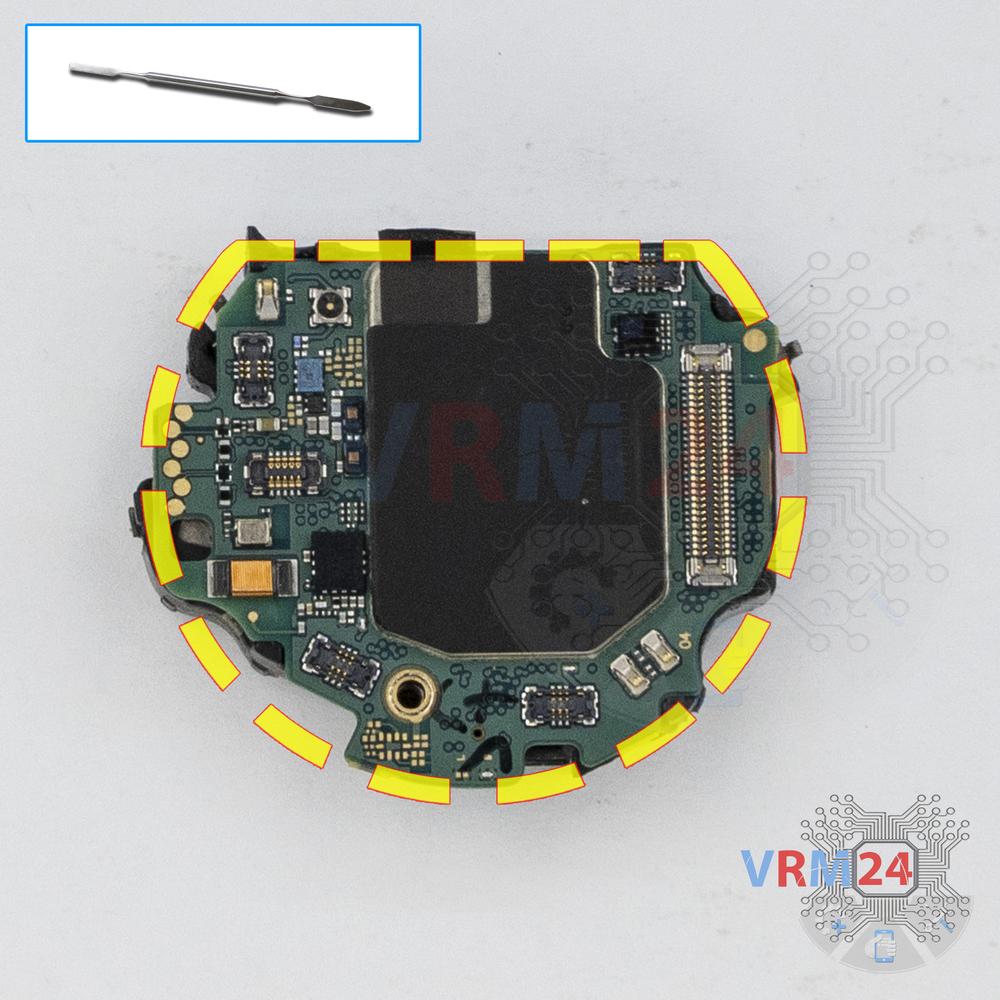
Remove the motherboard
Carefully remove the printed circuit board. There is no need to use a lever or try to reach the board by force. Make sure that nothing is getting in the way or holding the board.
⚠ Do not bend the circuit board when removing it or push tools under it. Unbeknownst to yourself, you can damage components or cables from the inside.
Step 8.
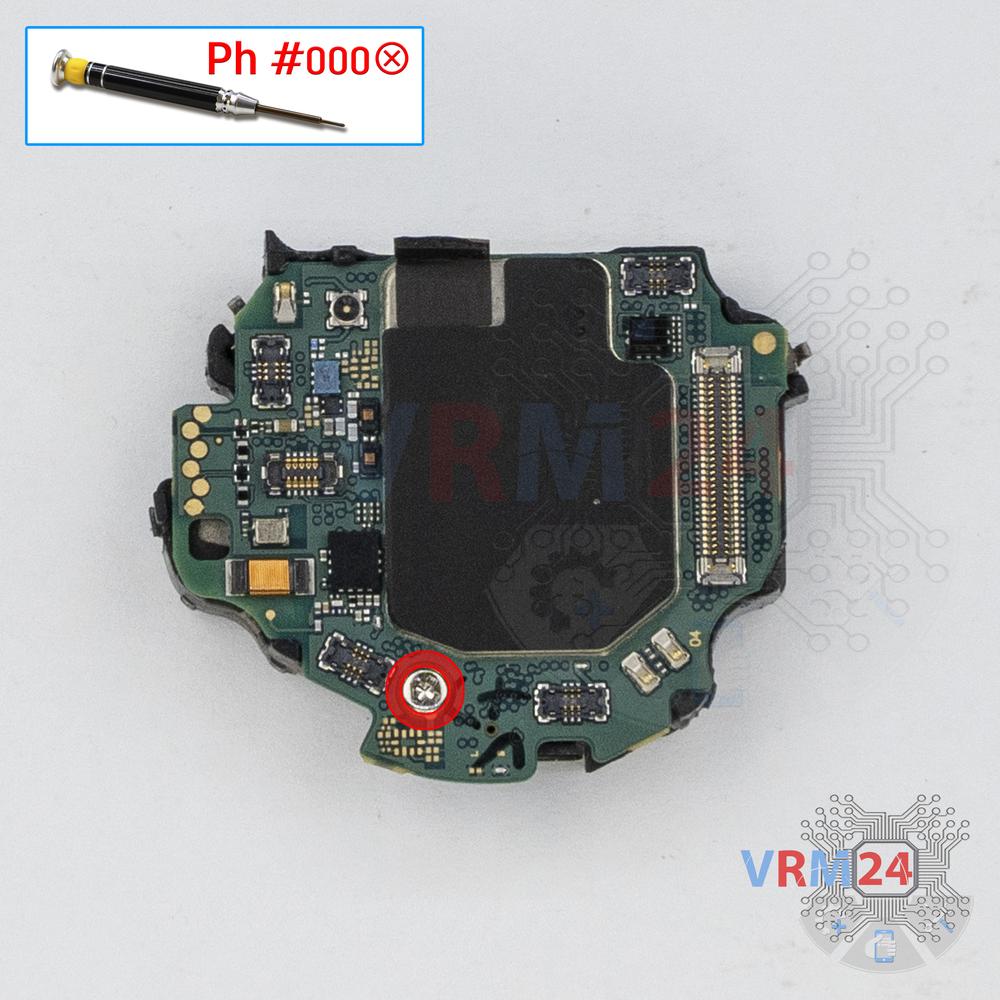
Unscrew one screw
Using a screwdriver (Philips 1.5 mm PH000), unscrew one screw on the PCB securing the battery.
Step 9.
Remove the battery
Separate the motherboard from the frame with the battery. Be careful with the side button.
ℹ️ The Samsung Galaxy Watch Active 2 SM-R820 model has a battery EB-BR830ABY with 240 mAh capacity (aka rechargeable battery).

If you have a question, ask us, and we will try to answer in as much detail as possible. If this article was helpful for you, please rate it.

30405
Views
16
Likes
—
Share
55
Questions
Related Instructions
Related Reviews
Related Blog
Popular Questions

Samsung Galaxy Watch Active 2 SM-R820
Lcd can no touch how
allan
Samsung Galaxy Watch Active 2 SM-R820
I have a galaxy active 2 and one day while In was wiping the watch, the screen became unresponsive to touches. It seems to have random touches now. t…
team
Samsung Galaxy Watch Active 2 SM-R820
Hello. If on exactly the same watch as yours in the video the display blinks green, and then became dark. I took it apart. Everything is intact. The …
doc.afanaseva
Samsung Galaxy Watch Active 2 SM-R820
I can't open is it Possible to do without a screwdriver
andrew
Samsung Galaxy Watch Active 2 SM-R820
Hello, my watch was stuck on a rebooting loop and not charging. Now it charges and doesn't turn on. What can I try? Thank you.
ednaTop instructions
Check our
Top Samsung instructions most liked by readers
New instructions
Check our
New Samsung brand instructions on vrm24.com