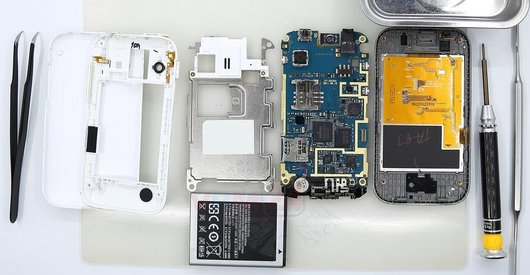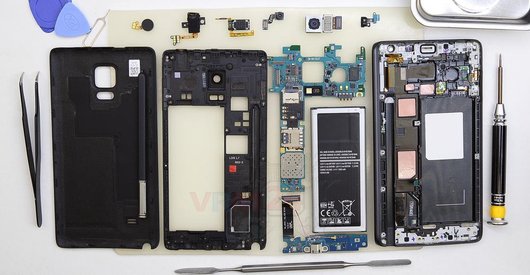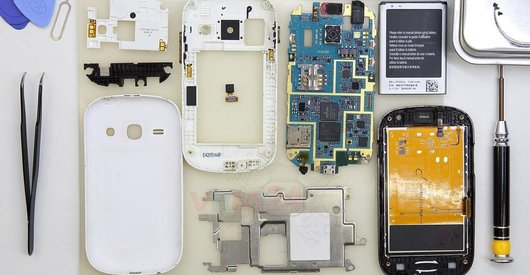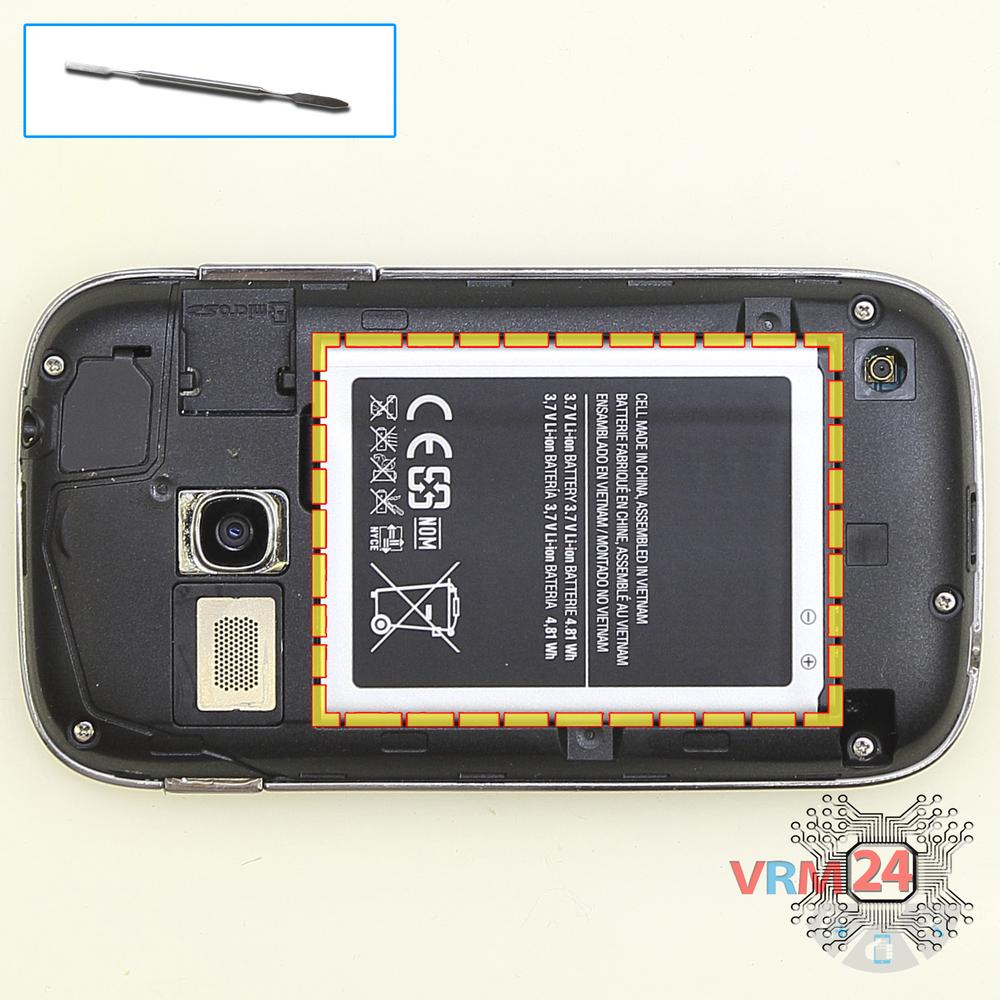


Recommended tools
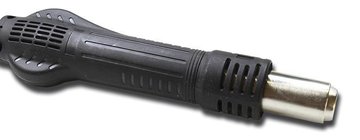
Heat gun
Screwdriver Phillips #000

Opening tool / Spudger

Tweezers

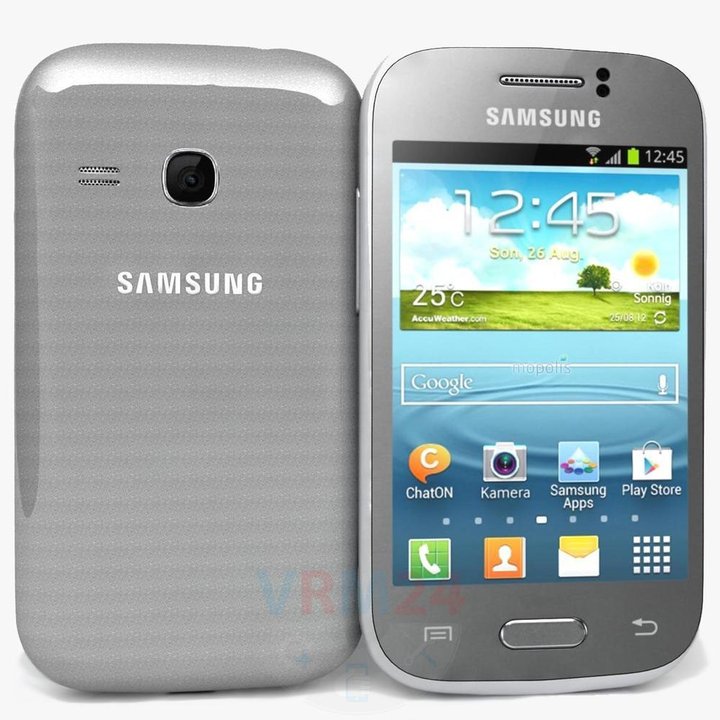
Disassembly/Repair of the mobile device Samsung Galaxy Young Duos GT-S6312 with each step description and the required set of tools.
6818
Views
1
Likes
—
Share
4
Questions

Step 1.
Open the back cover
Open the back cover.
Step 2.
Remove the battery
Lift and remove the battery.
Step 3.
Unscrew the screws
Using a screwdriver (Phillips 1.5 mm PH000), unscrew 5 bolts in the frame of the phone.
Step 4.
Open the mid-frame
Pry and remove the middle frame.
Step 5.
Disconnect the connectors
Disconnect connectors on the PCB.
Step 6.
Remove the motherboard
Remove the PCB.
Step 7.
Unscrew the screws
Using a screwdriver (Phillips 1.5 mm PH000), unscrew 4 bolts in the PCB.
Step 8.
Remove the protective film
Turn over the PCB and remove the protective cover/shield.
Step 9.
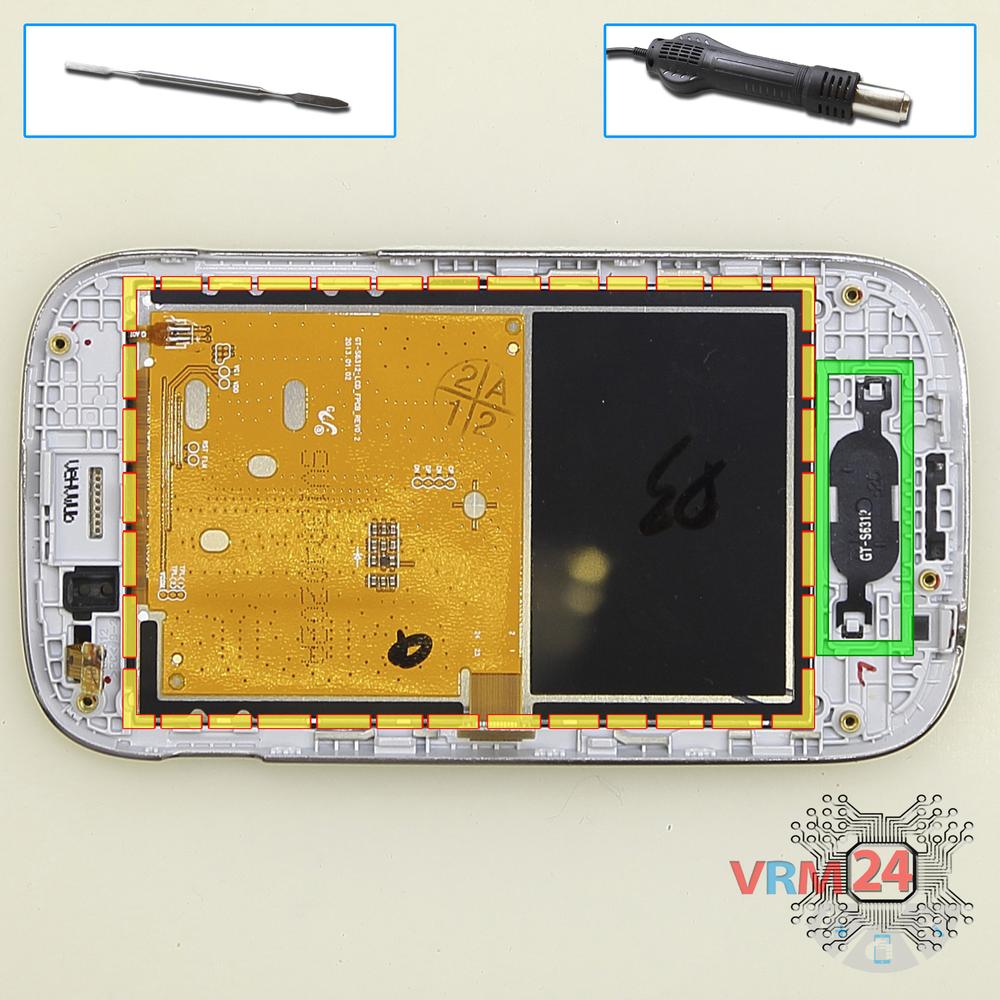
Remove the Home button
Pry & remove the display and Home button key.
⚠ Warning!
For careful separation, we recommend using a heat gun. At the same time, it is necessary to heat carefully in order, not to damage the surface of the device.

If you have a question, ask us, and we will try to answer in as much detail as possible. If this article was helpful for you, please rate it.

6818
Views
1
Likes
—
Share
4
Questions
Related Instructions
Related Reviews
Related Blog
Popular Questions
J
Samsung Galaxy A9 Pro (2016) SM-A910
I'm watching this video with my Samsung Galaxy A9 Pro 2016, the best in battery life, there's no other❤❤❤❤🖒
Julio Cesar Alcala Esquivel1
J
Samsung Galaxy Grand Prime SM-G530
hi how could I fix my galaxy grand prime. . damage by water.. is there any easy way to fix it or I need to buy a new one
Jona Villa20
Samsung Galaxy J5 (2017) SM-J530
Recently I forgot to delete some files, so my Galaxy J530 frozen and shutdown, now I can't turn it on nomore. I tried hard reset by it doesn't wor…
mugisha
L
Samsung Galaxy J5 Prime SM-G570
Friends, do you know how to activate the battery of this phone or even tell me where the positive and negative are.
Leonardo Silva20
V
Samsung Galaxy Note Pro 12.2'' SM-P905
good evening . i live in brazil and i have a sansung galaxy note pro sm-p905 tablet, it is having problems with the logic board. would you recommen…
Vanessa Marco11Top instructions
Check our
Top Samsung instructions most liked by readers
New instructions
Check our
New Samsung brand instructions on vrm24.com