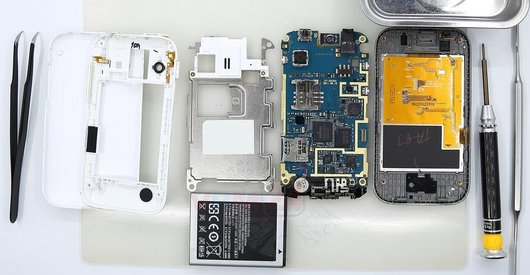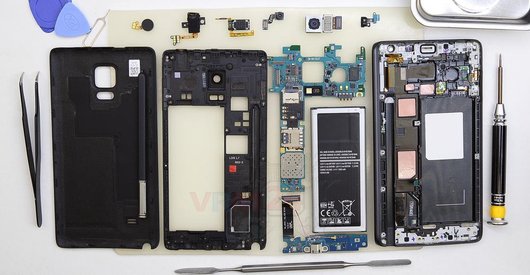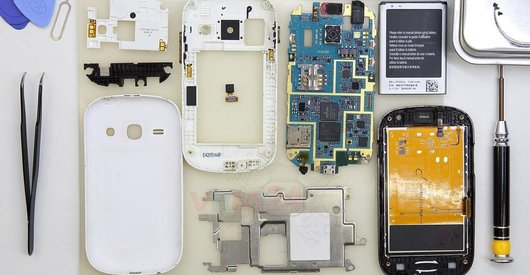




Recommended tools
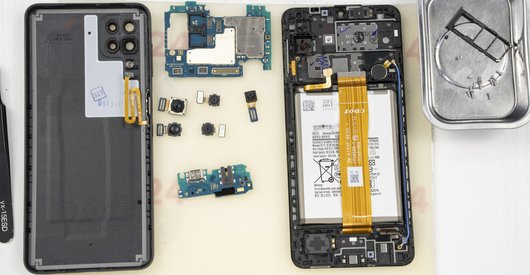
Screwdriver Phillips #000

Opening tool / Spudger

Tweezers

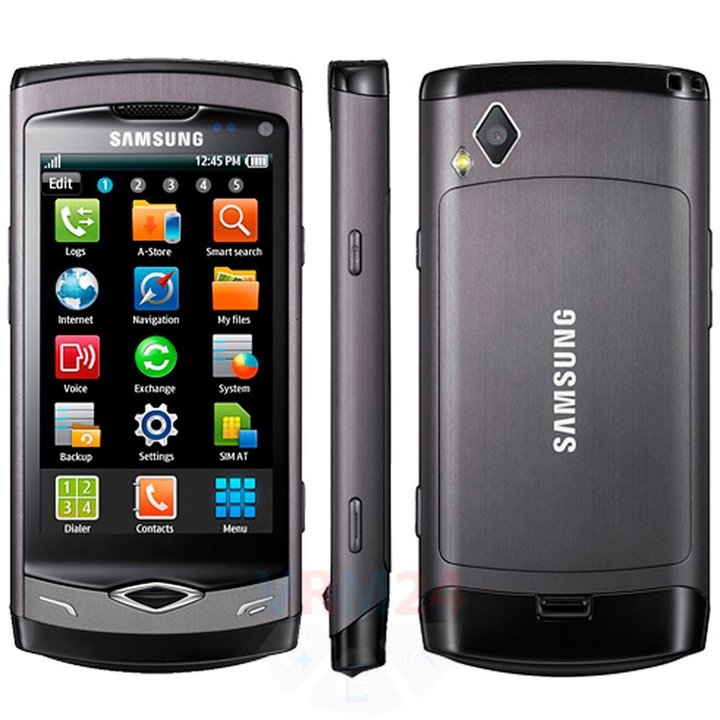
Disassembly/Repair of the mobile device Samsung Wave GT-S8500 with each step description and the required set of tools.
7323
Views
0
Likes
—
Share
10
Questions

Step 1.
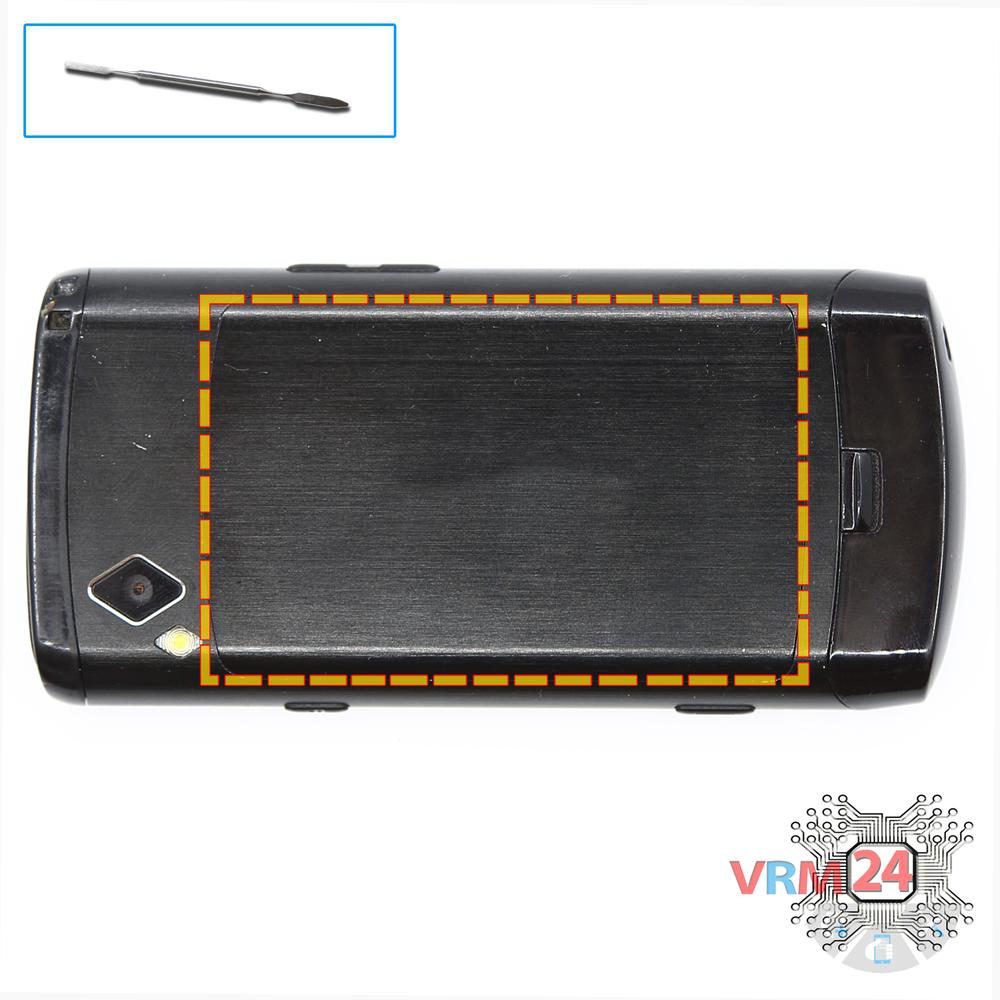
Open the back cover
Open the back cover.
Step 2.
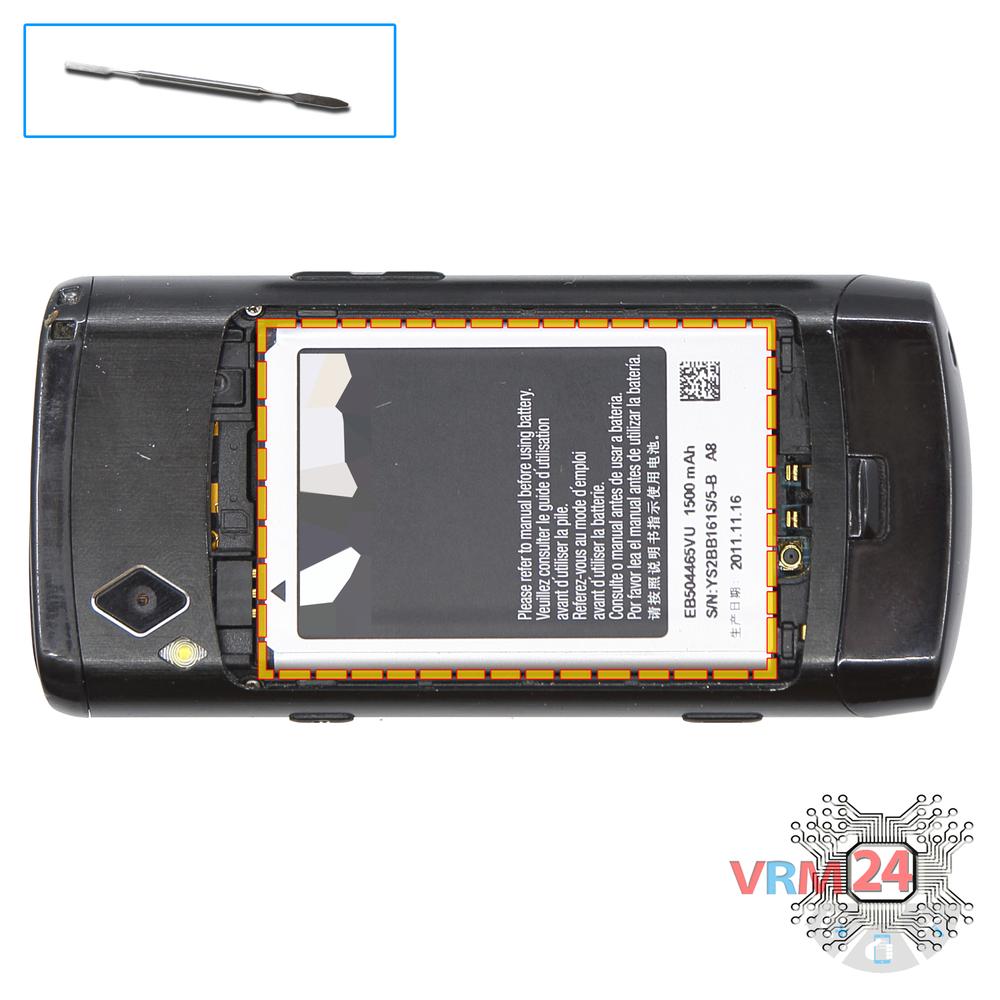
Remove the battery
Lift and remove the battery.
Step 3.
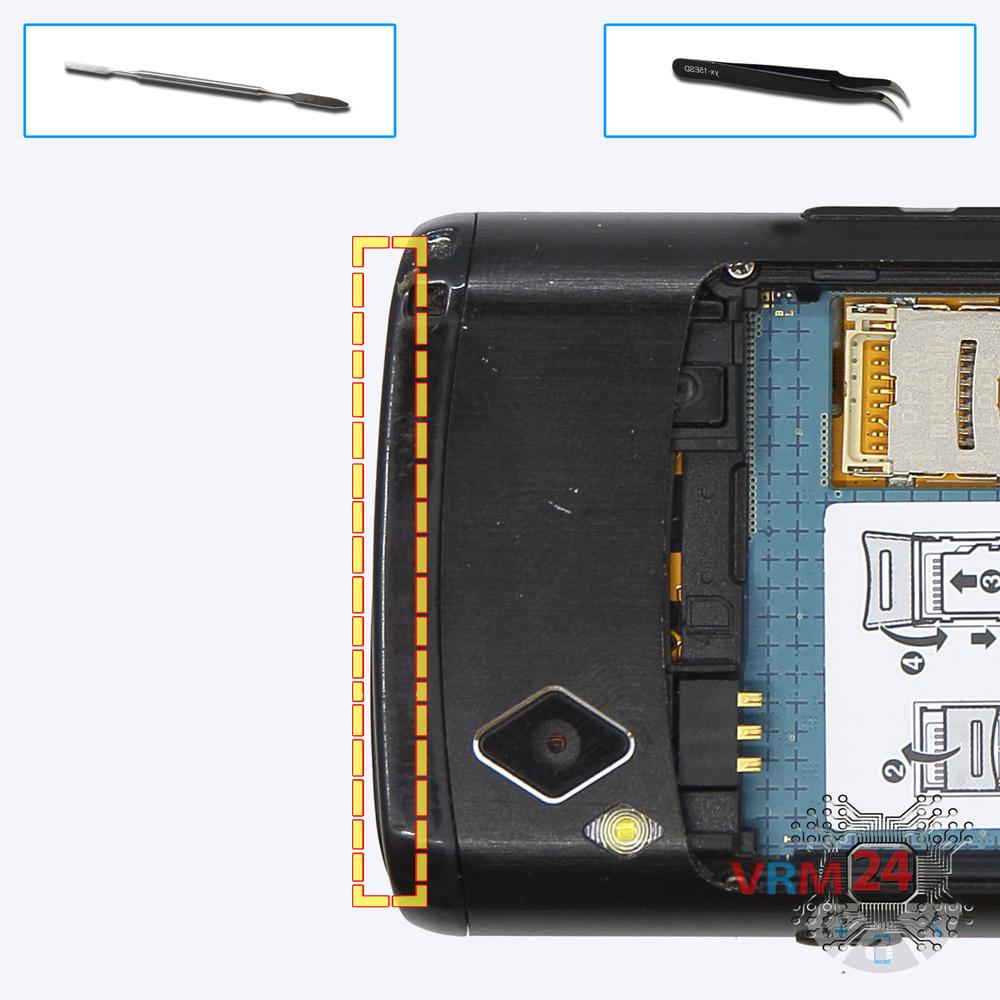
Open the cover
Remove the top cover.
Step 4.
Open the cover
Using a screwdriver (Phillips 1.5 mm PH000), unscrew 3 bolts at the top and remove the cover.
Step 5.
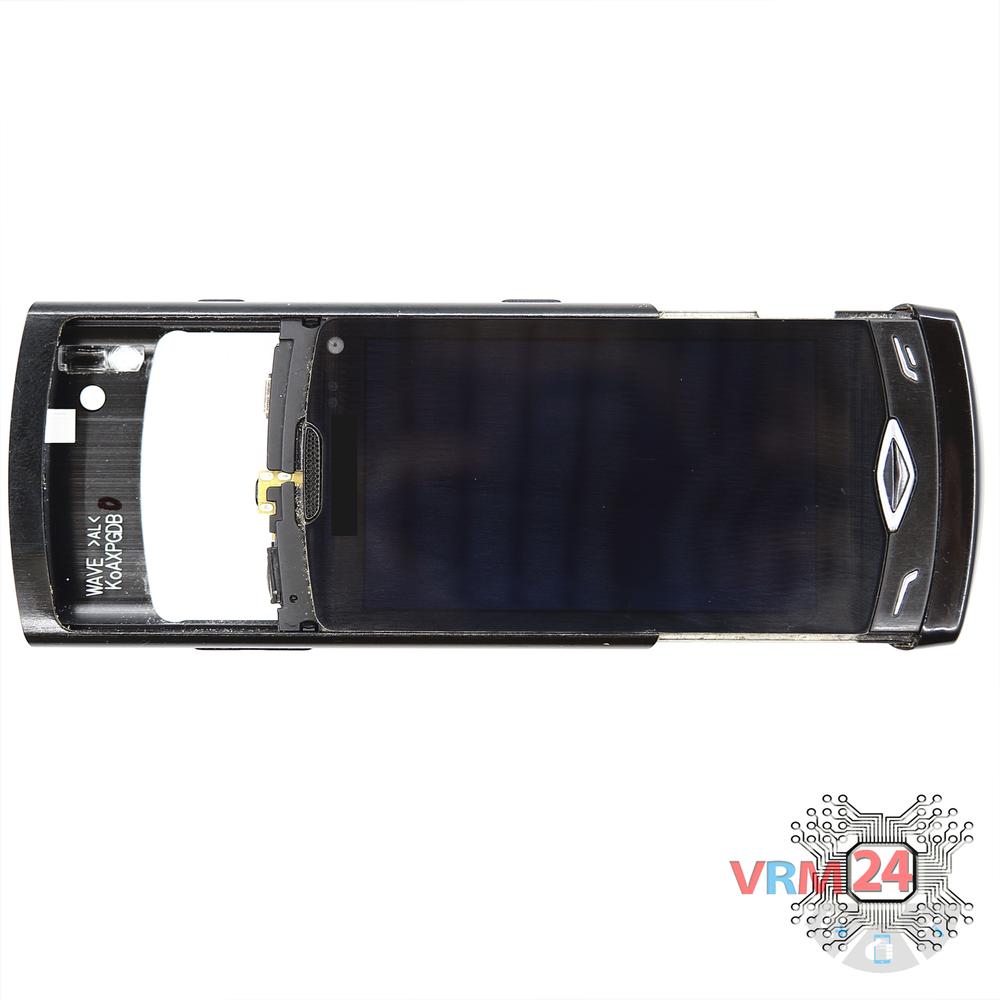
Open the mid-frame
Pry and remove the middle frame.
Step 6.
Unscrew the screws
Using a screwdriver (Phillips 1.5 mm PH000), unscrew 2 bolts securing the bottom cover.
Step 7.
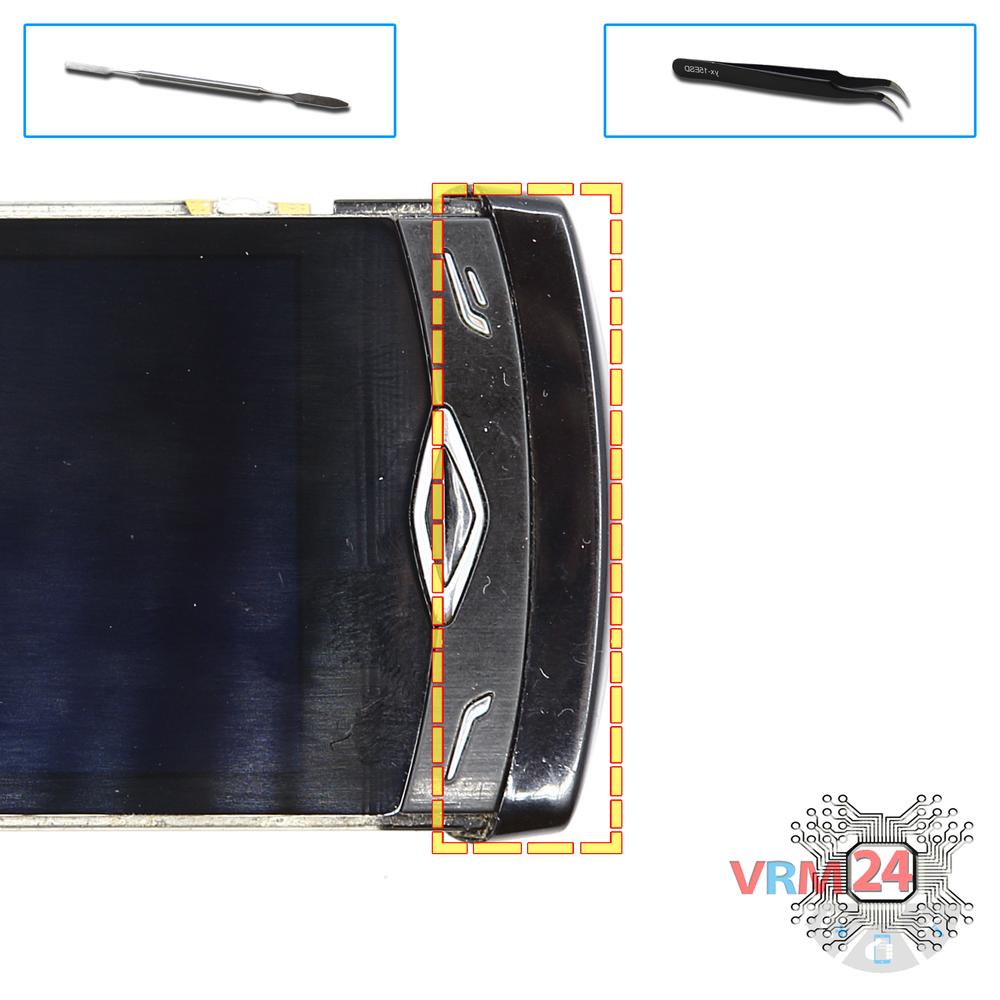
Open the cover
Remove the bottom cover.
Step 8.
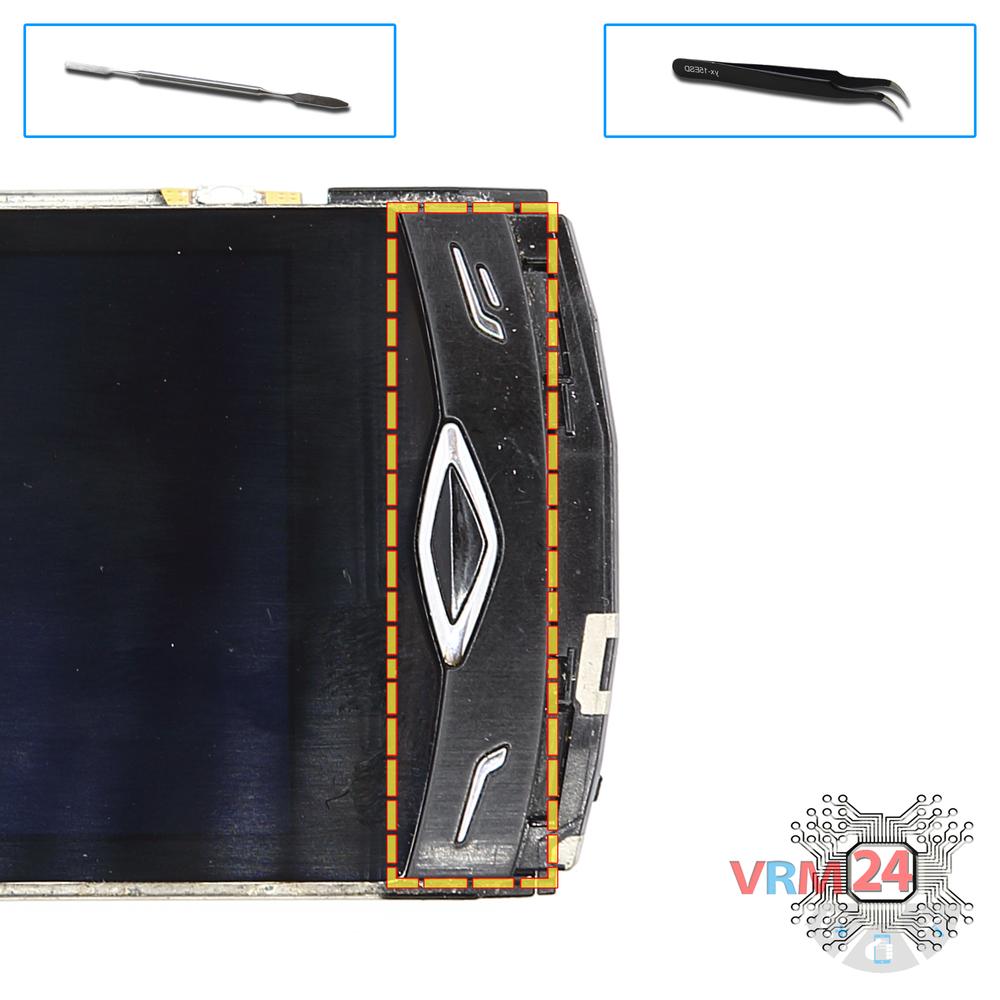
Remove the navigation buttons
Remove the bar of navigation button keys.
Step 9.
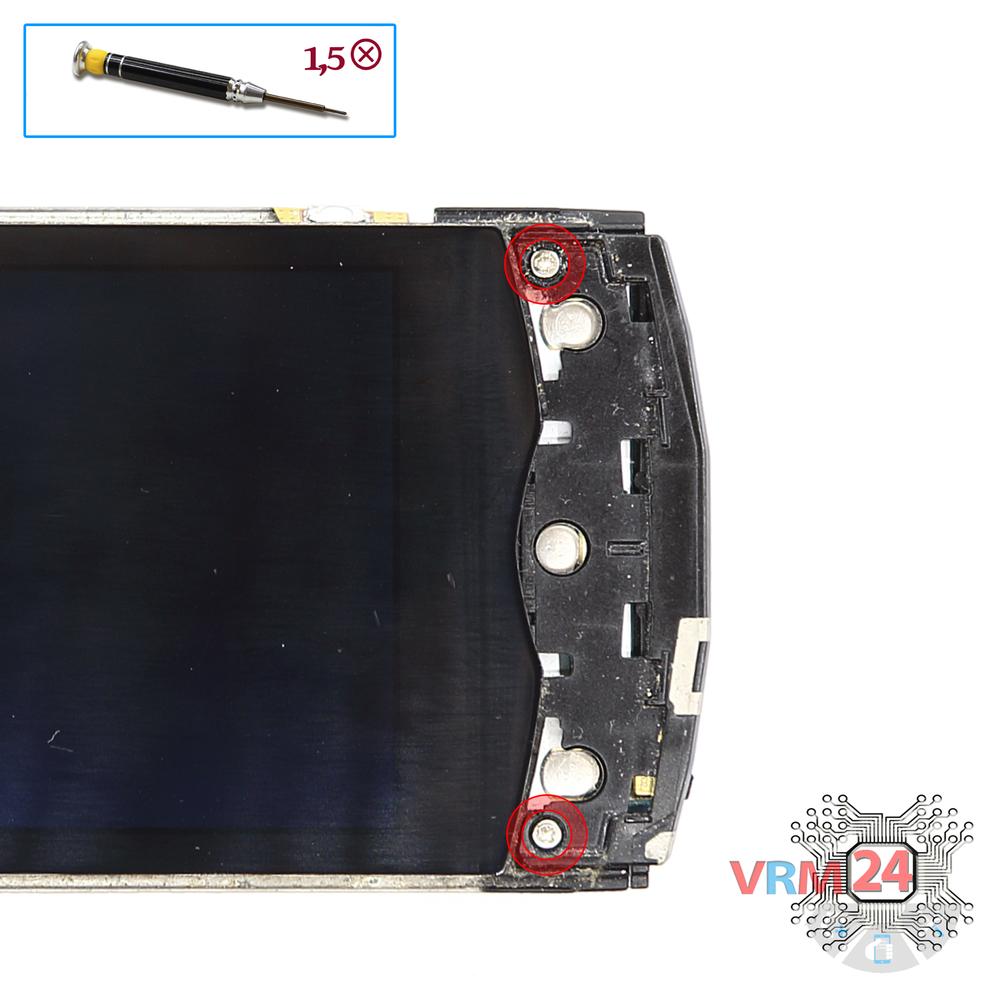
Unscrew the screws
Using a screwdriver (Phillips 1.5 mm PH000), unscrew 2 bolts.
Step 10.
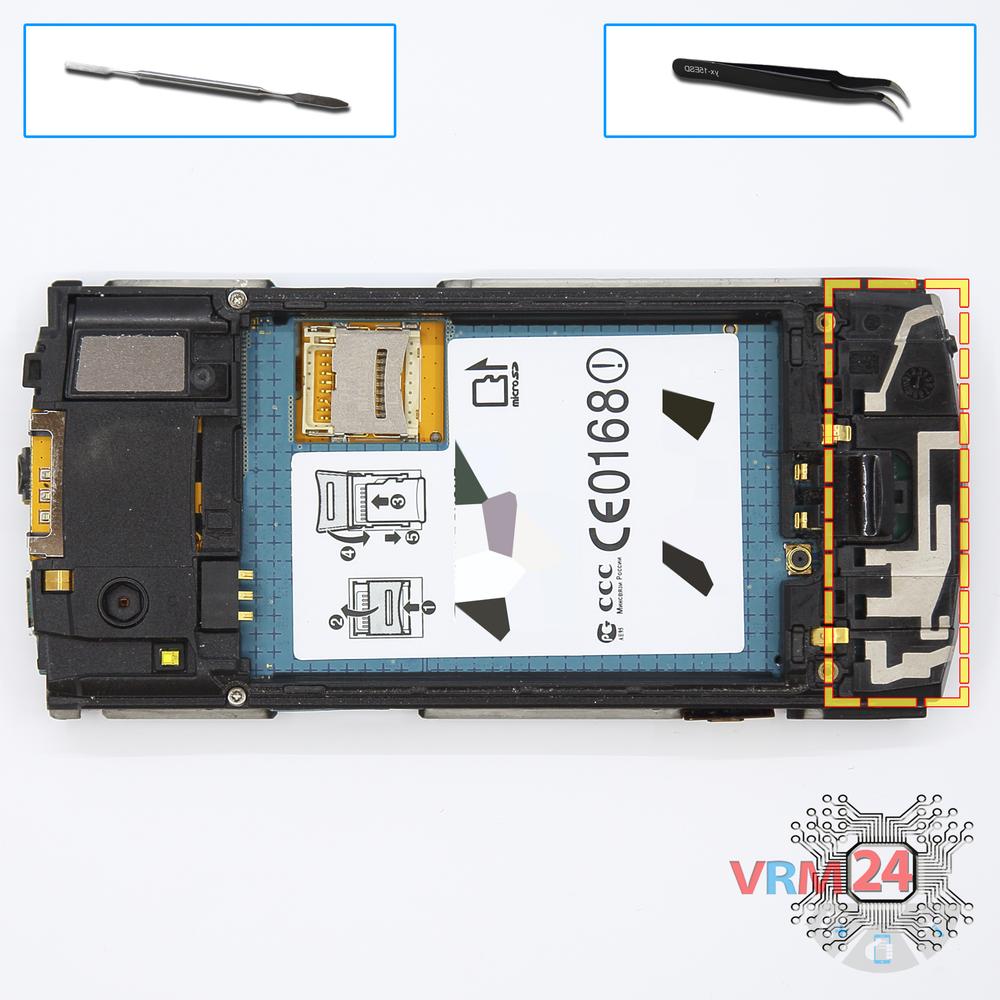
Remove the antenna
Remove the lower cover with antennas.
Step 11.
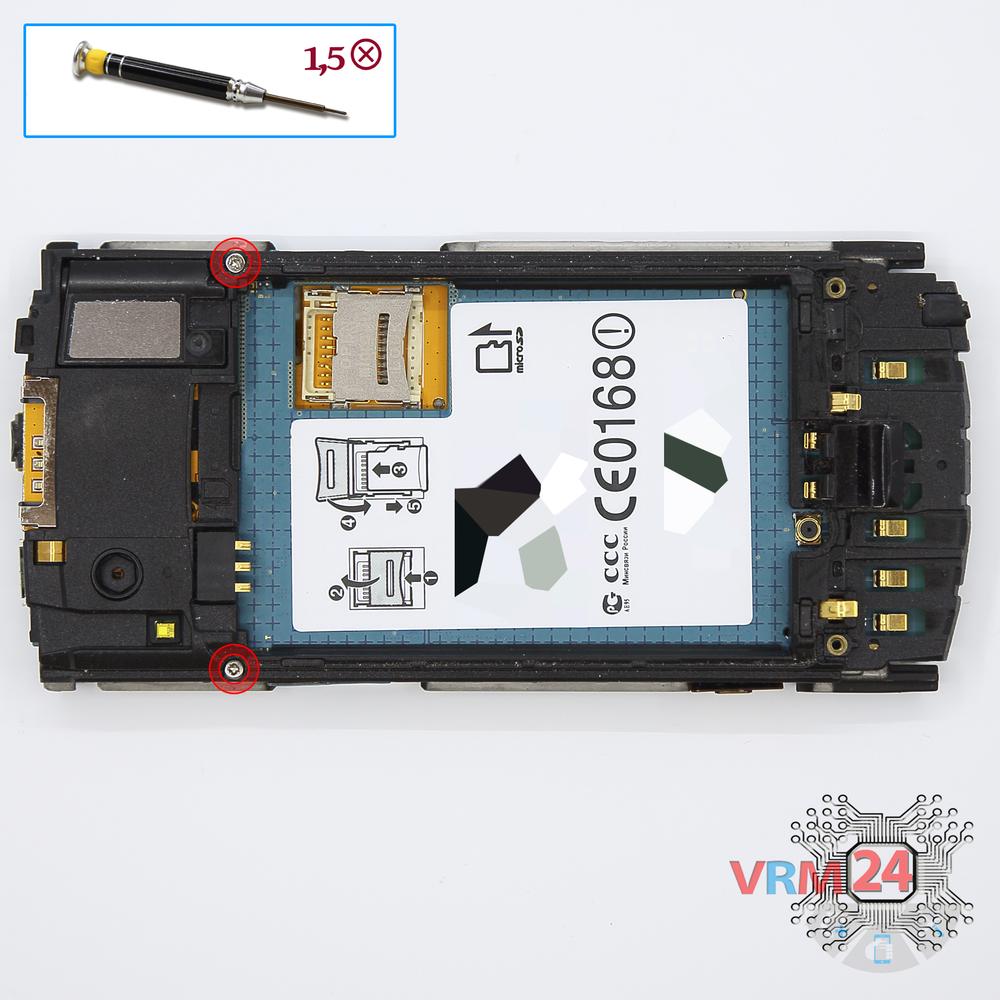
Unscrew the screws
Using a screwdriver (Phillips 1.5 mm PH000), unscrew 2 bolts in the frame.
Step 12.
Open the mid-frame
Pry and remove the middle frame.
Step 13.
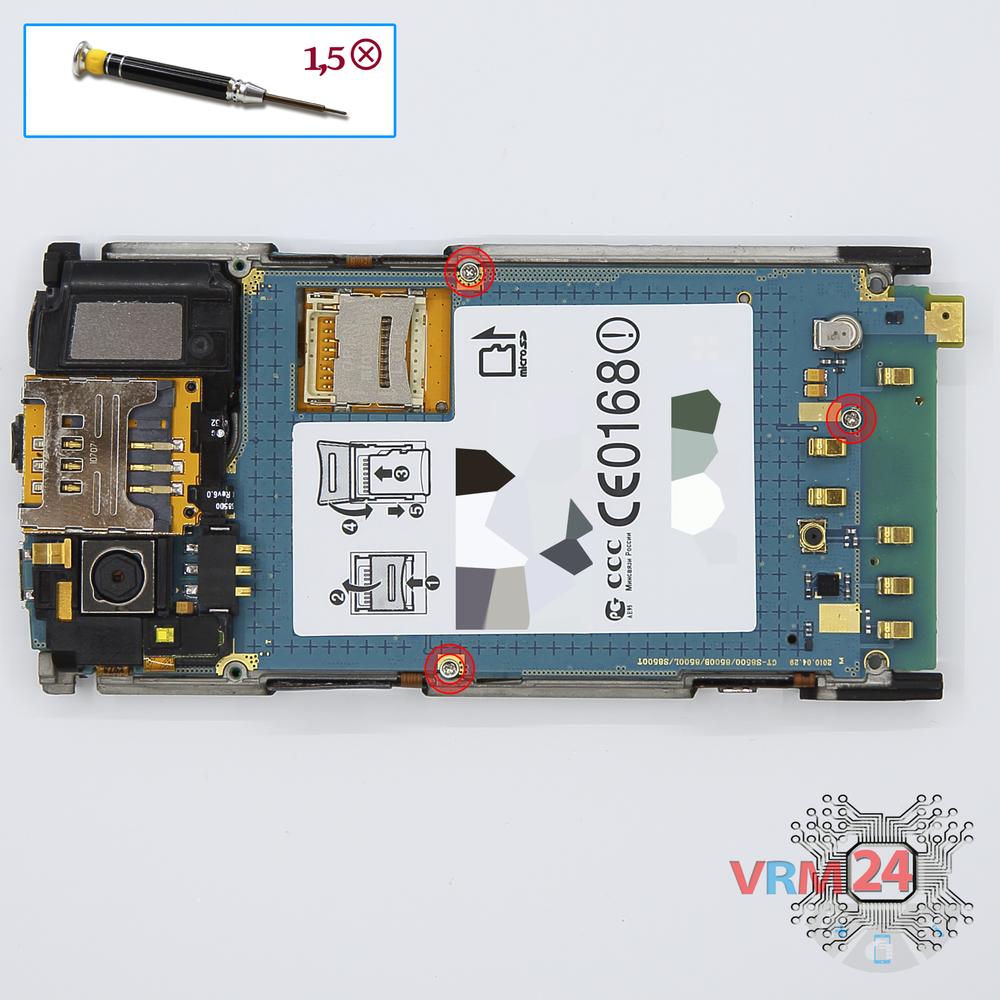
Unscrew the screws
Using a screwdriver (Phillips 1.5 mm PH000), unscrew 3 bolts in the PCB.
Step 14.
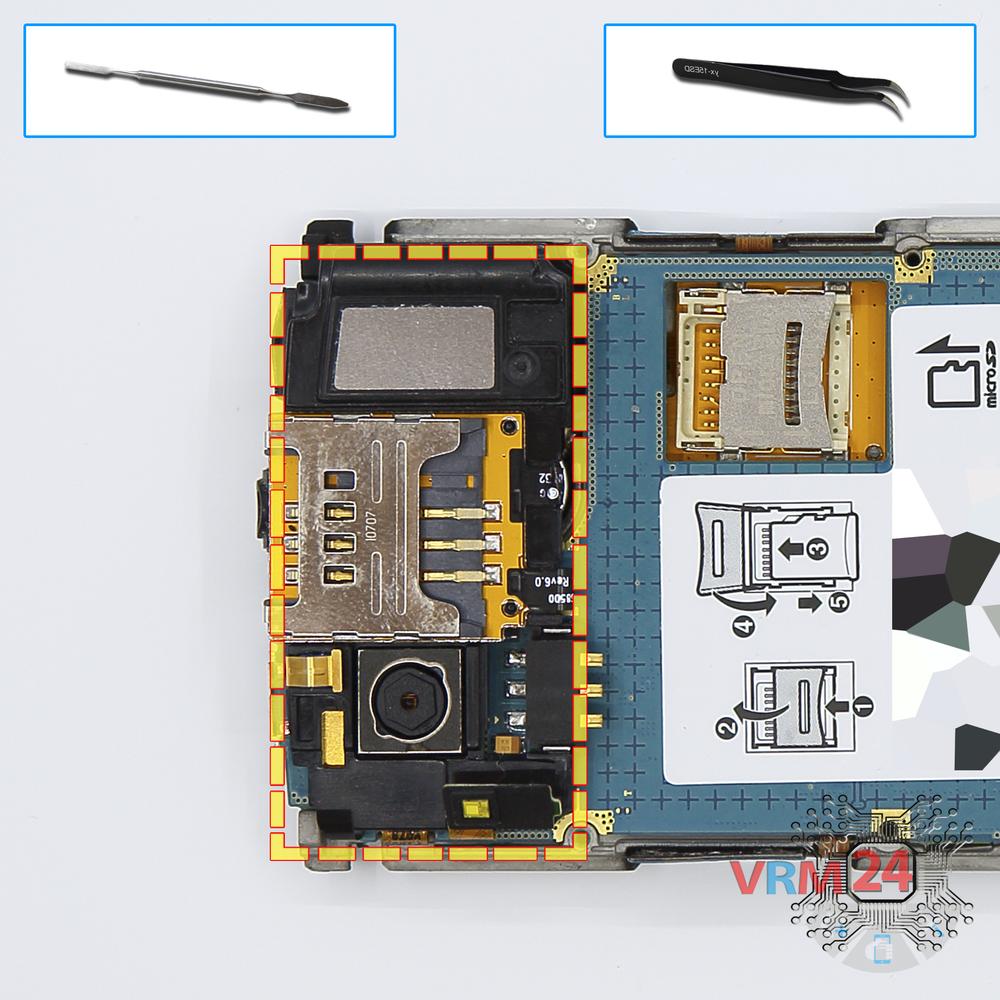
Remove the frame
Remove the upper frame with Sim holder.
Step 15.
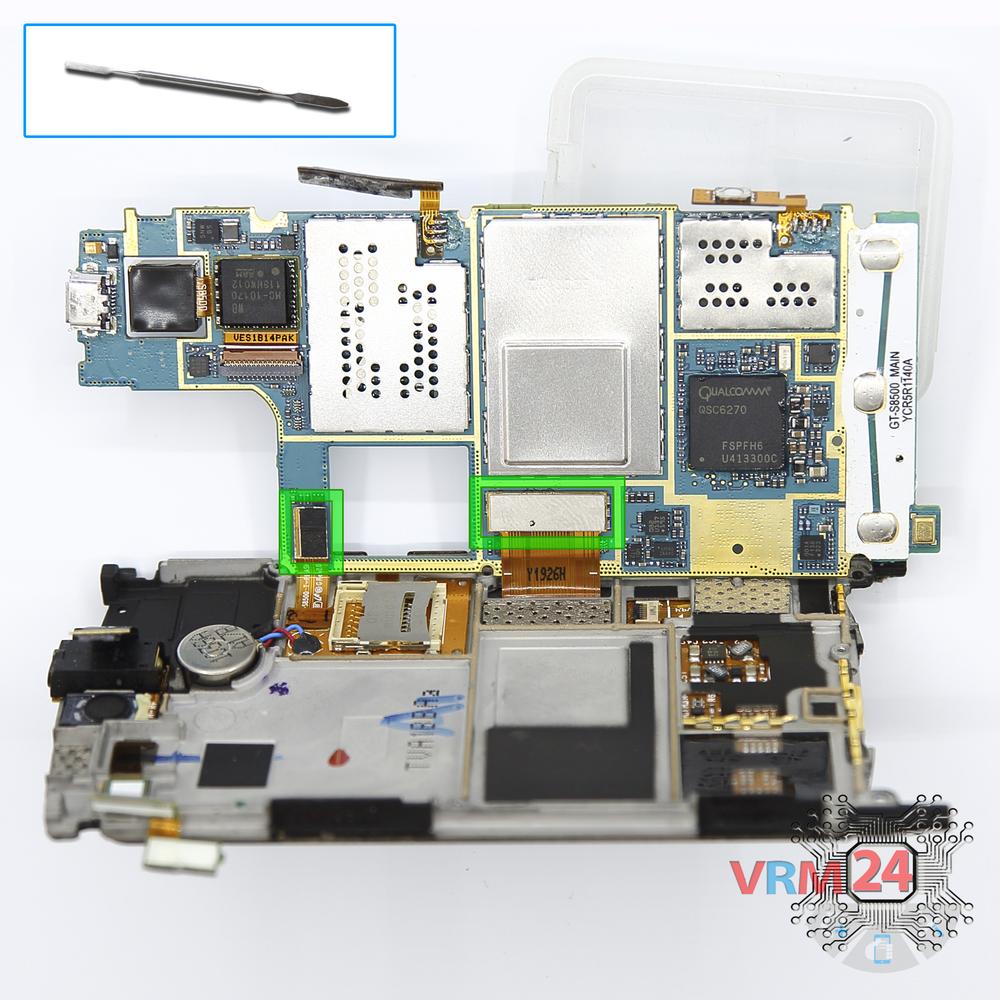
Disconnect the connectors
Disconnect connectors on the PCB.
Step 16.
Turn over the PCB
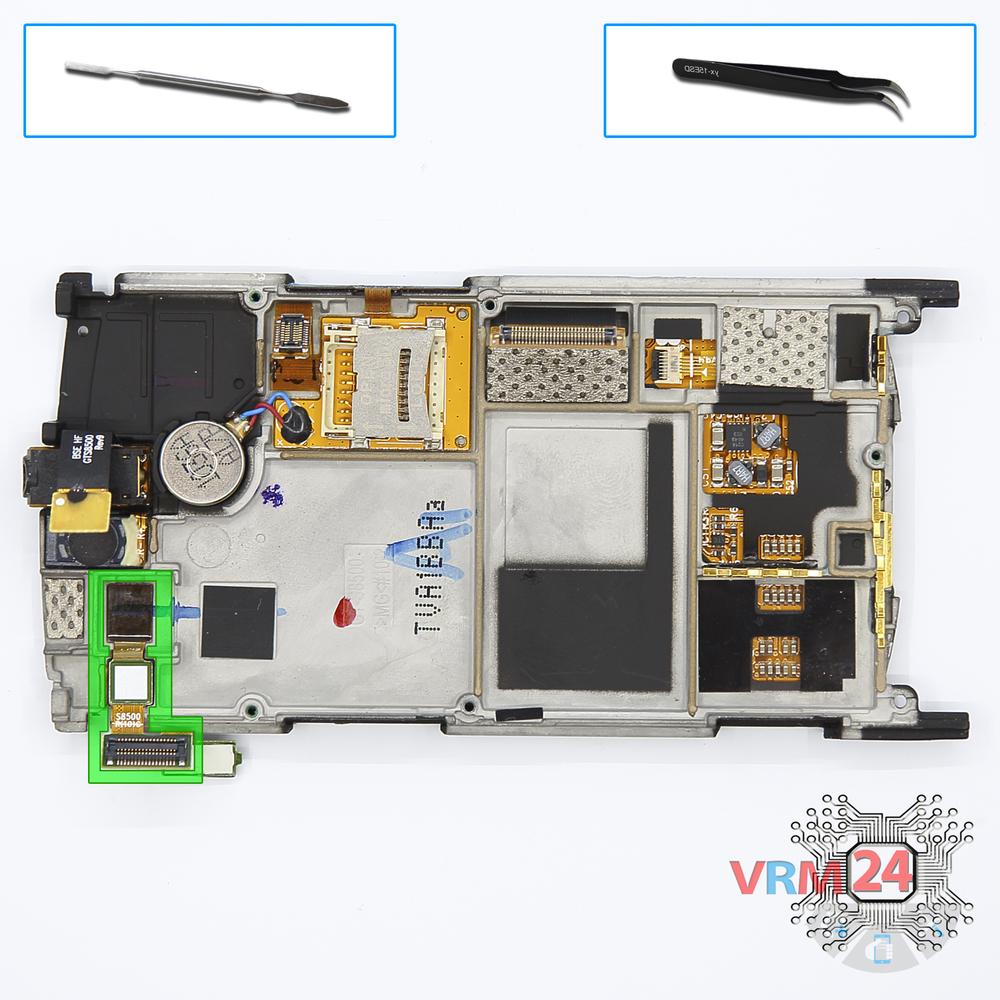
Overturn the board, disconnect the connector from the inside and remove it.
Step 17.
Remove the front camera
Pry and remove the cable with a camera and proximity sensor.

If you have a question, ask us, and we will try to answer in as much detail as possible. If this article was helpful for you, please rate it.

7323
Views
0
Likes
—
Share
10
Questions
Related Instructions
Related Reviews
Related Blog
Popular Questions
V
Samsung Galaxy Note Pro 12.2'' SM-P905
good evening . i live in brazil and i have a sansung galaxy note pro sm-p905 tablet, it is having problems with the logic board. would you recommen…
Vanessa Marco11
Samsung Galaxy Watch Active 2 SM-R820
I can't open is it Possible to do without a screwdriver
andrew
S
Samsung Galaxy J3 (2016) SM-J320
Hi, do you have any idea what are these tow like circuits in the top right and below the battery, marked with E4? and is that an NFC tag in the back …
Seif Abdennadher3
L
Samsung Galaxy A5 (2016) SM-A510
how much does it cost to repair the charging port???myn is having charging problems
LAMECK MUCHIRAHONDO20
D
Samsung Galaxy Ace 4 Neo SM-G318H
Good video master, I like your videos because you always show how to remove the complete screen together with the touchscreen, whereas on other chann…
Drosher dr1Top instructions
Check our
Top Samsung instructions most liked by readers
New instructions
Check our
New Samsung brand instructions on vrm24.com