

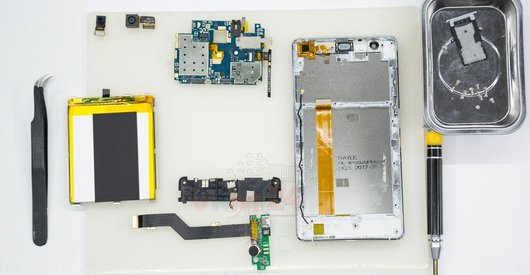

Recommended tools
Screwdriver Phillips #000

Tweezers

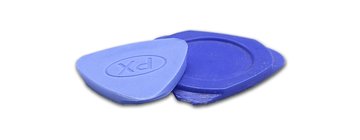
Non-metallic tool
Disassembly/Repair of the mobile device VERTEX Impress Lion (VERTEX Impress Lion 4G) with each step description and the required set of tools.
5837
Views
0
Likes
—
Share
10
Questions

Step 1.
Open the back cover
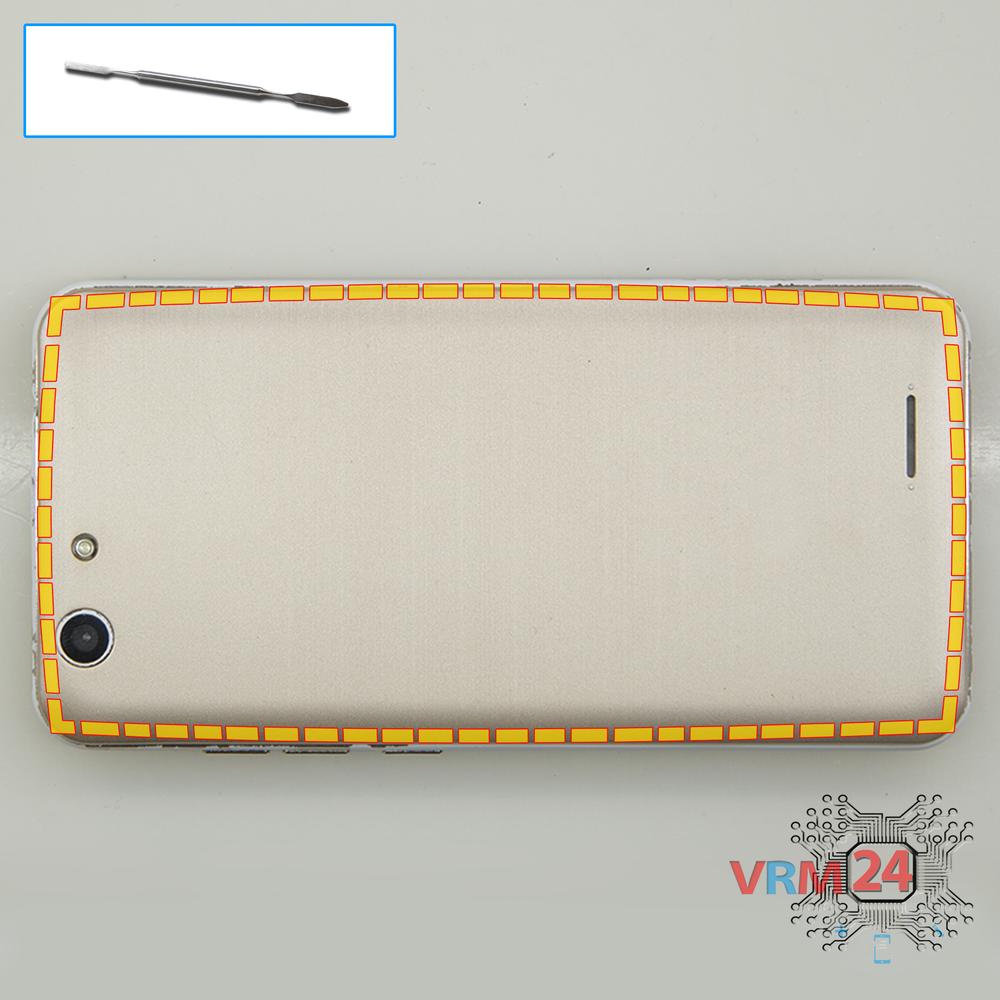
Using a spudger or a plastic pick, carefully, around the edge, detach the back cover clips, and remove it.
Do not insert the tool deeply or bend it. Otherwise, the housing may be tampered with or damaged.
Step 2.
Remove the battery
There is an indentation at the end of the battery on the middle cover. Hook the battery at this point, lift it up and remove the battery.
ℹ️ The VERTEX Impress Lion model has a battery with 4400 mAh capacity (aka rechargeable battery).
Step 3.
Unscrew the screws
Using a screwdriver (Philips 1.5 mm PH #000), unscrew the eleven screws.
Step 4.
Open the mid-frame
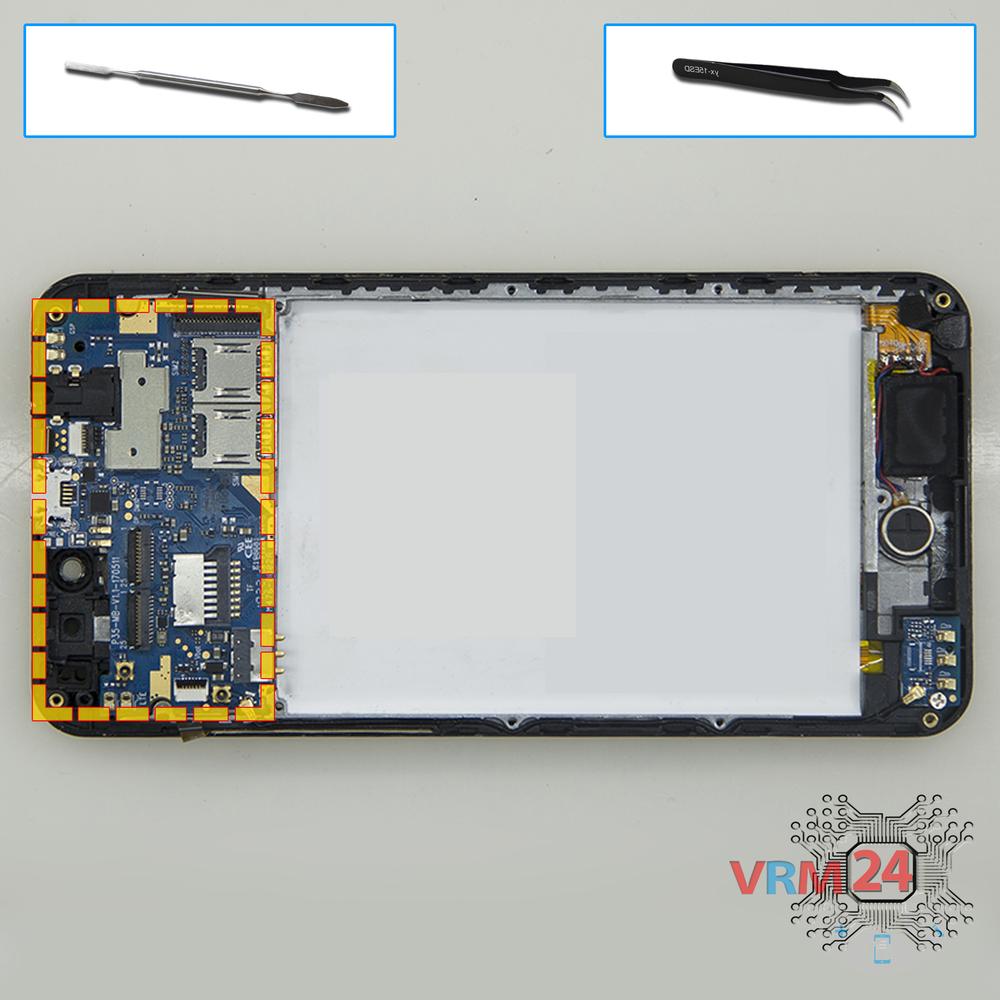
Pry over the edges. Move an opening tool along the edge detach the clips and remove the middle cover with antenna pads and tracks. The middle cover protects the printed circuit board (PCB).
Try to lift the cover by the edges and don't push anything too far inside, so as not to accidentally break or short-circuit anything on the circuit board.
Step 5.
Disconnect the connectors
Pry up the connectors of the side buttons cable, display module cable, under-screen cable, front camera, rear camera, and coaxial cable.
⚠️ Be careful when removing the cables from the connectors, the cables are pretty thin, and it is easy enough to break them or damage the contact tracks inside.
Step 6.
Remove the cameras
Carefully remove the rear camera and front (selfie) camera with proximity sensor.
Step 7.
Remove the motherboard
Carefully remove the printed circuit board. There is no need to use a lever or try to reach the circuit board by force. Make sure that nothing is getting in the way or holding the circuit board.
The motherboard, also, may be attached with attachments like latches or hooks, be careful.
⚠️ Do not bend the circuit board when removing it or push tools under it. Unbeknownst to yourself, you can damage components or cables from the inside.
Step 8.
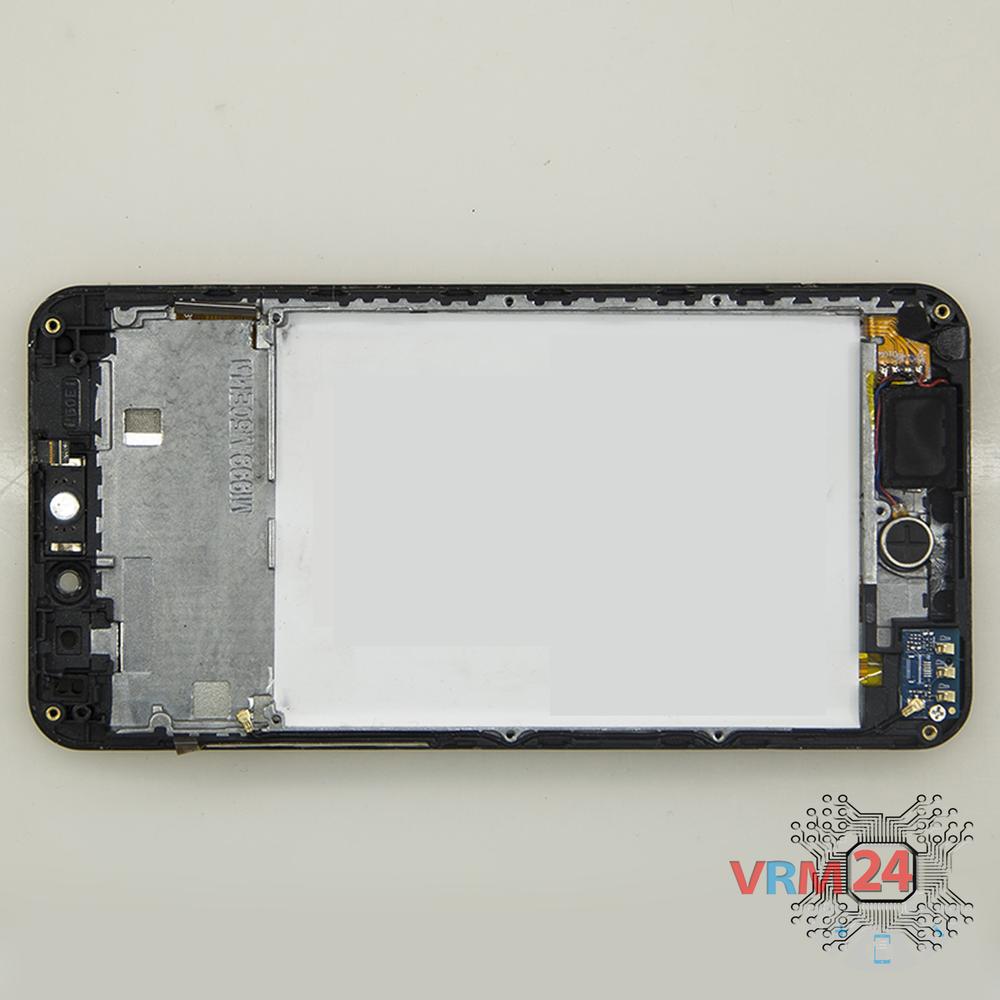
In the display frame remained
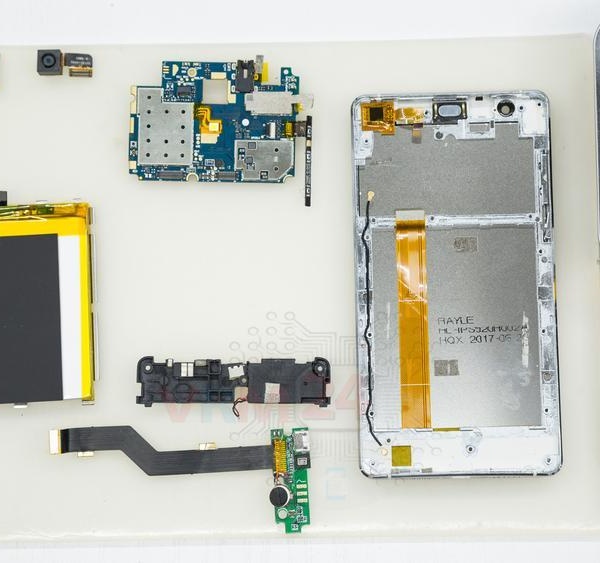
ℹ️ In the display frame remained: the earpiece speaker, loudspeaker, coaxial cable, small circuit board, and vibration motor.

If you have a question, ask us, and we will try to answer in as much detail as possible. If this article was helpful for you, please rate it.

5837
Views
0
Likes
—
Share
10
Questions
Related Instructions
Related Reviews

Related Blog
Top instructions
Check our
Top VERTEX instructions most liked by readers
New instructions
Check our
New VERTEX brand instructions on vrm24.com