
Recommended tools
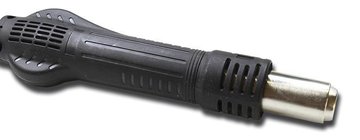
Heat gun
Screwdriver Phillips #000

Tweezers

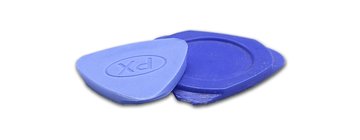
Non-metallic tool
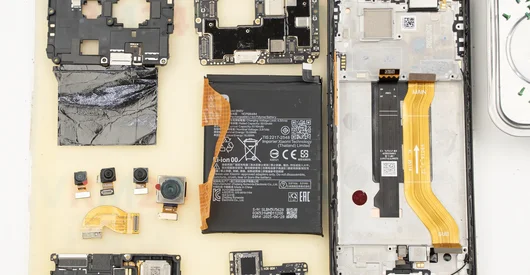
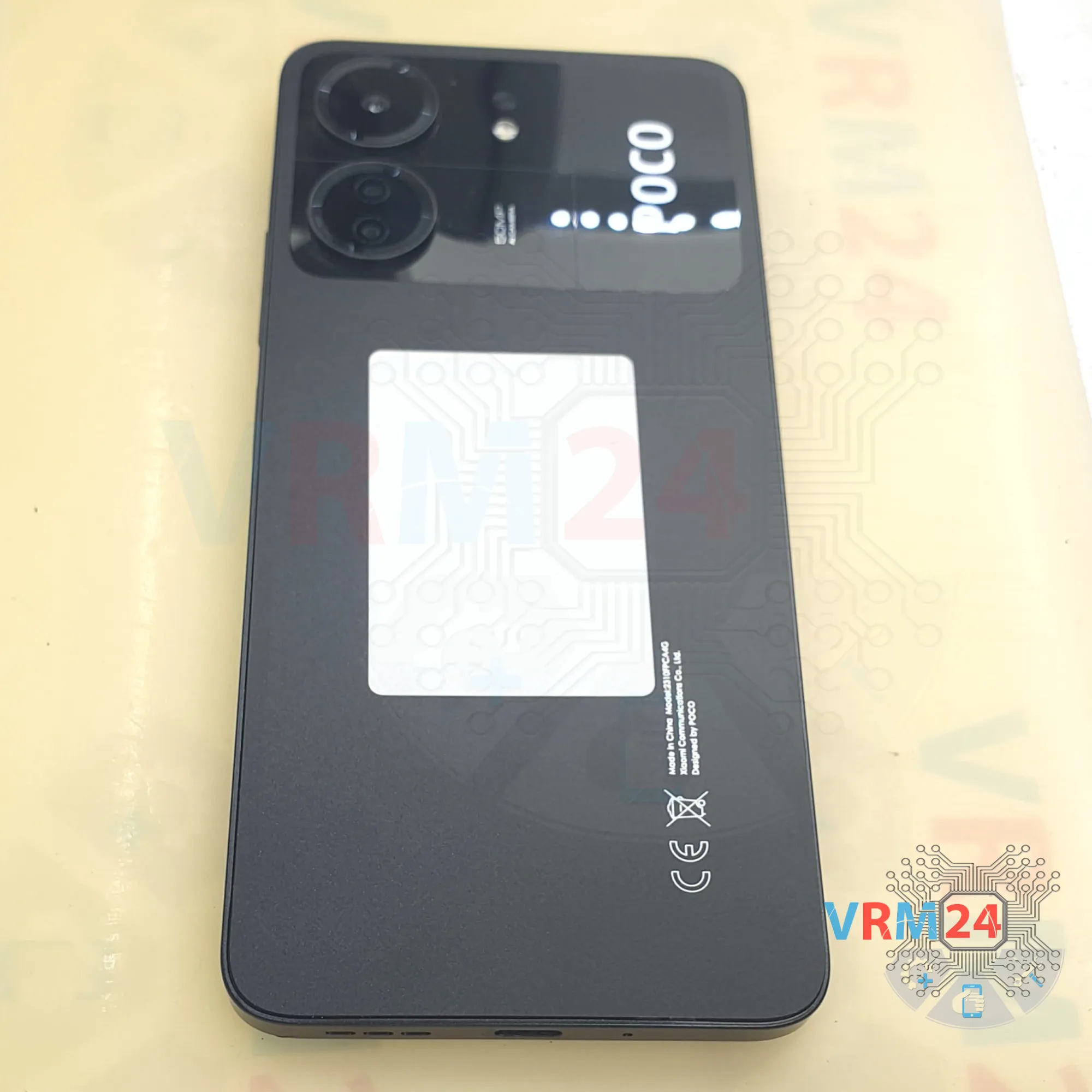
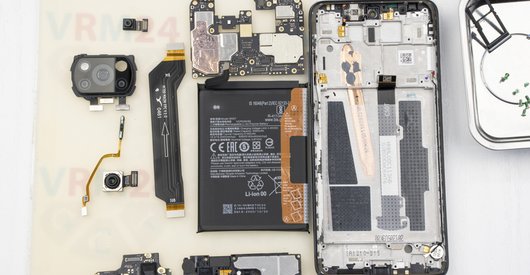
Disassembly/Repair of the mobile device Xiaomi POCO C65 (Xiaomi Poco C65 2310FPCA4G) with each step description and the required set of tools.
13246
Views
3
Likes
—
Share
0
Questions

Step 1.
Before disassembling!
⚠️ Before disassembling, do not forget to turn your phone off.
Step 2.
Remove the tray
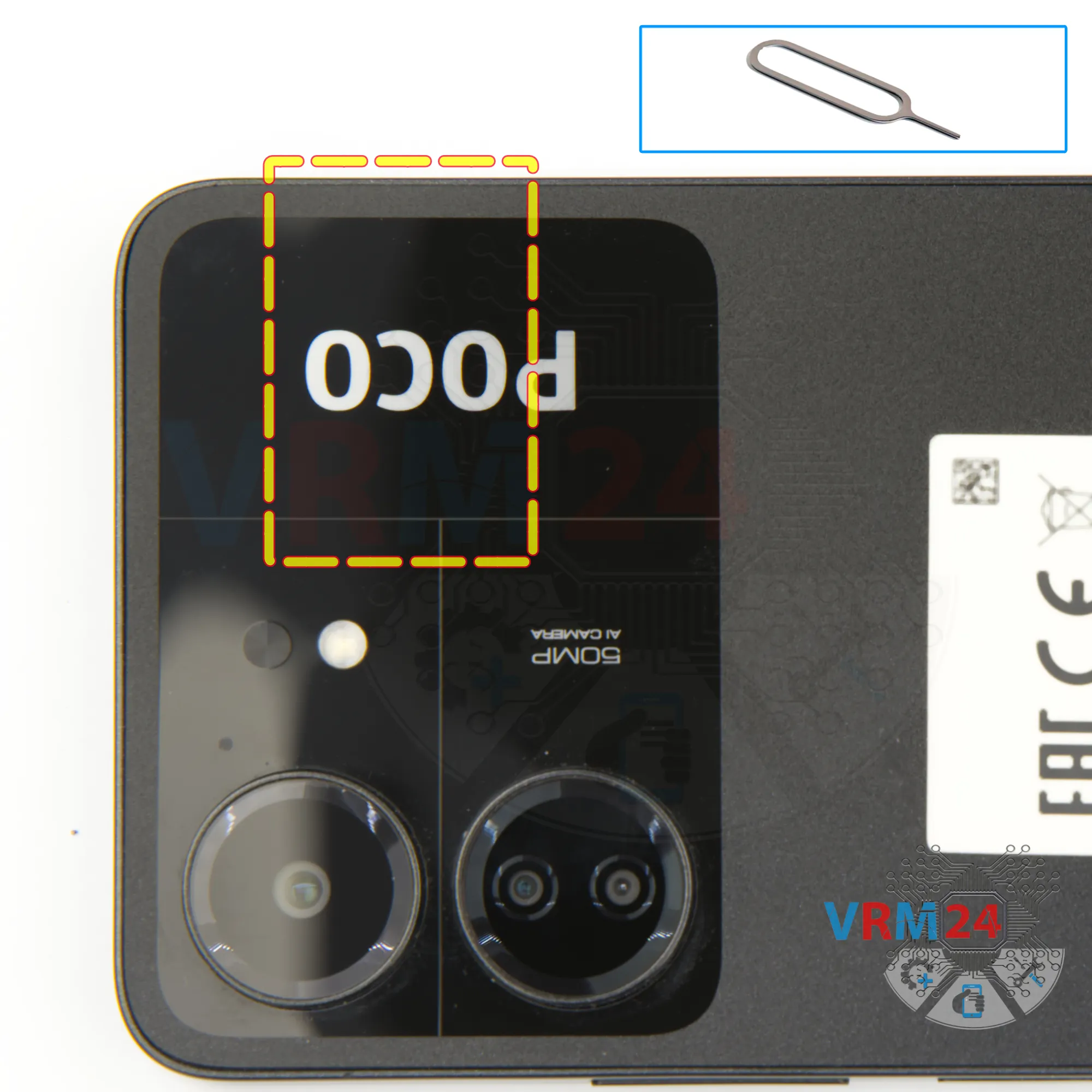
First of all, we need to remove the card tray.
For this we use a special tool, insert it into the hole, carefully push out the tray for sim cards and memory cards.
If the tray comes out badly, we can additionally use tweezers.
Step 3.
Open the back cover
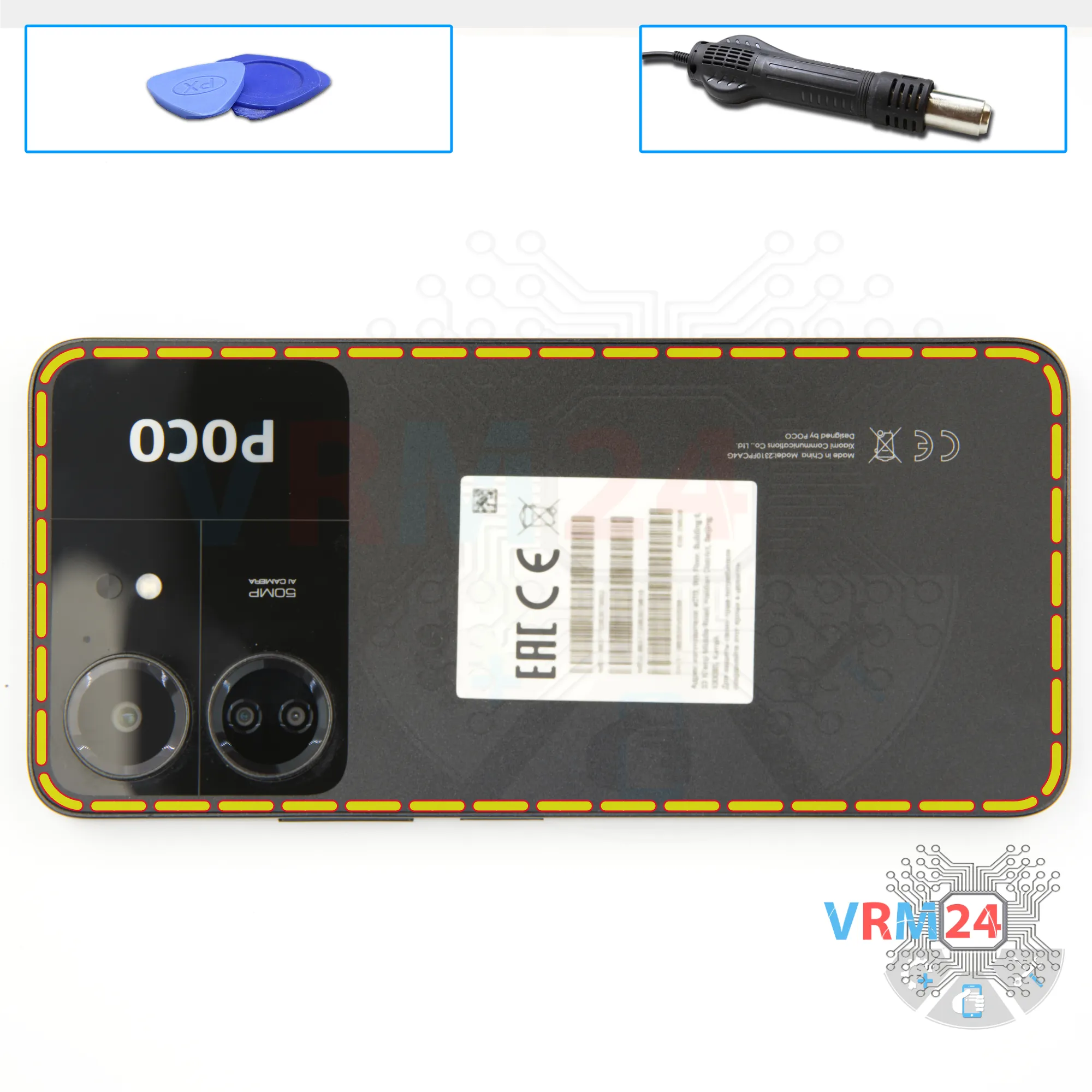
After that, we need to heat the surface of the back cover to about 70 degrees Celsius or 160 degrees Fahrenheit. For this we use a heating mat, you can use a hair dryer.
And after 5 to 7 minutes, we can move on to detaching the back cover.
To detach the back cover, we first use a thin metal tool to slightly lift the cover from one edge, because it is recessed in the middle cover and then push the thin plastic film and use the thin plastic film to detach the back cover.
It is worth noting that around the camera cover we have the back cover is glued additionally, so you need to be careful when detaching the cover in this place.
Step 4.
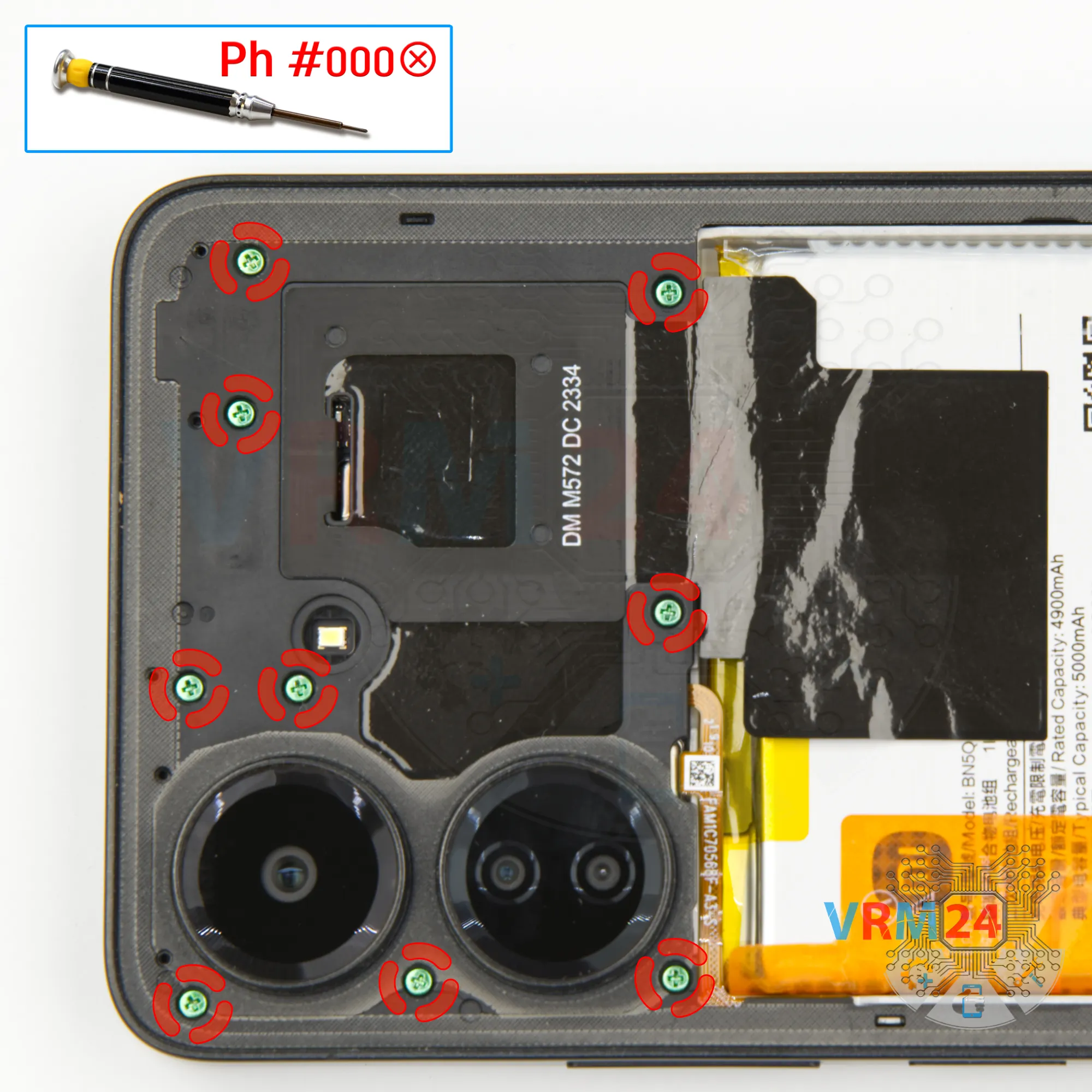
Unscrew the screws
Then we need to unscrew the nine screws at the top. To do this, we use a one and a half millimeter Phillips screwdriver or a Philips #000.
Step 5.
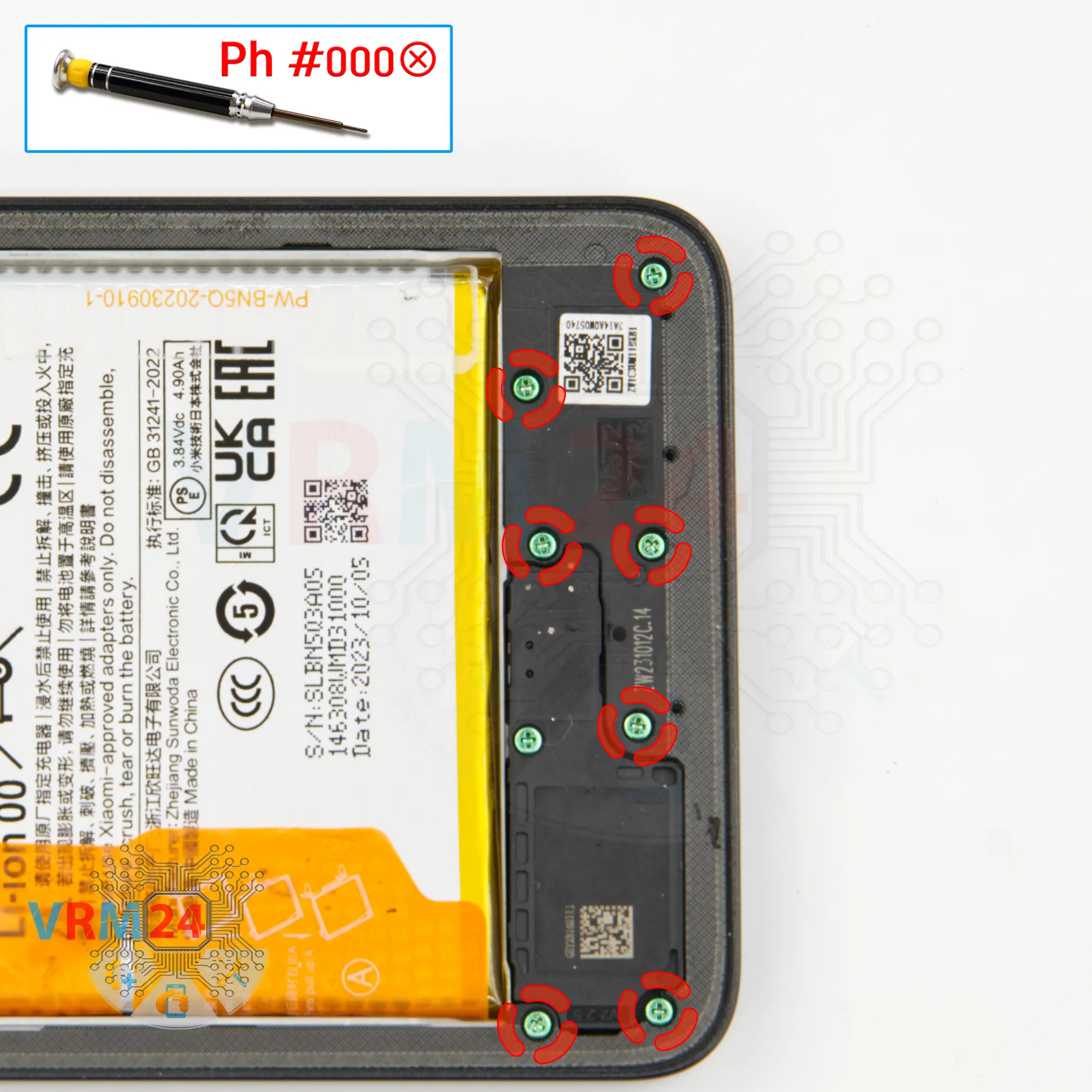
Unscrew the screws
Using a screwdriver Phillips 1.5 mm (PH #000), unscrew the seven screws.
Step 6.
Open the mid-frame
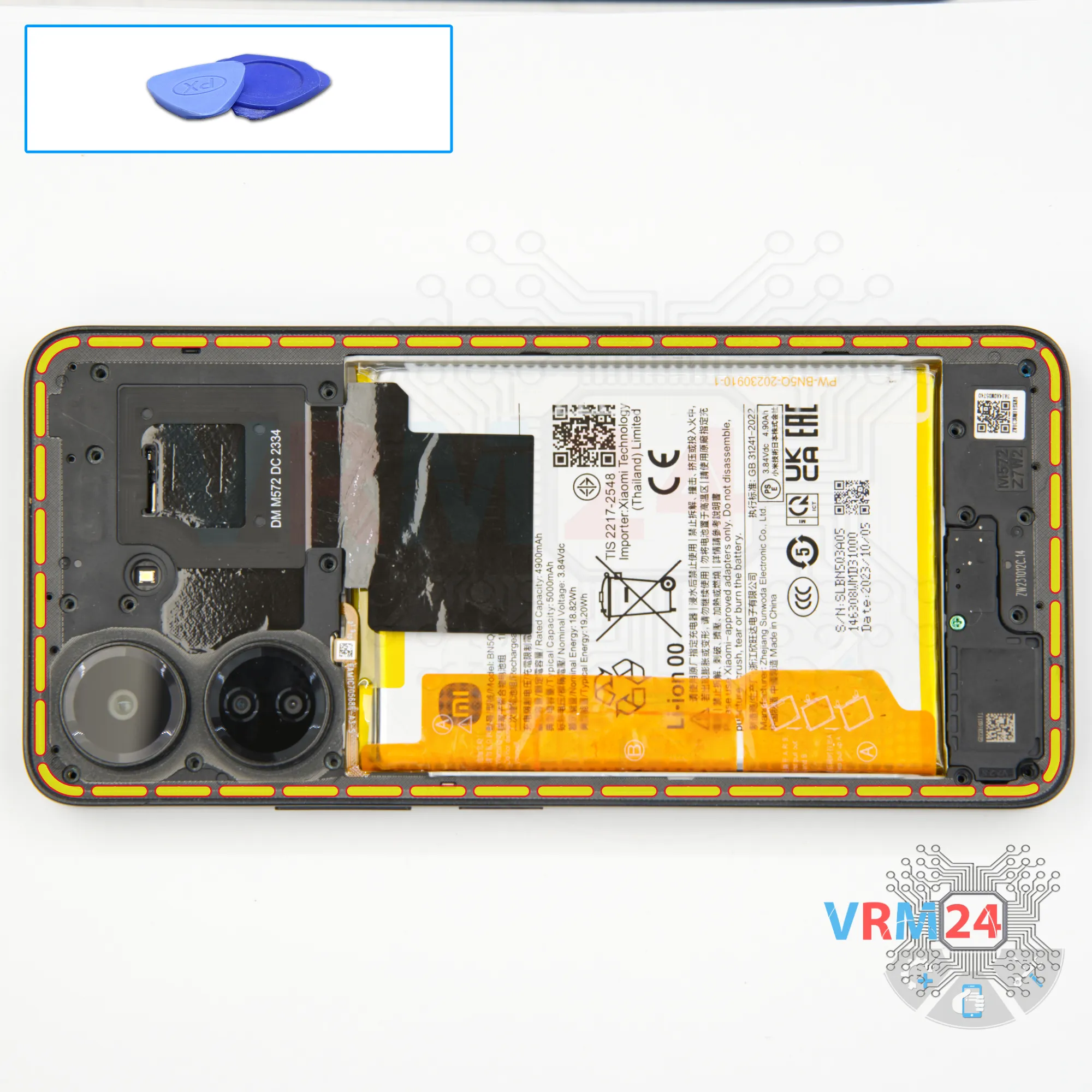
And we move on to detaching the middle cover.
To do this, we insert plastic film into the gap between the middle cover and the display frame near the card tray. We run the film along the edge, unclip a few clips and then use a thicker tool.
As always, we need to be careful around the side buttons and fingerprint sensor, as they are physically located in these places.
And we also need to be careful on the corners, as the cover is held especially tightly on the corners.
Step 7.
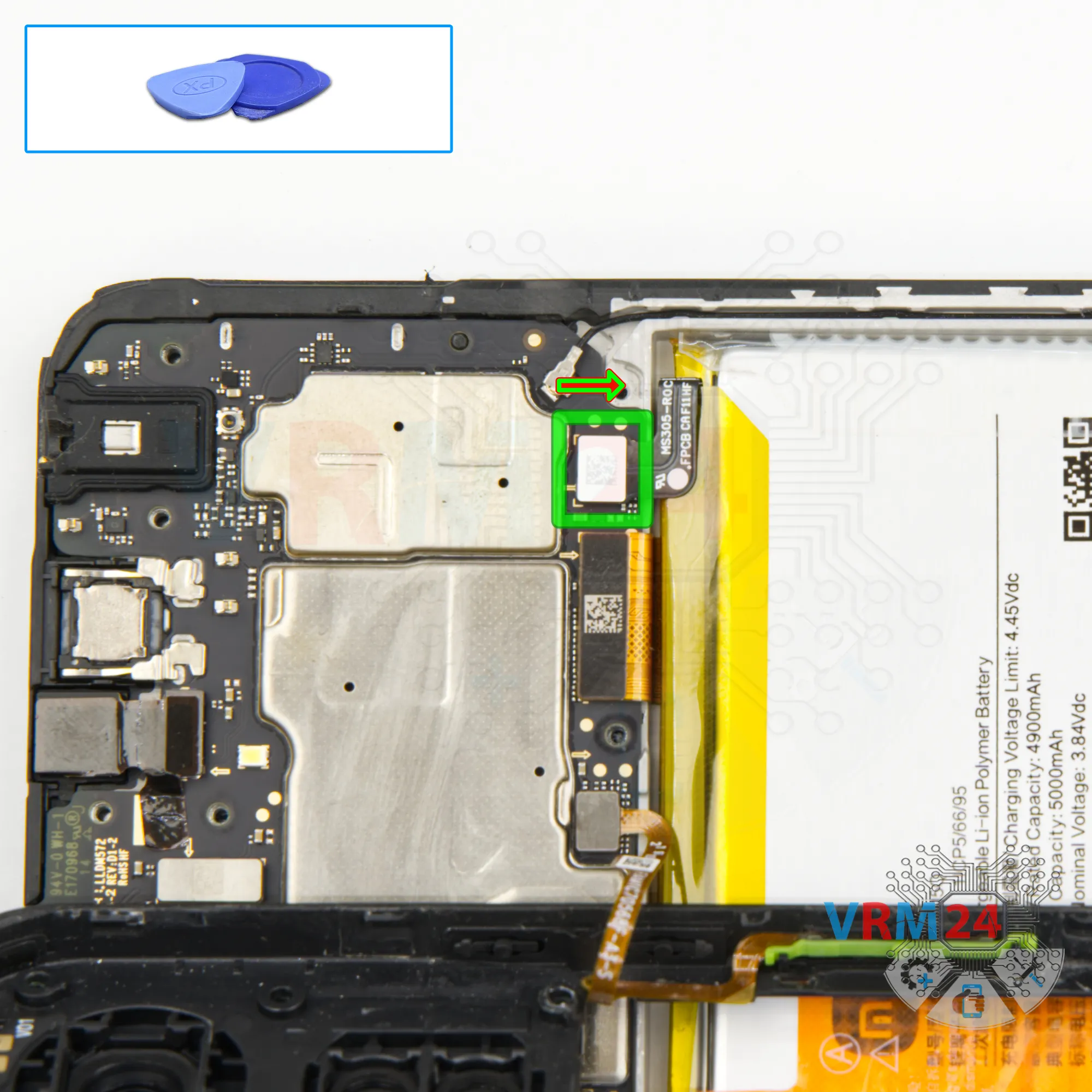
Disconnect the battery connector
Disconnect the battery connector as soon as you can. Use a non-metallic or plastic tool to avoid any damage.
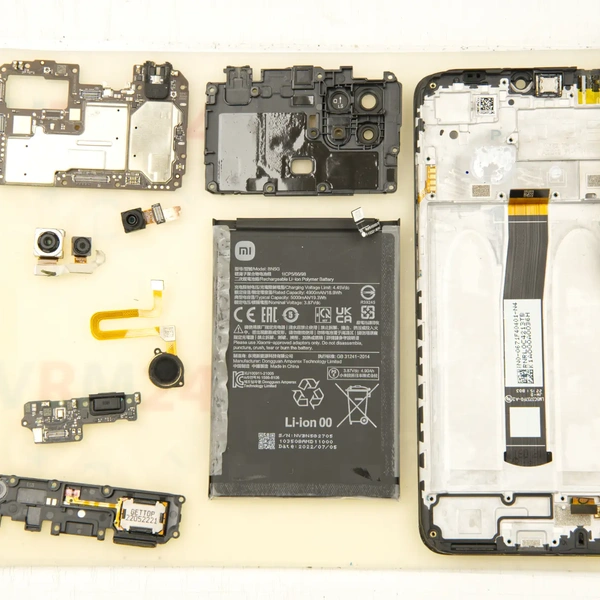
ℹ️ The Xiaomi Poco C65 2310FPCA4G model has a battery BN5Q with a capacity of 5000 mAh (also known as a rechargeable battery).
Step 8.
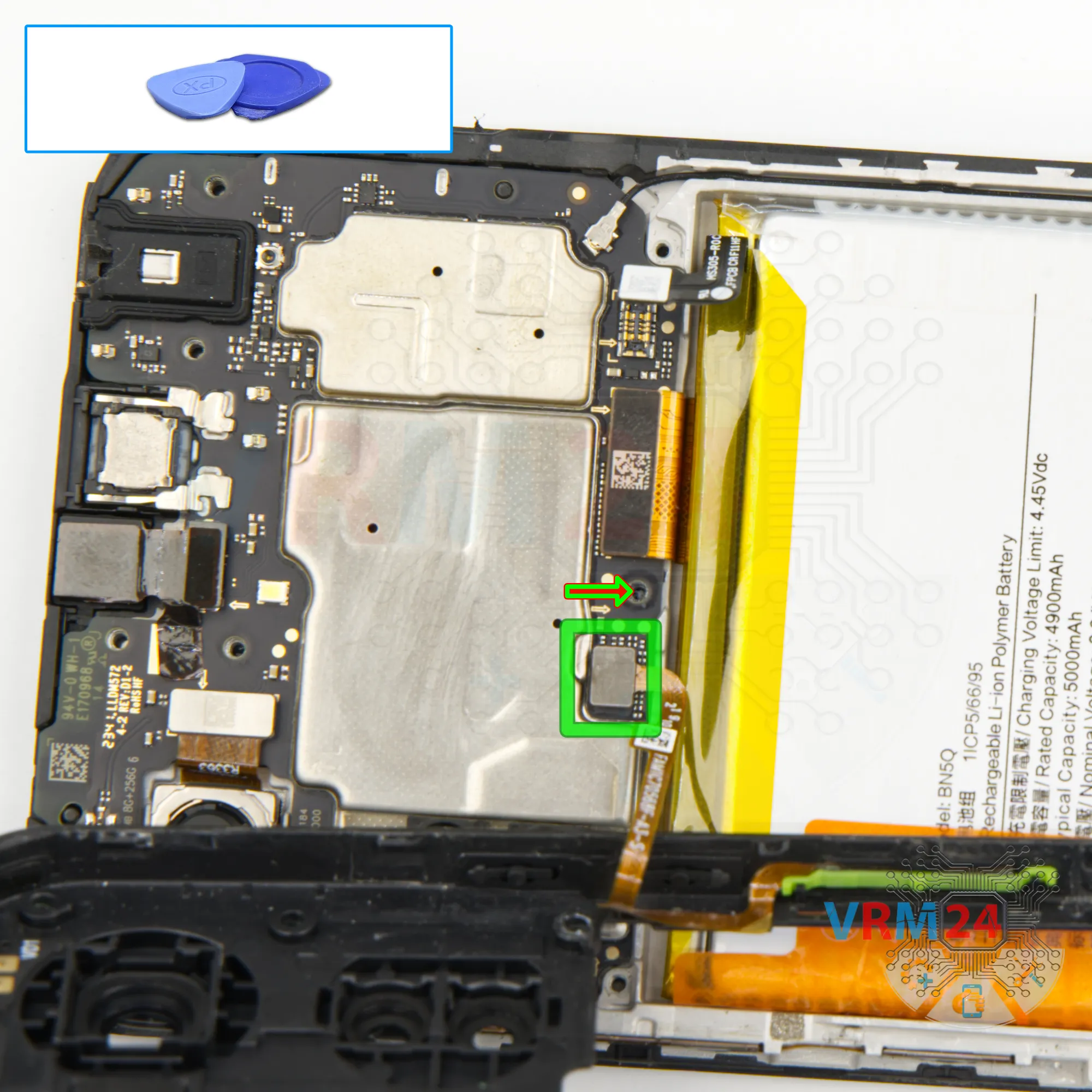
Disconnect the connector
Then, we disconnect the fingerprint sensor connector and remove the middle cover, where the antenna contact pads are located.
Step 9.
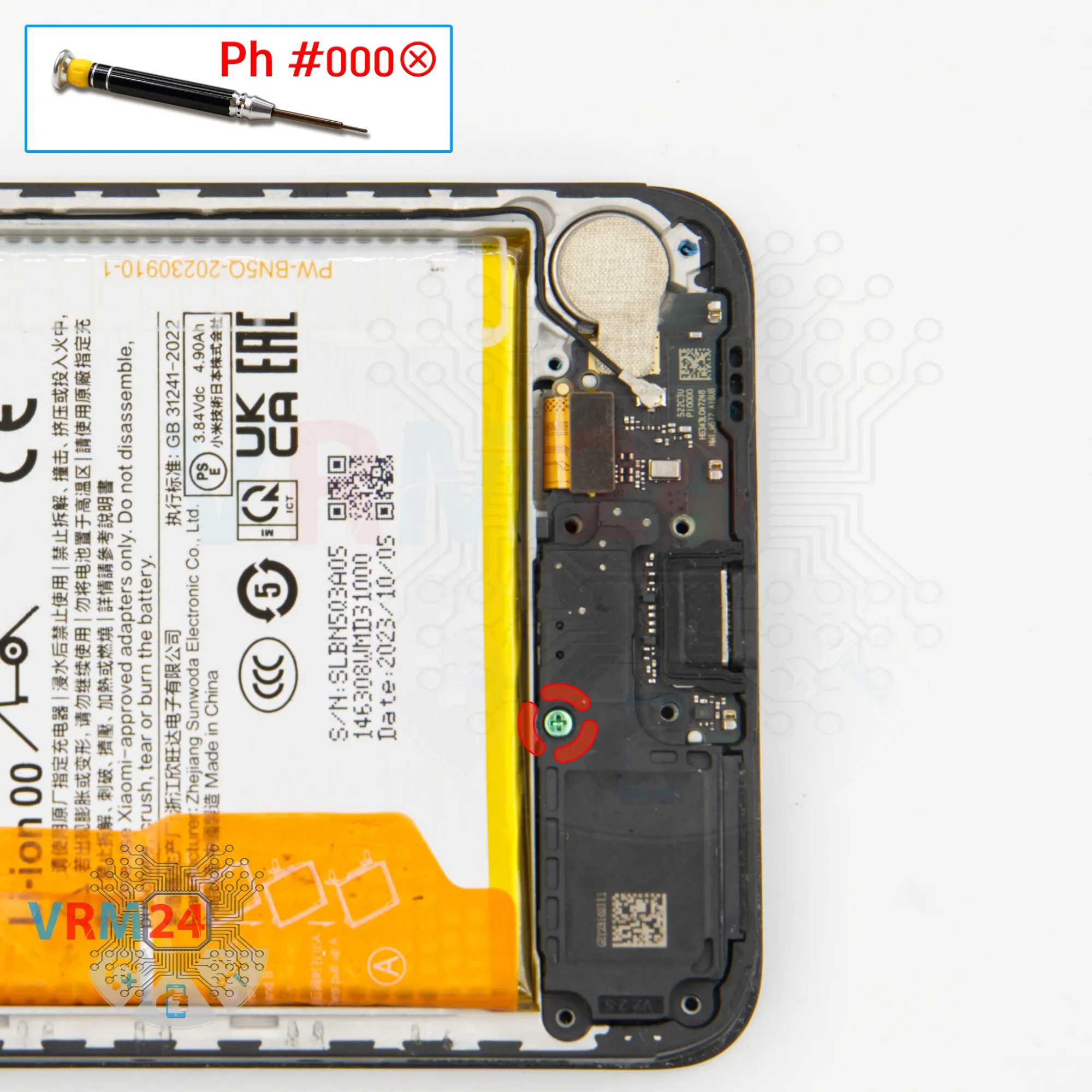
Unscrew one screw
After that we unscrew one screw with a one and a half millimeter Phillips screwdriver, which secures the loudspeaker assembly.
Step 10.
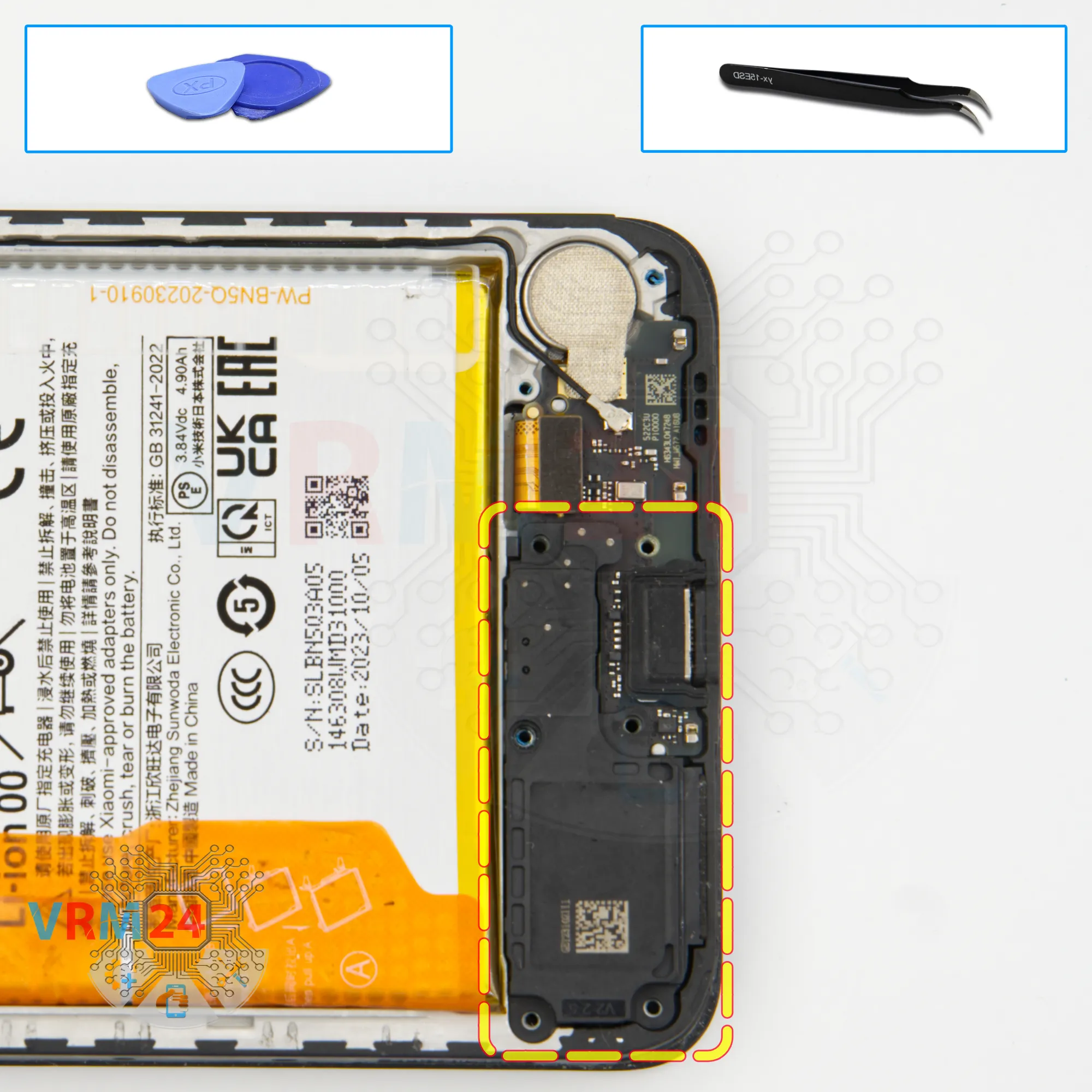
Remove the loudspeaker
We need to remove the loudspeaker.
As usual we find the right place where we can hook, lift and remove the speaker.
Step 11.
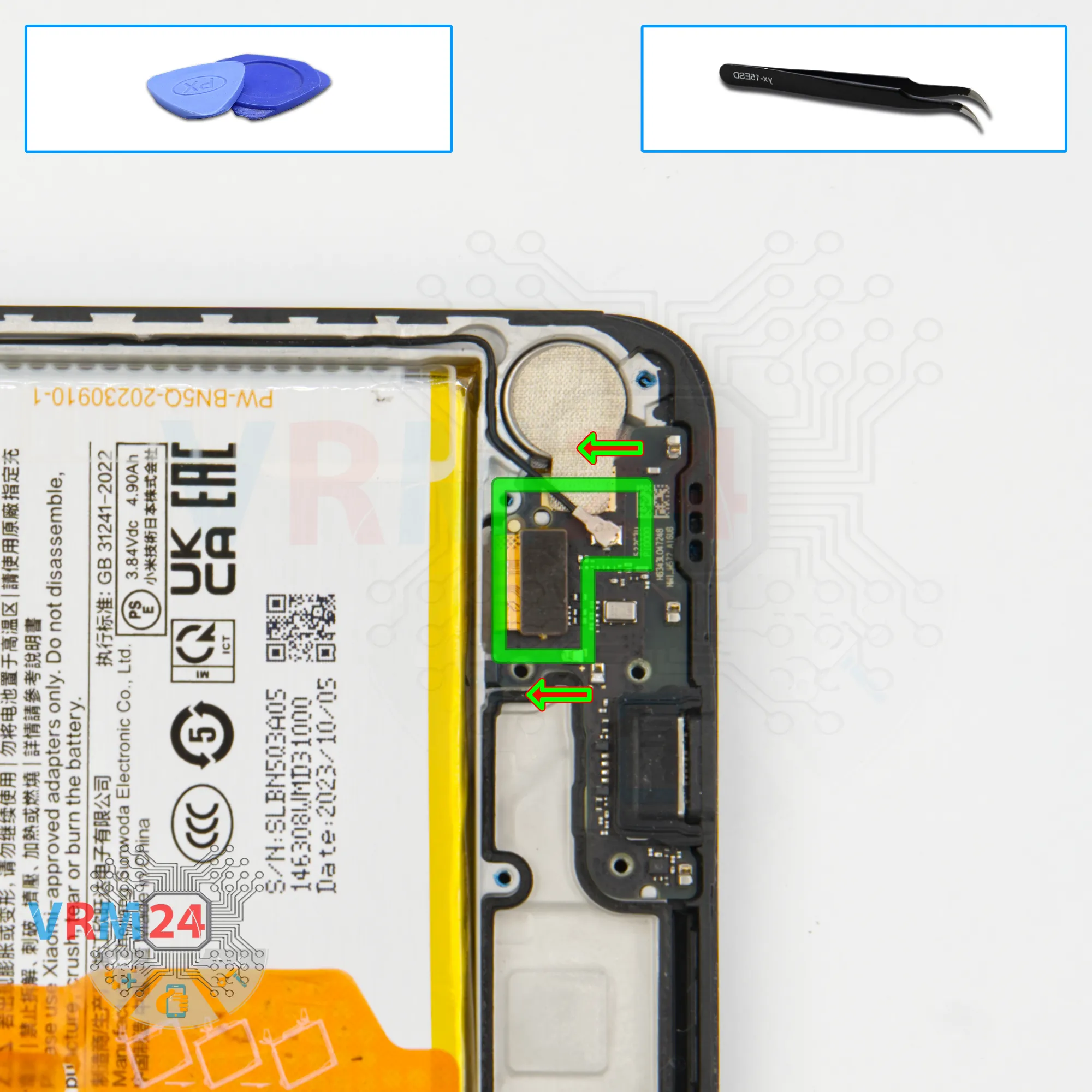
Disconnect the connectors
After that we disconnect the inter-board cable connector, disconnect the coaxial cable connector.
Step 12.
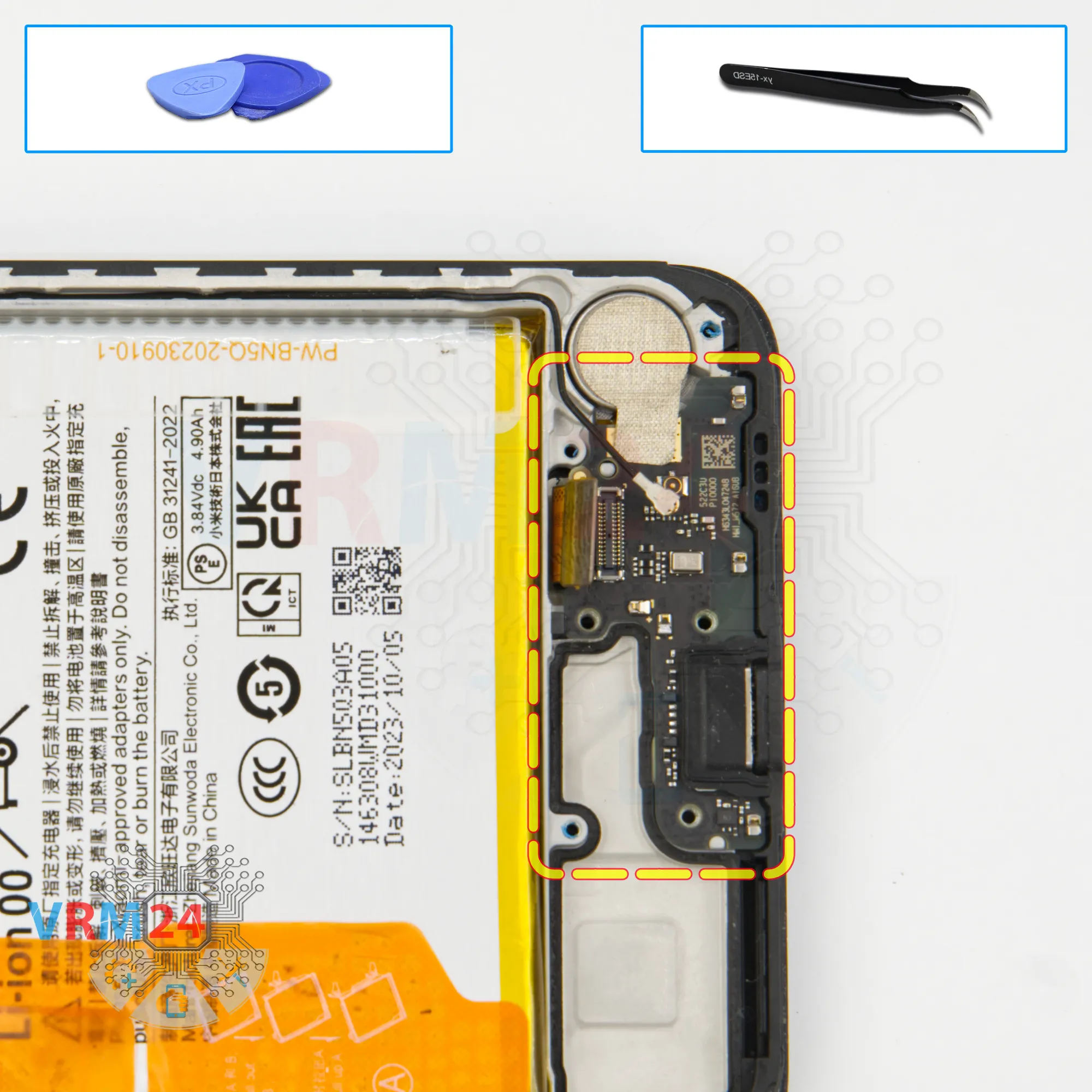
Remove the sub-board
We can try to remove the sub-board. Also in the right place we hook, gently lift and remove the sub-board.
And of course we need to peel off the heat-dissipating foil that is attached to the vibration motor.
On the sub-board we have the charging port, microphone and other elements from the back side.
Step 13.
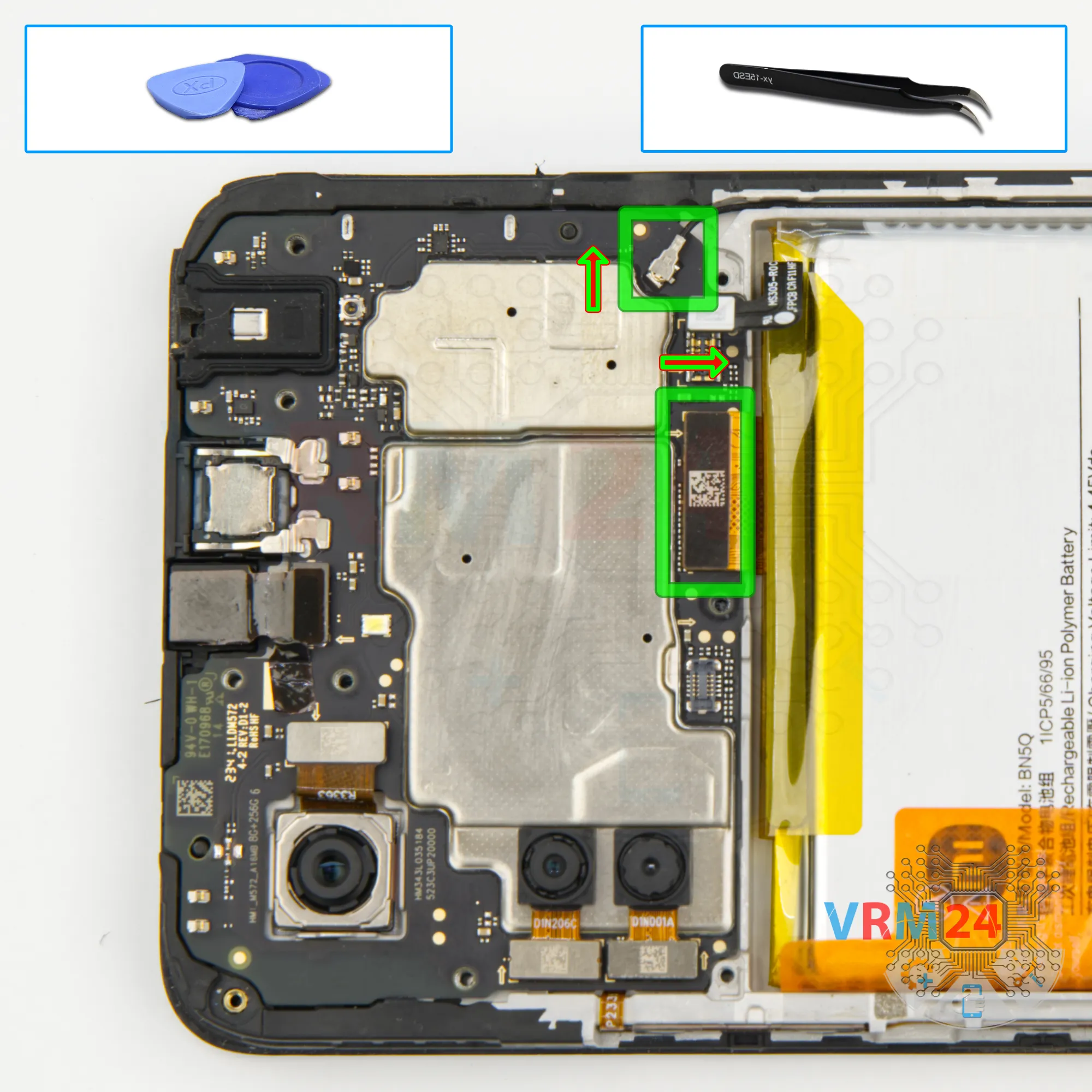
Disconnect the connectors
We move on to disconnecting the connectors on the motherboard. We disconnect the coaxial cable connector and cable connector to the display.
Step 14.
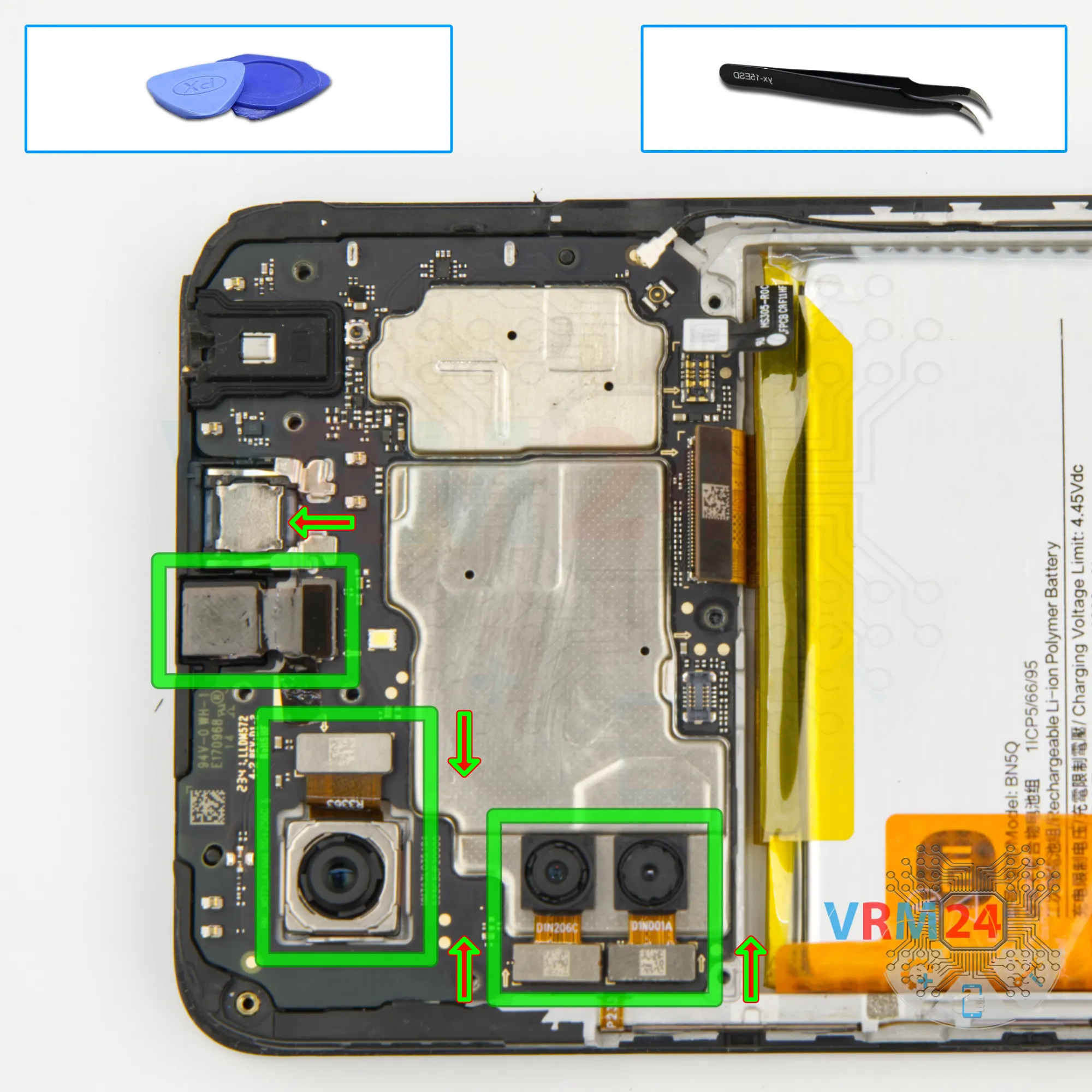
Remove the cameras
We detach the front and rear cameras. It's better to hold the cameras so that they don't accidentally fall out and we don't damage the lenses.
Step 15.
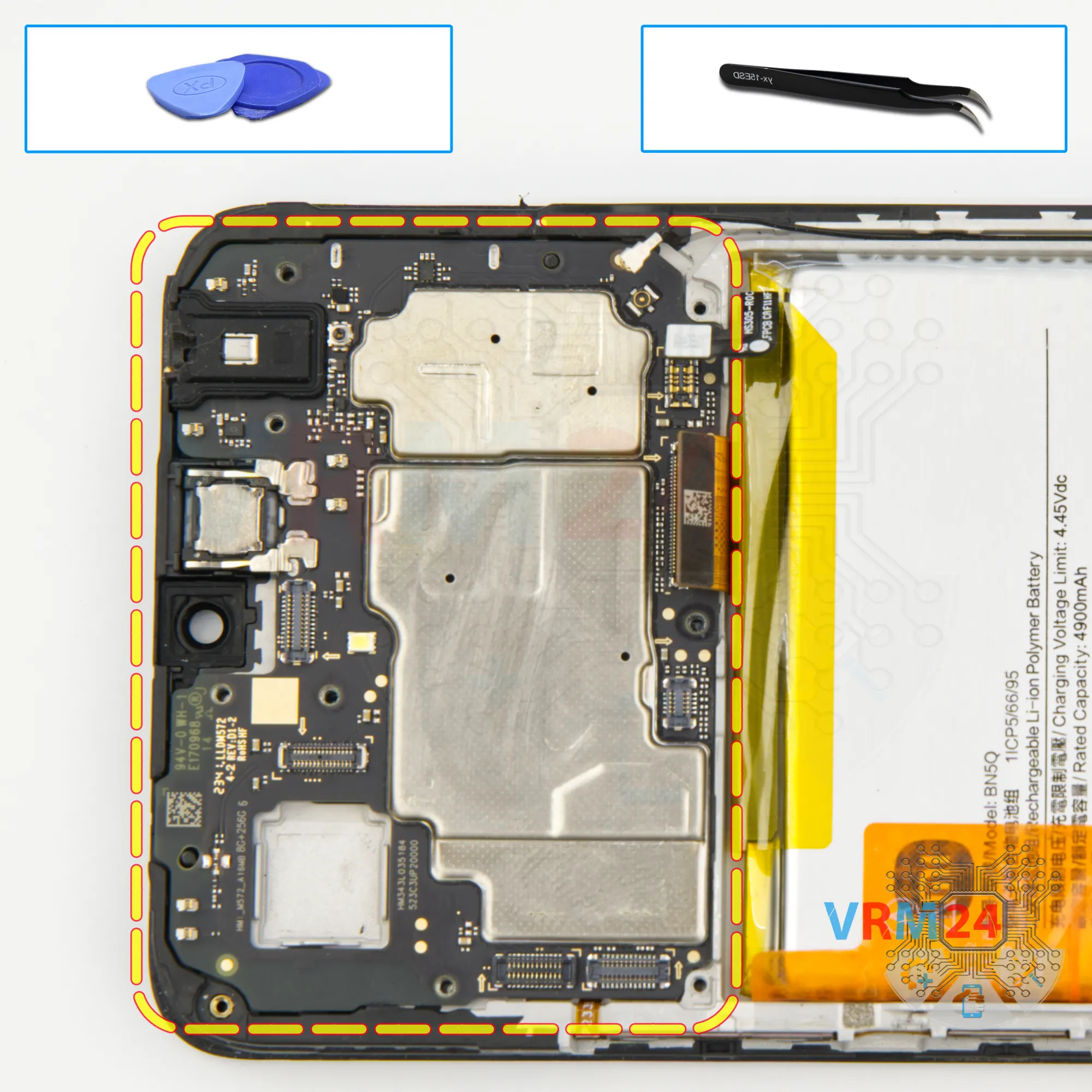
Remove the motherboard
We can move on to detaching the motherboard.
We also find the right place where we can gently pry up, lift and remove the motherboard.
Step 16.
Remove the battery
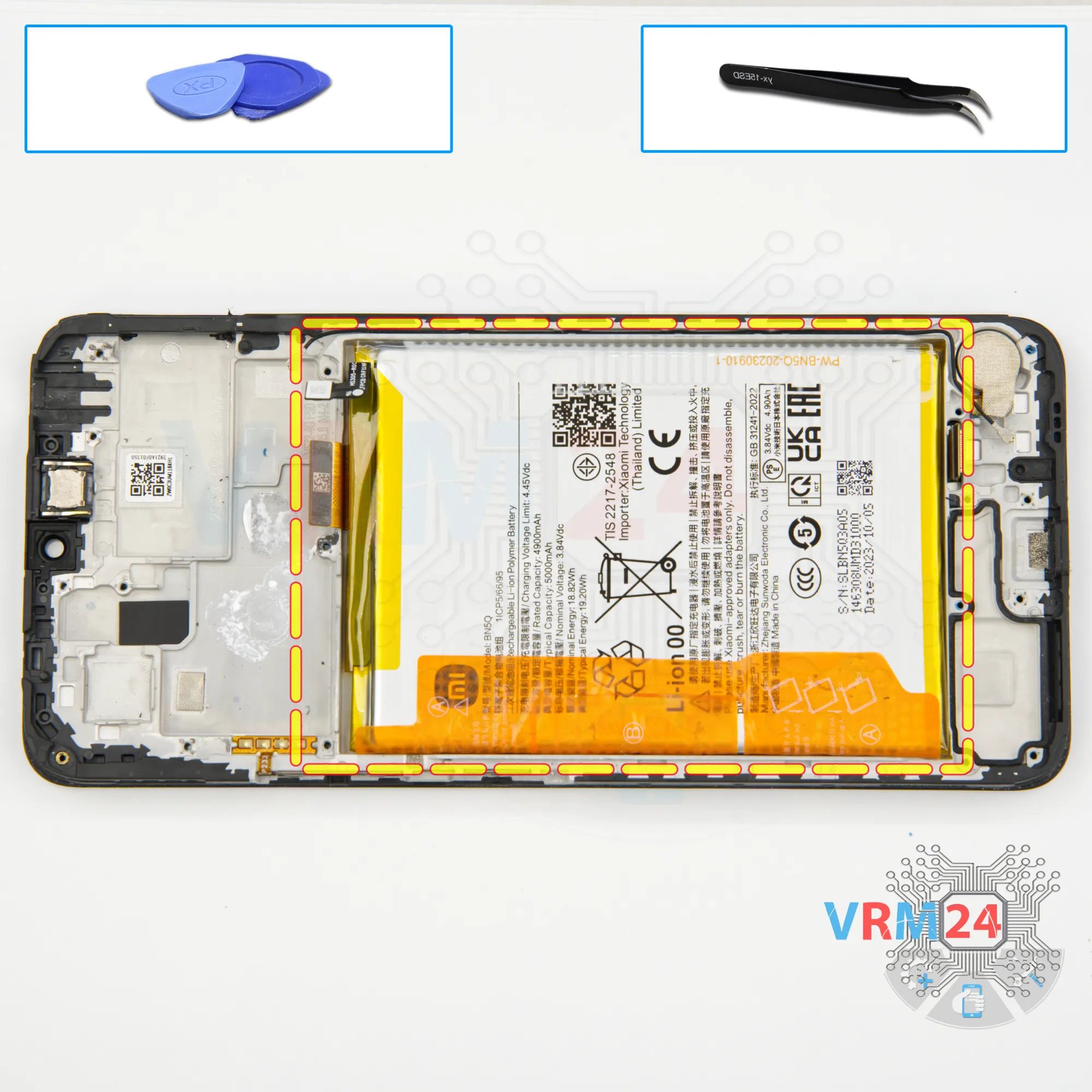
Finally we move on to detaching the battery.
We need to unwrap the brown tabs. It is written on them in what sequence and what exactly we have to pull.
All we have to do is pull the brown tabs that are on the edges upwards. So, we pull the brown tabs on the sides upwards, thus detaching the battery.
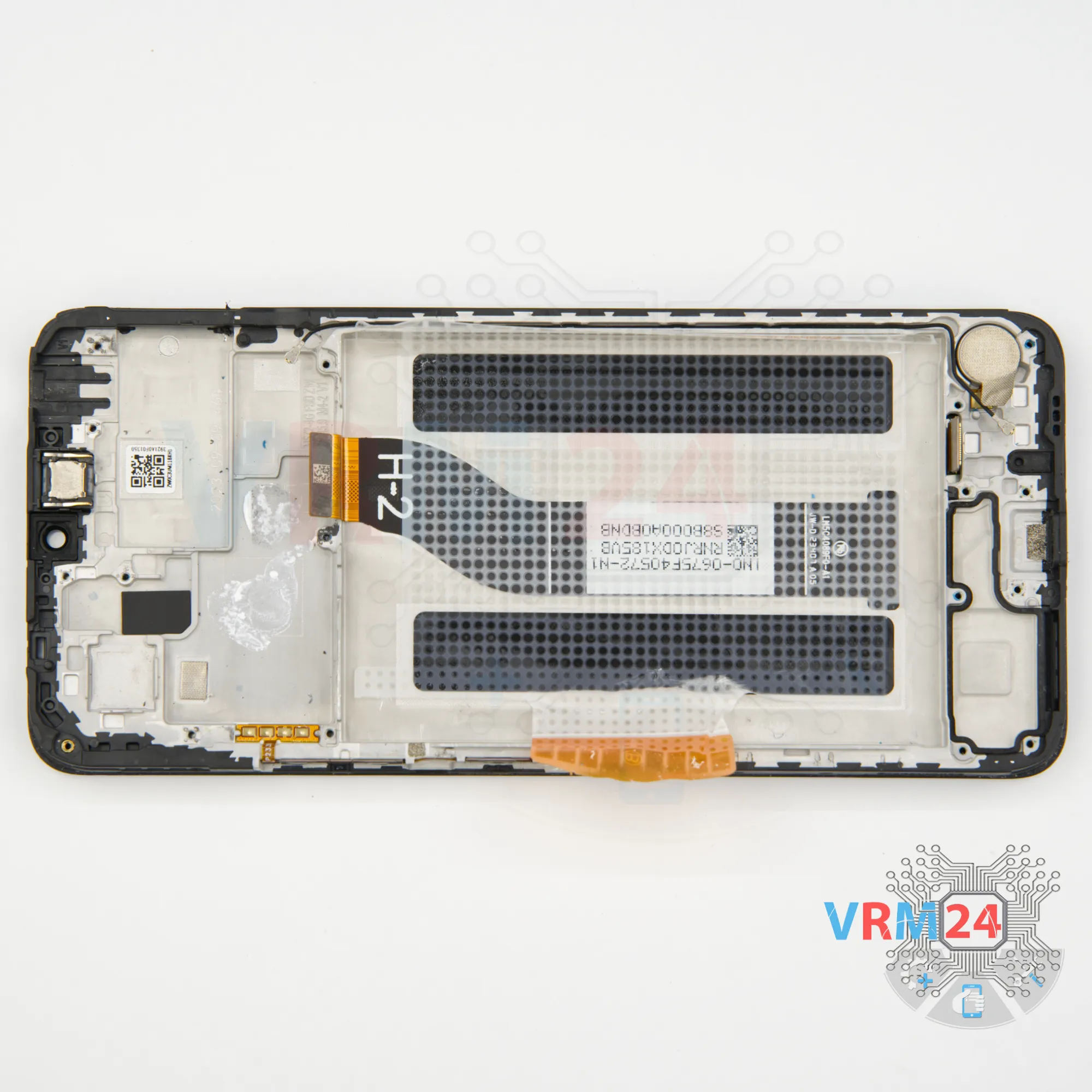
Under the battery we have an adhesive protective coating, which protects the flat cable to the display.
Step 17.
In the display frame remained
ℹ️ In the display frame remained: the earpiece speaker, vibration motor.

If you have a question, ask us, and we will try to answer in as much detail as possible. If this article was helpful for you, please rate it.

13246
Views
3
Likes
—
Share
0
Questions
Related Instructions
Related Reviews
Related Blog

Popular Questions
D
Xiaomi Mi 5S Plus
Good morning! Do you have a video on how to replace the charging cable connector?
Daniela Sousa11
A
Xiaomi RedMi Note 3
Tell me where i can get that new frame (housing board for battery) my redmi note 3 is damaged, and the lcd is cracked too.
Arya Pradana17
W
Xiaomi RedMi 5 Plus
Why meg 7 global lcd xiaomi redmi 5 plus lcd not compitable with lcd redmi 5 plus other version?
Wafeq Mu'izzadin Khairul Anuar19
V
Xiaomi Mi Note 2
the back of mi note 2 is glass or acrylic?
Valtin Santos7
Xiaomi Pad 6
is there a insulation layer between the back case and the cpu?
alexander7Top instructions
Check our
Top Xiaomi instructions most liked by readers
New instructions
Check our
New Xiaomi brand instructions on vrm24.com