Recommended tools
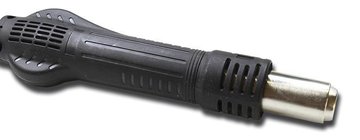
Heat gun
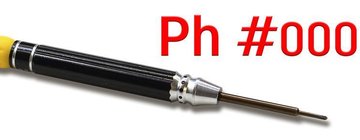
Screwdriver Phillips #000
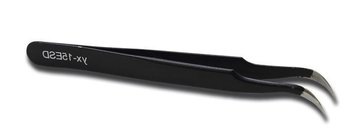
Tweezers
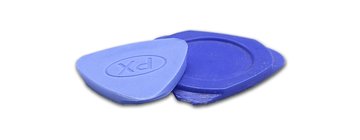
Non-metallic tool
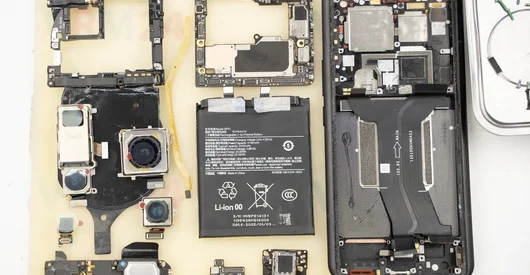
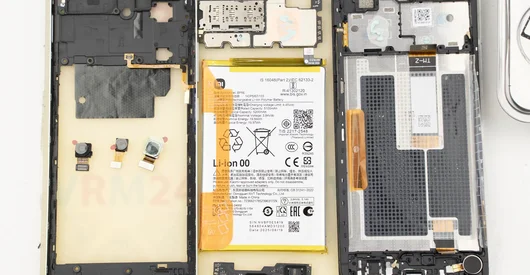
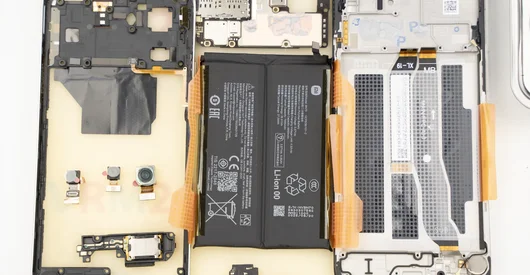
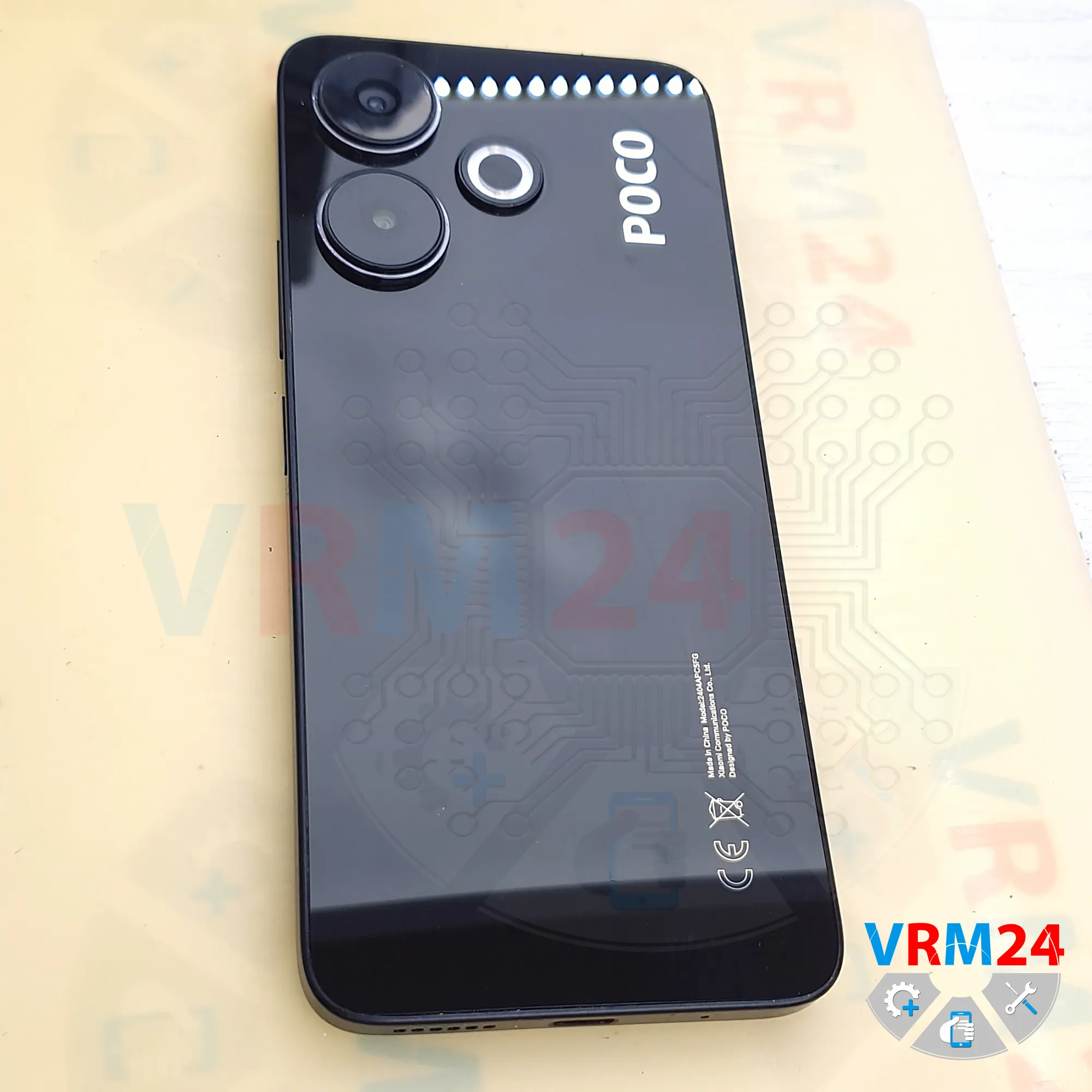
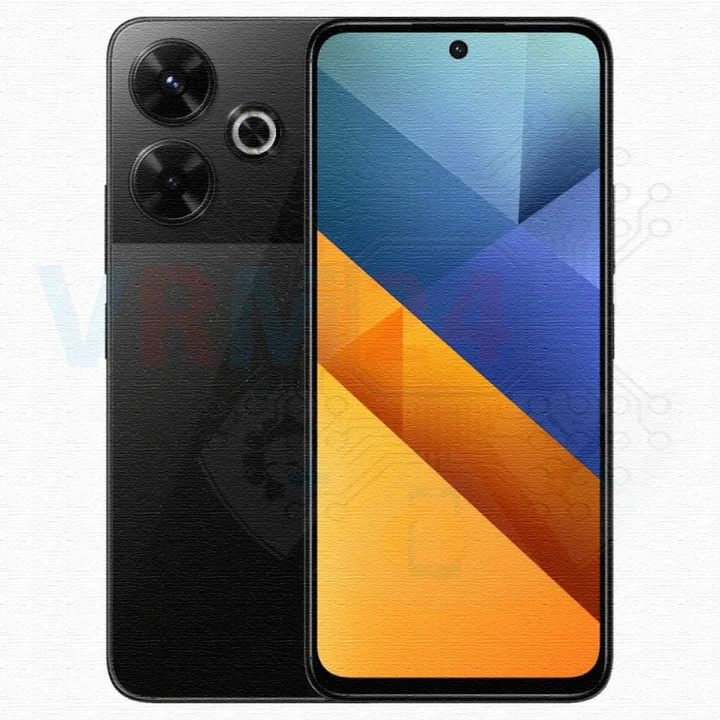
Disassembly/Repair of the mobile device Xiaomi POCO M6 (Xiaomi POCO M6 2404APC5FG) with each step description and the required set of tools.
2358
Views
1
Likes
—
Share
0
Questions

Step 1.
Before disassembling!
⚠️ Before disassembling, do not forget to turn your phone off.
Step 2.
Remove the tray
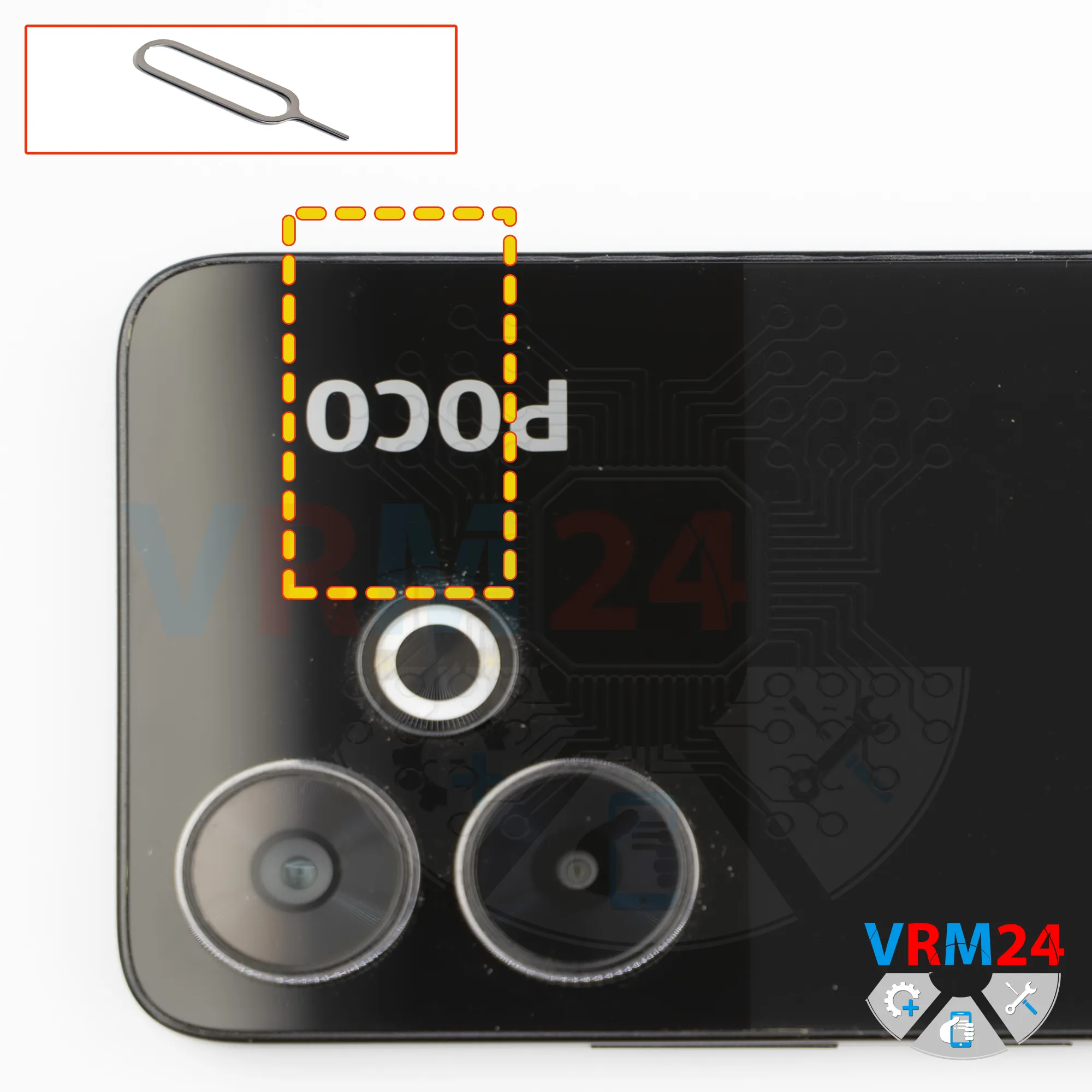
First of all, we need to remove the SIM card tray.
To do this, we use a special eject tool. Insert it into the hole and gently push the tray out.
If the tray doesn’t come out easily, we can additionally use tweezers.
Step 3.
Open the back cover
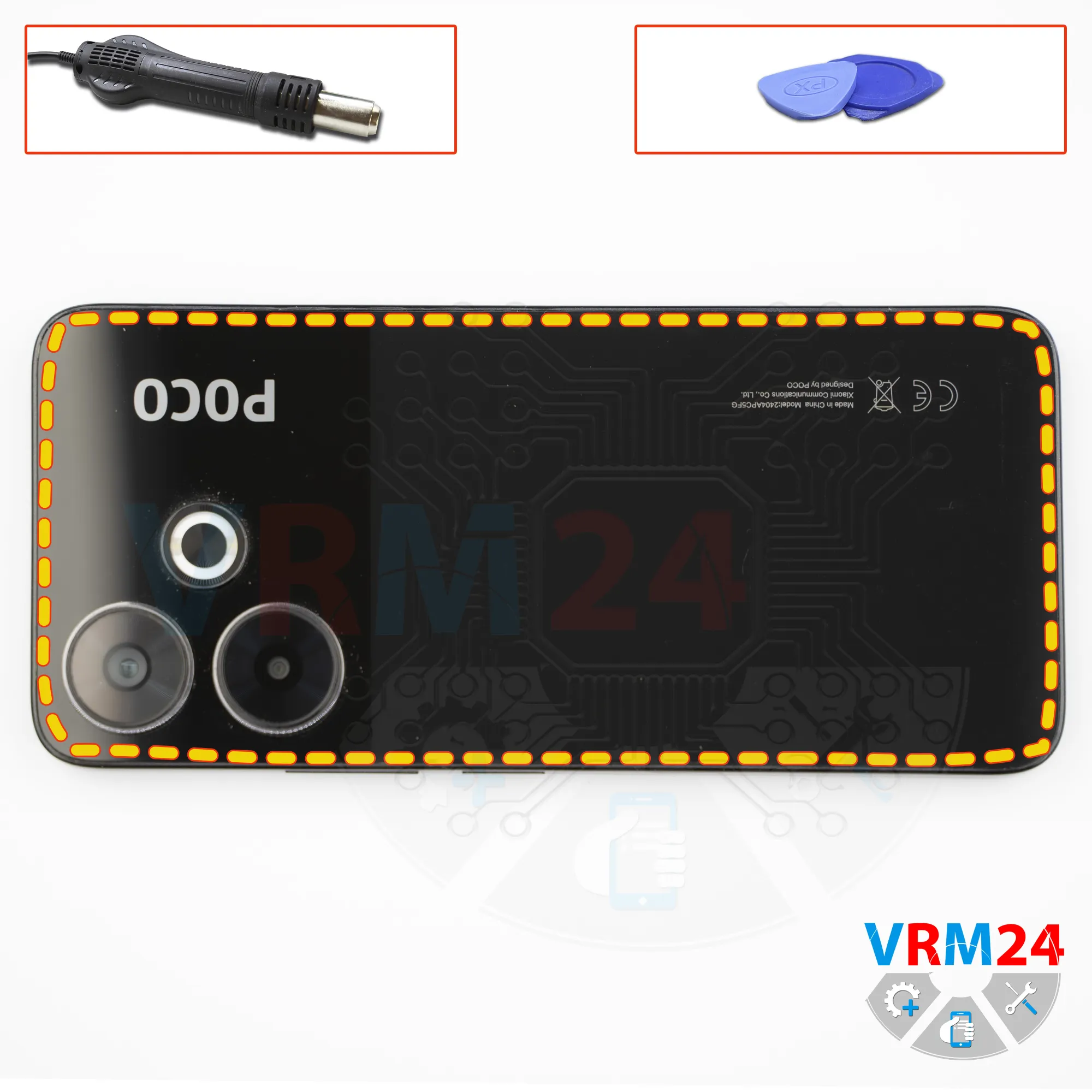
Next, we need to heat the surface of the rear cover to a temperature of approximately 70 degrees Celsius, or about 160 degrees Fahrenheit.
For this, we use a heating pad, but a hair dryer can also be used as an alternative.
After about 10 minutes, we can move on to detaching the back cover.
To do this, we use a thin plastic film. Carefully insert it into the gap between the back cover and the midframe, and gently slide it along the edge, cutting through the adhesive layer.
Please note that the cover is slightly recessed, so inserting the film is not always easy.
Pay close attention to the areas around the side buttons, as there may be flex cables located there.
We also need to be careful around the camera area so we don’t accidentally touch or damage the lenses.
Step 4.
Unscrew the screws
After that, it’s best to cover the camera lenses. For this, we use a special protective film.
Please note that the film should not be applied directly to the lenses, but rather to the rim around them.
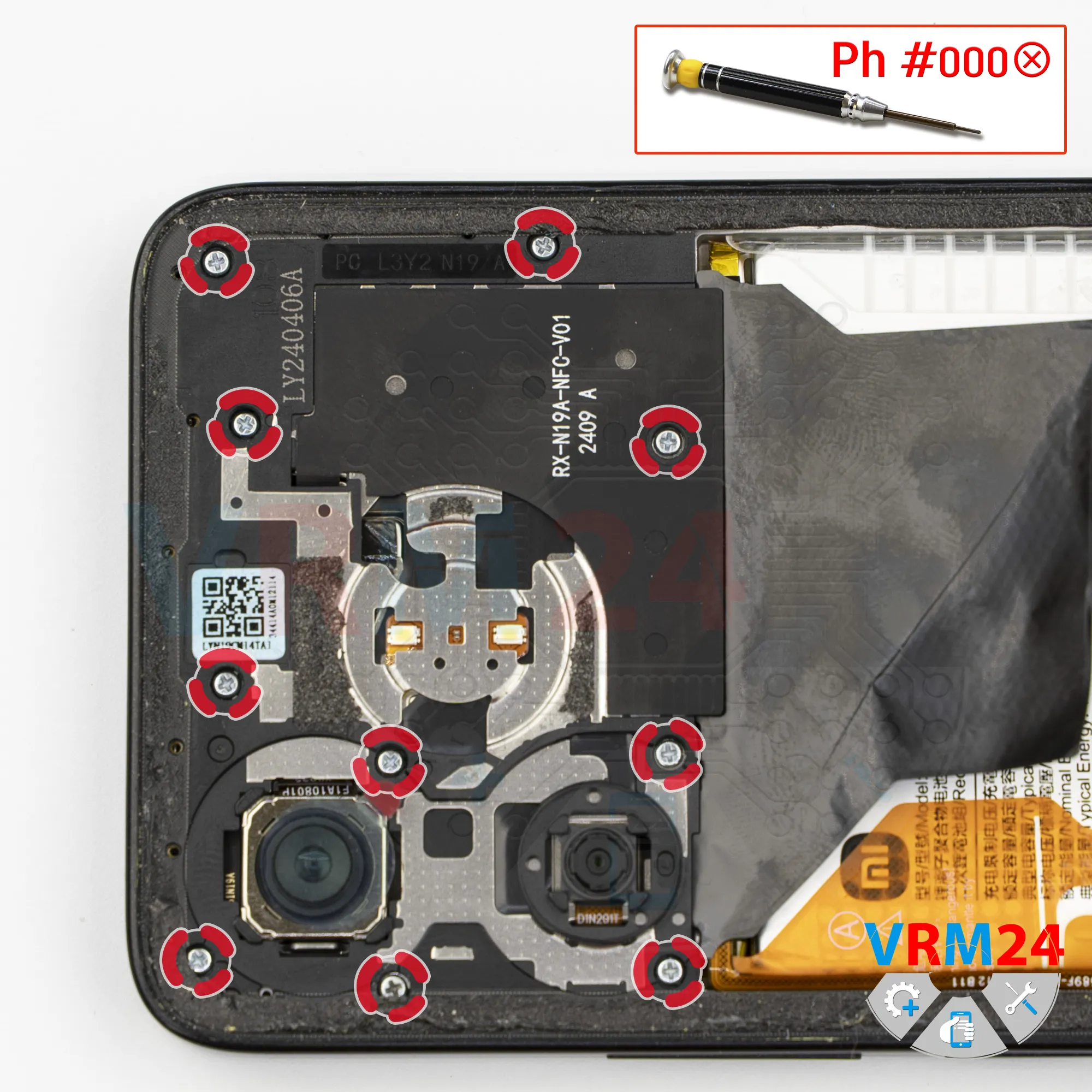
Next, we move on to removing the screws. For this, we use a 1.5 mm Phillips screwdriver, or a Philips #000.
We place the screws on a dedicated surface in a specific order so nothing gets mixed up during reassembly, as screws sometimes do not thread properly if inserted into the wrong holes.
Step 5.
Unscrew the screws
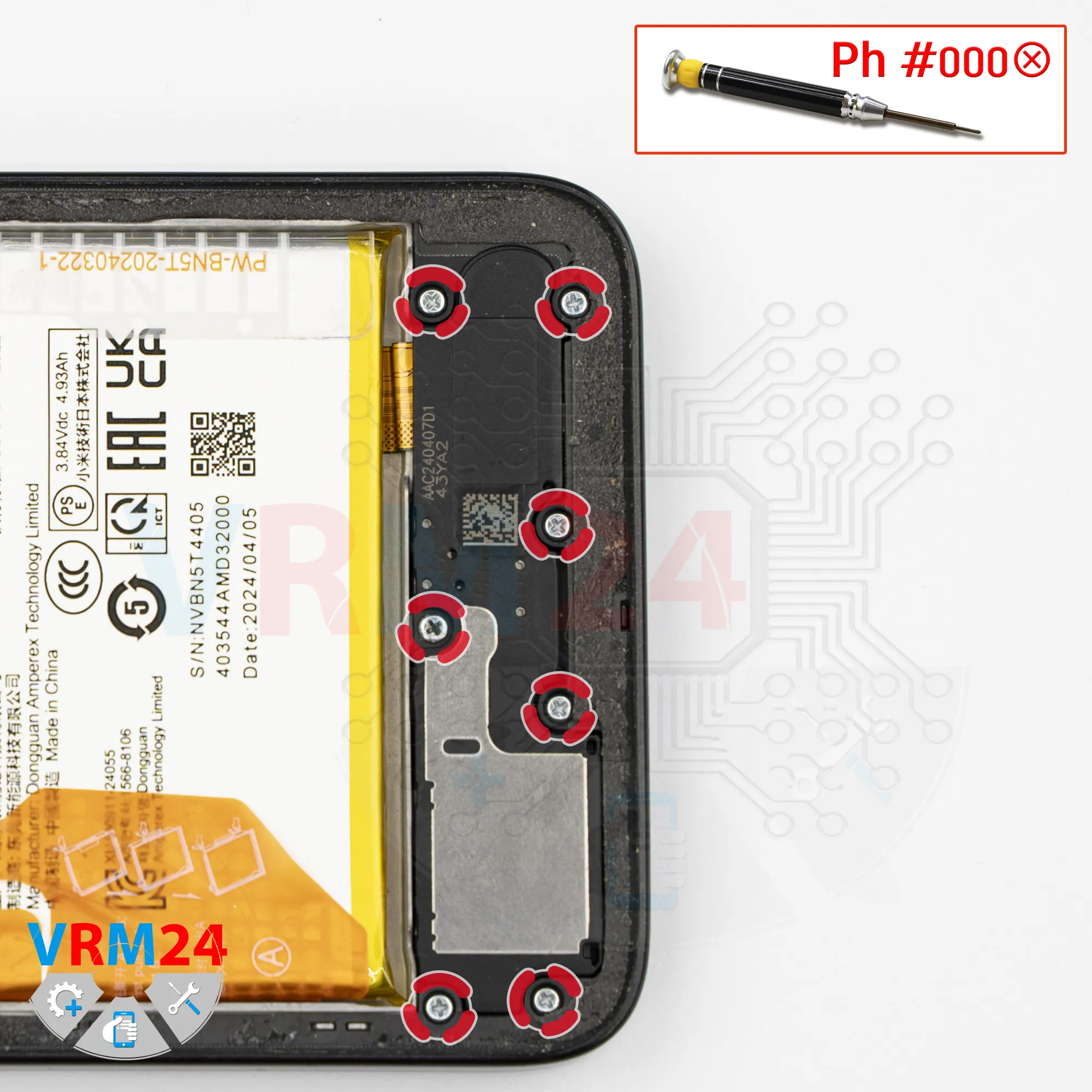
And we move on to removing the screws at the bottom. For this, we also use a 1.5 mm Phillips screwdriver, or a Philips #000.
If the screws get stuck, we can additionally use tweezers. If the screws are difficult to remove, we can also use a magnetizer.
Step 6.
Open the mid-frame
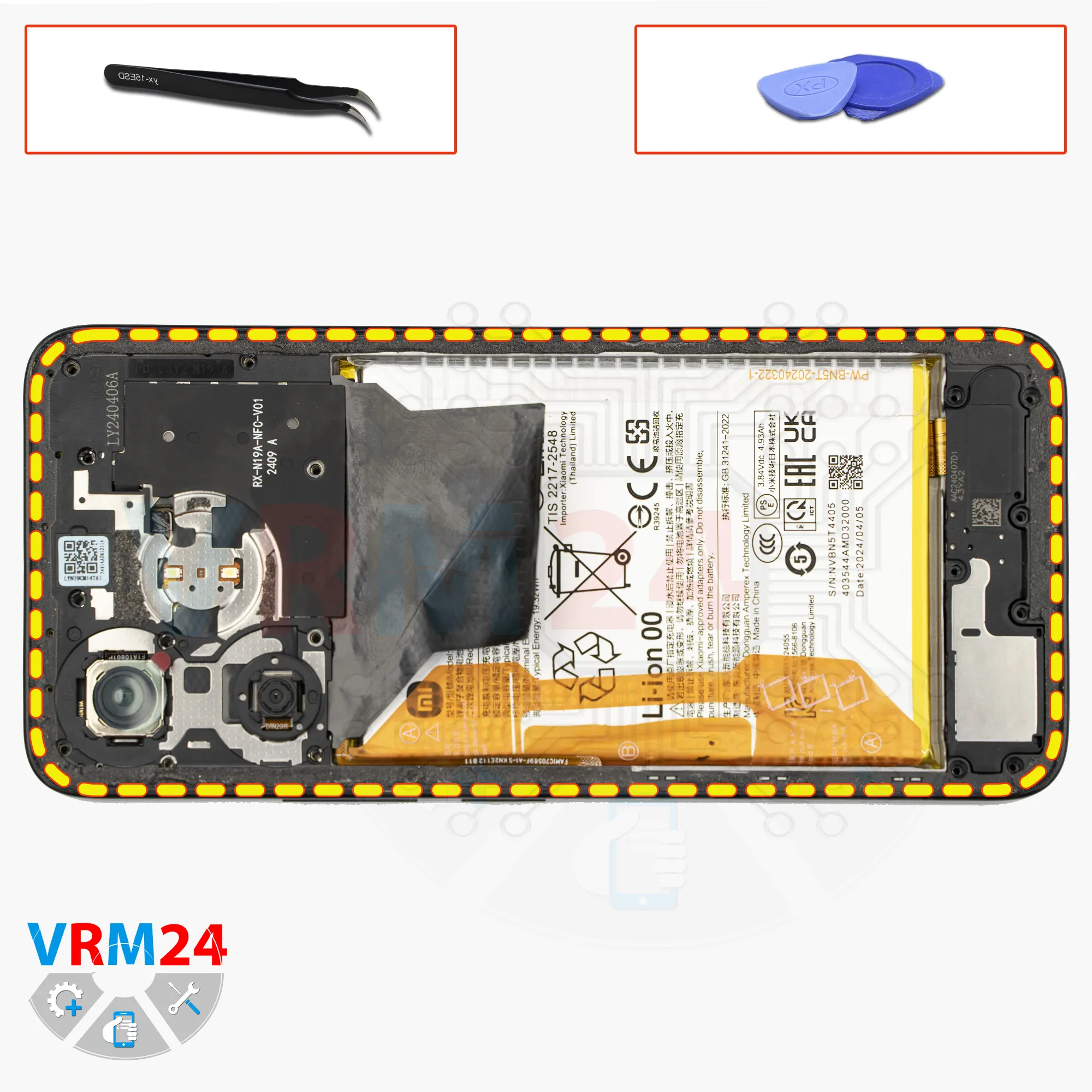
After removing the screws, we need to detach the midframe.
Once again, we start with a thin plastic film. Insert it into the gap between the midframe and the display frame near the SIM tray opening. Release a few clips, and then we can switch to a thicker tool.
Be extremely careful around the SIM tray opening, as the plastic there is very thin and can be easily damaged.
Also be very careful around the side buttons, as they are physically located in that area.
And be especially careful at the corners, since the cover is held very tightly there, and applying pressure may accidentally damage the edge of the display.
Step 7.
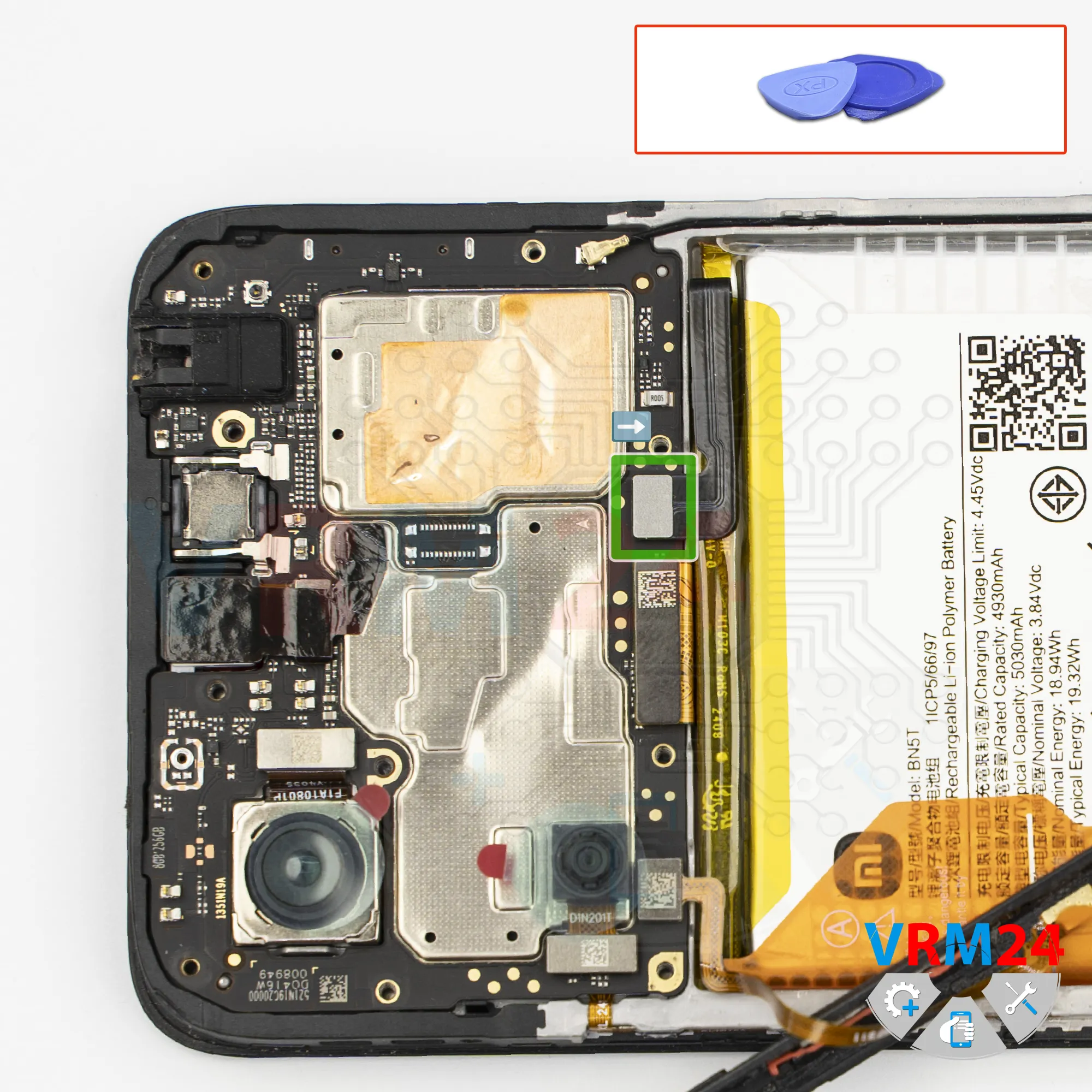
Disconnect the battery connector
Gently lift the cover and flip it over in a way that avoids damaging the fingerprint sensor flex cable.
Next, using a non-metal tool, disconnect the battery connector.
ℹ️ The Xiaomi Poco M6 model 2404APC5FG uses a BN5T rechargeable battery with a capacity of 5030 mAh.
Step 8.
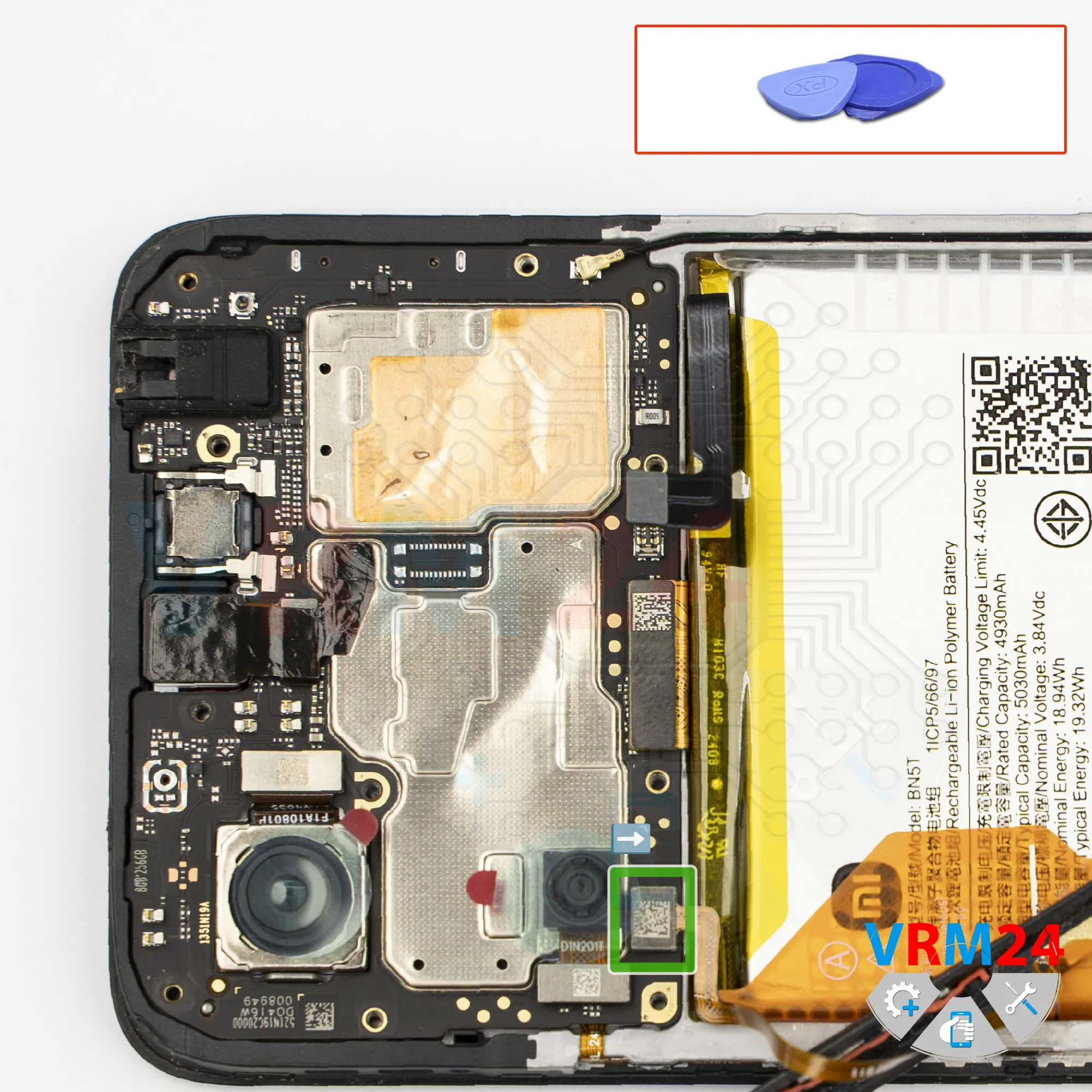
Disconnect the connector
After that, using a non-metal tool again, disconnect the fingerprint sensor connector and remove the midframe.
Step 9.
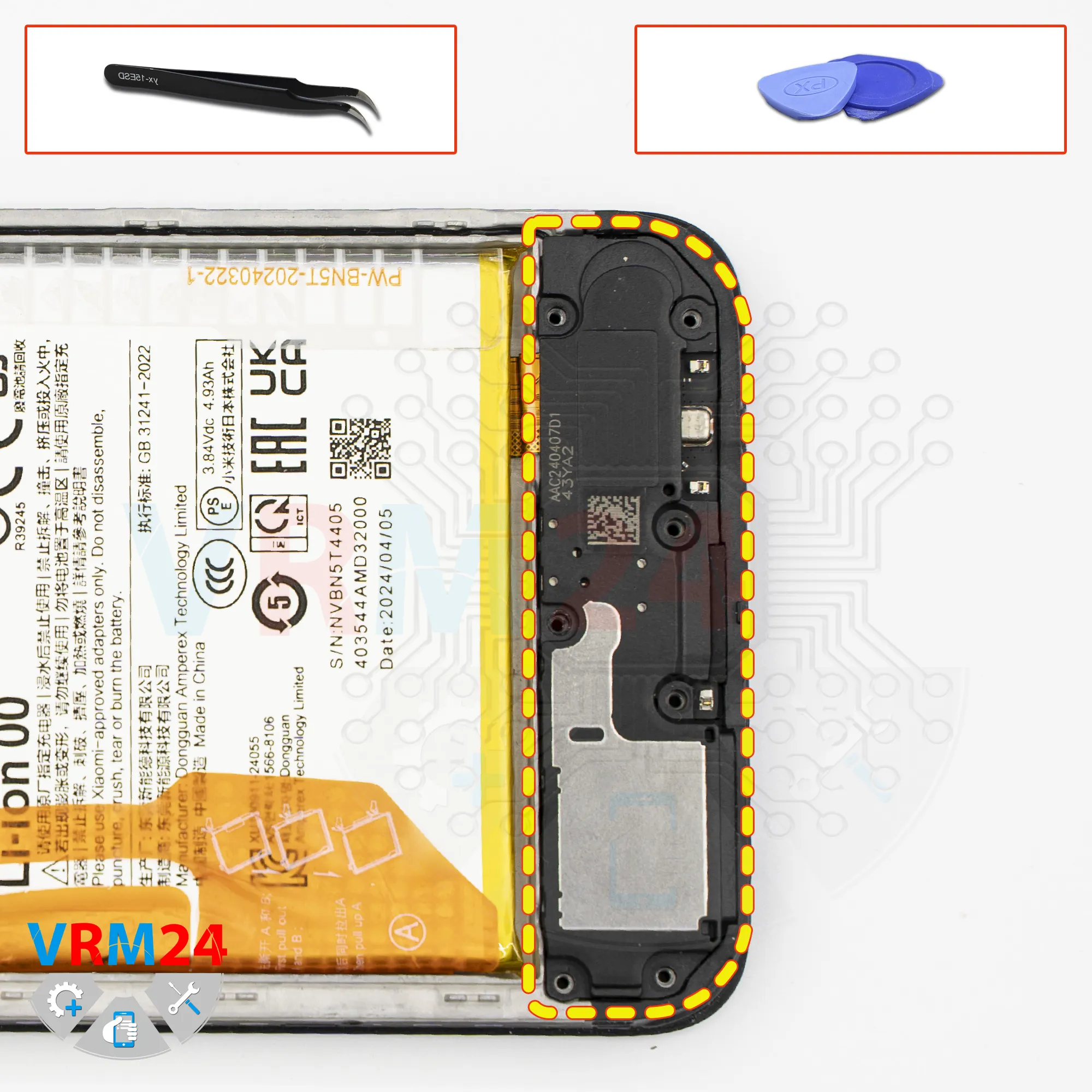
Remove the loudspeaker
In the lower section, we need to remove the cover with the loudspeaker.
Carefully pry it up at the correct point and remove the cover.
Step 10.
Disconnect the connectors
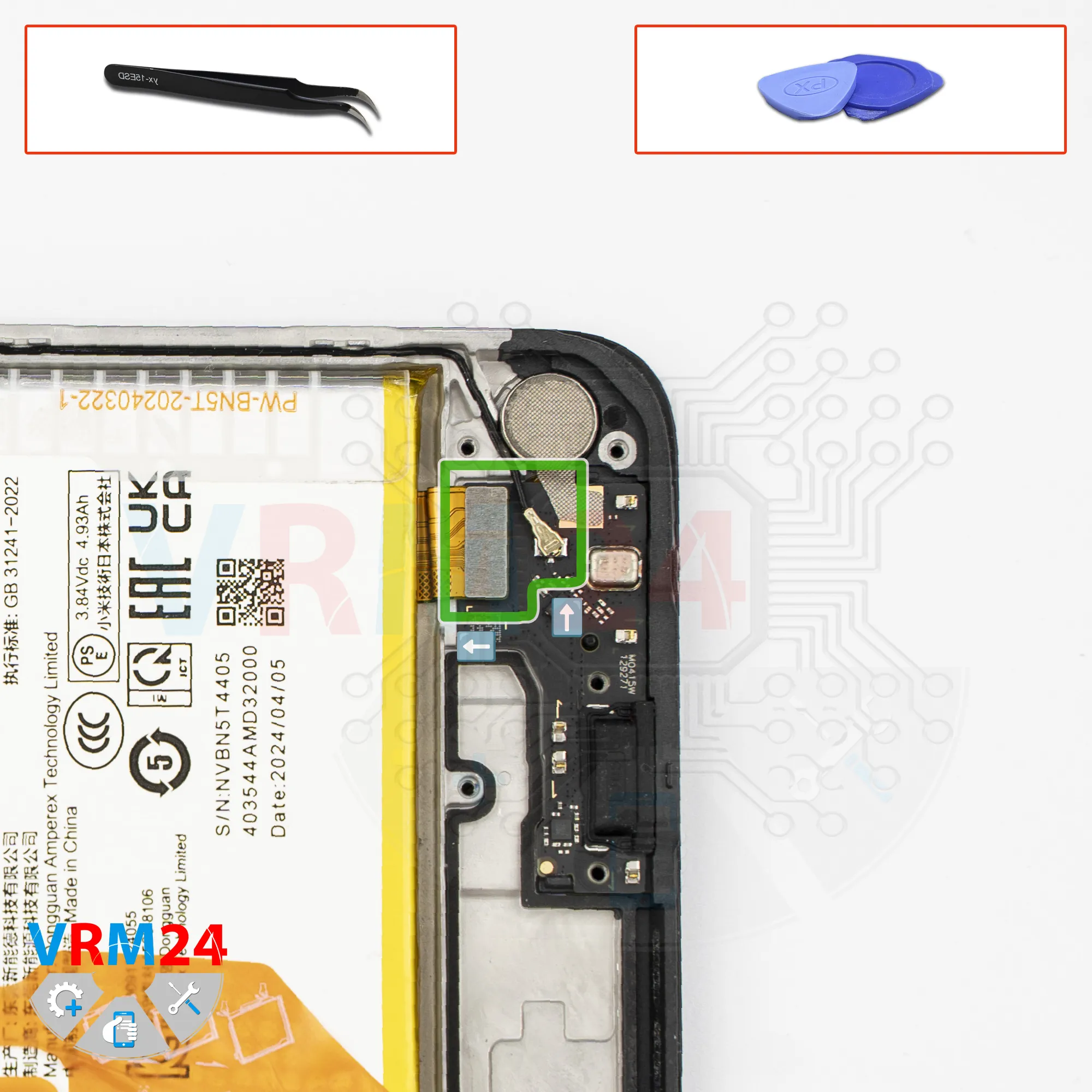
Next, we need to disconnect the connectors.
Disconnect the interconnect flex cable connector.
Disconnect the coaxial cable connector.
Peel off the thermal dissipation film from the vibration motor.
Step 11.
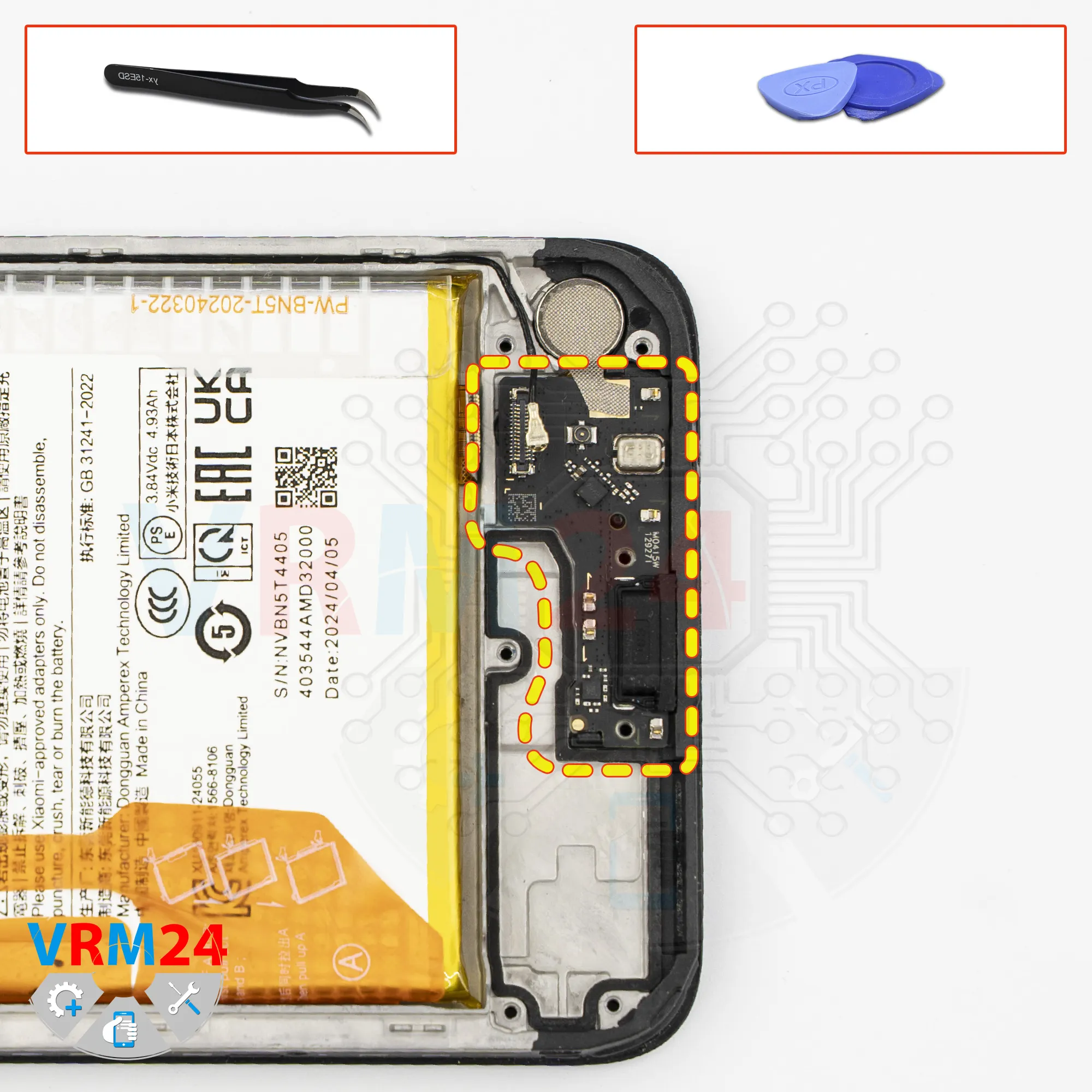
Remove the sub-board
Now we need to remove the sub-board, which is held in place by clips.
As before, we need to pry it up at the correct spot to release it.
On the sub-board, we have the charging port, the microphone, and other components on the reverse side.
The vibration motor remains in the display frame.
Step 12.
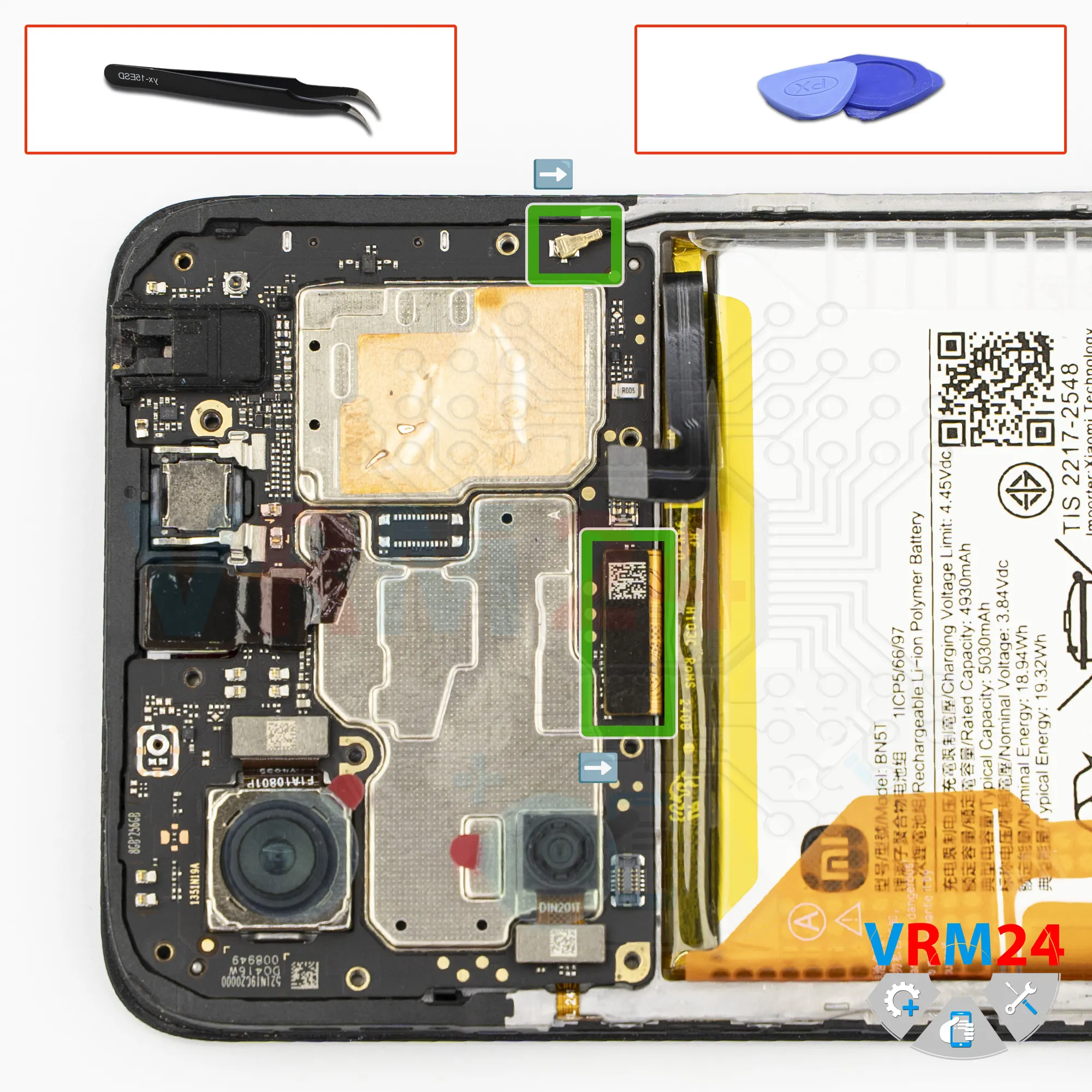
Disconnect the connectors
After that, disconnect the display flex connector and disconnect the coaxial cable connector.
Step 13.
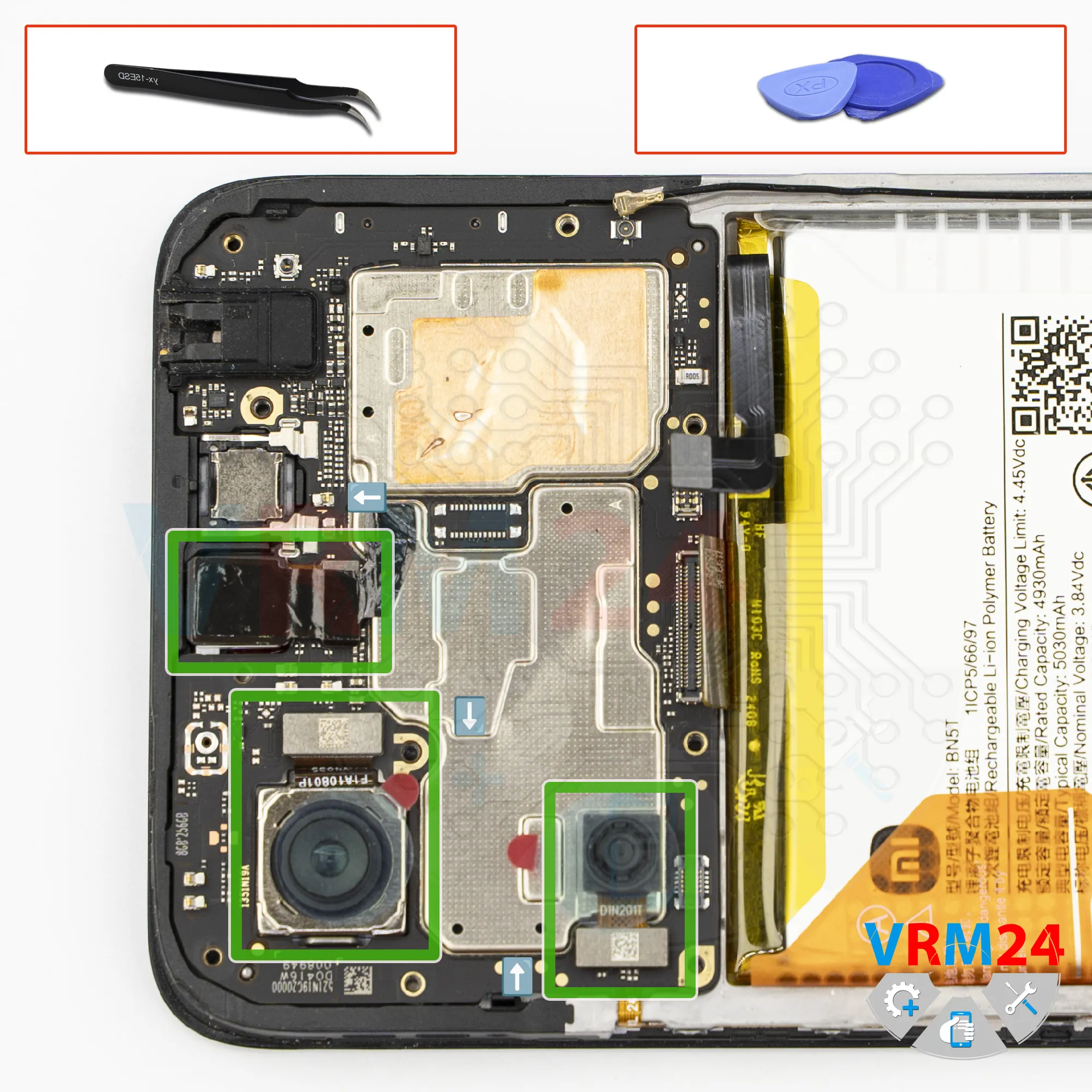
Remove the cameras
We need to disconnect the cameras. Carefully disconnect the rear cameras, and then proceed to disconnect the front camera.
It’s best to keep the copper heat-dissipation film from the front camera.
Carefully peel it off, as it will be needed again during reassembly.
It’s also a good idea to cover the camera lens with protective film to prevent dust or debris from getting on it.
Step 14.
Remove the motherboard
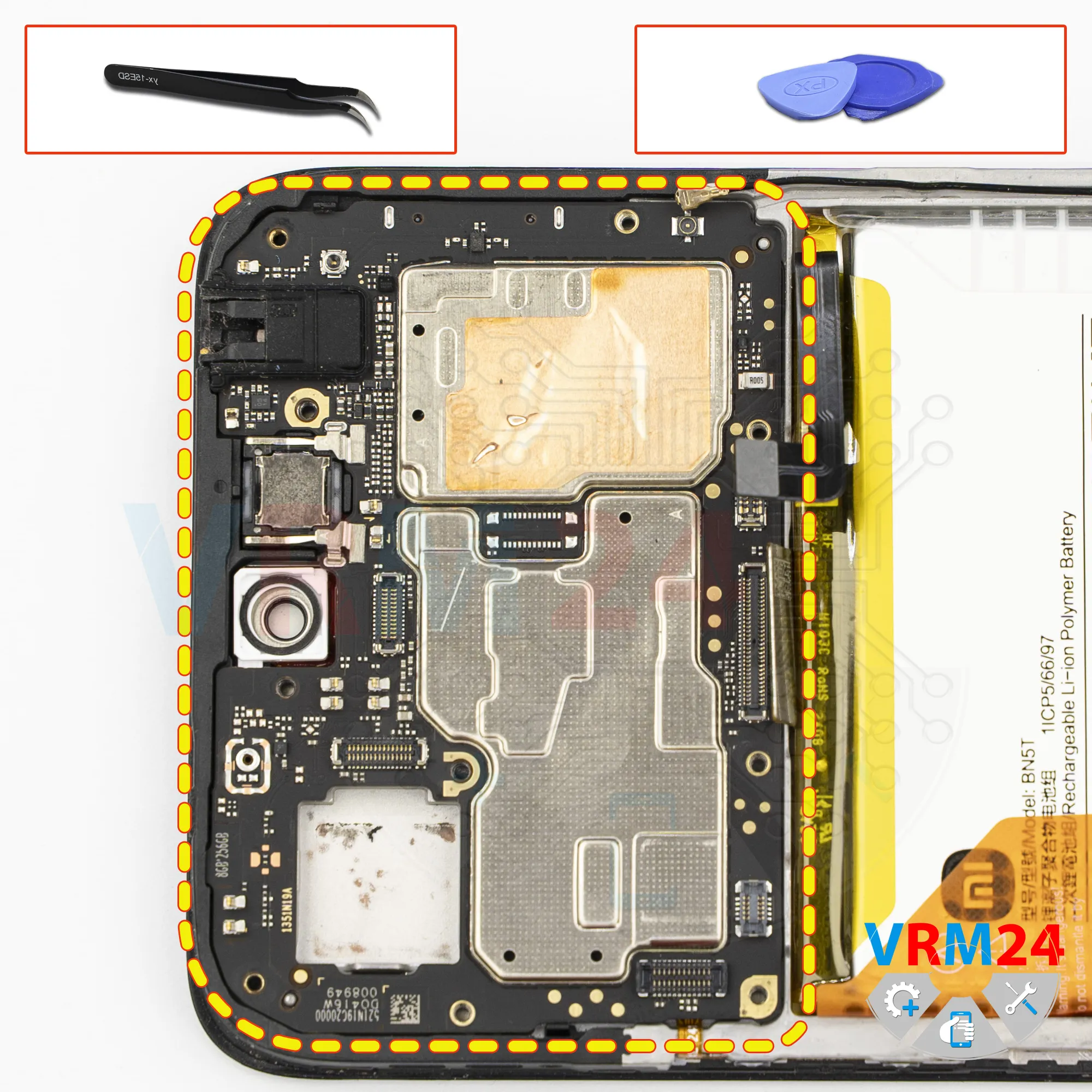
Now we can remove the motherboard. Carefully pry it up, lift it, and remove it.
On the back side, the motherboard may be held in place with thermal paste.
⚠️ Do not bend the circuit board when removing it or push tools under it. Unbeknownst to yourself, you can damage components or cables from the inside.
Step 15.
Remove the battery
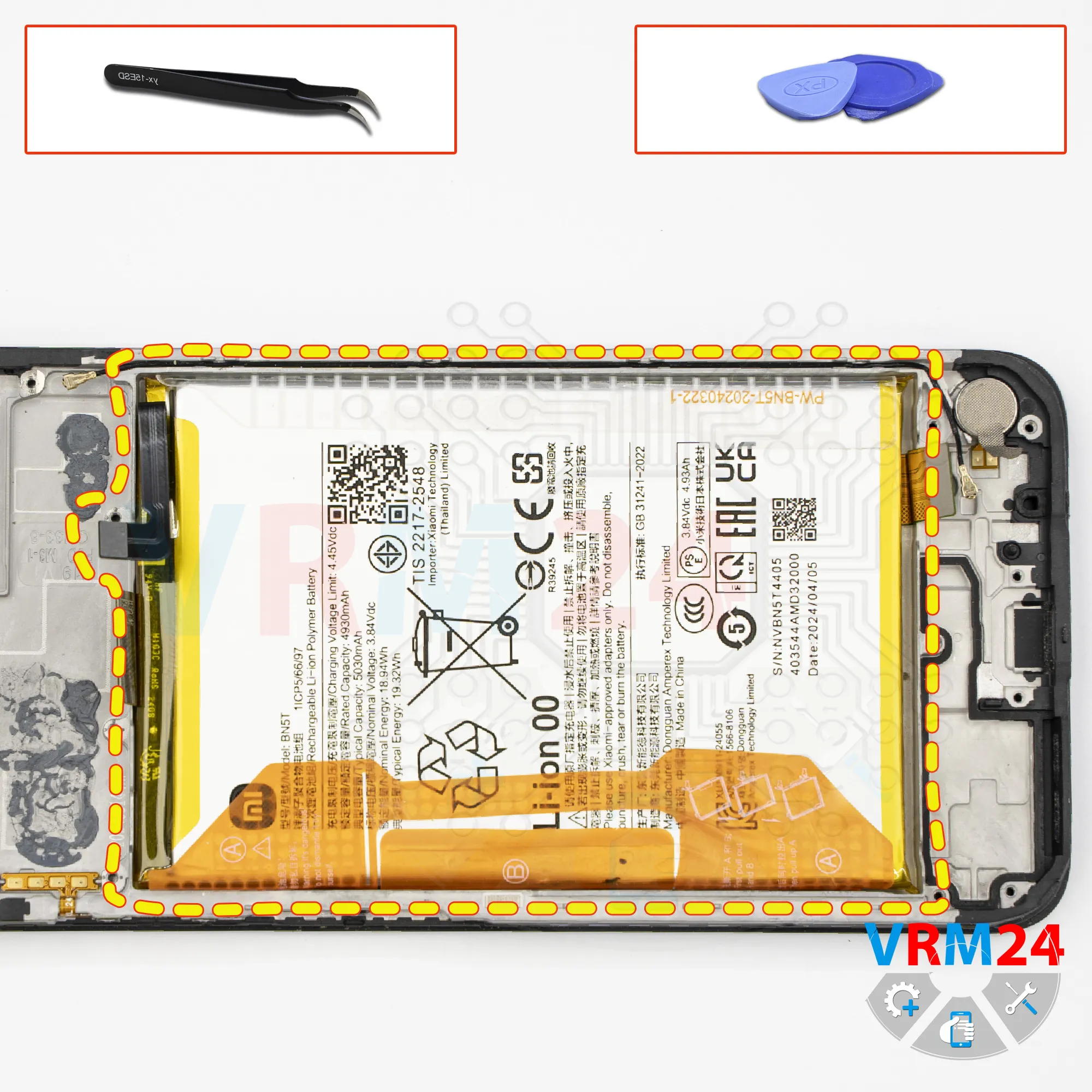
Finally, we move on to removing the battery.
As is typical for Poco devices, there are two brown pull tabs that need to be unfolded.
And of course, we need to read the instructions - what to do and in what order - because after working on many different phones in a single day, it’s easy to mix up which tab to pull and which one to unfold.
So, the tabs on the sides are unfolded so they can be pulled, while the tab in the center should be folded as far to the side as possible so it doesn’t get in the way.
We then try to pull up on the outer tab to remove the battery.
Under the battery, there is a transparent adhesive protective layer that protects the interconnect flex cables.
Step 16.
In the display frame remained
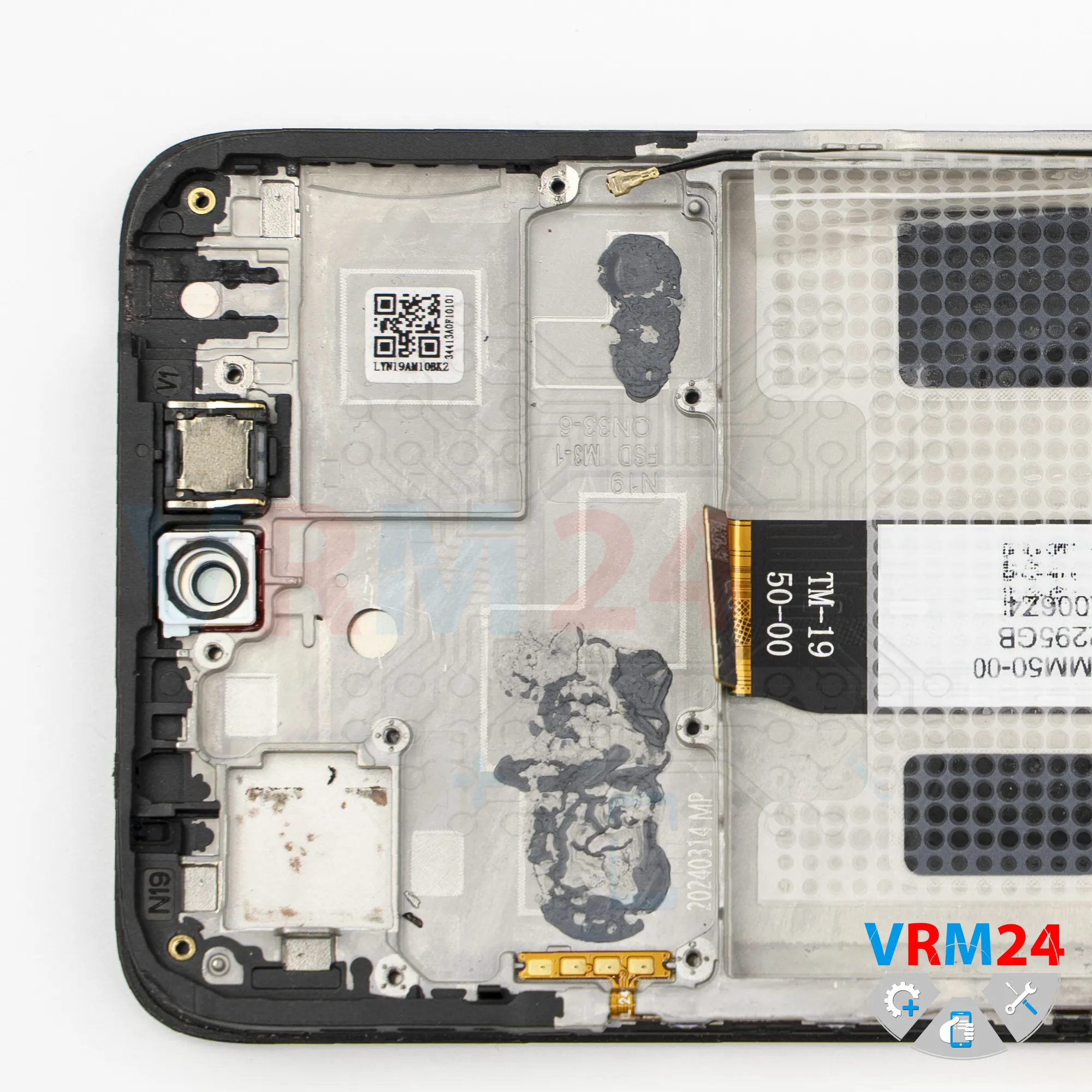
ℹ️ In the display frame remained: the earpiece speaker, vibration motor, and cables.

If you have a question, ask us, and we will try to answer in as much detail as possible. If this article was helpful for you, please rate it.

2358
Views
1
Likes
—
Share
0
Questions
Related Instructions
Related Reviews
Related Blog

Popular Questions
F
Xiaomi Mi Max 3
MUY BUEN VIDEO, MUCHAS GRACIAS.
Frank Guayasamín1
Xiaomi POCO F3
Hello! I am curious as to the plastic cover over the motherboard. There is a wire labeled "DM F0595 DG A 2021 20" on the back of this cover. If this …
dathan
M
Xiaomi RedMi Note 3
my phone redmi note3 slipped into water, i have taken out immediately and observed it was working for 2-3 hrs. after that it was switched off. Went t…
Murali K6
L
Xiaomi Mi Mix 2
Superbe vidéo mais 2 détails à ne pas reproduire... on ne retire pas les nappes avec un objet metallique et on utilise une planche de chauffe et pas …
Laurent Chapuzot4
F
Xiaomi RedMi Note 3
Me dejó de funcionar mi note 3 pro.De repente al cargarlo el móvil empezó a perder batería hasta quedarse en 0.Después no ha vuelto a encender. Si le…
frankiskito19Top instructions
Check our
Top Xiaomi instructions most liked by readers
New instructions
Check our
New Xiaomi brand instructions on vrm24.com