

 Russian
 Spanish
 Portuguese

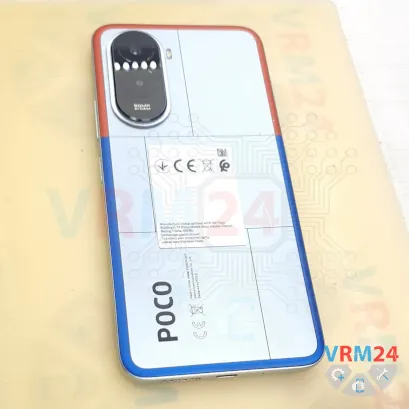
⚠️️ Before disassembling, do not forget to turn your phone off.
Teardown difficulty:
Moderate
Moderate
Recommended tools


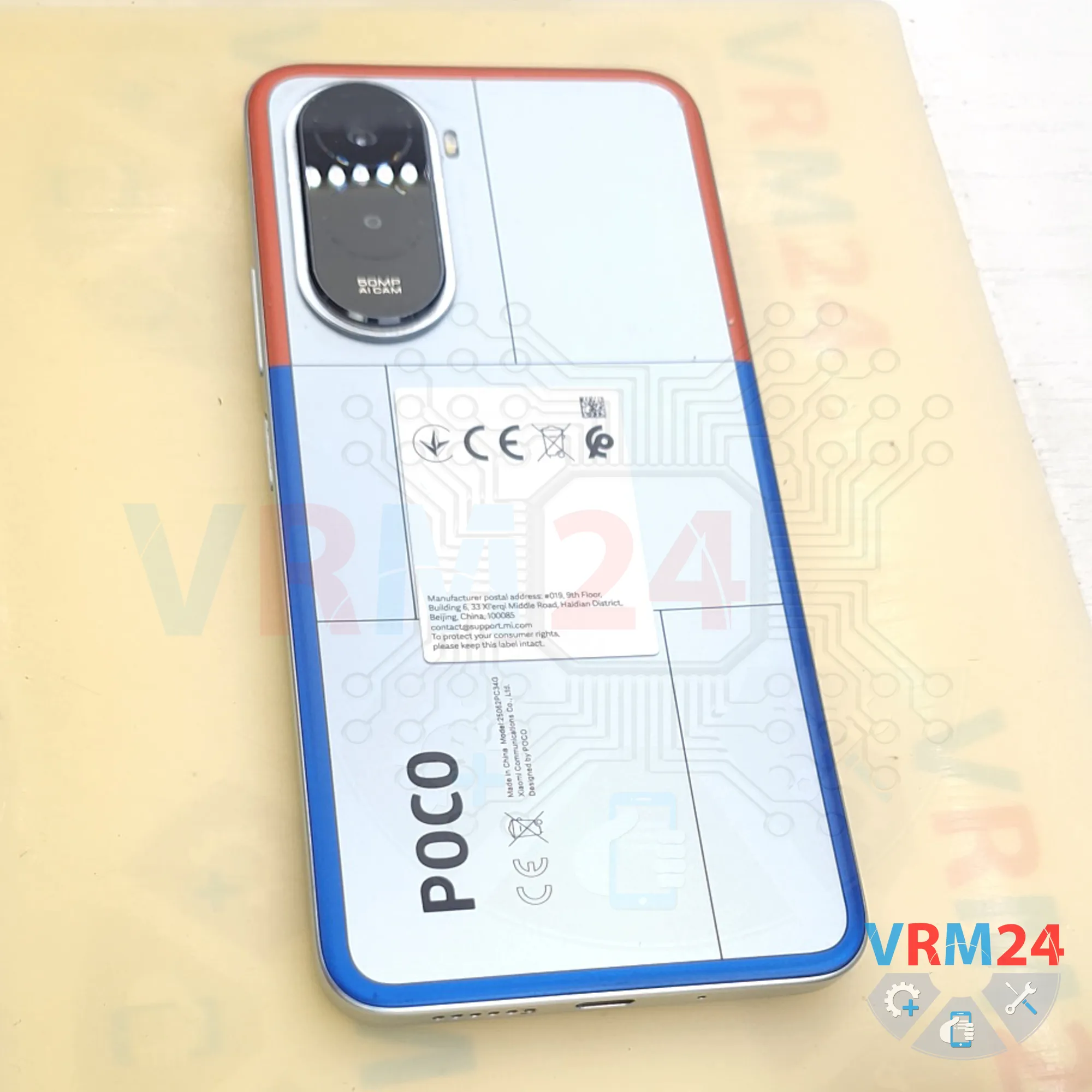
Disassembly/Repair of the mobile device Xiaomi Poco M7 4G (Xiaomi POCO M7 4G 25062PC34G) with each step description and the required set of tools.

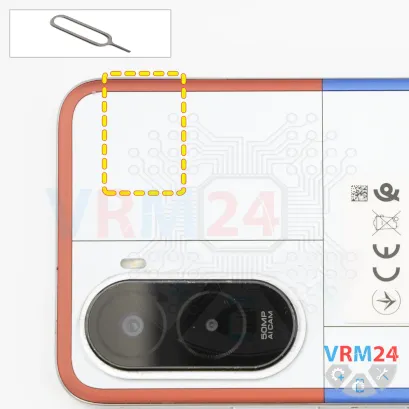
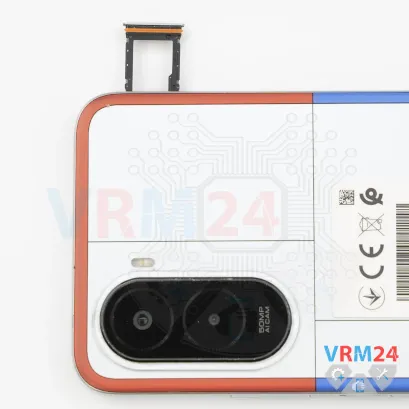
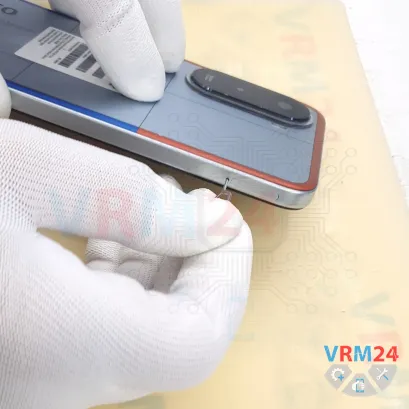
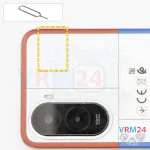
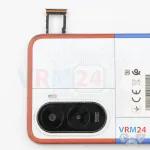
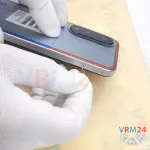
Step 2. Remove the tray
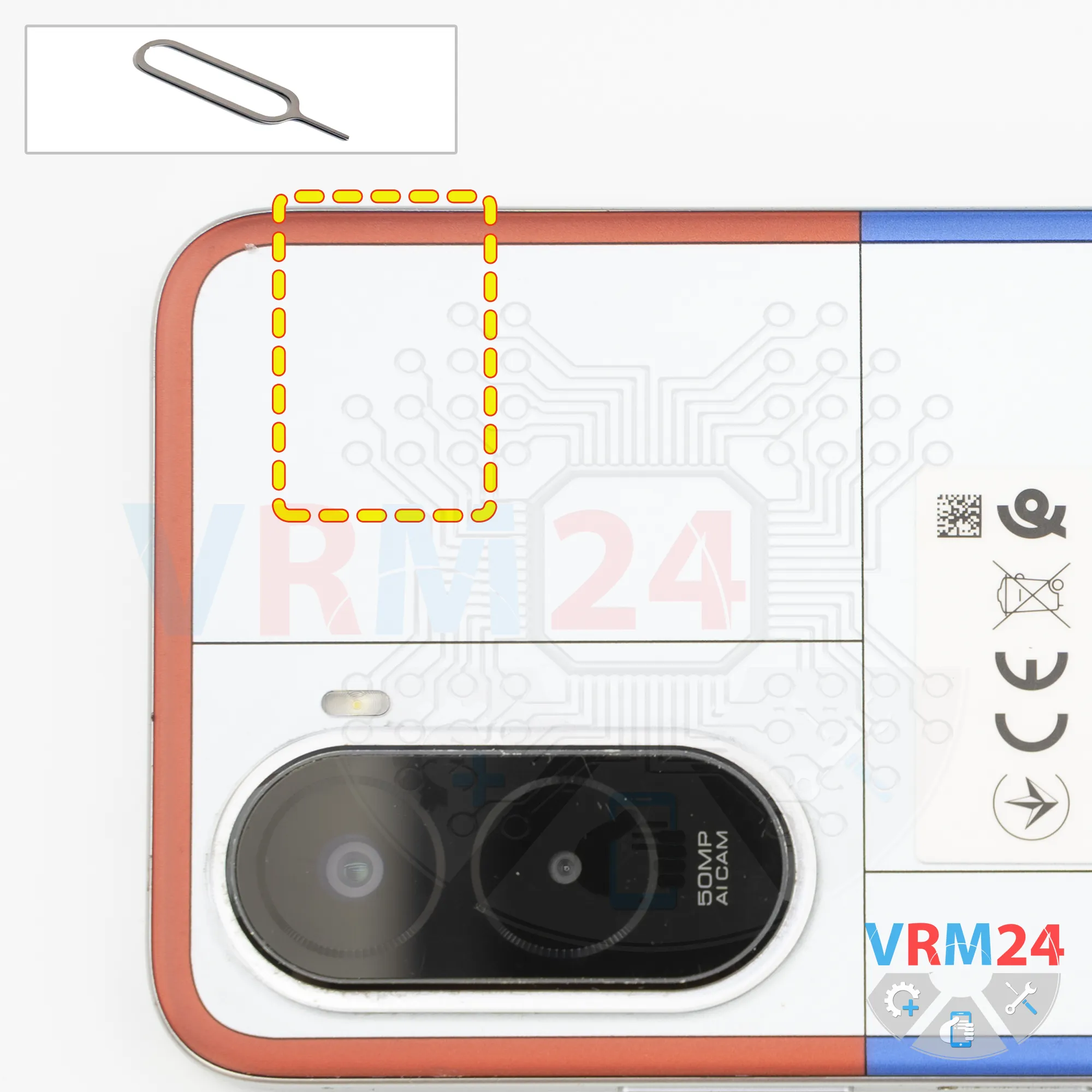
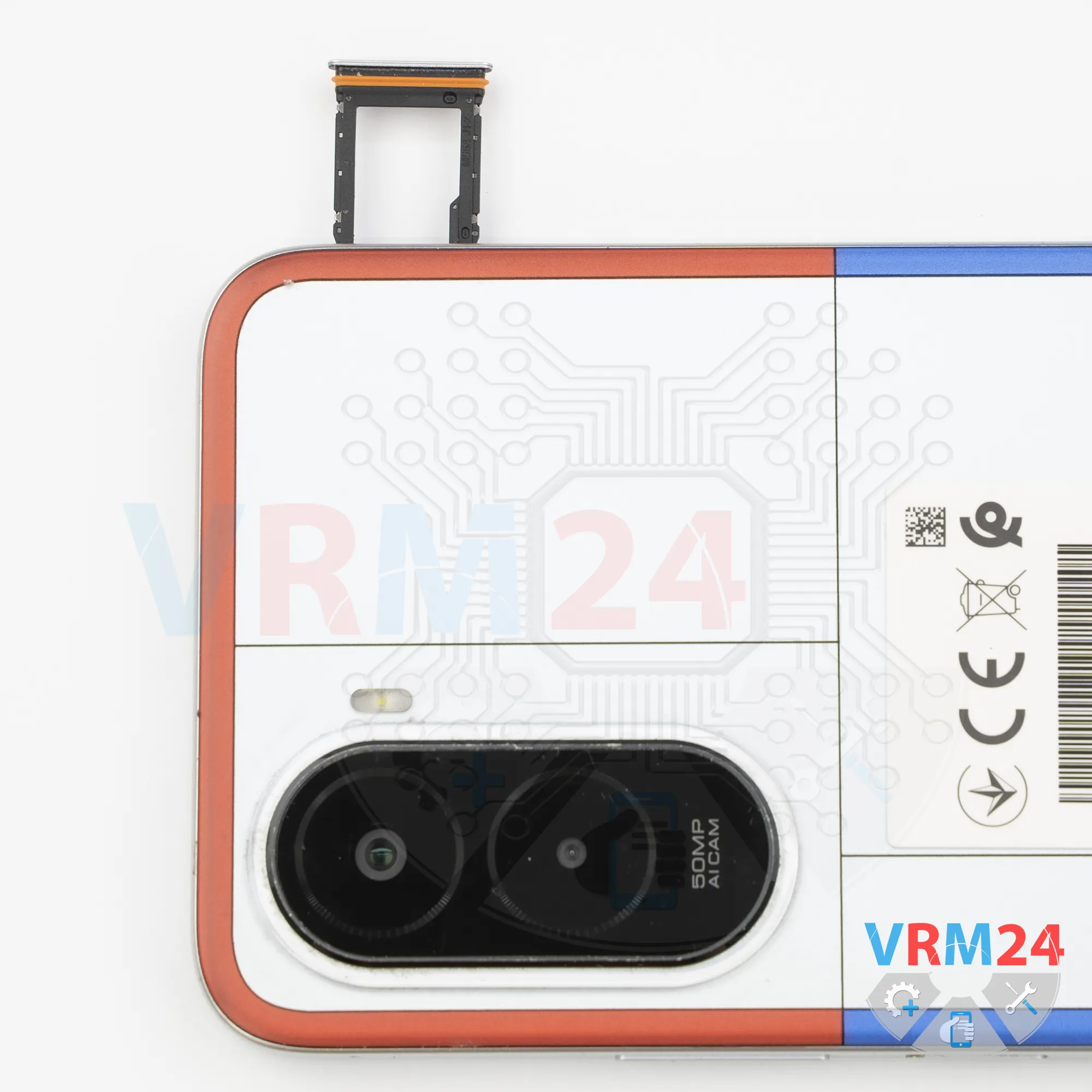
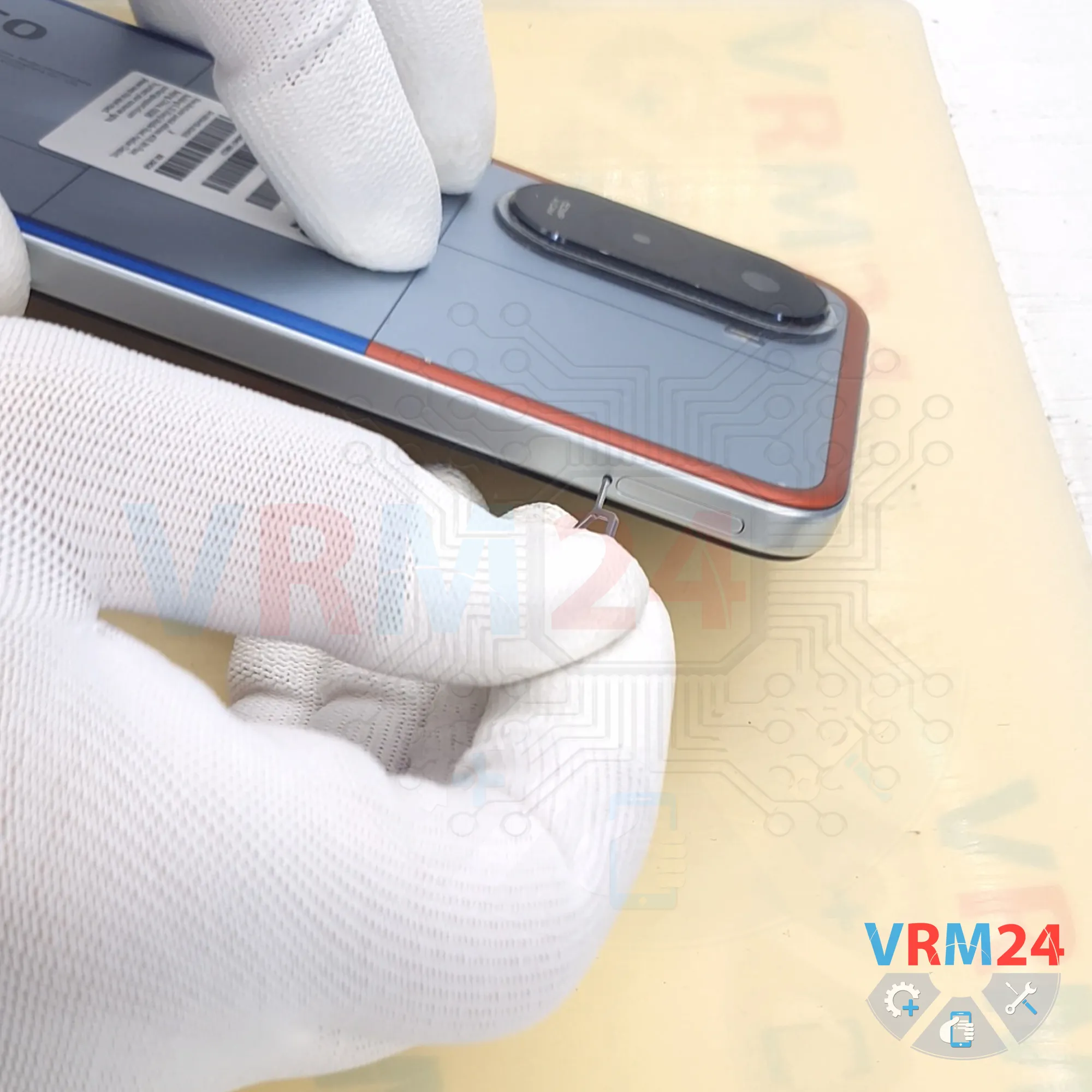
First, we need to remove the SIM card tray.
We use a SIM eject tool, insert it into the hole, and gently push the tray out.
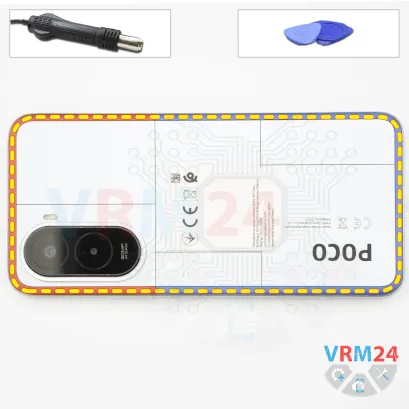
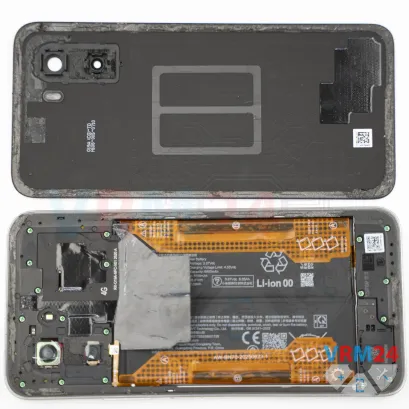
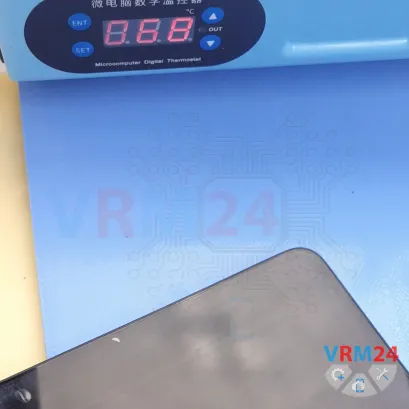
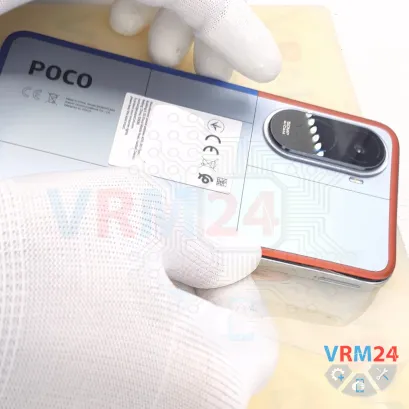
Step 3. Open the back cover
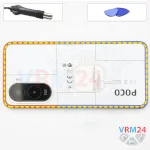
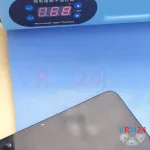
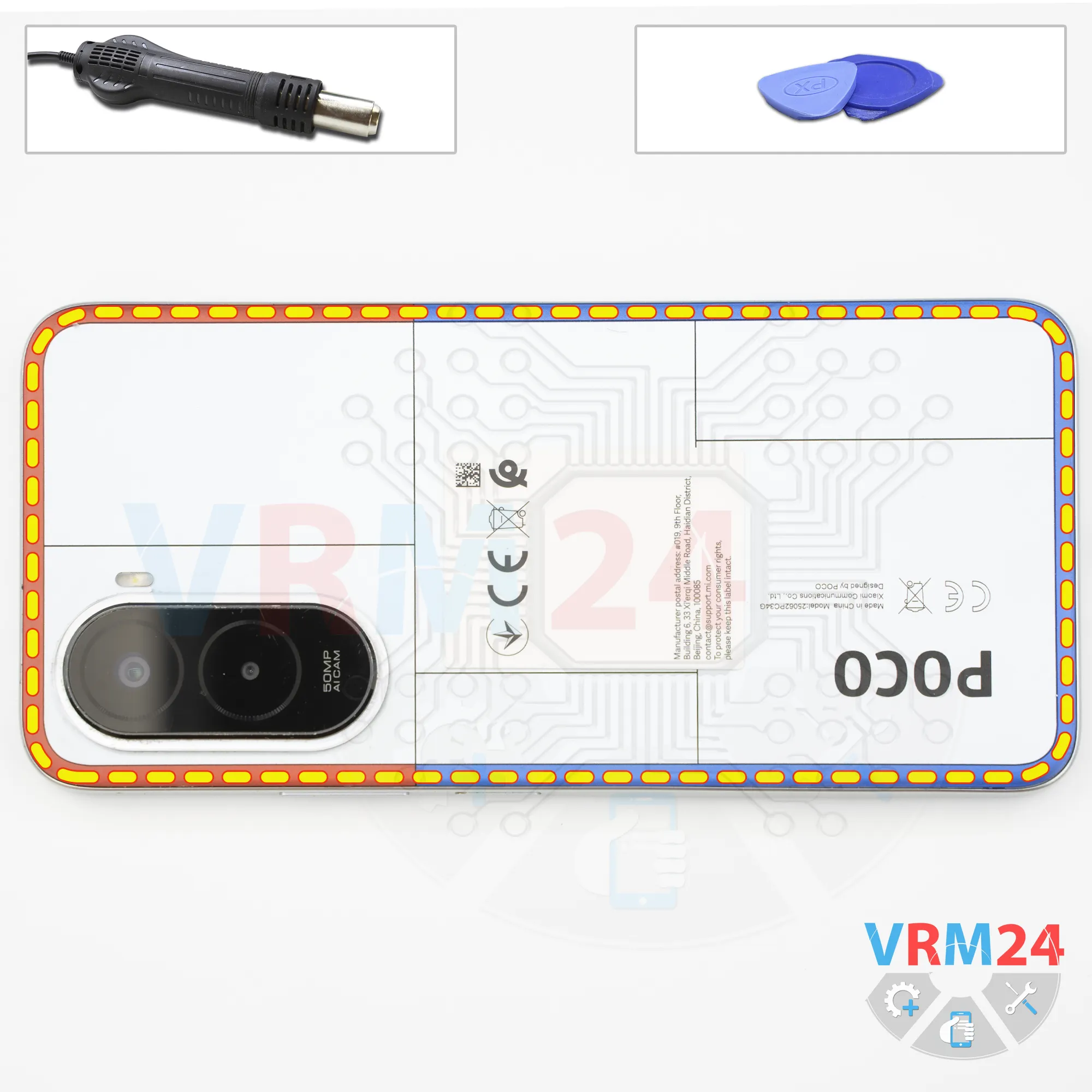
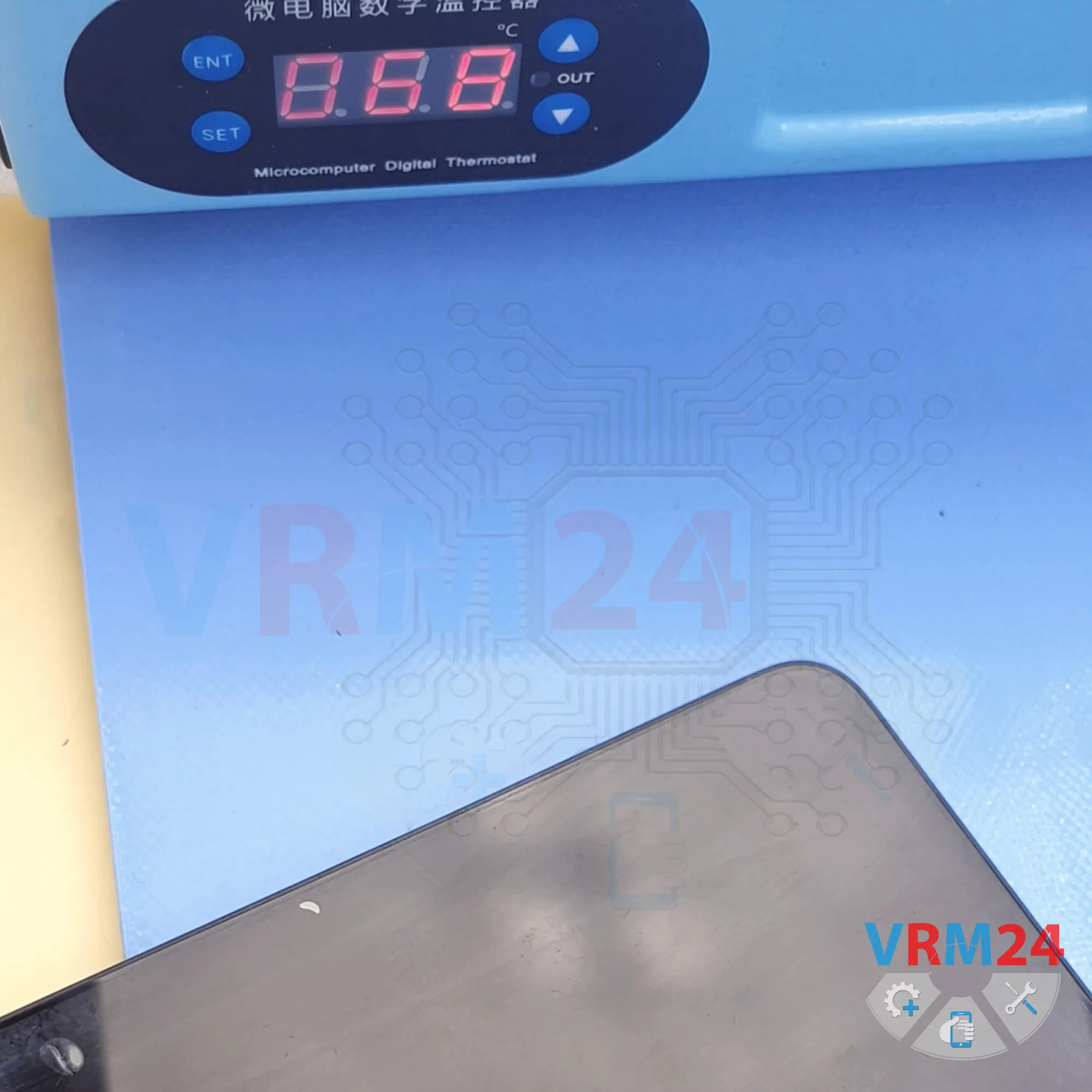
Next, we need to heat the back cover to approximately 70°C (160°F). We're using a heating mat, but you can also use a heat gun or a hair dryer.
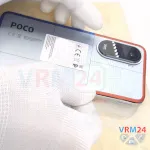
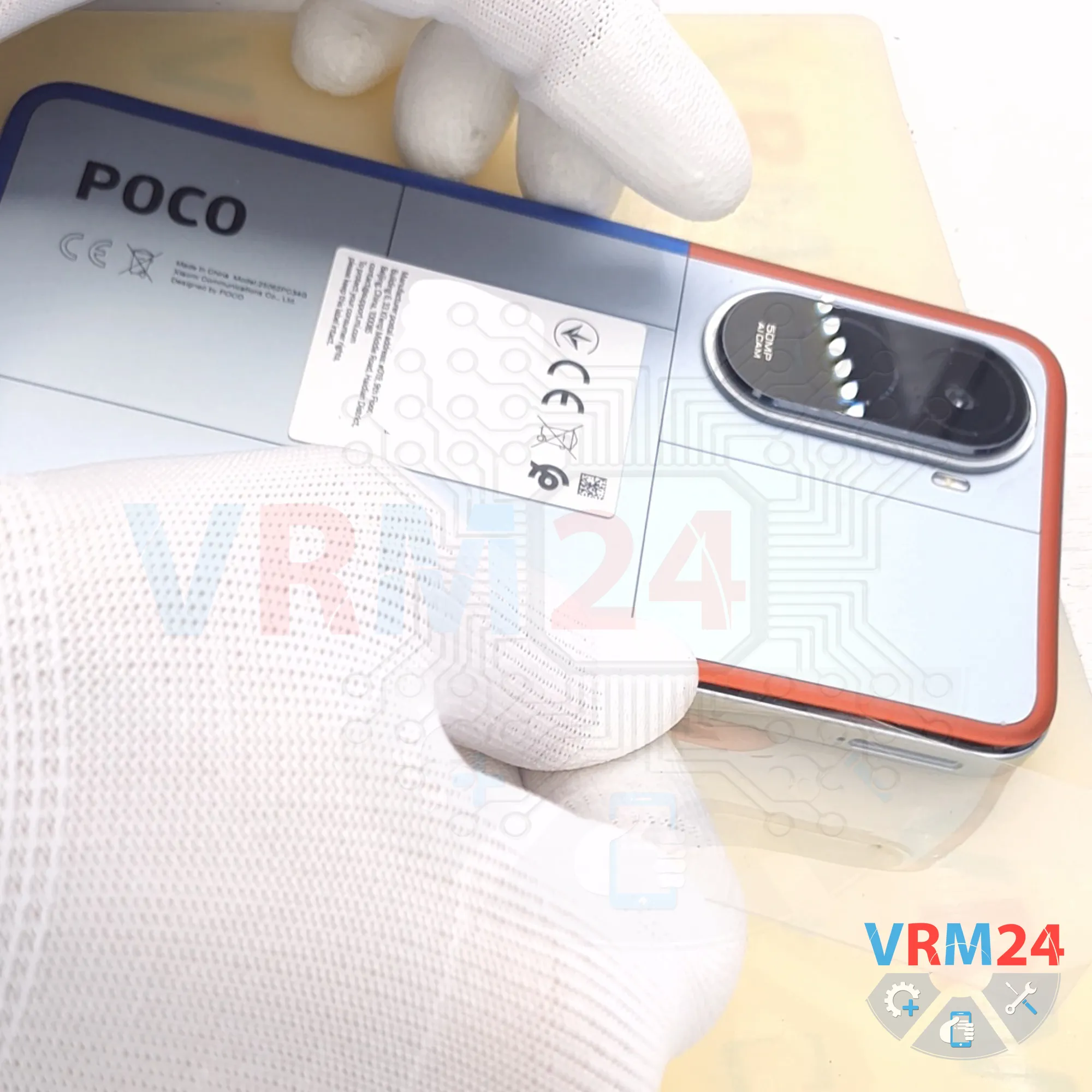
After about 5 to 10 minutes, we can begin separating the back cover. We use a thin plastic film, carefully insert it into the gap between the back cover and the midframe cover, and slowly work our way around the edge, cutting through the adhesive.
As always, be especially careful around the camera module, since the camera lenses are located in this area. Take extra care not to damage them.
Also, don't insert the plastic film or any other tool too deeply under the back cover, because we don't know what components are located underneath.
Please note that the back cover is also additionally glued around the camera area. Here, you can use a small tool to gently lift the cover and separate the adhesive in that section.
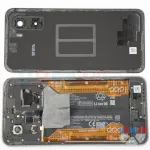
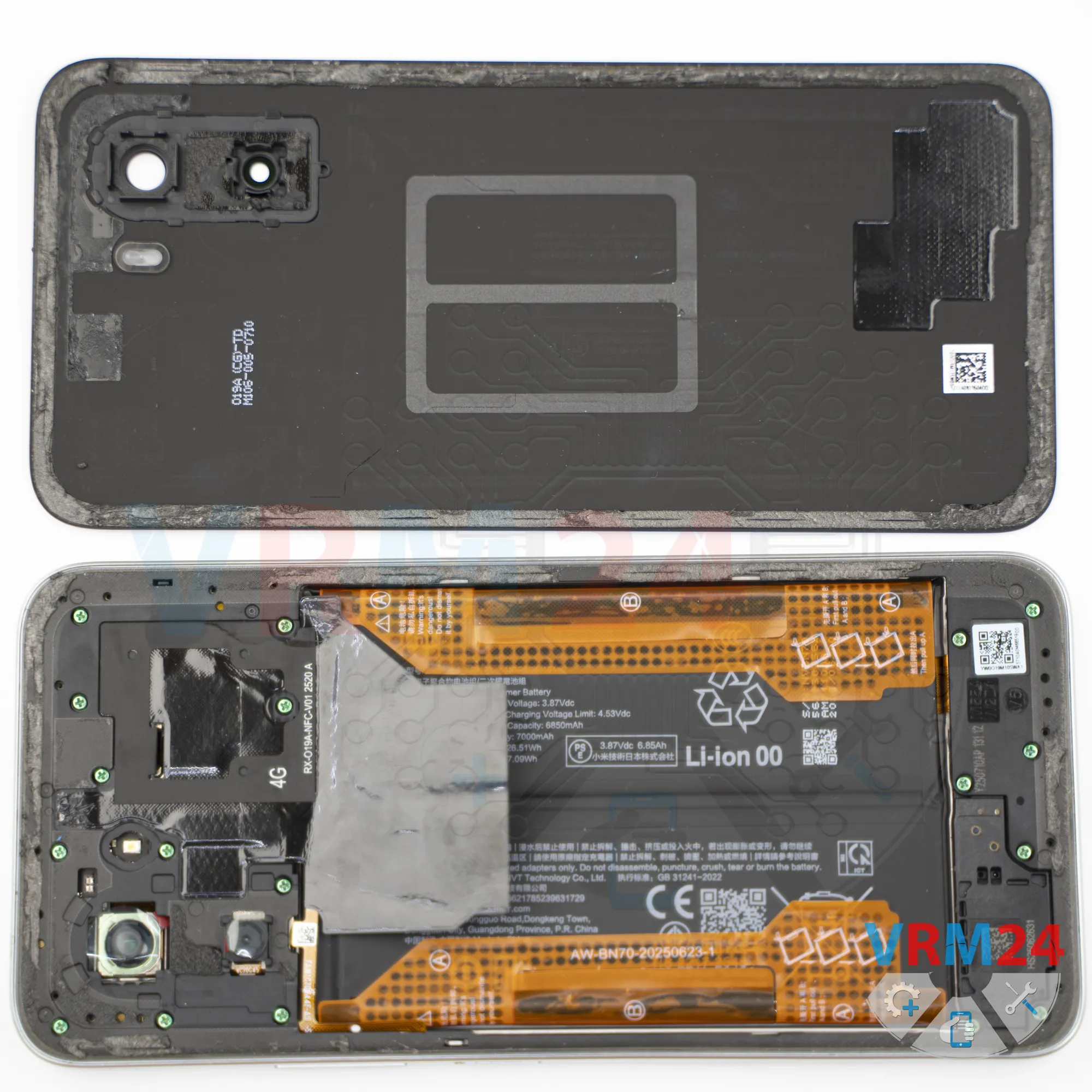
As you can see, there are no components attached to the back cover.
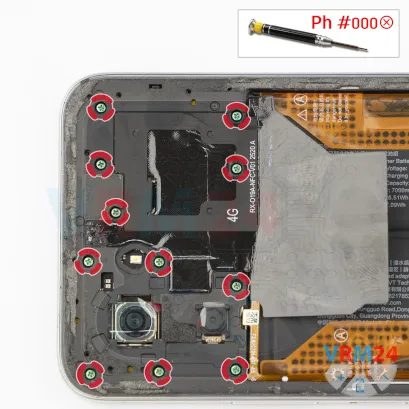
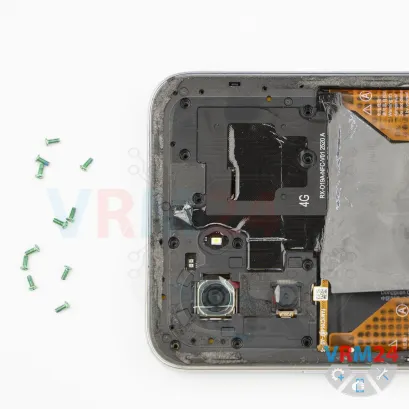
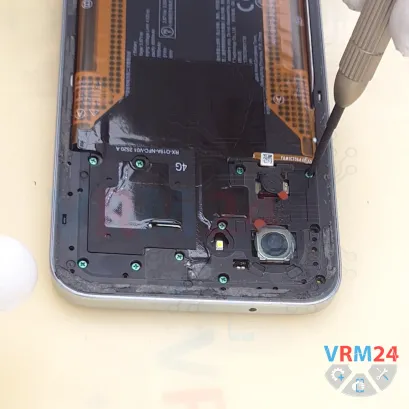
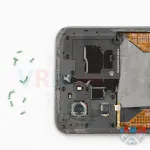
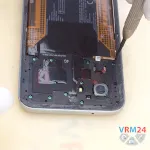
Step 4. Unscrew the screws
Next, it's a good idea to protect the camera lenses. We use a protective film for this.
Please note that the film should be applied to the rim around the lenses, not directly onto the lenses themselves.
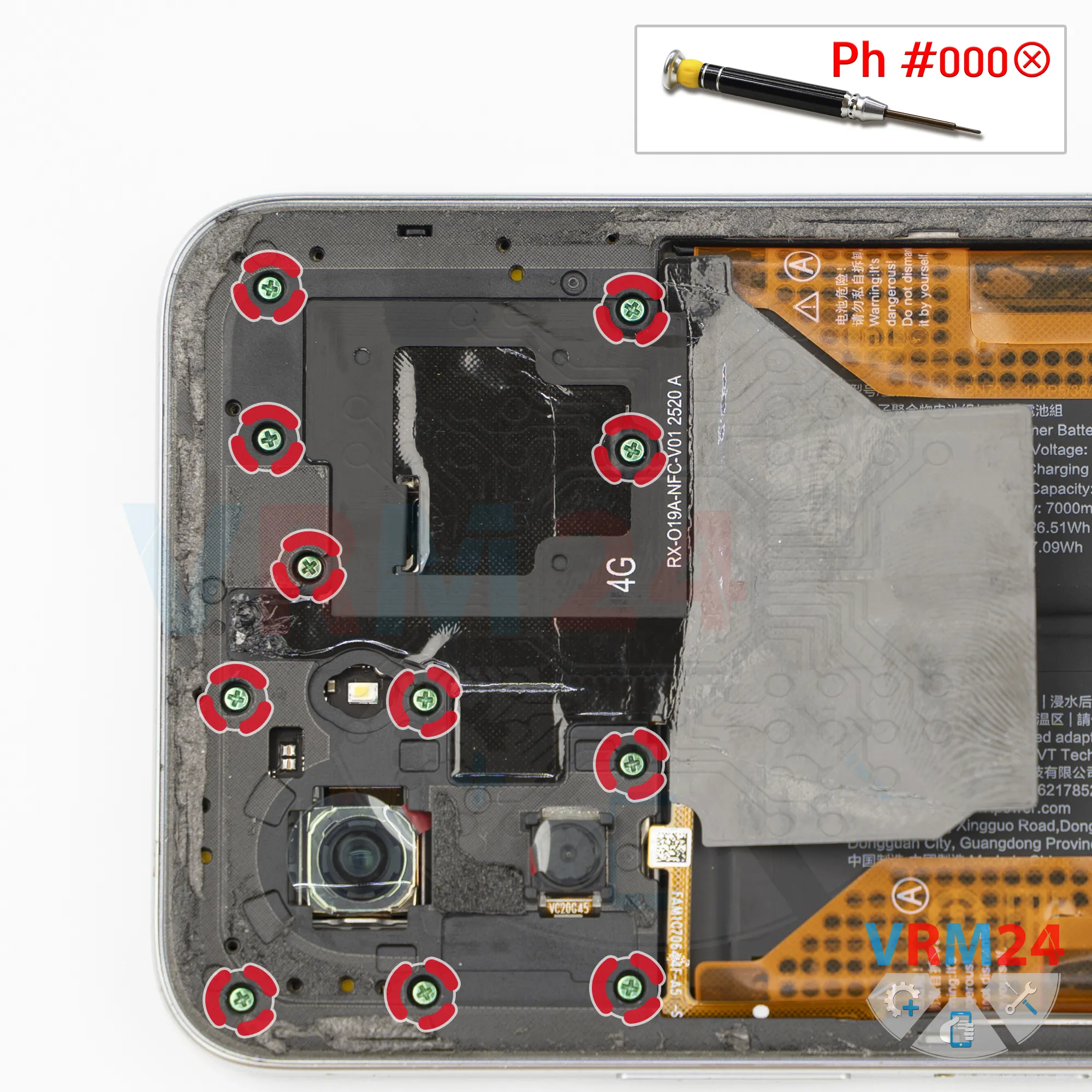
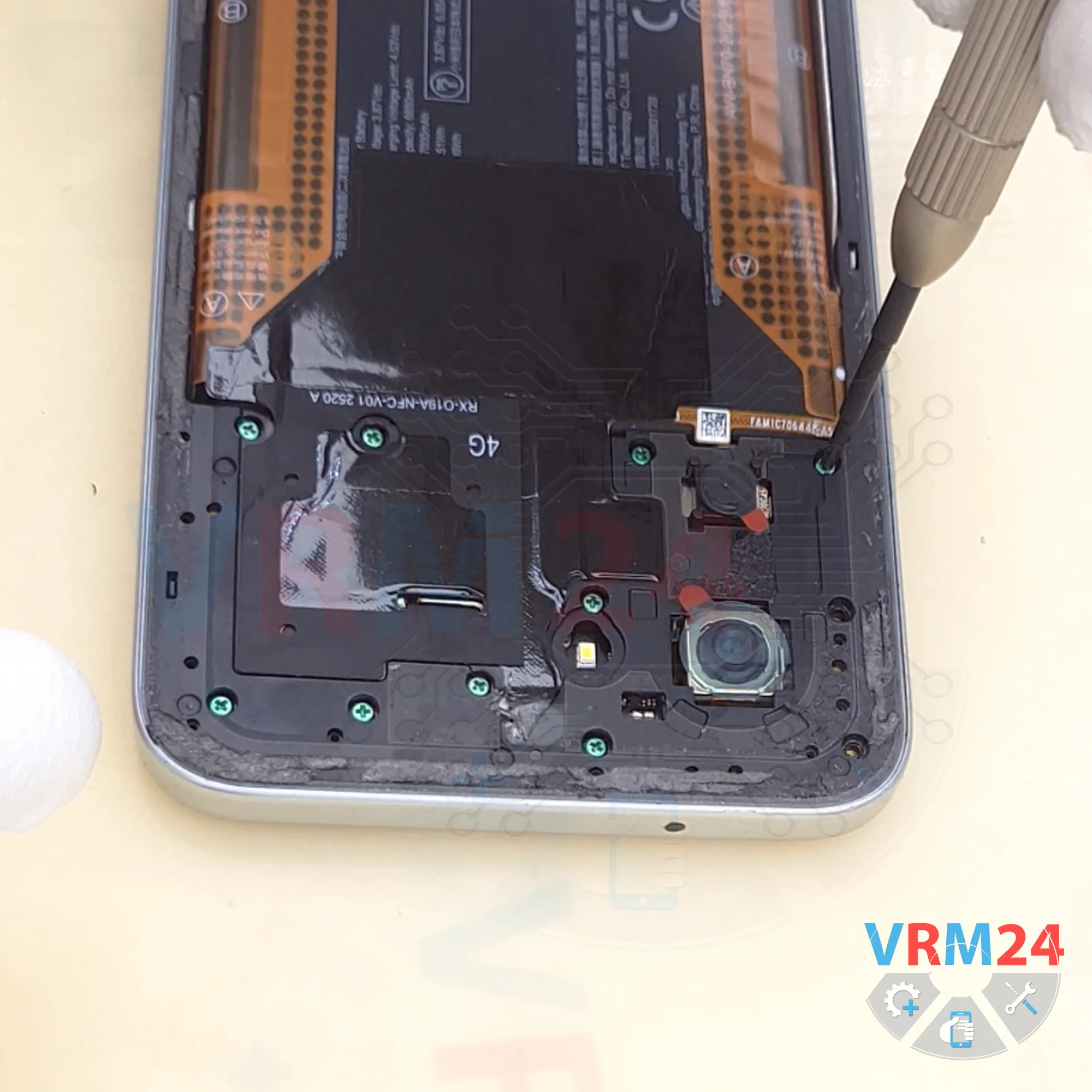
Now we can remove the screws from the upper section. We use a Phillips #000 (1.5 mm) screwdriver.
. If a screw is difficult to remove or gets stuck, we can use tweezers and, of course, a magnetic screwdriver or a magnetizer.
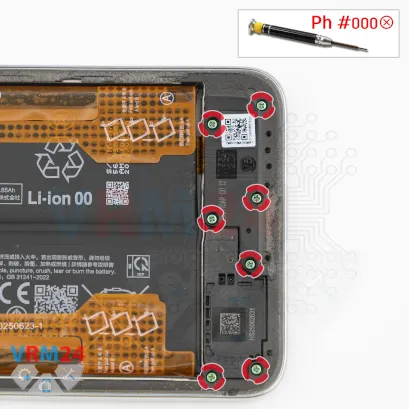
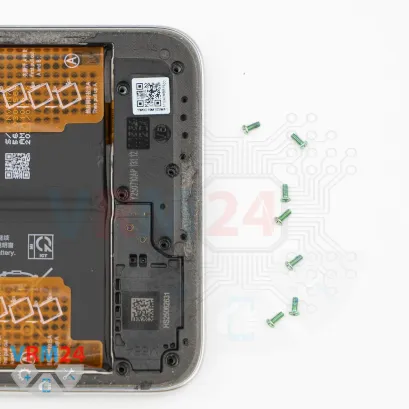
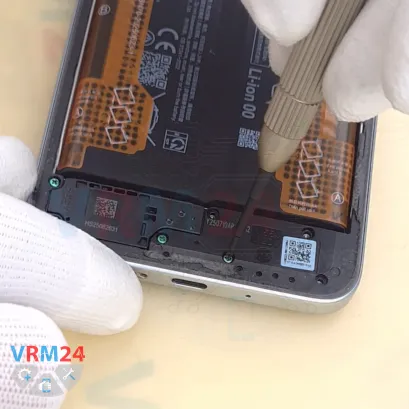
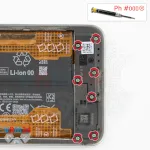
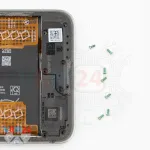
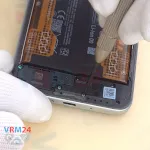
Step 5. Unscrew the screws
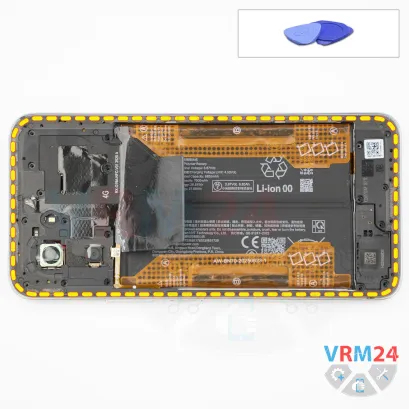
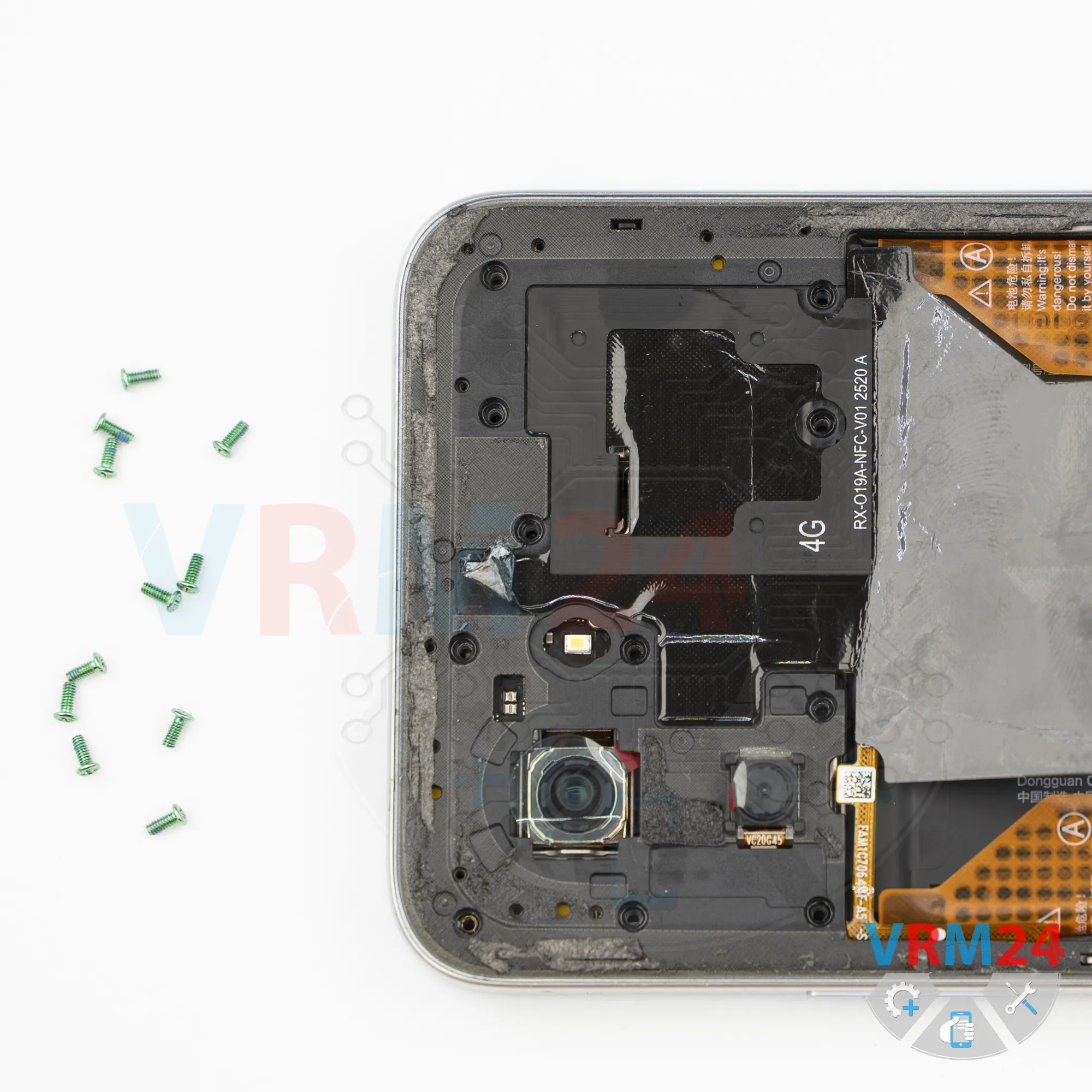
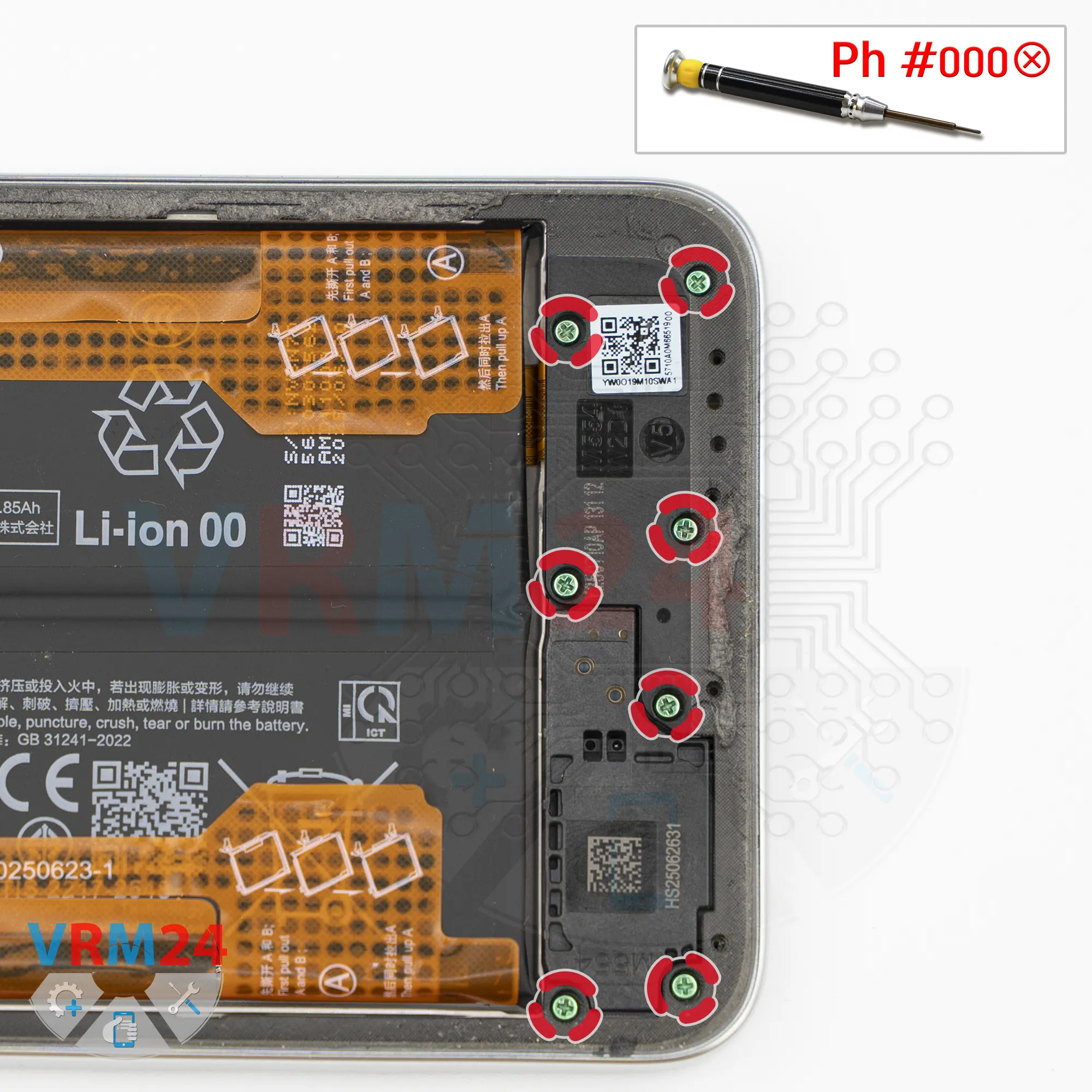
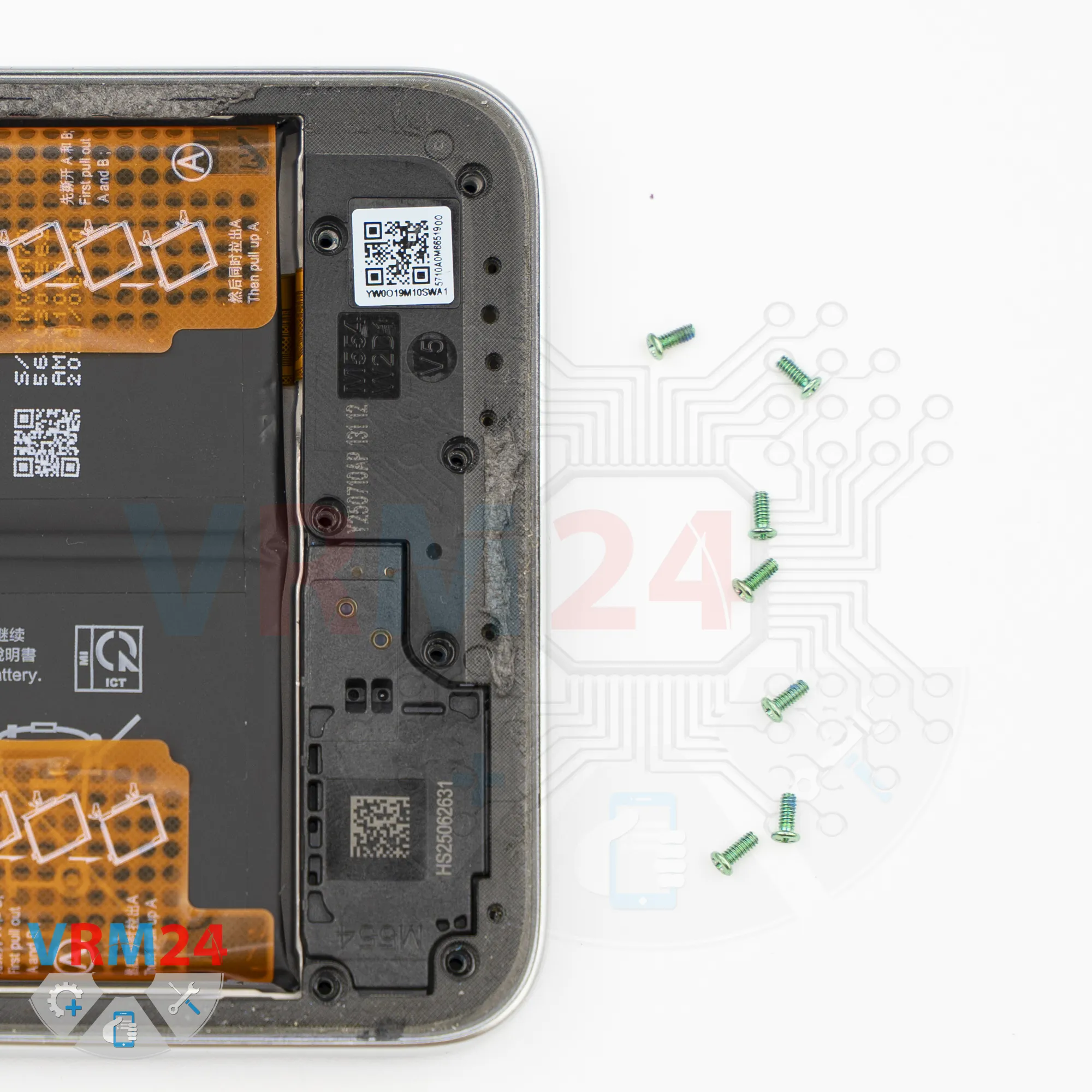
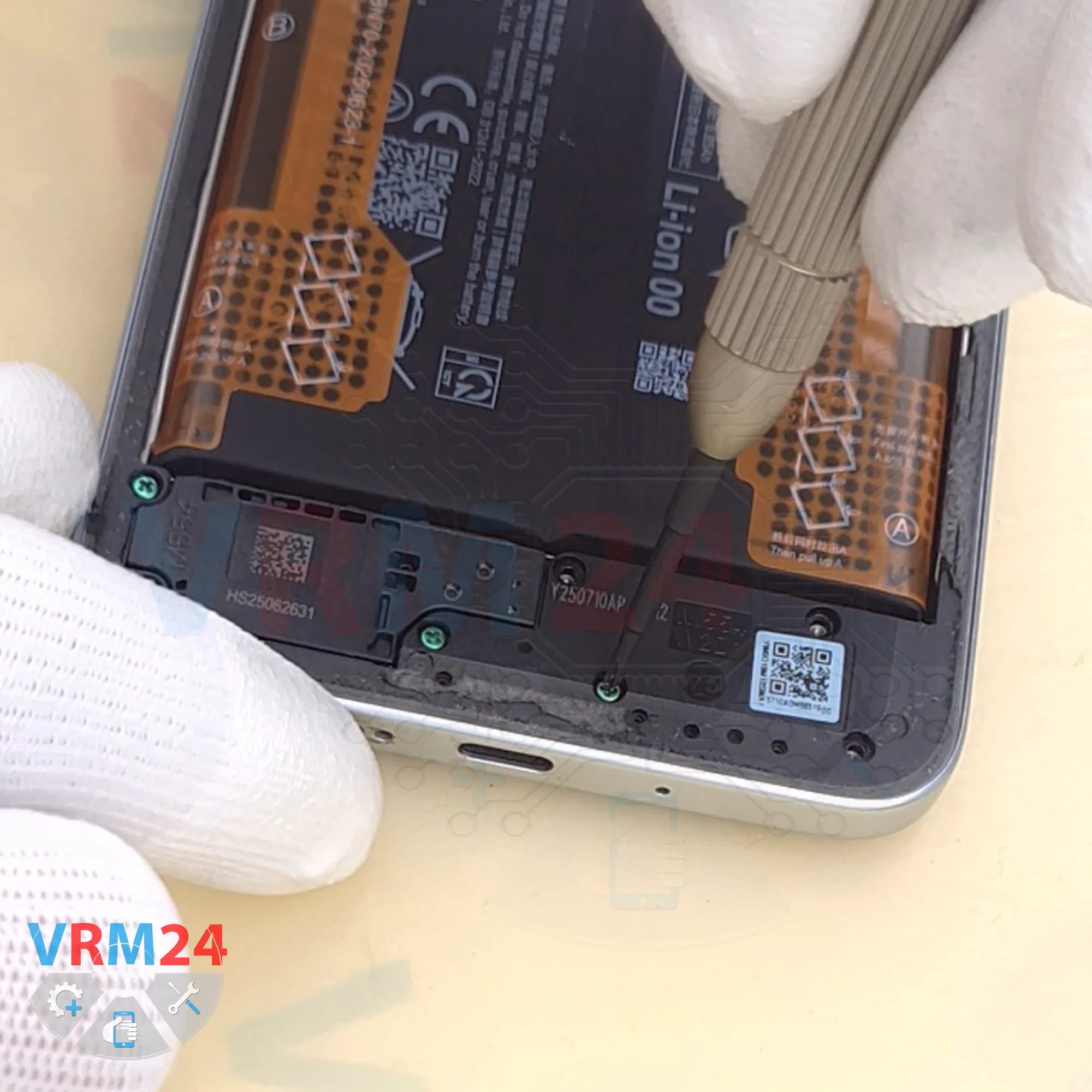
Next, remove the screws from the lower section.
It appears that all of the screws are identical. However, it's still recommended to arrange them on a magnetic mat or another organizing surface and reinstall each screw into its original location, since screws don't always thread properly into different holes.
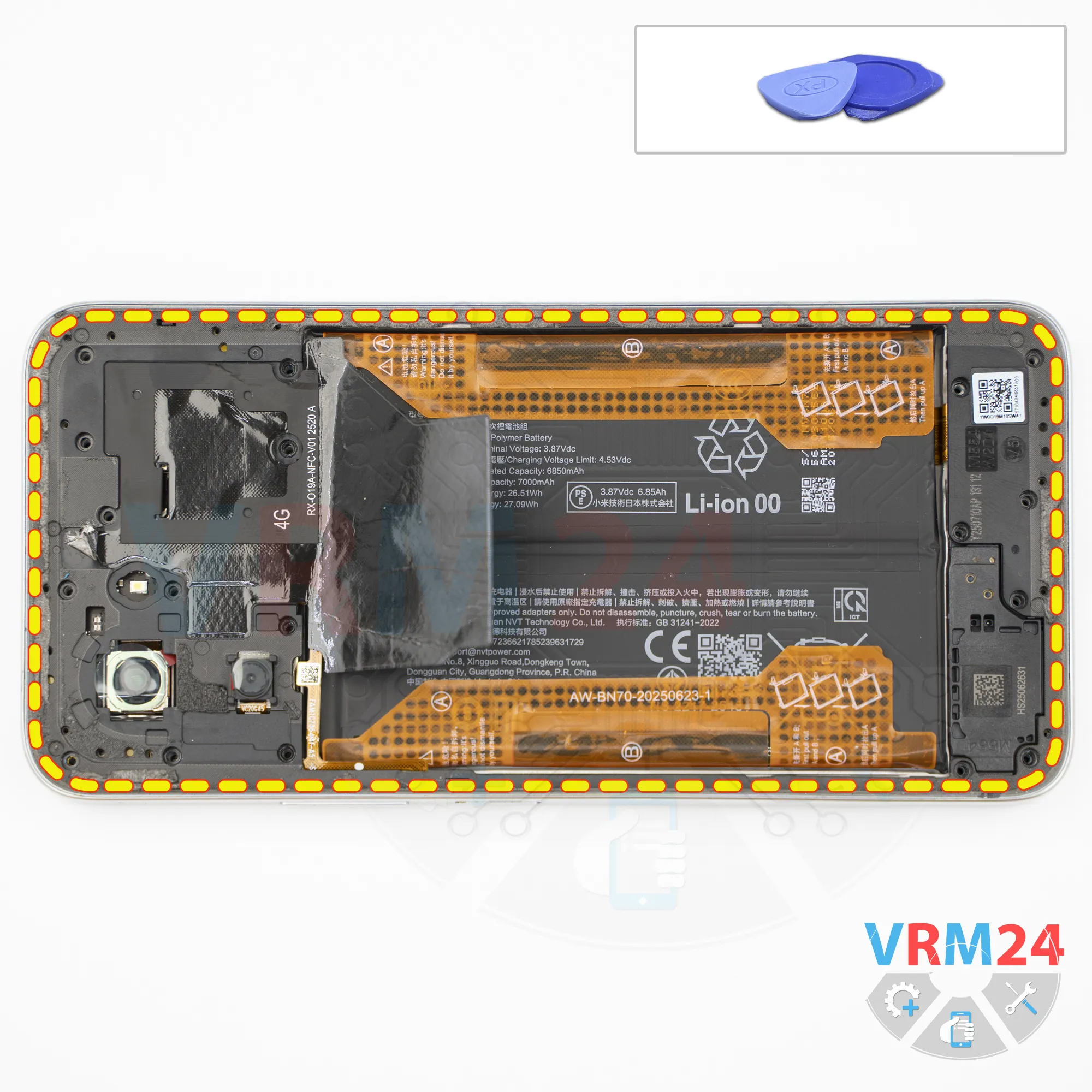
Step 6. Open the mid-frame
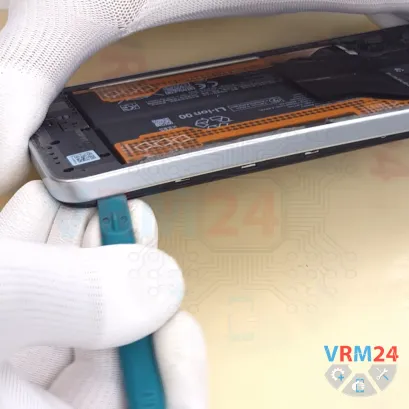
Now we can remove the midframe cover.
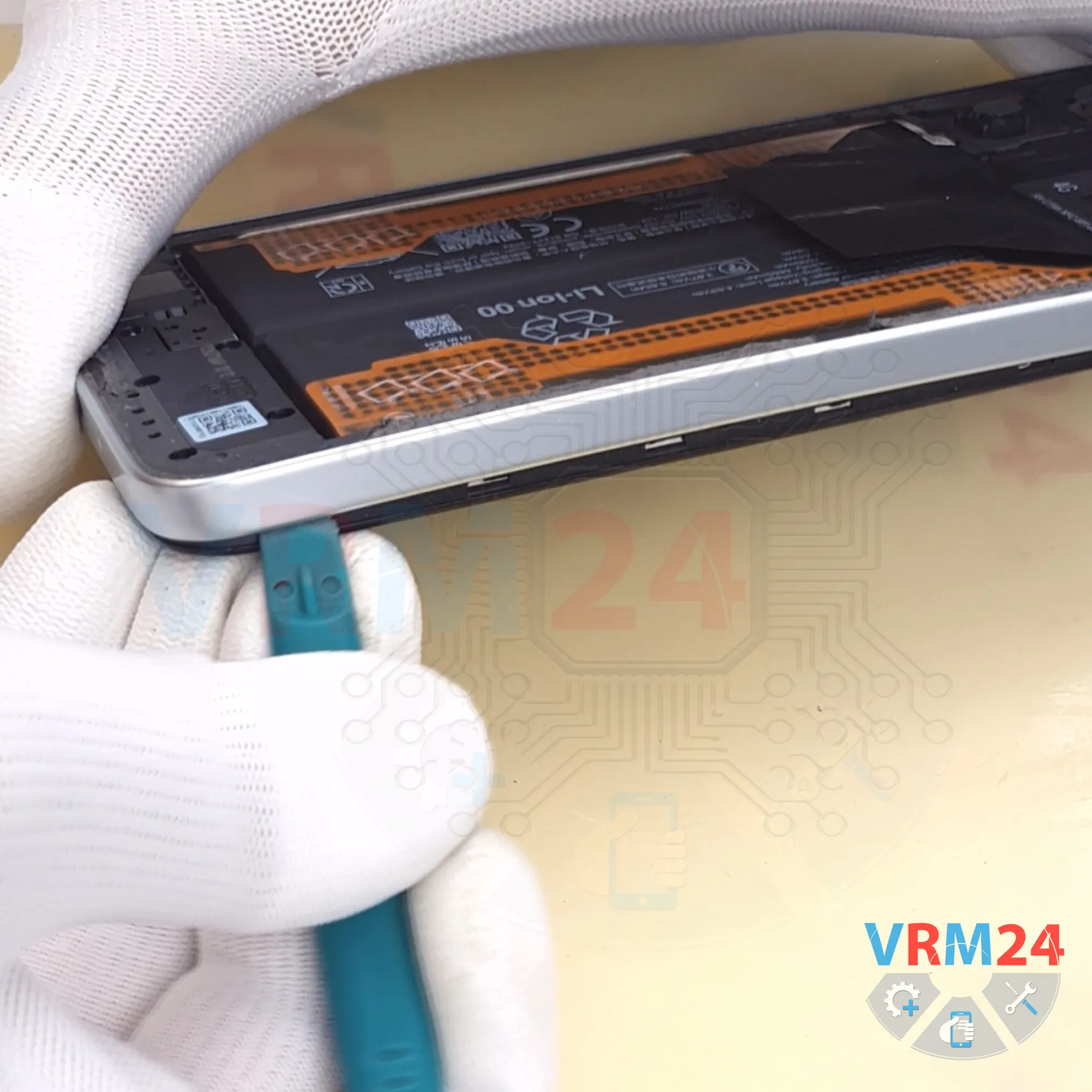
First, use a thin plastic film and insert it into the gap between the midframe cover and the display frame near the SIM card tray opening. Release a few clips, then switch to a thicker plastic opening tool.
As always, be careful around the corners because the cover is held very tightly there.
Also be careful around the edge of the display to avoid accidentally damaging it, since it is very fragile.
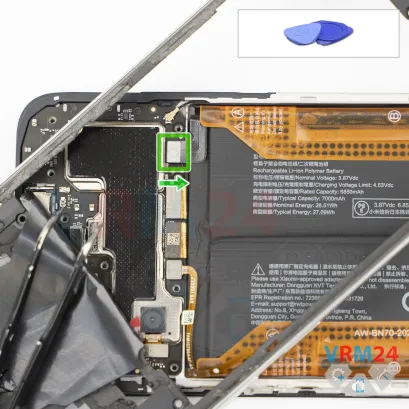
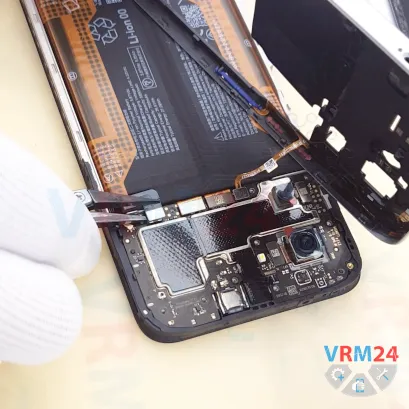
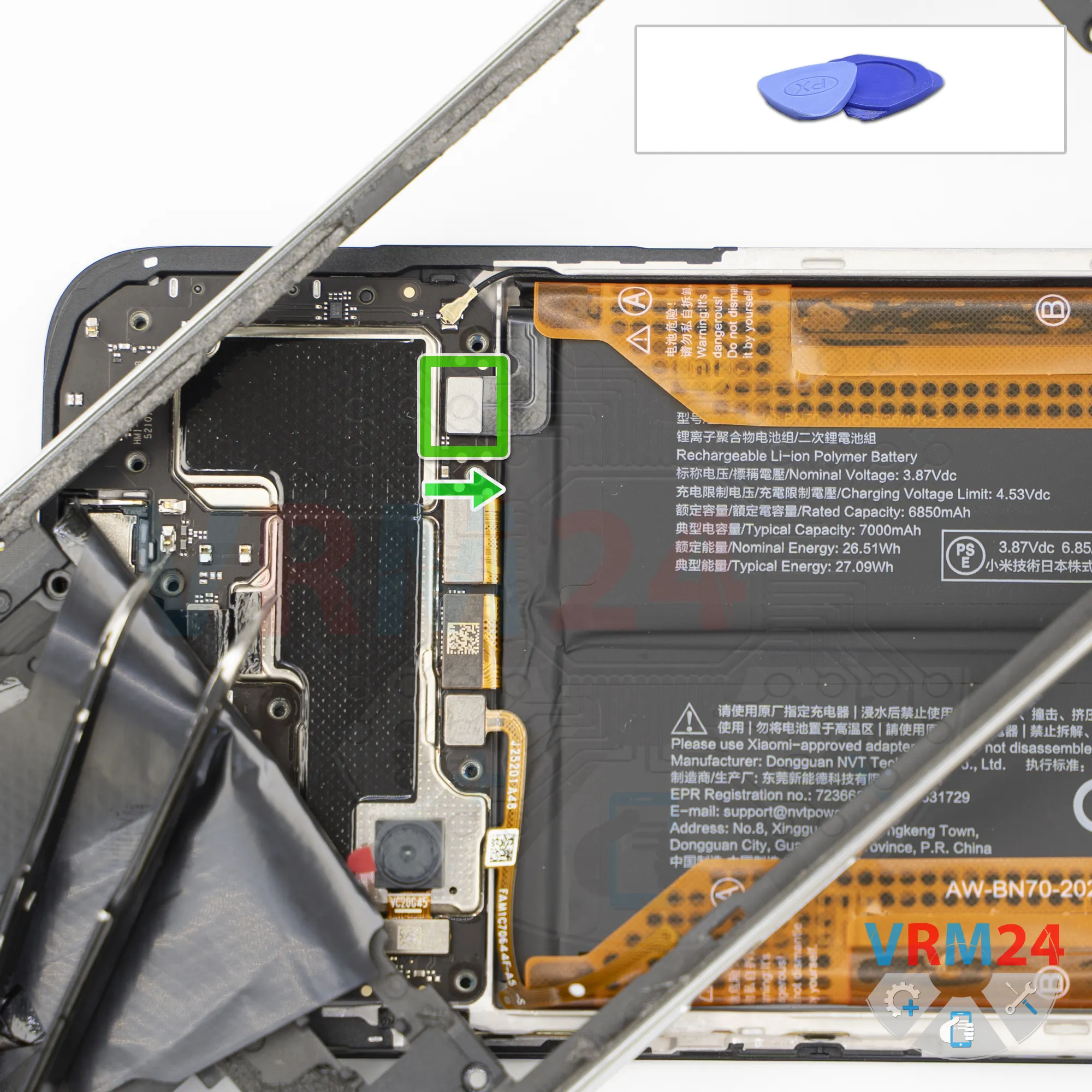
Step 7. Disconnect the battery connector
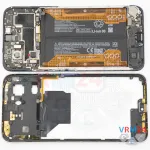
Carefully lift the midframe cover, then use a non-metallic tool to disconnect the battery connector.
ℹ️️ The Xiaomi POCO M7 4G 25062PC34G uses a BN70 rechargeable battery with a capacity of 7000 mAh.
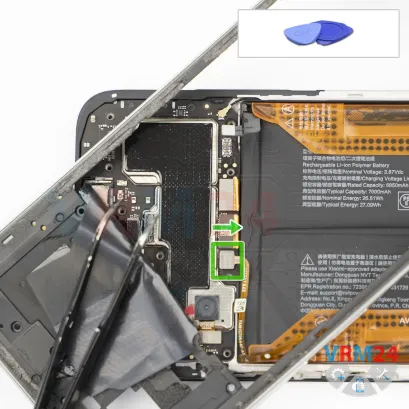
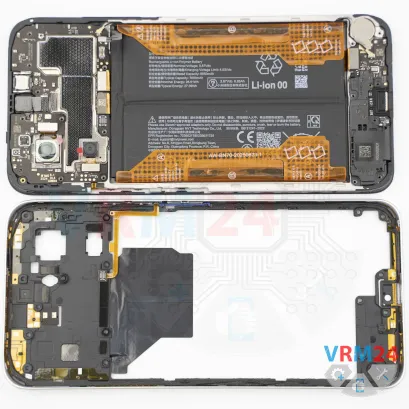
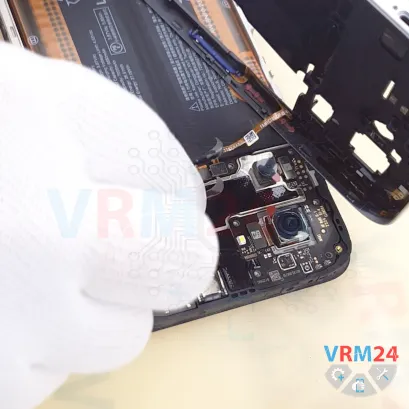
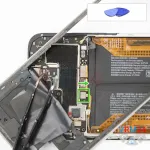
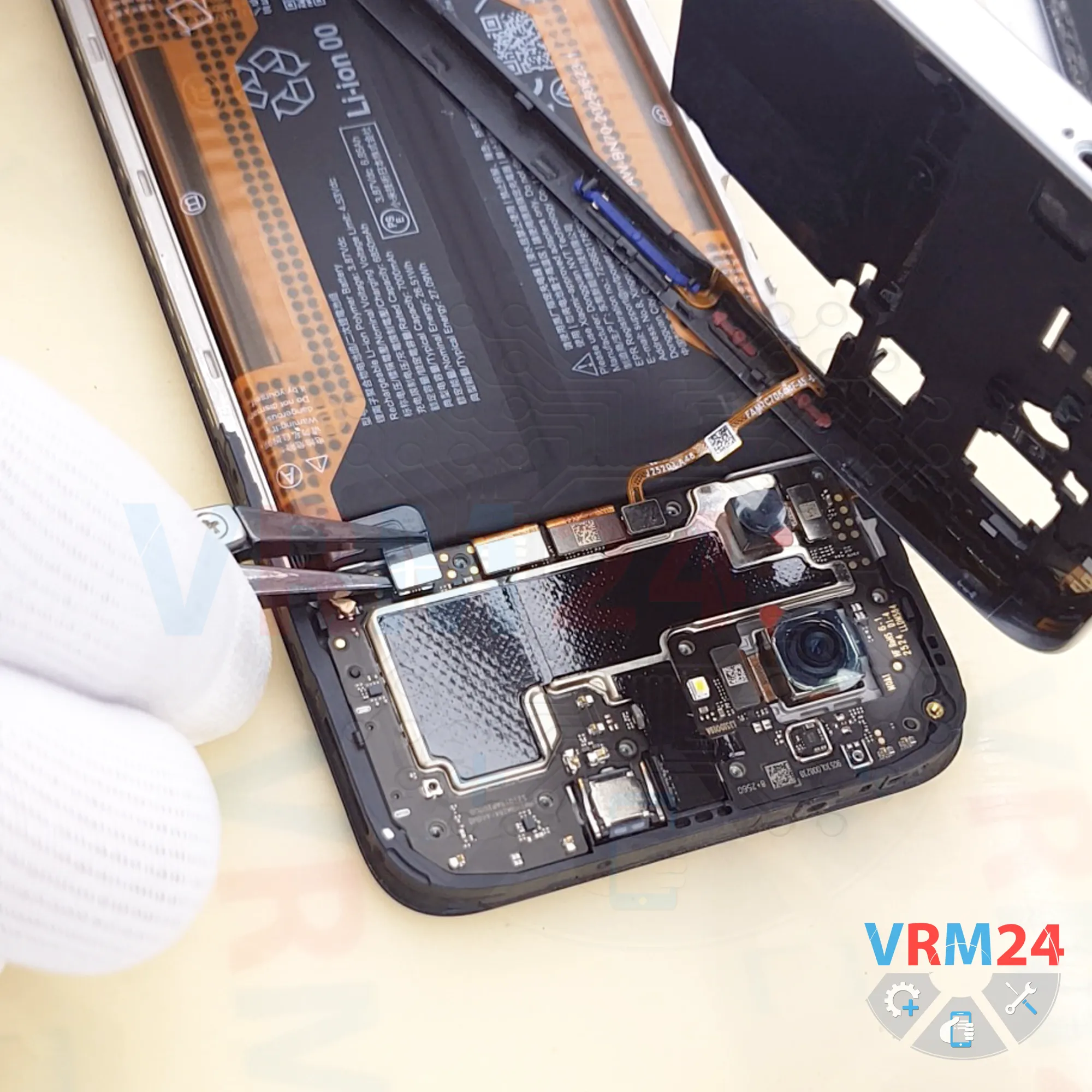
Step 8. Disconnect the connector
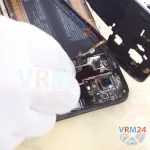
Next, disconnect the fingerprint sensor connector and remove the midframe cover.
The midframe cover contains the fingerprint sensor, contact pads, and antenna traces.
Step 9. Remove the loudspeaker
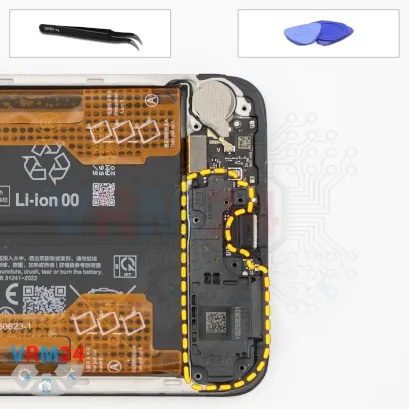
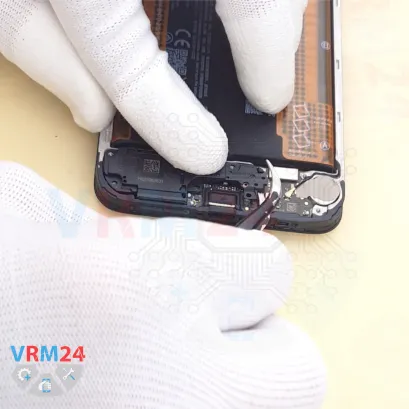
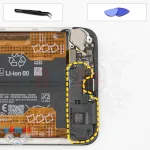
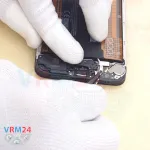
Here we need to remove the loudspeaker cover, which is secured with clips.
Carefully release it at the correct point, lift it up, and remove it. As you can see, the loudspeaker is integrated into this cover.
Step 10. Disconnect the connectors
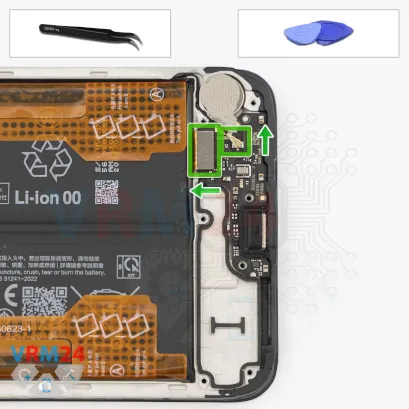
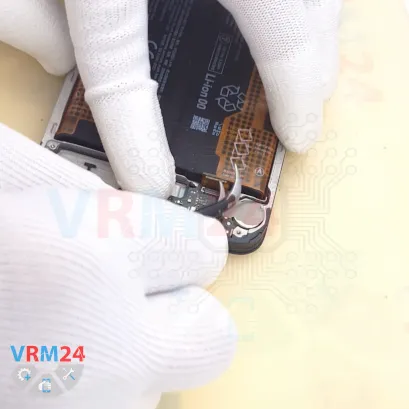
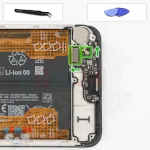
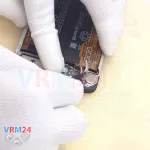
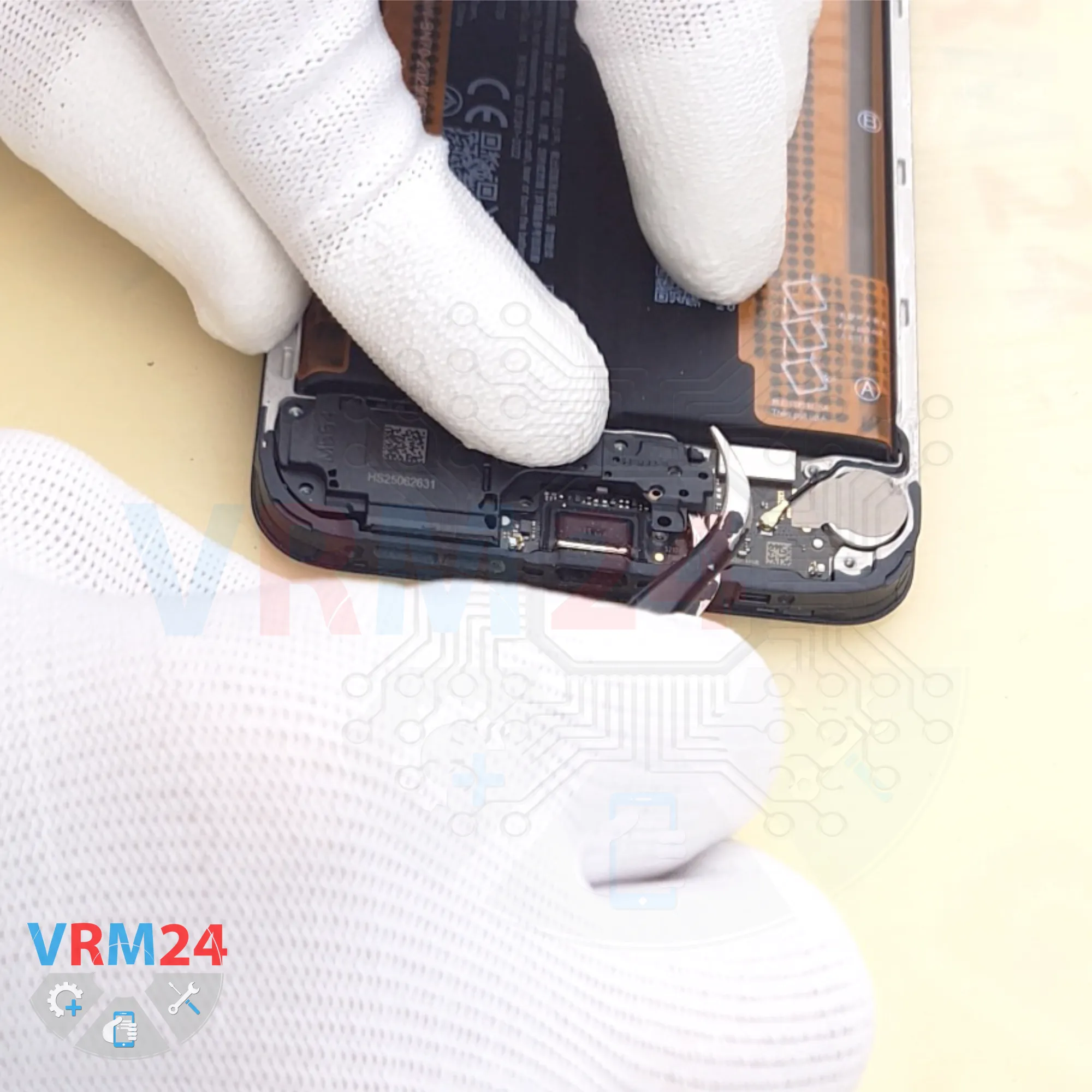
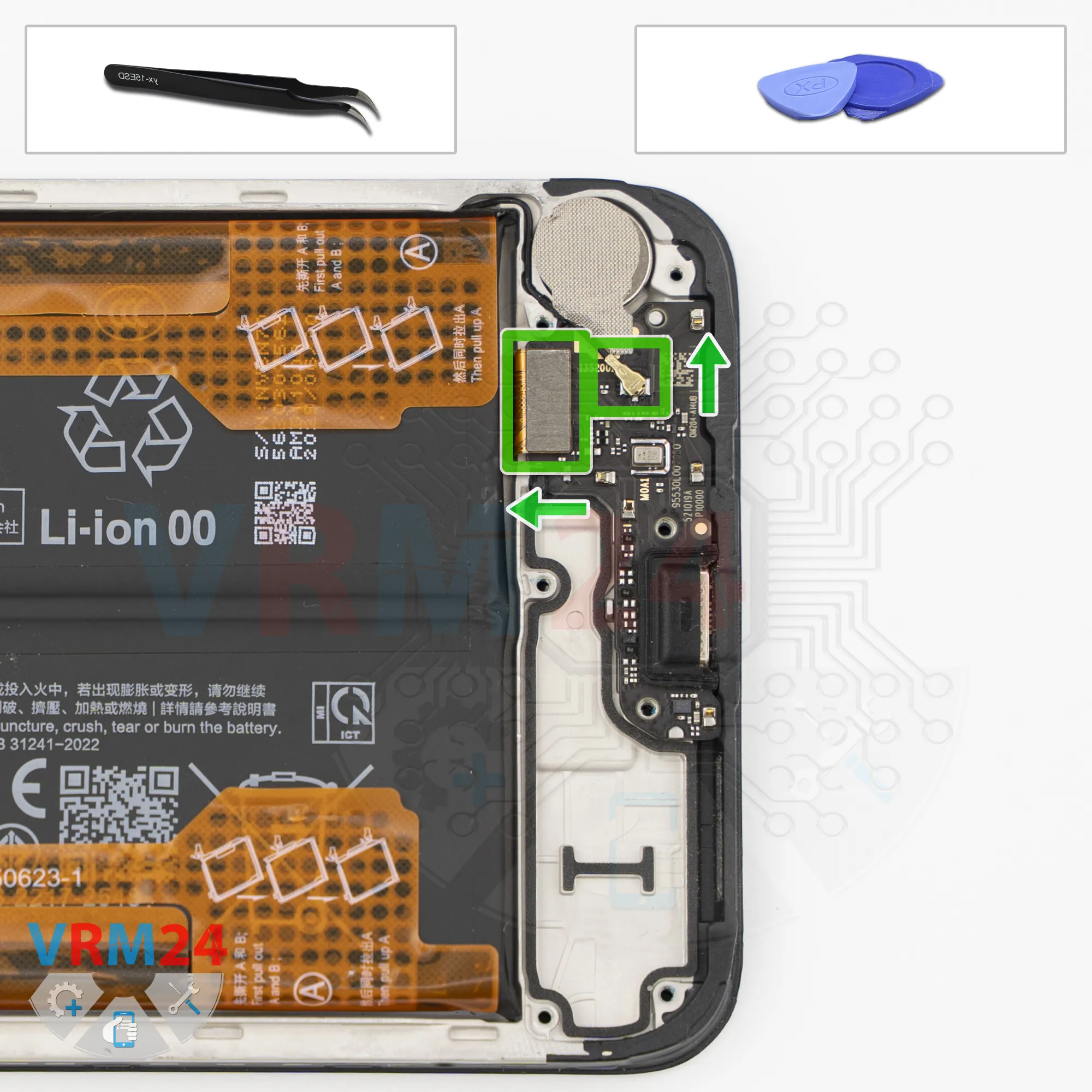
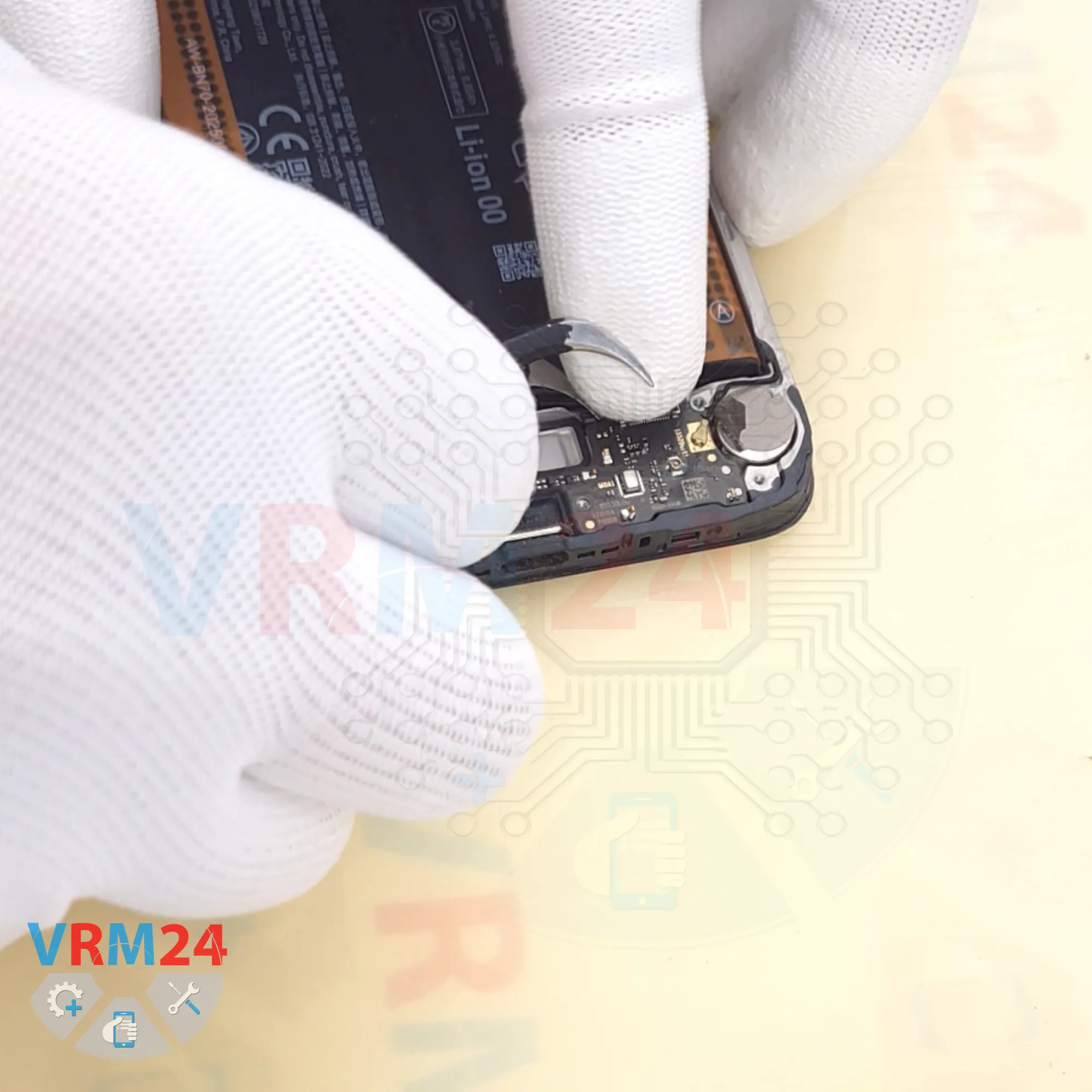
Next, disconnect the coaxial cable connector, disconnect the interconnect flex cable connector, and peel back the heat-dissipating film from the vibration motor.
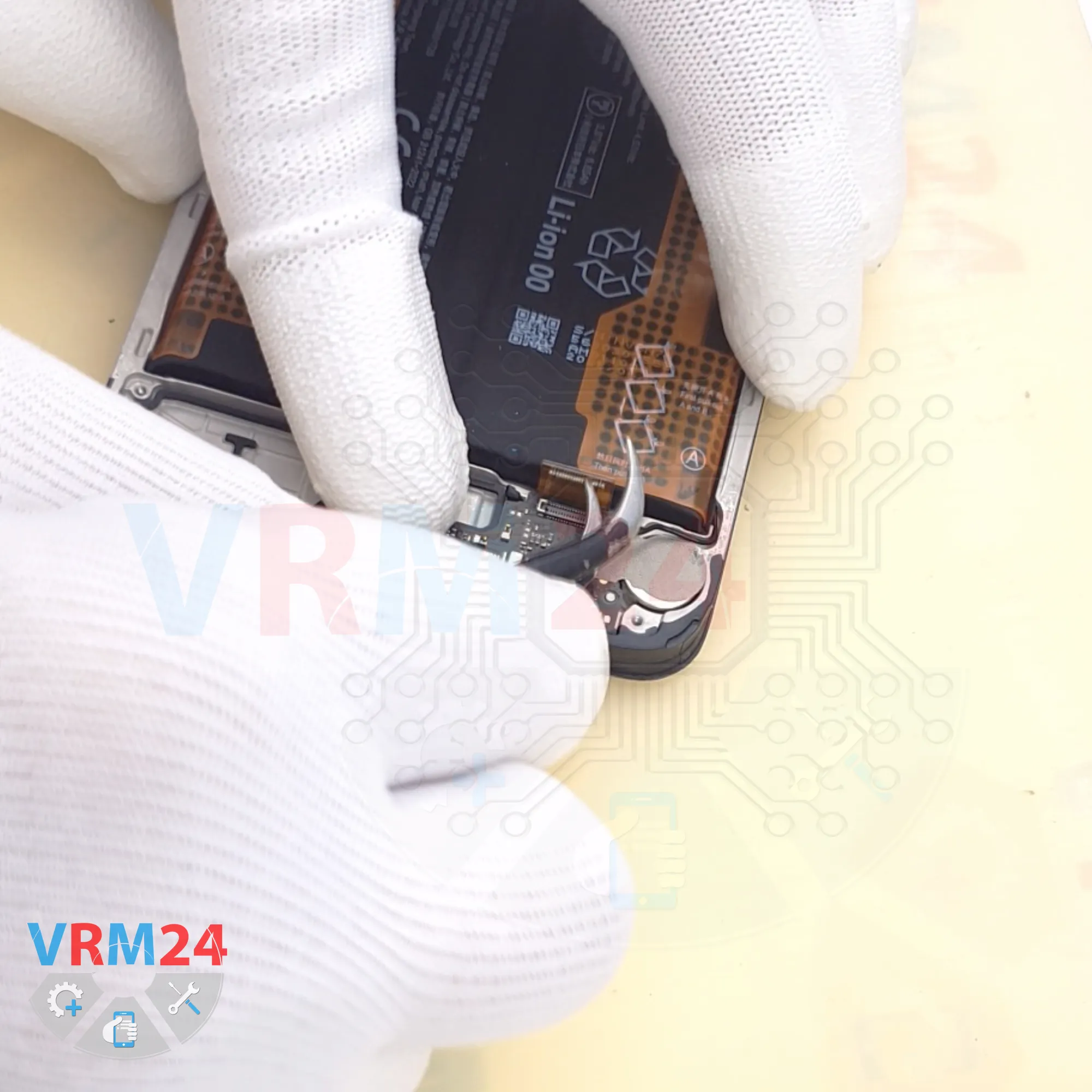
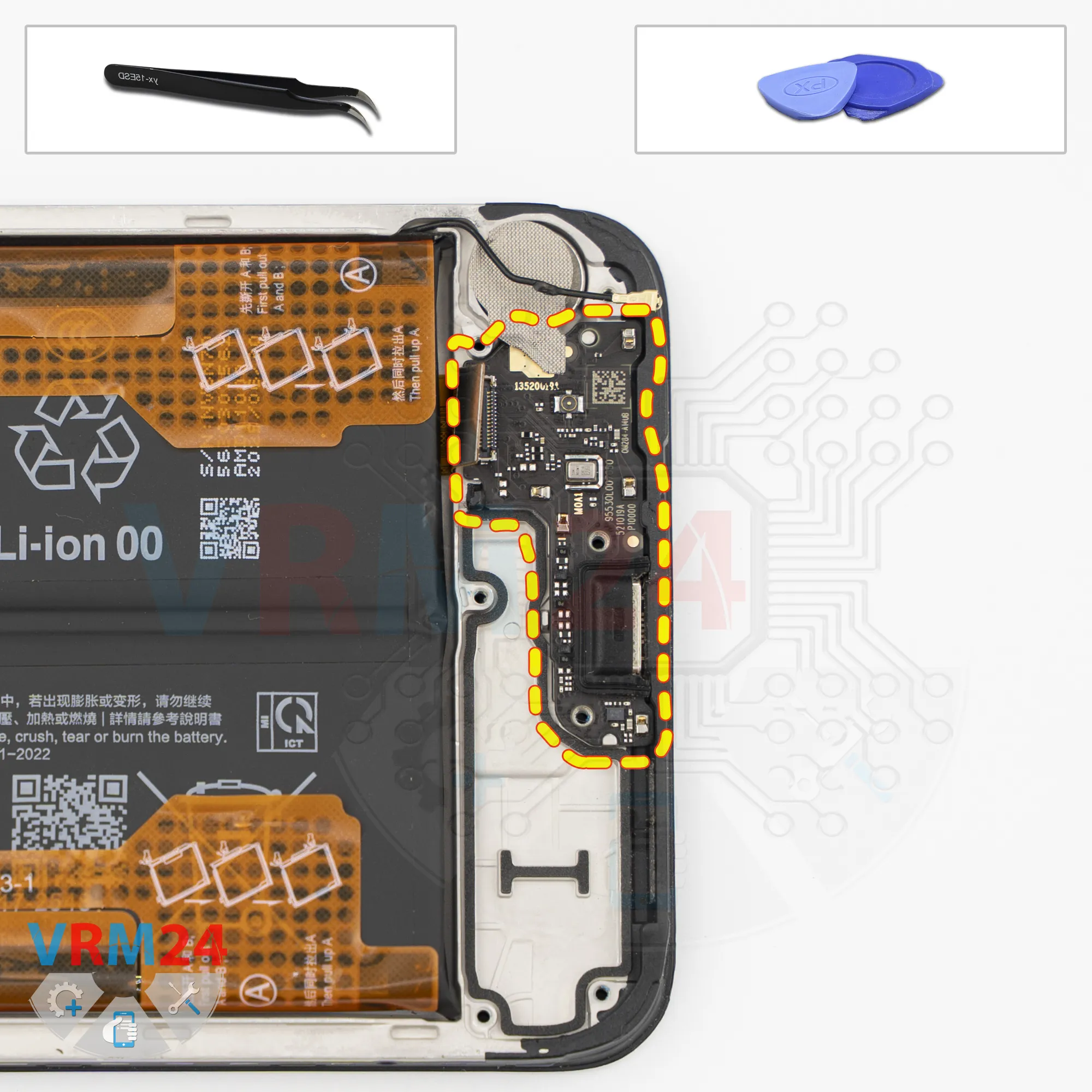
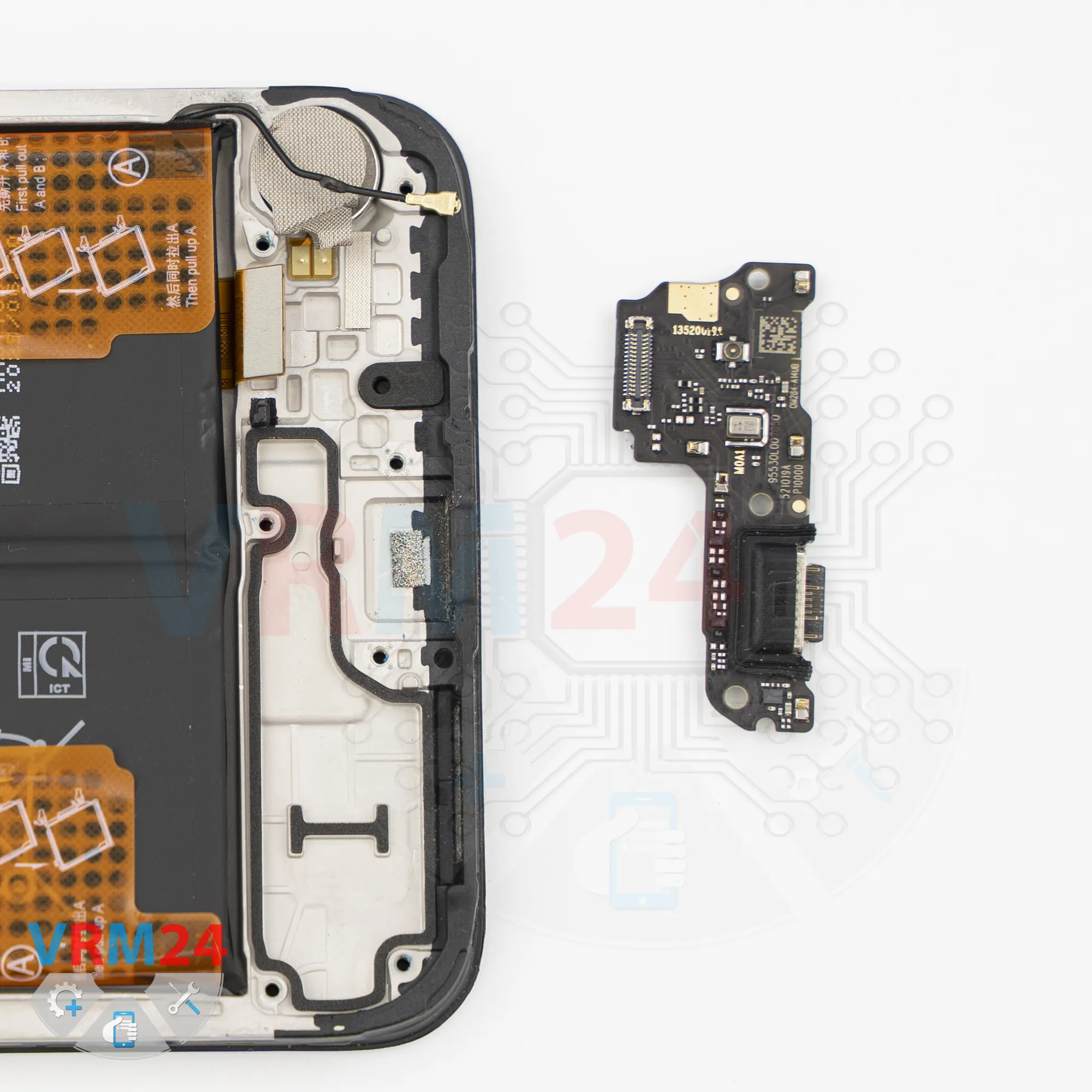
Step 11. Remove the sub-board
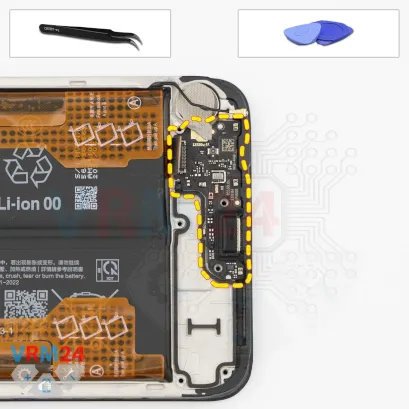
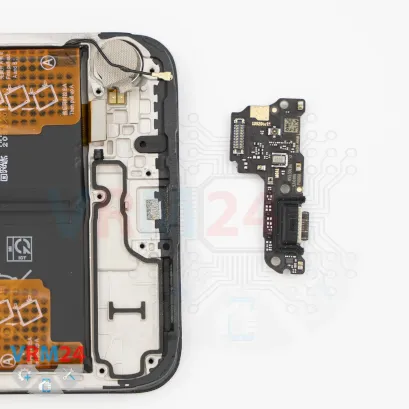
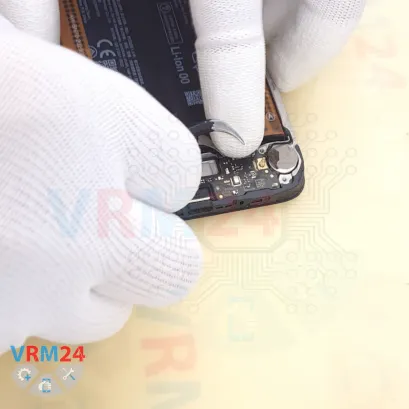
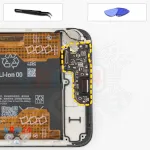
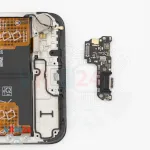
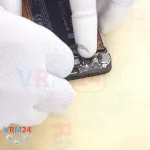
Now we can remove the sub-board.
Carefully lift it from the correct point and remove it. The sub-board is also held in place with clips.
It contains the charging port, microphone, and other components on the opposite side.
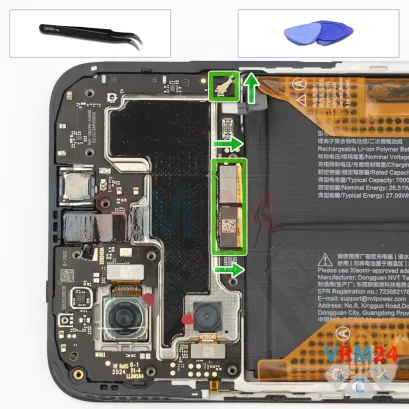
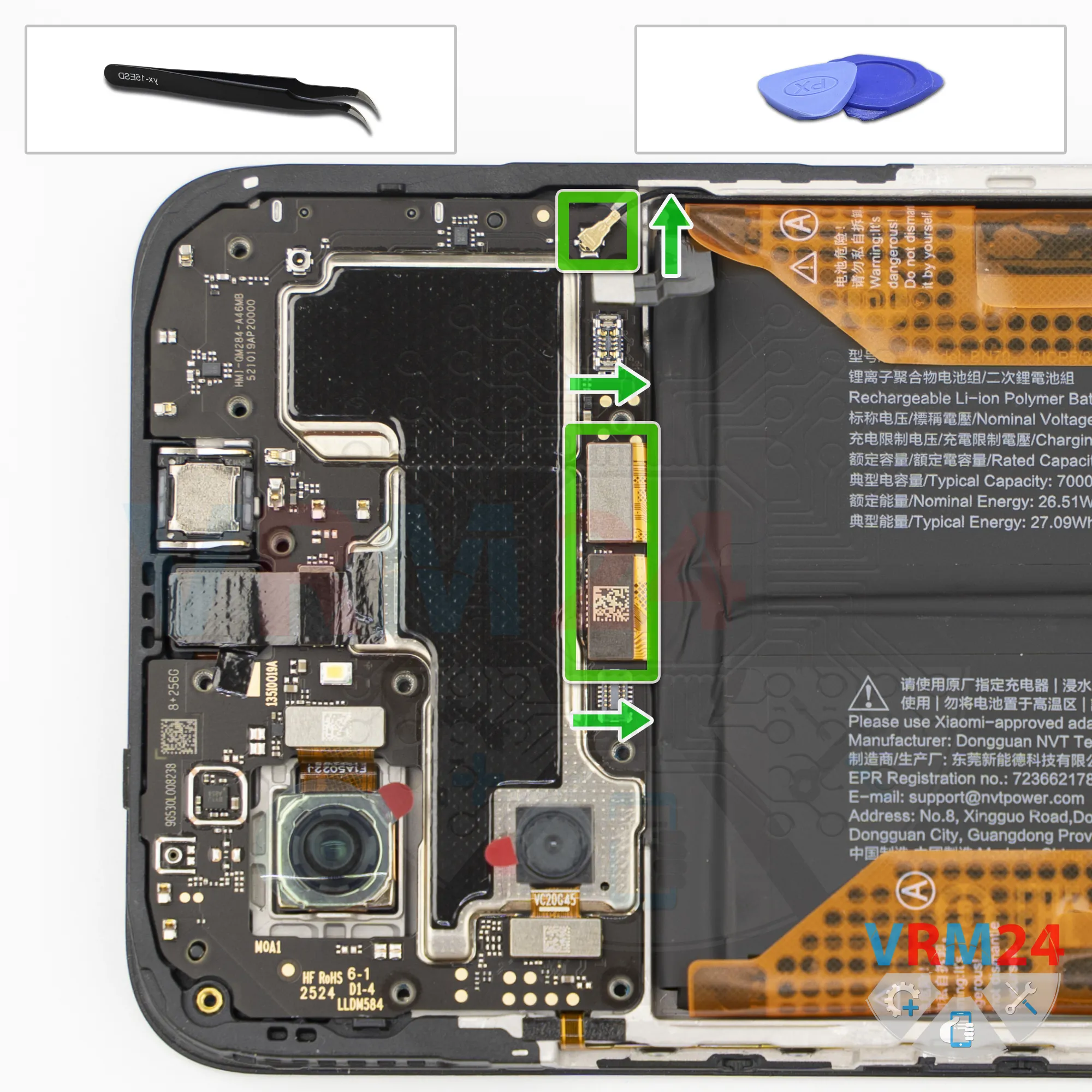
Step 12. Disconnect the connectors
Now we can disconnect the interconnect flex cable connector, disconnect the display flex cable connector, and disconnect the coaxial cable connector.
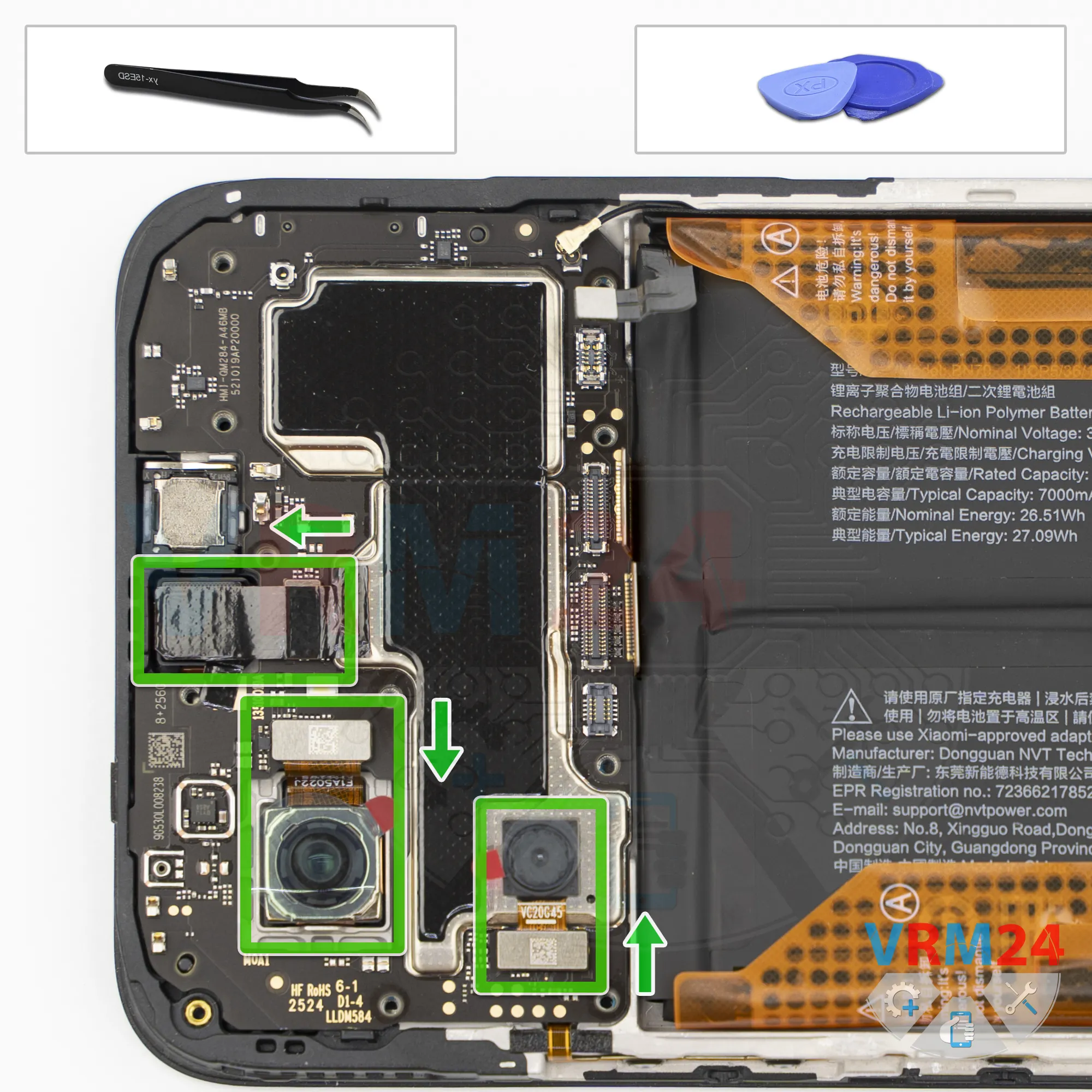
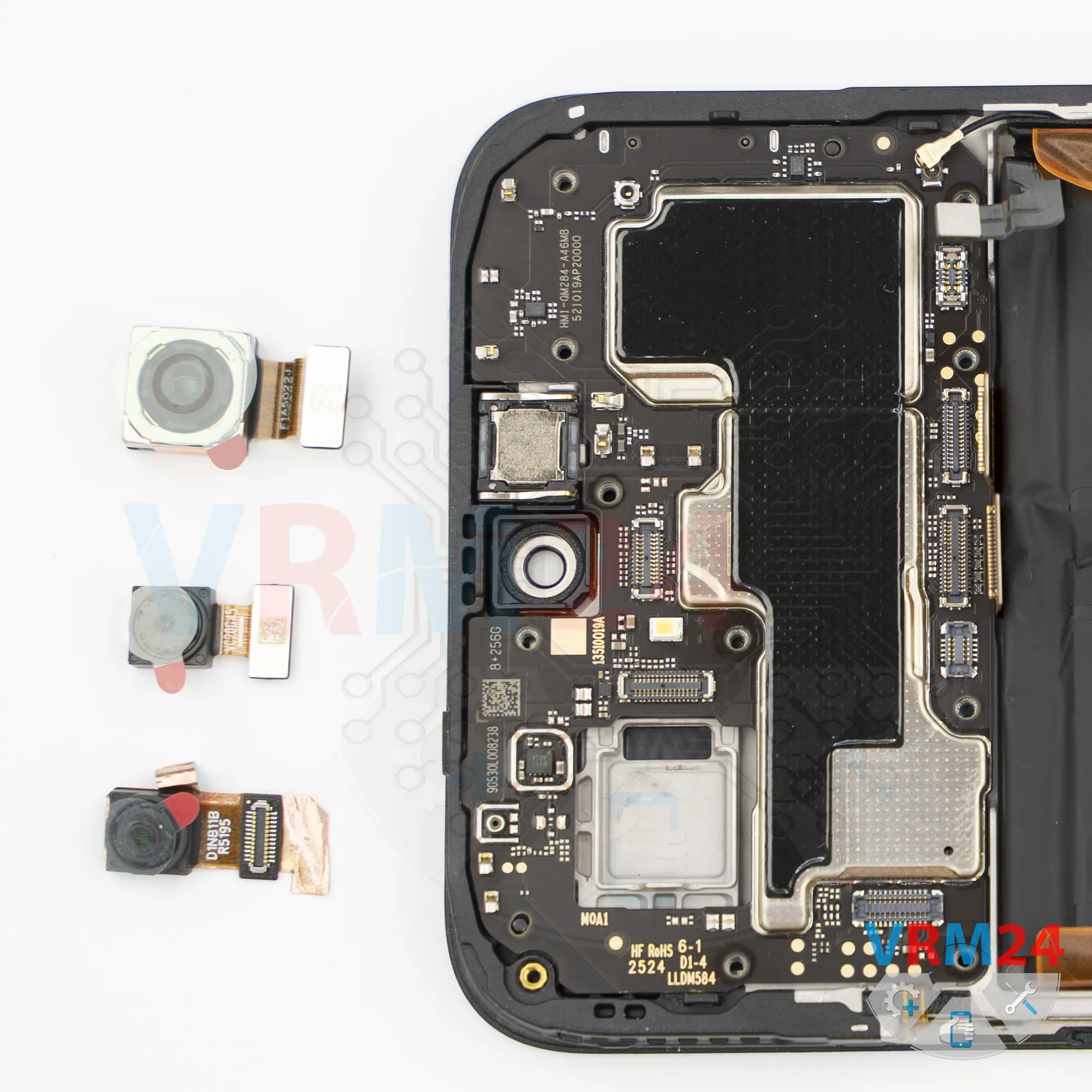
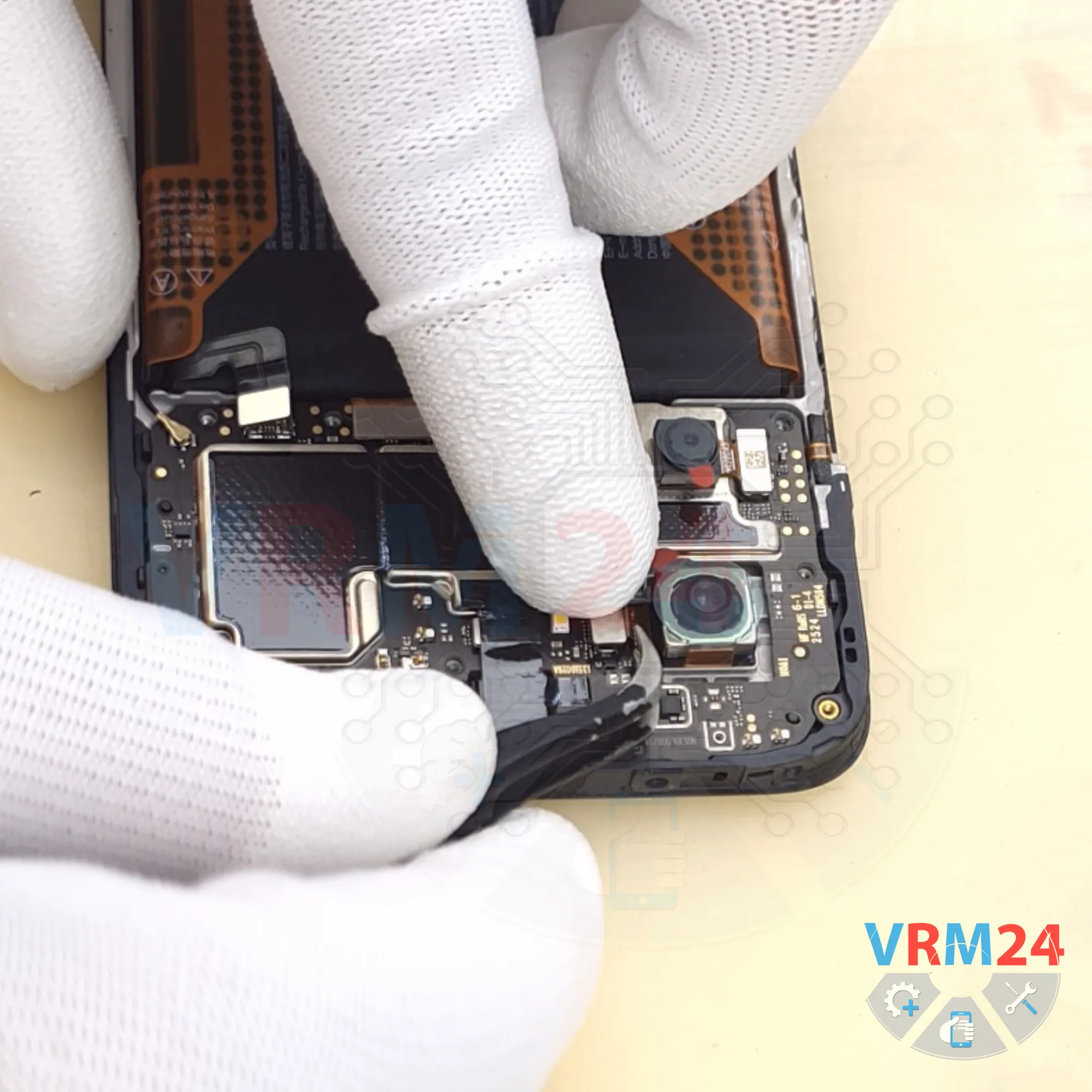
Step 13. Remove the cameras
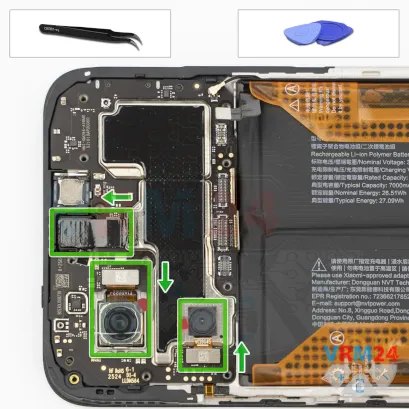
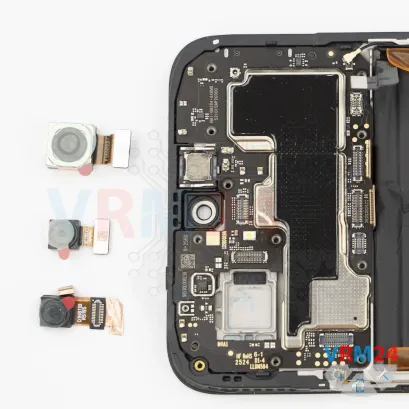
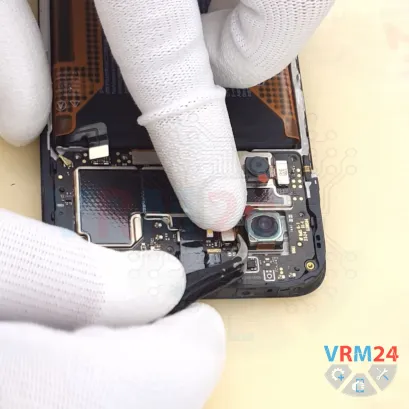
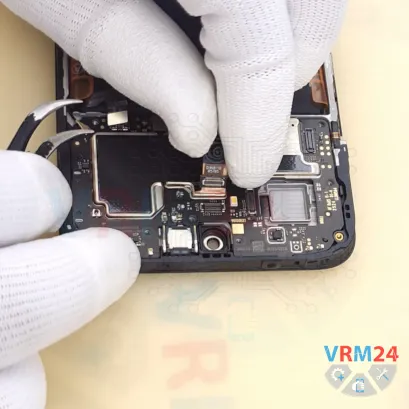
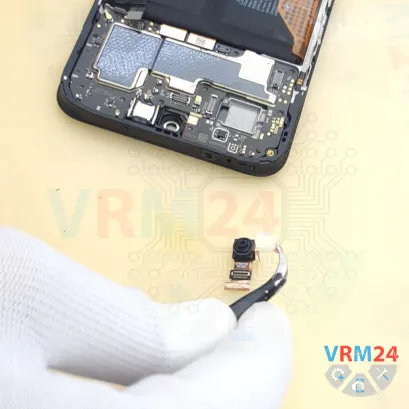
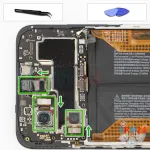
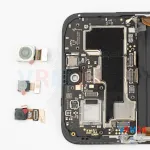
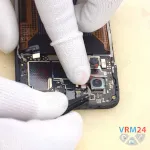
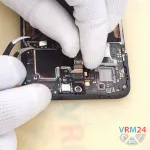
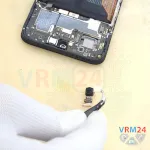
And we can remove the rear cameras. Carefully lift them by the edge and set them aside.
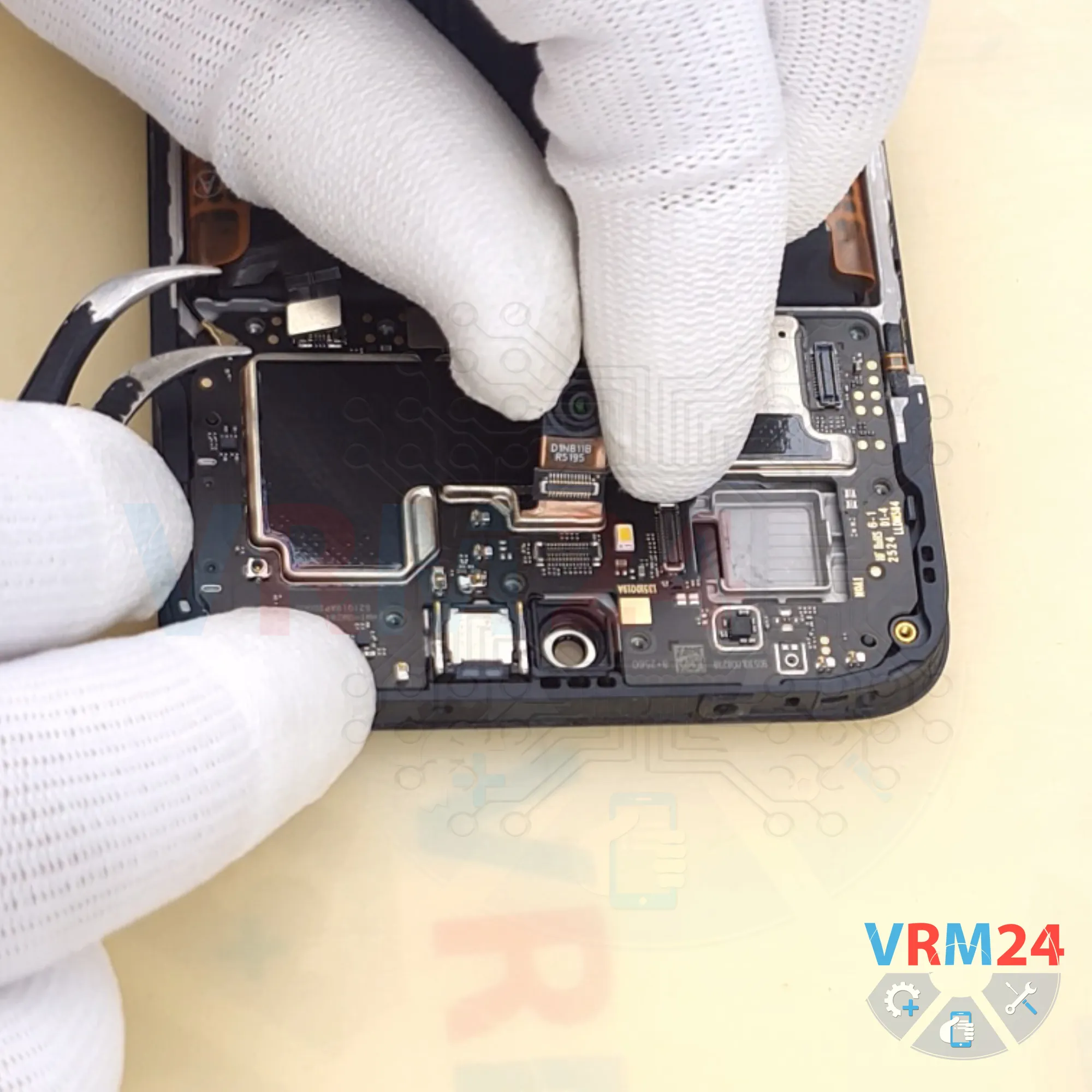
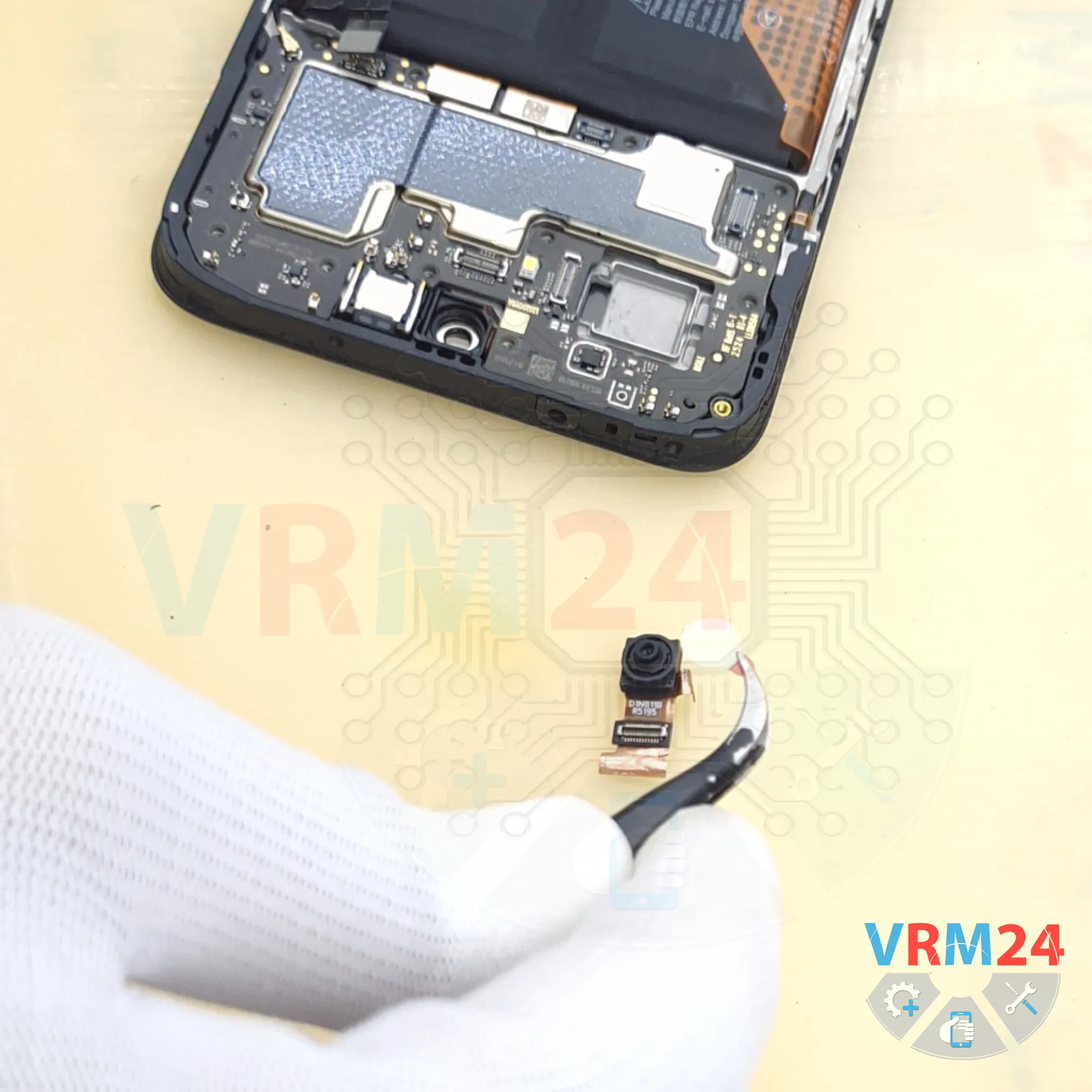
We can also disconnect the front camera.
It's best to keep the copper heat-dissipation film attached to the front camera, since we'll need it during reassembly.
It's also a good idea to cover the front camera to prevent dust or debris from getting onto the lens.
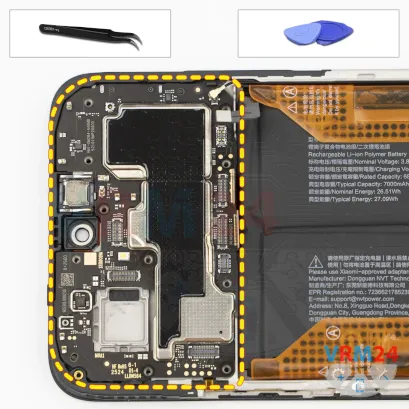
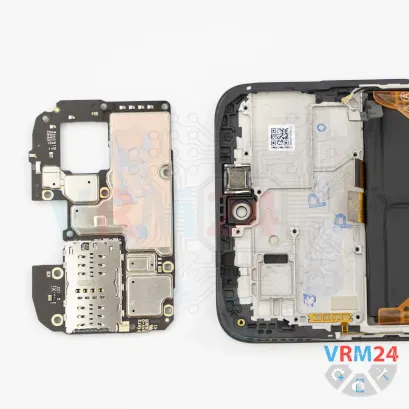
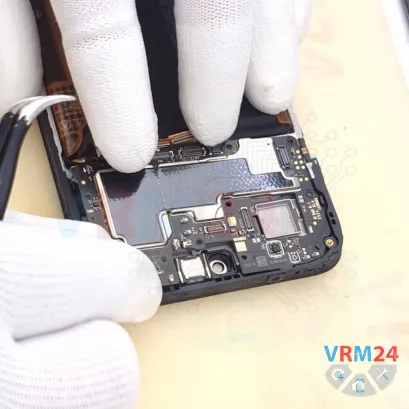
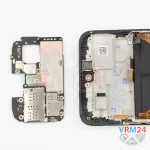
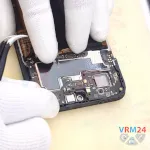
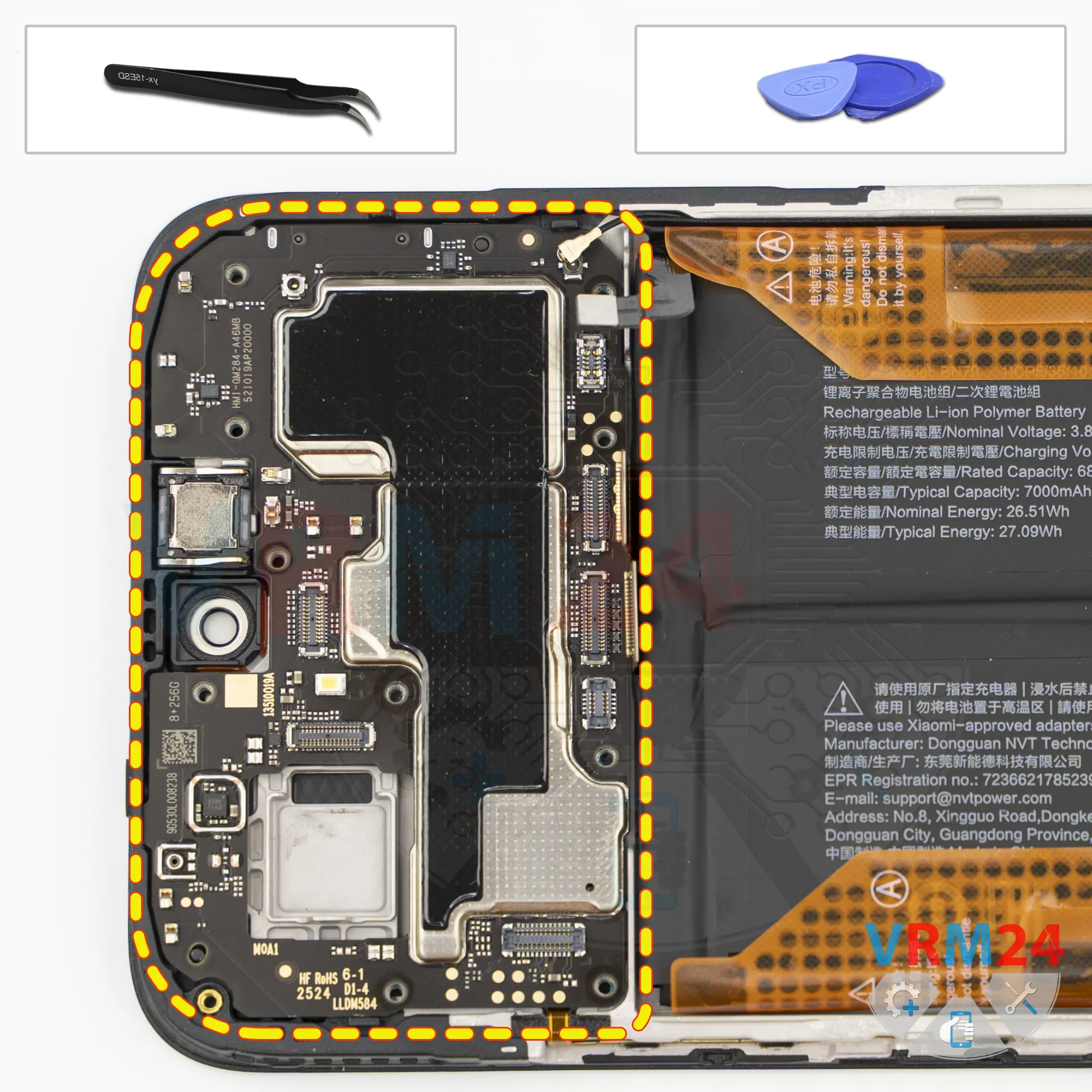
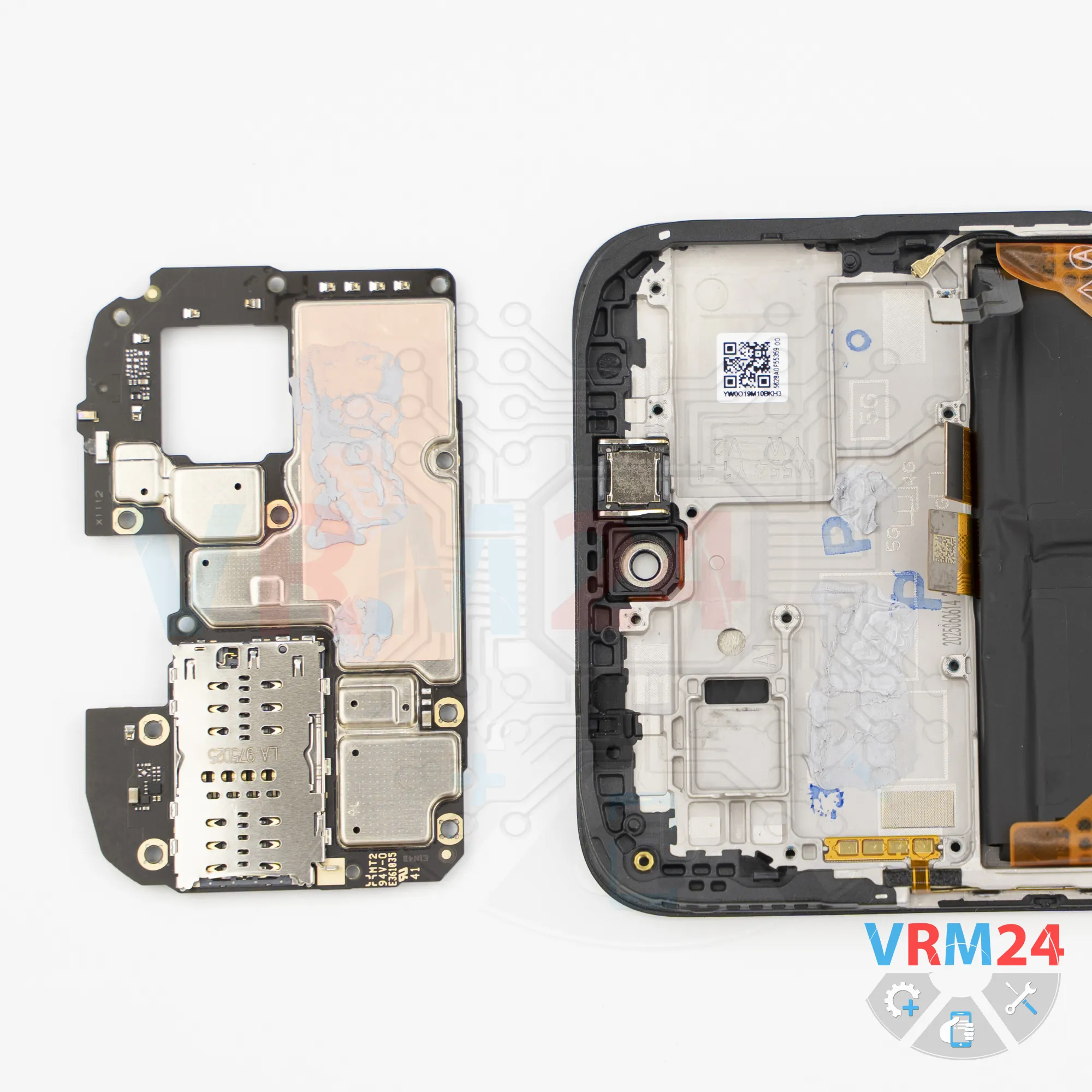
Step 14. Remove the motherboard
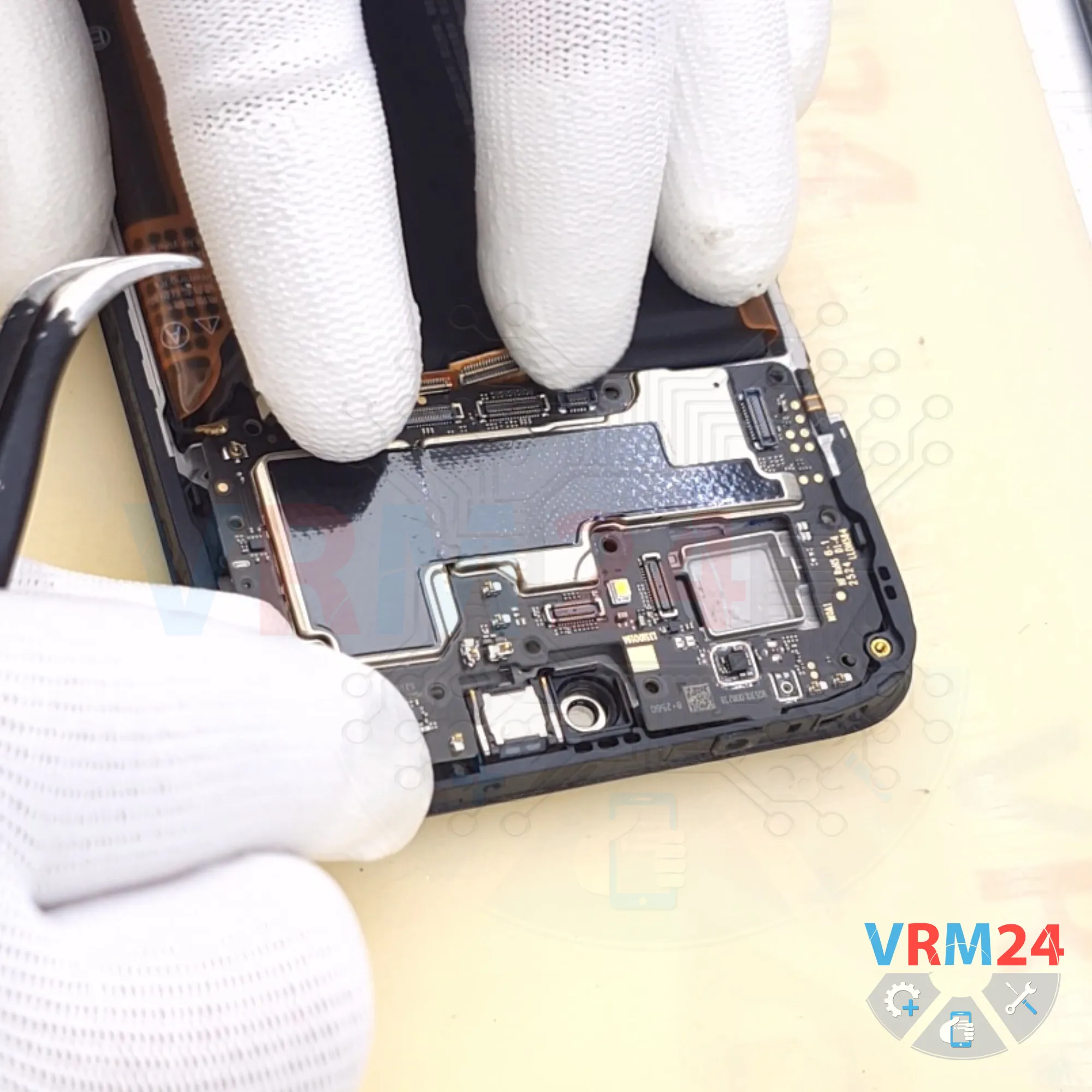
Before removing the motherboard, make sure that nothing else is holding it in place.
Now we can carefully lift and remove the motherboard.
Keep in mind that it may also be lightly held in place by thermal paste on the opposite side.
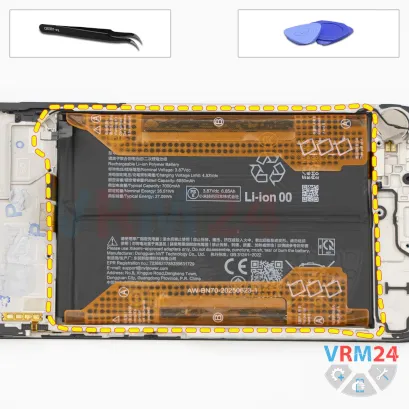
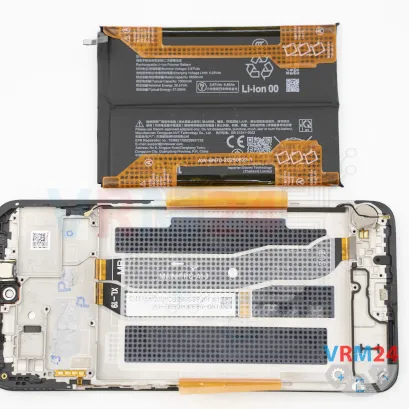
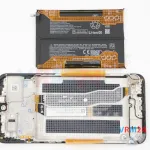
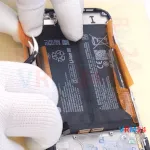
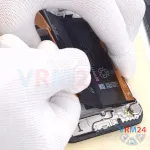
Step 15. Remove the battery
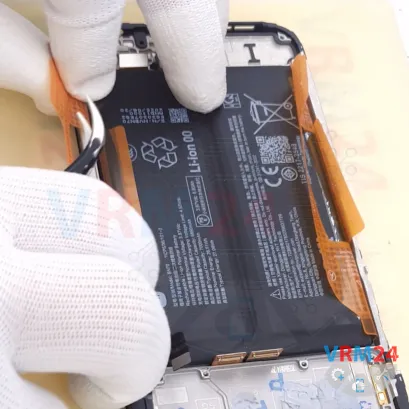
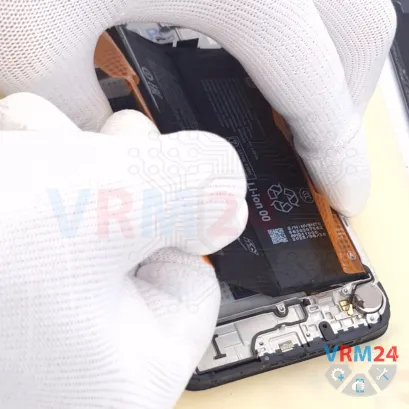
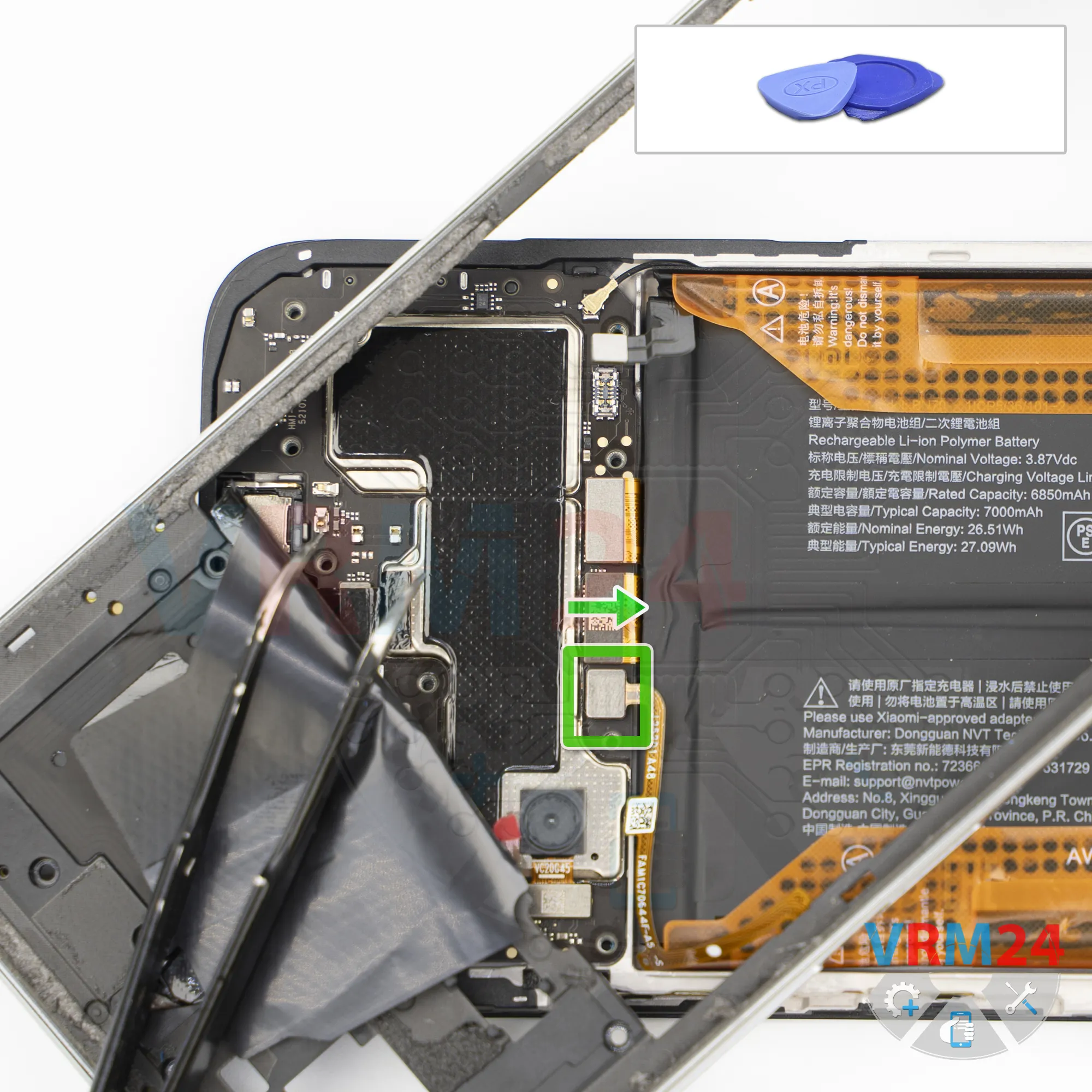
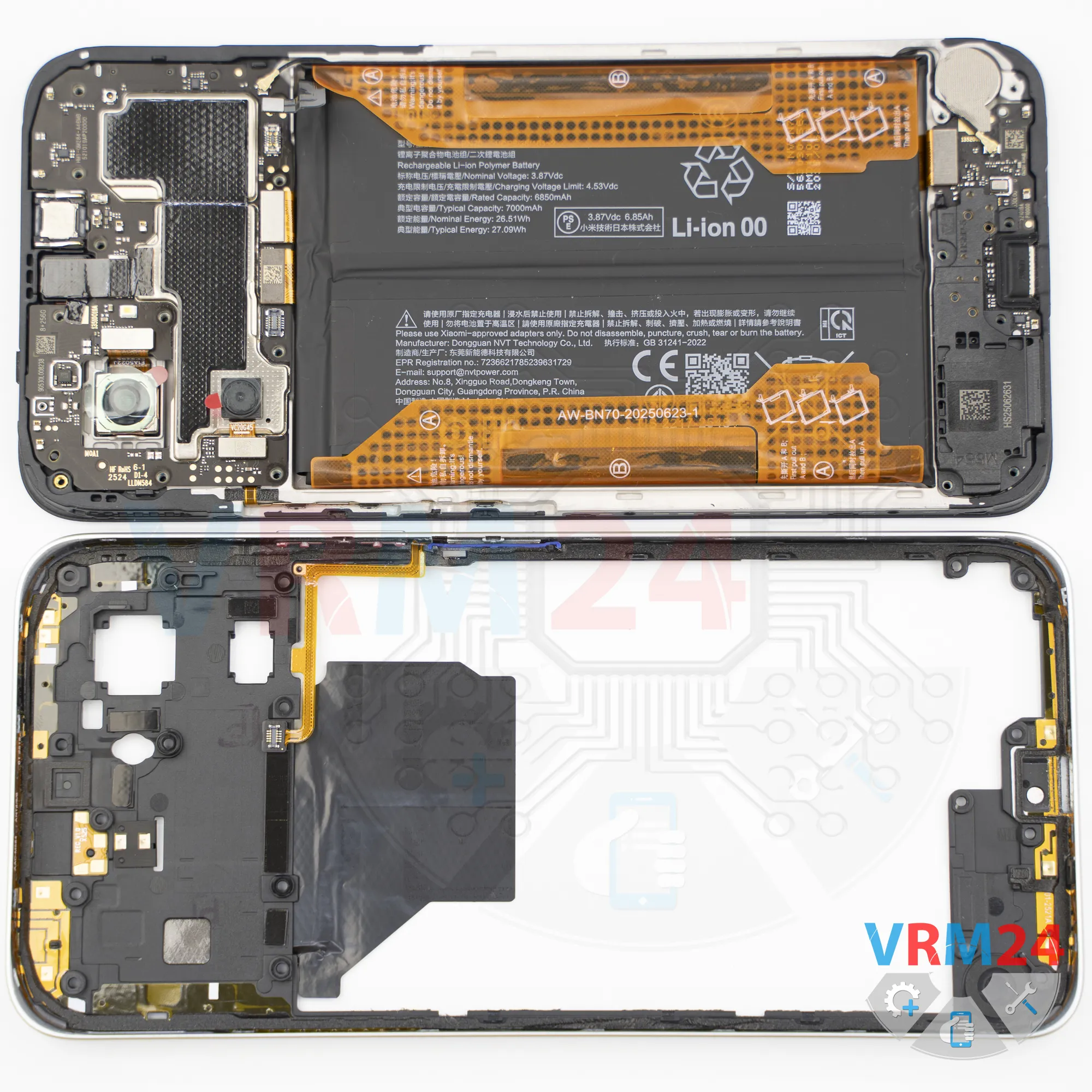
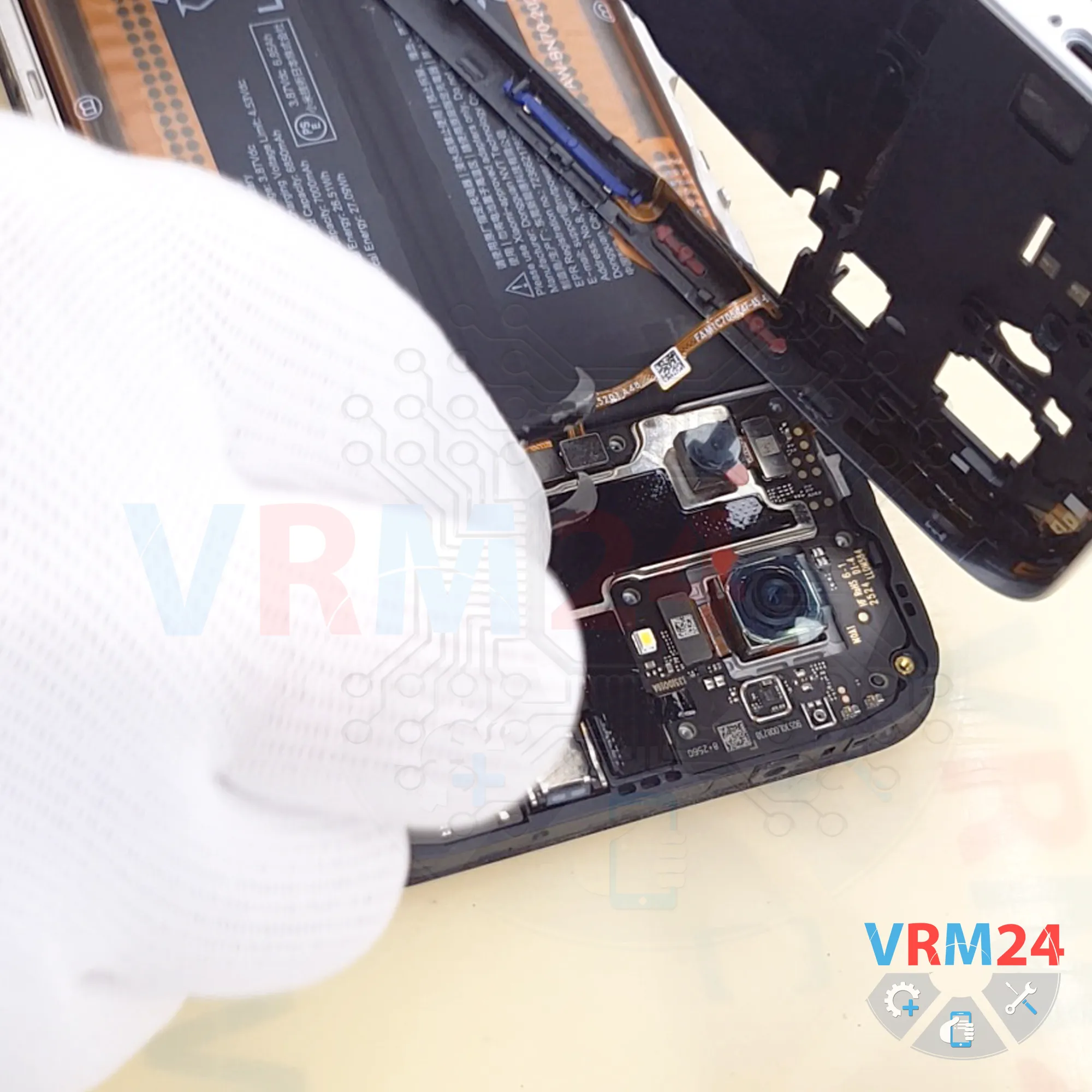
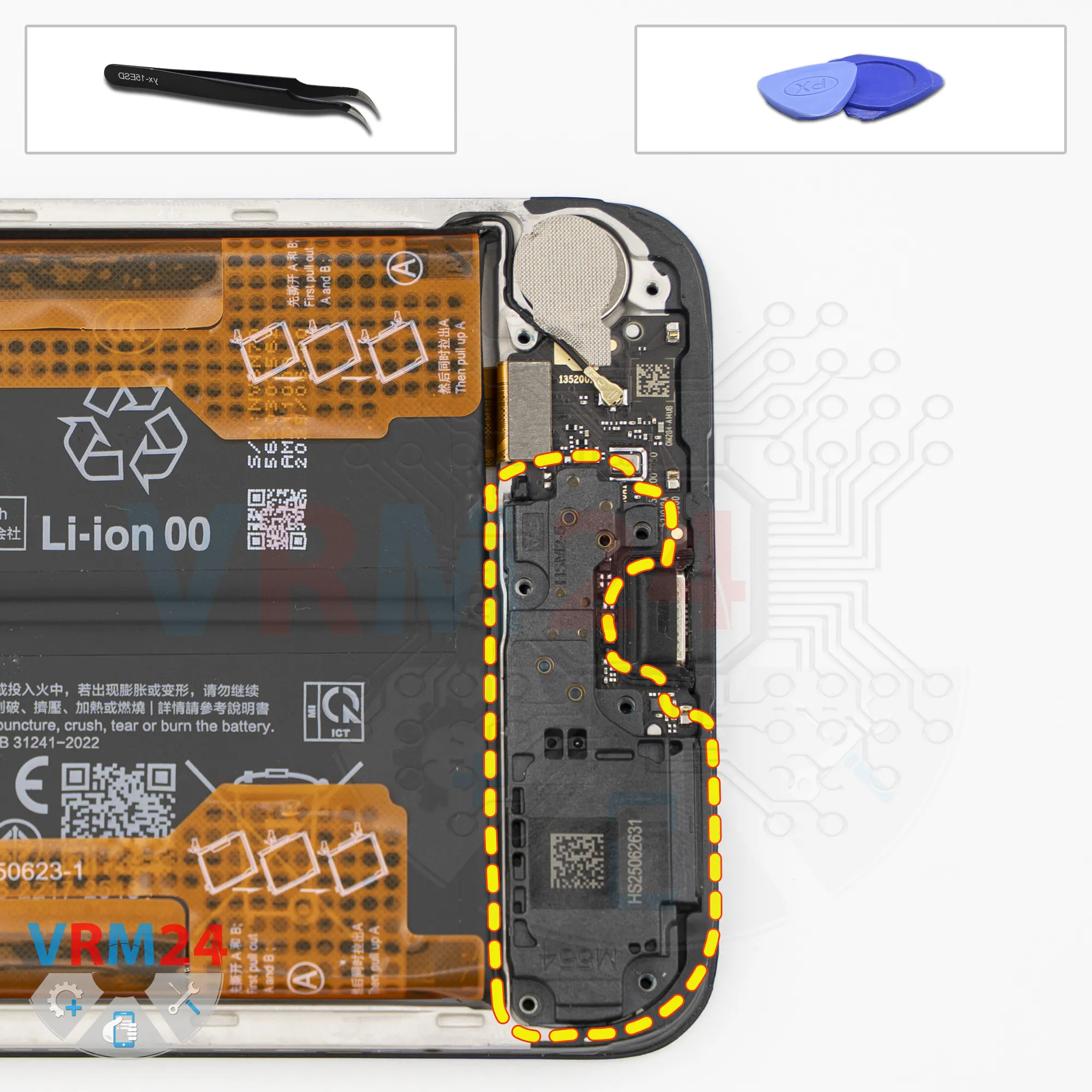
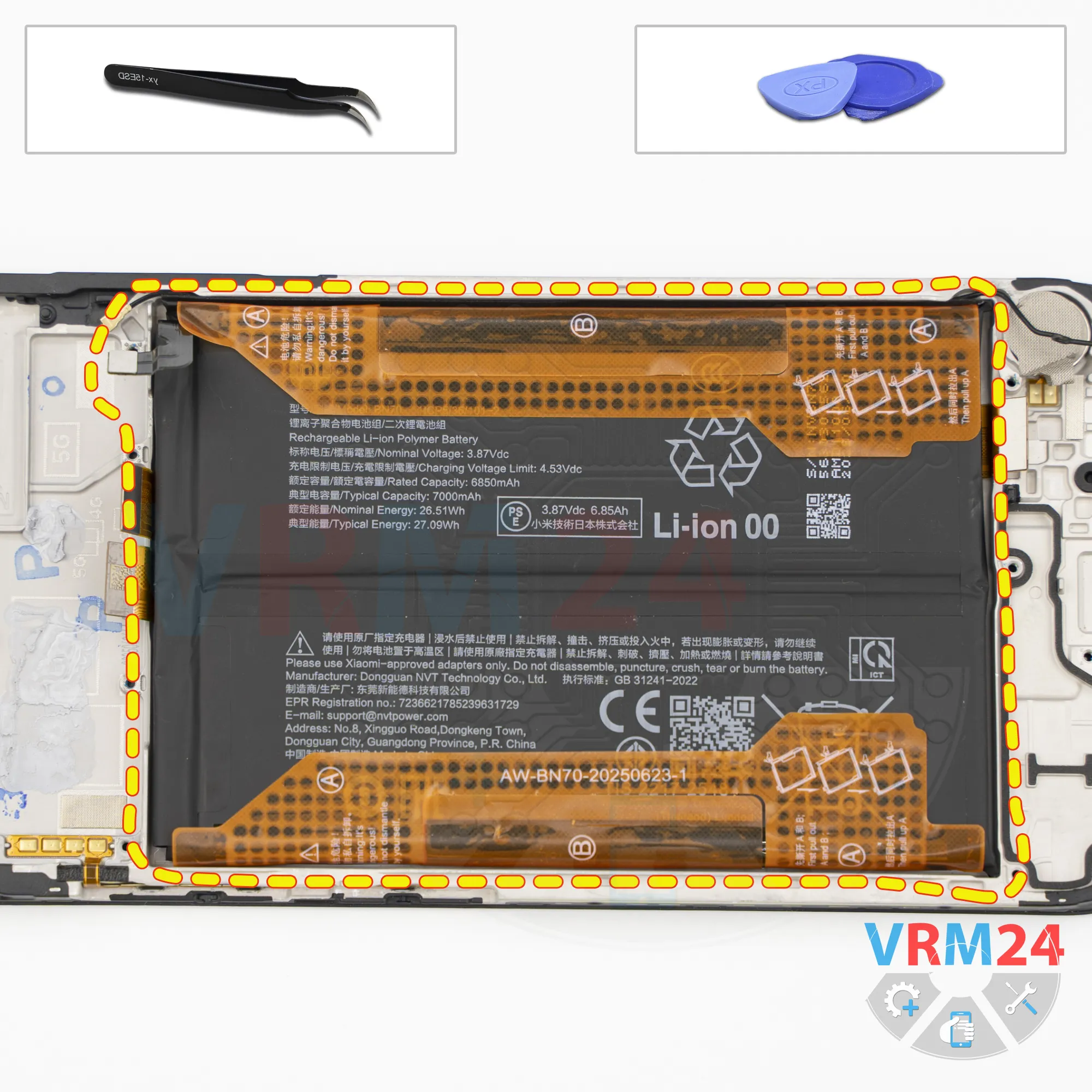
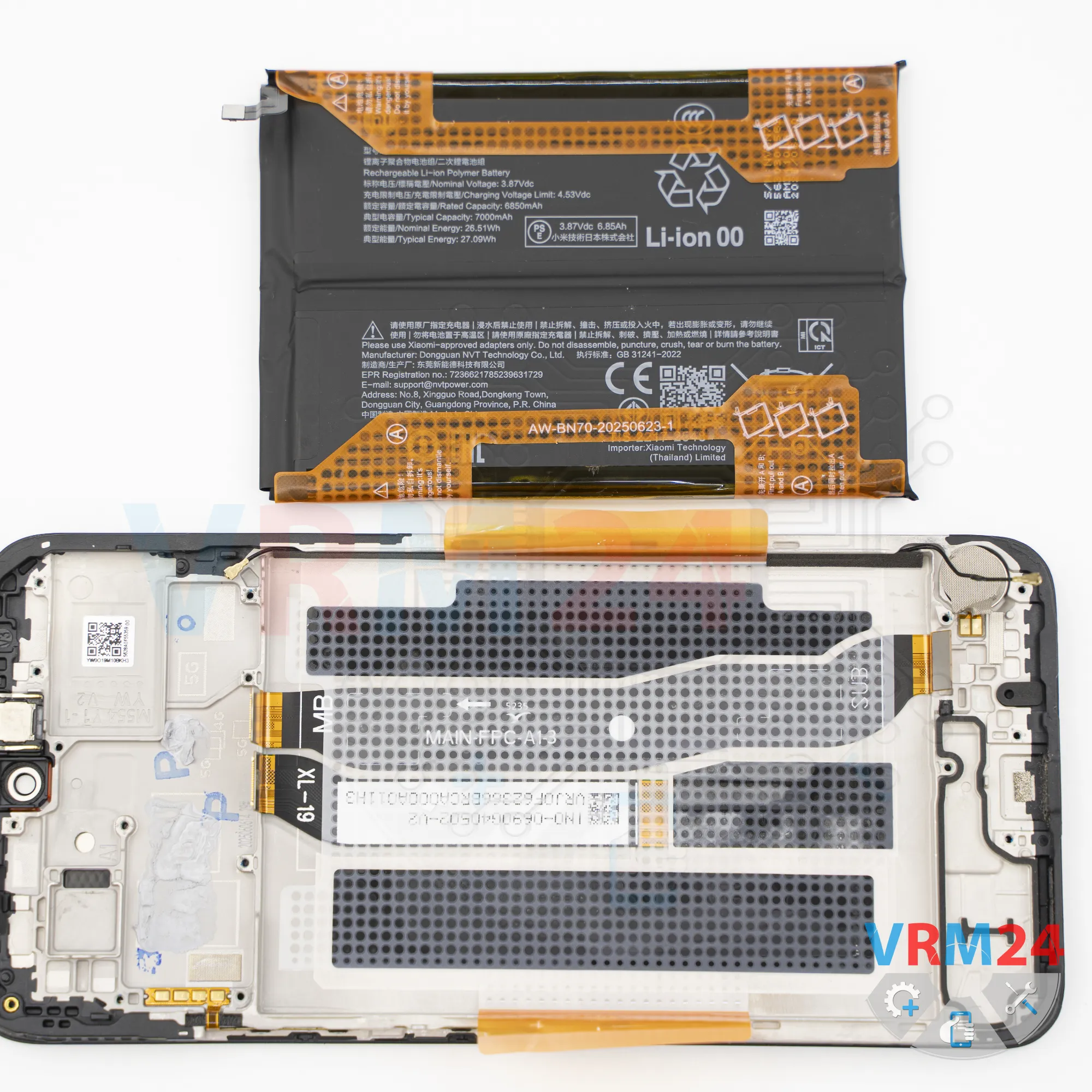
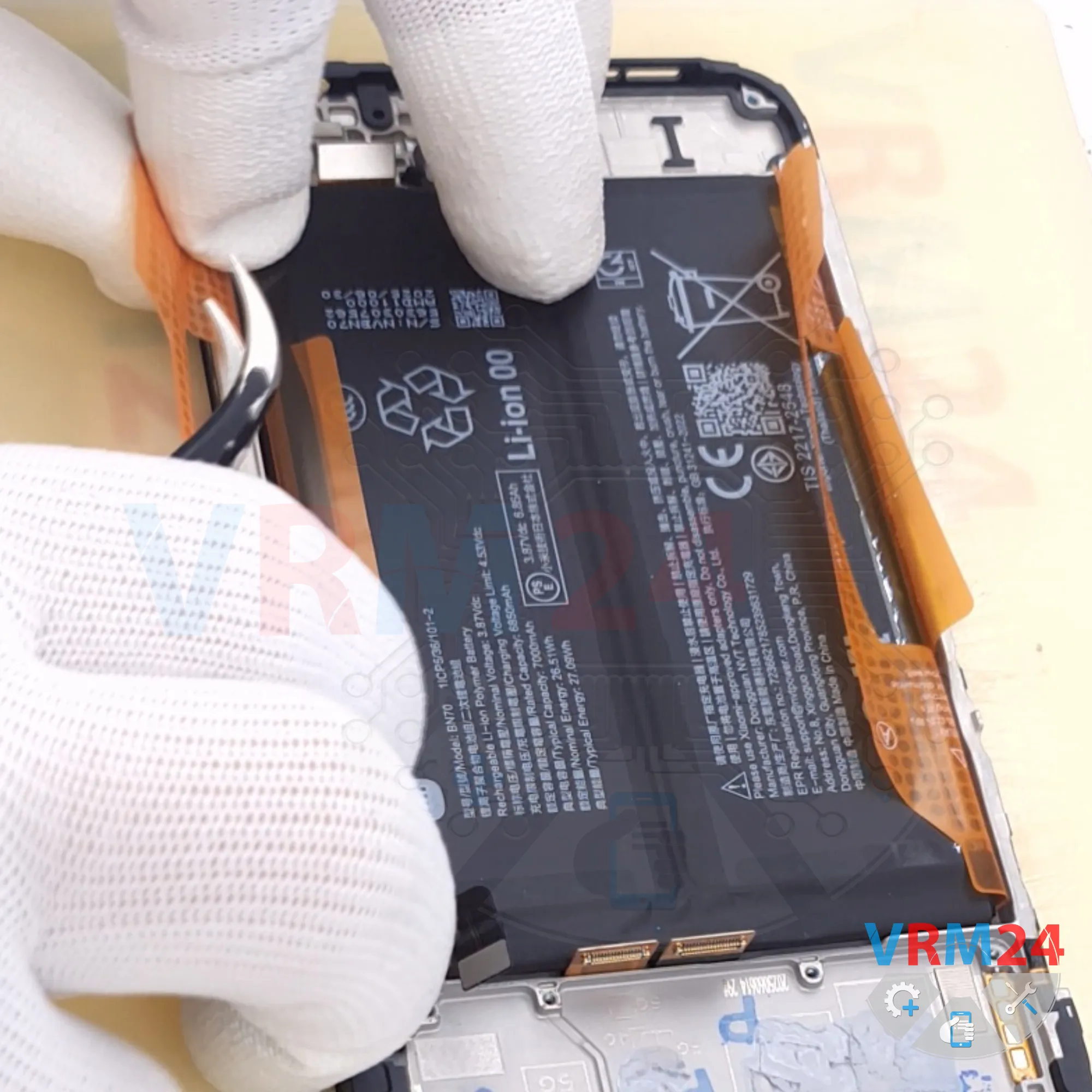
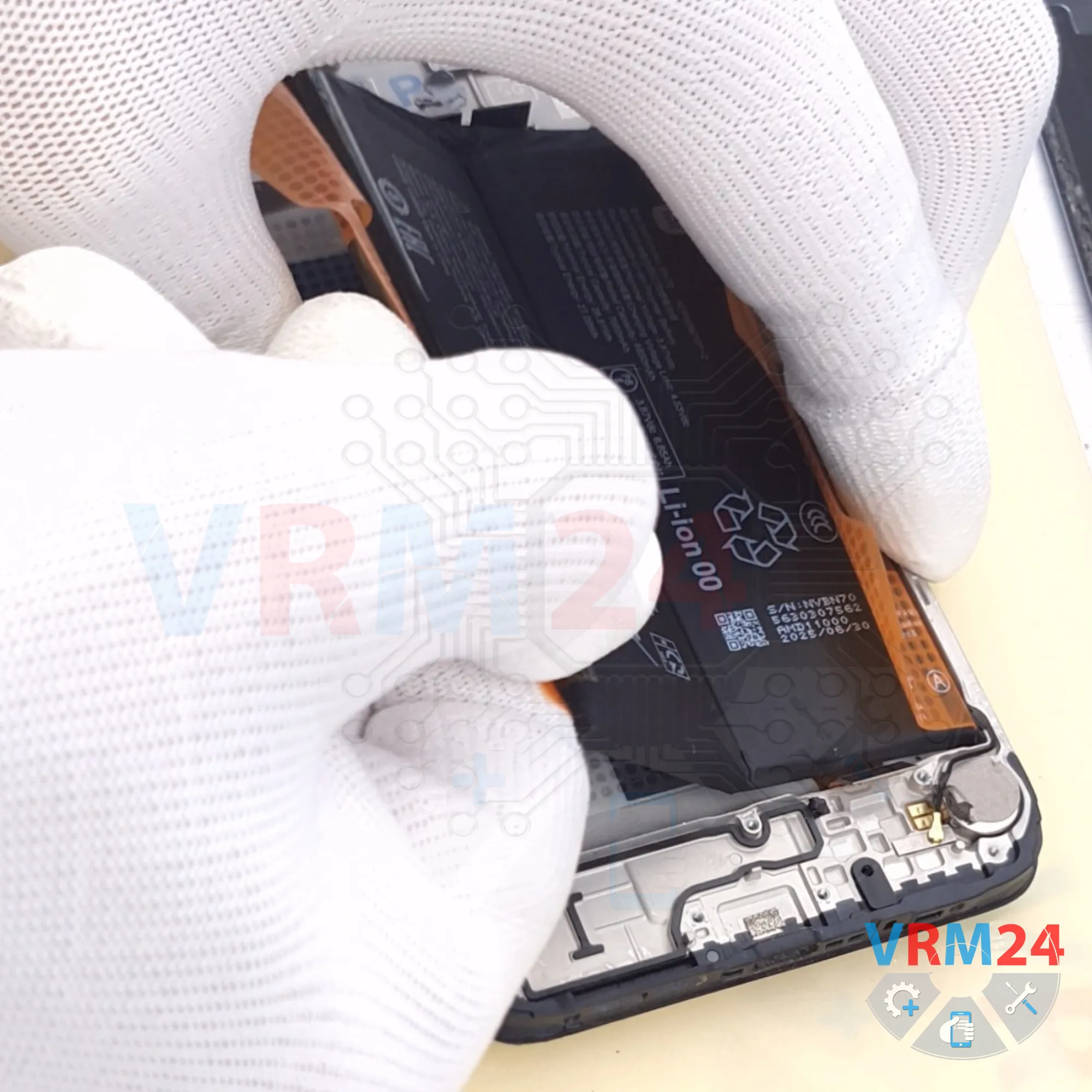
Finally, we move on to removing the battery.
As is typical for large POCO batteries, there are brown pull tabs on both sides labeled A and B.
One set of tabs needs to be folded back, while the other tabs should be pulled carefully upward.
Pull upward on the tabs located along the edges to release the battery.
Under the battery, there is a transparent adhesive film that protects the interconnect flex cables.
Detailed disassembly instructions of Xiaomi Poco M7 4G in the video, made by our mobile repair & service center:
If you have a question, ask us, and we will try to answer in as much detail as possible. If this article was helpful for you, please rate it.

Disassembling\Repair has medium complexity and takes about minutes in time.
Our manual is suitable for all models Xiaomi Poco M7 4G — Xiaomi POCO M7 4G 25062PC34G released for markets in different countries.
Back to the list