






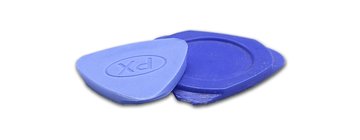
Recommended tools
Screwdriver Phillips #000

Tweezers

Non-metallic tool
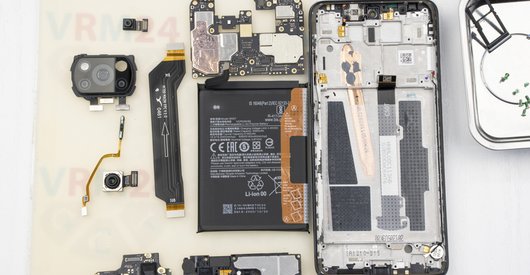
Disassembly/Repair of the mobile device Xiaomi RedMi 3S with each step description and the required set of tools.
15940
Views
5
Likes
—
Share
74
Questions

Step 1.
Remove the tray
Use the ejection tool (aka Needle) or Paperclip. Push the tip all the way into the hole until the tray ejects, and then pull the tray of SIM and Memory card (Micro SD) out.
⚠️ Pay attention! The tool must be inserted into a hole on the edge of the phone's housing. Do not press too hard. It may break the tray eject mechanism.
Step 2.
Open the back cover
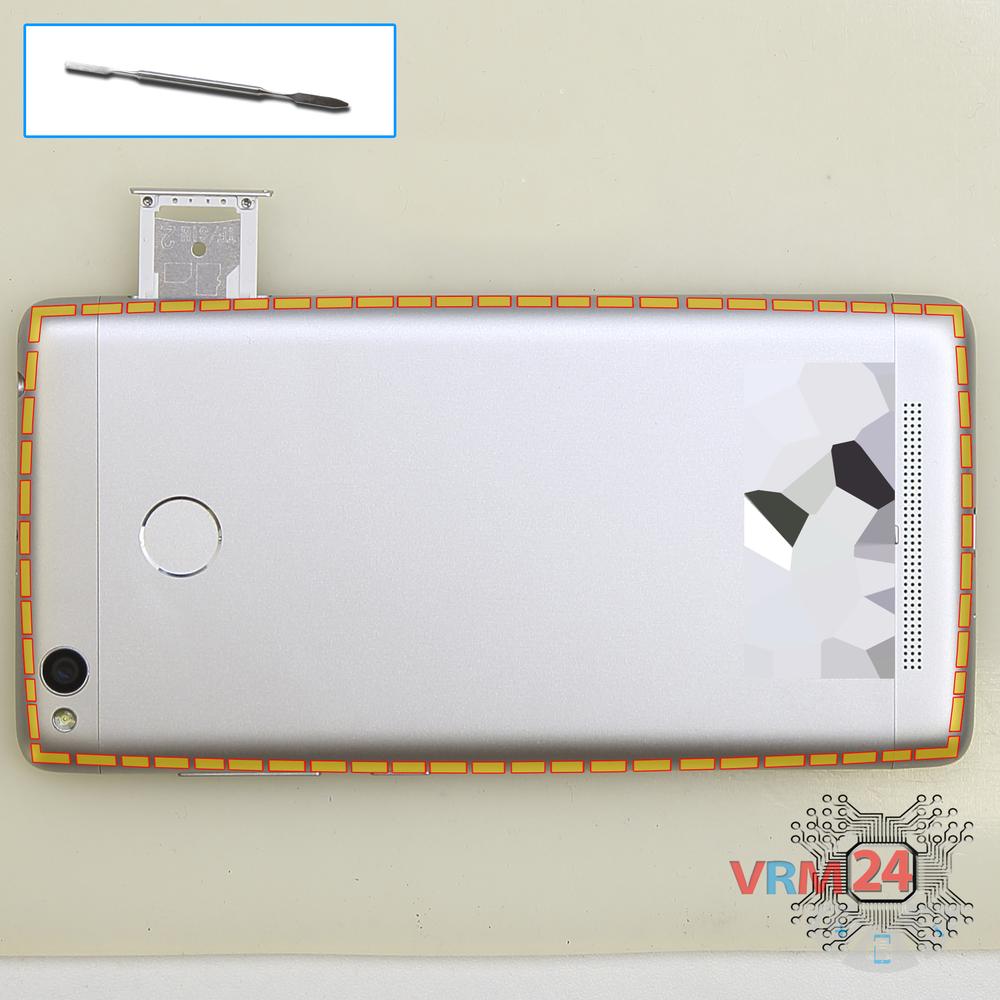
Using a spudger or a plastic pick, carefully, around the edge, detach the back cover clips, and turn it over.
Do not insert the tool deeply or bend it. Otherwise, the housing may be tampered with or damaged.
⚠️ Be careful when opening the cover from the volume and power buttons side. Thin cable and fragile buttons are straightforward to damage.
⚠️ Pay attention to the fingerprint sensor cable located on the inside.
Step 3.
Disconnect the connector
Pry up the fingerprint cable connector and remove the back cover.
Step 4.
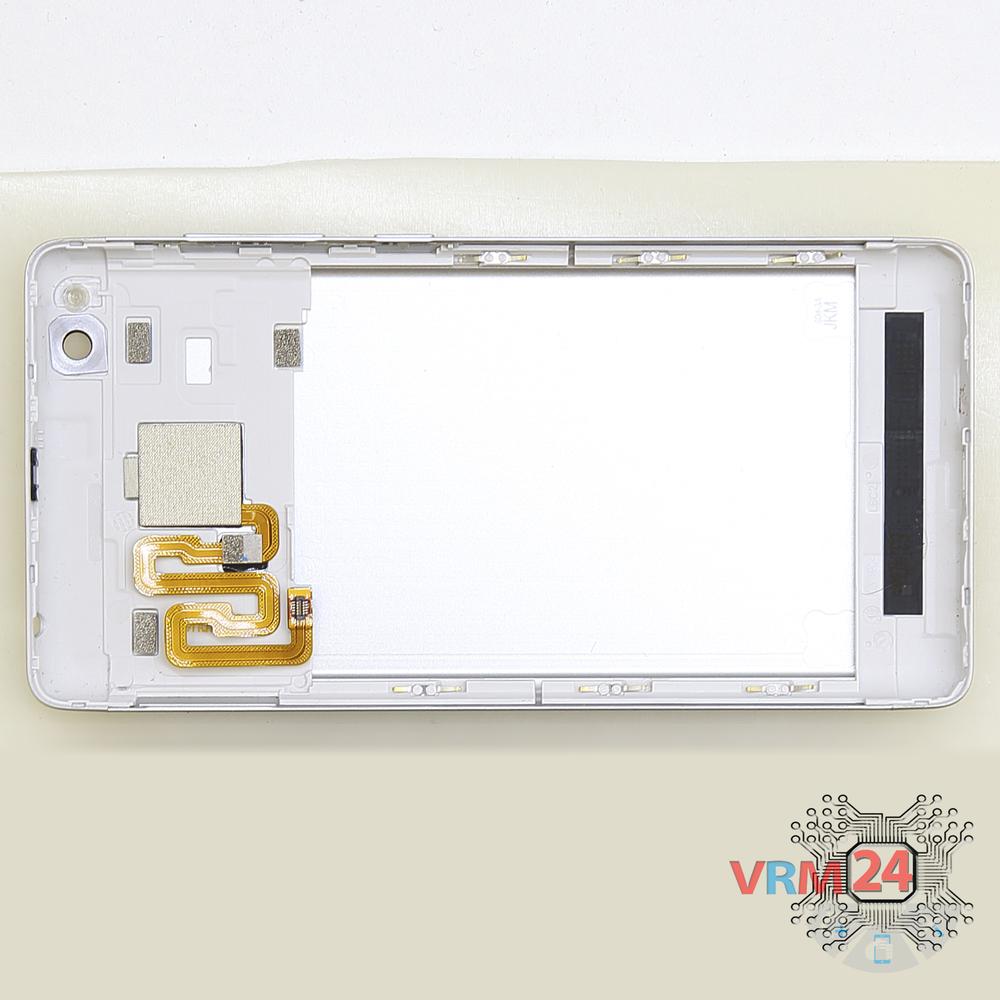
In the housing remained
The back cover.
Step 5.
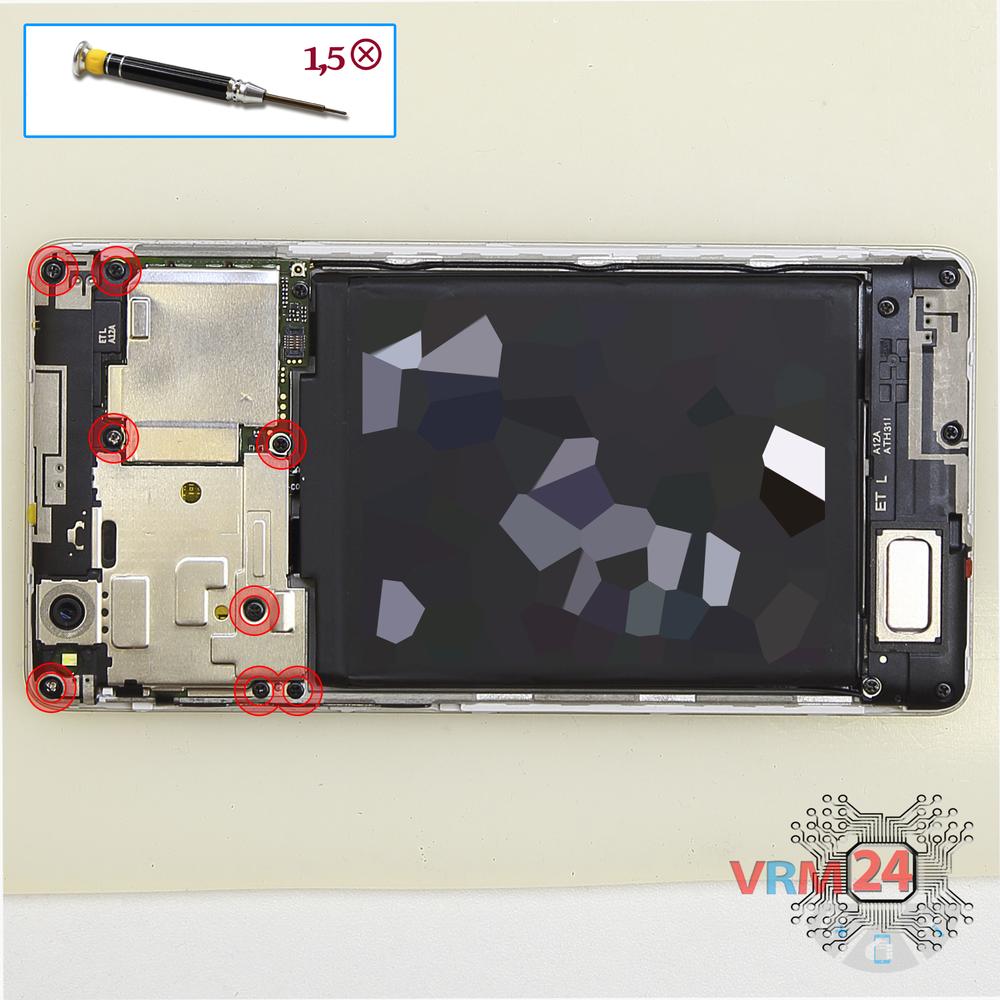
Unscrew the screws
Using a screwdriver (Phillips 1.5 mm PH #000), unscrew the eight screws.
Step 6.
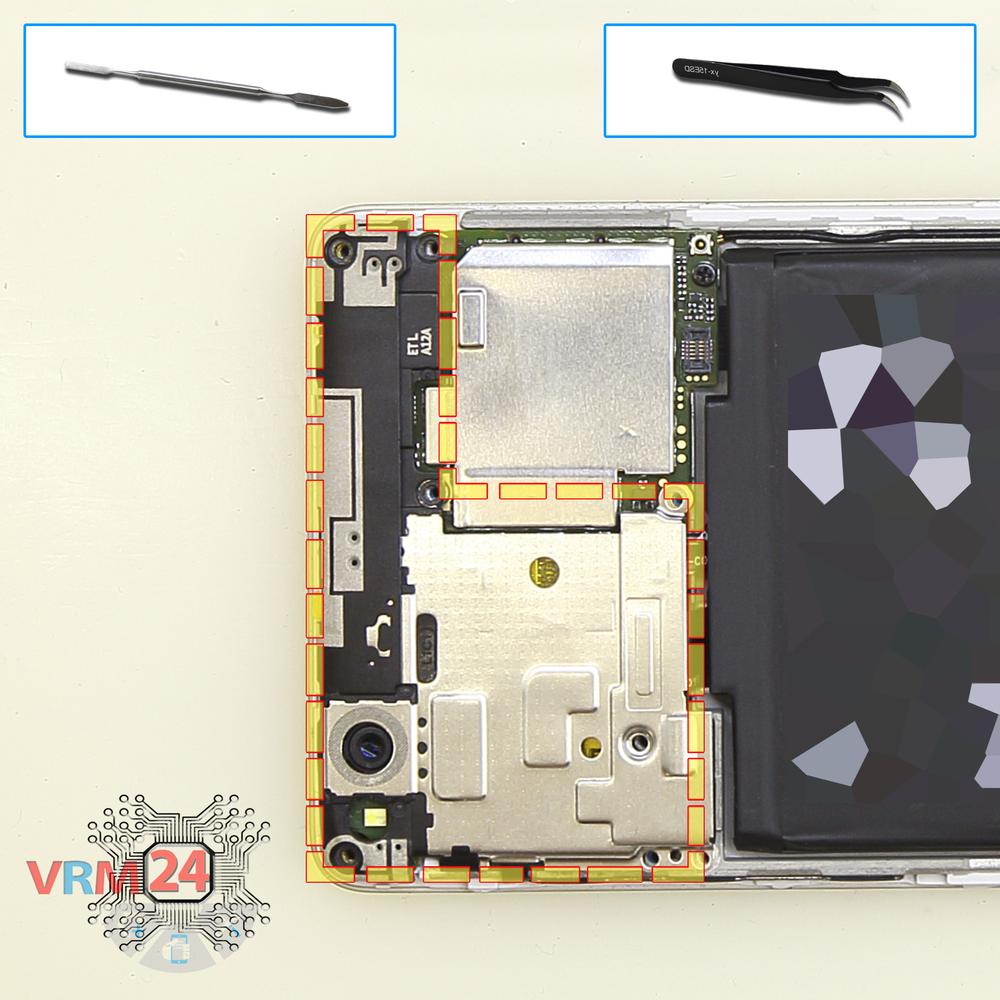
Open the cover
Pry over the edges. Move an opening tool along the edge detach the clips and remove the cover with antenna pads and tracks.
Step 7.
Disconnect the battery connector
Disconnect the battery connector as soon as possible. It is better to use a non-metal or plastic tool to avoid any damage.
ℹ️ The Xiaomi RedMi 3S model has a battery BM47 with 4000 mAh capacity (aka rechargeable battery).
⚠️ It is highly recommended to disconnect the connector to avoid possible short circuits during disassembly.
Step 8.
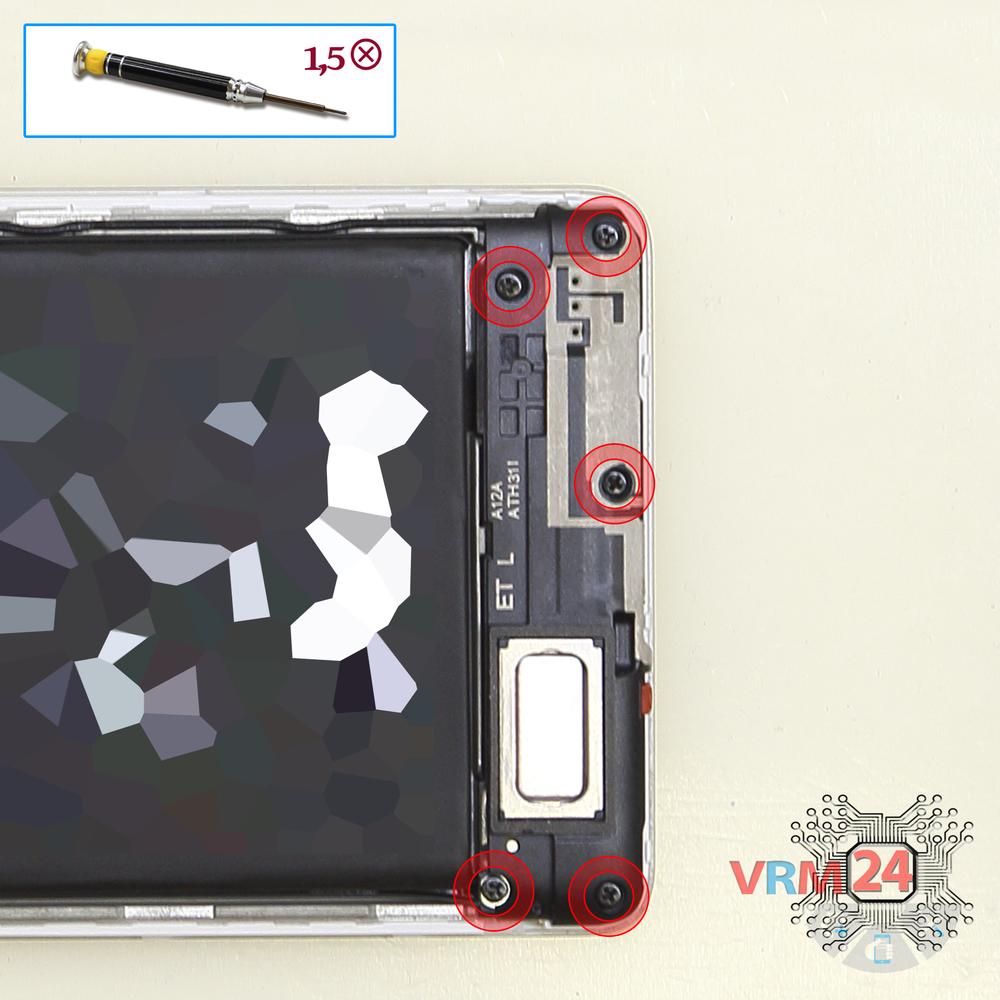
Unscrew the screws
Using a screwdriver (Phillips 1.5 mm PH #000), unscrew the five screws.
Step 9.
Remove the loudspeaker
Pry over the edge and remove the loudspeaker assembly with antenna tracks.
Step 10.
Unscrew one screw
Using a screwdriver (Philips 1.5 mm PH #000), unscrew one screw securing the sub-board.
Step 11.
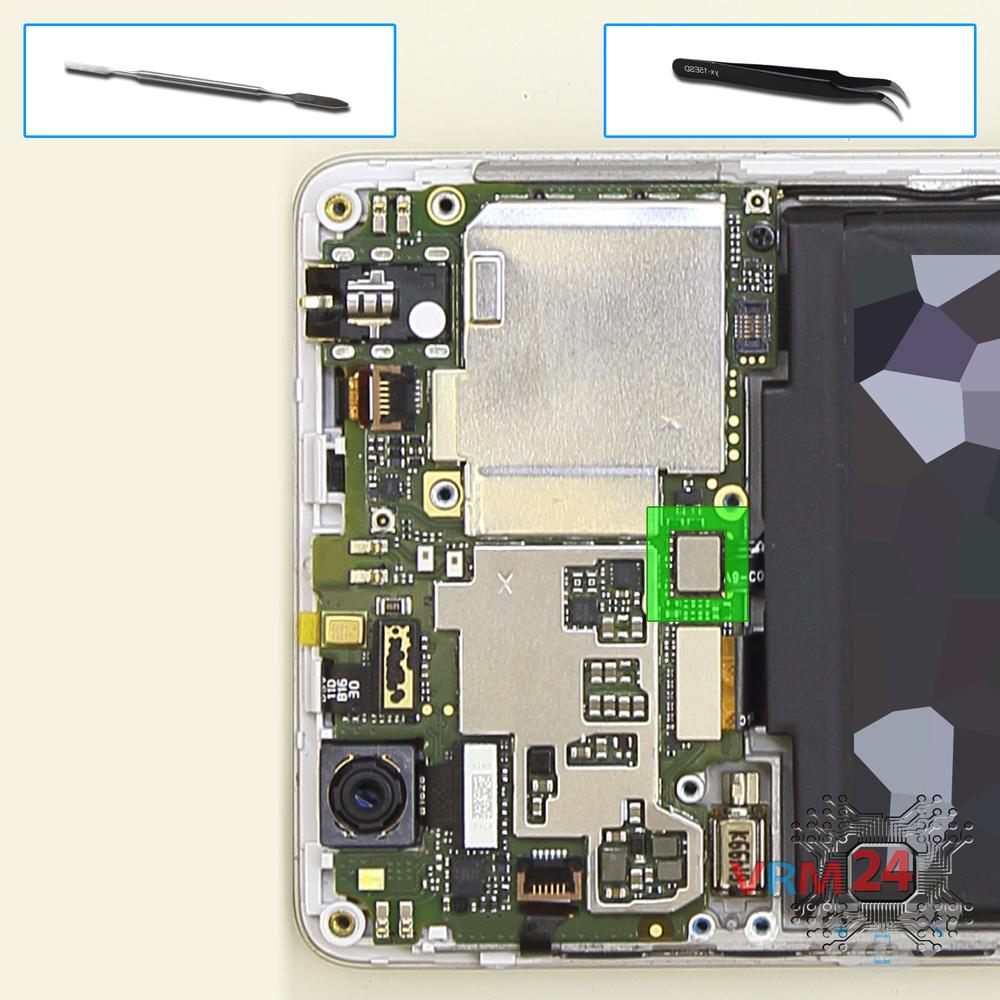
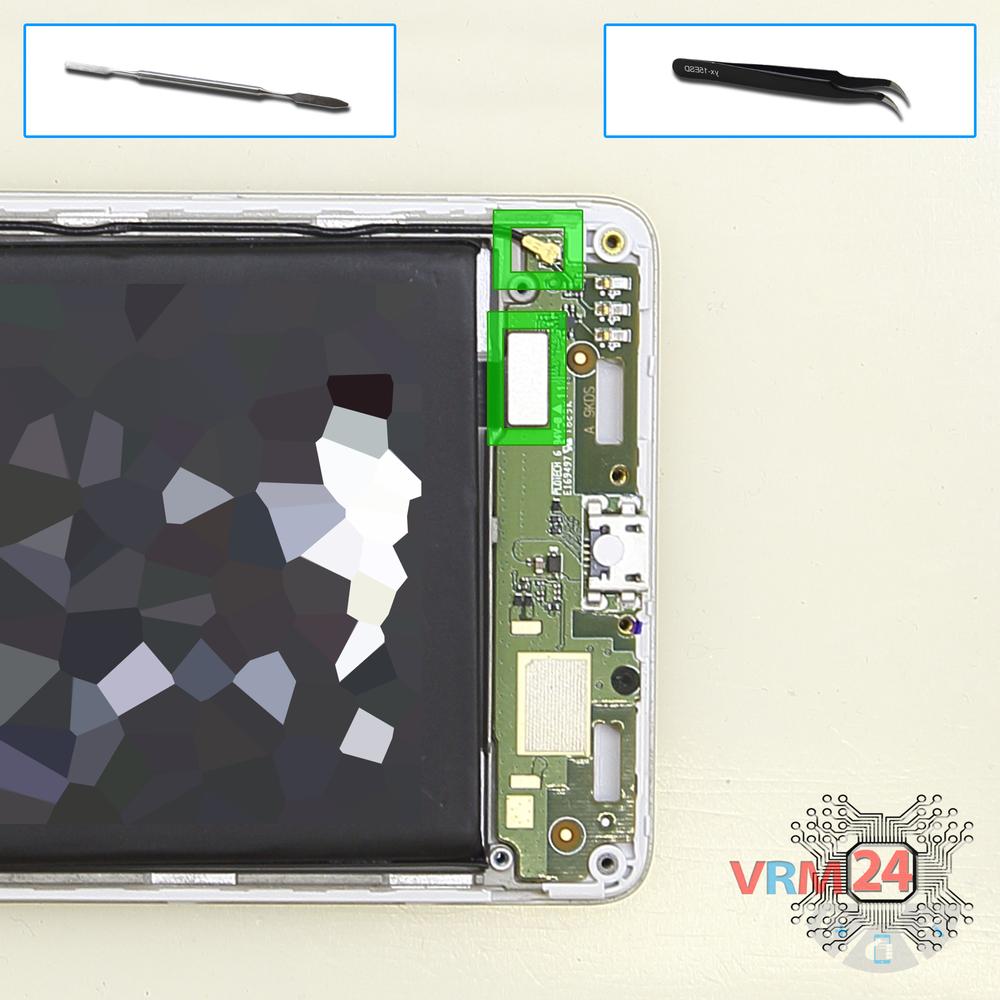
Disconnect the connectors
Disconnect the coaxial cable connector, inter-board cable connector.
⚠️ Do not pull on the cable or pry it with a sharp tool, the connectors are pretty weak and break easily, or the cable falls out of the end (lug).
Step 12.
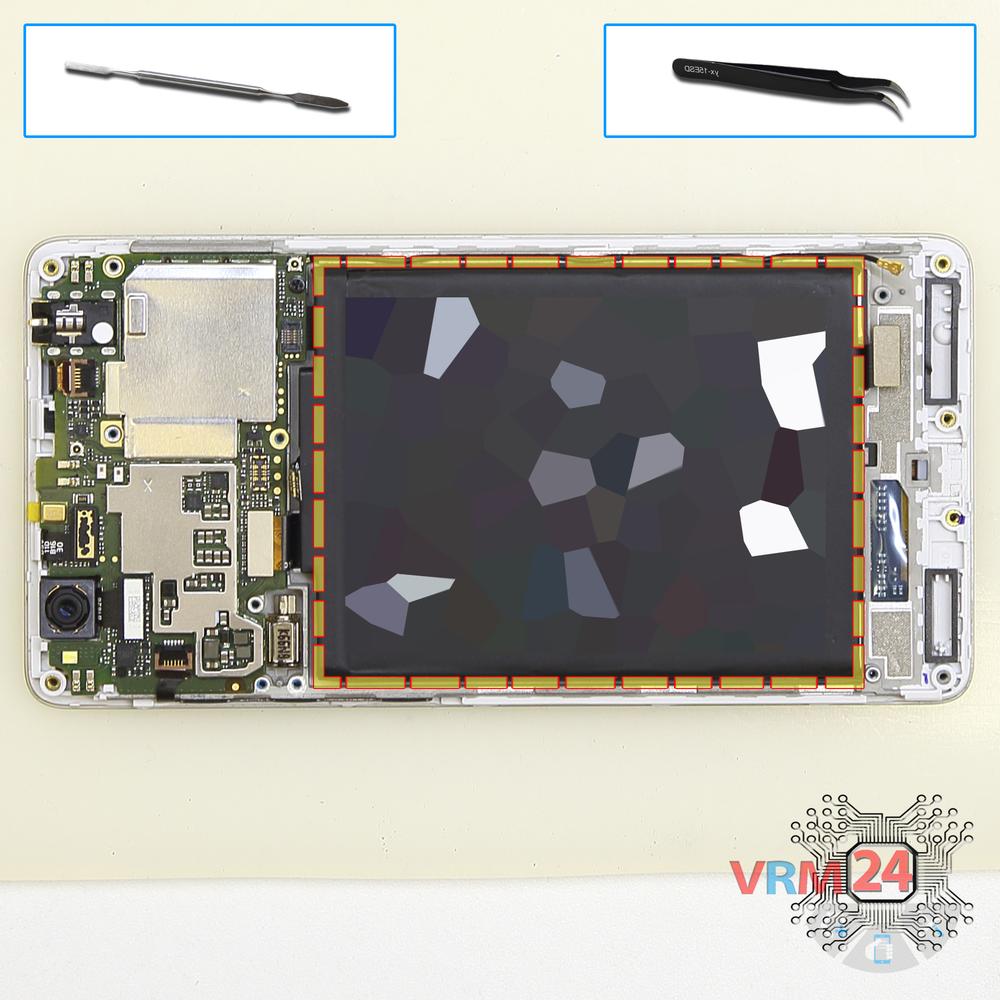
Remove the battery
With extreme care, remove the battery because it is glued from the inside by the manufacturer.
Also, we need to remember or look in advance at the location of the flat cables under the battery, so as not to damage them.
Step 13.
Unscrew one screw
Using a screwdriver (Phillips 1.5 mm PH #000), unscrew the one screw securing the motherboard.
Step 14.
Remove the rear camera
Disconnect the connector on the motherboard, and remove the main camera.
Step 15.
Disconnect the connectors
Pry up the connectors of the side buttons cable, display cable, touchscreen cable, and front camera cable.
⚠️ Be careful when removing the cables from the connectors, the cables are pretty thin, and it is easy enough to break them or damage the contact tracks inside.
Step 16.
Turn over the PCB
Turn over the motherboard, disconnect the connectors of the inter-board cable and coaxial cable from the inside and remove the motherboard.
Step 17.
Remove the front camera
Pry at the bottom of the body and remove the front (selfie) camera.
Step 18.
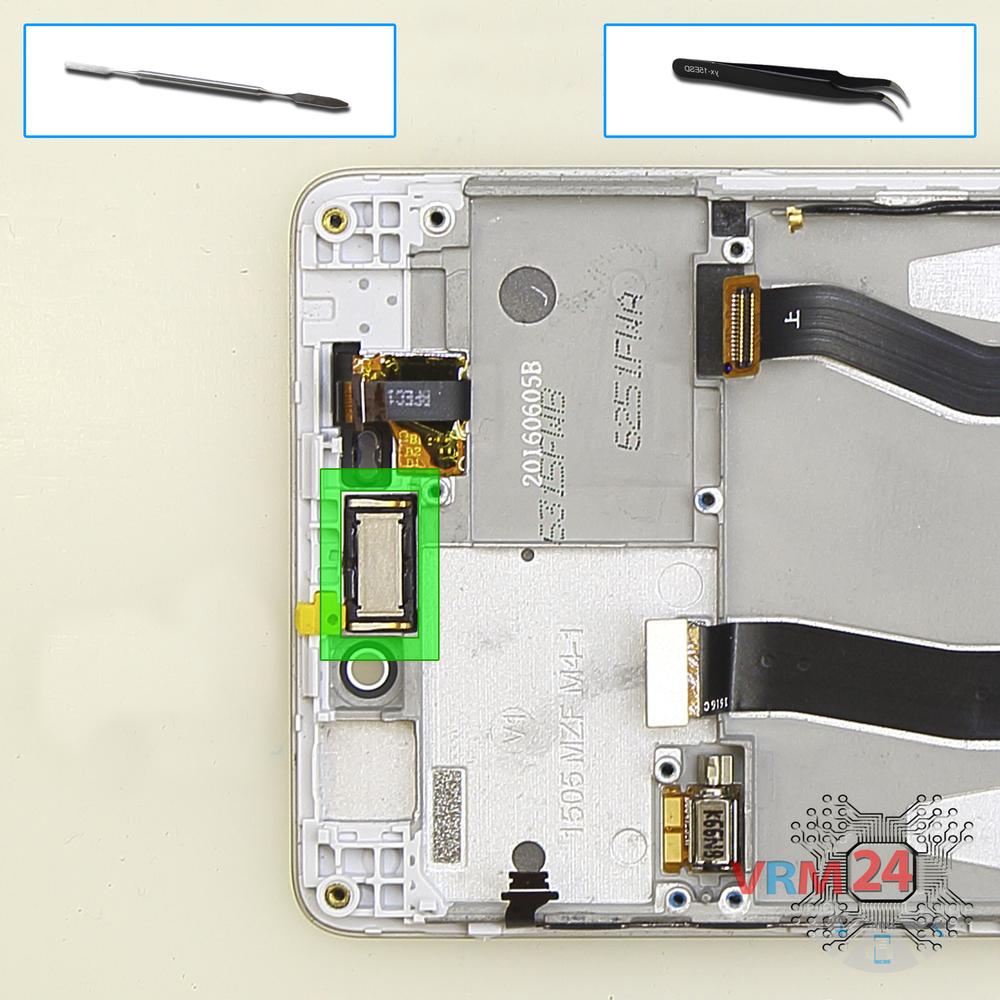
Remove the earpiece speaker
Pry at the bottom and remove the earpiece speaker.
⚠️ Be careful! The earpiece speaker is glued a bit with adhesive.
⚠️ If we pry the speaker in the middle we may break the earpiece speaker in half.
Step 19.
In the display frame remained
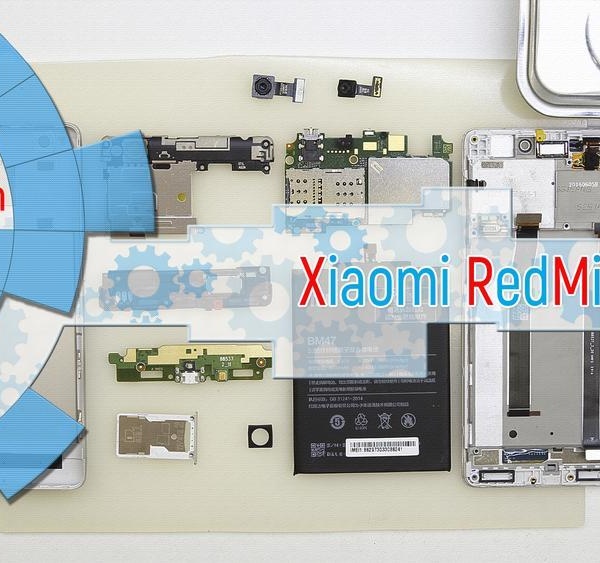
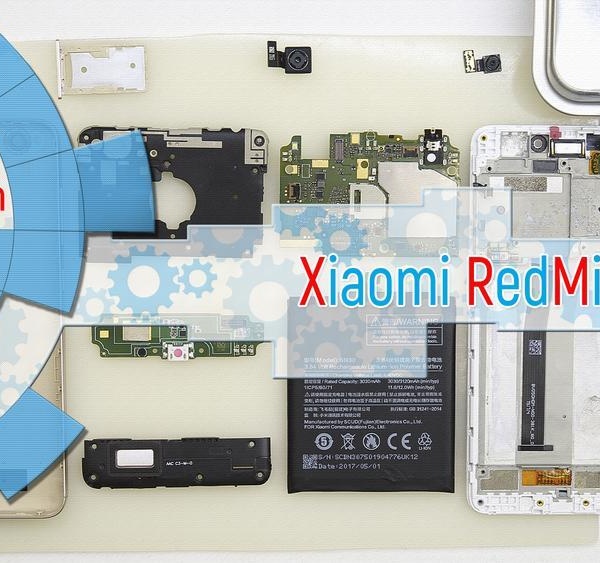
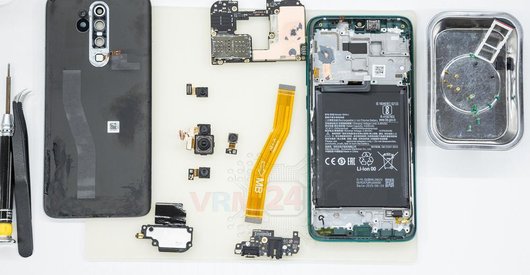
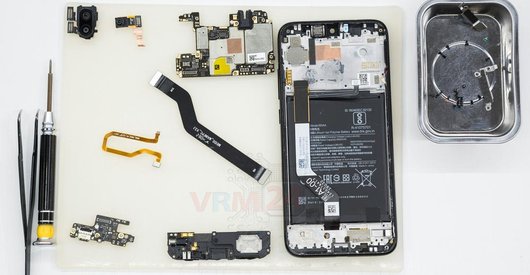
ℹ️ In the display frame remained: the coaxial cable, inter-board cable, vibration motor.

If you have a question, ask us, and we will try to answer in as much detail as possible. If this article was helpful for you, please rate it.

15940
Views
5
Likes
—
Share
74
Questions
Related Instructions
Related Reviews
Related Blog
Top instructions
Check our
Top Xiaomi instructions most liked by readers
New instructions
Check our
New Xiaomi brand instructions on vrm24.com