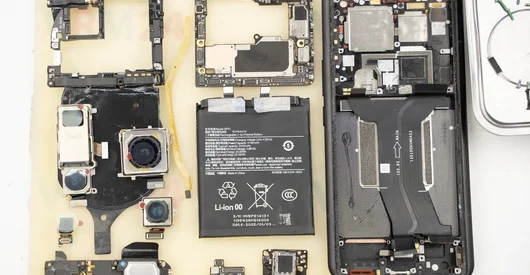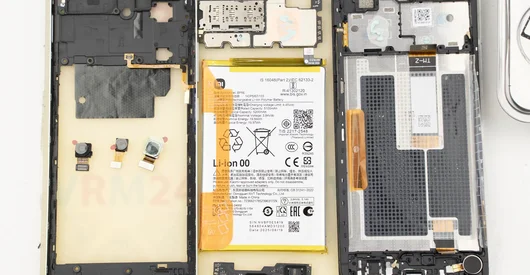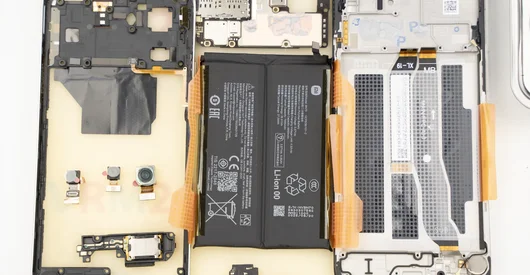
Recommended tools
Heat gun

Screwdriver Phillips #000

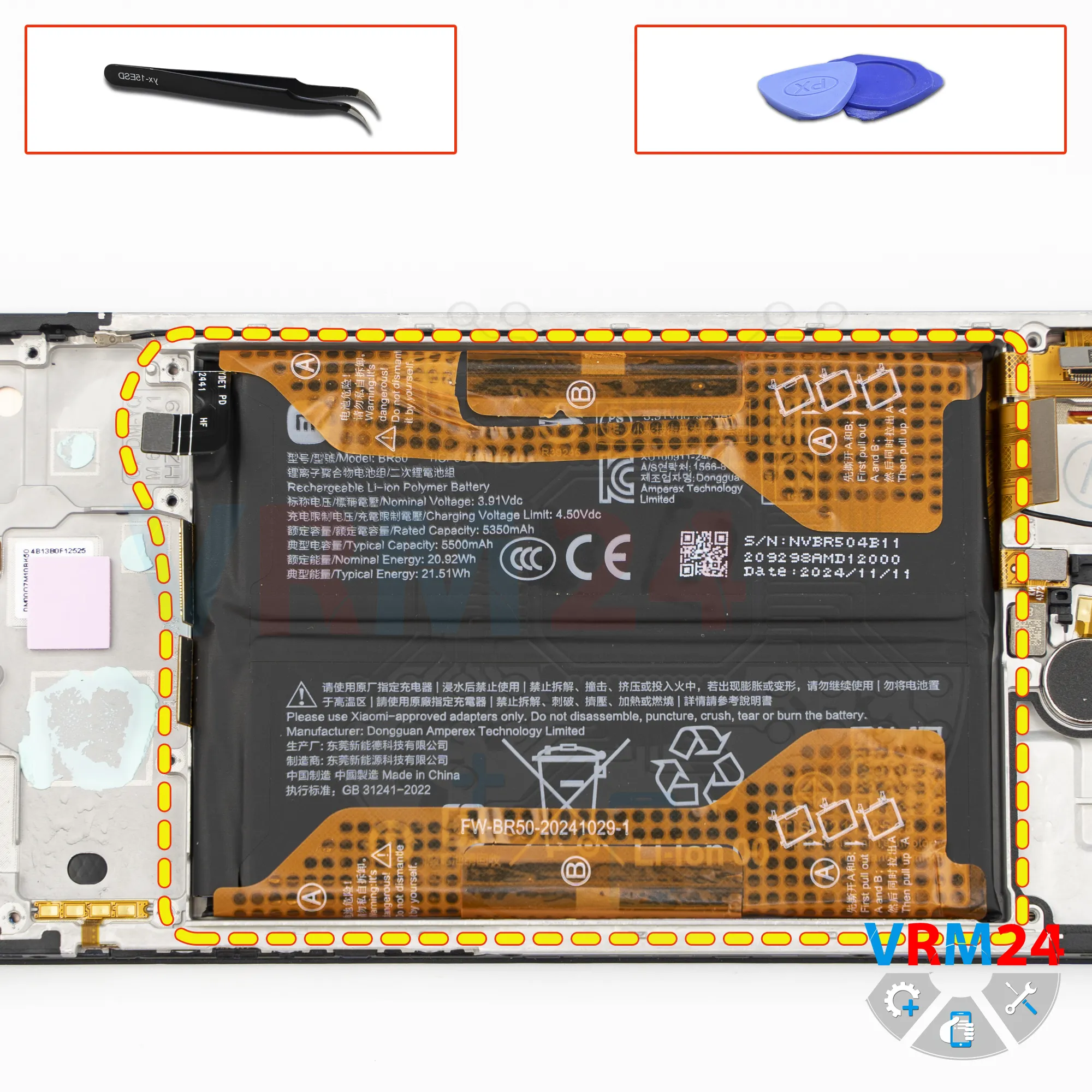
Tweezers

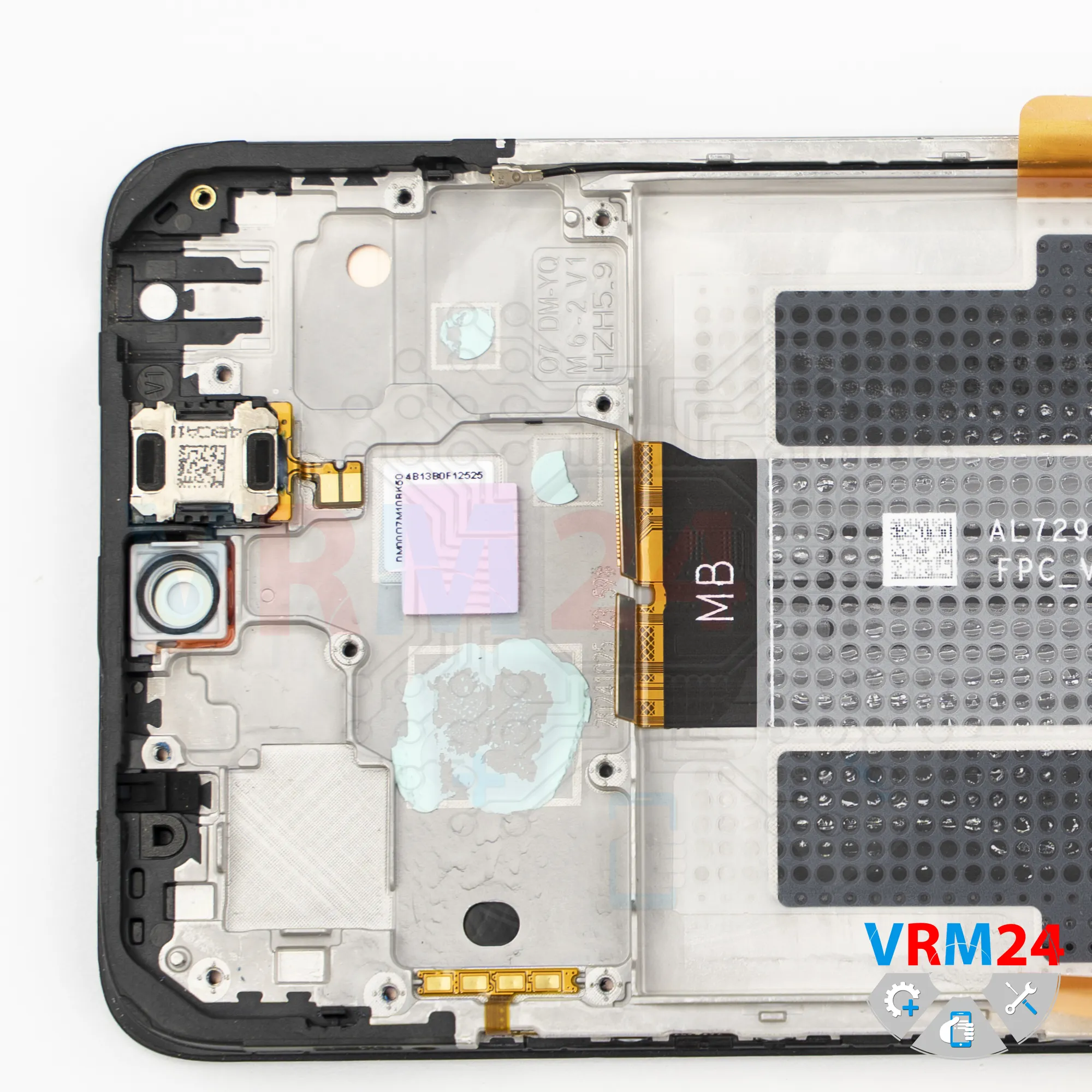
Non-metallic tool

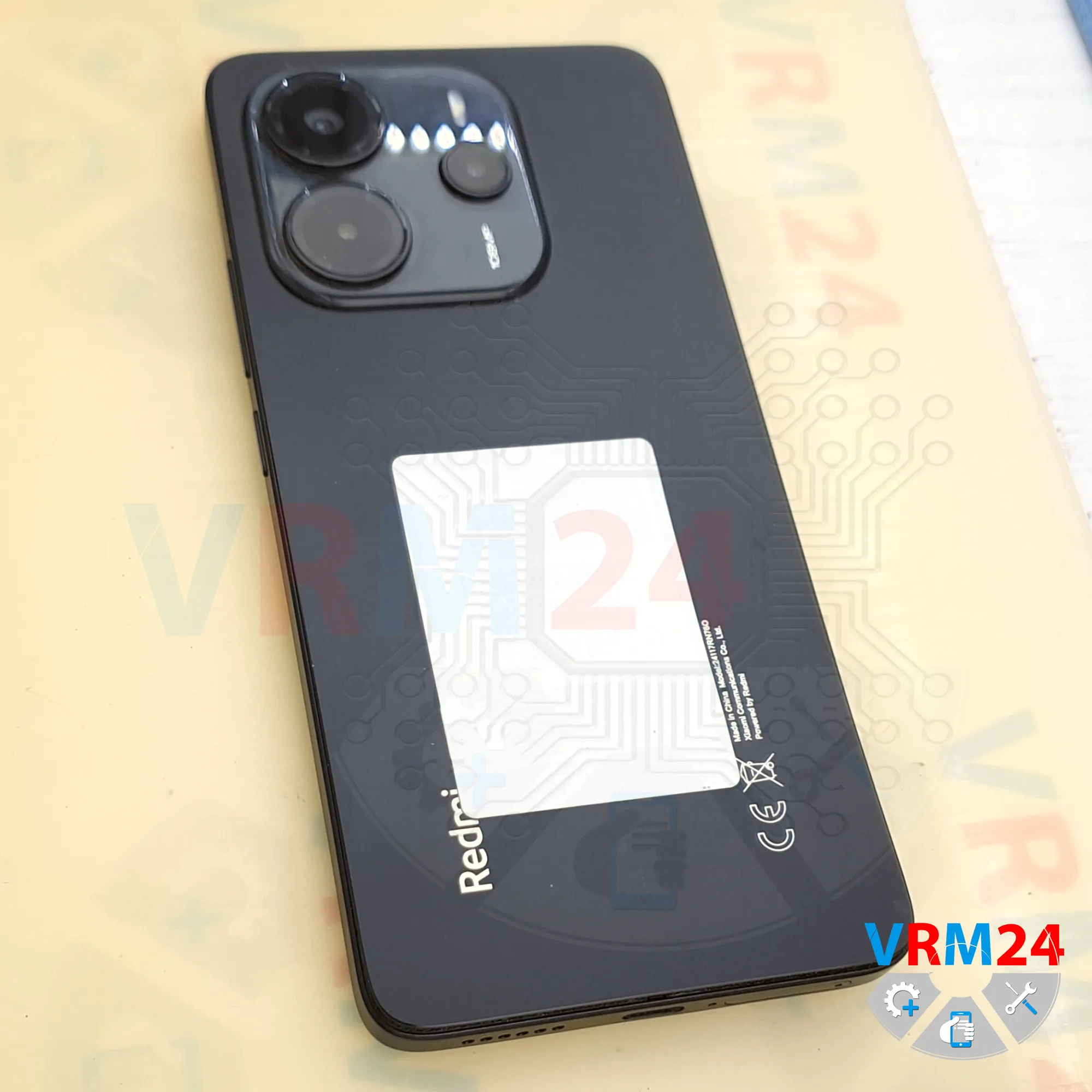
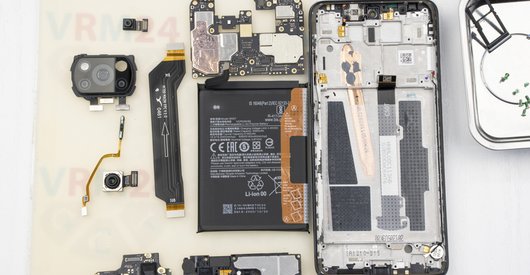
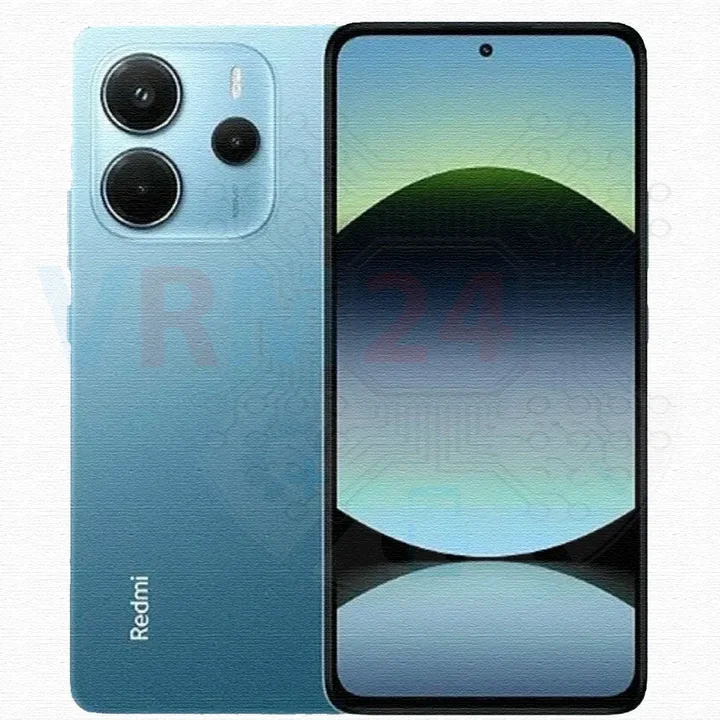
Disassembly/Repair of the mobile device Xiaomi Redmi Note 14 (Xiaomi Redmi Note 14 24117RN760) with each step description and the required set of tools.
10009
Views
1
Likes
—
Share
0
Questions

Step 1.
Before disassembling!
⚠️ Before disassembling, do not forget to turn your phone off.
Step 2.
Remove the tray
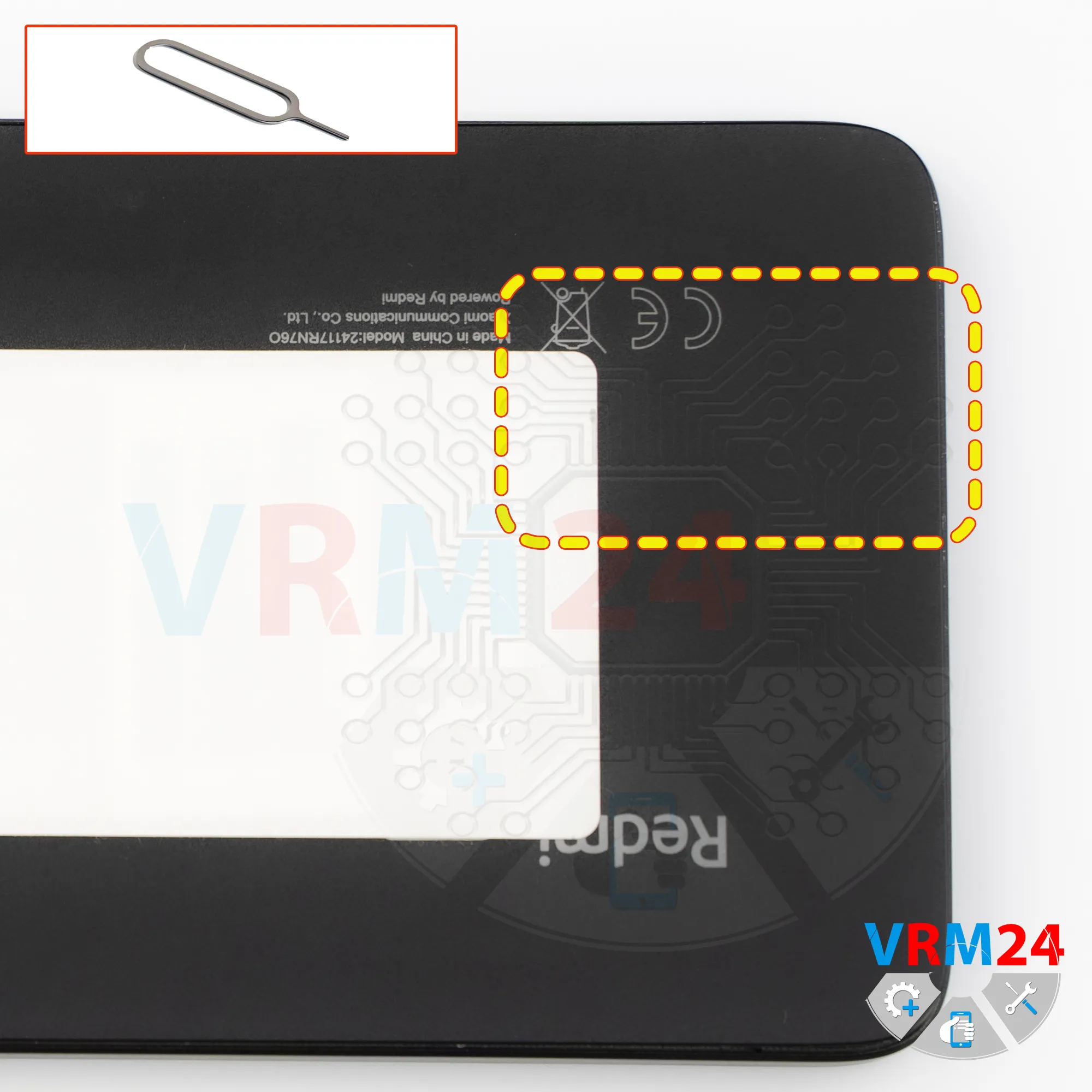
First of all, we need to remove the SIM card tray.
To do this, we use a special eject tool, insert it into the hole, and carefully push the card tray out.
Step 3.
Open the back cover
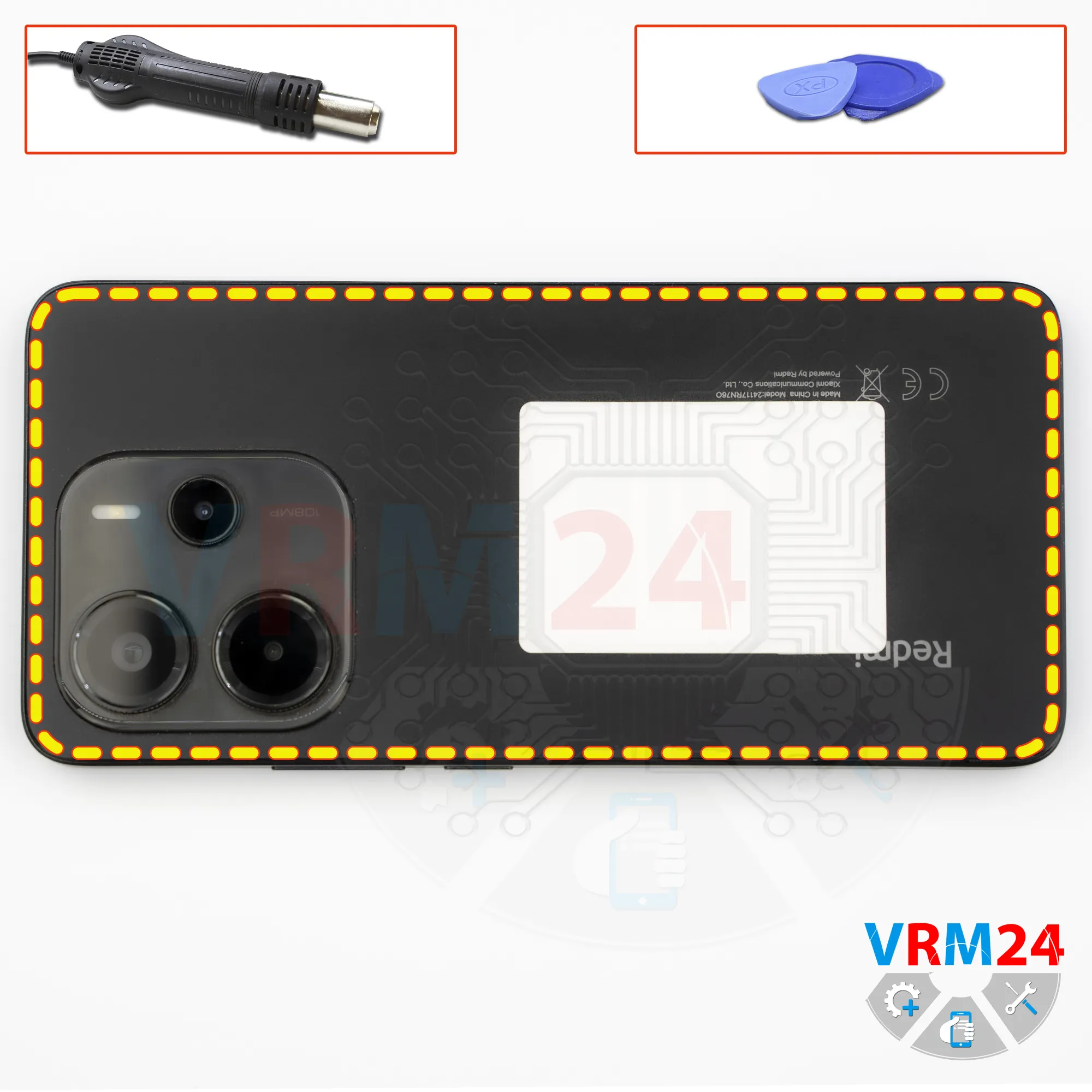
After that, we need to heat the surface of the back cover to a temperature of approximately 70 degrees Celsius or 160 degrees Fahrenheit. For this, we use a heating pad, but you can also use a hair dryer.
After about 10 minutes, we can proceed to separating the back cover.
To detach the back cover, we use a thin plastic film. Carefully insert it into the gap between the back cover and the midframe and gently move it along the edge, cutting through the adhesive layer.
As always, we need to be careful around the side buttons, since flex cables may be located in this area.
We also need to be careful around the cameras so as not to accidentally touch or damage the lenses.
And of course, it’s better not to insert the tool or plastic film too deep under the back cover, since we don’t know exactly what is located there.
As we can see, there is nothing mounted on the back cover itself.
Step 4.
Unscrew the screws
After that, we need to cover the camera lenses.
For this, we use a special protective film. Please note that the film is applied not to the lenses themselves, but to the rim around them.
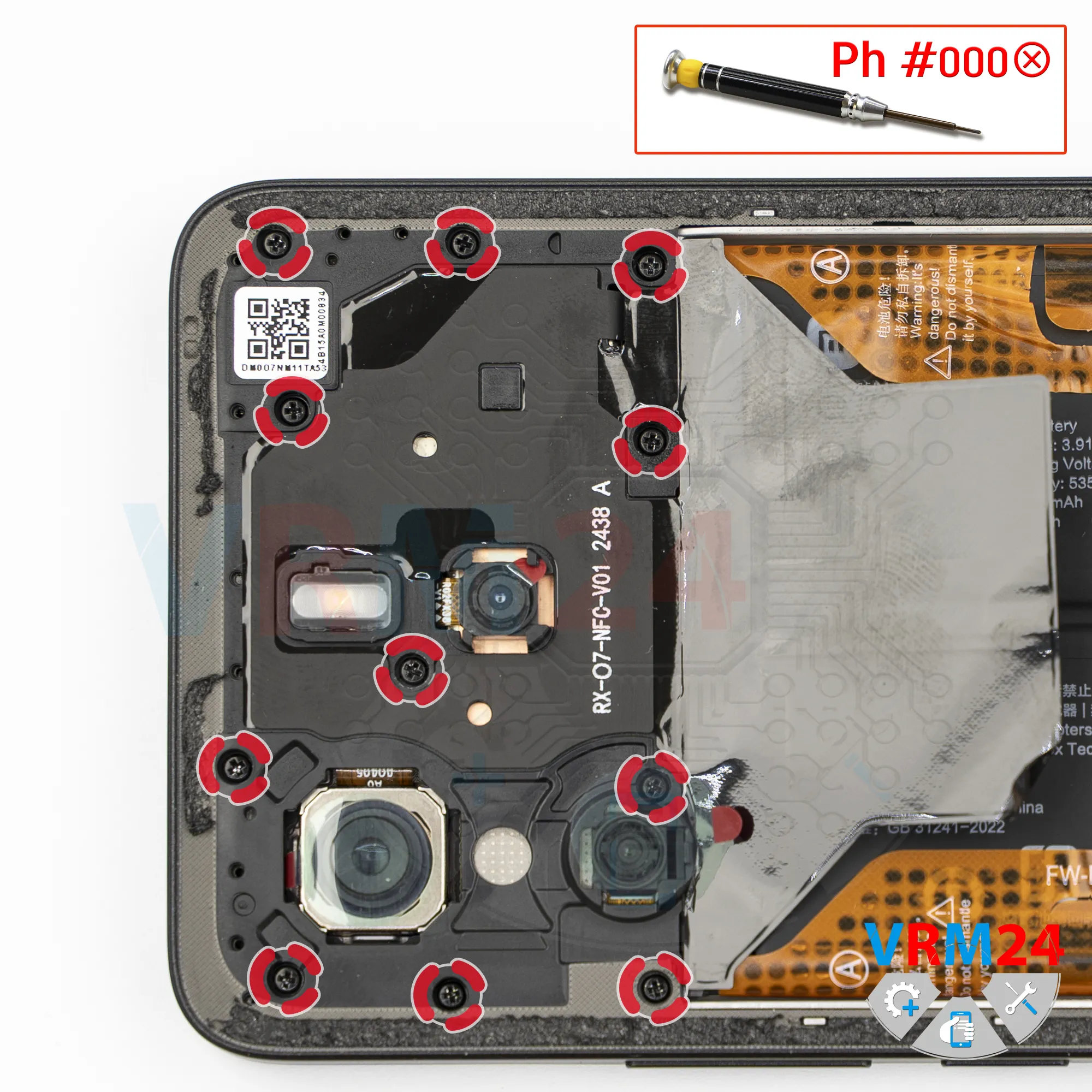
Next, we need to unscrew the screws at the top.
For this, we use a 1.5 mm Phillips screwdriver, or a PH000 Phillips.
If the screws are difficult to loosen, we can use a magnetizer.
If the screws are hard to remove, we can additionally use tweezers.
Step 5.
Unscrew the screws
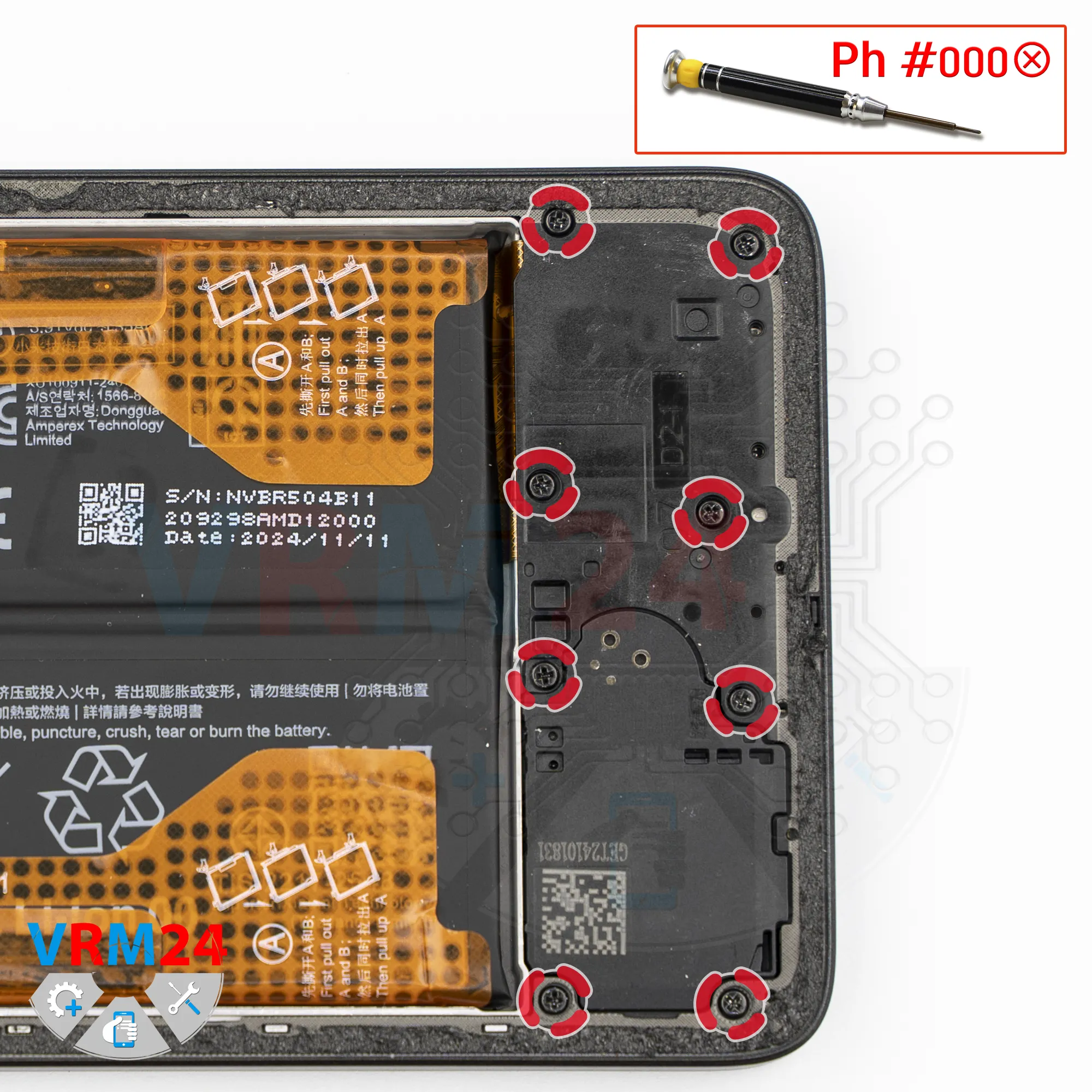
Next we unscrew the screws at the bottom.
It’s best to place the screws on a special surface in a specific order, since the screws may differ.
In our case, however, it’s more likely that the screws may not screw in properly if they are placed in the wrong holes.
Step 6.
Open the mid-frame
After removing the screws, let’s disconnect the midframe.
To do this, we use a thin plastic film. We insert it into the gap between the midframe and the display frame in the area of the SIM tray opening.
We unclip several clips, and then use a thicker tool.
As always, we also need to be careful around the corners, since the cover is firmly secured there.
We also need to be very careful with the edge of the display so as not to accidentally damage it, because it is quite fragile.
On the midframe, there are contact pads, antenna traces, and the flash.
Step 7.
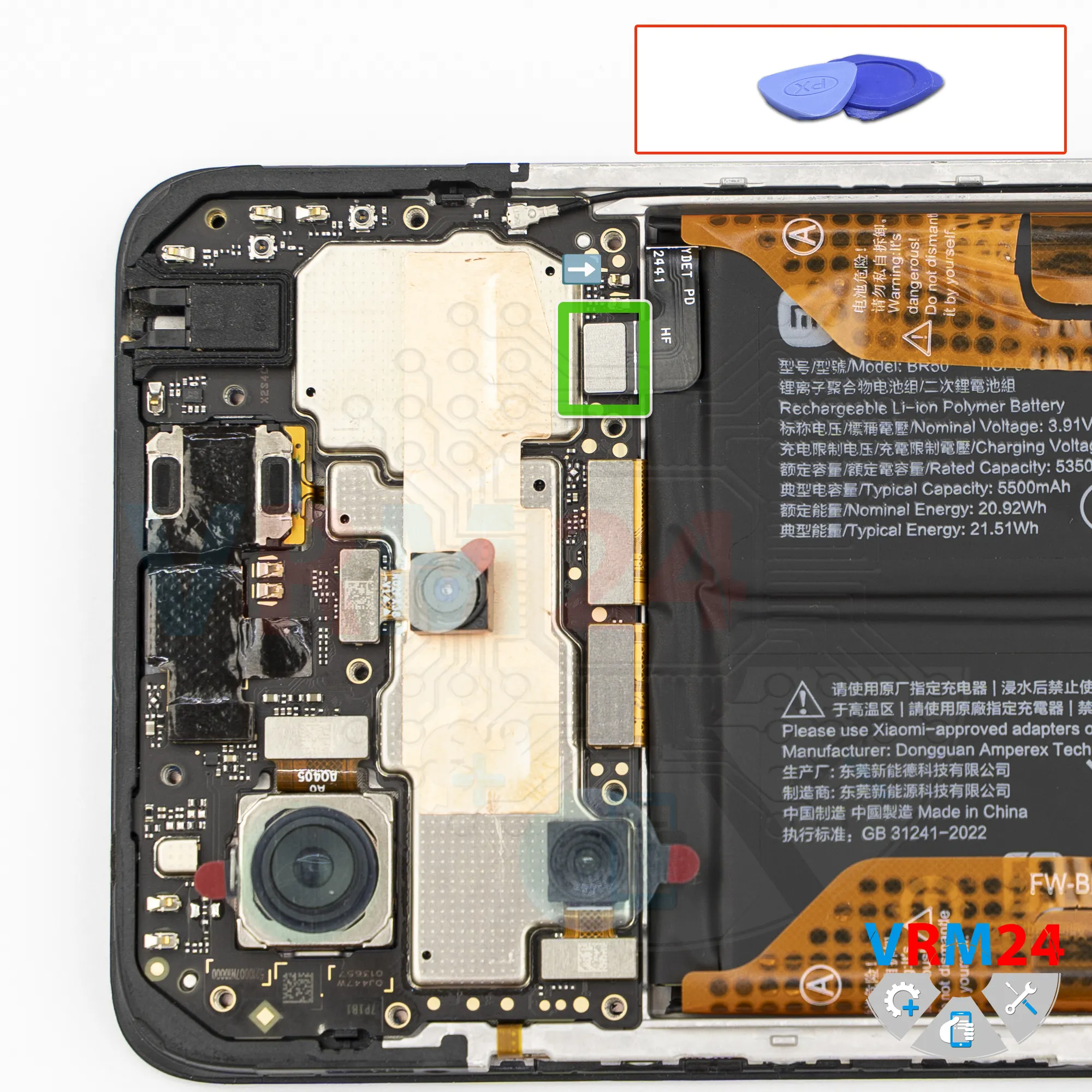
Disconnect the battery connector
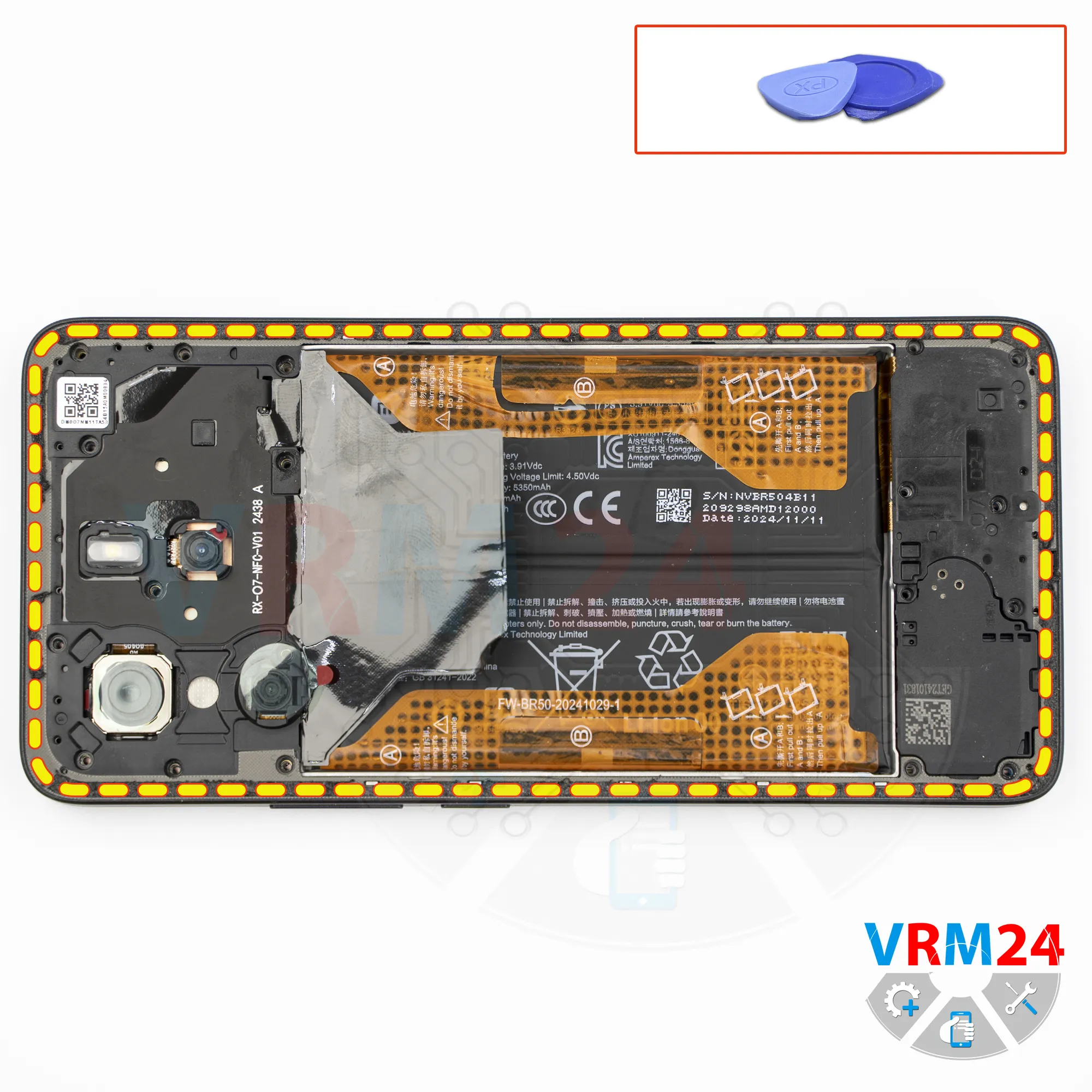
Next, using a non-metal tool, we disconnect the battery connector and move on to the lower part.
ℹ️ The Xiaomi Redmi Note 14 model 24117RN760 uses a BR50 rechargeable battery with a capacity of 5500 mAh.
Step 8.
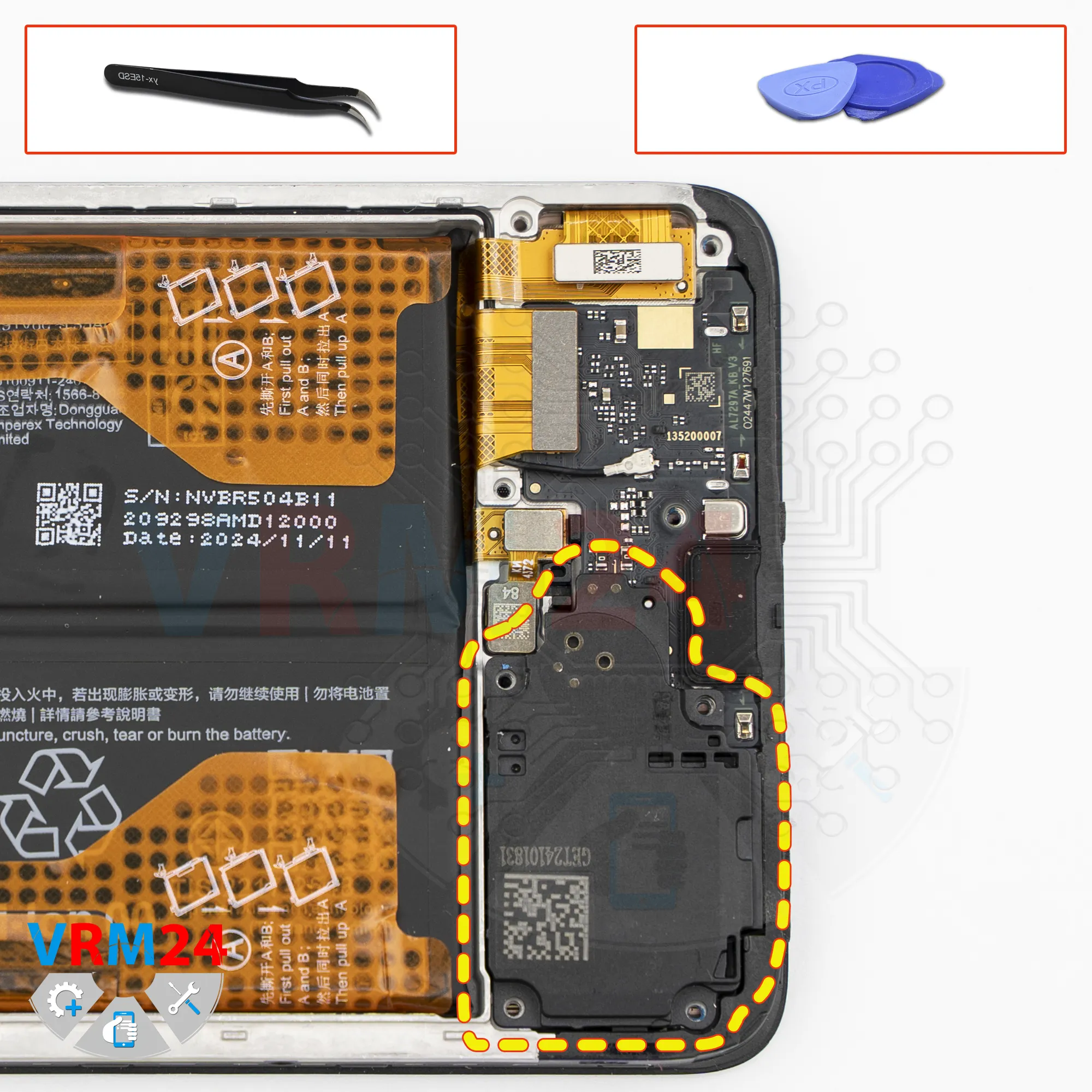
Remove the loudspeaker
We can also remove the cover with the speaker and set it aside.
Step 9.
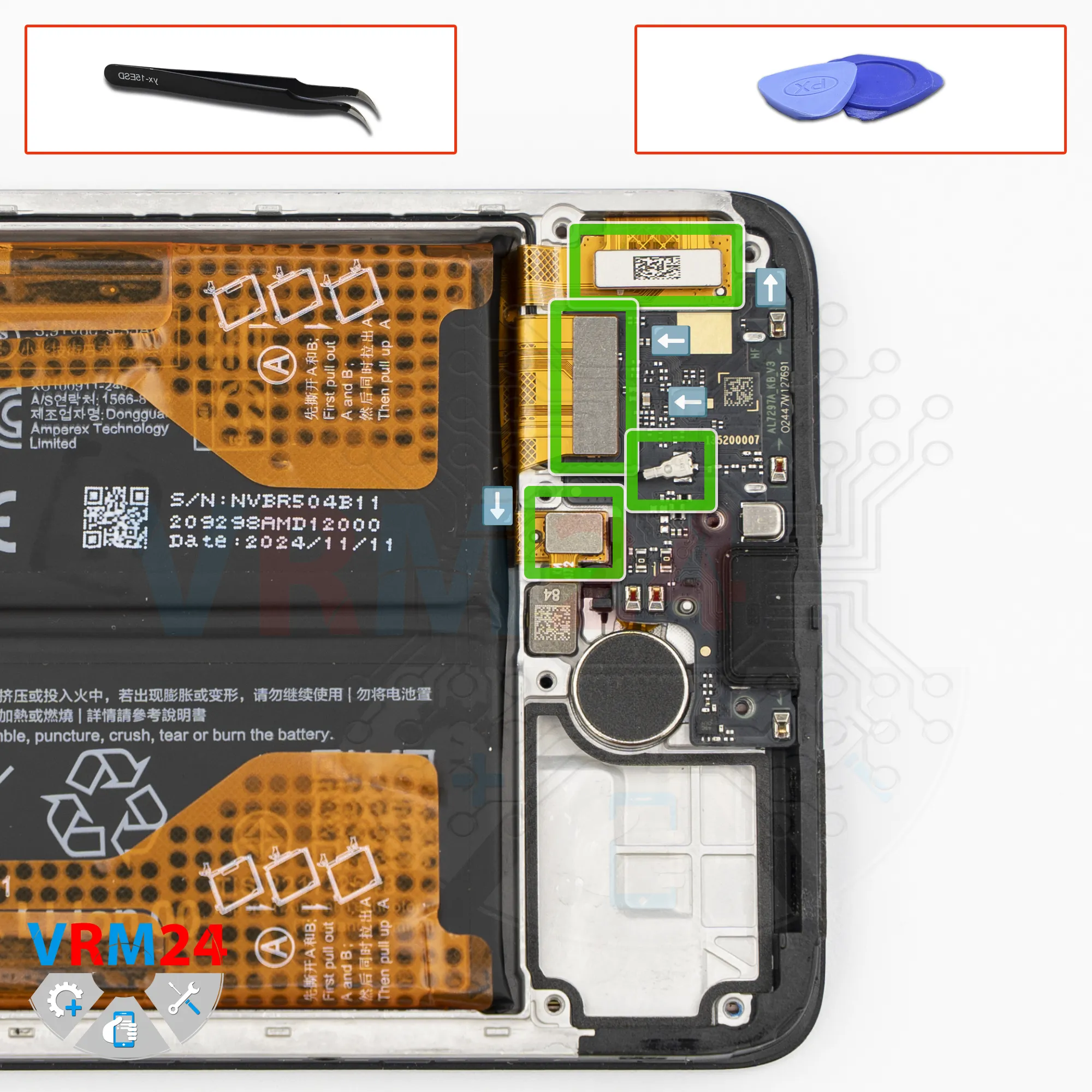
Disconnect the connectors
We disconnect the interconnect flex cable connector and disconnect the coaxial cable connector.
After that, we disconnect the fingerprint sensor connector, and then we can disconnect the display flex cable connector.
Step 10.
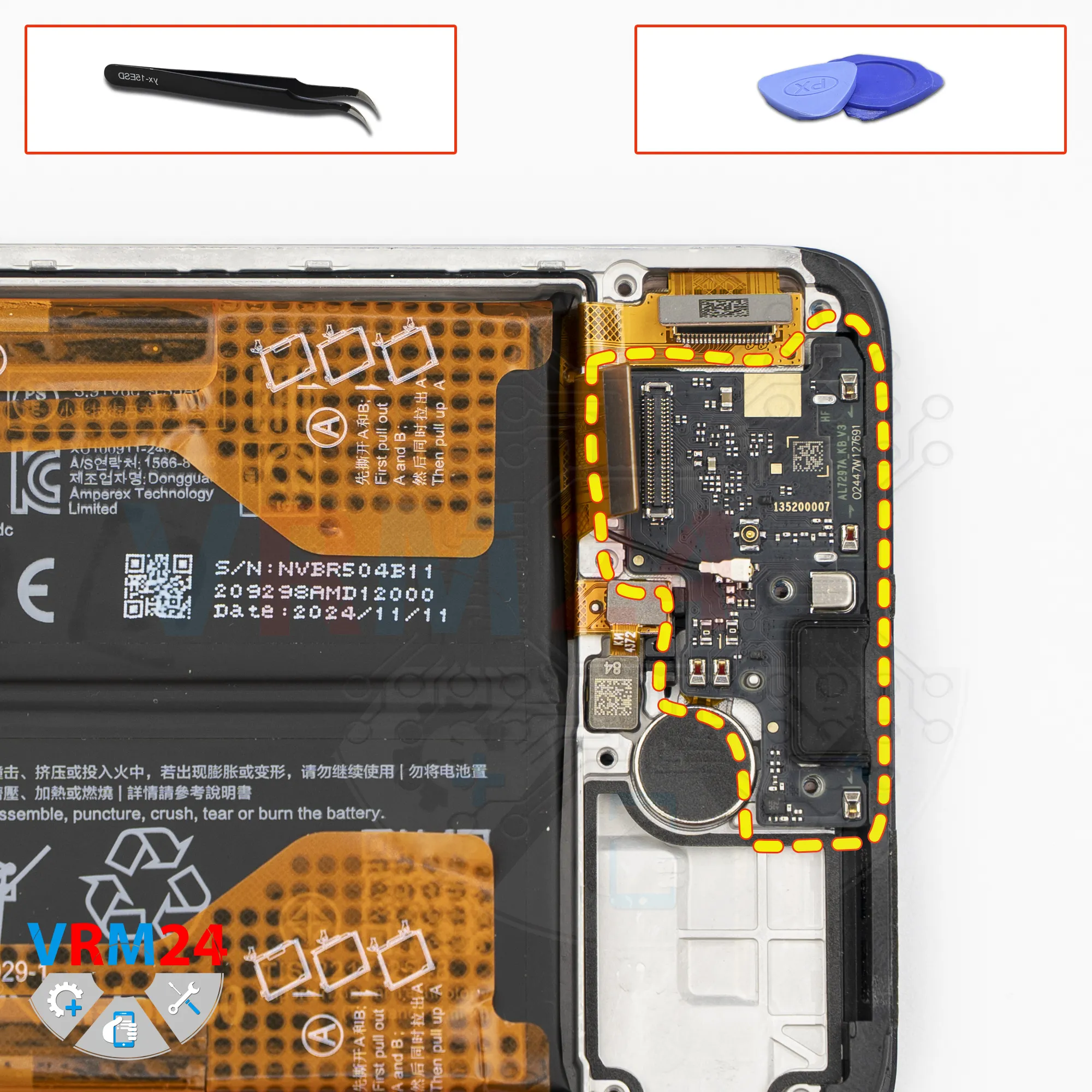
Remove the sub-board
Now we need to remove the sub-board.
Carefully pry it up in the correct place and remove it.
The sub-board contains the charging port, the microphone, and the SIM card connector on the back side.
In the display frame, the vibration motor, the fingerprint sensor, and the display flex cable remain.
Step 11.
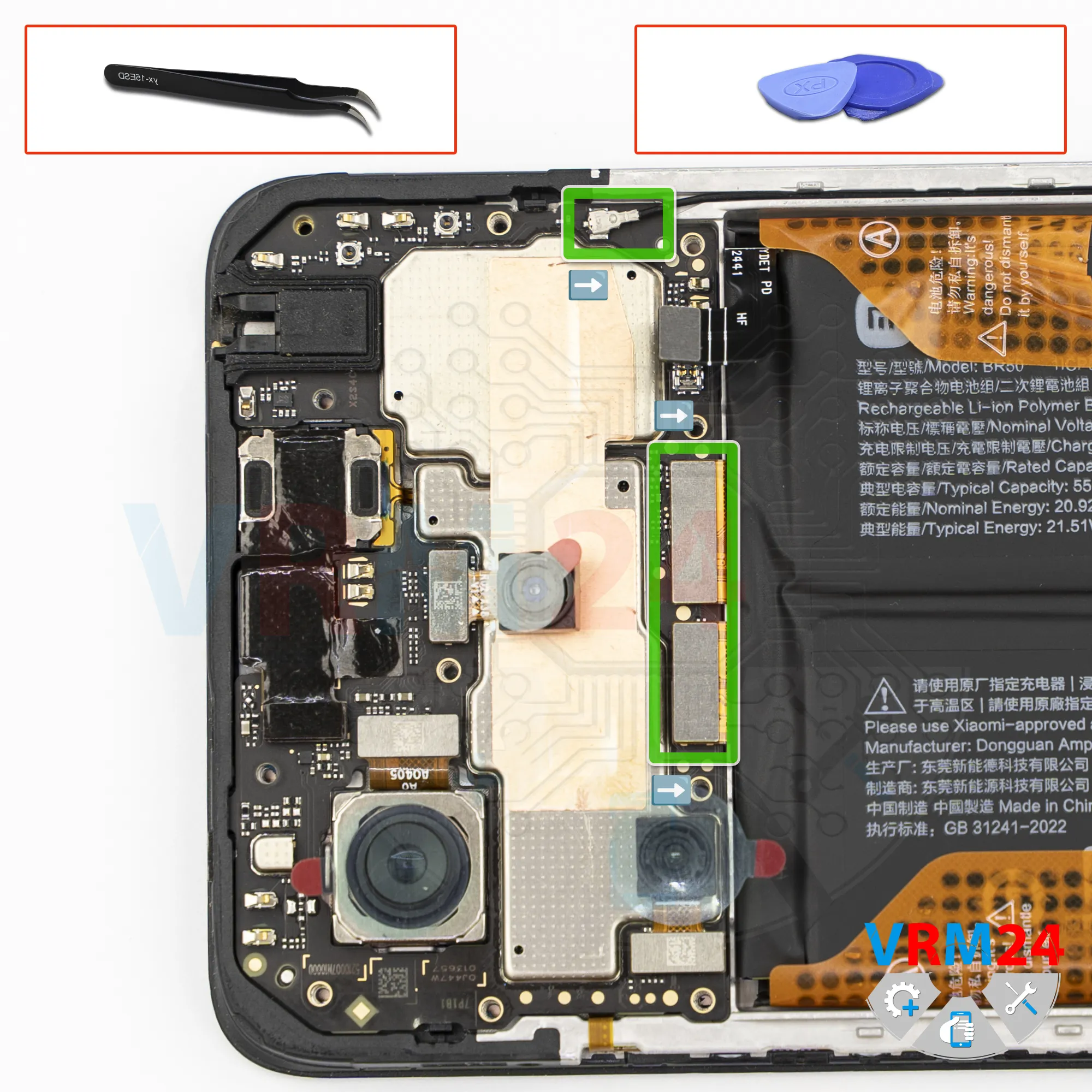
Disconnect the connectors
After that, we disconnect the coaxial cable connector, the display flex cable connector, and the interconnect flex cable connector.
Step 12.
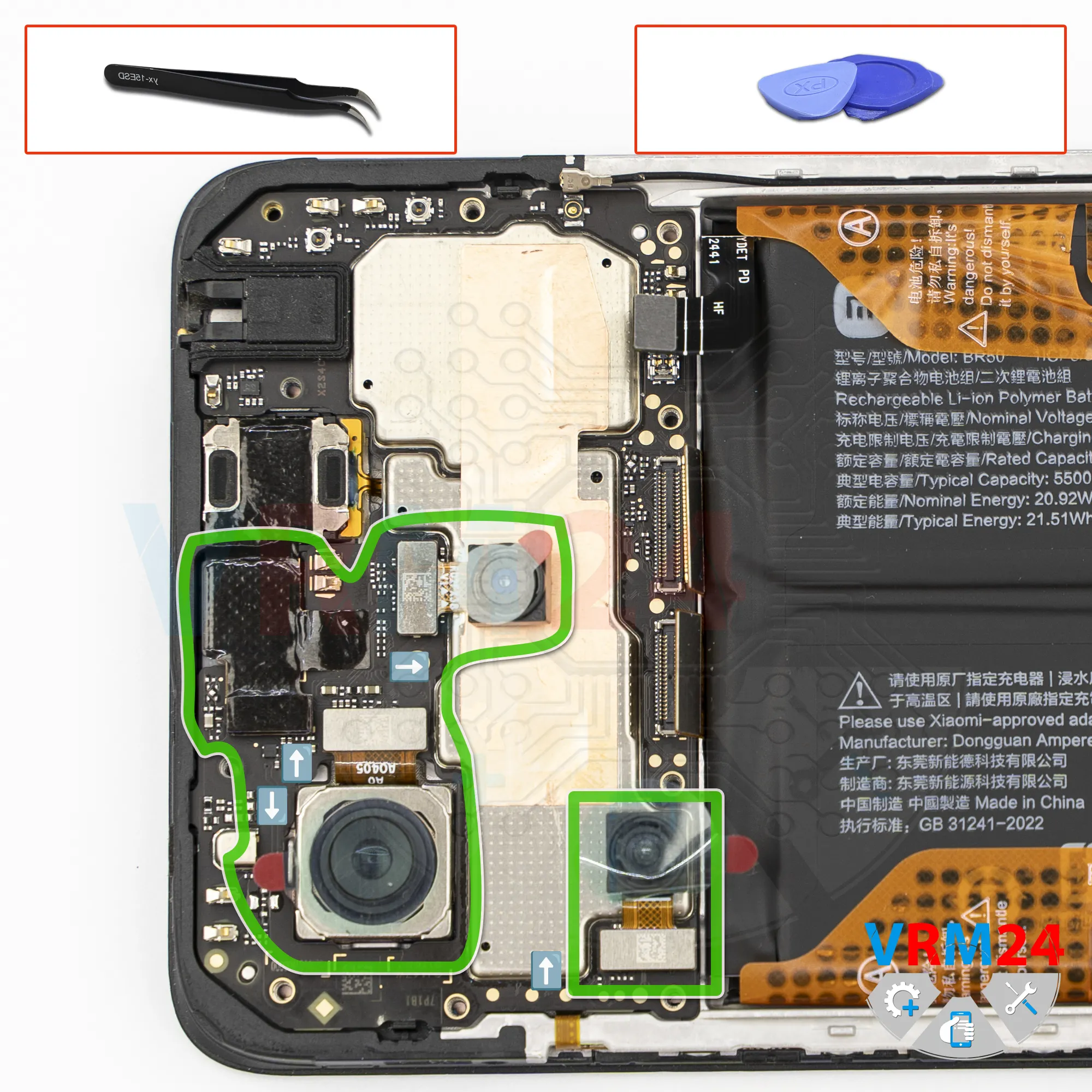
Remove the cameras
We disconnect the rear cameras and set them aside so they don’t get in the way.
We can also disconnect the front camera, and it’s also better to peel off and save the heat-dissipation film, since we’ll need it for reassembly.
It’s also a good idea to cover the camera lens with protective film so that dust or debris doesn’t get on it.
Step 13.
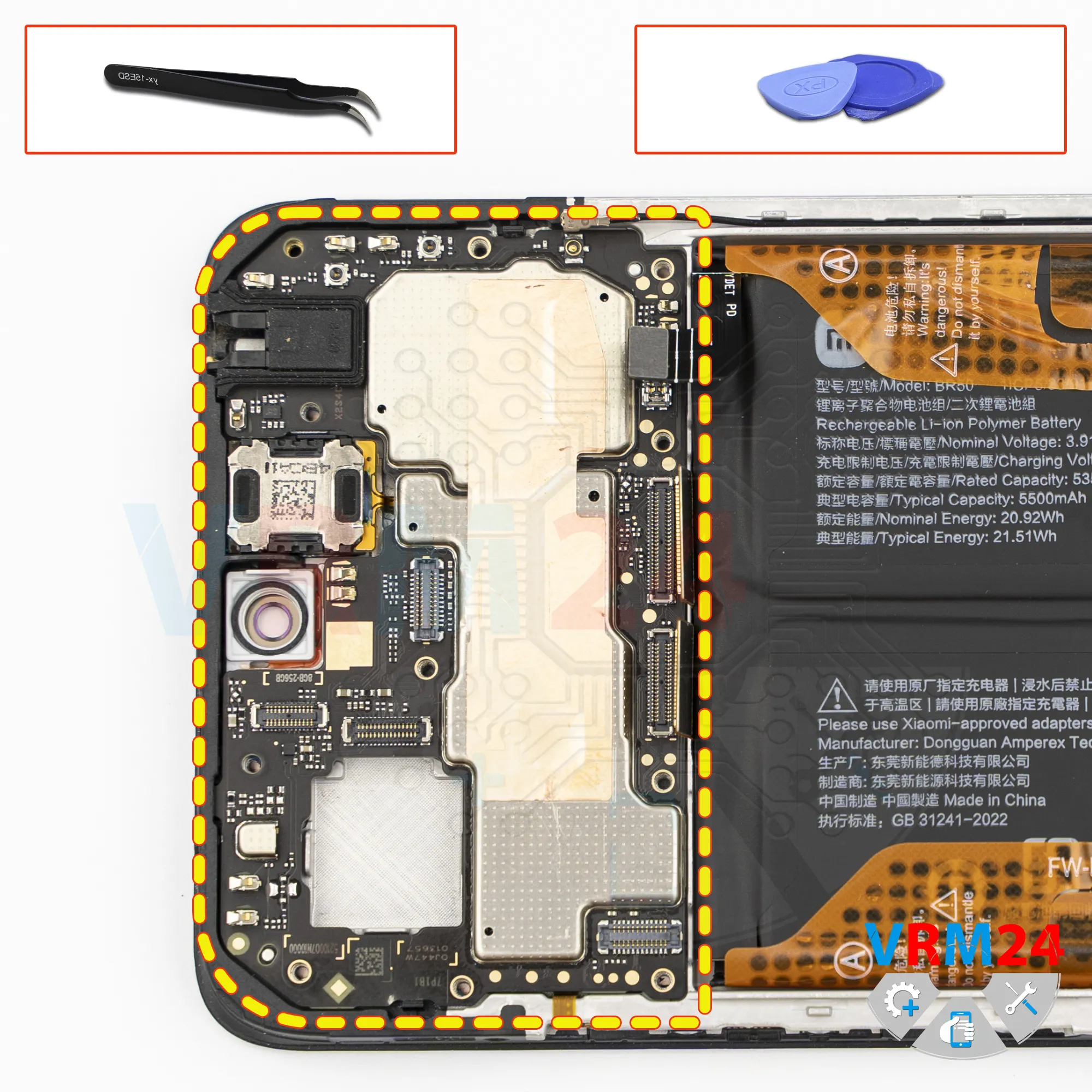
Remove the motherboard
Now we can try to remove the mainboard.
Carefully pry it up, lift it, and remove the mainboard.
On the back side, the mainboard may be held in place by thermal paste.
Step 14.
Remove the battery
And finally, we move on to removing the battery.
Traditionally for Xiaomi, we have brown pull tabs. In this case, they are located on both sides.
So, we read the instructions, and as becomes clear from the description, the tabs located on the edges need to be carefully folded to the side, and we pull upward on them.
The tabs located in the middle need to be folded back as far as possible so that they don’t interfere with removing or ungluing the battery.
Next, we move to the second side and repeat the procedure: fold the tabs back and pull upward, thereby detaching the battery.
Under the battery, there is a transparent adhesive protective layer that protects the interconnect flex cables.
Step 15.
In the display frame remained
ℹ️ In the display frame remained: the earpiece speaker, fingerprint sensor, vibration motor, and cables.

If you have a question, ask us, and we will try to answer in as much detail as possible. If this article was helpful for you, please rate it.

10009
Views
1
Likes
—
Share
0
Questions
Related Instructions
Related Reviews
Related Blog
Popular Questions
N
Xiaomi RedMi 5 Plus
Hey, does Xiami sell original parts? How do I know if the one I bought is original?
Nicolas Landau18
Xiaomi Mi Note 2
i live in india.. new delhi can you repair my phone
daksh
Y
Xiaomi Redmi S2
am having a hard time getting the cover out at 3:24 i opened half way but on the other side is hard to pry apart I dont want to break it in the video…
Yvan R3
I
Xiaomi RedMi 4X
What the number code of ic charger for xiaomi 4x,
ilman nur kamal10
F
Xiaomi RedMi Note 3
Me dejó de funcionar mi note 3 pro.De repente al cargarlo el móvil empezó a perder batería hasta quedarse en 0.Después no ha vuelto a encender. Si le…
frankiskito19Top instructions
Check our
Top Xiaomi instructions most liked by readers
New instructions
Check our
New Xiaomi brand instructions on vrm24.com