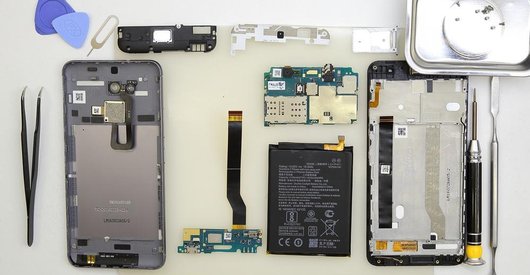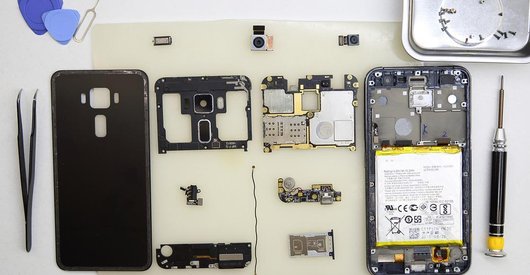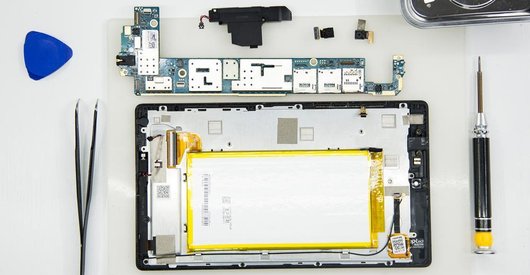









Ferramentas recomendadas
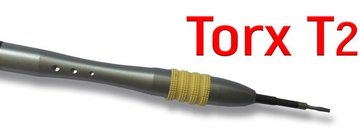
Chave de fendas Torx Т2
Chave de fendas Phillips #000

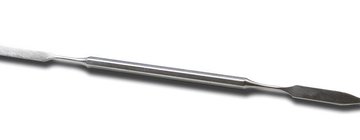
Alavanca / Ferramentas Spudger
Pinças
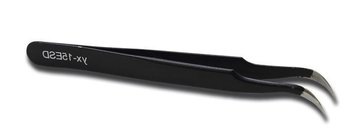
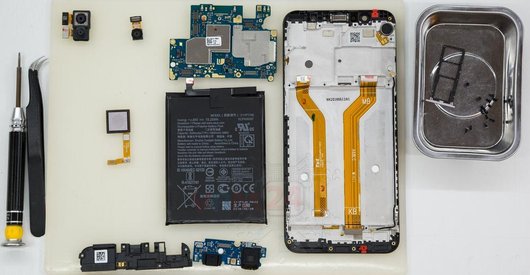
Desmontagem/Reparar do dispositivo móvel Asus ZenFone 3 Zoom ZE553KL com a descrição de cada passo e o conjunto de ferramentas necessárias.
7082
Visualizações
2
Curtidas
—
Compartilhar
9
Perguntas

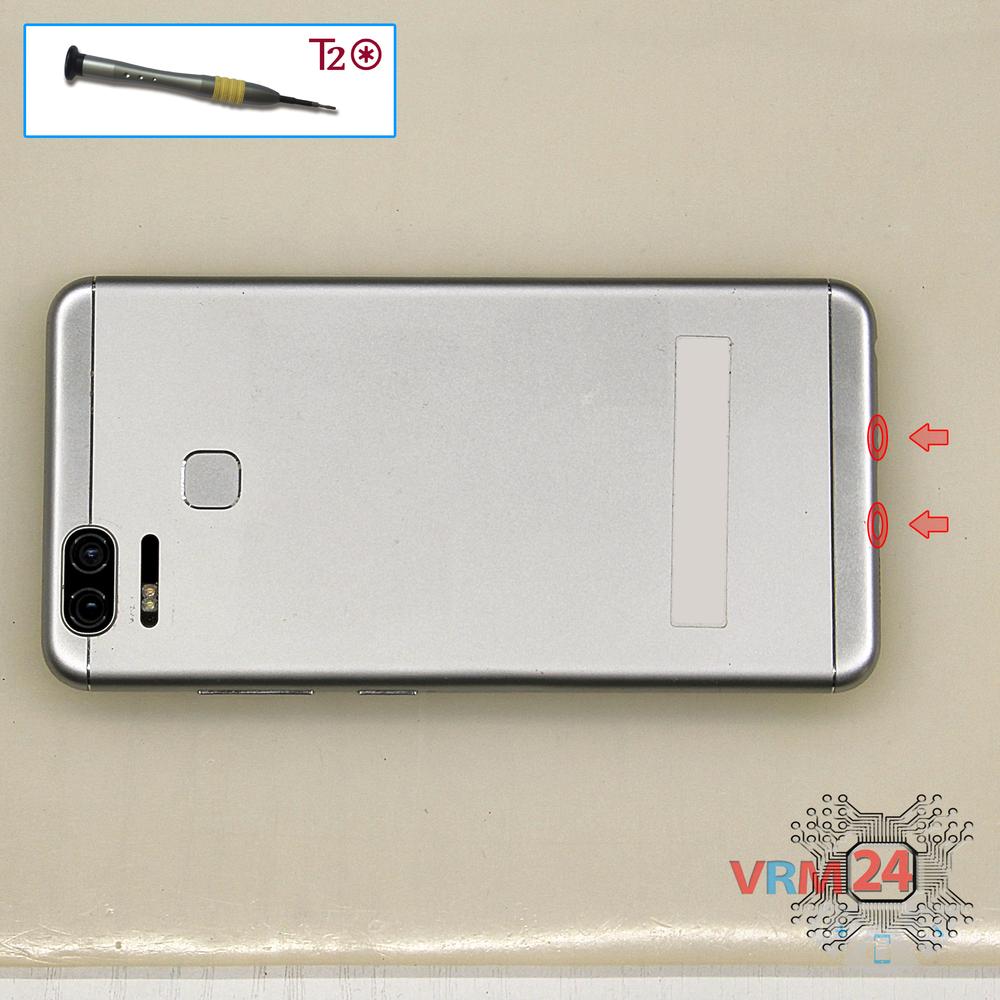
Passo 1.
Desaparafusar os parafusos
Usando uma chave de fenda (hex T2), desparafuse os 2 parafusos na extremidade do telefone.
Passo 2.
Retire a bandeja
Usando a ferramenta principal, abra o slot do cartão SIM e remova-o.
⚠ Aviso!
Não pressione & nbsp; com muita força, pois isso pode causar danos.
Passo 3.
Abrir a tampa traseira
Abra a contracapa.
Passo 4.
Desaparafusar os parafusos
Usando uma chave de fenda (cruzeta Phillips 1,5 mm), desparafuse 2 & nbsp; parafusos.
Passo 5.
Desligar o conector da bateria
Desconecte o conector da bateria.
⚠ Aviso!
Recomendamos fortemente desconectar o conector para evitar um possível curto-circuito durante a desmontagem.
Passo 6.
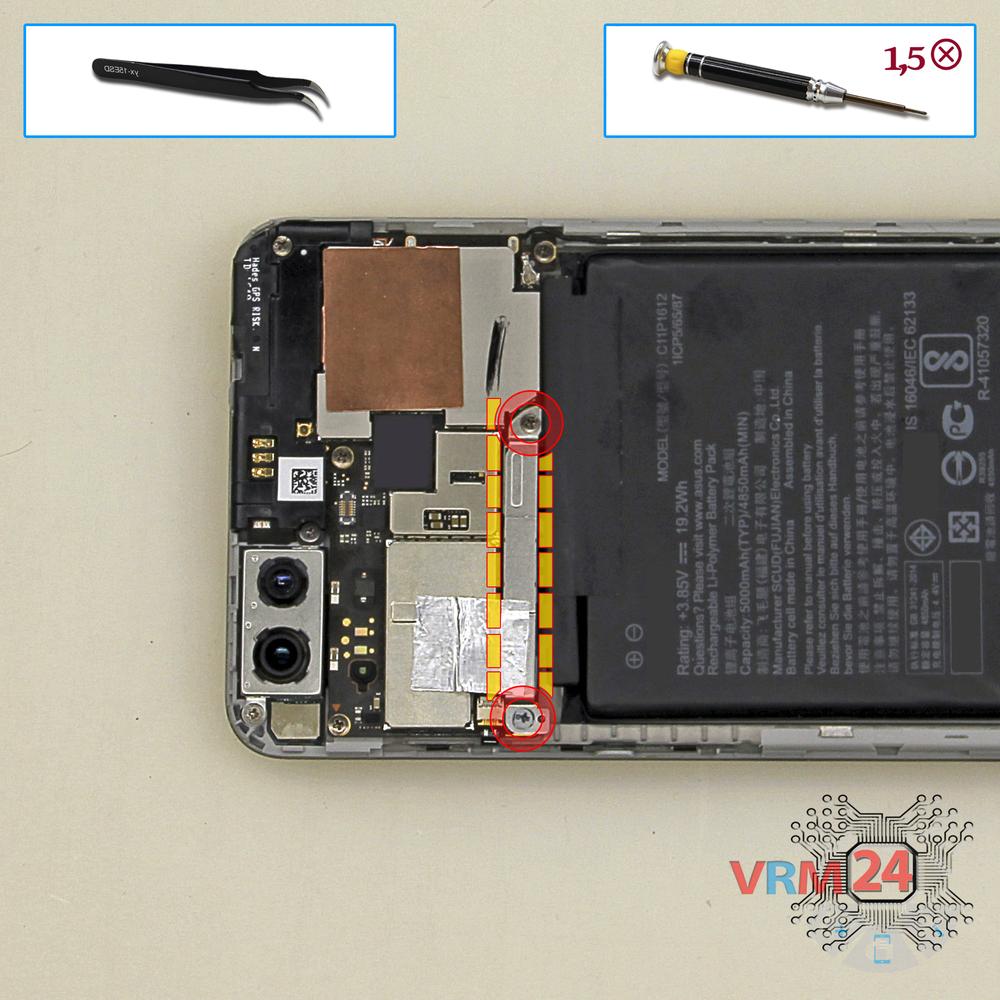
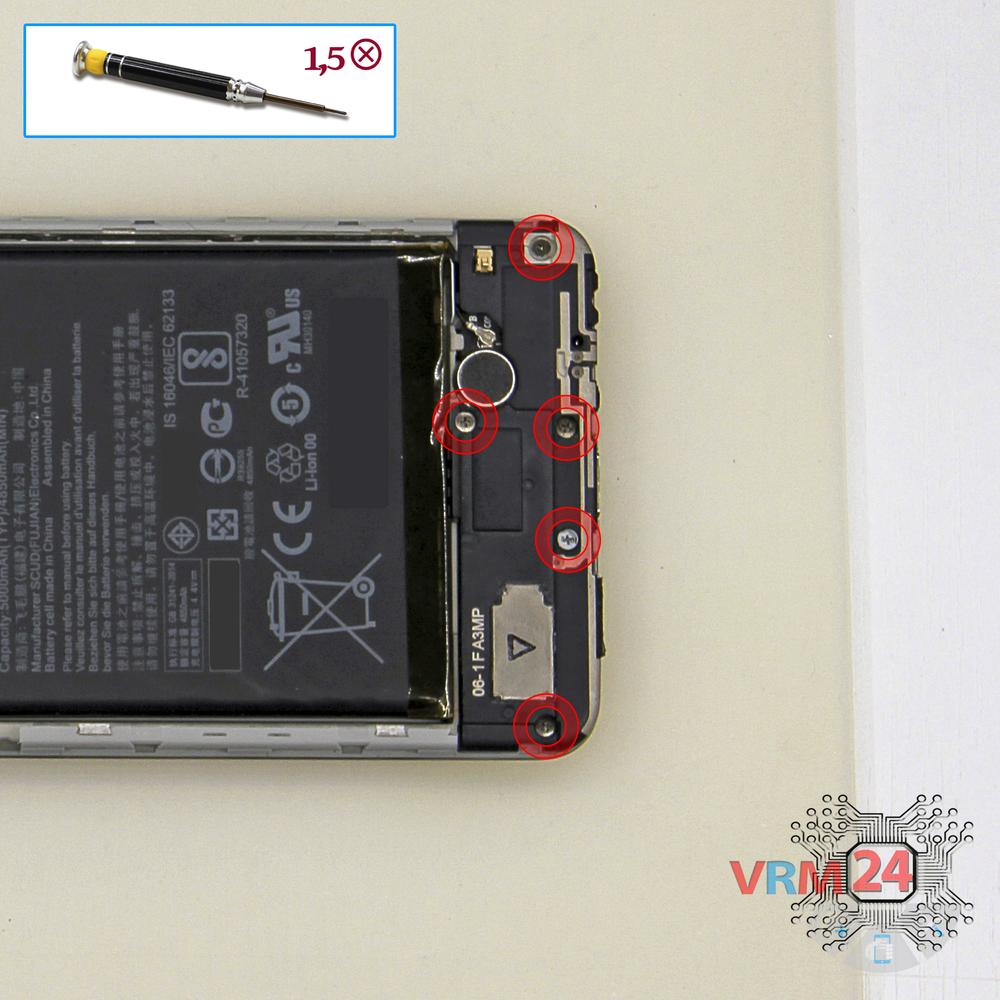
Desaparafusar os parafusos
Usando uma chave de fenda (cruzeta Phillips 1,5 mm), desparafuse os três parafusos da parte inferior do telefone.
Passo 7.
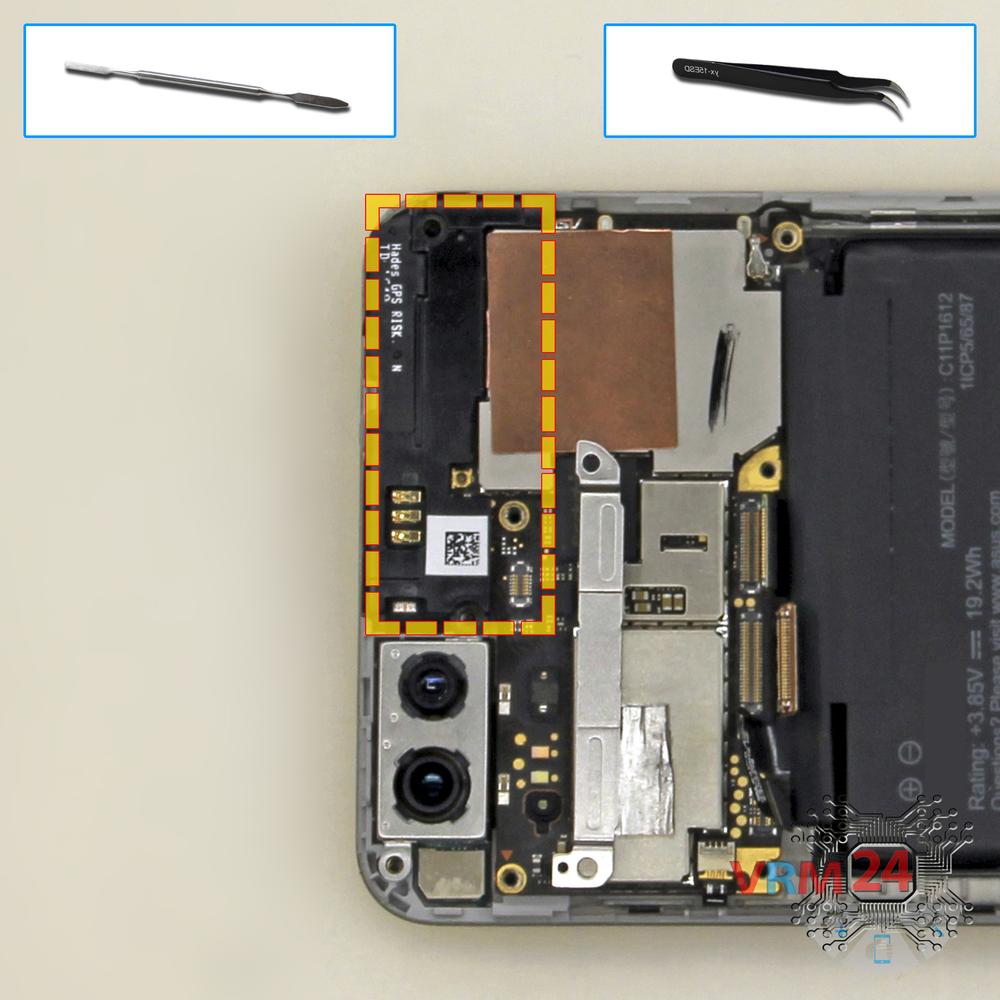
Retirar o altifalante
Remova a parte inferior com um alto-falante e antenas.
Passo 8.
Desconectar os conectores
Desconecte os conectores na parte inferior do PCB.
Passo 9.
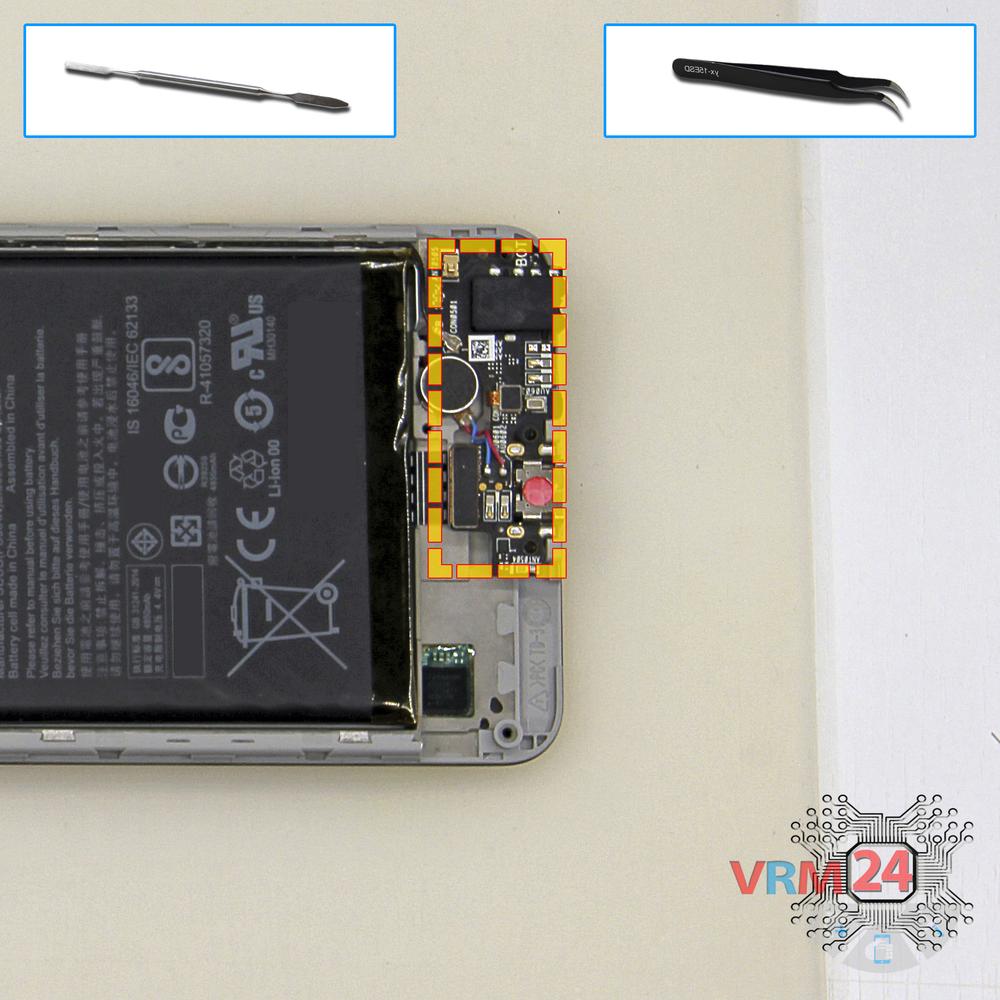
Remova a subplaca
Remova o PCB inferior.
Passo 10.
Desconectar os conectores
Desconecte os conectores do PCB.
Passo 11.
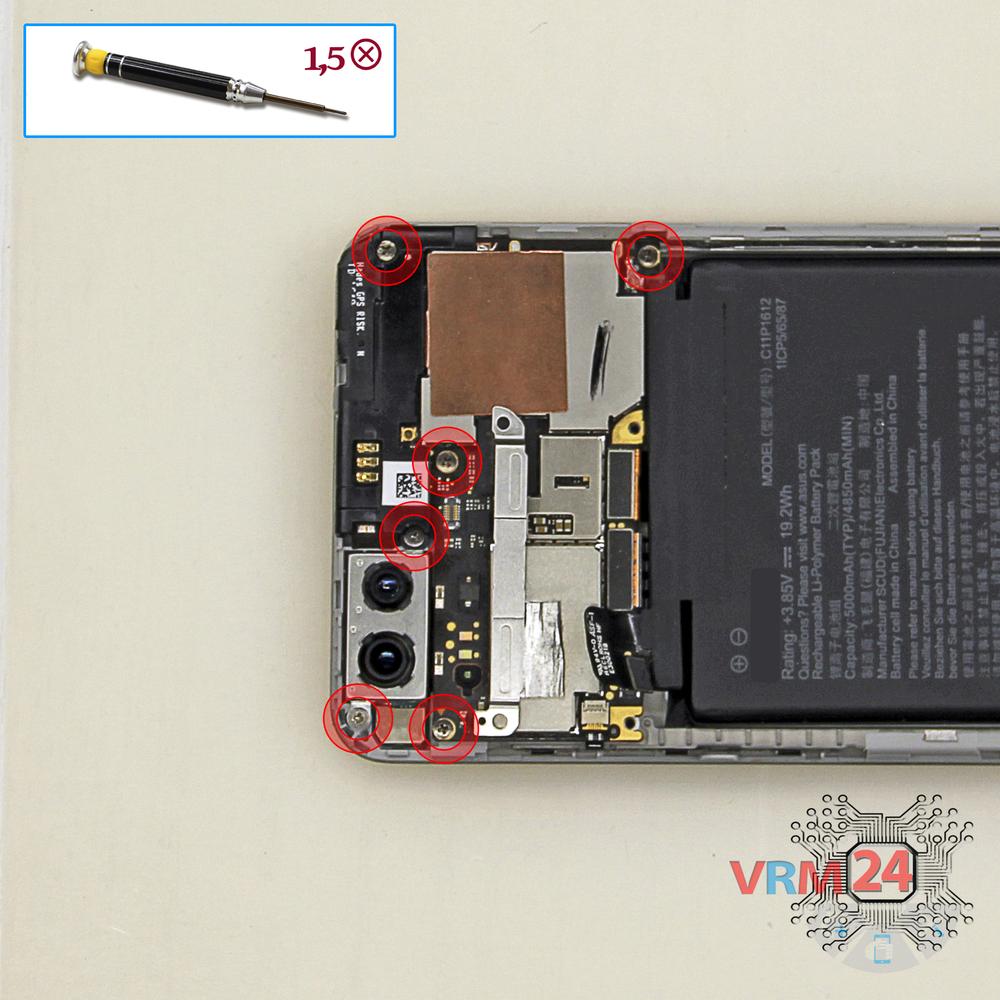
Desaparafusar os parafusos
Usando uma chave de fenda (cruzeta Phillips 1,5 mm), desparafuse 6 & nbsp; parafusos da placa de circuito impresso.
Passo 12.
Remova a moldura
Remova o painel na parte superior.
Passo 13.
Retirar a placa-mãe
Remova o PCB.
Passo 14.
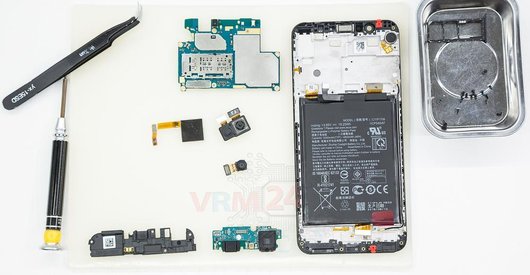
Na moldura de ecrã permaneceu
Partes na moldura do módulo de exibição.

Se tiver uma pergunta, pergunte-nos e tentaremos responder com o máximo de detalhes possível. Se este artigo foi útil, por favor avalie.

7082
Visualizações
2
Curtidas
—
Compartilhar
9
Perguntas
Instruções relacionadas
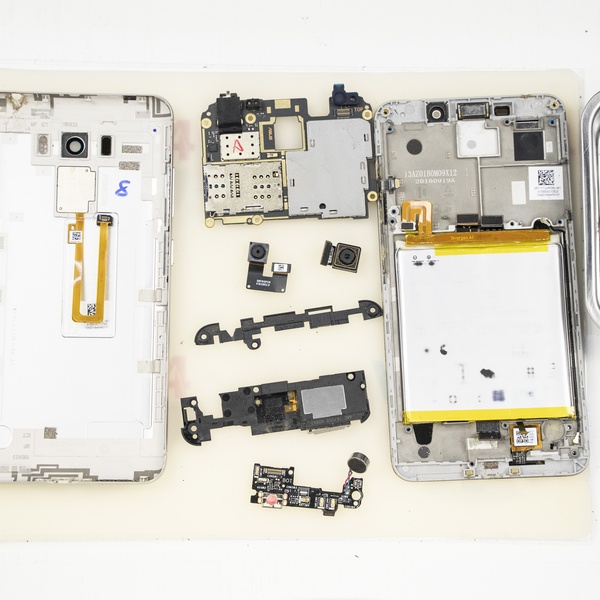
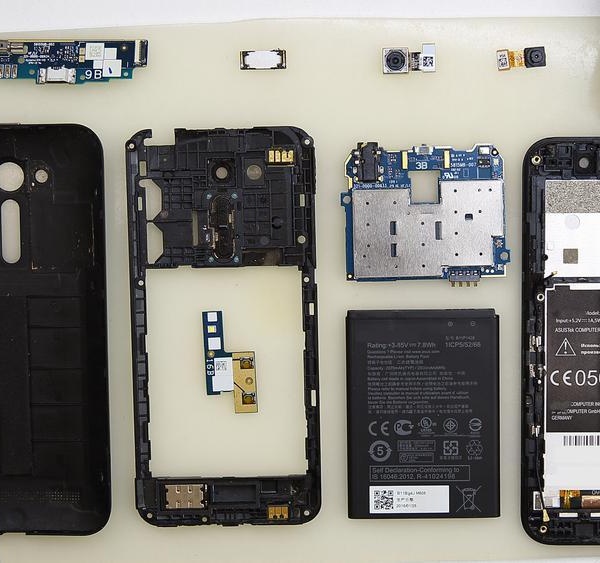
Análises relacionadas


Blog relacionado


Top instruções
Veja nossos
Principais instruções de Asus mais curtidas pelos leitores
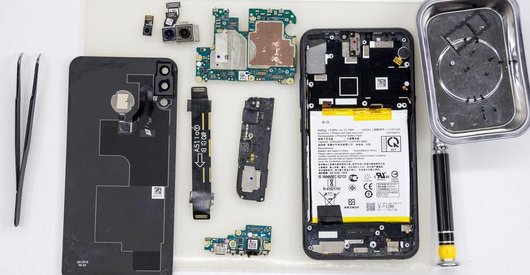
Novos instruções
Veja nossos
Novas instruções da marca Asus no vrm24.com