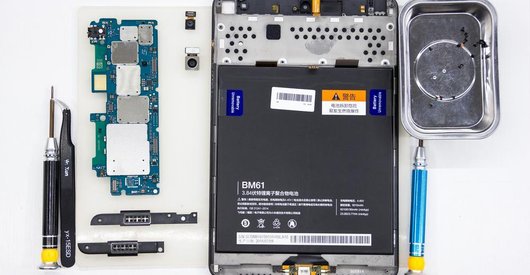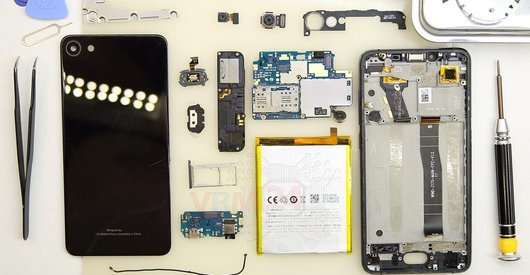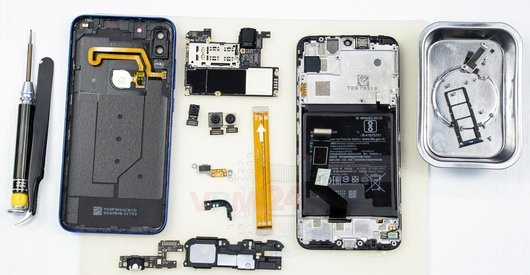



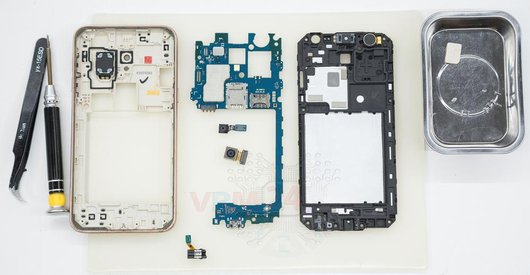
Recommended tools
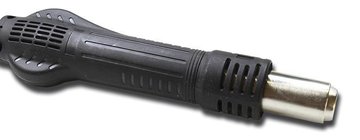
Heat gun
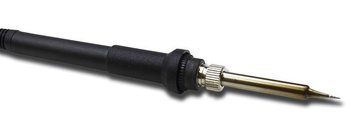
Soldering Iron
Screwdriver Phillips #000

Opening tool / Spudger

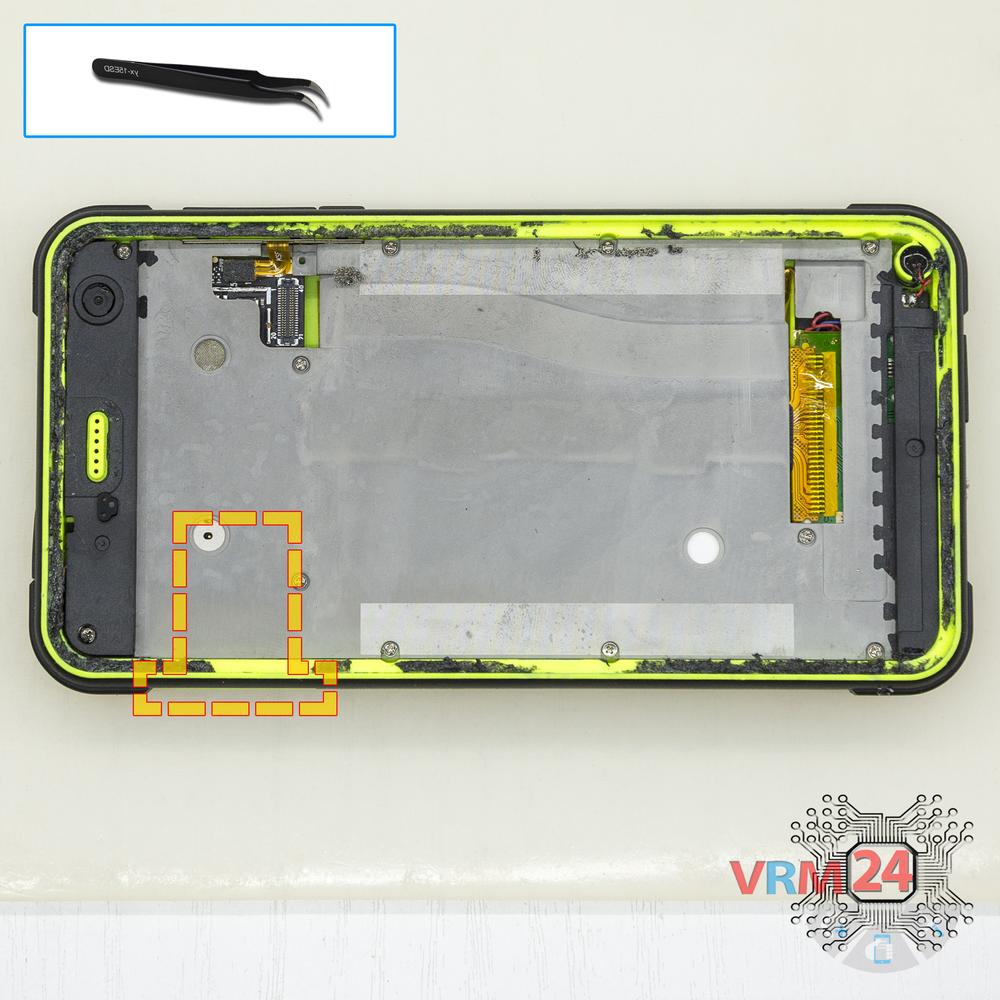
Tweezers

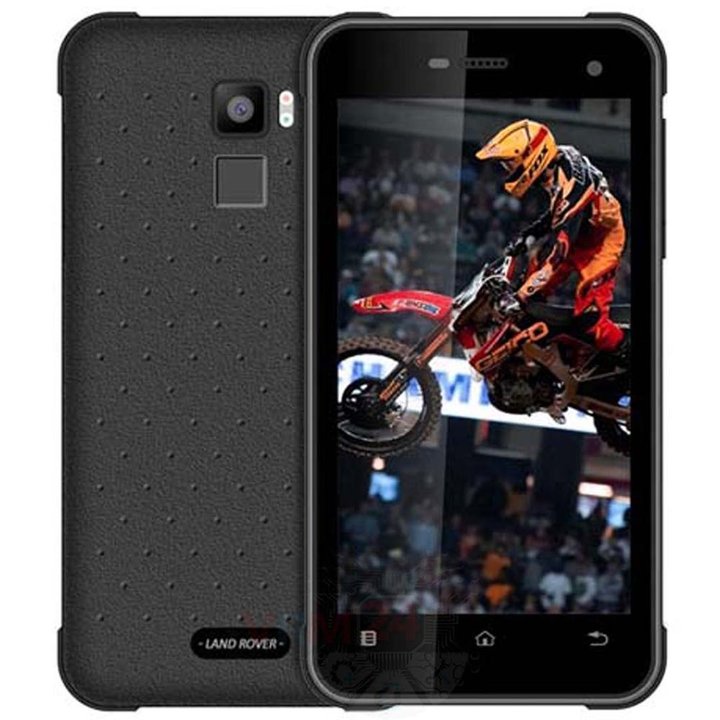
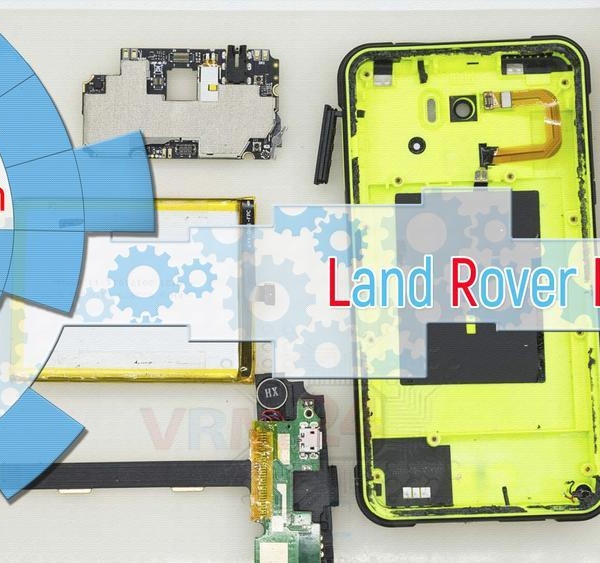
Disassembly/Repair of the mobile device Land Rover HG11A with each step description and the required set of tools.
4927
Views
4
Likes
—
Share
3
Questions

Step 1.
Open the display
Separate the display module from the cover.
⚠ Warning!
For careful separation, we recommend using a heat gun. At the same time, it is necessary to heat carefully in order, not to damage the surface of the device.
Step 2.
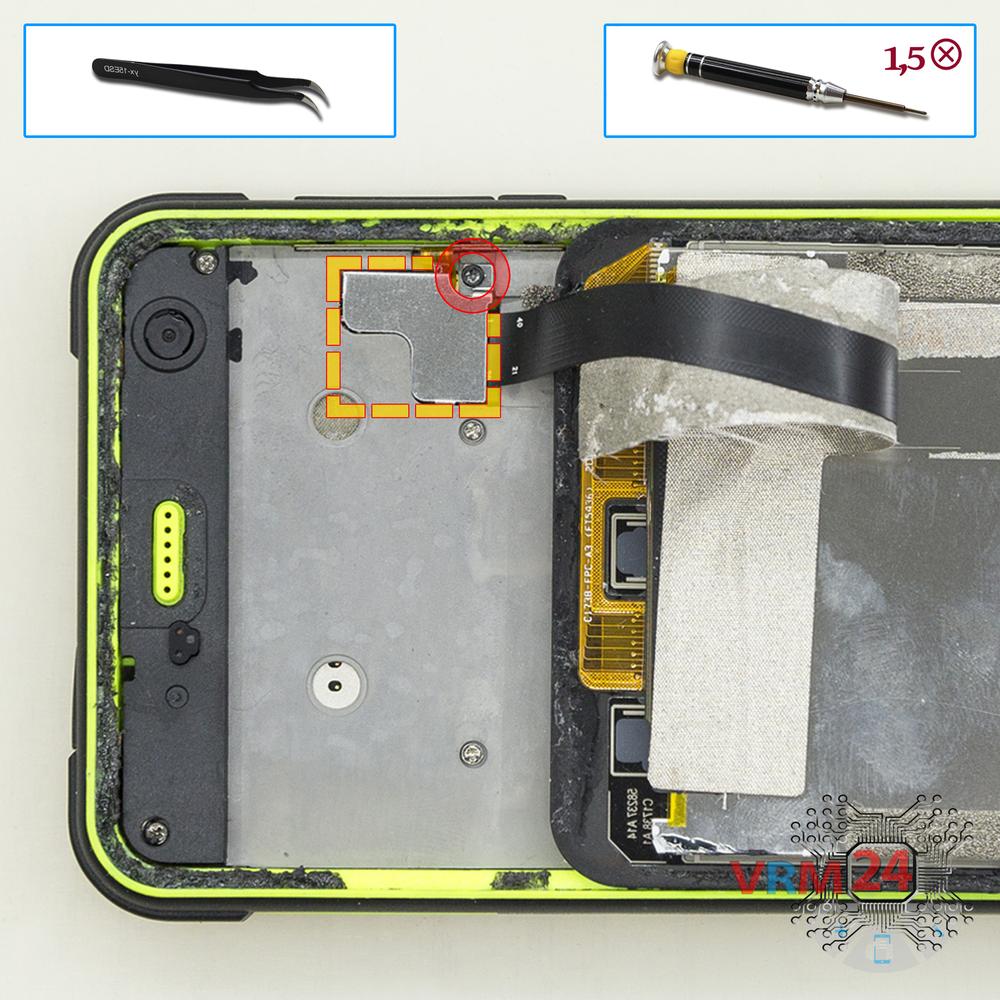
Remove the bracket
Using a screwdriver (Phillips 1.5 mm PH000), unscrew 1 bolt and remove the bracket holding the connectors.
Step 3.
Open the display module
Pry up the connector and remove the display module.
Step 4.
Remove the trays
Using a tweezers, open the SIM and Micro SD cards tray and remove it.
Step 5.
Unscrew the screws
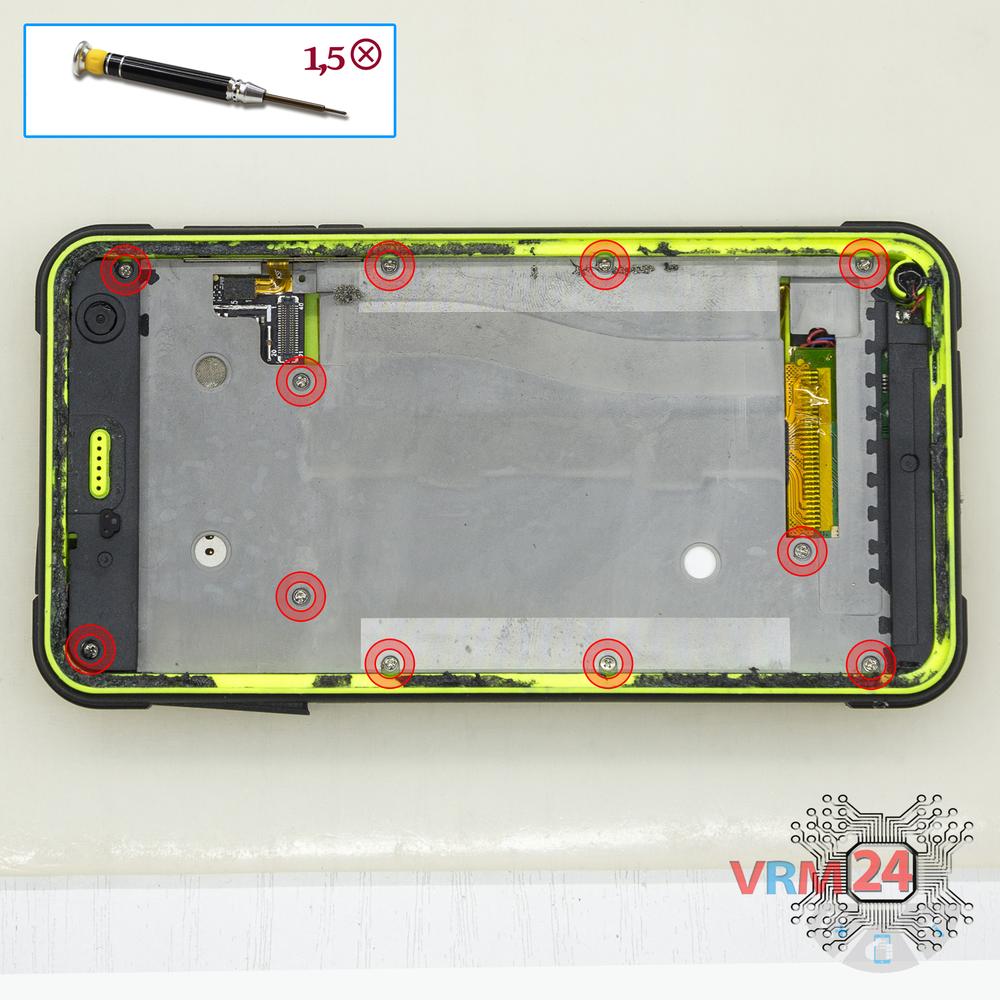
Using a screwdriver (Phillips 1.5 mm PH000), unscrew 11 bolts in the frame of the phone.
Step 6.
Open the mid-frame
Pry and remove the middle cover.
Step 7.
Unscrew the screws
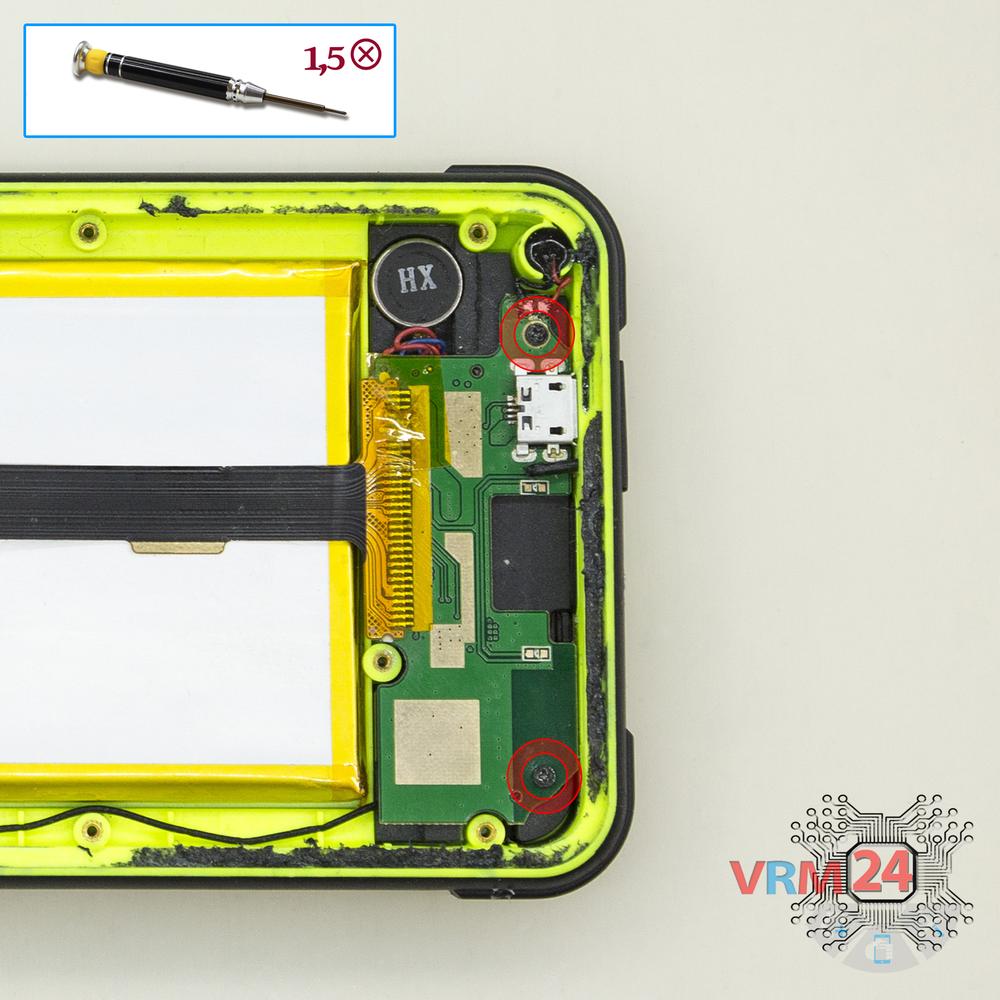
Using a screwdriver (Phillips 1.5 mm PH000), unscrew 2 bolts in the lower PCB.
Step 8.
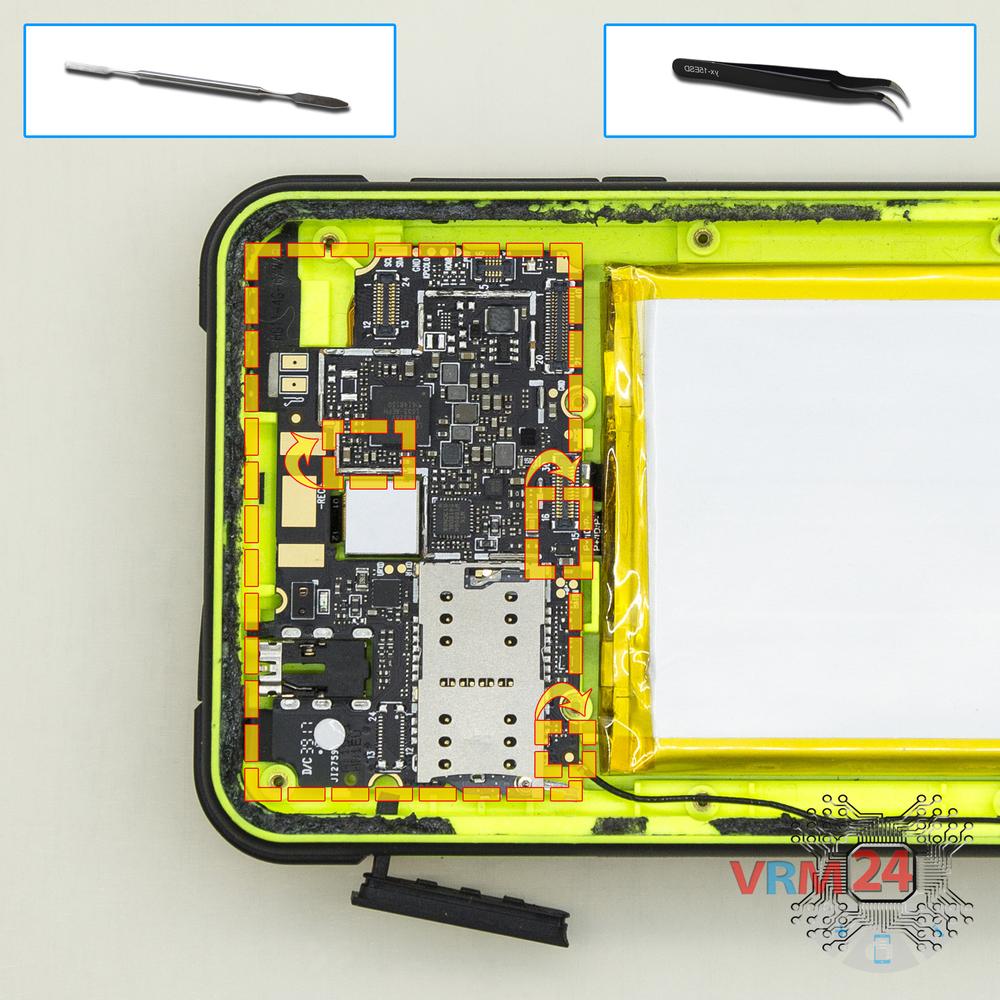
Remove the sub-board
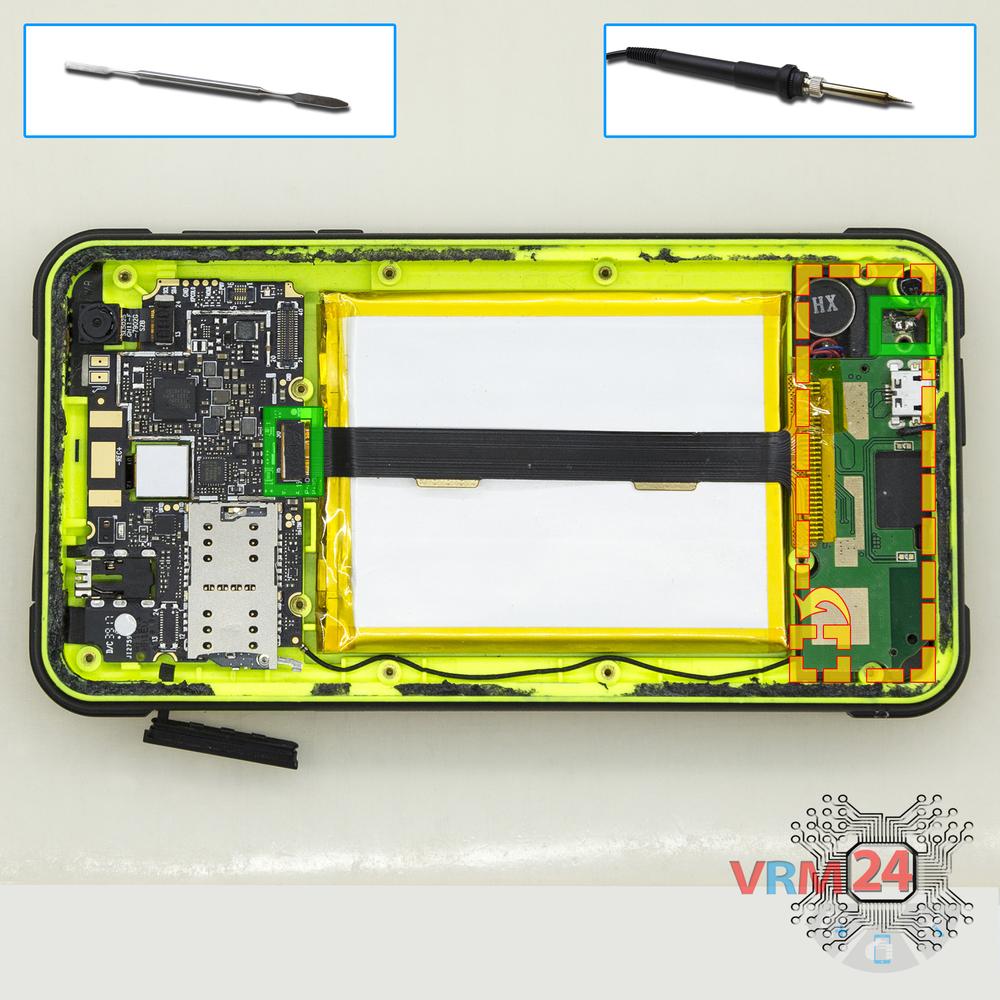
Pry up the connector of the inter-board cable on the main board, coaxial cable connector on the lower one, unsolder the wires of the vibration motor, and remove the lower PCB with the inter-board cable.
Step 9.
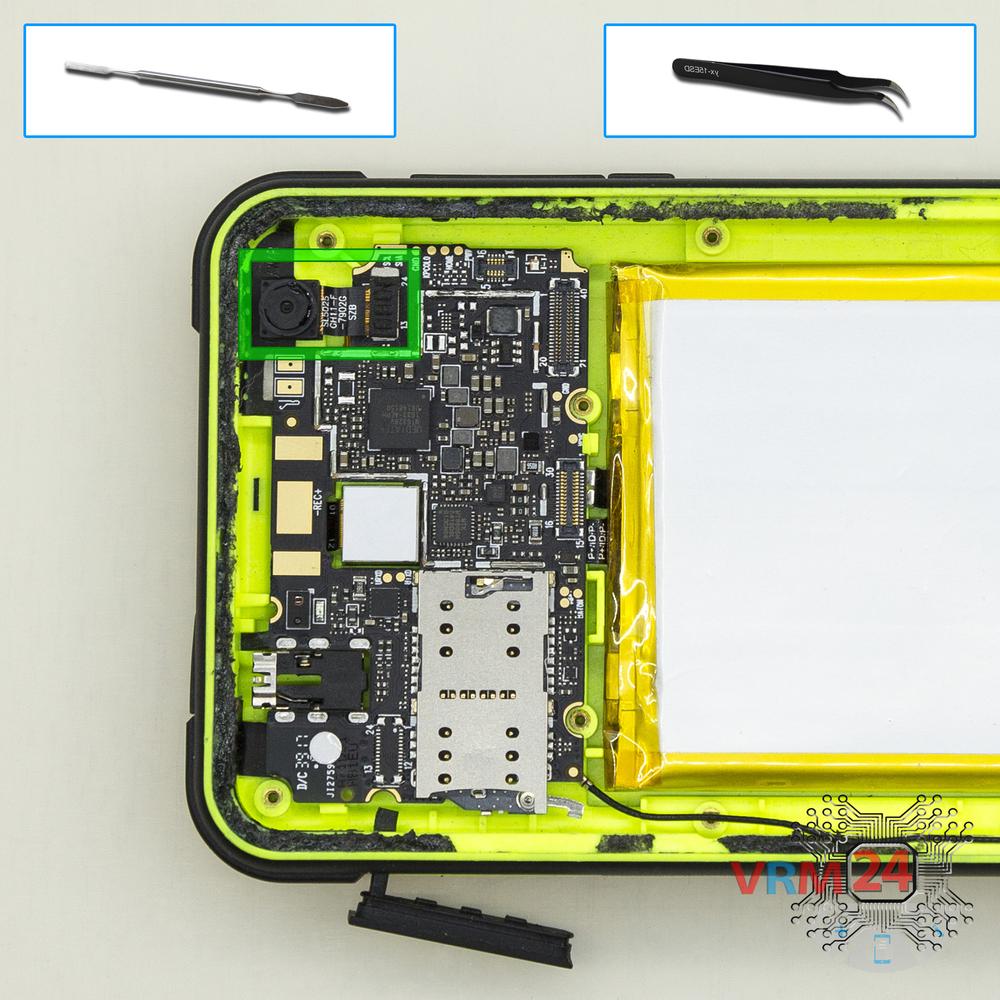
Remove the front camera
Disconnect the connector on PCB, and remove the front (selfie) camera.
Step 10.
Remove the sub-board
Overturn the board, disconnect the connectors from the inside and remove it.
Step 11.
Remove the battery
Separate the battery from the frame.

If you have a question, ask us, and we will try to answer in as much detail as possible. If this article was helpful for you, please rate it.

4927
Views
4
Likes
—
Share
3
Questions
Related Instructions
Related Reviews
Related Blog
Top instructions
Check our
Top Land Rover instructions most liked by readers
New instructions
Check our
New Land Rover brand instructions on vrm24.com