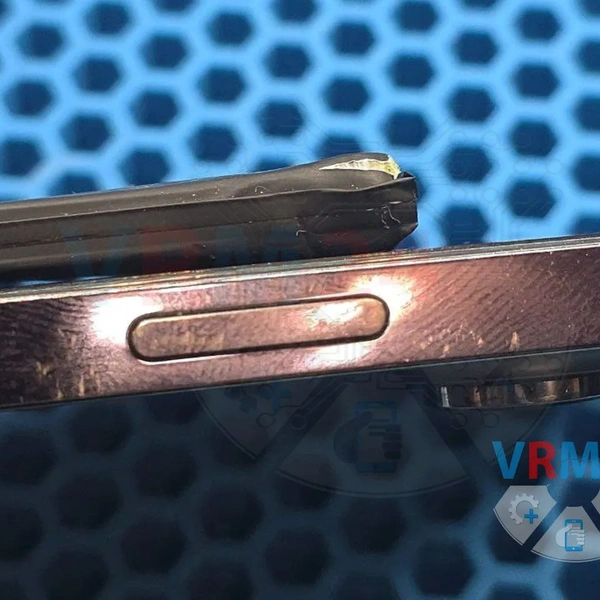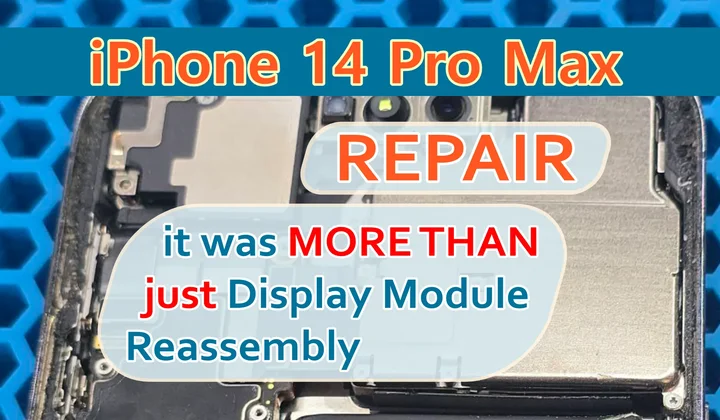

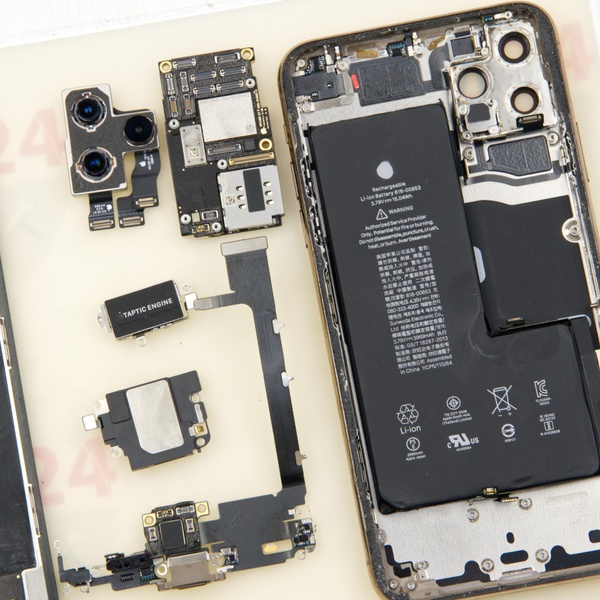
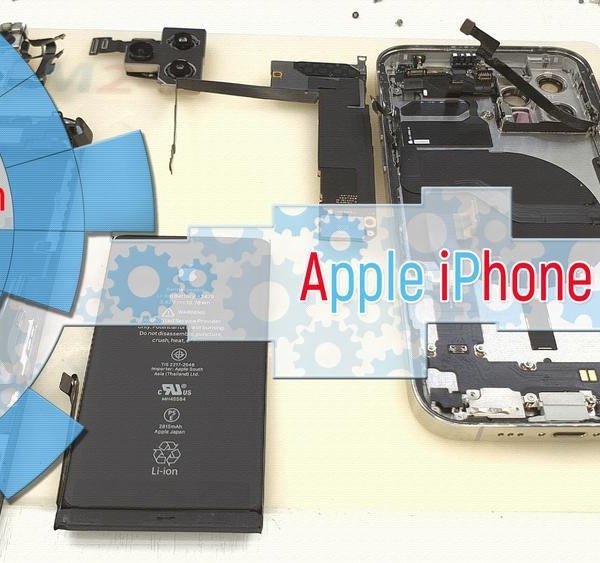



A customer brought in an iPhone 14 Pro Max with a loose display module—a noticeable gap on one side.
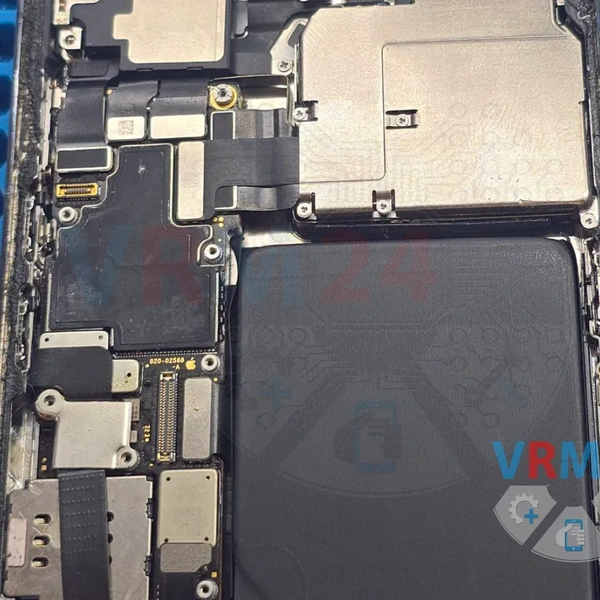
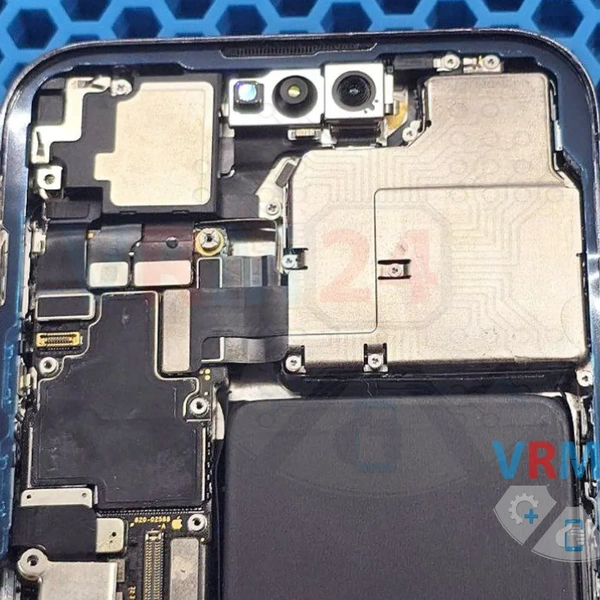
After carefully removing the display, we found the culprit: a swollen battery pushing the screen up from inside!
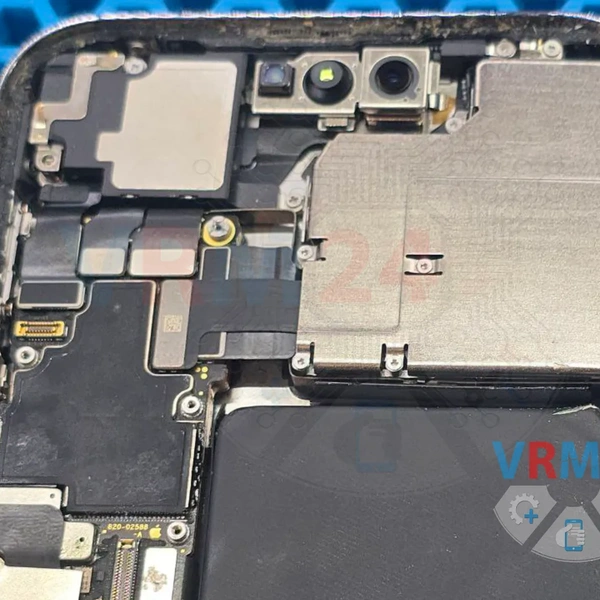
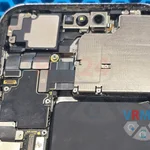
The photo shows damage to the battery’s corner casing. Obviously, just resealing the display wouldn’t fix this—a battery replacement was a must!
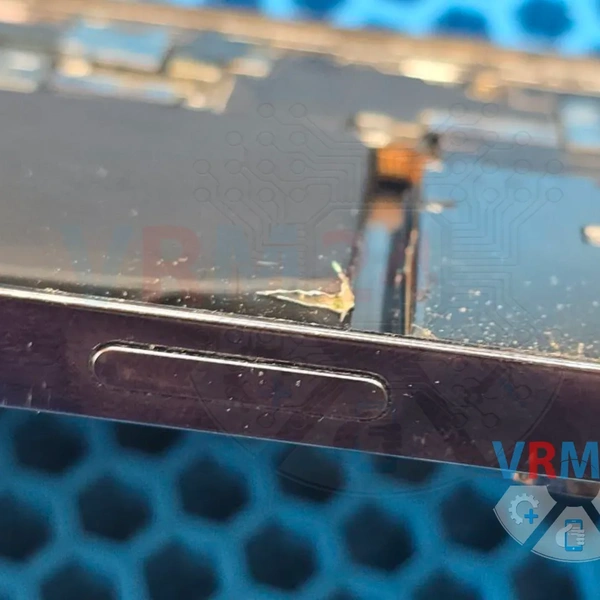
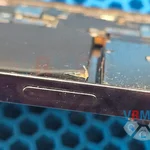
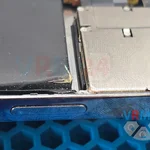
And here’s the root of the problem!
Some repair shops cut corners when replacing the back glass, skipping a full disassembly.
As a result, glass shards and debris from the original back panel get trapped inside. Over time, this debris can damage cables, the display, the front camera, or even the Face ID sensor.
But most often, it punctures the battery, causing it to swell. 😒
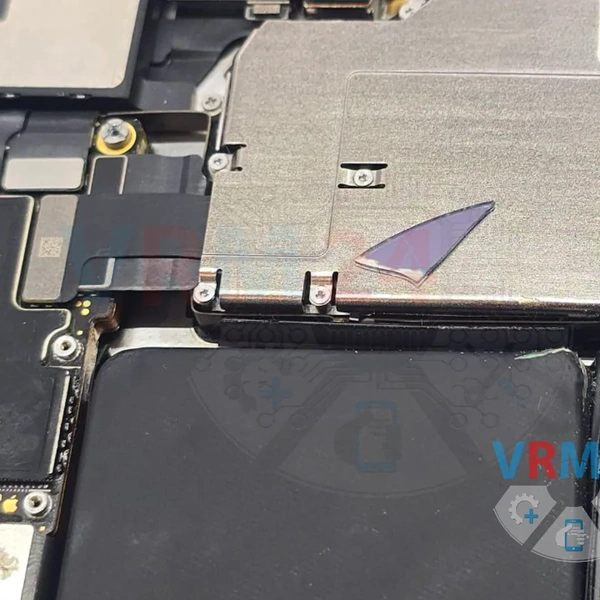
Prepping the new battery with adhesive for installation.
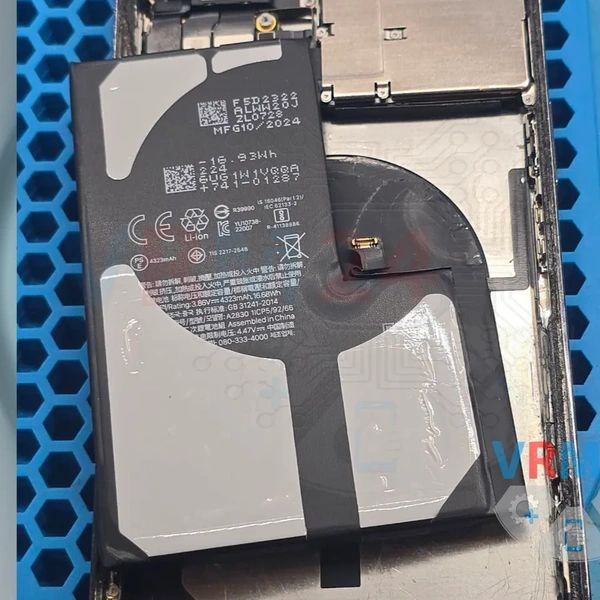
For a proper seal, we:
✔ Remove old adhesive
✔ Clean and degrease the surface
✔ Apply primer (special bonding agent)
✔ Install new high-strength adhesive tape
Same process for the display module:
✔ Strip old adhesive residue
✔ Degrease & apply primer
✔ Reassemble the phone
✔ Slightly heat the display for better adhesion
And that’s how a simple display resealing job turned into a battery replacement too! 😊