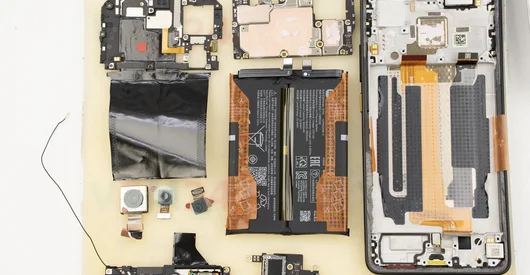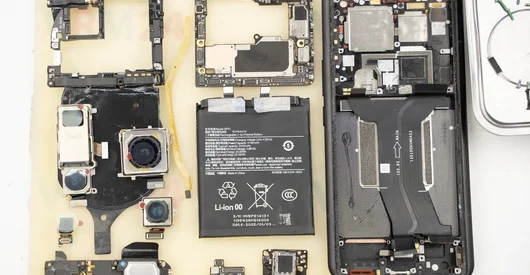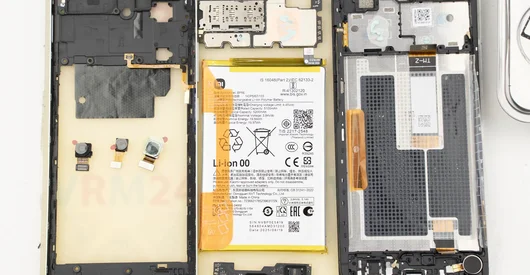
Recommended tools
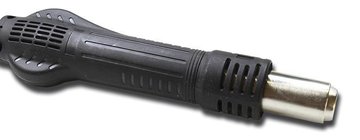
Heat gun
Screwdriver Phillips #000

Tweezers

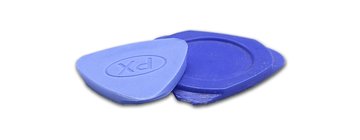
Non-metallic tool
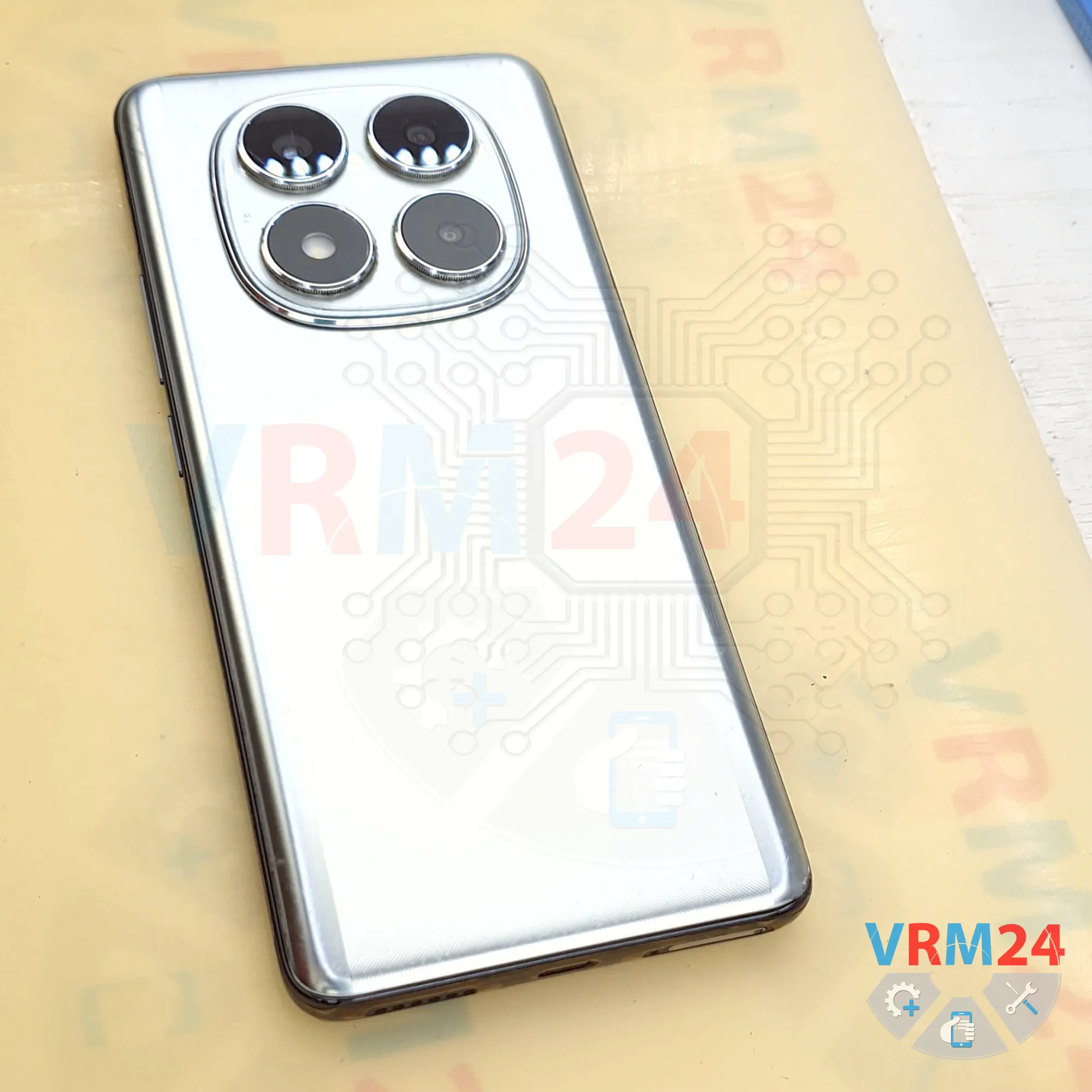
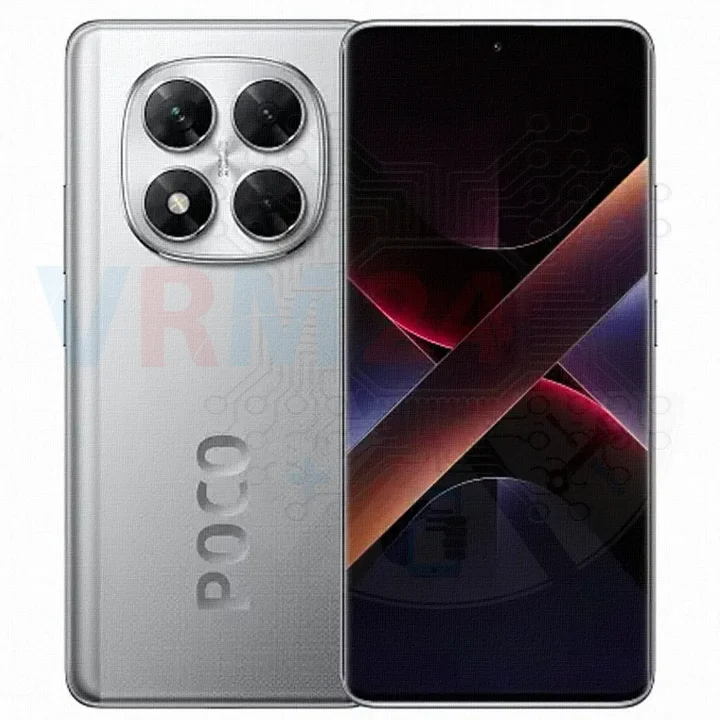
Disassembly/Repair of the mobile device Xiaomi POCO X7 5G (Xiaomi POCO X7 5G 24095PCADG) with each step description and the required set of tools.
36
Views
0
Likes
—
Share
0
Questions

Step 1.
Before disassembling!
⚠️ Before disassembling, do not forget to turn your phone off.
Step 2.
Remove the tray
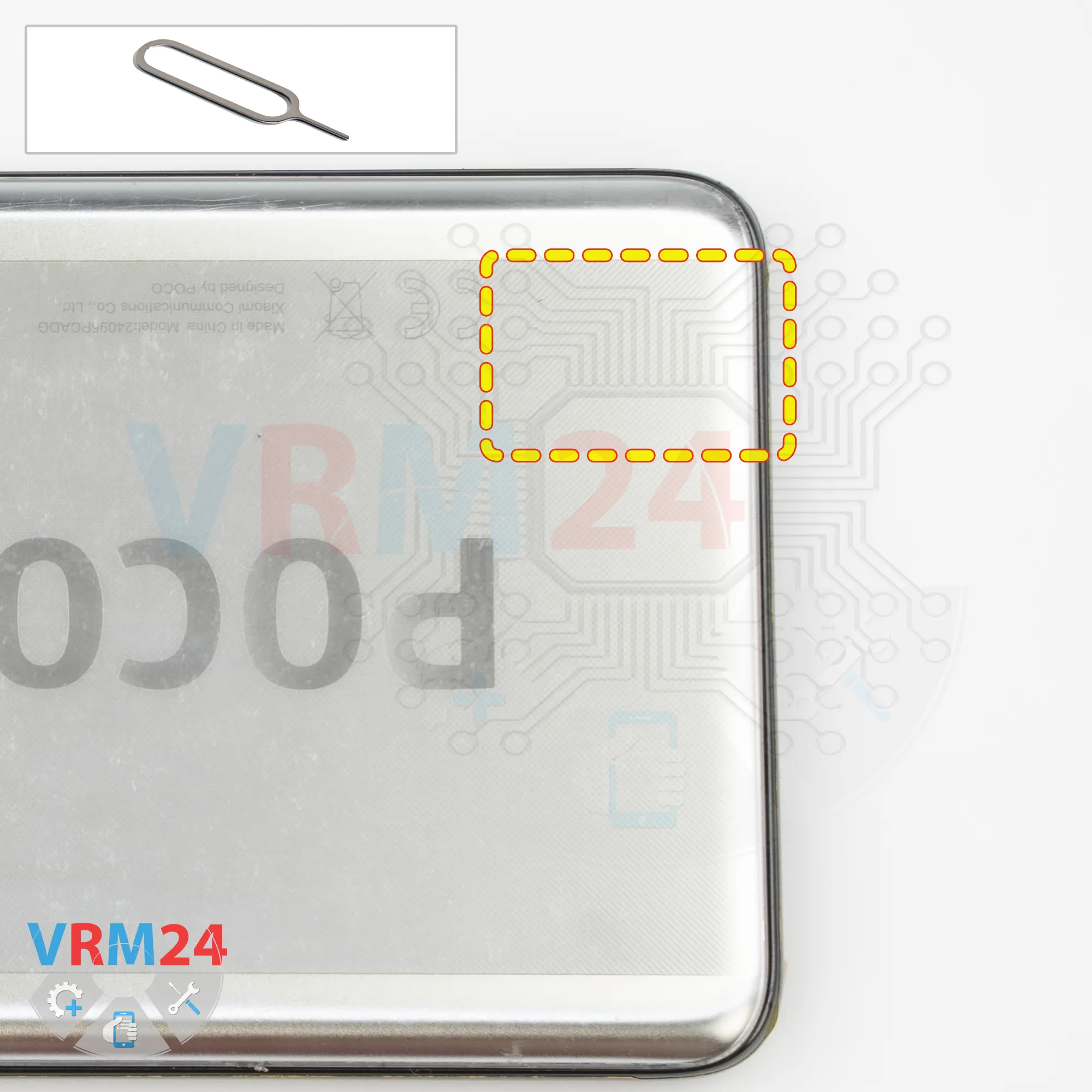
First, we need to remove the SIM card tray. To do this, we use a SIM eject tool.
Insert it into the hole and push the tray out.
Step 3.
Open the back cover
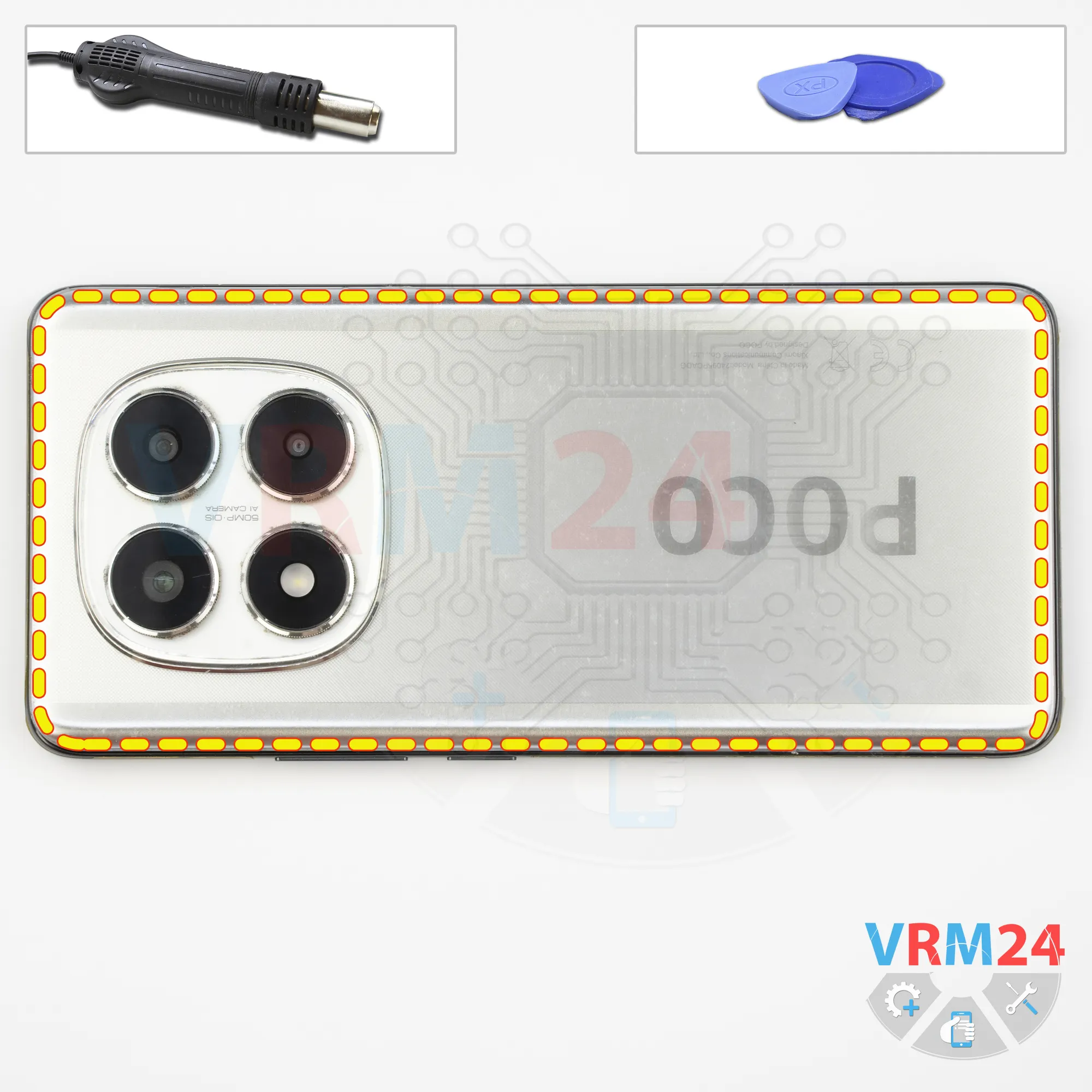
Next, we need to heat the back cover. We're using a heating mat, but you can also use a heat gun or a hair dryer. Heat the back cover to approximately 70°C or 160°F.
After about 10 minutes, we can start removing the back cover. For this, we use a thin plastic film. Carefully insert it into the gap between the back cover and the middle frame, then slide it along the edge to cut through the adhesive.
As always, be careful around the side buttons, as there may be flex cables in that area.
Also, be careful around the cameras so you don't accidentally touch or damage the lenses.
Step 4.
Unscrew the screws
Next, it's better to cover the camera lenses. We use a special protective film for this. Please note that we apply the film to the rim around the lenses, not directly to the lenses themselves.
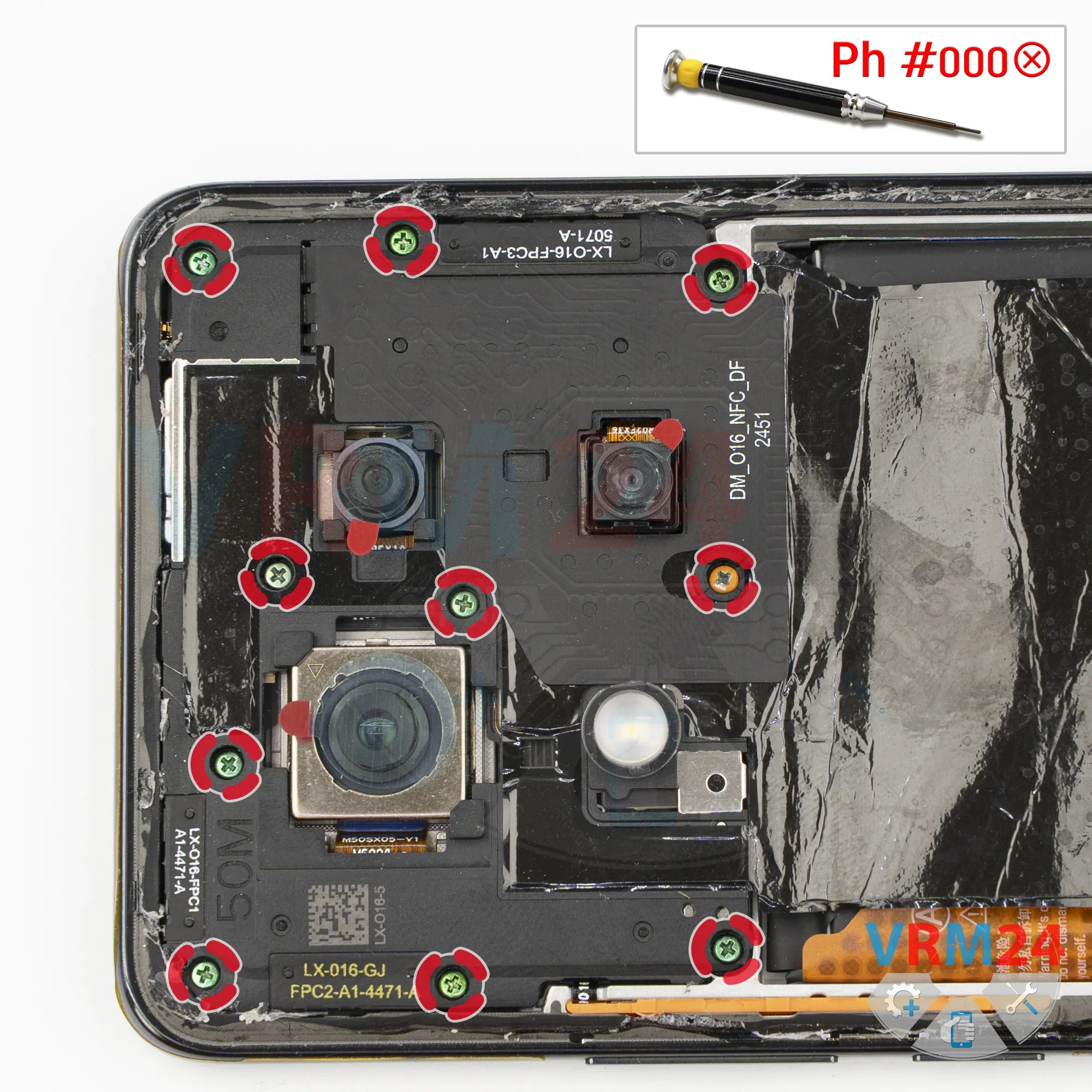
After that, we move on to removing the screws in the upper section. For this, we use a 1.5 mm Phillips screwdriver, or a Phillips #000.
It looks like all the screws are the same, but it's better to arrange them in a specific order on a screw organizer, just in case.
This way, we can put each screw back into its original hole, because sometimes screws don't go in easily if you put them in the wrong holes.
If the screws are difficult to remove, we can use tweezers to take them out.
Step 5.
Open the cover
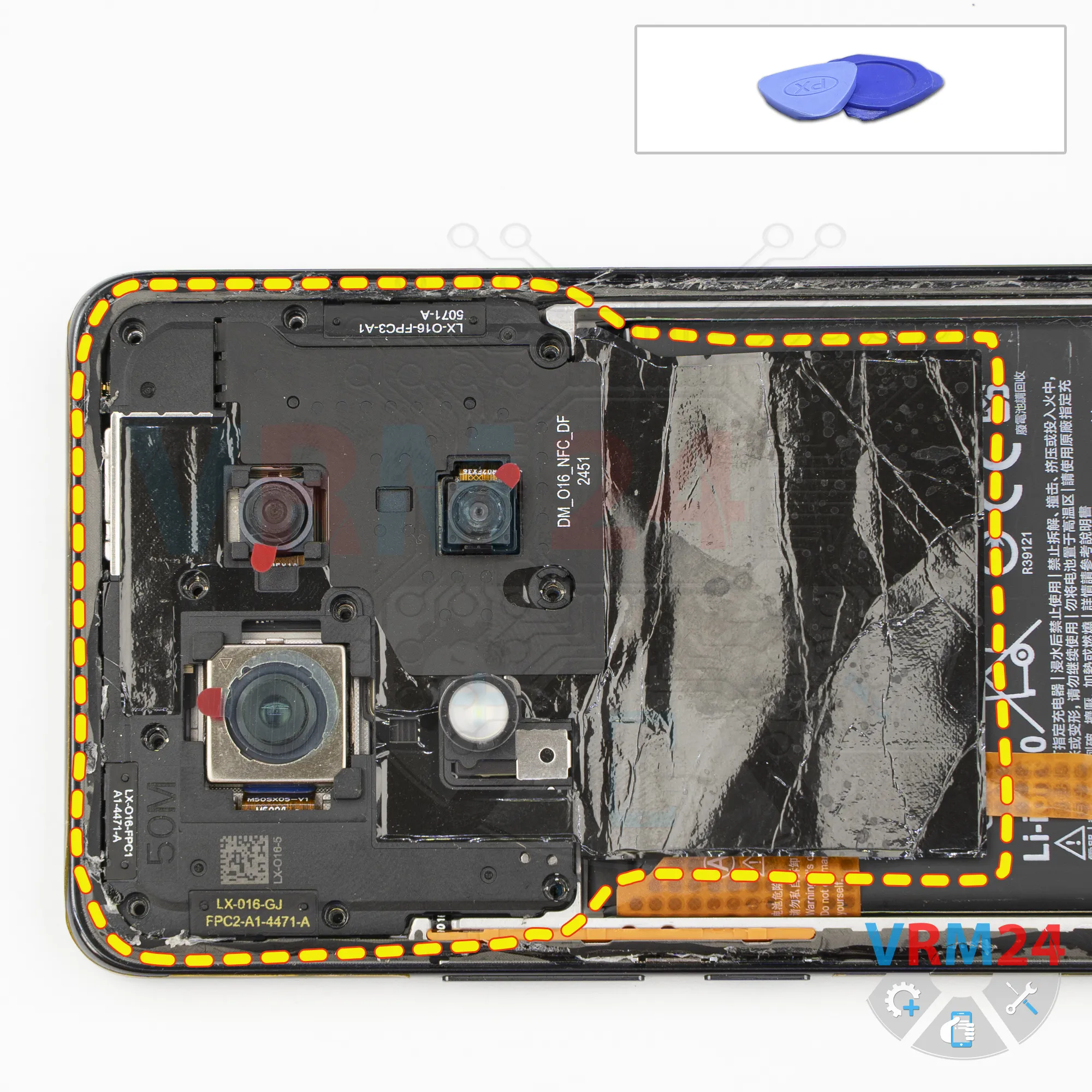
Next, using a non-metallic tool, we remove the cover in the upper section.
Carefully pry it up at the right spot and lift it. Remove the cover.
There are contact pads and antenna traces on it. Set the cover aside.
Step 6.
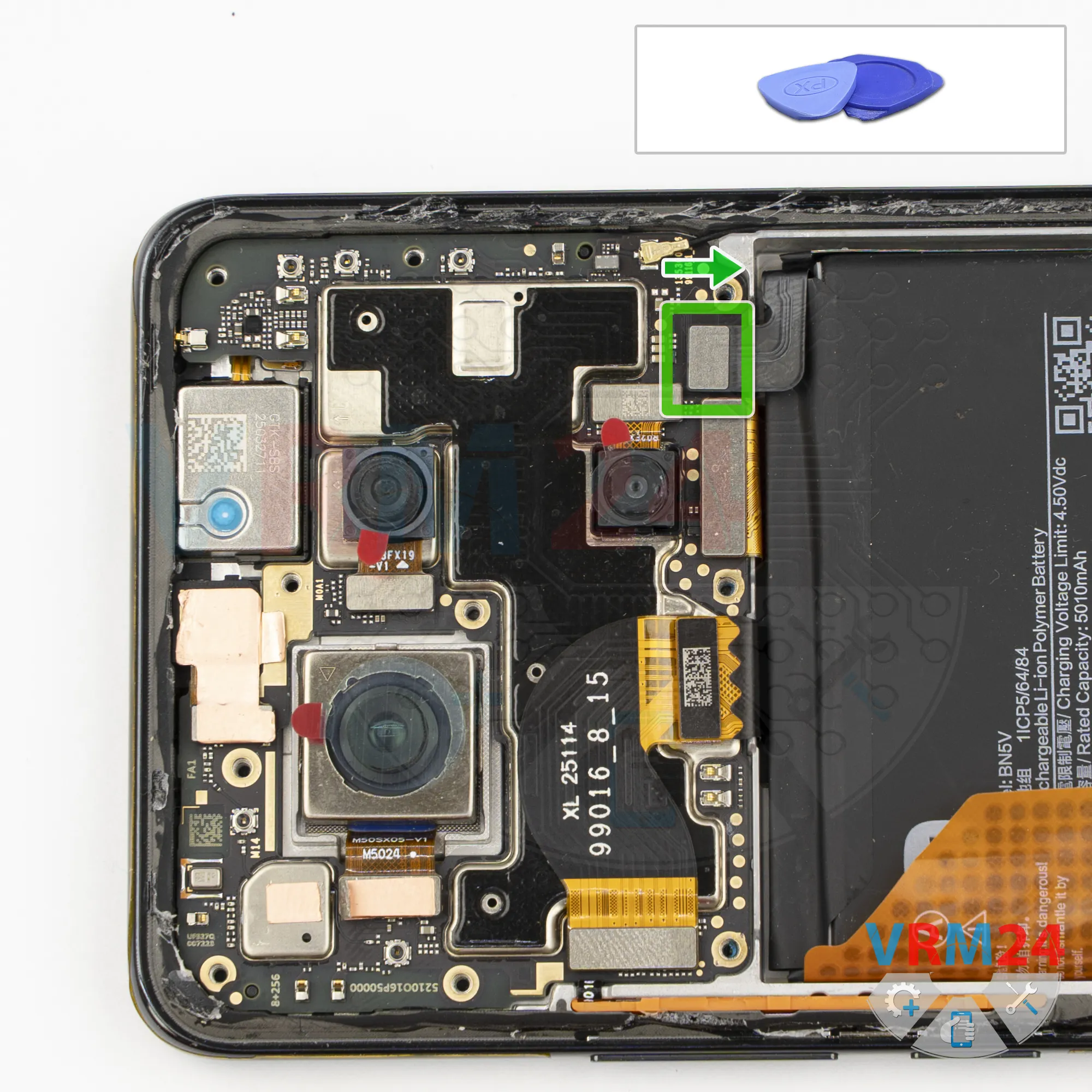
Disconnect the battery connector
Using a non-metallic tool, disconnect the battery connector and move on to the lower section.
ℹ️ The Xiaomi POCO X7 5G 24095PCADG uses a BN5V rechargeable battery with a capacity of 5110 mAh.
Step 7.
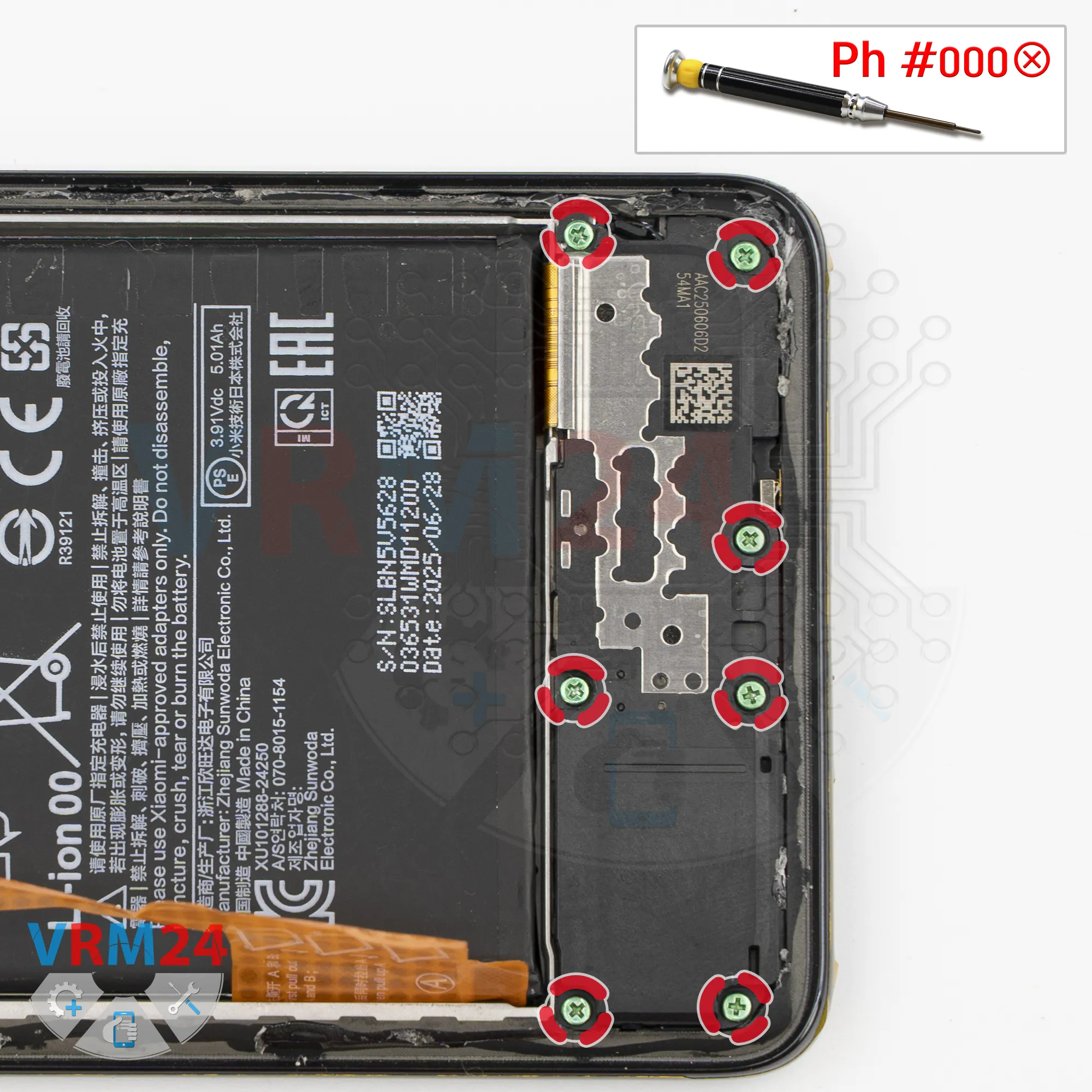
Unscrew the screws
In the lower section, we also remove the screws using the same screwdriver.
It's better to keep these screws separate from the previous ones.
And, of course, if the screws are difficult to remove, we can use tweezers to carefully take them out.
Step 8.
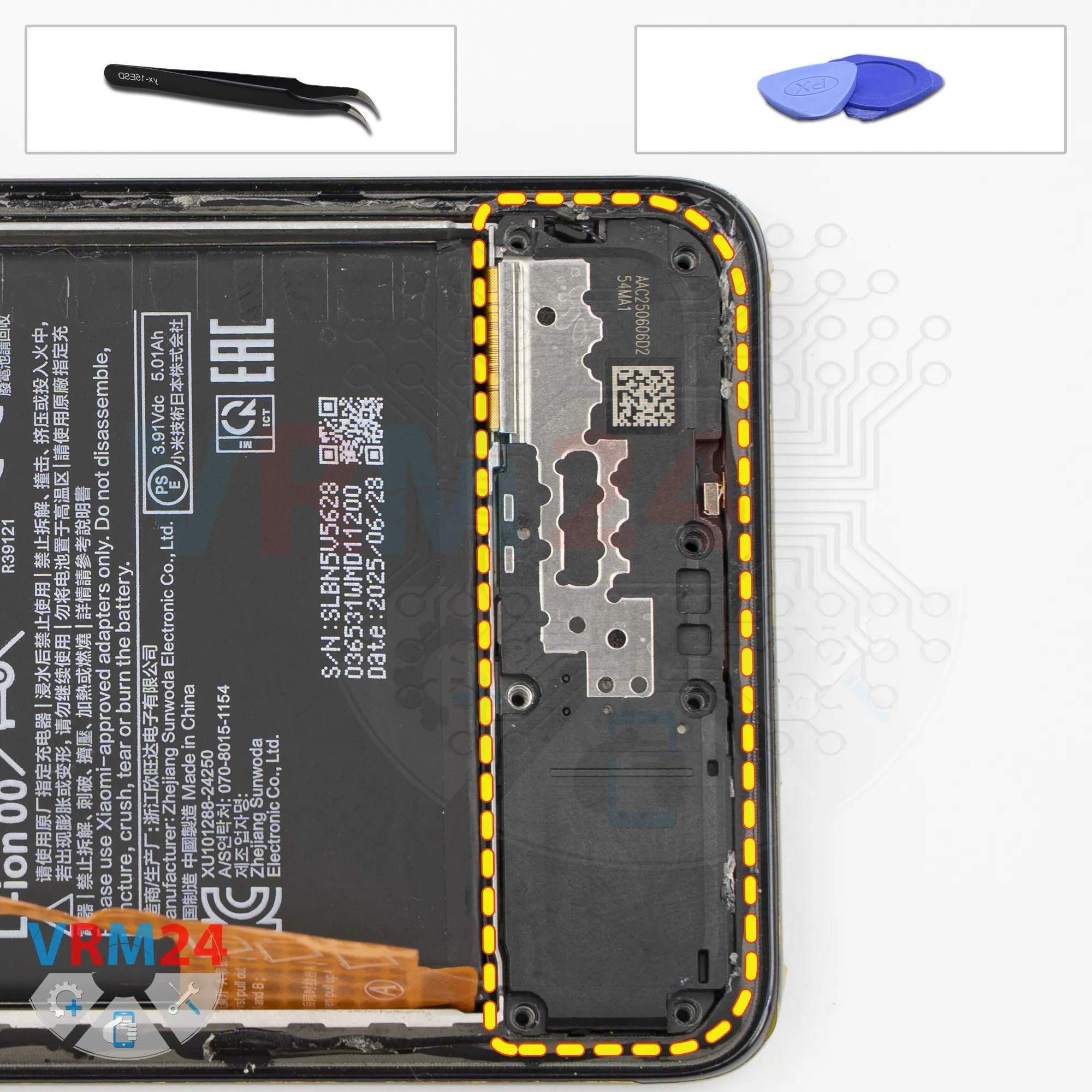
Remove the loudspeaker
Next, we need to remove the cover in the lower section. Just like before, pry it up at the right spot, gently wiggle it, and remove the cover with the loudspeaker.
Set it aside.
Step 9.
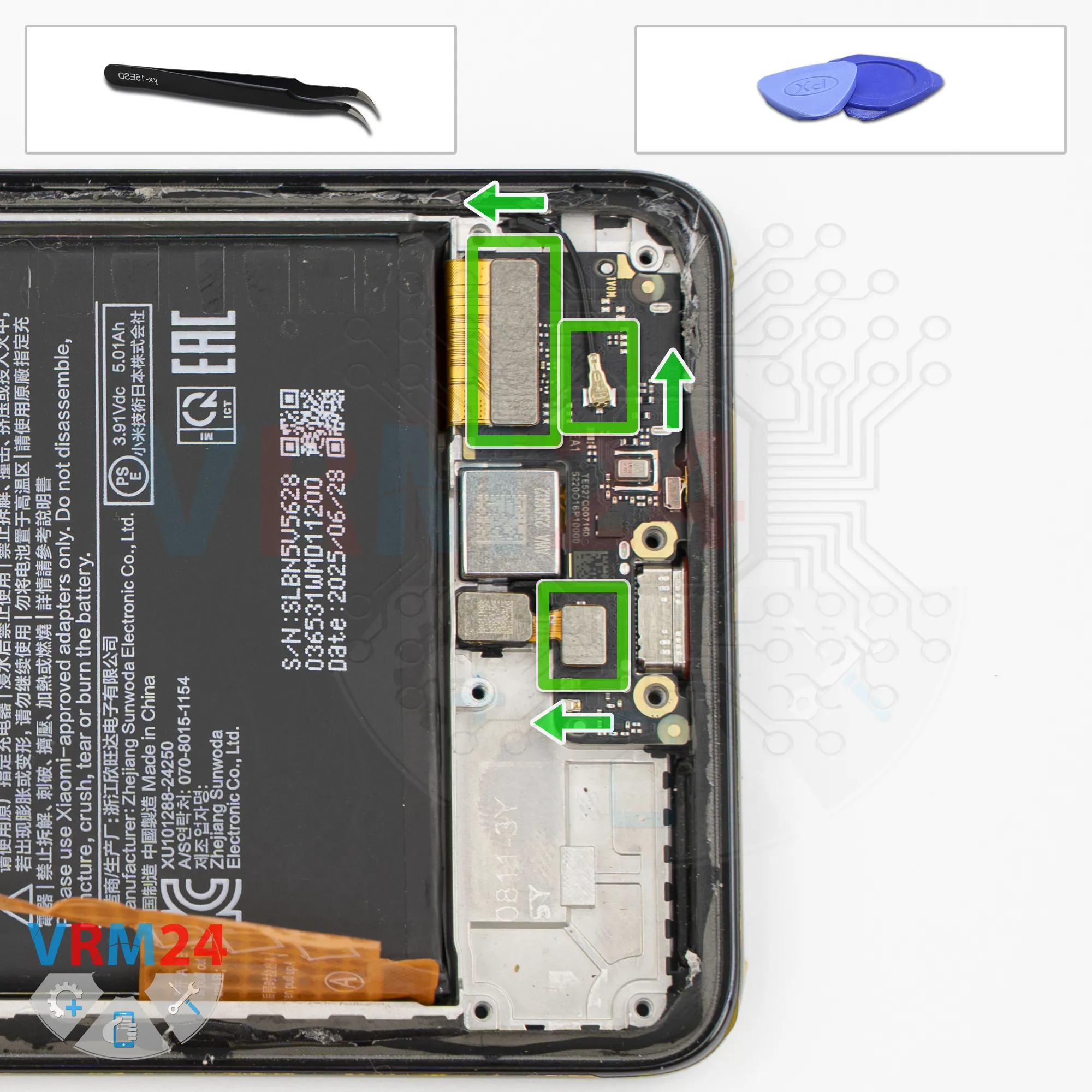
Disconnect the connectors
After that, disconnect the coaxial cable connector, the interconnect flex cable connector, and the fingerprint sensor connector.
Step 10.
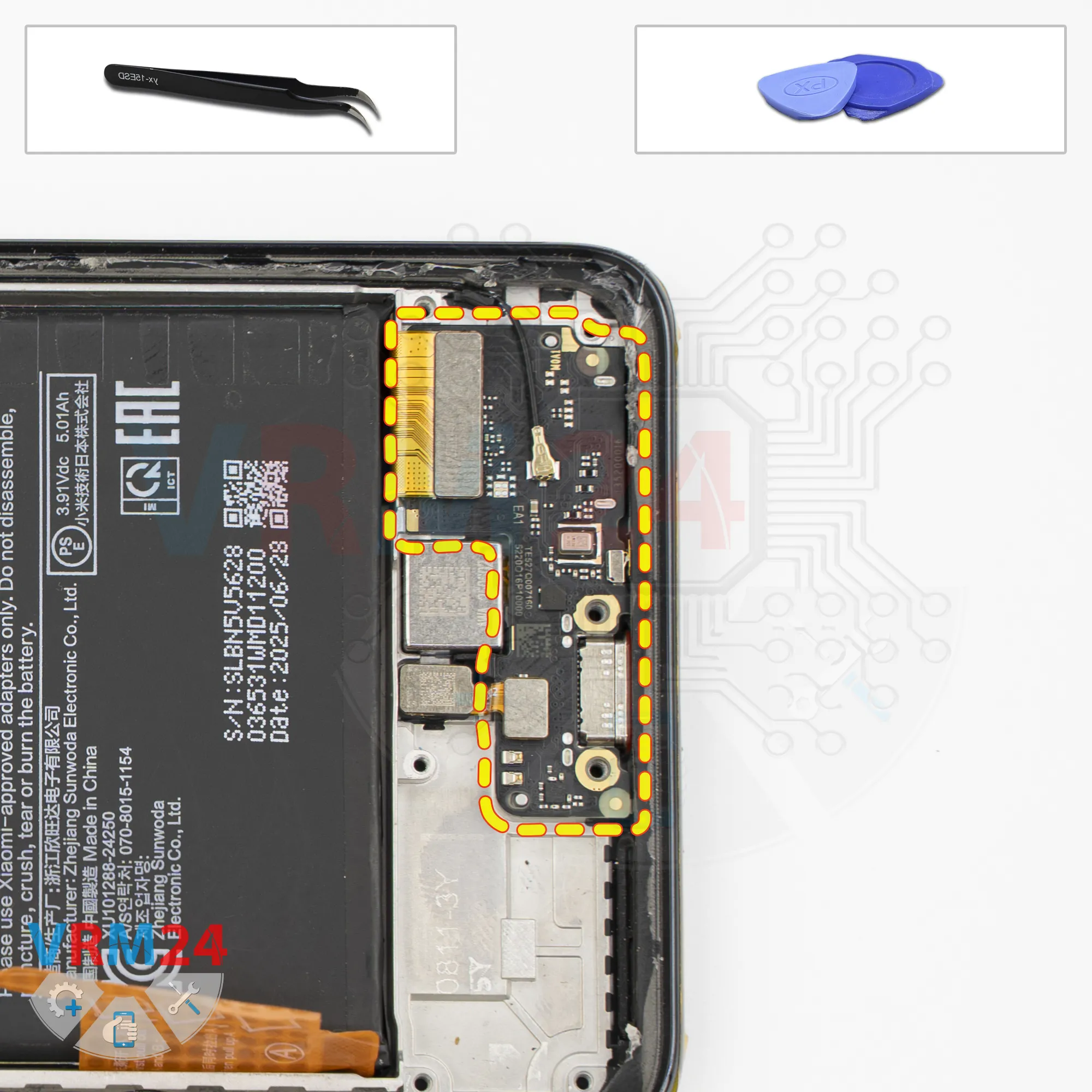
Remove the sub-board
Now we can carefully pry up and remove the sub-board.
Take your time and check where the sub-board is still being held in place. Carefully pry it up and take it out.
As we can see, the sub-board has the charging port, microphone, and the card connector on the back.
The fingerprint sensor and vibration motor remain in the display frame.
Step 11.
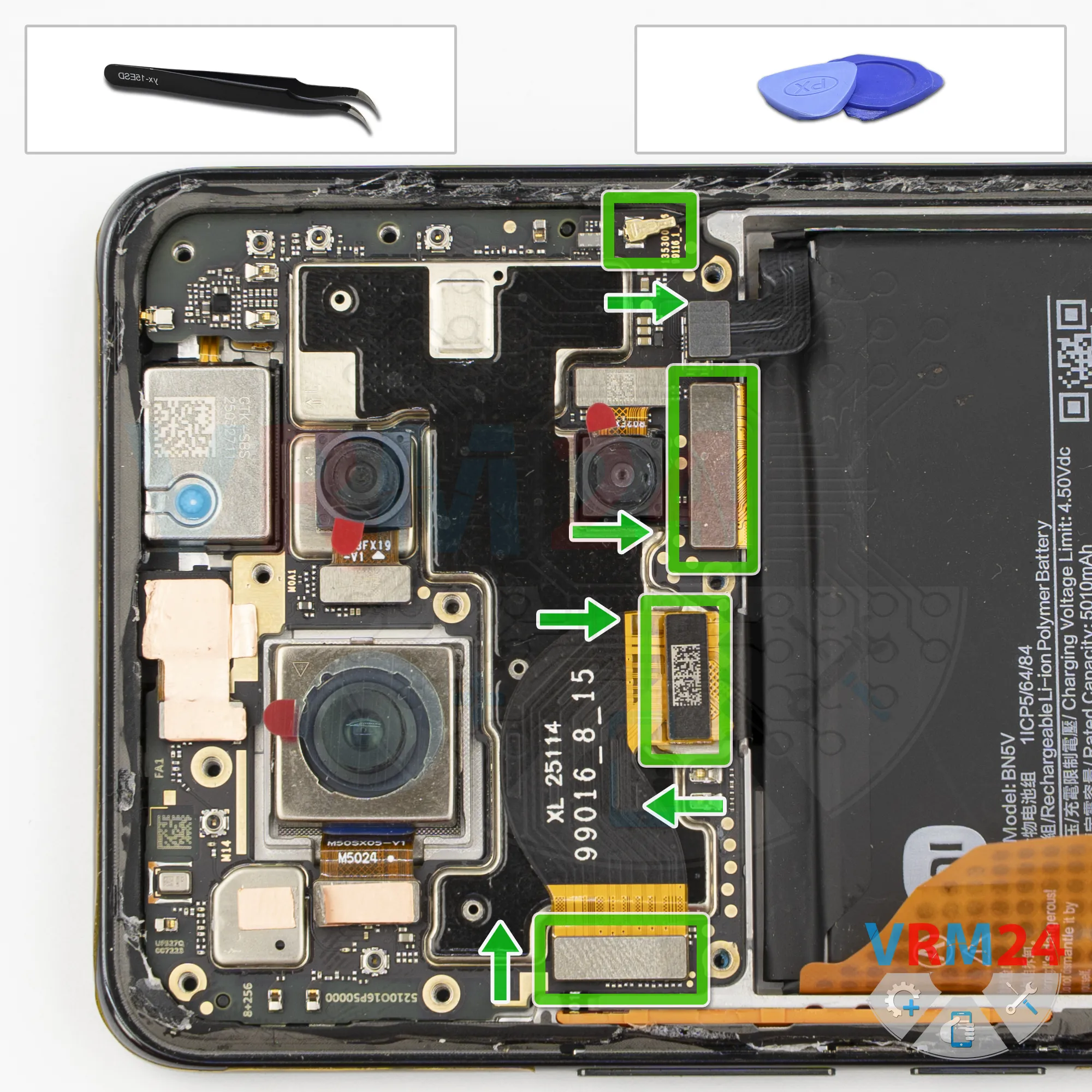
Disconnect the connectors
We also disconnect the interconnect flex cable connector and the display flex cable connector.
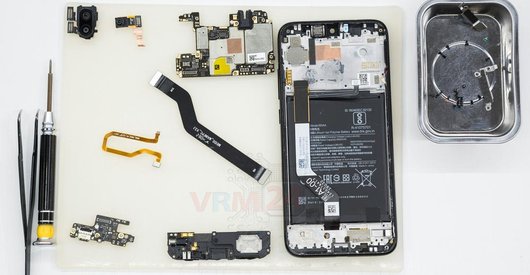
Then remove the interconnect flex cable and the coaxial cable.
Most likely, the display or the circuit board is compatible with other models.
Step 12.
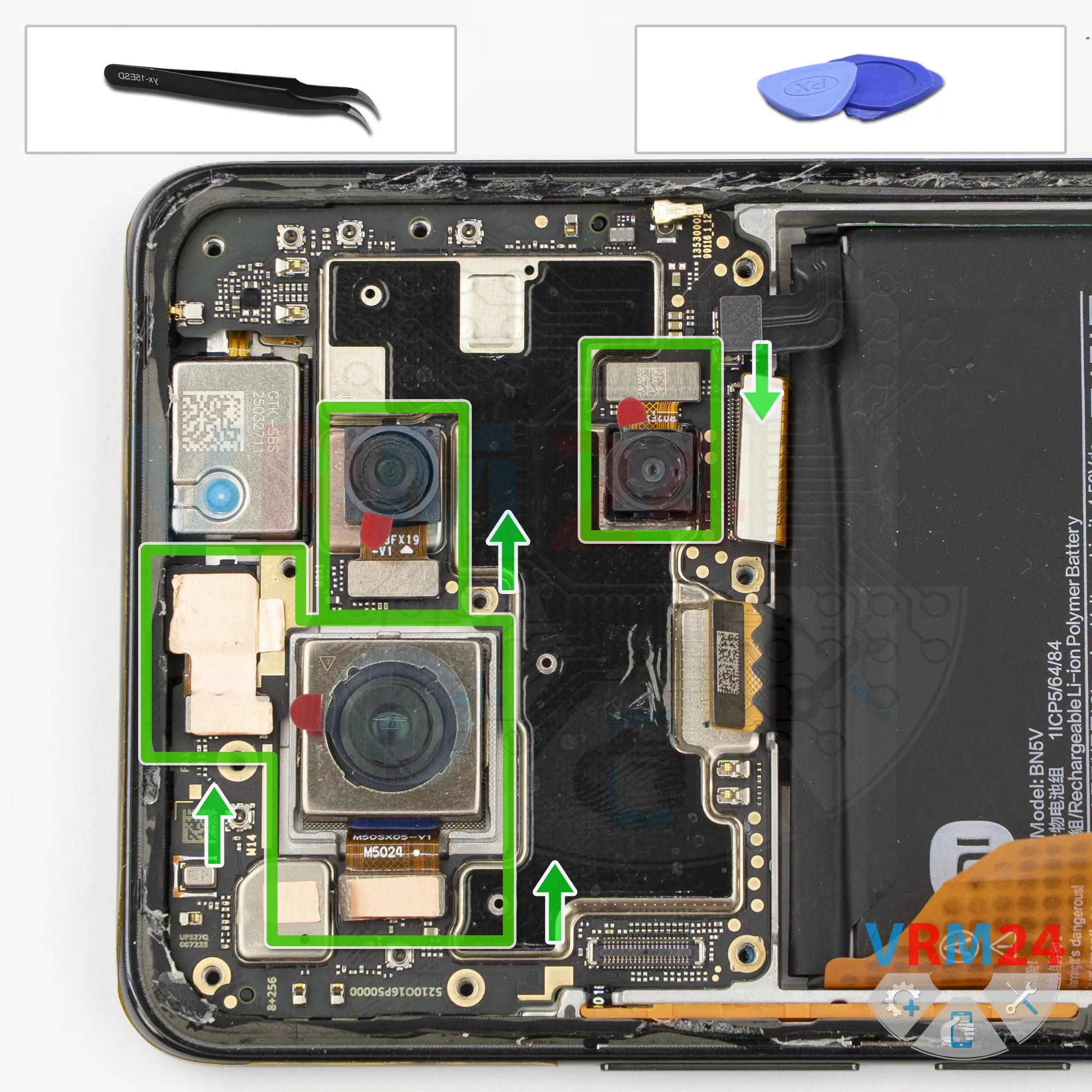
Remove the cameras
We can disconnect the cameras.
Carefully pry up the connectors by their edges, lift them, and separate the cameras from the adhesive.
Some of the cameras have already been detached before, while others haven't.
Please note that the camera modules may be glued to the display frame or to the shield on the motherboard.
Step 13.
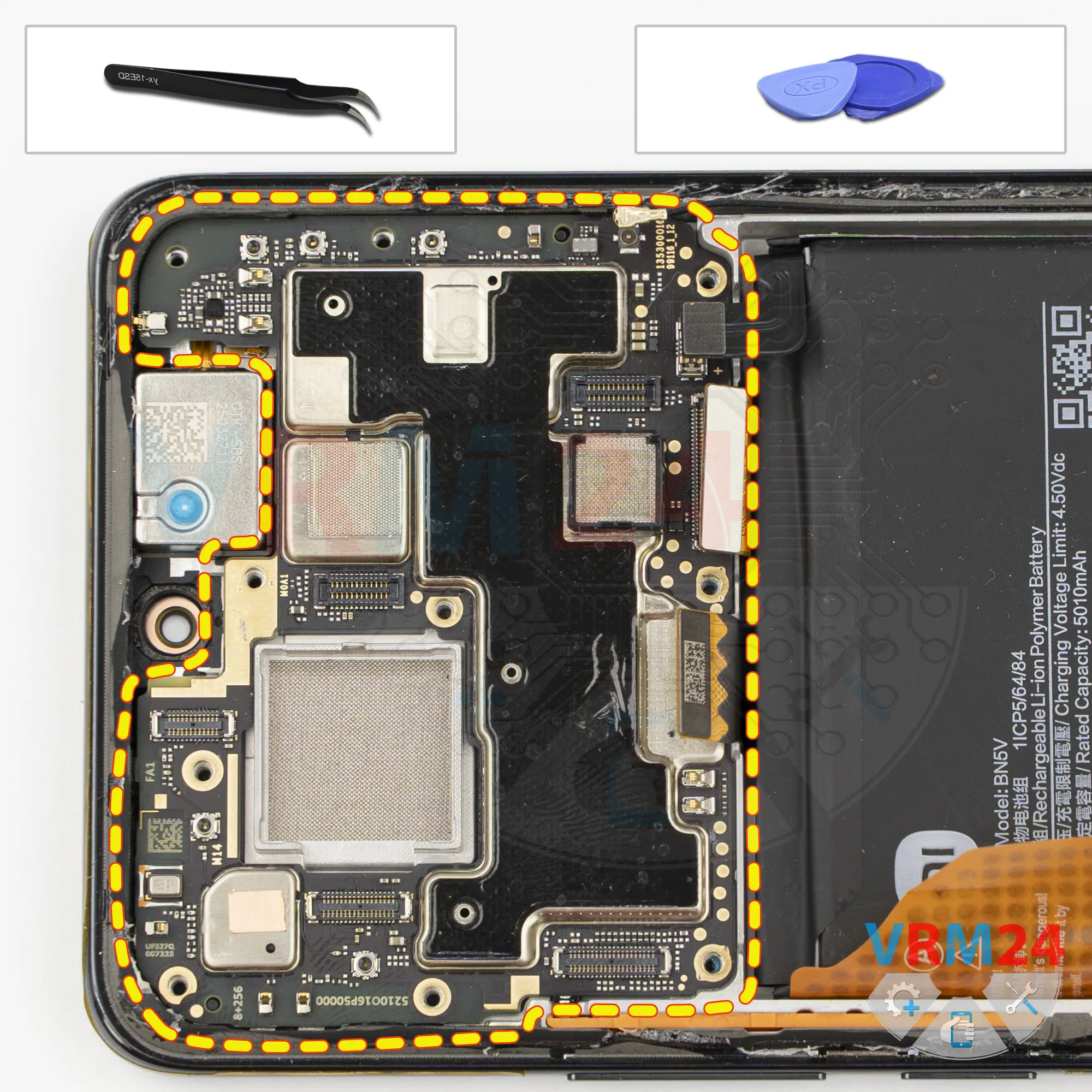
Remove the motherboard
Carefully remove the printed circuit board. There is no need to use a lever or try to reach the circuit board by force. Make sure that nothing is getting in the way or holding the circuit board.
The motherboard, also, may be attached with attachments like latches or hooks, be careful.
⚠️ Do not bend the circuit board when removing it or push tools under it. Unbeknownst to yourself, you can damage components or cables from the inside.
Step 14.
Remove the battery
And, we move on to removing the battery.
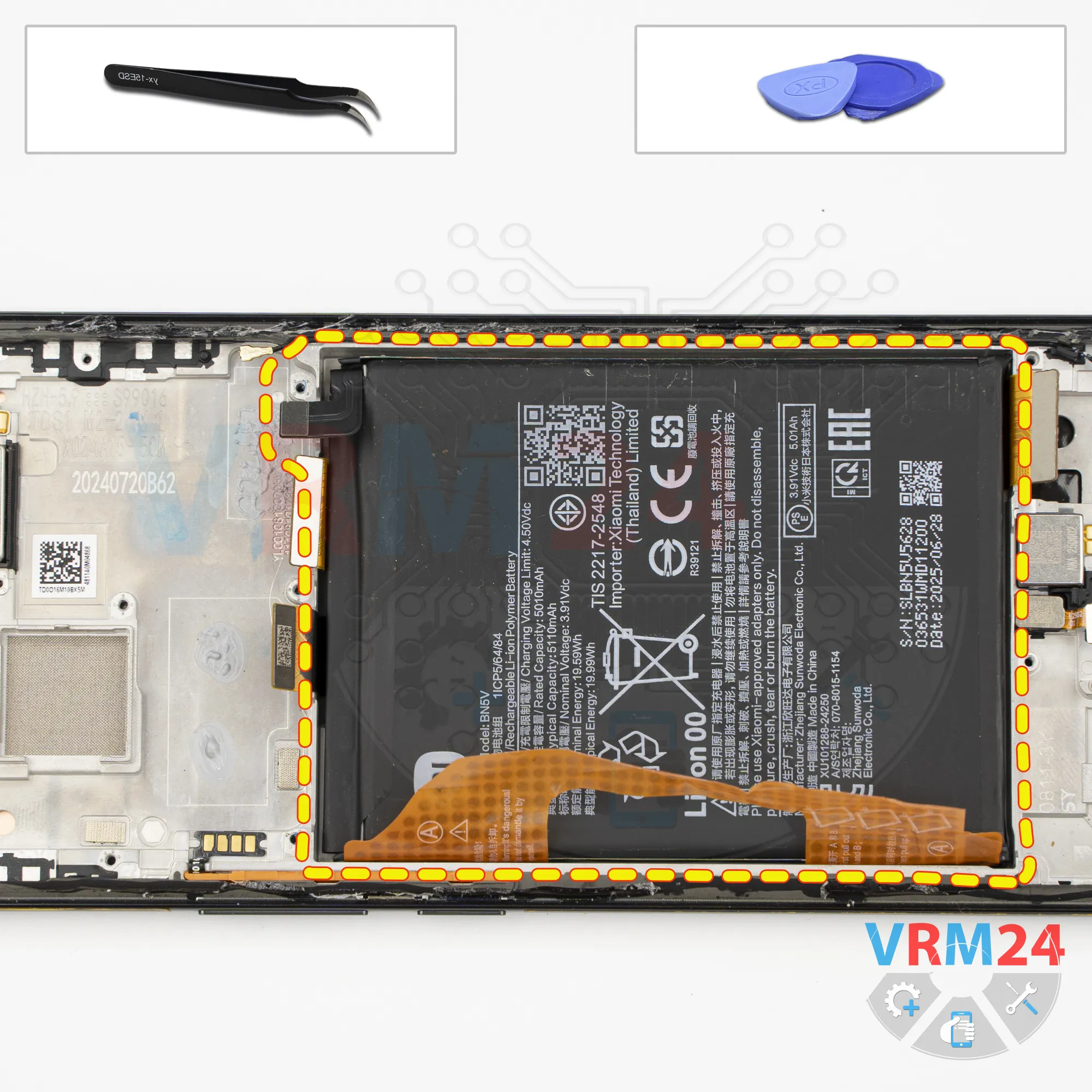
As is traditional with Xiaomi POCO devices, we have brown pull tabs that need to be folded back.
So, we have two brown tabs, marked A and B. We need to fold them as far to the side as possible, and then pull upward on the tab located at the edge.
So, we fold the tabs back and carefully pull the edge tab marked A.
Carefully keep pulling, and at some point, we can separate the battery.

If you have a question, ask us, and we will try to answer in as much detail as possible. If this article was helpful for you, please rate it.

36
Views
0
Likes
—
Share
0
Questions
Related Instructions
Related Reviews
Related Blog
Top instructions
Check our
Top Xiaomi instructions most liked by readers
New instructions
Check our
New Xiaomi brand instructions on vrm24.com