
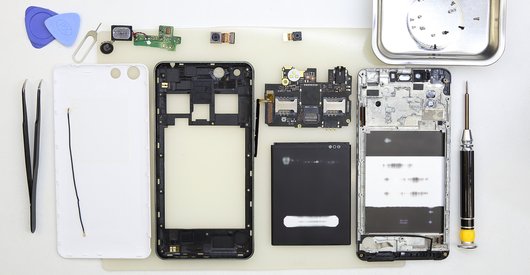

Recommended tools
Screwdriver Phillips #000

Opening tool / Spudger

Tweezers

Disassembly/Repair of the mobile device Prestigio MultiPad 2 with each step description and the required set of tools.
6850
Views
0
Likes
—
Share
5
Questions

Step 1.
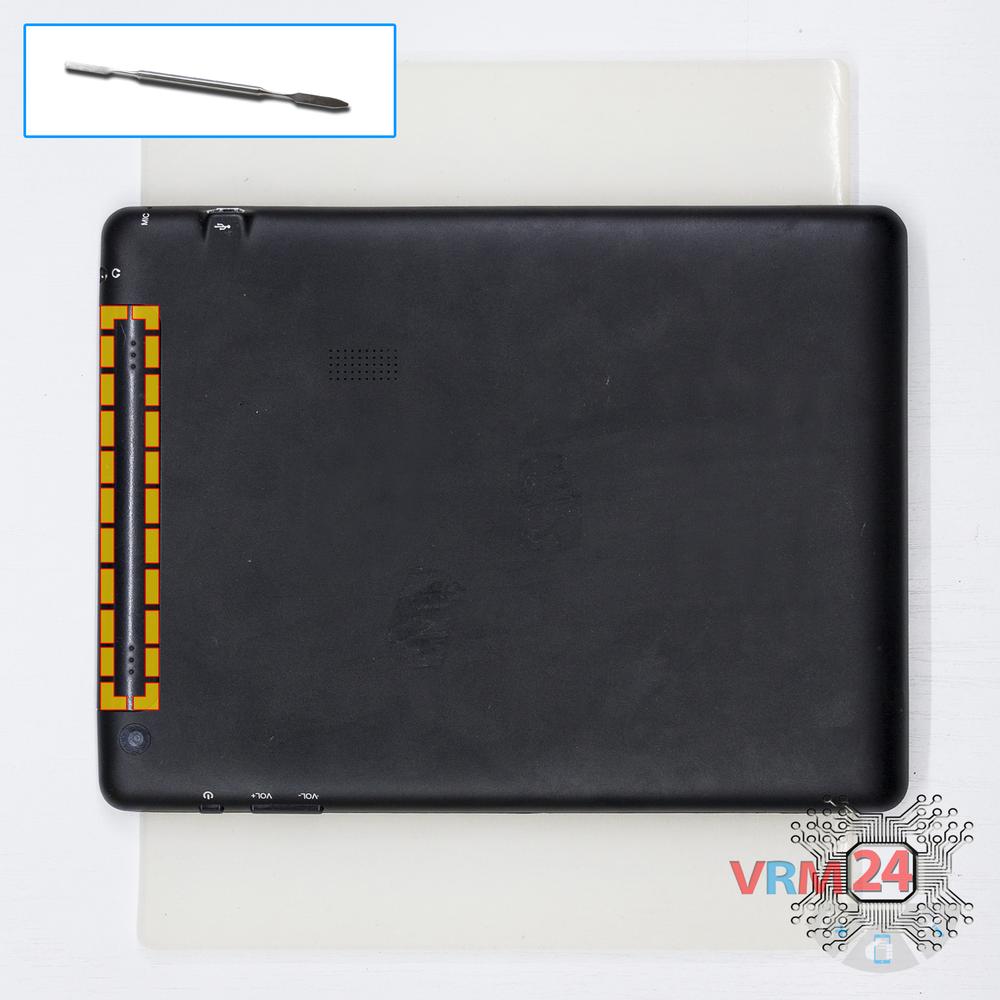
Open the back cover
Open the back cover hiding the bolts.
Step 2.
Unscrew the screws
Using a screwdriver (Phillips 1.5 mm cross-head), unscrew the 2 bolts securing the back cover.
Step 3.
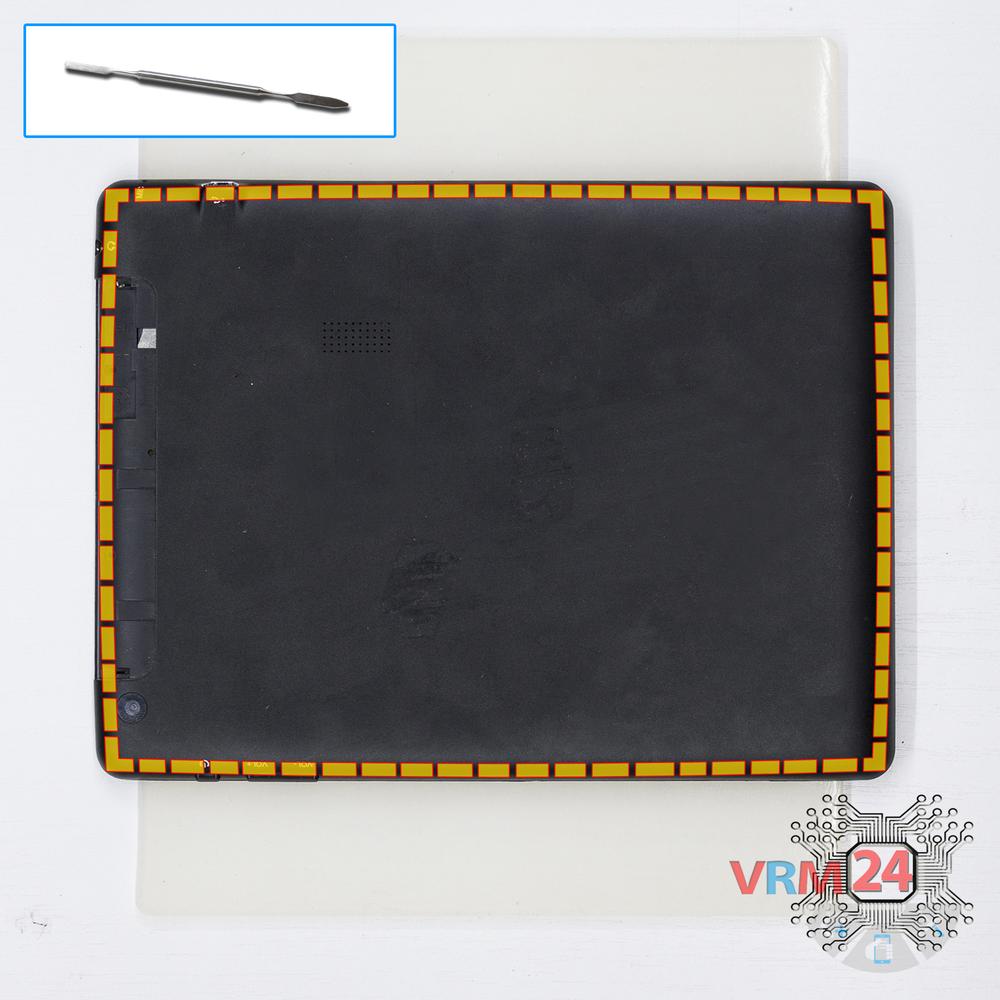
Open the back cover
Open the back cover.
Step 4.
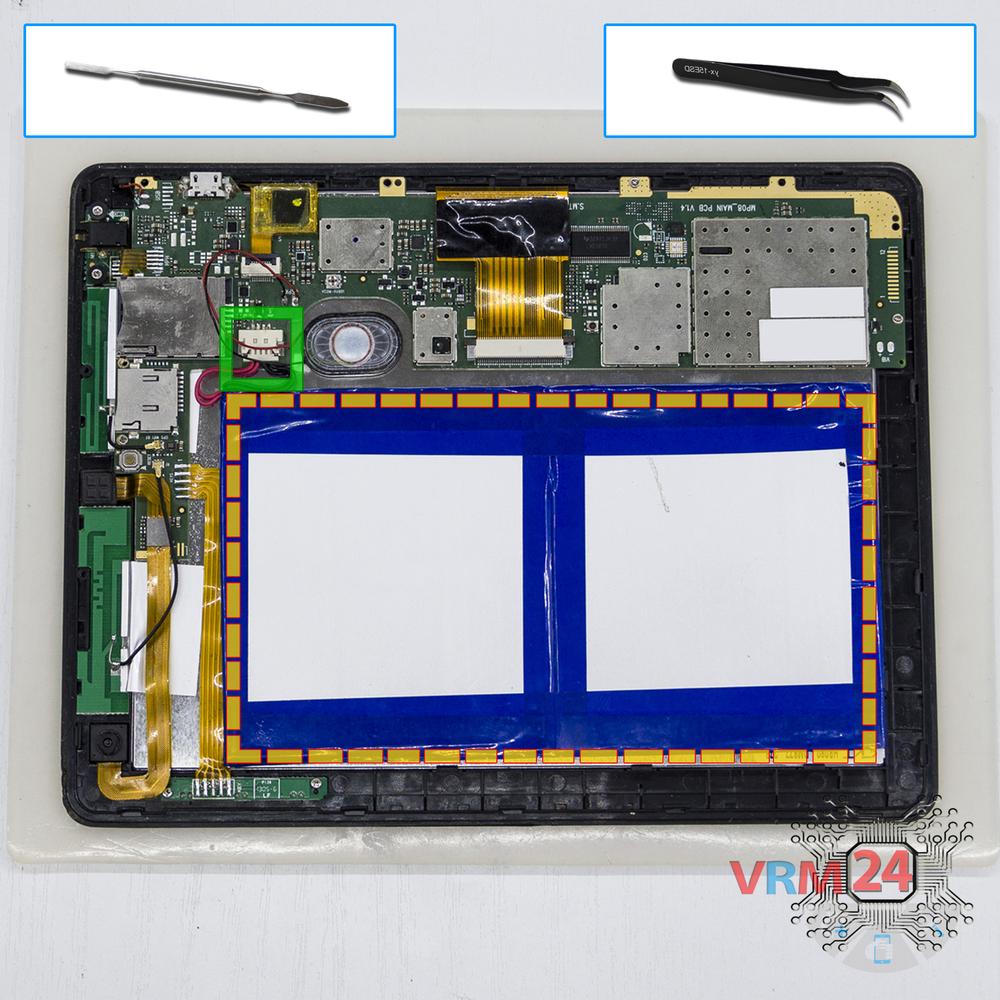
Remove the battery
Disconnect the connector and remove the battery.
Step 5.
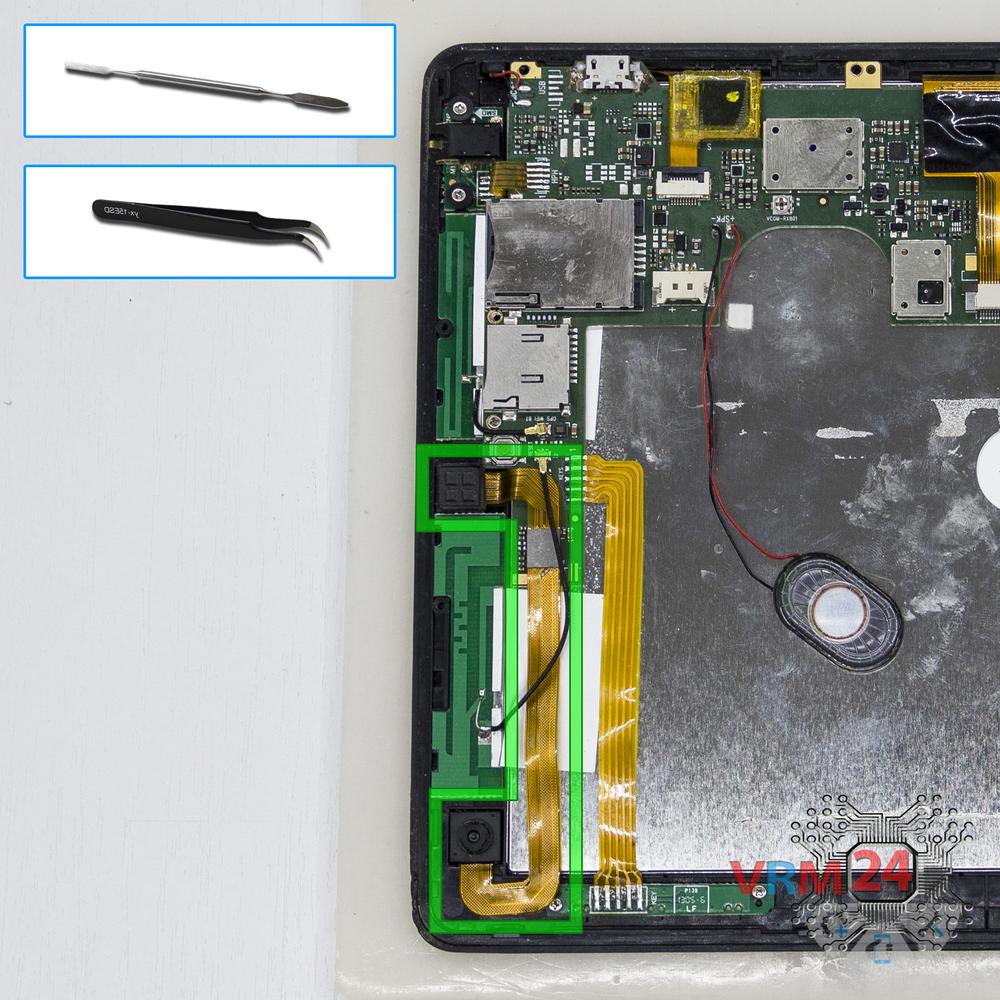
Remove the cameras
Disconnect the connector on PCB and remove the main and front (selfie) cameras.
Step 6.
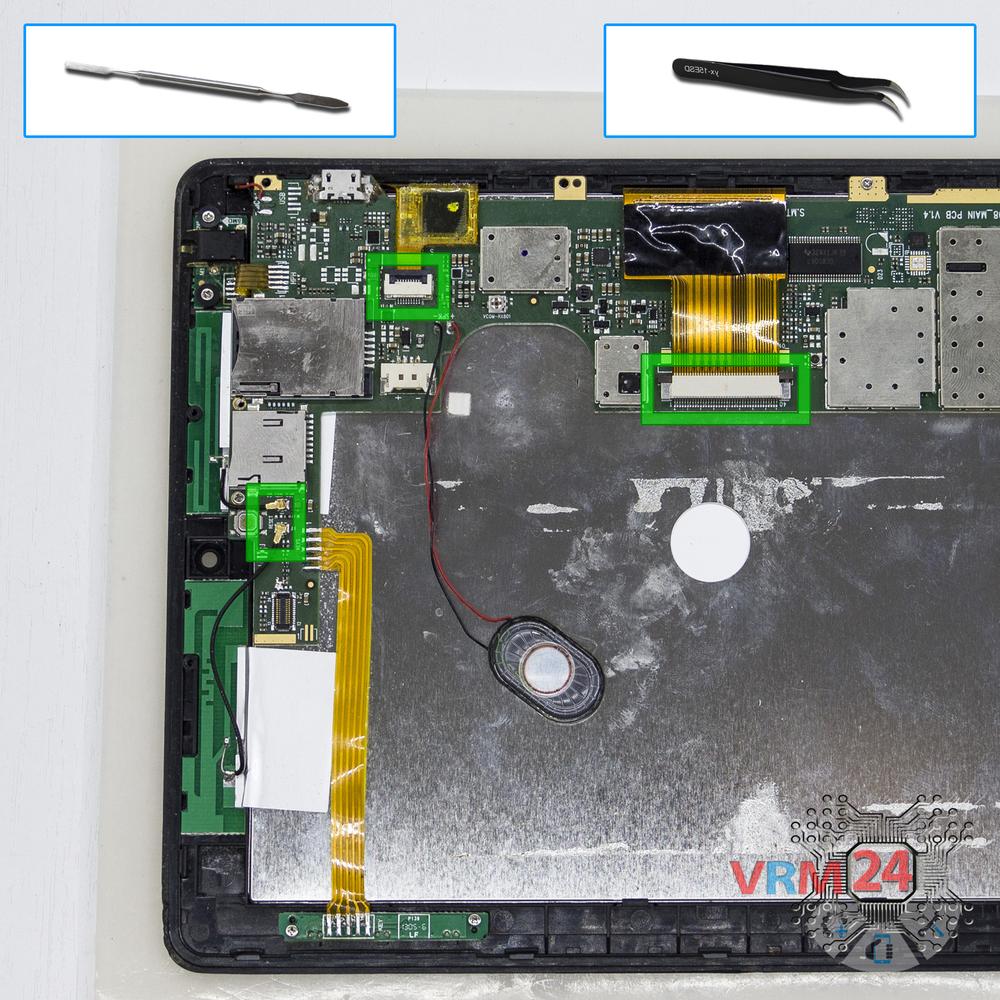
Disconnect the connectors
Disconnect the connectors on PCB.
Step 7.
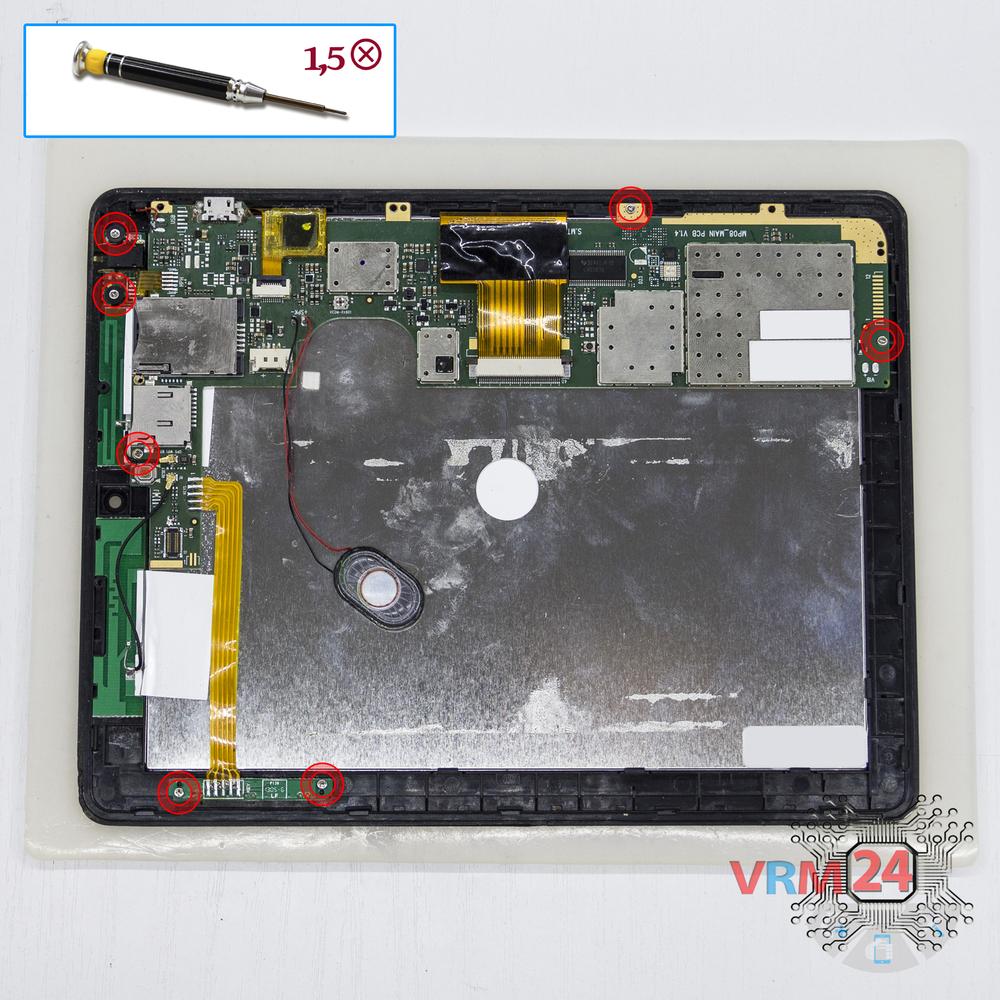
Unscrew the screws
Using a screwdriver (Phillips 1.5 mm cross-head), unscrew 7 bolts.
Step 8.
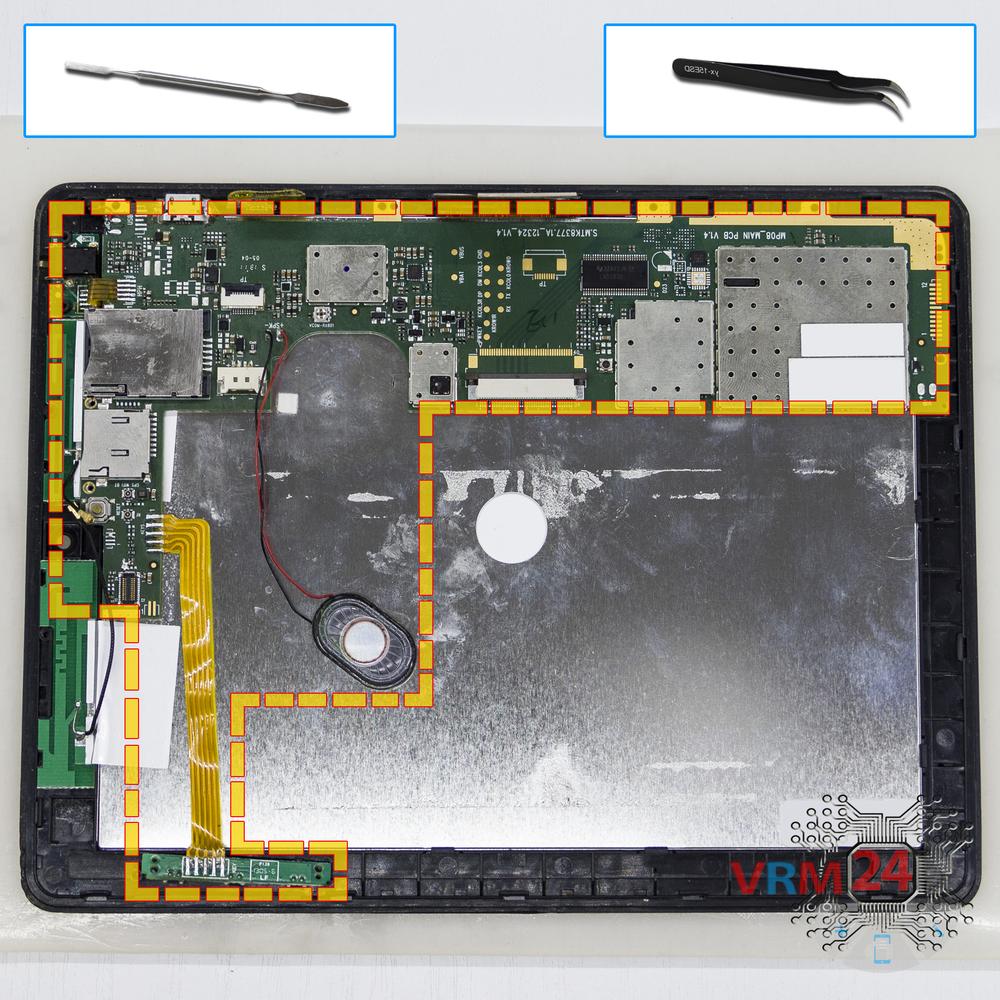
Remove the motherboard
Remove the PCB.
Step 9.
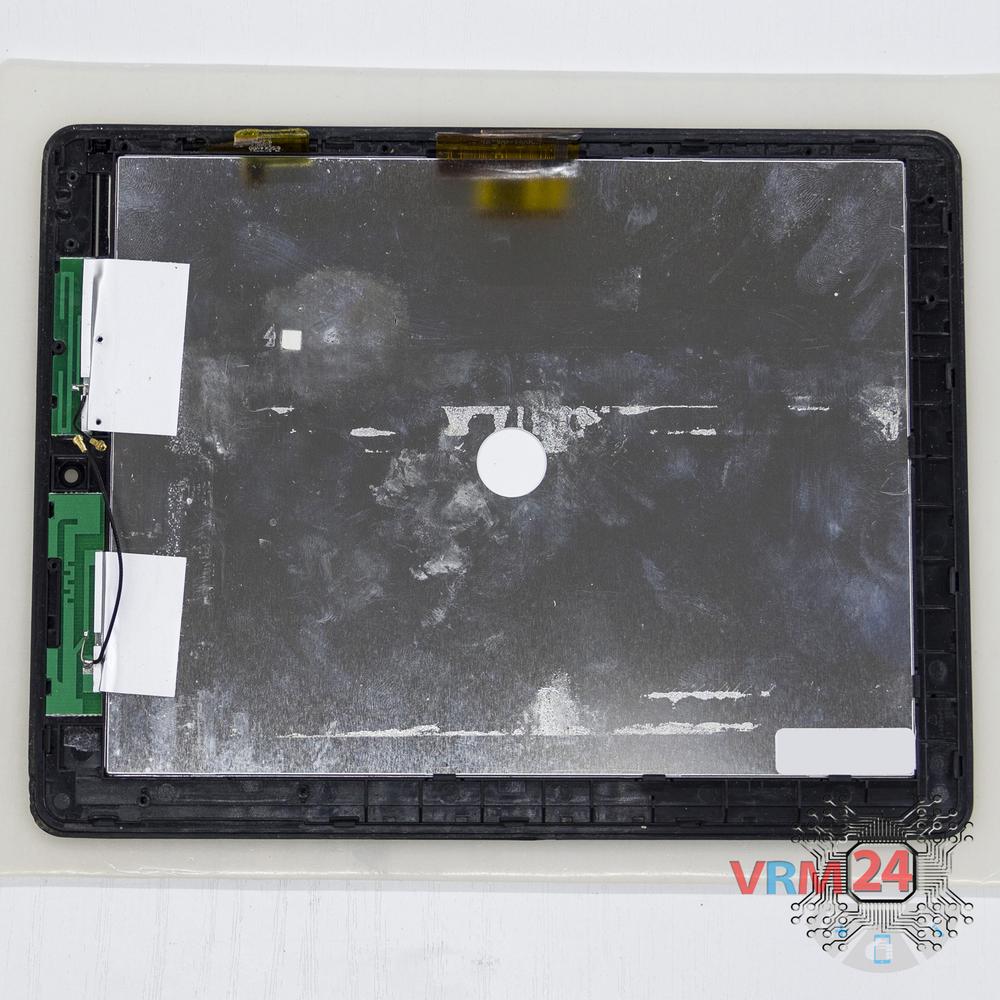
In the display frame remained
Parts in the frame of the display module.

If you have a question, ask us, and we will try to answer in as much detail as possible. If this article was helpful for you, please rate it.

6850
Views
0
Likes
—
Share
5
Questions
Related Instructions
Related Reviews
Related Blog

Popular Questions
D
Prestigio MultiPad 2
vremonte dude when u do this film Samsung wave3 u can't do it again and instal it i dounno how instal back case plsss dude
Dawidra1238
B
Asus ZenFone 3 Max ZC520TL
Good evening, I recently replaced my screen because it broke, now the phone is giving crazy commands, with the phone idle. The technician said I need…
BOUTIQUE4
N
Xiaomi Mi 5S Plus
Thank you, your video helped fix the phone!
Nick Korotya14
Huawei Y3 (2017)
show me speaker way
thu
S
Yota YotaPhone 2 YD201
I have a YD206, when I disconnected the black-and-white screen I didn't touch the second connector because there are some other unclear contacts ther…
serg zel8Top instructions
Check our
Top Prestigio instructions most liked by readers
New instructions
Check our
New Prestigio brand instructions on vrm24.com