
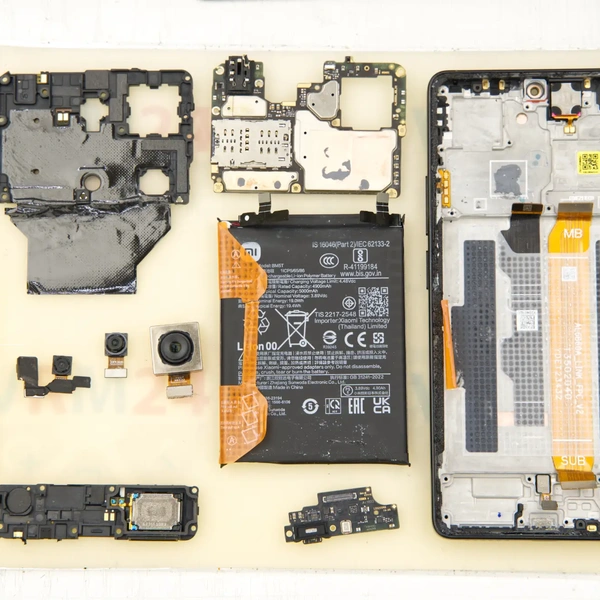
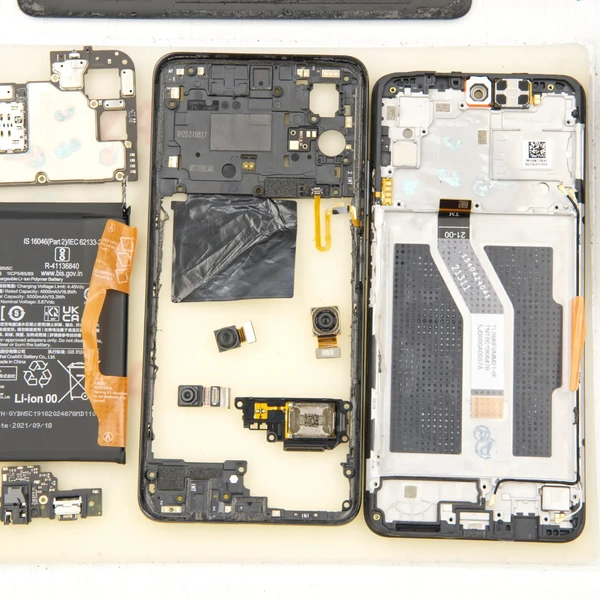
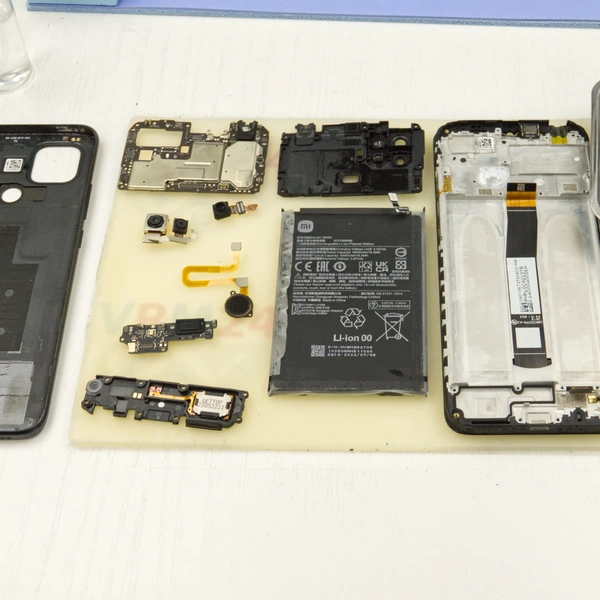
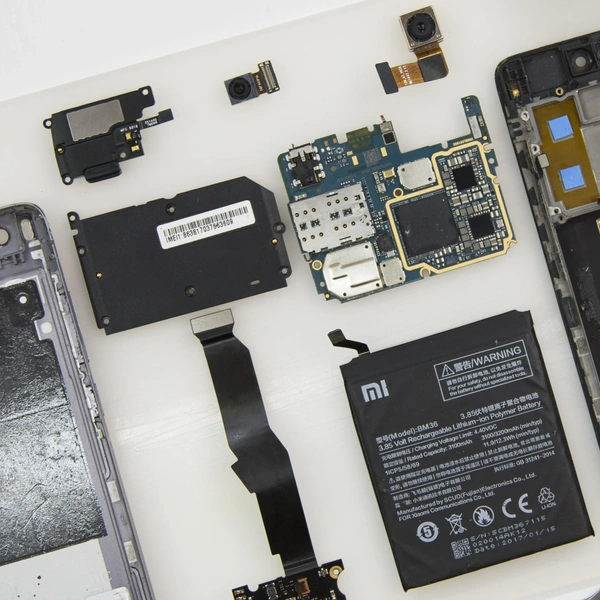


Before disassembling, make sure to turn off the phone.
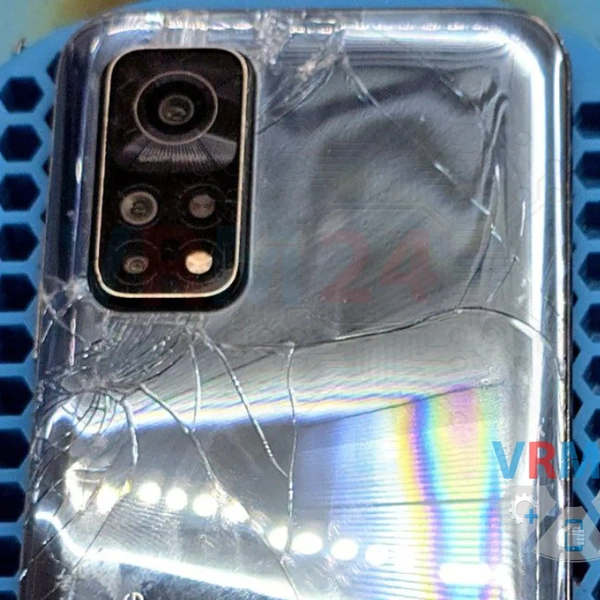
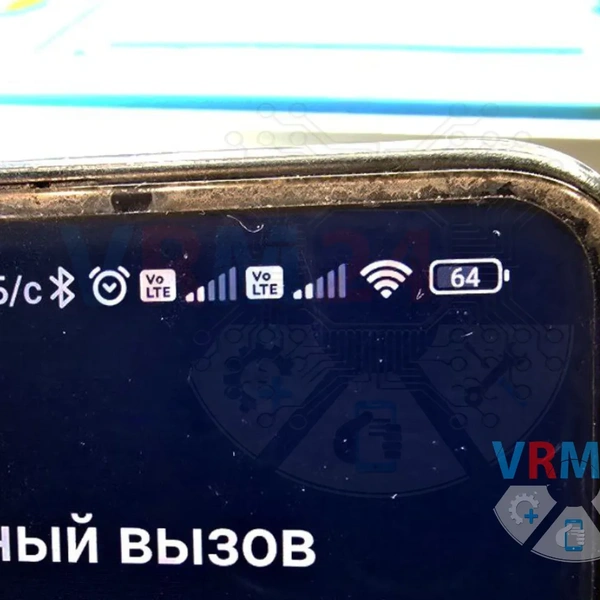
Another Xiaomi MI 10T came in for repair with the issue of not detecting (not recognizing) the SIM card.
Since this is already a common issue with this smartphone model and the repair is relatively simple, I’ll share the repair process.
☝️ By the way, this same issue can also cause problems not only with the SIM card but also with charging and the microphone.
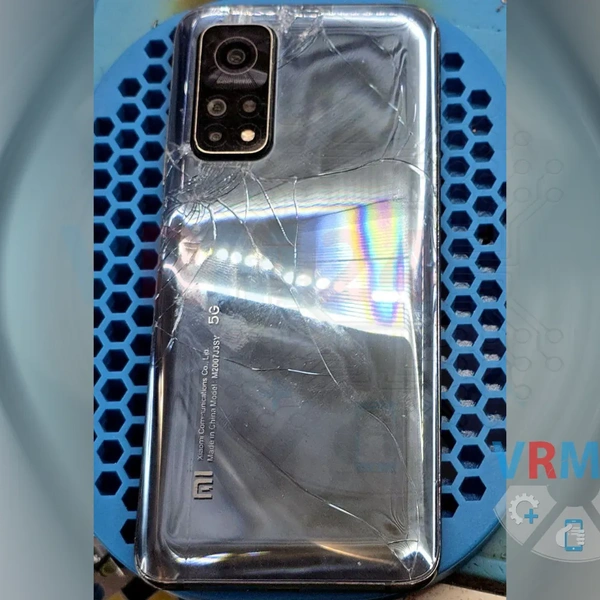
Looking at the cracked back cover, it’s clear that the phone took a pretty hard fall, so the first thing to check is the connectors and the cable to the sub-board.
1️⃣ Disassemble the phone and inspect the connector to the lower sub-board—everything looks fine.
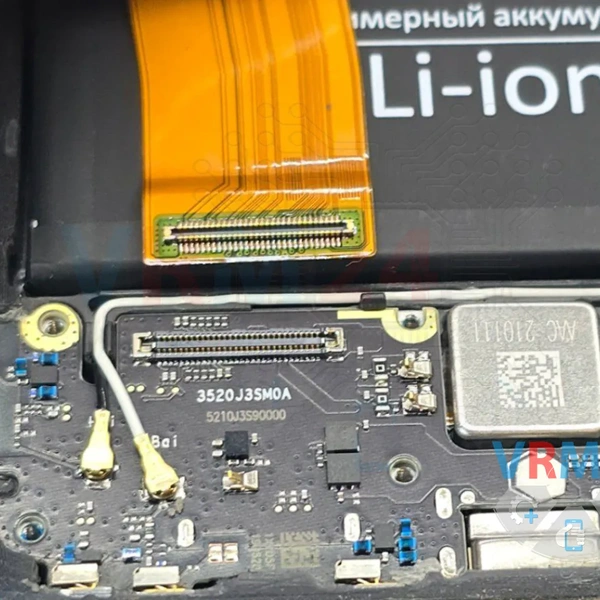
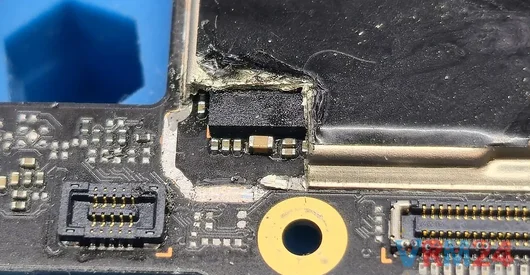
2️⃣ Inspect the upper part. It’s clear that the connector is broken, and some of the contacts are missing.
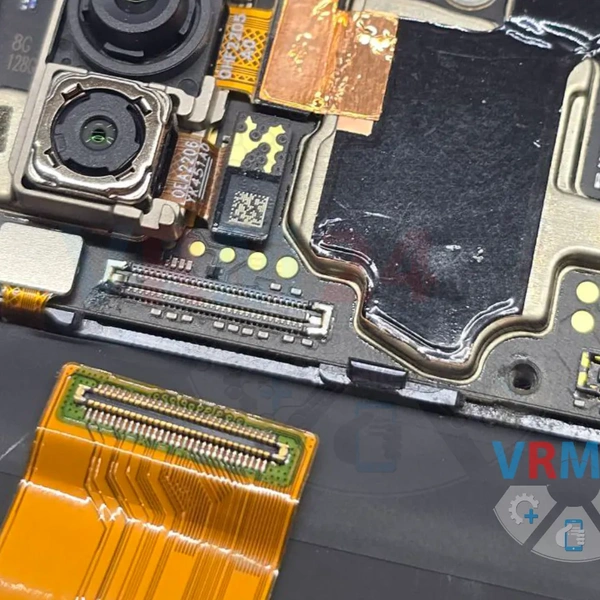
3️⃣ Remove the motherboard and prepare to replace the connector.
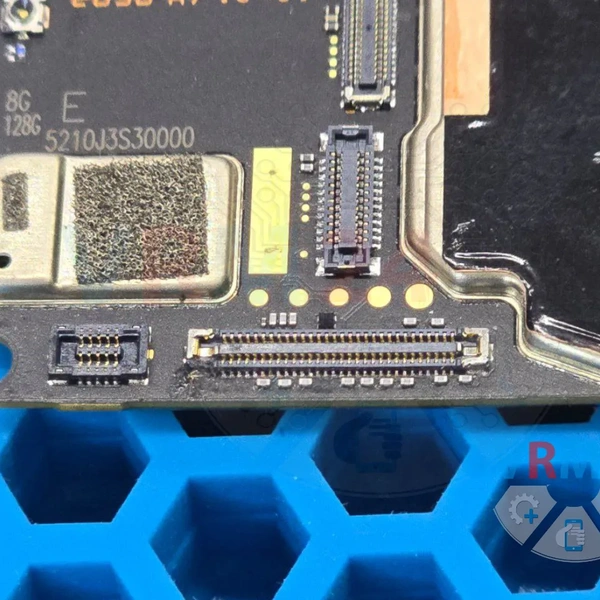
Look for a suitable connector from other boards.
We already know that connectors from Xiaomi Note 9T, Xiaomi Note 10 Pro, or the lower board of this same Mi 10T model will work.
We found a sub-board from our spare parts, though I’m not sure which exact model it’s from.
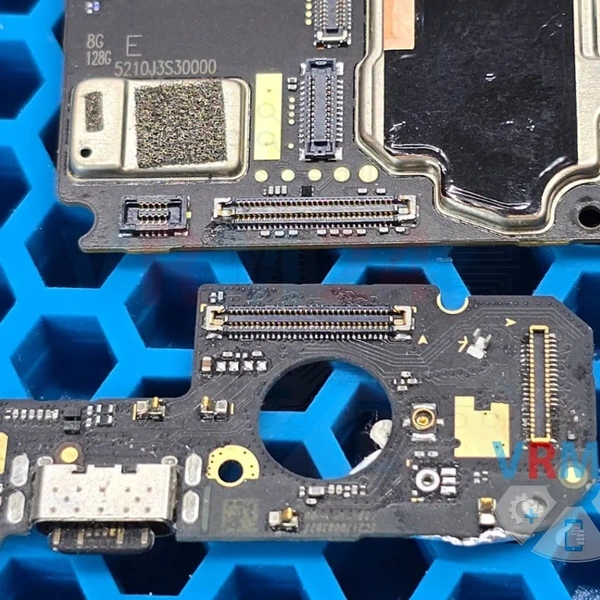
4️⃣ Place the motherboard on the repair stand and desolder the damaged connector.
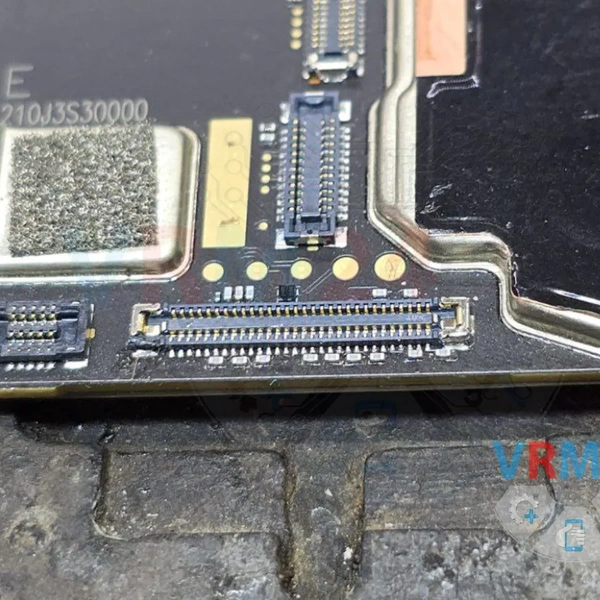
5️⃣ Install the intact connector from the sub-board of the spare parts.
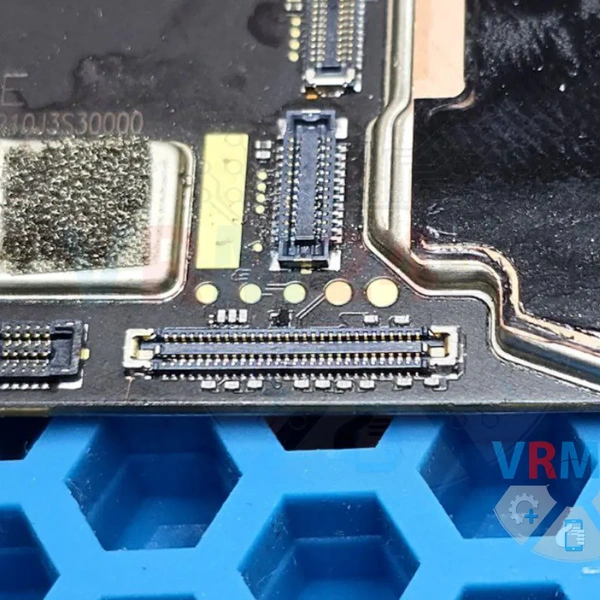
6️⃣ Reconnect the motherboard and test the smartphone’s functionality.
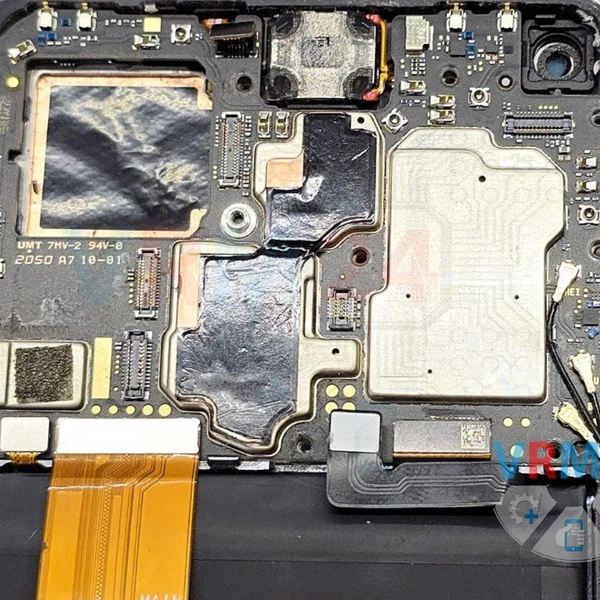
Both SIM cards are detected, the phone charges, and the microphone works 👍