
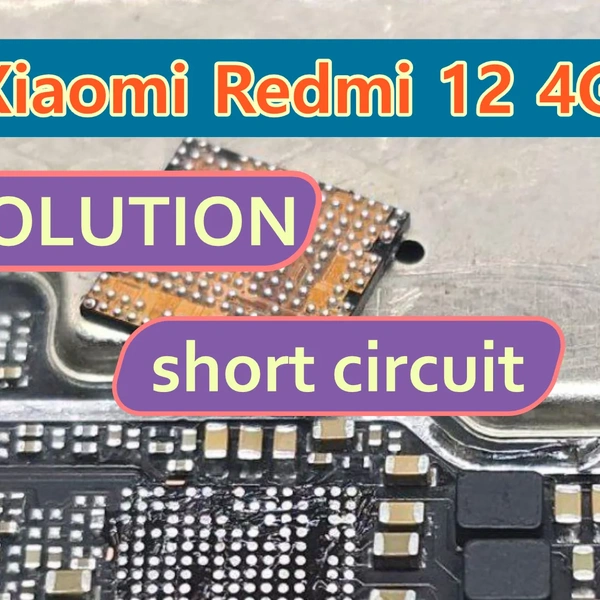
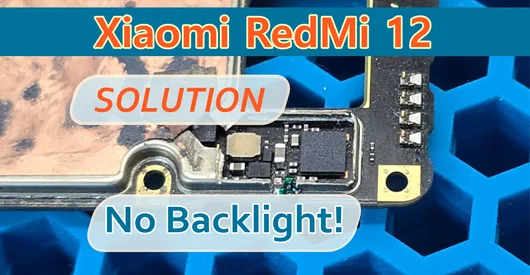
Supported models:
- 23053RN02Y (global version, including NFC support)
- 23053RN02A (North American version and some other markets)
- 23053RN02I (Indian version)
- 23053RN02L (Latin American version)
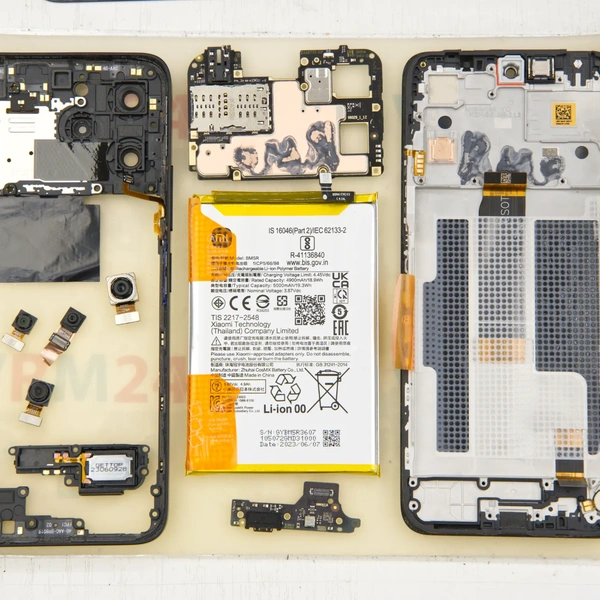
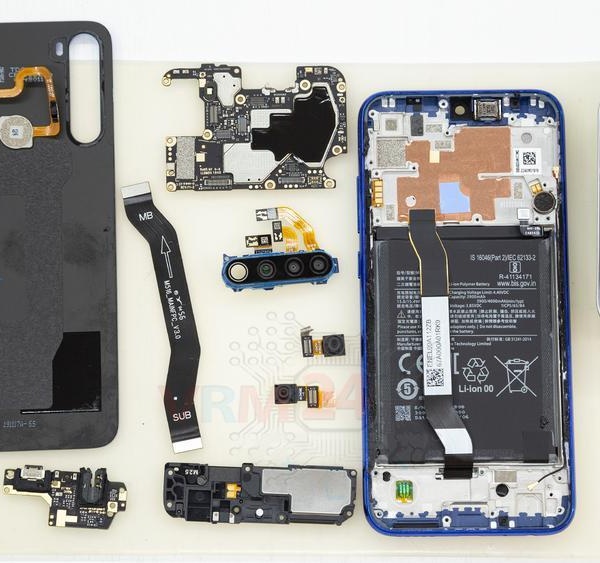
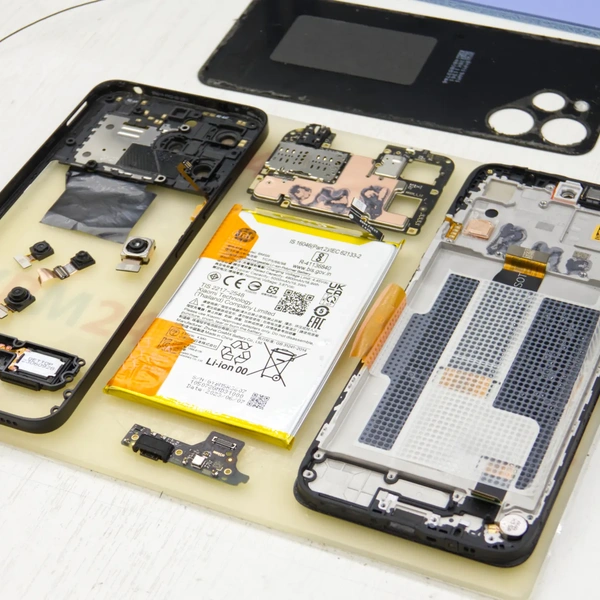
Disassemble the smartphone. Want to know how to take this phone apart? Check out the link below!
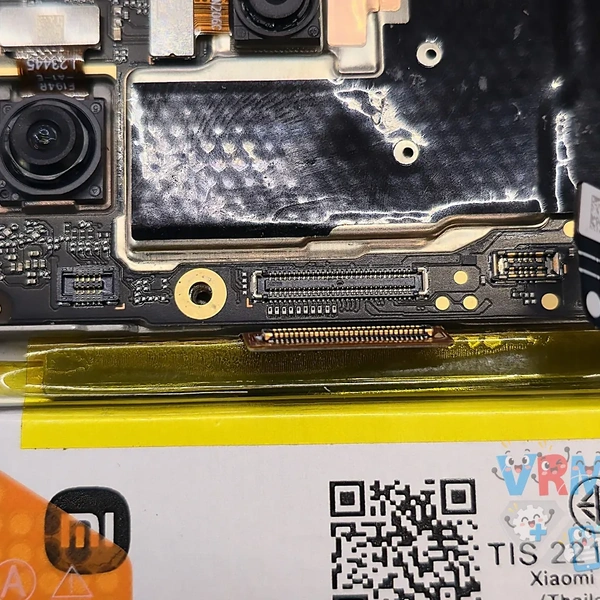
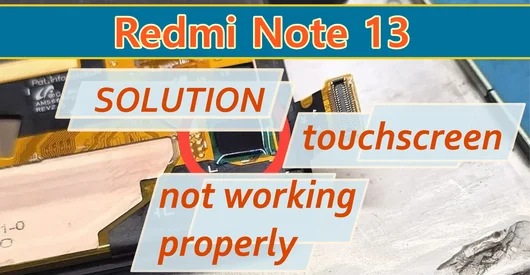
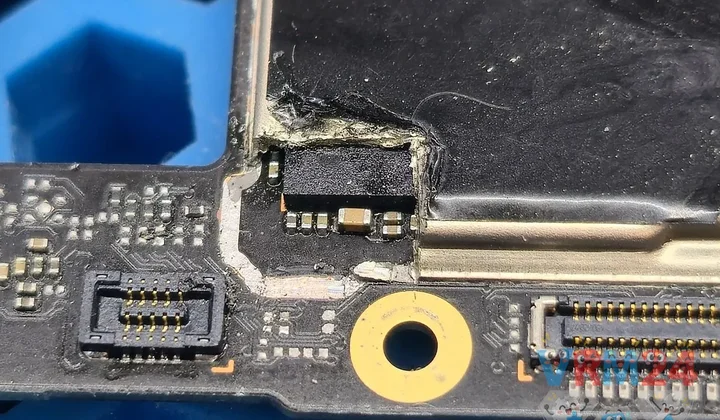
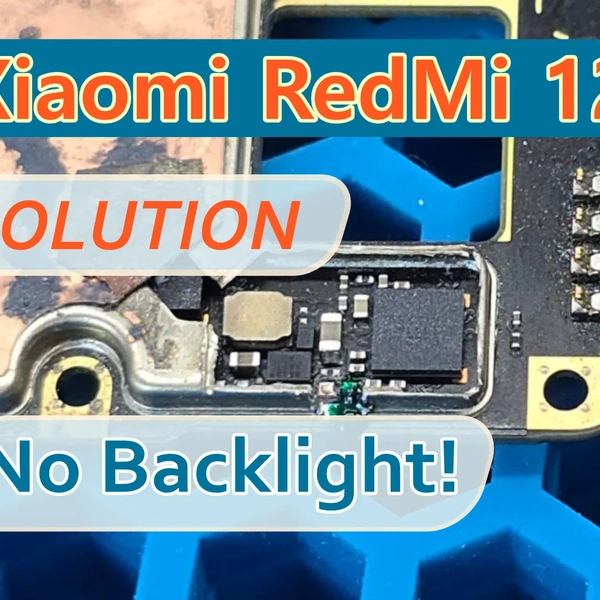
Most often, when the motherboard is subjected to a strong mechanical impact, the touchscreen traces break near the corner of the metal shield in the third layer of the board.
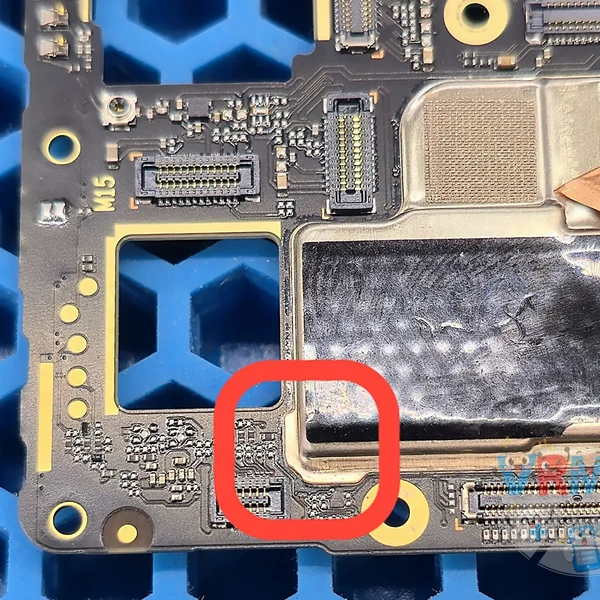
Carefully cut away and remove part of the metal shield.
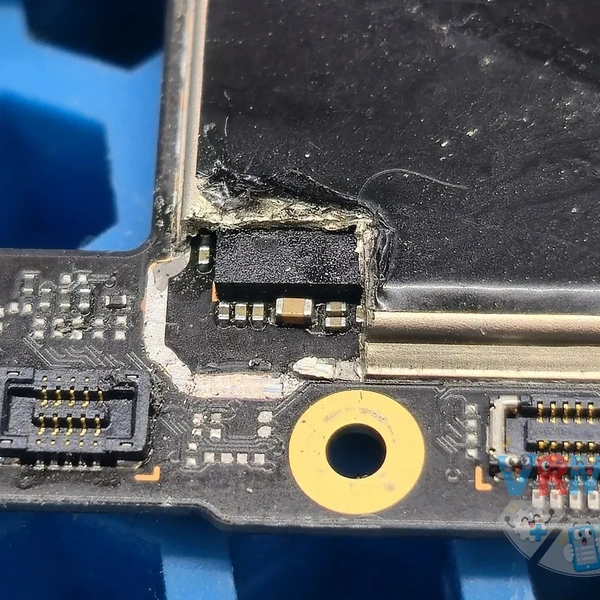
Using a scalpel, carefully remove the top layer of the PCB.
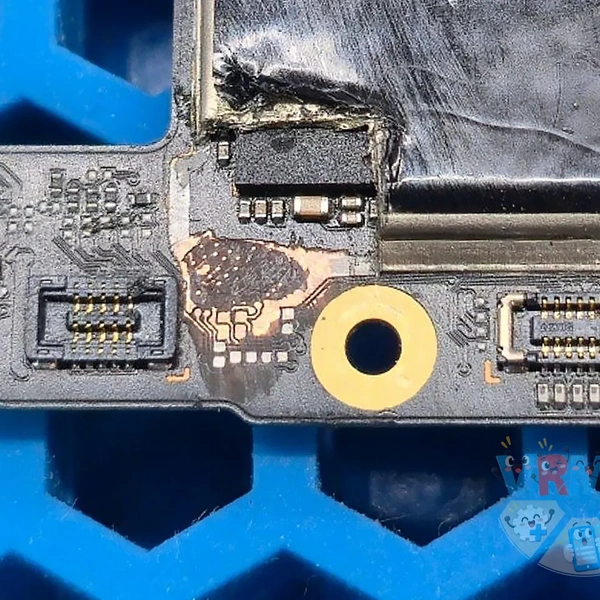
Carefully scrape away the PCB material until you reach the second layer.
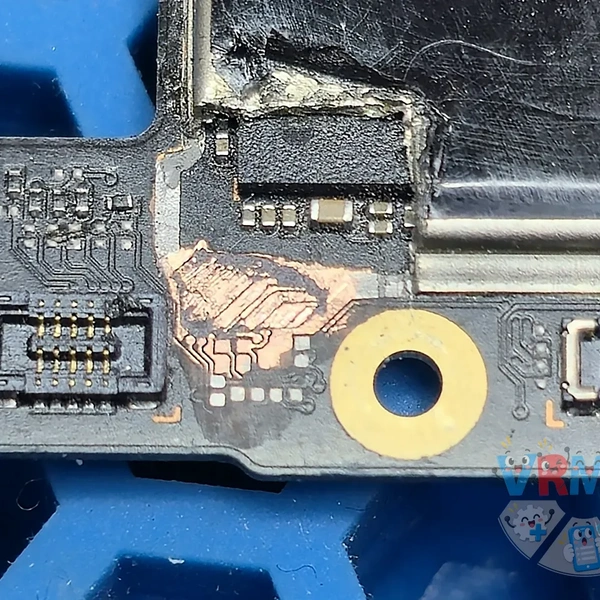
Next, continue scraping down to the third layer and locate the four traces running from the connector to the processor.
It's important to carefully remove the PCB material between the traces in the second layer without damaging their connections.
Otherwise, you'll have to repair those traces as well.
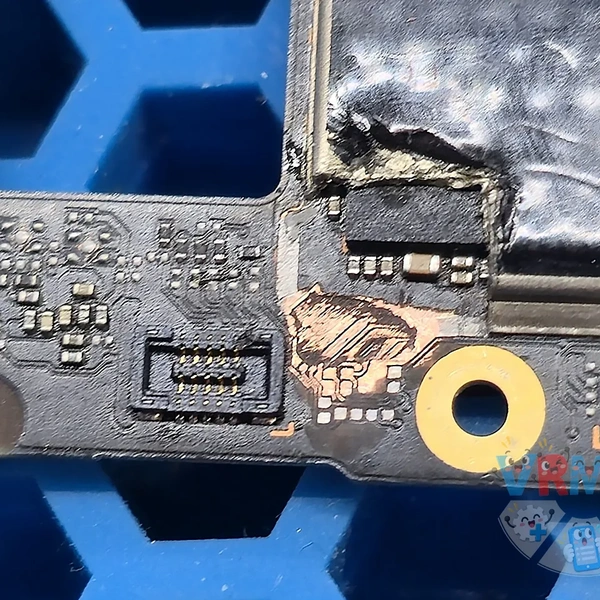
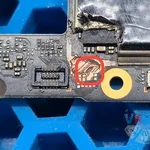
Repair the broken connections using a soldering iron and copper wire, then secure everything with UV-curable solder mask.
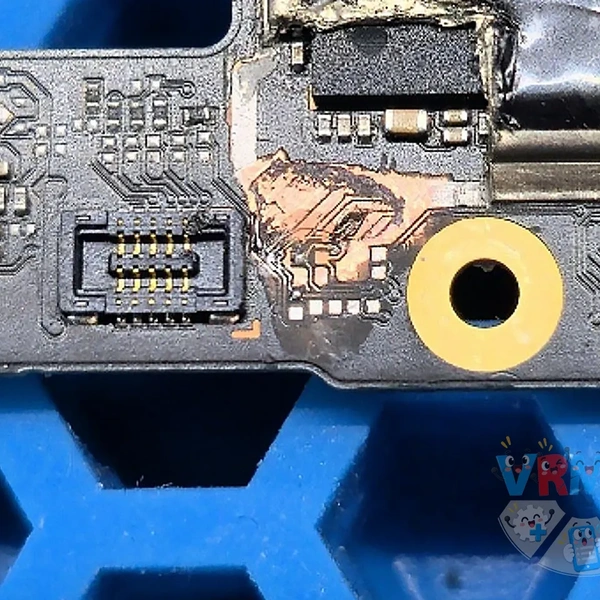
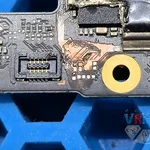
Reinstall the motherboard in the phone and check whether the touchscreen is working.
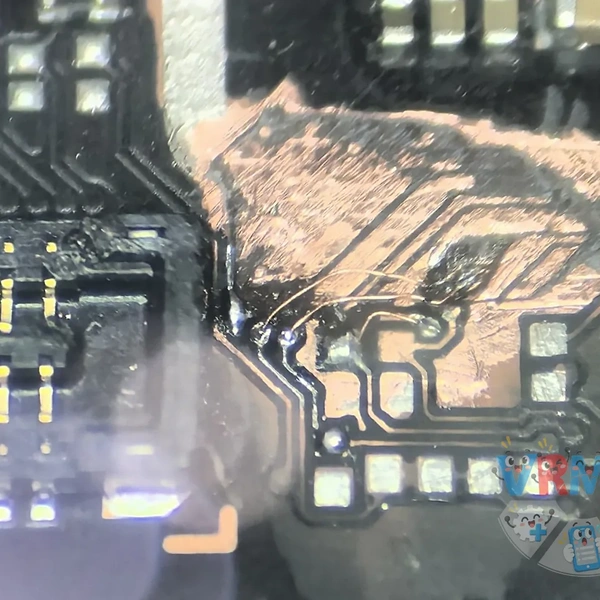
Everything works! 👍
The most important thing is to make sure right from the start that the problem is with the motherboard, not the display assembly! 🙂