




Recommended tools
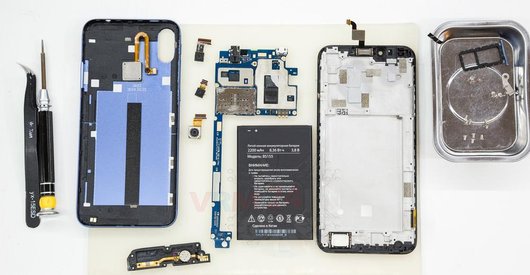
Screwdriver Five-point P0.8 mm

Screwdriver Phillips #000

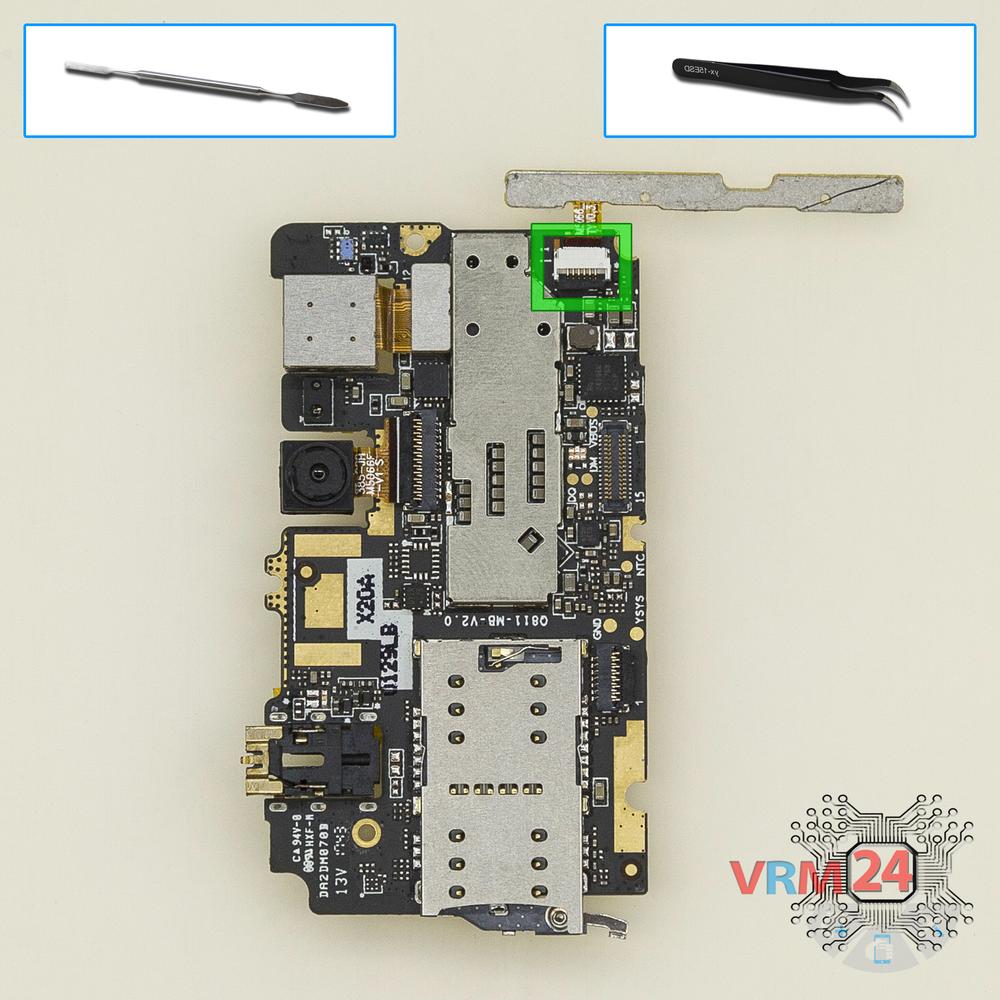
Opening tool / Spudger

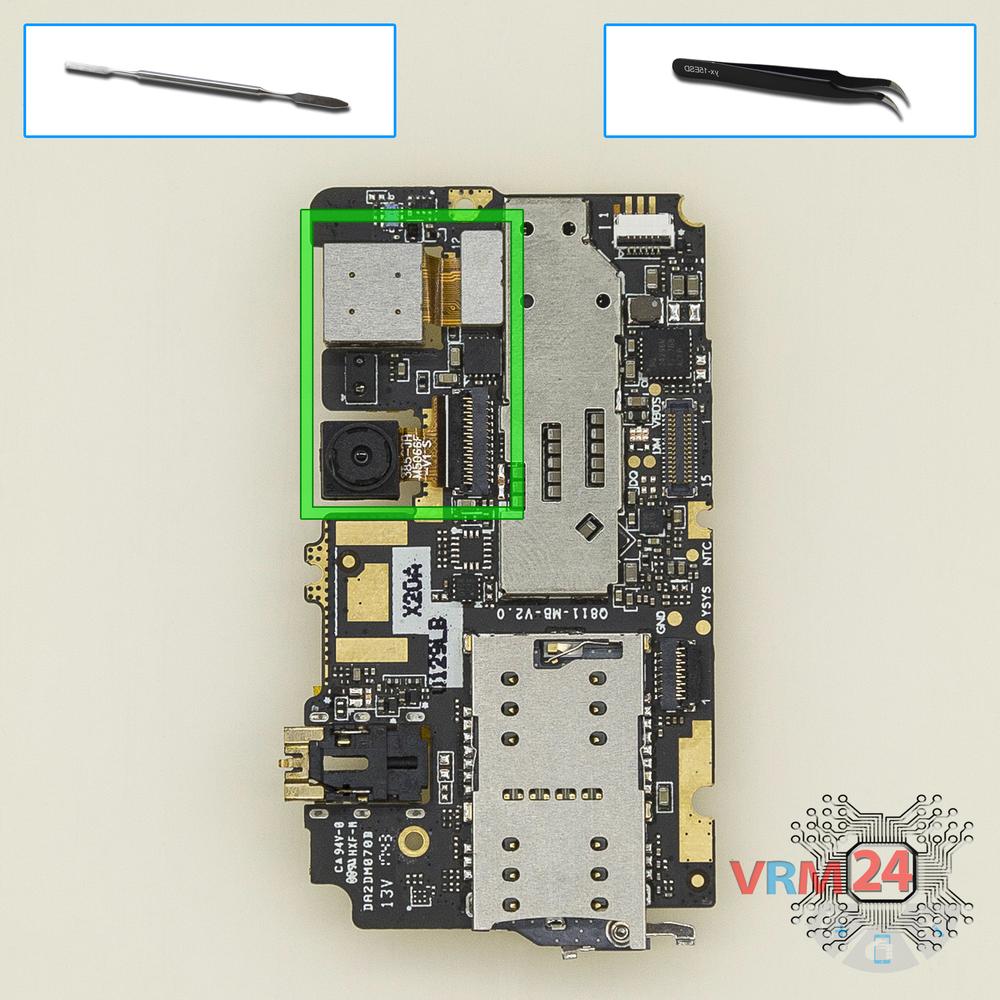
Tweezers

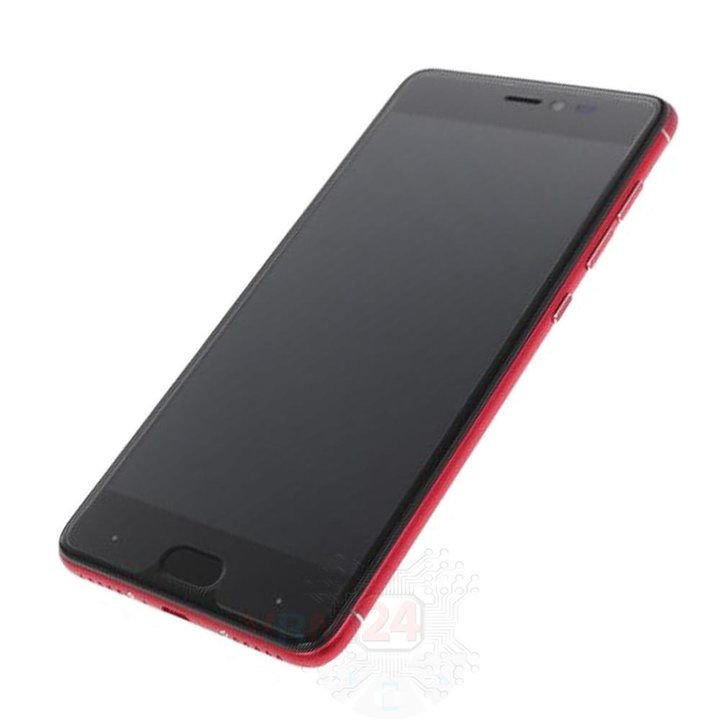
Disassembly/Repair of the mobile device DEXP Ixion Z150 with each step description and the required set of tools.
4302
Views
3
Likes
—
Share
3
Questions

Step 1.
Remove the trays
Using the key tool, open the SIM and Micro SD cards tray and remove it.
⚠ Warning!
Do not push too hard this may cause damage.
Step 2.
Unscrew the screws
Using a screwdriver (Star Shape 0.8mm Pentalobe), unscrew 2 bolts on the end of the phone.
Step 3.
Open the back cover
Open the back cover.
Step 4.
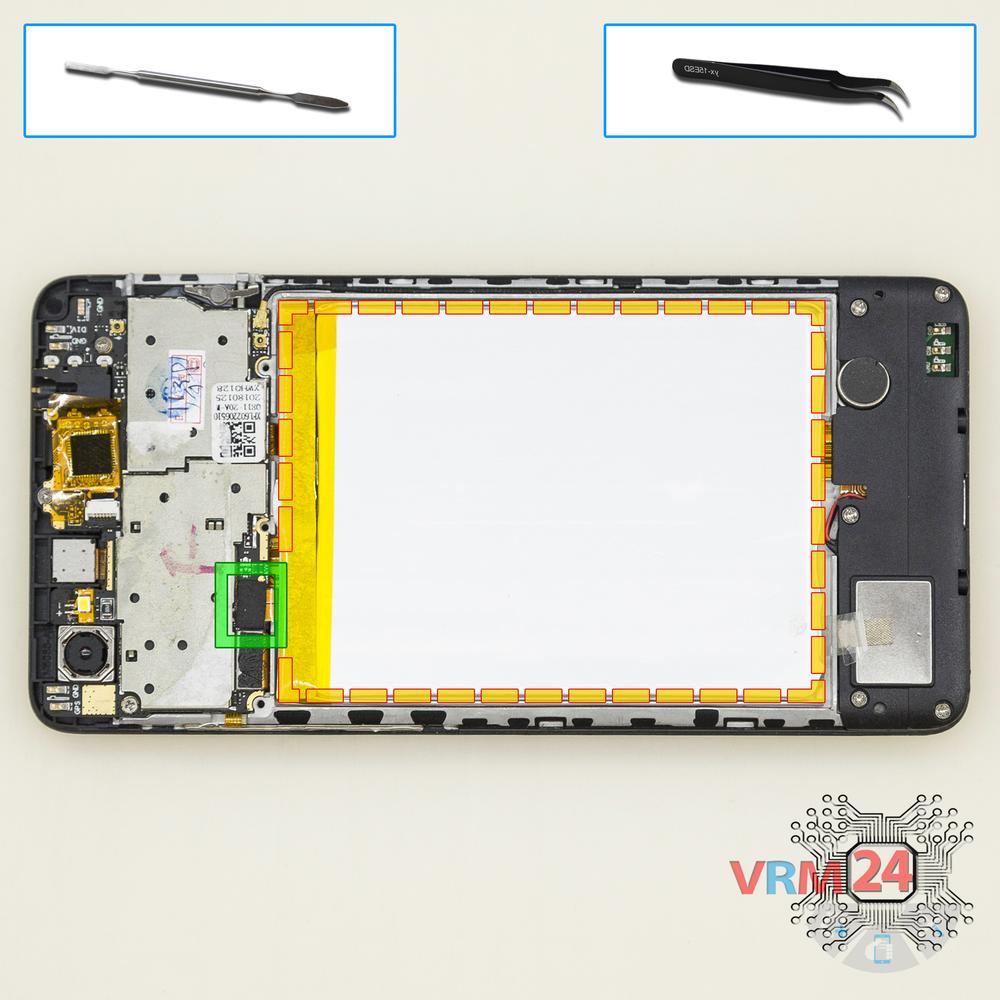
Remove the battery
Disconnect the connector on PCB and remove the battery.
Step 5.
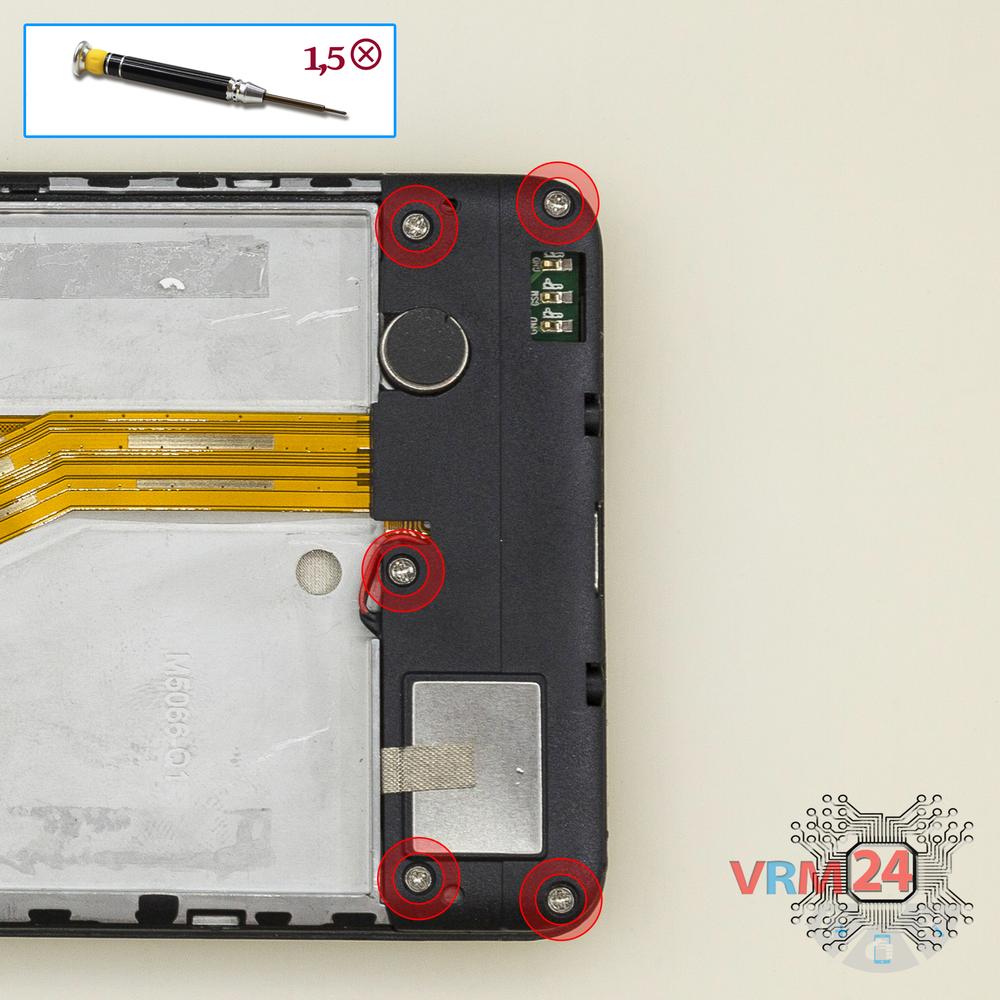
Unscrew the screws
Using a screwdriver (Phillips 1.5 mm PH000), unscrew 5 bolts.
Step 6.
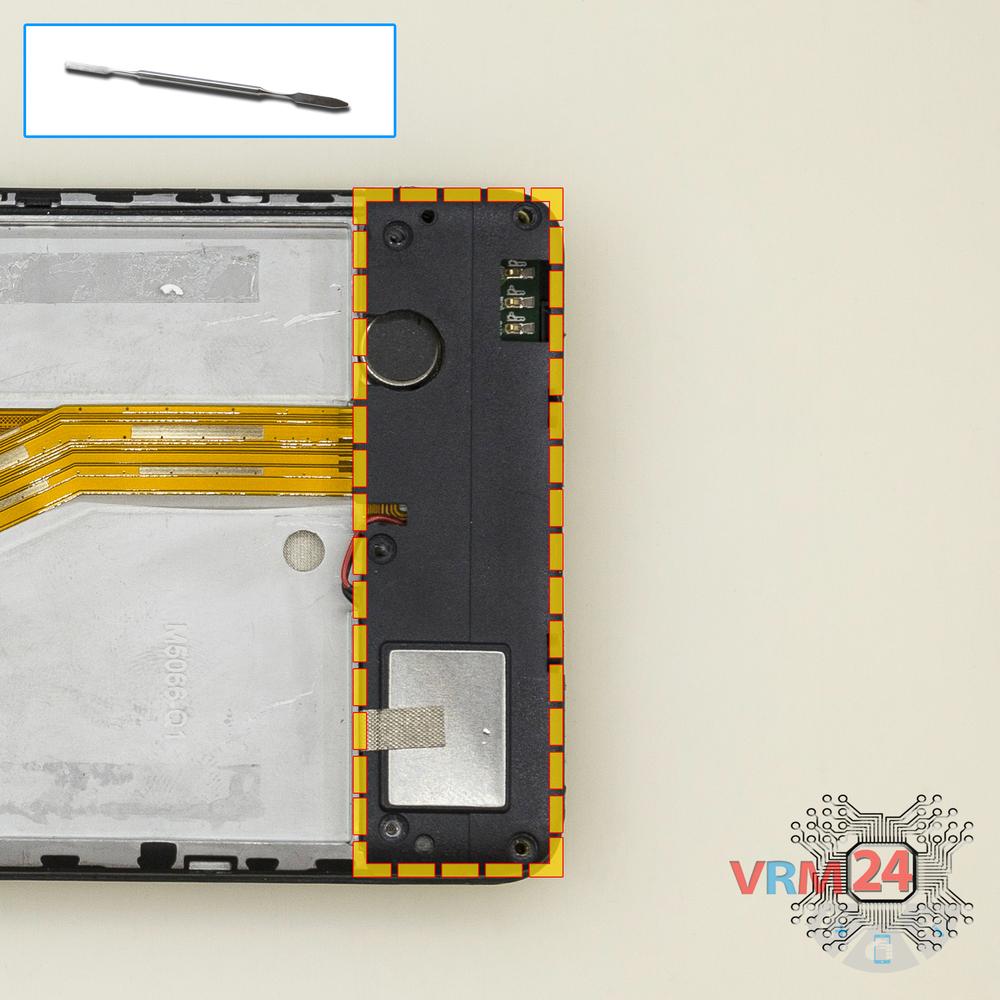
Turn over the speaker assembly
Lift and turn over the buzzer (speaker) assembly.
Step 7.
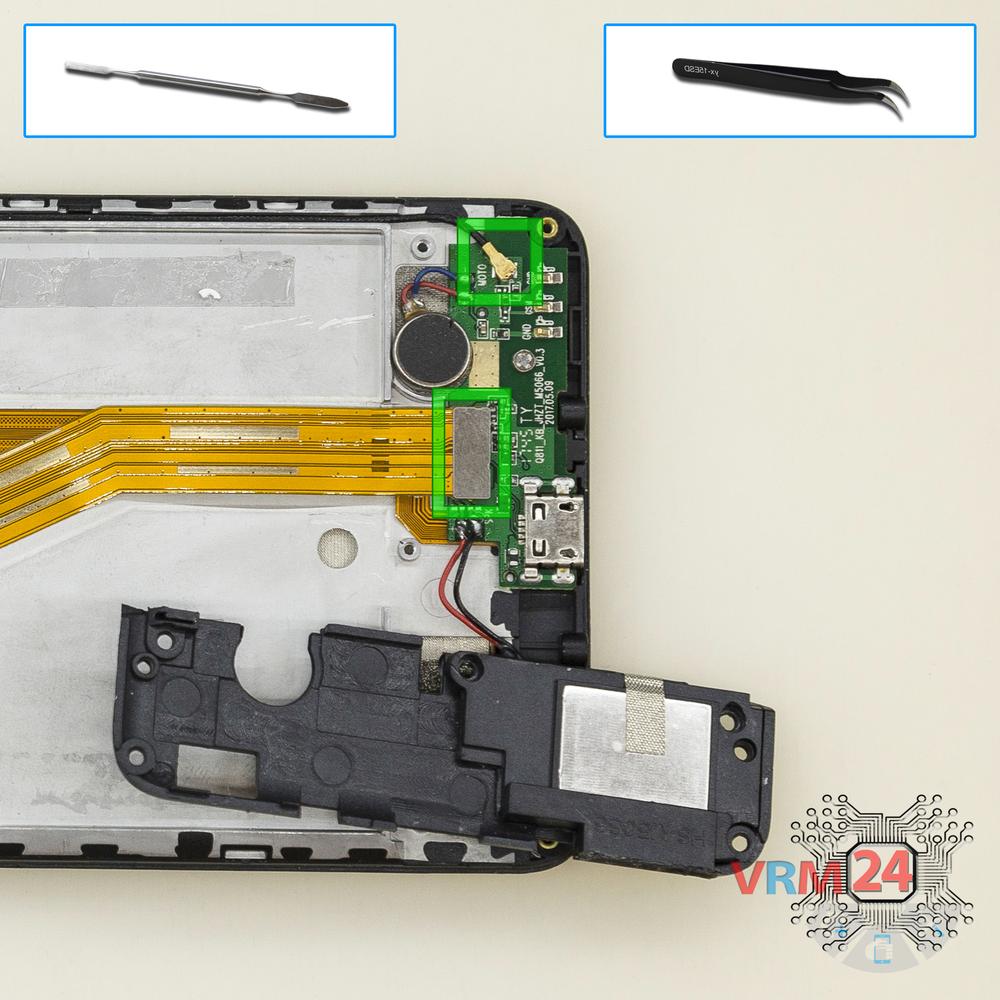
Disconnect the connectors
Disconnect connectors on the daughterboard.
Step 8.
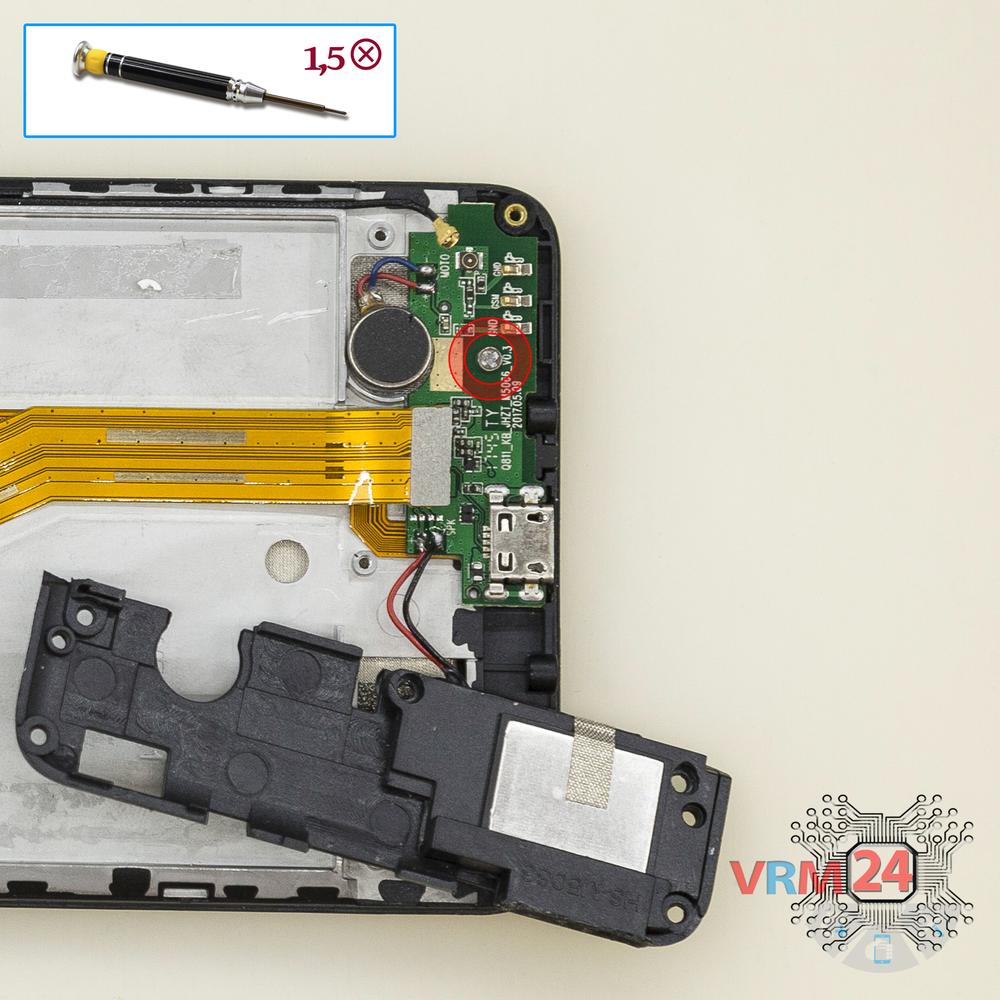
Unscrew one screw
Using a screwdriver (Phillips 1.5 mm PH000), unscrew 1 bolt in the daughter board.
Step 9.
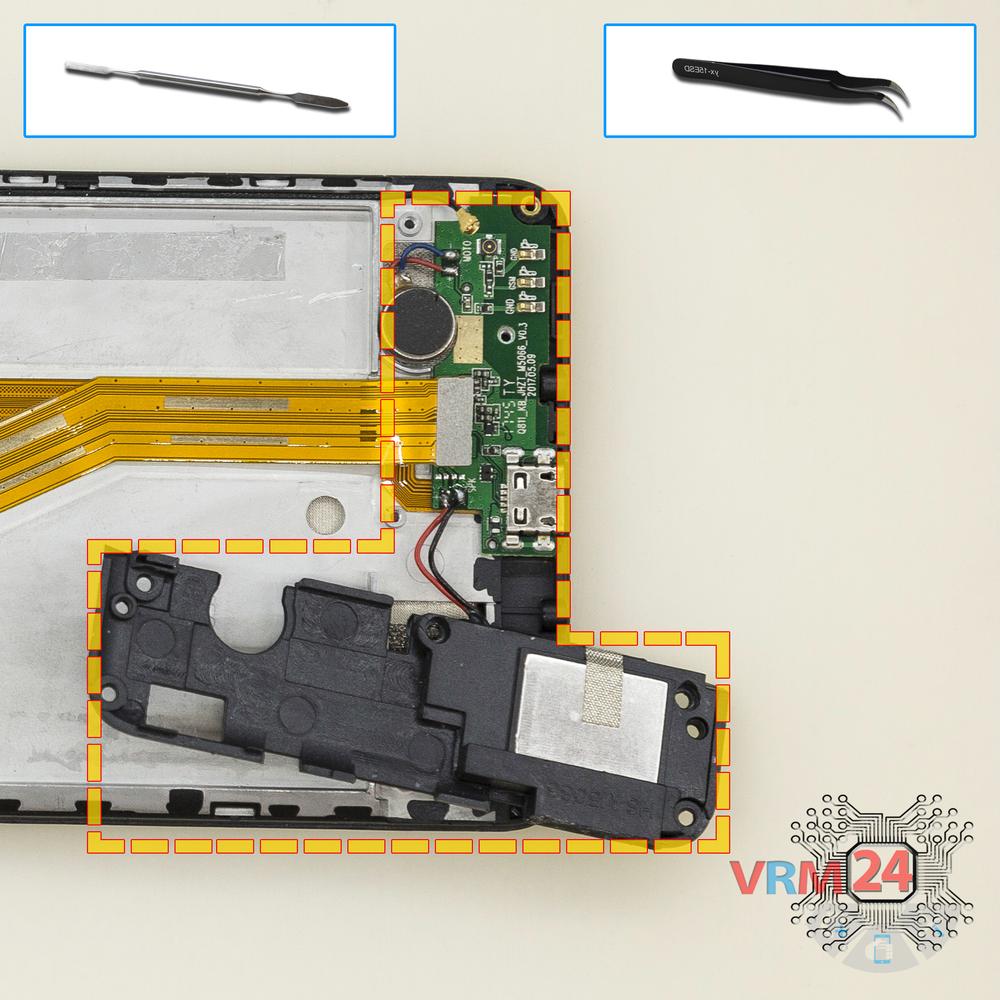
Remove the sub-board
Remove the daughterboard, also known as sub-board with the buzzer (speaker) assembly.
Step 10.
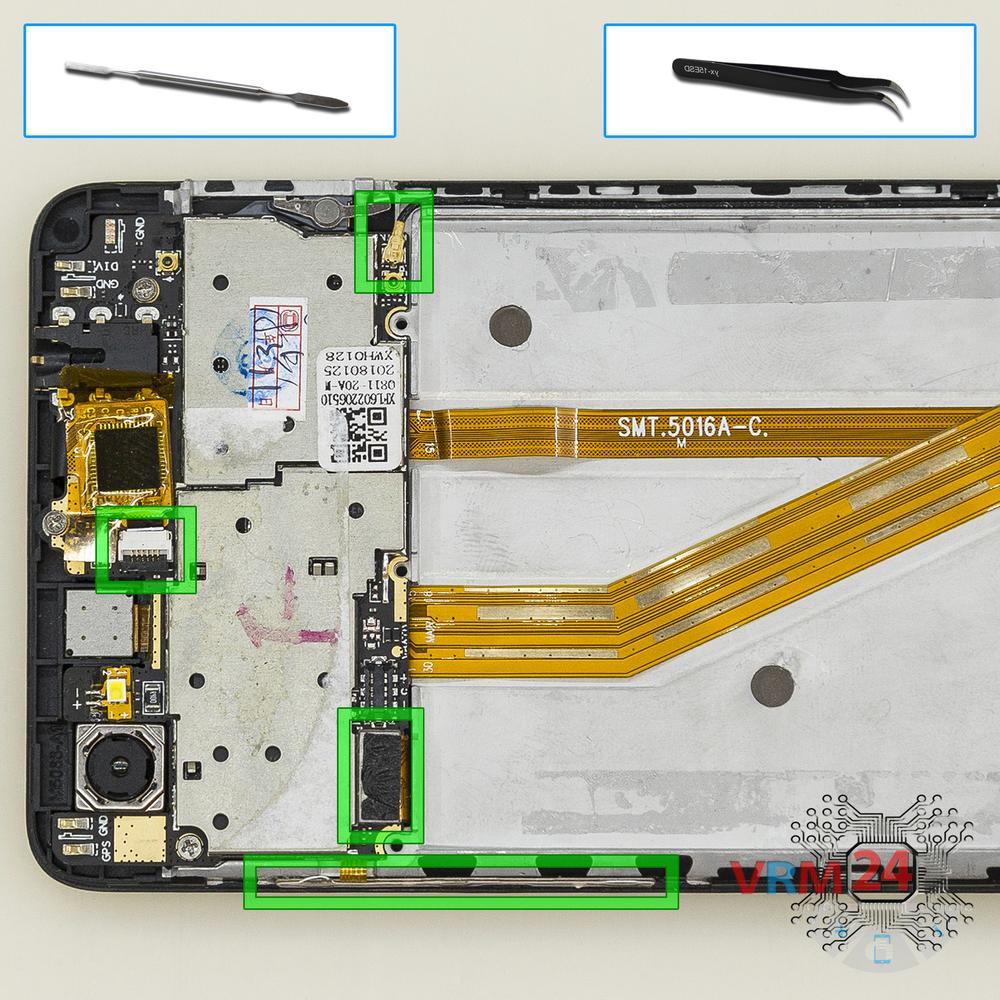
Disconnect the connectors
Disconnect connectors on the PCB.
Step 11.
Unscrew the screws
Using a screwdriver (Phillips 1.5 mm PH000), unscrew 3 bolts in the PCB.
Step 12.
Turn over the PCB
Turn over the PCB.
Step 13.
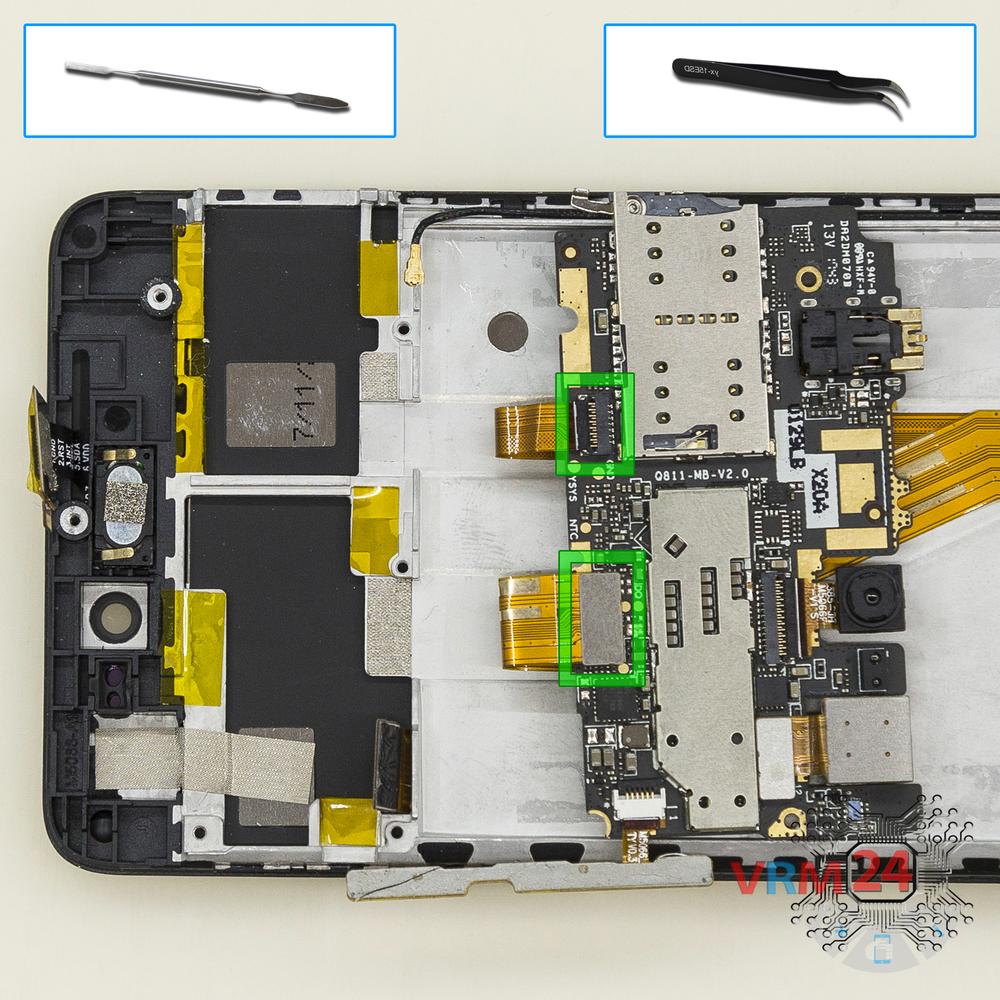
Remove the motherboard
Disconnect connectors and remove the PCB.
Step 14.
Remove the cable
Disconnect the connector on PCB, and remove the cable with volume and power buttons.
Step 15.
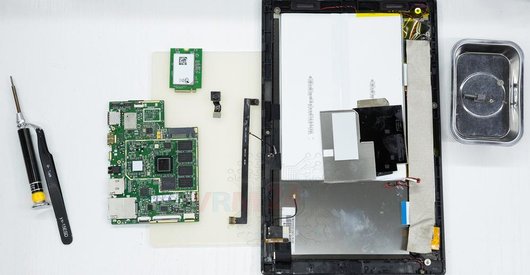
Remove the cameras
Disconnect connectors on PCB and remove the main and front (selfie) cameras.

If you have a question, ask us, and we will try to answer in as much detail as possible. If this article was helpful for you, please rate it.

4302
Views
3
Likes
—
Share
3
Questions
Related Instructions
Related Reviews


Related Blog
Popular Questions
H
Lenovo A6000
My laptop's bottom is removed in place and how to open without power button
Heart Touching Video RAJWANSHI11
R
Samsung Galaxy J1 SM-J100
Excellent video friend, you already have my like
Rafael Carrero18
Samsung Galaxy A31 SM-A315
There are no screws and it's not opening, only black screen
deathlok
A
Lenovo Tab 4 TB-X304L
Can we change the ram of this tablet
Akshat Sharma15
I
Lenovo Vibe C A2020
Hi Ivan here from Philippines can i ask how much is the motherboard of the device? i have a phone like that but the OS is not working i can't proceed…
Ivan Louis Perater18Top instructions
Check our
Top DEXP instructions most liked by readers
New instructions
Check our
New DEXP brand instructions on vrm24.com