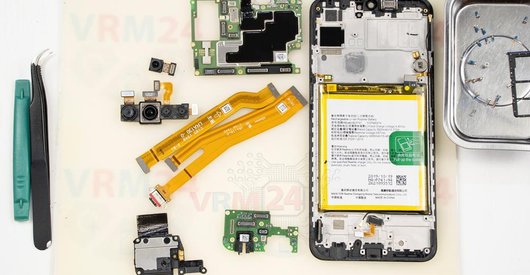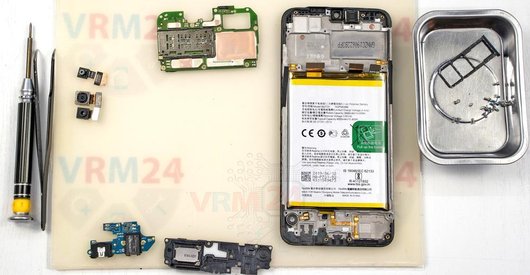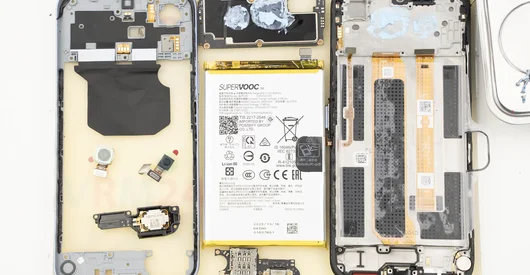
Recommended tools
Heat gun
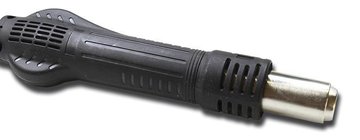
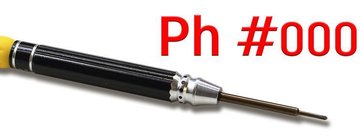
Screwdriver Phillips #000
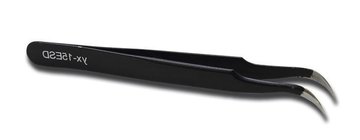
Tweezers
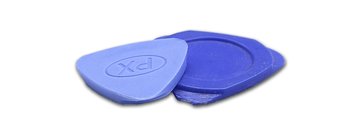
Non-metallic tool
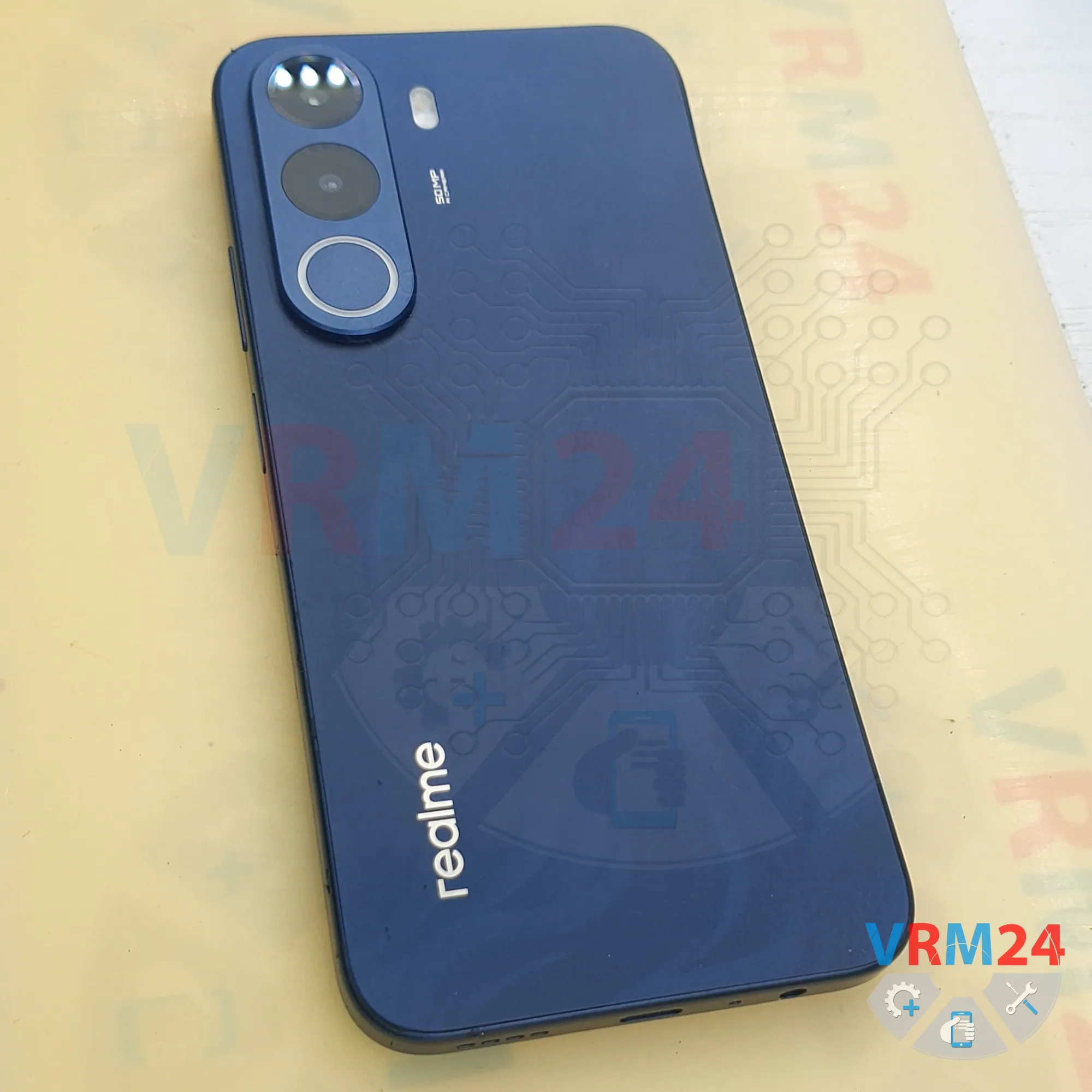
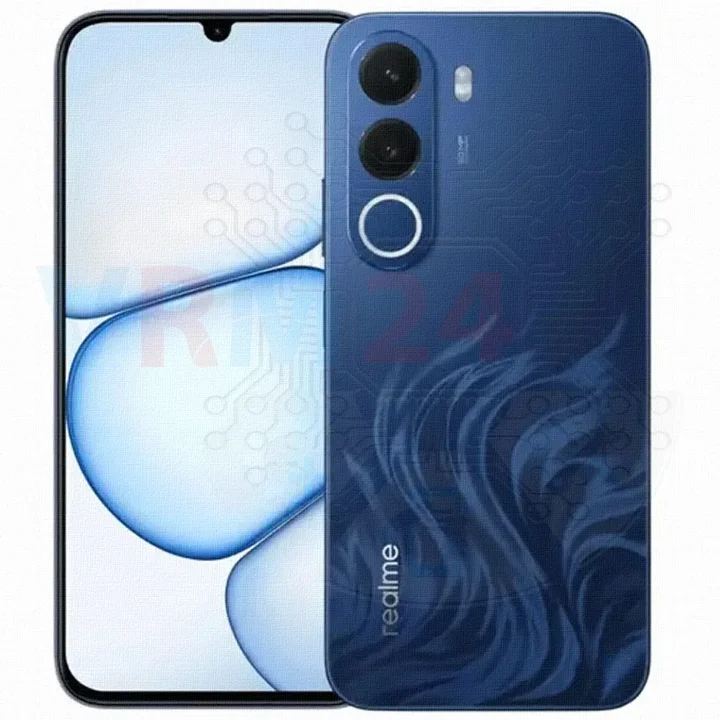
Disassembly/Repair of the mobile device Realme C100X (Realme C100X RMX5366) with each step description and the required set of tools.
32
Views
0
Likes
—
Share
0
Questions

Step 1.
Before disassembling!
⚠️ Before disassembling, do not forget to turn your phone off.
Step 2.
Remove the tray
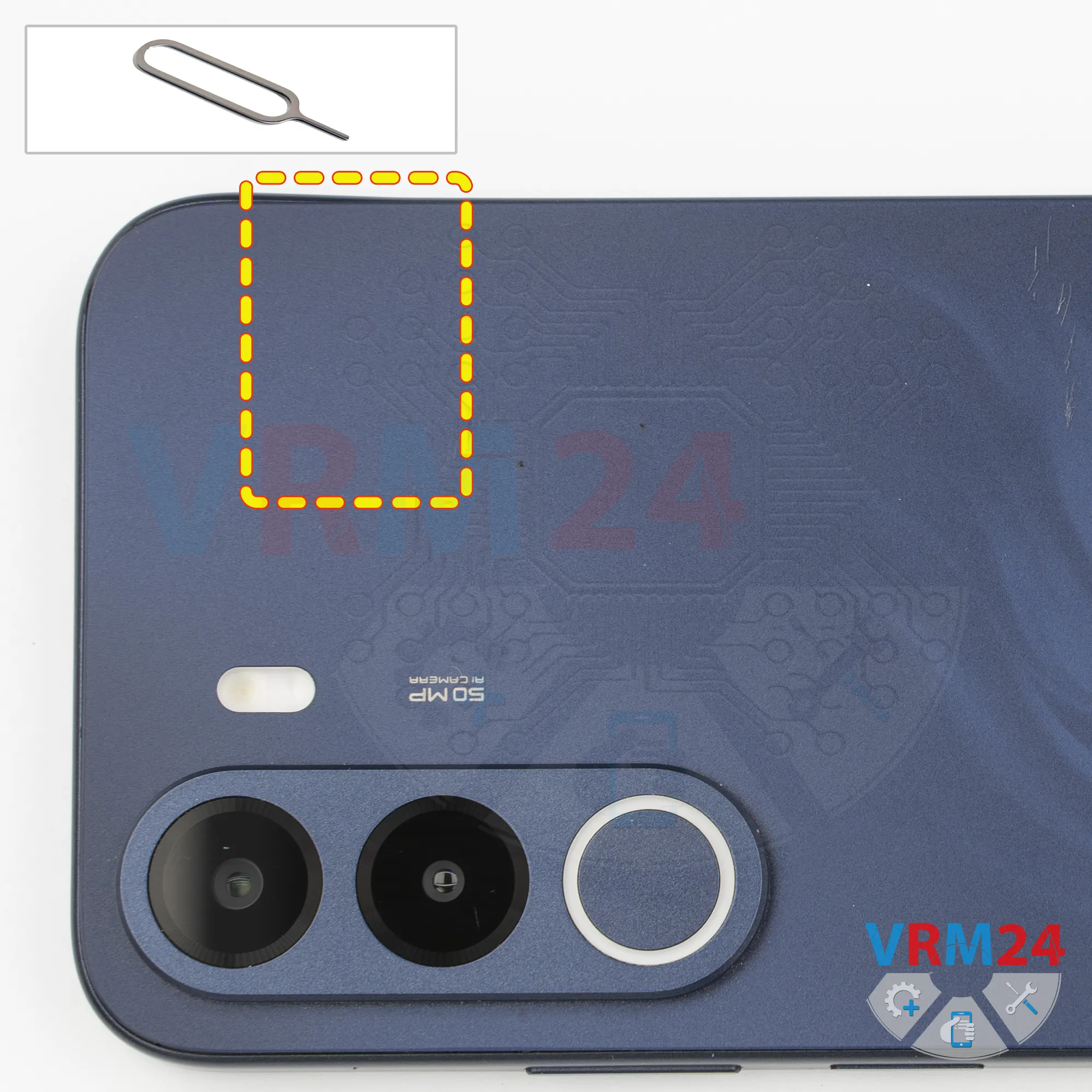
First, we need to remove the SIM card tray.
To do this, we use a SIM eject tool. Insert it into the hole and push the tray out.
Step 3.
Open the back cover
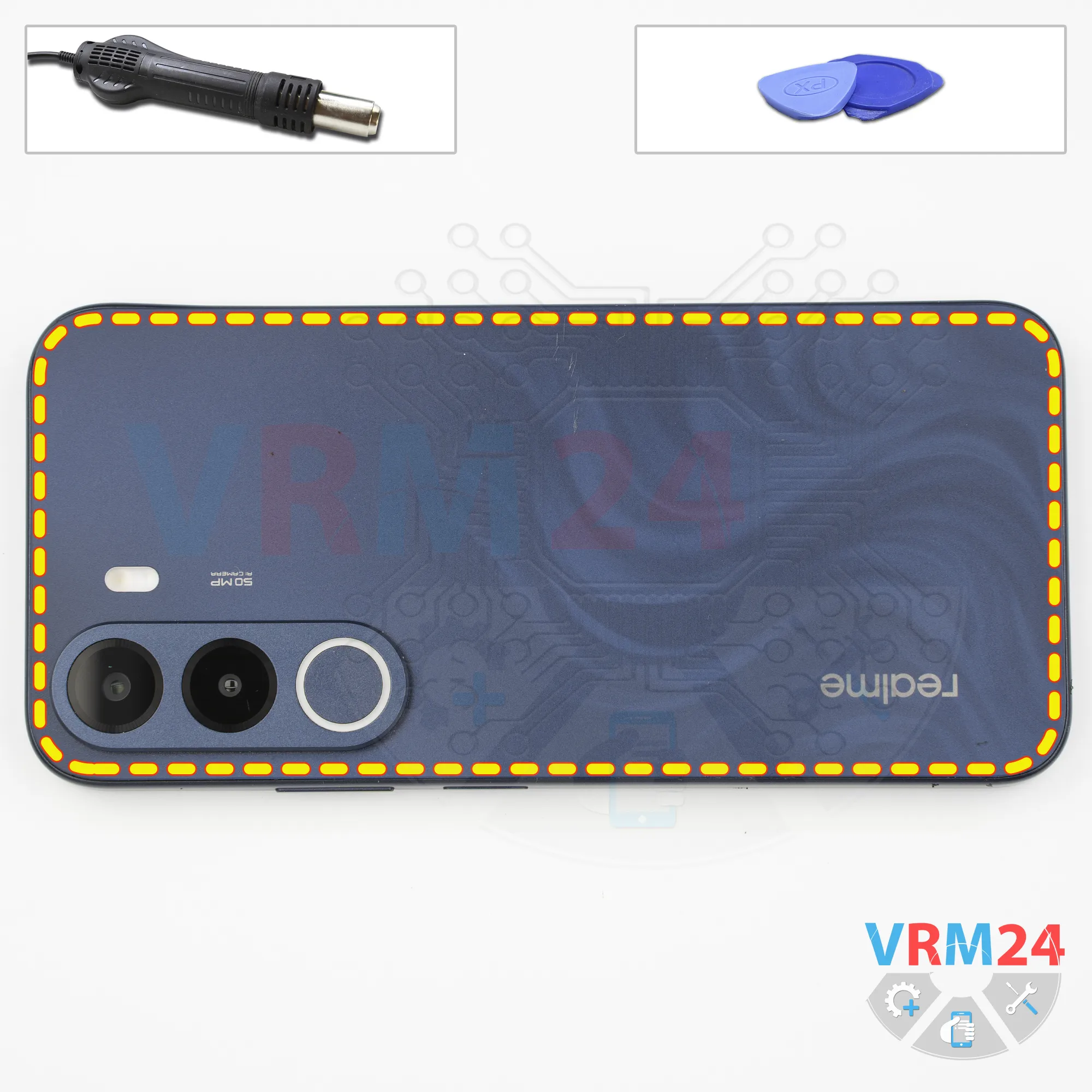
Next, we need to heat the back cover to approximately 70°C or 160°F. We're using a heating mat, but you can also use a heat gun or a hair dryer.
After about 10 minutes, we can start removing the back cover. For this, we use a thin plastic film. In our case, it's the protective film from an OCA sheet.
Insert the film into the gap between the back cover and the middle cover, then carefully slide it along the edge to cut through the adhesive.
*An OCA sheet (Optically Clear Adhesive sheet) is a transparent, pressure-sensitive dry film adhesive used to bond display layers - such as cover glass, touch sensors, and LCD or OLED panels -without air gaps or distortion
Step 4.
Unscrew the screws
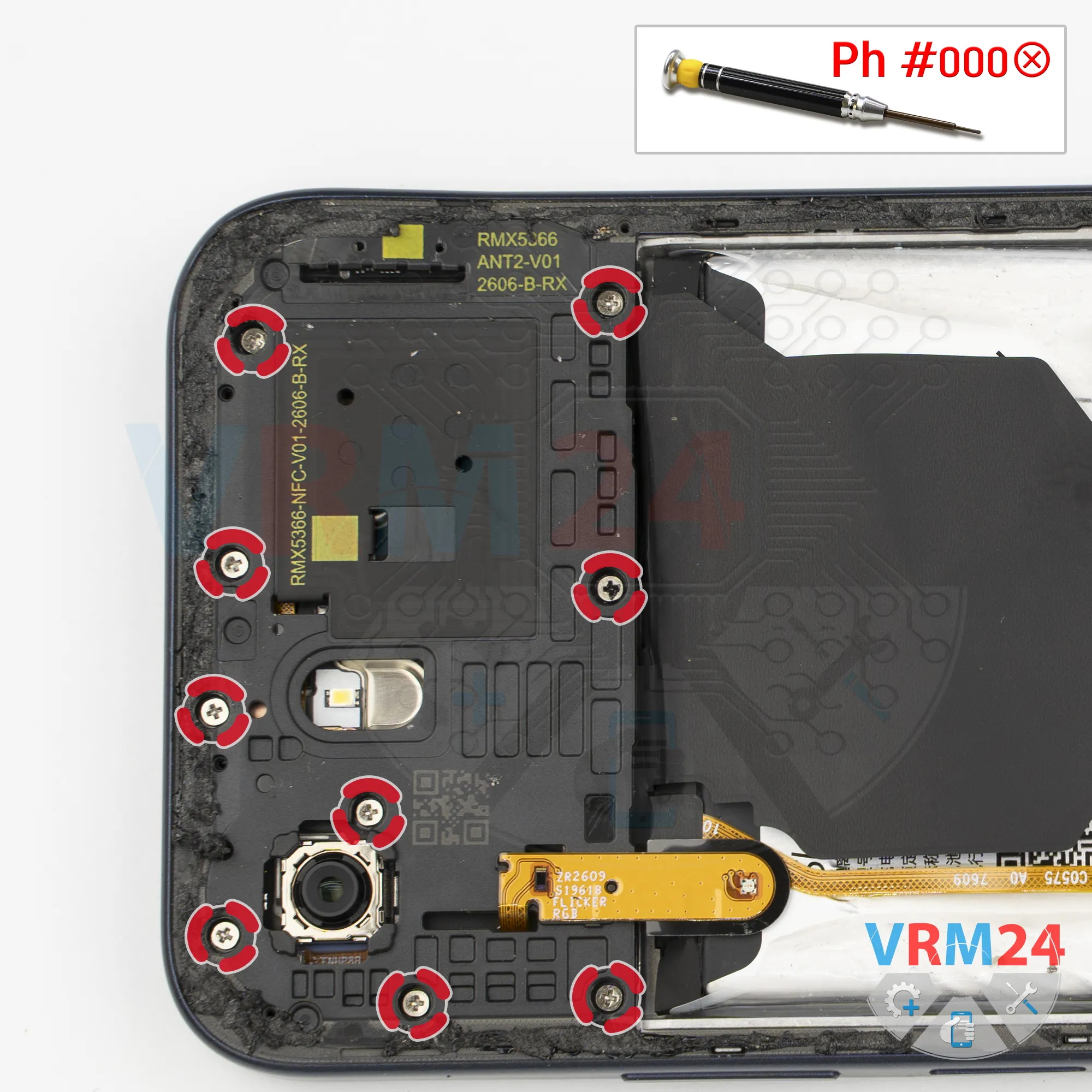
Next, we move on to removing the screws. For this, we use a 1.5 mm Phillips screwdriver, or a Phillips #000.
Remove the screws and lay them out in order in a designated area.
It's best to put each screw back into its original hole during reassembly, since screws don't always go in easily if you put them in different holes.
If the screws are difficult to remove, we can use tweezers to carefully take them out.
Step 5.
Unscrew the screws
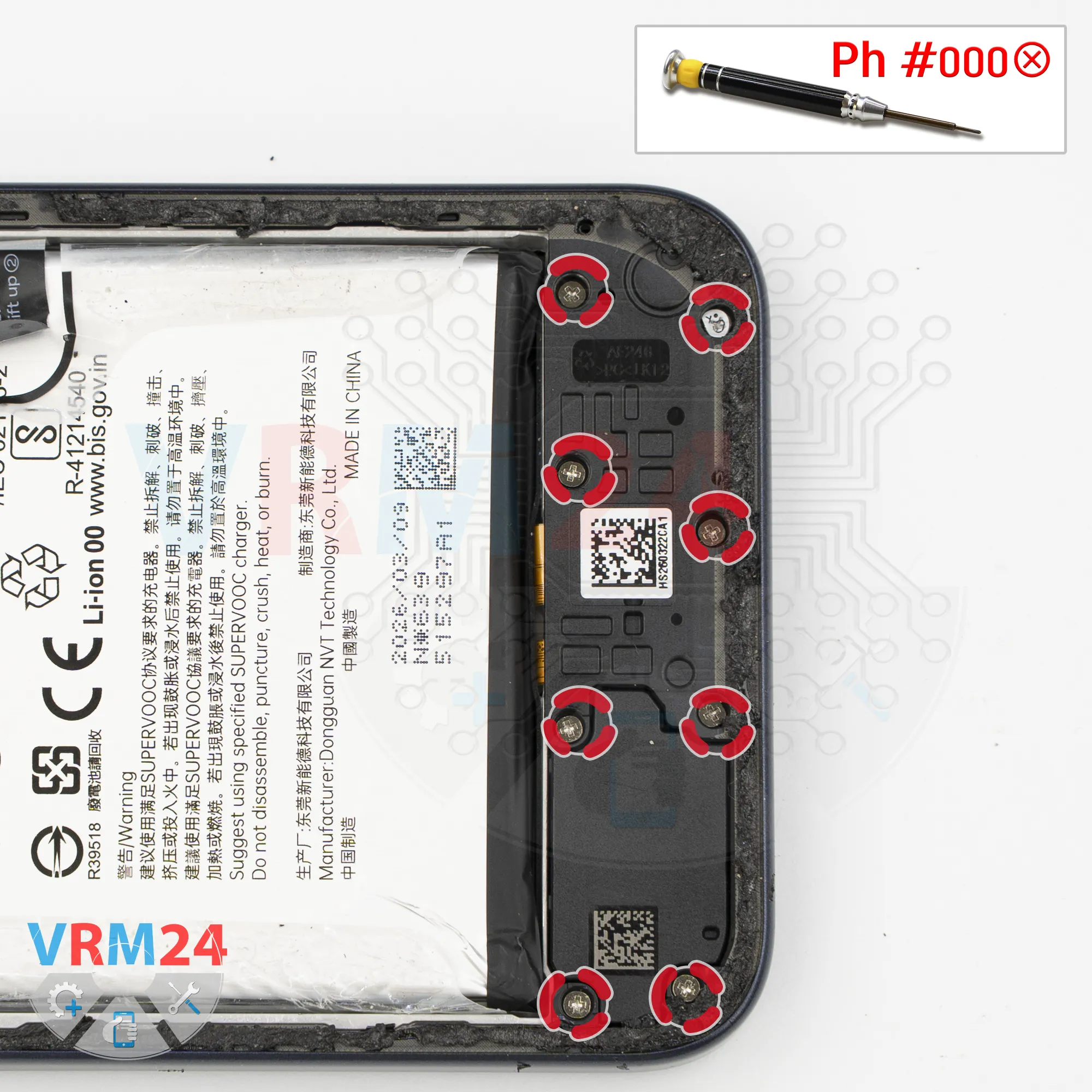
Next, let's move on to the lower section. Here, we also need to remove the screws.
It's better to keep these screws separate from the ones we removed earlier.
These screws are also difficult to take out, so we use tweezers to carefully remove them.
Step 6.
Open the mid-frame
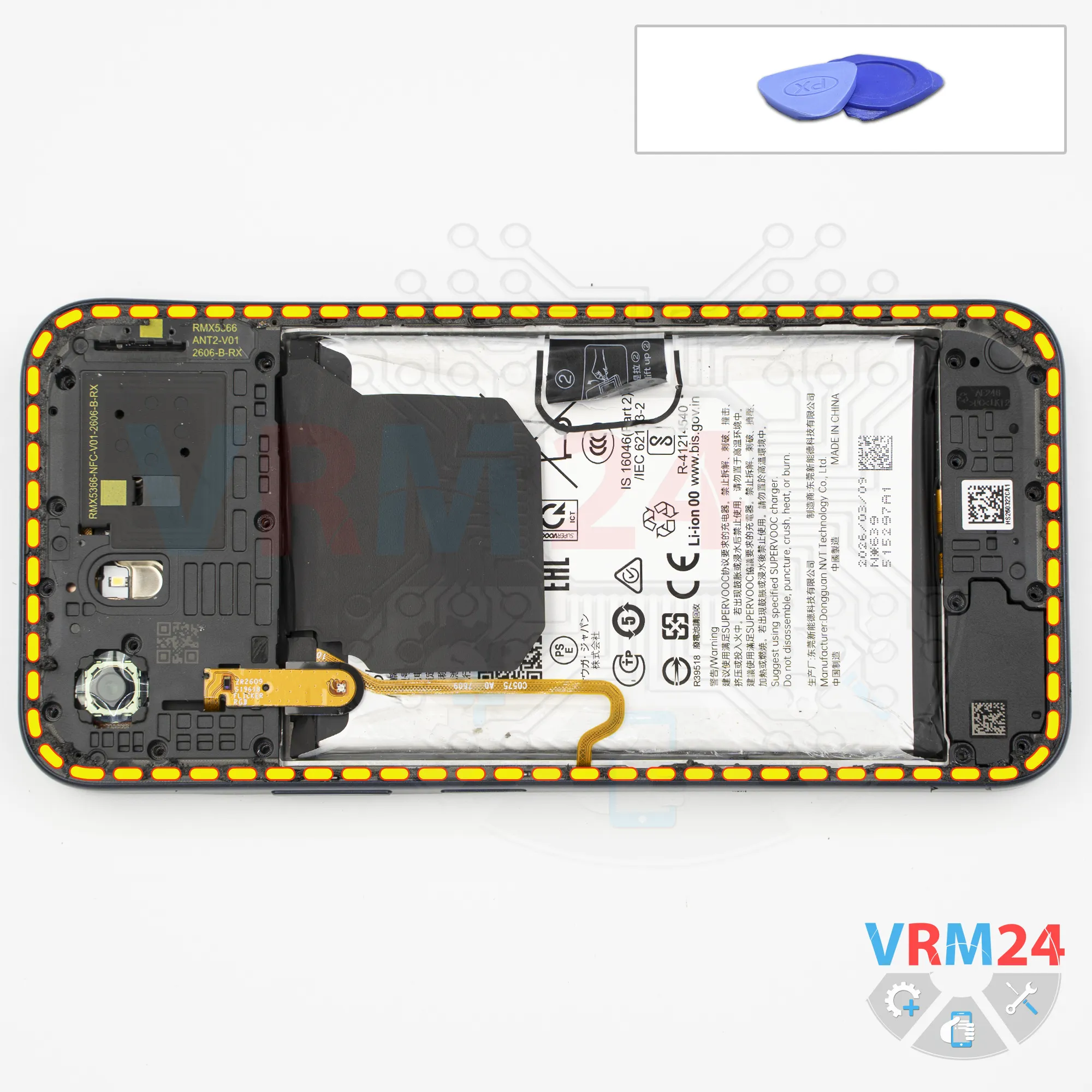
After that, we can start removing the middle cover.
For this, we use a thin plastic film. Insert it into the gap between the middle cover and the display frame, near the SIM card tray opening. Release a few clips, then switch to a thicker tool.
Carefully work your way around the edges, releasing the clips as you go.
Be careful not to damage the fingerprint sensor flex cable.
We also need to be careful around the edge of the display, since it's quite thin and fragile.
The cover is also held firmly in place at the corners.
Step 7.
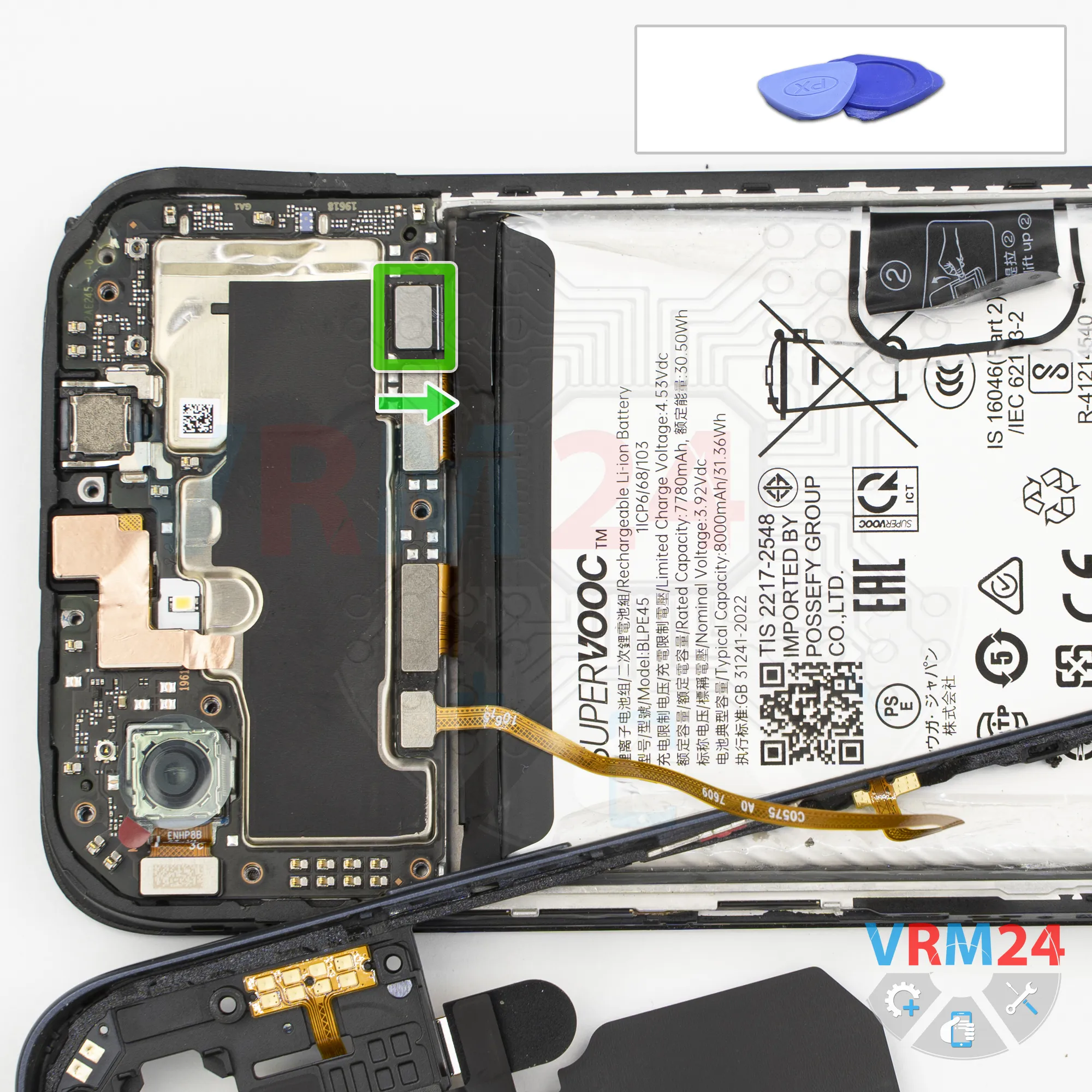
Disconnect the battery connector
Carefully flip the cover over and use a non-metallic tool to disconnect the battery connector.
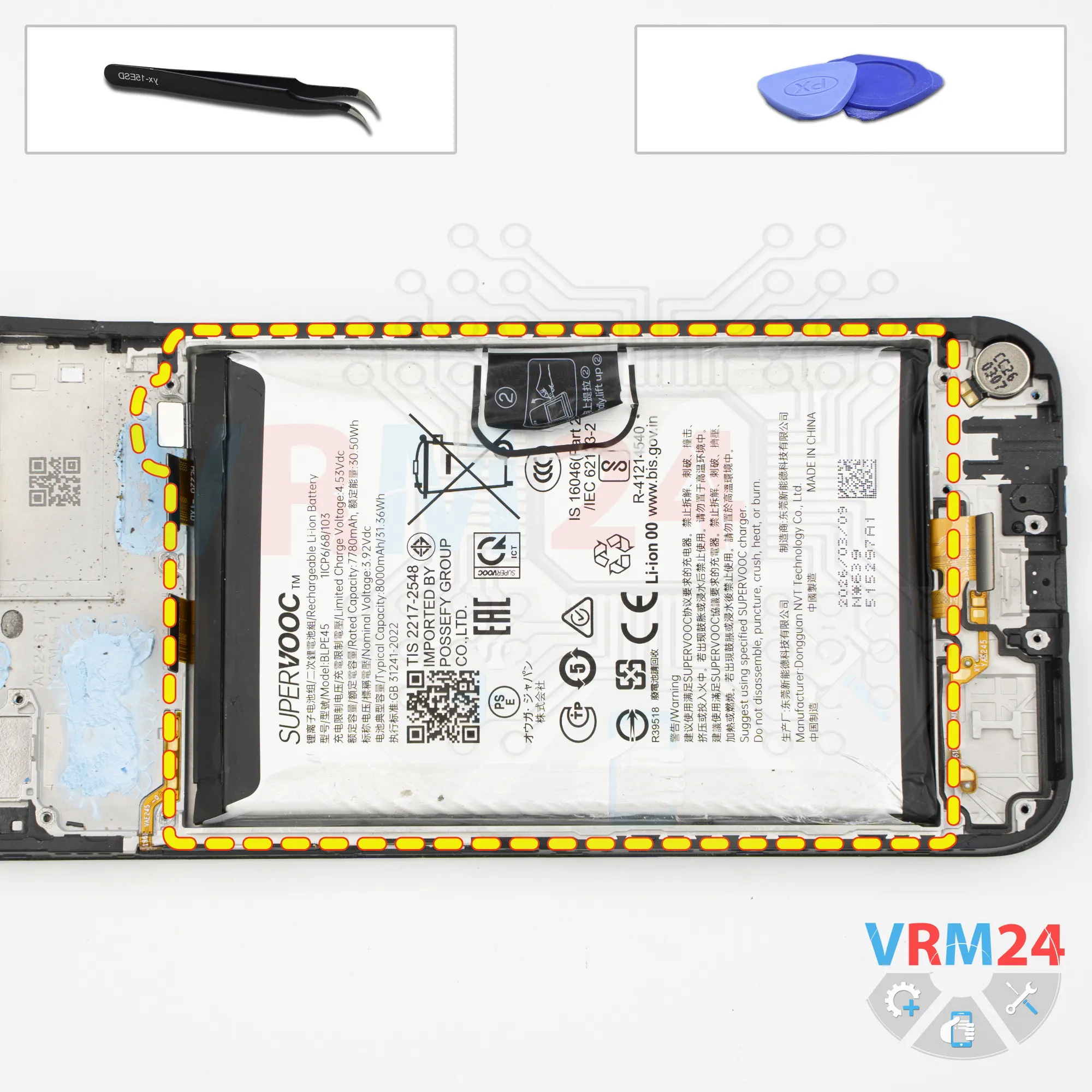
ℹ️ The Realme C100X RMX5366 uses a BLPE45 rechargeable battery with a capacity of 8000 mAh.
Step 8.
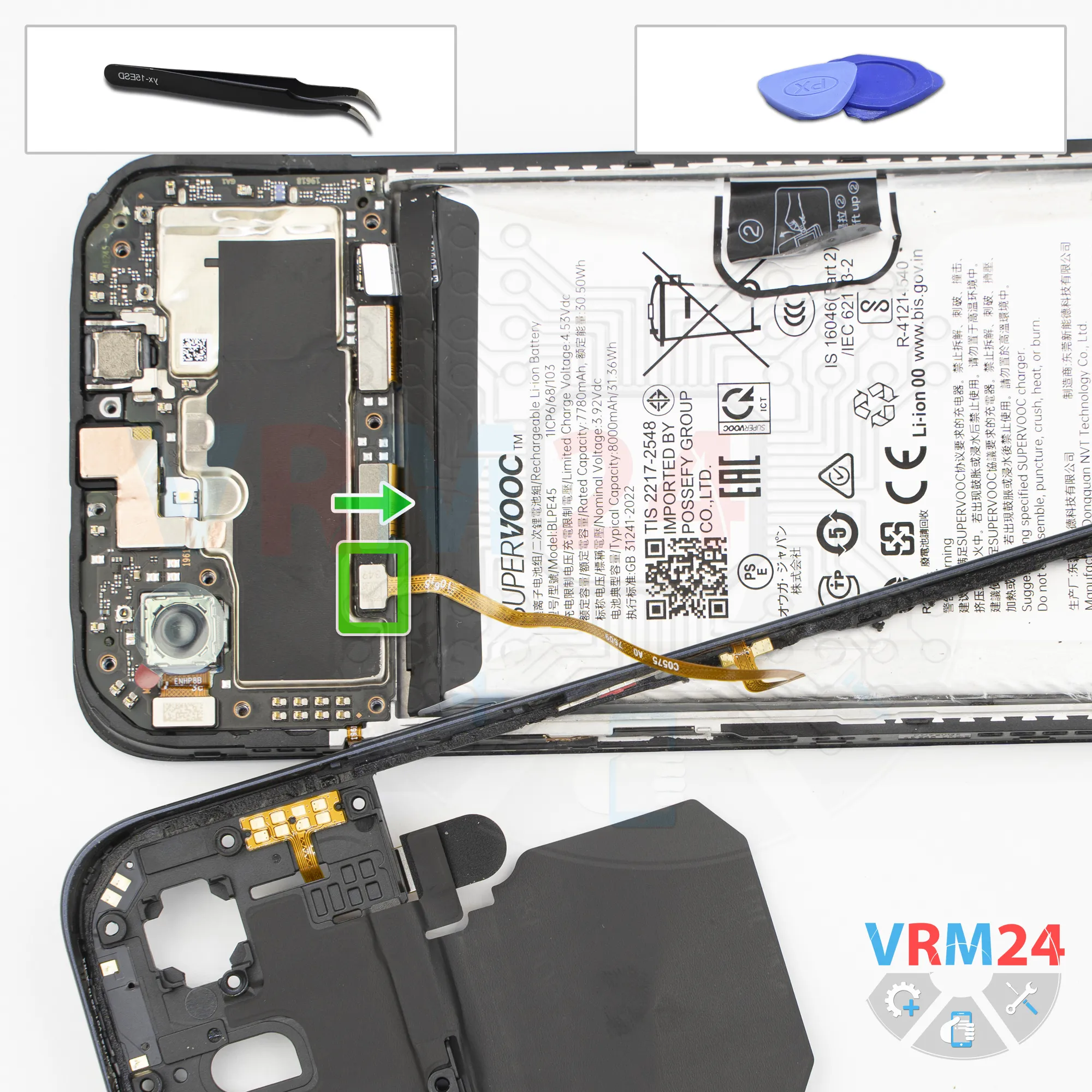
Disconnect the connector
Then disconnect the fingerprint sensor connector and remove the middle cover.
The cover has contact pads, antenna traces, and the fingerprint sensor attached to it.
Set it aside.
Step 9.
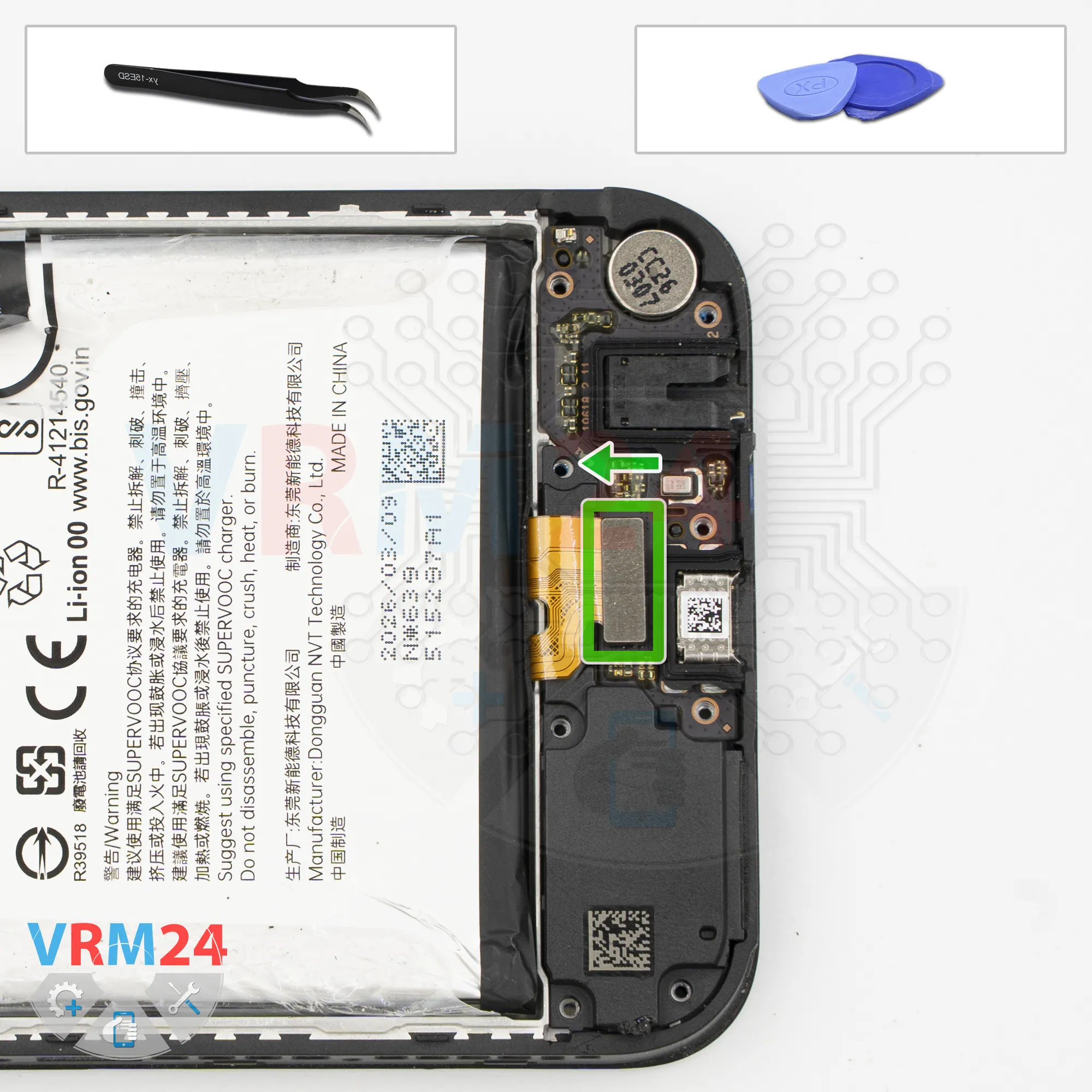
Disconnect the connector
Next, disconnect the interconnect flex cable connector.
Step 10.
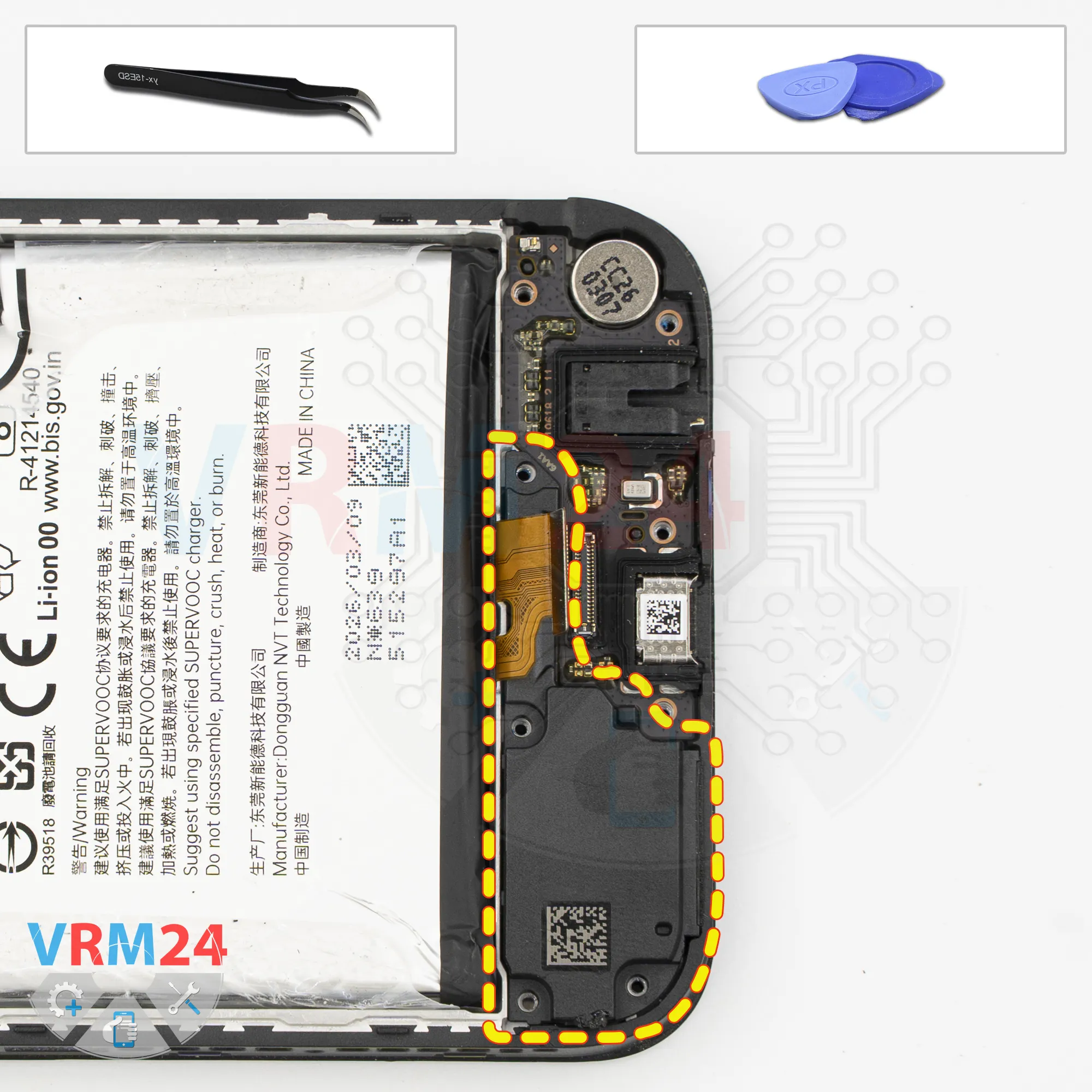
Remove the loudspeaker
Then remove the loudspeaker cover.
Find the right spot to carefully pry it up and take it out.
Step 11.
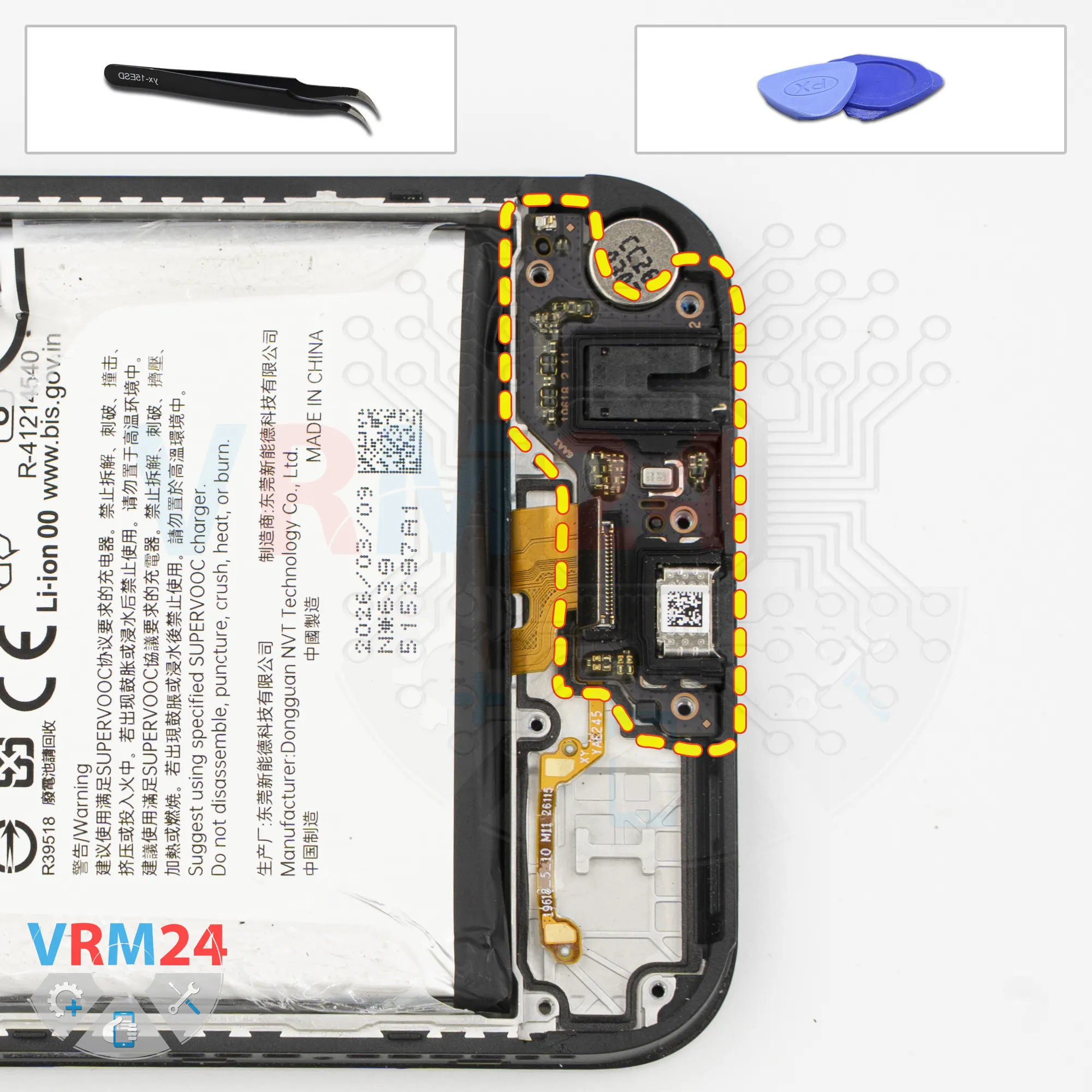
Remove the sub-board
Now we can remove the sub-board.
Carefully pry it up at the right spot and take it out.
The sub-board has the charging port, microphone, headphone port, and other components on the back.
The vibration motor remains in the display frame.
Step 12.
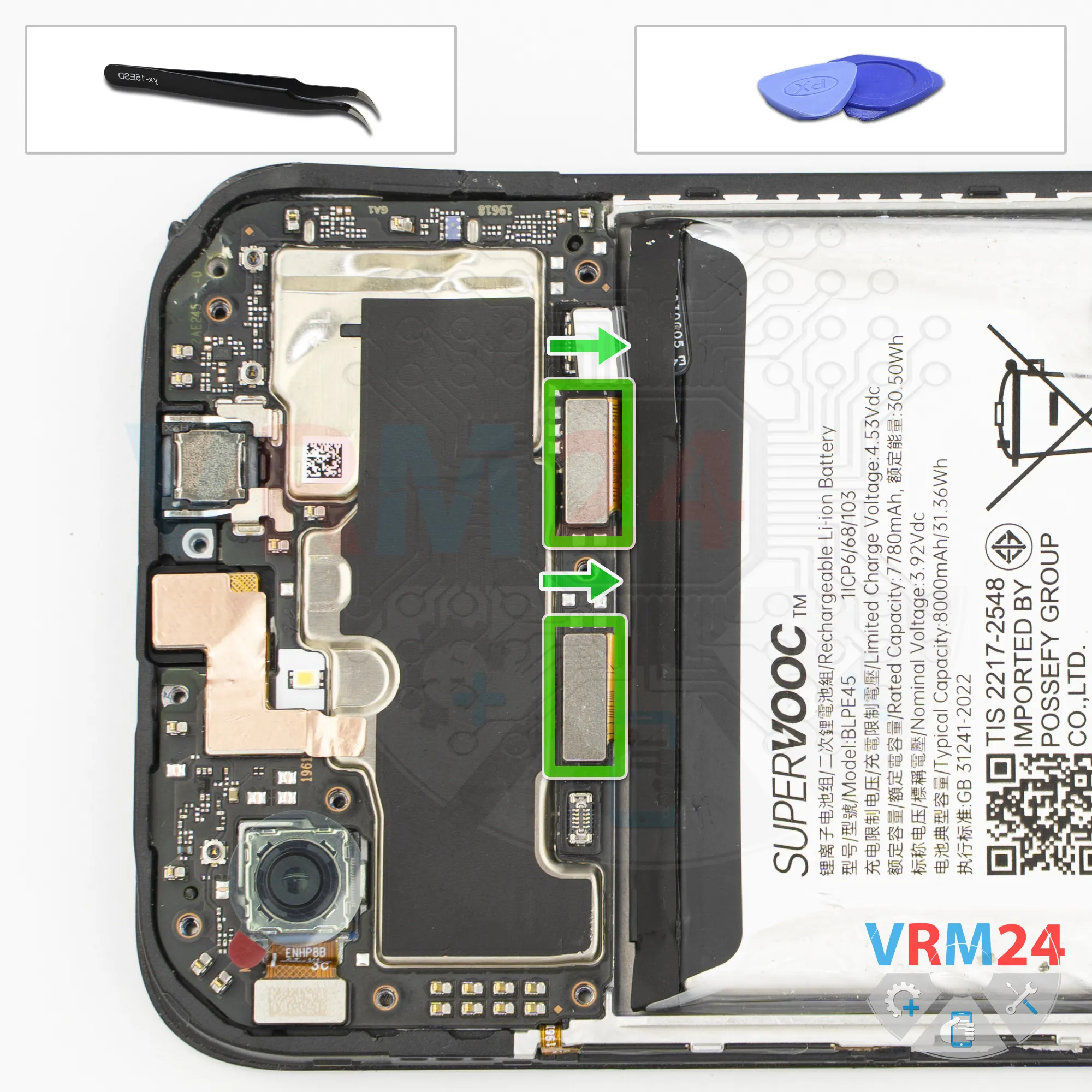
Disconnect the connectors
Next, disconnect the interconnect flex cable connectors and the display flex cable connector.
And as we've already seen, there's no conventional coaxial cable here.
Step 13.
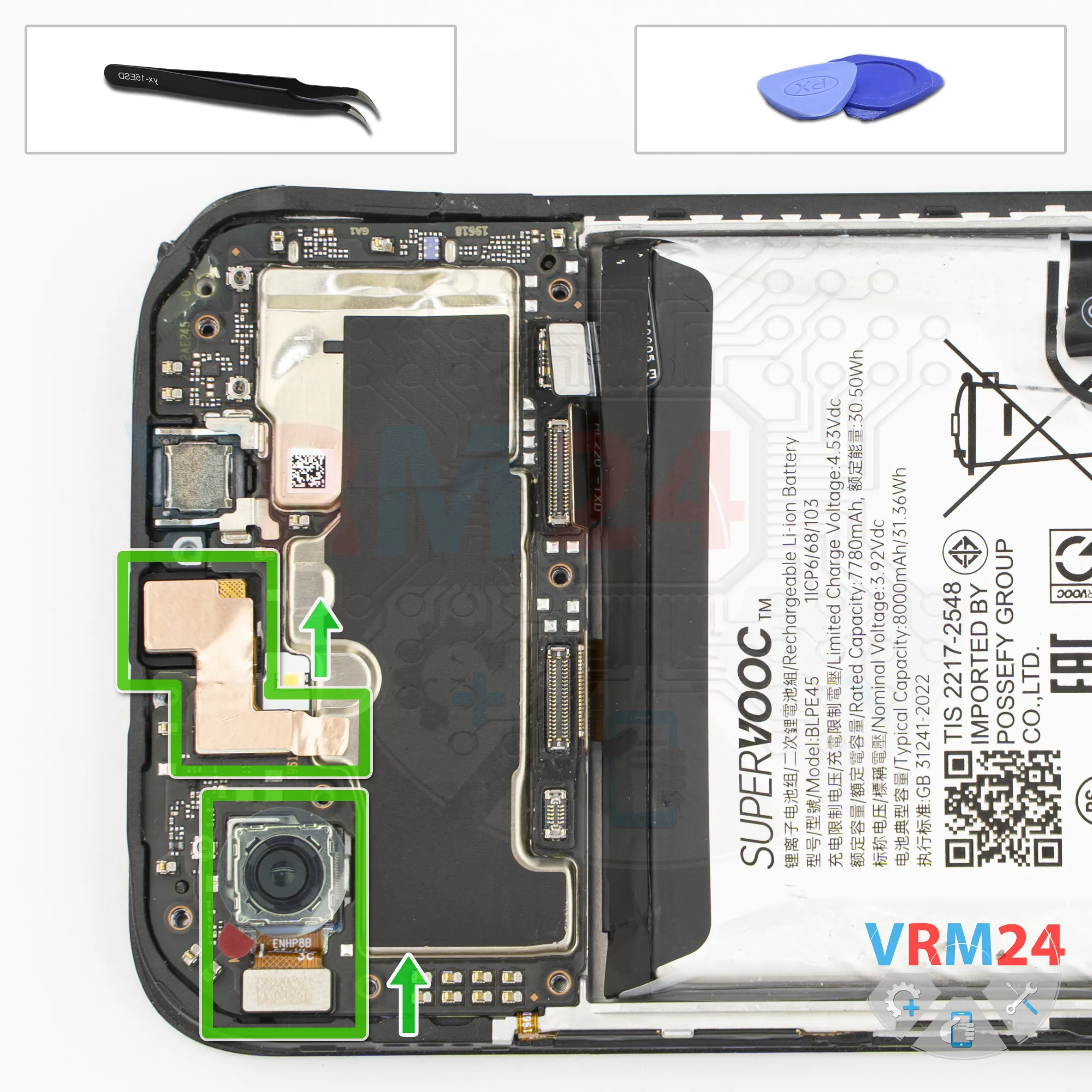
Remove the cameras
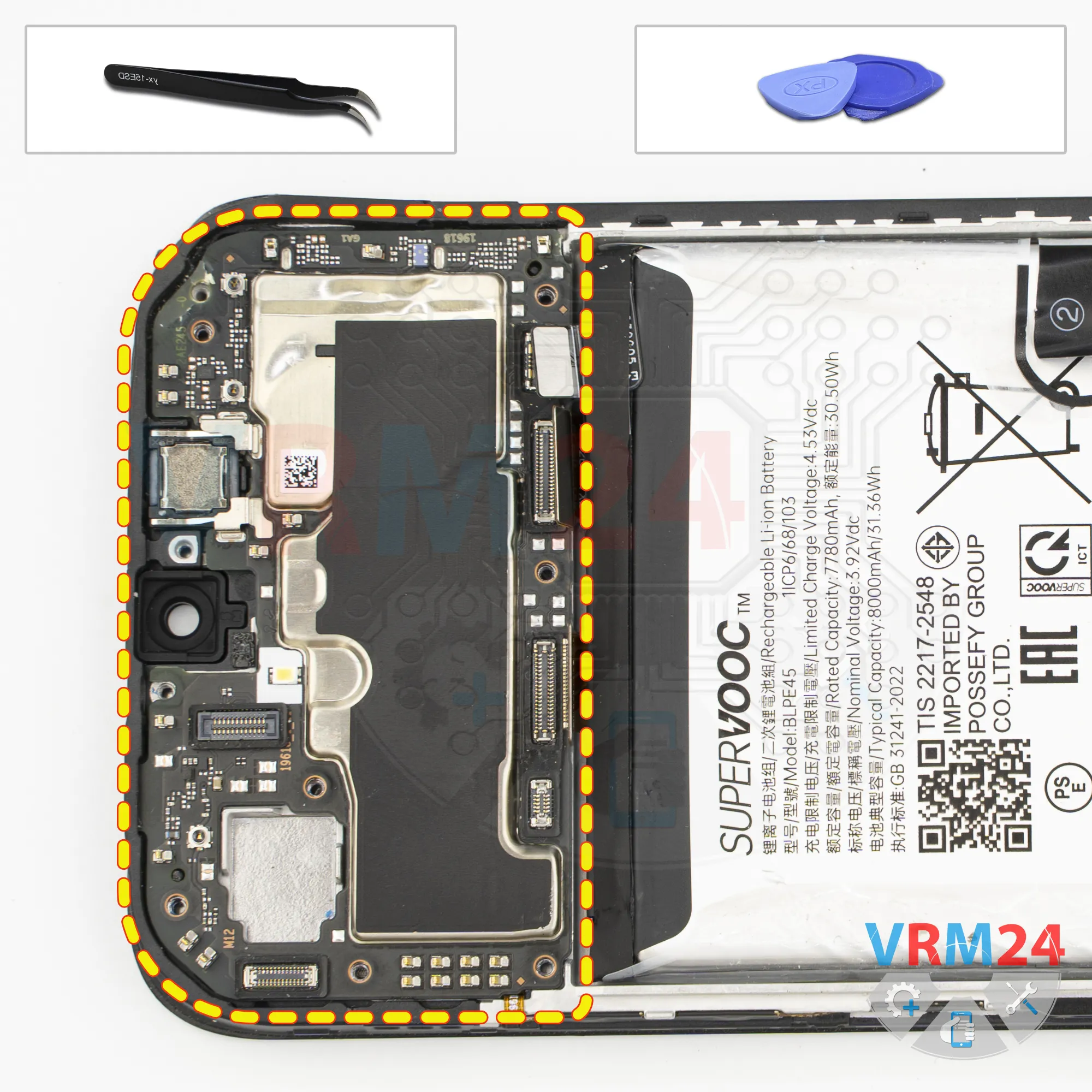
On to the motherboard, we also disconnect the rear camera and set it aside.
Then disconnect the front camera.
It's also better to peel off the copper heat-dissipating film. By the way, it also serves as a grounding connection.
Remove the camera, cover its lens, and set it aside.
Step 14.
Remove the motherboard
Now we need to figure out how to remove the motherboard, which is held in place from underneath by thermal paste.
Gently pry it up, take out the motherboard, and set it aside.
Step 15.
Remove the battery
Finally, let's remove the battery.
We need to fold back the transparent layer and pull the tab upward to remove the battery.

If you have a question, ask us, and we will try to answer in as much detail as possible. If this article was helpful for you, please rate it.

32
Views
0
Likes
—
Share
0
Questions
Related Instructions
Related Reviews
Related Blog
Popular Questions
C
Realme XT
can you upload on how to replace diplay of this phone?
chad in japan19
S
Realme XT
Sir your video is so good, then why didn't you get many views??? While uploading your video please check that you are uploading the video in gadgets/…
Sohail Shaikh18
Realme C21Y
What is the bluish substance beneath the motherboard after lifting it? Is it a sign for maintenance if it looks dried up?
super5
P
Realme XT
Where we can buy main board strip..?? For ralme xt
Praveen Selvam3
S
Realme XT
Hello sir! I appreciate your work😄 Sir can you please make a video on Realme XT's processor and cooling system. I'm really curious to know about that…
Sohail Shaikh6Top instructions
Check our
Top Realme instructions most liked by readers
New instructions
Check our
New Realme brand instructions on vrm24.com