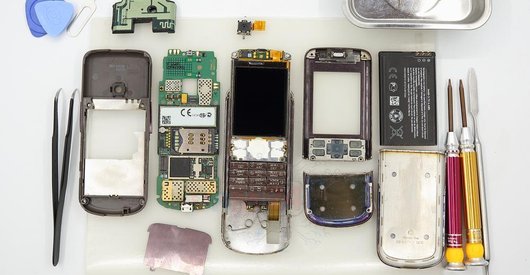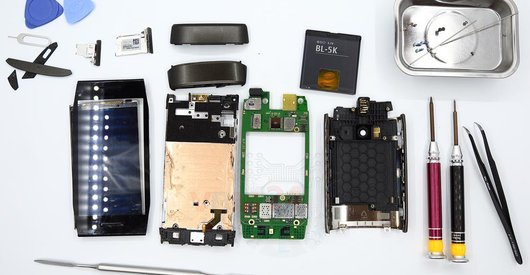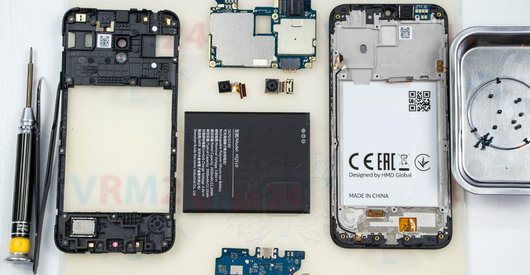
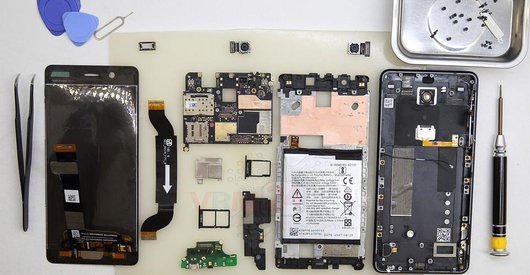
Recommended tools
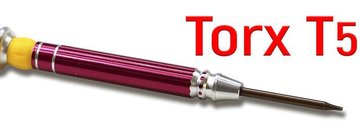
Screwdriver Torx T5
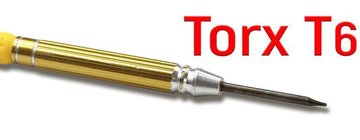
Screwdriver Torx T6
Opening tool / Spudger

Tweezers

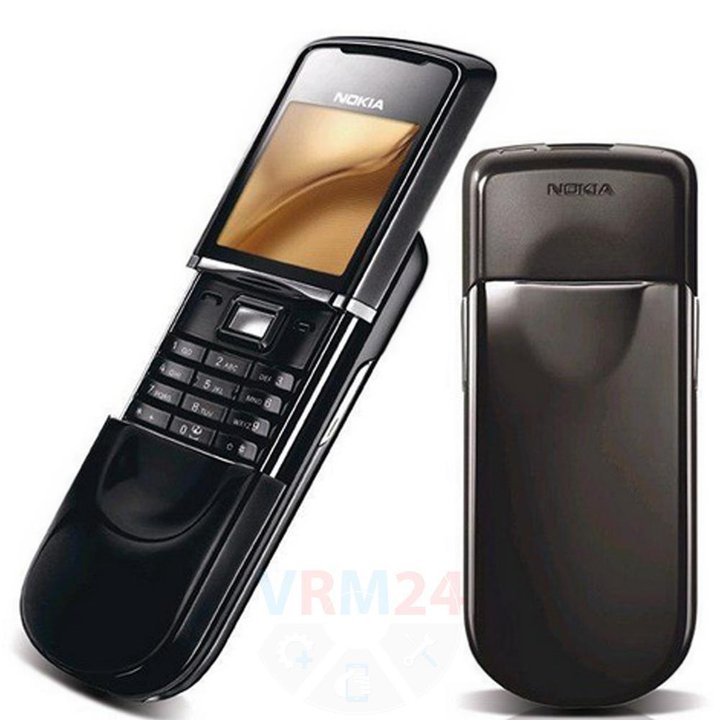
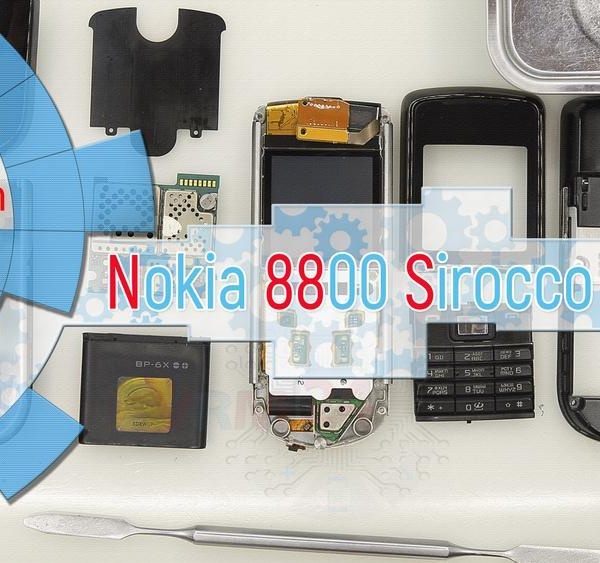
Disassembly/Repair of the mobile device Nokia 8800 Sirocco RM-165 with each step description and the required set of tools.
9919
Views
0
Likes
—
Share
7
Questions

Step 1.
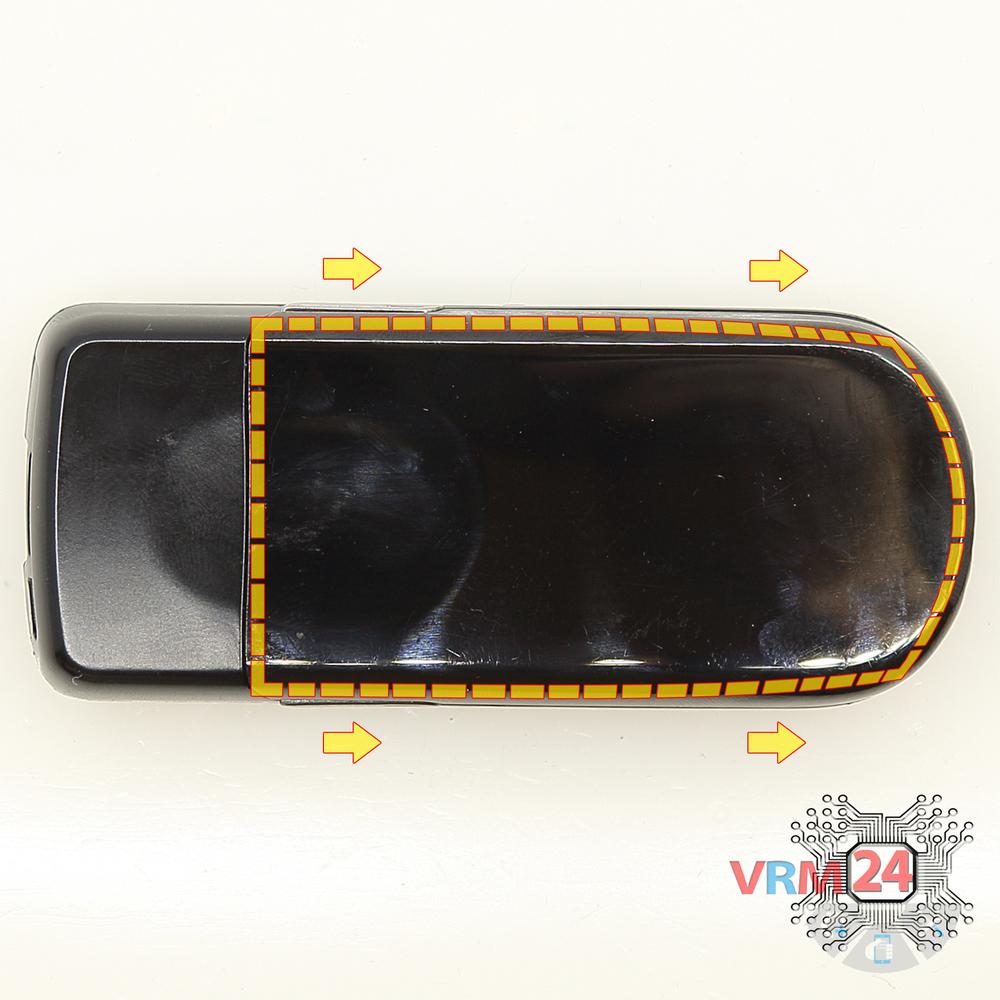
Open the back cover
Open the back cover.
Step 2.
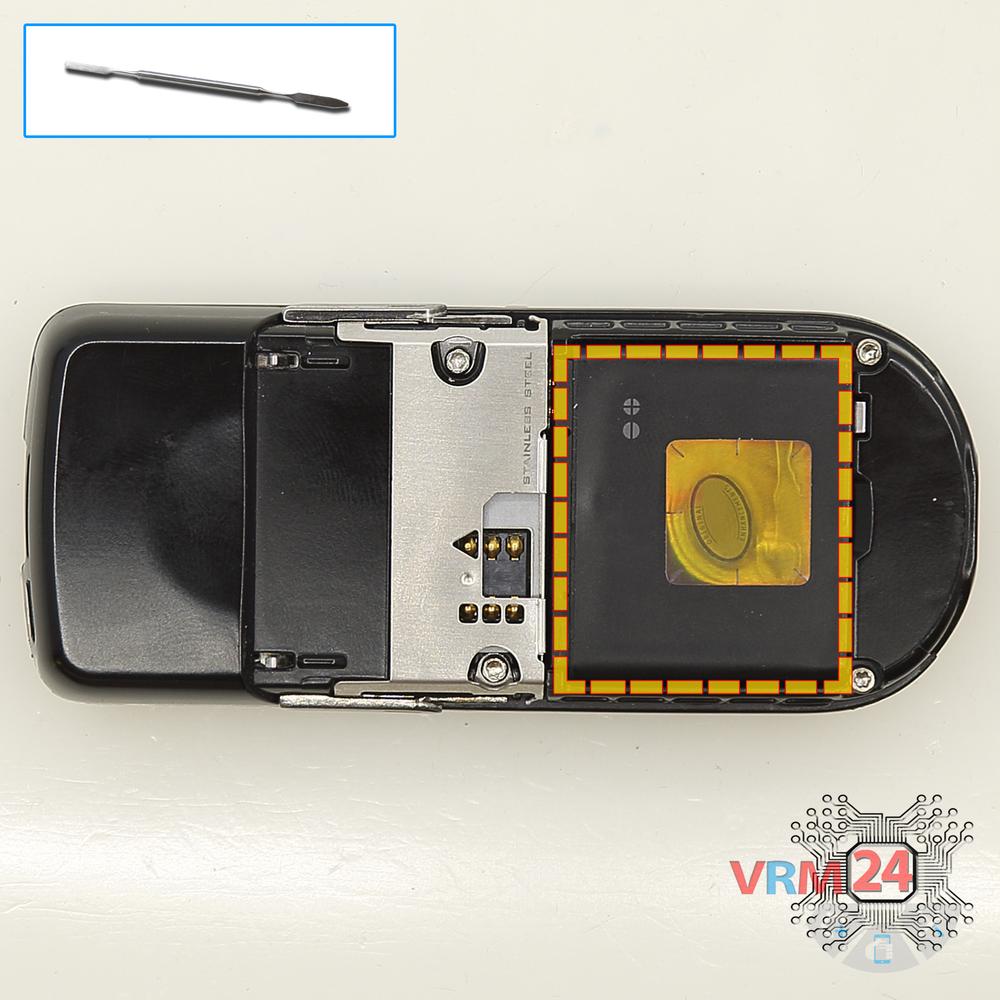
Remove the battery
Lift and remove the battery.
Step 3.
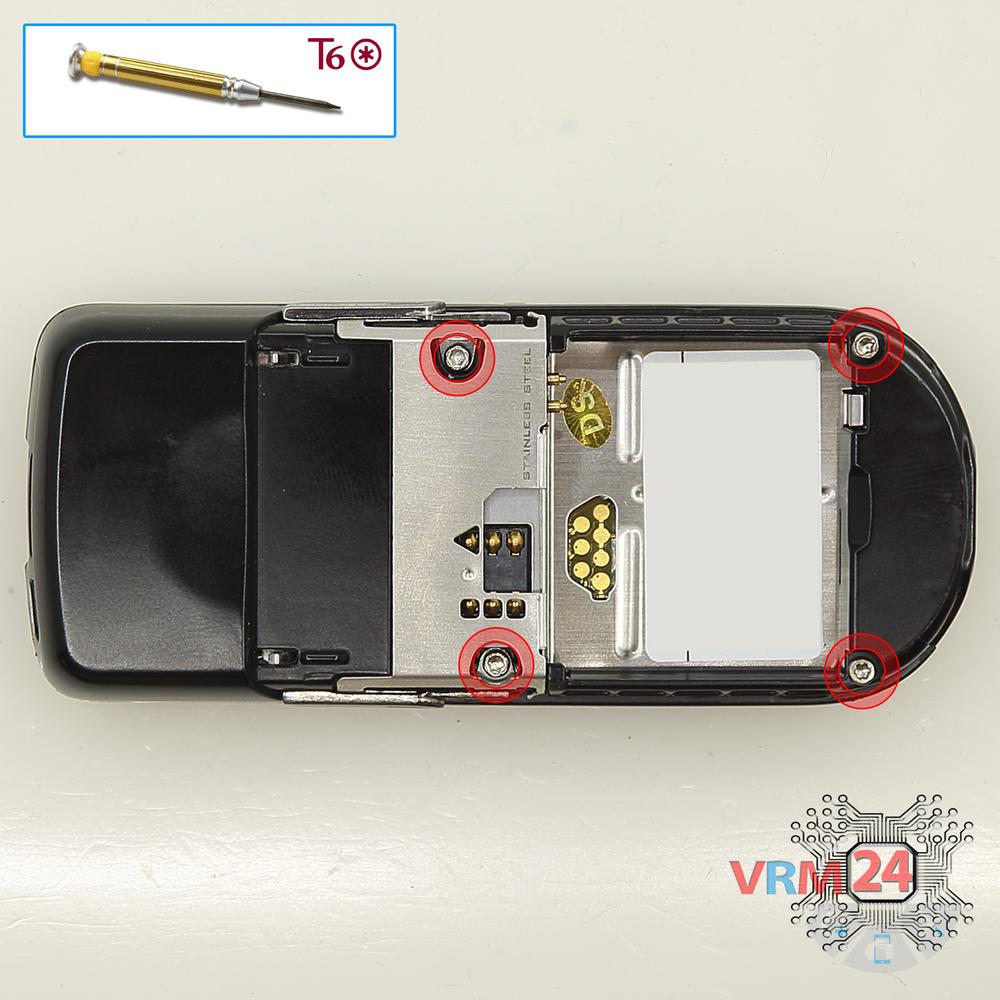
Unscrew the screws
Using a screwdriver (hex T6), unscrew 4 bolts in the frame of the phone.
Step 4.
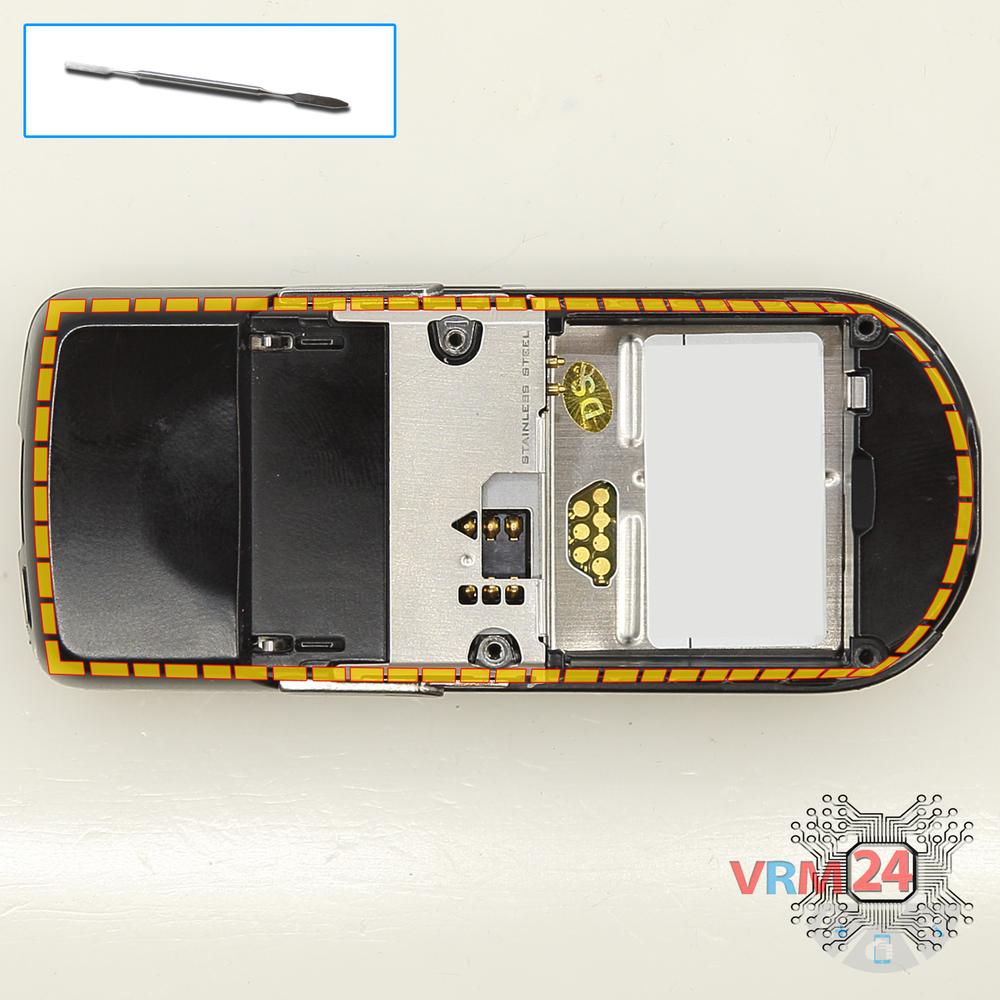
Open the mid-frame
Pry and remove the middle frame.
Step 5.
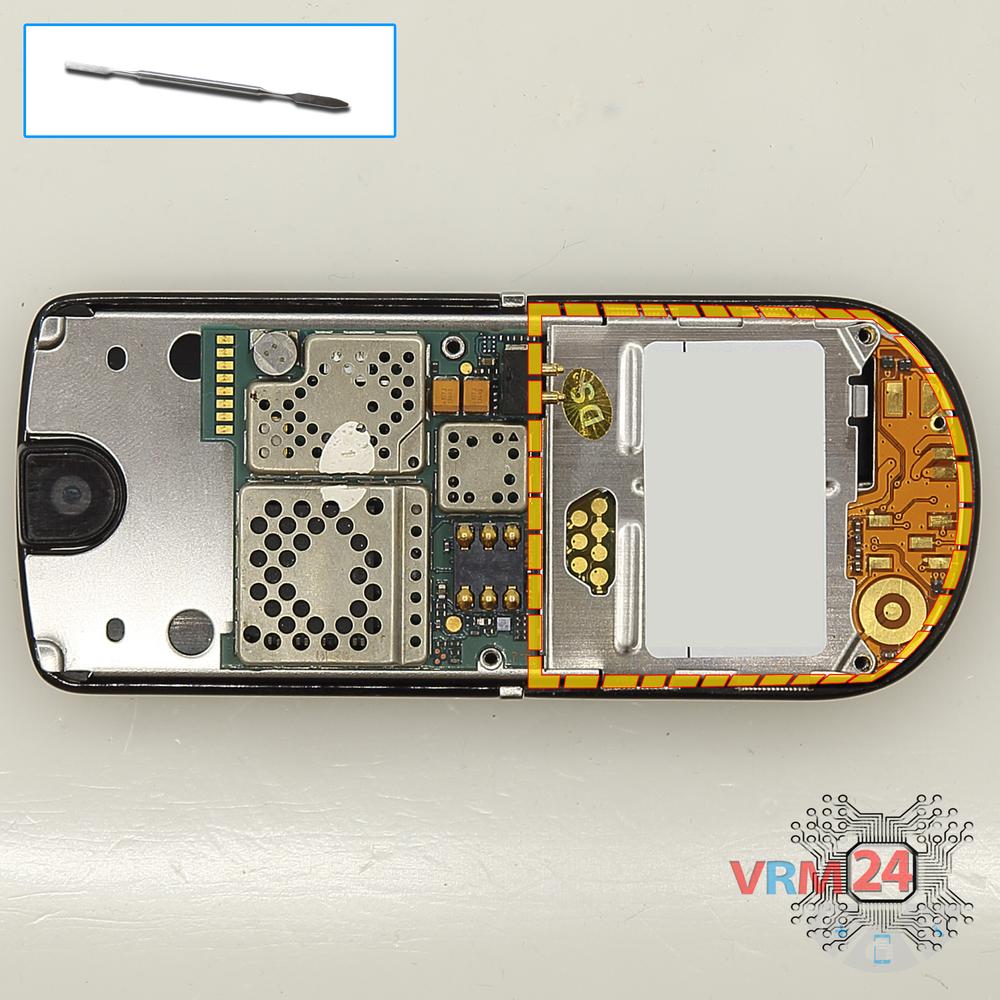
Open the cover
Remove the cover.
Step 6.
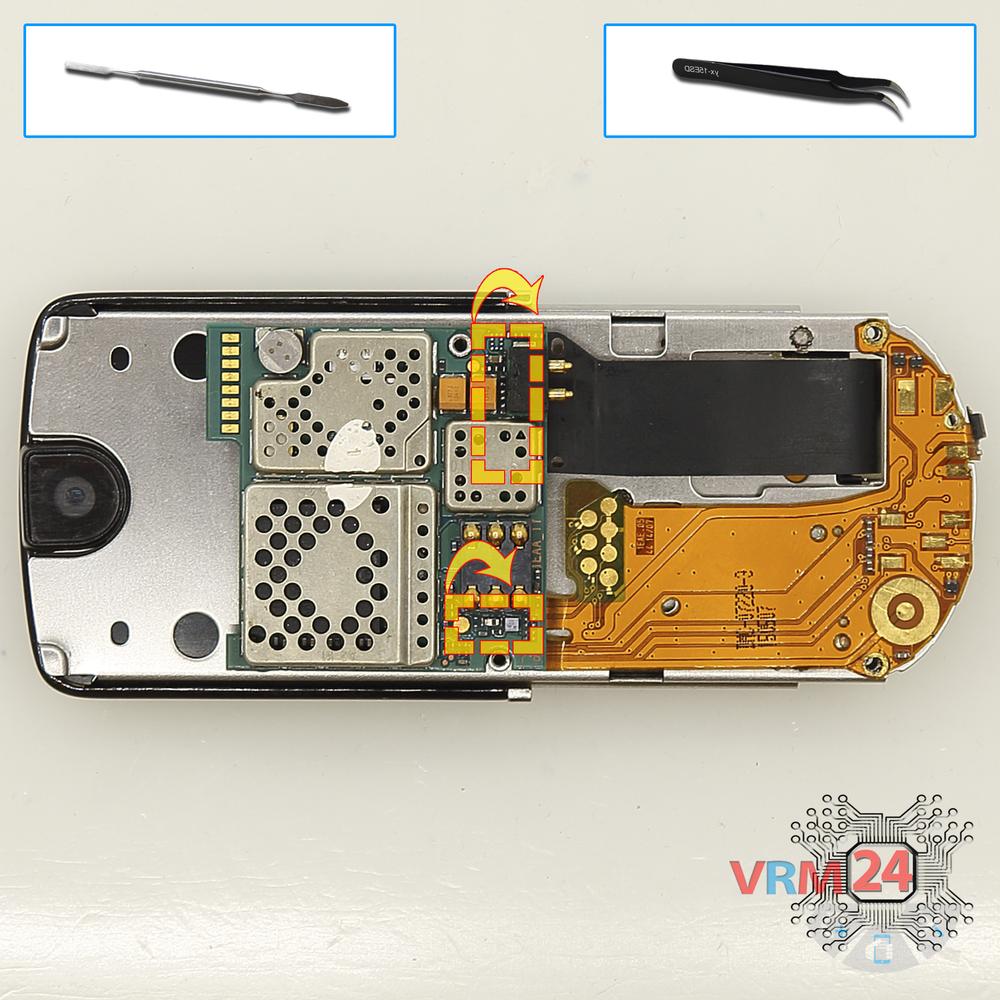
Remove the motherboard
Remove the PCB.
⚠ Warning!
Two inter-board cable connectors are on the inside.
Step 7.
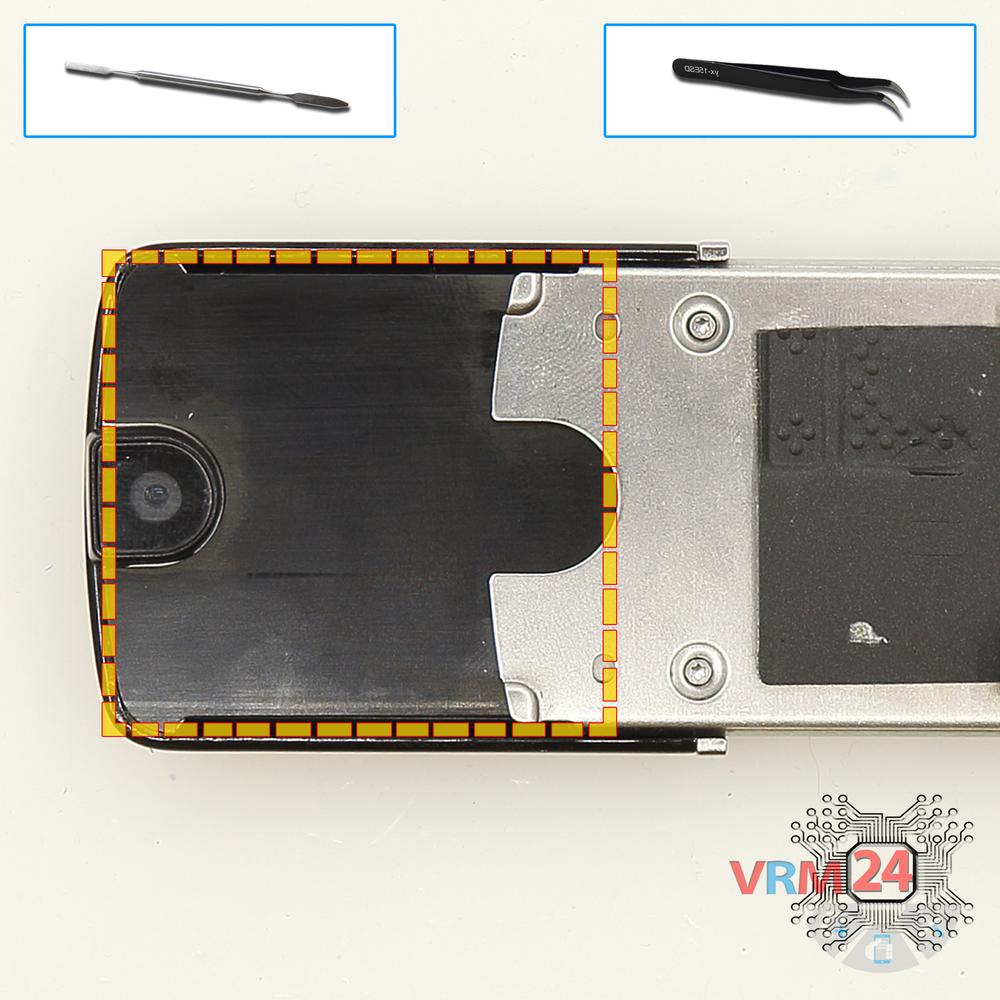
Open the cover
Remove the upper cover.
Step 8.
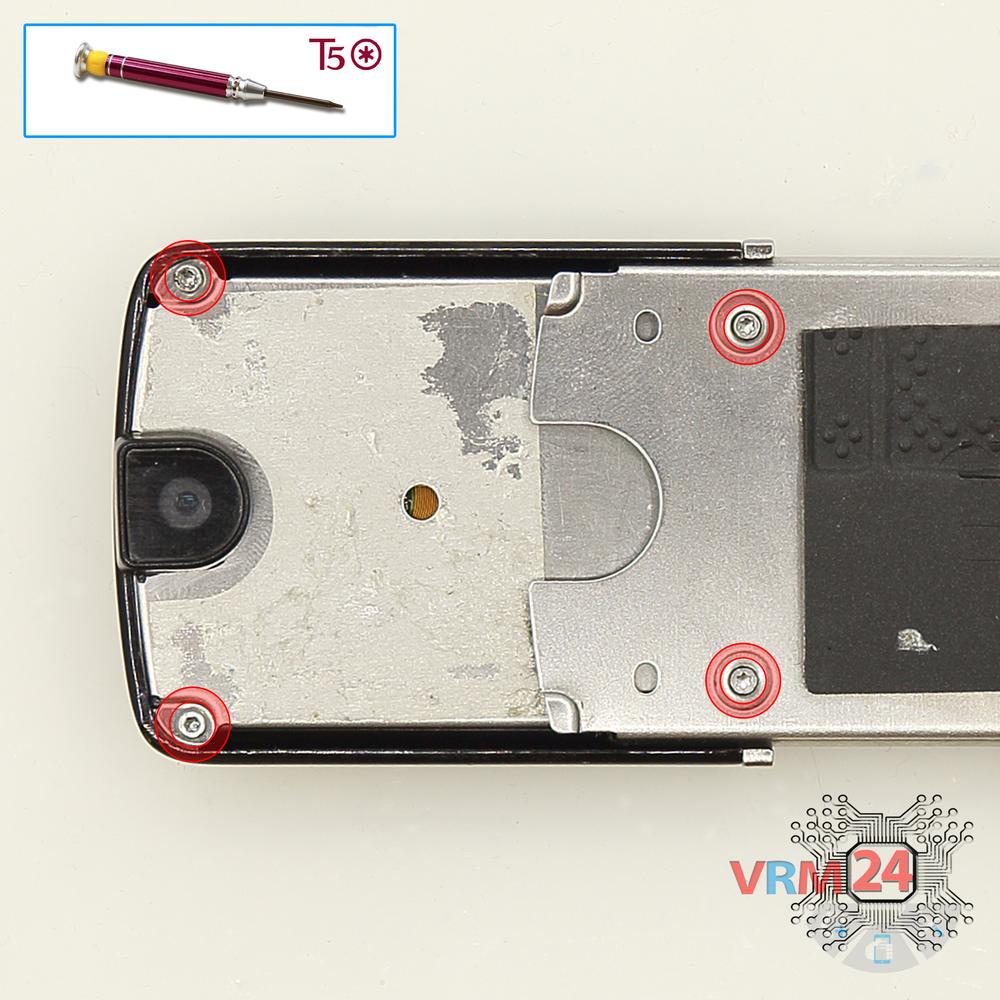
Unscrew the screws
Using a screwdriver (hex T5), unscrew 4 bolts.
Step 9.
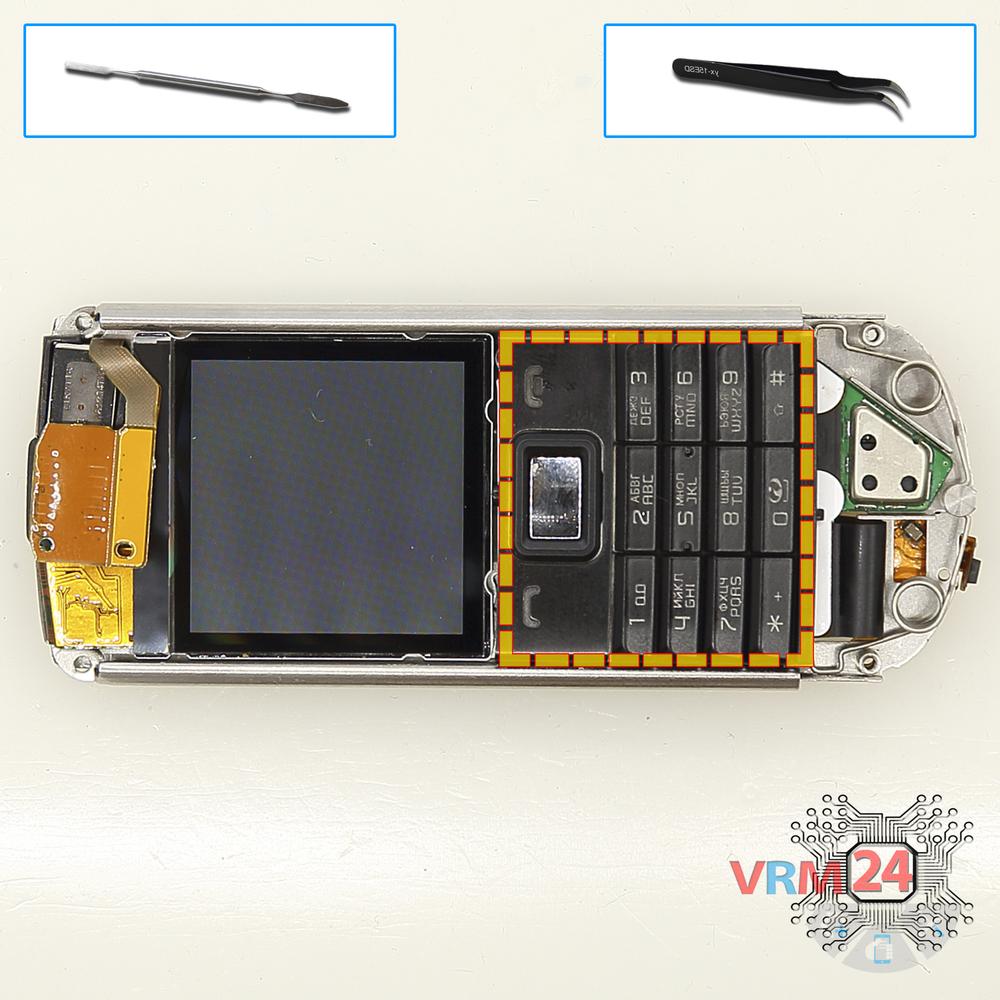
Remove the keyboard
Remove the keyboard.
Step 10.
Remove the earpiece speaker
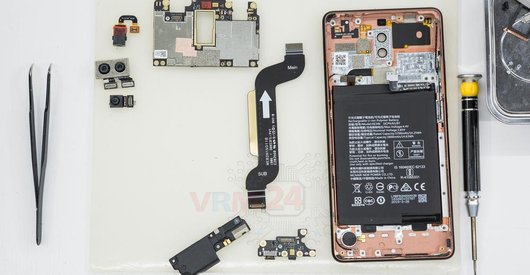
Lift up the camera and remove the earpiece (speaker).
Step 11.
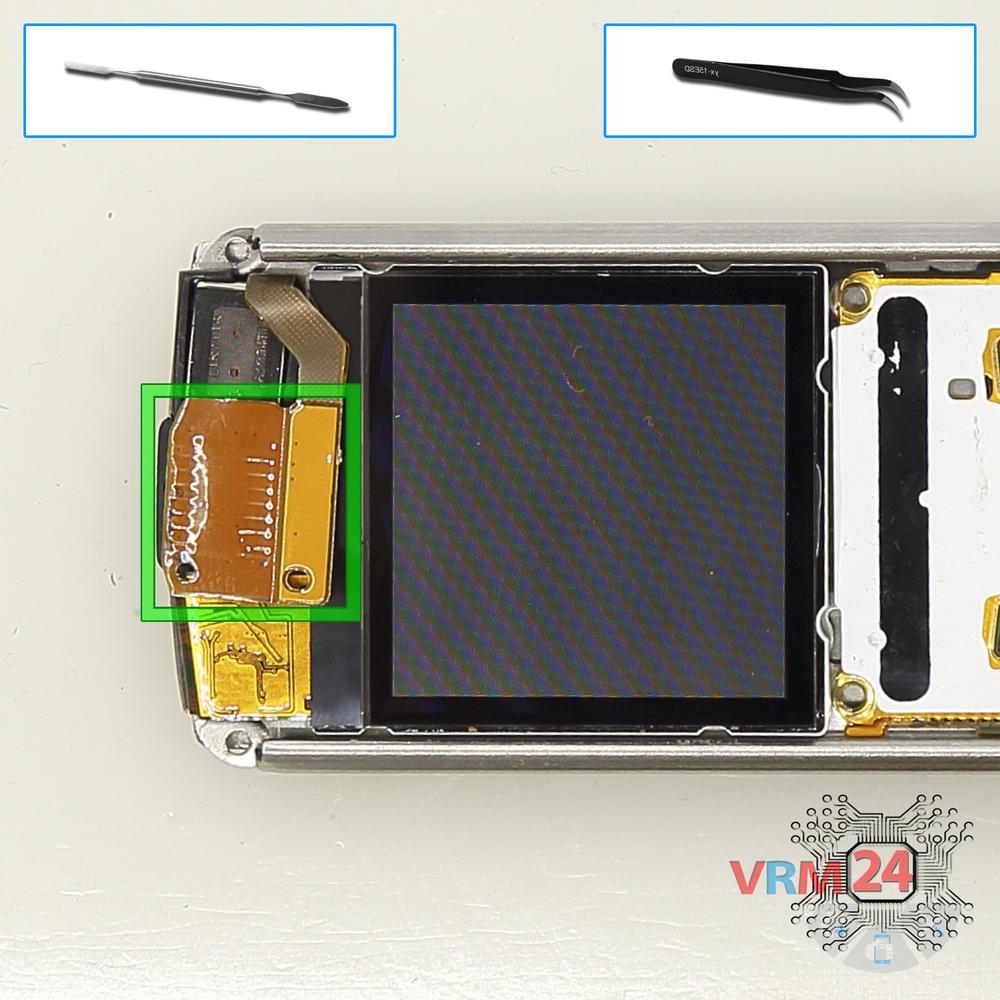
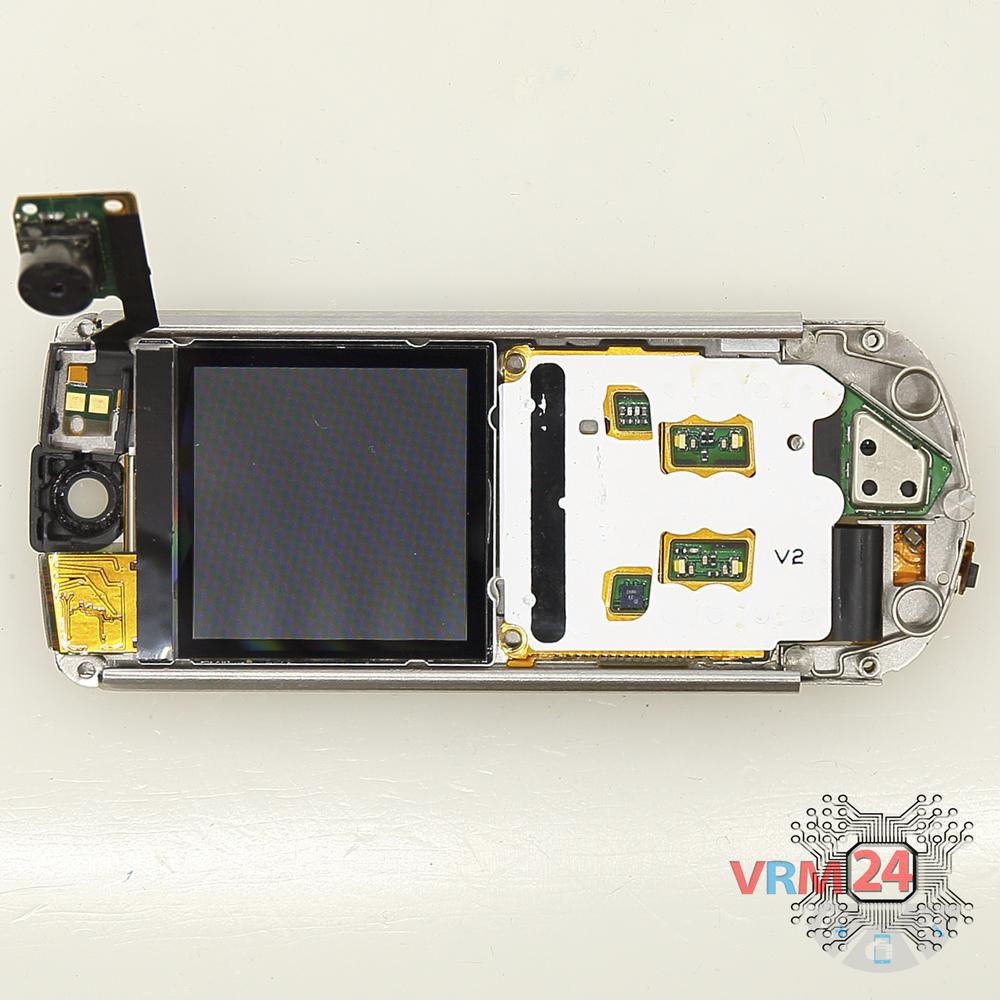
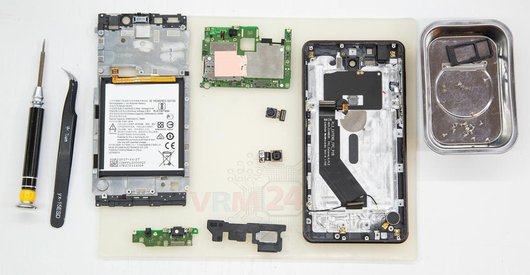
In the display frame remained
The parts in the frame.

If you have a question, ask us, and we will try to answer in as much detail as possible. If this article was helpful for you, please rate it.

9919
Views
0
Likes
—
Share
7
Questions
Related Instructions
Related Reviews
Related Blog
Popular Questions

Nokia 8800 Sirocco RM-165
Deàr sir/madam, I write from kisii Kenya, inquiring where your service center in Kenya to help me repair this type of phone.
sharon
A
Nokia 6 (2017) TA-1021
What is the name of the device you used to heat the screen?
Antoni Inostroza8
S
Nokia 7.1 TA-1095
Would be great to see how to replace the fingeprint sensor and camera if you need to replace the battery cover (which broke while operning in my case…
Sascha Blank12
B
Nokia 7 Plus TA-1046
Which liquid did you use at the beginning? Wich liquid do you used ?
Bob Tronexy13
L
Nokia 7 Plus TA-1046
hi sir, what do you call the heating equipment used in this video?
Ler Miclat18Top instructions
Check our
Top Nokia instructions most liked by readers
New instructions
Check our
New Nokia brand instructions on vrm24.com